MQ 135 Gas Sensor User Manual
MQ-135-Gas-Sensor-UserManual
MQ-135-Gas-Sensor-UserManual
User Manual:
Open the PDF directly: View PDF  .
.
Page Count: 2

MQ-135 Gas Sensor User Manual Waveshare
1
MQ-135 Gas Sensor User Manual
1. Features
Sensitive gas
Ammonia, nitrogen oxide,
alcohols, aromatic
compounds, sulfide and
smoke
Boost converter chip
PT1301
Operating voltage
2.5V-5.0V
Dimensions
40.0mm*21.0mm
Fixing hole size
2.0mm
Operating principle:
MQ-135 gas sensor applies SnO2 which has a lower conductivity in the
clear air as a gas-sensing material. In an atmosphere where there may be
polluting gas, the conductivity of the gas sensor raises along with the
concentration of the polluting gas increases. MQ-135 performs a good
detection to smoke and other harmful gas, especially sensitive to ammonia,
sulfide and benzene steam. Its ability to detect various harmful gas and
lower cost make MQ-135 an ideal choice of different applications of gas
detection.
2. Applications
This module can be applied to harmful gas detecting devices.
3. Interfaces
Pin No.
Symbol
Descriptions
1
DOUT
Digital output
2
AOUT
Analog output
3
GND
Power ground
4
VCC
Positive power
supply (2.5V-5.0V)
4. How to use
We will illustrate the usage of the module with an example of sensitive gas
detection by connecting a development board.
① Download the relative codes to the development board.
② Connect the development board to a PC via a serial wire and the
module to the development board. Then, power up the development
board and start the serial debugging software.
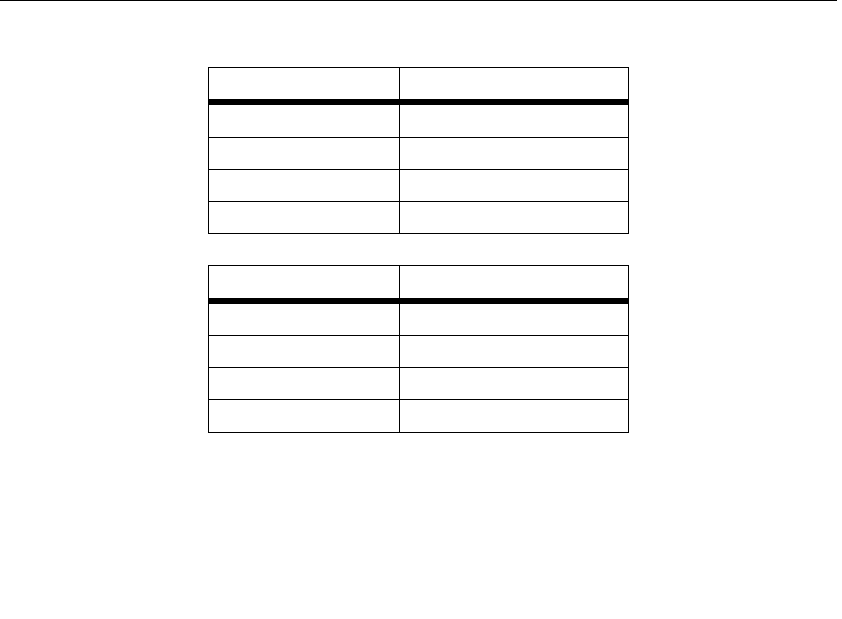
Here is the configuration of the connection between the module and the
development board.
MQ-135 Gas Sensor User Manual Waveshare
2
Port
STM32 MUC pin
DOUT
GPIOA.4
AOUT
GPIOA.6
GND
GND
VCC
3.3V
Port
Arduino pin
DOUT
D2
AOUT
A0
GND
GND
VCC
5V
③ Warn-up the sensor for a minute.
④ The detected result can be checked by the LED indicator on the module.
Put the sensor into a container filled with sensitive gas, you will find the
indicator turns on. While take the sensor out of the container, you can
see the indicator turns off.
