Magic Six Commands Manual V0 Searchable
User Manual:
Open the PDF directly: View PDF  .
.
Page Count: 103 [warning: Documents this large are best viewed by clicking the View PDF Link!]
%•
JBS\
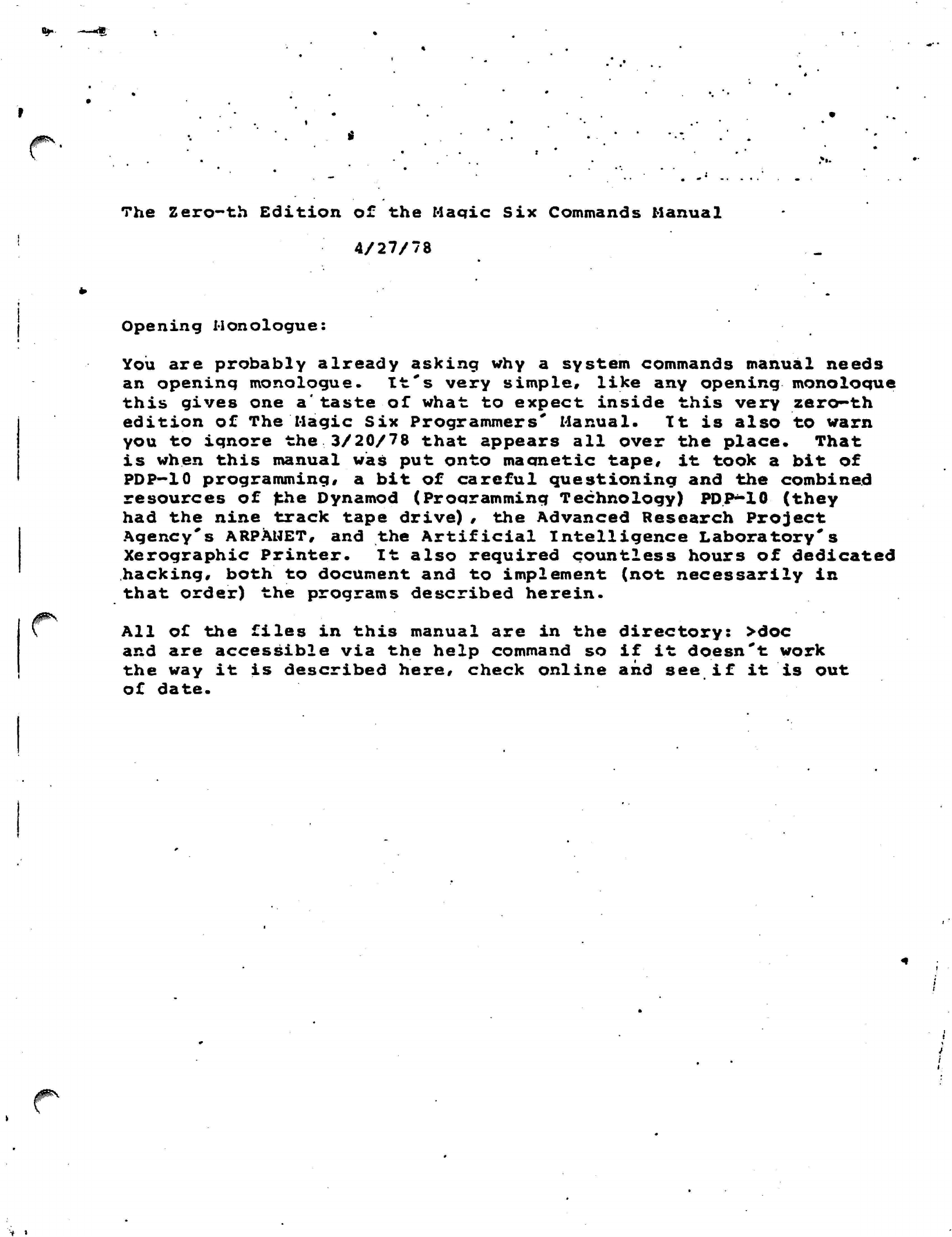
The Zero-th Edition of the Maqic Six Commands Manual
4/27/78
/iPN
ijp\
Opening Monologue:
You are probably already asking why a system commands manual needs
an openinq monologue. It's very
simple,
like any
opening monoloque
this gives one
a'taste
of what to expect inside this very zero-th
edition of The Magic Six
Programmers'
Manual. It is also to warn
you to ignore the 3/20/78 that appears all over the place. That
is when this manual was put onto
ma emetic
tape,
it took a bit of
PDP-10
programming, a bit of careful questioning and the combined
resources of fche
Dynamod (Proaramming
Technology)
PDP*-10
(they
had the nine track tape drive) , the Advanced Research Project
Agency's ARPANET, and the Artificial Intelligence Laboratory's
Xerographic Printer. It also required countless hours of dedicated
hacking, both to document and to implement (not necessarily in
that order) the programs described herein.
All of the files in this manual are in the directory: >doc
and are accessible via the help command so if it doesn't work
the way it is described here, check online and see if it is out
of date.
t
>
The Magic
Six
Commands
t1art(J(J|
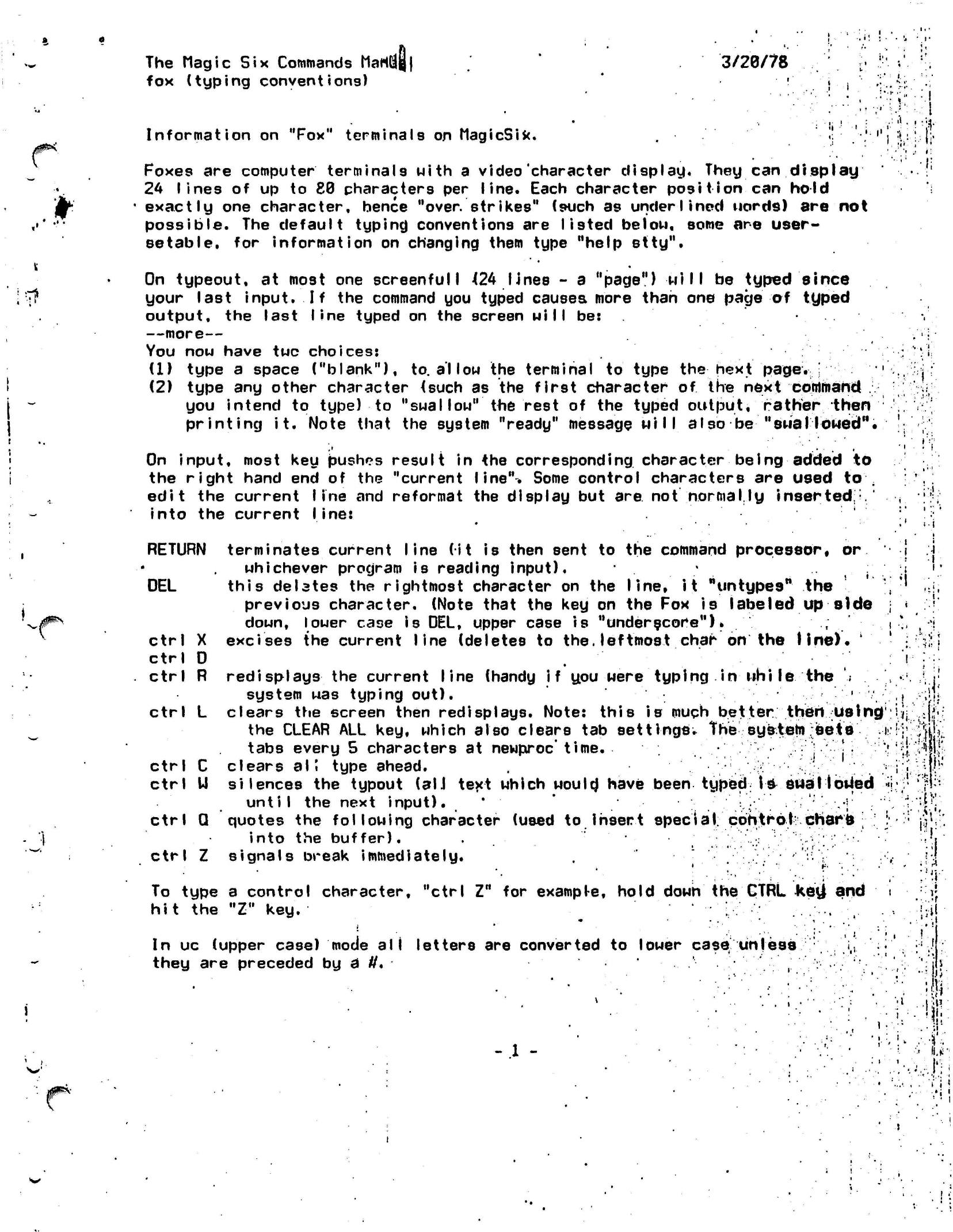
fox (typing
conventions)
3/20/78
\$
Information
on "Fox"
terminals
on
MagicSix.
Foxes are
computer terminals
with a
video'character
display. They can
display
24 lines of up to 88 characters per line. Each character position can hold
• exactly one character, hence
"over,
strikes" (such as underlined
uord9)
are not
possible. The
default
typing conventions are
listed be I
on,
some are user-
setable,
for
information
on changing them type
"help
stty".
On
typeout,
at most one screenful
I 424
lines - a "page")
will
be typed since
your last input. If the command you typed causes more than one page of typed
output, the last line typed on the screen
will
be:
—more—
You
now
have
twc
choices:
(1) type
a
space ("blank"),
to.
allow
the
terminal
to
type
the
hext
page.
;
(2) type
any
other character {such
as the
first character
of the
next
coirtiiiand
,
you intend
to
type)
to
"swal
low"
the
rest
of the
typed output, rather
then
printing
it.
Note that
the
system
"ready"
message
will also
be
"swallowed".
On input, most
key
bushes result
in the
corresponding
character being added
to
the right hand
end of the
"current line". Some control characters
are
used
to .
edit
the
current
line
and
reformat
the
display
but
are
not
normally
inserted,/
into
the
current
line:
•i.
RETURN
DEL
Ctrl
X
Ctrl
D
Ctrl
R
Ctrl
L
Ctrl
C
Ctrl
U
terminates current
line (it
is
then sent
to
the
command
processor*
or
whichever program
is
reading
input).
;
this
delates
the
rightmost character
on
the
line,
it
"tintypes"
the
previous character. (Note that
the key on the Fox
is
labeled
up
side
down, lower case
is
DEL, upper case
is
"underscore").
;
excises
the
current line (deletes
to
the. leftmost char
on
the
line).
'
i.
'.lit'
redisplays
the
current line (handy
if you
were
typing in whi le
the
'.
system
was
typing out).
'
.
,. .,,,
clears
the
screen then redisplays. Note: this
is
much better
thertU8in£|:i|i:f,f';
the CLEAR
ALL
key, which also clears
tab
settings.
Thesystein ;seis
-
V^'t-fjOi
tabs every
5
characters
at
newproc'
time.
•
; •
:'j
.;'••"•
j
• / "'*
'li^fe
clears
all
type ahead.
•
i i
M!''
silences
the
typout
(all
text which
would*
have
been
typed-
is swallowed
«\:y
\'f\--
until
the
next
input).
*
'
'•,•;'
ctrl
Q
quotes
the
following
character (used
to
insert special control: chars
;
I
into
the
buffer).
.
;
•
Ctrl
Z
signals
break immediately.
.
'
•'^
To type
a
control character, "ctrl
Z"
for
exampl-e,
hold down
the
CTRL
key}
and
hit
the "Z" key.
In
uc
(upper case) mode
all
letters
are
converted
to
lower case unless
:
i(!
they
are
preceded
by
a
#.
:
n:
»
!
- 1 -
J)
1
I I
'
The
rta^ic Six
Commands
Manual
3/29//T&
glossary
.
'
''••'. ' '
''.',•
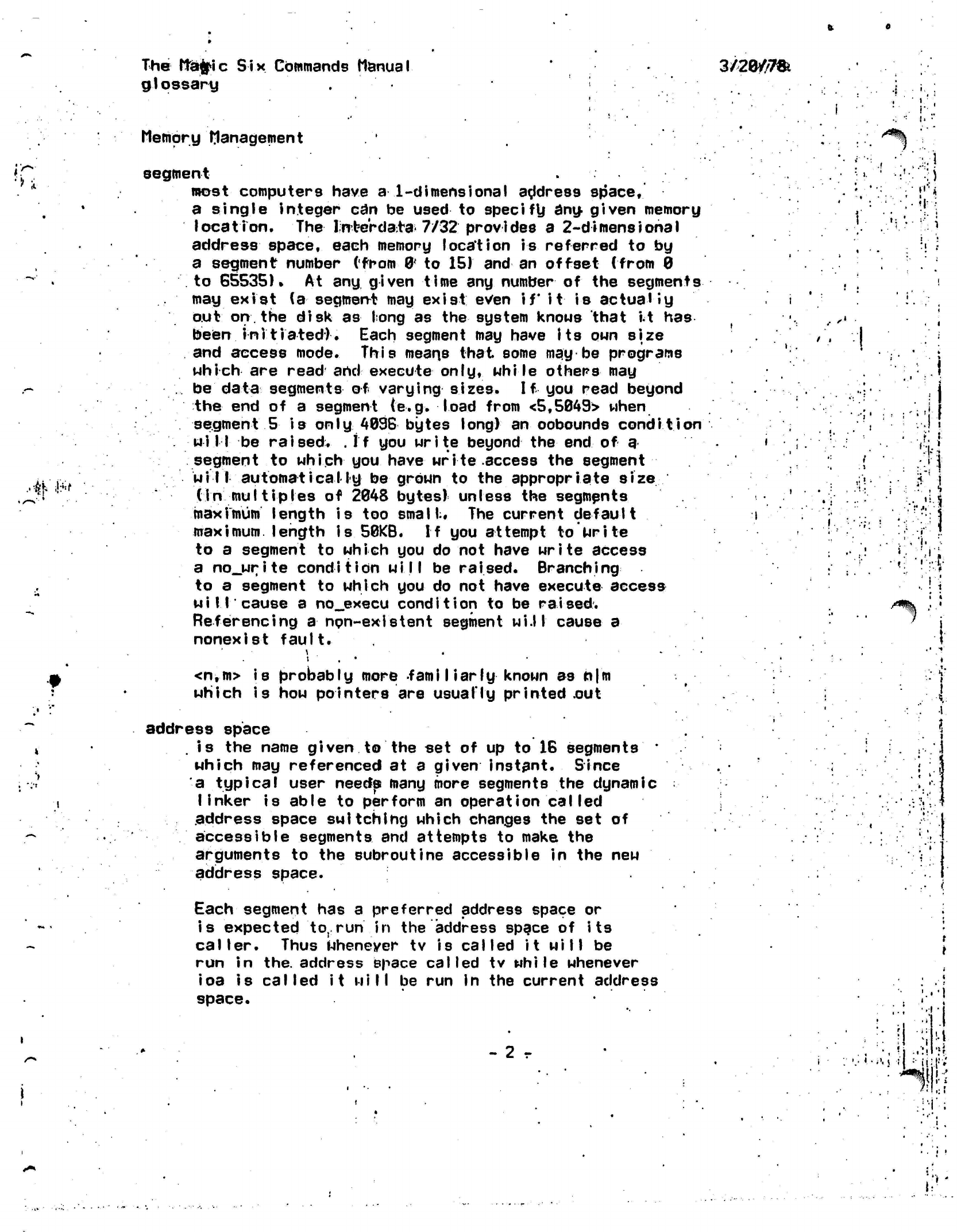
Memory
Management
;.. . .
^
segment
.!.
..^'ifrf
most computers have
a
1-dimensional
address
space,
a single integer
can be
used
to
specify
any
given memory
location.
The Infce'rdato
7/32
provides
a
2-dimensiohal
address
space, each memory location
is
referred
to by
a segment number (from
0*
to
15) and
an
offset
(from
0
to
65535).
At
any
given time
any
number
of the
segments
may exist
(a
segment
may
exist
even
if
it
is
actually
out
on.
the disk
as
long
as
the
system knows that
it
has
been
initiated).
Each segment
may
have
its
own
size
and access
mode.
This means
that
some
may be
programs
which
are
read and execute
only, whi
le others
may
be data
segments
of
varying
sizes.
If you
read beyond
the
end of a
segment
(e.g.
load from <5,5049>
when
segment
5 is only 4096
bytes
long)
an
oobounds
condition
wi
II
be
raised.
.
If
you
write beyond the end of a
segment
to
which
you
have write
access
the
segment
will automatically be
grown
to the
appropriate
size
tin multiples
of
2048
bytes)
unless
the
segments
maximum
length
is too
small:.
The
current default
maximum,
length is
50KB.
If
you
attempt
to
write
to
a
segment
to
which
you do not
have
write
access
a
no_write condition will
be
raised.
Branching
to
a
segment
to
which
you do not
have
execute access
will
cause
a
no_execu
condition
to be
raised.
Referencing
a
npn-exlstent segment wi.l I cause
a
nonexist
fault.
i
<n,m>
is
probably
more fami Marly
known
as n|m
which
is how
pointers
are
usually printed
.out
address space
. is the
name given
to the set of up to 16
segments
•
which
may
referenced
at a
given
instant. Since
a typical user needs many more segments
the
dynamic
linker
is
able
to
perform
an
operation
caI
led
address space switching which changes
the set of
accessible
segments
and
attempts
to
make
the
arguments
to the
subroutine accessible
in the new
address space.
Each
segment
has a
preferred address space
or
is expected
to,
run
in the
address space
of
i
ts
caller.
Thus Whenever
tv is
called it will
be
run
in
the. address space
called
tv
while
whenever
ioa
is
called
it
will
be run in the
current address
space.
- 2 r
!
'I.
t
.1
i
...(.,..}
;
:-Ji;|
J^N
The Magic
Six Commands
Manual
glossary
I
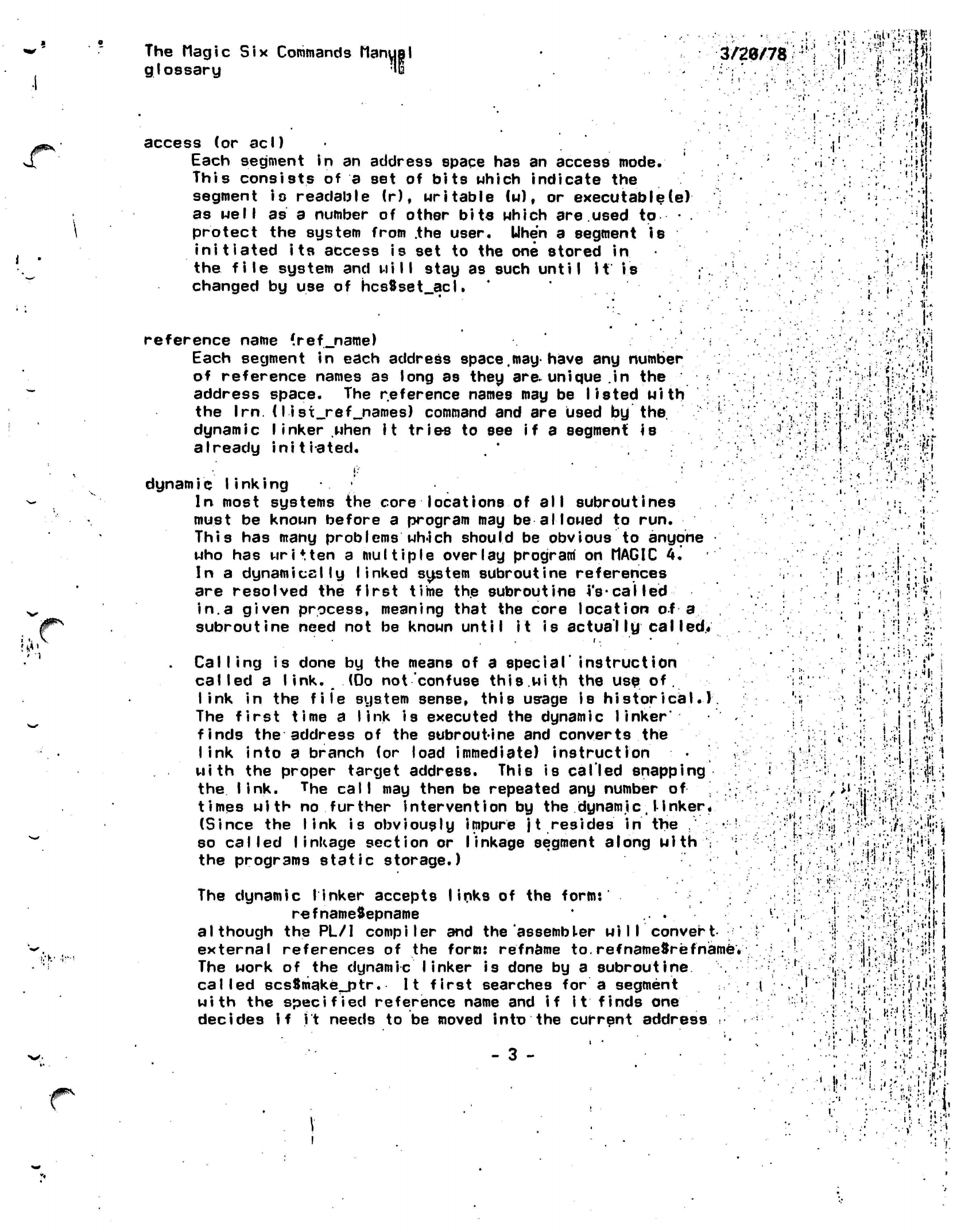
access
(or
acl)
Each segment
in an
address space
has an
access
mode.
This consists
of a set of
bits which indicate
the
segment
io
readable
(r),
writable
(w),
or
executable(e)
as well
as a
number
of
other bits which
are.used to
protect
the
system from
.the
user.
Uhen
a
segment
is
initiated its
access
is set to the one
stored
in
the file
system
and
will
stay
as
such
until it
is
changed
by use of
hcs8set_acl.
reference name
(ref_name)
Each segment
in
each address
space.may
have
any
number
of reference names
as
long
as
they
are*
unique
.in
the
address space.
The
reference names
may be
listed
with
the
Irn.
(Iisi_ref_names)
command
and are
used
by
the
dynamic
linker
when
it trie-s
to see
if
a
segment
is
already
initiated.
3mm-\
'?jj
• I
•;••>'
1
if
:
:.".;>B:i
;-
>••
.:
•'• :
ft'
-.,
-if,
•
*jl
•.-..HI
-•••W.
••..!id:
'H
i.
.
i-'
il-
I'!'
•M
.
I
An
.1
M
r
I.-K-
•;•-<
J#"V
dynamic
linking
In most systems
the
core locations
of all
subroutines
must
be
known before
a
program
may be
allowed
to run.
This
has
many problems
wh-ich
should
be
obvious
to
anyone
who
has
written
a
multiple overlay
program
on
MAGIC
4.
In
a
dynamically
linked system subroutine references
are resolved
the
first time
the
subroutine
j's-called
in.a
given process, meaning that
the
core location
of
a
subroutine need
not be
known until
it is
actually caI
led*
Calling
is
done
by the
means
of a
special'
instruction
called
a
link.
(Do not
confuse
this.with
the
use
of.
link
in the
file system sense, this
us'age
is
historical.).
The first time
a
link
is
executed
the
dynamic
linker*
finds
the
address
of the
subroutine
and
converts
the
link
into
a
branch
(or
load immediate) instruction
with
the
proper target address. This
is
called
snapping
the
link.
The call
may
then
be
repeated
any
number
of
times with
no
further
intervention
by the
dynamic,I
inker*
(Since
the
link
is
obviously impure
jt resides in
the
.'".:'..-•
so called
linkage
section
or
linkage segment along with
v
the programs static storage.)
The dynamic linker accepts links
of the
form:
refnameSepname
...
although
the PL/I
compiler
and the
assembler
will
convert-
external references
of the
form:
refname
to.refnameSrefname*
The work
of the
dynamic
linker
is
done
by a
subroutine
called
scsSmake_ptr.
It
first searches
for a
segment
with
the
specified
reference name
and
if it
finds
one
decides
if jt
needs
to be
moved into
the
current address
.•'
- 3 -
;•
<
h
V It-;-'
•:<•
•!•'
ill-'
••<'
X
J.:'
:-;h
.11*1
il'-ii!
!.=!f.
.:*.i.il
•;
i-:
I
"•vj •J.'.iifl
KM
i
,.•;;?
•
:-rt.i
•
i>)Xi:h
•'
II.
•I:
'
4o-i.
i
»
The ttagtic
Six Commands Manual
'
3/2d/JZ^
glossary
space. Otherwise
it
searches through
a
list
of
directories
called
the
search rules for
a
segment with the
appropriate
.
etn-try
name.
ji
If
the-
link
is
of.
the form rqfnamefr
then
it
is
assumed
to
refer
to
the b39e of
the
segment.
If it
is
o-fr
tha
form
renameJtepname
then it
.must-
be;
an
object
segment,
since
it
refers
to*the
entry point
named epname
within
it.
Links^ofthe formflepname
are designed
to
prevent
segment
name
clutter since'the dynamic linker
first
checks
the calling
segment for that/entry
point'
before
trying
to-
snap a,
link
to
epnameSepname.
.
If
the
dynamic linker is unable
to
snap
a link it will
raise
the
condition
linkage.
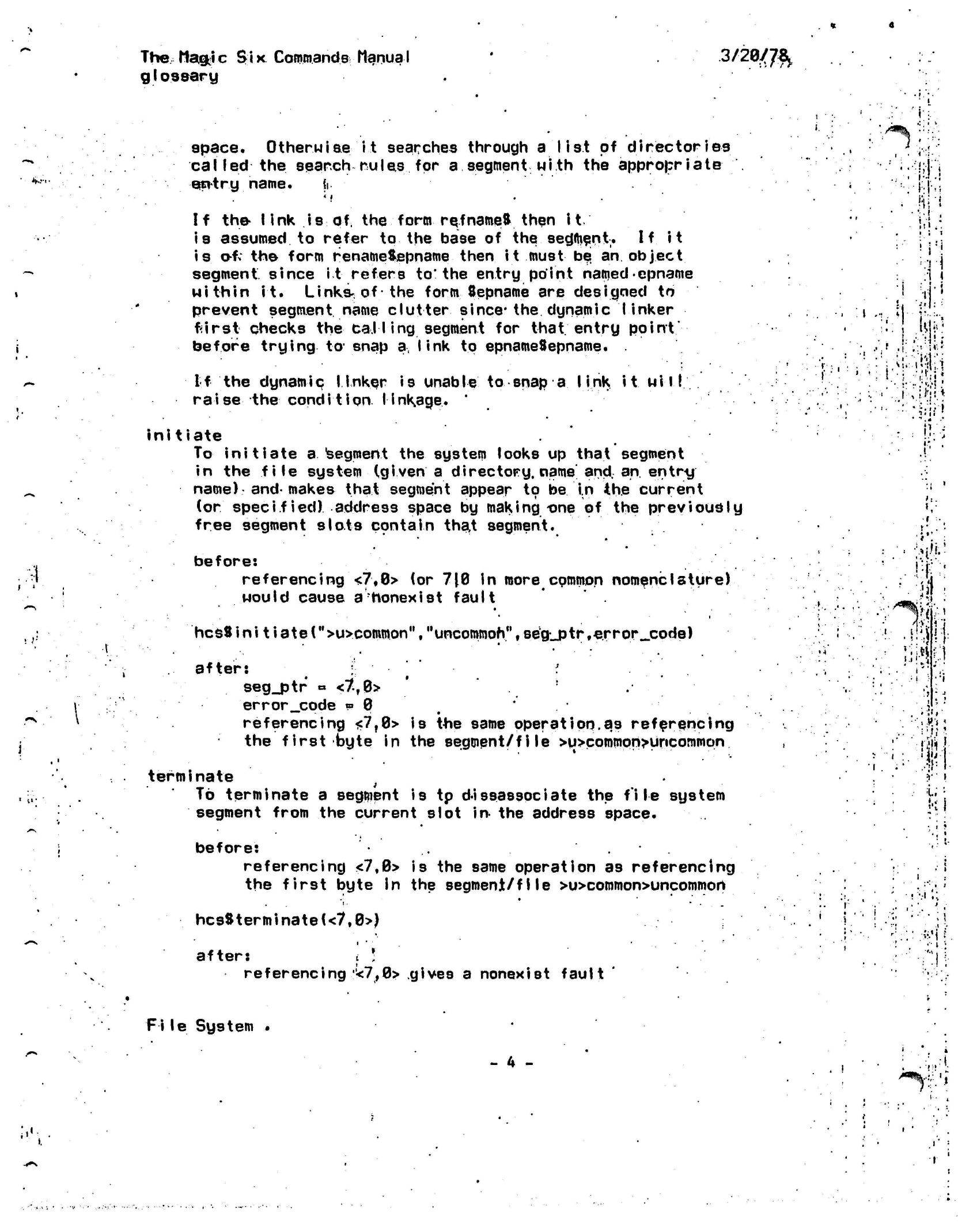
initiate
To
initiate
a
segment the system looks
up
that segment
in the
file
system
(given
a
directory,
name'and.
an
entry
name)
and-makes
that segment appear to be
in
the current
(or
specified) address space
by
making
one
of
the previously
free segment slots contain
tha,t
segment.
before:
')
referencing
<7,0>
(or
710
in
more
common
nomenclature)
would cause
a
honexist
fault
'
i
ti-
;.'
terminate
}
To terminate a segment is tp
disassociate
the file system
segment from the current slot
in-
the address space.
before:
referencing
<7,0>
is the same operation as referencing
the first byte in the segment/file >u>common>uncommon
hcsSterminate(<7,0>J
after:
t
!
referencing
*7,0>
gives a nonexist fault
File System .
- 4 -
I':.
•"
i
/^L
I
1
.
"
•
•i
i
• •
[
w
{;•!_
.
J
>
.
:
«
-
i
• •* *
lift
•'Is
.i
i
P
Iv?.1
i#-f
'W
•
% !
.
i::iH
\?i
hcsSini
t i ate
(%u>common'\
"uncommon",segjptr.-error^code) ;'-.•" ' .!.i;j
.'.;.'• . . ..;#
after: *
seg_ptr « <7T0>
error_code »
0
referencing
<7r0> is
the same
operation.as referencing
the first byte in the
segment/file >u>common>uncommon
,
:'"'•{'$•
.• I
:•
•It:
i.
'•
I
. I
, •
>
<*%•
fr.'i
t
i
i
i
I
The Magic
Six
Commands
Mar<y||l
glossary
1 -.:•!: -ilir
3/28/78
•'i
£^*--
t< ••
hierarchy
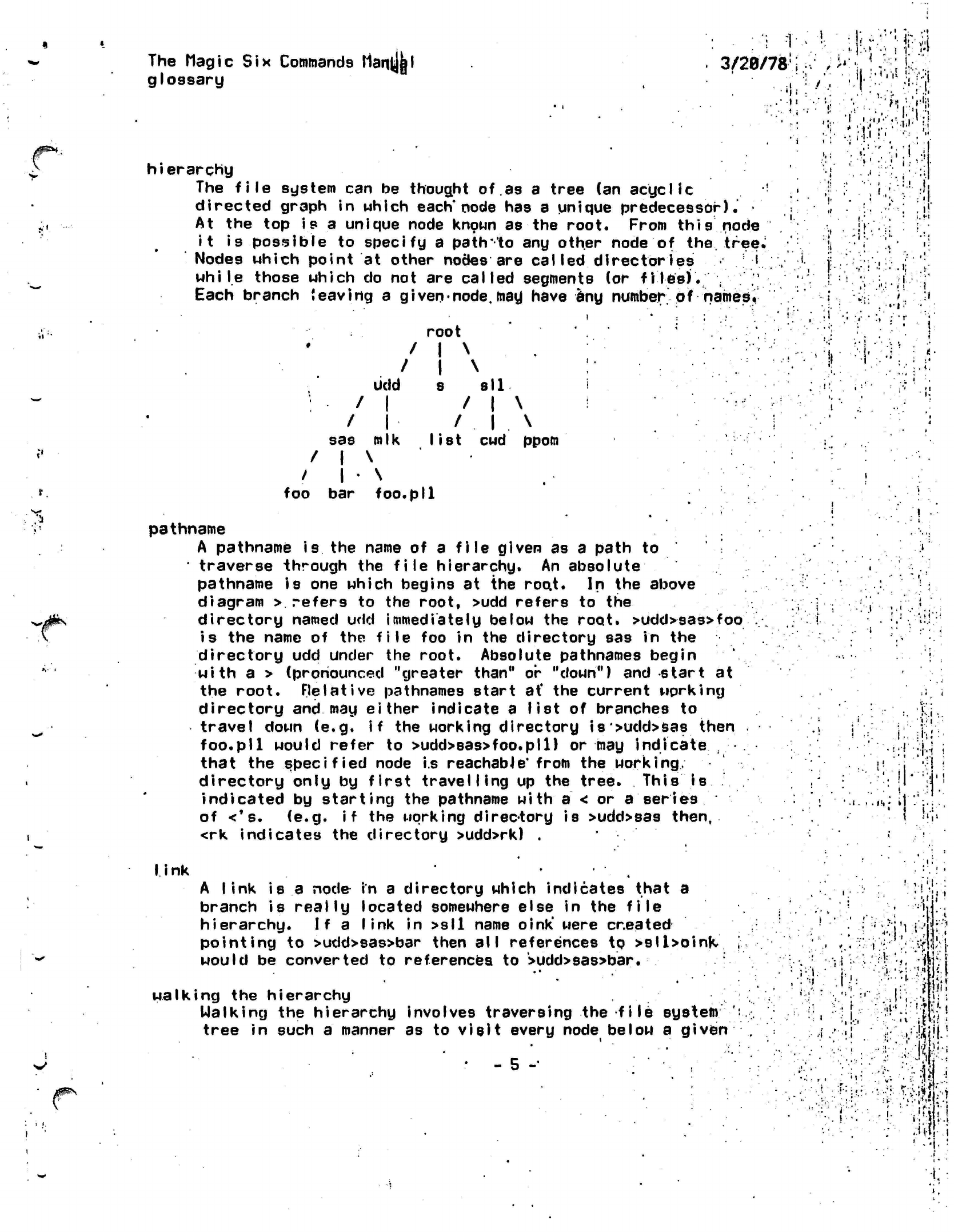
The
file
system
can be
thought
of.as
a
tree
(an
acyclic
!
directed graph
in
which
each'node
has a
unique predecessor).'
•
At
the top
is
a
unique node known
as the
root. From
this
node
it
is
possible
to
specify
a
path
'to
any
other node
of
the.
tree.
Nodes which point
at
other nodes
are
called directories i
while
those which
do not are
called segments
(or
files).
; "
Each branch
leaving
a
given-node,
may have
any
number
of
named i
root
/
I
\ . .
.....
'i
•>
•MM
• '
i
'I
ft
•;.:;•
(-.-;,
••v.!
!;•>.:;}
'•'•
•.'•.I.I;,«.
f »
!•
<i
'-:•
•., .
-;r.
' "!' -' •''
1
'If'
•:.:.•
.i;
i.
.''J
udd
: /
1
/
1
sas mlk
/
1
\
/ |
•
\
foo
bar foo.
8
all
/
1
\
/
.
1
. \
list
cwd
ppom
•
P»l
pathname
A pathname
is
the
name
of a
file
given
as a
path
to
•
traverse through
the
file hierarchy.
An
absolute
pathname
is one
which begins
at the
roo.t.
In
the
above
diagram
>
refers
to the
root, >udd refers
to
the
directory named
udd
immediately
below
the
root.
>udd>sas>foo
is
the
name
of the
file
foo in the
directory
sas in the
directory
udd
under
the
root. Absolute pathnames begin
with
a >
(pronounced "greater than"
or
"down")
and
start
at
the root. Relative pathnames start
at'
the
current working
directory
and may
either indicate
a
list
of
branches
to
travel down
(e.g. if the
working directory
is>udd>sas then
foo.pll would refer
to
>udd>sas>foo.pll)
or may
indicate
,
that
the
specified node
i.s
reachable*
from
the
working,
directory only
by
first
travelling
up the
tree. This
is
indicated
by
starting
the
pathname
with a
< or a
series
of
<*s.
(e.g. if the
working
direc-tory
is
>udd>sas
then,
<rk indicates
the
directory >udd>rk)
.
•
.i.
»!t
•
»
i-.
i
•:-!::i;:
I
ink A link is a
node in
a directory which indicates that a
branch is
reaily
located somewhere else in the
file
hierarchy. If a
link
in >sll name
oink'
were
created
pointing
to >udd>sas>bar then
all
references to
>sll>oinK
would be converted to references to
>udd>sas>bar.
walking the hierarchy
Walking the hierarchy involves traversing the
file system
tree in such
a
manner as to
visit
every node below a given
• - 5 -•
MM;
''
>
•".
'i
J.'
•
•..'•
i\
?
••».
•iWW
•;'•• /.i'H-'.i
The'Wagic
Six Commands Manual
glossary
3/29/78
r
i
\
one
in the
tree. Thus
a
complete tape dump must walk
the
entire
file
system from
the
root down.
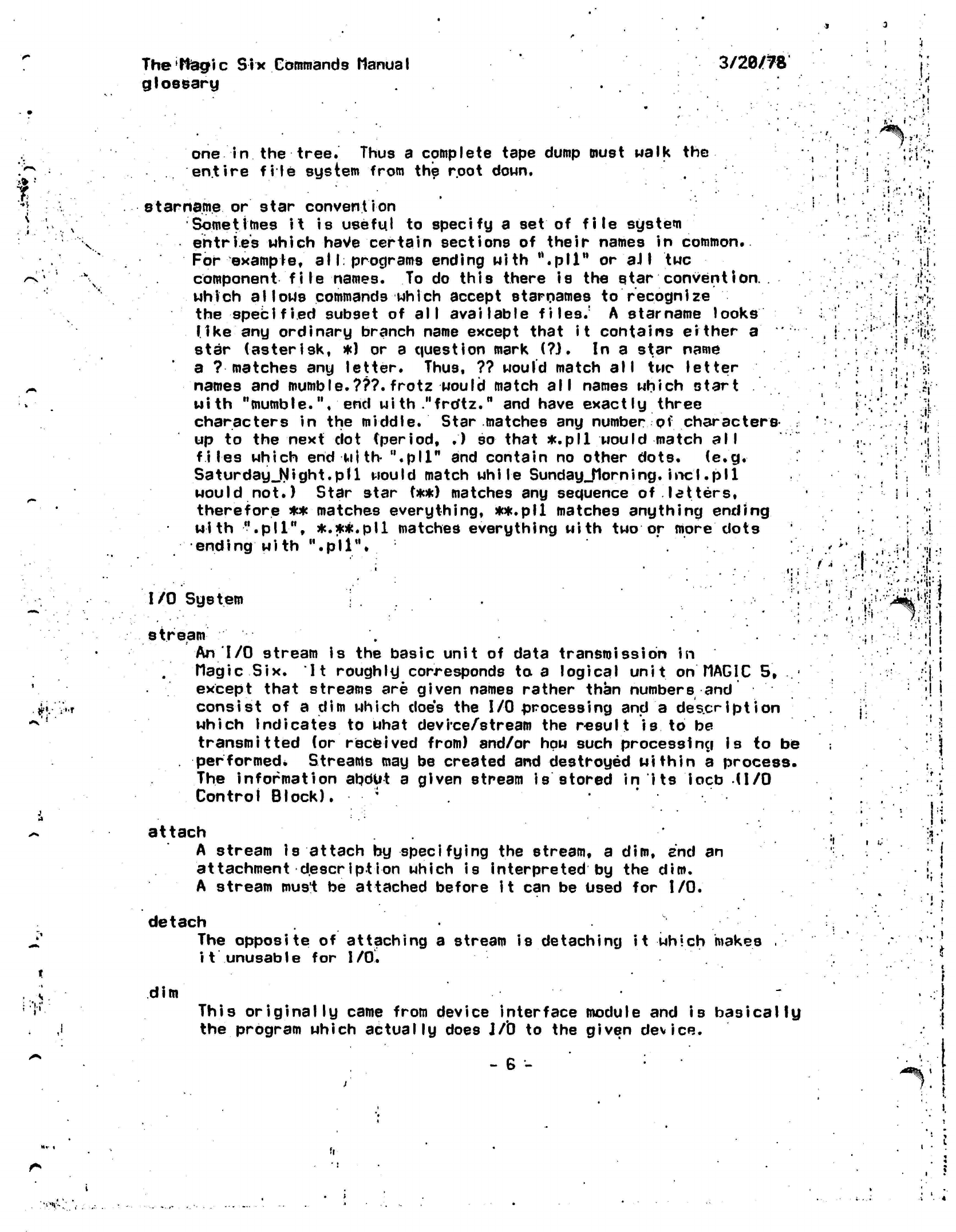
starname or
star
convention
Sometimes
it is
useful
to
specify
a set of
file
system
entries which have
certain
sections
of
their names
in
common.
For
example,
all:
programs ending with
".pll"
or
aJI
twc
component
file
names.
To do
this there
is the
star
convention. .
which
allows
commands which accept
starnames
to
recognize
the
specified
subset
of
all available
files.'
A
starname
looks
like
any
ordinary branch name except that
it
contains
either a
star (asterisk,
*)
or a
question mark
(?}.
In a
star name
a
?
matches
an\^
letter. Thus,
??
would match
all twc
letter
names
and
mumble.???.frotz
would match
all
names which start
with
"mumble.",
end
wi th
."frdtz."
and
have exactly three
characters
in the
middle. Star matches
any
number
of
characters-
up
to the
next
dot
(period,
•')
so
that *.pll
would
match
all
files which
end
with-
".pll"
and
contain
no
other dots.
(e.g.
Saturday_Night.pll
would match while
SundayJlorning.incl.pl1
would not.) Star star
(**)
matches
any
sequence
of
letters,
therefore
**
matches everything,
**.pll
matches anything ending
with
".pll",
*.*#.pll
matches everything with
two or
more dots
ending with
".pll".
I/O
System
stream
An
I/O
stream
is the
basic unit
of
data transmission
in
Magic
Six.
It
roughly corresponds
to a
logical unit
on
MAGIC
5, ..•
except that streams
are
given names rather than numbers
and
consist
of a dim
which
does
the
I/O
processing
and a
description
which indicates
to
what
device/stream
the
result
is to be
transmitted
(or
received from) 8nd/or
how
such processing
is
to be
.
performed*
Streams
may be
created
and
destroyed within
a
process.
The information
apdUt
a
given stream
is
stored
in its
iocb
(I/O
Control
Block).
*
i *
.
%":-X-
•A...'-'-
.
1
'• •
i .
l
'
•'
:
i
. •
1
* ': • '
'
."' :-
••'
••;•
t
.
:.if
i
•»:
•'{
.
I .
:."i
•'..•;
attach
A stream is attach by specifying the stream, a dim, and
attachment
description
which is interpreted by the dim.
A stream must be attached before
it
can be Used for
I/O.
an
detach
The opposite
of
attaching
a
stream
is
detaching
it
which makes
it
unusable
for
I/O.
dim
i
:>r.
This
originally
came from device interface module and
is basically
the program which actually does J/0 to the given device.
- 6 -
•'•'*>-'.«
I*.
The Magic
Six
Commands
Manijpl
glossary
3/28/78
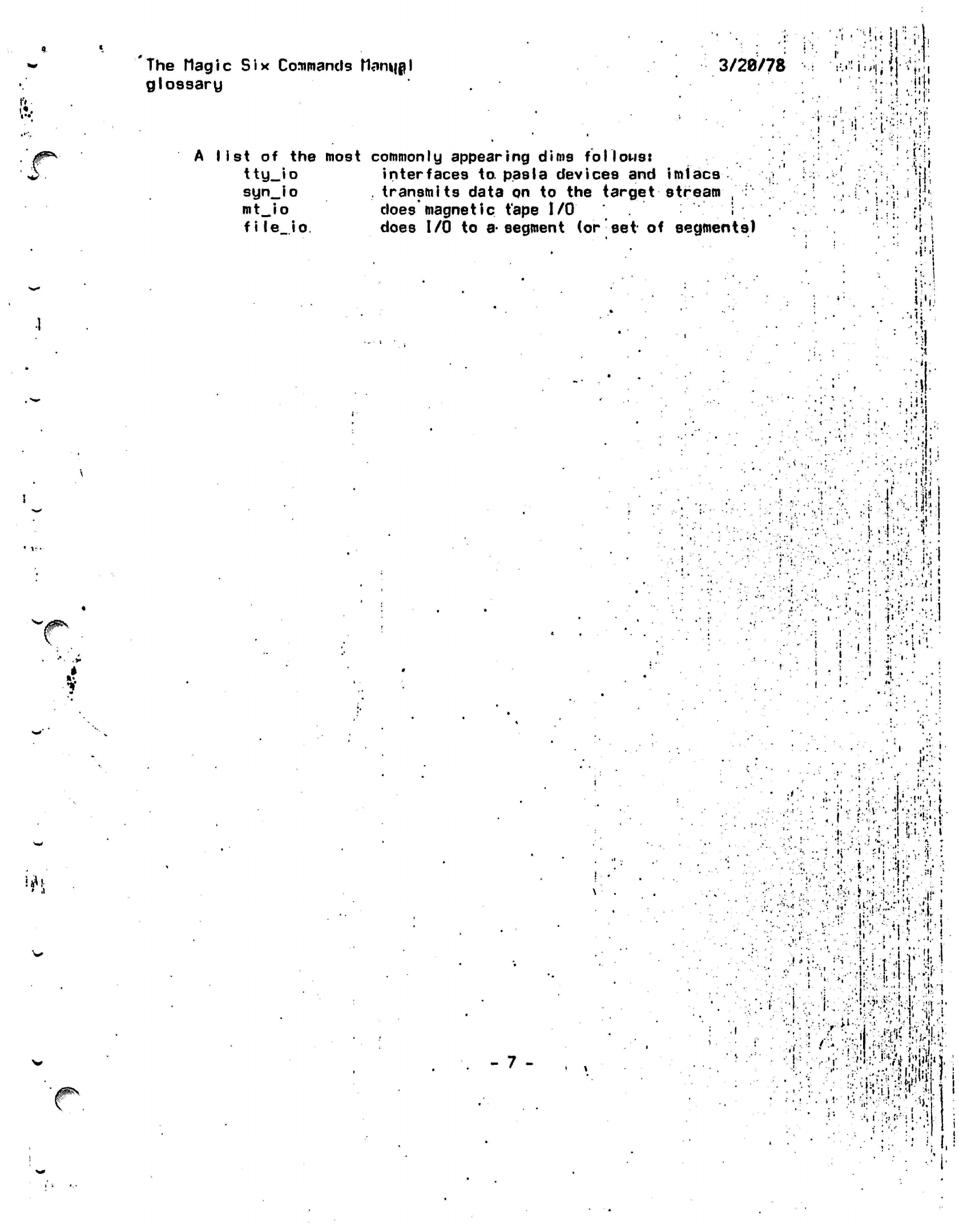
list
of the
most commonly appearing dims
follows:
tty_io
interfaces
to.
pas I a
devices
and
imiacs
syn_io
.
transmits data
on to the
target stream
, :
mt_Jo
does
magnetic
tape
I/O
i
file.io.
does
I/O
to
a-segment
(or
set-
of
segments)
:••.« • I
'1» f
•.'••<»
•'•
i
•
i
.:.
•
..
. i
.
. . i • ..
,
--[•:•
!.»
.'
i
:
f.;1
•u}«
.'•>(••
V
"
.
'•' I •
i •
!'
•;VV.
if.
h
>.'••
'i
!
'i^V
4
A;
i
'i.1
'
• *
•-.•'!
,
•.
J
;.ui
.
!
.
,
1
.'*"; ;
'
•I'-;.
.
1
i
•••••Jr,-
if
• . •• -.
;•<
-J-
..L
V-i'-j-
1
I I
'
.i
- 7 -
• »
.t •. , • • • • i ••
''•',,.';i-t
..-.:•.
•.
-• :•.. '•>
•»,••,
.i -.••'•'•
-. .,
:h
,"• ' •; *
i I
:••'
»'
i!|
•
.v:
•
:;.'..?'
'• •••••
.
.
• -i :
"."•r'r/a-.i'l.ViW.'l-
.
•
• V ••
•:. ;:
i !
The Hag ic
Six
Commands
Manual
address spaces
'3/2ft/ft
•.
»!
•
'•.t;
'•: ••;•
-.;
li
•
'
i
'.:
i:
(cur
1-14-78)
S^lk!!
ADDRESS
SPACE DOCUMENTATION
The commands
which dear with
address spaces
arei
ii?
HIM
Irn
en
in
list
status
tmr.
Lists Reference
Names
of
active segments
(per
address
space).
List existing
address Spaces.
sets
the
Space Name
of a
segment.
Initiates
a segment
in the
current
address
Bpace.
Lists
address
Space
for
each segment
(if
it
is not
null),
its the
next
to the
last thing on.
the
line,
the
last-'being
the
ring
number.
Gives
stats
on a
segment,
including
address space.
Terminates
a
segment from
the
current
atfdress
space.
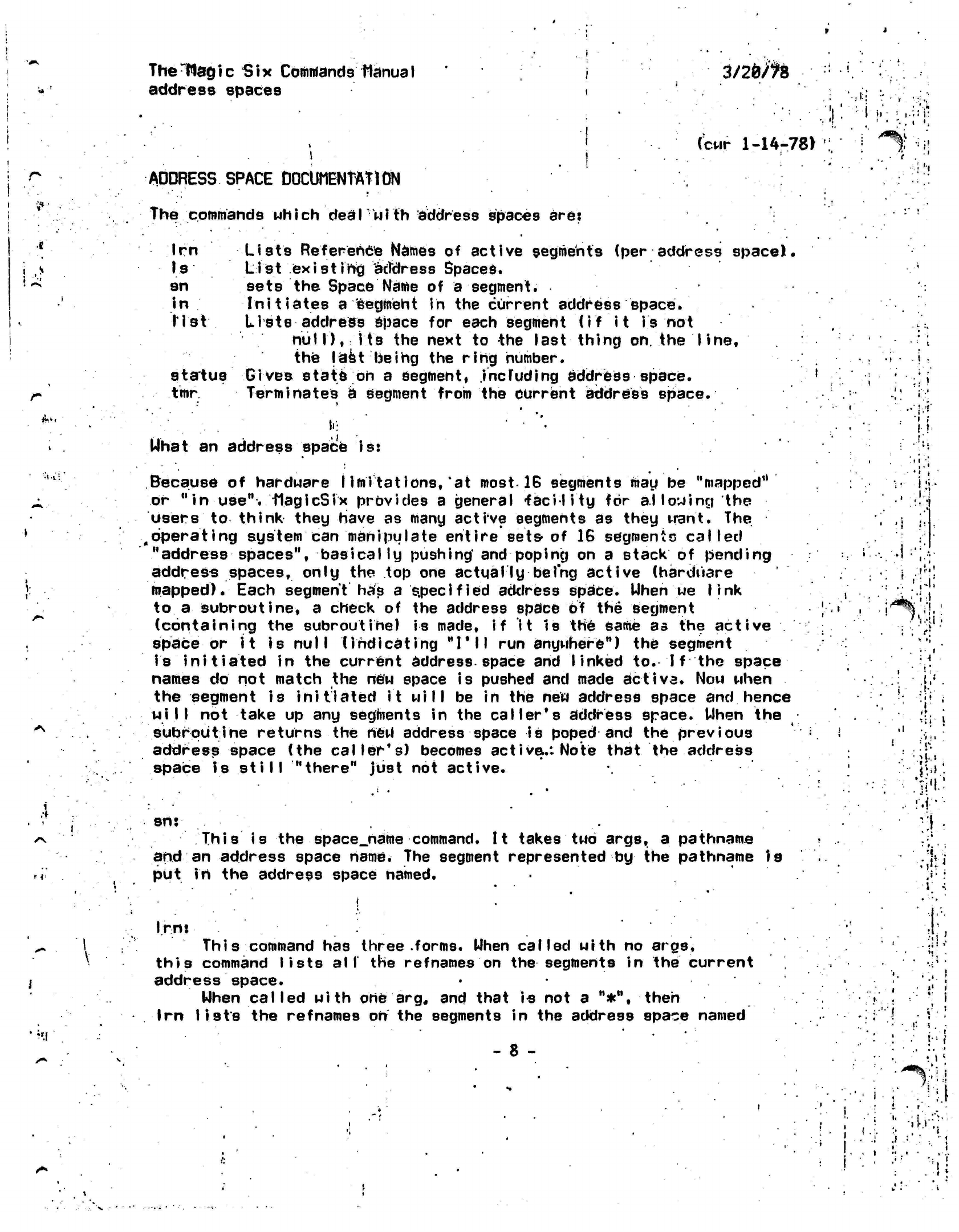
What
an
address space
is:
,,"
J.
•**
i
;
!
!
M-
Because
of
hardware
I
imitations,
'at most-IB
segments
may
be
"mapped"
or
"in
use".
MagicSix
provides
a
general
-facility
for
a.l
lowing
the
users
to think
they
have
as
many active segments
as
they want.
The
operating system
can
manipulate entire
sets-
of 16
segments called
"address spaces",
basically
pushing'
and
poping
on a
stack
of
pending
address
spaces,
only
the top one
actual ly
being active (hardware
mapped).
Each segment
has a
specified
address space. When
we
link
to
a
subroutine,
a
check
of the
address space
of the
segment
(containing
the
subroutine)
is
made,
if it Is the same as
the
active
space
or
it
is
null
(indicating
"I'll
run
anywhere")
the
segment
is initiated
in the
current
address-space
and
linked
to.
I f
the
space
names
do not
match
the new
space
is
pushed
and
made
active.
Now
when
the segment
is
initiated
it
will
be in the new
address space
and
hence
will
not
take
up any
segments
in the
caller's address space. When
the
subroutine returns
the
rteW
address space
is
poped
and the
previous
address space
(the
caller's) becomes
active.:
Note that
the
address
space
is
still
"there"
just
not
active.
sn:
This
is the
space_name command.
It
takes
two
args,
a
pathname
and
an
address space
name.
The
segment represented
by
the
pathname
Is
put
in the
address space named.
i.i
.1
=•:>
; i
'
1
.
1
*
1
1
• .
•
[
•
i'*a%!l
':'!
.
• •
r
.4
i
•(••
*
•
"
• * 1 1
• .*.
••; i
<1
•
1 .T!'
••: '?i«l
.1 '
• tv
Irnj This
command has three
.forms.
Uhen called uith no
args,
this command lists
all
the
refnames
on the segments in
the
current
address space.
Uhen called with
one
arg,
and that is not a "*", then
Irn lists
the
refnames oh
the segments in the address space named
- 8 -
.-.i
•.
i
,J
.=

The Magic
Six
Commands
^OWfe'
address spaces
3/28/78
W
by
the
argument.
1
f
-y
in*
argument.
f
the
name is
a
»*»
*u .
.
are
listed
and
all
the
SPCI
?*.!
•
°n
?"
addre"
8Pac*
refnames.
segments therein
are
listed
with their
8
* '
u
I
••
I
•,..
'I.
Is:
prints
a
Iist
entered
s
from
this
ts
a
list
of all of the
address-spaces
which have been
ince
the
last
neuproc
(or
login).
wzs"
removes
spaces
list.
•
i
A
I
.
t
''
l
••
I
l >
•V •'•'"
.>'
•
*:••••«:•.'•:••;
•.';•• i
•
... -I •
J.
•
'•
. .1 I I
:,f
••••'].*••
•'•••••:;'••,; i
:<
.:•''.-':•.••••
•:•{••'.{.Ill*':.ifi--:
!.*,:<•
.
f
I
j
•
i
;
•.
i
..
ii
•
• .
»
J0^\
V
1
i
i
, . ., , -
!' 1
Ui
I
•'
-'•;'
-
9 -
<
i
! "
^'H
I
!
I'.,
I
-':fV11
it
KM
M i: ;if i
;.
i
'I.-.1-
.i
»•
vi!
Ii1
t'-.ii.
>;!?!
'id.
I!
'
-t
Ttte Wag
i c
Six-
Commands Manua I
arcfrfve
3/20/78
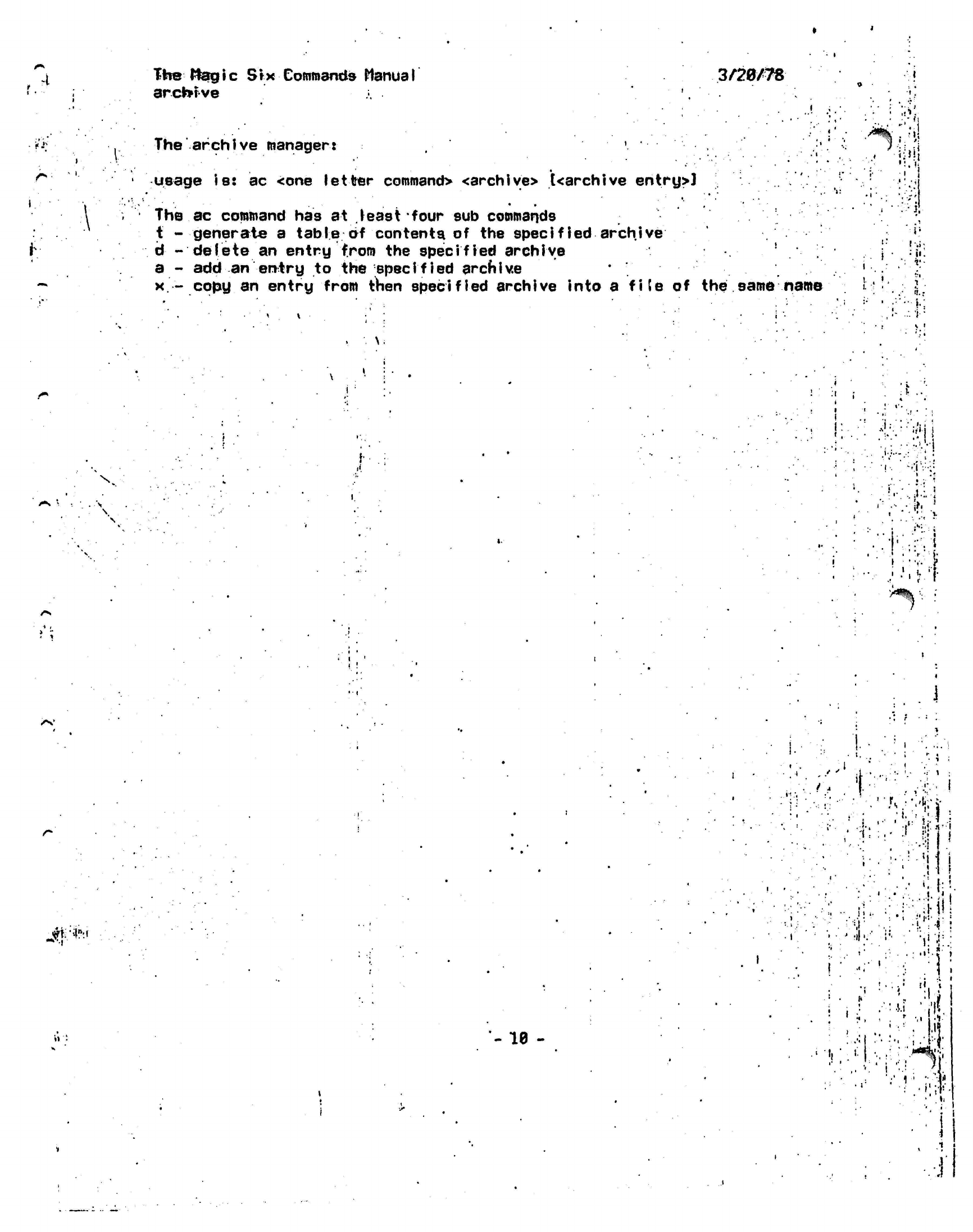
The archive
manager:
»
,
usage
is: ac
<one letter
command>
<archive> [<archive
entry>J
The
ac
command
has at
least
four
sub
commands
t
-
generate
a
table
of
contents
of the
specified archive
d -delete
an
entry from
the
specified archive
a
- add an
entry
to the
specified
archive
x
-
copy
an
entry from then specified archive into
a
fife
of the
same name
. * '
1
.'.'.•
.' ••
/«^
•
'^ft
•
1
'
1
1'
"'
'
.
•
1.
•I
•1'
'
M
/.
"»!i
;'
•«
I
.
':
V
, \.
i
i
f:
V.
j'.'ji
\ '!••
0'
:
'
. .
•'•••<
I.
• :•'. i
'
r
>a%
/v
Jfrt:'
- 10 -
>
•
i.
i
;'
'
•
:
!• ';
i'-l
:
1 !: » •
I '
i.
'
i
• •• i
; '
?',
•»»
'.
II
;!;/:-i
•J
'l..'
:.J.i
'.'.'if.
.
>
M
\-1
'i;"
lj'
.-' ';
r,-':*
:..?:;1:.
.
•
i
I
.
I
H
•;i
The
Magic Six Commands MaHijpl
asr.dsr.psr
3/20/78
#**••
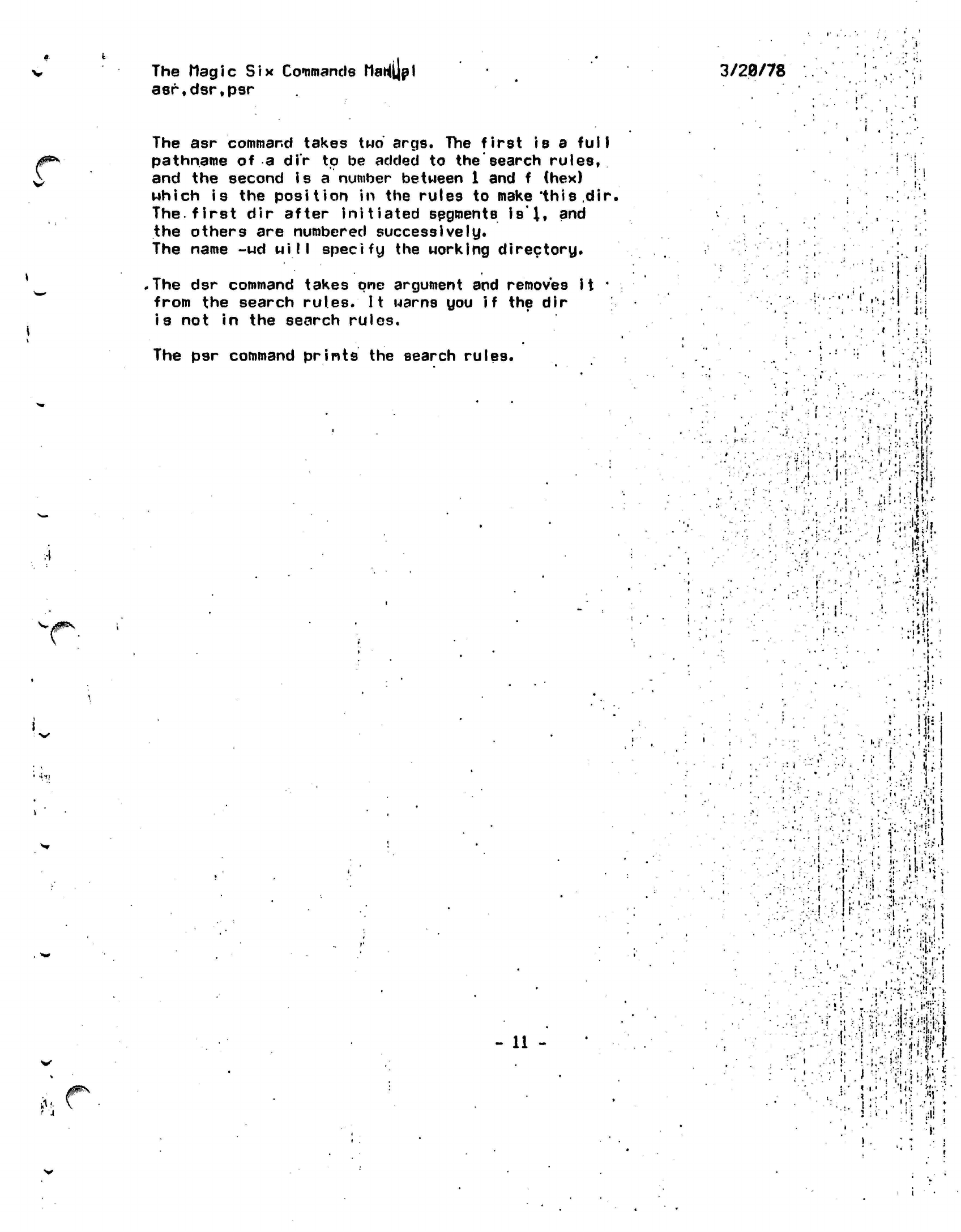
The
asr
command takes
two
args.
The
first
is a
full
pathname
of a
dir
to be
added
to the
search
rules,
and
the
second
is
a
number between
1 and f (hex)
which
is the
position
in the
rules
to
make'this
.dir.
The.
first
dir
after initiated
segments
is
I,
and
the others
are
numbered successively*
The name
-ud will
specify
the
working directory.
.
The
dsr
command takes
one
argument
and
removes
it*
from
the
search
rules.
It
warns
you if the dir
is
not in the
search rules.
The
psr
command
prints
the
search rules.
- 11
-
.[•<•**
'
i
* .
»
-
t '
" \ ,
•
* *
,
,--JT:
.. •
•- .i •
' .• t
•
• '" •
• •*
. '••.
• '_'
1'
' ^ .'
-
I
• .'
.:•'
:
:
• 1 • i '
• "
!
•!•'•
,<•
-..•!r!i
1 • . • »*
;<
:
'•.'•
Aw-.
'•
-f-\-:"::.'m\
:
..)Hf-
• ••
:;f.
1 1
.
• . *
•*
i
'
•
*
•:::":J:K
3".-l
•.:
•;i
.
*
t
»
:.•;!
:.r.
Jr
•
-V:. ••••;
...
;•• -il
[•>.:.',.
I '
.••••.
, •
.• .
"It'
.1
• ,
"
• •''
••:''
<:•
'
.'.
:=.
••• ,' •*:•'•
a'!
'•
: i • .,
•
r...ll
>••,
••::' ':.r ^^l-WM
•••••• • .-.• .-,"
<'•'••
i''-'J'
»•
) .
>!$':,#•1'
The
Mag i
c
S
t
x Commands
flanua I
b i
nd
3/28/78
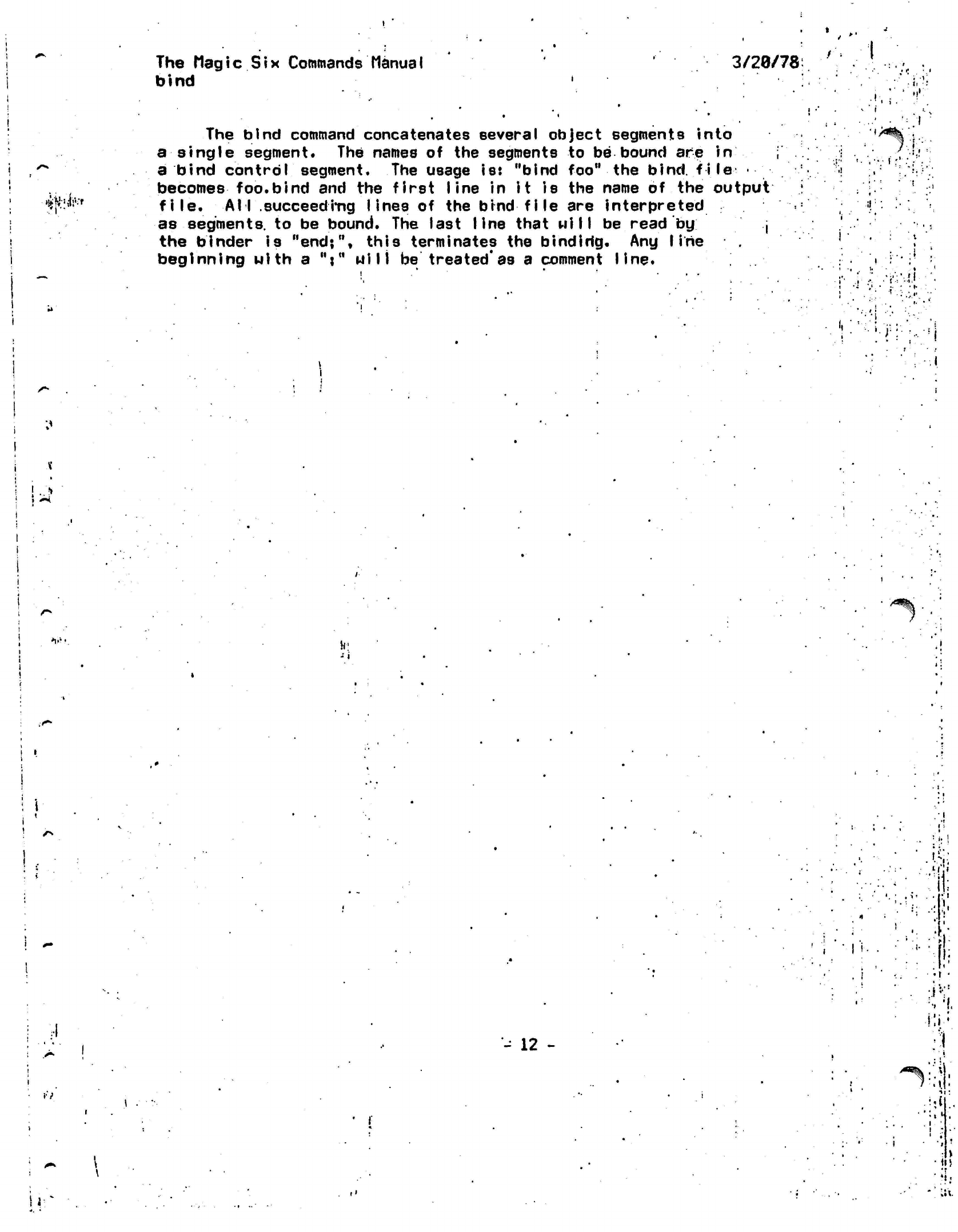
The
bind
command concatenates several object segments
into
a single segment.
The
names
of the
segments
to be
bound
are
in
a bind
control
segment.
The
usage
iss
"bind foo"
the
bind,
file
•
becomes
foo.bind
and the
first
line
in it is the
name
of the
output
file.
All
succeeding lines
of the
bind file
are
interpreted
as
segments,
to be
bound.
The
last
line
that
will
be
read
by
,
the binder
is
"end;",
this terminates
the
bindirfg.
Any
line
beginning
with
a
";"
Mill
be
treated'as
a
comment
line.
•
Ir
•
.-'••
r.'
f
•.
i
si
:
' '•' •!'
MJ
v«
-'
i
•I
••;
-
12 -
•
f
I
*
/^:'.;j>
i>
The Magic
Six
Commands
Manual
clean
3/28/78
•.
"•
:
i;
V*
The CLEAN
command
takes
no
arguments.
11
goes through
the current working dir,
and for
each
file
that
it
finds,
it
prints
the
file
name
and
ask
you
"what
about
it"?
If you .
answer anything etartihcj with
a
"d"
or a
"D",
the.
file will
be deleted, otherwise
It
will
not;
In
either case, CLEAN
will
then
go to
the
next file
in
the
dir. When there
are no
more files
in
the
dir,
it will
return.
If
you hit
quit
wh-ile
in
clean,
you wi
II
be
back
at the
level
you
started
at.
r
•
i
..
.'!••:•• '
:•::>••••
••'••• '.:••:
.!
"
•
'
'
•
.id-'!
•
'I. i
:i;
.
r
• '
t
•..
..jjr'«!-i
'•.'. *• .1
>.i
il
'
•-•»
»•
i..
>::•••
• ^K^t^lM
• •••;•.!•• =;!.-: -_ r
t,
• \->
• I
•)!:-?-vr:i!|>
!--./---:i7-A--!'.-'--
V'-'l:;
•'
v:,:i
v'f.?.
:•'••'
A
•.:''•'-1
-
13
-
.<';
:•:%.{
#^
•».
•• I''
•'.•
>•
,<
.-«
i
Thettagic
Six
Commands
Manual
cond
it ions
3/20/7JS
"
<!
There
are
various conditions that
can
be
raised while
running;
programs'
on
MagicSix.
Here
is a
list
of
them, what they mean
and
what
td do
to
fix
them.
i ::.'•!:
i
Ma.
lit'
•
bad_Juck.
,
This
is a
very unique
cond
i-t
ion,
the
fact that
it is raised
has
nothing
to do
with
the
correctness
of
your program.
It
indicates
the
system's inability
to
recover from
a
certain combination
of
unlucky
happenstances.
To
wit:
a
segment fault occured
in
the
middle
of the
wrong instruction, destroying needed information. Just
try
again.
no_excut
This means
that
the
location that this condition
was
raised
at is
not;
in
an executable
segment.
This
means that
the
e
access (when
you
type
list)
is
off.
Most compiled segments have this access
set
correctly,
so
if you get
this error,
it
most likely means that
you
aire tryi.ny
to
execute
a
data segment.
If
you
want
to
correct
the
access
of a
segment,
use
the
sa
command (type help sa).
.
no^wr
i'te-
This
means that
the
program attempted
to
store into
a
read-only
segment.
The
location
the
condition
is
raised
at-
is the
location
of
the instruction
which-attempted
the
invalid store instruction.
The
referencing
address
is
the
place that would
have,
been modified.
gate_err
' . .. j •
This error occurs when
the
system
is
called
incorrectly.
This means
that either
an
entry point that should
not
be
used
by
users
has
been
called,
a
random branch
Into
segment
0
has
been made,
or
the
wrong number
of
arguments
have been supplied
to a
system routine.
.The
location that this
was
raised
at
/•fill tell
you
which
Routine
was
called. Register
14
ui 11
likely point
'to
the
cal
ler.
f!
!
M
,
.11;
in
i
.i
'
!
•
i
hi
vi«
•
I
badxstat
This is raised when an external static variable is referenced,
and resides in a
different
address space than the
caller.
\
bad__args
This condition
is
raised when
a
call
to a
system
roucins
would
cause
the
system
to
attempt
to
modify
a
read-only
segment.
It is
raised
at
the
point
of
entry into
the
system
that,
detects
the
error.
area This condi
tlon
is
raised*when
an
allocate statement
or
call
to
allocn fails
because
of
insufficient free space
in the
given area.
unimp I op
This
means that
an
un-implemented pll
operator
has
been
U9ed.
Notify
MLK (Mike Kazar)
and he
ui 11
write
it.
i
i
)-•
•>:•.'
:i
.;
'•!
;
:.•'. *
'T.
'!
;•
•'••
I:
'»
^:«
,
•'•«'•:
'••!:
:
'
1.
%
I
•• !|
I
i i
:::
i
'I A
:
-
14 -
tfjfc
'
):••'
i;;1
! r
'• if
a
'«
The Magic Six Commands
Manyal
cond
i
11 ons
3/20/78
!••••!
badnargs
You
called
a
pll
program with the
urong
number of
arguments.
oobounds
This
condition
is
raisd when
you
attempt
to
either
grown
a
segment past
its
maximum
length,
usually
>60K,
or try to
reference past
the end of a
read-only segment.
The
latter
is the
most
Iikely
reason.
recurse
This condition
is
raisedwhen
you
grow your stack
too far,
usually
by
recursing
too
deeply.
You can
type
a few
commands,
biit If
you are not
lucky, then
you
will
get a
fatal error.
nonexi
st
This
that does condition
is
raised
when.you
reference
or
branch into
a
segment
not
exist,
i.e.
that
is not
mapped over
a
file.
SVC0 This
a segment
conditon
means that
the
dynamic linker
was
unable
to
find
named
in a
link,
or the
entrypoint
in
the
segment.
i
i
!
I
'•
>l.i,--
;•
.7.fi:
•
15
•i
1 it..
1
.
.
•••••*••:» i
.
5:l i
'
•
?!
•
•
<i*i!
i
- 15 -
!jP
:•• •
i >
. .
U'.
1
• :•
•
.i'
:
v.'
;
•••'
:i-
v -. -"i *
•••• yi y
t-i^-hi
''•••••'?:
•
.-fMs-.--
•
i
••'
,i
]•:••
• ...f
I
I
;V.i.
••• a
THie Mag re
Six Commands Manual
3/20/715
console.Iights
*
EVERYTHING YOU ALWAYS WANTED TO KNOW ABOUT THE LIGHTS
teT
WERE AFRAID TO ASK
The information displayed in thefront panel lights
by
MagicSix is extremely useful for debugging MagicSix crashes
and
other less serious
problems.
The four different
sections are
described
below.
C
B
B
B B A A A A
,.
:
.,••••.
, _
::
;•
1'
•
:'- ;;
!.
• *
• • , . ' *
•• .
i
.
• i" !.
-.
•' • ,'
1
..'. .
;'
!
•
. •;'
'•••»*•
]••
• ;.
.•
..?•.:.
!••
•
1 .:••'.•'•
'.
i
•
••-, *•.•'' ;'!
1
- * *•*•'.
J
' .
'•'••••
•'•
'>"•
':•-'/
f.
••••",' i ••
•
: : •
'•',••
.'<
'
'' '•".
• ',
!••••.' ••-....'. *|
';•'
'!
.
1
>
J
•I :
.
J
i-
/<s,%
fr^'f
The Right Most
Ha If
word
(AAAA):
This
displays the TCB address of
the*current
user. There are
i
two classes of
TCB's.
The first set are the
TCB*s
for
the
^
two system processes. They both have zero as their upper
digit
(ie "8CE8."-or
"09D8H).
The
Other
class of
TCB's
are
those
of
users.
These start at
"D8C0"
and can range into the
"Fxxx"
area.
All
of
these numbers are multiples of
8
hex which means that
the low order three bits of this section should NEVER
be
lit.
The usual cause of their being
lit is
some
sort of
irrecoverable disk
error.
To
fix this problem hit SGL
to
stop the processor and turn the disk off then on.> Restart
i
•'•
the processor by hitting RUN.
Since
all
the
systeirt
processes and only the system processes
1
•x
have zero as their first digit "thrash
mode"
is easy
to
.
j
detect.
If
very
little*
time is spent with any of the first
.
•
digit lit then no
one
is getting much work done: the system
•'•'{'
is thrashing. Warning: the system always spends
a
certain
• :
amount
of
time thrashing even with only one user and
under
••.-.;"
J
normal
circumstances.
For instance the PL/1
compiler
•
{
requires very little CPU time and
Jets
and lots of memory.
'
j
Therefore
a
PL/1 compilation
with'only
one user LOOKS
a
lot .
:
-
!
like
thrashing.
A
cjood
test to see if you are hopelessly
:.
j
thrashing
is
for all
users'to
hit break and try to go idle.
' •
''• < '
if one
or
more,
user
fails
to respond with QUIT
followed
by
a
•.•••';•
,'j
|'
ready
message'Within
several minutes (give it
a
little
time)
.
,•
••••iM"-"{ I
then you are
really
thrashing. If one or
more'users
gets
to
ii ri
command,
level have them
type
"hcsSlpgout"^
If all
idle-users
: ! !•'* '
have typed this AND their
consoles*
have stoped
echoing
then -i D
!
you have
really
had it. The system must be
re-IPLed..
,:
j
j
...,(
The Middle
Ha Ifword
(BBBB):
This half
word
consists
of
a
single
bit
which moves back
and
-
16
-
;|
i
i
.•fti
The Magic
Six
Commands
console Iights
3/28/78
J^
r
irf
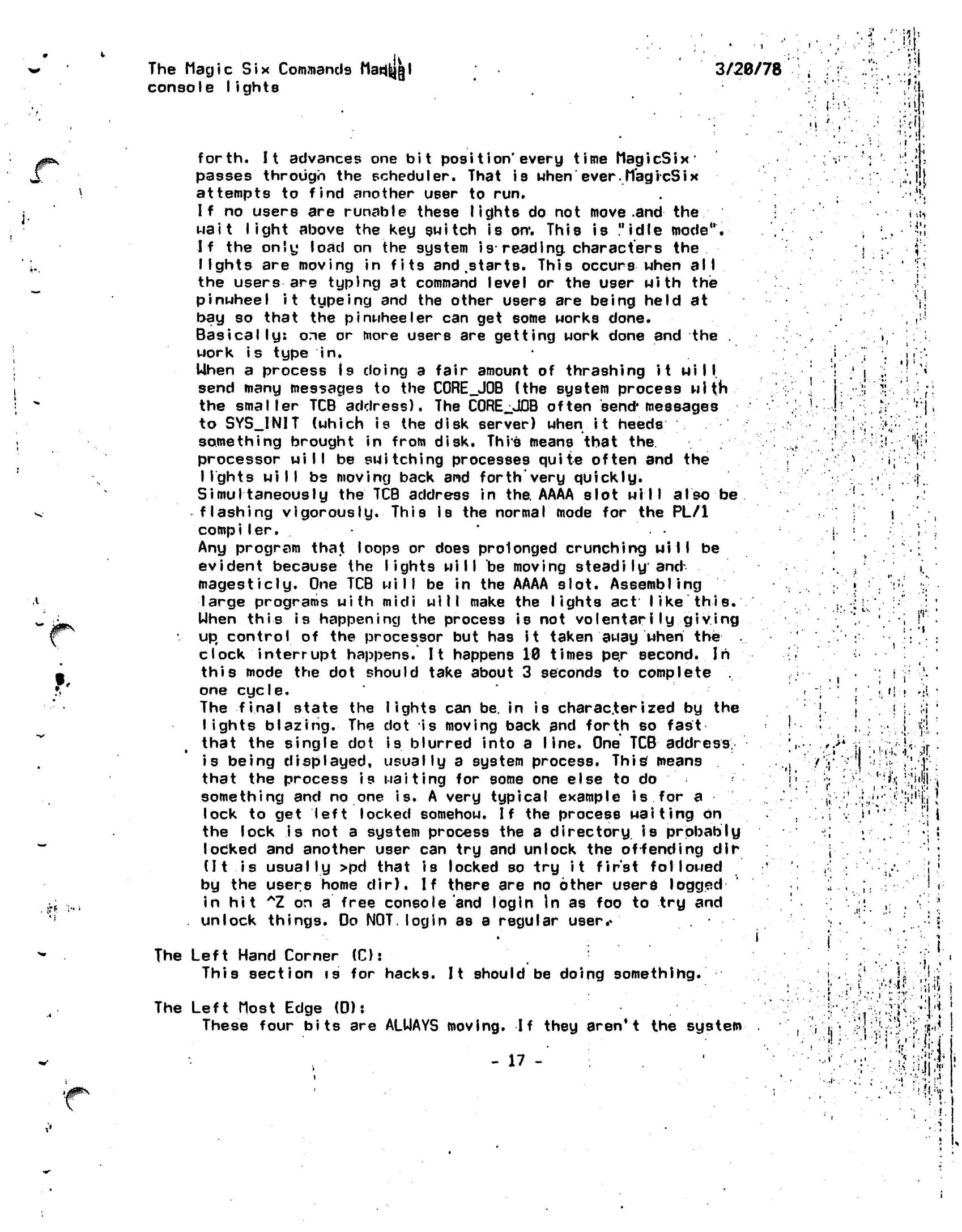
forth.
It
advances one
bit
posi
t
ion*
every
time
MagicSix'
passes through the scheduler. That is
when'ever.MagicSix
attempts to find another user to run.
If
no users are runable these
lights
do not move
.and the
wait light above the key switch is on*. This is "idle
mode".
If the only load on the system
is reading
characters
the
lights
are moving in fits and
.starts.
This
occurs
when
all
the users are typing at command level or the user with the
pinwheel it typeing
and the other users are being held at
bay so that the
pinwheeler
can get some works done.
Basically:
one or more users are getting work done and the .
work
is
type
in.
Uhen a process Is doing a fair amount of thrashing it
will,
send many messages to the
C0RE_J0B
(the system process
with
the
smaller
TCB
address).
The
C0RE_JDB
often
send*
messages
to SYS_INIT (which is the disk server) when
it heeds
something brought in from disk. This means that
the
processor will be switching processes quite often and the
lights will be
moving back and
forth'very
quickly.
Simultaneously
the TCB address in
the.
AAAA slot
will
also
be
flashing
vigorously.
This
is
the normal mode for the PL/1
compiler.
•
Any program that loops or does prolonged crunching
will
be
evident because the
lights will
be moving
steadily and
magesticly.
One TCB
will
be in the AAAA slot.
Assembling
large programs with
midi
will make the lights
act like
this.
Uhen this is happening the process is not
volentarily
giving
up control
of the processor but has it taken away
when the
clock interrupt happens. It happens 10 times pe.r second. In
this
mode the dot should take about 3 seconds
to
complete
one
cycle.
The final state the
lights
can be. in is
characterized
by the
lights
blazing.
The dot is moving back and forth so
fast
that the single dot is blurred into a line. One TCB
address
is being
displayed,
usually
a system process.
This'
means
that the process
is waiting
for some one
else
to
do
something and no one is. A very typical example
is
for
a
lock to get left locked somehow.
If
the process
waiting
on
the
lock is
not a system process the a
directory is probably
locked and another user can try and unlock the offending dir
(It
is
usually >pd
that is locked so try
it
first
followed
by the users home
dir).
If there are no other users
logged
in hit
*Z
on
a
free console and login In as foo to try and
unlock things. Do NOT. login as a regular
user.«
*
The Left Hand Corner (C):
This section is
for hacks.
It
should be doing
something.
The Left
Most
Edge (0):
These four
bits
are ALUAYS moving.
If
they
aren*
t
the
system
- 17
-
•it
M
..
. t
"
#
' '
i
.!i
ii.
::.
•••!.:['
••V
••
;f.
•
11':
'
i i
: • I
! .
;
• r v
-
I;
•
»
"i
I
i'i
•i.
••• •' t
h
.. .
:••
•.
•.
• r
.
• • !
i'.' ',
•
h^'i'1':;!!'
•
.r.i,.-
.fijihj.-.
I
.M
•
'1
••
'41
•Mil.
r
r
tr •
i'
4
•'! -;i *'\ ••:•• • *
:
j,
• 1

The-Magic
S-i.x
Commands hanual
console lights
3/20/78
is deader than'!a door nai I.
PUNT.
iH.:
i ••
1
'
, i
*.' l
-• . ' •
•
;...'
v
*
*' '
•
• .
i
t
i
.
•
•,
.•
• '
"
';
.- ' :
i
:
•
• '
•; '••.
'
I
t
*
•
*
1
•
' * • '.
*
"
* •
;
: ••'.
. <
i.
i.
ti''
•?•!
'.'""•' •
"
-i.i \
• ••'•'.
i"l
1 • I
.
. • J
i
: . .
..
' i •
i ••
.
•
-1
•
"
...;|r
•. ;•
J
;*»i.
'
•
•
••'•
••' f> 't
.•..::.
•!";vri'
'!p.:;a •-iv
. • -
•
• •
••:•. fit
'
r
/
>
,
,t*
- ••
ti'.'
.•(«.'!
1 -
• •
' :'.||s;«
•:
,
Mi
•
'<.''•:
•
•
•
: •-:.•
'
-th'r.
•i ..'...,'•:
!
. '•-•
'"
:ti;'
;
.• '
:.
• •.
.-51 • «i
.It.
:
.
: ' .
-i.1
:
.-.
..;.«:.i.
.•
•••
.-:.
Mi'...
:.::.'
.••;:;:ij:
...
•••••' '
W:
•".' • -
"•
-.'--j:
•'.
••'
• • .•'<•,[ ± .r+
1
••••I
.. •
-
•
••'".
.•:
?>l
.••••-•;• -Mv?
• ••
; -,-.\\
.> ; I
•
i
:.
i
i
'
• .
«•.
-•!••!
• .-•;..i
- 18 -
•!• !
•. r
The Magic
Six Commands Manual
copy
3/20/78
••' •'•'•''' »
i.,-t'
••• ' .'"
r:
•-.,..
•
•
t<..
i«i
:
, '•
\'
• !
I)
'<
-I
••'
•;•:•*•(-,*:•
(;'•;!
•
••'!!MT ,v'-,i
> • ; .'
t :..i
;
.
'!•
.'
•• ' • ••!' •
Documentation
for
copy (cp):
'
• ! :''•
•
This
is
the
copy command.
It
takes
two
arguments.
The
first
i9.the'pathname
for
the
source fi
le:
The
second
is
the pathname for the
destination,
file.
'
If only
one
file
name .is
given, then
it
is the
name
of
source
f I
le,
and'the
destination
file name
is
formed
by
taking
the
entry name of the source file
:
and
putting
it in
the
current working
directory.
This
command copies
using
the bit
count field
of the
source segment,
unless it is
zero,
ih
which
case
the
number
of
characters
to be
copied
is
determined
from
the
page
count
of
the
source
file.
•
'.
•i •
ifi'
V
I
i
.
•
•
••.•«••
•!' •
•
•
i-
••
Ji'Vhi!:
!;
i
'Uf;
• '•'•;
,' •
::
•
ft.'
.
.'I
:
'!»
.•i.i
'
i'
'
i-.
:',•• ••••'.\t
••:';»
i.;
>l
.
I"t..l
1 \
• * •
M
JPN
-
19 -
•:
',
•'•• -v •:•••• :.'.•:•
*•-&.'
.
>••.•'•
I
.«.
-
till
-
.'•»•'
I
M.
|
• ll
•:•-*•
•<•••
-.I'll"
.• ' ''
•••.m
•>-:Vrt
'
US
•J*
ii':l
\
•'••.-
:^
The
flagic Six Commands Manual
crash 3/20/78
•
J
•
r
r
i
'
'l
' ..-,•
Here arte
a list
of the codes flashed in the
lights when the system \
'-,/yi
crashes, and Mhat they
mean*
They are due to
svc7,s
being
issued
by the
system.
.
•
I
•'
.' "•'
1:.
Changed
processes
tilth
the
inhibit
flag on. • .• •• ' • . '
•'.
i
2:
Read^Jpc
got a
spurious wakeup. Normally happens
if you
power
up;.'•.
a
.disk with
the
machine running rather than halted.
This
is
obsolete
and
should never occur.
.!
•..'••' • * • . • '
i"
'•.'.'.'
•';'
3:
.Core
job
tried
to
grow
a
segment past
.sixty-four
k.
•
'*
. '• • '
*••''•'.•
'..''.
''•-
!
• ''.:':
4*
Core
job
tried
to
wakeup deleted
user.-
! • .;
• •'•.••:
5:
Too many wired pages (No paddle). . .
6: Tried to read a disk record into segment 0.
, T
7:
Common
heap free chain smashed.
8: Not enough
free-storage
to satisfy request.
9*
Smashed linkage offset
table.-
.•
• • • •
A*
Checksum error on system loading.
.• •' ,,:•'•'
. • . j ,
B:
Tried
to
swap
out
into vtoces
0,
1 or 2.
.
i;
Cs Tried
to
write
out
into pages
.0
or 1.
i.
•
•
'
••»••-.;:•
D:
Tried
to
load
a
file
>
memory hole size.
li
'
E:
Power
failure while executing
critical code.
; ' .
I
!•: ••
:
jl-
•I
•II
• ,
.1.
1,J
j>
I
..I
• -i ••'•
i
<,.:M
'!h
1.»
i
i
<
4
:lf
y
!
^
!.
-20
-
i
A
vi
• i ;
!• •
'••! .!
The
Magic Six
Commands
HariUdl
delete
3/20/78
•
i
• i
!•*:•"•«:•
.-V-Mi
;- ;•.!:
There are four commands for deleting
file.system
entries
(dire*
I
inke,
arid
segs).
•
•hi
:
.. i i
it.
ill-
.1
i-:
#.,
<
.
• -i
They are
1) delete
or
dl
-
deletes only segments
. ' •
'..J;
•'.-,
2)
unlink
or
u!
-
deletes only
links
•
.
3) delete dir
or dd -
deletes only dirs
•• '*.-.' • .* '
4)
delete_entry
or de -
deletes any
entry'
'
The first takes one argument which
is
the star name
of
the entries
to
be
deleted.
The
last three take any number
of
arguments which are the
star
names
of
the entries
to be
deleted. The first three only attempt
to
delete
entries
of
the right type. Hence,
if
you have
a
dir named
"fob"
and say
'
"delete
foo". you
Mill
get
an
error
messsage
saying that
no
entries
matched
the star name
as
opposed
to an
error message saying that the entry was
of
the
Mrong type.
In
general the first three commands are meant for general
use
while
the
last
is
meant for
masochists
and
really
cleaning
up a
dir.
'
- ;;
; * • '
.
.-if
i
.--•.-
Comments
/
Complaints, on these commands should
be
sent to
RK.!
• •.;.'•"/!!
• ••
:•••(•'
.
I
: ' • 1 • •
i %!
••!•!
• ••
•
• I:
.
i
.
•
•'•
»
.
.•-'«'
i'.'.l
»
." '.:- '•
-1
••S
. •.
-
t'
'
,.'.!•;
J
•I U ]
i TVI
*•-.,.•.•
k\-
•:
,
j*^.
t
•
"M
.•/.
>t\
.
v;I-*
.'•
- 21 -
'.!••
i
•
! ! 1
! • •
,
*
>i
•".
<'->.
.l-\
• •
: r
'"•'
1
»r
•-
•
.
' • •
-
••»•
j,':-'
>'••;
r •
M|
j
.,1
(
•
•?•!
;
'"i-i '%; •
•
i;
•; •
I.-
•.: :
•
,/
.,
'• I
••••'•: . '•
t»'.-'
: i
.'
i
'.»I
•
i
:r--;-...
'j
-Jf.i,-
• v
»
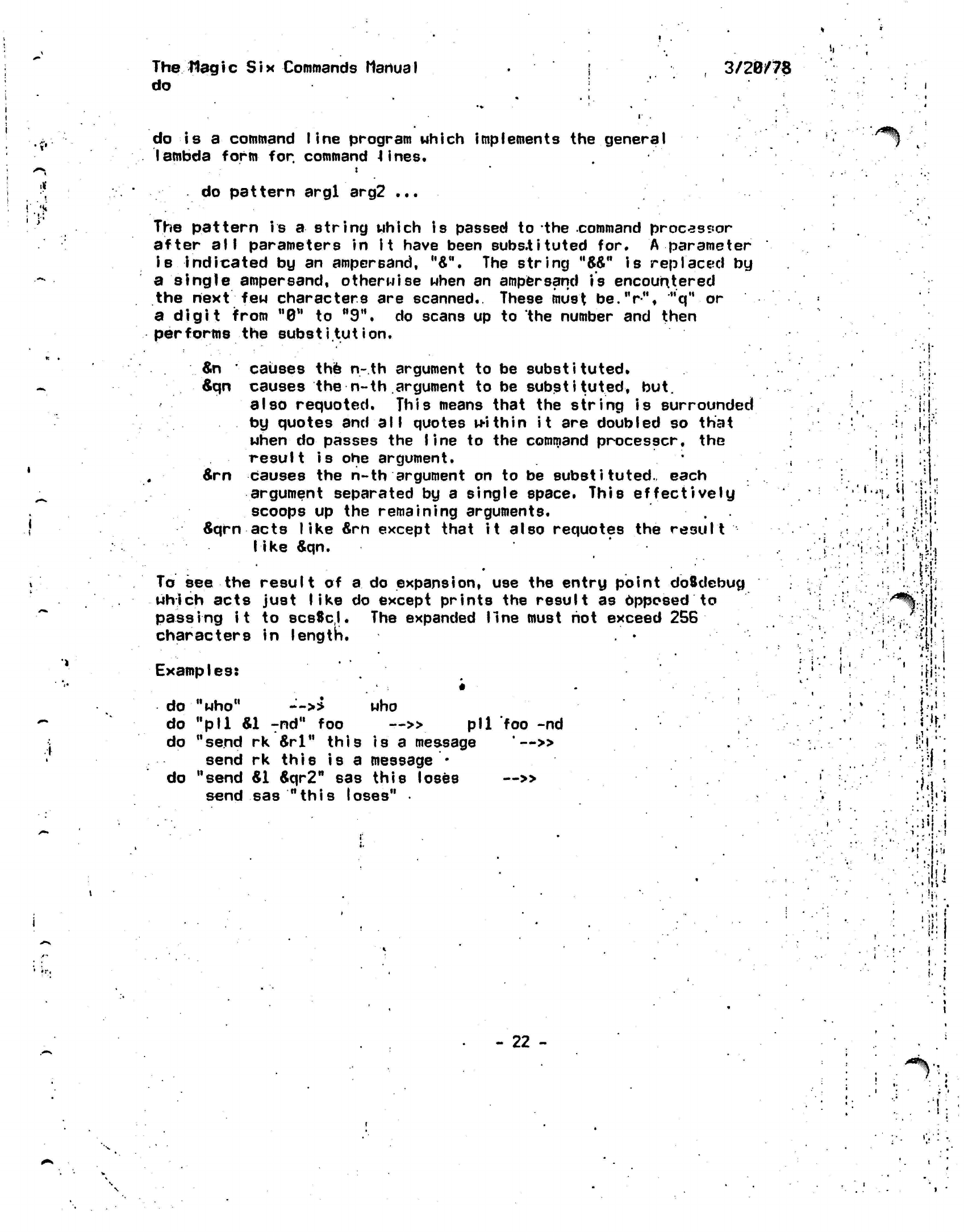
The Hagic
Six Commands
Manual
do
3/20/78
do
is a
command
line
program which implements
the
general
lambda
form
for. command
4
ines.
•/*% ••
do pattern
argl
arg2
...
The pattern
is
a
string which
is
passed
to the
command processor
after
all
parameters
in it
have been
substituted
for. A
parameter
is indicated
by an
ampersand,
u&".
The
string
"W"
is
replaced
by
a single ampersand,
otherwise
when
an
ampersand
is
encountered
the next
few
characters
are
scanned.
These must
be.V",
"q"
or
a digit from "0"
to
M9*\
do
scans
up to the
number
and
then
performs
the
substitution.
»
&n
'
causes
the n-th
argument
to be
substituted.
&qn
causes
the n-th
argument
to be
substituted,
but.
also
requoted.
This means that
the
string
is
surrounded
by quotes
and all
quotes within
it are
doubled
so
that
when
do
passes
the
line
to the
command
processcr,
the
result
is ohe
argument.
&rn
causes
the n-th
argument
on to be
substituted.,
each
argument separated
by a
single space. This effectively
scoops
up the
remaining arguments.
6qrn
acts like
&rn
except that
it
also
requotes
the
result
like
&qn.
•
To
see the
result
of
a
do
expansion,
use the
entry point
doSdebug
which acts just
like
do
except prints
the
result
as
Apposed
to
passing
it
to
scsScl.
The
expanded
line
must
hot
exceed
256
characters
In
length.
Examples:
M
.i
i
I-
•
i
f
i
• •"
•
¥!
1<;
.
i,.-'
I
do
"who"
-'-»
who
do
"pll &1
Tnd"
foo
~» pll
foo
-nd
do "send
rk
&rl"
this
is a
message
'—»
send
rk
this
is a
message
*
do "send
&1
6qr2"
sas
this loses
—»
send
sas
"this
loses"
•
i'li
'••
•
•!r.
- 22 -
•.
.
i
•
.-.
i;'
•n
J
I
»'•
%*•!••
I *
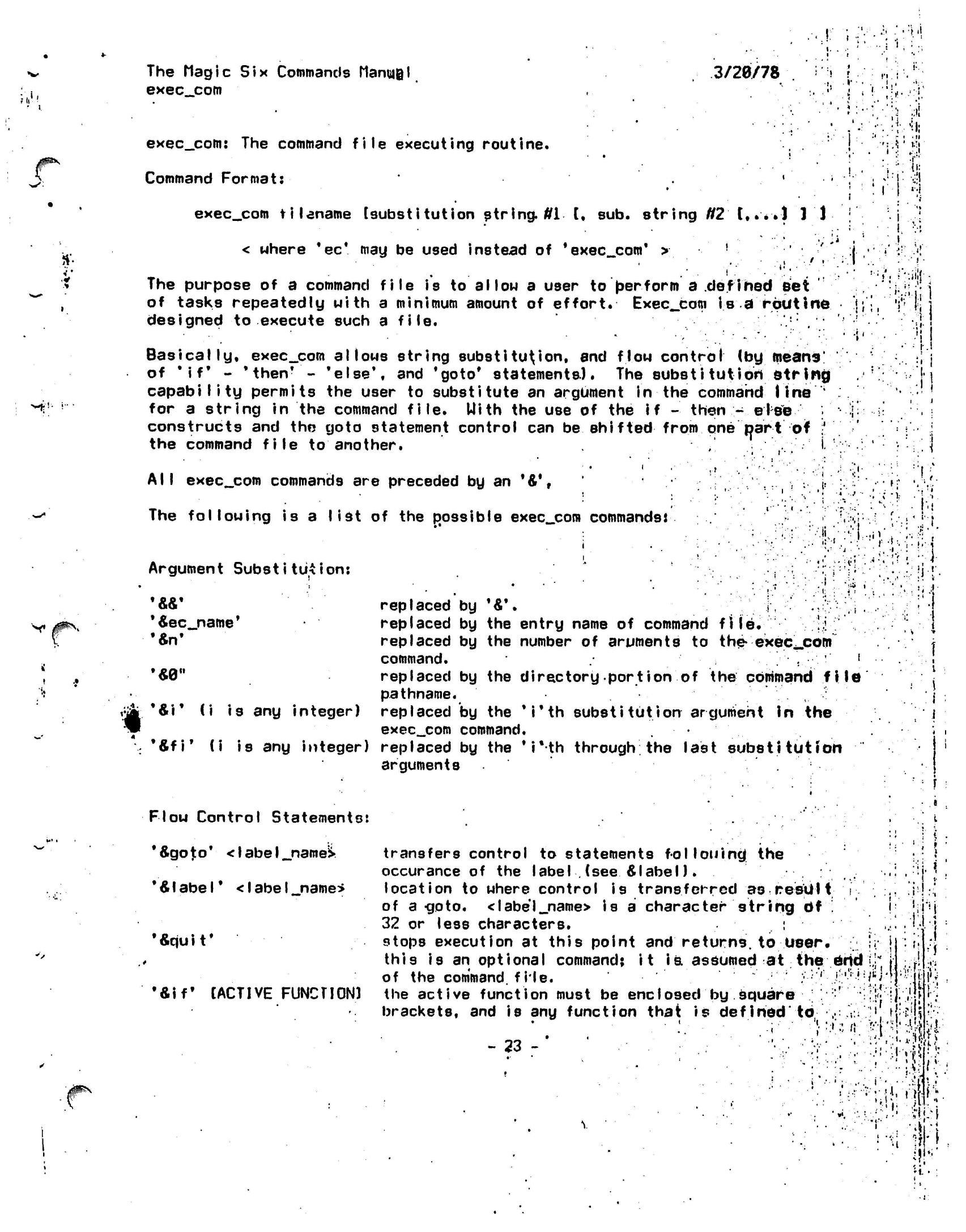
The Magic Six Commands
ManmQl
exec_.com
3/28/78
.:-••
M.
exec_com:
The
command file executing routine.
Command Format:
'
exec_com
filename
[substitution
string,
ffi [, sub.
string
N2
t,.*.l
1'J-
< where
*ec*
may be
used instead
of
'exec
com'
>
!
The purpose
of a
command
file
is to
allow
a
user
to
berform
a
defined
Bet
of tasks repeatedly with
a
minimum amount
of
effort.
Exec_com
is a
routine
designed
to
execute such
a
file.
Basically,
exec__com
allows string
substitution,
and
flow
control
(by
means'
of
'if*
-
'then*
-
'else',
and
'goto*
statements).
The
substitut
ion
string
capability permits
the
user
to
substitute
an
argument
in the
command line
'
for
a
string
in the
command file.
Uith
the use of the if
-
then.;-
eiee
constructs
and the
goto statement control
can be
shifted
from
one
part
of
;'
the command file
to
another.
,
V-
'
All exec_com
commands
are
preceded
by an
'&',
:
i-
The following
is a
list
of the
possible
exec_com
commands*
'
.;
.:«
in
=;:
a
.• •:"•!;
'•..i
II;,
• 1
•J.
•''?r
i?-t •• ' f ••*••
Argument
Substitution:
V
;.'. i
i-.i
•
!••
t
..i •
('1
:-
,1-
*4ec_name'
•fin'
...*.
•
1
replaced
by
'&\
i
replaced
by the
entry name
of
command
file.
!;! '
replaced
by the
number
of
aruments
to
the-
exec^com
command.
.
• ' !
replaced
by the
directory port
ion
of the
command fi
le
pathname.
replaced
by the
'
i'th
substitution argument
in the
exec_.com
command.
*&fi*
(i is any
integer) replaced
by the
*i*th
through; the last
substitution
arguments
&\*
(i is any integer)
Flow Control Statements:
*&goto*
<
I
abe
I
_namel*
'Alabel'
<IabeI_n3me*
•*qu
i
t
*
•&iff
[ACTIVE FUNCTION)
i i
i
i i
transfers control
to
statements
following;
the
occurance
of the
label
.
(see &
label).
location
to
where control
is
transferred
as
result i
of
a-goto.
<label_name>
is
a
character string
df
'.
32
or
less characters.
:
stops execution
at
this point
and
returns,
to
User.
•;
j
this
is an
optional command;
it
is.
assumed
at the end
J
|
of
the
command,
file.
/;/'
']:'•'•'
:/*Wl.'*:|j:
the act
i
ve
funct ion
must
be
enc
Iosed
by
square
; • :' •
;:'!<|
]|.
.'jj
brackets,
and is any
function that
is
defined'
to,
,:
:V
;'.
tfoiji
-.1
Mvrt •".&--n!'i»
- 23
- '•,
i.
••)
Mi
'-'I.
it-1
•*;•
{Vr.wfc
i
if!'-
*t
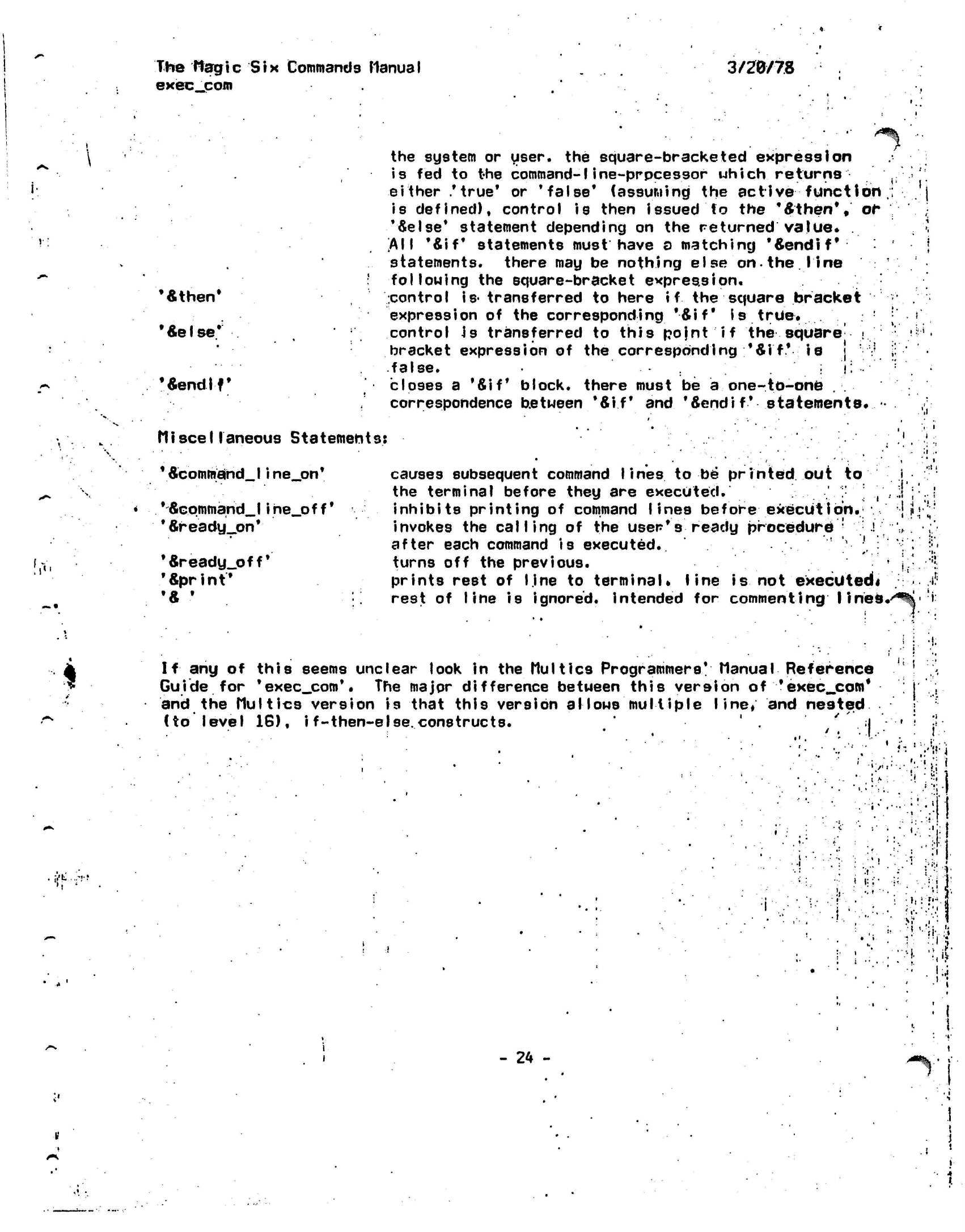
The
Magic Six
Commands
Manual
exec_com
3/20/78
'«then'
'Seise*
'Sendlf'
the system
or
user,
the
square-bracketed expression
is
fed
to
the
command-1 ine-prpcessor
which
returns
either
.'true*
or
'false*
(assuming
the
active function
,
is
defined),
control
is
then issued
to
the
*6then*#
ot
•'Seise*
statement depending
on
the
returned
value*
.
[All
*Sif* statements must have
a
matching
'Sendif*
statements,
there
may be
nothing else
on.the
line
following
the
square-bracket
expression,
control
is-
transferred
to
here
if
the
square bracket
expression
of
the
corresponding
*Sif*
is
true,
control
Js
transferred
to
this
pojnt
if
the square ,<
bracket expression
of the
corresponding
*
Sif*
is ] v
.false.
. -
c
•• •
closes
a
'Sif
block,
there must
be a
one-to-one
.
correspondence between *Sif*
and
'Sendif*
statements*
!?•'
•
ill
Miscellaneous
Statements:
*
Scommflind_
I
i
ne_on*
''Scqmfnand_
I i he_o f
f'
*Sready_on*
'Sready_off*
'Sprint*
'S
'
causes subsequent command
lines
to
be'
printed
out
to
the terminal before they
are
executed.
' ,
inhibits printing
of
command lines before
execution,
invokes the
calling
of the
user's ready
procedure
• .!
after each command
is
executed.
•'•'>.*•'
turns
off
the previous.
prints rest
of
line
to
terminal,
line
is
not
executed*
rest
of
line
is
ignored,
intended
for
commenting
lines,
.
;i
..
i
• : •
... , -
:
•I
|
!•
•
I
f
:
...
:>
.
I.
'
«
tt-rf
If
any
of
this
seems
unclear
look
in
the
Multics
Programmers*
Manual
Reference
Guide
for
*exec_com*.
The
major difference between this version
of
'exec_com'
and
the
Multics
version
is
that this version
allows multiple
line*
and
nested
(to level
16),
i
f-then-eIse.
constructs.
' ;|
• ..
' •
I.
I;
r "A
t
t
:
i
•
•
:
.•
•
1
'
,
•
•••.-. \!'.'Wi
'
•;•,.,•••.••:.•!»;•
'
1 *
:
•!.•••!
''•'-•'>•-
.
•'•i-l
••••••:'-fi
'' •• : •.•-'>
:'ii!
;
•
-y'
'
"•••
('•'
)
•.«.'•.
M-.-.-J:!}
•
.
•
••><:•:;
f
:
,.
«''
•
'!
.Si-
!i
i ...
.-
. '!•
V>
•;:
:r-.!i
- 24 -
'*%•'
i
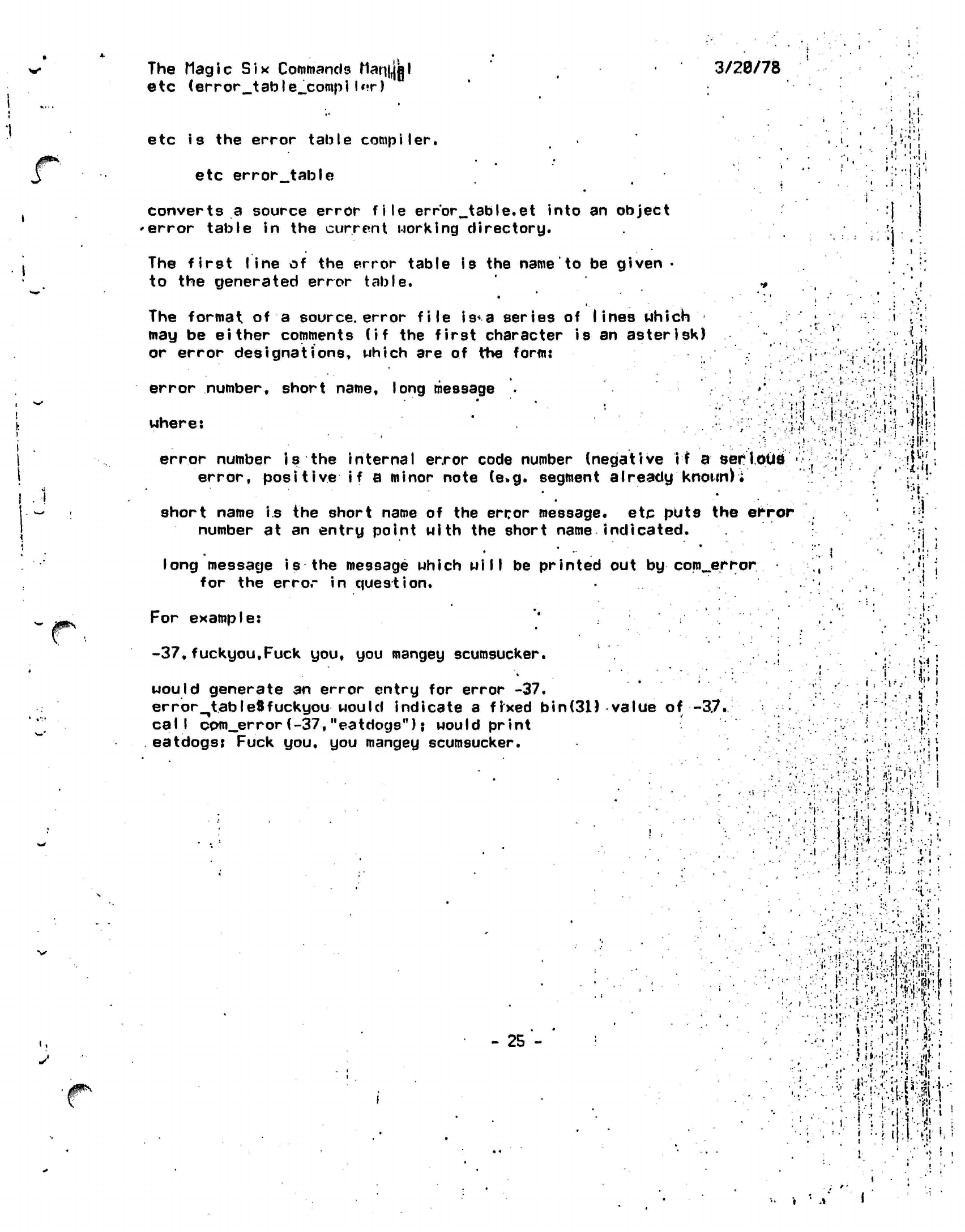
The Magic
Six
Commands
Mariii|||l
etc
(error_table_cotnpi
I*M-)
3/20/78
#*•'
•'t
'
*
.1 •!•
etc
is the
error table compiler.
etc
error_table
converts
a
source error file
error_table.et
into
an
object
'error table
in the
current working directory.
The
first I
ine
of the
error table
is the
name
to be
given
•
to
the
generated error table.
The format
of a
source,
error file
is*
a series
of
lines which
may
be
either comments
(if the
first character
is an
asterisk)
or error
designations,
which
are of the
fonn:
error number, short name, long message
•
where:
'
error number
is the
internal error code number (negative
if
a serlotifl •
error,
positive if
a
minor note (e.g. segment
already
known)•
short name
is the
short name
of the
error
message,
etc
puts
the
error
number
at an
entry point with
the
short name indicated.
long message
is the
message which
will
be
printed
out by
comber for
for
the
error
in
question.
For
example:
-37,
fuckyou.Fuck
you, you
mangey
scumsucker.
*
*
would generate
3n
error entry
for
error
-37.
error_^tableSfuckyou
would indicate
a
fixed
bin(31) value
of
-37.
call
com_error(-37,"eatdogs");
would print
eatdogs; Fuck
you. you
mangey scumsucker.
•!•!•
•
" :
•J'
• !
• '
:•
•i
'
.,!.V'.-<JH!v|
:
':5t'.
:
'.!i
.
•
r.
•
,
•
• *
I i •
•!•'
I
.
i
.<
••
••
'
•i;.1
I
* !
-••
•
*•
i
•'••.:•
;•
'.<••
.;.••-••;•••• '
;••:•;*.!;;••.
i'i':\
:<v
::
'. • '.'i
.
if
• '
-
25 -
•%•.
i
,
.ii;
(
;
••!:.:.';.;.:!f:;:
KM
••••"'•
•'••.;>'••:•v".r.'^.,.i'!
.•
'
<-
••< I
ir-1
!
•'•
J:-;.:-!.:
••':
"• ':
f
:;f'M-'fil'''
i • .i
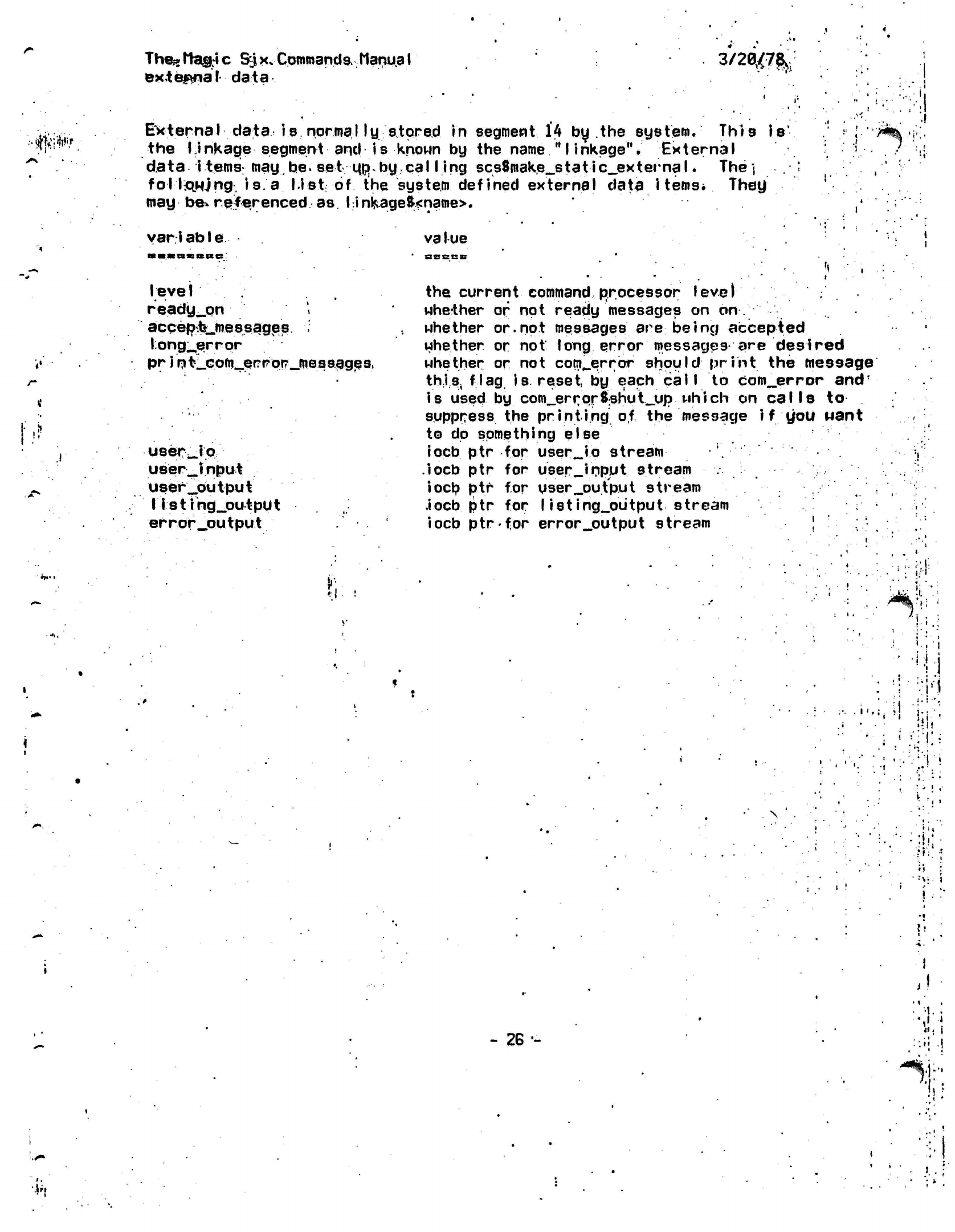
Thesrtagic
S^|x»Commands.
ManuaI
external data
3/2^7&,
;.^;^ir External
data
Is normal ly
stored
In
segment 14 by the
system.
This
the Linkage segment and Is known by the name
"linkage".
External
data
Items':'
may.be.
set
Mp-by.cal I Ing
scs8make_static_external.
The
j
follstwjng.
is.
a
list
of
the system defined external data
items*
They
may
be*
referenced as
I
inkage&<natne>.
is
var i
abIe va I
ue
assess
i1'
•
V
I
.*>
level .
ready_pn ',
acqefj^mB
s
sages
long^errpr
pr
i n
fc_coto._er
r or _mes sagp
9,
uservjo
U8er_
input
user^output
listing_output
error_output
>':
the current command
processor level
whether
or
not ready messages on on
whether
or.not messages
are
being
accepted
whether or
not
long error messages are desired
whether or not
com_error should print
the message
this,
flag 18
reset,
by
each
call
to com_error
and'
is used by com_error$:shut_up uhich
on
calls to
suppress
the
printing of
the message i f you want
to
dp
something
else
iocb
ptr
for user_io stream
.iocb
ptr for
user_input
stream
iocp
ptr for
pser_output
stream
.iocb
ptr for
I isting_output
stream
iocb
ptrfor error__output
stream |
i/i
t;
"• t
i;i
' :
1
•
•>!!
\
- 26-
J
,1
'*%;
iri
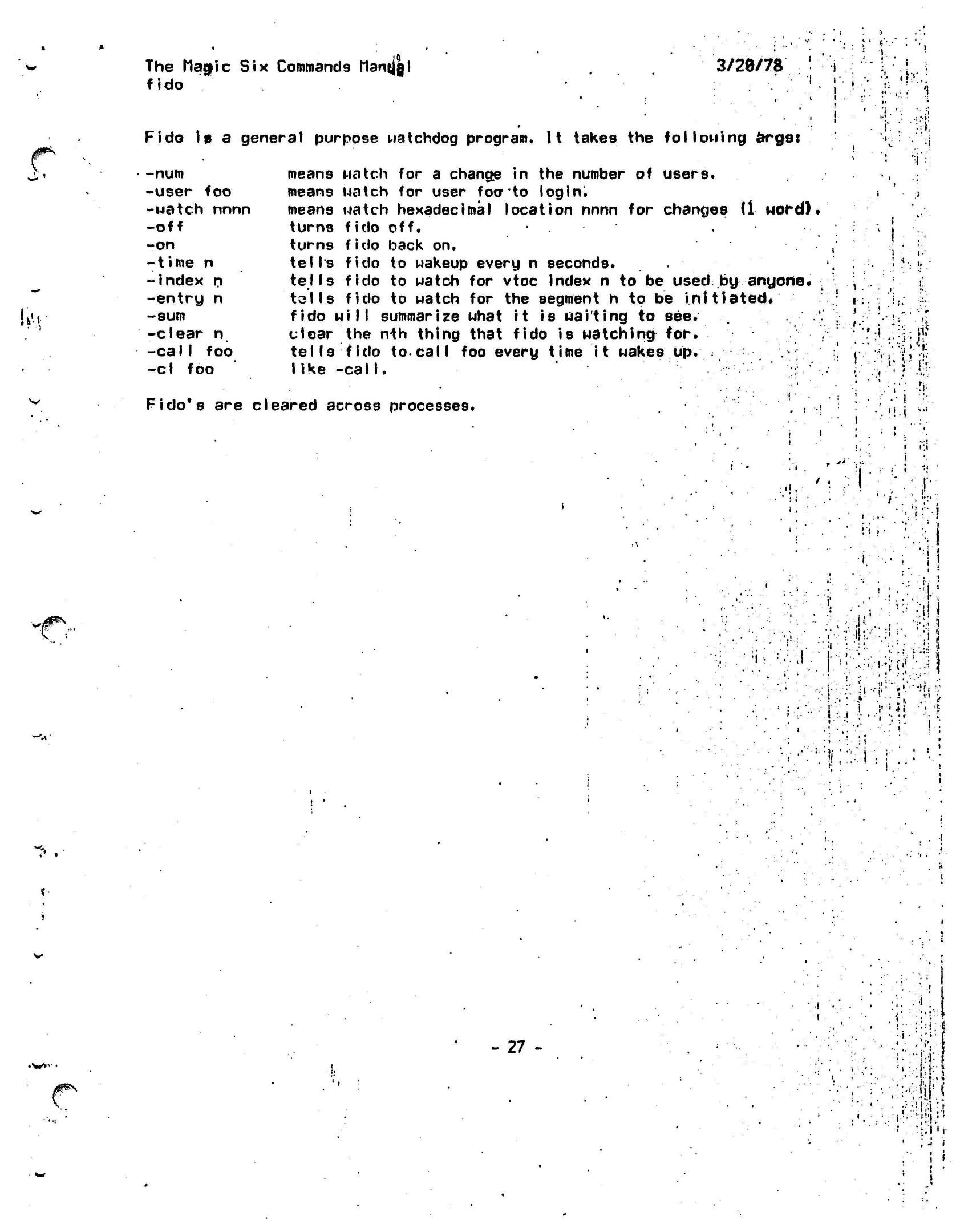
The
Magic Six Commands Manjjgl
fido
3/20/78
i
•
i
i
i'-
•
i
•
i
! i
Fido
ip a
general purpose watchdog program.
It
takes
the
fol
lotting
argst
i
V:
fct
•num
•user foo
•uatch nnnn
-off
-on
-1
i
me
n
-index
n
-entry n
-sum
-clear
n
-calI
foo
-cl foo
means Match
for a
change
in the
number
of
users.
means Match
for
user
foato
login.
means Match hexadecimal location nnnn
for
changes
(1 uordK
turns
fido
off.
turns
fido
back
on.
tells fido
to
Makeup every
n
seconds.
tells fido
to
Match
for
vtoc index
n to be
used
by
anyone.
tails
fido
to
Match
for the
segment
h to be
initiated*
fido
Mill
summarize Mhat
it
is
waiting
to see.
clear
the
n-th
tells
fido
to
I ike
-calI.
thing that fido
is
Matching
for.
call
foo
every time
it
Makes
up.
Fido*s
are
cleared across processes.
1.
••
*
t
.<
.1?
f v<
•
Mi.
^
i,
•
i
I;I
,;'-::r.
»..
!
'
.
ij
1 '.'•
i.
1
J-
"l
r.
i
• ; »
!
'-
'. i
;= • 111
•1
*
i
*
;• •
*
I
i'.-'•Mi
••':
•i • •; : !
I.:
i^S
- 27 -
•'•!:«
-i'V'il
i
•VI"
I
I
•
i
»
) t
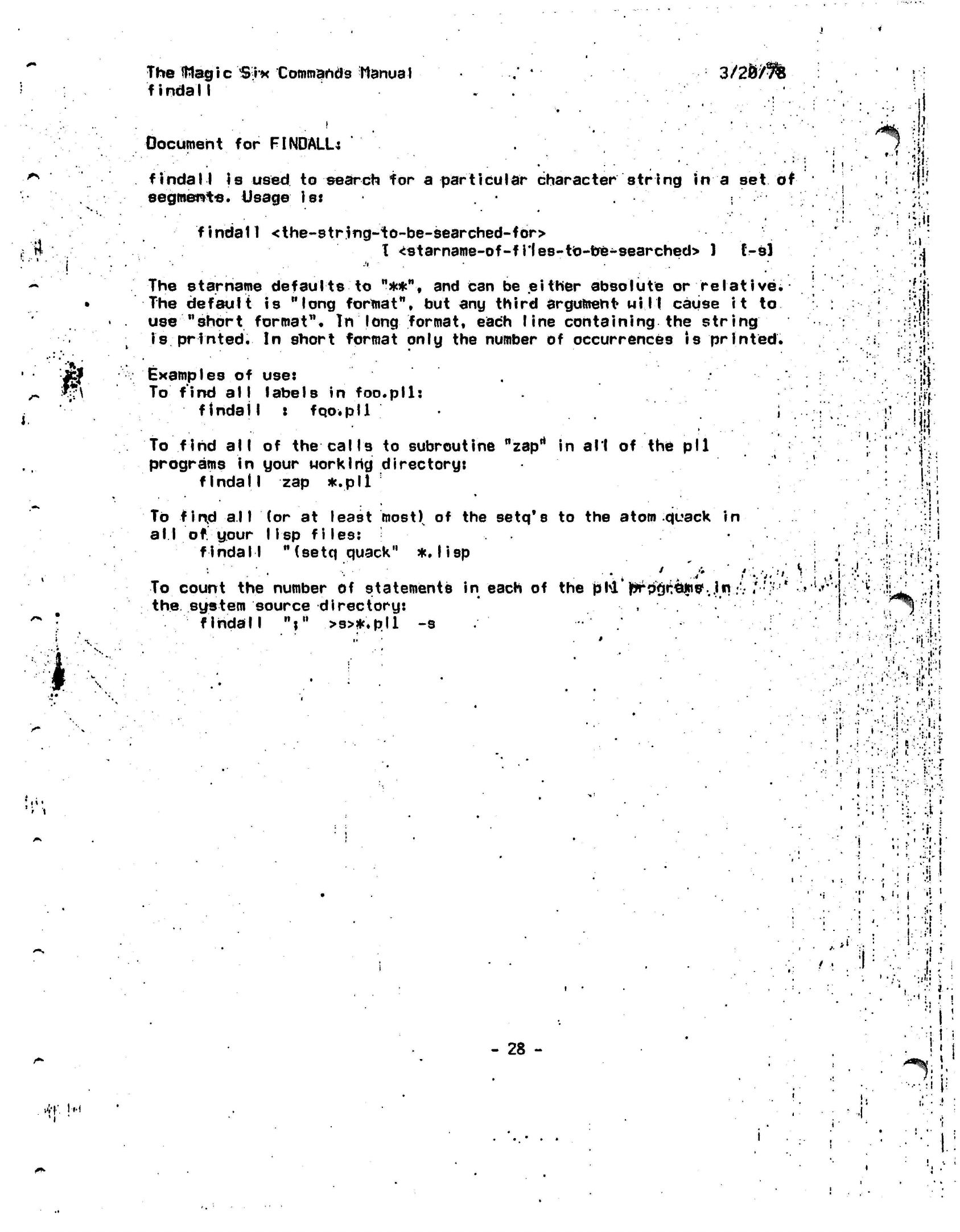
'I
•
The
IWagic Six
Commands Manual .'
*
3/2&/5%
findall .
Document for
FINDALL:
'•' •;?
findall
is
used
to search for a particular character string in a
set
of •
(
'{!'
segment-s.
Usage
Is:
j
findatl <the-str.ing~to-be-searched-fbr>
r »
I
<starname-of-f
i'fes-tb-be-searched>
)
C-sl
!
•
'
'
' '•
~
The
starname
defaults to
"**",
and can be either absolute or
relative*
i..i'
The default
is
"long
format",
but any
third
argument will
cause
it
to -.i^jj
use "short
format".
In
long format, each
I
ine containing
the
string
is
printed.
In
short format only
the
number
of
occurrences
is
printed.
.'•'•';•:.
. .
•
'•=•
'^ '*%•
.,
Examples of use:
.
j;j.
*\ To
find all labels in
foo.pll:
ji^
findall
i fqo.pll .
; . : .
!'
jji|
••'•'•••..'
.'i
"'••;
i
••'!, ••'
.v.
To find
all
of
the
calls
to
subroutine
nzaprt
in all
of
the
pll
(
•"
•
.
j-
programs
in
your
work Ihg
directory:
'
.
.
fIndalI
zap
*.pll
Hi
To
fin,d all
(or at
least most)
of the
setq's
to the
atom quack
in
__':!!
all of
your
lisp
files:
• . •.
..i
findall
"(setq quack"
*,
lisp
'
•}'
••••.•; :••• ••". :ri
•;
To count the number
of
statements
in
each of the
phi 'prV$i:e|n8\jn :•• /••;> •'•' ? if
i
^
'L^L
the system source directory:
, .
.'
' !*
' ,!i
findall
V >s>*.pll
-s
i
.1
I'M
• •:':'•
Jif.:-:
•
i'
•
(•':
X i
;,
i.
.;.
-
•
• • •.
i
',•
•»'
;
•
•
,
' •'.|
•
': ; ••.'
i-
:.:r:fj
«;
i ••'. !
!
•
if
>i :!
J
•jlii
'•
:
-
28
- •
'
I
—
i i
.
•-
•.'I
I?
;»
'!
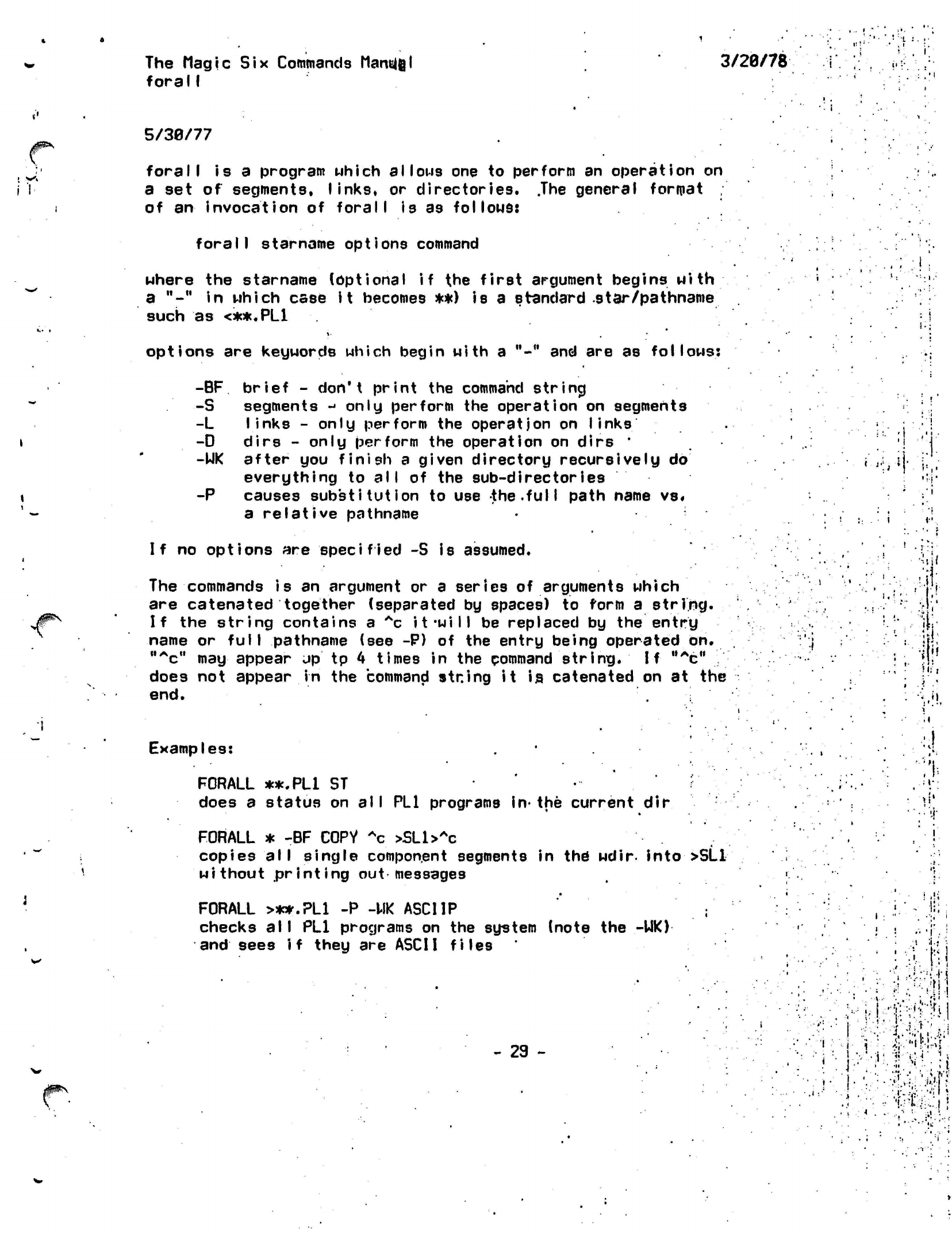
'1
: •
The Magic
Six
Commands
Mantel
forall
3/28/78
5/39/77
forall
is a
program which allows
one to
perform
an
operation
on
a
set
of
segments,
links,
or
directories.
.The
general format
of
an
invocation
of
forall
is as
follows:
forall
starname options command
where
the
starname (optional
if the
first argument
begins with
a
"-" in
which case
it
becomes **)
is a
standard star/pathname
such
as
<**.PL1
options
are
keywords which begin with
a
"-"
and are as
follows:
-BF
brief
-
don't print
the
command
strincj
-S segments
j
only perform
the
operation
on
segments
-L
links
-
only perform
the
operation
on
links
-D dirs
-
only perform
the
operation
on
dirs
*
-UK after
you
finish
a
given directory recursively
do
everything
to all of the
sub-directories
-P causes
substitution
to use
the.full
path name
vs«
a
relative
pathname
i i
.;
.• i
j|^N
If
no options are
specified -S
is assumed.
The commands is an argument or a series of arguments which
are catenated together (separated by spaces) to form a string.
If the string contains a
*c it*will
be replaced by the
entry
name or
full
pathname (see -P) of the entry being operated
on.
"^c"
may
appear
up
tp
4
times in the command
string.
If
0Ac"
.'.'•"
does not appear in the command string it is, catenated on at the
end.
M.
Hi'
Examples:
FORALL **.PL1 ST
does
a
status
on
al I
PL1
programs
in-
the current
dif
FORALL
* -BF
COPY
Ac >SLl>Ac
copies
all
single component segments
in
the
wdir-
into >SL1
without printing
out
messages
FORALL
>**.PL1
-P -UK
ASCIIP
;
checks
a I I
PL1
programs
on the
system (note
the
-UK)
and
sees
if
they
are
ASCII files
- 29 -
• '"•.
.••
.
•i.,',n i
'
|=;:!> ?jJ
'
• 4
'i
.
•'.
J
.
r
.
i
•V
•••
I
'.
•>:'.'
•••
i'
I
'
• "
•>..
"I
k',?
IL'irH
:r
.1
:'
TheMagic Six
Commands
Manual
he
lp
3/20/78
/*
<'*•
'.••'
?
*
help.pi1
**
Novices to
Hagicsix
should try
"help
Introl"
and "help
intro2V ' • !
help program looks upand
prints
the
documentation
on.
a
program
• '' ,
or
subroutine,
"help
tv"
will
print
out the
documentation
on the
tv
command,
for instance. Help
*
MI
11
print*
out
all
the
topics'on
which help
is
available.
Two other programs also make
use of the
help__files
"whatis"
which give9
a1'J
short
explanation
of the
program,
arid
"whoseis"
which looks
up
the
maintaiher
of the
program.
The data base
in
which
the
help
(and
whatis
and
whoseis)
program,
looks
:
is
kept
in
>doohelp_f I
le.
The
format
of.
each entry
is
as
follows.
(<name
of
program>
<pathname
of
documentation>
<maintainer(s)>
/
<dneliner>)
The pathname
can be one of
three things.
Da real
pathname.
2).
the
word "none"
meaning
that
the-one liner i9
the
only
available
documentation
and
that*
it
should
beprinted
out.
,
3)
the
word
"doc"
meaning
use
M>doc>name_of_progr.am.doc"
as the
pathname.
Since many programs have alternate names
the
number
of help/f'J
le.;
entries
can be
minimized
by the use of
the.
assoc_table.
•
This
is a
file
containing
a
list
of
associations
to be
made between what topic help
is
needed
on and
where
the
help
can be
found.
The
format
of the
assoc__table,
which
Is
in
>doc>assoc_table.
Is
very
simple:
[<hame>
<name
of
help entry>]
!.,:•
• ' " '
!»
•
t
•.'I
- 30 -
'
M
'•
<h-:
il
The Magic
Six
Commands Manual
ieh (>tools>
3/20/78
or
Ieh
scan
ieh
load
dnameh
enamel
...
i-.
i
•
>«!
These programs provide
a
facility
for
scanning
and
loading Magic
4
or
5
standard
IEH
DUMP tapes,
To set up the
tape stream type:
io attach tape
si
mt_io ta^e
ieh load takes arguments like those used
on
Magic
4
except
that the
Magic
Six
star convention
is
used (thus
**.pll Mill
Work).
All
letters
in requests
are
upper cased
but the
fi.le
names
are
lower cased when
they
are
loaded. This
is
probably
the
most convenient
transformation.
The Magic
4/5
directories
are
turned into
subdirectories
of
the
current working directory.
Example:
ieh load
zing_*:**.pll
zing_#:*
zingjKt*.sysin .
might create the
subdirectories zing_a
and
zing_b
in the
current
working
directory and load the
appropriate fijes
into
them.
•
t,.
i.
':"•(.
I
'. I .
I
'
>
*
"*j
->•'
/ •>
m
,
v:
i'i
.!;••• !
'«'••
*•.-••••
.•.••:,,:fi.«!;-i!
a !
".
f'
•
> , •:. .V1 ' I • | f
f
I,-I
- 31
-
"H
.
i.
.-J
•i •.•«
/>«•>;
lis:
••:.•;
.
?J i
•• .
j
.

The
Magic Six Commands Manual
iehlist
'
imm
The IEHLIST command does
a
cheap
version
of the
Magic 4
IEHLIST.
It prints
out the
name
of
every file
in the
file system,
by
recurslng
t
f
rom
the
root.
Files dire
indented
if
they
are
contained
in a
subdir.
•
•}
t.r,"
/^9$\
',';':
,
1
f
I.
•••\
.:
'7.'"'
;>\i
•'•':',. -:; :' ^!,
. '
•- •:.;
!i;-!
.-•••••.
'• •
"r4
.
-...- •••• v
•
•:>./!!•
Mr
•: i.
t:
i.
.
. ! .
•
i.
I
•
ilri
1"!
!
',
Hi'
4.
I,
•ill
•
v.!'!
.
V'i
••]•;.{
I
V
*.
»
i'V..
Jilt
- 32 -
'
I1
r U
»•.'..'.••••••
J
.
>..t
i-
•••
-
<"*
s
I;
•; .
1-
f
.1 !'•
*
:•:•
%.\-
i'.
/
.
•*t
H
The Magic
Six
Commands
Manual
3/20/78
inquire
Inquire prints
out
useful information about people known
by the
system.
It optionally
takes
one arg
which
is the
user
id
to
lookup (default
te
you)*
If additional arguments
are
present these
are
interpreted
as
special fields
which
are
individually
looked up.
•
This information
is
kept
in
>doopeop1e>foo.doc
where
foo
is a login
id. There
are
only.a
few
requirements
as tq
the format
of
the ff
Id.
.
1) Each topic
is delimited
both before
and
after,
with
a
double
CR.
2) Each topic
is
headed
by
its
name
followed
by
h: ".
For
an
example
see
>doopeople>exatnple.doc.
Currently
inquire knows
about
the
fields
name.nick_.name,
phone, address, last_logout
and
hacking.
Good
luck.
- 33 -
1 :
.'
•v I
•
I.
•t
<
.1!
. '
\l
. t
I
}
I
!
:' *
c
.'ill
'
i.
: t
.>»
•
i
:! • ! T \:''•'•,
'
.
••; •••:•••:•!•
. !
, .f.M
<
•:^;f
•
•if.-';
ill
< • .-.
••
-:••;;
i
f:-m
I
is.
•••:):•;
til
:.
i.'-l--.-
V5:':•;•;.•'•";•'••.
y\\i)r:i
-••••. •!'•..•!
•••.•;»:!•;••.••
i
• ,'
•
.
• • ••;l '
• !
'•
H-.--.-ffl
r
I
••:•• .'- :••'!! i
.v.'
:••!•?'i
.•
1
•. • i
I
V
\
>:•
»*.»•
••*,
t.
Hi?
The
Magic
Six.
Commands.
Manual
3/20/78
_
<
!
io'-
fti-t-l
l.i
ty command)
j;
•
The lo
command a
I
lows
a
number
of
io
system requests
to
be performed
at command
level.
These
Include attaching,
detaching,
and
many
I/O
and
order
calls.
The
basic
synta*
is:.
..',-.
io request stream options
'
'
The various
forms
are as
follows:
•.*'<*
»
L
.
A-
< ,-f.:r»iii
io attach stream mode
attach_string
•
••:•' •'!
6.••
•;:<::i-
to detach
stream
* *
•
lo
order stream
request
io
get
stream
nbytes
io
put
stream*nbytes
*
get requests
input
from
the
terminal
while put sends
ascii
to
the
terminal.
'»•
i
-
l :
.
f /'.
.
'
•
;-:>
[:
'"H
.
• • . .
:•:..', :;.:•;.
<::•';'*
,
•
. ••;•-• •.••
,-;.;;••{!•
* ••••••.••••••.. t -.j
.•'••;••.•*•!:.
U;>'v
.'
•
• '
•
•-:• •
... • •••.
;•:-• •;
'']
i
'•'.; ':
•
"' •"•::
*
.Tiii-i
i
.:
«••'
:• '
"I
i
••-•' •' = /' '•••,';.''
•
- ...
A
.
••<i;
•. ;f
.
• .
..•-: f .....;•: --r ..•''*
.
- • ••
••• •-,.••••' *-:•.
,:
'v
••
..
••••»:
••.r;-;';:;if.1
:
.
.
.•'••:•
..
••
\»
->:;
i
j.
" .'•"•••
'•
••'•''•.'•'
' ;
-j.
•
'
•:.
.
;
•
>.i
,-!
1.
-*;
I
• •
.••.'"•.•'••" :.•:'•;!
f
i.
:
-
34 -
If
I'fii
i
i
• •
••'I
.!«•
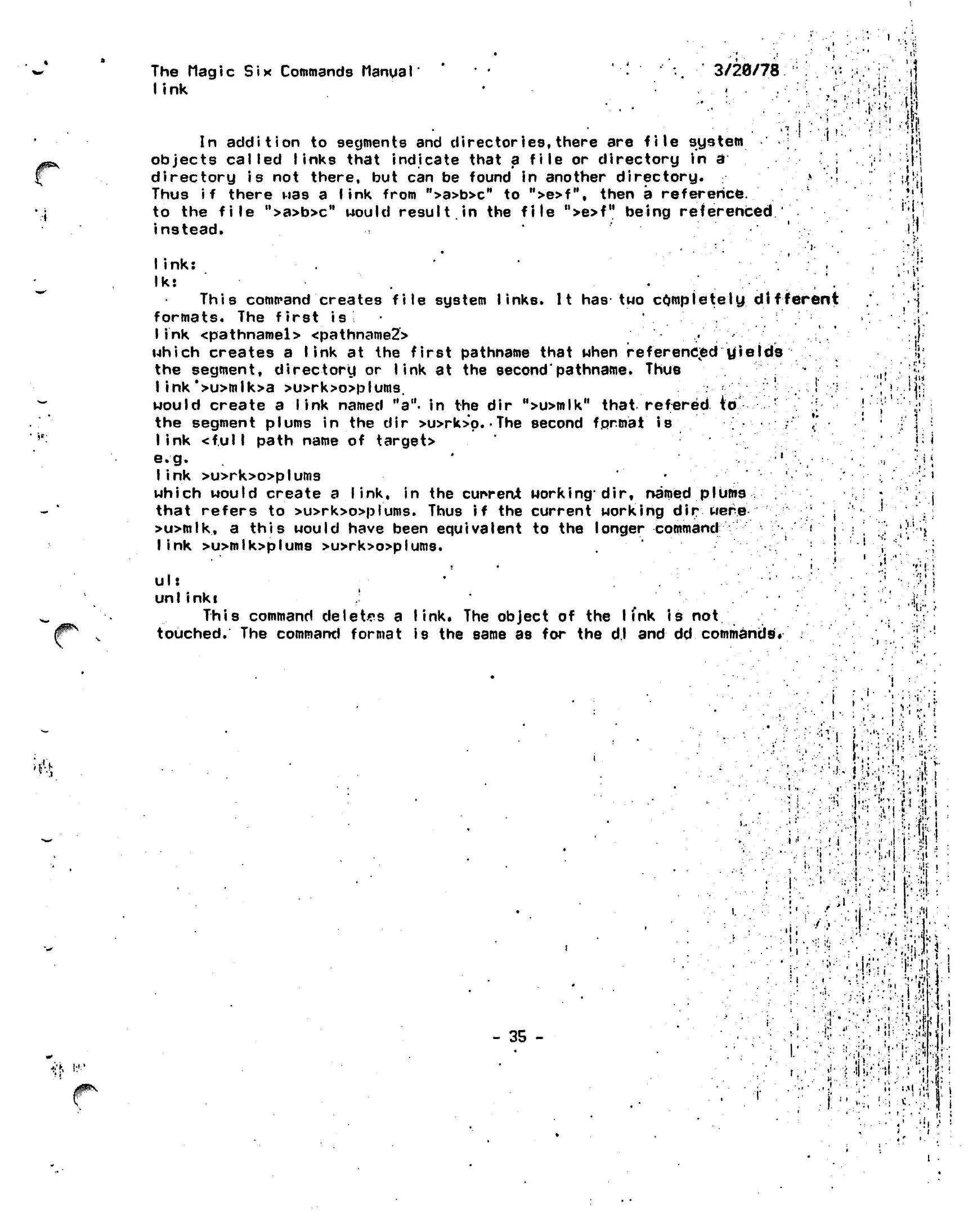
The Magic
Six
Commands Manual
link
3/20/78
In
addition
to
segments
and
directories,
there
are
file system
objects called
links
that indicate that
a
file
or
directory
in
d
directory
is not
there,
but can be
found
in
another directory.
Thus
if
there
was a
link
from
">a>b>cM
to
">e>f",
then
a
reference,
to
the
file
">a>b>c"
would
result.in
the
file
">e>f"
being referenced
instead.
j~-'
•i•;
•
4
;l i
)«•'
Ii
nk:
' .
Iks .
This
command
creates file system links. It has two
completely different
formats. The
first
is
•
link
<pathnamel> <pathname2>
• '.
which creates a link at the first pathname that when
referencied yields
the segment, directory or link at the
second'pathname.
Thus
I ink*>u>mlk>a
>u>rk>o>plums.
.
'
i
;
would create a
link
named
"a",
in the dir
M>u>mlk"
that refered (o r
the segment plums in the dir >u>rk>p.
•
The second
format
is •;•"'
*'
link <f.ul I
path name of target>
e.g.
'
:;,-:V
link >u>rk>o>plums
*
which would create
a
link,
in the
current
working*
dir, named
plums
that refers
to
>u>rk>o>plums.
Thus
if the
current working
dir
were
'
j
>u>mlk,
a
this would have been equivalent
to the
longer
command
•'•'»'•
<
link >u>mlk>plums
>u>rk>o>plums.
ul:
unl inki
,'
This command
deletes
a
link.
The
object
of the
I (nk
is
not
touched.
The
command format
is the
same
as for the
d.l
and dd
commands*
• • i
•!: '
i
. •'!.
t
.'I..
'•I
.
')
.
iil
I
»
1 II
i '"
. •
i
'";
. •'••;'* )
,,l
ir.
.•
: •'.
.
•!'
- 35 -
i •
;
i > i "• i
(
Y
.'
":
.-
• .;;
1 •
.
,
• •• •
-i •.* 4 -'
• •
;,'
1H
••:pjv';..'|!--VM:^'
i
:'i::.y:::
.':•;
>••
a
•M
• •'
,. •
I.I.
;f
: I
.
i
• '
.-<<•'.
i
.«
y
*'
>•
.i
j.
:'. w
I.
'••,. ;.• ;;;!:, ;,.'•.•!.• :.:i
I ' *• -•. i . • . J •. *l
••.••.
' il.ri •
!'i;
^il!
f
1:
'!!.
i.
;.»l
.'i.!
l /--,
> •
I
.
i •
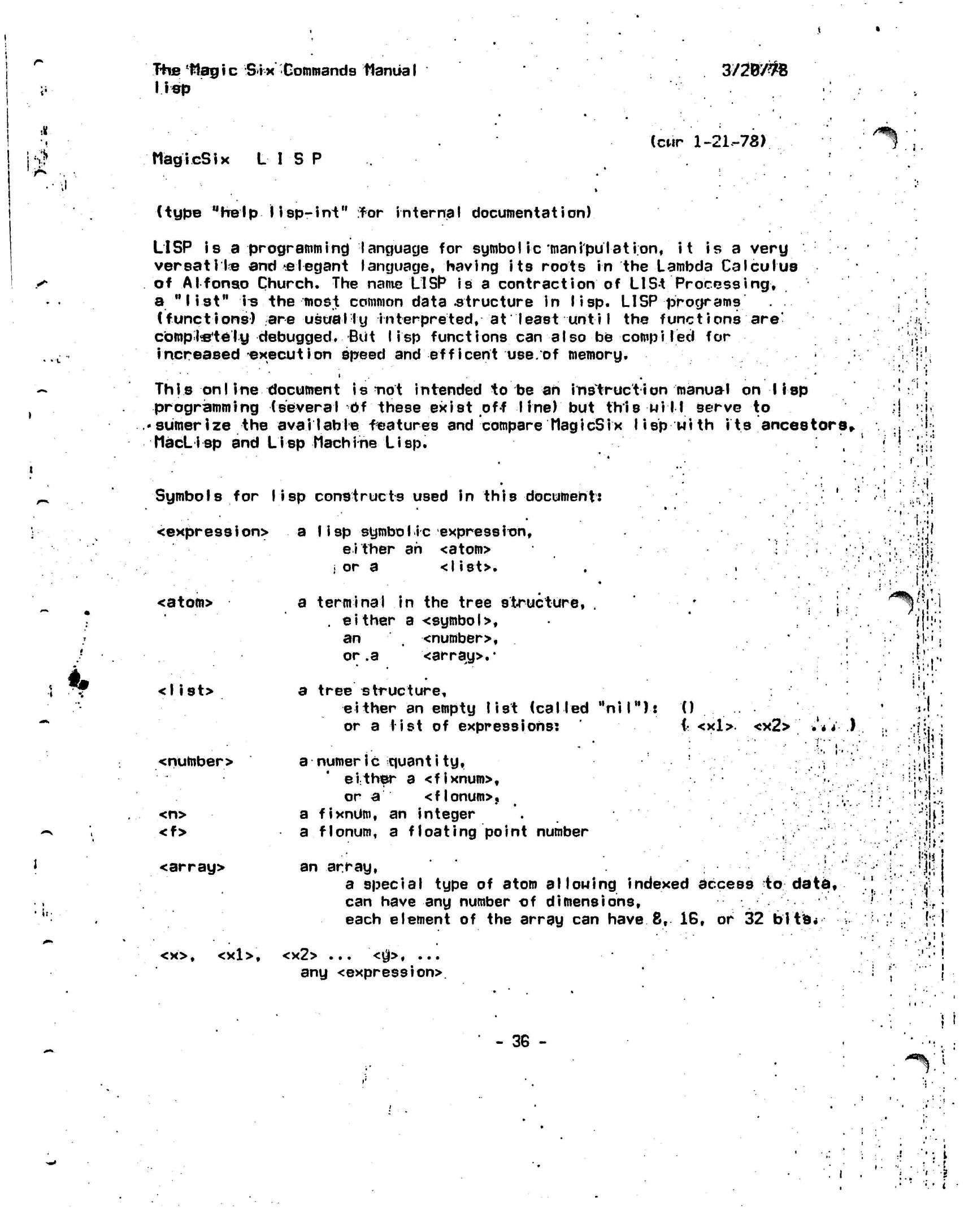
The
Hagic Six
Commands
Manual
lisp
3/2W#8
MagicSix LISP (cur
1-21.-78)
/S%
(type "help
lisp-int"
rfor
internal
documentation)
LISP is a
programming
language for symbol ic
manipulation,
it
is a very
versatile and'.elegant
language, having its roots in the Lambda Calculus
of Alfonso Church. The
name
LISP
is
a contraction of
LISt
Processing,
a
"list"
i^
the most common
data-structure
in lisp. LISP
programs .
(functions) are usually
interpreted,
at least
unti
I
the
functions
are'
completely
debugged. But
lisp
functions can also be
compiled
for
increased execution speed and efficent
use.of
memory.
This on I
ine document is not intended to be an
instruction
manual on lisp
programming (several Of these exist off line) but this
will
serve to
• sumer
ize the
aval I able
features and compare
MagicSix I
i
sp
wi th
its
ancestors,.
MacLisp
and
Lisp Machine
Lisp.
Symbols
for
lisp
constructs used in
this
document:
<expression> a
Iisp symbolic
expression,
either ah
<atom>
i
or a
<list>.
<atom>
<list>
a terminal in the tree structure, . • • *
'• ,
.
either
a
<symbol>,
an <number>, •
i-
or
.a
<array>.*
a tree structure,
either an empty list (called
"nil"):
0
or a list of
expressions:
(• <xl>.
<x2> ••'•* *.)
<number>
<n>
<f>
<array>
<x>,
<xl>.
a
numeric
quantity,
.
i
either a <fixnum>,
or
a
<flonum>,
a
fixnUm,
an integer
a
flonum,
a floating point number
an array,
a special type of atom
allowing
indexed access to data,
can have any number of dimensions,
each element of the array can
have
8,
16, or 32
bits*
<x2> ...
<$>•
...
any <expression>.
,.' •
- : •
'
.
.'
;
,
»
1
j
| '
•!
>
J
t f
''. '\>
•
/•
I !
•
t;*
•
.; •:
••'#•
•'•#
•
••
!
"i-,
•
::
>i!
,
,
1
•
1'
1
'
1
. f
- 36 -
'
•
i
•i i
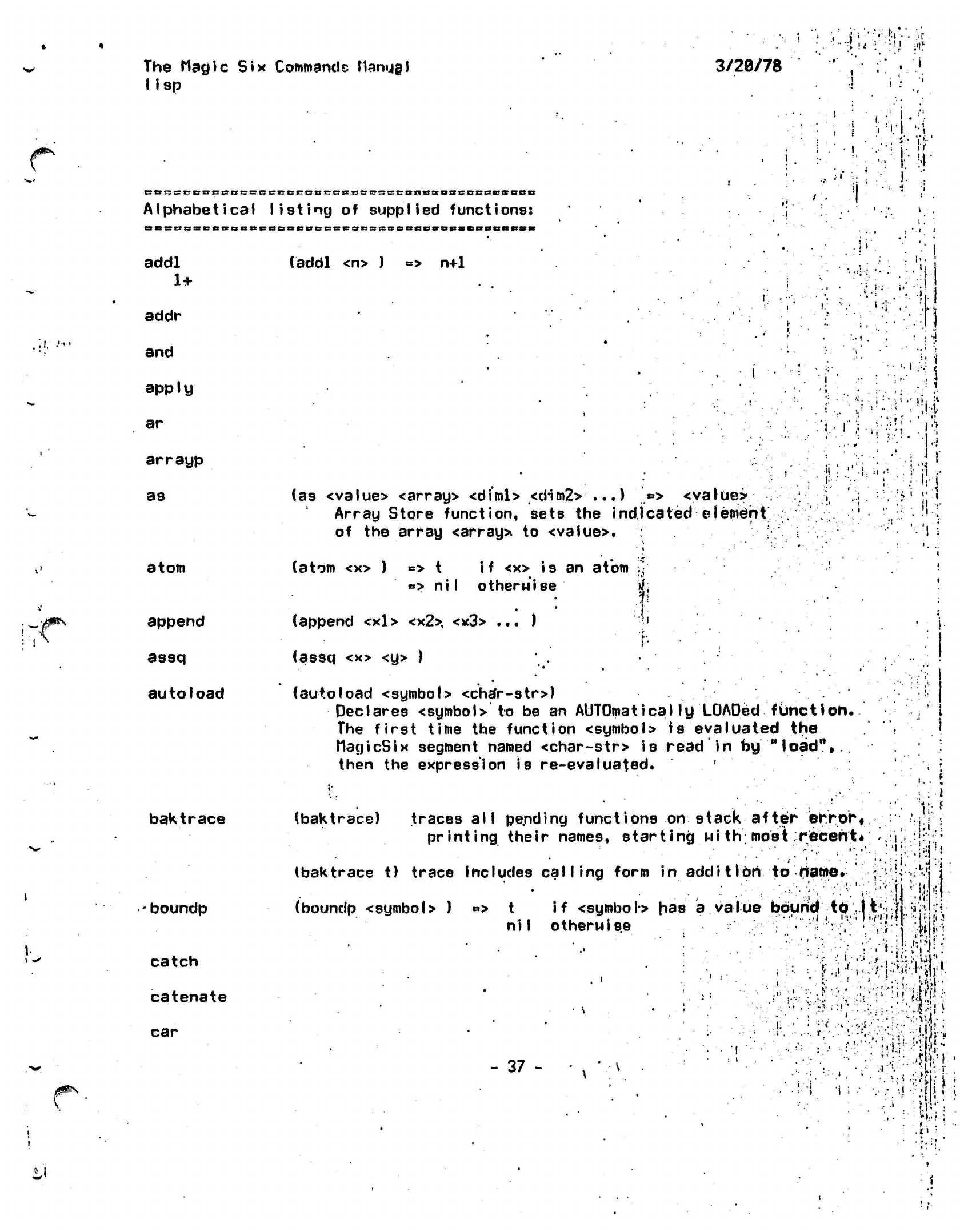
The Magic
Six
Commands
flamjgl
lisp
3/26/78
• '
•
'*• •'• , 'i
!
„'
.1.
CBssccocnscBeccccaccBiiaccsseanssBScscQcaBSD
Alphabetical listing
of
supplied
functions:
BBBBciieBBBaBBSBBeiiecBesiissBeaflsiBSHBaDaRM
addl
(addl <n> )
=> n+1
1+
addr
and
apply
ar
arrayp
as
atom
append
assq
autoload
baktrace
boundp
catch
catenate
car
;
I
•
J
I
<
i
(as <value> <array> <diml> <dim2>
...) '*> <value>
:
j
Array Store function, sets the indicated element
.',.
of the array
<array>
to
<value>.
i
# • .
. •
.
*
«
"'..•'
(atom <x> )
B>
t
if
<x> is an atom
•
»> ni I otherwise
if;
.V-
f
(append <xl>
<x2>,
<x3> ... )
";•>
.
V
. •
I"
• •
(assq <x> <y> )
•• ...
(autoload <symbol> <char-str>)
Declares <symbol>" to be an
AUTOmaticaIly
LOADed
function.
The first time the function <symbol> is evaluated the
MagicSix
segment named
<char-str>
is read in by
"load",,
then the expression is re-evaluated.
'
'-.•:•.••« 31
: -i
:" •/' •'
<!i
,il
:•! ,,-i
Ji
(baktrace) traces all pe.nding
functions
on stack
printing their names, starting
Mith
after
error*
most.recent*
...
»
\ f
• •;•'! i
.'I
-
i
•
(baktrace t) trace includes calling form
in additIon to
name.
(boundp <symbo
>
)
«>
t
if
<symbol>
has a value bound
to
li'i
niI otherwise •-
•'••
h'.
. '•!.
•.j
•..
•
• • > • i •
.iii'
i •* 11
I •• • •.
-H.
- 37
- -:• :
I'M-';.
".•I':
•i
••
•J
i ;
.
. #
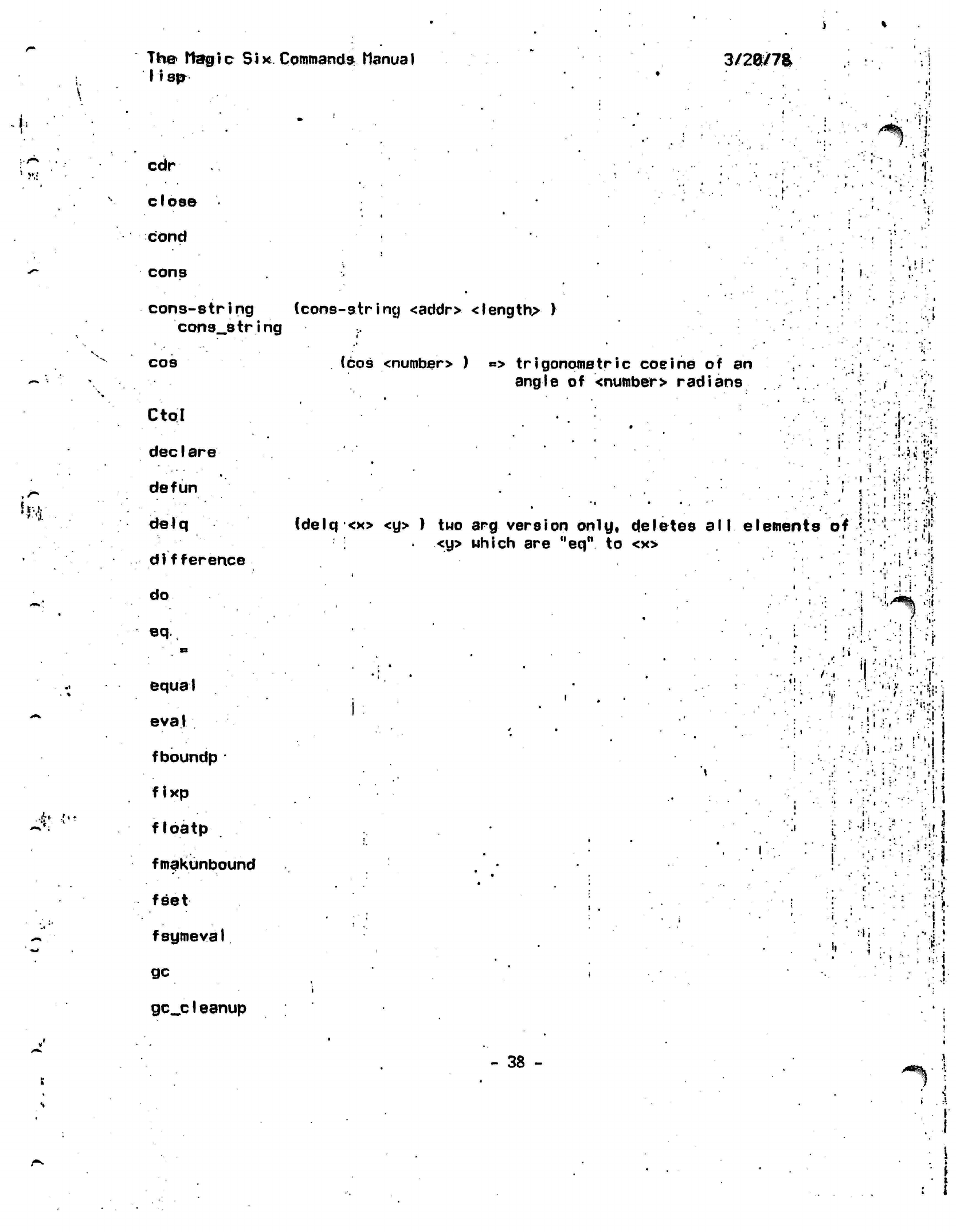
Th© Itargtc
Six Commands
Manual
11 sp
3/2a/7a
*•
M!
»* •.';
cdr
close
cond
cons
•)'«•
:).
i
'I'i
i.
i!
'
cons-string (cons-string
<addr> <length> )
cons__string
cos
Ctol
dec
I are
defun
delq
di
fference
do
eq
•1
•
*
k
•i •'
fc
equal
eva
1
fboundp
•
fixp
floatp
fmakunbound
feet
fsymeval
gc
gc_c1eanup
(cos
<numbsr>
)
«*>
trigonometric
cosine
of an
angle
of
<number> radians
i i
(delq
<x> <y> ) two arg
version only, deletes
all
elements
<y> which
are
"eq"
to <x>
of
.
i
.
-1
•
•:"
'
i :.
i
iJ
"i
i.-
V!
M'
•••••.. :
:
rr
••:-[•.
... •
••>:•'«.-i
•
i
• ••
i
,.i:
•••i;
' !
I
»
•"v!
.!;i
-:•'. II
n
••; i
••;
>•
I
:
i
: •
%•'
!V-
i
,
*
I
- 38 -
^%'
1
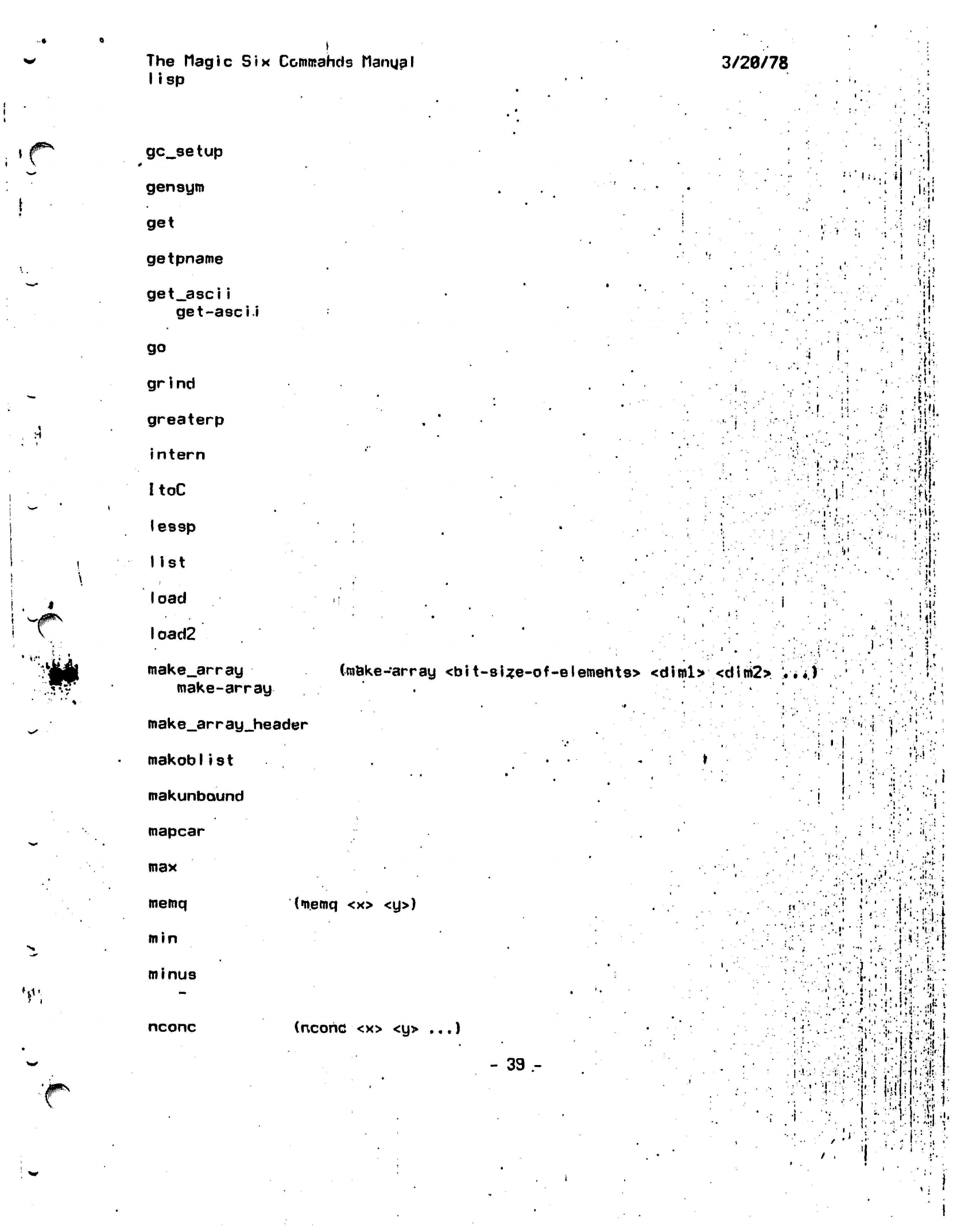
The
Magic
Six
Commands Manga I
lisp
3/20/78
/jF"*
'0*^
u
gc_setup
gensym
get
getpname
get_asci i
get-ascii
go
gr
i
nd
greaterp
intern
ItoC
lessp
list
load
I oad2
make_array
make-array
mak
e_ar
r ay_header
makoblist
makunbaund
mapcar
•
i
!••..:«
<.
•»•
(make-array
<bit-sUe-of-elemehts> <diml> <dim2> V
•'*.)'
'!
i
•:]
i-!i
'"\
1
•
V:.
--•"•I
:
•Ml
m
Mi
V
t
{••-
'.«,
i:
i
'^
max
memq
min
minus
nconc
(memq
<x> <y>)
(ncohc
<x> <y>
...)
- 39 -
•
,:>>..•:
;":;!•.'.:;
' '••', *"• "•,'••••
•
".'•
i.-,
.J....
..•I.
;
-r-i
•••
!••.-..
vT
';. '
:»>.
';. ;;
1,..
'•
X:
•?•,]..
J
Ui,#:
>•
•! ; •• * '
l'
.Ml.
'I
.
•I.-T
:• !::J:l •'•
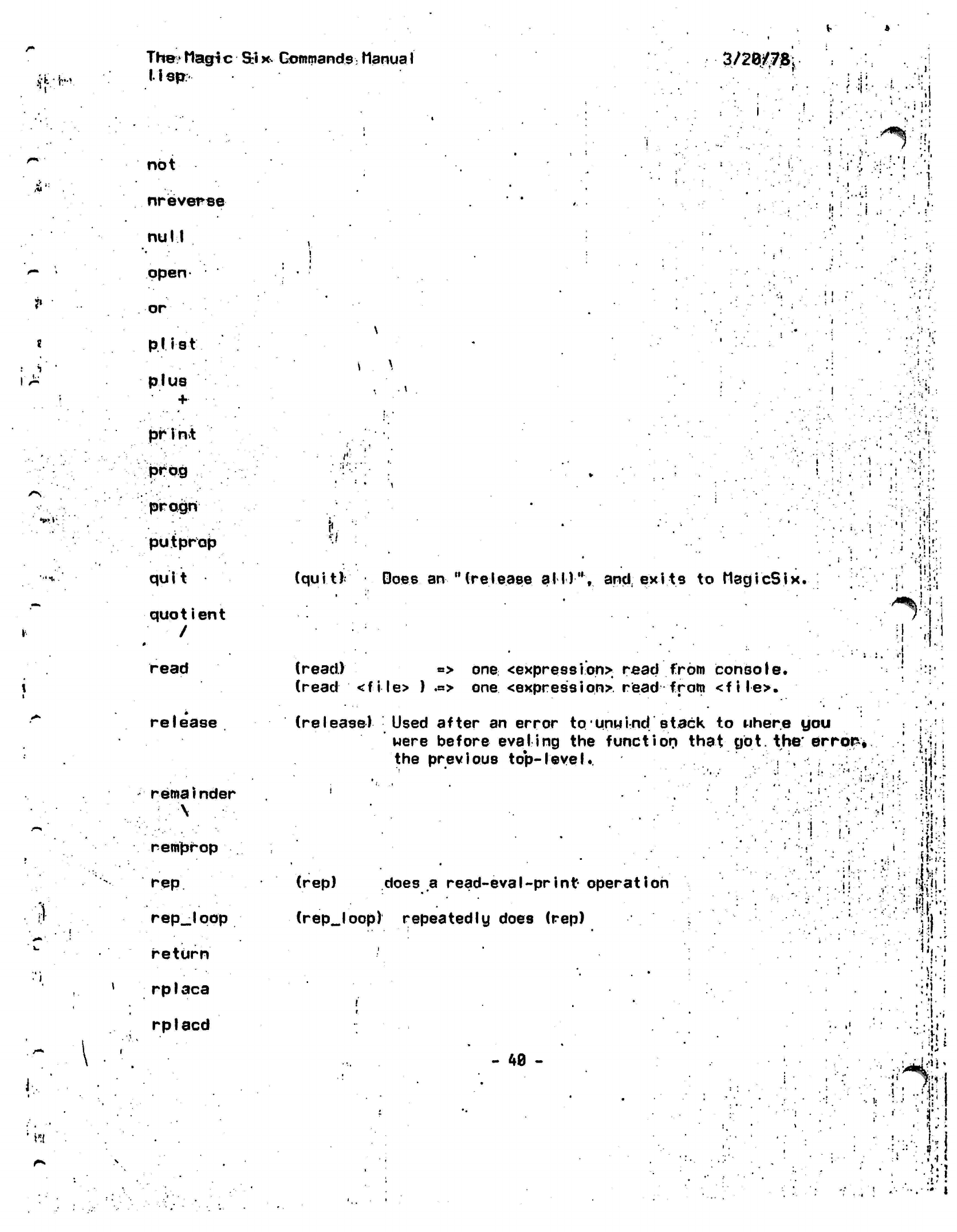
The;'
Magic
Six.
Commands:
ManuaI
lisp:
3/2G/7S
f
: 1
1^
V.l;
not
nreverse
null
open
or
prist
pi us
print
.'.prog
..'•
progrt
pu.tprop
quit
quotient
/
V
i
,
i
<q
• •
read
release
reroai
nder
•
.
A
remprop
rep
rep__lqop
return
1 rplaca
rplacd
»i:
.
i
\
\
'»'*
":.t
(quit)
Does an
"(release
all)",
and exits
to MagicSix.
(read.) => one <expression>
read from
console,
(read <file>
)
.=> one
<expression>.
read from
<file>.
(release)
Used after an error
to*unwind
stack to uhere you
were
before eval
ing
the
function
that
got. the'
errors
the previous top-level.. '.'•, .
i
:i
I
i
(rep) does a
read-evaI-print operation
(rep_loop)
repeatedly does (rep)
- 48 -
:."i
'I
P
'"%!•
!i'
.•)j
i
:
••
1:
\'.l .1
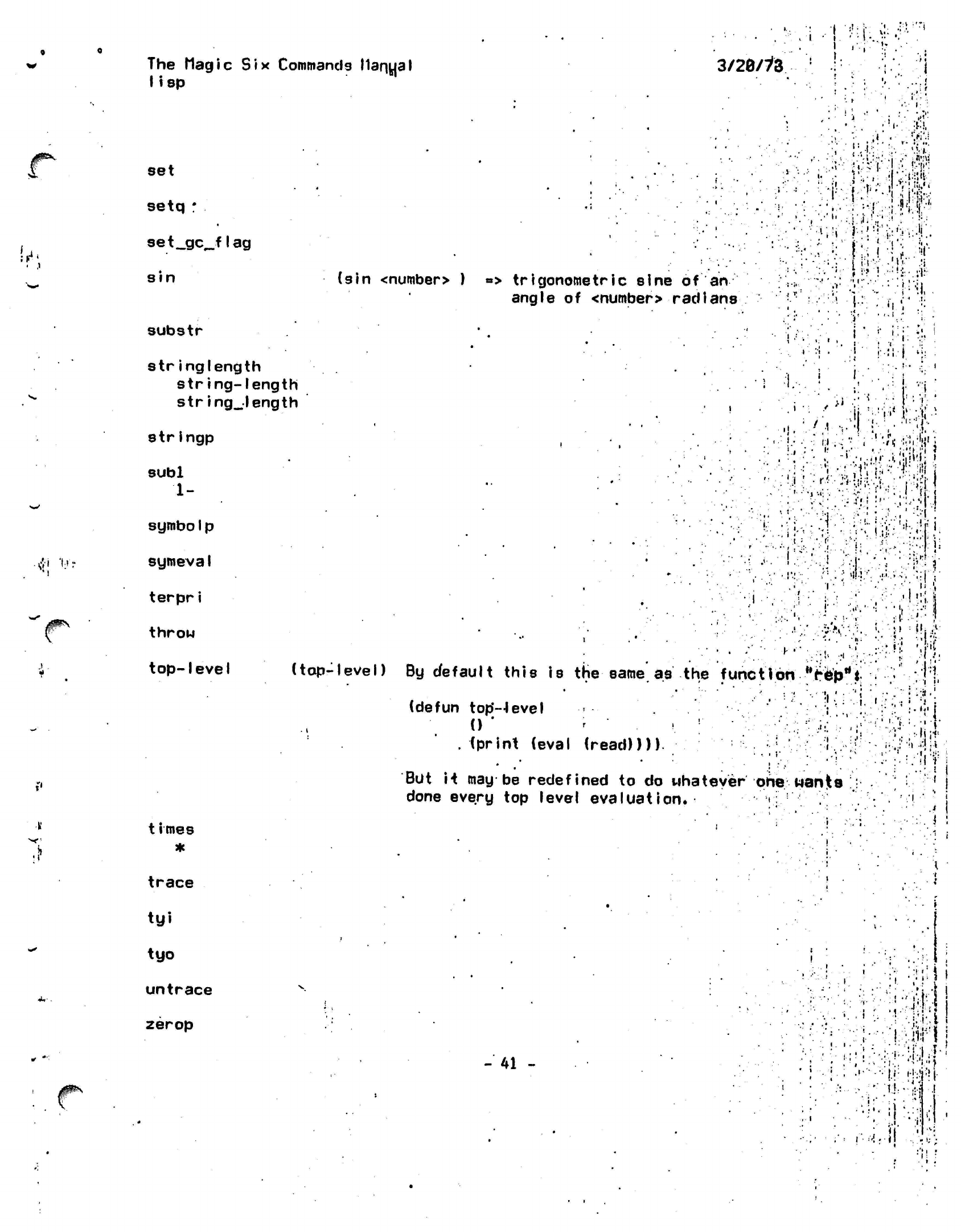
I
•
i
J1^
w-
rfi
'»•<•:
,jf»\
The Magic
Six
Commands
Manual
lisp
3/26/iZ
set
setq :
set__gc_flag
sin
substr
stringlength
string-length
string_length
strIngp
subl
1-
symbolp
symevaI
terpri
throw
top-level
(sin
<number>
)
*> trigonometric
sine
of
an
angle
of
<number>
radians
:-i-:,:H
.•,
•
'.•'•• •• '•'•'•
••• •:,<
• •'.•:•:•
j
/ tm
• •:.•!•• ^jA
I-
. •:
!:-'!!'-
•:':;••
i\rdnt*
.:••'•• ••::•; i •;
.'«!"
•••.VI
n-;
-•
)
- .--i
i
.1
t
i mes
•i.:..'-i
•,'••!
[•••.•••\".j,\
.: i
••J-
%,!Ji.ir.i:;;!.j
.''••"'iwiv.
•.•••>••.•
;•;:,,
fjV|
V'. '•••'
=
!-j.";-.
;•••*••" ::•••',' -I !
if-'.
•:
•?.:
•
:V.
I:!:;
*.' ••
:;;r?
•lj
I
if
(top-level)
By
default
this
is the
same'as
the
function ,'r6prtt
••..!'/•• "!| '
•
(defun
top'-level
;
.
0 '
r
' '.
; ' •••''•• :;•:
A'
'
.
(print (eval (read))))
: "
*
•
•
i ..
.',
-
* "
•'.'.••
But
it may be
redefined
to do
whatever one
wants
done every
top
level
evaluation.
i
•I.
•
I-.
•
.
•'
'
i-
i-••:,r
•-••:.•:. i :
trace
tyi
tyo
untrace
zerop
-41 -
•
'
•: :-•.:•
•••M..-|
I
;• ••'-; •;.'i:.t
!
• • ••:
.
. •*
i.
> i
*
;••:••
i-.iir
|
•':.''• •.•,'•'1 •!•
! '
•••••
''/li ;;
'
,
.!•'•••.
}/:
ilM'ii.
i
••>;.•••
/:•• :• ';
I)-
U .f
i
1 <
•
I;
•
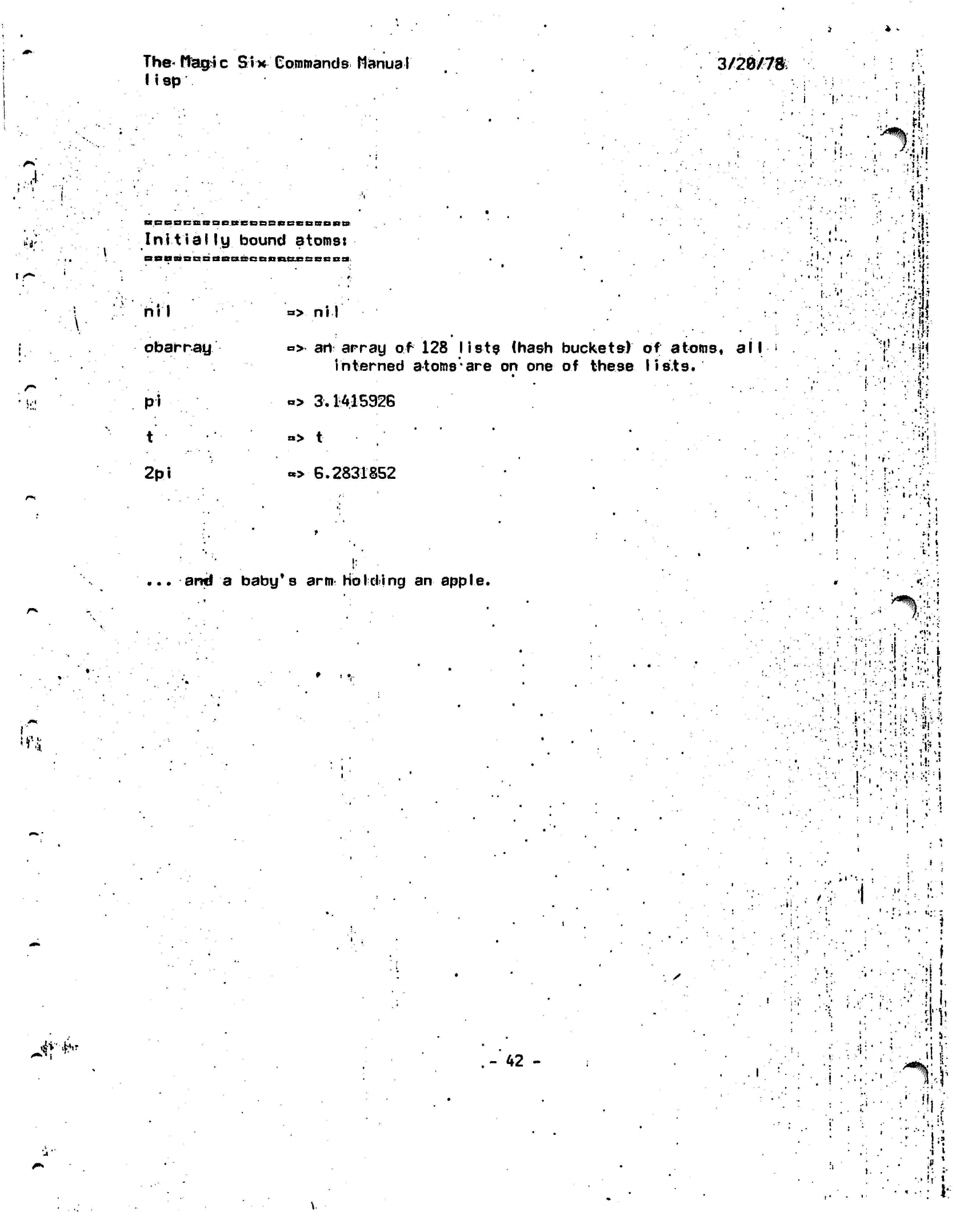
J
M'
\
The-
flag i
c
lisp Six Commands ManuaI
3/20Z7&
Initially
(COOCBBCDSBRD
bound atoms:
Da«BBBnaBBaonnnBcsseB»
•
W
nil
obarray
Pi
»
ni
I
» art
arra^
of
128
lists
(hash
buckets) of
atoms,
all
interned
atoms*are
on one of
these
lists.
«
•>
3.1415926
i '!•
ii
!
i
'
j
r
.'
i
• '
1
:
rti'i
...
-
•'•'$•
.»•
•.
•••
••
ii««
'.
:'•:•
^ii:
I •
i.
:(!
c
.
I.
m
t
2pi
.>
t
»>
6.2831852
...
and
a
baby's
arm
Holding
an
apple.
i *
•;.
'r
•
:: \
»
t •
•
. !
•i
•»
h
*„••
!^
•
! .,.
•-
••'
I
.
•'•>•
•••••!'•.
!.T.
?•
!
•
' •
;,
' •'•. :;
•
ii--
•;
i*
' * *
•:.
¥<!'
, \
'
•••
••
i-
.-t
i
:.'
';
Vi
; v;
'• -•••. |t
|
.-
42
-
.ii
.
i
1
•••'••'.
•
*
.-;;-•••
! i,
:;••-:.. iT
•
•
' *t
i
J
;..-•• j?i
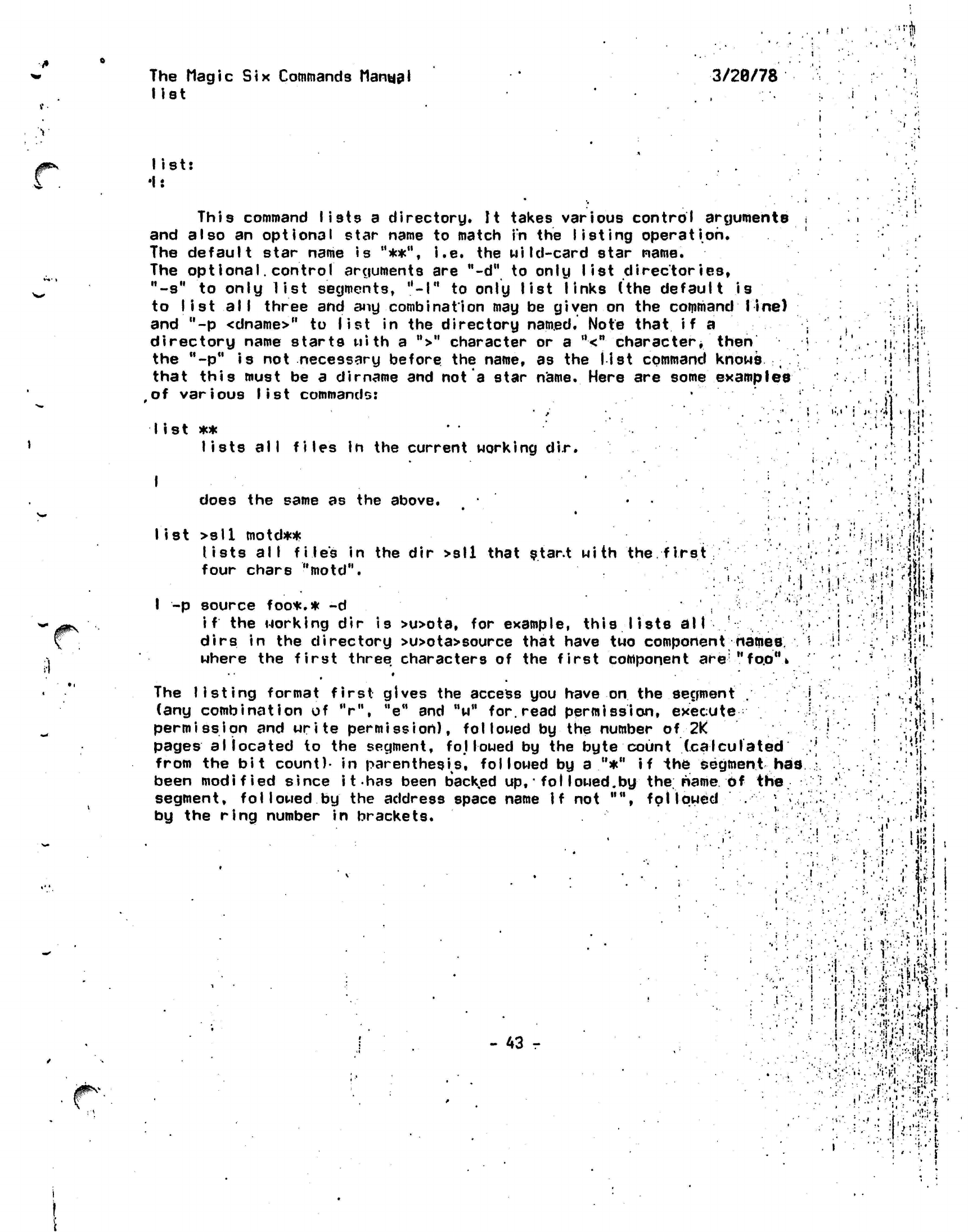
f
I
•rh
The
Magic Six
Commands
Manual
list
3/29/78
•i
.
v
list:
•I:
This command lists
a
directory.
It
takes various control arguments
and also
an
optional
star name
to
match
in the
listing
operation.
The default star name
is
"**",
i.e. the
wild-card star name.
The opt
I ona I.
control arguments
are
"-d"
to
only
list
directories,
"-s"
to
only list segments,
"-I"
to
only list links
(the
default
is
to
list all
three
and
any
combination
may be
given
on the
command line)
and
"-p
<dname>"
to
list
in the
directory
named.
Note
that
if a
directory name starts with
a
">"
character
or a
"<"
character*
then
the
"-p"
is not
necessary before
the
name,
as the
list
command knows
t
that this must
be a
dirname
and not a
star
name.
Here
are
some
examples
of
various list
commands:
J»
• '•'
I ist
**
' • '."'.-
lists all files In
the
current working
dir.
••,'
•;
i !
'i;:
.}'
.! ;
'i
.••••)
•tl!-.
«•
i
t
•
I
does
the
same
as the
above.
list >s11
motd**
lists all file's
in the dir
>sll that star.t with
the.
first
four chars
"motd".
I
-p
source foo*.*
-d
if
the
working
dir is
>u>ota,
dirs
in V
where
the
oo*.*
-d
orking
dir is
>u>ota,
for
example, this lists
all
the directory >u>ota>source that have
two
component
e first three characters
of the
first component
ere
»
ftatnes.
"fo.0%
The listing format
first
gives the access you have
on
the segment
.
(any
combination
of V",
"e"
and "w"
for.
read permission,
execute
permission
and
write
permission),
followed
by the number of
2K
pages allocated
to the segment, followed by the byte count
(calculated
from the bit
count)-
in
parentheses,
followed by a "*" if the segment
has
been modified since
it
has been backed up,
•
fol
lowed.by the. name of
the.
segment,
followed by
the address space name if not "",
followed
* •
,
by the ring number in brackets. .
; ' .
11
!
(
• •."!•'!•
- 43 r
t r
*
.
4'
«',
•''•;•?;-if
..t
i*
•
I
ff,.
J;l.
'•''
i'
'
-il
-
I
-.'in*.'
•.
<
U:
Wl
'••••
.!•.•>•»
;'?''.
::
<•.
' •-•'
;i'{ii.!^:i
!•• .r
K-Ktf:
.'••
•:*>,
#1
:
U
••;•'• WV ; H
•'
•'•'5:;/J
:•'•*»
.)
•
:.':,-!!!.«-v.,-;.t;j
••• ••
N':|
•.
;' •:
i
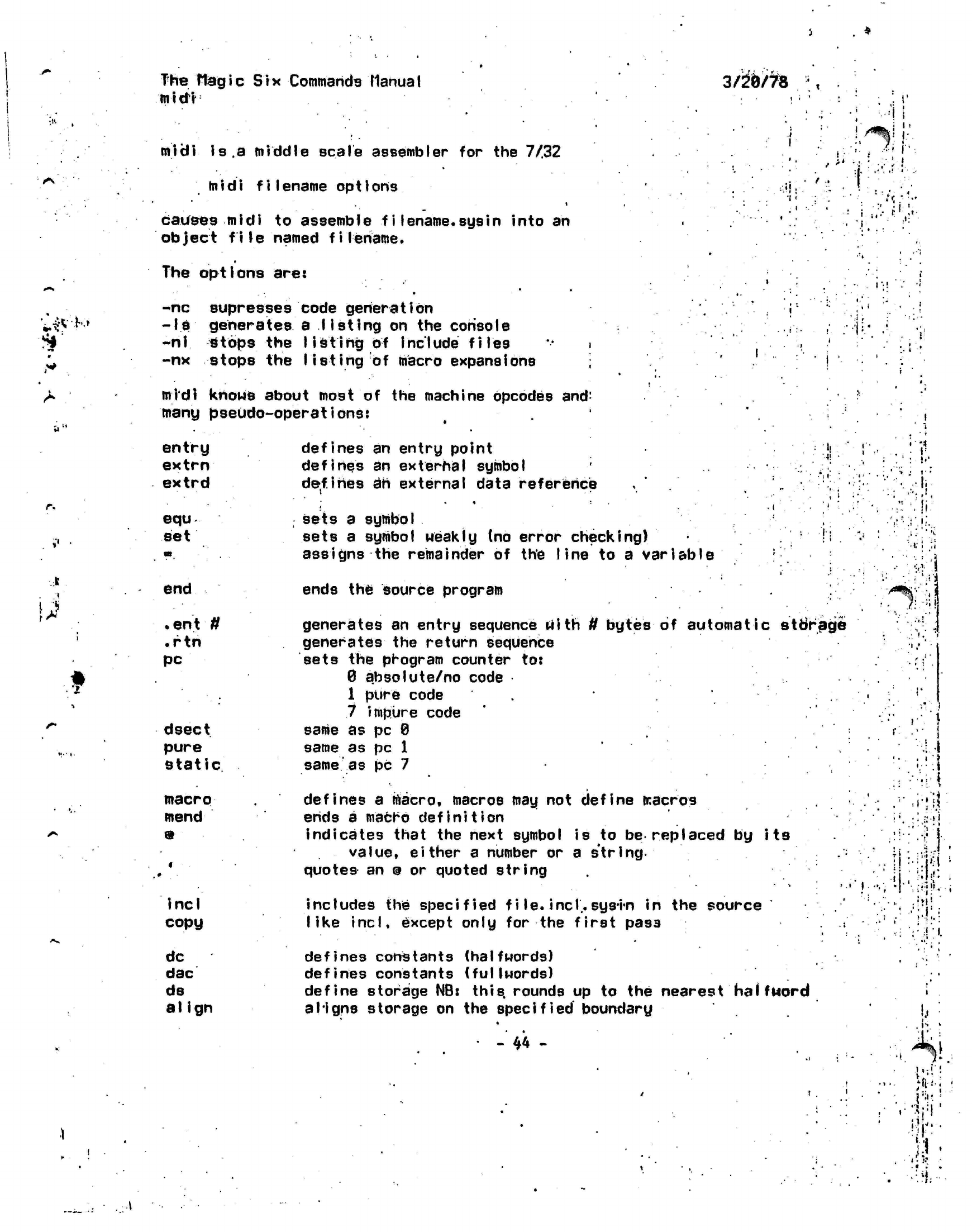
••si*
•
The
Hagic Six
Commands
Manual
midi
midi
is.a
middle scale assembler
for the 7/32
midi f iIename
op
11ons
i
causes midi
to
assemble
filename.sysin
into
an
object
file
named
filename.
The
options
are:
-nc
supresses
code generation
-Is generates
a
listing
on the console
-nl
stops the
listing
of
include files i
-nx
stops the
listing
of macro expansions
midi knows about most of the machine opcodes
and:
many
pseudo-operations:
3/5(9/7^8
I
t
i
i i
f!
entry
extrn
extrd
equ
set
defines
an
entry point
defines
an
external symbol
de.fi hes 3h
external data reference
• •
sets
a
symbol
sets
a
symbol weakly
(no
error
checking)
assigns
the
remainder
of the
line
to a
variable
'••(!
•
V:
:
',
I
I
:
i
•
i
'
end
1
f
<•
»t.
•
1.
• •;.•
•».
.
en t U
.rtn
pc
dsect
pure
static
macro
mend
9
incl
copy
dc
dac
ds
a I Ign
ends
the
source program
generates
an
entry sequence tilth
ff
bytes
of
automatic storage
generates
the
return
sequence
sets
the
program counter
to:
0
ahsolute/no
code
1 pure code
7 impure code
same
as pc
0
same
as pc 1
same
as pc 7
defines
a
macro, macros
may not
define macros
ends
a
macro
definition
indicates that
the
next symbol
is to be
replaced
by its
value, either
a
number
or a
string,
quotes
an
@
or
quoted string
includes
the specified f i
le.
incT.
sys-i-n
in the
source
like incl, except only
for the
first pass
defines constants (halfwords)
defines constants (fullwords)
define storage NB:
this,
rounds
up to the
nearest
halfMord
aligns storage
on the
specified
boundary
•
-"
44
-
• »
•.:'•••&!
. •
• • ; '.*
• •"•.•'
In!
»'•'
!'».
'.'
#":
•
vi-v
.Mi-I'-
ll
•
• • ."
•
. •'
i*
..
• •
I.-
The
Magic Six
Commands
Manual
midi
3/20/78
!"•:•!
.
type
.push
.pop
.
if
•
el se
.fi
types
out the
remainder
of
the
line
pushes
the
numerical
or
string value
of
a
symbol onto
the
pops
the
numerical
or
string value
of a
symbol,
off
of
the
conditional
assembly,
if ar.g>0
then true
flip state
of
truth flag
'<;
_
balances
a
.
if
••
vr
•
I
<i;
: .
!•:
•stack
etack
•
•
::\
(see
at
so:
midi.macros)
i I .-•;
= i * •'
!;•:••:•'
1:.
-1
'
*1'
1
.
M.
~#^'
:
.:
1
••.-••:7;:i:
j
..'•in-*••;:
.i
•I
• •
• • . • .-I
„
• ,-,.
I-
.!' . • I
J'-
U,j|
(
• .
•,'• ;,•'.-','"
•/.
:.
••(r-••"••-•:
»'•'••»•.
i
:'
•
'.j
:;
>:.
;.••'. •• • '•
I-'I.!'.
*
• . .•!••• .. " •u..:-.i'v!-U
'
'.'-
'•-
:.:•-.. •:•• ••'•lisYVMr
:.
;•.••;•»:
vi
I,
,
.
.;
'•'
\
• •!
I
.
••••!'!
•
,:U'
.::
..:•••;-H--"
••'••••
'•>••!
••jr-;H
'••i)''-:
i'
•••'i
>:;h
I '•.,!•.'
•'
.1 '
.
*»
•' .
• i i
•
v- = -'.-'..lil
- 45 -
•i ::!.,':|
<;<;.:}
• :.
••••;'.>
4
•
'm i
•'i
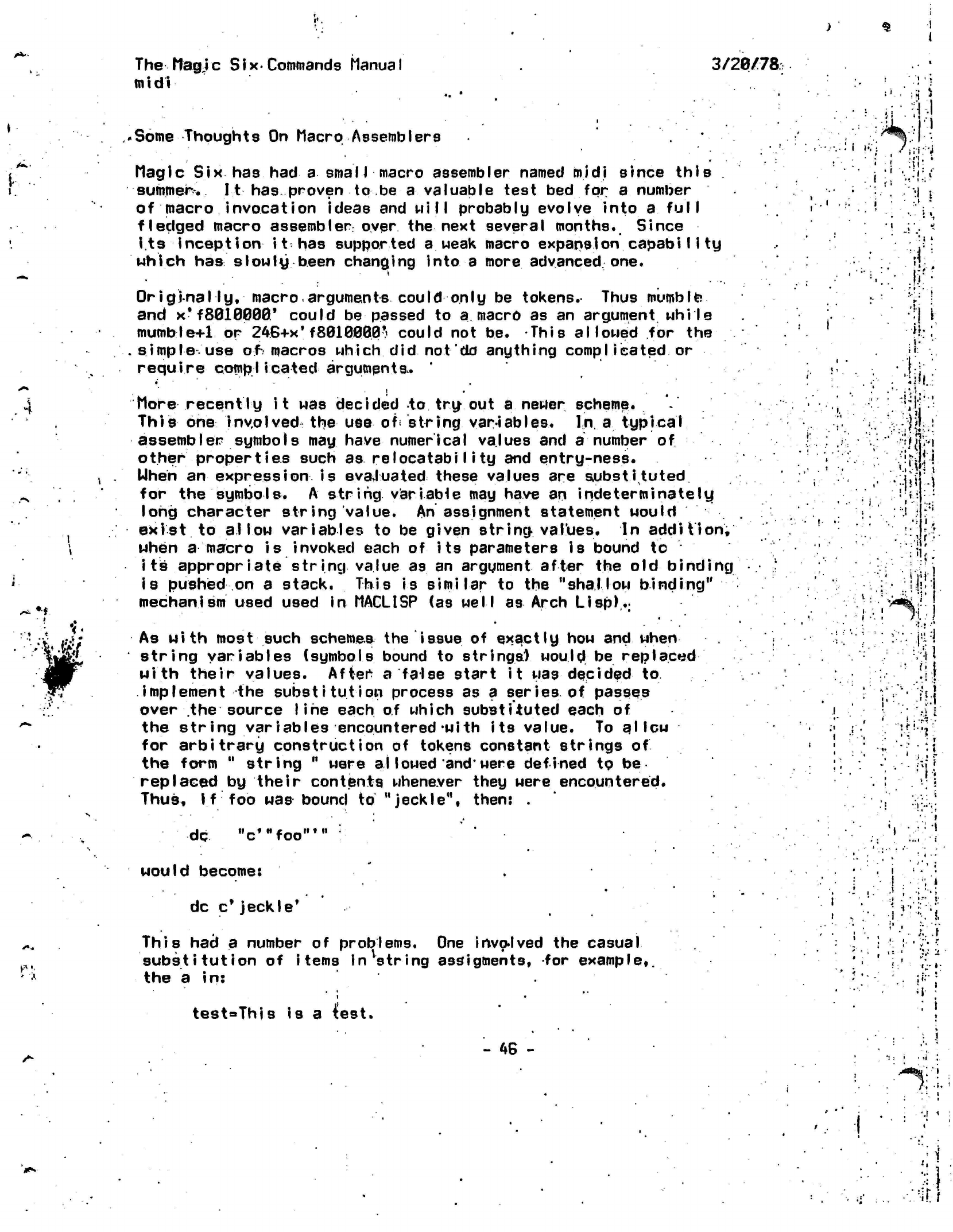
I
\
I
' •;•
The Magic
Six-Commands Manual
3/20/78:;
midi
Some Thoughts On Macro Assemblers
i-.i
.
: •• ; :;-;
<
Magic Six has
had a smaII
macro assembler named midi since
thiB
j
!
i.
summer-..
It
has proven to be
a
valuable test bed for
a
number ..'•
(
j
of macro invocation ideas and
will
probably evolve into
a
full
•. ;'.
r-'
! : ' . '
fledged
macro
assembler
over the next several
months.
Since
.''.'!-!'.•
its
inception i
t has supported
a
weak macro expansion capabi
I i
ty
.-..!
which
has slowly
been changing into
a
more
advanced one.
<]
OriginaI
Iy,
macro
arguments could only
be
tokens.-
Thus
mumble
and
x*
f
8018000'
could be passed to
a.
macro as an
argument while
"
•} i
mumble+1
or
246+x*
f8010000•«
could not be. This
allowed
for
the
.
R::'
simple use
of;
macros which did not do anything
complieated
or
•!
require complicated arguments.
•'
ji
.
<t.
';;!!.
4
More
recently
it was decided to try out
a
newer
scheme.
V
.''•!.
.
!^]'
This one involved the use of
*
string
var-iab I
es.
In.
a
typical
'. ; ;
jy;
:
assembler
symbols may
have numerical values and
a
number
of
'•..-.; ;
'fj.i
other orooer
ties such
as relocatabiIi
tu and
entru-ness.
'.
.* :r-;fi
other
properties
such
as relocatabi I i
ty and
entry-ness.
Uhen
an
expression
is
evaluated
these values are
substituted
for the
symbols.
A string
variable may have an indeterminately
long character string value. An assignment statement would
.
:'
J
;h::
exist to allow variables to be given
string,
values.
In
addition,
'
'
•:(;•
when
a
macro
is
invoked each of its parameters is bound
to
-ii'
i
ts
appropriate
string value as an
argument
after the
old binding
*
is pushed on
a
stack. This is similar
to
the "shallow binding"
1
jr
mechanism
used used
in
MACLISP (as well as Arch
Lisp)..:
,
i^^:1
As with most such
schemes
the issue
of
exactly how and
when
": :'.*.
M
string variables
(symbols
bound to
strings) would be replaced
,
t'
with their values.
After
a false start it was decided
to •••'.•! I
implement the substitution process as
a
series of passes
; \[
:'h\
over the source
line
each of which
substituted
each of '
I } !
41
the string
variables encountered-with
its value. To
a'lew
•
•'
'.-"'*'•".•*:"
for arbitrary construction of tokens
constant
strings
of '
;
; •,', '••
• •
:{
the form " string " were
al
lowed
and*
were defined to
be
replaced by their contents whenever they were
encountered.
Thus,
I
f
foo was
bound
to
"jeckle",
then: .
M
«-»•
H
£_..••
•
M
dc "c,Hfoo
would become: .
• "
.i
dc
c*
jeckle*
. . '
•
'
'•..'
]
'^'fr.
t
•
This had a number of problems. One
invo-lved
the
casual ; .' I
•;
i •';•
•
substitution of
items In
string
assigtnents,
for example,.
'• '
i:'
''
the a in:
'
<;;
test=This
is a test.
- 46 -
; i
"**%:'
,;• i •
••• v
.i
i\
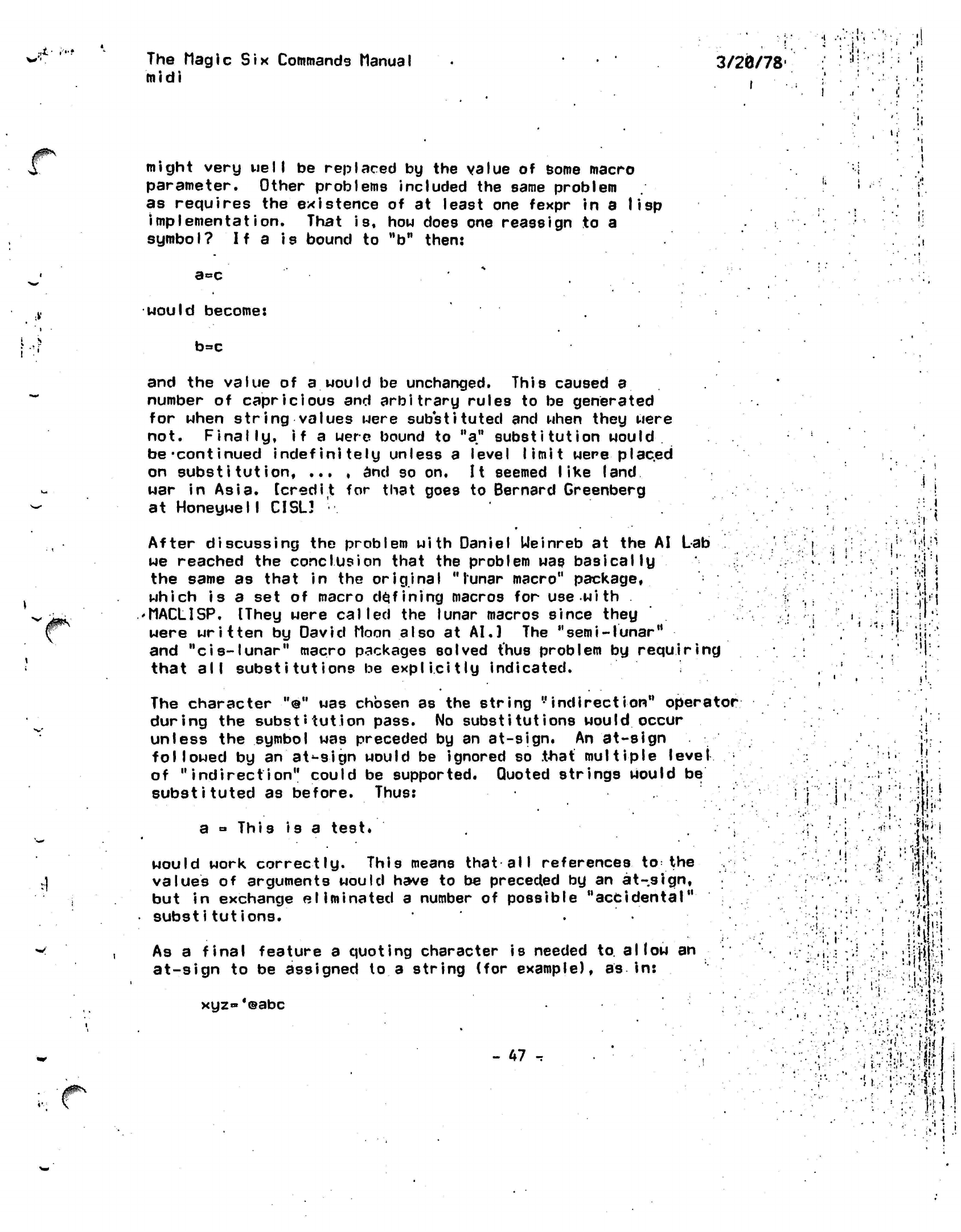
:,!•
.v.
**
The Magic
Six
Commands Manual
midi
3/20/78'
•:i!::::!-:i"li
if
might very
well
be replaced by the value of some macro
parameter. Other problems included the same problem
as requires the existence of at least one fexpr in a lisp
implementation.
That is, how does one reassign to a
symbol?
If
a is bound to
"b"
then:
a=c
would
become:
b=c
{0^
u-n
and
the
value
of a
would
be
unchanged. This caused
a
number
of
capricious
and
arbitrary
rules
to be
generated
for when
string
values were
substituted
and
when they were
not.
Finally,
if a
were bound
to
be-continued
indefinitely unless
a
on
substitution,
... , and so on.
war
in
Asia,
[credit
for
that goes
at
HoneywelI
CISL3
a"
substitution would
level
limit were
placed
It
seemed
I
ike
land
to Bernard Greenberg
After
discussing
the
problem
with
Daniel Weinreb
at the AI Lab
we reached
the
conclusion that
the
problem
was
basically
the same
as
that
in the
original "lunar macro"
package,
which is
a set of
macro
defining
macros
for use
with
'MACLISP. [They were
called
the
lunar macros since they
were
written
by
David Moon also
at
AI.]
The
"
sem i
-
lunar"
and
"cis-lunar"
macro packages solved thus problem
by
requiring
that
all substitutions
be
explicitly indicated.
t,
i
The character
"@"
was chosen as the string
"indirection"
operator
during the substitution pass. No
substitutions would
occur
unless the symbol was preceded by an at-sign. An at-sign
followed
by an at-sign would be ignored so
.that multiple level •
of
"indirection"
could be supported. Quoted strings would
be
substituted as before. Thus:
a
= This is
a
test*
would work correctly. This means that
all references
to the
values
of
arguments would have
to be
preceded
by an
at-sign,
but
in
exchange eliminated
a
number
of
possible
"accidental"
substitutions.
As
a
final feature
a
quoting character
is
needed to.
allow
an
at-sign
to be
assigned
to a
string
(for
example),
as in:
xyz» *@abc
- 47
-r
V
J-
f
i V
I
•
I.
•J
'•ft
••
>t«:
i
M
i'
•
AliM
:.l.':.i
v\
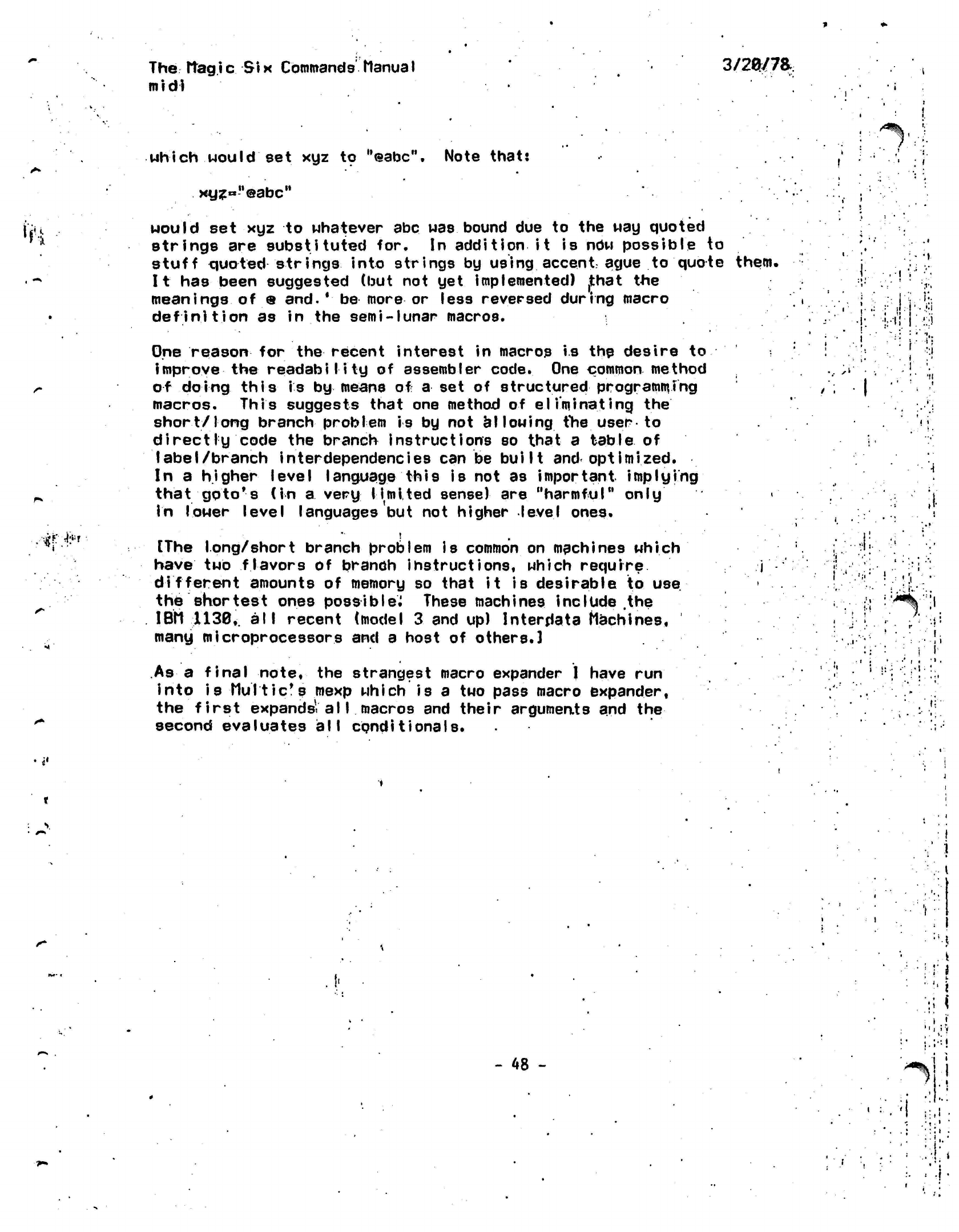
The Itag
i
c Si x
Commands Manua I
mid!
3/2^/7a
which would
set xyz to
"©abc".
Note that:
i • •
:
i
xyz«"@abcM
•t'i uould
set xyz to whatever
abc
was bound due to the way quoted
strings are substituted for. In
addition
it is now possible to
stuff quoted
strings
into strings by using accent ague to quote
them.
It
has been suggested (but not yet implemented)
,that
the
meanings
of • and.
' be more
or less reversed during macro
definition
as in the
semi-lunar
macros.
.
.1
.1
.
I-.
One
reason
for
the
recent interest in macros
is
the desire to
improve the readability
of assembler
code.
One
common
method
of
doing this is by
means of
a
set of
structured programming
macros. This suggests that one method of eliminating
the
short/long branch
problem is by not
allowing tine
user to
directly code the branch instructions so that a
table
of
label/branch
inter dependencies
can be built and
optimized.
In a
higher level
language
this is
not as
important implying
that
goto*s
(in
a very limited sense)
are "harmful"
only
in
lower level languages but not higher level ones.
[The
long/short
branch
problem is
common on
mpchines which
have
two
flavors
of
branch
instructions,
which
require
different amounts of memory so that it is desirable to
use
the shortest ones
possible^
These
machines include .the
IBM
1138,
all
recent (model
3
and up)
lnterdata
Machines,
many microprocessors and a host of others.]
..
•»
i:
l!
•• ' ,
i
'•'•.••;;•
..'I
'•
.
t-'i
: t
t '
' •
i'
'
•'•
i
.1
:
• •!!
i
.
>:
:
,•;
I-
••.
!.
• i
As a final
note,
the strangest macro expander I have run
into is Multic's mexp which
is a two pass macro expander,
the first
expands-a 11
macros and their
arguments
and
the
second evaluates all
conditionals.
. !
!:•:•-,•!•:,
\
.
I
- 48 -
.
*
!
r
*
••!• i
•;!
i
^
• t
i: i'
• *. .
:
•:.'
i
•
.
.-•!..•
-.1.
••• '
•!
m*\
The
Magic
Six
Commands Manual
mini 3/20/78
The MINI command runs
the
miniature assembler
written
by SAS.
It
is
primarily
used
to
assemble compiler output,
but can
be
used
by
users also.
The
command format
is:
MINI
<filename>
.
11
Mi
;,! ! *•!.
:
'
:
I
•".
••
•
%
1:1
•
>•
•i!
where
the
filename will have
".sysin"
concatenated
to
i
ts
end by
MINI*
The automatic assembly feature
of PLl
makes
use of
this command
for PLl
output obsolete,
as
most programs
are-automaticaI
iy assembled
rather
than
manualIy.
The output
is to the
segment <filename> without
any
modifiers*
such
as
.text.
it
Ji
i i
I
.
3
!•
•' 'I
i
i
. •
I'
•
h
! '
K
A
•,!.
: •
. • i
i
ri
i
••?.
i
<
-»>
I1
-
49
-
.
i i i
...
,•..•'••!
!<|
J
':: <
*S-ti!4{;
•'• •• ••••
:••;:->;.--.N;
..
.
. . • \.-
I.
. ,
<•
si it ,
:•
•
.•'!.'' ,
', '•
•,.'•>.{.•
,
I-
••!l-
; •
r • •'
„-v;
• .•.!!.»
•: »•
• '
ii
•I
:•
,'
I
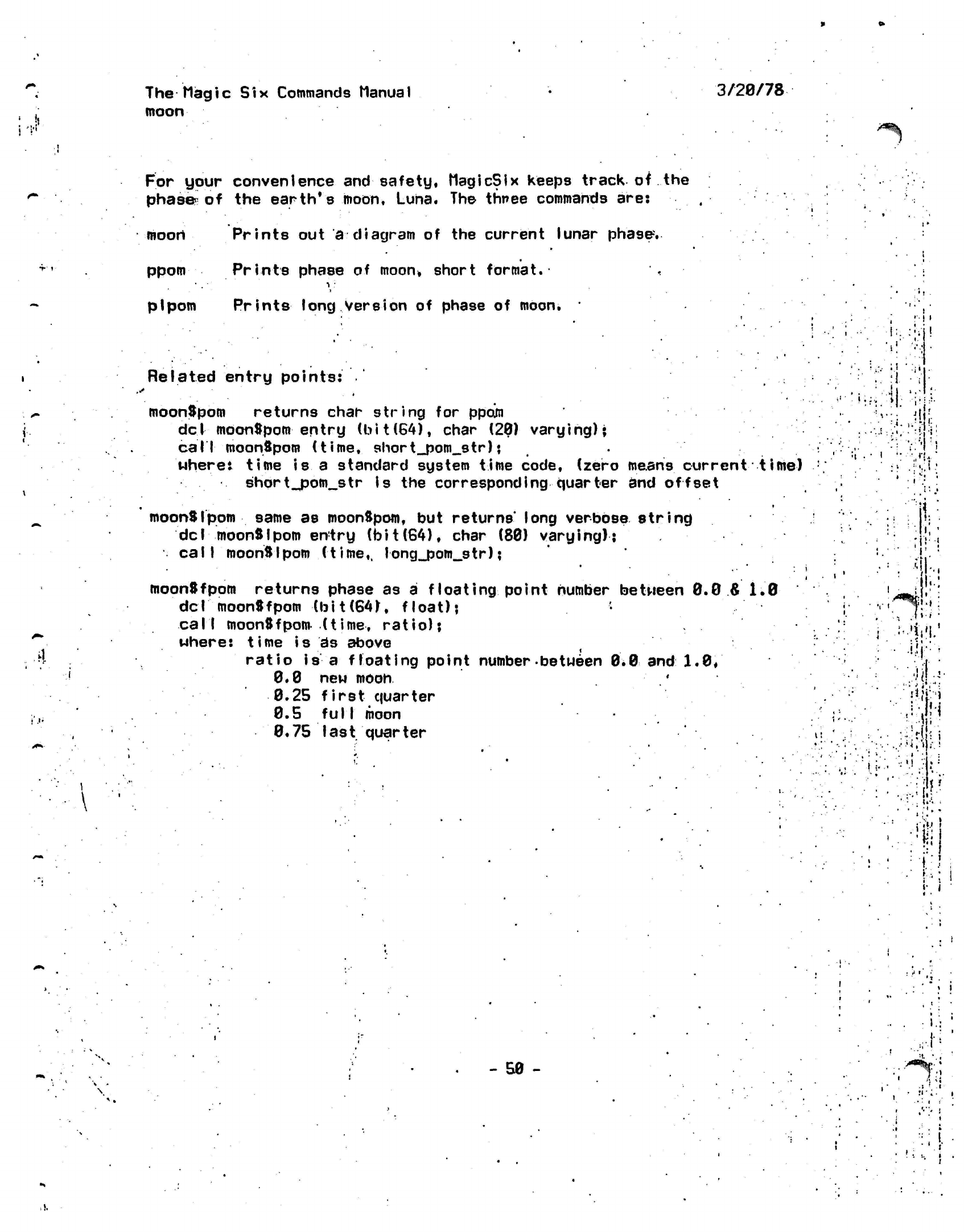
The
Magic Six
Commands Manual
moon
3/20/78
For your convenience
and
safety,
MagicSix
keeps
track of
the
phase
of the
earth*s
moon,
Luna.
The
three commands
are:
moon Prints
out a
diagram
of the
current lunar
phase-.
ppom
Prints phase
of
moon*
short
format.
pi
pom
Prints
long
Version
of
phase
of
moon.
..*
Related entry
points:
moonSpom
returns char string
for
ppoin
del
moonSpom entry
(bit(64),
char
(20)
varying);
call
moonSpom (time,
short_pom_str)
;
wheret time
is a
standard system time code, (zero means current time)
short.jjom_str is
the
corresponding
quarter
and
offset
moonSlpom
same
as
moonSpom,
but
returns' long
verbose
string
del moonSlpom
entry
(foit(64),
char
(80)
varying);
call
moonSlpom (time,,
long_pom_str);
moonSfpom
returns phase
as
a
floating point number between
0.0
&
1.0
del
moonSfpom
(bit(64),
float);
call moonSfpom (time,
ratio);
where:
time
is
ds
above
ratio
is a
floating
point
number-between
0.0
and
1.0/
0.0
new
moon
'
0.25
first
quarter
0.5
fulI
moon
0.75 last quarter
• i '
i
•
I'
:,
. •
i
•
"I
!
I •'•
V>
'
«tr-..
.•.!>!•:••
••<(:>•
•..'"•."•••'
'..
H
v
»
••
*
•' .•
»
• •
'.:*••
••••:
3'
«•
i
«
i
- 50 -
i
>
i
t
i
i
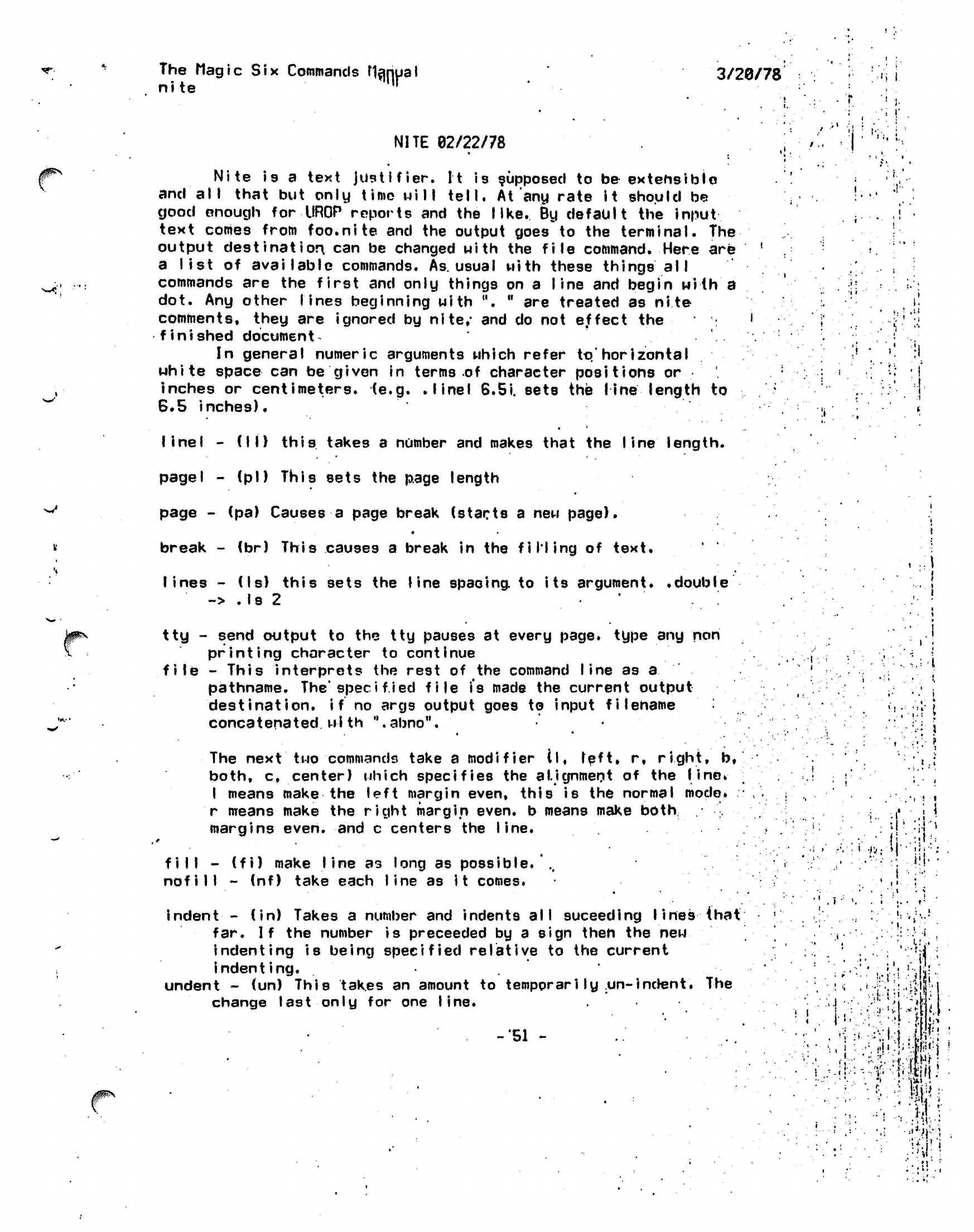
The Magic
Six
Commands
nanual
nlte ,,r
3/20/78
•'»
i
NITE
02/22/78
Nlte
Is
a text
justlfier.
It is supposed to
be
extensible
and
all
that but only
time will
tell.
At
any rate It should be
good enough for
UROP
reports and the
like.
By default the
input
text comes from foo.nite and the output goes to the terminal. The
output
destination,
can be changed
with
the
file
command. Here are
a list of available commands.
As.
usual
with these things all
commands are the first and only things on a
line
and begin with a
dot. Any other
lines
beginning with ".
"
are treated as nite
comments, they are ignored by
nlte/
and do not effect the
finished
document^
In general
numeric
arguments which refer
to."
horizontal
white
space
can be given in terms of character positions or
inches or
centimeters,
(e.g.
.Ilnel
6.5i. sets the
line
length to
8.5
inches).
w
linel
- (II)
this
takes a number and makes that the line length.
page I
-
(pi) This
sets the page length
page - (pa) Causes a page break (starts a new
page).
*
break - (br) This causes a break in the
filling
of text.
lines -
(Is) this sets the line spacing to its
argument*
.double
->
.Is
2
tty - send output to the tty pauses at every
page,
type any non
printing
character to
continue
file
- This interprets the rest of the command line as
a
pathname.
The'spec i
f.ied
file
is
made the current
output
destination,
if
no args output goes to input filename
concatenated
wlth
".abno".
The next two commands take a modifier (I,
left,
r, right,
b,
both, c, center) which specifies the alignment of the
line*
I
means
make
the left margin even,
this is
the normal
mode,
r means make the right margin
even,
b means make
both
margins
even,
and c centers the
line.
fill
- (fi) make
line a3
long as possible.
..
nofill
- (nf) take each
line
as
it
comes.
indent•-
(in) Takes a number and indents all suceeding lines
that
far.
If
the number
is
preceeded by a sign then the new
indenting is
being
specified
relative to the current
indenting.
undent -
(un)
This takes an amount to
tempprarily
un-Indent.
The
change last only for one
line.
-51 -
'» I
.1'
.;•!
v;
j
I
i
i
-i
•.#:
.••••• ••
V.\> •
11-
•. i
•
i.
I-'
•.
!
t
. i
i
•
• • • ti ,
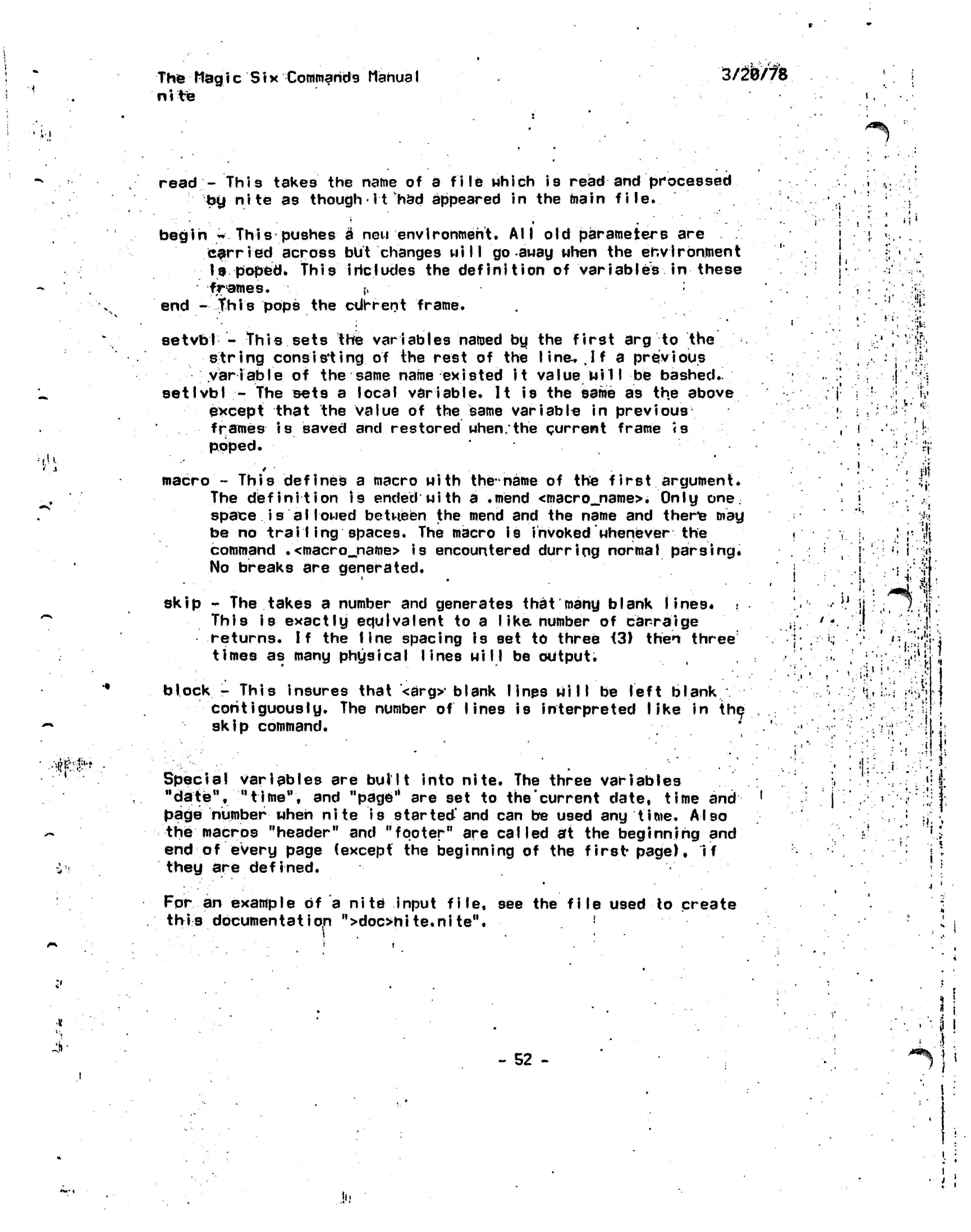
The
Mag i
c S
i
x Commands
Manua I
ni
te
r
'•
•LiiL
3/20/78
i-i
^%.
••i.u
it^'t
•
read
-
This
takes
the
name
of a
file
which
is
read
and
processed
toy
nite
as
though•it
had
appeared
in the
main
file.
* •
• -
begin
*
This
pushes
a\neu
environment.
All old
parameters
are
carried across
but
changes
will
go
away when
the
environment
Is
poped,
this iricludes
the
definition
of
variables
in
these
frames.
[,
end
-this
pops
the
cUrrent
frame.
setvbl
-
This sets
the
variables
named
by the
first
arg to
the
string
consisting
of the
rest
of the
line.
.If
a
previous
variable
of the
same name existed
it
value
Mill
be
bashed.^
setlvbl
- The
sets
a
local variable.
It is the
same
as the
above
except
that
the
value
of the
same variable
in
previous
frames is
saved
and
restored when/the current frame
«s
poped.
macro
-
This defines
a
macro
with the-name
of the
first
argument.
The
definition is
ended with
a
.mend
<macro_name>. Only
one.
space
i s a 11
owed
betwjsen
the
mend
and the
name
and
therie mag
be
no
trailing
spaces.
The
macro
is
invoked whenever
the
command
.<macro_name>
is
encountered
durring normal
parsing.
No breaks
are
generated.
skip
-
The
takes
a
number
and
generates that many blank
lines*
This
is
exactly equivalent
to a
I
ike number
of
carraige
returns.
If the
line spacing
is set to
three
<3)
then
three
times
as
many physical lines will
be
output.
block
-
This insures that
*<arg>-blank
lines will
be
left
blank
contiguously.
The
number
of lines
is
interpreted like
in
the
skip
command.
Special
variables
are
built into nite.
The
three variables
"date",
"time",
and
"page"
are set to
the'current date, time
and
page number
when
nite
is
started'and
can be
used
any
time.
Also
the macros "header"
and
"footer"
are
called
at the
beginning
and
end
of
every page
(except
the
beginning
of the
first*
page),
they
are
defined.
if
Fpr
an example of a
nite
input
file,
see
this documentation
">doc>ni te.ni te". the
file
used to create
.1
I
.
'T
/ ;:• 9
•i
j:|>
:
i.;
•!•'•
'
iC--'%\
:
• :i '
y
i
(•...••.
;•
•.
•
i
i.
.i!
1
'I *
i :
•i '
-
52 -
*
i
*
i
i
!
i;
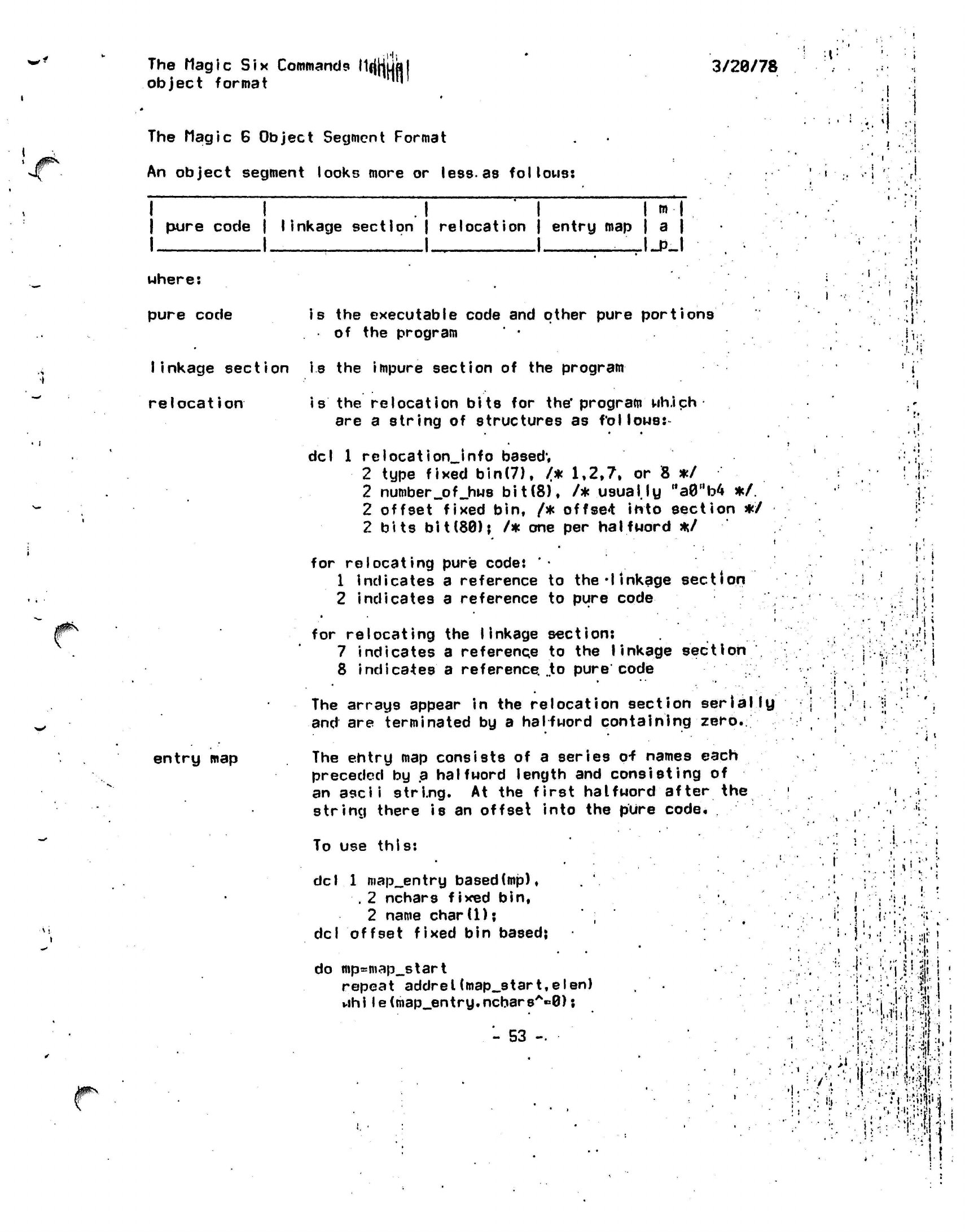
The Magic Six Commands
MfjHufl
object
format ™
3/20/78
The Magic 6 Object
Segment
Format
An object segment looks more or
less-as
follows:
i
i 1
H
HH
I
pure code | linkage section | relocation | entry map | a |
I I
—I
I _I_PJ
>•
i
uhere:
pure code
is
the executable code and other pure
portions
of the program
linkage section is the impure section of the
program
relocation
entry
map
is
the
relocation bits
for
the*
program
wh.ich
are
a
string
of
structures
as
follows:-
del
1
relocation_Jnfo
based;
2 type fixed
bin(7),
/*
1,2,7.
or 8 */
2
number_pf_hws
bit(8),
/*
usually
Ma0"b4
*/.
2 offset fixed bin,
/*
offset
into section
*/
2 bits
bit(80);
/* one per
halfword
*/
for relocating pure code:
'•
1 indicates
a
reference
to
the'linkage
section
2 indicates
a
reference
to
pure
code
for relocating
the
linkage
section:
7 indicates
a
reference
to the
linkage
section
8 indicates
a
reference.
..to
pure code
The arrays appear
in the
relocation section
serially
and
are
terminated
by a
halfword containing
zero.
The entry
map
consists
of a
series
o-f
names each
preceded
by a
halfword length
and
consisting of
an
ascii
string.
At the
first
halfword after the
string there
is an
offset into
the
pure code.
I
••:•
.Ml'.
!
I
'
fl.
11
..
1/
;
|
f
f
"
«,.'||
I
f
'!
ipN
To use this:
del
i
1
map_entry
based(mp),
. 2
nchars fixed
bin,
2 name
chard);
del
offset fixed bin based;
do
mp=map_start
repeat
addrel(map_start,
el
en)
while(map_entry.ncbarsA«0);
- 53
-
,: \
1.1
.
..:
v
.
•;
i
r
I
,
•
i
*
.!' :';
.
.,,1
i
,-•
•
'-%:l!
;
'
•"
:• !
"M I
!••*.*:& !
'
"i -'T •? !
,
'•WiiNii'-*
;
...
If
' •
••••! *;*#
'•'
• . -
!
-v.••;••;
:Vilb !
•
7 •;, '<
J
'
l:f:W-."
!
i.
I
•ruwm
•
,"'.!,i.;:!f!'M
'I!
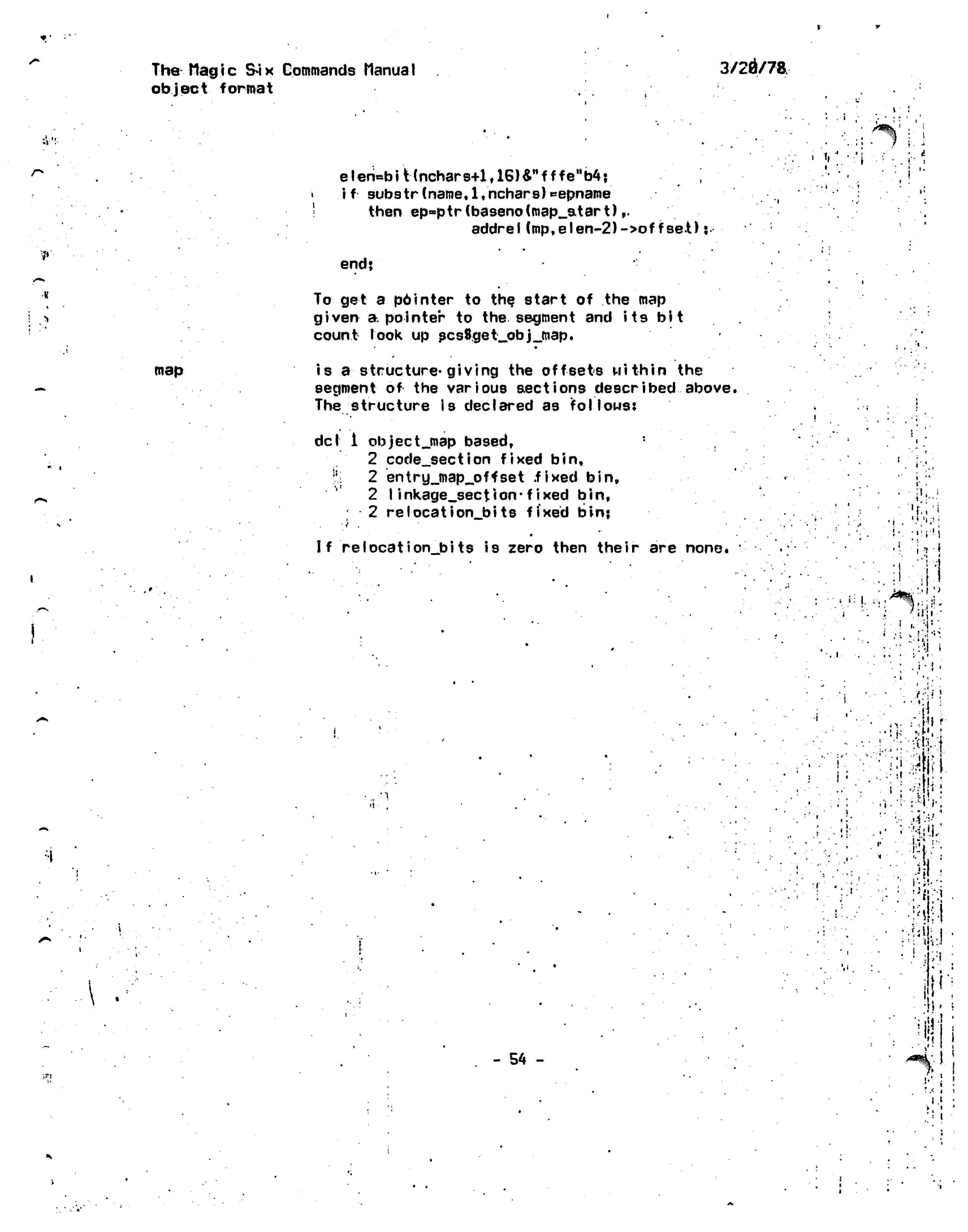
The Mag
i c
Si
x Commands Manila
I
object
format
3/20/78
?•'
elen=biHnchars+lf16)&MfffeMb4;
• if substr(name,l,nchars)t*epname
|
then
ep=ptr(baseno(map_atart),.
addrel(mp,elen-2)->offeet);
end;
To get
a
p6inter
to the
start
of the map
given
a
pointer
to the
segment
and its bit
count
Took
up
scs8get_obj_map.
•
•
i
I ' !
map
is a
structure*giving
the offsets within the
segment
of the
various aections described
above.
The structure is declared as follows:
del
i
objectjnap
based,
2
code_section
fixed bin,
J;
2
entry_map_offset fixed
bin,
2
Iinkage_section-fixed
bin,
2
relocation_bits
fixed bin;
If relocation_bits is
zero then their are none.
• i
.
• "
iV.'
T.;:i
.i-l
•Y!
' !
.1
i • ' •
-
54
-
;;ii!f
" •••• ;.**:
• •
.•'•Mi.'.I,'
1
h.:-
•
-m
•
*
• •
I'"
It
' '•
•:•••«•!
'
••)
!
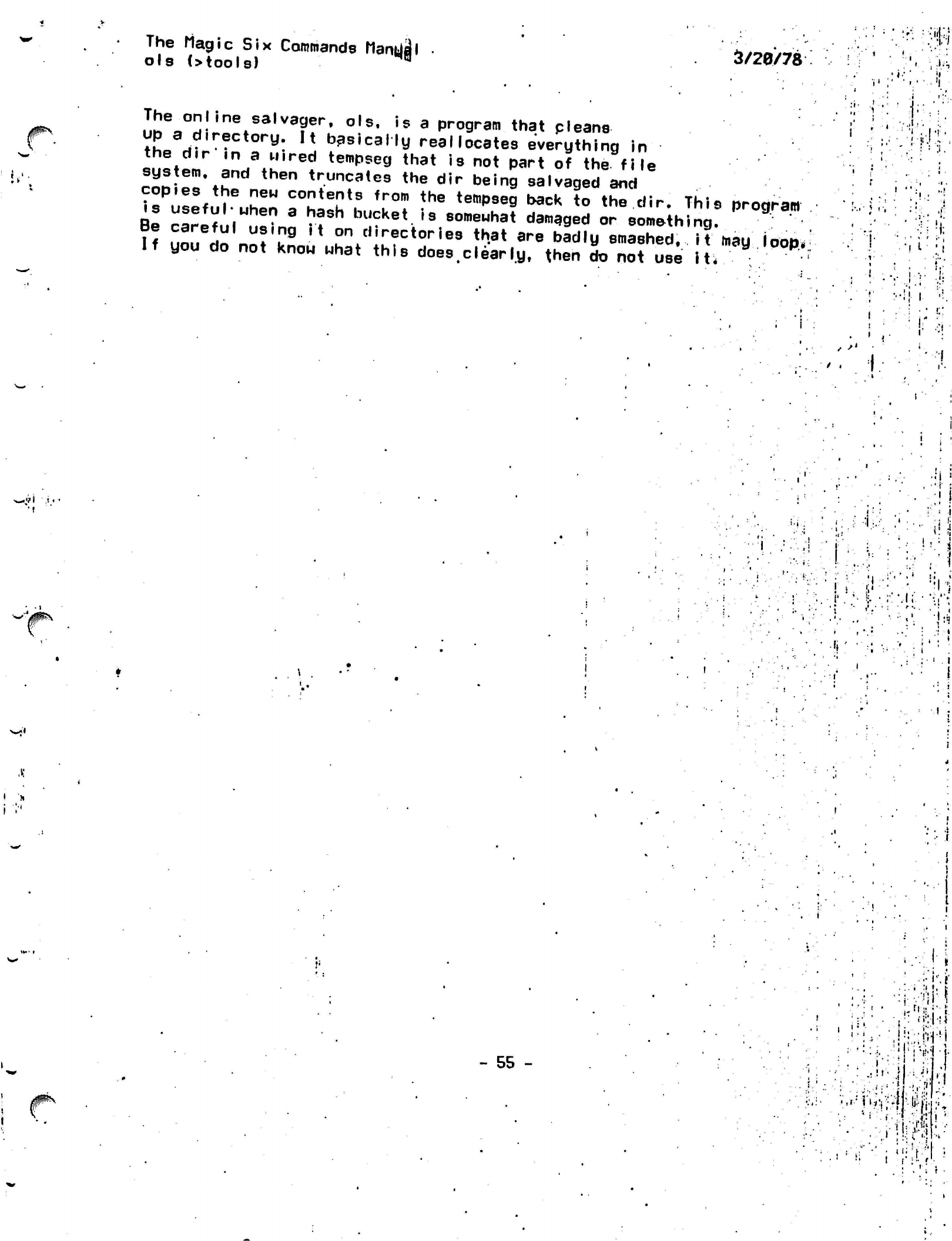
The Magic Six Commands ManUjjl
ols (>tools) B
3/20/78
j0fi\
The online salvager,
ols, is a
program that
cleans
up
a
directory.
It
basically
reallocates
everything
in
the
dir'in
a
wired tempseg that
is not
part
of
the
file
system,
and
then truncates
the dir
being salvaged
and
copies
the new
contents from
the
tempseg back
to the
dir.
This
program
is
useful*
when
a
hash bucket
is
somewhat damaged
or
something.
Be careful using
it
on
directories that
are
badly
smashed,
it may
loop.
If
you do not
know what this does clearly,
then
do not use
it*
j •.
.,! •'.
'I I
'»
->'
•' ' •! ! ,
/JflN
- 55 - :• .'!|:r;ii'M
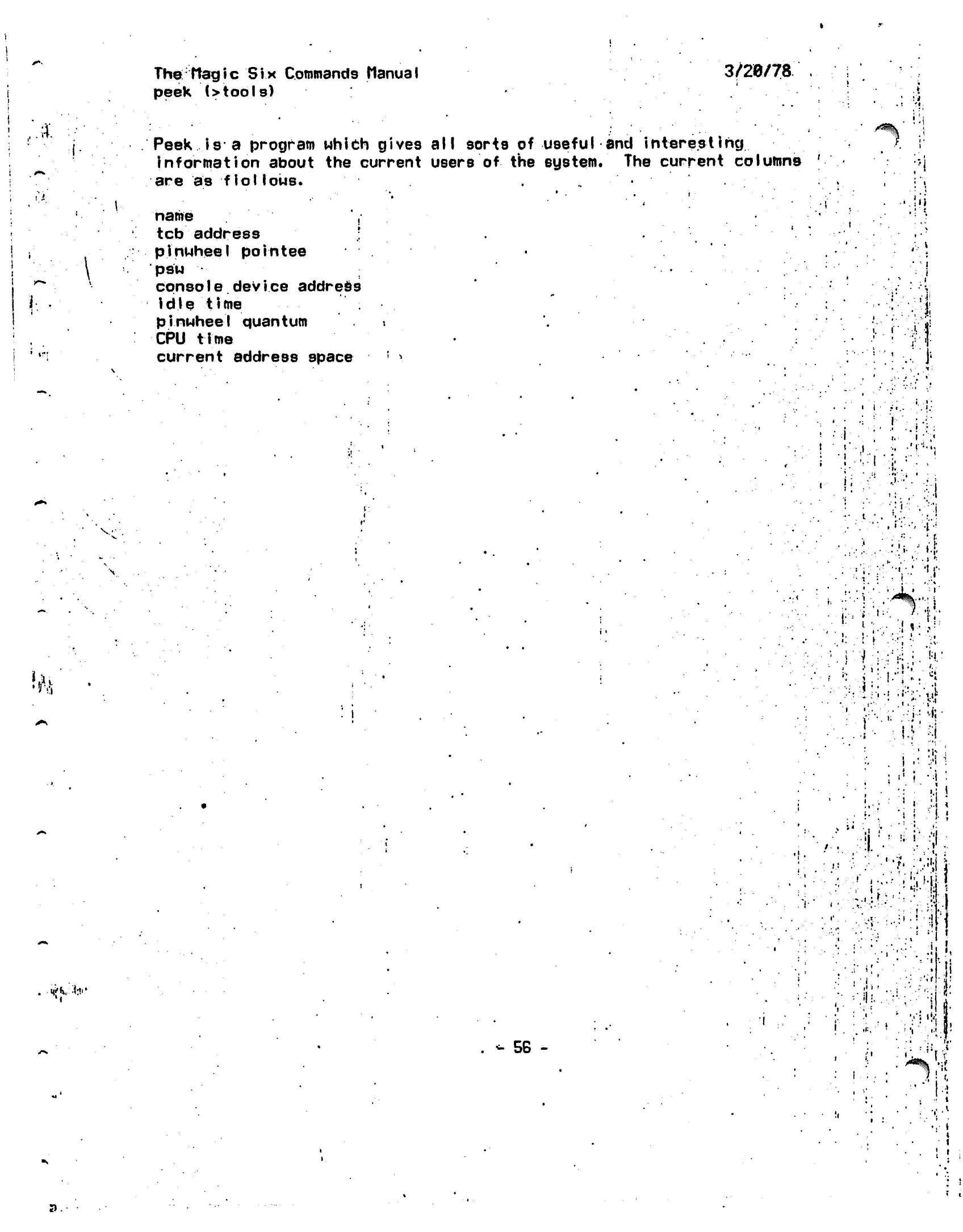
The
ftagic Six
Commands
Manual
peek
(>tools)
3/20/78
.;}'.
Peek is a program which gives all sorts of useful and
interesting
information about the current users of the
system.
The current columns '
are as
fiollows.
name
',
tcb
address
.: '
pinwheel
pointee
psw
console
device address
idle
time
pinwheel
quantum
CPU time
current address space
! ^
\
i.
i
•
n
it
\
J;
.
y\
:' '.• i -.;
I
;
»•!•
i-
••
'•! • ' •!
i-
i-;]1,^']!-
1
'• .
-.
1 1 ' * '
.':
!•
n-';•'•
i
«'
*«*
w
l
r;.-!
-"• i
.'
•>•
:.:' : !;|
'
:•;;"
•'.••j-;
v,i-
'
;<*
:
••
i
-I
! •••
.;•!<
i •'
I
•
i
.'
ii.'
;•
••'!
•;:?;i;>,5II-
i
'Mi
-
SB -
>'-.
V'i
iv.
I!
!
»
!
i
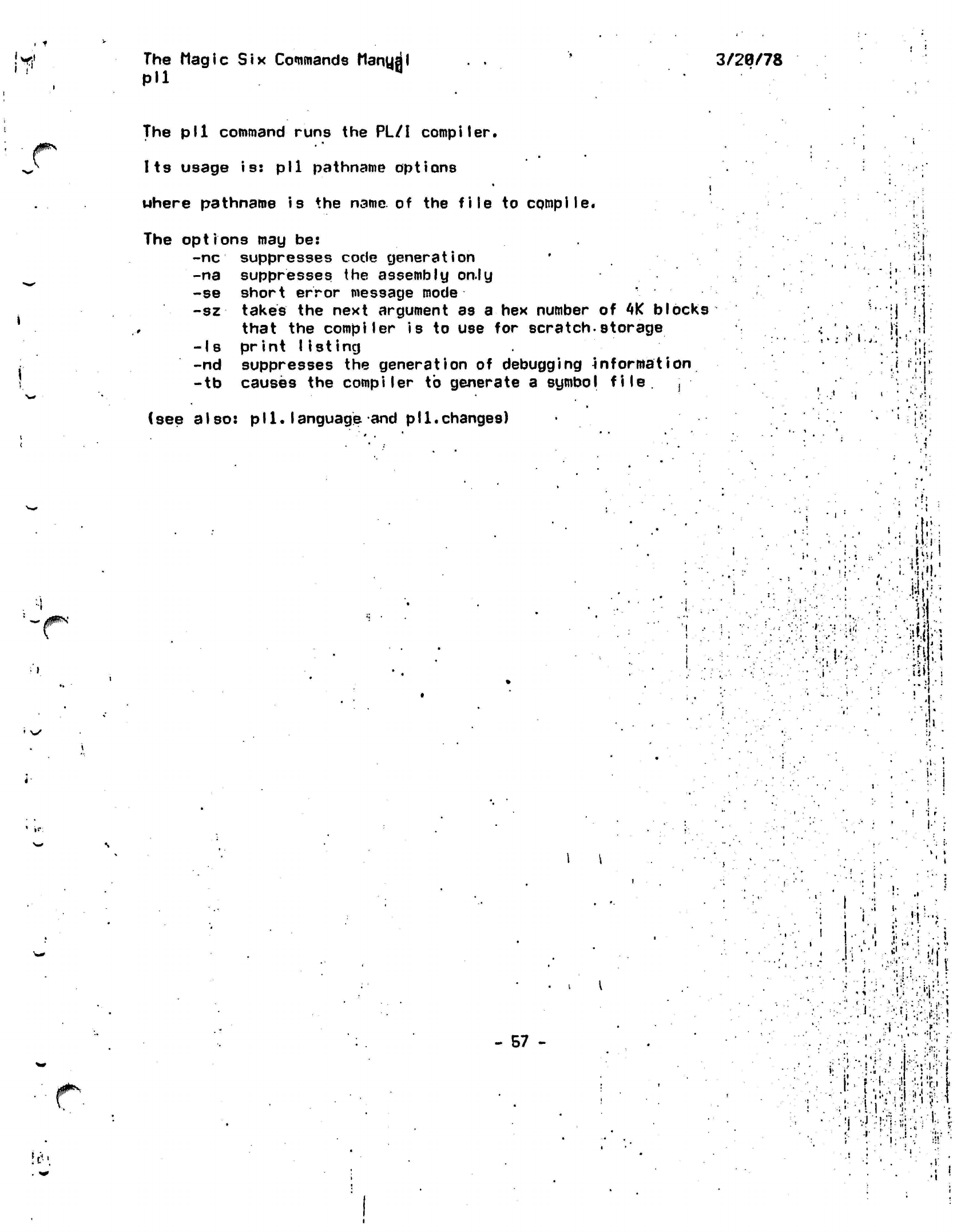
The Magic
Six
Commands
Manual
Pll
3/28/78
J0f**>
The pll command runs the PL/I compiler.
Its
usage is: pll pathname options
where pathname is the
name
of the file to
compile.
The options may be:
-nc
suppresses code generation
-na suppresses the assembly on.ly
-se
short error message
mode
-sz takes
the next argument as a hex number of
4K
blocks
that the compiler is to use for
scratch-storage
-Is print listing
-nd suppresses the generation of debugging
information
-tb causes the compiler to generate a symbol
file.
,
(see also:
pll.language
and
pll.changes)
•.•(•
\
' *
• :
V 1
'•
>:•
ft'
••
•
f;
'
/P***'
l-V.
III
#^
- 57 -
•
i
...
•
• ?
i •.
.•• •
'•.
1-;
• ••.:••;
.
i
"
-r'
•!?•:'.,>4:,!.':;
.1
•
*
•'.
•
:(i:-.
<:•'•••>••>•
•.'•••: 'V
.i:
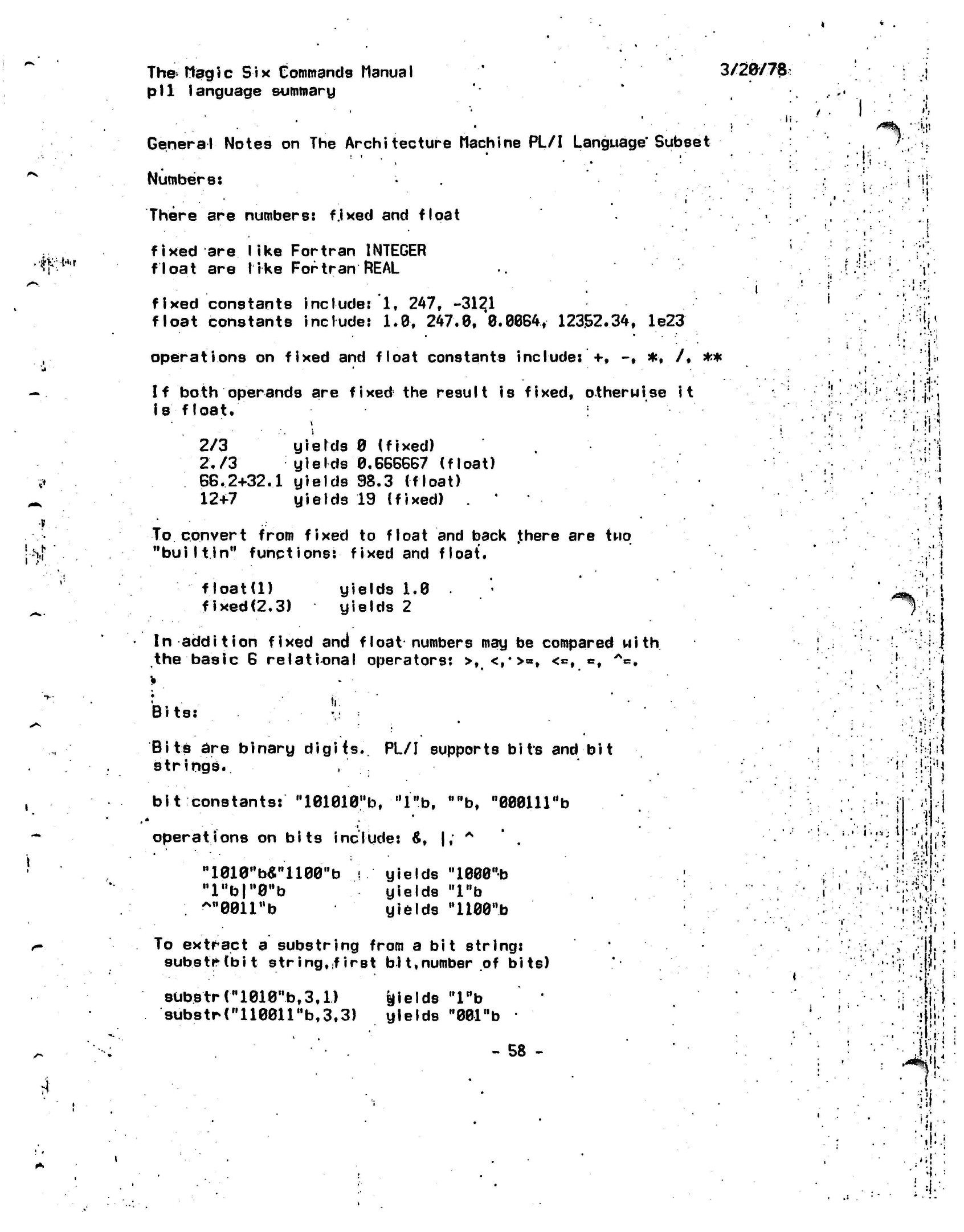
.M;t't.r
i
•?!
The-Magic Six
Commands
Manual '
3/28/78:
pi1
language summary
General Notes on The Architecture Machine PL/I
Language'Subset
Numbers:
There
are
numbers:
f.ixed
and
float
fixed
are
like Fortran INTEGER
float
are
like Fortran
REAL
fixed
constants include:
1,
247,
-3121
float
constants include:
1.0,
247.0,
0.0064,
12352.34,
le23
operations
on
fixed
and
float constants
include:
+, -,
*,
/,
**
If
both operands
are
fixed
the
result
is
fixed, otherwise
it
Is
float.
2/3 yields
0
(fixed)
2./3 yields
0.666667
(float)
66.2+32.1 yields
98.3
(float)
12+7 yields
19
(fixed)
*
To convert from fixed
to
float
and
back
.there
are two
"builtin"
functions:
fixed
and
float.
i'.
/^%
".'?;
:*:!'
t
f!
1.
!
.r
^
,
-I
t
•
\
float(l)
fixed(2.3) yields
1.0
yields
2
In
addition
fixed
and
float
numbers
may be
compared
with
the basic
6
relational operators:
>,
<,*>=,
<«,
«,
A*.
Bits:
•;
Bits
are binary
digits..
PL/I supports bits and bit
strings.
.
bit
constants:'"101010^,
"l"b,
,M,b,
"00011l"b
•i
operations on bits include:
&,
|; A
-leie^s-ii©©^
,,l"b|"0,,b
yields "1000"b
yields
'T'b
yields
"1100"b
To extract a substring from a bit string:
substrtbit string,.first bH,number
of bits)
subs
trri010nb,
3.1)
substr("110011"b,3.3)
fields "lnb
yields
"001"b
•
- 58 -
•i
•!
•
i
•
'i
!!
'""•U
'I
• •
'•rr
•
-if
iiit.,
• •:•!!
•
••I
•
-if*;
*
i
•*•
•
•I'
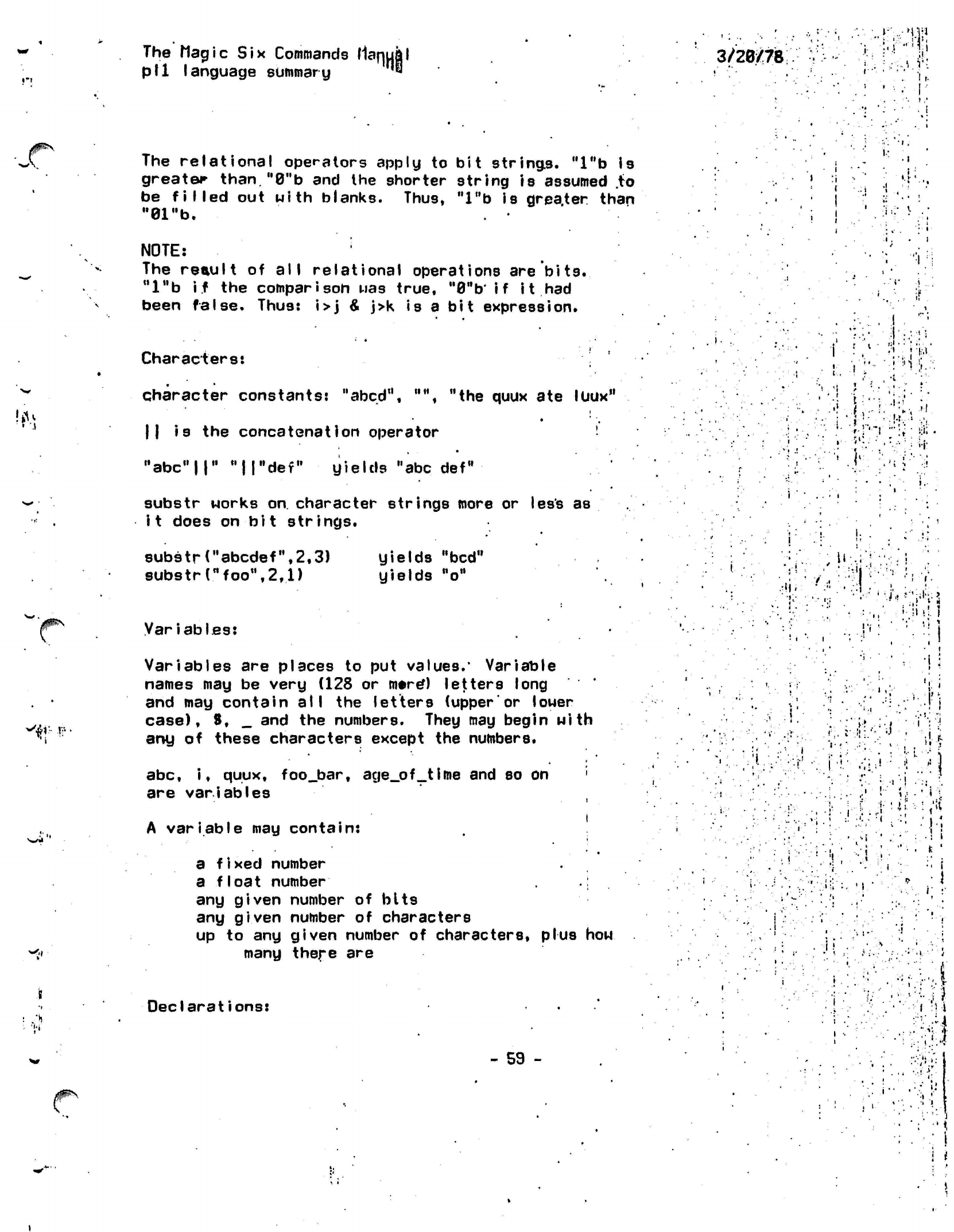
#^
'#-
J?
.•(i
•
• •
•
' '
'
The Magic Six Commands
Maqu|l
3/28/78
till
\
anmiane*
aiihimarii '«
pll
language summary
A
variable
may
contain:
The relational operators apply
to bit
strings.
"l"b is
greater than.
M0"b
and the
shorter string
is
assumed
.to
be filled
out
with blanks. Thus,
"lnb
is
greater than
. '• • j
"81"b.
' ; |
' •' *
NOTE:
The
reault
of
all
relational operations
are
bits.
"l"b
if the
comparison
uas
true.
M0ttb*
i
f i t had
been
false.
Thus:
i>j & j>k
is
a
bit
expression.
Characters:
• ,
character constants:
"abed",
,M\
"the
quux
ate
luux"
||
is the
concatenation operator
'•
"abc"!!"
"IT'def"
yields
"abc
def"
'. \ ;
substr works
on
character strings more
or
less as
it does
on bit
strings.
i.-
•i,
.':! ;'•• :
'f
i
f . ,;!.••...
• »•,.. - •
;••}!••:
i.»M
..
.<<
8ubstrrabcdef",2,3)
yields
"bed"
,
U
.'
substr(nfoonv2,1)
yields
Mo
M«M • •
.. •
I •
,
•••!
,
•- .'
-r-li-;!:
.11 '
i
r •
ili.!.
I
Variables:
'
' % "•;'
.
!* ;
''.'•'.
'.
:'
Variables are places
to
put
values.'
Variable
names
may be
very (128
or
mtre*)
letters long
' •
i,
and
may
contain all
the
letters (upperor
louer
-.;
;j
i.
case),
S, _
and the numbers. They may begin with
!
.•:";>..;
•'»
•
i"':\rj
any
of
these characters except the numbers.
"'':•'.*'.•?•:••'•
-.rj"'•'!.:•'••:';
»U
•
.
• .'...:••! :..•;'••
1.
i
it •
' •
u
I
abc,
i,
quux, foo_bar,
age_of_time
and so on
' \.
•
are variables
.-.• ,'•' !"' 5>
-
•"*
"L
•*•' • >i '
'it'
rj ".:•••«
r
• t
!
i
t.
'
i
/
a
fixed
number
•
...
.
a float
number
.: ;
i
•••
'i..j':,
.;•'••.'••.
ii:'-:.
.,
•'••;">.
,:
J
any given number
of
bits
'^
any given number
of
characters
|
up
to any
given number
of
characters, plus
how
many there are
•; •
>•
i
Declarations:
-
59 -
•
I
-.•
•'.'•
. •
1 Ml
:
...J"
.
••.:!•• ••-.{?
'
: .
.I1"-.
.''''
'•'
•
"
i
1
i
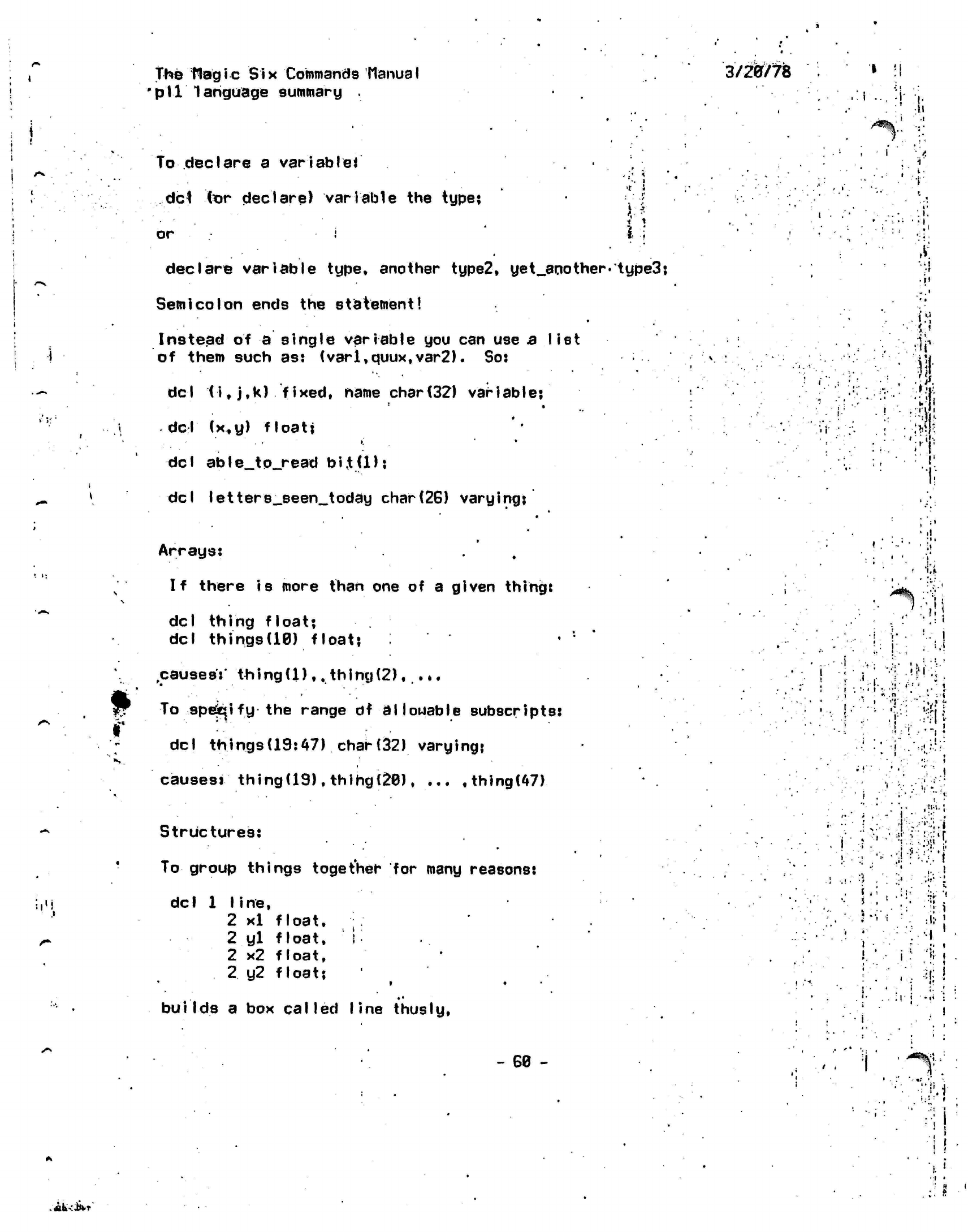
.U
i
The
flagic Six
Commands
Manual
•p'll
language summary .
To
declare
a
variable*
del
tor declare) variable the type;
or
3/20/78
. •
i*
i t
declare variable type, another type2,
uet_another.'type3:
Semicolon
ends
the
statement!
Instead
of a
single variable
you can use
3
list
of them such as: (varl,quux,var2).
So:
del (i,j,k)
fixed, name
char(32)
variable;
del (x,y)
float;
del
able__to_read
bi.t(l)?
del letters_seen_today
char(26)
varying:
Arrays:
.
If there
is
more than
one of a
given thing:
del thing float?
del
things(10)
float?
causes':'
thing(1),, thing(2),
..,
To
specify
the
range
df allowable
subscripts:
del
things(19:47) char(32)
varying:
causesi
thing(19),thlhg(20),
...
,thing(47)
Structures:
To
group things together
for
many reasons:
del
1
line,
2
xl
float.
2
yl
float,
i
2
x2
float,
2
y2
float:
* •
builds
a box
called line thus
Iy,
i
..
ii
1
i
•
•f
.4"
.
fir-
.• ;• I
w
.;»,*
»:;.•
' .i
1 ii
to
^%
;•'=;
;
• • .
i.l
vV.^i
i
*
....
- i
•
'.•• •
i.:
•I ..
••:>
'••'.'.
i
'•- ,
' '';
"V'
.!
i
l-
.=
•»'
,.
. ...
•'••'
•, ,•
;!•• -;
!...'<r
•
•;•;:
•::>!'
•
,• . ! $ ;
: •
<
i
!
'
• ;
-
60 -
•y.i
•ii-
..shKiivr'
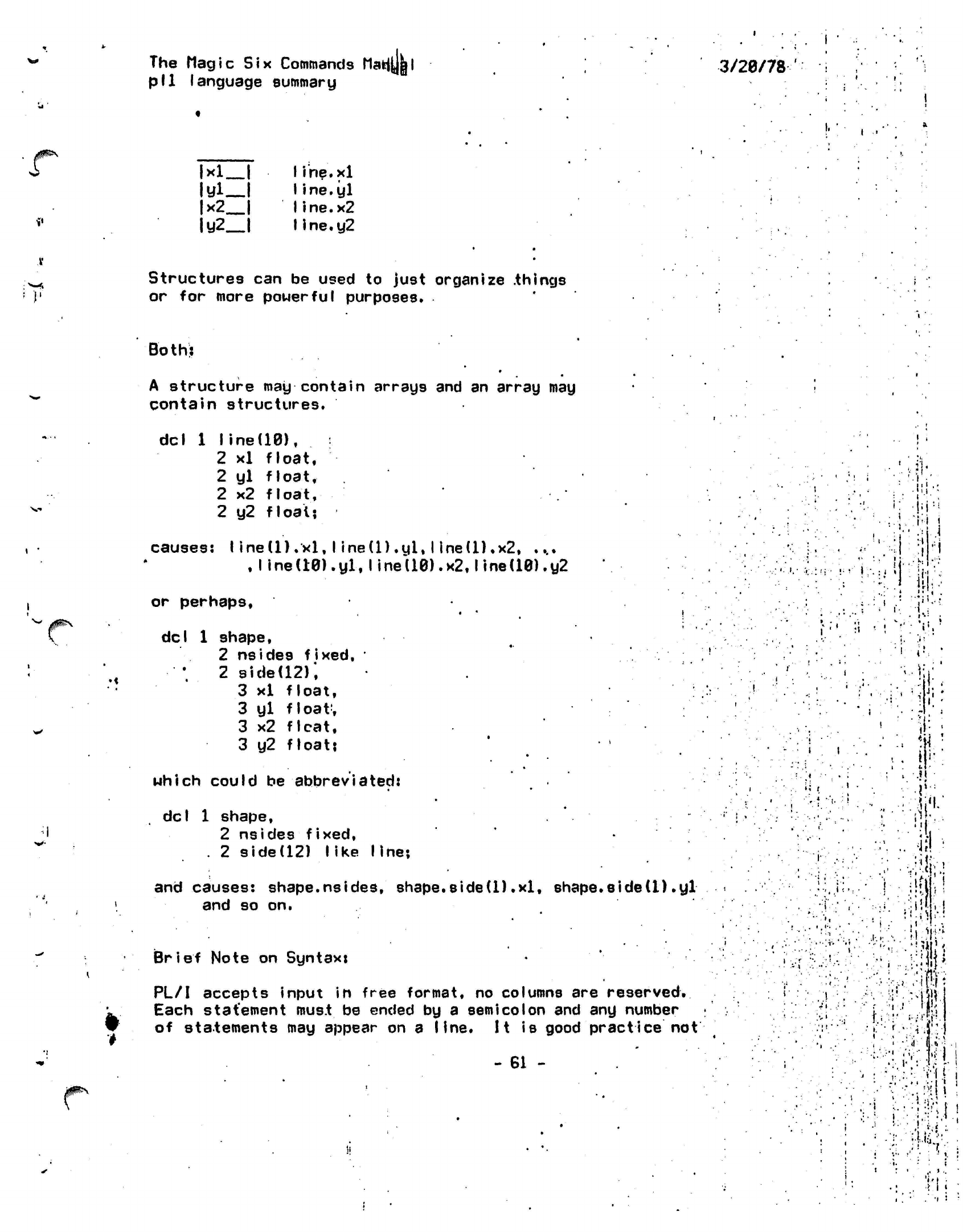
The
Magic Six
Commands ttafct
pll
language summary
3/20/78
'
i
•
/0^*"
V
|xl
I
ltfl_l
|x2_|
Iy2
|
Iihe.xl
Iine.yl
Iine.x2
IIne.y2
Structures can be used to just organize
.things
or for more powerful purposes.
Both:
*
A structure may contain arrays and an array may
contain structures.
del
1
line(10),
2
xl
float,
2
yl
float,
2
x2
fIoa
t,
2
y2
float:
causes:
I ine(l)
.xl,
I ine(l)
.yl,
I
ine(l).x2,
....
,
line
(10).
yl.
I ined0).x2,1
ine(10).y2
I
;
i:
pi-
"N
!
!
:•»
I
:i
I.-.
ijtPN
or perhaps,
•
'•
•
del
1
shape,
2
nsides
fixed,
•
'.
2
side(12);
3
xl
float,
3
yl
float;
3
x2
flcat,
3
y2
float?
which
could
be
abbreviated:
del
1 shape,
2 nsides fixed,
. 2 side(12)
like
line;
and causes:
shape.nsides,
shape.sided).xl,
shape*side(1).yl
and so on.
Brief Note on Syntax:
PL/I accepts input in free format, no columns are
reserved.
Each
statement must
be ended by a
semicolon
and any number
of statements may appear on a line.
It
is good
practice not
- 61 -
:;'.-.•
i
i i
(
<
':
r. •.
i
i.
.'<
K
»•:
•'I
•..-..(
I
:!<!
;ii
:
J.
i
i
•fcm
!;':r.--ti|:
•;•'•":
;'v;
I'M
• -.'
..
.
• i i
.i '•
•
,!
i i
•
'I •
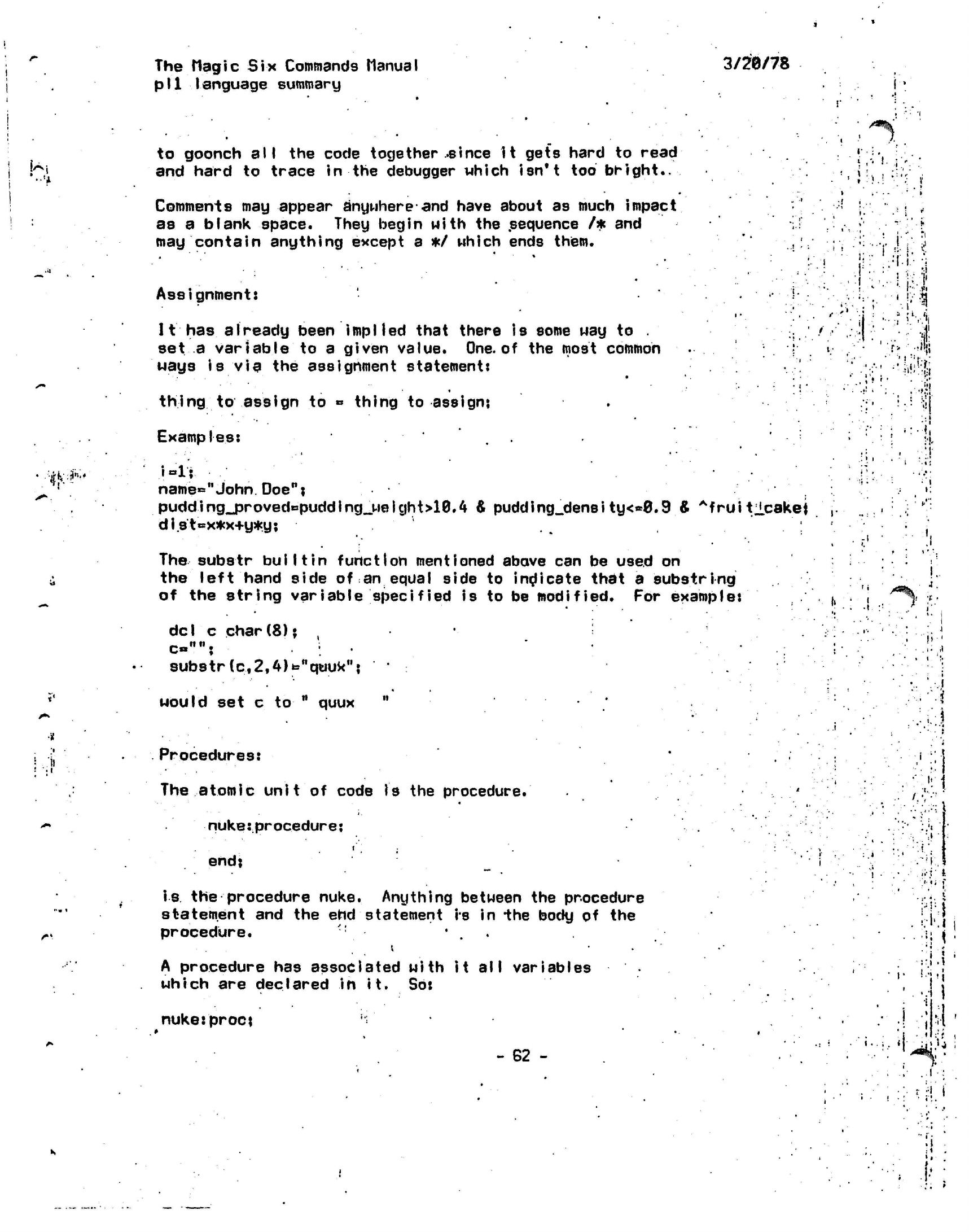
The
Magic Six
Commands
Manual
pI1 Ianguage
summary
3/20/78
!
£4
to goonch
all
the
code
together ..since
it
gets hard
to
read
and hard
to
trace
in the
debugger which isn't
too
bright..
Comments
may
appear anywhere
and
have about
as
much impact
as
a
blank space. They begin
with
the
sequence
/*
and
may contain anything except
a */
which ends them.
/«%'
i.
'#.¥'
Assignment:
11 has
already been
implied
that there is some way to .
set a variable to a given value. One. of the most common
•
ways is
via the assignment statement:
thing to assign to
»
thing to assign:
Examples:
i=l:
name«="John.
Doe"?
pudding<j3roved*puddlng_weight>10.4 & pudd i ng_dens i ty<*0.9 & Afruitlcakej
dist=x*x+y*y;
The
substr
bull
tin
function
mentioned above
can be
used
on
the left hand side
of
an
equal side
to
indicate
that
a
substring
of
the
string variable
specified
is to be
modified.
For
example:
dcI
c
char(8)?
,
substr
(c.,2,4)towq«uknj
would
set c
to
"
quux
it
•<••
!
.1
Procedures:
The atomic unit of code is the
procedure.
nuke:.pr ocedur
e:
end;
is
the
procedure nuke. Anything between
the
procedure
statement
and the ehd
statement
is in
-the
body
of the
procedure.
''
• •
A procedure
has
associated
with it all variables
which
are
declared
in
it.
So:
nuke:procj
- 62 -
1.
1:1
•
*
•i.'i
; I
I
•.•
i!.'J
.1
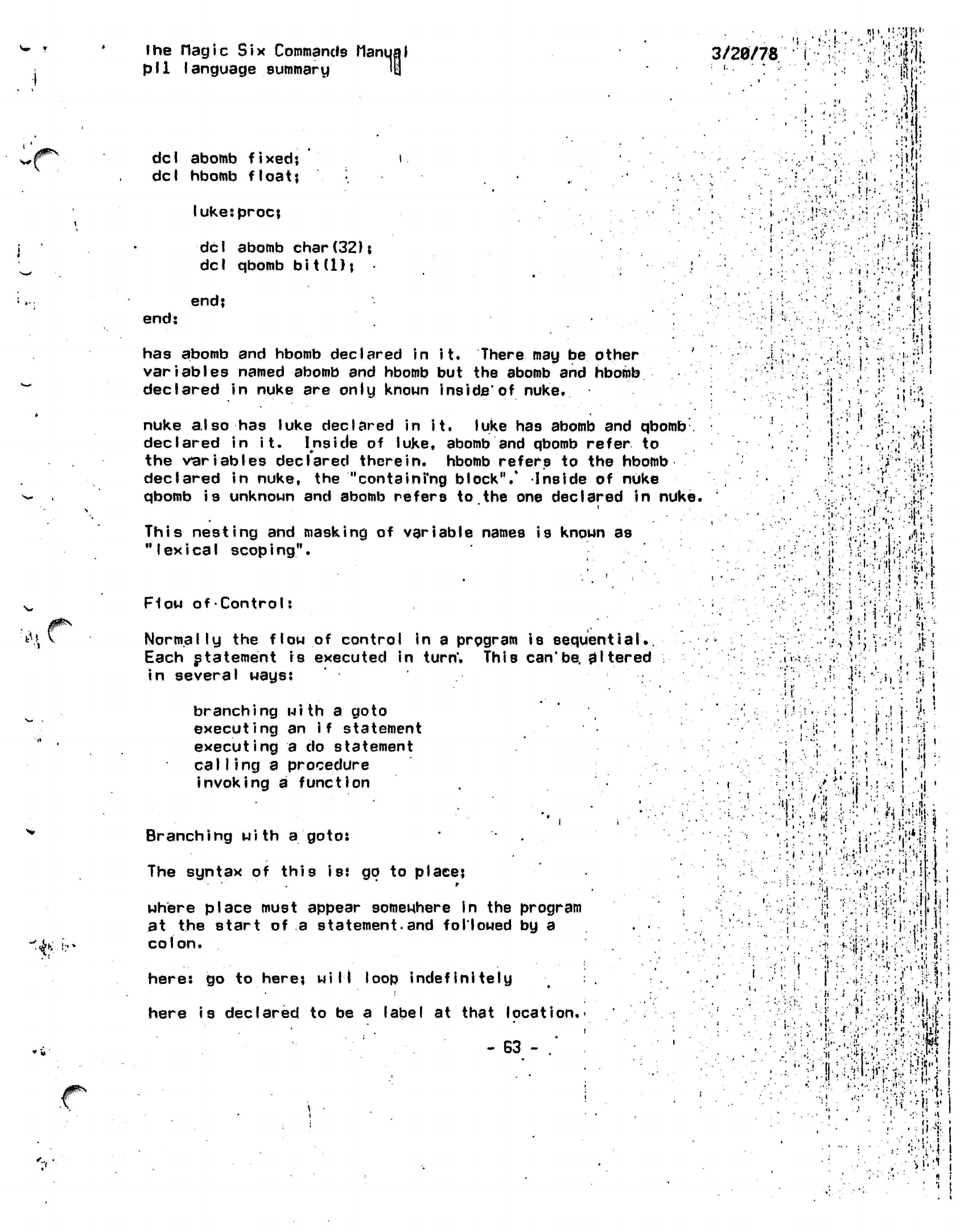
^^\
"4*
«'v
lhe flagic
Six Commands Manual
pI1 Ianguage
summary
Itl
3/20/78
••='
i-.W'U
<
I
li.M.
del
abomb
fixed;
i.
del hbomb
float;
luke:proc;
del
abomb
char(32);
del qbomb bi
t(1);
:
end;
end;
has abomb and hbomb declared in
it.
There may
be
other '.
variables named abomb and hbomb but the abomb and
hbomb
declared in nuke are only known
inside'of
nuke.
nuke also has luke declared in it. luke has abomb and
qbomb
declared in
it.
Inside of luke, abomb and qbomb
refer
to
the variables declared
therein,
hbomb refers to the
hbomb
declared in nuke, the
"containi'ng
block",*
Inside
of
nuke
qbomb
is
unknoun and abomb refers to the one declared in nuke.
This nesting
and masking of variable names is known as
"lexical
scop
i
ng".
Flow
of-Control:
Normally
the flow of control in a
prpgram
is sequential..
Each
statement
is executed in turn'. This
can'be.
altered
in several
ways:
branching
with
a goto
executing an
if
statement
executing
a do statement
calling
a procedure
invoking a function
Branching
with
a goto:
The syntax of this is: go to place;
r
where
place
must appear somewhere in the program
at the start of a
statement.and
followed by a
colon.
here:
go to here; will loop indefinitely
here
is
declared to be a label at that
location.
- 63 -
'
i i
'..'•'
.'
•••',.(
''
,
'• '
J
-
i "
• i
••
.
Hs..
:
.'
.•
':
•
•*
*!;•<•
i
..•
"I
:»[
•
1
l •;
••.i.:.••:•'!••.
•••!•<
:
.'•.':'•••.. ••;
J
* ': 4 ••' ** '*'.'.• *' *
-.••••:' :' •.,-,'/
.:•.
••••
;; • -••;?
J
',.
• ••
'.,
.1'
.'
'•:
t
• :
••'
',! •
i
••'
•
.'••• • .« '!••
^Vfv.-iVfc!
•.••••••'.•>•
•:•: ••,.••; :i t
- •
' '•• ,
•
/; »
v^i-^ ;-"••:•;
•.
1
'
::i
M :.j
1'
.'.
•
• - '
-
'.
' ,'
"•.'•• 'if ;.
vi''
r
•"'
•:'•• r
'.•!-.••
.••:•:
ji-1-
•'*:,•!
:>•
J1
•!•
r-.'
•
il
.
];•
;
VI-
•
!
••l.-w'l
•
'M
I
i-Ji
. i "-
.<.,
'
N
='-'
••'••
••'j.':fe.!
,,
...it
i ,
r
t
1
V
I-
»'T
i
>•
1
=
y.{
!
!
'.
f.
-J
• . :.
'
•
£i I
' 'III -
:••:-;• ••••• !•:.",;• ^-il
•• i .••
!...
•i
•'M.VI'i'i'
.1.1
'•;i:r-.:.'^;i^
I;'
•!
..'!<•'•*;
ti!v:?."
Ji,
•
I
" • i
:•
-: I .
'•
I .i
I1
• .
•'•r;<:-.:
•
v
•
'.'^••.••IEI
M
• "
;i".
\
:•• •,
•
••••:
• •
v*
I
"
<••
>
Ii
: ;• •'';r'-i'.-V •''!•'!!*!"!
i
);._*.-
i '
•
'. •:'• i 'i
.'• ••••
i't
|
'•'
•••'!!•'• 1
•:••'' Hi
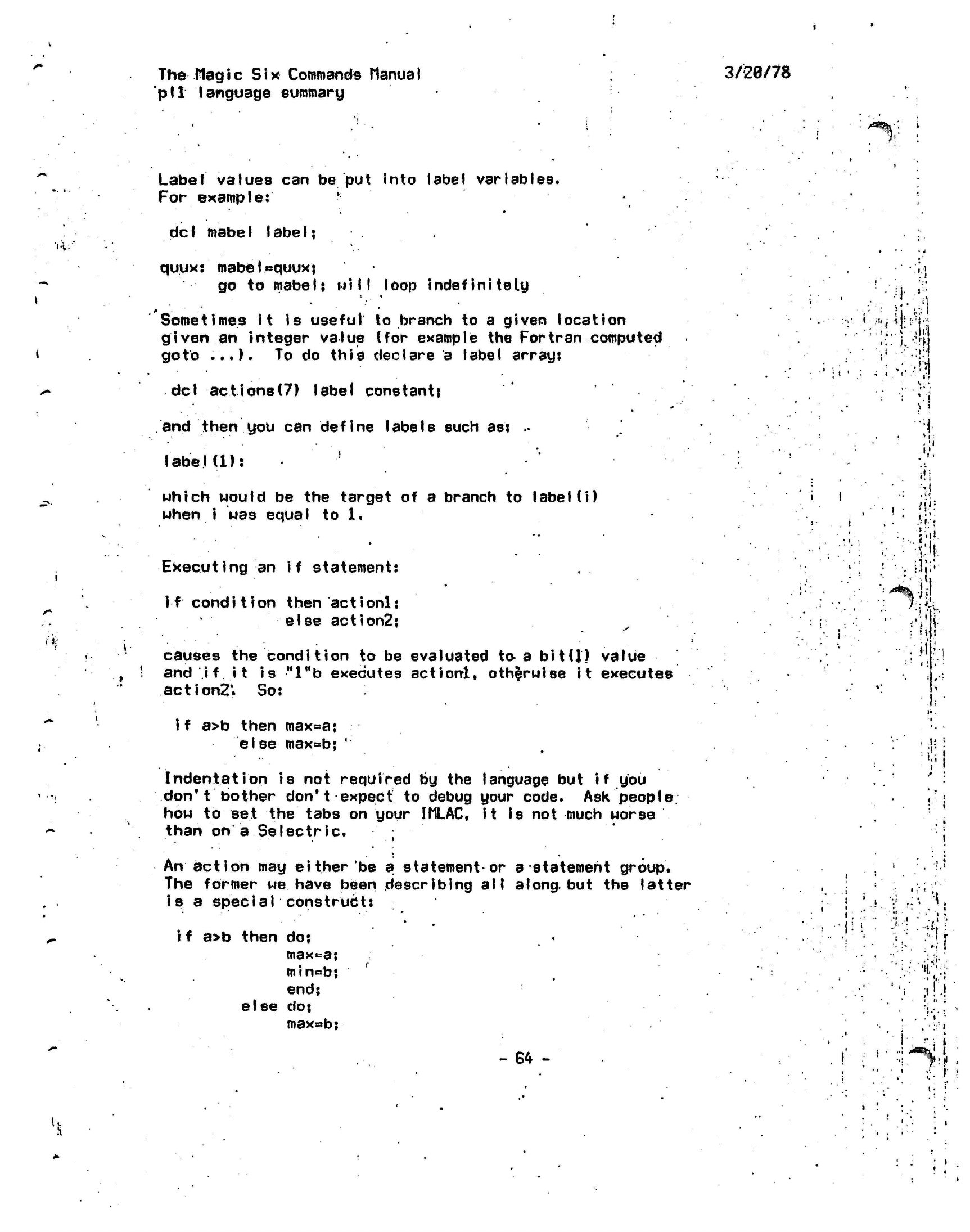
The
Hag i c
Six
Commands ttanua
I
'pit language
summary
3/20/78
/^%;'
i
..,,:
Label
values can be put into label variables.
For
example:
*
dcI mabeI IabeI?
quux:
mabelequuxj
go to
mabe
I;
nil I
loop
indefinitely
Sometimes it is
useful
to branch to a given location
given
an integer value (for example the Fortran computed
goto
...).
To do this declare a label
arrant
del actions(7)
label
constant^
and then you can
define
labels such
as:
••
label(1):
'
which would be the target of a branch to
label
(i)
when i was equal to
1.
Executing
an if statement:
if condition
then actionlj
else action2j
causes the condition to be evaluated to a
bit(J)
value
and i
f
it is
"l"b
executes
actionl,
otherwise
it executes
action?*
So:
..
i.
'.!
:'••'• •;•"
• < > •
A
!
'
'.I
)
i
','.
M
>i'r-
•
i-
•
31.'.
fill.
iJi;!
i f a>b then
max^a;
else
max^b;
'
Indentation is not required by the language but
i f
you
don't
bother don't
expect
to debug your code. Ask
people,
how to set the tabs on your
IMLAC,
it
Is
not much
worse
than on a
Seleetrie.
An action may
either'be a statement*or
a-statement
group.
The former we have been describing
all
along,
but the latter
is
a
special
construct:
i f
a>b then do:
maxca;
min=b;
end;
else
do:
max«b;
-
64 -
.
v.
•
•
i
'.,
-i-r.
1.
.
. : -.. .
-.1.
:
'".•
• •;•.
!:>-
M
I1'
•
I
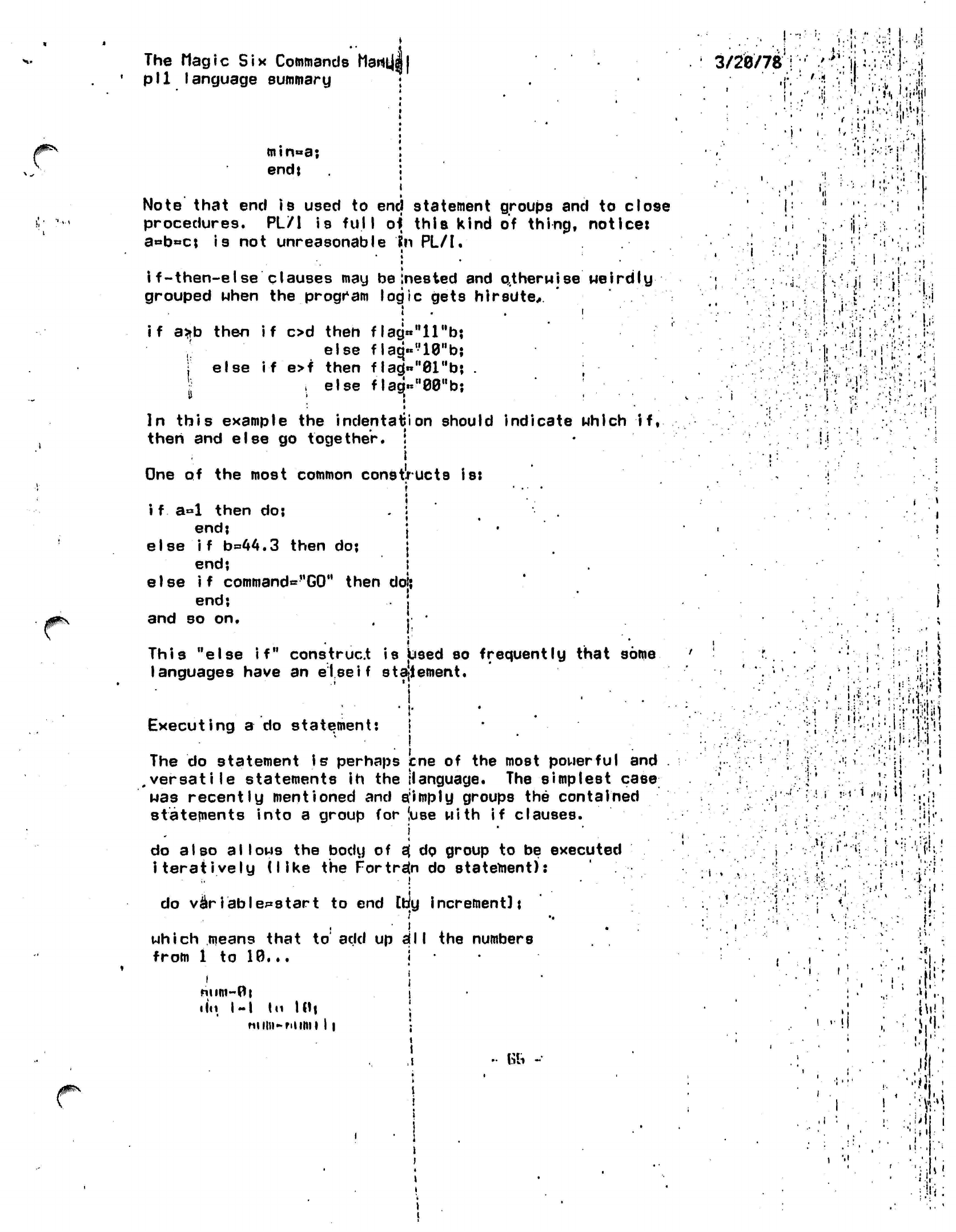
The Magic
Six
Commands
hartt|J|
pll
language summary
•
min»a;
:
end; i
i
Note
that end
is
used to end statement groups and to close
procedures. PL/1 is
full
of
this
kind of thing, notice:
a«b»c;
is not unreasonable
?n
PL/I.
•
•
*
i
f-then-else
clauses may be
Inested
and
otherwise MeirdIy
grouped when the program logic gets
hirsute,
if
a*b
then if od then
flag«"llHbj
else
flaq«n10"b;
) else if
e>f then f
lag)«»"01"b;
.
.else
flagVWb;
II
; 1
In this example
the
indentation
should indicate which
if,
then
and
else
go
together.
!
•
i
One
of the
most common
constructs
is:
i
• .
•
»
i f a°l
then
do; .
:
'
end;
j
else if b=»44.3
then
do; j
end;
i
else
if
command="G0"
then
dol;
end;
j
and
so on. . j '
This "else
if"
construct
is
Used
so
frequently
that
some
languages have
an
else if
statement.
Executing a
do
statement:
!
The do statement is perhaps
cne
of the most powerful and
.versatile
statements ih the {language. The simplest
case
was recently mentioned and
a:imply
groups the contained
statements into a group for (use
with if
clauses.
i
do also
allows
the body of
s{
do group to be executed
iteratively (like
the
Fortran
do
statement):
do
variables tart
to end Coy increment];
which means that
to
add up
a;11
the numbers
from 1 to 10...
|
num~0i i
•
In.
I-I
In I Hi j
nniii-niimi 11 •
1
IT •
,i
•• fob -
3/20/78
««
i
»
• M| • - | •
i
• •' '
,'.:
l.'M
*•• ;:
!»
t
41
i .-!•• •
'I1;
j,
• i
I
i!
-
•
•
'i
'
:'••!'
i'.i
i • .'•
•I'
'...-- : I '•:.
!.i
( »
•j"i:-r
Mi:-':
'ii
• u •
I' t
'ifi!'-
;!•»
.!• JiK
i-••»{-•
.
i -i-'i
I-!;.:
l
•V
i
"!l
J>
•
;
%1
'!
;•>
.
oi-
•
'•••
Vi;
'•".;
"1'
••<£•><
;
1;.
!
11
M
h'
ii
j
i.
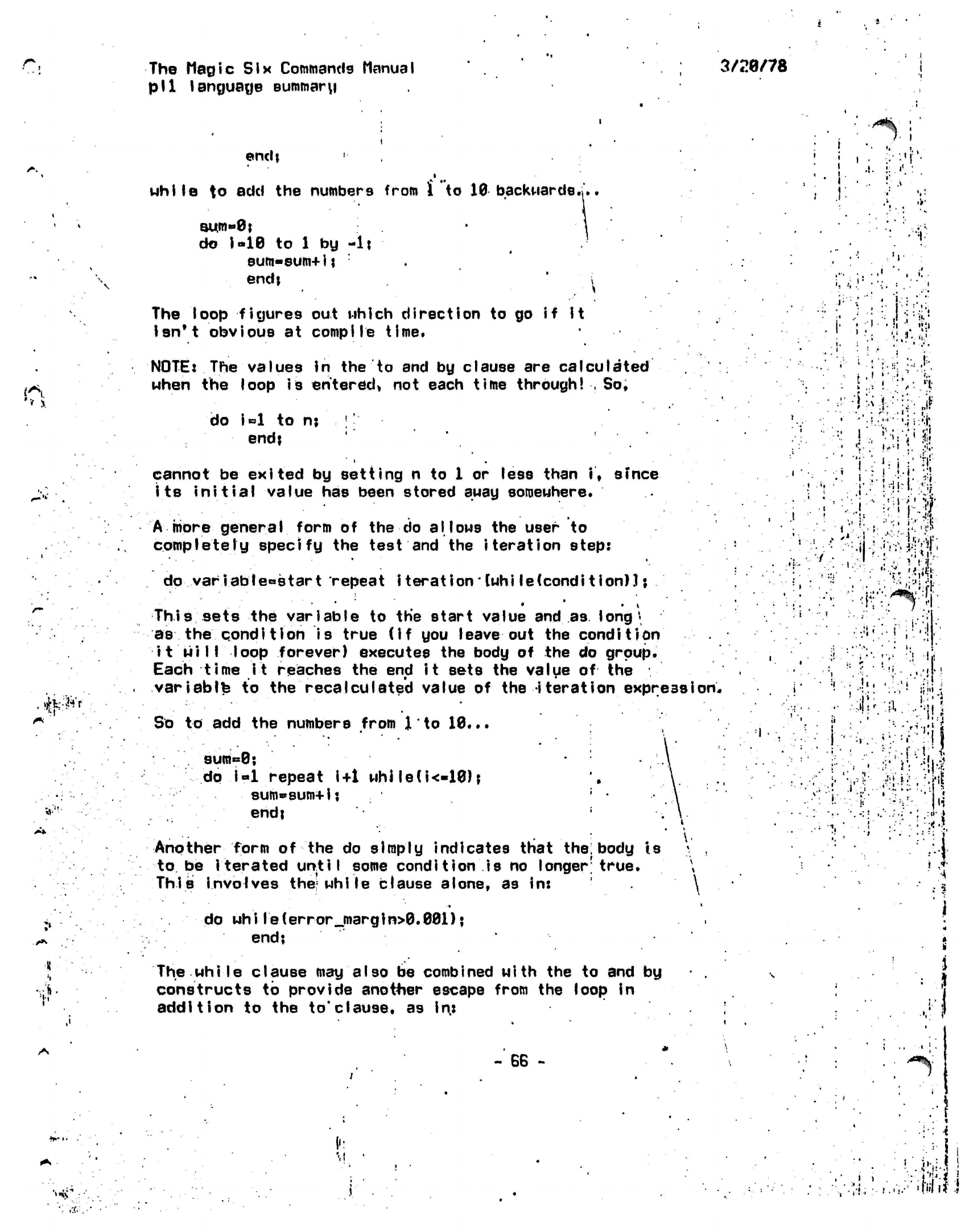
r.
The Magic
Six
Commands Manual
pll language summary
3/20/78
endi
Mhile to
add the numbers from
i
to 10 backwards.;..
r
' .1
aum»0j
do
i-10
to 1 by
-It
Bum-sum+ij :
endj i
The loop figures out which direction to go if it
isn't obvious at
compile
time.
NOTE:
The values in the to and by clause are
calculated
when the loop
is
entered*
not each
time
through! , So,
do
i=l
to
nj ''
end?
cannot
be
exited
by
setting
n to 1 or
less than
if sfnce
its
initial value
has
been stored
auay
somewhere.
A more
general
form
of the do
allows
the
user
to
completely specify
the
test
and the
iteration step:
do
variabIe°start
repeat
i terationlwhi le(condition)]
\
•
• •
i
This
sets
the
variable
to the
start value
and
as long
\
as the qondl tlon is
true
(if
you
leave
out the
condition
it
will
loop forever) executes
the
body
of the do
group.
Each
time it
reaches
the end
it
sets
the
value
of
the
variably
to the
recalculated value
of the
iteration
expression.
So
to add the
numbers from
J
to
10...
9um«=0;
dp
i«l
repeat
i+1
whJle(i<«10);
sum«sum+ij
end;
Another form
of the do
simply indicates that
the:
body
is
to
be
iterated until some condition
is no
longer1
true.
This
involves
the;
while clause alone,
as in:
J'
'•
I.
:
1
..:
•••V-V;.-«t-
i
J
I
-
!;>
A'/lf
. ,
/ .
I
' ' •!'•••
:»•••
•>•••'.•
•!><"
if
i
••
i
:
.
•..'!»'.
r
!/;!
, t
11
:.«»'
.
I.
':••
•••{}.!
l.'.i
rl-i'1
i
•"'•'•I
i
r
»
do
while(error_margin>0.001);
end;
The
while
clause
may
also
be
combined with
the to and by
constructs
to
provide
anot+ier
escape from
the
loop
in
addition
to the
to*clause,
as in:
•»*'•
-
SB
-
; '
*
:' .
.-I
• ••••
i
•' '
' •
i'Yl
i
•/•:•!.:•«••'».•'
'Wit)
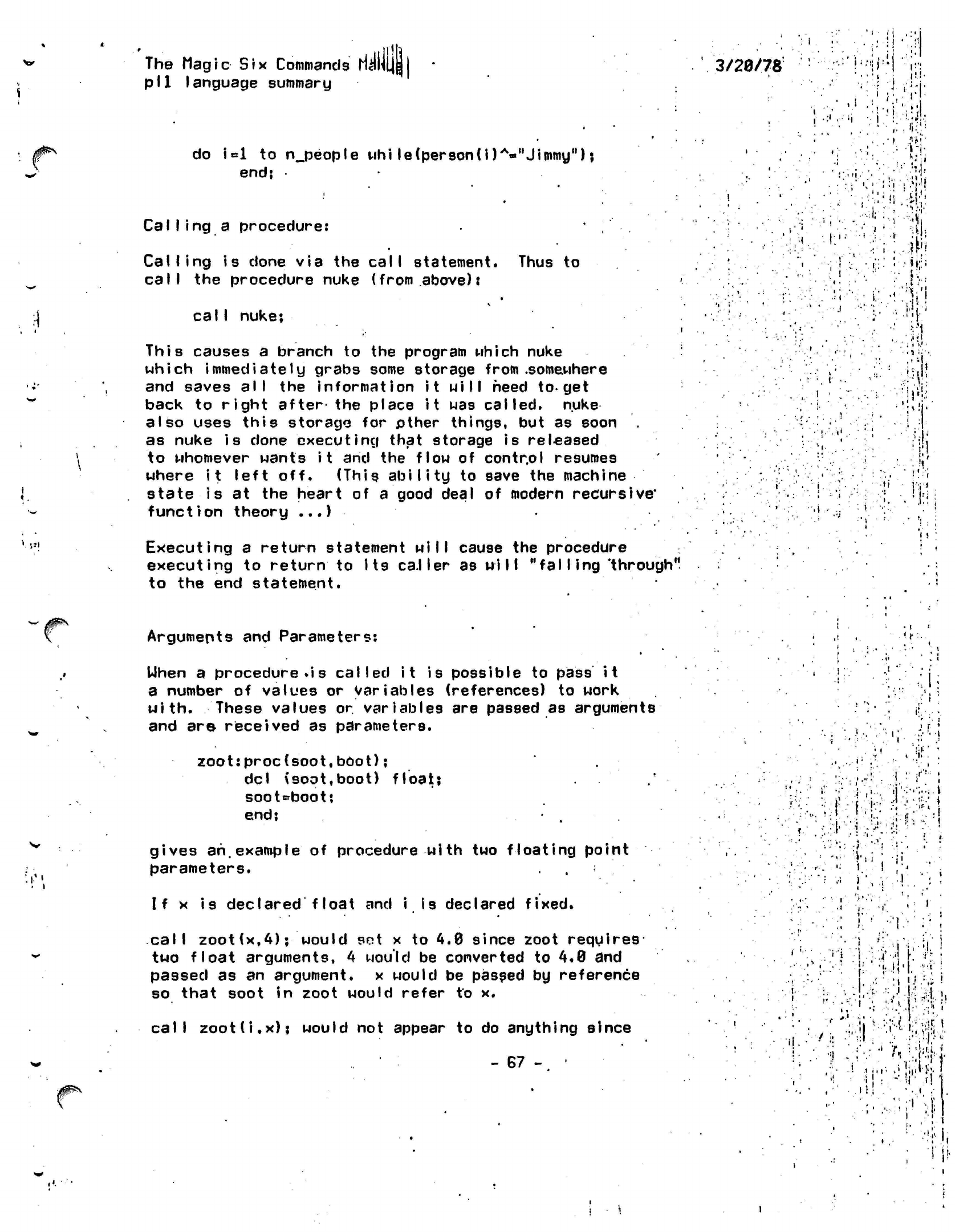
•.
'
JJI
The
Magic
Six
Commands
ri^HLJl
pll
language summary
do
Ul
to
n_people
uhi
le(person(i)A-"Jimmy");
end;
Calling a procedure:
Calling is
done via the
call
statement. Thus to
call
the procedure nuke (from
above):
calI
nuke;
This
causes a branch to the program which nuke
which immediately grabs some storage from
.somewhere
and saves
all
the information it
will
heed
to-get
back to
right after
the place
it
was
called,
nuke
also uses this storage for pther things, but as soon
as nuke is done executing that storage is
released
to whomever wants it and the flow of contr.ol resumes
where
it
left off. (This
ability
to save the machine
state is at the heart of a good deal of modern
recursive*
function theory
...)
Executing a return statement will cause the procedure
executing to
return
to
Its caller
as
will "falling
'through"
to the end statement.
3/20/78
•.•:•;',; !'•
i
.•i
'
i;:
,:,'i:,!
i
..?*?•
ii
M"
, 4
7
it
l«i
I
!
Arguments and Parameters:
Uhen
a procedure
.is called it
is possible to
pass it
a number of values or
variables
(references) to work
with.
These values or
variables
are passed as arguments
and are received as parameters.
zoot:proc(soot,bOot);
del (soot.boot)
float;
soot«=boot;
end;
.
gives
ah,example
of procedure with two floating point
parameters.
If x is declared float and i is declared fixed.
<A
f
, !•
call
zoot(x,4);
would
set
x to 4.0 since zoot
requires
two
float
arguments,
4
would be converted to
4.0
and
passed as an
argument,
x would be passed by reference
so that soot in zoot
would
refer to x.
call
zoot(i.x);
would not appear to do anything since
- 67 - •
... .••
•«
•
••.
i i
•
'j i
.';-.*•••'!
r.
•..I
!)
•'. ' :
i } -v
'
j
S
&
J.
a
i
-•• l
5i"::j!!^.
i.
V
?5W
' '/. :
'ii'A,
'
I
:
i
n
i •'
•!•?
I,
!!•
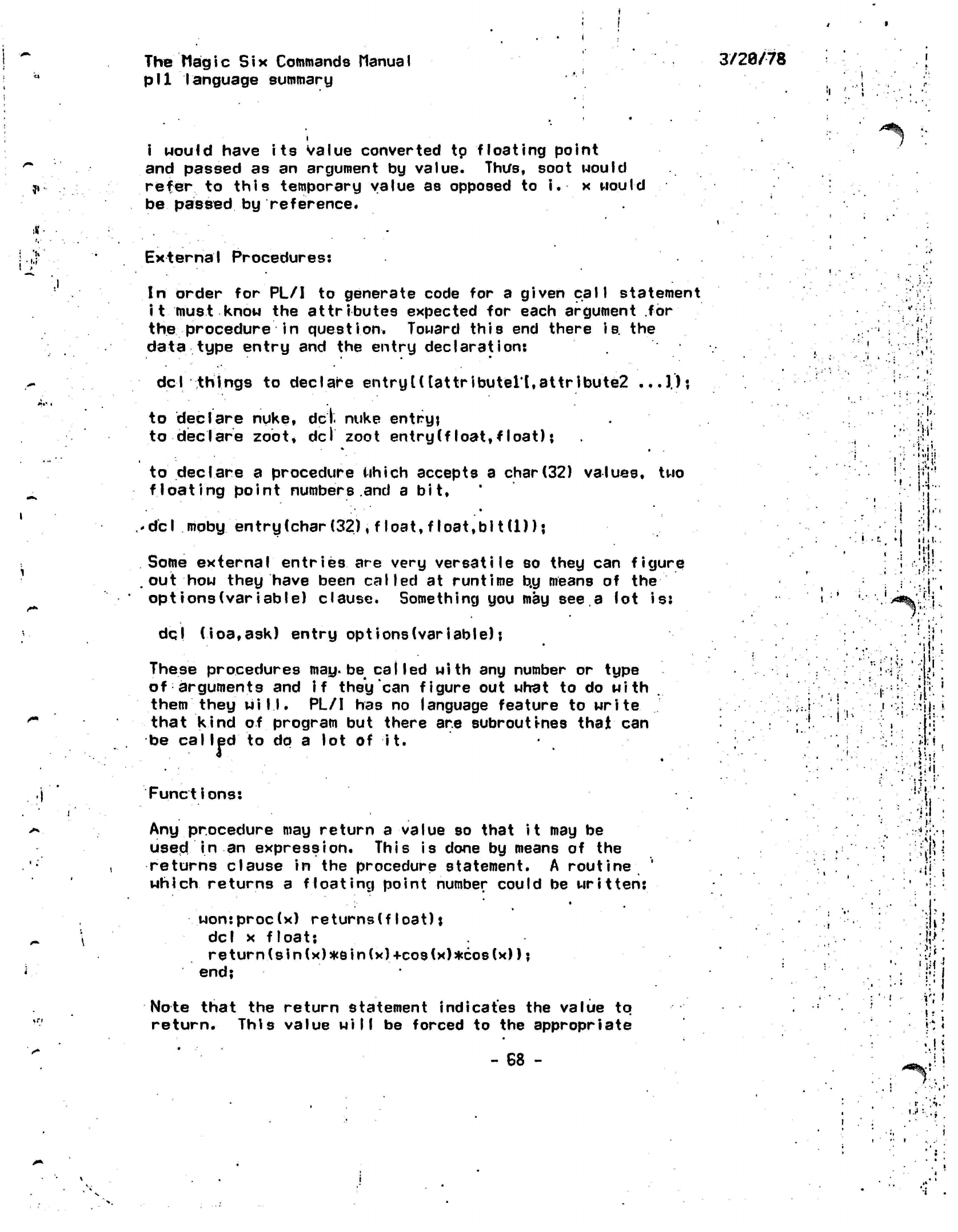
The
Magic
Six
Commands
Manual
pll
language summary
3/28/78
*
i Mould have its Value converted tp floating point
and passed as an argument by value. Thus, soot would
refer
to this temporary value as opposed to
i.
x would
be passed by reference.
*
> External Procedures:
In
order for PL/I to generate code for a given call statement
it must know the attributes expected for each argument for
the procedure in question. Toward this end there is. the
data type entry and the entry
declaration:
del
things to declare
entry U [attributen,attribute2
...J);
it'
:\ ••
to declare nuke,
del.
nuke
entryj
to declare zoot,
del zoot entry (f I
oat,
float);
to declare
a
procedure which accepts
a
char(32)
values,
two
floating
point
numbers.and
a
bit,
•
• •
del mgby entry(char
(32),
float, float,
bit(U) j
Some external
entries
are
very
versatile
so
they
can
figure
out
how
they have been called
at
runtime
b.y
means
of
the
opt ions
(variable)
clause. Something
you may
see,
a
lot is:
dq|
(ioa,ask)
entry
opt
ions(variable);
These procedures
may.
be called with
any
number
or
type
of arguments
and
if
they
can
figure
out
what
to do
with
them
they
will.
PL/I has no
language feature
to
write
that
kind
of
program
but
there
are
subroutines that
can
be
called
to
dp
a lot of it.
•
•
Functions:
Any procedure may return a value so that it may be
used in an expression. This is done by means of the
returns clause in the procedure statement. A
routine
'
which
returns a
floating
point number could be
written:
won:proc(x)
returns(float);
del
x
float;
return(sin(x)*sin(x)+cos(x)*co8(x));
end;
•w
.
t.ij;i
I .
!
;•:.!'
P-
•
i.l..
I;
. s
i
i
M:
!
.
>5
jj
'>'-%'•
ski
'
<
.! •
• t
y
•
•
to
Note that the return statement indicates the value to
return.
This value
will
be forced to the appropriate
- 68 -
Hi
. I
*
<*%•?
i
i
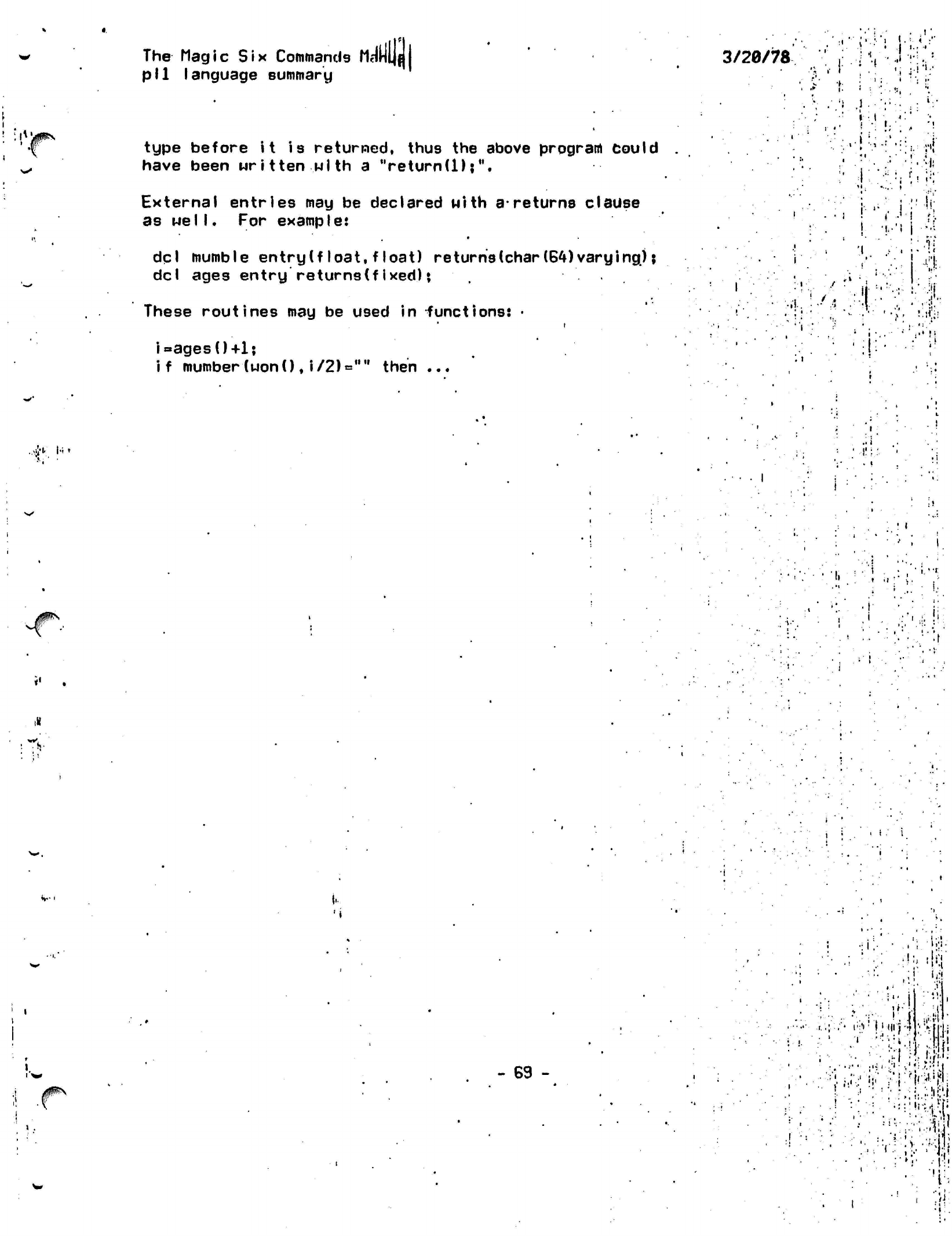
:it
/jf^N
The Magic Six
Commands
fid
pll
language summary
type before it is returned, thus the above program Could
have been
written with
a
Veturn(l);M.
External entries may be declared with
a-returns
clause
as
well.
For example:
dql mumble
entry
(f loat, float) returns (char
(64)
varying);
del
ages
entry
returns(fixed);
These
routines
may be used in
functions:
•
images
0+1;
if mumber (wonO ,
i/2)=""
then ...
3/20/78
'»
.1
• *
l
.
j
••'.
i''•'•'•;
• ••'•! f
I:
"!••••
i
•;:!
I • i '" : i
V
'/.
!
n
/
r'
4y_
u>
I.
•'
t.
i
-
69
-
•:l ,•
: '-.•:.
>*•.
'
l':1'
f I
(111-'
'
*-f
..
•••• ',' ; • Lf
••
j..V'»V
•M-"?i^|jli
' ! •!•.- .; --i.fi
- : • •
: :'.!:•:• :':••
:-.:
•"•\\^\\[
•
• •...
; • • :>.n
• : '( •' i ;•
• i •
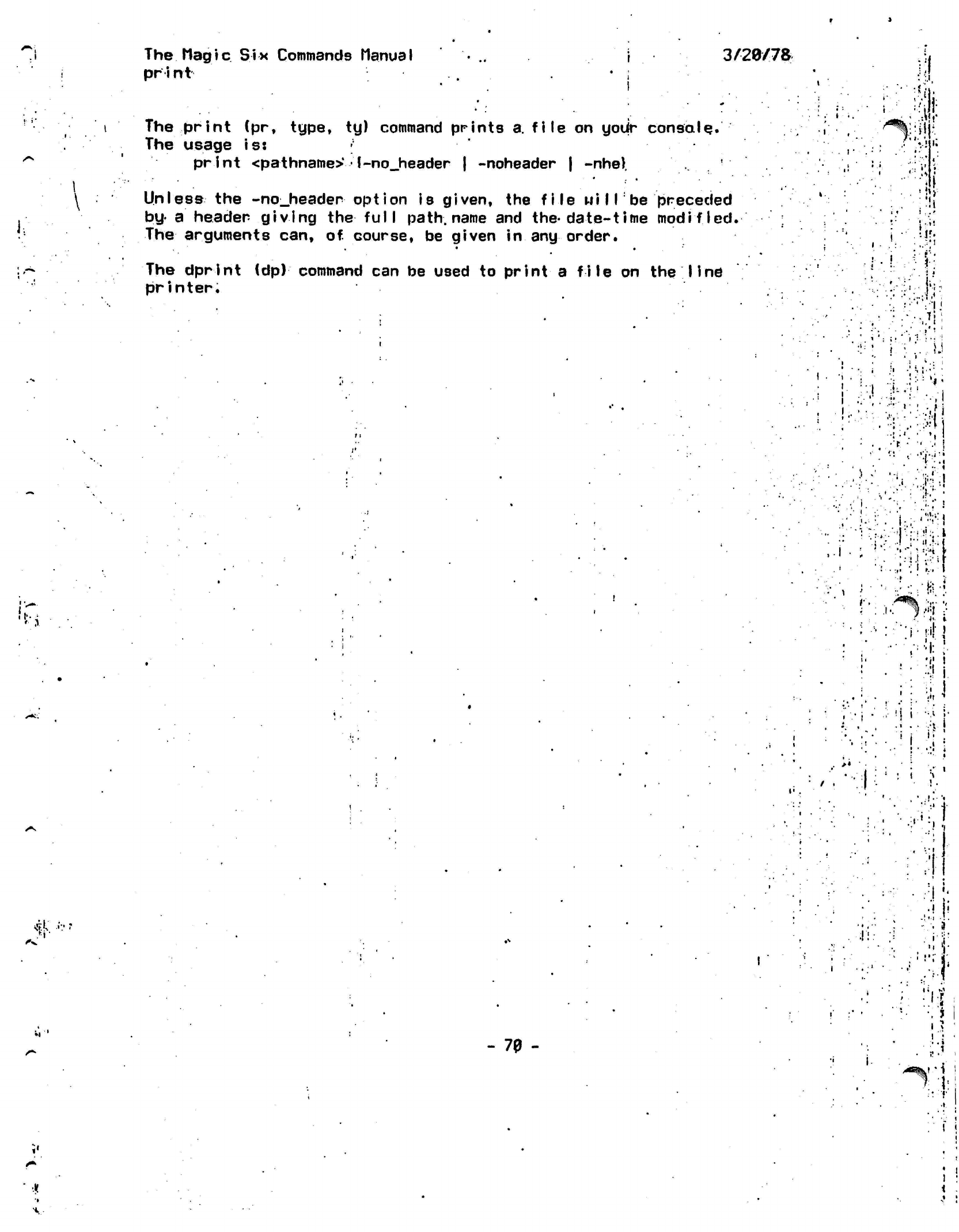
.1
The
Magic
Six Commands Manual ' • ... ' j . •
3/28/78
pr i
nt
•
;
The print (pr, type, ty) command prints a. file on
yodr
console.
The usage is:
;:
print
<pathname>*
•
l-no_header
|
-noheader
|
-nhel.
'
Unless
the
-no_header
option is given, the
file ui
11!
be preceded
by. a header giving
the
full
path,
name and
the-date-time
modified.
The
arguments can,
of.
course, be given in any order.
• • •
'
The
dprint (dp)
command can be used to
print
a
file
on the line
printer.
•
i
ill
'if.
.V!
.
:•''''•.•"I
'
•••".•rji:
• * * i
I
T
.
• i
1.
;..
!
I • 'I "I
'M
•'•-
•'. ''•'.• .
'••",> !;''t
'
i.^-ii'?
I
'• I
.
--.Si.
i i
•'
>«
f
'1
1 .
•i'-':i
-.-'J!:
.;!
I!
i
'i
•<
v
•if
-
70 -
I
!
I
:
i
.
«
>
*~/p\.
•
(V.
^
*\
The
Magic Six
Commands
Manjjfll
3/20/78
probe
This is the
documentation
for the symbolic debugge, pb.
Here is what the commands do. Note that numbers are
in hex unless preceded
by
a control d
character.
Command
*j (line
feed):
This command opens the next location,
by.adding
four to
the current
location
and redisplaying
it.
Command
^m (carriage
return):
This
command opens the previous
iocation
from the current,
by substracting four from the current open location.
Command
.ch:
This
command
prints
the current
location
out as a
char n
string,
where n
defaults
to
four.and
can
be specified
by preceding the command
with
a
number.
Command .fit
This
command
prints
the current
rocation
in decimal,
treating i t as a fixed (31) variable.
Command
.hi:
This
command does the
6ame
as
.fi,
only for a
fixed(15)
variable instead.
Command
.r:
This command prints
in
the
current stack frame
the
value
of
register
n,
where
n is a
standard
arg to the
command.
i.e. is
placed
immediately preceding
the
'V
character.
For
example,
3.r •
.'.•.'.•:••..:•
would display register
3.
Command -:
This command does the same (with the same defaults)
as the
'"+"
command only it subtracts the argument from
the current location Instead of adding it in.
_
M
I
i
i i
:•:;
• &
'
•:/
'J
ir,
.
•
>•'
•!•:
••.:.
.'!.!
•I -.
:.-».
• \
• '
1
. * •
r
•••>,!
I.I:
:
.
t
•
!• '!!•
!
1 ;
' ' .
' '
'
:;•-. •
.<;
;
- i
:
]|
•
'•if
•
«|i.
r
'
'K
'
M •...
:«i
1.
ti-
ll
.-••I
Command +:
; ,!}
i
This command adds its argument to the current location, and
the argument
defaults
to 2 if not specified.
'• "•
• •! ••;
:- i
• ' •
-.\.
>.••
;/.'•'
:[:':t\.\
:
•'•••••"« :!'!.:•• ••••-,.«:i
.*'••
•••* -;•:••
i1',-
;
• •• .. ••-••'•' •
t.\
i>~*k$:[
••:;• •••
^••••T?..n,i.i'"i;;.N.
!
.",.«:.
'1 .:'
•:-. f ••l'l :
•vi:';
W4\
:-..••
•
-:..
;iii;!
1
' '
i
i •!'
I
• ''.•'
• . t
The
Magic
Six Commands Manual
probe
3/20/78N
/ • i
•jrK'-h'
h
•
;:
Command
This command
modifies
the open
full'word.
The argument
the value that is put in the
location.
If
there
is
no .
argument, then the value of zero
is
used.
is
Command
.in?
The
.in
command
is
used
to
initiate segments.
The
name
of the
segment
to be
initiated
is put
after
the
j
.
in,
and
exact I
y
one
space
is
assumed,.
so
that
files with
weird names
can be
easily
handled.
The
command prints
out
what segment
the
segment
is
initiated into,
and the
code
returned from
initiate.
If .in
is
given
a
numerical argument
then
it
attempts
to
initiate
the
pathname
in a
segment
with
that number.
i
•>*%
t • >i
'••
i
• :
.
-
i.
•;'".•;.•.
•;
i.(•
•i
:
A
Command
..:
The
..
command is used to send commands to the command processor
via
the scsSd
entry. The .. is immediately followed by the
command
line
as
it is to be sent to the
cl
entry.
»r>f
•
Command
.ins:
The
.ins
provides the macro facility. It is preceded by
the
buffer number, and is
followed
by the command name, which should
9tart
with a dot. You then input the macro, ending with a
line
that contains only a backslash. You can then run the macro
by
typing the command Name that you have given it.-
Command
.ps:
The
.ps
command
is
used
to set
plod break points.
It takes
an
argument, which
is the
line number
at
which
to
set
the
break point.
As
usual,
the
break
is
before
the
line.
The
program name
is
taken from
the
last
.use
command.
Command
.pk:
This command kills all
pll
break points that
have been set in this process.
1
i.
• •
:
1':
' ,••!'
'•••
;l
.,,:;•!
••
•
'
'.
,i
•
i
t
i.
j*i;-
ii'-
1
Command
,pn
This command is just
like .ps
only it
kills
the
break point rather than
setting
it. It warns you if
there
is no such break.
Command
.qs:
.- 72
-
•
Mi'
•
.'!£••
f
•, •*
M
*
•
* ;
The
Magic Six
Commands Manual
probe
H
3/20/78
/ifflBN.
This command sets assembly
break-
points. It is preceded by
the location at
which to set the break, or
if
none
ie
provided,
then It sets it at the, current open location.
."!
I •••
Command
.qk:
This
kills
all
assembly break points
in the
current process.
Command-.qr;
This command works just
like-.qs
only
it
resets
the
break point instead
of
setting
it.
\>.:?<
-
hi
i
!
Command
.pi:
This command
lists all pll
breaks.
•
•
i.
!
.
'
.'
!
1:
Command
.ql:
This command lists all
assembly break]
points.
/ i
Command
.fy:
This
command turns on
flow
tracing of pll debug
programs-
:'
M
I
w.
Command:
.fn:
This
command turns off
flow
tracing.
Command
.w:
This is
the
watch command.
It
takes
a
location,
which
defaults
to the
current location,
and
watches
it
for
changes.
It
is
checked
at
every
pll
debug line entry,
and
if it
changes,
a warning
is
printed
and you get a
break point encountered message,
i..
-.••••
(•'•:•?•<
-i ••'
;»l.|
r
-Mi.1
•*?'
•»'\
i
v;-
»•!{!•:•':•
'
il
Command
.s:
This
is the
symbol loader
command.-It
has two
forms.
•s
.s f iIename
In
the
first,
the
file sym will.be
used
for the
symbols file, while
in the
second,
the
file
filename.sym
will
be
used. Expand path
is
called.
Command
.tr:
The
.
tr command does stack traces.
If
preceded
by a
number,
only
the last
n
frames
will
be
traced.
If followed
by an
"I",
then
the
long
ii.j
•:•.•»
•'It
l
/
.J
.,»••••»
•
-I •
' '•
J
\<>
- 73
-
The Magic
Six
Commands Manual
probe
3/26/78
form stack frame trace
wili
be
done, which prints
all
registers.
Command
q:
The
q
command causes
the
debugger
to
return
to its
caller.
This
will
work
on pll
breaks
and
assembly breaks
as a
break
return,
see
^g's documentation
for
more
information.
Thi.s command simply returns.
Command
t:
The
t
command chases
a
pointer.
The
pointer
at the
current
open location
is
used
as the
address'of
the
new
current
location.
Command
o:
The
o
command does
the
same
as t,
only
it
only takes
a
halfnord
and adds
in the
offset base,
set by the
.so
command.
Command
.so:
This command sets
the
offset
base.
All o
commands
have
this
value added
to
them
to get the new
current
location.
If
no argument
is
provided, then
it is
assumed that
the
offs.et
base
is the
current
location,
otherwise
the
argument
is the
new offset
base.
*
•
»
.••I'j
ii
j'ii
• r
i
Command •
sb:
This
command
works like
-.so,
only
it
sets the
"based
base".
This
is
the*,
value that all
based
variables,
are based at when using the
symbol
table
hackery.
rt
•
i :
•
,
1
Command
g:
This command
returns
from assembly break points
in a
clever
way*
namely
that
the
current break points
is
cleared
so
that
you
can
precede,
and
then
it
is
replaced after
the
single instruction
that
was
break pointed
has
run. This
is not the
standard
return,
since
some segments
are
read-only
and
this would cause
a
segfault
in some cases trying
to
catch execution after
the
break
point.
1,
Command
p:
This
is the pll
next
line
instruction.
It
executes
one
line
of pll and
then
hits
a
breakpoint.
p Command
.use:
This
command
takes
two forms, <n>.use and
.use
<name>.
In the first form, it tells the debugger to use frame n for
-
74
-
>'
/
.
*.;-:i
1.
*
•• •
* • *.
•
V
I
ii
•'
;
/
• - 1
•U
.
1 1
1
I
il
ill
1 ;:•'
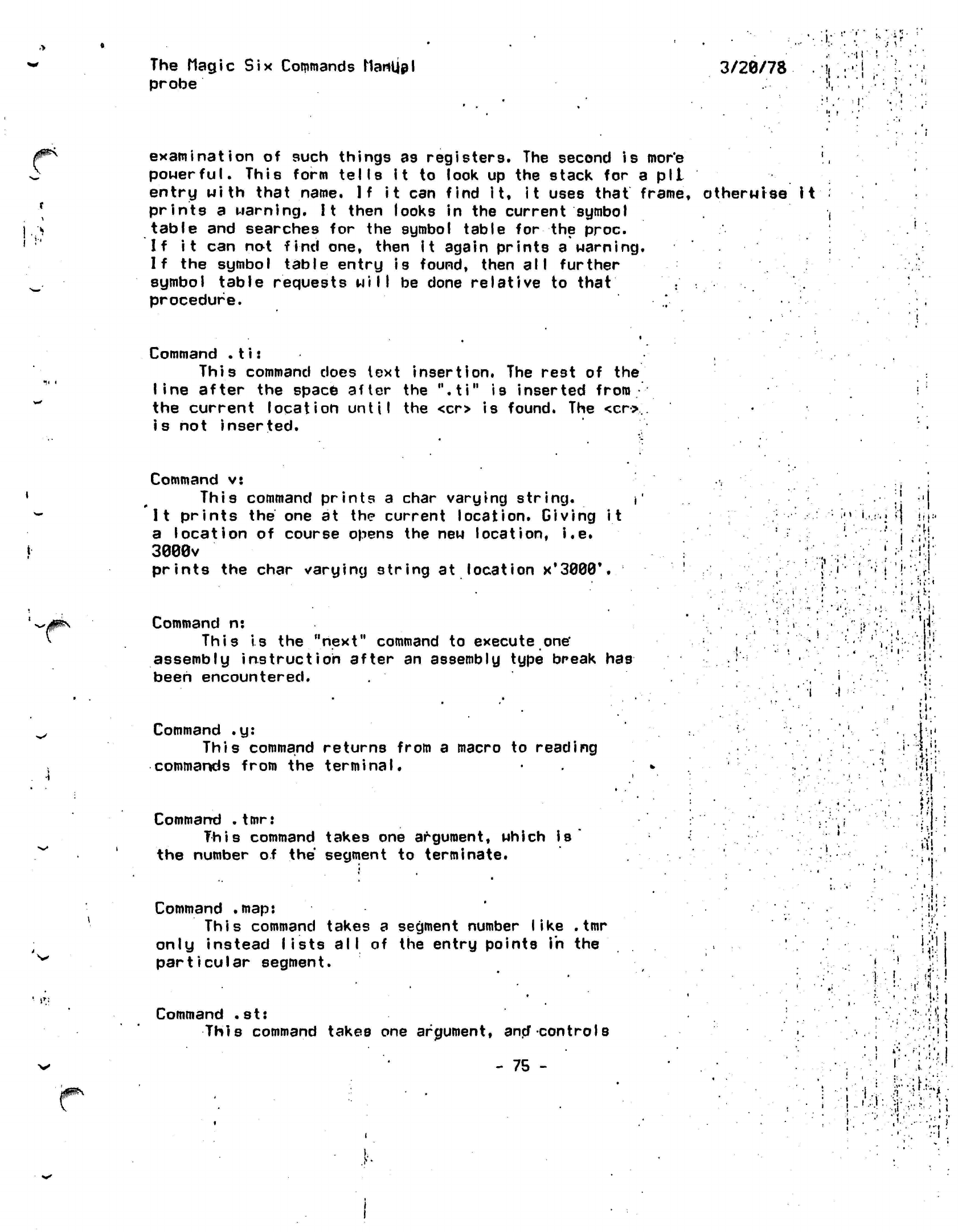
The Magic Six Commands
Manljpl
probe 3/20/78
•
i:
vi
r
.'
\.
':
t
examination
of such things as registers. The second
is
more
powerful. This form
tells
it to look up the stack for a pll
entry
with
that name.
If
it can find it,
it
uses
that
frame, otherwise it
prints a warning. It then looks in the current symbol
table and searches for the symbol table for the
proc.
If it can not find one, then it again prints a warning.
If the symbol table entry is found, then all further
symbol table requests
will
be done relative to
that
procedure.
i
•
Command
.t i:
This command does text insertion. The rest of the
line
after the space after the
".ti"
is inserted
from
the current location until the <cr> is found. The <cr>,
is not inserted.
Command v:
This
command
prints
a char varying
string.
It prints
the
one at the current location. Giving it
a location of course opens the new location, i.e.
3080V
prints the char varying 3tring at location
x'32W,
•
.
c
i
' •
:l
!
* ! '
\.r>
Command n:
This is the "next" command to execute
one'
assembly
instruction
after an assembly type break
has
been encountered.
Command
.y:
This command returns from a macro to reading
commands from the terminal.
Command
.tmr:
This
command takes one argument, which
is
the number of the segment to terminate.
•,
i
:
;'
.
.I'-
ll.
11
•
Mi;
•
-5
i
»fi;
i-i!
,
Command
.map:
This command takes a segment number
like .tmr
only instead
lists all
of the entry points in the
particular
segment.
Command
.st:
This command takes one
argument,
ana"
controls
• ! •
(
• ;-,h
.
.
•
in
-
i..-
.
;
.i.
!';
:
I
\ !
!l'
1
>
'
i X
i
••
.•
i
<
!
I
#^
- 75 -
r
I
.•
I
..
"•(•
... !•'
I
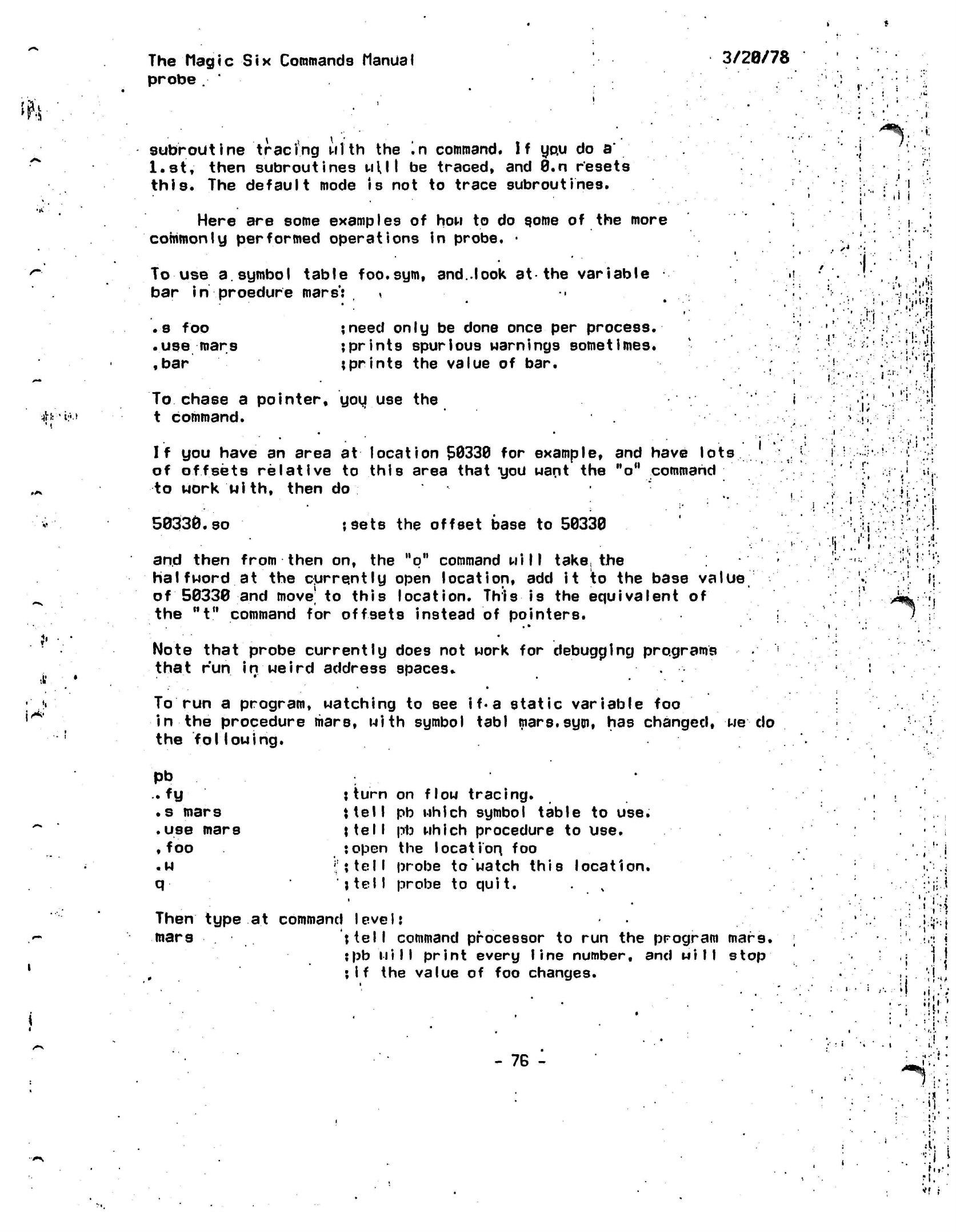
Ii>*
The
Magic Six
Commands Manual
probe
subroutine tracing
wl'th
the '.n command. If you do
a'
l.st,
then subroutines
Mill
be traced, and 0.n resets
this.
The
default
mode
is
not to trace subroutines.
Here are some examples of
how
to do gome of the more
commonly performed
operations
in probe. •
To use a. symbol table
foo.sym,
and..look at-the
variable
bar
in
proedure mars':
<
3/20/78
'**%
'{•
(i
j
. s foo
•use
mars
,
bar
;need only be done once per process.
;prints spurious
warnings
sometimes,
{prints the value of bar.
#ifi:i.t
To
chase a pointer, you use the
t command.
i;
i
•
i-
If
you
have
an
area
at
location 50330
for
example,
and
have
lots
of offsets relative
to
this area that
"you
want
the
"o"
command
to work with, then
do
i*;
50330.so jsets
the
offset base
to
50330
and then from then
on, the
"q"
command
will
take,
the
halfword
at the
currently open location,
add it to the
base
value
of 50330
and
move'
to
this location. This
is the
equivalent
of
the
"t"
command
for
offsets instead
of
pointers.
;
Note that probe currently does
not
work
for
debugging programs
'
that
run
in
weird address
spaces*
*
•
To
run a
program, watching
to see
if•
a
static variable
foo
in
the
procedure mars, with symbol
tabl
mars.syin,
has
changed,
we do
the
following.
•ii
I'-l
Pb
• fy
•s mars
.use
mars
,
foo
.w
q
{turn on flow
tracing,
{tell
pb which symbol table to use.
{tell
pb which procedure to use.
{open the location, foo
;!{tell
probe to watch this location.
{telI
probe to
quit.
Then type at command
I eve
IJ
mars
{tell
command
processor
to run the program mars.
;pb
will
print every line number, and
will stop
;if
the value of foo changes.
.
-1.
J
- 76 -
il',
;
fit-'
*f
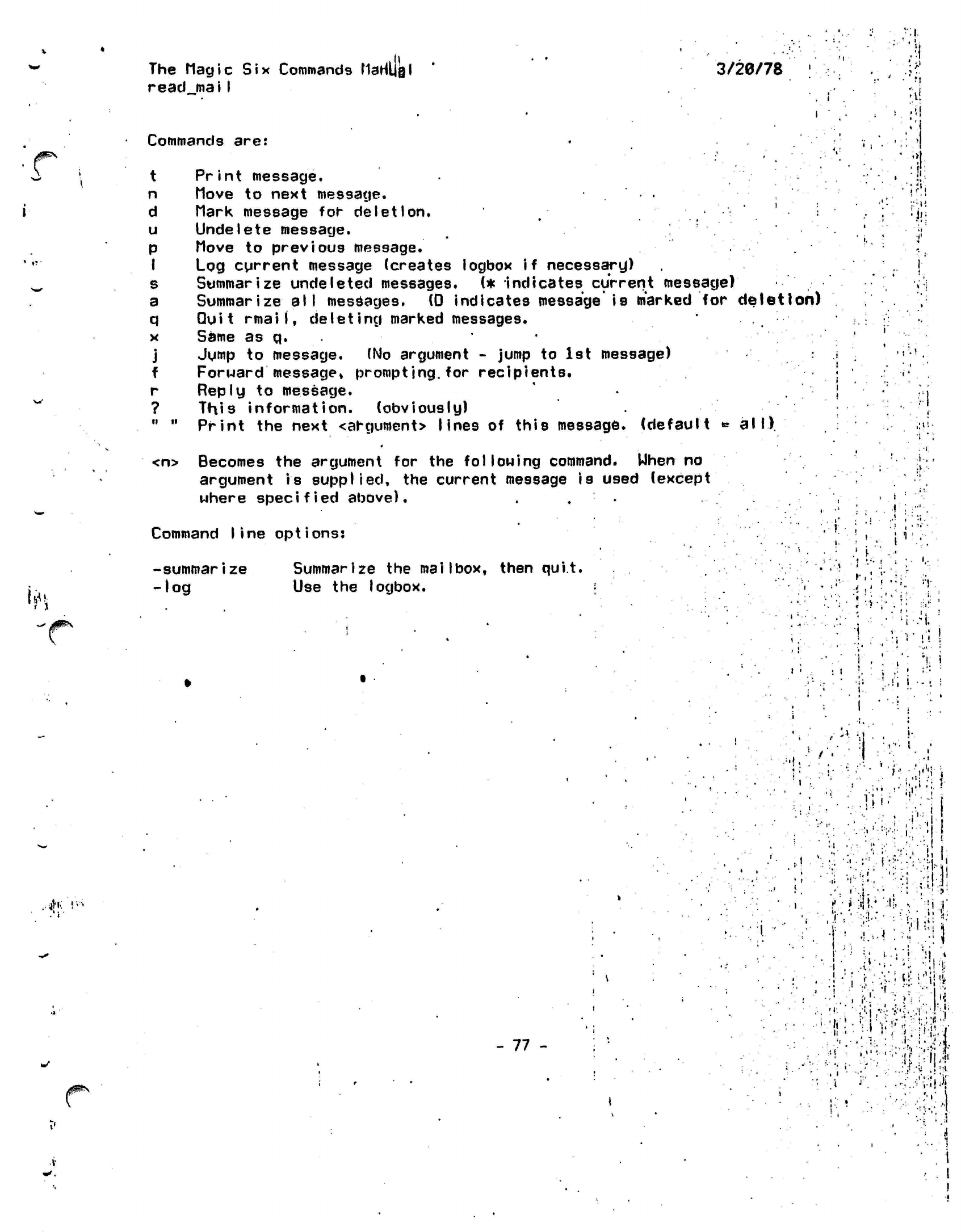
The Magic
Six
Commands
MaHljgl
read
maiI
3/20/78
Commands are:
t
P'r
int
message.
n
(love
to next message.
d Mark message for deletion.
u
Undelete message.
p Move to previous message.
I
Log cgrrent message (creates
logbox
if necessary)
s Summarize undeleted messages. (*
indicates
current
message)
a Summarize all messages. (0 indicates message is marked for deletion)
q
Quit
mail,
deleting marked messages.
x Same as q.
j Jump to message. (No argument - jump to 1st message)
f Forward
message*
prompting.for
recipients.
r Reply to message.
? This information. (obviously)
"
" Print the
next
<argument> lines of this
message,
(default
» all)
:1i
"A
<n> Becomes the argument for the
following
command. When no
argument is supplied, the current message is used (except
where
specified
above). .
Command
line options?
*
1
•***
-summarize
-log
Summarize the mailbox, then quit,
Use the
logbox.
•i
if
i j
-I.
;
i
11
:
;i
i
:• -i
/ .
?•
rx
•
....
,--!v»-n
:
I.;
-I .
I
- 77 -
'
i;
-.: • ••:
••-•i!:-!i
•'•".
:
Vh!j
j'
•!.•>••!
.
•"
.•'
j
-s:
¥'•'$•
''*M
•?.:
Ml*4
'.:t|.
I
;
-i
i.M}
-i;f
ii
••
! .
::;:rii:'|;'^l-
'. ''.
,-;:./v;iii"
. !
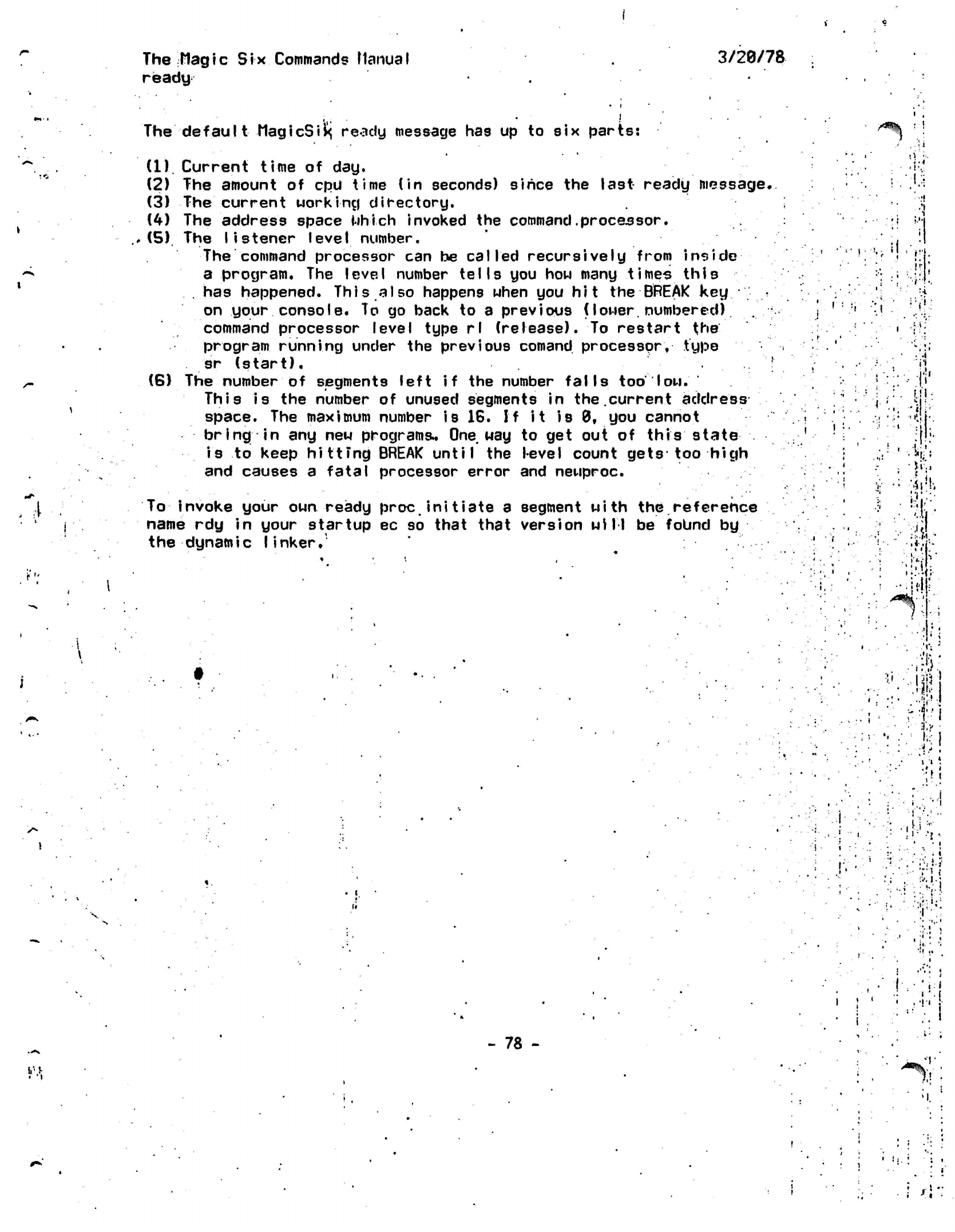
The
Hagic
Six Commands Manual
ready
3/20/78
The
default
MagicSix^
ready message
has up to six
parts:
. \
(1)
Current time
of day.
(2)
The
amount
of cpu
time
(in
seconds) since
the
last
ready
message,
(3)
The
current working directory.
(4)
The
address space which invoked
the
command.processor.
(5).
The
listener
level
number.
The command processor
can be
called recursively from
inside
a program.
The
level number
tells
you how
many
times this
, has
happened. This
also
happens when
you
hit
the
BREAK
key.•".'..
*'
on your console.
To go
back
to a
previous
(lower,
numbered)
command processor level type
rl
(release).
To
restart
the
program running under
the
previous
comand
processor,
type
sr
(start).
'
(6)
The
number
of
segments left
if the
number falls
too
low.
This
is the
number
of
unused segments
in
the.current address
space.
The
maximum number
is
16.
If it is
0,
you
cannot
bring
in any new
programs*
One way to get out of
this state
is
to
keep
hittmg
BREAK
until
the
level count gets
too
high
and causes
a
fatal processor error
and
newproc.
if
To
invoke your own ready proc initiate a
name rdy in your startup ec so that that
the dynamic
linker.
segment
with
the reference
version
will
be found by
ill
Si'..
ik
t"
i!
!V
•
i
li
*V..|j"p
.: '
i '.[
' .•!•• {•
¥\
- 78 - •r
V-
•
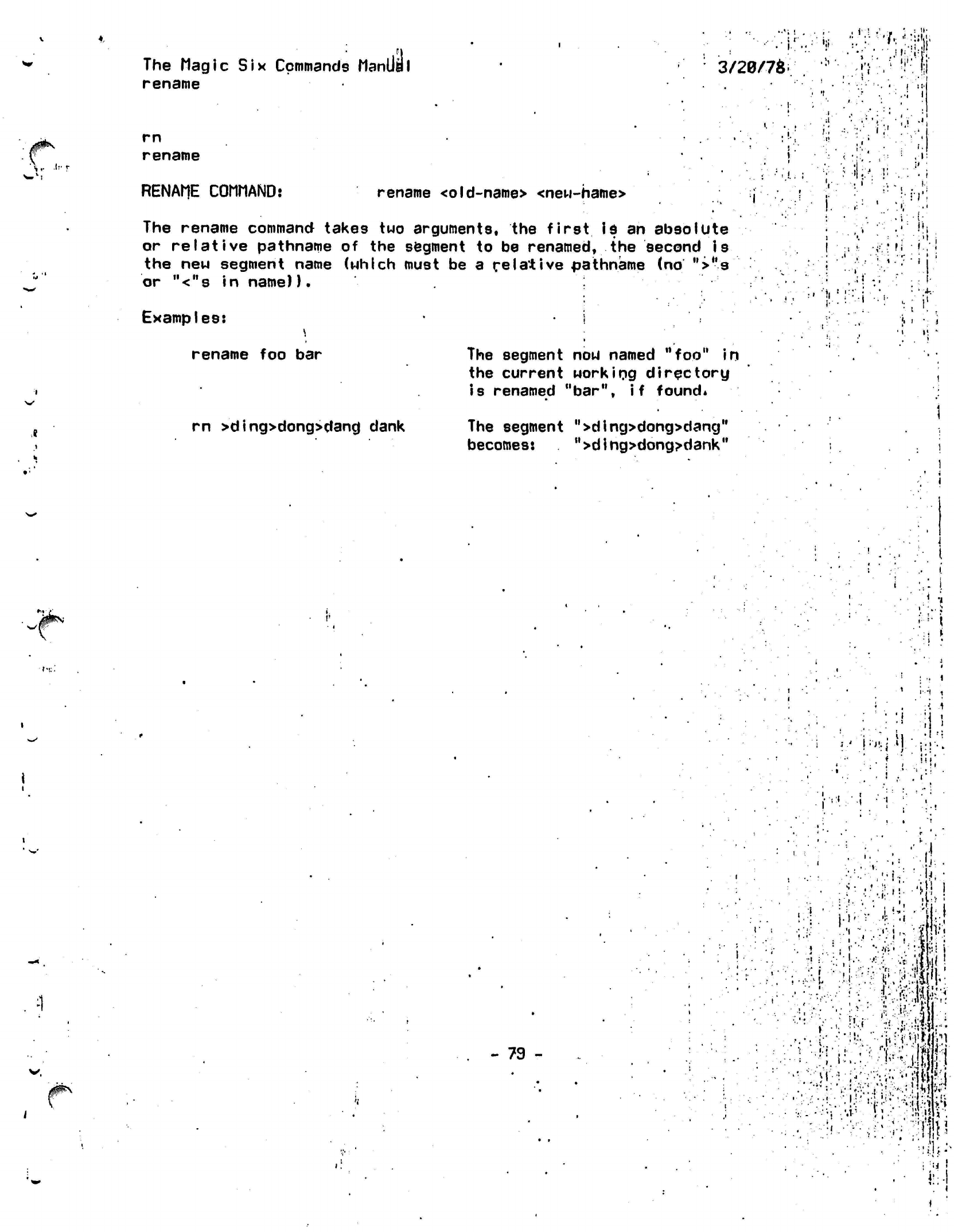
The
Magic Six
Commands Manila
I
rename
3/20/7*.
••..'".!r|!.
-!';•
|
t
s-
rn
rename
RENAME COMMAND: rename
<old-name>
<new-hame>
. ••, i
'.-' .
,1!
Wr:
The rename command takes
two
arguments,
the
first is
an
absolute
or
relative
pathname
of the
segment
to be
renamed,
the
second
is
the
new
segment name (which must
be a
relative pathname
(no ">u9
or
"<"s in
name)).
Examples:
I
rename
foo bar The
segment
now
named
"foo"
in
the current working directory
is renamed "bar",
if
found*
.;!
<
•'•
Mi
•i>;:
fi
• '•,'
- • •
r-
• '
t
'
' • .'
' i
I
4-.
it
,
,
- i
rn
>ding>dong>danc|
dank The segment ">ding>dong>dang"
becomes:
">dihg>dong^dank"
•
< i
1 '*
•
••
'
i'.-'l
,
<
.1
•ill
-
79 -
j
••I :.
\
t
1 • i
•.
•
•
•
i-
i i
•. i
.;!'!
i
?(••
!
•
I-?
'
•
M
A
Wis
•!
iii i
•
n
'•.«.'|l,.ji!
•
..
. ..•: •.•"i.f
>:
y •
"
.••!'
'
>*
.•'•--
•
•••..•.. •"•*• i
••':,':
MM^;•:••:•,••
.-••fjli
•'••:.•-:••••
•
••• •!•!.•.
,•
.'ii'-^i-{:•
!•
•1
j".
J-;IIIP
i
^
»
.
i
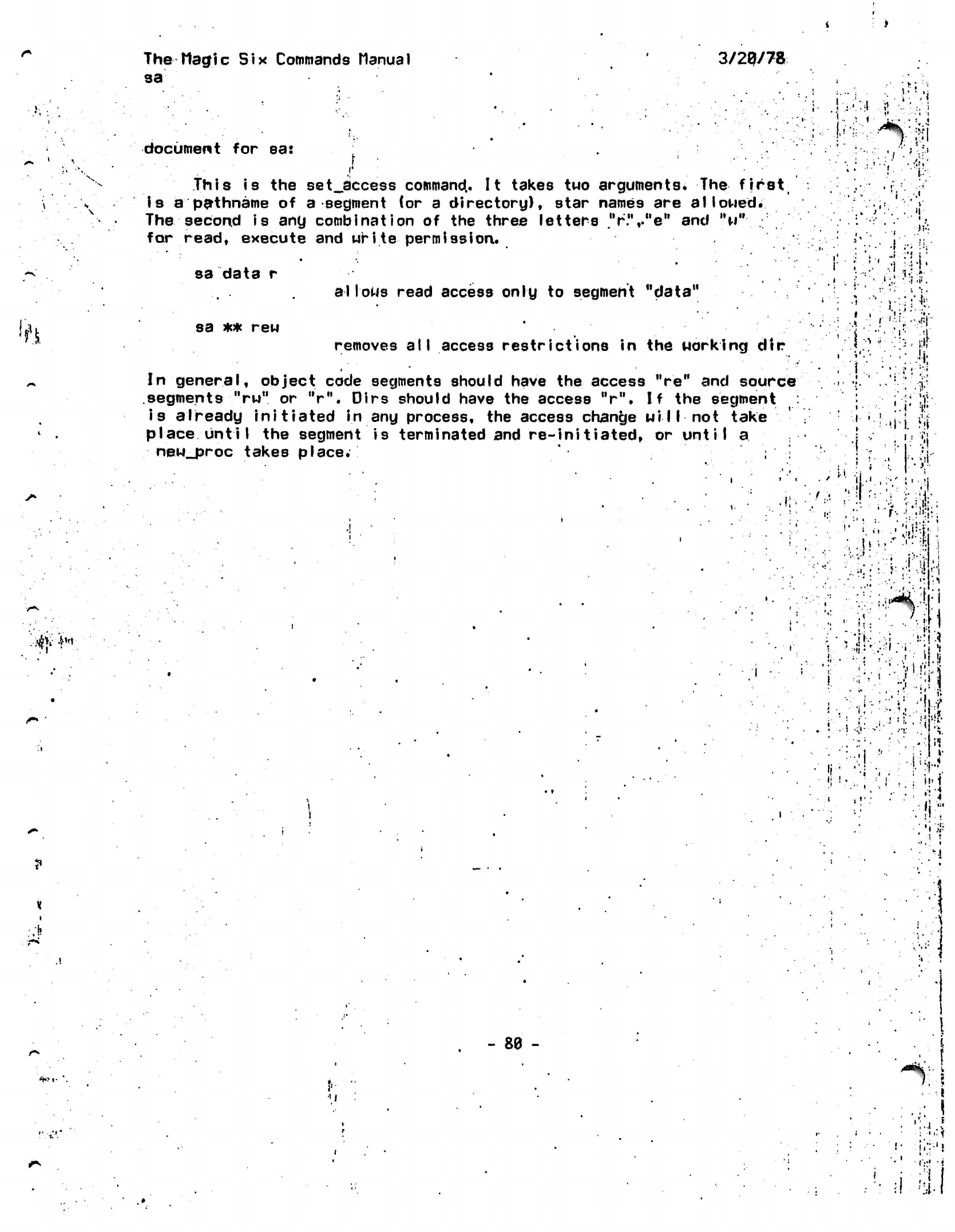
The Magic
Six Commands
ManuaI
93
3/20/78
*.m
•«
document for
sa:
r
I
This is the
set_access
command. It takes two
arguments*
The first
Is a
pathname
of a segment (or a directory), star names are
allowed.
The second
is
any combination of the three letters
"r.",."e"
and
"w"
;
for read, execute and
write
permission.
sa data
r
sa
** rew
a I lows
read access only
to
segment "data"
removes
all
access restrictions
in the
working
dir
-I
l ••:
'.••..;:,-r«!
i •
Kl"
$fh
In general, object code segments should have
the
access "re" and
source
segments
"rw"
or V", Dirs should have the access "r". If the
segment
:
i9
already initiated in any process, the access change wi
11
not take
place until the segment is terminated and re-initiated, or until
a
new_proc
takes
place.
':
• •
3-'
i.=
•»,
j«.
i ••
: •'!
,1
!: '.:' '.*
,vf'!
= ;:'.' '
n.
!
...|,v
;.•'••;.;;
•.•«!•
f
li
•
•f4
.
.'
ti-
' *
•»
•
•
•
i.
v !i
;
'i
.
t
•»
4
t'.l
*
*!•
- 88 -
r
a
i
The Magic
Six
Commands
Manual
3/28/78
setjbi
t_count
i
.4
•
I
• • *
•
»
•••.•'
. '
•:"
.-v.
is.
,;-['l
The
set bit
count
command,
?bc,
sets the bit count
of a
file.
::-«:
i\^'
^
The usage is: •
,'
•
:/.'..;;• ' _ \ • '
['\\
vj;
•;$-..!
,
sbc
<pathname>
<bytecount>
. '
"'•
i':
•
-*'\\ •^l;i
.4
»i?>
jf^;
!(l
I
/^\
'i
The bit count is
provided
in bytes for convenience.
•
;•'•»
- 81
-
.'• :'it
i
' i
•','
li.
;•:•,. •i--->:i!:i
"'•:'•:'•" •• •'••
;-t'
i;tl
'•'.,
•:••••
;
"••
;•...•.•• Tj
:"U-.:J.
:V\ ;-|'
.V-»-
.'ci»
•
'
..
..I'-
-
"i'
• :i •
''•I.-:;
«.'
?;«,'•
J
; ••.•:
.i-'
;.•>.
•
i
:
••«!•
» ':
'•'••••'••;V-P:i.
'J
::^,v--
'
?
::V;vj'.::;3:N':^:t;f;:
,.. •
••'•:<»
••
•.•••' ••!.;•:
i."
•• ' :
• '
••,}'
••"
'••'..'i-4!'
::-T.
'•':.! •% •}
. • :•
i :
1^.
••.•••.i-.-'..-v •;:
?;
r.f
I
•.i-.vi'^f.-.d:-?yf.-il.::-
••••:.!:•.- .
I-:
•.••••' .• •
.•••'/•;..3.
•
«;
'i'
i;
;.:.•••:• ^:"l-.f
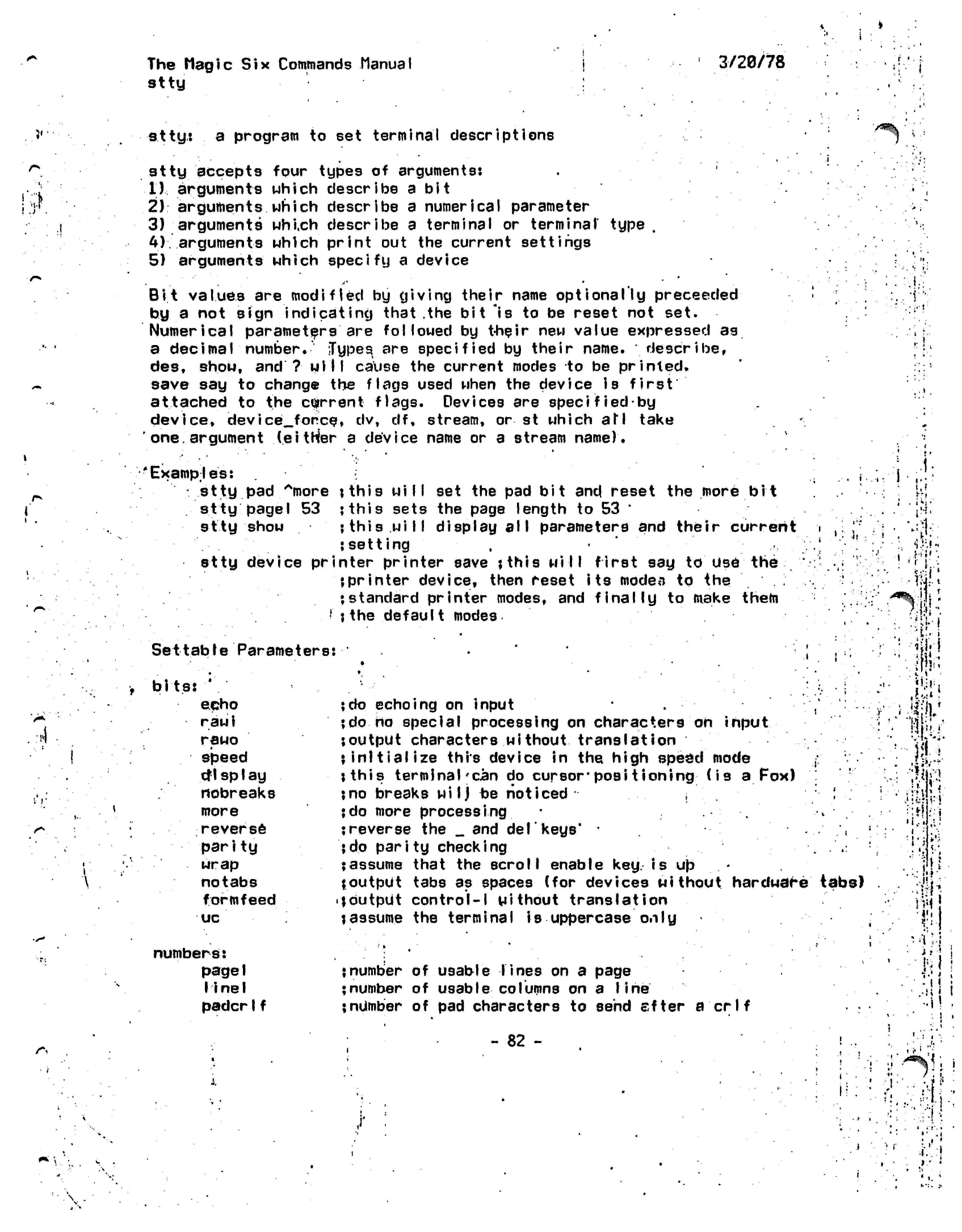
The
Magic
Six
Commands
Manual
stty
3/20/78
i,
i'.V
atty:
a program to set terminal
descriptions
stty
accepts four types of
arguments:
11
arguments which describe a bit
2)
arguments
which describe
a
numerical
parameter
3)
arguments
which
describe a terminal or
terminal'
4).
arguments which
print
out the current settings
5)
arguments which specify a device
type
Bit
values are
modified
by giving their name
optionally preceeded
by
a not sign
indicating
that
.the bit
is to be reset not set.
Numerical parameters are followed by their new value expressed
as
a
decimal
number.
Types, are specified by their
name,
describe,
des,
show,
and ? will
cause the current modes to be
printed,
save
say to change the
flags
used when the device
is first
attached to the
current
flags.
Devices are
specified
by
device,
device__force,
dvt
df, stream,
or
st which
afl
take
one.
argument
(eitNer
a device name or a stream name).
'Examples:
stty
pad
Amore j this will
set the pad
bit
and reset the more
bit
stty
page I
53
{this
sets the page length to 53 '
stty
show
;
this will display all parameters and their current
{setting
stty device printer printer save ;this will first say to
Use the
jprinter
device, then reset
its modea
to the
{standard printer modes, and finally to make them
' jthe
default
modes
Set table
Parameters:
i:;
t :•;> •
m
'if'
Hi
bits:
i
\
echo
raw!
rawo
speed
.eft
sp
I
ay
nobreaks
more
reverse
pari
ty
wrap
notabs
formfeed
uc
{do echoing on input
t' :
{do
ho
special processing on characters oh
input
{output characters
without
translation
{initialize
this device in the high speed mode
,:
{this
terminal'can
do
cursor*
positioning
(is a Fox)
':
{no breaks
wilj
be
noticed !
{do more
processing
{reverse the
_
and
del'keys'
•
.
jdo parity
checking
{assume that the
scroll
enable
key.
is up •
{output tabs as spaces (for devices
without hardware
tabs)
jdutput control-l
without translation
{assume the terminal
is
uppercase
o.ily
• i *
J
i'.
numbers:
page I
line I
padcrIf
{number of usable
lines
on a
{number of
usable columns
on
{number of pad characters to
page
a
I i ne
send
sfter
a cr
I
f
js'i
-
I
!
-'I!
- 82 -
j
.! !
|
'
'j
I
' • .'
.! •"'*%
]
i
,r.
".•;••/ •;
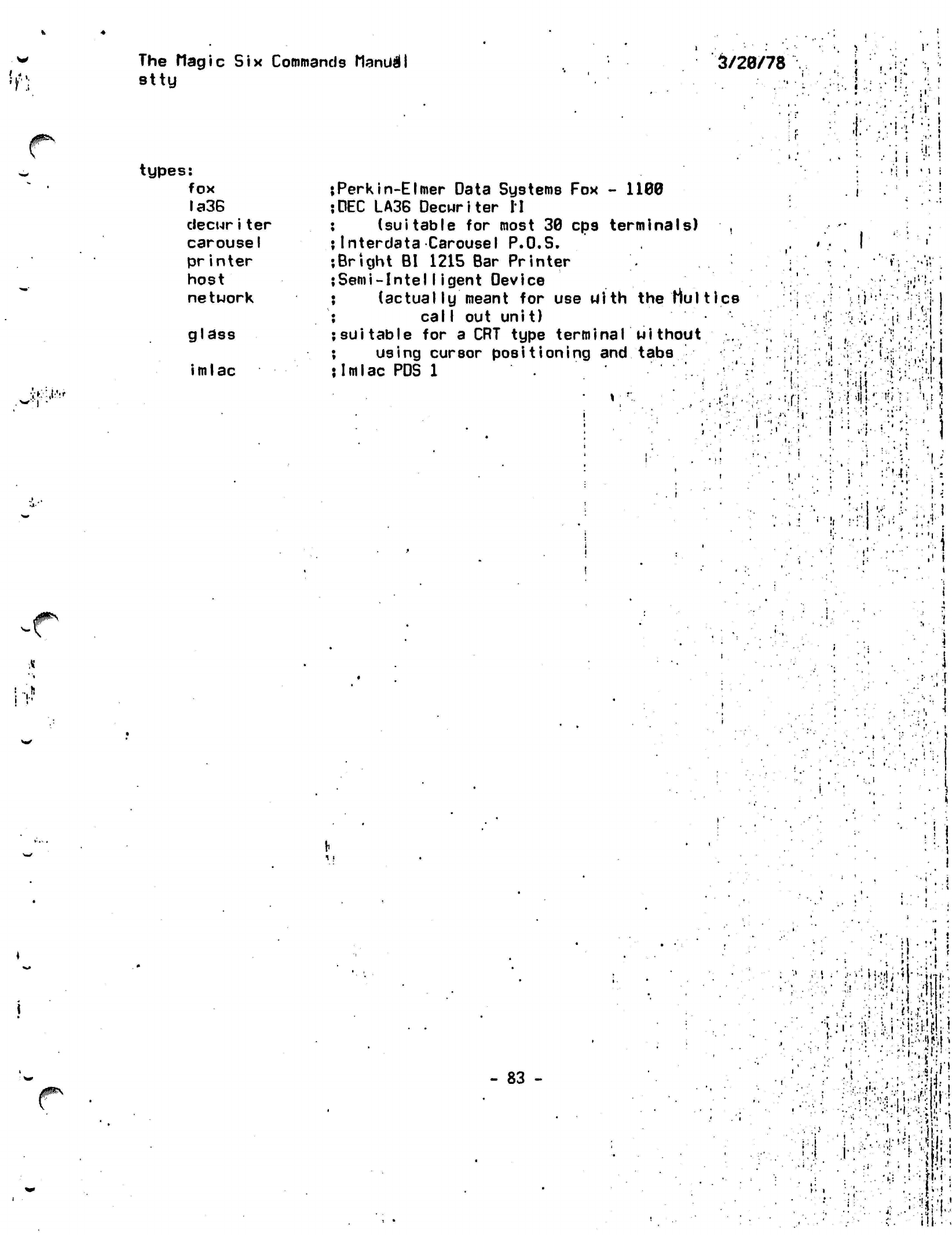
jfGSv
it-U:*!'
The Magic
Six
Commands
Manual
stty
5/20/78
types:
fox
la3B
decwr
i
ter
carousel
printer
host
network
glass
imlac
Perkin-Elmer
Data Systems
Fox - 1100
DEC LA36
Decwriter Ii
(suitable
for
most
30
cp9
terminals)
,
Interdata
Carousel P.O.S.
Bright
BI
1215 Bar
Printer
Semi-Intelligent
Device
(actual
ly
meant
for use
with
the
Mult ice
calI
out
unit)
suitable
for a CRT
type terminal
without
using cursor
positioning
and
tabs
Imlac
PDS 1
:<n
I
I
-:!
I
i
:
i
<•/!
/'
••:
,r.'! •.,'•:> ,'f:l
:' !4i •;•:• i
•
*
•4 s'
!
>
i
•
,...'•
•P
::•'.•]
X
•*
:l
•
I
'
.
I
JP"N
- 83 -
I
•!
(* • i !
.•:•••* -I
^'n:;
••;••••' i
.»•!•:
•:••
';!-.V*.i-M:^fi-!
.' ••• •'• |i.;>'ii^p
• : •' •'.
"'i', *i:
;
•i.
•
'•5'
•
•• •':•!•
j-.
*•••.,
Hi.|
•
"•,.|i-j;
•:.
'III---.
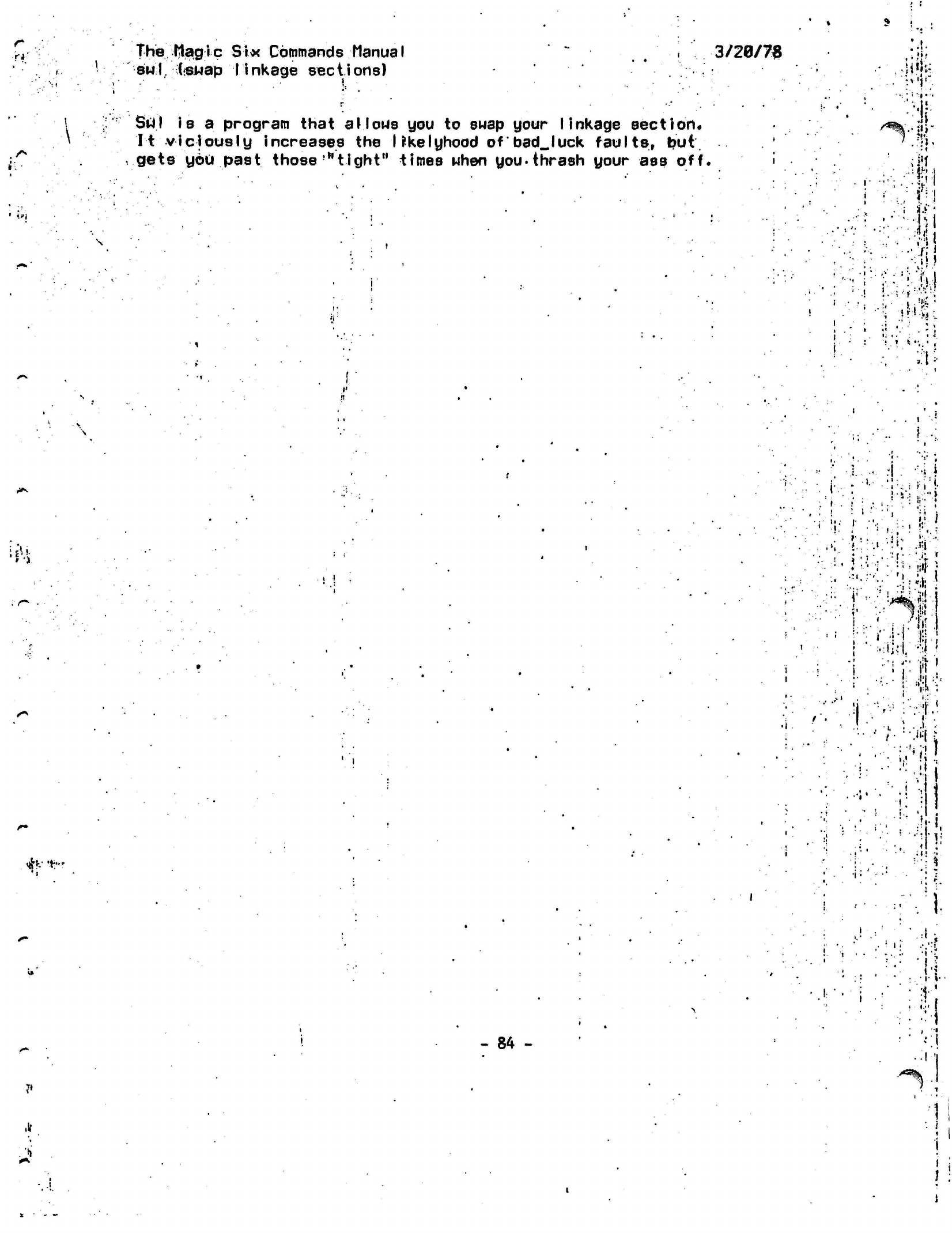
rt'
to
*•
The
flagic Six Commands Manual
'
" . .
3/20/7$
sw
1.
(snap
|
inkage
sections)
'•.:;••.• •
H'h:
\
f
•
Stfl
is a
program that
allous
you
to
suap your linkage section.
It viciously increases the
likely
hood
of'bad_Juck
faults,
but.
'
gets
you
past
those'"tight"
times when
you-thrash
your ass off.
' .
j'J
•:1!
i '.
..
Lh
.1
•
ffl
:;
r'!
;
it'
m
t.
;
.?-
;:'!
i
••
i
...•
.'••'.
is'.:
,;•••'.»
I
s-1
.... •,
(I •
*
1
>
i
i • ••;••
.»;
'
"i
^•'•.••"W**
* I 4
I'!
I
>
••;
i • •!;•'
ii!
•
•
ilj.-l.
-;l
'
:':riif!
•'•••!•
«S-
•i
'
!l.
!!.
• •
:
•
•.: ;:vl
- 84
- '.!
^ -. -i
li
J!
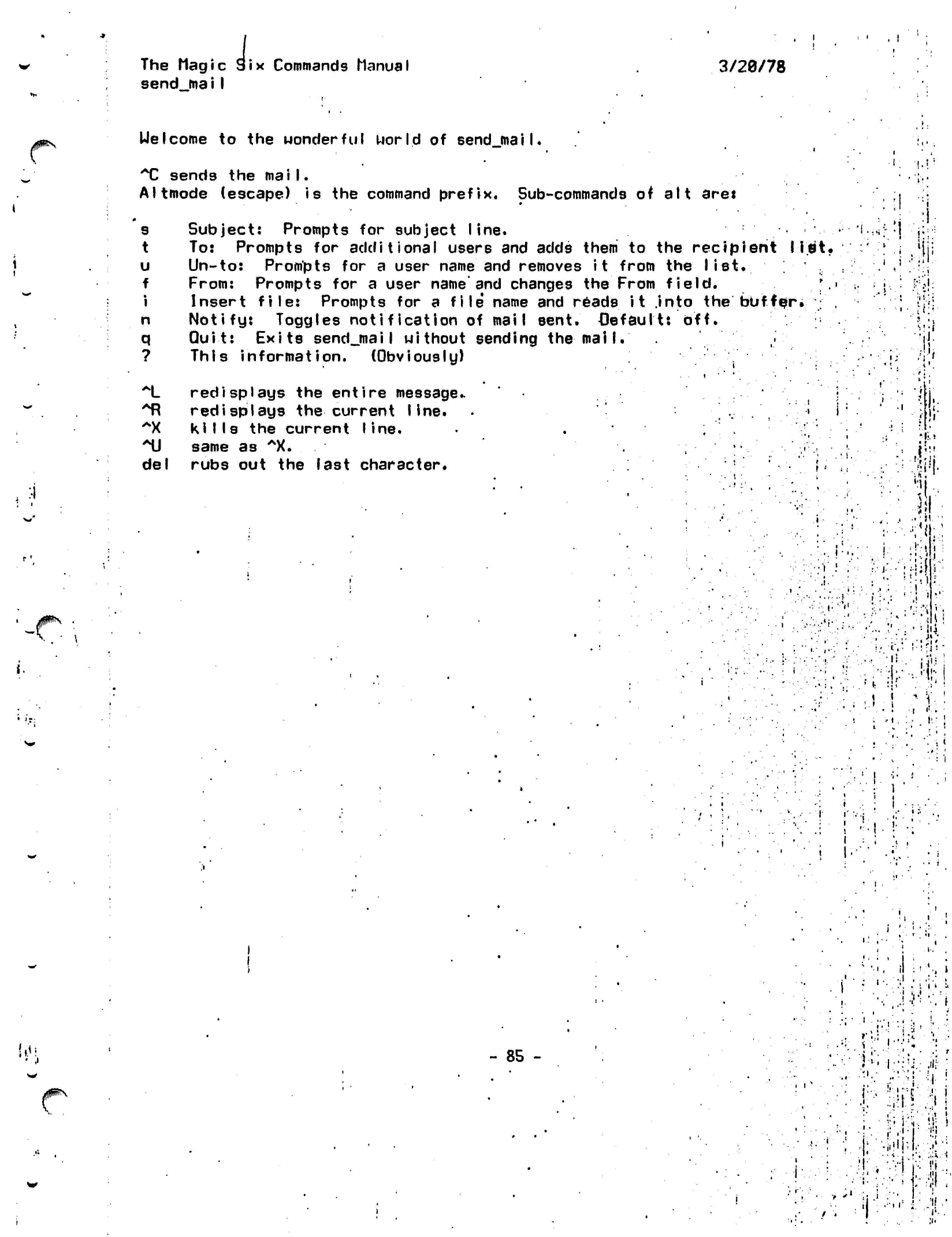
The
Magic
send
ma iI
Six Commands Manual
3/20/78
/jF*k\
Uelcome
to the wonderful world of
sendjnail.
T
sends the
mail.
Altmode (escape) is the command prefix. Sub-commands of alt aret
.
:4
JP\
•
s Subject: Prompts
for
subject
line.
t
To:
Prompts
for
additional users
and
adds
them
to the
recipient
li
u
Un-to:
Prompts
for a
user name
and
removes
it
from
the
list.
f From: Prompts
for a
user
name'and
changes
the
From field.
i Insert file: Prompts
for a
file*
name
and
reads
it
.into the buff
ex.
n Notify: Toggles notification
of
mail
sent,
default:
off.
q Quit: Exits
sendjnaiI
without sending
the
mail.
? This information. (Obviously)
~L
redisplays
the
entire message..
*R redisplays the
current
Iine.
^X kills
the
current
line.
'MJ
same
as
*X.
del rubs
out the
last character.
' *•
St.
!* • •
•
;
••
. -
: •';
i
i .
t . . |
• .
K
1
t •• 1
!
X
II
i
. < - ('
•
i
'
• ' . i
•
,::(;-V;
1-
,.-'.
• .
i
•
• <
.
> • •,»•'.
' •
!
'it';
•••:•.!••.•:;
*
' , r
\
i
*
\
!
• ...
.-.
•>:
1
i
:'
•',
*•••
- :.
.'
.
-M
• . .
•• n
.
'?•••
'Jl
. '
-V,
1 .
,!•..
ft-'iiiil
i
i-
1
:
.1
,
• i..
f.:
i.-rls-
•;-?m
1:
1-
i
!
.
!
! !
M
•
i
«••
) '
i
I-
•
i.
i
.
i
• •
>••
.' • • '
".'•>,
il
;
i
-. ..I
i
*
.!•
i M
- 85
-
i
!
"
>
t .
•
!':•
!!:ir
i-
;. ;•••' !
i
i
."'
':«
•
•l-i
v
!'i
•9
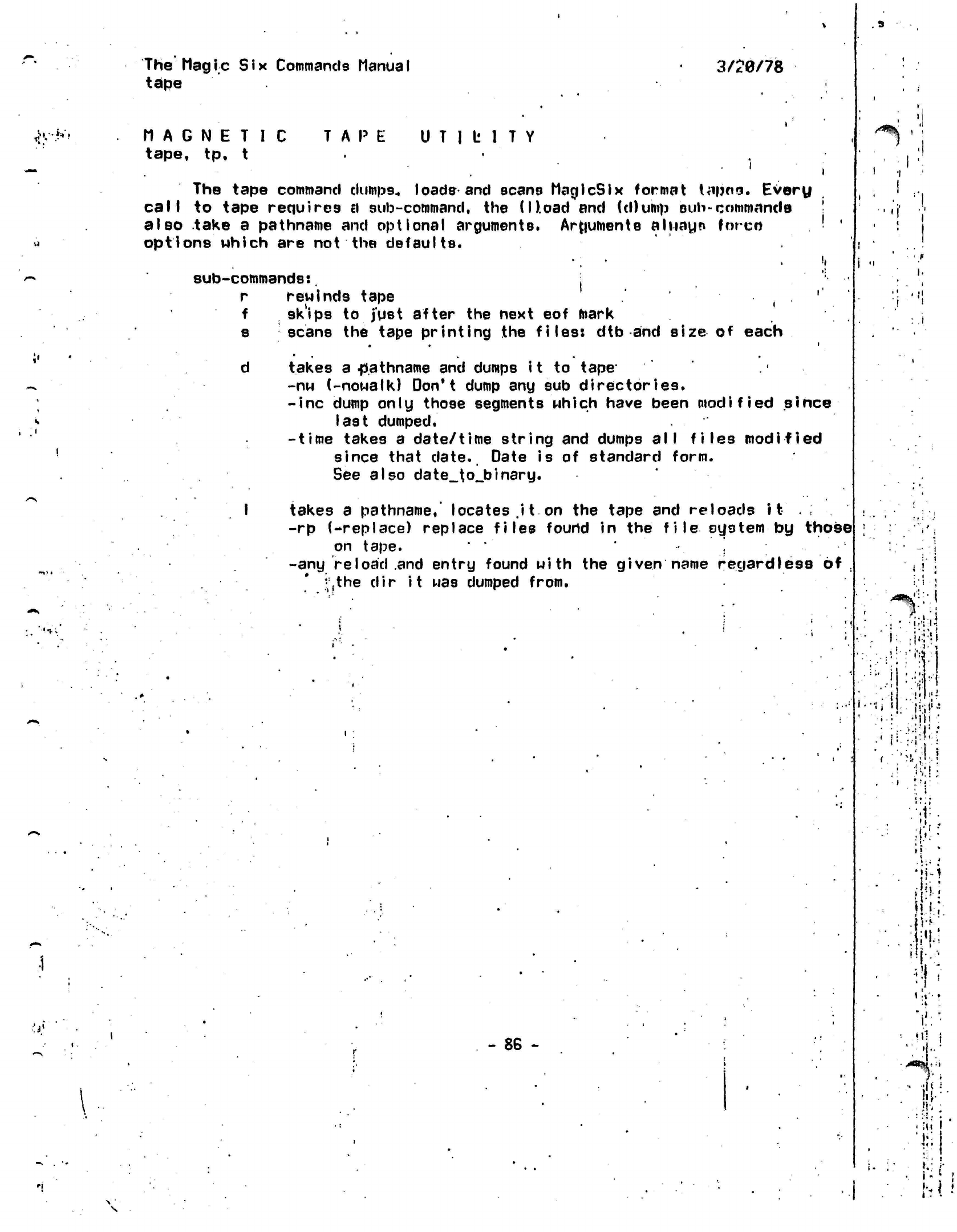
JK-h't
The Mag
i
c S
i
x Commands
ManuaI
tape
3/20/78
MAGNETIC
tape,
tp,
t
TAPE
UTILITY
. 9
The tape command
dumps.,
loads and scans MaglcSIx format
tapno.
Every
call
to tape requires a sub-command, the
(ILoad
and (d)ump oub-commancle
!
also take a pathname and optional arguments.
Arguments aliiayn forco '
'
options which are not the defaults.
•. •
!»
sub-commands:.
j
r rewinds tape
(
.
'
f sk'ips
to
just after
the
next
eof
mark
s scans
the
tape printing
the
files:
dtb and
size
of
each
d takes
a
.pathname
and
dumps
it to
tape*
-nw
(-nowalk)
Don't dump
any sub
directories.
-inc dump only those segments which have been modified since
last
dumped,
-time
takes
a
date/time string
and
dumps
all files
modified
since that
date.
Date
is of
standard form.
See also
date_to_binary.
I
takes
a
pathname,' locates
.it.
on
the
tape
and
reloads
it
.
-rp
(-replace)
replace files found
in the
file system
by
those
on
tape.
"
•'
j
-any
reload
and
entry found with
the
given name regardless
of .
•,the dir it
was
dumped from.
- 86 -
'I
i
"
•i
I
<
!
j
i
:"!
!
-1-*%
:•:•!
i
i.-,.
•J
: -'Hi
•:
:v
••:•!;•
'j!:!
HI.
••
'i!:'
u'l
i
•I-
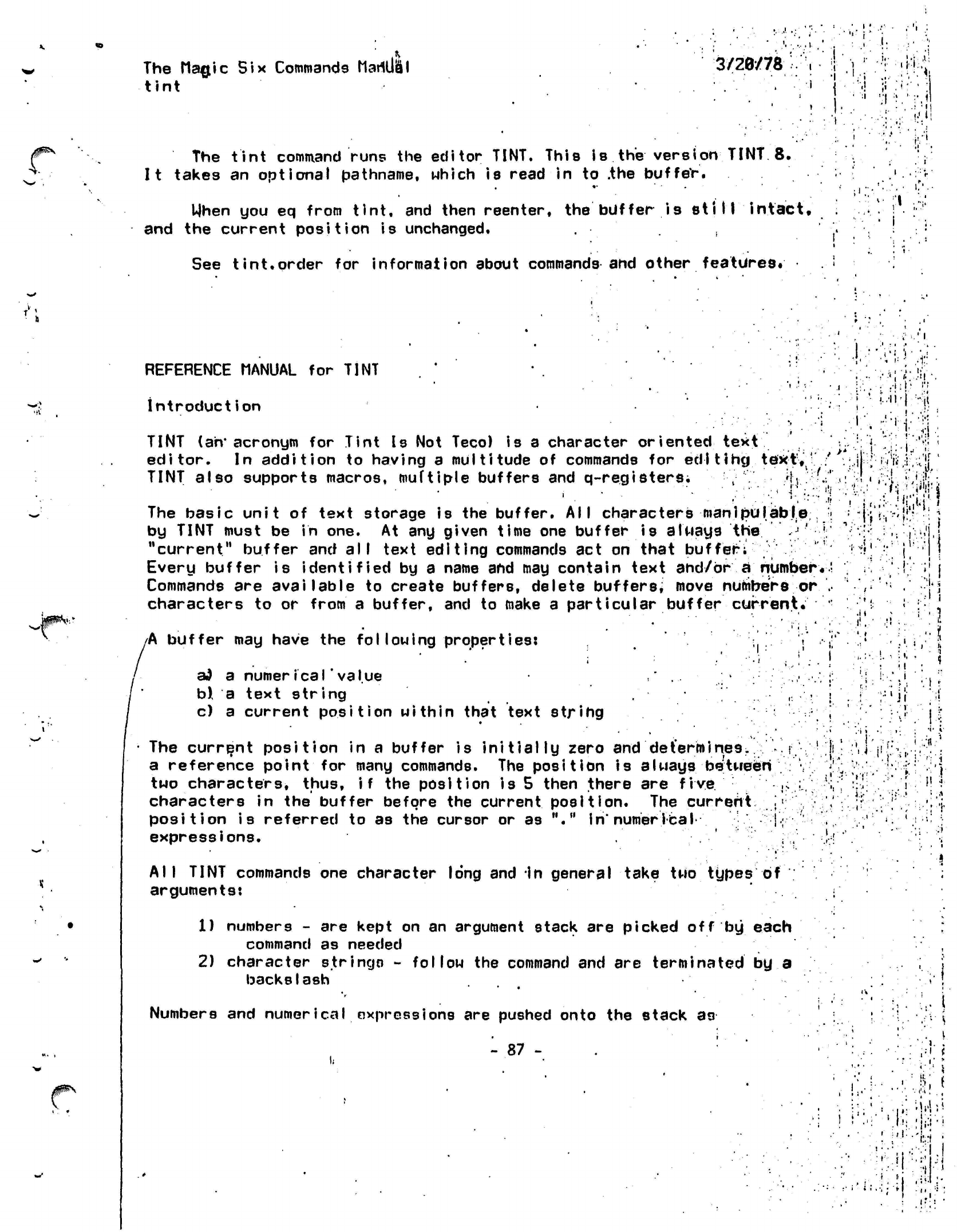
The Magic Six Commands
Mariual
tint
3/28/78
i
•
i
!:,
VI
'•.'
/$^\
The
tint
command
runs the editor
TINT.
This is the version TINT 8.
It
takes an optional pathname, which is read in to
.the
buffer.
When
you eq from
tint,
and then reenter, the buffer is
still
intact,
and
the current position is unchanged.
See
tint.order
for information about
commands
and other
features.
REFERENCE
MANUAL for TINT
introduction
•"• '.
I.
;• -.'I
I'M
• i
i-'
•
•
.1.1
f.ii'f
,f
•
ii'r.
J'f
-it
TINT
(an' acronym for Tint
Is
Not Teco)
is
a character
oriented text
ed
Til
litor.
In addition to having a multitude of commands for
edl ting
tekt,f
' ; S r
»Vri,i,
;|f
NT also supports macros,
muftiple
buffers and
q-registers;
. ^ IV.:
!
• /1
;/i'.
..i:
-..;;•!,•
The basic unit of text storage is the buffer. All characters
manipulabje;
:;
by TINT must be in one. At any given time one buffer is always
the J' ':
"current" buffer and all text editing commands act on that buffer;
''
Every buffer is identified by a name
and
may contain text
and/or a
number..!
Commands are
available
to create buffers, delete
buffers;
move numbers or .•
characters to or from a buffer, and to make a particular buffer current.
'
/A
buffer may have the
following
properties:
; ; /
ad
a
numerical'value
.,•
b),
a text string
r ; \
c) a current position within that text string
; ,
The current
position
in a buffer is
initially
zero and
determines,
a reference point for many commands. The position is always between
two characters, thus, if the position is 5 then there are
five
characters in the buffer before the
current
position. The
current
position is referred to as the cursor or as "."
in"
numerical
expressions.
. '
-
1
•
•
(I
.
T
All
TINT commands one character long and
In
general take two types
of
arguments:
1) numbers - are kept on an argument stack are picked off
by
each
command as needed
2) character strings -
follow
the command and are
terminated
by a
backslash
Numbers
and
numerical oxpressions
are pushed onto the stack
as
'-
87
-
I-
•
;i
t •
i. i.
u
I
J
•• i
•:\
•:
'
.1'
.1.
•.
-•
;
•'•.»'
•<I'ii^
i:--"'1
;.
•»!?•
•
I
'.i
*
i'
i
i-i
.
I
1.
.
'
if
'
i
:
••'.••&.!
; ,,;
jj.'i!i
'K :|«:i-l
!
i',:-1:.:t
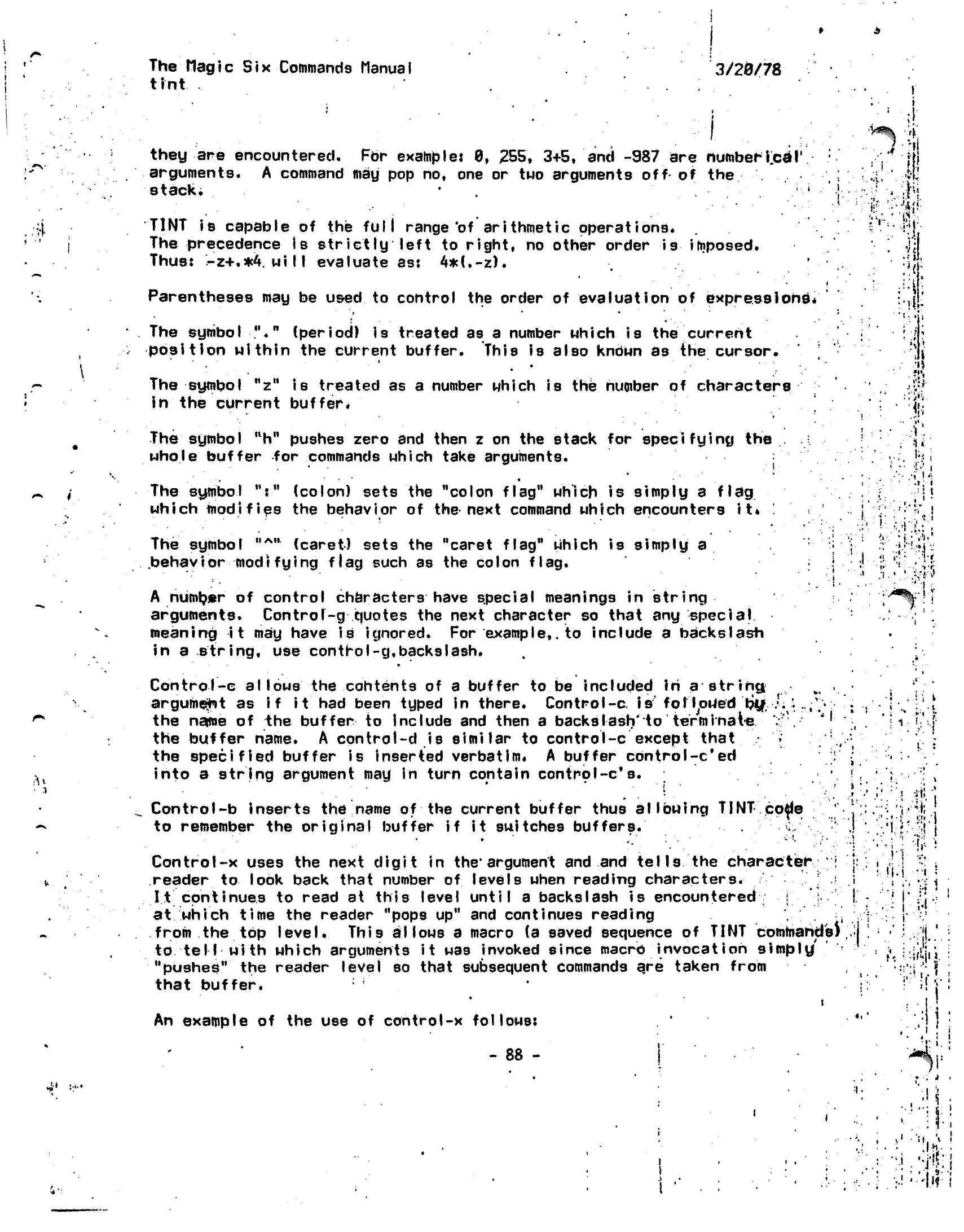
The
Magic
Six
Commands Manual
tint
3/20/78
H
*-»
4
rH
^•'
J;'-'
they are encountered. For example: 0, 255, 3+5, and -987 are
numberTeal'
arguments. A command may pop no, one or two arguments
off
of
the
stack*
.
. •
'.;-' •
'.j-
TINT
is
capable
of
the
full
range'of arithmetic
operations.
The precedence
Is
strictly left
to
right,
no
other order
is
imposed.
Thus:
-z+.*4.will
evaluate as:
4*(.-z).
'
•
<
Parentheses
may
be
used
to
control the order
of
evaluation
of
express
ions*
The symbol
"."
(period)
is
treated
as
a
number which
is
the
current
position within
the
current buffer. This
Is
also
kndWn
as
the
cursor.
The
symbol
"z"
is
treated
as
a
number which
is
the
number
of
characters
in
the
current
buffer*
The
symbol
"h"
pushes zero
and
then
z on
the
stack
for
specifying
the
whole buffer
for
commands which take arguments.
. * • •»
*
•
• *
The symbol
":"
(colon) sets
the
"colon
flag" which
is
simply
a
flag
which
modifies
the
behavior
of
the next command which encounters
it.
.
The symbol
"*"
(caret) sets
the
"caret
flag"
which
is
simply
a
•:
.behavior modifying
flag such
as
the colon flag.
.}
•
A
numtyer
of
control characters have special meanings
in
string
arguments.
Controf-g
quotes the next character
so
that
any
special
meaning
it
may
have
is
ignored.
For
example,,
to include
a
backslash
in
a
string,
use
control-g.backslash.
Control-c
allows the
contents
of a
buffer
to
be
included
in
a
string
fct
.
argument
as
If
it
had
been typed
in
there. Control-c.
isfolToiietf
bif.
/. "t
,V'
the name
of
the
buffer
to
include
and
then
a
backslash'to terminate
:"'. ''•
the buffer name.
A
control-d
is
similar
to
control-c except that
»
;;
the
specified
buffer
is
inserted verbatim,
A
buffer
cbntrol-c*ed
into
a
string argument
may
in
turn contain
control-c's.
Control-b
inserts
the
name
of
the current buffer thus allowing TINT
co^e
to remember
the
original buffer
if it
switches
buffers.
>;,
Control-x uses
the
next digit
in
the*
argument
and
and
tells
the
character
;I
reader to
look back that number
of
levels when reading
characters.
It continues
to
read
at
this level until
a
backslash
is
encountered
at
which time
the
reader "pops up"
and
continues
reading
'.'.-,
from
the top
level.
This allows
a
macro
(a
saved sequence
of
TINT
commands)
to tell with which arguments
it
was
invoked since macro
invocation
simply'
"pushes"
the
reader level
so
that subsequent commands
are
taken from
that buffer.
i
An example of the use of control-x follows:
- 88 -
I
V;
41
I!?:
••fl
'it
<!•;
U
'
hi
.»;
i
:!
t
, i
•
1
1
i .
1'
't'-;.
J
'••'
j
. ,
*
• *
j'
'
i
1.
;
I1
1
•
«,
'
• •'
'I-
,
.'
•:
.tii
• *
'.••
!•' :*
•
. •
* *
. .
•
*.
• • •-, • i
••.
'•(•-!;
:
•
•'••
:'
fi;
'!
1
t-
*
'•
1 ,'j ' * t
•
!)•!
•••!. •
•
•
:•• '
i
.^.:.:W'j-:
! ; I \'
.
i 1
'-%j--
''?••*
•
'
' :
1-
.
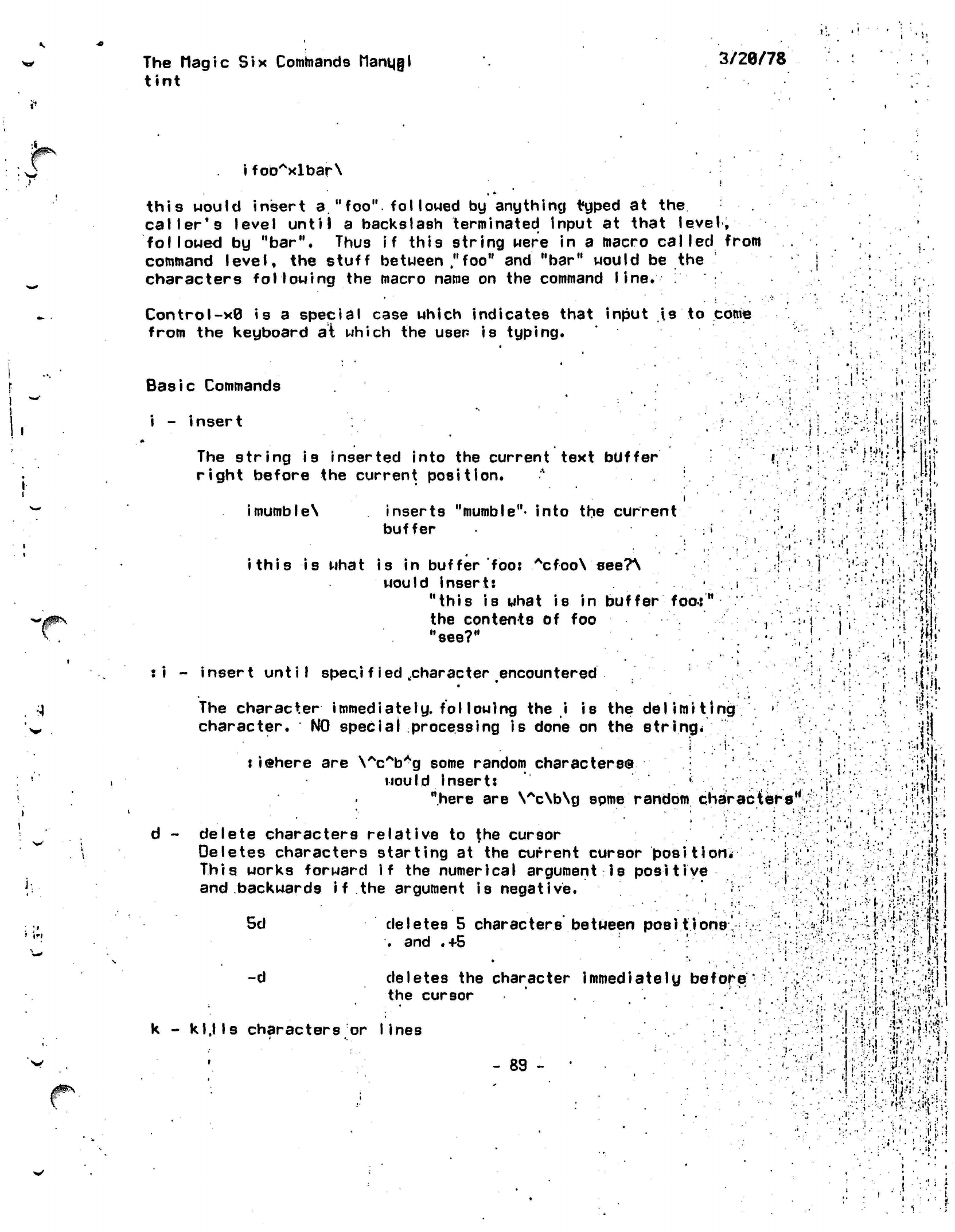
t
'
!<
The Magic
Six
Commands
Manujl
tint
3/28/78
.
1
i
fooAxlbar\
this would insert a."foo"
followed
by
anything typed
at
the
caller's level until
a
backslash terminated input
at
that level,
followed
by
"bar". Thus
if
this string were
in a
macro
called
from
command level,
the
stuff between
,"foo"
and
"bar" would
be the
characters following
the
macro name
on the
command
line.
Control-x0
is a
special case which indicates that input
is to
come
from
the
keyboard
a\
which
the
user
is
typing.
Basic Commands
i
-
insert
The
string is
inserted into the current text
buffer
right before the current
position.
*
imumbleN
inserts
"mumble"-
into
the
current
buffer
:
\.
ithis
is
what
is in
buffer
foo:
Acfoo\
see?\
would insert:
.
,i
"this
is
what
is in
buffer
foo:M
the contents
of foo
••'., ."':"-
"see?"
"•'.'":
:i - insert until
speci fled ..character encountered
The
character
immediately,
fol lowing the i is
the delimiting •'*•'•'•
character. NO special processing is done on the
string*
• i
•.'!•.'•"
,
'
:iehere
are
\AcAbAg
some random
characters©
would insert:
' ; •
"here
are
\Ac\b\g spme random
characters'
d - delete characters relative to the cursor
Deletes characters starting at the current cursor
position.
;;•
This works forward if the numerical argument is
positive .-',;"•! .:.'
and backwards i f the argument is negative.
I:
.,'••
'!!!
i'
• :|;i
;•"»'.
t\4\
<i\
! .':''.:- fit
I
•.
' •
.1
l-Jt.
1,
,>
•'
"'• :••} -i
h
•!f'
'.W
. i
•
/Hi
ill
11..
i
J.-
•'I
* .•
V.
1(1
.!••
5d
-d
deletes 5 characters between
positions'
.
and .+5
.' :
•
*
• •
.
deletes the character immediately
before
the cursor
k -
kljls
characters or lines
- 89 -
•V
... .
!*ijj{
xi
•}••'•
.<y--Ji\
11.
•'"
•
i
•;
I '*,i
s1
i».» I
^.".
//.r.-'>•/*:
-•^ -:;• ••<>
•;•:?.•
'
•
•••'
'-", ;•::
it--'
:.<1'
'"••'•.•'v?.-:nv,KV
r . tj .
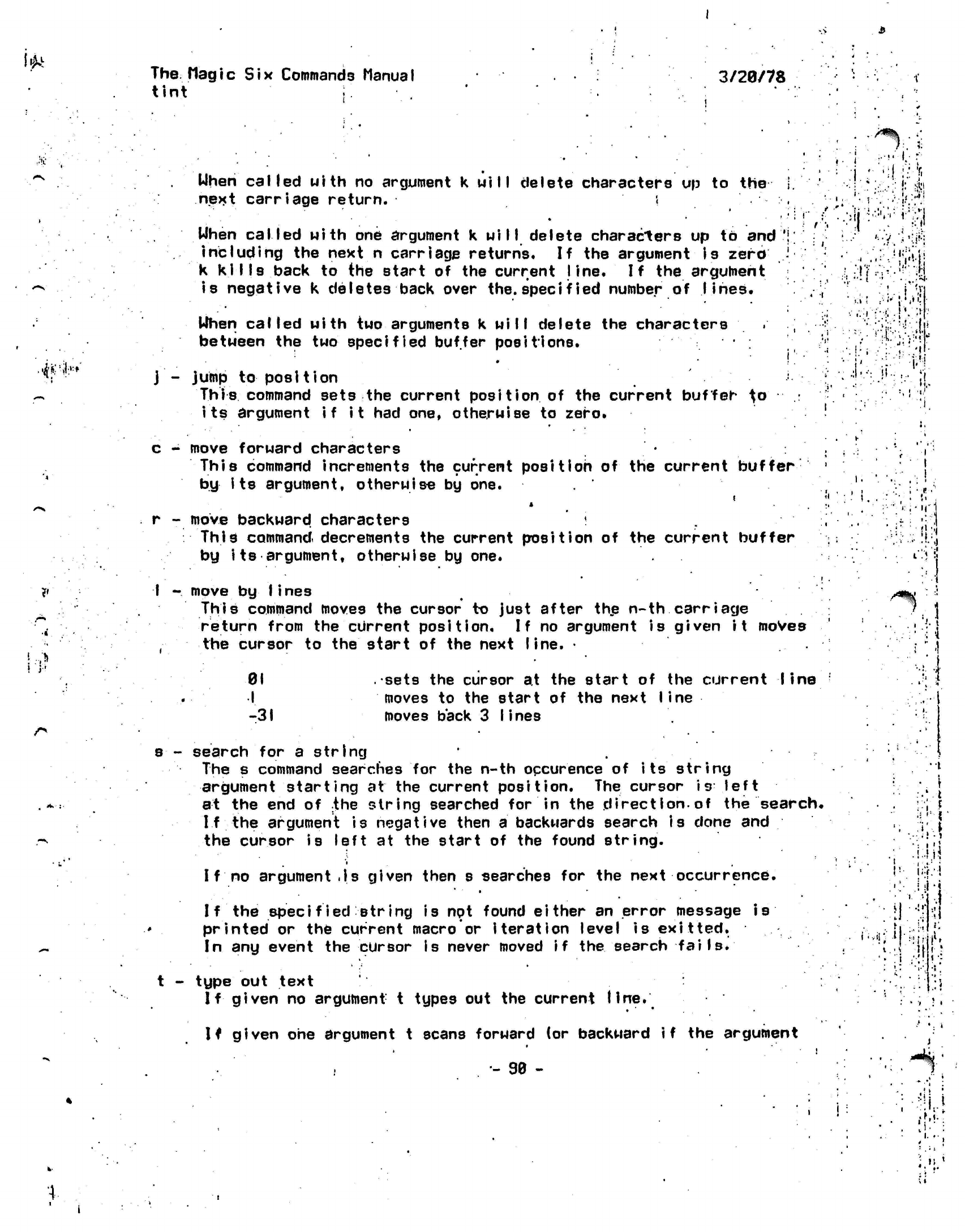
'•$k
The
Magic
Six
Commands Manual
tint
I.
3/20/78
••>•
'^!»|:,:
When
called
with
no
argument
k will
delete characters
up to
the
next
carriage
return.
«
•
When
called
with
one
argument k
will
delete characters up to and
including the next n carriage returns. If the argument is
zero
k
kills
back to the start of the current
line.
If
the argument
is negative k deletes back over
the.
specif
led number of lines.
When called
with two arguments k
will
delete the characters
between the
two
specified buffer positions.
j - jump
to position
This
command sets the current
position
of the current buffer
^o
its argument if it had one, otherwise to zero.
J. •••••••
.•••:):
sci
••'.,... ': ;-'.-"'.;-|» >><
I
••
I
••'•'.''
:
, '•••• '•••'/ .i
'.-if-;
•
'
.?.
.TV,Y.
•?,;-H
<
i
.'i'
mm
\'i
•
ij
c
-
move forward characters
This command increments
the
current
position
of the
current
buffer
by its
argument, otherwise
by one.
r
-
move backward characters
'
I
This
command decrements
the
current position
of the
current buffer
by
its
argument, otherwise
by one.
I -
move
by Iines
This command moves the cursor to just after the n-th carriage
return from the current
position.
If
no argument is given
it
moves
the cursor to
the
start of the next line. •
01
I
-31
sets
the
cursor
at the
start
of the
current line
moves
to the
start
of the
next
line
moves back
3
Iines
i.
/*%
i\
s•-
search
for a
string
The
s
command searches
for the n-th
occurence
of
its
string
argument starting
at
the
current position.
The
cursor
is
left
at
the end of
:the
string searched
for in the
direction.of
the
search.
If
the
argument
is
negative then
a
backwards search
is
done
and
the cursor
is
left
at the
start
of the
found string.
I f
no
argument
.|s
given then
s
searches
for the
next occurrence.
I f
the
specified-"string
is not
found
either
an
error message
is
printed
or the
current macro
or
iteration
level
is
ex it
ted.
In
any
event
the
cursor
is
never moved
if
the
search
fails*
t - type out text
If
given no argument t types out the current
Une.
If
given one argument t scans forward (or backward
if
the argument
i'.,ii;
i
,
i
!l
i
i
."
•
1
i
•
1 "•'
•if
••!
•;;,-
*
r*.
•
:'
'•
•
.
'
>
•
I
•. \
••'
t
• •' *
::•••!
i;$:-i
<
- 90 -
.:.'!
: ii '
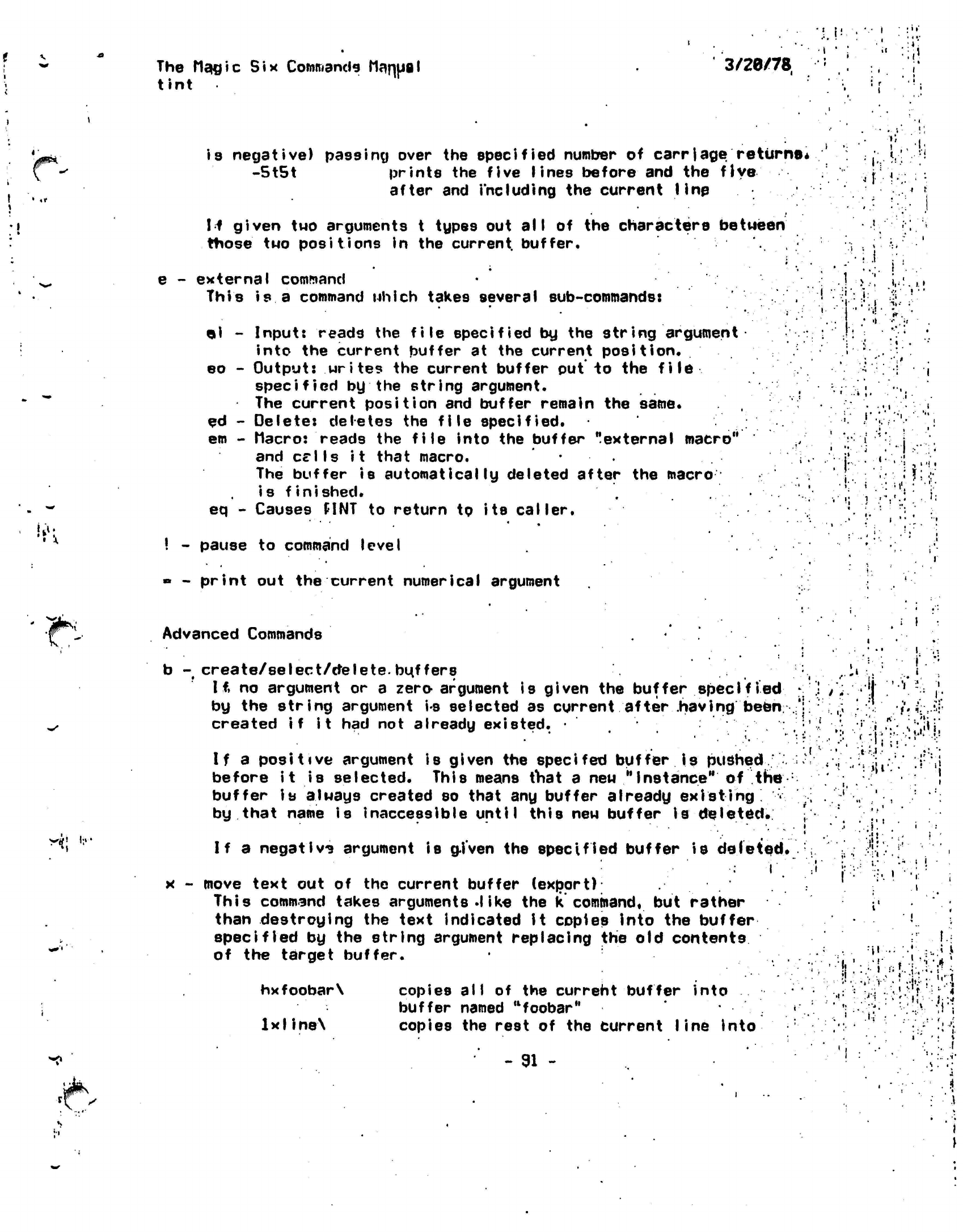
The
Magic Six
Commands Manual
tint
3/20/78
»
la.
e
-
is negative) passing over
the
specified number
of
carriage
returns*
-5t5t prints
the
five
lines
before
and the
five
after
and
including
the
current line
If
given
tuo
arguments
t
types
out all of the
characters
bettieen
ttiose
tuo
positions
in the
current,
buffer,
* •
external command
This
is a
command
Mhich
takes several sub-commands:
«i
eo
ed
em
eq -
Input: reads the file specified
by
the string
argument
into the current buffer at the current
position.
Output: writes the current buffer
put
to the
file
specified
by the string argument.
The current position and buffer remain the same.
Delete: deletes the
file
specified.
Macro: reads the file into the
buffer
"external macro"
and
Cells it
that macro.
The buffer
is automatically
deleted after the
macro
is finished. .
Causes
HNT
to
return
to its
caller.
.
i
;
.1
i
•
•.:}•
.'
'.-»••
•'• J
• • : I
'••'••
! '
•
i'.
) V
;'•
*
'I
•• .•<
•.. i
•
11
i-
. ..
i
•
i
•.V'-i,:-'!
; •:
-t,
•
'•''••
I
_
pause
to
command level
-
print
out the
current numerical argument
.|F\
y%\
in-
Advanced Commands
b
-
create/select/ctelete.
bu,f
fers
Iff
no
argument
or a
zero-argument
is
given
the
buffer
specified
by
the
string argument
i-s
selected
as
current after
.having
been;
created
if it had not
already
existed.
•
If
a
positive argument
is
given
the
specifed
buffer
is
pushed
'
before
it is
selected. This means
tViat
a new
"Instance"
of the
:
buffer
is
always created
so
that
any
buffer already existing
<
by that name
is
inaccessible
until
this
new
buffer
Is
deleted.
If
a
negativ?
argument
is
gj'ven
the
specified buffer
is
deleted*
x
-
move text
out of the
current buffer
(export)
This command takes arguments
.like
the k
command,
but
rather
than destroying
the
text indicated
it
copies
into
the
buffer
specified
by the
string argument replacing
the old
contents
of
the
target buffer.
•j
hxfoobar\
lxlineX
»<»
copies
all of the
current buffer into
buffer named
"foobar"
copies
the
rest
of the
current line into
- 91
-
•i
or.u
.11
i."
•
r
I
a*
T\*
,1-
•,:; ..V'.'-'f ••• :
.Jl-
•
• r ) •
/
-•*••. ' :. •
>..
•
•
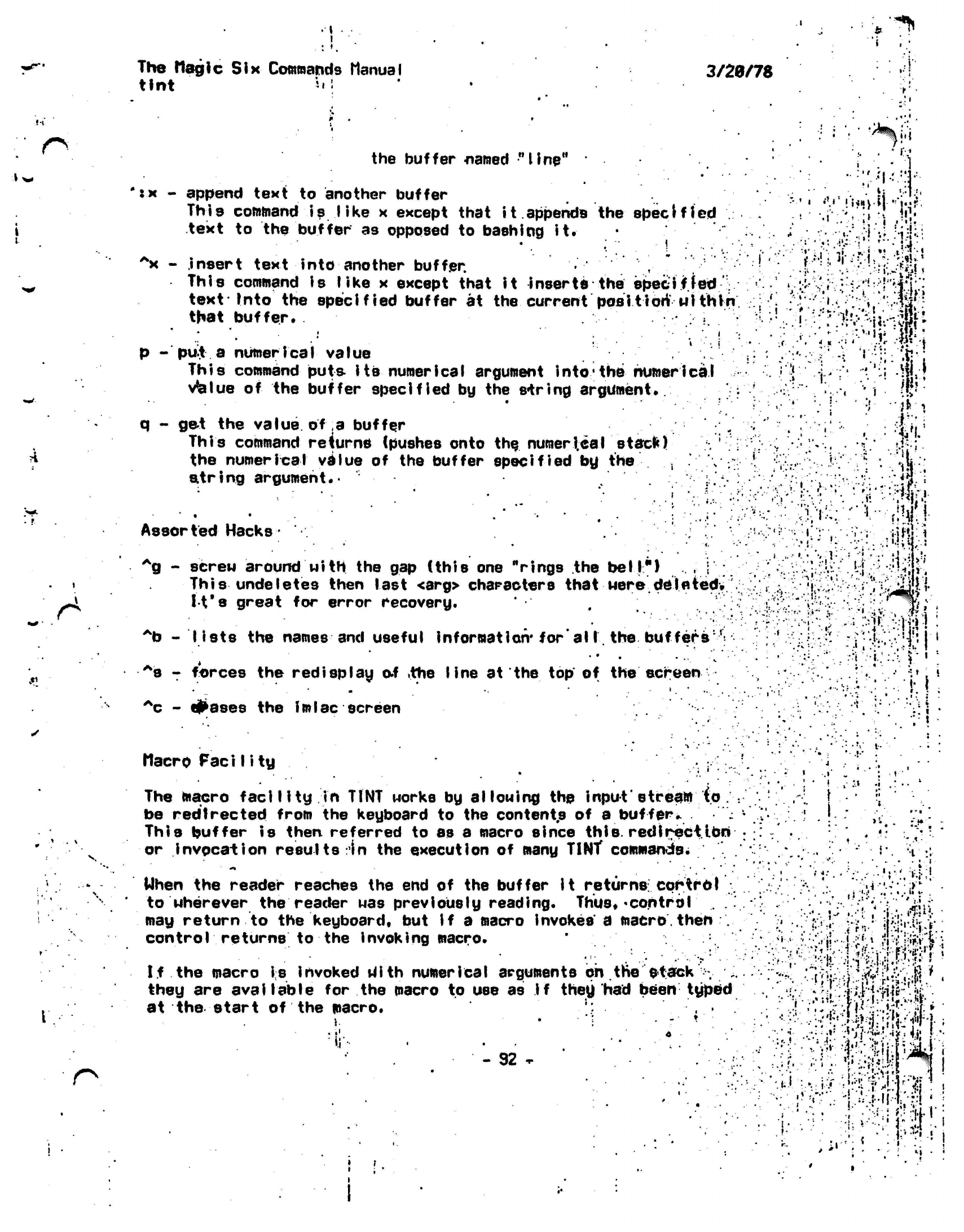
J-l
•i w
,«'
« .
\
* ..»
r*
i
t
*'^
The Magic
Six Commands Manual
3/20/78
tint
*•!
:!
the buffer
named
"line"
"
;
•
r
.
'l-'.!.1
r.*
'tx
-
append text
to
another buffer
,,,
.1,
,-„;
n
.
i
This
command
is
like
x
except that
i
t.
appends
the
specified
.
.r ''•»
•
jjf
i text
to the
buffer
as
opposed
to
bashing
it.
•
:...':. ,' ,-.
•.-'..•'•',:-:.:!j•'•!
'^[\
V
-
insert text into another buffer.
This command
is
like
x
except that
it
inserts
the
specif fed
:\ .••'"• ^ •'
*.:i
v;:
rv'^;'hif;:
text Into
the
specified buffer
at the
current
position*
nithfn
,•;; •''.
-i•."'''V;':-!•-"•'':*--
that
buffer*
•Hunrn,
•:••.
•
•• ,• -•. •
..
,
VM
;
iiii
p -
pu£
a numerical value
/':'••: ^-I '.-•;: -ij j
This
command puts its numerical argument
into
the numerical
vblue
of the buffer
specified
by the
spring
argument*
•"•..••• * ••*.'••-
•'
•;;•" •'•;:*••'•'..
v!'
'
?•
-'*vi
q - get the value of a
buffer .. •; " ."'"•'••;.' J
This
command
returns
(pushes onto
the numerical
stack)
^
the
numerical
value of the buffer specified by
the . •
v;
r ir K
T;
• '*!i \
string
argument*
1 1
Assorted Hacks
*
^g
-
screw around with the
gap
(this one
"rings
the
bell")
1 This
undeletes then last <arg> characters that Mere
deleted.
^
It's
great
for
error recovery.
*b
-
lists
the
names
and
useful
information*
for'al I.
the
buffers:l:
"
' ••••' :
•87
forces
the
redisplay
o.f
.the
line
at
the
top of the
screen
•
*
* ••
' '.'••.
^c
-
#ases
the
imlac
screen
Macro
FaciI ity
The macro
facility
in
TINT
works
by
allowing
the
input"
stream
(o.
be redirected from
the
keyboard
to
the contents
of a
buffer*.
This buffer
is
then referred
to as a
macro since
this,
redirect.ion
or
invocation
results
In the
execution
of
many TINT commands.
•••••••
*4
.
-•:•«*.
•
v;
.'•• • .fi
••••.«•.!•
'•'.' .••-•-;•.:
-'H-'::
• v
-1 ••••• '••.•
• ••.
•*...;• iMl
•
-.;v
.:-.,:i.
••••*.:•••••:
}.•••:
i
Mhen
the
reader reaches
the end of
the buffer
It
returns:
cortroI
to
uherever
the
reader
was
previously reading.
Thus*
<control
may return
to the
keyboard*
but if a
macro
invokes
a
macro,
then
.
control returns
to the
invoking macro.
If
the
macro
is
invoked tfith numerical arguments
on the
$
tack
.
they
are
available
for the
macro
to
use
as
if
they
had
been typed
at
the
start
of the
macro.
1.
ii'
- 92
»
'.-'.•.•' '* •'••:i
.i'j",'rWii.
•
•
r
',:^.f>i'i:'Vf>•'•?}•'•
•
• •••
.
I.
-.-
!-'s
•'
r'^i
.
...•
)••!
•• '•• •. .!'i
• ;
.;.••;:.:•!
• ;
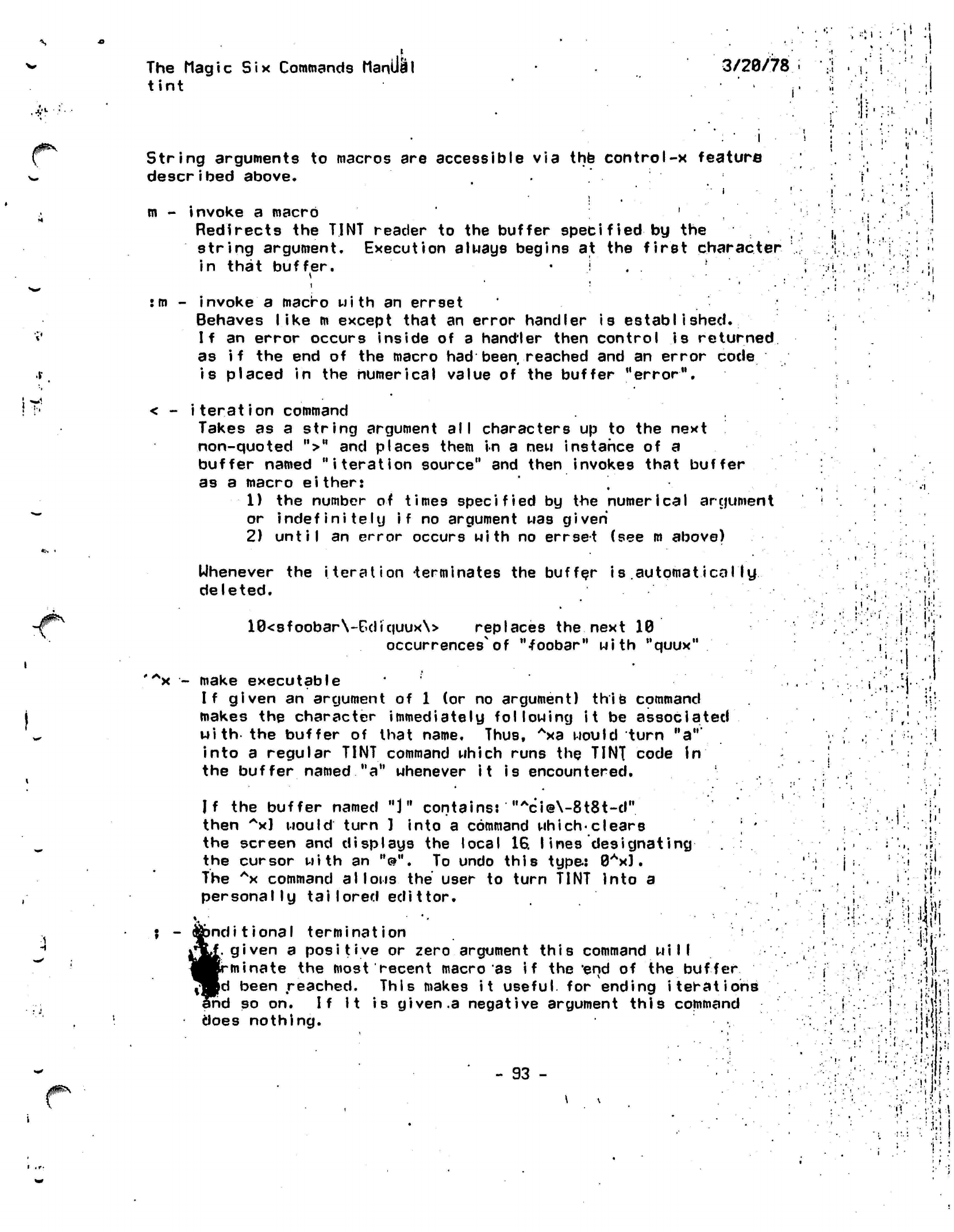
ft
The
Magic Six
Commands Manual
tint
3/28/78
,
«t i
•
'i
String
arguments to macros are accessible via the control-x feature
described above.
ii'i
m
-
invoke
a
macro
'
Redirects
the
TINT reader
to the
buffer specified
by the
string argument. Execution
a I nays
begins
at the
first
character
in that buffer.
• i . .
it*
:m - invoke a macro with an errset
Behaves like
m
except that an error handler is
established.
If
an error occurs inside of a handler then control is
returned
as
if
the end of the macro had been reached and an error code
is placed
in the numerical value of the buffer "error".
< -
iteration
command
Takes as a string argument
all
characters up to the next
non-quoted
"r"
buffer named
as a macro
either:
1) the number of times
specified
by the numerical argument
or
indefinitely if
no argument
was
given
2)
until
an error occurs with no errset (see
m
above)
>
and
places
them in a new instance of a
"iteration
source" and then invokes that buffer
Uhenever
the iteration terminates the buffer
is automatically
deleted.
10<sfoobar\-£diquux\>
replaces the next 10
occurrences of
"foobar"
with
"quux"
i,
ti-!
'Ax
-
make executable
If given
an
argument
of 1 (or no
argument) this command
makes
the
character immediately
following
it be
associated
with
the
buffer
of
that name. Thus,
Axa
would turn
"a""
into
a
regular TINT command which runs
the
TINT code
In
the buffer named
"a"
whenever
it
is
encountered.
;.4
•'!
•1
If the buffer named "J"
contains:
"Aci@\-8t8t-d"
then
Ax] would
turn ) into a command
which-clears
the screen and displays the local 16. lines
designating
the cursor with an
"@".
To undo this type:
0Ax).
The
Ax
command
allows the
user to turn TINT into a
personally
tailored
edittor.
Sbnditional
termination
[.given
a positive or zero argument this command
will
•minate
the most recent macro as if the end of the
buffer
«jd
been
reached.
This makes
it useful
for ending
iterations
ihd
so on. If it is given
.a
negative argument this command
does nothing.
'
X
Jl
?!.»>
:-i
itV
:•••#•
-
93
-
•l-
(•
<t
M
!.' •
r

The
t
i n
t
i
c
Six
Commands
HanuaI .3/20/78
s
•\
r.
;i
i
.•
•
if::
'•'•
. !
-'»
•<
i«
•
•••••••J-<-.l:'J>*
fk>k*
.V.
-I*
i
.
•
•»,
%>!•
•:
i
-
94
-
i
i:
!
r^"-*%,'
:| {
; • . i
••
if I •
i:rv
4
The
Macilc Six Commands MonUhil
truncate
•
The
TC
command takes
a
file
name
and
truncates
the
file
to zero length.
It
leaves
the
acls
and
names intact.
3/20/78
..i
• i
" i
it,
•i
it
• i
•
i
•
•
' t
Vj
I-
'•I
•ifo
«
.ri
:•••
•
'.y-
.•:-.---vi-•••"••'
••&
•••• ••••
••
.J.
...•••.,•
•.,
•;-:';!ri
••'••+}•:
.i.'
•
ij
»
:*'
'.
- 95
-
J.
•
i
•'.t;-,[i,;f
"•'•'••••
•••::?:
»;•
i
,.
i
•$ '•
/-..'•:-;v.^:iV:':^-:4Aj:-:V:
•
••
•!
•
•••
i
•
••
!•:
fit
:
!'•'.'U'H:!''*!
v. ^••"vri.,i:r;,;;^S;iJ-fc^i
. • •
•.••>•••
•••"
>
•Jt;
••
jr..'.;';
»i
• ' •• i
, •
'
•'[•
: • \l
!
i
i-.'.'i
Si
:,- i
'
' i
:
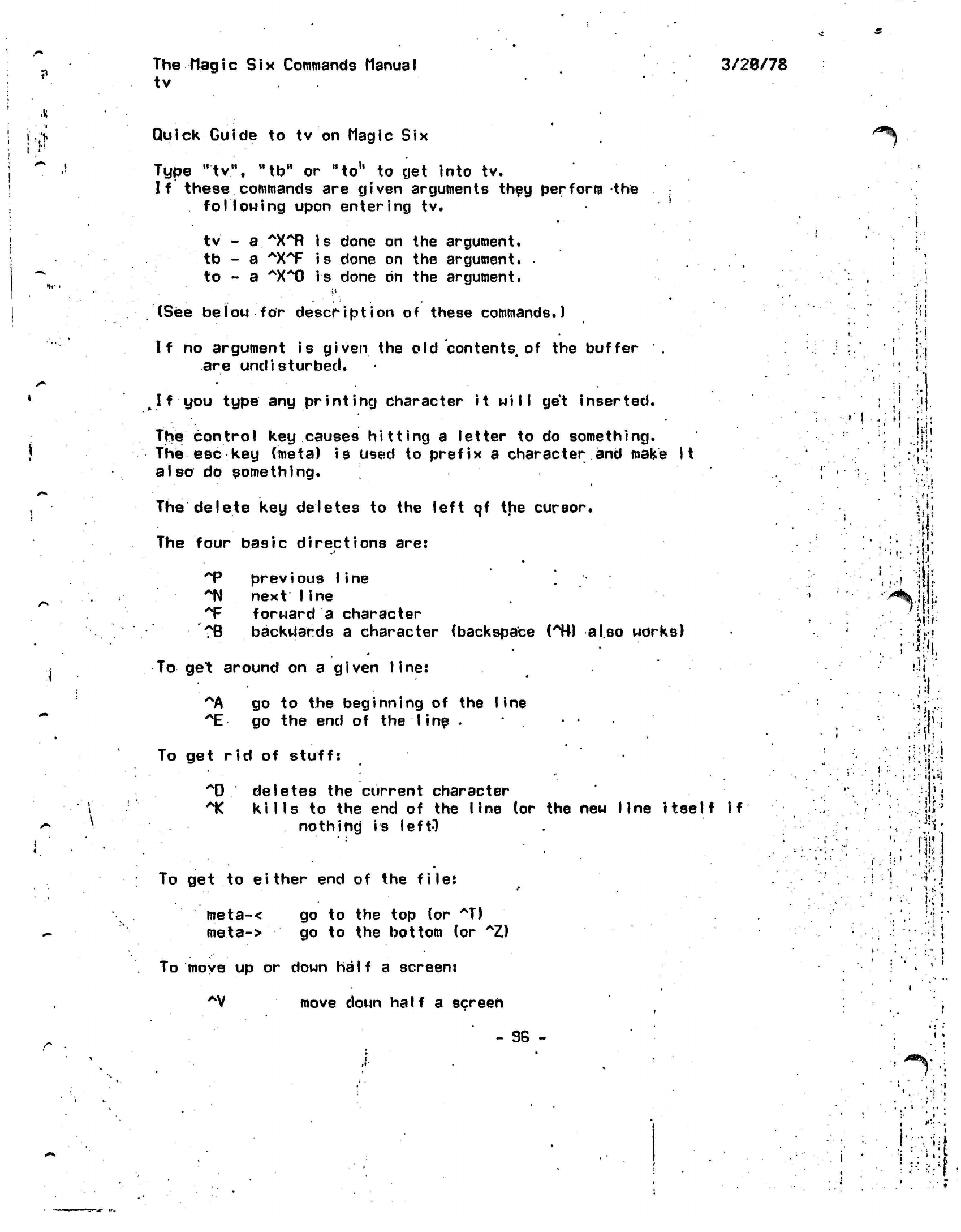
?
The
Magic
Six
Commands Manual
tv
3/20/78
Quick
Guide to tv on Magic Six
Type "tv", "to" or
"to1'
to get into tv.
If these commands are given arguments they perform the
following
upon
entering
tv.
.
i
z^Hk
•Vf
tv -
a.
*X*R
is done on the argument.
tb - a
AXAF is
done on the argument.
to - a
AXA0 is
done on the argument.
(See below for
description
of these commands.)
If no argument is
given
the old contents of the buffer .
are
undisturbed.
^
I f you
type
any printing character it
will
get inserted.
The control key causes hitting a letter to do something.
The esc key
(meta)
is
used
to prefix a character and make it
also
do something.
The
delete
key deletes to the left qf the cursor.
The four basic
directions
are:
.1
*P
previous
line
AN next Iine
*F
forward a character
?B backwards
a character (backspace
(AK)
also works)
«
To
get
around
on a
given
line:
AA
go to the
beginning
of the
line
IE
go the end of the
line
.
To
get
rid
of
stuff:
AD
deletes
the
current character
1C kills
to the end of the
line
(or the new
line itself if
nothing
is left")
To
get to
either
end of the
file:
meta-<
go to the top (or
AT)
meta->
go to the
bottom
(or
AZ)
'>%
(Ml
.-ifi:
•
i.
%
.
'•:
:
i
•
-I;
•wu-
t •
;•.•»
•*
'i
'V
I
!.!r'
:.'
!
1ft.
•'I'M
J
I
Mi*
J-VM
"}
Jii.l
•
i
hi
: t
To move
up or
down
half
a
screen:
AV
move down
half
a
screen
- 96 -
i»
1
v
*
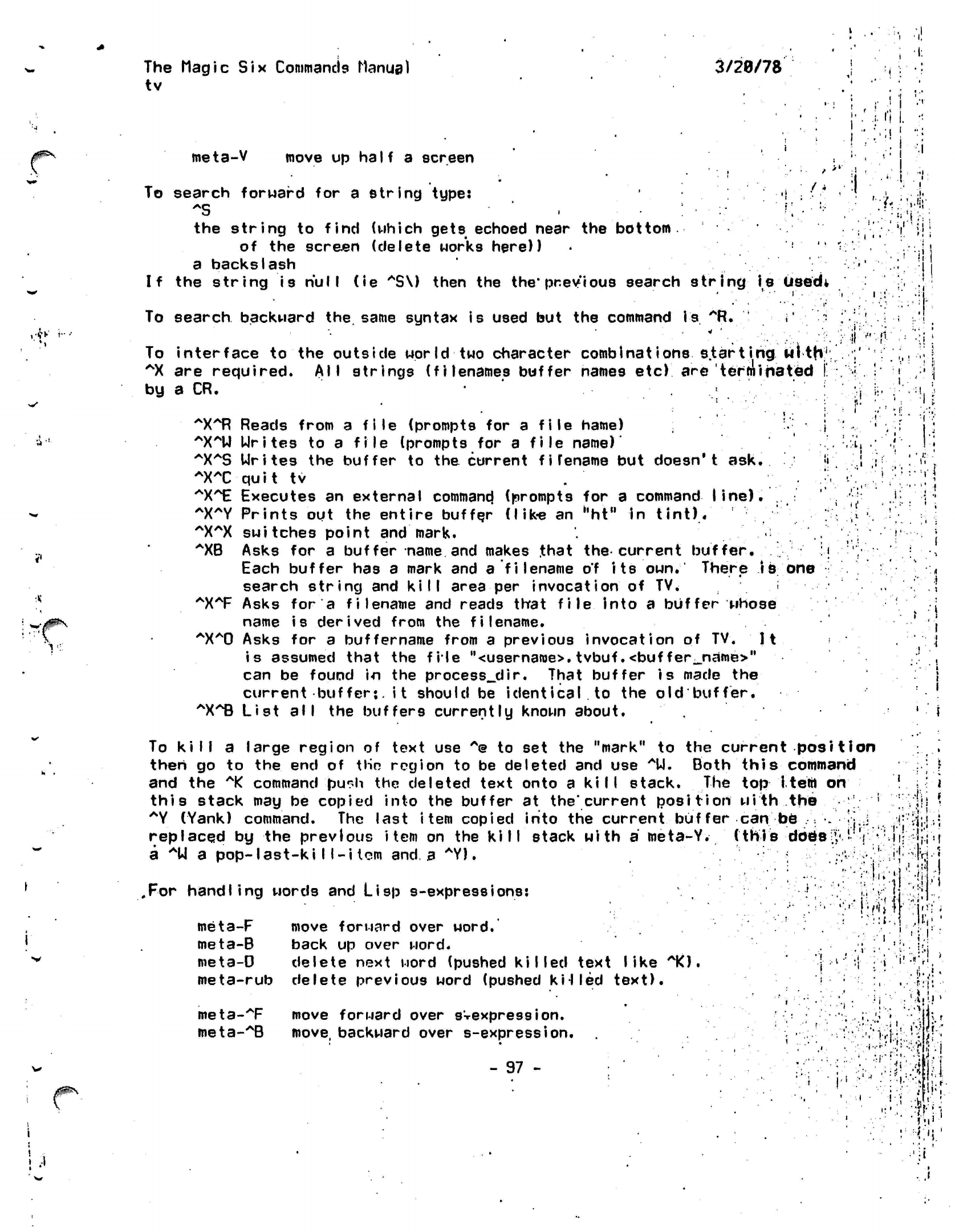
I 'I
The
Magic Six
Commands Manual
tv
3/20/78
i'i
I.
:i
!
meta-V
move up half a screen
To search forward for a
string
type:
-i
*S ',.;•
:• '
r .•*
the
string
to
find
(which
gets
echoed near the
bottom
of the screen (delete works here))
a
backslash
If the string is
null
(ie
"S\)
then the
the'previous
search
string
is
Usedt
•/,
"I!
•x
'v::
To
search
backward the. same syntax is used but the command
is
""Ft.
i'
:
To interface to the outside world two character
combinations
s.tarting
with:1
AX
are required. All strings (filenames buffer names
etc)
are 'terminated
[
by a CR.
: •
~X~R
Reads from a file (prompts for a file name) i
^X^U Urites
to a
file
(prompts for a
file
name)'
^XAS
Urites the buffer to the current
fi
rename but doesn't
ask.
•'<
^XT quit
tv
^X^E
Executes an external
commancj
(prompts for a
command
line).
~X~Y
Prints out the entire buffer (like an
hht"
in
tint).
^X^X switches
point and mark.
^XB
Asks for a buffer name and makes
.that
the current buffer.
l\
Each buffer has a mark and a
filename of
its
own.
There
is one
search string and kill area per invocation of
TV.
.
:
AX*F
Asks for a filename and reads that
file
into a buffer whose
name is derived from the
filename.
"X^O
Asks for a
buffername
from a previous invocation of TV.
It
is assumed that the file
"<username>.
tvbuf .<buf
fer_name>"
can be found in the
processedir.
That buffer
is
made the
current
buffer*,
it should be
identical.to
the old buffer.
"X^B
List
all
the buffers currently known about.
v
•..(..
«•
1
. t{
•f
•I.
<
/0&\
To kill a large region of text use
A@
to set the "mark" to the current
position
then go to the end of tHn region to be deleted and use
AU.
Both this command
and the
*K
command
pu^h
the deleted text onto a
kill
stack. The top item
on
this stack may be copied into the buffer at the'current
position
with the
;
*Y
(Yank) command. The last item copied into the current buffer
can
be
.• •.
replaced by the previous
item
on the kill stack with
a
meta-Y.
(this
dbe>;
a *U
a
pop-last-kill-item
and a
*Y).
•r •
.For
handling words and Lisp
s-expressions:
meta-F
move forward over
word.
meta-B back up over word.
meta-D delete next word (pushed
killed
text
like
10.
meta-rub
delete previous word (pushed
k'HIed
text).
meta-T
move forward over
sVexpression.
meta-^B
move, backward over
s-expression.
- 97 -
i
t !
•II-
;. •
If
I:
.1
i!«
It
j •••
•'•
1
•^•".•vfU'jf
'.::£•
•1"J
*•••!
I
I'i'.'
<r.\
'i'
"•;
-
i'..''
*
M
>'<:':-'i
i
u
<
i:
i.
£
The
tv
•Magic
Six Commands
Manual
3/20/78
ill
meta-
meta-
•AD
delete next s-expressioh (pushed
kiI fed
text).
•Arub delete
previous
s-expression
(pushed kiI
led text).
.**'
X
'•••«*.".
1 (
• ;;
.
• •
•!
5
"1*
••1v'
V.f3-
••>!i
L
•»..•
V
'•./•#•
-••...
»,::•!
'
i
\i:
.*; 1
• •- 1 - •
/'..J.!;
• - -j •
.
m
:•*•:<••'
:^
••!
i
i .!•• ;.••
'
-.1
•i
•
"i-i jC'-t
/"»
. •
:3i
>'l
i'
V •
I!
j
I
>» •;?
"fli
.913
•'-:;:.'.:•••'!!••.#•'
.)-.
;l
£
m
k
• •'•*!
•rv
- 98 -
i
. ,!
" i
1
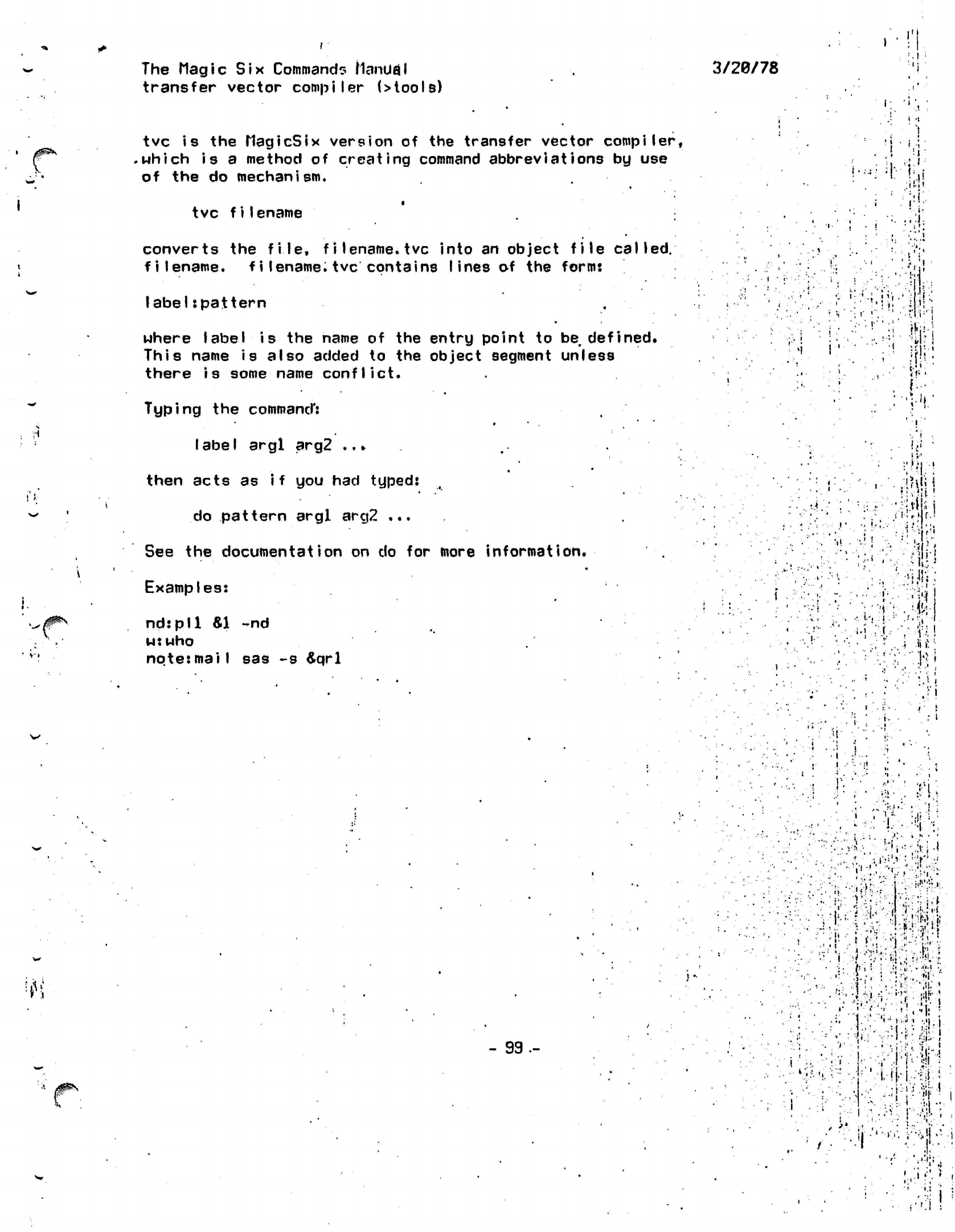
1
'•
i
t
•
The Magic
Six Command? ManUfll
transfer vector compiler
(>tools)
tvc
is the
MagicSix
version
of the
transfer vector
compiler,
.which is
a
method
of
creating
command
abbreviations
by use
of
the do
mechanism.
tvc
filename
converts
the
file,
filename,
tvc
into
an
object
file
called,
filename,
filename.tvc
contains
lines
of the
form:
label:pat
tern
where label
is the
name
of the
entry point
to be
defined.
This
name
is
also added
to the
object segment unless
there
is
some name
conflict.
Typing
the
command*:
label
argl
arg2
..*
then acts
as
if
you had
typed:
do pattern argl arg2
...
See
the
documentation
on do for
more
information.
Examples:
nd:pll «1 ~nd
w:
who
note:mail
sas
-s £qrl
3/20/78
i
,
!
v
i'
:.•»
'
.1
:
l
•;
i
•!
r:
' i •
\s
x
:/:H'
: '•••
';
f
!".
:
I
I
''f
•
!
-il'
i/l-
fl\
: •':•'!.
f!v<U
!
•v:i>» H
•*«•
•A
i"
:
1-.
it
; I
••!• :
W
-
99-
•hi':''.!:.
I.
...
I.
.
J .'Li ,.
.-I'--
...
.("
i
• •'-..•
'•'
•
i
••-.'
.•/'.i;j;,!,'HT
.!
•
";•'
V'\
'• ' :;
•«'.
•
•'>•!
v
••'"'
•
,:'
•>•;<
i
]•''»•..
"I
"
.
••'>••> •) ~.j rl
••:•>••!
.;!«•
'
•,-•'.' ,
l!
' ! '.
i
*>•<•••
i.
, i
,
...
]. .
'•; "?
••••I..i.
••:|-" <
•:;i'm -1
,'.•
• -
!
..!v
<'
'
i'
• •
'',' il •'
•I
.
' i
i
'-.'.Hi.
'
...
• s
i.i
•
:'V'i
»
•' 5
.
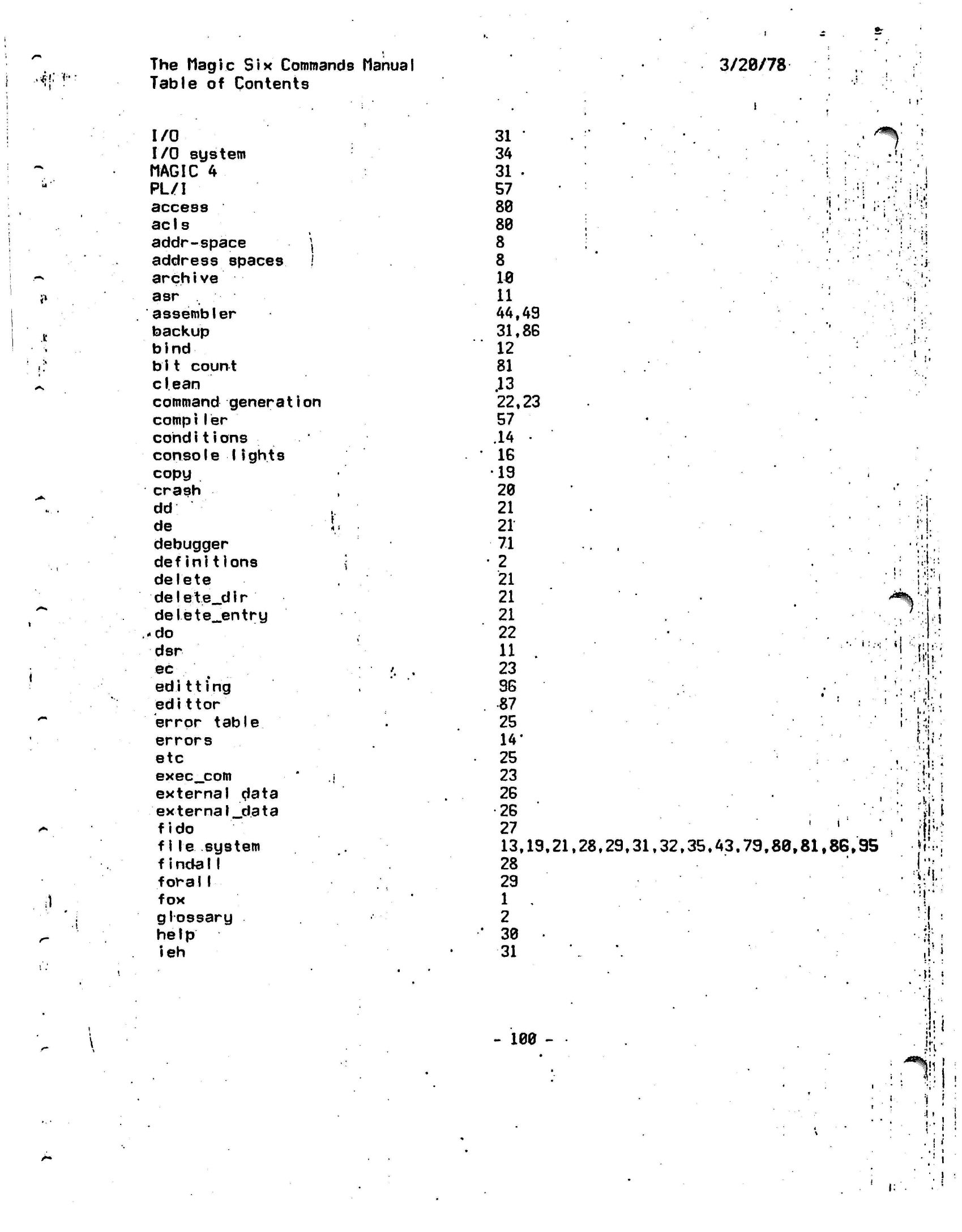
The
Magic Six
Commands
Manual
3/28/78
•*!••?••
^
ul
'*
«»
.It
'»
11
^.
•^
*•.
•
•
1
•*%
/•*
t*
i)
.
1
/"-
Table
of
Contents
I/O
I/O
system
MAGIC
4
PL/I
access
ac
1
s
addr-space
\
address spaces
/
arch i ve
asr
assembler
backup
bind
b
11 count
clean
command generation
compiler
cohdi
t
i
ons
console 1ights
copy
crash
dd
de
debugger
definitions
delete
de1e t
e_d
i r
delete^entry
.-do
dsr
ec
ed
i 11 i
ng
edit tor
error table
errors
etc
exec_com
external data
external_data
fido
f1le system
f
incfall
foral1
fox
glossary
help
ieh
31
'
34
31
•
57
88
88
8
8
18
11
44.49
31.86
12
81
.13
22,23
57
.14 •
IS
19
28
21
21
71
2
21
21
21
22
11 .
23
9G
87
25
14*
25
23
2G
•26
27
13,19.21.28.29.31.32.35.43,79,88,81,86,95
28
29
1 .
2
38
31
i i
-
188 -
A-
•V: «
•
irr
;
**%[]
A
»
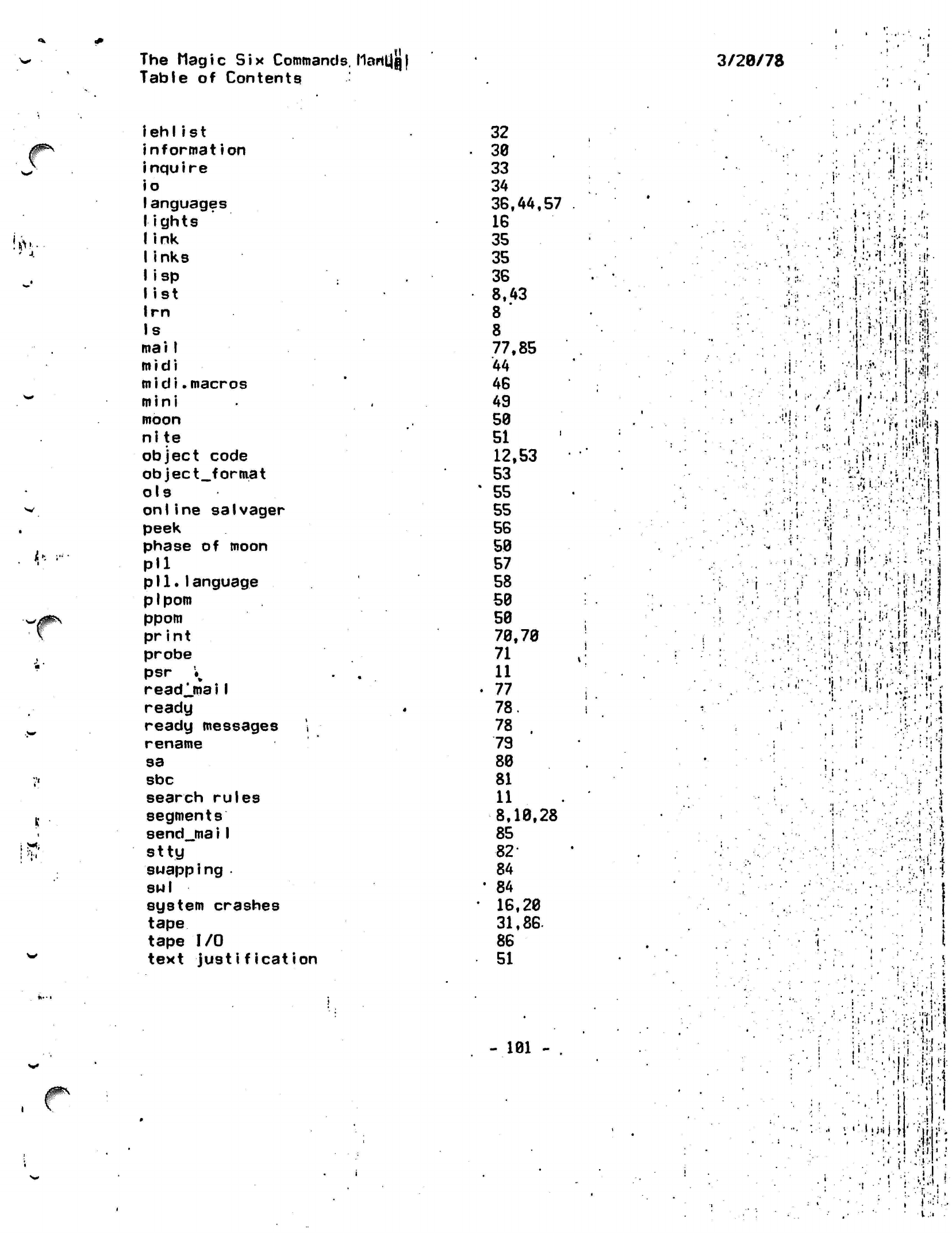
HI
The Mag
i
c
Six
Commands.
MarttJQ |
Table of Contents
3/28/78
!*.-
^-
iehlist
nformation
nquire
o
anguages
ights
ink
inks
isp
ist
rn
s
mai I
m i di
midi.macros
mini
moon
nite
object code
object_format
ols
on Iine salvager
peek
phase
of
moon
Pll
pll.language
pi
pom
ppom
pr
i n t
probe
psr
K
readlmaiI
ready
ready messages '.
rename
sa
sbc
search rules
segments
send_jnai I
stty
swapping
•
814
I
system crashes
tape
tape
I/O
text
justification
32
38
33
34
38,44,57
16
35
35
36
8,43
8 '
8
77,85
44
46
49
58
51
12,53
53
'
55
55
56
58
57
58
58
58
78,78
71
11
•
77
78.
78 .
79
88
81
11
8,18,28
85
82-
84
'
84
• 16,28
31,86-
86
51
.!' :
i i
','
<
'•
.-•-
V
>
.it
,
;:
:• i.
V':.:
;. •(••
•1
.•;
•
'i '
'Wfci
vv.-w
' :«
•'•
•'•.:.'{:
'.'li;
'if.
: -ii
\'
t,\...
1 -:-. "•:'
.
•
1
'•••:.
y
-I':•"««-4}
;'
.
-,••'
..•'•!}'•:
it i
:;
>'i
t..':'--:-
'}?'•-{•
\
:r;:=-:!
I
1,1"
•ii
.'•"•' :
.HI
I'--
0 •!'••' ;!
.
•:
•
'.•:•
.'.-!.•
'
•:
}
.!
'•"^vi
ii!
';•!
j
;:''•'
:.i,
i;-'."'i
"•••!!{?
•••I-
•••.
!
v-.jl!
.
\i;i\
i'.-.
-.-I,-
M •
I;<
•;; :'
,u.
•:'' :•'.:•
I..1
1
•'ii-i/'V,-,;.-^,
••••''-••.:.••- -ri
.
i
,
(
• •it
:,i
:
1.
•;•:! ill
•-•••:=!!
.*
,
•*:. *
•
«
#^
- 181
-
'••
,.
-..•: '
•
-5
;
*
*, *•
:>-
M'
••;••> <! .
•
••'i.-;-
t:>
,1
•
I •
• •
I
I
'If:!
!.
-i
i
« i VI
jiiij-|
' ,-ij
I ,'il
t -
i
'
I
!
•'X'Ti
• -.
'-T,-.;
.

f
1
The Magic
Six
Commands Manual
Table
of
Contents
t
i n t
transfer vector compiler
truncate
tv
tvc
,
«
type
typing conventions
unlink )
Users
87,87'
99
95
96
99
78
1.82
21
,.35
27,33.56
3/29/78
!
•
I
••
':•;
•I
t
•
S*tk.
II.
*
J'
...
-m1
l
;..'I*'.
• • •
1|-
\r,
'«•',:.:
•'•^S.jfy
.
i.i
*V
.
'I
:.;•'•••}.
;t:
•vK"ii\'
- 182 -
!
I
I:
•
i
.
';: l •
'I
If*.,
i'l
:
i
iii.,
:---:;::.:iJi-
-
:.'Vl!i
'
:!.T>i.f|
•'Mi ':;1:i
: -l-'fl
•
• d
' 1
"
•.;•!. f j
