N1507 Programmable Outdoor Timer Manual
User Manual: N1507-programmable-outdoor-timer-manual
Open the PDF directly: View PDF  .
.
Page Count: 1
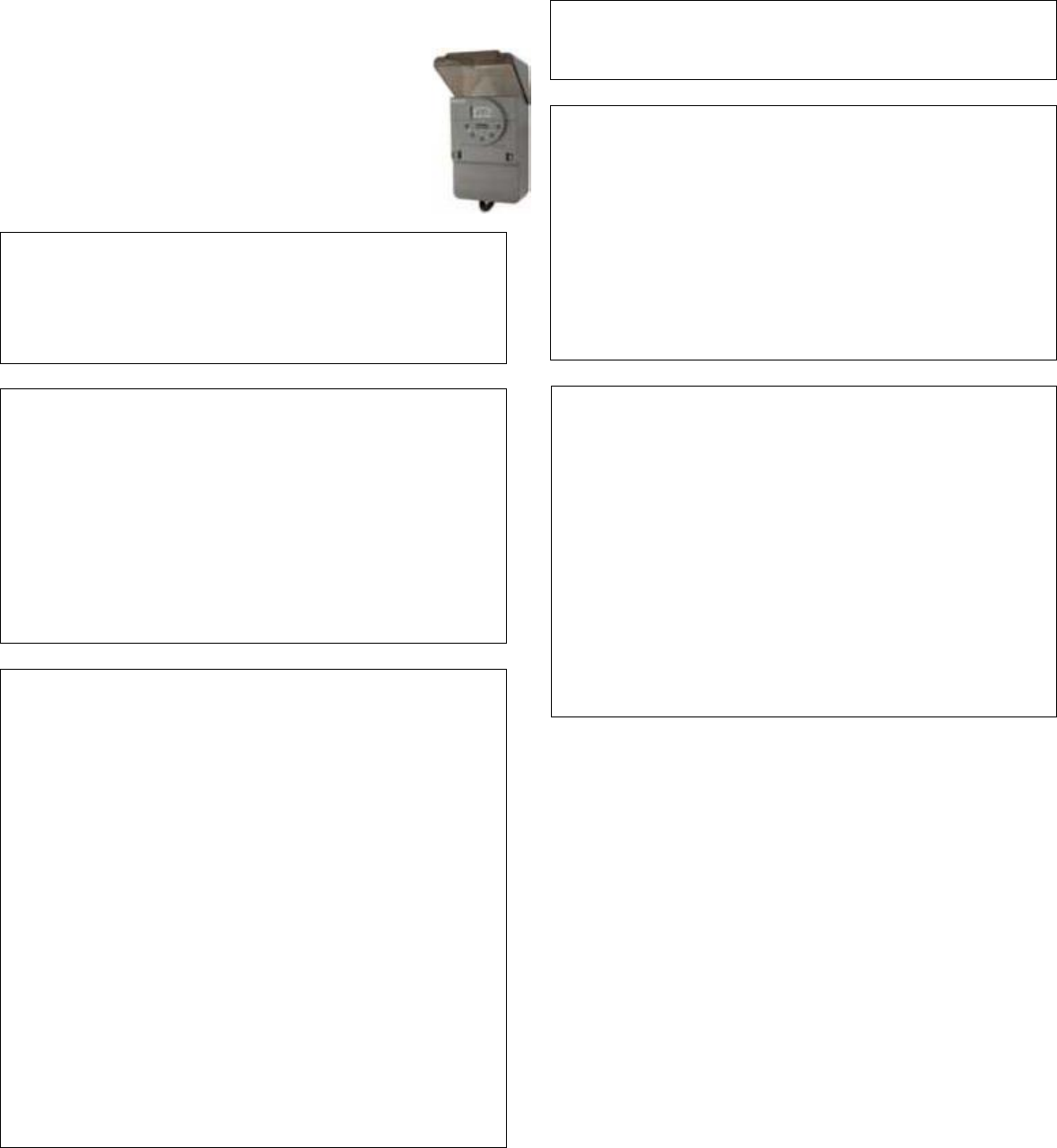
N1507 programmable outdoor timer
Noma 7 Day 6 Event Outdoor Timer
125volts 60hz 1875 watts
50 mini-bulb string Christmas lights is 25 watts
SET UP TIMER:
1. Install AAA battery.
2. No need to plug timer in to program
SETTING THE CLOCK:
Press and hold CLOCK button down, press the DAY,
HOUR and MIN buttons to set the current day and
time.
Release Clock button
PROGRAMMING OVERVIEW:
Each event must have ON and OFF times.
Choose days for ON and OFF events by repeatedly
pressing DAY button to display options:
Day options include:
a. Any single day of the week (MO, TU, etc.)
b. Weekdays only (MO TU WE TH FR)
c. Weekends only (SA SU)
d. All days of the week (MO TU WE TH FR SA SU)
PROGRAMMING EVENT:
Event 1 ON:
Press PROG button once and display will read: TIMER
1 ON --:--. The numeral 1 indicates that you are setting
Event 1 ON.
Press Day button select days for Event 1 ON.
Continue by pressing the HOUR and MIN buttons to
select the time of day when you want Event 1 to turn
ON.
Event 1 OFF
Press PROG button once again and display will read
TIMER 1 OFF --:--.
Repeat steps 5 and 6 to enter the day (or combination of
days) etc. and the time when you want Event 1 turn off.
After setting Event 1 ON and OFF, press PROG button
again and display will show TIMER 2 ON --:--
Repeat sequence to set up to 6 Events
When programming is complete, press CLOCK button
to return to the time display. Your programs are now
stored in memory.
TO REVIEW YOUR PROGRAMS:
Press PROG button. The display will show the ON time
and day(s) for event number 1. Press the PROG button
again to display the OFF time and date.
Each time you press PROG button, display will
advance to next event and instruction. Make sure
unused times display blank times (Blank time is --:-- ,
not 00:00.
To return to time display, press CLOCK button.
ACTIVATING PROGRAMS:
After pressing CLOCK button, and current time is
displayed, press MODE button until TIMER is
displayed. The unit will now operate automatically as
programmed.
MANUAL OVERRIDE:
Press the MODE button until ON or OFF is displayed.
You will not lose your program(s) as they are stored in
memory. To cancel manual override, press MODE
button until TIMER is displayed.
Some models display ON or OFF or AUTO.
http://waterheatertimer.org/Woods-timers-and-manuals-old.html#1507
http://waterheatertimer.org/Outdoor-timers.html#hb88
