NEAX2400 IMX Installation Manual PDF NEC
NEAX2400 IMX Installation Manual NEAX2400 IMX Installation Manual
NEC NEAX2400 IMX Installation Manual NEC_NEAX2400_IMX_Installation_Manual www.TelecomUserGuides.com Access User Guides, Manuals and Brochures
User Manual: PDF T E X T F I L E S
Open the PDF directly: View PDF  .
.
Page Count: 410 [warning: Documents this large are best viewed by clicking the View PDF Link!]
- Title Page: NEAX2400 IMX Installation Manual
- Revision Pages
- Table of Contents
- List of Figures
- List of Tables
- Safety Considerations
- Regulatory Information
- CHAPTER 1 INTRODUCTION
- CHAPTER 2 INSTALLATION DESIGN
- CHAPTER 3 INSTALLATION PROCEDURE
- NAP-200-001
- NAP-200-002
- NAP-200-003
- NAP-200-004
- NAP-200-005
- NAP-200-006
- NAP-200-007
- NAP-200-008
- NAP-200-009
- NAP-200-010
- NAP-200-011
- NAP-200-012
- NAP-200-013
- NAP-200-014
- NAP-200-015
- NAP-200-016
- NAP-200-017
- NAP-200-018
- CHAPTER 4 SYSTEM STARTUP
- NAP-200-019
- NAP-200-020
- NAP-200-021
- NAP-200-022
- NAP-200-023
- CHAPTER 5 INSTALLATION TEST PROCEDURE
- NAP-200-024
- NAP-200-025
- NAP-200-026
- NAP-200-027
- NAP-200-028
- NAP-200-029
- NAP-200-030
- NAP-200-031
- NAP-200-032
- NAP-200-033
- NAP-200-034
- NAP-200-035
- NAP-200-036
- NAP-200-037
- NAP-200-038
- NAP-200-039
- NAP-200-040
- NAP-200-041
- NAP-200-042
- NAP-200-043
- NAP-200-044
- NAP-200-045
- NAP-200-046
- NAP-200-047
- NAP-200-048
- NAP-200-049
- CHAPTER 6 FAULT RECOVERY DURING TESTS
- NAP-200-050
- NAP-200-051
- NAP-200-052
- CHAPTER 7 WORK AFTER INSTALLATION TESTS

NOVEMBER, 1999
NEC America, Inc.
NDA-24234
ISSUE 3
STOCK # 200865
Installation Manual
®


LIABILITY DISCLAIMER
The information contained in this document is specific to Dterm Series E only.
Minimum firmware may be required. Contact NEC Engineering for additional
information.
NEC America, Inc. reserves the right to change the specifications, functions, or
features, at any time, without notice.
NEC America, Inc. has prepared this document for use by its employees and
customers. The information contained herein is the property of NEC America,
Inc. and shall not be reproduced without prior written approval from NEC
America, Inc.
NEAX and Dterm are registered trademarks of NEC Corporation.
Copyright 1999
NEC America, Inc.
Printed in the U.S.A

ISSUE 1 ISSUE 2 ISSUE 3 ISSUE 4
DATE SEPTEMBER, 1997 DATE JULY, 1998 DATE NOVEMBER, 1999 DATE
ISSUE 5 ISSUE 6 ISSUE 7 ISSUE 8
DATE DATE DATE DATE
NEAX2400 IMX
Installation Manual Revision Sheet 1/6
NDA-24234
PAGE No. ISSUE No.
12345678
i 1 2 3
ii 1 2 3
iii 1 2 3
iv 1 2 3
v 1 2 3
vi 1 2 3
vii 1 2 3
viii 1 2 3
ix 1 2 3
x 1 2 3
xi 1 2 3
xii 1 2 3
xiii 1 2 3
xiv 1 2 3
xv 1 2 3
xvi 1 2 3
xvii 1 2 3
xviii 1 2 3
xix 1 2 3
xx 1 2 3
1 1 2 3
2 1 2 3
3123
412
3
5 1 2 3
6 1 2 3
7123
812
3
9 1 2 3
10 1 2 3
11 1 2 3
12 1 2 3
13 1 2 3
14 1 2 3
15 1 2 3
16 1 2 3
17 1 2 3
18 1 2 3
19 1 2 3
20 1 2 3
21 123
22 123
23 1 2 3
24 1 2 3
25 123
26 123
27 1 2 3
28 1 2 3
29 123
30 123
31 1 2 3
32 1 2 3
33 123
34 123
35 1 2 3
36 1 2 3
37 123
38 123
39 1 2 3
40 1 2 3
41 123
42 123
43 1 2 3
44 1 2 3
45 123
46 123
47 1 2 3
48 1 2 3
49 123
50 123
51 1 2 3
52 1 2 3
53 123
54 123
55 1 2 3
56 1 2 3
PAGE No. ISSUE No.
12345678

ISSUE 1 ISSUE 2 ISSUE 3 ISSUE 4
DATE SEPTEMBER, 1997 DATE JULY, 1998 DATE NOVEMBER, 1999 DATE
ISSUE 5 ISSUE 6 ISSUE 7 ISSUE 8
DATE DATE DATE DATE
NEAX2400 IMX
Installation Manual Revision Sheet 2/6
NDA-24234
57 1 2 3
58 1 2 3
59 1 2 3
60 1 2 3
61 1 2 3
62 1 2 3
63 1 2 3
64 1 2 3
65 1 2 3
66 1 2 3
67 1 2 3
68 1 2 3
69 1 2 3
70 1 2 3
71 1 2 3
72 1 2 3
73 1 2 3
74 1 2 3
75 1 2 3
76 1 2 3
77 1 2 3
78 1 2 3
79 1 2 3
80 1 2 3
81 1 2 3
82 1 2 3
83 1 2 3
84 1 2 3
85 1 2 3
86 1 2 3
87 1 2 3
88 1 2 3
89 1 2 3
90 1 2 3
91 1 2 3
92 1 2 3
93 1 2 3
94 1 2 3
PAGE No. ISSUE No.
12345678
95 1 2 3
96 1 2 3
97 1 2 3
98 1 2 3
99 1 2 3
100 1 2 3
101 1 2 3
102 1 2 3
103 1 2 3
104 1 2 3
105 1 2 3
106 1 2 3
107 1 2 3
108 1 2 3
109 1 2 3
110 1 2 3
111 1 2 3
112 1 2 3
113 1 2 3
114 1 2 3
115 1 2 3
116 1 2 3
117 1 2 3
118 1 2 3
119 1 2 3
120 1 2 3
121 1 2 3
122 1 2 3
123 1 2 3
124 1 2 3
125 1 2 3
126 1 2 3
127 1 2 3
128 1 2 3
129 1 2 3
130 1 2 3
131 1 2 3
132 1 2 3
PAGE No. ISSUE No.
12345678

ISSUE 1 ISSUE 2 ISSUE 3 ISSUE 4
DATE SEPTEMBER, 1997 DATE JULY, 1998 DATE NOVEMBER, 1999 DATE
ISSUE 5 ISSUE 6 ISSUE 7 ISSUE 8
DATE DATE DATE DATE
NEAX2400 IMX
Installation Manual Revision Sheet 3/6
NDA-24234
133 1 2 3
134 1 2 3
135 1 2 3
136 1 2 3
137 1 2 3
138 1 2 3
139 1 2 3
140 1 2 3
141 1 2 3
142 1 2 3
143 1 2 3
144 1 2 3
145 1 2 3
146 1 2 3
147 1 2 3
148 1 2 3
149 1 2 3
150 1 2 3
151 1 2 3
152 1 2 3
153 1 2 3
154 1 2 3
155 1 2 3
156 1 2 3
157 1 2 3
158 1 2 3
159 1 2 3
160 1 2 3
161 1 2 3
162 1 2 3
163 1 2 3
164 1 2 3
165 1 2 3
166 1 2 3
167 1 2 3
168 1 2 3
169 1 2 3
170 1 2 3
PAGE No. ISSUE No.
12345678
171 1 2 3
172 1 2 3
173 1 2 3
174 1 2 3
175 1 2 3
176 1 2 3
177 1 2 3
178 1 2 3
179 1 2 3
180 1 2 3
181 1 2 3
182 1 2 3
183 1 2 3
184 1 2 3
185 1 2 3
186 1 2 3
187 1 2 3
188 1 2 3
189 1 2 3
190 1 2 3
191 1 2 3
192 1 2 3
193 1 2 3
194 1 2 3
195 1 2 3
196 1 2 3
197 1 2 3
198 1 2 3
199 1 2 3
200 1 2 3
201 1 2 3
202 1 2 3
203 1 2 3
204 1 2 3
205 1 2 3
206 1 2 3
207 1 2 3
208 1 2 3
PAGE No. ISSUE No.
12345678

ISSUE 1 ISSUE 2 ISSUE 3 ISSUE 4
DATE SEPTEMBER, 1997 DATE JULY, 1998 DATE NOVEMBER, 1999 DATE
ISSUE 5 ISSUE 6 ISSUE 7 ISSUE 8
DATE DATE DATE DATE
NEAX2400 IMX
Installation Manual Revision Sheet 4/6
NDA-24234
209 1 2 3
210 1 2 3
211 1 2 3
212 1 2 3
213 1 2 3
214 1 2 3
215 1 2 3
216 1 2 3
217 1 2 3
218 1 2 3
219 1 2 3
220 1 2 3
221 1 2 3
222 1 2 3
223 1 2 3
224 1 2 3
225 1 2 3
226 1 2 3
227 1 2 3
228 1 2 3
229 1 2 3
230 1 2 3
231 1 2 3
232 1 2 3
233 1 2 3
234 1 2 3
235 1 2 3
236 1 2 3
237 1 2 3
238 1 2 3
239 1 2 3
240 1 2 3
241 2 3
242 2 3
243 2 3
244 2 3
245 2 3
246 2 3
PAGE No. ISSUE No.
12345678
247 2 3
248 2 3
249 2 3
250 2 3
251 2 3
252 2 3
253 2 3
254 2 3
255 2 3
256 2 3
257 2 3
258 2 3
259 2 3
260 2 3
261 2 3
262 2 3
263 2 3
264 2 3
265 2 3
266 2 3
267 2 3
268 2 3
269 2 3
270 2 3
271 2 3
272 2 3
273 2 3
274 2 3
275 2 3
276 2 3
277 2 3
278 2 3
279 2 3
280 2 3
281 2 3
282 2 3
283 2 3
284 2 3
PAGE No. ISSUE No.
12345678

ISSUE 1 ISSUE 2 ISSUE 3 ISSUE 4
DATE SEPTEMBER, 1997 DATE JULY, 1998 DATE NOVEMBER, 1999 DATE
ISSUE 5 ISSUE 6 ISSUE 7 ISSUE 8
DATE DATE DATE DATE
NEAX2400 IMX
Installation Manual Revision Sheet 5/6
NDA-24234
285 2 3
286 2 3
287 2 3
288 2 3
289 2 3
290 2 3
291 2 3
292 2 3
293 2 3
294 2 3
295 2 3
296 2 3
297 2 3
298 2 3
299 2 3
300 2 3
301 2 3
302 2 3
303 2 3
304 2 3
305 2 3
306 2 3
307 2 3
308 2 3
309 2 3
310 2 3
311 2 3
312 2 3
313 2 3
314 2 3
315 2 3
316 2 3
317 2 3
318 2 3
319 2 3
320 2 3
321 2 3
322 2 3
PAGE No. ISSUE No.
12345678
323 2 3
324 2 3
325 2 3
326 2 3
327 2 3
328 2 3
329 3
330 3
331 3
332 3
333 3
334 3
335 3
336 3
337 3
338 3
339 3
340 3
341 3
342 3
343 3
344 3
345 3
346 3
347 3
348 3
349 3
350 3
351 3
352 3
353 3
354 3
355 3
356 3
357 3
358 3
359 3
360 3
PAGE No. ISSUE No.
12345678

ISSUE 1 ISSUE 2 ISSUE 3 ISSUE 4
DATE SEPTEMBER, 1997 DATE JULY, 1998 DATE NOVEMBER, 1999 DATE
ISSUE 5 ISSUE 6 ISSUE 7 ISSUE 8
DATE DATE DATE DATE
NEAX2400 IMX
Installation Manual Revision Sheet 6/6
NDA-24234
361 3
362 3
363 3
364 3
365 3
366 3
367 3
368 3
369 3
370 3
371 3
372 3
373 3
374 3
375 3
376 3
377 3
378 3
379 3
380 3
PAGE No. ISSUE No.
12345678 PAGE No. ISSUE No.
12345678

NDA-24234
ISSUE 3
NOVEMBER, 1999
NEAX2400 IMX
Installation Manual
TABLE OF CONTENTS Page
LIST OF FIGURES . . . . . . . . . . . . . . . . . . . . . . . . . . . . . . . . . . . . . . . . . . . . . . . . . . . . . . . . . . . . . . . . . . . . . . . vii
LIST OF TABLES . . . . . . . . . . . . . . . . . . . . . . . . . . . . . . . . . . . . . . . . . . . . . . . . . . . . . . . . . . . . . . . . . . . . . . . . xiii
SAFETY CONSIDERATIONS. . . . . . . . . . . . . . . . . . . . . . . . . . . . . . . . . . . . . . . . . . . . . . . . . . . . . . . . . . . . . . . xv
REGULATORY INFORMATION . . . . . . . . . . . . . . . . . . . . . . . . . . . . . . . . . . . . . . . . . . . . . . . . . . . . . . . . . . . . xvii
NDA-24234 TABLE OF CONTENTS
Page i
Revision 3.0
1. REGULATORY REQUIREMENTS . . . . . . . . . . . . . . . . . . . . . . . . . . . . . . . . . . . . . . . . . . . . . . . . . . . . xvii
2. FCC PART 15 REQUIREMENTS. . . . . . . . . . . . . . . . . . . . . . . . . . . . . . . . . . . . . . . . . . . . . . . . . . . . . xvii
3. FCC PART 68 REGISTRATION . . . . . . . . . . . . . . . . . . . . . . . . . . . . . . . . . . . . . . . . . . . . . . . . . . . . . . xvii
3.1 Company Notification. . . . . . . . . . . . . . . . . . . . . . . . . . . . . . . . . . . . . . . . . . . . . . . . . . . . . . . . . xvii
3.2 Service Requirements . . . . . . . . . . . . . . . . . . . . . . . . . . . . . . . . . . . . . . . . . . . . . . . . . . . . . . . xviii
3.3 Location of FCC Compliance Labels . . . . . . . . . . . . . . . . . . . . . . . . . . . . . . . . . . . . . . . . . . . . xviii
4. DIRECT-INWARD DIALING (DID) CALLS . . . . . . . . . . . . . . . . . . . . . . . . . . . . . . . . . . . . . . . . . . . . . xviii
5. REGULATORY INFORMATION ON SINGLE-LINE ANALOG TELEPHONES. . . . . . . . . . . . . . . . . . . xix
6. HEARING AID COMPATIBILITY . . . . . . . . . . . . . . . . . . . . . . . . . . . . . . . . . . . . . . . . . . . . . . . . . . . . . xix
7. INDUSTRY CANADA CS-03 . . . . . . . . . . . . . . . . . . . . . . . . . . . . . . . . . . . . . . . . . . . . . . . . . . . . . . . . xix
8. SAFETY LISTING/CERTIFICATIONS . . . . . . . . . . . . . . . . . . . . . . . . . . . . . . . . . . . . . . . . . . . . . . . . . . xx
8.1 Safety Considerations . . . . . . . . . . . . . . . . . . . . . . . . . . . . . . . . . . . . . . . . . . . . . . . . . . . . . . . . . xx
CHAPTER 1 INTRODUCTION . . . . . . . . . . . . . . . . . . . . . . . . . . . . . . . . . . . . . . . . . . . . . . . . . . . . . . . . . . . . . 1
1. GENERAL . . . . . . . . . . . . . . . . . . . . . . . . . . . . . . . . . . . . . . . . . . . . . . . . . . . . . . . . . . . . . . . . . . . . . . . 1
2. HOW TO FOLLOW THE MANUAL. . . . . . . . . . . . . . . . . . . . . . . . . . . . . . . . . . . . . . . . . . . . . . . . . . . . . 1
2.1 Outline . . . . . . . . . . . . . . . . . . . . . . . . . . . . . . . . . . . . . . . . . . . . . . . . . . . . . . . . . . . . . . . . . . . . . 1
2.2 How to Follow NAPs . . . . . . . . . . . . . . . . . . . . . . . . . . . . . . . . . . . . . . . . . . . . . . . . . . . . . . . . . . 2
2.3 How To Follow Trees . . . . . . . . . . . . . . . . . . . . . . . . . . . . . . . . . . . . . . . . . . . . . . . . . . . . . . . . . . 4
2.4 Figure and Table Numbers. . . . . . . . . . . . . . . . . . . . . . . . . . . . . . . . . . . . . . . . . . . . . . . . . . . . . . 6
2.5 Essential/Critical Information . . . . . . . . . . . . . . . . . . . . . . . . . . . . . . . . . . . . . . . . . . . . . . . . . . . . 6
CHAPTER 2 INSTALLATION DESIGN . . . . . . . . . . . . . . . . . . . . . . . . . . . . . . . . . . . . . . . . . . . . . . . . . . . . . . . 7
1. GENERAL . . . . . . . . . . . . . . . . . . . . . . . . . . . . . . . . . . . . . . . . . . . . . . . . . . . . . . . . . . . . . . . . . . . . . . . 7
2. ENVIRONMENTAL REQUIREMENTS. . . . . . . . . . . . . . . . . . . . . . . . . . . . . . . . . . . . . . . . . . . . . . . . . . 7
2.1 Temperature And Humidity . . . . . . . . . . . . . . . . . . . . . . . . . . . . . . . . . . . . . . . . . . . . . . . . . . . . . 7
2.2 Heat Generation From Switching Equipment. . . . . . . . . . . . . . . . . . . . . . . . . . . . . . . . . . . . . . . . 8
3. FLOOR SPACE . . . . . . . . . . . . . . . . . . . . . . . . . . . . . . . . . . . . . . . . . . . . . . . . . . . . . . . . . . . . . . . . . . . 9
4. FLOOR LOAD REQUIREMENTS . . . . . . . . . . . . . . . . . . . . . . . . . . . . . . . . . . . . . . . . . . . . . . . . . . . . . 9
5. EQUIPMENT ROOM REQUIREMENTS . . . . . . . . . . . . . . . . . . . . . . . . . . . . . . . . . . . . . . . . . . . . . . . . 9

TABLE OF CONTENTS NDA-24234
Page ii
Revision 3.0
TABLE OF CONTENTS (CONTINUED)
Page
5.1 Floor Surface . . . . . . . . . . . . . . . . . . . . . . . . . . . . . . . . . . . . . . . . . . . . . . . . . . . . . . . . . . . . . . . . 9
5.2 Wall . . . . . . . . . . . . . . . . . . . . . . . . . . . . . . . . . . . . . . . . . . . . . . . . . . . . . . . . . . . . . . . . . . . . . . 10
5.3 Ceiling . . . . . . . . . . . . . . . . . . . . . . . . . . . . . . . . . . . . . . . . . . . . . . . . . . . . . . . . . . . . . . . . . . . . 10
5.4 Lighting Facilities . . . . . . . . . . . . . . . . . . . . . . . . . . . . . . . . . . . . . . . . . . . . . . . . . . . . . . . . . . . . 10
6. POWER SUPPLY REQUIREMENTS . . . . . . . . . . . . . . . . . . . . . . . . . . . . . . . . . . . . . . . . . . . . . . . . . . 10
6.1 Main Source Power . . . . . . . . . . . . . . . . . . . . . . . . . . . . . . . . . . . . . . . . . . . . . . . . . . . . . . . . . . 10
6.2 Current Consumption. . . . . . . . . . . . . . . . . . . . . . . . . . . . . . . . . . . . . . . . . . . . . . . . . . . . . . . . . 11
6.3 Power Distribution Box Requirements . . . . . . . . . . . . . . . . . . . . . . . . . . . . . . . . . . . . . . . . . . . . 12
6.4 Grounding . . . . . . . . . . . . . . . . . . . . . . . . . . . . . . . . . . . . . . . . . . . . . . . . . . . . . . . . . . . . . . . . . 12
7. MDF REQUIREMENTS . . . . . . . . . . . . . . . . . . . . . . . . . . . . . . . . . . . . . . . . . . . . . . . . . . . . . . . . . . . . 12
8. INSTALLATION TOOLS . . . . . . . . . . . . . . . . . . . . . . . . . . . . . . . . . . . . . . . . . . . . . . . . . . . . . . . . . . . . 13
9. SYSTEM ACCOMMODATION . . . . . . . . . . . . . . . . . . . . . . . . . . . . . . . . . . . . . . . . . . . . . . . . . . . . . . . 14
9.1 System Accommodation . . . . . . . . . . . . . . . . . . . . . . . . . . . . . . . . . . . . . . . . . . . . . . . . . . . . . . 14
9.2 Circuit Card Locations . . . . . . . . . . . . . . . . . . . . . . . . . . . . . . . . . . . . . . . . . . . . . . . . . . . . . . . . 22
9.3 Preparation Of Trunking Diagram . . . . . . . . . . . . . . . . . . . . . . . . . . . . . . . . . . . . . . . . . . . . . . . 26
9.4 Preparation Of Module Group Face Layout And Port Accommodation Diagram. . . . . . . . . . . . 26
9.5 Preparation Of Circuit Card Switch Setting Sheets . . . . . . . . . . . . . . . . . . . . . . . . . . . . . . . . . . 26
10. INSTALLATION CABLES . . . . . . . . . . . . . . . . . . . . . . . . . . . . . . . . . . . . . . . . . . . . . . . . . . . . . . . . . . . 26
10.1 AC Input, DC Power, And Ground Cables . . . . . . . . . . . . . . . . . . . . . . . . . . . . . . . . . . . . . . . . . 27
10.2 Cables Between The PBX And MDF . . . . . . . . . . . . . . . . . . . . . . . . . . . . . . . . . . . . . . . . . . . . . 33
CHAPTER 3 INSTALLATION PROCEDURE . . . . . . . . . . . . . . . . . . . . . . . . . . . . . . . . . . . . . . . . . . . . . . . . . 35
1. GENERAL . . . . . . . . . . . . . . . . . . . . . . . . . . . . . . . . . . . . . . . . . . . . . . . . . . . . . . . . . . . . . . . . . . . . . . 35
2. PRECAUTIONS BEFORE BEGINNING INSTALLATION. . . . . . . . . . . . . . . . . . . . . . . . . . . . . . . . . . . 36
2.1 Outline . . . . . . . . . . . . . . . . . . . . . . . . . . . . . . . . . . . . . . . . . . . . . . . . . . . . . . . . . . . . . . . . . . . . 36
3. INSTALLATION PROCEDURE. . . . . . . . . . . . . . . . . . . . . . . . . . . . . . . . . . . . . . . . . . . . . . . . . . . . . . . 38
NAP-200-001 Installation Preparation . . . . . . . . . . . . . . . . . . . . . . . . . . . . . . . . . . . . . . . . . . . . . . . . 39
NAP-200-002 Marketing, Leveling, and Drilling . . . . . . . . . . . . . . . . . . . . . . . . . . . . . . . . . . . . . . . . . 41
1. WHEN SECURING THE PBX DIRECTLY ONTO THE FLOOR. . . . . . . . . . . . . . . . . . . . . . . . 42
2. WHEN SECURING THE PBX WITH THE SPECIAL STAND . . . . . . . . . . . . . . . . . . . . . . . . . . 45
3. WHEN SECURING PBX WITH FLOOR ELEVATIONS . . . . . . . . . . . . . . . . . . . . . . . . . . . . . . 47
4. MARKING, LEVELING AND DRILLING FOR MDF, POWER EQUIPMENT, AND PERIPHERAL
EQUIPMENT . . . . . . . . . . . . . . . . . . . . . . . . . . . . . . . . . . . . . . . . . . . . . . . . . . . . . . . . . . . . . . 48
NAP-200-003 Unpacking and Inspection. . . . . . . . . . . . . . . . . . . . . . . . . . . . . . . . . . . . . . . . . . . . . . 49
1. UNPACKING. . . . . . . . . . . . . . . . . . . . . . . . . . . . . . . . . . . . . . . . . . . . . . . . . . . . . . . . . . . . . . . 49
2. INSPECTION . . . . . . . . . . . . . . . . . . . . . . . . . . . . . . . . . . . . . . . . . . . . . . . . . . . . . . . . . . . . . . 50
NAP-200-004 Installation of the Base Unit . . . . . . . . . . . . . . . . . . . . . . . . . . . . . . . . . . . . . . . . . . . . 51
1. INSTALLING THE BASE UNIT DIRECTLY ONTO THE FLOOR . . . . . . . . . . . . . . . . . . . . . . . 51
2. INSTALLING THE BASE UNIT USING A SPECIAL STAND . . . . . . . . . . . . . . . . . . . . . . . . . . 53
NAP-200-005 Mounting of Units and Modules. . . . . . . . . . . . . . . . . . . . . . . . . . . . . . . . . . . . . . . . . . 54
1. MOUNTING OF UNITS AND MODULES . . . . . . . . . . . . . . . . . . . . . . . . . . . . . . . . . . . . . . . . . 54
2. INSTALLATION OF FANU . . . . . . . . . . . . . . . . . . . . . . . . . . . . . . . . . . . . . . . . . . . . . . . . . . . . 55
3. PROCEDURE FOR FANU ON THE TOPU . . . . . . . . . . . . . . . . . . . . . . . . . . . . . . . . . . . . . . . 56
4. PROCEDURE FOR FANU IN THE FAN BOX . . . . . . . . . . . . . . . . . . . . . . . . . . . . . . . . . . . . . 61
5. ATTACHING THE ADDITIONAL NOISE FILTER UNIT (NFILU) TO THE BASEU . . . . . . . . . 67

NDA-24234 TABLE OF CONTENTS
Page iii
Revision 3.0
TABLE OF CONTENTS (CONTINUED)
Page
NAP-200-006 Installation of Power Equipment . . . . . . . . . . . . . . . . . . . . . . . . . . . . . . . . . . . . . . . . . 70
NAP-200-007 Installation of the MDF . . . . . . . . . . . . . . . . . . . . . . . . . . . . . . . . . . . . . . . . . . . . . . . . 71
NAP-200-008 Connection of Power and Ground Cables from the Power Equipment . . . . . . . . . . . . 72
1. CONNECTION OF THE POWER AND GROUND CABLES . . . . . . . . . . . . . . . . . . . . . . . . . . 72
2. CONNECTION OF DC-DC CONVERTER FOR TELEPHONE SETS EQUIPPED WITH
MESSAGE WAITING LAMPS . . . . . . . . . . . . . . . . . . . . . . . . . . . . . . . . . . . . . . . . . . . . . . . . . 76
3. END JOINTING OF POWER AND GROUND CABLES . . . . . . . . . . . . . . . . . . . . . . . . . . . . . . 79
4. BRANCHING OF POWER CABLES. . . . . . . . . . . . . . . . . . . . . . . . . . . . . . . . . . . . . . . . . . . . . 81
NAP-200-009 Setting of Switch Positions and Mounting of Circuit Cards . . . . . . . . . . . . . . . . . . . . . 85
1. PRECAUTIONS . . . . . . . . . . . . . . . . . . . . . . . . . . . . . . . . . . . . . . . . . . . . . . . . . . . . . . . . . . . . 85
2. EXTRACTION OF MOUNTED CIRCUIT CARDS. . . . . . . . . . . . . . . . . . . . . . . . . . . . . . . . . . . 86
3. MOUNTING OF CIRCUIT CARDS . . . . . . . . . . . . . . . . . . . . . . . . . . . . . . . . . . . . . . . . . . . . . . 88
4. SETTING OF SWITCH POSITIONS ON CIRCUIT CARDS . . . . . . . . . . . . . . . . . . . . . . . . . . . 89
5. INSTALLATION OF CPR . . . . . . . . . . . . . . . . . . . . . . . . . . . . . . . . . . . . . . . . . . . . . . . . . . . . . 91
NAP-200-010 Internal Cable Connections. . . . . . . . . . . . . . . . . . . . . . . . . . . . . . . . . . . . . . . . . . . . . 96
NAP-200-011 Inter-Frame Cable Connections . . . . . . . . . . . . . . . . . . . . . . . . . . . . . . . . . . . . . . . . 161
NAP-200-012 Front Cable Connections between Circuit Cards . . . . . . . . . . . . . . . . . . . . . . . . . . . 185
NAP-200-013 Cable Running from the PBX to MDF, ATTCON, MAT, and SMDR . . . . . . . . . . . . . 186
1. CABLE RUNNING FROM THE PBX TO THE MDF AND ATTCON . . . . . . . . . . . . . . . . . . . . 187
2. CABLE RUNNING FROM THE PBX TO THE MAT AND SMDR . . . . . . . . . . . . . . . . . . . . . . 191
3. CONNECTIONS AT THE PBX SIDE . . . . . . . . . . . . . . . . . . . . . . . . . . . . . . . . . . . . . . . . . . . 192
4. CABLE TYING AT THE PBX . . . . . . . . . . . . . . . . . . . . . . . . . . . . . . . . . . . . . . . . . . . . . . . . . 192
5. TERMINATION OF THE CABLES BETWEEN THE PBX AND THE MDF OR ATTCON ONTO
THE CABLE SUPPORT ASSEMBLY . . . . . . . . . . . . . . . . . . . . . . . . . . . . . . . . . . . . . . . . . . . 194
NAP-200-014 Termination of Cables on MDF (Wire Accommodation of Each Cable) . . . . . . . . . . 199
NAP-200-015 Cable Termination and Cross Connections from MDF to Peripheral Equipment, C. O.
Lines, and Tie Lines . . . . . . . . . . . . . . . . . . . . . . . . . . . . . . . . . . . . . . . . . . . . . . . . . 200
1. CROSS CONNECTION OF STATIONS . . . . . . . . . . . . . . . . . . . . . . . . . . . . . . . . . . . . . . . . . 201
2. CROSS CONNECTION OF TRUNKS (C.O. LINES AND TIE LINES) . . . . . . . . . . . . . . . . . . 202
3. CROSS CONNECTIONS FOR PFT . . . . . . . . . . . . . . . . . . . . . . . . . . . . . . . . . . . . . . . . . . . . 204
4. CROSS CONNECTION OF ALARM INDICATING PANEL AND MUSIC ON HOLD . . . . . . . 207
5. CROSS CONNECTIONS FOR TAS INDICATOR . . . . . . . . . . . . . . . . . . . . . . . . . . . . . . . . . 212
6. CROSS CONNECTIONS FOR EXTERNAL SWITCHES . . . . . . . . . . . . . . . . . . . . . . . . . . . . 215
7. CONNECTION OF ANNOUNCEMENT MACHINE. . . . . . . . . . . . . . . . . . . . . . . . . . . . . . . . . 217
8. CONNECTION OF PAGING EQUIPMENT. . . . . . . . . . . . . . . . . . . . . . . . . . . . . . . . . . . . . . . 219
9. CROSS CONNECTIONS FOR Dterm Series E . . . . . . . . . . . . . . . . . . . . . . . . . . . . . . . . . . . . 221
10.CROSS CONNECTIONS FOR DIGITAL INTERFACES . . . . . . . . . . . . . . . . . . . . . . . . . . . . 223
NAP-200-016 Installation of the DESK CONSOLE and Cable Connection . . . . . . . . . . . . . . . . . . . 230
1. CABLE CONNECTION DIAGRAM . . . . . . . . . . . . . . . . . . . . . . . . . . . . . . . . . . . . . . . . . . . . . 234
2. CALCULATION OF THE DISTANCE BETWEEN THE ATI CIRCUIT CARD AND MODULAR
ROSETTE . . . . . . . . . . . . . . . . . . . . . . . . . . . . . . . . . . . . . . . . . . . . . . . . . . . . . . . . . . . . . . . 235
3. MOUNTING OF HEADSET (OPTIONAL). . . . . . . . . . . . . . . . . . . . . . . . . . . . . . . . . . . . . . . . 238
4. MOUNTING OF HANDSET (OPTIONAL). . . . . . . . . . . . . . . . . . . . . . . . . . . . . . . . . . . . . . . . 239
5. CONNECTION OF RECORDING EQUIPMENT. . . . . . . . . . . . . . . . . . . . . . . . . . . . . . . . . . . 245
6. 8-CORE LINE CABLE (INSTALLATION CABLE) . . . . . . . . . . . . . . . . . . . . . . . . . . . . . . . . . . 248
7. CONNECTION OF AC-DC ADAPTER (OPTIONAL) . . . . . . . . . . . . . . . . . . . . . . . . . . . . . . . 249
8. MOUNTING OF ADD-ON CONSOLE (FOR HOTEL SYSTEM). . . . . . . . . . . . . . . . . . . . . . . 250
9. MOUNTING OF ADD-ON CONSOLE. . . . . . . . . . . . . . . . . . . . . . . . . . . . . . . . . . . . . . . . . . . 253

TABLE OF CONTENTS NDA-24234
Page iv
Revision 3.0
TABLE OF CONTENTS (CONTINUED)
Page
10.CONNECTION OF AC-DC ADAPTER FOR ADD-ON CONSOLE (OPTIONAL) . . . . . . . . . . 257
11.CONFIGURATION MENU . . . . . . . . . . . . . . . . . . . . . . . . . . . . . . . . . . . . . . . . . . . . . . . . . . . 258
12.SELECTION OF CONFIGURATION ITEM. . . . . . . . . . . . . . . . . . . . . . . . . . . . . . . . . . . . . . . 261
13.ASSIGNMENT OF CONFIGURATION DATA. . . . . . . . . . . . . . . . . . . . . . . . . . . . . . . . . . . . . 262
14. HEADSET/HANDSET. . . . . . . . . . . . . . . . . . . . . . . . . . . . . . . . . . . . . . . . . . . . . . . . . . . . . . . 263
15. HEADSET TYPE. . . . . . . . . . . . . . . . . . . . . . . . . . . . . . . . . . . . . . . . . . . . . . . . . . . . . . . . . . . 264
16.MUTE . . . . . . . . . . . . . . . . . . . . . . . . . . . . . . . . . . . . . . . . . . . . . . . . . . . . . . . . . . . . . . . . . . . 265
17.REC CONTROL . . . . . . . . . . . . . . . . . . . . . . . . . . . . . . . . . . . . . . . . . . . . . . . . . . . . . . . . . . . 266
18.SUP CONNECTION . . . . . . . . . . . . . . . . . . . . . . . . . . . . . . . . . . . . . . . . . . . . . . . . . . . . . . . . 267
19. REC VOLUME ADJUSTMENT . . . . . . . . . . . . . . . . . . . . . . . . . . . . . . . . . . . . . . . . . . . . . . . . 268
20. BLF . . . . . . . . . . . . . . . . . . . . . . . . . . . . . . . . . . . . . . . . . . . . . . . . . . . . . . . . . . . . . . . . . . . . . 269
21. HOLD/START/RELEASE/SWAP . . . . . . . . . . . . . . . . . . . . . . . . . . . . . . . . . . . . . . . . . . . . . . 270
22.UPDATING CONFIGURATION DATA . . . . . . . . . . . . . . . . . . . . . . . . . . . . . . . . . . . . . . . . . . 271
NAP-200-017 Installation of Maintenance Administration Terminal (MAT) and Cable Connections 272
1. INSTALLATION OF MAT AND CABLE CONNECTIONS . . . . . . . . . . . . . . . . . . . . . . . . . . . . 272
2. INSTALLATION OF MAT AND CABLE CONNECTION BY USING MODEM . . . . . . . . . . . . 275
3. INSTALLATION OF SYSTEM MESSAGE PRINTER AND CABLE CONNECTIONS . . . . . . 277
NAP-200-018 Connections of SMDR. . . . . . . . . . . . . . . . . . . . . . . . . . . . . . . . . . . . . . . . . . . . . . . . 281
CHAPTER 4 SYSTEM STARTUP . . . . . . . . . . . . . . . . . . . . . . . . . . . . . . . . . . . . . . . . . . . . . . . . . . . . . . . . . 285
1. GENERAL . . . . . . . . . . . . . . . . . . . . . . . . . . . . . . . . . . . . . . . . . . . . . . . . . . . . . . . . . . . . . . . . . . . . . 285
2. PRECAUTIONS BEFORE BEGINNING SYSTEM STARTUP . . . . . . . . . . . . . . . . . . . . . . . . . . . . . . 285
3. SYSTEM STARTUP PROCEDURE . . . . . . . . . . . . . . . . . . . . . . . . . . . . . . . . . . . . . . . . . . . . . . . . . . 288
NAP-200-019 Power ON . . . . . . . . . . . . . . . . . . . . . . . . . . . . . . . . . . . . . . . . . . . . . . . . . . . . . . . . . 289
NAP-200-020 Program Install and Load . . . . . . . . . . . . . . . . . . . . . . . . . . . . . . . . . . . . . . . . . . . . . 291
NAP-200-021 Assignment of Office Data . . . . . . . . . . . . . . . . . . . . . . . . . . . . . . . . . . . . . . . . . . . . 297
NAP-200-022 Check of Lamp Indications and System Messages . . . . . . . . . . . . . . . . . . . . . . . . . 299
NAP-200-023 Check of Alarm Lamps of the TOPU. . . . . . . . . . . . . . . . . . . . . . . . . . . . . . . . . . . . . 304
CHAPTER 5 INSTALLATION TEST PROCEDURE . . . . . . . . . . . . . . . . . . . . . . . . . . . . . . . . . . . . . . . . . . . 307
1. HOW TO ENTER DATA IN THE TEST CHECK COLUMN. . . . . . . . . . . . . . . . . . . . . . . . . . . . . . . . . 307
2. BASIC CONNECTION TEST . . . . . . . . . . . . . . . . . . . . . . . . . . . . . . . . . . . . . . . . . . . . . . . . . . . . . . . 309
2.1 Outline . . . . . . . . . . . . . . . . . . . . . . . . . . . . . . . . . . . . . . . . . . . . . . . . . . . . . . . . . . . . . . . . . . . 309
2.2 Basic Connection Test Procedure . . . . . . . . . . . . . . . . . . . . . . . . . . . . . . . . . . . . . . . . . . . . . . 309
NAP-200-024 DT (Dial Tone) Connection Test . . . . . . . . . . . . . . . . . . . . . . . . . . . . . . . . . . . . . . . . 310
NAP-200-025 Station to Station Connection Test . . . . . . . . . . . . . . . . . . . . . . . . . . . . . . . . . . . . . . 311
3. SYSTEM INITIALIZED TEST. . . . . . . . . . . . . . . . . . . . . . . . . . . . . . . . . . . . . . . . . . . . . . . . . . . . . . . 312
3.1 Outline . . . . . . . . . . . . . . . . . . . . . . . . . . . . . . . . . . . . . . . . . . . . . . . . . . . . . . . . . . . . . . . . . . . 312
3.2 System Initialized Test Procedure . . . . . . . . . . . . . . . . . . . . . . . . . . . . . . . . . . . . . . . . . . . . . . 312
NAP-200-026 System Changeover Test . . . . . . . . . . . . . . . . . . . . . . . . . . . . . . . . . . . . . . . . . . . . . 313
NAP-200-027 System Initialization Test . . . . . . . . . . . . . . . . . . . . . . . . . . . . . . . . . . . . . . . . . . . . . 321
NAP-200-028 Circuit Card Initialization Test . . . . . . . . . . . . . . . . . . . . . . . . . . . . . . . . . . . . . . . . . . 323
4. PORT CONNECTION TEST . . . . . . . . . . . . . . . . . . . . . . . . . . . . . . . . . . . . . . . . . . . . . . . . . . . . . . . 324
4.1 Outline . . . . . . . . . . . . . . . . . . . . . . . . . . . . . . . . . . . . . . . . . . . . . . . . . . . . . . . . . . . . . . . . . . . 324
4.2 Port Connection Test Procedure . . . . . . . . . . . . . . . . . . . . . . . . . . . . . . . . . . . . . . . . . . . . . . . 324
NAP-200-029 ORT (RST Card) Connection Test . . . . . . . . . . . . . . . . . . . . . . . . . . . . . . . . . . . . . . 325

NDA-24234 TABLE OF CONTENTS
Page v
Revision 3.0
TABLE OF CONTENTS (CONTINUED)
Page
NAP-200-030 ATTCON (ATI Card) Connection Test . . . . . . . . . . . . . . . . . . . . . . . . . . . . . . . . . . . 327
NAP-200-031 Line (LC, ELC, DLC, Card) Connection Test . . . . . . . . . . . . . . . . . . . . . . . . . . . . . . 328
NAP-200-032 Outgoing Trunk (COT, TLT, DTI Card) Connection Test . . . . . . . . . . . . . . . . . . . . . 329
NAP-200-033 Incoming Trunk (COT, TLT, DTI Card) . . . . . . . . . . . . . . . . . . . . . . . . . . . . . . . . . . . 332
NAP-200-034 Direct-In Termination Trunk (COT Card). . . . . . . . . . . . . . . . . . . . . . . . . . . . . . . . . . 334
NAP-200-035 SND (RST Card) Connection Test . . . . . . . . . . . . . . . . . . . . . . . . . . . . . . . . . . . . . . 335
NAP-200-036 3-party Conference Trunk Function Test . . . . . . . . . . . . . . . . . . . . . . . . . . . . . . . . . 336
NAP-200-037 Connection Test-Announcement Trunk for Announcement Service . . . . . . . . . . . . . 337
NAP-200-038 Connection Test-Digital Announcement Trunk for Announcement Service . . . . . . . 338
NAP-200-039 Connection Test-Paging Trunk for Paging Access Service . . . . . . . . . . . . . . . . . . . 339
NAP-200-040 Connection Test-Paging Trunk for Paging Transfer Service. . . . . . . . . . . . . . . . . . . 340
NAP-200-041 Radio Paging Trunk (COT Card) Connection Test . . . . . . . . . . . . . . . . . . . . . . . . . . 342
NAP-200-042 Howler & Ringing Signal Test . . . . . . . . . . . . . . . . . . . . . . . . . . . . . . . . . . . . . . . . . . 343
5. OVERALL TEST. . . . . . . . . . . . . . . . . . . . . . . . . . . . . . . . . . . . . . . . . . . . . . . . . . . . . . . . . . . . . . . . . 345
5.1 Outline . . . . . . . . . . . . . . . . . . . . . . . . . . . . . . . . . . . . . . . . . . . . . . . . . . . . . . . . . . . . . . . . . . . 345
5.2 Overall Test Procedure . . . . . . . . . . . . . . . . . . . . . . . . . . . . . . . . . . . . . . . . . . . . . . . . . . . . . . 345
NAP-200-043 Overall Test for C.O. Line Outgoing Call. . . . . . . . . . . . . . . . . . . . . . . . . . . . . . . . . . 346
NAP-200-044 Overall Test for C.O. Line Incoming Call. . . . . . . . . . . . . . . . . . . . . . . . . . . . . . . . . . 347
NAP-200-045 Overall Test of CCIS Tie Line Outgoing Call. . . . . . . . . . . . . . . . . . . . . . . . . . . . . . . 348
NAP-200-046 Overall Test of CCIS Tie Line Incoming Call. . . . . . . . . . . . . . . . . . . . . . . . . . . . . . . 350
NAP-200-047 Test of Connection and Alternate Routing to All Tie Lines . . . . . . . . . . . . . . . . . . . . 351
NAP-200-048 Test of Tandem Connection to Tie Line . . . . . . . . . . . . . . . . . . . . . . . . . . . . . . . . . . 353
NAP-200-049 PAD Setting. . . . . . . . . . . . . . . . . . . . . . . . . . . . . . . . . . . . . . . . . . . . . . . . . . . . . . . . 355
CHAPTER 6 FAULT RECOVERY DURING TESTS . . . . . . . . . . . . . . . . . . . . . . . . . . . . . . . . . . . . . . . . . . . 357
1. GENERAL . . . . . . . . . . . . . . . . . . . . . . . . . . . . . . . . . . . . . . . . . . . . . . . . . . . . . . . . . . . . . . . . . . . . . 357
2. OUTLINE OF PROCEDURE FOR FAULT RECOVERY. . . . . . . . . . . . . . . . . . . . . . . . . . . . . . . . . . . 357
NAP-200-050 Abnormal Lamp Indications After System Startup . . . . . . . . . . . . . . . . . . . . . . . . . . 358
NAP-200-051 DT (Dial Tone) Connection Fault . . . . . . . . . . . . . . . . . . . . . . . . . . . . . . . . . . . . . . . 360
NAP-200-052 Station to Station Connection Fault. . . . . . . . . . . . . . . . . . . . . . . . . . . . . . . . . . . . . . 361
CHAPTER 7 WORK AFTER INSTALLATION TESTS. . . . . . . . . . . . . . . . . . . . . . . . . . . . . . . . . . . . . . . . . . 363
1. OFFICE DATA MANAGEMENT . . . . . . . . . . . . . . . . . . . . . . . . . . . . . . . . . . . . . . . . . . . . . . . . . . . . . 363
1.1 Preservation of Office Data . . . . . . . . . . . . . . . . . . . . . . . . . . . . . . . . . . . . . . . . . . . . . . . . . . . 363
2. PREPARATION OF TEST RESULT REPORT . . . . . . . . . . . . . . . . . . . . . . . . . . . . . . . . . . . . . . . . . . 364
3. MOUNTING OF THE FRONT AND REAR COVERS . . . . . . . . . . . . . . . . . . . . . . . . . . . . . . . . . . . . 365
4. ATTACHMENT OF INTER-FRAME BRACKETS . . . . . . . . . . . . . . . . . . . . . . . . . . . . . . . . . . . . . . . . 375
5. SITE CLEANING . . . . . . . . . . . . . . . . . . . . . . . . . . . . . . . . . . . . . . . . . . . . . . . . . . . . . . . . . . . . . . . . 379

TABLE OF CONTENTS NDA-24234
Page vi
Revision 3.0
This page is for your notes.

LIST OF FIGURES
Figure Title Page
NDA-24234 LIST OF FIGURES
Page vii
Revision 3.0
Figure 1-1 Example of NAP. . . . . . . . . . . . . . . . . . . . . . . . . . . . . . . . . . . . . . . . . . . . . . . . . . . . . . . . . . 3
Figure 1-2 Example of a Tree . . . . . . . . . . . . . . . . . . . . . . . . . . . . . . . . . . . . . . . . . . . . . . . . . . . . . . . . 4
Figure 1-3 Static Caution Indication . . . . . . . . . . . . . . . . . . . . . . . . . . . . . . . . . . . . . . . . . . . . . . . . . . . 5
Figure 1-4 3M Model 8012 Portable Field Service Kit. . . . . . . . . . . . . . . . . . . . . . . . . . . . . . . . . . . . . 5
Figure 2-1 Heat Generation from Switching Equipment for the PBX . . . . . . . . . . . . . . . . . . . . . . . . . . 8
Figure 2-2 Current Consumption of the PBX. . . . . . . . . . . . . . . . . . . . . . . . . . . . . . . . . . . . . . . . . . . . 11
Figure 2-3 System Configuration. . . . . . . . . . . . . . . . . . . . . . . . . . . . . . . . . . . . . . . . . . . . . . . . . . . . . 14
Figure 2-4 Time Slot, Group Number Assignment . . . . . . . . . . . . . . . . . . . . . . . . . . . . . . . . . . . . . . . 16
Figure 2-5 Face Layout (Single IMG Configuration) . . . . . . . . . . . . . . . . . . . . . . . . . . . . . . . . . . . . . . 17
Figure 2-6 Face Layout of IMG0 (Multiple IMG Configuration) . . . . . . . . . . . . . . . . . . . . . . . . . . . . . . 18
Figure 2-7 Location of Terminating Resistors on the TSWM Back Plane
(Multiple IMG Configuration) 19
Figure 2-8 Face Layout of IMG1 Front View (Multiple IMG Configuration) . . . . . . . . . . . . . . . . . . . . . 20
Figure 2-9 Face Layout of IMG2, 3 (Multiple IMG Configuration) . . . . . . . . . . . . . . . . . . . . . . . . . . . . 21
Figure 2-10 Controlling Circuit Cards in LPM . . . . . . . . . . . . . . . . . . . . . . . . . . . . . . . . . . . . . . . . . . . . 22
Figure 2-11 Controlling Circuit Cards in PIM 0 (Single IMG Configuration Only) . . . . . . . . . . . . . . . . . 23
Figure 2-12 Controlling Circuit Cards in PIM. . . . . . . . . . . . . . . . . . . . . . . . . . . . . . . . . . . . . . . . . . . . . 24
Figure 2-13 Controlling Circuit Cards in TSWM (Multiple IMG Configuration) . . . . . . . . . . . . . . . . . . . 25
Figure 2-14 DC Main Power Cable and Main Ground Cable (1- or 2-PIM System)
(Single IMG Configuration) 27
Figure 2-15 DC Main Power Cable and Main Ground Cable (3- or 4-PIM System)
(Single IMG Configuration) 28
Figure 2-16 DC Main Power Cable and Main Ground Cable (Multiple IMG Configuration) . . . . . . . . . 29
Figure 2-17 Calculation Method for Sectional Area. . . . . . . . . . . . . . . . . . . . . . . . . . . . . . . . . . . . . . . . 32
Figure 2-18 Outline of Cables from Module Group to the Outside . . . . . . . . . . . . . . . . . . . . . . . . . . . . 34
Figure 3-1 Scope of Installation Procedure . . . . . . . . . . . . . . . . . . . . . . . . . . . . . . . . . . . . . . . . . . . . . 35
Figure 3-2 Installation Procedure . . . . . . . . . . . . . . . . . . . . . . . . . . . . . . . . . . . . . . . . . . . . . . . . . . . . 38
Figure 002-1 Locations of Base Unit Securing Holes . . . . . . . . . . . . . . . . . . . . . . . . . . . . . . . . . . . . . . . .43
Figure 002-2 Cable Hole on a Free-Access or Computer Floor . . . . . . . . . . . . . . . . . . . . . . . . . . . . . . . . 44
Figure 002-3 Example of Special Stand . . . . . . . . . . . . . . . . . . . . . . . . . . . . . . . . . . . . . . . . . . . . . . . . . . 46
Figure 002-4 Special Stand Installation Method . . . . . . . . . . . . . . . . . . . . . . . . . . . . . . . . . . . . . . . . . . . . 46
Figure 002-5 Example of Elevation . . . . . . . . . . . . . . . . . . . . . . . . . . . . . . . . . . . . . . . . . . . . . . . . . . . . . 47
Figure 004-1 Mounting the Base Unit on an Ordinary Floor . . . . . . . . . . . . . . . . . . . . . . . . . . . . . . . . . . . 51
Figure 004-2 Mounting the Base Unit on a Free-Access or Computer Floor . . . . . . . . . . . . . . . . . . . . . . 52
Figure 004-3 Mounting the Base Unit on a Free-Access or Computer Floor via Elevation . . . . . . . . . . . 52
Figure 004-4 Setting the BASEU via Special Stand . . . . . . . . . . . . . . . . . . . . . . . . . . . . . . . . . . . . . . . . .53
Figure 005-1 Procedure for Mounting Units and Modules . . . . . . . . . . . . . . . . . . . . . . . . . . . . . . . . . . . . 54
Figure 005-2 Locations of FANU . . . . . . . . . . . . . . . . . . . . . . . . . . . . . . . . . . . . . . . . . . . . . . . . . . . . . . . 55
Figure 005-3 Mounting of FANU (on TOPU) . . . . . . . . . . . . . . . . . . . . . . . . . . . . . . . . . . . . . . . . . . . . . . 56
Figure 005-4 Attachment of FAN Fuse (PZ-M369) . . . . . . . . . . . . . . . . . . . . . . . . . . . . . . . . . . . . . . . . . 57
Figure 005-5 Cable Connections for FANU on TOPU . . . . . . . . . . . . . . . . . . . . . . . . . . . . . . . . . . . . . . . 58
Figure 005-6 Connection of “FAN” Connector Cable (TOPU-PIM) . . . . . . . . . . . . . . . . . . . . . . . . . . . . . 59
Figure 005-7 Attachment of the Top Cover . . . . . . . . . . . . . . . . . . . . . . . . . . . . . . . . . . . . . . . . . . . . . . . 60
Figure 005-8 Relocation of FANU and Insertion into FAN BOX . . . . . . . . . . . . . . . . . . . . . . . . . . . . . . . . 62
Figure 005-9 FAN Cable Connections for FC0/FC1/FC2 Connectors . . . . . . . . . . . . . . . . . . . . . . . . . . . 63
Figure 005-10 Cable Connections for FANU in FAN BOX . . . . . . . . . . . . . . . . . . . . . . . . . . . . . . . . . . . . . 65

LIST OF FIGURES NDA-24234
Page viii
Revision 3.0
LIST OF FIGURES (CONTINUED)
Figure Title Page
Figure 005-11 Connection of “FAN” Connector Cable (FAN BOX-PIM) . . . . . . . . . . . . . . . . . . . . . . . . . . 66
Figure 005-12 Insertion of NFILU . . . . . . . . . . . . . . . . . . . . . . . . . . . . . . . . . . . . . . . . . . . . . . . . . . . . . . . . 68
Figure 005-13 Attaching of NFILU . . . . . . . . . . . . . . . . . . . . . . . . . . . . . . . . . . . . . . . . . . . . . . . . . . . . . . . 68
Figure 005-14 Cabling Diagram of NFILU . . . . . . . . . . . . . . . . . . . . . . . . . . . . . . . . . . . . . . . . . . . . . . . . . 69
Figure 008-1 Detail of Cable Running . . . . . . . . . . . . . . . . . . . . . . . . . . . . . . . . . . . . . . . . . . . . . . . . . . . 73
Figure 008-2 Detail of Cable Running (Multiple IMG Configuration) . . . . . . . . . . . . . . . . . . . . . . . . . . . . 74
Figure 008-3 Connection of Power and Ground Cables to Power Receiving Terminal . . . . . . . . . . . . . . 75
Figure 008-4 Example Connection Diagram-DC-DC Converter for Message Waiting Lamps . . . . . . . . . 77
Figure 008-5 Removal of Shorting Piece and Cable Connection . . . . . . . . . . . . . . . . . . . . . . . . . . . . . . . 78
Figure 008-6 Placing the Clamp Terminal on the Die . . . . . . . . . . . . . . . . . . . . . . . . . . . . . . . . . . . . . . .80
Figure 008-7 Clamping Method . . . . . . . . . . . . . . . . . . . . . . . . . . . . . . . . . . . . . . . . . . . . . . . . . . . . . . . . 80
Figure 008-8 Stripped Length of Main and Branch Cable . . . . . . . . . . . . . . . . . . . . . . . . . . . . . . . . . . . . 82
Figure 008-9 Inserting of Cables into Terminal . . . . . . . . . . . . . . . . . . . . . . . . . . . . . . . . . . . . . . . . . . . . 83
Figure 008-10 Clamping for Branch Jointing . . . . . . . . . . . . . . . . . . . . . . . . . . . . . . . . . . . . . . . . . . . . . . . 83
Figure 008-11 Taping . . . . . . . . . . . . . . . . . . . . . . . . . . . . . . . . . . . . . . . . . . . . . . . . . . . . . . . . . . . . . . . . . 84
Figure 008-12 Covering . . . . . . . . . . . . . . . . . . . . . . . . . . . . . . . . . . . . . . . . . . . . . . . . . . . . . . . . . . . . . . . 84
Figure 009-1 Removal of Card Stopper . . . . . . . . . . . . . . . . . . . . . . . . . . . . . . . . . . . . . . . . . . . . . . . . . . 87
Figure 009-2 Extraction of Circuit Cards . . . . . . . . . . . . . . . . . . . . . . . . . . . . . . . . . . . . . . . . . . . . . . . . . 90
Figure 009-3 Circuit Card Mounting (Partial Insertion) . . . . . . . . . . . . . . . . . . . . . . . . . . . . . . . . . . . . . . . 90
Figure 009-4 Removal of Front Panel and Top Cover from CPR . . . . . . . . . . . . . . . . . . . . . . . . . . . . . . . 91
Figure 009-5 Insertion of ISAGT and LANI Cards into CPR Slots . . . . . . . . . . . . . . . . . . . . . . . . . . . . . . 92
Figure 009-6 Reattachment of CPR Top Cover and Front Panel . . . . . . . . . . . . . . . . . . . . . . . . . . . . . . . 93
Figure 009-7 Accommodation of New CPR into LPM . . . . . . . . . . . . . . . . . . . . . . . . . . . . . . . . . . . . . . . 94
Figure 009-8 Insertion of New HFD into CPR . . . . . . . . . . . . . . . . . . . . . . . . . . . . . . . . . . . . . . . . . . . . . 95
Figure 010-1 Locations of Connectors on the PIM Backplane . . . . . . . . . . . . . . . . . . . . . . . . . . . . . . . . 103
Figure 010-2 Locations of Connectors on the LPM Backplane . . . . . . . . . . . . . . . . . . . . . . . . . . . . . . . 104
Figure 010-3 Location of Connectors on the TSWM Backplane (Multiple IMG Configuration) . . . . . . . 105
Figure 010-4 Locations of Connectors on the Power Distribution Terminal Board (PZ-M371) . . . . . . . 106
Figure 010-5 Power Cable Connections for 1-PIM System (Single IMG Configuration) . . . . . . . . . . . . 107
Figure 010-6 Details on Power Cable Connections (for 1-PIM System) (Single IMG Configuration) . . . 108
Figure 010-7 Power Cable Connections for 2-PIM System (Single IMG Configuration) . . . . . . . . . . . . 110
Figure 010-8 Details on Power Cable Connections (for 2-PIM System) (Single IMG Configuration) . . . 111
Figure 010-9 Power Cable Connections for 3-PIM System (Single IMG Configuration) . . . . . . . . . . . . 113
Figure 010-10 Details on Power Cable Connections (for 3-PIM System) (Single IMG Configuration) . . . 114
Figure 010-11 Power Cable Connections for 4-PIM System (Single IMG Configuration) . . . . . . . . . . . . 116
Figure 010-12 Details on Power Cable Connections (for 4-PIM System) (Single IMG Configuration) . . . 117
Figure 010-13 Power Cable Connection for IMG0 (Multiple IMG Configuration) . . . . . . . . . . . . . . . . . . . 119
Figure 010-14 Power Cable Connection for IMG1 (1-PIM System) (Multiple IMG Configuration) . . . . . . 121
Figure 010-15 Power Cable Connection for IMG1 (2-PIM System) (Multiple IMG Configuration) . . . . . . 123
Figure 010-16 Power Cable Connection for IMG1 (3-PIM System) (Multiple IMG Configuration) . . . . . . 125
Figure 010-17 Power Cable Connection for IMG1 (4-PIM System) (Multiple IMG Configuration) . . . . . . 127
Figure 010-18 Power Cable Connection for IMG2/3 (1-PIM System) (Multiple IMG Configuration) . . . . 129
Figure 010-19 Power Cable Connection for IMG2/3 (2-PIM System) (Multiple IMG Configuration) . . . . 131
Figure 010-20 Power Cable Connection for IMG2/3 (3-PIM System) (Multiple IMG Configuration) . . . . 133
Figure 010-21 Power Cable Connection for IMG2/3 (4-PIM System) (Multiple IMG Configuration) . . . . 135
Figure 010-22 Bus Cable Connections for 1-PIM System (Single IMG Configuration) . . . . . . . . . . . . . . 137
Figure 010-23 Details on Bus Cable Connections (for 1-PIM System) (Single IMG Configuration) . . . . . 138
Figure 010-24 Bus Cable Connections for 2-PIM System (Single IMG Configuration) . . . . . . . . . . . . . . 140

NDA-24234 LIST OF FIGURES
Page ix
Revision 3.0
LIST OF FIGURES (CONTINUED)
Figure Title Page
Figure 010-25 Details on Bus Cable Connections (for 2-PIM System) (Single IMG Configuration) . . . . . 141
Figure 010-26 Bus Cable Connections for 3-PIM System (Single IMG Configuration) . . . . . . . . . . . . . . 143
Figure 010-27 Details on Bus Cable Connections (for 3-PIM System) (Single IMG Configuration) . . . . . 144
Figure 010-28 Bus Cable Connections for 4-PIM System (Single IMG Configuration) . . . . . . . . . . . . . . 146
Figure 010-29 Details on Bus Cable Connections (for 4-PIM System) (Single IMG Configuration) . . . . . 147
Figure 010-30 Internal Bus Cable Connection for IMG0 (Multiple IMG Configuration) . . . . . . . . . . . . . . 149
Figure 010-31 Internal Bus Cable Connection for IMG1 (1-PIM System) (Multiple IMG Configuration) . 151
Figure 010-32 Internal Bus Cable Connection for IMG1 (2-PIM System) (Multiple IMG Configuration) . 152
Figure 010-33 Internal Bus Cable Connection for IMG1 (3-PIM System) (Multiple IMG Configuration) . 154
Figure 010-34 Internal Bus Cable Connection for IMG1 (4-PIM System) (Multiple IMG Configuration) . 156
Figure 010-35 Internal Bus Cable Connection for IMG2/3 (2-PIM System) (Multiple IMG Configuration) 158
Figure 010-36 Internal Bus Cable Connection for IMG2/3 (3-PIM System) (Multiple IMG Configuration) 159
Figure 010-37 Internal Bus Cable Connection for IMG2/3 (4-PIM System) (Multiple IMG Configuration) 160
Figure 011-1 Inter-Frame ISA Bus Cable Connection for IMG0-IMG1 . . . . . . . . . . . . . . . . . . . . . . . . . . 162
Figure 011-2 Inter-Frame Bus Cable Connection for IMG0-IMG1 . . . . . . . . . . . . . . . . . . . . . . . . . . . . . 163
Figure 011-3 Inter-Frame Bus Cable Connection for IMG1-IMG2 (1-PIM System) . . . . . . . . . . . . . . . . 165
Figure 011-4 Inter-Frame Bus Cable Connection for IMG1-IMG2 (2-PIM System) . . . . . . . . . . . . . . . . 166
Figure 011-5 Inter-Frame Bus Cable Connection for IMG1-IMG2 (3-PIM System) . . . . . . . . . . . . . . . . 168
Figure 011-6 Inter-Frame Bus Cable Connection for IMG1-IMG2 (4-PIM System) . . . . . . . . . . . . . . . . 170
Figure 011-7 Inter-Frame Bus Cable Connection for IMG1-IMG3 (1-PIM System) . . . . . . . . . . . . . . . . 172
Figure 011-8 Inter-Frame Bus Cable Connection for IMG1-IMG3 (2-PIM System) . . . . . . . . . . . . . . . . 173
Figure 011-9 Inter-Frame Bus Cable Connection for IMG1-IMG3 (3-PIM System) . . . . . . . . . . . . . . . . 175
Figure 011-10 Inter-Frame Bus Cable Connection for IMG1-IMG3 (4-PIM System) . . . . . . . . . . . . . . . . 177
Figure 011-11 Inter-Frame Alarm Bus Cable Connection for IMG0-IMG1 . . . . . . . . . . . . . . . . . . . . . . . . 179
Figure 011-12 Inter-Frame Alarm Bus Cable Connection for IMG0-IMG2 . . . . . . . . . . . . . . . . . . . . . . . . 181
Figure 011-13 Inter-Frame Alarm Bus Cable Connection for IMG0-IMG3 . . . . . . . . . . . . . . . . . . . . . . . . 183
Figure 012-1 Front Cable Connections between Circuit Cards for CCIS/ISDN . . . . . . . . . . . . . . . . . . . 185
Figure 013-1 LT Cable Routing . . . . . . . . . . . . . . . . . . . . . . . . . . . . . . . . . . . . . . . . . . . . . . . . . . . . . . . 189
Figure 013-2 Cable Routing of Circuit Card Front Cable . . . . . . . . . . . . . . . . . . . . . . . . . . . . . . . . . . . . 190
Figure 013-3 Example of Cable Tying Using Tie-Wrap . . . . . . . . . . . . . . . . . . . . . . . . . . . . . . . . . . . . . 193
Figure 013-4 Cable Support Assembly . . . . . . . . . . . . . . . . . . . . . . . . . . . . . . . . . . . . . . . . . . . . . . . . . 195
Figure 013-5 Clamp Winding . . . . . . . . . . . . . . . . . . . . . . . . . . . . . . . . . . . . . . . . . . . . . . . . . . . . . . . . . 197
Figure 013-6 Termination of Installation Cables . . . . . . . . . . . . . . . . . . . . . . . . . . . . . . . . . . . . . . . . . . . 198
Figure 015-1 Cross Connection of Stations . . . . . . . . . . . . . . . . . . . . . . . . . . . . . . . . . . . . . . . . . . . . . . 201
Figure 015-2 Cross Connection of Trunks (C.O. Lines and Tie Lines) . . . . . . . . . . . . . . . . . . . . . . . . . 203
Figure 015-3 Mounting Locations of PFT (PA-M53) . . . . . . . . . . . . . . . . . . . . . . . . . . . . . . . . . . . . . . . . 204
Figure 015-4 Cross Connection for PFT . . . . . . . . . . . . . . . . . . . . . . . . . . . . . . . . . . . . . . . . . . . . . . . . 206
Figure 015-5 Connection of Alarm Indicating Panel and Music on Hold (Single IMG Configuration) . . 208
Figure 015-6 Connection of Alarm Indicating Panel (Multiple IMG Configuration) (1/2) . . . . . . . . . . . . 210
Figure 015-7 Connection of Music on Hold (Multiple IMG Configuration) . . . . . . . . . . . . . . . . . . . . . . . 211
Figure 015-8 Cable Connection Diagram for TAS (1 of 2) . . . . . . . . . . . . . . . . . . . . . . . . . . . . . . . . . . . 213
Figure 015-9 Outer View of External Switch . . . . . . . . . . . . . . . . . . . . . . . . . . . . . . . . . . . . . . . . . . . . . 215
Figure 015-10 Connection of External Switches . . . . . . . . . . . . . . . . . . . . . . . . . . . . . . . . . . . . . . . . . . . 216
Figure 015-11 Connection of Announcement Machine . . . . . . . . . . . . . . . . . . . . . . . . . . . . . . . . . . . . . . 218
Figure 015-12 Connection of Paging Equipment . . . . . . . . . . . . . . . . . . . . . . . . . . . . . . . . . . . . . . . . . . .220
Figure 015-13 Outer View of Dterm Series E . . . . . . . . . . . . . . . . . . . . . . . . . . . . . . . . . . . . . . . . . . . . . . 221
Figure 015-14 Cable Connection for Dterm Series E . . . . . . . . . . . . . . . . . . . . . . . . . . . . . . . . . . . . . . . . 222
Figure 015-15 PLO Pin Assignments for Receiving Clock (Single IMG Configuration) . . . . . . . . . . . . . . 224

LIST OF FIGURES NDA-24234
Page x
Revision 3.0
LIST OF FIGURES (CONTINUED)
Figure Title Page
Figure 015-16 PLO Pin Assignments for Receiving Clock (Multiple IMG Configuration) . . . . . . . . . . . . . 225
Figure 015-17 Cable Connection Diagram for Accepting Synchronization Clocks
from an External High-Stability Oscillator (Single IMG Configuration) . . . . . . . . . . . . . . . 226
Figure 015-18 Cable Connection Diagram for Accepting Synchronization Clocks
from an External High-Stability Oscillator (Multiple IMG Configuration) . . . . . . . . . . . . . . 227
Figure 015-19 Cable Connection Diagram for Distributing Clock from a Digital Interface
(Single IMG Configuration) . . . . . . . . . . . . . . . . . . . . . . . . . . . . . . . . . . . . . . . . . . . . . . . . 228
Figure 015-20 Cable Connection Diagram for Distributing Clock from a Digital Interface
(Multiple IMG Configuration) . . . . . . . . . . . . . . . . . . . . . . . . . . . . . . . . . . . . . . . . . . . . . . . 229
Figure 016-1 Outer View of Desk Console . . . . . . . . . . . . . . . . . . . . . . . . . . . . . . . . . . . . . . . . . . . . . . . 230
Figure 016-2 Cable Connection Diagram for Desk Console (1 of 2) . . . . . . . . . . . . . . . . . . . . . . . . . . . 231
Figure 016-3 Cable Connection Diagram (When the Power Is Supplied from the PBX) . . . . . . . . . . . . 234
Figure 016-4 Cable Connection Diagram (When Using Local Power Supply) . . . . . . . . . . . . . . . . . . . . 236
Figure 016-5 Cable Connection Diagram for DESK CONSOLE Modular Block . . . . . . . . . . . . . . . . . . 237
Figure 016-6 Headset . . . . . . . . . . . . . . . . . . . . . . . . . . . . . . . . . . . . . . . . . . . . . . . . . . . . . . . . . . . . . . . 238
Figure 016-7 Mounting of Handset (Left Side of DESK CONSOLE) . . . . . . . . . . . . . . . . . . . . . . . . . . . 239
Figure 016-8 Mounting of Handset (Right Side of DESK CONSOLE) . . . . . . . . . . . . . . . . . . . . . . . . . . 242
Figure 016-9 RECC Card Cable Connection Diagram . . . . . . . . . . . . . . . . . . . . . . . . . . . . . . . . . . . . . . 245
Figure 016-10 Three DESK CONSOLEs and One Recording Equipment . . . . . . . . . . . . . . . . . . . . . . . . 246
Figure 016-11 Six DESK CONSOLEs and One Recording Equipment . . . . . . . . . . . . . . . . . . . . . . . . . . 247
Figure 016-12 8-core Line Cable . . . . . . . . . . . . . . . . . . . . . . . . . . . . . . . . . . . . . . . . . . . . . . . . . . . . . . . 248
Figure 016-13 Connection of AC-DC Adapter . . . . . . . . . . . . . . . . . . . . . . . . . . . . . . . . . . . . . . . . . . . . . 249
Figure 016-14 Add-On Console Cable Connection Diagram
(When the Power Is Supplied from the PBX) . . . . . . . . . . . . . . . . . . . . . . . . . . . . . . . . . . 250
Figure 016-15 Add-On Console Cable Connection Diagram (When Using Local Power Supply) . . . . . . 251
Figure 016-16 Cable Connection Diagram for Add-On Console Modular Block . . . . . . . . . . . . . . . . . . . 252
Figure 016-17 Mounting of Add-On Console (Right Side of DESK CONSOLE) . . . . . . . . . . . . . . . . . . . 253
Figure 016-18 Mounting of Add-On Console (Left Side of DESK CONSOLE) . . . . . . . . . . . . . . . . . . . . . 255
Figure 016-19 Connection of AC-DC Adapter for Add-On Console . . . . . . . . . . . . . . . . . . . . . . . . . . . . . 257
Figure 016-20 Displaying the Configuration Menu . . . . . . . . . . . . . . . . . . . . . . . . . . . . . . . . . . . . . . . . . . 259
Figure 016-21 Selecting a Configuration Item . . . . . . . . . . . . . . . . . . . . . . . . . . . . . . . . . . . . . . . . . . . . . 261
Figure 016-22 Assigning Configuration Data . . . . . . . . . . . . . . . . . . . . . . . . . . . . . . . . . . . . . . . . . . . . . . 262
Figure 016-23 Updating Configuration Data . . . . . . . . . . . . . . . . . . . . . . . . . . . . . . . . . . . . . . . . . . . . . . . 271
Figure 017-1 Cabling of MAT when Using Ethernet . . . . . . . . . . . . . . . . . . . . . . . . . . . . . . . . . . . . . . . . 273
Figure 017-2 Cable Connection Diagram for the MAT . . . . . . . . . . . . . . . . . . . . . . . . . . . . . . . . . . . . . . 274
Figure 017-3 Cabling of MAT Using Modems . . . . . . . . . . . . . . . . . . . . . . . . . . . . . . . . . . . . . . . . . . . .276
Figure 017-4 Connection of System Message Printer . . . . . . . . . . . . . . . . . . . . . . . . . . . . . . . . . . . . . . 277
Figure 017-5 Detail of RS-232C CA-(0) . . . . . . . . . . . . . . . . . . . . . . . . . . . . . . . . . . . . . . . . . . . . . . . . . 278
Figure 017-6 Detail of RS-232C CA-(1) . . . . . . . . . . . . . . . . . . . . . . . . . . . . . . . . . . . . . . . . . . . . . . . . . 279
Figure 017-7 Detail of RS-232C CA-(3) . . . . . . . . . . . . . . . . . . . . . . . . . . . . . . . . . . . . . . . . . . . . . . . . . 280
Figure 018-1 I/O Port Interface . . . . . . . . . . . . . . . . . . . . . . . . . . . . . . . . . . . . . . . . . . . . . . . . . . . . . . . . 281
Figure 018-2 Cable Connection Diagram for the SMDR Equipment . . . . . . . . . . . . . . . . . . . . . . . . . . . 282
Figure 018-3 Connection of SMDR by Using MODEM . . . . . . . . . . . . . . . . . . . . . . . . . . . . . . . . . . . . . 283
Figure 022-1 LED Indications in Normal Operation (Single IMG Configuration) . . . . . . . . . . . . . . . . . . 300
Figure 022-2 LED Indications of IMG0 in Normal Operation (Multiple IMG Configuration) . . . . . . . . . . 301
Figure 022-3 LED Indications of IMG1 in Normal Operation (Multiple IMG Configuration) . . . . . . . . . . 302
Figure 022-4 LED Indications of IMG 2/3 in Normal Operation (example) (Multiple IMG Configuration) 303
Figure 023-1 Alarm Lamps on the TOPU . . . . . . . . . . . . . . . . . . . . . . . . . . . . . . . . . . . . . . . . . . . . . . . . 304

NDA-24234 LIST OF FIGURES
Page xi
Revision 3.0
LIST OF FIGURES (CONTINUED)
Figure Title Page
Figure 5-1 Example of Entry to Test Check Column . . . . . . . . . . . . . . . . . . . . . . . . . . . . . . . . . . . . . 308
Figure 026-1 How to Perform a Control System Changeover (Single IMG Configuration) . . . . . . . . . . 314
Figure 026-2 How to Perform a Control System Changeover (Multiple IMG Configuration) . . . . . . . . . 314
Figure 026-3 LEDs and Switches on TSW/MUX . . . . . . . . . . . . . . . . . . . . . . . . . . . . . . . . . . . . . . . . . . 315
Figure 026-4 LEDs and Switches for System Changeover (Multiple IMG Configuration) . . . . . . . . . . . 317
Figure 026-5 System Block Diagram (TSW and MUX) (Multiple IMG Configuration) . . . . . . . . . . . . . . 318
Figure 026-6 System Block Diagram (GT and Other Controlling Blocks) (Multiple IMG Configuration) 319
Figure 026-7 System Block Diagram (Speech Path) (Multiple IMG Configuration) . . . . . . . . . . . . . . . . 320
Figure 027-1 System Initialization via ‘Start’ Button . . . . . . . . . . . . . . . . . . . . . . . . . . . . . . . . . . . . . . . . 321
Figure 032-1 COT Test Configuration . . . . . . . . . . . . . . . . . . . . . . . . . . . . . . . . . . . . . . . . . . . . . . . . . . 330
Figure 032-2 TLT Test Configuration . . . . . . . . . . . . . . . . . . . . . . . . . . . . . . . . . . . . . . . . . . . . . . . . . . . 330
Figure 032-3 DTI Test Configuration . . . . . . . . . . . . . . . . . . . . . . . . . . . . . . . . . . . . . . . . . . . . . . . . . . . 331
Figure 047-1 Combination of Tie Line Network and Public Network . . . . . . . . . . . . . . . . . . . . . . . . . . . 352
Figure 047-2 Tie Line Network . . . . . . . . . . . . . . . . . . . . . . . . . . . . . . . . . . . . . . . . . . . . . . . . . . . . . . . . 352
Figure 048-1 Test of Tandem Connection to Tie Line . . . . . . . . . . . . . . . . . . . . . . . . . . . . . . . . . . . . . . 353
Figure 049-1 Example of PAD Setting . . . . . . . . . . . . . . . . . . . . . . . . . . . . . . . . . . . . . . . . . . . . . . . . . . 355
Figure 049-2 Example of PAD Setting for CCIS . . . . . . . . . . . . . . . . . . . . . . . . . . . . . . . . . . . . . . . . . . .356
Figure 7-1 Mounting of the Covers . . . . . . . . . . . . . . . . . . . . . . . . . . . . . . . . . . . . . . . . . . . . . . . . . . 366
Figure 7-2 Side Cover Mounting Method (BASEU+LPR+PIM0) . . . . . . . . . . . . . . . . . . . . . . . . . . . . 367
Figure 7-3 Side Cover Mounting Method (PIM). . . . . . . . . . . . . . . . . . . . . . . . . . . . . . . . . . . . . . . . . 368
Figure 7-4 Rear Cover Mounting Method (BASEU+LPR+PIM0). . . . . . . . . . . . . . . . . . . . . . . . . . . . 369
Figure 7-5 Rear Cover Mounting Method (PIM) . . . . . . . . . . . . . . . . . . . . . . . . . . . . . . . . . . . . . . . . 370
Figure 7-6 Rear Cover Mounting Method (FANU). . . . . . . . . . . . . . . . . . . . . . . . . . . . . . . . . . . . . . . 371
Figure 7-7 Front Cover Mounting Method (BASEU+LPR+PIM0) . . . . . . . . . . . . . . . . . . . . . . . . . . . 372
Figure 7-8 Front Cover Mounting Method (PIM) . . . . . . . . . . . . . . . . . . . . . . . . . . . . . . . . . . . . . . . . 373
Figure 7-9 Front Cover Mounting Method (FANU) . . . . . . . . . . . . . . . . . . . . . . . . . . . . . . . . . . . . . . 374
Figure 7-10 Locations of Inter-frame Brackets . . . . . . . . . . . . . . . . . . . . . . . . . . . . . . . . . . . . . . . . . . 375
Figure 7-11 How to Attach Inter-frame Brackets . . . . . . . . . . . . . . . . . . . . . . . . . . . . . . . . . . . . . . . . . 376

LIST OF FIGURES NDA-24234
Page xii
Revision 3.0
This page is for your notes.

LIST OF TABLES
Table Title Page
NDA-24234 LIST OF TABLES
Page xiii
Revision 3.0
Table 2-1 Temperature and Humidity . . . . . . . . . . . . . . . . . . . . . . . . . . . . . . . . . . . . . . . . . . . . . . . . . 8
Table 2-2 Typical Installation Tools . . . . . . . . . . . . . . . . . . . . . . . . . . . . . . . . . . . . . . . . . . . . . . . . . . 13
Table 2-3 Conditions for Configuration . . . . . . . . . . . . . . . . . . . . . . . . . . . . . . . . . . . . . . . . . . . . . . . 15
Table 2-4 Controlling Circuit Cards in LPM . . . . . . . . . . . . . . . . . . . . . . . . . . . . . . . . . . . . . . . . . . . . 22
Table 2-5 Controlling Circuit Cards in PIM 0 (Single IMG Configuration Only) . . . . . . . . . . . . . . . . . 23
Table 2-6 Controlling Circuit Cards in PIM. . . . . . . . . . . . . . . . . . . . . . . . . . . . . . . . . . . . . . . . . . . . . 24
Table 2-7 Controlling Circuit Cards in TSWM (Multiple IMG Configuration) . . . . . . . . . . . . . . . . . . . 25
Table 2-8 Clamp Terminal Shape and Purpose. . . . . . . . . . . . . . . . . . . . . . . . . . . . . . . . . . . . . . . . . 30
Table 2-9 Selection of T-type Clamp Terminal. . . . . . . . . . . . . . . . . . . . . . . . . . . . . . . . . . . . . . . . . . 31
Table 2-10 Clamping Tool . . . . . . . . . . . . . . . . . . . . . . . . . . . . . . . . . . . . . . . . . . . . . . . . . . . . . . . . . . 32
Table 2-11 Calculation of Number of Cables . . . . . . . . . . . . . . . . . . . . . . . . . . . . . . . . . . . . . . . . . . . . 33
Table 002-1 Specification of Anchor Bolts-Sleeve Expansion Type . . . . . . . . . . . . . . . . . . . . . . . . . . . 41
Table 008-1 Stripped Length . . . . . . . . . . . . . . . . . . . . . . . . . . . . . . . . . . . . . . . . . . . . . . . . . . . . . . . . . 82
Table 010-1 Quick Reference Table (1/6) . . . . . . . . . . . . . . . . . . . . . . . . . . . . . . . . . . . . . . . . . . . . . . . 97
Table 010-2 Power Cable Connection for IMG0 (Single IMG Configuration). . . . . . . . . . . . . . . . . . . . 109
Table 010-3 Power Cable Connections for 2-PIM System (Single IMG Configuration) . . . . . . . . . . . . 112
Table 010-4 Power Cable Connections for 3-PIM System (Single IMG Configuration) . . . . . . . . . . . . 115
Table 010-5 Power Cable Connections for 4-PIM System (Single IMG Configuration) . . . . . . . . . . . . 118
Table 010-6 Power Cable Connection for IMG0 (Multiple IMG Configuration) . . . . . . . . . . . . . . . . . . 120
Table 010-7 Power Cable Connection for IMG1 (1-PIM System) (Multiple IMG Configuration) . . . . . 122
Table 010-8 Power Cable Connection for IMG1 (2-PIM System) (Multiple IMG Configuration) . . . . . 124
Table 010-9 Power Cable Connection for IMG1 (3-PIM System) (Multiple IMG Configuration) . . . . . 126
Table 010-10 Power Cable Connection for IMG1 (4-PIM System) (Multiple IMG Configuration) . . . . . 128
Table 010-11 Power Cable Connection for IMG2/3 (1-PIM System) (Multiple IMG Configuration) . . . . 130
Table 010-12 Power Cable Connection for IMG2/3 (2-PIM System) (Multiple IMG Configuration) . . . . 132
Table 010-13 Power Cable Connection for IMG2/3 (3-PIM System) (Multiple IMG Configuration) . . . . 134
Table 010-14 Power Cable Connection for IMG2/3 (4-PIM System) (Multiple IMG Configuration) . . . . 136
Table 010-15 Bus Cable Connections for 1-PIM System (Single IMG Configuration) . . . . . . . . . . . . . . 139
Table 010-16 Bus Cable Connections for 2-PIM System (Single IMG Configuration) . . . . . . . . . . . . . . 142
Table 010-17 Bus Cable Connections for 3-PIM System (Single IMG Configuration) . . . . . . . . . . . . . . 145
Table 010-18 Bus Cable Connections for 4-PIM System (Single IMG Configuration) . . . . . . . . . . . . . . 148
Table 010-19 Internal Bus Cable Connection for IMG0 (Multiple IMG Configuration) . . . . . . . . . . . . . . 150
Table 010-20 Internal Bus Cable Connection for IMG1 (1-PIM System) (Multiple IMG Configuration) . 151
Table 010-21 Internal Bus Cable Connection for IMG1 (2-PIM System) (Multiple IMG Configuration) . 153
Table 010-22 Internal Bus Cable Connection for IMG1 (3-PIM System) (Multiple IMG Configuration) . 155
Table 010-23 Internal Bus Cable Connection for IMG1 (4-PIM System) (Multiple IMG Configuration) . 157
Table 011-1 Inter-Frame ISA Bus Cable Connection for IMG0-IMG1 . . . . . . . . . . . . . . . . . . . . . . . . . 162
Table 011-2 Inter-Frame Bus Cable Connection for IMG0-IMG1 . . . . . . . . . . . . . . . . . . . . . . . . . . . . 164
Table 011-3 Inter-Frame Bus Cable Connection for IMG1-IMG2 (1-PIM System) . . . . . . . . . . . . . . . 165
Table 011-4 Inter-Frame Bus Cable Connection for IMG1-IMG2 (2-PIM System) . . . . . . . . . . . . . . . 167
Table 011-5 Inter-Frame Bus Cable Connection for IMG1-IMG2 (3-PIM System) . . . . . . . . . . . . . . . 169
Table 011-6 Inter-Frame Bus Cable Connection for IMG1-IMG2 (4-PIM System) . . . . . . . . . . . . . . . 171
Table 011-7 Inter-Frame Bus Cable Connection for IMG1-IMG3 (1-PIM System) . . . . . . . . . . . . . . . 172
Table 011-8 Inter-Frame Bus Cable Connection for IMG1-IMG3 (2-PIM System) . . . . . . . . . . . . . . . 174
Table 011-9 Inter-Frame Bus Cable Connection for IMG1-IMG3 (3-PIM System) . . . . . . . . . . . . . . . 176
Table 011-10 Inter-Frame Bus Cable Connection for IMG1-IMG3 (4-PIM System) . . . . . . . . . . . . . . . 178
Table 011-11 Inter-Frame Alarm Bus Cable Connection for IMG0-IMG1 . . . . . . . . . . . . . . . . . . . . . . . 180
Table 011-12 Inter-Frame Alarm Bus Cable Connection for IMG0-IMG2 . . . . . . . . . . . . . . . . . . . . . . . 182

LIST OF TABLES NDA-24234
Page xiv
Revision 3.0
LIST OF TABLES (CONTINUED)
Table Title Page
Table 011-13 Inter-Frame Alarm Bus Cable Connection for IMG0-IMG3 . . . . . . . . . . . . . . . . . . . . . . . 184
Table 013-1 Cable Support Assembly . . . . . . . . . . . . . . . . . . . . . . . . . . . . . . . . . . . . . . . . . . . . . . . . . 196

NDA-24234 SAFETY CONSIDERATIONS
Page xv
Revision 3.0
SAFETY CONSIDERATIONS
IMPORTANT — SAVE THESE INSTRUCTIONS
(1) Never install telephone wiring during a lightning storm.
(2) Never install telephone jacks in wet locations unless the jack is specifically designed for wet loca-
tions.
(3) Never touch uninsulated telephone wires or terminals unless the telephone line has been discon-
nected at the network interface.
(4) Use caution when installing or moving telephone lines.
When using your telephone equipment, basic safety precautions should always be followed to reduce the
risk of fire, electric shock and injury, including the following:
(5) Read and understand all instructions.
(6) Follow all warnings and instructions marked on the product.
(7) Unplug this product from the wall outlet before cleaning. Do not use liquid cleaners or aerosol clean-
ers. Use a damp cloth for cleaning.
(8) Do not use this product near water; for example, under water pipes near a bath tub, sink, or laundry
tub, in a wet basement, or near a swimming pool.
(9) Do not place this product on an unstable cart, stand, or table. The product may fall, causing serious
damage to the product.
(10) Slots and openings in the cabinet and the back or bottom are provided for ventilation, to protect it
from overheating. These openings must not be blocked or covered. The openings should never be
blocked by placing the product on a bed, sofa, rug, or other similar surface. This product should nev-
er be placed near or over a radiator or heat register. This product should not be placed in a built-in
installation unless proper ventilation is provided.
(11) This product should be operated only from the type of power source indicated on the marking label.
If you are not sure of the type of power source available, consult with your local power company.
(12) This product normally connected with a three wire grounding type plug, a plug having a third
(grounding) pin. This plug will only fit into a grounding type power outlet. This is a safety feature. If
you are unable to insert the plug into the outlet, contact an electrician to replace your obsolete outlet.
Do not defeat the safety purpose of the grounding type plug.
(13) Do not allow anything to rest on the power cord. Do not locate this product where the cord will be
abused by persons walking on it.
(14) Do not overload wall outlets and extension cords as this can result in the risk of fire or electric shock.

SAFETY CONSIDERATIONS NDA-24234
Page xvi
Revision 3.0
(15) Never push objects of any kind into this product through cabinet slots as they may touch dangerous
voltage points or short out parts that could result in a risk of fire or electric shock. Never spill liquid
of any kind on the product.
(16) To reduce the risk of electric shock, do not disassemble this product, but take it to a qualified ser-
viceman when some service or repair work is required. Opening or removing covers may expose
you to dangerous voltages or other risks. Incorrect reassembly can cause electric shock when the
appliance is subsequently used.
(17) Unplug this product from the wall outlet and refer servicing to qualified service personnel under the
following conditions:
(a) When the power supply cord or plug is damaged or frayed.
(b) If liquid has been spilled into the product.
(c) If the product has been exposed to rain or water.
(d) If the product does not operate normally by following the operating instructions. Adjust only
those controls, that are covered by the operating instructions because improper adjustment of
other controls may result in damage and will often require extensive work by a qualified tech-
nician to restore the product to normal operation.
(e) If the product has been dropped or the cabinet has been damaged.
(f) If the product exhibits a distinct change in performance.
(18) Avoid using a telephone (other than a cordless type) during an electrical storm. There may be a re-
mote risk of electric shock from lightning.
(19) Do not use the telephone to report a gas leak in the vicinity of the leak.

NDA-24234 REGULATORY INFORMATION
Page xvii
Revision 3.0
REGULATORY INFORMATION
1. REGULATORY REQUIREMENTS
The Federal Communications Commission (FCC) has established rules that permit the NEAX2400 IMX to be
directly connected to the telephone network. A jack is provided on party lines or coin lines.
The telephone company may make changes in its technical operations and procedures. If such changes affect
the compatibility or use of the NEAX2400 IMX, the telephone company is required to give adequate notice of
the changes.
This equipment complies with the requirements in Part 15 of FCC Rules for a Class A computing device. Op-
eration of this equipment in a residential area may cause unacceptable interference to radio and TV reception
requiring the operator to take whatever steps are necessary to correct this interference.
2. FCC PART 15 REQUIREMENTS
In compliance with FCC Part 15 Rules, the following statement is provided:
3. FCC PART 68 REGISTRATION
3.1 Company Notification
Before installing the NEAX2400 IMX to the telephone network, the telephone company must be provided with
the following:
• Your telephone number
• The FCC registration numbers:
JAPAN USA
• PBX: AY5JPN-74906-PF-E AY5USA-74905-PF-E
• Hybrid: AY5JPN-74904-MF-E AY5USA-74913-MF-E
The Ringer Equivalence Number is 2.1B; the required USOC jacks are RJ21X, RJ2EX, and RJ2GX.
WARNING
This equipment generates, uses, and can radiate radio frequency energy and if
not installed and used in accordance with the instruction manual, may cause in-
terference to radio communications. It has been tested and found to comply with
the limits for a Class A computing device pursuant to Subpart J of Part 15 of FCC
Rules, which are designed to provide reasonable protection against such interfer-
ence when operated in a commercial environment. Operation of this equipment
in a residential area is likely to cause interference in which case the user at his
own expense will be required to take whatever measures may be required to cor-
rect the interference.

REGULATORY INFORMATION NDA-24234
Page xviii
Revision 3.0
3.2 Service Requirements
In the event of equipment malfunction, all repairs will be performed by NEC or an authorized distributor of
NEC. It is the responsibility of users requiring service to report the need for service to NEC or to one of their
authorized distributors.
If the equipment causes harm to the telephone network, the telephone company will notify you in advance that
temporary discontinuance of service may be required. If advance notice is not practical, the telephone company
will notify the customer as soon as possible. Also, you will be advised of your right to file a complaint with the
FCC if you believe it is necessary.
The telephone company may make changes in its facilities, equipment, operations, or procedures that affect the
operation of the equipment. If this happens, the telephone company will provide advance notice in order for you
to make necessary modifications in order to maintain uninterrupted service.
If trouble is experienced with this equipment, please contact NEC America, Inc.’s Oregon plant at (503) 648-
5000 for repair and/or warranty information. If the trouble is causing harm to the telephone network, the tele-
phone company may request that you remove the equipment from the network until the problem is resolved.
NO REPAIRS CAN BE DONE BY THE CUSTOMER.
3.3 Location of FCC Compliance Labels
Labels stating the NEAX2400 IMX FCC registration number and compliance with FCC Parts 15 and 68 are at-
tached to the Base Unit. If the unit is in a table-top configuration, the labels are located on the side of the enclo-
sure. The appearance of the labels is as shown below:
4. DIRECT-INWARD DIALING (DID) CALLS
Allowing this equipment to be operated in such a manner as to not provide for proper answer supervision is a
violation of Part 68 of the FCC’s rules.
PROPER ANSWER SUPERVISION IS WHEN:
(a) This equipment returns answer supervision to the PSTN when DID calls are:
•Answered by the called station
•Answered by the attendant
COMPLIES WITH PART 68 FCC RULES
NEAX2400 IMX
FCC registration numbers: AY5USA-74905-PF-E
AY5USA-74913-MF-E
Ringer Equivalence: 2.1B
NEC
NEC America
Made In U.S.A.

NDA-24234 REGULATORY INFORMATION
Page xix
Revision 3.0
•Routed to a recorded announcement that can be administered by the CPE user
•Routed to a dial prompt
(b) This equipment returns answer supervision on all DID calls forwarded to the PSTN. Permissible ex-
ceptions are:
•A call is unanswered
•A busy tone is received
•A reorder tone is received.
EQUAL ACCESS REQUIREMENTS
This equipment is capable of providing users access to interstate providers of operator services through the use
of access codes. Modification of this equipment by call aggregators to block access dialing codes is a violation
of the Telephone Operator Consumers Act of 1990.
5. REGULATORY INFORMATION ON SINGLE-LINE ANALOG TELEPHONES
NEC single-line telephones comply with Part 68 of FCC Rules. On the bottom of the equipment is a label that
states, among other information, the FCC registration number and ringer equivalence number (REN) for the
equipment. If requested, this information should be provided to the telephone company.
The equipment uses the following USOC jacks: RJ11C.
The equipment should be used only behind a PBX or KTS. The REN is used to determine the quantity of devices
that may be connected to the telephone line. Excessive RENs on the telephone line may result in the devices not
ringing in response to an incoming call. In most, but not all, areas, the sum of RENs should not exceed five (5.0).
To be certain of the number of devices that may be connected to the line as determined by the total RENs, contact
the telephone company to determine the maximum REN for the calling area.
6. HEARING AID COMPATIBILITY
The Dterm terminals provided for the NEAX2400 IMX are hearing aid compatible. FCC rules prohibit the use
of non-hearing aid compatible telephones.
NEC-type single-line telephone sets used in conjunction with the NEAX2400 IMX are hearing aid compatible.
If other than NEC-type single-line telephone sets are to be used with this system, ensure that these are hearing
aid compatible.
CAUTION: The act of monitoring or recording telephone conversations under certain circumstances may vi-
olate federal or state statutes. Consultation with your legal counsel prior to engaging in such prac-
tices would be advisable.
7. INDUSTRY CANADA CS-03
Certification number: 140 5452A
Load Number of the equipment: 100
NOTICE: The Industry Canada label identifies certified equipment. The certification means that the equipment
meets certain telecommunications network protective operational and safety requirements. The department does
not guarantee the equipment will operate to the user’s satisfaction.

REGULATORY INFORMATION NDA-24234
Page xx
Revision 3.0
Before installing the equipment, users should ensure that it is permissible to be connected to the facilities of the
local telecommunications company. The equipment must also be installed using an acceptable method of con-
nection. In some cases, the company’s inside wiring associated with a single line individual service may be ex-
tended by means of a certified connector assembly (telephone extension cord). The customer should be aware
that compliance with the above conditions may not prevent degradation of service in some situations.
Repairs to certified equipment should be made by an authorized Canadian maintenance facility designated by
the supplier. Any repairs or installations made by the user to this equipment, or equipment malfunctions, may
give the telecommunications company cause to request that the user disconnect the equipment.
Users should ensure for their own protection that the electrical ground connections of the power utility, tele-
phone lines, and internal metallic water pipe system, if present, are connected together. This protection may be
particularly important in rural areas.
CAUTION: Users should not attempt to make such connections themselves, but should contact the appropri-
ate electric inspection authority, or electrician, as appropriate.
NOTICE: The Load Number assigned to each terminal device denotes the percentage of the total load to be con-
nected to a telephone loop which is used by the device, to prevent overloading. The termination on a loop may
consist of any combination of devices subject only to the requirement that the total of the load numbers of all
the devices does not exceed 100.
8. SAFETY LISTING/CERTIFICATIONS
This equipment has been listed by Underwriters Laboratories and found to comply with all the applicable re-
quirements of the standard for telephone equipment U.L. 1459. This equipment complies with Canadian Stan-
dards Association standard C 22.2 No. 225.
8.1 Safety Considerations
When using your telephone equipment, basic safety precautions should always be followed to reduce the risk of
fire, electric shock and injury, including the following:
1. Never install telephone wiring during a lightning storm.
2. Never install telephone jacks in wet locations unless the jack is specifically designed for wet locations.
3. Never touch uninsulated telephone wires or terminals unless the telephone line has been disconnected at
the network interface.
4. Use caution when installing or modifying telephone lines.
NOTICE: Also follow the precautionary items listed under “Safety Considerations” on the previous pages.

NDA-24234 CHAPTER 1
Page 1
Revision 3.0
CHAPTER 1 INTRODUCTION
1. GENERAL
During the period from equipment carry-in of the NEAX2400 IMX – referred to in the remainder of this manual
as “the PBX”– till it is placed in service, the following must be performed:
•Installation of the system and its peripheral equipment
•System startup
•Installation test
•Miscellaneous jobs
This manual explains how to proceed with these activities, and related precautions. It is recommended that the
installer thoroughly read Section 2., “HOW TO FOLLOW THE MANUAL” before engaging in any phase of
the installation.
2. HOW TO FOLLOW THE MANUAL
2.1 Outline
The work required to be performed is divided into the following chapters. Basically, the work is performed in
the order of these chapters:
•Chapter 2, “INSTALLATION DESIGN”
This chapter explains installation design and preparation of the required installation materials.
•Chapter 3, “INSTALLATION PROCEDURE”
This chapter explains the procedures pertaining to equipment carry-in, installation, power supply (cabling,
wiring), etc., of the system, and also explains the installation procedures concerning peripheral equipment
(MDF, Rectifier, Terminal Equipment.).
•Chapter 4, “SYSTEM STARTUP”
This chapter explains the procedures for initial power-on and office data entry upon completion of the sys-
tem installation.
•Chapter 5, “INSTALLATION TEST PROCEDURE”
This chapter explains the test procedures to be performed, upon completion of the system startup, to deter-
mine:
•If the system operates as directed by the office data.
•Whether reinitialization or system changeover can be performed.
•Whether the interface with the associated distant office is normal.
•Chapter 6, “FAULT RECOVERY DURING TESTS”
This chapter explains the recovery procedure which the installer needs to follow in case of a fault occur-
rence while engaging in work pertaining to system startup and basic connections.
•Chapter 7, “WORK AFTER INSTALLATION TESTS”
This chapter explains various kinds of work and site cleaning, etc. which must be performed after comple-
tion of installation tests so that the system can be cut over normally.
CHAPTER 1 NDA-24234
Page 2
Revision 3.0
INTRODUCTION
2.2 How to Follow NAPs
This manual categorizes the work contents of installation, system startup and installation tests into detailed work
items, and an NEC Action Procedure (NAP) number is assigned to each of such work item.
The following shows how to interpret a NAP number.
Figure 1-1 shows an example of an NAP.
NAP- XXX-XXX
Serial Number (000-999) Note
Work Category Number
200: Installation
215: System Startup, Installation Test, Fault Recovery
Note: Performing NAPs in sequential order by serial numbers is recommended.
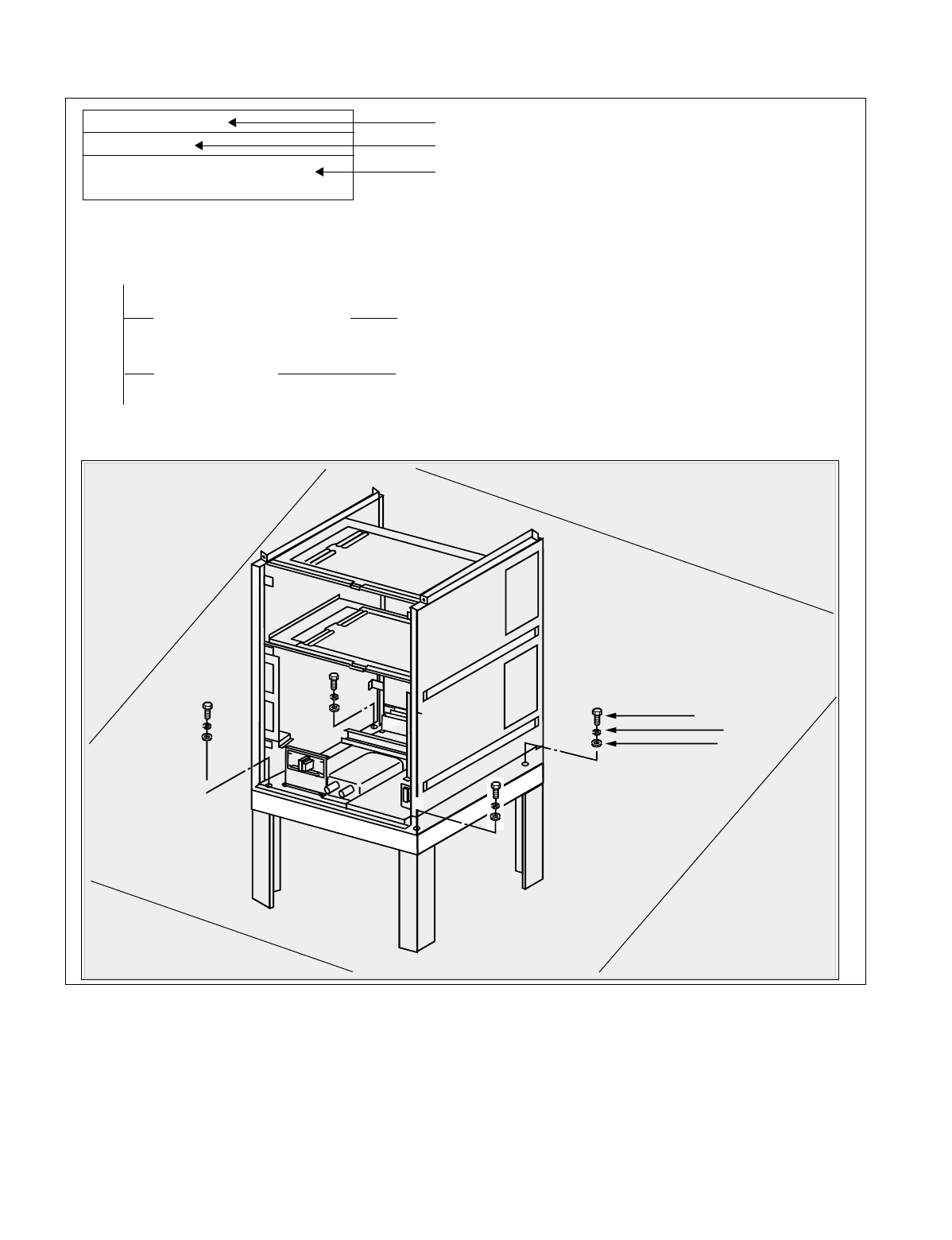
NDA-24234 CHAPTER 1
Page 3
Revision 3.0
INTRODUCTION
Figure 1-1 Example of NAP
NAP- 200-004
Sheet 3/3
Installation of the Base Unit
1. INSTALLING THE BASE UNIT USING A SPECIAL STAND
START
Securing the Base Unit Secure the Base Unit onto the special stand as per Figure
004-4.
Level Check Check the level of the Base Unit. If necessary, adjust the
level by inserting spacers beneath the Base Unit.
END
BASE U
SPECIAL STAND
BOLT (M-10)
LOCK WASHER
PLAIN WASHER
NAP Number
Sheet Number of NAP
Title of NAP
CHAPTER 1 NDA-24234
Page 4
Revision 3.0
INTRODUCTION
2.3 How To Follow Trees
This manual explains performance of a predetermined procedure (work contents covered in each NAP) in a
“Tree” format as shown in Figure 1-2. Before engaging in the intended work, be sure to understand the work
contents by tracing the given tree.
Figure 1-2 Example of a Tree
START
On the MDF, make temporary cross connections between the Trunk for Direct-In Termination (DIT)
and an LC.
C.O. Line Incoming Call Station “B” dials the number of LC “C” (Station “C”).
Incoming Call to Station via
DIT Trunk The call terminates to Station “A”; Station “A” rings.
Confirm that the ringing is distinct from that of an intra-
office call or ordinary C.O. call.
•The ringing signal for Direct-In Termination calls can
be the same as that used for C.O. calls if the related
Office Data is assigned.
System Data SYS1, INDEX 72, SYS3, INDEX 0, and
parameter DR of Command “ARTD”.
Answer and Talk Station “A” goes off-hook.
Station “A” and “B” talk with each other.
Release Station “A” and “B” both go on-hook.
Remove the temporary cross connections.
END
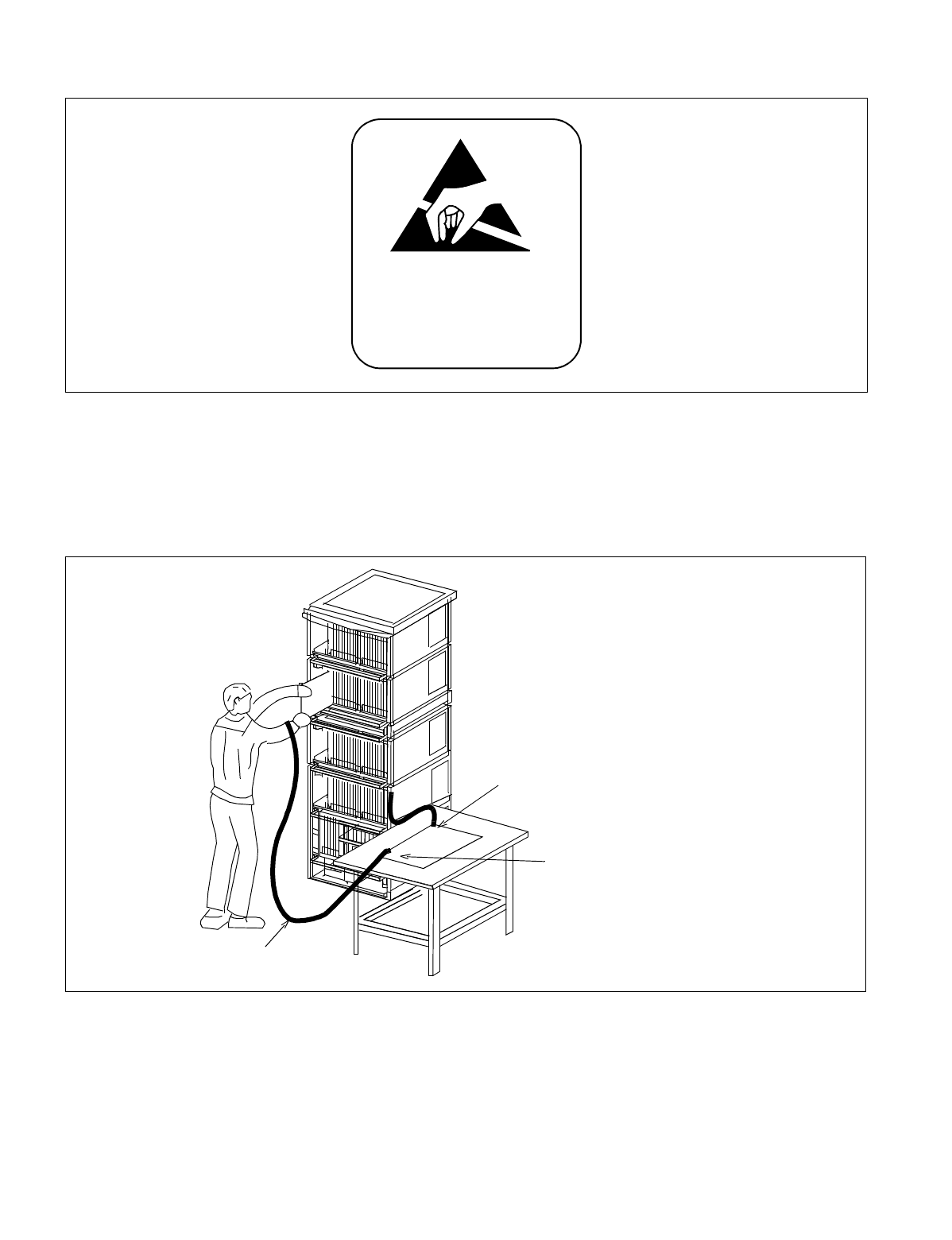
NDA-24234 CHAPTER 1
Page 5
Revision 3.0
INTRODUCTION
Figure 1-3 Static Caution Indication
This manual provides “Static Caution” indicators (see Figure 1-3) on pages where work involving static-sensi-
tive components is described.
The 3M Model 8012 Portable Field Service Kit, shown in Figure 1-4, is recommended as an effective coun-
termeasure against static electricity.
Figure 1-4 3M Model 8012 Portable Field Service Kit
Note: 3M is a registered trademark of Minnesota Mining and Manufacturing, Inc.
ATTEN TION
Contents
Static Sensitive
Handling
Precautions Required
Wrist Strap
Place the Circuit
Card on a
conductive sheet.
Connect ground wire to the Earth
terminal of the Module Group.

CHAPTER 1 NDA-24234
Page 6
Revision 3.0
INTRODUCTION
2.4 Figure and Table Numbers
Each Figure and Table within this manual are numbered as shown below.
1. Figure and table in NAP
Figure XXX-X Serial number of Figures in each NAP
Serial number (000-999) of the NAP in which the Figure exists.
2. Other figure and table
Table X-X Serial number of Table in each Chapter
Number of the Chapter in which the Table exists.
Understanding this numbering rule will help you when looking for the desired Figure or Table.
2.5 Essential/Critical Information
To prevent accidents or equipment damage from occurring while work is being performed, each manual pro-
vides WARNING, CAUTION, and Note: indications to draw the technician’s attention to specific matters.
1. Meaning
WARNING: Personal injury may result if the warning is not heeded.
CAUTION: Damage to the equipment and/or the system may result if the caution is not heeded.
Note: Indicates an item which requires special attention.
2. Locations of Indicators
WARNING and CAUTION indications are located at the top of the page. Notes are included as part of the
work procedures on the page.

NDA-24234 CHAPTER 2
Page 7
Revision 3.0
CHAPTER 2 INSTALLATION DESIGN
1. GENERAL
This chapter provides information pertaining to installation design and preparation of the required installation
materials. The following topics are discussed:
•Environmental Requirements
•Floor Space
•Floor Load Requirements
•Equipment Room Requirements
•Power Supply Requirements
•MDF Requirements
•Installation Tools
•System Accommodation
•Installation Cables
2. ENVIRONMENTAL REQUIREMENTS
The PBX is sensitive to the same rises in temperature and humidity as a computer. Air conditioning may be re-
quired, depending on the installation environment. The following paragraphs address the following environ-
mental conditions.
•Temperature and Humidity
•Heat Generation from Switching Equipment
2.1 Temperature And Humidity
Table 2-1 shows the environmental conditions required in the switching equipment room.
If the switching system is operated in an environment that does not meet these specifications, the reliability of
the switching equipment may be impaired. Improper operating conditions can cause circuit boards, etc., to de-
teriorate. Therefore, to enable the equipment to operate for the extent of its expected lifetime, careful consider-
ation must be given to the location of the equipment, and to proper ventilation and air conditioning.
If no equipment is provided to remove the heat generated by the system, or if the temperature or humidity fluc-
tuates repeatedly, the system’s electronic parts can be adversely affected. Such conditions will promote corro-
sion of metal parts and deterioration of insulation, thereby lowering the overall reliability of the system.
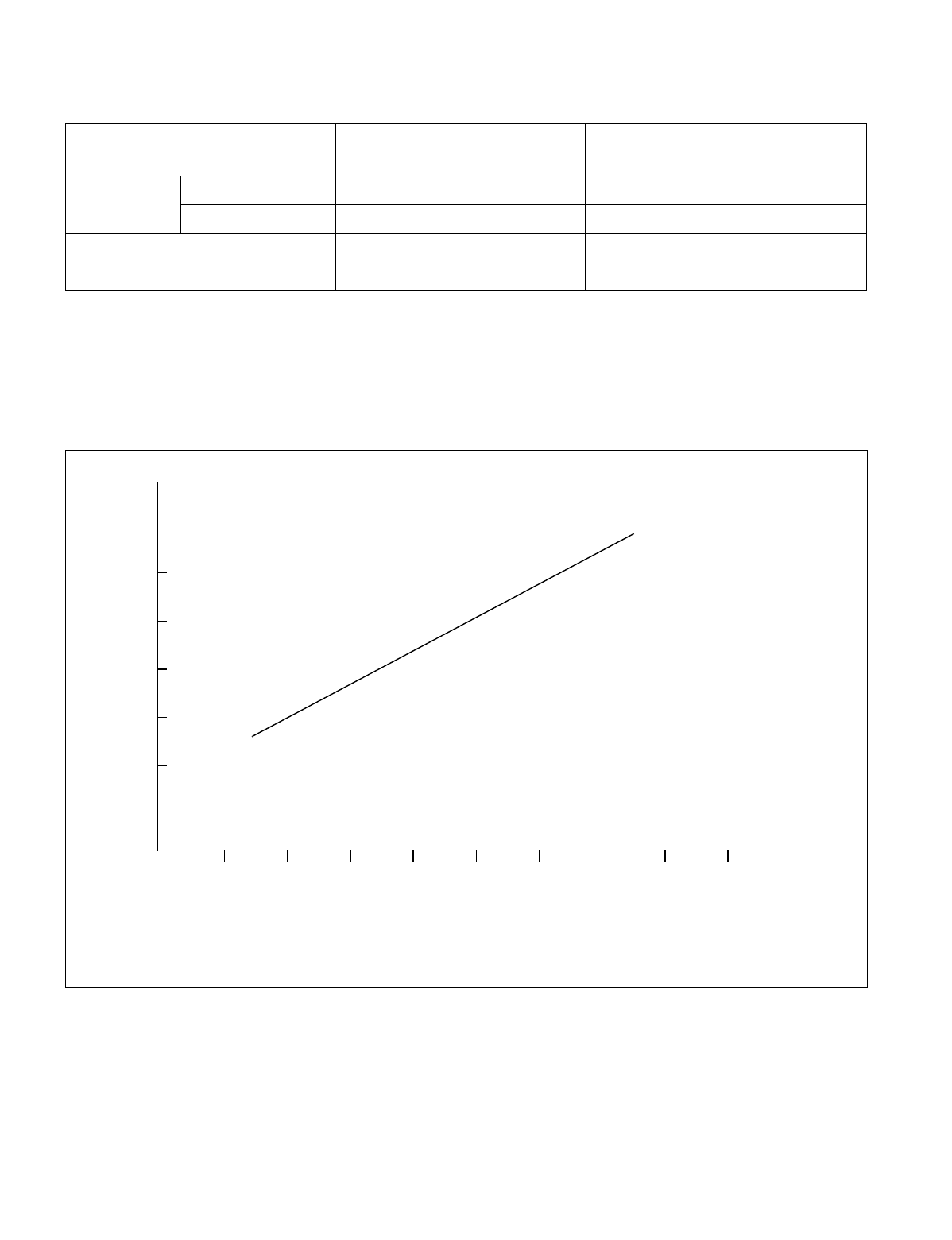
CHAPTER 2 NDA-24234
Page 8
Revision 3.0
INSTALLATION DESIGN
Note: A short period means a period not exceeding three consecutive days (72 hours) or 15 days (360 hours) in
a year.
2.2 Heat Generation From Switching Equipment
Figure 2-1 shows heat generation from the switching equipment with respect to current consumption.
Figure 2-1 Heat Generation from Switching Equipment for the PBX
Table 2-1 Temperature and Humidity
TEMPERATURE RELATIVE
HUMIDITY REMARKS
During
Operations Normal Operations 5°C - 30°C (41°F -86°F) 15% - 65%
Short Period Note 0°C - 40°C (32°F-104°F) 15% - 90%
During Storage & In Transit –18°C - 50°C (0°F -122°F) 8% - 90%
Temperature Change Max. 5°C/30 Min. (9°F/30 Min.) 90%
Note: BTU; British Thermal Unit (1 BTU=1058.4J)
BTU/HT
100 200 300 400 500 600 700 800 900 1000
No. of PORTS
(2.1 m)
(1.8 m)
(1.5 m)
(1.2 m)
(.9 m)
(.6 m)

NDA-24234 CHAPTER 2
Page 9
Revision 3.0
INSTALLATION DESIGN
3. FLOOR SPACE
1. The PBX requires floor space for the following system equipment:
•Switching Equipment (Module Group)
•Maintenance Administration Terminal (MAT)
•MDF
•Rectifier
•Batteries
•Attendant Console
2. The required floor space for the various equipment rooms is as follows.
•Switching Equipment Room: For installing the Module Group, MAT, MDF and Rectifier
•Battery Room: For installing Batteries
•Operator Room: For installing an Attendant Console with desk and chair
3. Equipment Room: Free Access Floor or Computer Floor
4. FLOOR LOAD REQUIREMENTS
Required floor capacities are as follows:
•Switching Equipment Room: More than 3430 Pa (71.6 pounds per square foot)
•Operator Room: More than 2940 Pa (61.4 pounds per square foot)
5. EQUIPMENT ROOM REQUIREMENTS
The following floor conditions should be considered prior to installation:
5.1 Floor Surface
1. Switching Equipment Room
•The maximum difference in floor level at each point within the room should be less than +5mm (0.2
inch).
•An elevated-type floor such as Free Access floor or computer room floor should be constructed.
2. Battery Room
•It is recommended that the floor have a slope (1/1000) and drain at the end of the slope.
•The floor surface should be made of acid-resistant materials.

CHAPTER 2 NDA-24234
Page 10
Revision 3.0
INSTALLATION DESIGN
5.2 Wall
Switching Equipment Room
•A Concrete wall is necessary so that cable racks can be installed (unless a free-access floor is used).
•It is recommended that the walls be painted so that the wall materials do not generate dust, etc.
•The maximum difference in level at the wall surface should be less than +5 mm (0.2 inch).
5.3 Ceiling
Switching Equipment Room
•The required ceiling height is more than 2.3 meters (7.5 feet).
5.4 Lighting Facilities
1. Switching Equipment Room
•Fluorescent lamps are recommended.
•No less than 200 lux at the floor level is necessary.
2. Operator Room
•Fluorescent lamps are recommended.
•No less than 200 lux at the floor level is necessary.
3. Battery Room
•Anti-explosion type lamps must be utilized.
•No less than 150 lux at the floor level is necessary.
6. POWER SUPPLY REQUIREMENTS
6.1 Main Source Power
The PBX requires an operating power of -48 V DC ±5V DC. This DC operating power is supplied from the
rectifier which receives AC power from the commercial AC power source. For greater system reliability, it is
recommended that the PBX be supplied with backup DC operating power for a predetermined duration from the
batteries installed as the auxiliary power supply source.
The batteries for the PBX must be connected in parallel with the -48 V DC output of the rectifier. Also, when
installing batteries, an EMF panel must be placed in-line (series) with the input -48 V DC supplied to the PBX.
This panel is necessary when changing the state of the rectifier from float to equalize and vice versa.

NDA-24234 CHAPTER 2
Page 11
Revision 3.0
INSTALLATION DESIGN
Note 1: When the rectifier is in the equalize state (charging the batteries), the output DC voltage should be 1.5 to
2 volts higher than the float voltage. For example: the voltages for floating and equalizing are listed below:
Float: 50.5 V DC
Equalize: 52 V DC (Refer to Note 2.)
Note 2: The Equalize voltage is 1.5 to 2 V higher when an EMF panel (Diode Drop) is utilized. When an EMF panel
is not provided, the Float and Equalize Voltage must be the same (50.5 V).
Note 3: The main source power is AC input.
Note 4: Noise present in the -48 V output from the rectifier should be less than 5 mV.
6.2 Current Consumption
The PBX operates on -48 V ±5 V DC which is supplied from external power equipment (the rectifier and the
battery).
Various DC voltages required within the system are provided by the DC-DC converter in each module. The DC-
DC converter, upon receiving the -48 V DC source power, converts it into various DC voltages and supplies
them to the associated circuits.
Figure 2-2 shows the current consumption of the PBX.
Figure 2-2 Current Consumption of the PBX
(AMPS)
35
30
25
20
15
10
5
100 200 300 400 500 600 700 800 900 1000
No. of PORTS
DC
-48V

CHAPTER 2 NDA-24234
Page 12
Revision 3.0
INSTALLATION DESIGN
6.3 Power Distribution Box Requirements
1. The Power Distribution Box (PDB) should be installed with the following considerations:
2. The AC power source service outlet and the fuse for the junction box should be provided independently of
any equipment other than the switching equipment.
3. A warning notice should be attached to be PDB circuit breaker so that it will not be turned off accidentally.
4. The Power Distribution Box should be installed at a location that is easy to reach.
5. The Power Distribution Box should be installed at a location where the connecting cables extending to the
switching equipment will not be broken accidentally.
6. The PDB cables should be run in such a way that they do not hamper the technician performing the instal-
lation.
7. The Personal Computer (MAT) must have a separate AC service outlet.
6.4 Grounding
System grounding must have a specific ground resistance and AC noise level and is to be connected to a prede-
termined terminal in the PBX.
Standard grounding requirements are shown below.
•Communication grounding: Less than 1 ohm
•Security ground for Module Group: Less than 1 ohm
•Grounding for the line protector of the MDF: Less than 1 ohm
Note: The AC ripple of various types of grounding should be less than 1/2 V-pp.
7. MDF REQUIREMENTS
Either a self-standing or wall-mounted type MDF can be used. The MDF must be equipped with the following
types of terminal blocks.
•Arrester board for C.O. lines and external lines
•Test spring terminals for localization tests
•Local Block terminals
The number of terminals is to be determined according to the circuit configuration of the PBX and the number
of local lines.

NDA-24234 CHAPTER 2
Page 13
Revision 3.0
INSTALLATION DESIGN
8. INSTALLATION TOOLS
Table 2-2 shows the tools used in a typical NEAX2400 IMX installation.
Table 2-2 Typical Installation Tools
FUNCTION TOOLS PURPOSE
Marking •Steel Tape Measure
•L-Square
•Iron Square
•Iron Level
•Center Punch
•Step Ladder
•Scriber
For Leveling and
Marking Plumb
Line
Drilling •Electric Drill
•Electric Vibration Drill
•Hammer
•Point Drill
•Drill Bit for Concrete
•Concrete Chisel
•Drill Bit for Metal
•Power Cable Drum
•Extension Cable
Drilling
Module Group and
Rack Installation •Plump Bob
•Jigsaw
•Hacksaw Frame
•Hacksaw Blade
•Flat File
•Half Round File
•Set File
•Adjustable Angle Wrench
•Frame Cart
•Cutter
•Set Wrench
•Socket Wrench Set
•Step Ladder
•Phillips Screwdriver
•Screwdriver
•Plastic Hammer
Module Group and
Rack Installation
Power Cable
Installation •Clamping Tool
(for End Terminal,
Branch Terminal)
•Phillips Screwdriver
•Screwdriver
•Cutter
Power Cable
Installation
See Note.
Miscellaneous •Circuit Tester
•Pocket Measure
•Scissors
•Wire Clipper
•Cable Cutter
•Nipper
•Wire Stripper
•Round Nose Pliers
•Non-Metallic Stick
•Solder-Helper
•Solder Sucker
•IC Clip
•Mini Test Probe
•Telephone Set
•Working Lamp
•Wrapping Tool
•Unwrapping Tool
•Soldering Iron
•Soldering Iron Stand
•Connector Clamping Tool
•Logic Checker and Counter
•Pen Light
•Precision Screwdriver (+)(-)
•IC Buzzer
•Tweezer
•Portable Field Service Kit
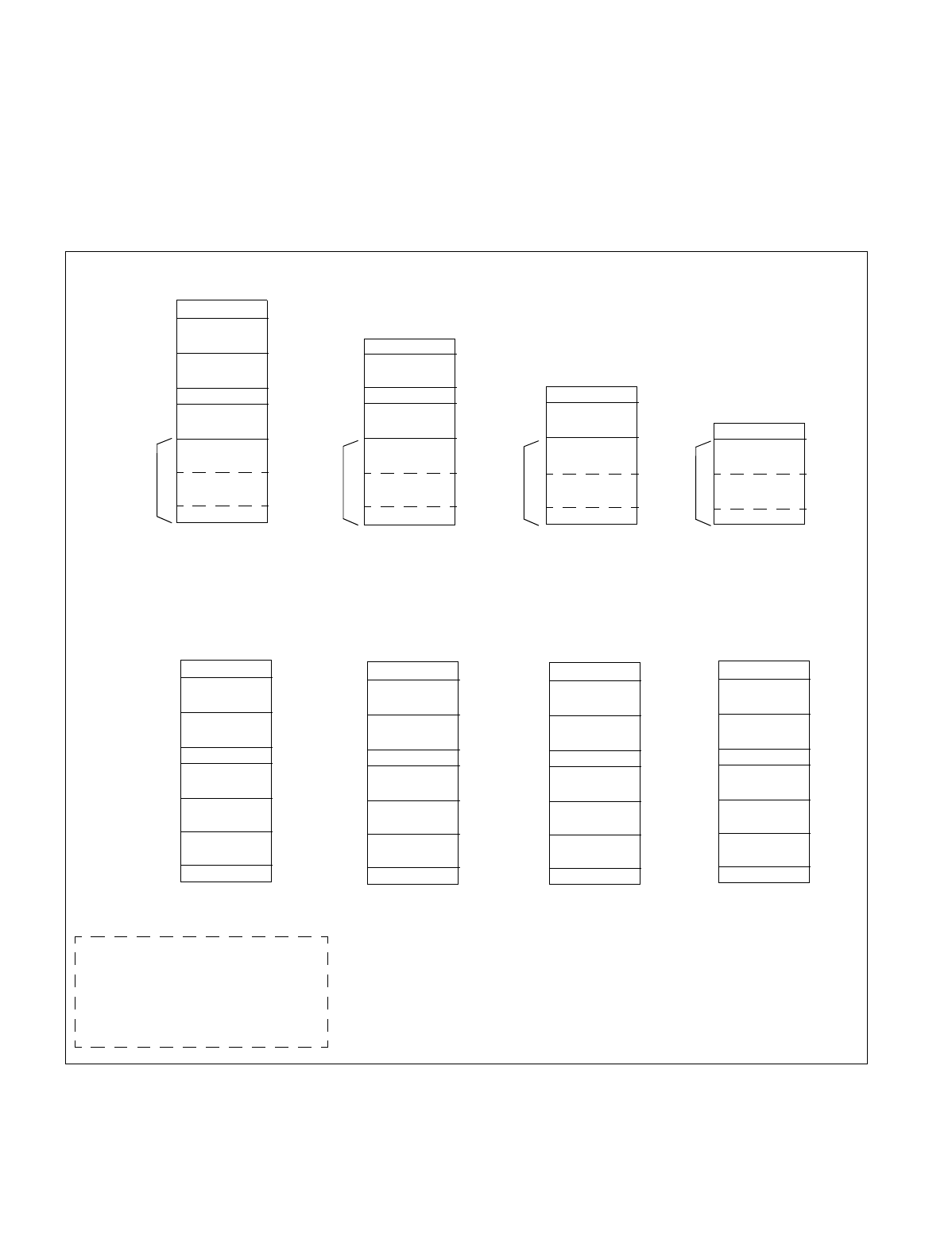
CHAPTER 2 NDA-24234
Page 14
Revision 3.0
INSTALLATION DESIGN
9. SYSTEM ACCOMMODATION
9.1 System Accommodation
Module Group Configuration and Conditions for Configuration
The module group configuration of the PBX is shown in Figure 2-3, and the conditions for configuration are
shown in Table 2-3.
Figure 2-3 System Configuration
TOPU
PIM2
PIM3
PIM1
PIM0
TSWM
FANU
IMG1
BASEU
max. 1536 ports max. 1152 ports max. 768 ports max. 384 ports
(2048 time slots) (1536 time slots) (1024 time slots) (512 time slots)
TOPU
PIM2
PIM3
PIM1
PIM0
LPR
FANU
4-PIM
3-PIM
2-PIM
1-PIM
FANU
TOPU
TOPU/FANU
TOPU/FANU
BASEU
BASEU BASEU BASEU
LPR LPR LPR
PIM0 PIM0 PIM0
PIM1 PIM1
PIM2
BSCM BSCM BSCM BSCM
FRONT VIEW
TOPU
PIM2
PIM3
PIM1
PIM0
LPM
FANU
IMG0
BASEU
FRONT VIEW
TOPU
PIM2
PIM3
PIM1
PIM0
DUMMY
FANU
IMG2
BASEU
TOPU
PIM2
PIM3
PIM1
PIM0
DUMMY
FANU
IMG3
BASEU
Fully Expanded System
TOPU: Top Unit
PIM Port Interface Module
FANU Fan Unit
LPR/LPM Local Processor Rack/Module
BASEU Base Unit
TSWM Time Division Switch Module
Single IMG Configuration

NDA-24234 CHAPTER 2
Page 15
Revision 3.0
INSTALLATION DESIGN
Note: A NFILU is mounted in BASEU.
Table 2-3 Conditions for Configuration
UNIT NAME NUMBER OF MODULES CONDITIONS REMARKS
FANU
(Fan Unit) PIM
Less than two modules Mounted in TOPU
PIM
Three or more modules Mounted in between the 2nd PIM and
the 3rd PIM
2nd NFILU
(Noise Filter) Less than two modules Not required
Three or more modules Mounted in BASEU
TOPU
(Top Unit) Equipped with PZ-DK222 (KEY) and
PZ-DK223 (DSP) Cards
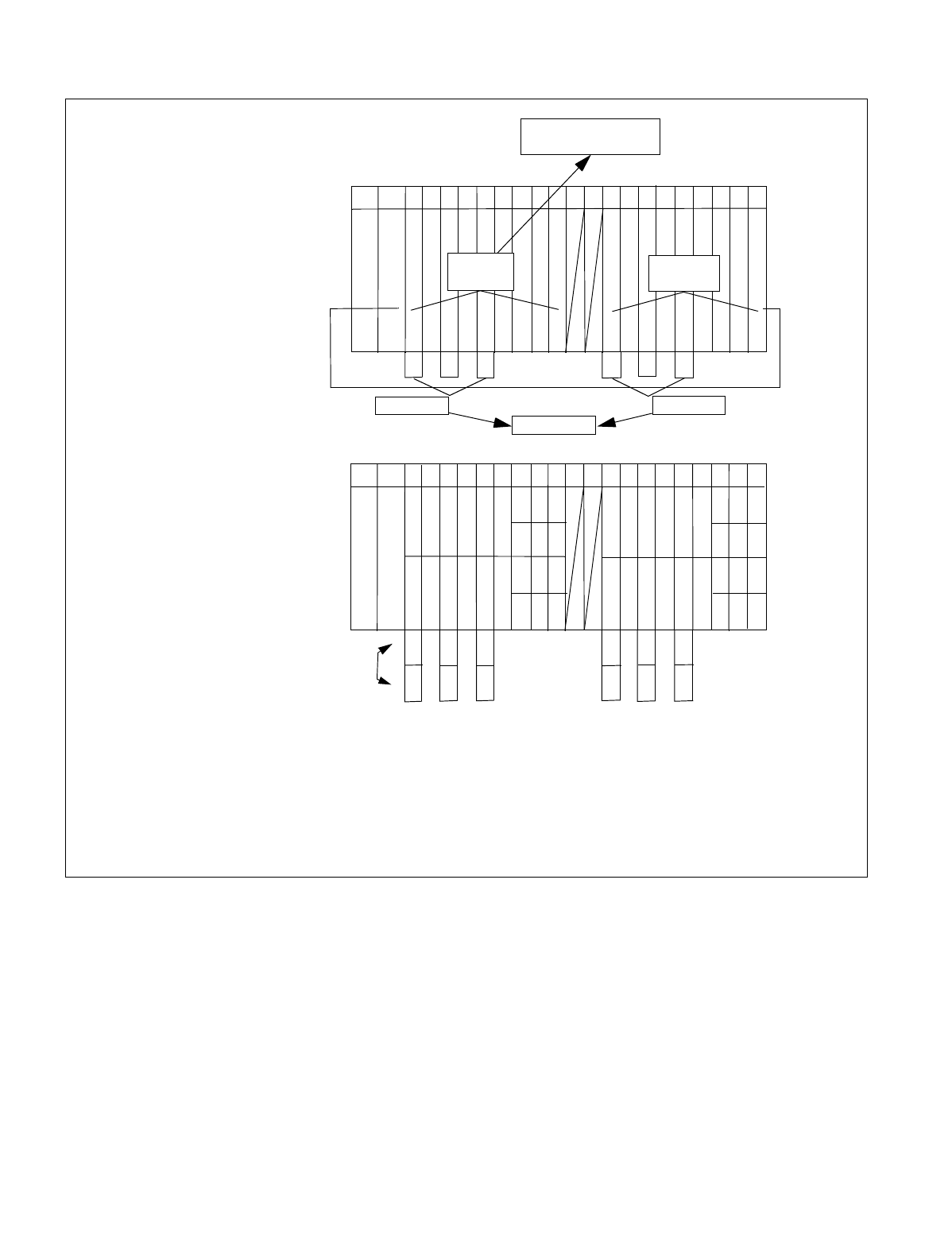
CHAPTER 2 NDA-24234
Page 16
Revision 3.0
INSTALLATION DESIGN
Figure 2-4 Time Slot, Group Number Assignment
Note 1: Extended Group No. can be used by FCH (PA-FCHA) card. For more detailed information, see
the “Fusion Network System Manual.”
Note 2: A PIM consists of 384 physical ports (512 total ports).
00 02 04 05 06 07 08 09 10 11 12 13 14 1516 17 18 19 20 21 22 23
PIM
192 TS
16 32
TS/Physical ports
16
16 16
16
16
16
16 16 32
32
16 32
16
16 16
16
16
16
16 16 3232
192 TS
Slot No.
Number
of
Time Slots
(16)
PWR
(16)
PWR
00 02 04 05 06 07 08 09 10 11 12 13 14 1516 17 18 19 20 21 22 23
PIM
00
26
02 04 06 08 10
Slot No.
(25)
(24)
27
28
29
30
31
00
03
01 05 07 09 11
12 16 20
21
02 04 06 08 10 13 17
14
15 19 23
18 22
01 03 05 07 11 15 19
20
23
14 18 22
13 17 21
12 16
Group No.
Extended
Group No.
Time Slots are allocated for a PIM as shown below:
09
26
27
28
29
30
31
TS/SW ports
48 TS/SW
48 TS/SW
Group Numbers are allocated
for a PIM as follows:
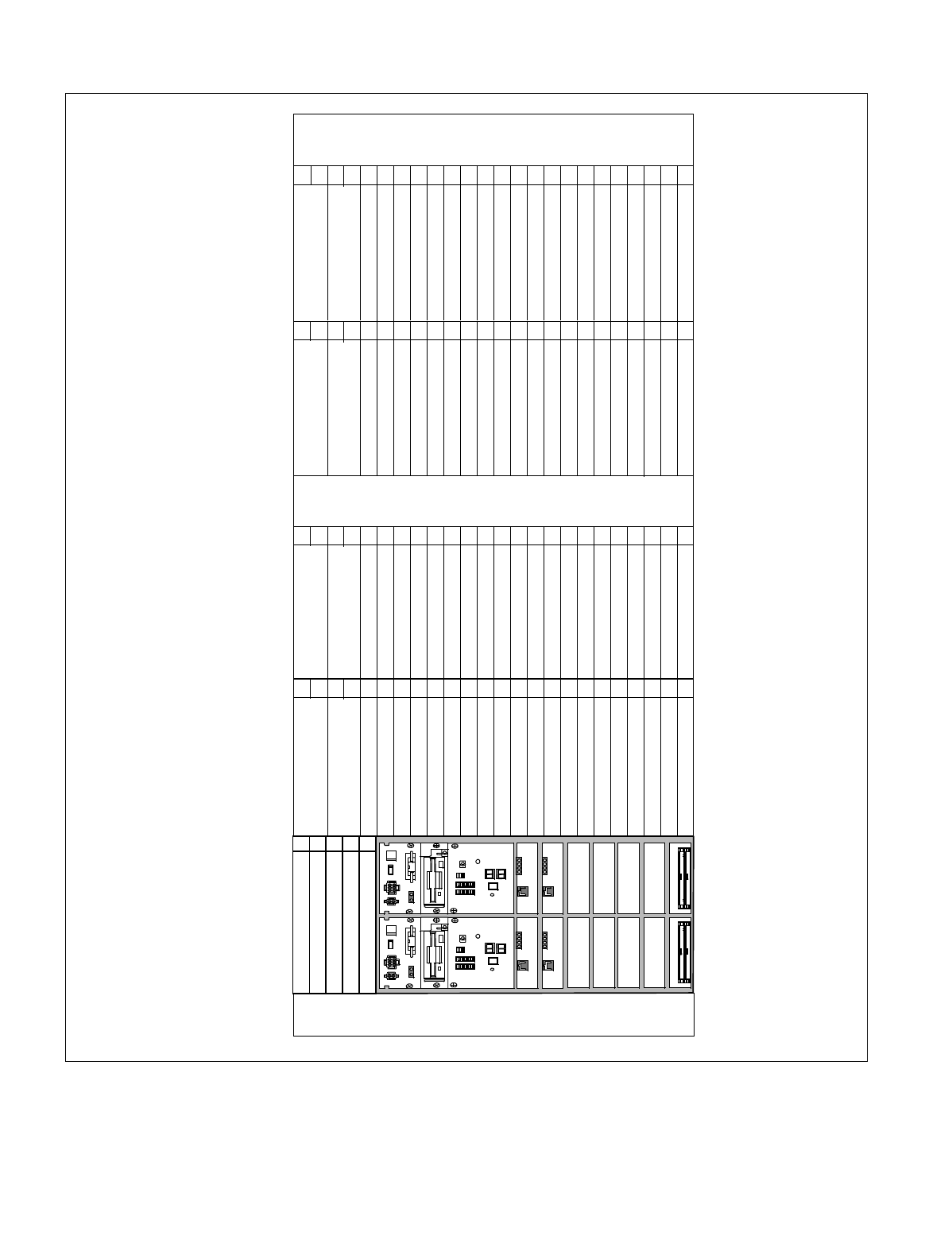
NDA-24234 CHAPTER 2
Page 17
Revision 3.0
INSTALLATION DESIGN
Figure 2-5 Face Layout (Single IMG Configuration)
PH-SW10 (TSW0)
PH-SW10 (TSW1)
PH-PC36 (MUX0)
PH-PC36 (MUX1)
PH-PC36 (MUX0) PH-PC36 (MUX0)
PH-PC36 (MUX1) PH-PC36 (MUX1)
00 0501 02 03 04 06 07 08 09 10 15 20 2319 2218171611 141312 21
00 0501 02 03 04 06 07 08 09 10 15 20 2319 2218171611 141312 21
00 0501 02 03 04 06 07 08 09 10 15 20 2319 2218171611 141312 21
00 0501 02 03 04 06 07 08 09 10 15 20 2319 2218171611 141312 21
TOPU
PIM 3
PIM 2
FANU
PIM 1
PIM 0
LPM
BASEU
PA-PW54-A (PWR1)
PA-PW55-A (PWR0)
PA-PW54-A (PWR1)
PA-PW55-A (PWR0)
PA-PW54-A (PWR1)
PA-PW55-A (PWR0)
PA-PW54-A (PWR1)
PA-PW55-A (PWR0)
00 01 02 03 04
PH-PC40 (EMA)
PH-IO24 (IOC)
Note
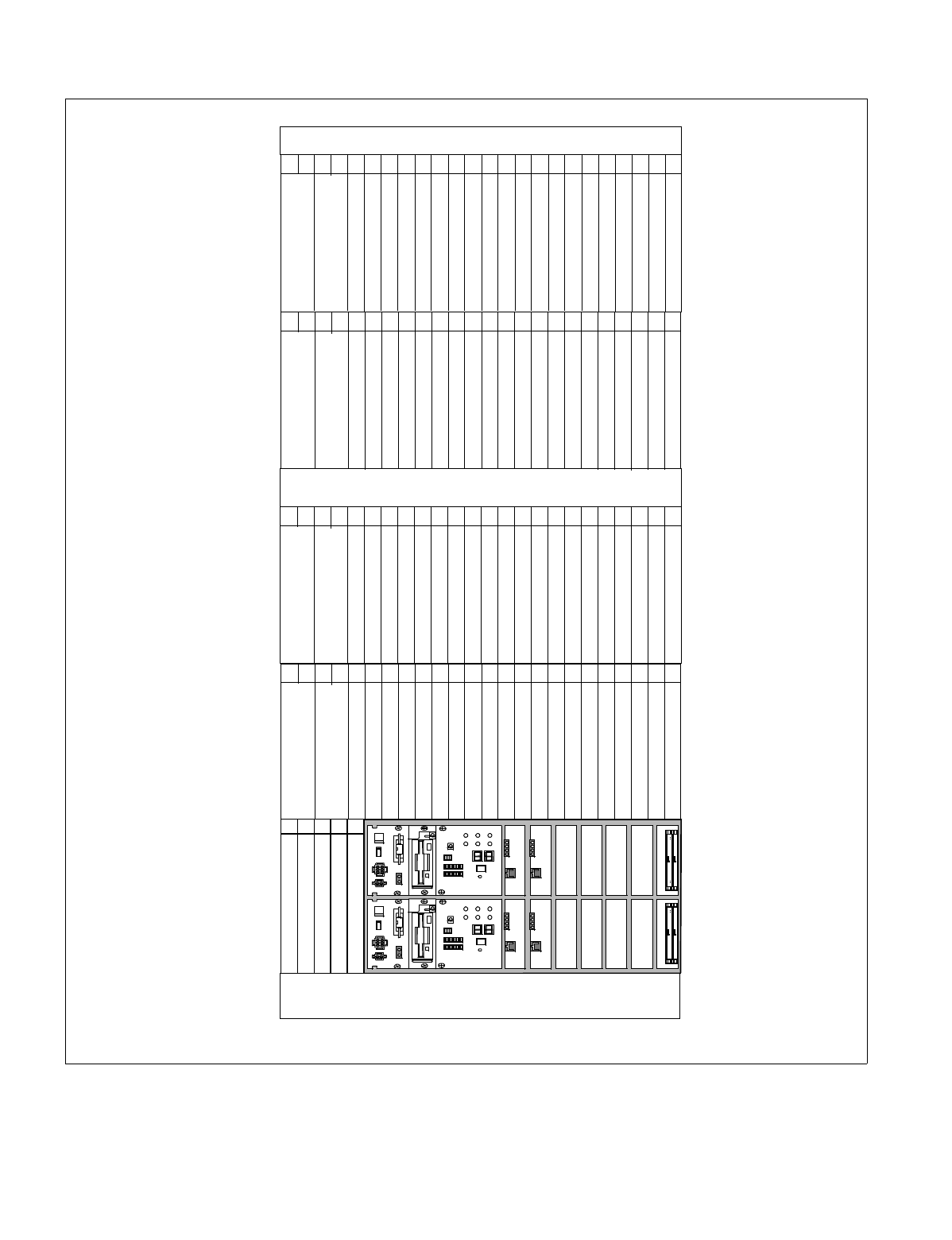
CHAPTER 2 NDA-24234
Page 18
Revision 3.0
INSTALLATION DESIGN
Figure 2-6 Face Layout of IMG0 (Multiple IMG Configuration)
PH-PC36 (MUX0)
PH-PC36 (MUX1)
PH-PC36 (MUX0)
PH-PC36 (MUX1)
PH-PC36 (MUX0) PH-PC36 (MUX0)
PH-PC36 (MUX1) PH-PC36 (MUX1)
00 0501 02 03 04 06 07 08 09 10 15 20 2319 2218171611 141312 21
00 0501 02 03 04 06 07 08 09 10 15 20 2319 2218171611 141312 21
00 0501 02 03 04 06 07 08 09 10 15 20 2319 2218171611 141312 21
00 0501 02 03 04 06 07 08 09 10 15 20 2319 2218171611 141312 21
TOPU
PIM 3
PIM 2
FANU
PIM 1
PIM 0
LPM
BASEU
00 01 02 03 04
PA-PW54-A (PWR1)
PA-PW55-A (PWR0)
PA-PW54-A (PWR1)
PA-PW55-A (PWR0)
PA-PW54-A (PWR1)
PA-PW55-A (PWR0)
PA-PW54-A (PWR1)
PA-PW55-A (PWR0)
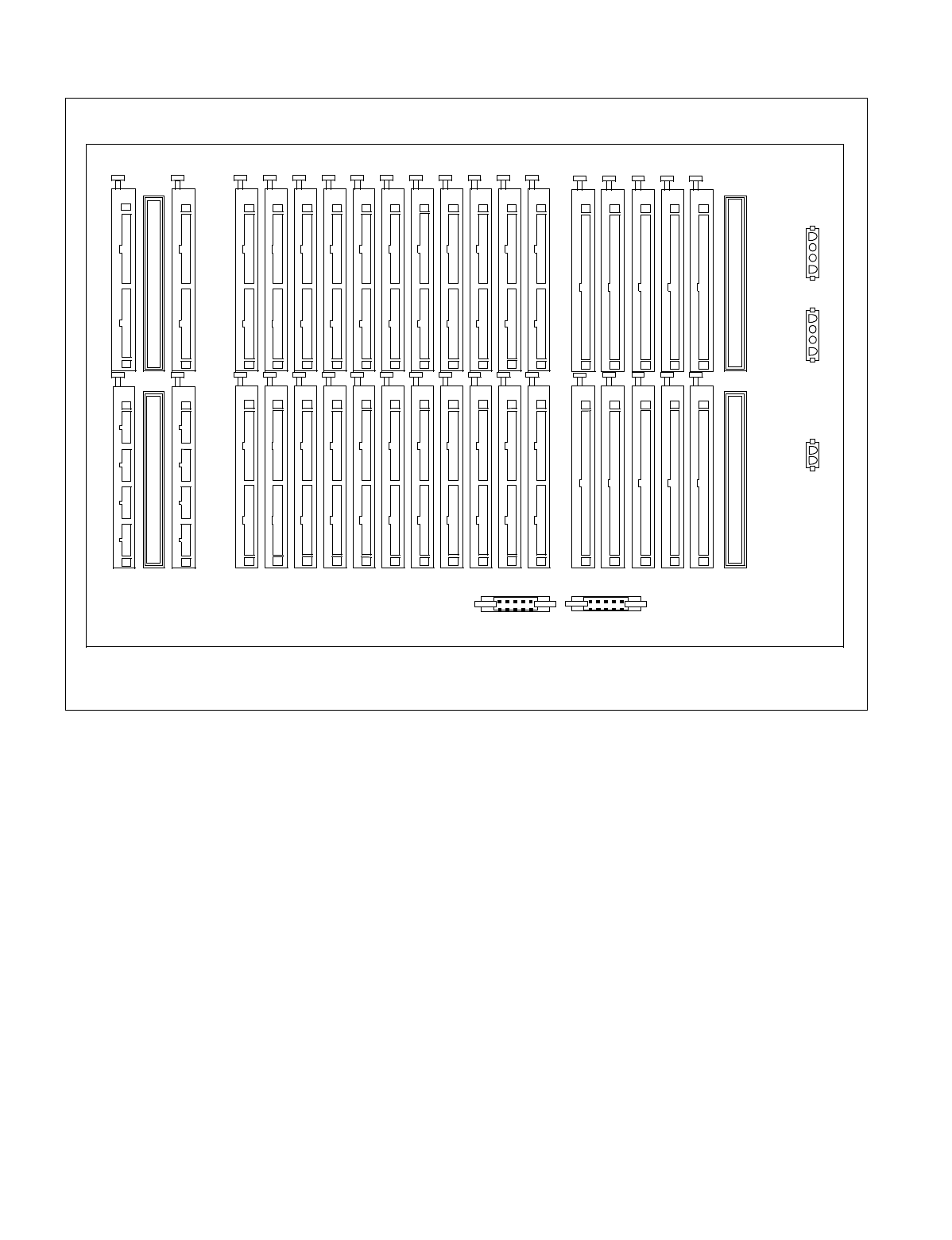
NDA-24234 CHAPTER 2
Page 19
Revision 3.0
INSTALLATION DESIGN
Figure 2-7 Location of Terminating Resistors on the TSWM Back Plane (Multiple IMG Configuration)
PWRB
MISC1B
MISC2B
MISC3B
MIO31
MUX003 MUX002 MUX001 MUX000
MUX013 MUX012 MUX011 MUX010
MUX023 MUX022 MUX021 MUX020
MUX033 MUX032 MUX031 MUX030
MUX103 MUX102 MUX101 MUX100
MUX113 MUX112 MUX111 MUX110
MUX123 MUX122 MUX121 MUX120
MUX133 MUX132 MUX131 MUX130
EMAFH
EXCLK0
EXCLK1
IOP0
IOP1
MIO30
MIO20 MIO0
MIO21 MIO1
MISC3A
MISC2A
MISC4B
MISC5B MISC5A
MISC4A
MISC1A
PWRA
PZ-M497 PKG SIDE0
FALM
ALM EMA
REAR VIEW
PZ-M497 PKG SIDE1
PZ-M497 PKG SIDE0
PZ-M497 PKG SIDE1
CHAPTER 2 NDA-24234
Page 20
Revision 3.0
INSTALLATION DESIGN
Figure 2-8 Face Layout of IMG1 Front View (Multiple IMG Configuration)
PA-PW54-A (PWR1)
PH-PC36 (MUX)
PH-PC36 (MUX)
PH-PC36 (MUX)
PH-PC36 (MUX)
PH-PC36 (MUX) PH-PC36 (MUX)
PH-PC36 (MUX) PH-PC36 (MUX)
00 0501 02 03 04 06 07 08 09 10 15 20 2319 2218171611 141312 21
00 0501 02 03 04 06 07 08 09 10 15 20 2319 2218171611 141312 21
00 0501 02 03 04 06 07 08 09 10 15 20 2319 2218171611 141312 21
00 0501 02 03 04 06 07 08 09 10 15 20
23
19 2218171611 141312 21
TOPU
PIM 3
PIM 2
FANU
PIM 1
PIM 0
TSWM
BASEU
00 0501 02 03 04 06 07 08 09 10 15 20 2319 2218171611 141312 21
PA-PW55-A (PWR0) PA-PW55-A (PWR0) PA-PW55-A (PWR0) PA-PW55-A (PWR0)
PA-PW54-A (PWR1)
PA-PW54-A (PWR1)
PA-PW54-A (PWR1)
PWRSW0
PWRSW1
MISC
DLKC1
DLKC0
GT0
GT1
PLO1
TSW13
TSW12
TSW11
TSW10
TSW03
TSW02
TSW00
TSW01
MISC
MISC
MISC
MISC
Note
Note: No circuit card is accommodated in Slot No. 02 of TSWM.
PLO0
NDA-24234 CHAPTER 2
Page 21
Revision 3.0
INSTALLATION DESIGN
Figure 2-9 Face Layout of IMG2, 3 (Multiple IMG Configuration)
PH-PC36 (MUX)
PH-PC36 (MUX)
PH-PC36 (MUX)
PH-PC36 (MUX)
PH-PC36 (MUX) PH-PC36 (MUX)
PH-PC36 (MUX) PH-PC36 (MUX)
00 0501 02 03 04 06 07 08 09 10 15 20 2319 2218171611 141312 21
00 0501 02 03 04 06 07 08 09 10 15 20 2319 2218171611 141312 21
00 0501 02 03 04 06 07 08 09 10 15 20 2319 2218171611 141312 21
00 0501 02 03 04 06 07 08 09 10 15 20 2319 2218171611 141312 21
TOPU
PIM 3
PIM 2
FANU
PIM 1
PIM 0
DUMMY
BASEU
PA-PW54-A (PWR1)
PA-PW55-A (PWR0) PA-PW55-A (PWR0) PA-PW55-A (PWR0) PA-PW55-A (PWR0)
PA-PW54-A (PWR1)
PA-PW54-A (PWR1)
PA-PW54-A (PWR1)
IMG2, 3
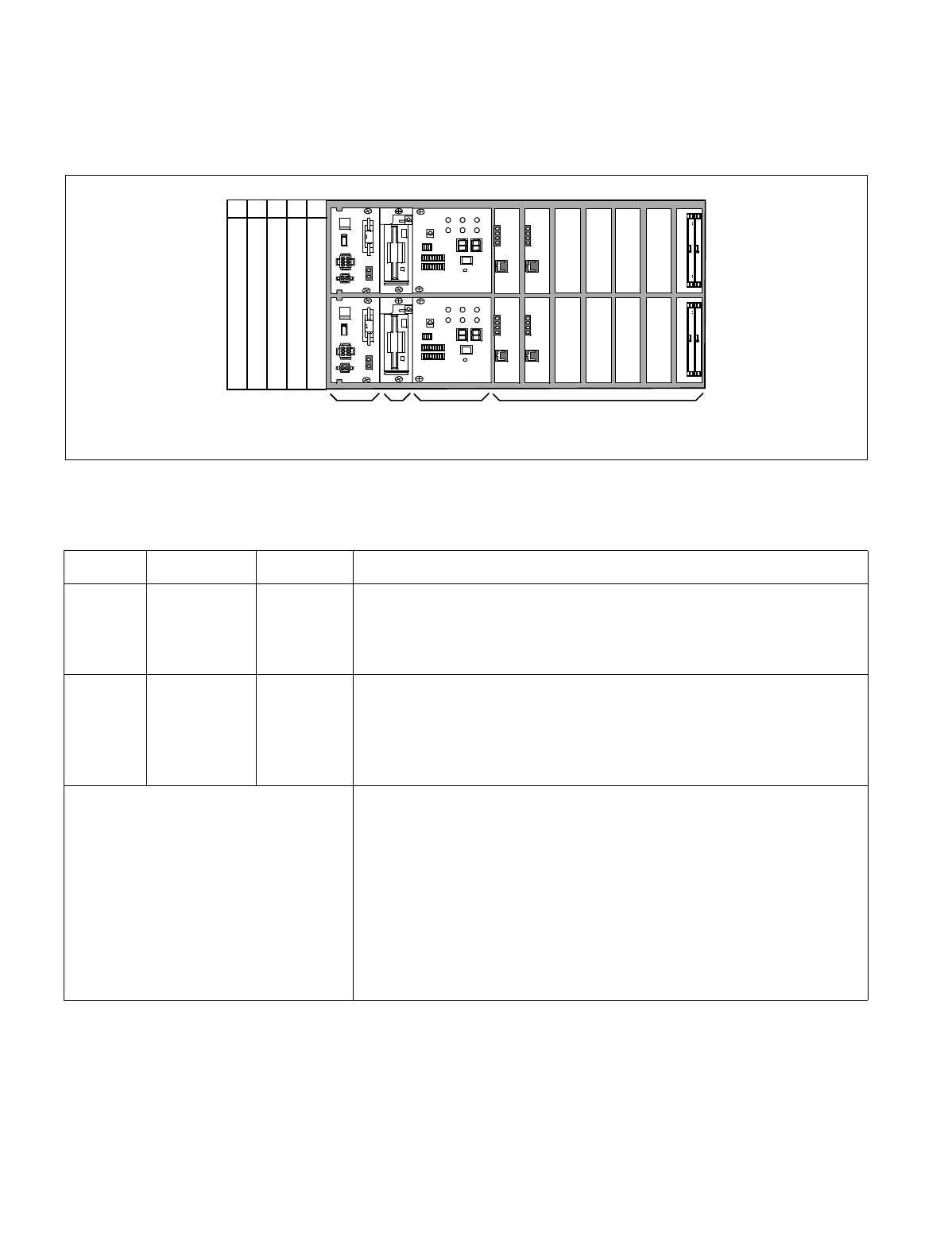
CHAPTER 2 NDA-24234
Page 22
Revision 3.0
INSTALLATION DESIGN
9.2 Circuit Card Locations
This section explains the main function of controlling circuit cards on a module basis. For more detailed infor-
mation on each card, please refer to the NEAX2400 IMX Circuit Card Manual.
Figure 2-10 Controlling Circuit Cards in LPM
Table 2-4 Controlling Circuit Cards in LPM
Slot No. Circuit Card Symbol Functions, Mounting Conditions
02, 03 PH-IO24 IOC
(Input/
Output
Controller)
This circuit card supplies the system with a serial interface, which
conforms to RS-232C, between external equipment such as the MAT,
SMDR, and MCI. One card is equipped with four I/O ports. The system
maximum is eight ports (two cards).
04 PH-PC40 EMA
(Emergency
Alarm
Controller)
This card detects various kinds of alarms which might occur in the
system, and sends out the information of the detected alarm to the circuits
concerned. In addition, this card has the following functions:
•Music-On-Hold sending function (Single IMG configuration only)
•active/stand-by changeover function
CPR (Central Processor Rack) CPR consists of the following components.
•CPU Board: Includes the Main Processor Unit (MPU), flash ROM,
and 64 MB or 128 MB - Random Access Memory (RAM). (128 MB-
RAM is used for a system using FUSION features.) In addition, the
board is equipped with GT (PZ-GT16) (Single IMG Configuration)/
GT (PZ-GT13) (Multiple IMG Configuration) card, and LANI (PZ-
PC19) card.
•DSP: Equipped with switches and 7-seg LEDs on the panel.
•FDD/HDD: Floppy Disk Drive (FDD) and Hard Disk Drive (HDD)
•PWR: Supplies the operating power to the LPM.
00 01 02 03 04
LPM
PWR FDD/HDD DSP CPR
PH-PC40 (EMA)
PH-IO24 (IOC)
PH-IO24 (IOC) Note
Note: This IOC card is optional.
CPU-1
CPU-0
NDA-24234 CHAPTER 2
Page 23
Revision 3.0
INSTALLATION DESIGN
Figure 2-11 Controlling Circuit Cards in PIM 0 (Single IMG Configuration Only)
Table 2-5 Controlling Circuit Cards in PIM 0 (Single IMG Configuration Only)
Slot No. Circuit Card Symbol Functions, Mounting Conditions
01 PA-PW55-A PWR This circuit card supplies operating power to circuit cards accommodated
in the PIM.
03 PA-PW54-A DPWR This circuit card supplies operating power to circuit cards accommodated
in the PIM.
13, 14 PH-SW 10 TSW This circuit card combines the Time Division Switch (TSW) INT, PLO,
MUX, and CFT. The TSW capacity is 2048 × 2048 time slots, and it
allows non-block switching for the maximum configuration of
NEAX2400 IMX. This card is mounted within the PIM0 only.
00 0501 02 03 04 06 07 08 09 10 15 20 2319 2218171611 141312 21
PA-PW55-A (PWR0)
PA-PW54-A (PWR1)
PH-SW10 (TSW0)
PH-SW10 (TSW1)
CHAPTER 2 NDA-24234
Page 24
Revision 3.0
INSTALLATION DESIGN
Figure 2-12 Controlling Circuit Cards in PIM
Table 2-6 Controlling Circuit Cards in PIM
Slot No. Circuit Card Symbol Functions, Mounting Conditions
01 PA-PW55-A PWR This circuit card supplies operating power to circuit cards accommodated
in the PIM.
03 PA-PW54-A DPWR This circuit card supplies operating power to circuit cards accommodated
in the PIM.
13, 14 PH-PC36 MUX This circuit card is an interface card for mounting line circuits and/or
trunks. In between the CPR and the Port Microprocessor (PM) of the line/
trunk circuit, this card provides an interface for multiplexing/de-
multiplexing of voice PCM (Pulse Code Modulation) information and
digital data information.
00 0501 02 03 04 06 07 08 09 10 15 20 2319 2218171611 141312 21
PA-PW55-A (PWR0)
PA-PW54-A (PWR1)
PH-PC36 (MUX0)
PH-PC36 (MUX1)
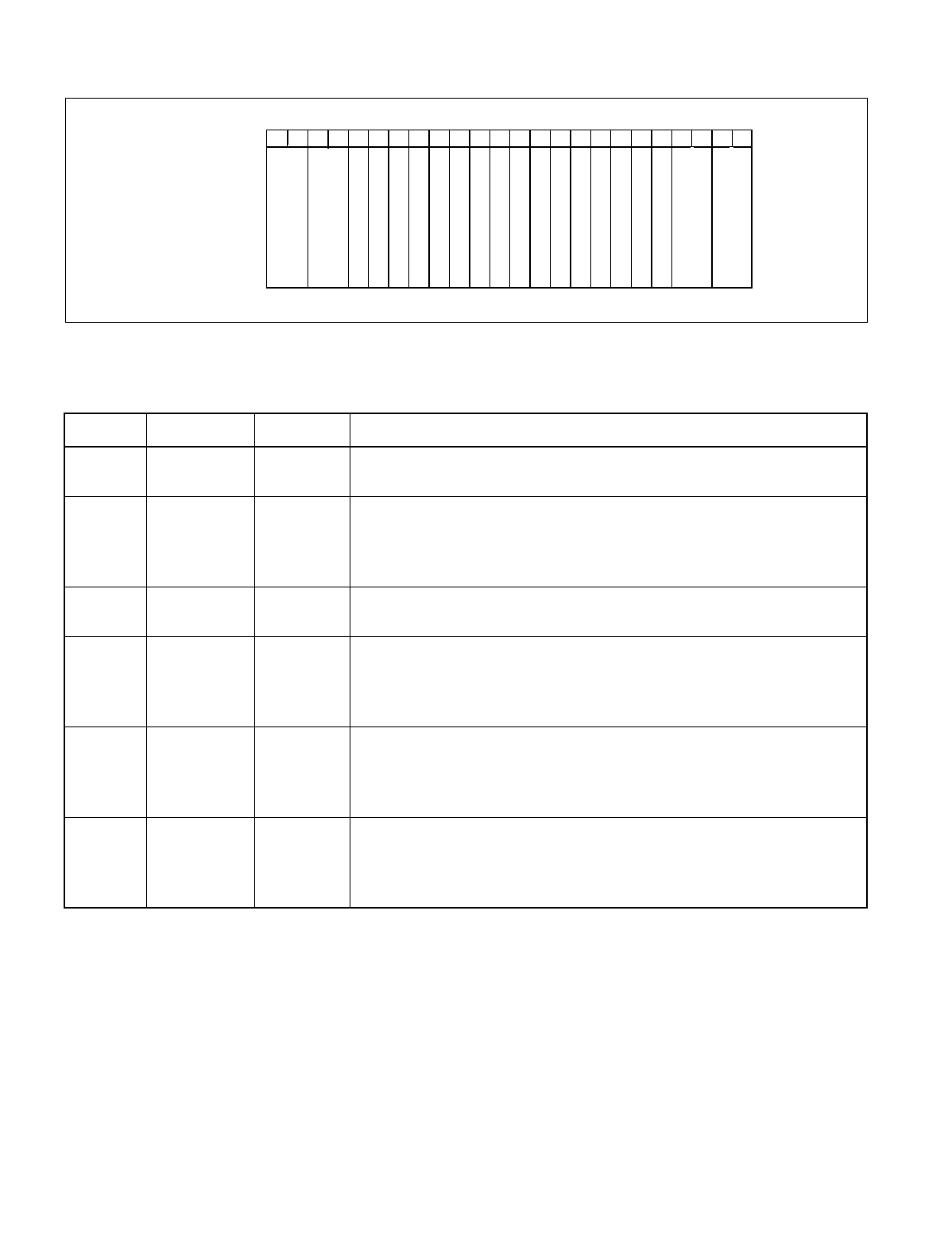
NDA-24234 CHAPTER 2
Page 25
Revision 3.0
INSTALLATION DESIGN
Figure 2-13 Controlling Circuit Cards in TSWM (Multiple IMG Configuration)
Table 2-7 Controlling Circuit Cards in TSWM (Multiple IMG Configuration)
Slot No. Circuit Card Symbol Functions, Mounting Conditions
00, 01 PH-PW14 PWRSW This circuit card supplies operating power to circuit cards accommodated
in the TSWM.
08, 09 PH-PC20 DLKC This circuit card provides the Attendant Consoles (ATTs) with
information such as ATT call termination/answer/release (abandoned
call) via the Data Link which is established in the TSW card. In addition,
station idle/busy information is sent to the ATTs via the same Data Link.
10, 11 PH-GT09 GT This circuit card permits the CPU to directly control the TSW, PLO,
DLKC, and MISC circuit cards via TSW I/O Bus and MISC I/O Bus.
12-19 PH-SW12 TSW This circuit card supplies the Time Division Switch (TSW) and INT
function for the system. The TSW capacity is 8192 × 2048 TS (time slots)
for an IMG, and 4 cards achieves 8192 × 8192 TS switching for 4 IMG
configuration.
21, 23 PH-CK16/
16-A PLO This circuit card, used together with a direct digital interface circuit card,
sets up network synchronization with the network concerned. With this
circuit card, the IMX 4IMG system can be a clock subordinate office of
the digital network.
21, 23 PH-CK17/
17-A PLO This circuit card, used together with a direct interface circuit card, sets up
network synchronization with the network concerned. Since this circuit
card provides high precision base clock oscillator, the IMX 4 IMG system
can be a clock source office of the digital network.
TSWM
00 0501 02 03 04 06 07 08 09 10 15 20 2319 2218171611 141312 21
PH-PW14 (PWRSW0)
PH-PW14 (PWRSW1)
PH-SW12 (TSW0)
PH-SW12 (TSW1)
PH-SW12 (TSW0)
PH-SW12 (TSW0)
PH-SW12 (TSW1)
PH-SW12 (TSW0)
PH-SW12 (TSW0)
PH-SW12 (TSW0)
PH-PC20 (DLKC0)
PH-PC20 (DLKC1)
PH-GT09 (GT0)
PH-GT09 (GT1)
PH-CK16/17/16-A/17-A
(PLO0)
PH-CK16/17/16-A/17-A
(PLO1)

CHAPTER 2 NDA-24234
Page 26
Revision 3.0
INSTALLATION DESIGN
9.3 Preparation Of Trunking Diagram
Prepare the trunking diagram according to the customer’s specifications. Since there are different kinds of
switching offices such as a single office, network offices, etc. are involved, the trunking diagram must be pre-
pared per the customer’s specifications.
9.4 Preparation Of Module Group Face Layout And Port Accommodation Diagram
When mounting of various circuit cards in the PBX have been finalized, the installation company concerned
should prepare the module group face layout and port accommodation diagram.
9.5 Preparation Of Circuit Card Switch Setting Sheets
Regarding the circuit cards to be mounted in the PBX, prepare the circuit card switch setting sheets. Some of
the circuit cards may not properly operate by the initial switch settings arranged at the factory before shipping
or may not meet the customer’s specifications. Referring to the Circuit Card Manual denote the switch settings
in the Switch Setting Sheets provided in the explanations of each of the circuit cards. Make the switch setting
entries with respect to all the circuit cards.
It should be remembered that use of a circuit card varies with the switch setting on that card.
10. INSTALLATION CABLES
The following installation cables are required for the PBX:
•DC Power Cable: For connections between the Rectifier and battery and be-
tween the Rectifier and the PBX
•AC Power Cable: For supplying AC source power to the Rectifier
•Ground Cable: Communication, Security and Line Protector grounding
•25P Shielded Cable with CHAMP
•(Amphenol) connector at one end: For connections between the MDF and the PBX
•25P Shielded Cable with CHAMP
•(Amphenol) connector at both ends: For connections between the MAT and the PBX, and be-
tween peripheral equipment and the PBX
•House Cable: For connections between terminals (telephone sets, etc.) and
the MDF
•Cables for C.O. lines and Tie Lines
•Others: For connections between Alarm Indicators and the MDF
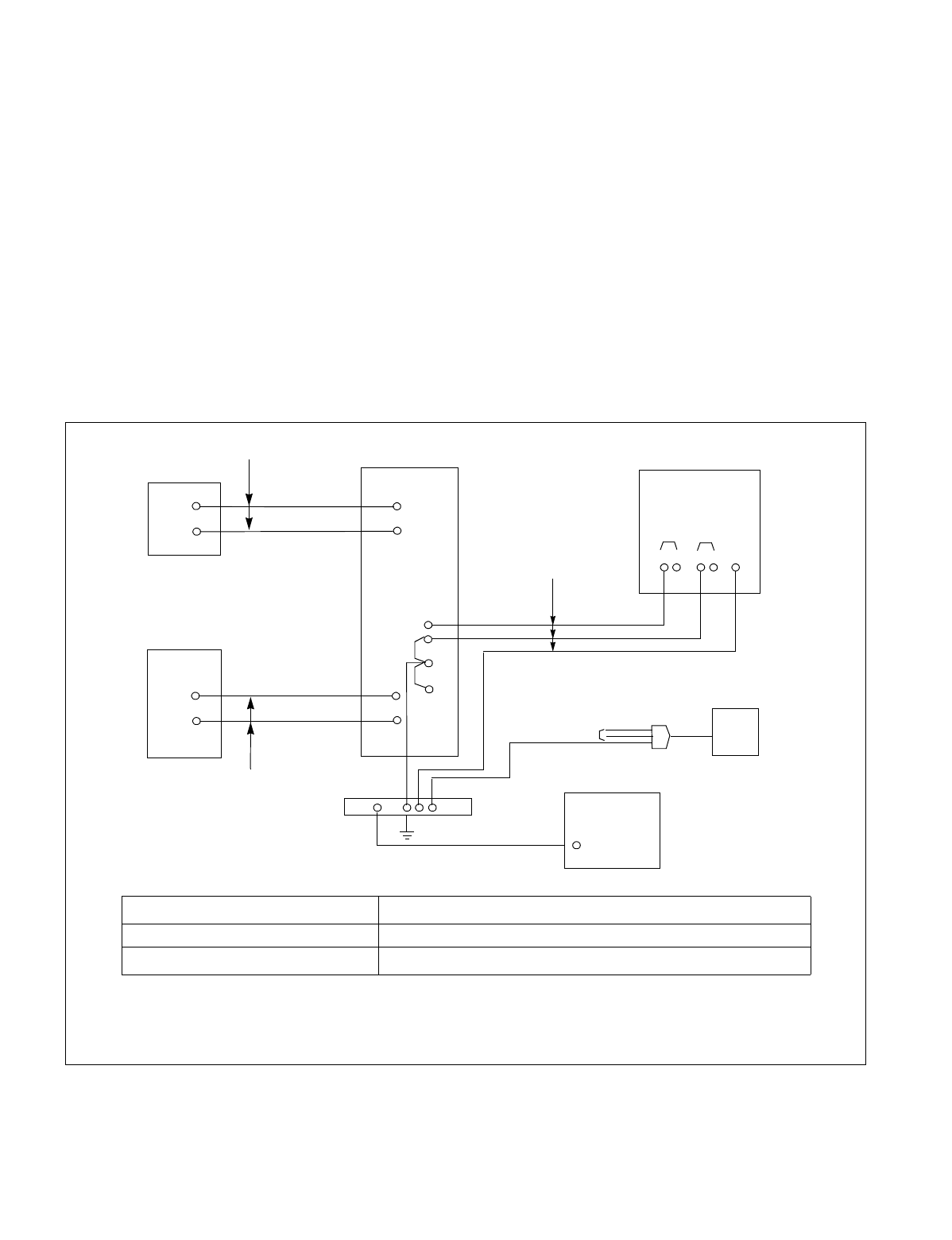
NDA-24234 CHAPTER 2
Page 27
Revision 3.0
INSTALLATION DESIGN
10.1 AC Input, DC Power, And Ground Cables
1. For AC input cable, VCT (Polyvinyl Chloride Cabtyre Cable) is to be used. However, if shielding is nec-
essary, as is the case when the AC input cable is to be installed in parallel with a low-voltage power cable,
etc., be sure to use VCT-S (Shielded Polyvinyl Chloride Cabtyre Cable).
2. For the power receiving terminals of the PBX, -48 V and G terminals are provided in dual (A side and B
side). For two PIMs or less, the DC main power cable is connected only to A side terminals. For three PIMs
or more, the cable is branched out. A side supplies power to LPM/TSWM, PIM0 and PIM1, and B side to
PIM2 and PIM3.
3. For the main ground cable, an IV or CV cable of more than 14 mm2 (6 AWG) is to be used. (See Figures
2-14 through 2-16).
As the security ground cable for the MAT and externally installed equipment, IV cable of 2 mm2 (14 AWG)
is to be used. For the ground cable for the line protector of the MDF, an IV cable of 14 mm2 (6 AWG) is to
be used.
Figure 2-14 DC Main Power Cable and Main Ground Cable (1- or 2-PIM System) (Single IMG Configuration)
BATTERY
AC POWER
DISTRIBUTION
BOARD
VCT CABLE
BATTERY
CABLES RECTIFIER
POWER AND
GROUND CABLES
CV or IV
PBX
(For 1/2 PIM Configuration)
Earth Bar
AC SERVICE
OUTLET
-48V
A
G
FE
MAT
MDF
GROUND
TERMINAL
GIV (G)
(ex. 6 AWG)
FE
E
-48V
G
IV (R)
IV (BL)
-48V
G
BAB
Note: If the cover of CV Cable to be used is black, use the following clamp cover terminals so they can be
easily identified.
-48V: Red cover G: Black cover E: Green cover
CABLE SPECIFICATION
DC Main Power Cable Calculate the sectional area of cable referring to Figure 2-17.
Main Ground Cable More than 14 mm2 (6AWG)
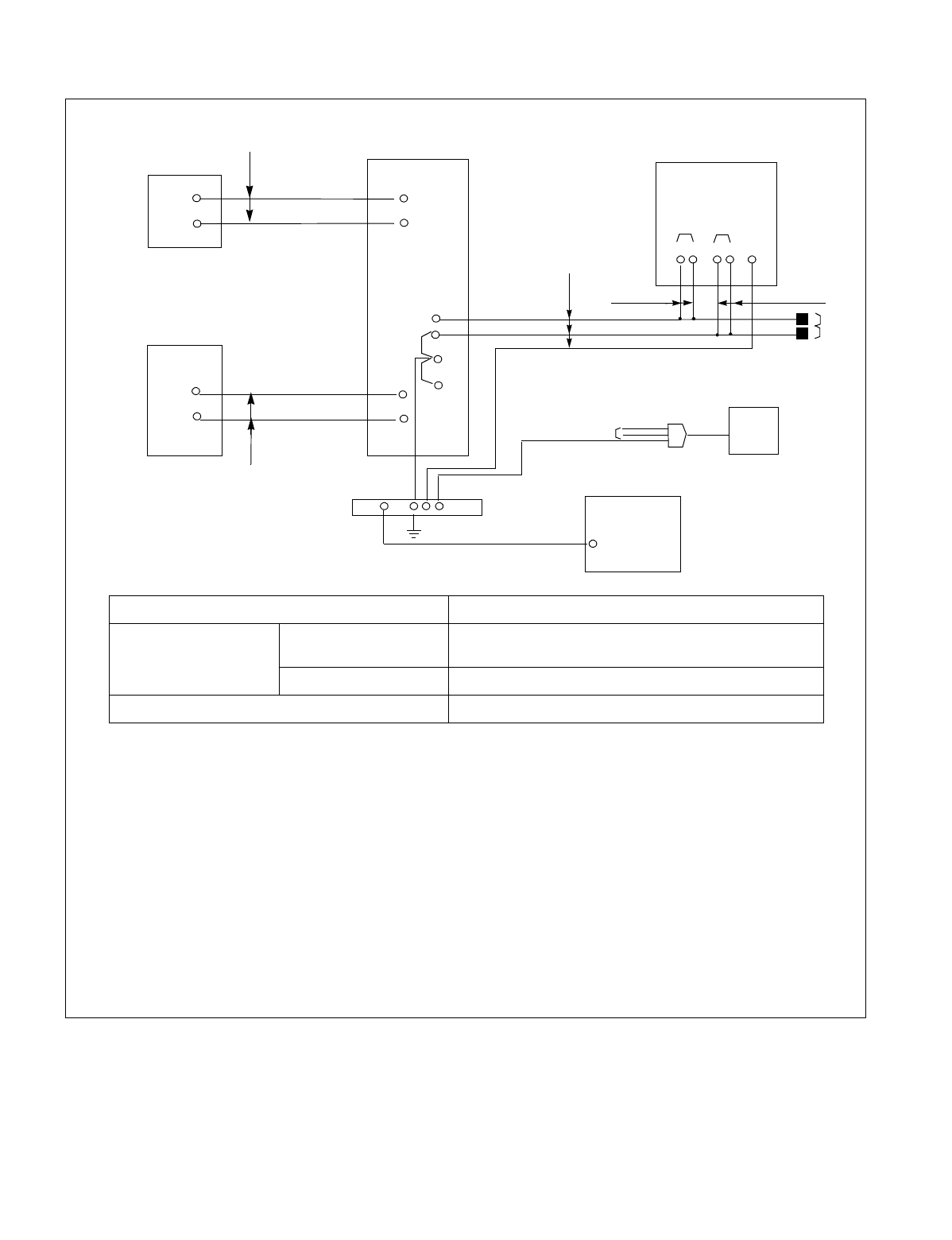
CHAPTER 2 NDA-24234
Page 28
Revision 3.0
INSTALLATION DESIGN
Figure 2-15 DC Main Power Cable and Main Ground Cable (3- or 4-PIM System) (Single IMG Configuration)
BATTERY
AC POWER
DISTRIBUTION
BOARD
VCT CABLE
BATTERY
CABLES RECTIFIER
POWER AND
GROUND CABLES
CV or IV
PBX
(For 3/4 PIM Configuration)
Earth Bar
AC SERVICE
OUTLET
-48V
A
G
FE
MAT
MDF
GROUND
TERMINAL
GIV (G)
(ex. 6 AWG)
FE
E
-48V
G
IV (R)
IV (BL)
-48V
G
BAB
Note 1: If the cover of CV Cable to be used is black, use the following clamp cover terminals so they can be
easily identified.
-48V: Red cover
G: Black cover
E: Green cover
Note 2: Extension jointing is usually performed with a T-type terminal for wires of the same size. Refer to Tables
2-8 through 2-10.
Note 3: It is recommended that the -48V leads of A and B be connected to separate circuit breakers at the recti-
fier.
CABLE SPECIFICATION
DC Main Power Cable Main Cable Calculate the sectional area of cable referring to
Figure 2-17.
Branch Cable IV cable: more than 14 mm2 (6 AWG)
Main Ground Cable More than 14 mm2 (6 AWG)
IV (G) (ex. 14 AWG)
IV (R) IV (BL)
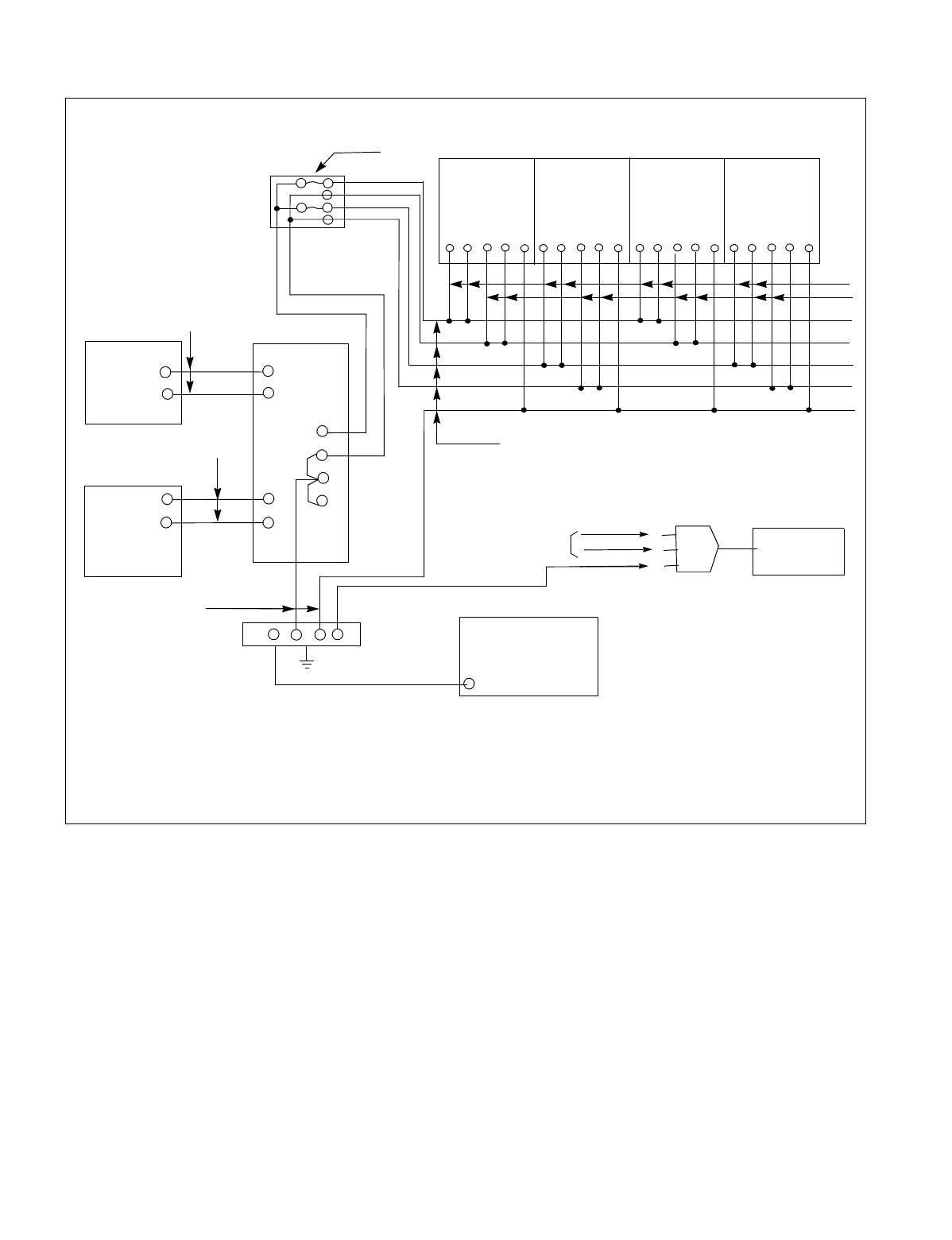
NDA-24234 CHAPTER 2
Page 29
Revision 3.0
INSTALLATION DESIGN
Figure 2-16 DC Main Power Cable and Main Ground Cable (Multiple IMG Configuration)
BATTERY
AC POWER
DISTRIBUTION
BOARD
VCT
BATTERY
CABLES RECTIFIER
POWER AND GROUND CABLES
Earth Bar
AC SERVICE
OUTLET
MAT
MDF
GROUND
TERMINAL
GIV (G)
(ex. 6AWG)
FE
E
-48V
G
IV (R)
IV (BL) -48V
G
IV (G)
IV (R)
IV (BL)
CABLES
(ex. 14AWG)
-48V
A
GND
FEBAB
-48V
A
GND
FEBAB
-48V
A
GND
FEBAB
DFB CV or IV
CV or IV
CV or IV
CV or IV
iv(g)
IV (BL)
IV (R)
IMG 3
IMG 2
IMG 1
IMG 0
NFB
-48V
A
GND
FEBAB
Note 1: Do not make a multiple connection across “A” terminal and “B” terminal of -48V. Likewise, do not
make a multiple connection across “A” terminal and “B” terminal of GND.
Note 2: It is recommended that each -48V lead from the PBX be connected to a separate circuit breaker at the
rectifier.
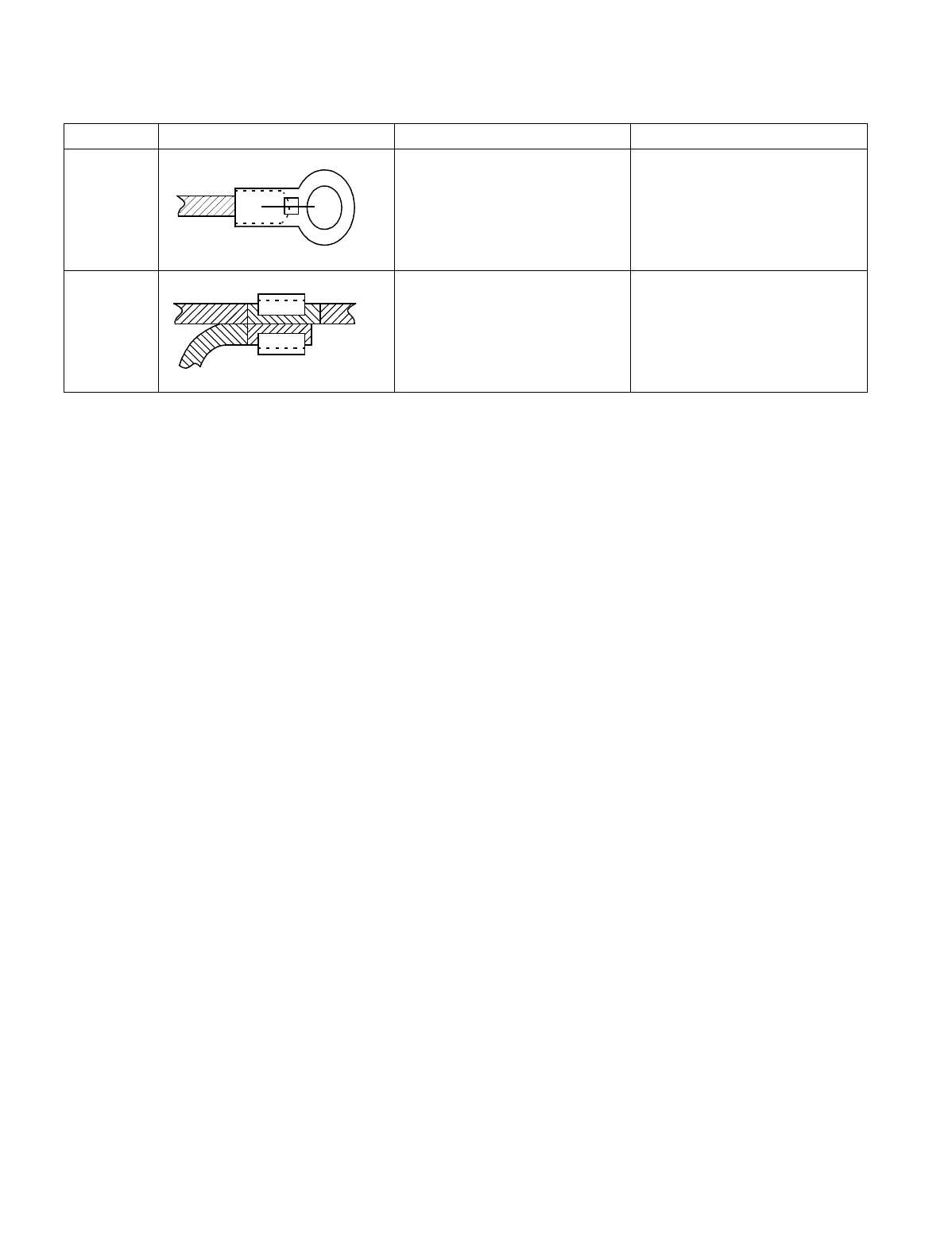
CHAPTER 2 NDA-24234
Page 30
Revision 3.0
INSTALLATION DESIGN
Table 2-8 Clamp Terminal Shape and Purpose
TYPE SHAPE PURPOSE REMARKS
A
End terminal
T
Branching or extension of power
cable

NDA-24234 CHAPTER 2
Page 31
Revision 3.0
INSTALLATION DESIGN
Note: Selection of T-Type Clamp Terminal
The asterisk (*) in Table 2-9 indicates that an auxiliary conductor is needed when using a main power wire
and a branch power wire of a thinner diameter, and the clamp terminal of the type indicated in the selected
columns.
Table 2-9 Selection of T-type Clamp Terminal
BRANCH
MAIN
14 AWG/
2 mm2
12 AWG/
3.5 mm2
10 AWG/
5.5 mm2
8 AWG/
8 mm2
6 AWG/
14 mm2CURRENT REMARKS
10 AWG *T-20 *T-20 *T-20 - - 51A
8 AWG *T-20 *T-20 *T-20 T-20 - 63 A
6 AWG T-20T-20T-20T-26T-4490 A
3 AWG T-26T-26T-44T-44T-44115A
2 AWG *T-44 T-44 T-44 T-44 T-44 139A
1 AWG *T-44 *T-44 T-44 T-66 T-60 162A
1ø*T-60T-60T-60T-60T-76190A
2ø*T-76T-76T-76T-76T-76217A
3ø*T-98 *T-98 *T-98 T-98 T-98 257A
4ø*T-122 *T-122 *T-122 *T-122 T-122 298A
250 mcm *T-154 *T-154 *T-154 T-154 T-154 344A
300 mcm *T-154 *T-190 *T-190 *T-190 T-190 395A
400 mcm *T-240 *T-240 *T-240 *T-240 T-240 439A
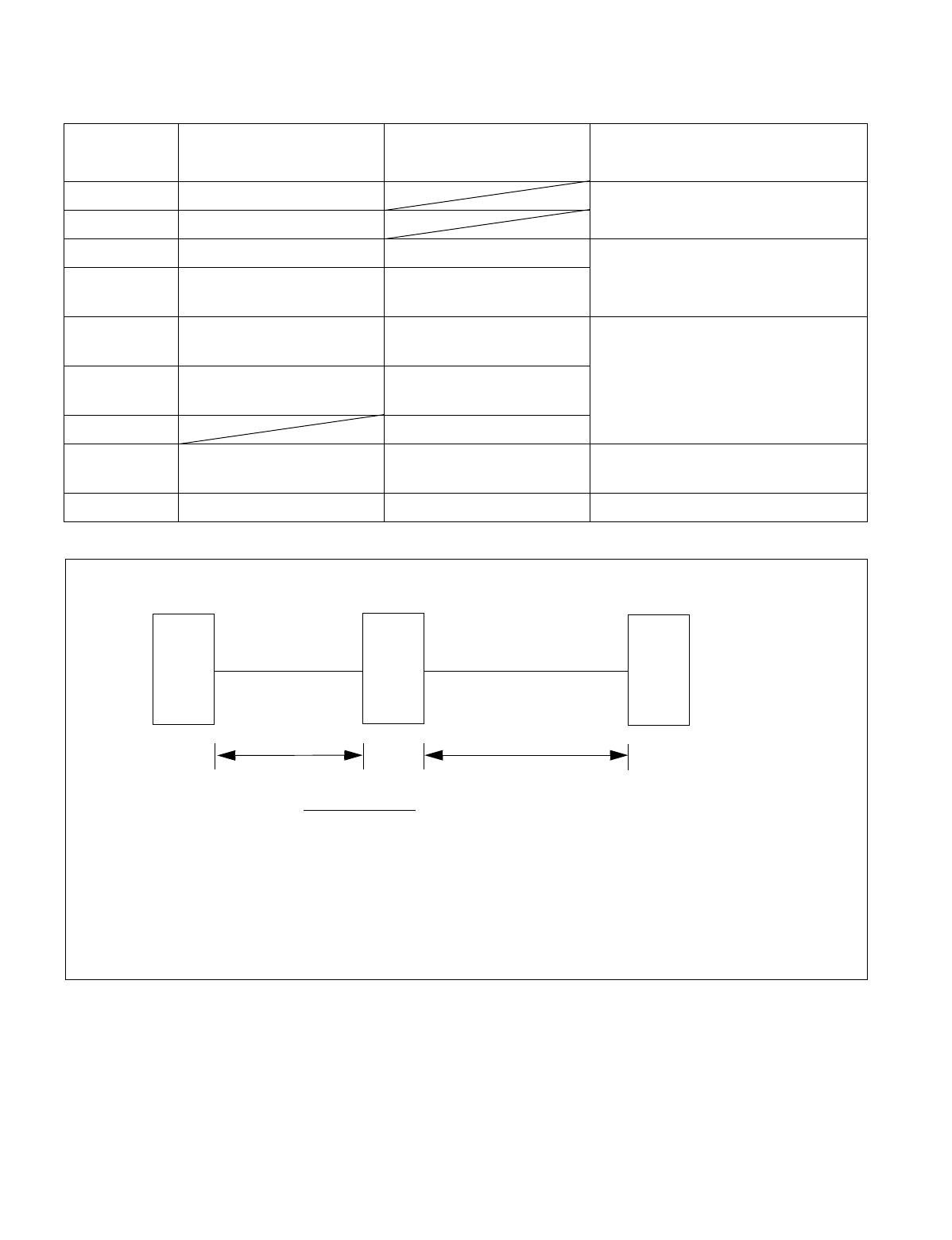
CHAPTER 2 NDA-24234
Page 32
Revision 3.0
INSTALLATION DESIGN
Figure 2-17 Calculation Method for Sectional Area
Table 2-10 Clamping Tool
*TOOL TYPE APPLICABLE CROSS
SECTION OF WIRE (mm2)ACCESSORIES REMARKS
No. 1 0.25 ~ 6.64 Manual type For A and C type
terminal
No. 2 6.64 ~ 10.25
No. 9 6.64 ~ 42.42 Convex die 2 pieces Handle type hydraulic tool For A, C,
D, type terminal
No. 10 6.64 ~ 117.02 Convex die 4
Convex die 8
No. 11 6.64 ~ 117.02 Convex die 4
Convex die 8 Pedal type hydraulic tool
For all terminal types
No. 11 and No. 12 tool are used with
No. 13.
No. 12 117.02 ~ 325 Convex die 4
Convex die 4
No. 13 Rubber hose
No. 15 14 ~ 122 Convex die 7 pairs Handle type hydraulic tool For T type
terminal
No. 16 123 ~ 365 Convex die 5 pairs Use with No. 13 for T type terminal
S =
RECTIFIER
BATTERY PBX
0.018x(I1M1+I2M2)
V
I1M1I2M2
where,
S : Sectional area required (mm2)
I1 : Max. current passing between battery and rectifier
M1 : Two-way cable length between battery and rectifier
I2 : Max. current passing between rectifier and PBX
M2 : Two-way cable length between rectifier and PBX
V : Voltage drop

NDA-24234 CHAPTER 2
Page 33
Revision 3.0
INSTALLATION DESIGN
10.2 Cables Between The PBX And MDF
Regarding lines, trunks, and NCU (PFT), 25P shielded the PBX and the MDF are connected using cables with
a CHAMP (Amphenol) connector at one end.
Table 2-11 shows the procedure for calculating the required number of cables. Figure 2-18 also shows an outline
of cable connections from the Module Group to the outside.
Table 2-11 Calculation of Number of Cables
CABLE NAME CALCULATION SUB TOTAL
LT Cable Number of PIMs × 12
NCU Cable Number of PFT Circuit Cards × 2
16 PH EXALM CA One cable
ODT Cable Number of TLT circuit cards × 1
TOTAL
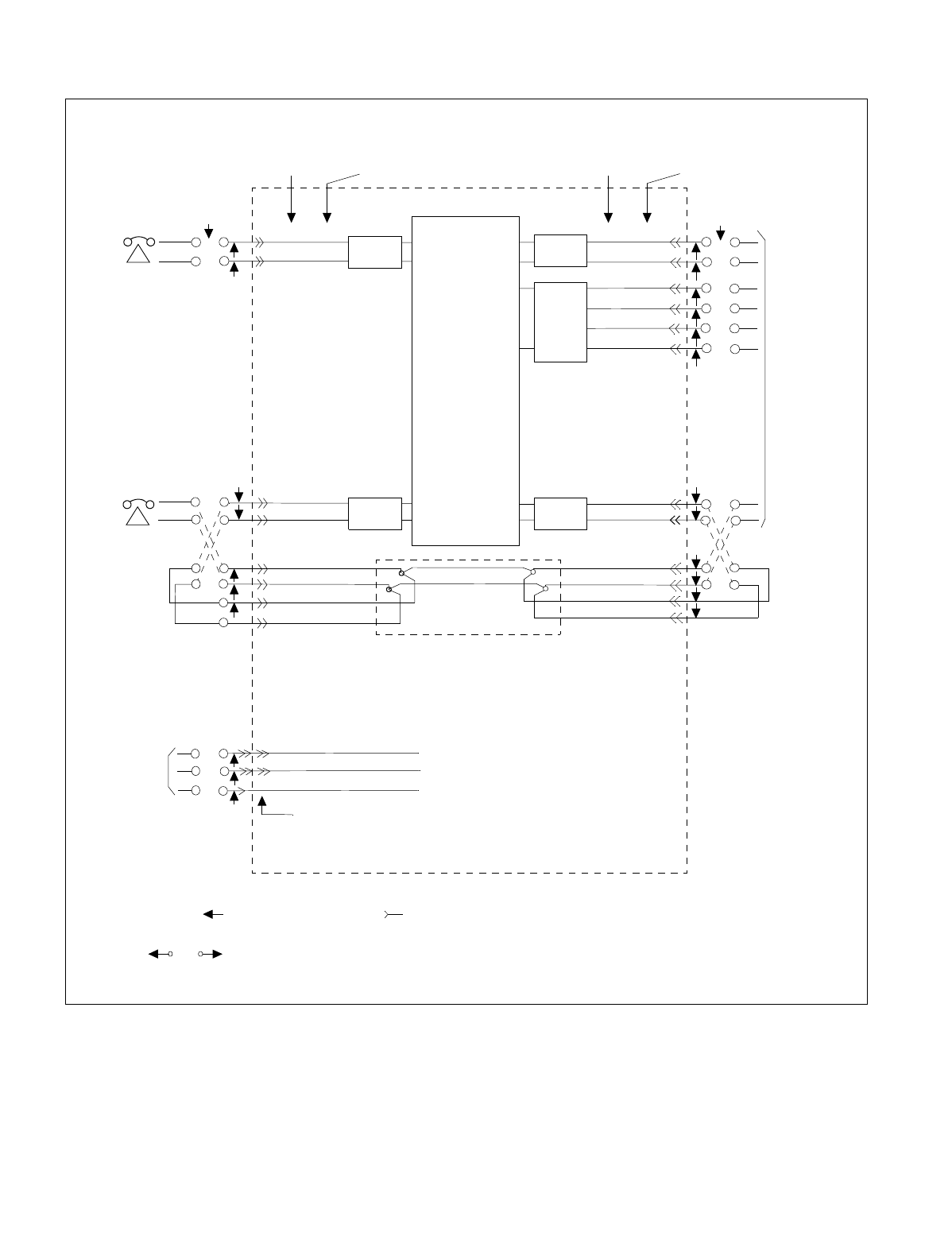
CHAPTER 2 NDA-24234
Page 34
Revision 3.0
INSTALLATION DESIGN
Figure 2-18 Outline of Cables from Module Group to the Outside
CONNECTOR
DESIGNATION LEAD
DESIGNATION
CONNECTOR
DESIGNATIION LEAD
DESIGNATION
MDF
INST.
CABLE
CABLE
CABLE
INST.
INST.
LT-X A xx
LT-X B xx
LT-X Axx LT-X Ax x
LT-X A xx
LT-X Axx
INST.
CABLE
LT-X Bxx
LT-X Bx x
LT-X B xx
LT-X Bxx
LT-X Mxx
PFT
LT-X Bx x
PBX MDF
TO C.O.
OR
DISTANT
PAB X
NCU-X-AOx
NCU-X-BOx
NCU-X-Alx
NCU-X-Blx
NCU-X ROx
NCU-X Rlx
NCU-X Tlx
NCU-X TOx
TO ALARM
INDICATOR
ALM MJ
ALM E
ALM MN
16PH EXALMCA/
20FLT EXALMCA
COT
TLT
COT
LC
LC
SWITCHING
FACILITIES
Note 1: Legend : Male CONNECTOR : Female CONNECTOR.
Note 2: or in the above drawing indicates the CONNECTOR ended.
Cable to be connected between module connector and MDF.
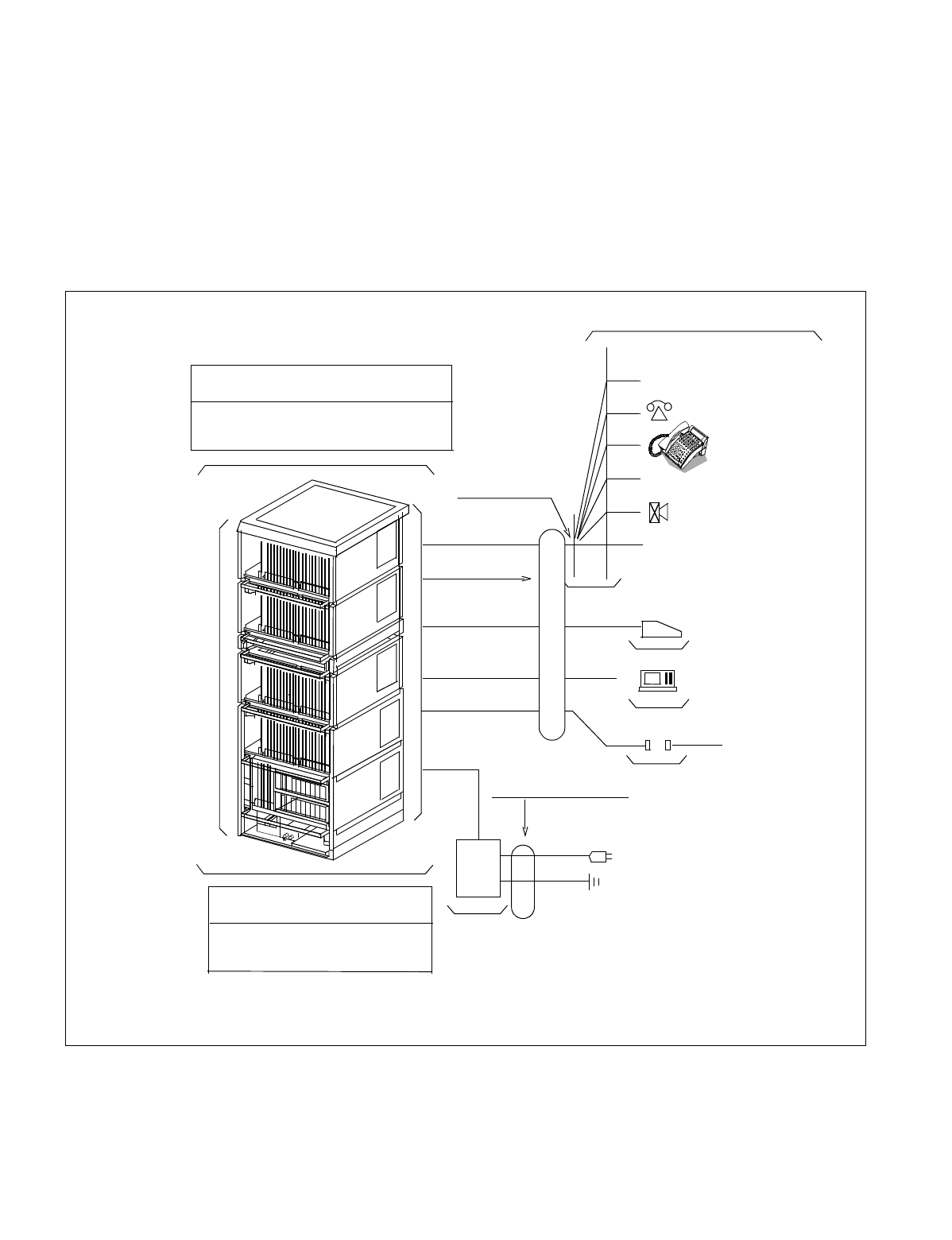
NDA-24234 CHAPTER 3
Page 35
Revision 3.0
CHAPTER 3 INSTALLATION PROCEDURE
1. GENERAL
This chapter explains the procedures for installing the PBX, the Maintenance Administration Terminal (MAT),
Desk Consoles, and various types of terminal equipment (single line telephones, Dterms, Data Modules, etc.).
The procedures explained in this chapter are shown in Figure 3-1.
Before beginning the installation, thoroughly read Section 2., “PRECAUTIONS BEFORE BEGINNING IN-
STALLATION” and observe the precautions while performing the installation.
Figure 3-1 Scope of Installation Procedure
Paging/Announcement
Circuit Card
Related
Procedures
(NAP-200-009)
Installation Preparation-Basic Procedures
(NAP-200-001, 002, 003)
Assembly and Installation of the Module
Group
(NAP-200-004, 005)
Cabling within the Module Group
(NAP-200-010, 011, 012)
Mounting of Covers and
Post-Installation Procedures
Refer to Chapter 7.
RECT/
BATT
Power & Ground Cabling
(NAP-200-008)
Power Equipment Installation
(NAP-200-006)
(NAP-200-018)
(NAP-200-017)
(NAP-200-016)
(NAP-200-013)
SMDR Interface
Maintenance
Administration
Te r mina l
Desk Console
CHAMP Connector
Cable Running
Cable Termination
(NAP-200-014)
Installation of MDF
(NAP-200-007)
ALM IND./TAS IND./External
Key Box
Digital Interface
Single-line TEL
C.O./Tie Line
Installation of Peripheral
Equipment (NAP-200-015)
Note: Work procedures are explained in detail in each NAP. Refer to the procedures by number (NAP-200-
XXX).
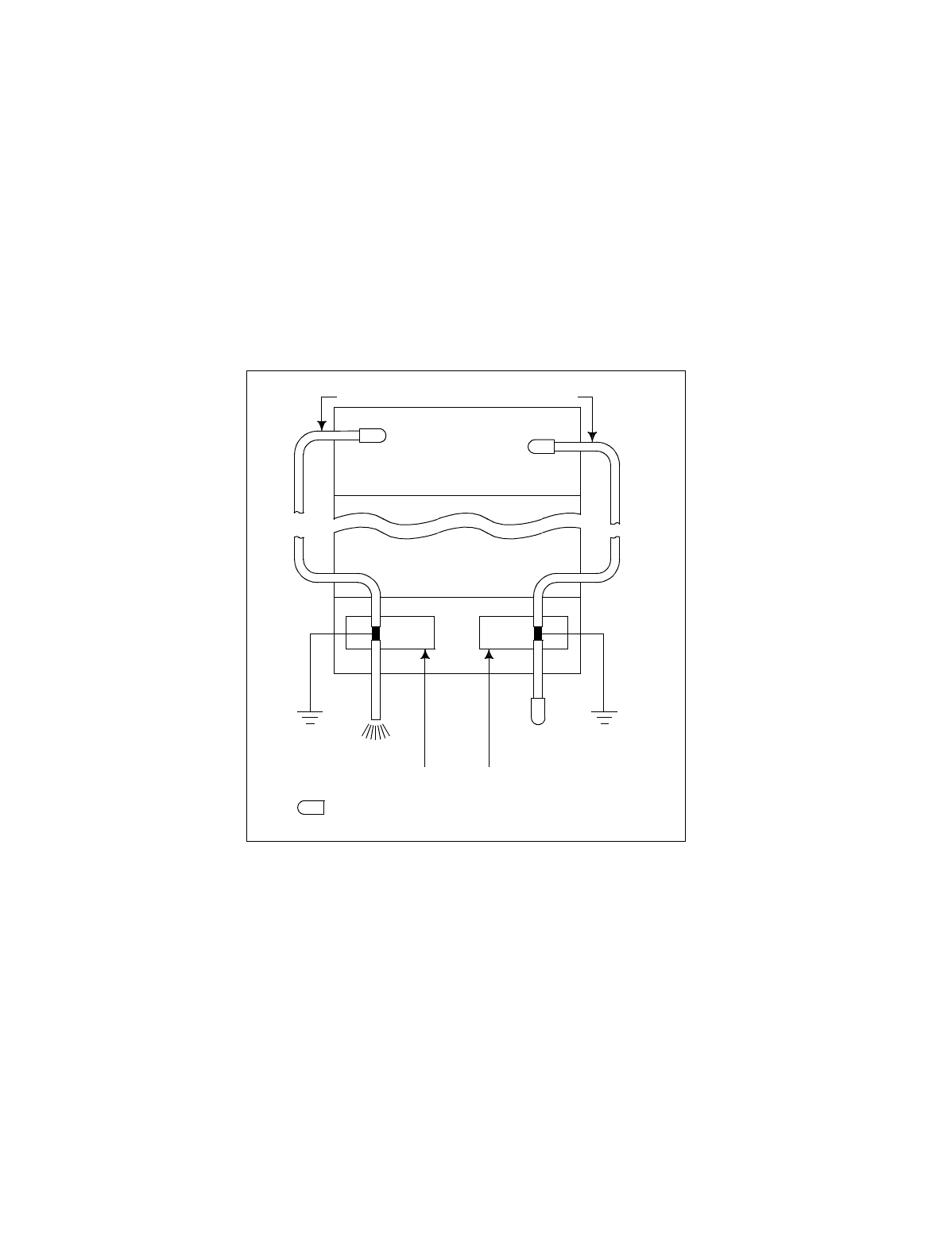
CHAPTER 3 NDA-24234
Page 36
Revision 3.0
INSTALLATION PROCEDURE
2. PRECAUTIONS BEFORE BEGINNING INSTALLATION
2.1 Outline
1. Before beginning the installation, check to see if the installation requirements (grounding, the quantity and
kind of installation cables, etc.) are all present by referring to Chapter 2 of this manual.
2. For a standard installation, the system is installed on a free-access floor, so no explanations are provided
pertaining to cable racks and cable ducts.
3. The PBX is connected to the MDF by use of 25-pair shielded cables as the installation cables. Each of these
installation cables is grounded at the cable support assembly of the BASEU as shown below. By this ar-
rangement, noise radiation from each cable is prevented. For the installation method, refer to NAP-200-
013: “Cable Running from the Module Group to MDF, MAT, and SMDR.”
INST CABLE (25P AC-BUS CABLE)
LTX
PIM
BASEU
To MDF
To MDF
E
: CHAMP Connector
CABLE SUPPORT ASSEMBLY
LTX

NDA-24234 CHAPTER 3
Page 37
Revision 3.0
INSTALLATION PROCEDURE
4. As the cable to be run between the PBX and the Rectifier, use a CV cable (600 V Crosslinked Polyethylene
Insulated PVC Sheathed Cable) as the circumstance permits. Compared with an ordinary IV cable (600 V
PVC Insulated Cable) the CV cable is stronger because of its thicker cover. Thus, it is suitable to run along
the free-access floor where it is difficult to protect the cable from damage.
Also, for easy identification of different cables, use cables of different colors as follows:
•–48 V: Blue (White)
•GND: Red (Black)
•E: Green
Note: The color shown in ( ) is applicable to the UL Specification.
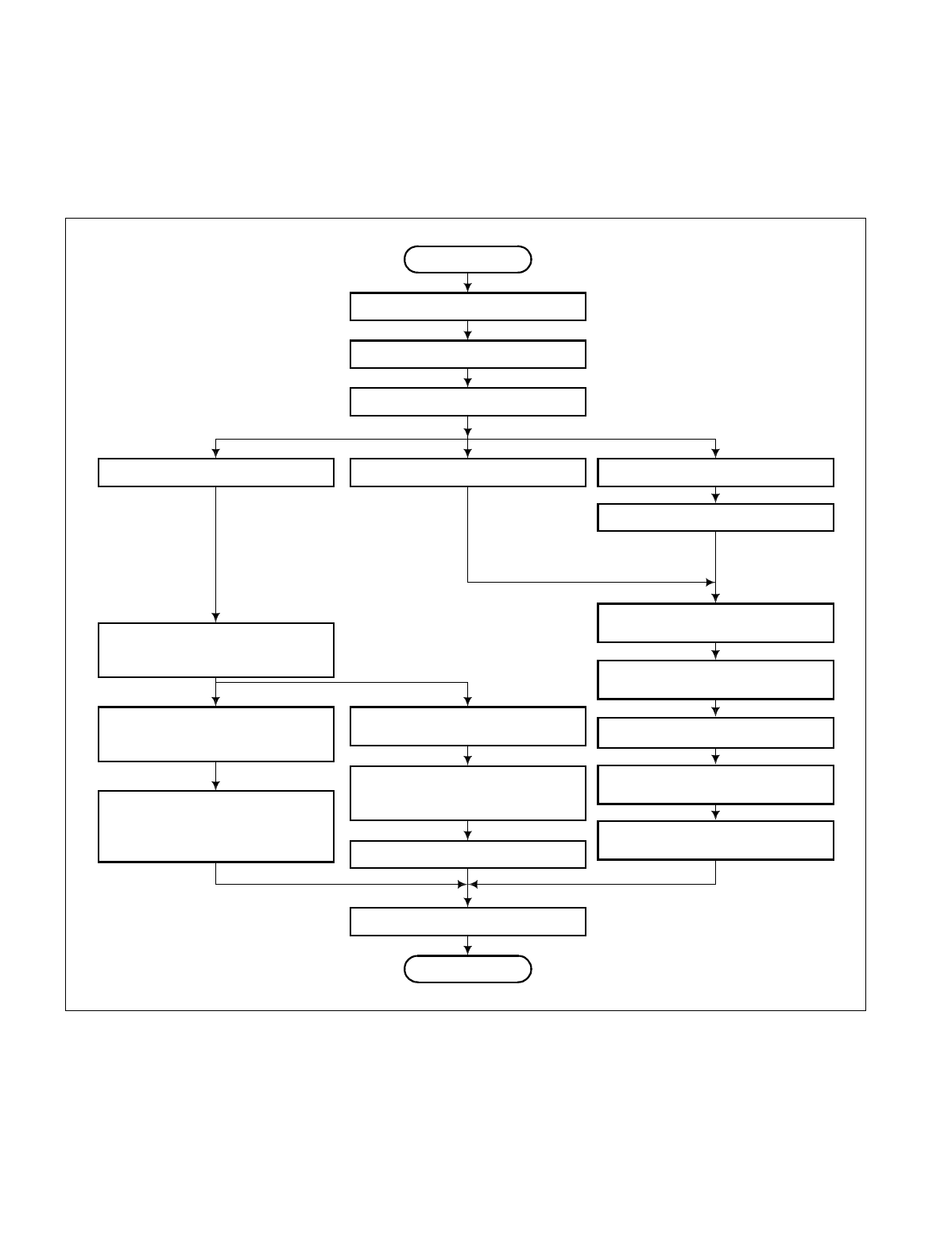
CHAPTER 3 NDA-24234
Page 38
Revision 3.0
INSTALLATION PROCEDURE
3. INSTALLATION PROCEDURE
The flowchart in Figure 3-2 shows the steps of the installation procedure. Each step is assigned a NAP number.
NAPs NAP-200-001 through NAP-200-018 follow Figure 3-2. These NAPs should be followed sequentially
when performing the installation. Individual steps, such as installation of SMDR, can be performed indepen-
dently by referring to the corresponding NAP.
Figure 3-2 Installation Procedure
START
Installation Preparation
(NAP - 200-001)
Marking, Leveling, and Drilling
(NAP - 200-002)
Unpacking and Inspection
(NAP - 200-003)
Installation of Power Equipment
(NAP - 200-006)
Installation of the MDF
(NAP - 200-007)
Installation of the Base Unit
(NAP - 200-004)
Mounting of Units and Modules
(NAP - 200-005)
Cable Running from the PBX
to MDF, ATTCON, MAT, and
SMDR
(NAP - 200-013)
Termination of Cables on
MDF (Wire Accommodation of Each
Cables)
(NAP - 200-014)
Cable Termination and Cross
Connection from MDF to
Peripheral Equipment, C.O. Lines,
and Tie Lines
(NAP - 200-015)
Connection of Power and Ground
Cables from the Power Equipment
(NAP - 200-008)
Setting of Switch Positions and
Mounting of the Circuit Cards
(NAP - 200-009)
Internal Cable Connections
(NAP - 200-010)
Inter-frame Cable Connections
Circuit Cards
(NAP - 200-011)
(NAP - 200-016)
Installation of the Desk
Console and Cable Connections
(NAP - 200-017)
Installation of the Maintenance
Administration Terminal (MAT) and
Cable Connections
Connection of SMDR
(NAP - 200-018)
Cleaning and Visual Check
END
Front Cable Connections between
(NAP - 200-012)
(4 IMG type)
NDA-24234 CHAPTER 3
Page 39
Revision 3.0
INSTALLATION PROCEDURE
This NAP explains the following work items:
•Confirmation of Equipment Locations
•Confirmation of Floor Layout
•Confirmation of Power and Ground Supply
•Check of Quantity of Equipment Packages
Note 1: Confirmation procedures are discussed in Chapter 2 of this manual.
Note 2: Be sure to correct any abnormal conditions encountered during installation preparation (missing hard-
ware, floor not level, etc.) before proceeding to the next step.
NAP-200-001
Sheet 1/2
Installation Preparation
Confirmation of Equipment
Locations Environmental Confirmation of temperature and
humidity.
Floor Space
Floor Load
Equipment Room Floor surface
Wall
Ceiling
Lighting facilities
According to the floor layout,
confirm that the equipment
locations are appropriate.
Improper Locations:
•An open aisle or place where sprinklers are provided.
•A place where there is a water pipeline.
•A place where there is a pipeline generating heat and an
exhaust for such heat.
•A location near an exhaust port for corrosive fumes or gas
generated from a facility machine.
•A location near a copying machine or apparatus which dis-
sipates heat.
•A location where the switch will be exposed to direct sun-
light.
•A location near a kitchen facility, etc., from which vapor is
generated.
•A high EMI environment; for example, a location near an
elevator motor or X-ray equipment.
START
AB
CHAPTER 3 NDA-24234
Page 40
Revision 3.0
INSTALLATION PROCEDURE
NAP-200-001
Sheet 2/2
Installation Preparation
Proper Locations:
•A dry and clean place.
•A place that is well ventilated.
•A sufficiently illuminated room. (200 lux at floor level).
•A location around which there are no obstructing objects,
thus allowing easy maintenance.
•A place where C.O. lines can be brought in, or local
cables can be brought up to the MDF easily.
•A place where communication and security ground can
be obtained as required
Confirmation of Power and
Ground Supply Confirm AC voltage and current capacity.
Confirm that a Circuit Breaker (NFB) is provided
exclusively for the system.
Confirm that ground terminals are provided separately from
those of the power supply system.
Check the Quantity of
Packages Check the quantity of packages to see if there is a
discrepancy with the Packing List.
If any equipment is missing, report it to the supplier
immediately.
A
END
B

NDA-24234 CHAPTER 3
Page 41
Revision 3.0
INSTALLATION PROCEDURE
This NAP explains the procedures for marking, drilling and other necessary work when the PBX is to be installed
on a free-access floor by either one of the following three methods.
•Securing the PBX directly onto the floor
•Securing the PBX with the special stand
•Securing the PBX with the floor elevation
This NAP also explains the procedures for marking, leveling and drilling for MDF, Power Equipment, and Peripheral
Equipment (See Section 4.)
Note: Kinds of Anchor Bolts
Various types of anchor bolts are available; the type of bolt to be used depends on the application. Sleeve
expansion-type anchor bolts are generally preferred for the PBX installation. Table 002-1 shows anchor
bolt specifications.
* Pull out Strength = 1,900 Kg (4185 lb)
(Concrete Strength = more than 20, 580, 000 Pa (2984.871 PSI))
NAP-200-002
Sheet 1/8
Marketing, Leveling, and Drilling
Table 002-1 Specification of Anchor Bolts-Sleeve Expansion Type
SCREW SLEEVE
BOLT
LENGTH SLEEVE
LENGTH DRILL
DIA.
DRILLING
DEPTH MAX. THICKNESS
OF ITEM TO BE
FIXED APPLICATION COMPONENTS
mm inch mm inch mm inch
M10 Ø17.3 50 2 38 1.5 Ø17.5 50 2 15 mm/0.6 in For concrete Bolts,
Washers,
Nuts
70 2.8 58 2.3 70 2.8 Concrete + Mortar
(20 mm/0.8 in
thick)
80 3.1 68 2.7 80 3.1 Concrete + Mortar
(30 mm/1.2 in
thick)

CHAPTER 3 NDA-24234
Page 42
Revision 3.0
INSTALLATION PROCEDURE
1. WHEN SECURING THE PBX DIRECTLY ONTO THE FLOOR
NAP-200-002
Sheet 2/8
Marking, Leveling, and Drilling
START
Marking Referring to Figure 002-1, mark the holes for the
anchor bolts of the base unit.
Drilling Drill holes at the locations marked for base unit.
Cutting of Free-Access Floor Referring to Figure 002-2, cut the free-access floor at
the marked cable locations by using a jigsaw.
Leveling Measure the level of floor surface of the free-access
floor.
When it is not level, adjust the support of the free-
access floor until it is level.
END
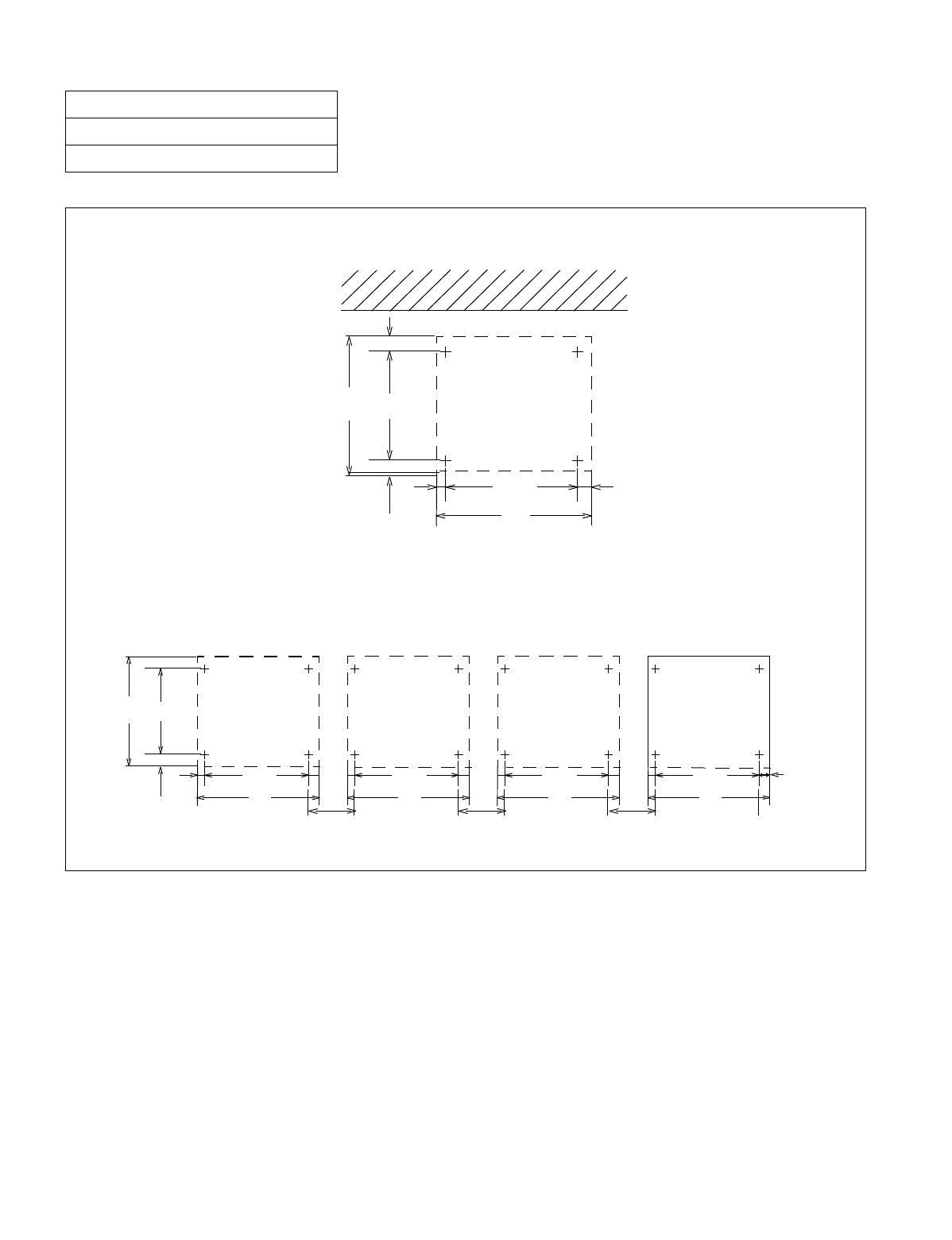
NDA-24234 CHAPTER 3
Page 43
Revision 3.0
INSTALLATION PROCEDURE
Figure 002-1 Locations of Base Unit Securing Holes
NAP-200-002
Sheet 3/8
Marking, Leveling, and Drilling
Multiple IMG Configuration
Single IMG Configuration
85(3.35")
55(2.17")
410(1'4.14")
550
(1'9.65")
40
(1.57")
520
(1'8.47") 40(1.57")
600
(1'11.62")
Unit: mm(inch)
85(3.35")
55(2.17")
410(1'4.14")
550
(1'9.65")
40
(1.57")
120
(4.72")
520
(1'8.47")
600
(1'11.62")
520
(1'8.47")
600
(1'11.62") 120
(4.72") 120
(4.72")
520
(1'8.47")
600
(1'11.62")
40(1.57")
Unit: mm(inch)
520
(1'8.47")
600
(1'11.62")
IMG0 IMG1 IMG2 IMG3
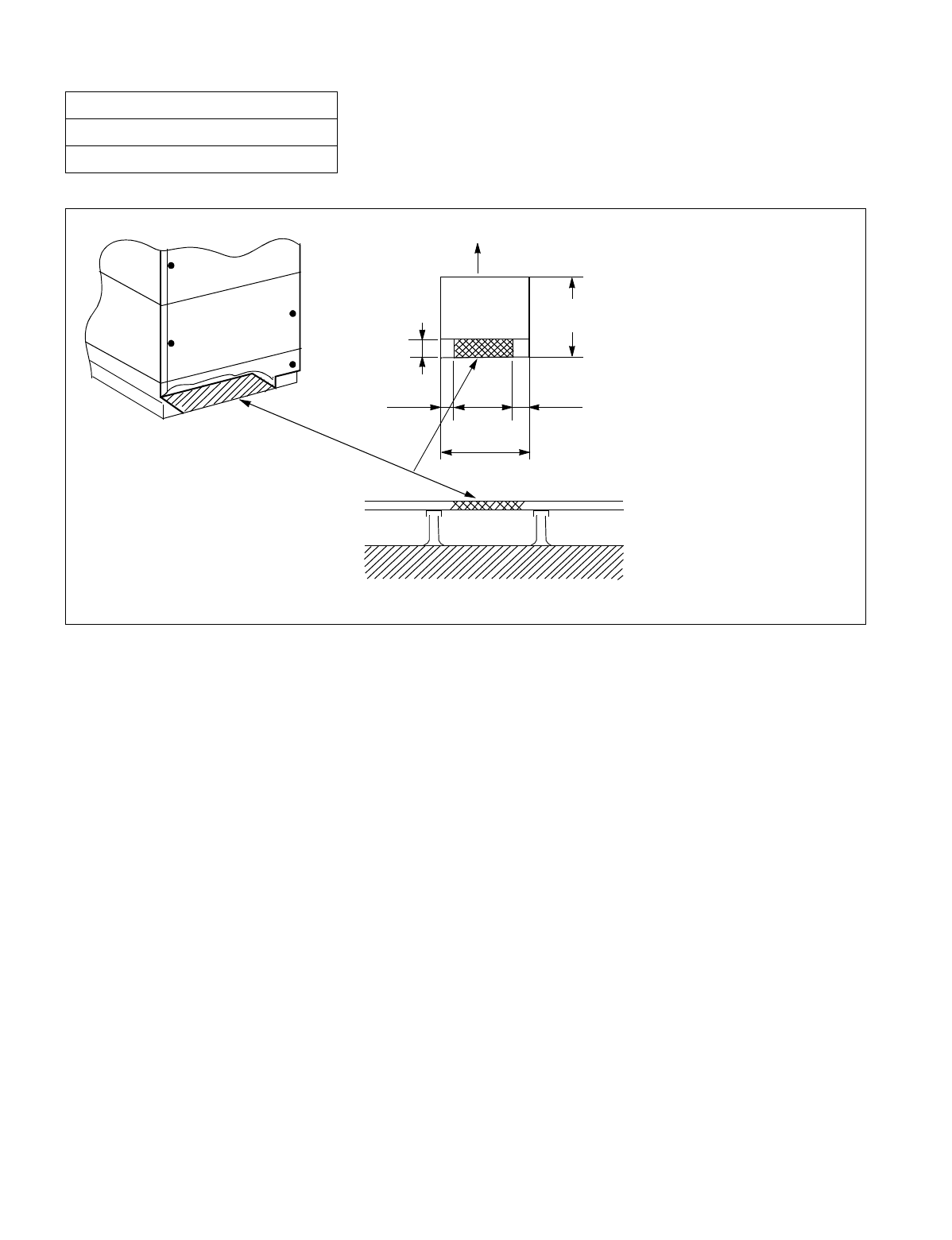
CHAPTER 3 NDA-24234
Page 44
Revision 3.0
INSTALLATION PROCEDURE
Figure 002-2 Cable Hole on a Free-Access or Computer Floor
NAP-200-002
Sheet 4/8
Marking, Leveling, and Drilling
REAR
FRONT
PBX
CABLE HOLE
FREE-ACCESS FLOOR
Unit: mm(inch)
100(3.94")
115(4.53") 370
(1'2.57")
550
(1'9.65")
600
(1'11.62")
115(4.53")

NDA-24234 CHAPTER 3
Page 45
Revision 3.0
INSTALLATION PROCEDURE
2. WHEN SECURING THE PBX WITH THE SPECIAL STAND
NAP-200-002
Sheet 5/8
Marking, Leveling, and Drilling
START
Marking and Drilling of Special
Stand Drill the Special Stand for securing the PBX.
(See Figure 002-3.)
Marking, Drilling and Cutting of
Free-Access Floor Mark, drill, and cut the free-access floor according to
the size of the special stand to be used.
Installing the Special Stand Secure the special stand onto the floor.
(See Figure 002-4.)
Level Check Check the level of the special stand. If necessary,
adjust the level by inserting spacers beneath the stand.
END
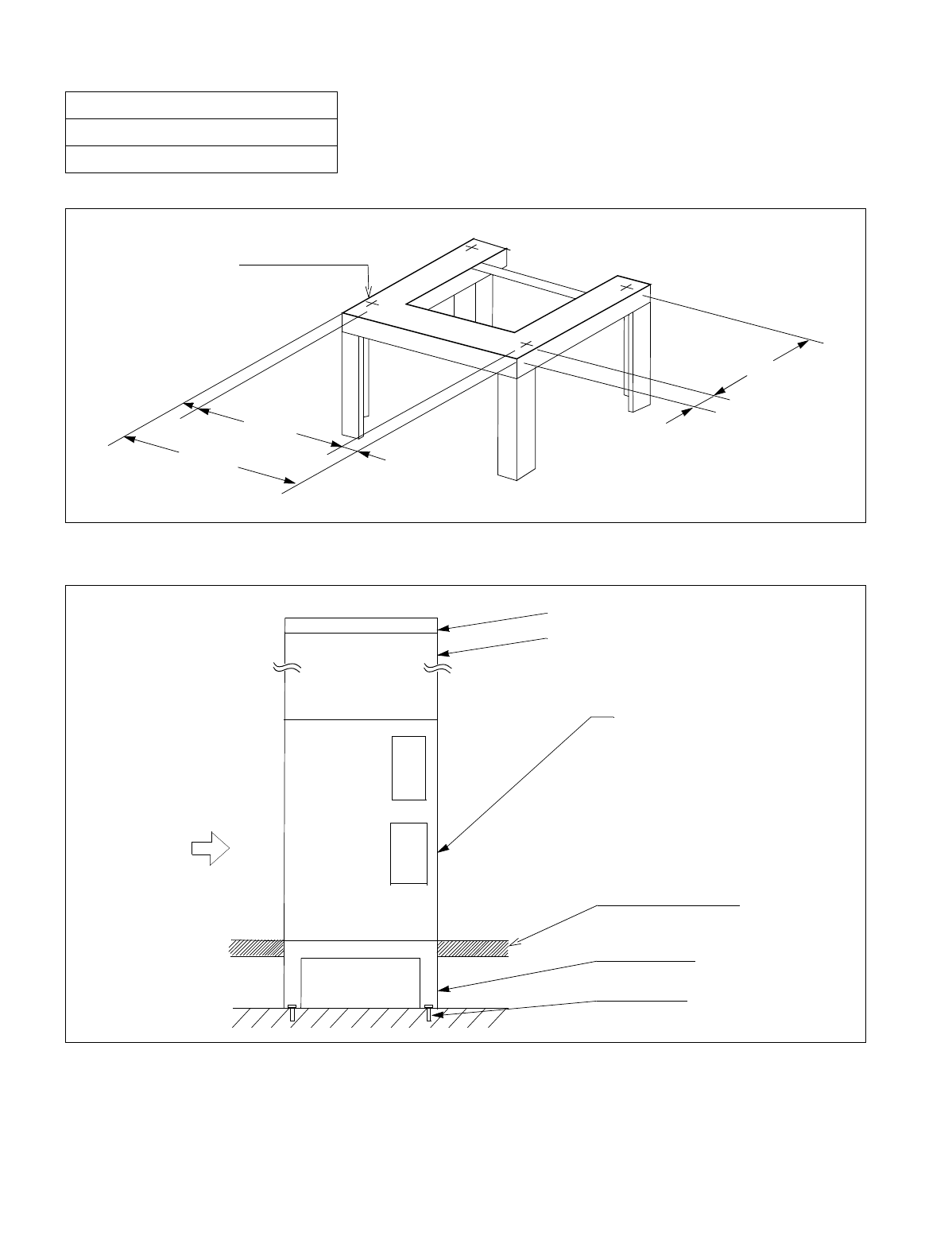
CHAPTER 3 NDA-24234
Page 46
Revision 3.0
INSTALLATION PROCEDURE
Figure 002-3 Example of Special Stand
Figure 002-4 Special Stand Installation Method
NAP-200-002
Sheet 6/8
Marking, Leveling, and Drilling
520
(1'8.47")
40
(1.57")
85
(3.35")
410
(1'4.14")
550
(1'9.65")
55
(2.17")
HOLE FOR SECURING
BASE UNIT
Unit: mm(inch)
FRONT
PBX TOPU
PIM
LPM
FREE-ACCESS
OR COMPUTER FLOOR
SPECIAL STAND
ANCHOR BOLT
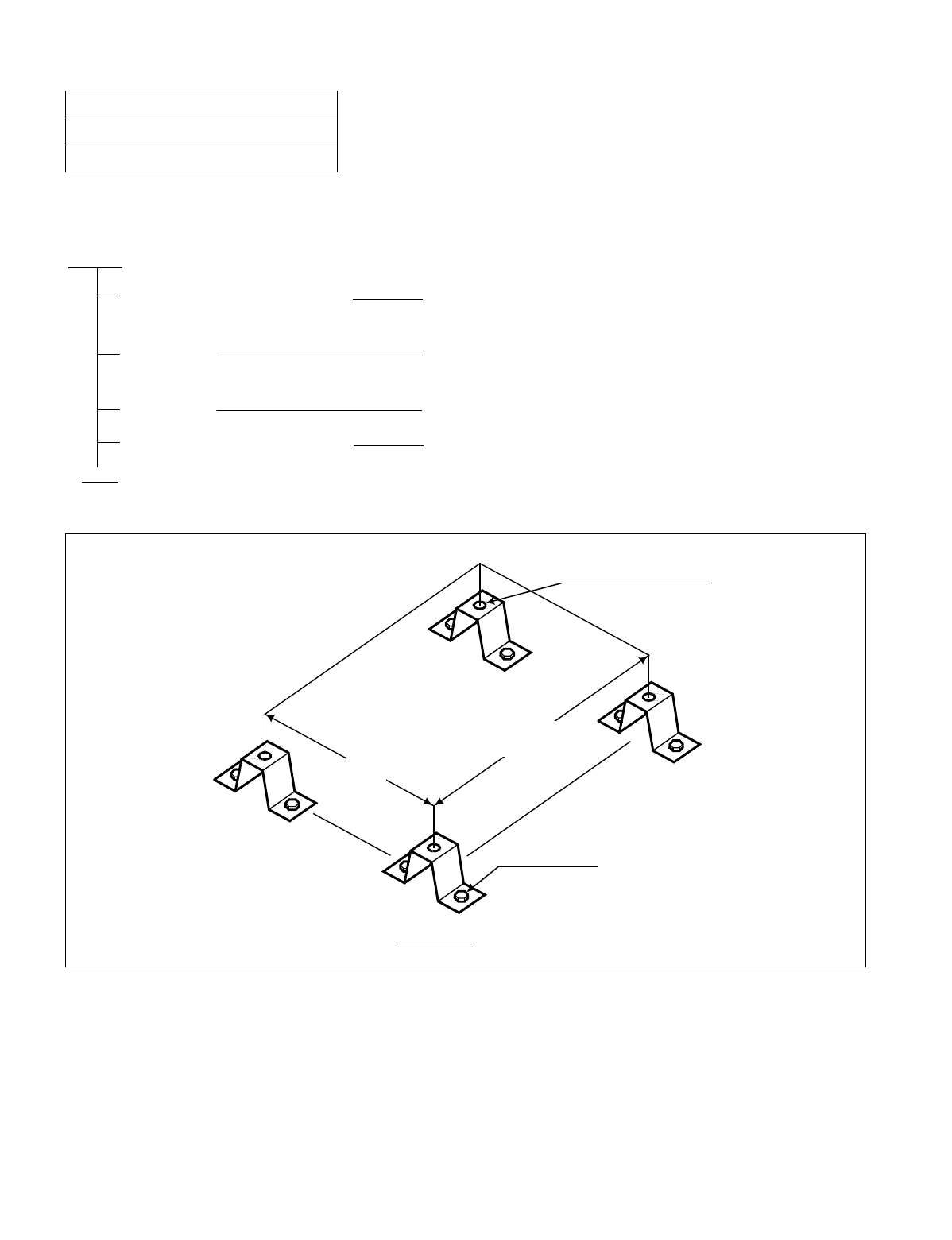
NDA-24234 CHAPTER 3
Page 47
Revision 3.0
INSTALLATION PROCEDURE
3. WHEN SECURING PBX WITH FLOOR ELEVATIONS
Figure 002-5 Example of Elevation
NAP-200-002
Sheet 7/8
Marking, Leveling, and Drilling
START
Installing the Floor Elevation Secure the Floor Elevation on the concrete floor.
(See Figure 002-5.)
Marking Mark the locations of the anchor bolt holes for the Base Unit.
(See Figure 002-1.)
Drilling Drill holes in the locations.
Cutting of Free-Access Floor Cut the Free-Access Floor with a jigsaw. (See Figure 002-2.)
END
HOLE FOR SECURING
BASEU
CONCRETE FLOOR
520
(1’8.47”)
410
(1’4.14”)
ANCHOR BOLT
ELEVATION
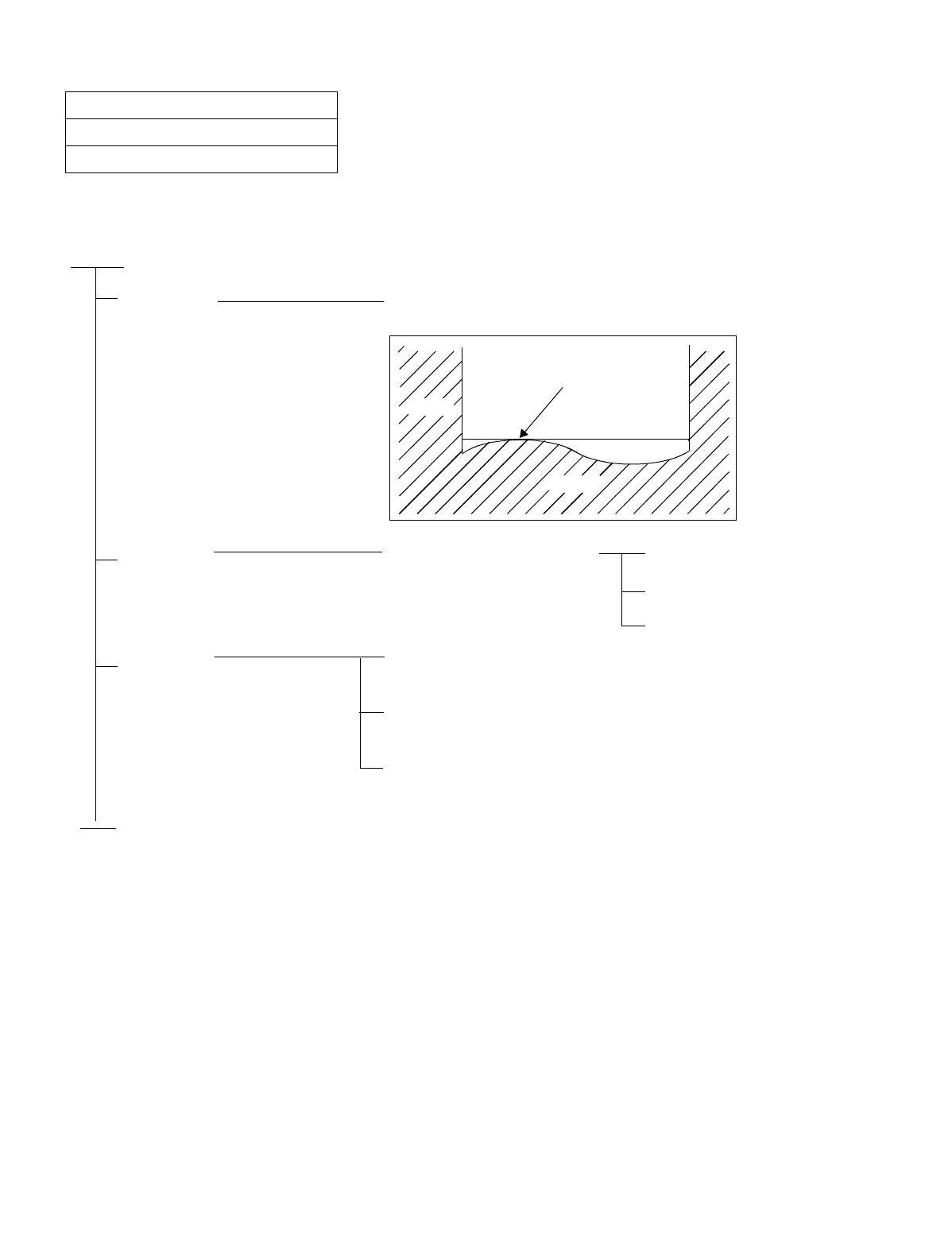
CHAPTER 3 NDA-24234
Page 48
Revision 3.0
INSTALLATION PROCEDURE
4. MARKING, LEVELING AND DRILLING FOR MDF, POWER EQUIPMENT, AND PERIPHERAL EQUIPMENT
NAP-200-002
Sheet 8/8
Marking, Leveling, and Drilling
START
Leveling Measure the level of floor surface and determine the reference
level.
Marking Mark the holes for securing
equipment Power Equipment
MDF
Peripheral Equipment
Drilling Drill holes locations marked for power equipment, MDF, and
peripheral equipment.
Secure the anchor bolts to the floor.
(Embed nuts and sleeves)
Remove the anchor bolts temporarily.
(Remove anchor bolts and washers)
END
WALL
FLOOR
REFERENCE LEVEL
HIGHEST LEVEL
ROOM

NDA-24234 CHAPTER 3
Page 49
Revision 3.0
INSTALLATION PROCEDURE
This NAP explains the procedure for unpacking and inspection.
Note 1: If any equipment is missing or damaged, report it to the supplier immediately.
Note 2: Save all packing materials and boxes so that they can be used to return damaged equipment to the supplier.
1. UNPACKING
NAP-200-003
Sheet 1/2
Unpacking and Inspection
START
Quantity check Check the quantity of packages received against the
Packing List.
Check for external damage Check the packaging for external damage.
Carry-In Carry the packages containing the Module Group into
the switching equipment room.
Unpacking Note 2 Module Group, Modules, and Units
Covers
Circuit Cards
ATTCON
Cables
END
CAUTION: Equipment may become damaged if
not handled properly during unpack-
ing and inspection. ATTENTI ON
Contents
Static Sensitive
Handling
Precautions Required
CHAPTER 3 NDA-24234
Page 50
Revision 3.0
INSTALLATION PROCEDURE
2. INSPECTION
NAP-200-003
Sheet 2/2
Unpacking and Inspection
START
Visually Inspect Modules and Units Overall distortion.
Scratches or dents on the surface.
Distortion of shelves.
Cracks to connectors on the backplane.
Broken or bent pins on the backplane.
Circuit Cards
Provide protection from static
electricity.
Scratches and cracks.
Loose wires and parts.
Damage to card puller tabs.
Desk Console and MAT Scratches and dents on the body.
Damage to keys and lamps.
END
CAUTION: Equipment may become damaged
if not handled properly during
unpacking and inspection. ATT E NTION
Contents
Static Sensitive
Handling
Precautions Required
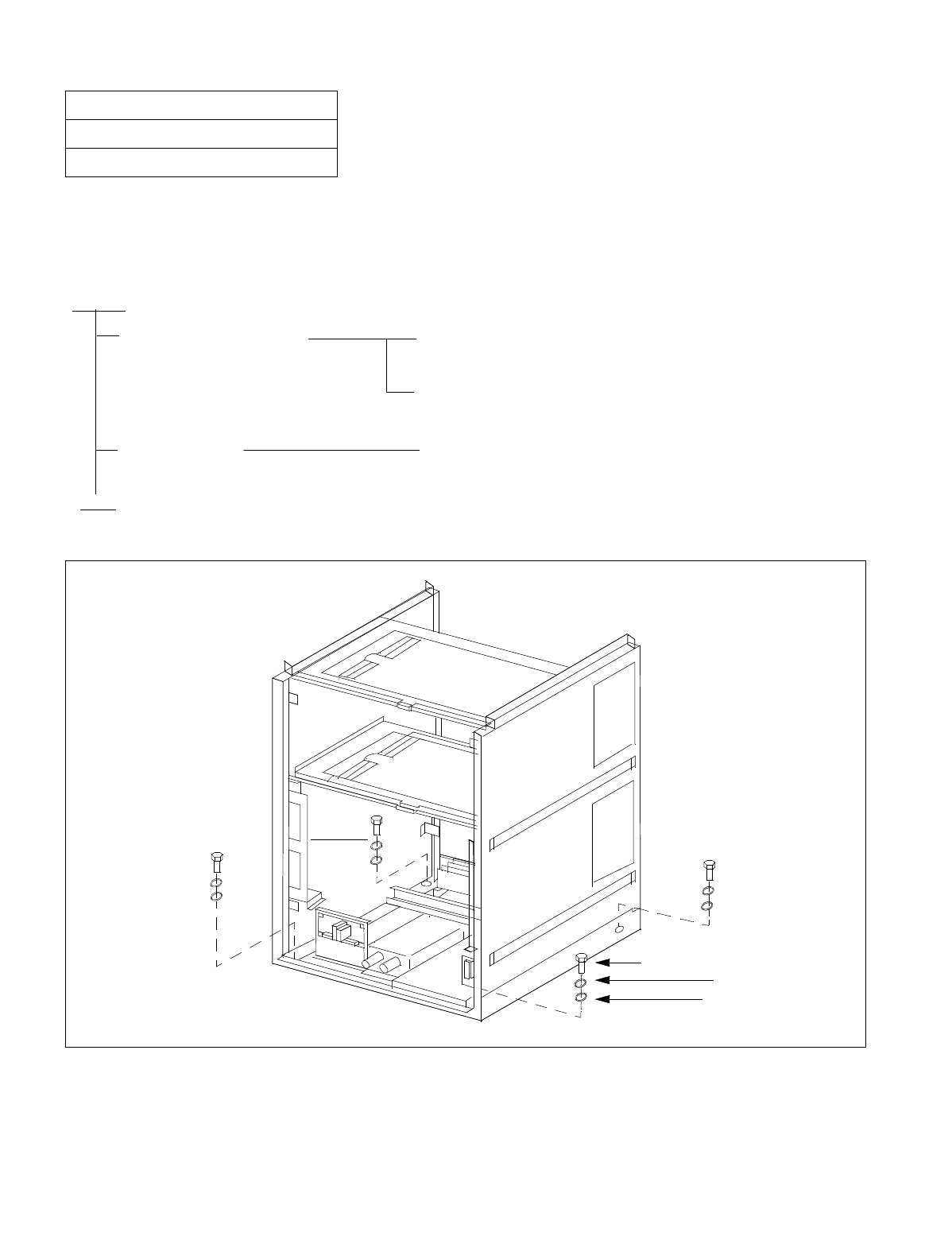
NDA-24234 CHAPTER 3
Page 51
Revision 3.0
INSTALLATION PROCEDURE
This NAP explains the procedure for securing the Base Unit onto the floor directly or using special stand.
1. INSTALLING THE BASE UNIT DIRECTLY ONTO THE FLOOR
Figure 004-1 Mounting the Base Unit on an Ordinary Floor
NAP-200-004
Sheet 1/3
Installation of the Base Unit
START
Securing the Base Unit Secure the Base Unit onto the floor as per Figure 004-1 and
004-2.
When the floor elevation is in use, secure the Base Unit by
referring to Figures 004-1 and 004-3.
Level Check Check the level of the Base Unit. If necessary, adjust the level
by inserting spacers beneath the Base Unit.
END
LOCK WASHER
BOLT
PLAIN WASHER
BASE
UNIT
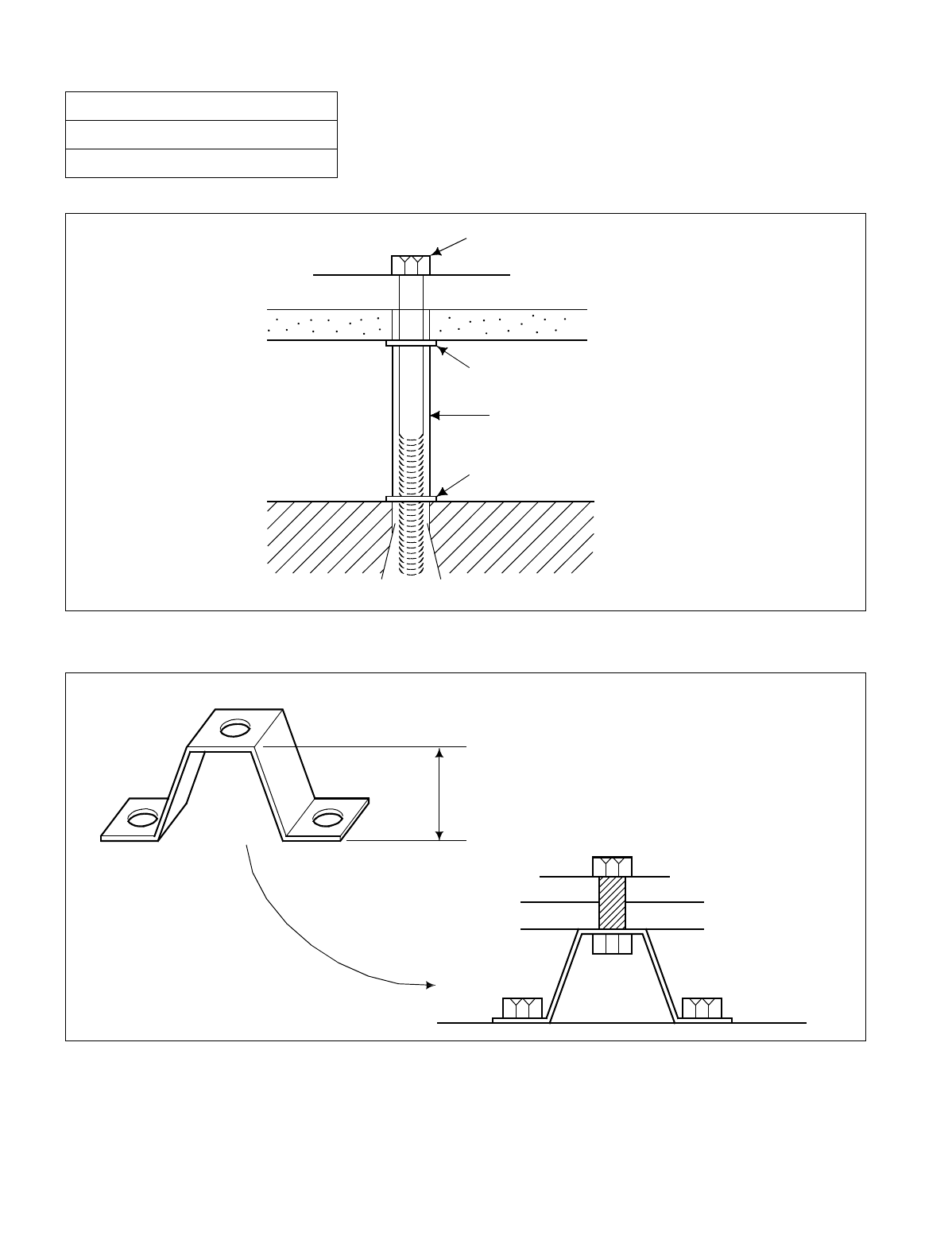
CHAPTER 3 NDA-24234
Page 52
Revision 3.0
INSTALLATION PROCEDURE
Figure 004-2 Mounting the Base Unit on a Free-Access or Computer Floor
Figure 004-3 Mounting the Base Unit on a Free-Access or Computer Floor via Elevation
NAP-200-004
Sheet 2/3
Installation of the Base Unit
BOLT
BASE UNIT
FREE-ACCESS
FLOOR
FLAT WASHER
COMPRESSED PIPE
FLAT WASHER
CONCRETE
FLOOR
ANCHOR BOLT
Example: The floor elevation is higher
than 150 mm (5.9 inches).
FLOOR ELEVATION
BASE UNIT
FREE-ACCESS
FLOOR
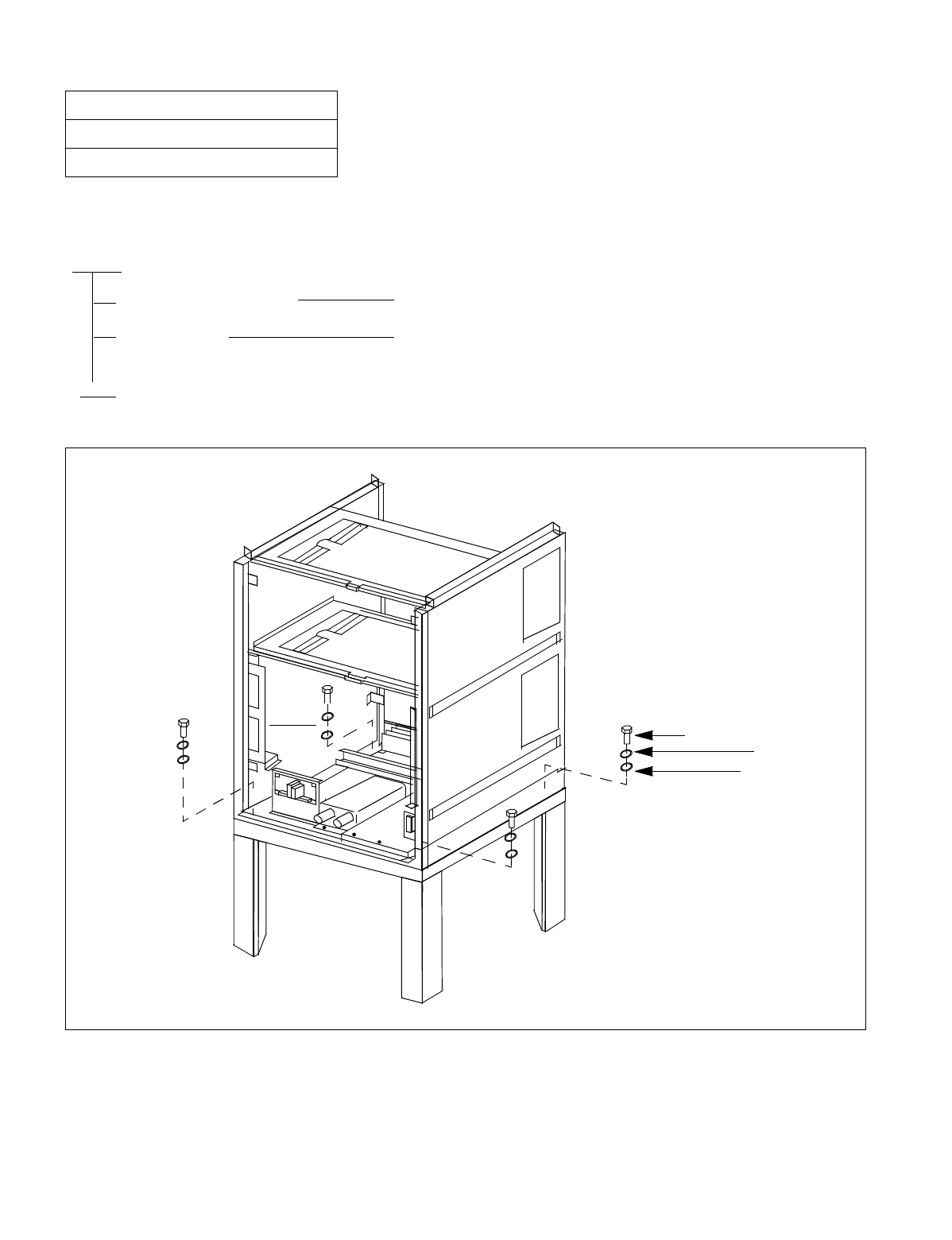
NDA-24234 CHAPTER 3
Page 53
Revision 3.0
INSTALLATION PROCEDURE
2. INSTALLING THE BASE UNIT USING A SPECIAL STAND
Figure 004-4 Setting the BASEU via Special Stand
NAP-200-004
Sheet 3/3
Installation of the Base Unit
START
Securing the Base Unit Secure the Base Unit onto the special stand as per Figure 004-4.
Level Check Check the level of the Base Unit. If necessary, adjust the level by
inserting spacers beneath the Base Unit.
END
LOCK WASHER
BOLT
PLAIN WASHER
BASEU
SPECIAL STAND
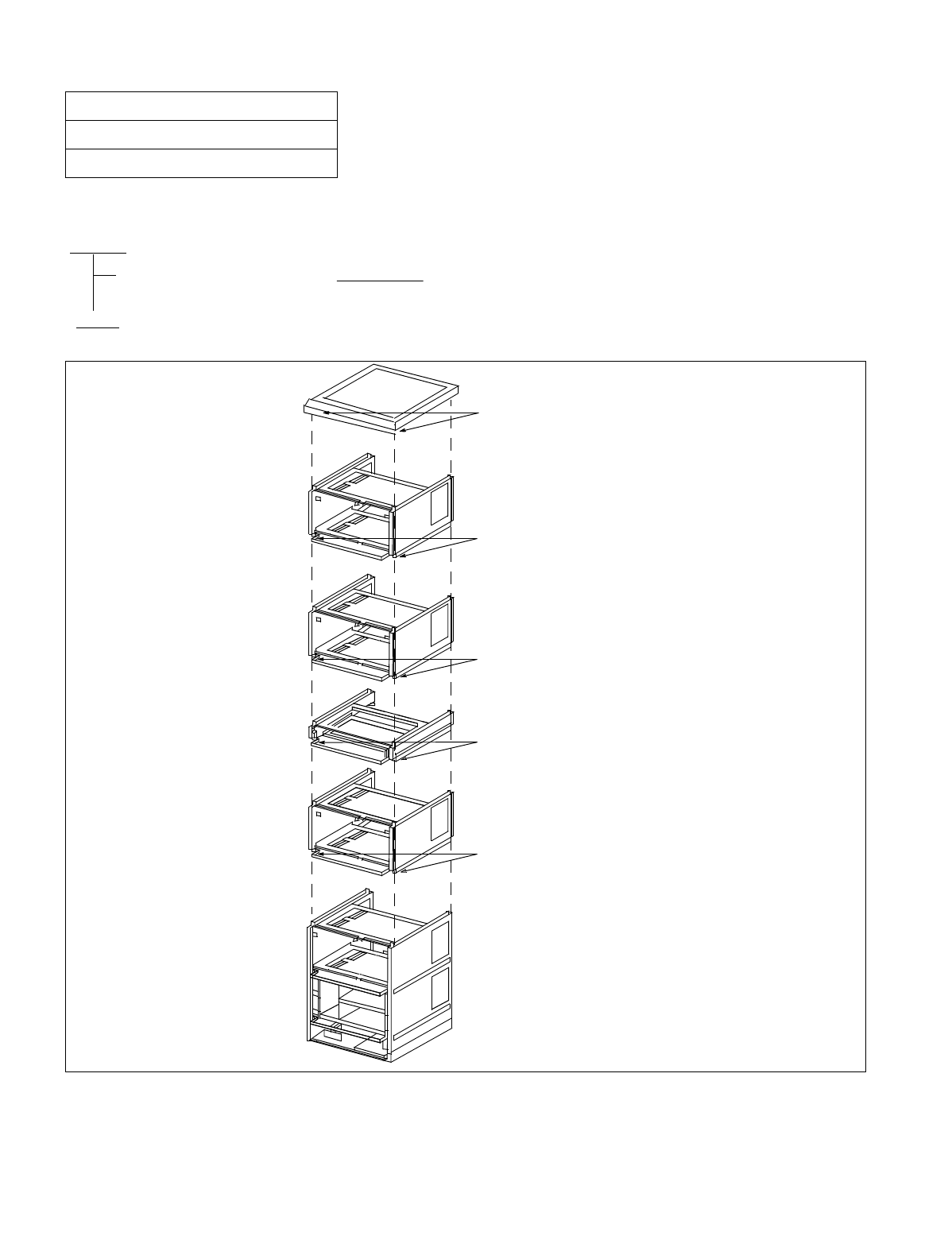
CHAPTER 3 NDA-24234
Page 54
Revision 3.0
INSTALLATION PROCEDURE
1. MOUNTING OF UNITS AND MODULES
Figure 005-1 Procedure for Mounting Units and Modules
NAP-200-005
Sheet 1/16
Mounting of Units and Modules
START
END
Mounting of Modules, FAN
BOX and TOPU Mount modules, FAN BOX and TOPU for each cabinet, by
referring to the Figure 005-1.
(TOPU)
Tighten these screws.
Do the same at the rear
side, too.
(PIM3)
Tighten these screws.
Do the same at the rear
side, too.
(PIM2)
Tighten these screws.
Do the same at the rear
side, too.
(FAN BOX)
Tighten these screws.
Do the same at the rear
side, too.
(PIM1)
Tighten these screws.
Do the same at the rear
side, too.
(LPM/TSWM/DUMMY and PIM0)
(BASEU)
Note
Note
Note: FAN Unit (FANU) is
mounted either on the
TOPU, or inside the
FAN BOX. For detailed
procedures, refer to
Section 2 of this NAP.
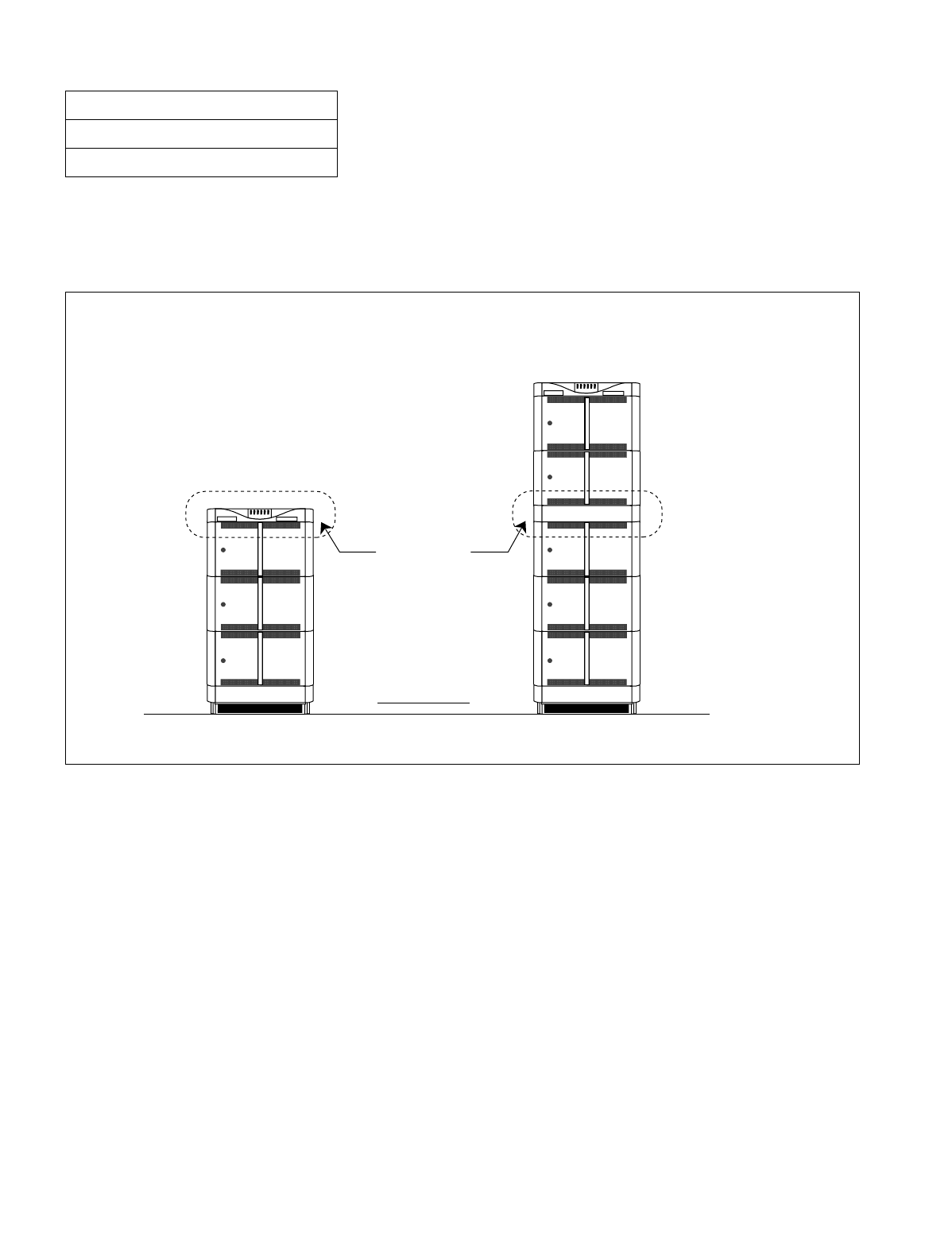
NDA-24234 CHAPTER 3
Page 55
Revision 3.0
INSTALLATION PROCEDURE
2. INSTALLATION OF FANU
Location of FANU (PZ-M369 and three electronic FANs) is shown in Figure 005-2. Depending on your system con-
figuration, mount the FANU in the proper position.
Figure 005-2 Locations of FANU
NAP-200-005
Sheet 2/16
Mounting of Units and Modules
/ / / / / / / / / / / / / / / / / / / / / / / / / / / / / / / / / / / / / / / / / / / / / / / / / / / / / / / / / / / / / / / /
NEC
NEAX 2400 IMS
TOPU
NEC
NEAX 2400 IMS
TOPU
FAN BOX
located here.
FANU is
<When FANU is mounted on TOPU> <When FANU is mounted in FAN BOX>
FRONT VIEW
The mounting location of FANU differs depending on the module configuration of each cabinet. When the
cabinet consists of a total of two PIMS or fewer, the FANU is mounted on the TOPU. Otherwise, the FANU
is housed in the dedicated FAN BOX in the center of the cabinet.
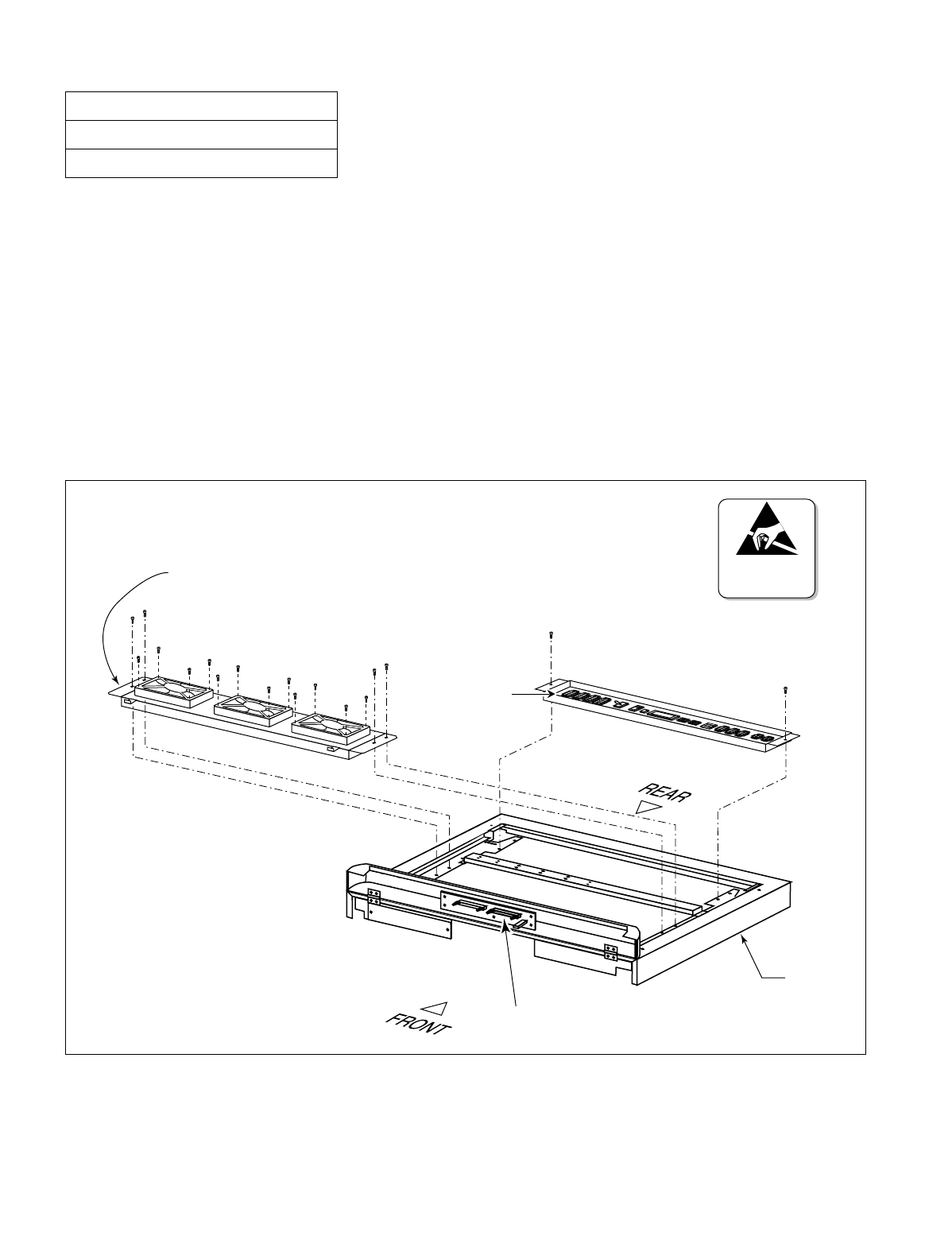
CHAPTER 3 NDA-24234
Page 56
Revision 3.0
INSTALLATION PROCEDURE
3. PROCEDURE FOR FANU ON THE TOPU
When any IMG is configured by two PIMs or less, the FANU is mounted as shown in Figure 005-3. Because the
FANU is already mounted on the TOPU of the cabinet, perform STEP 4 through STEP 7 only, excepting a special
case (STEP 1 through STEP 3 are not required in the normal cases).
STEP 1: Referring to Figure 005-3, mount the three FANs onto the FAN Mounting Plate. Then, fasten every
four screws.
STEP 2: Accommodate the FAN Mounting Plate (tipped with three FANs) onto the TOPU.
Then, tighten the four screws (refer to Figure 005-3).
STEP 3: Mount the PZ-M369 onto the TOPU. Then, fasten the two screws (also refer to Figure 005-3).
Figure 005-3 Mounting of FANU (on TOPU)
NAP-200-005
Sheet 3/16
Mounting of Units and Modules
TOPU
PZ-M369
(TALM)
FAN Mounting Plate
ATTENTION
Contents
Static Sensitive
Handling
Precautions Required
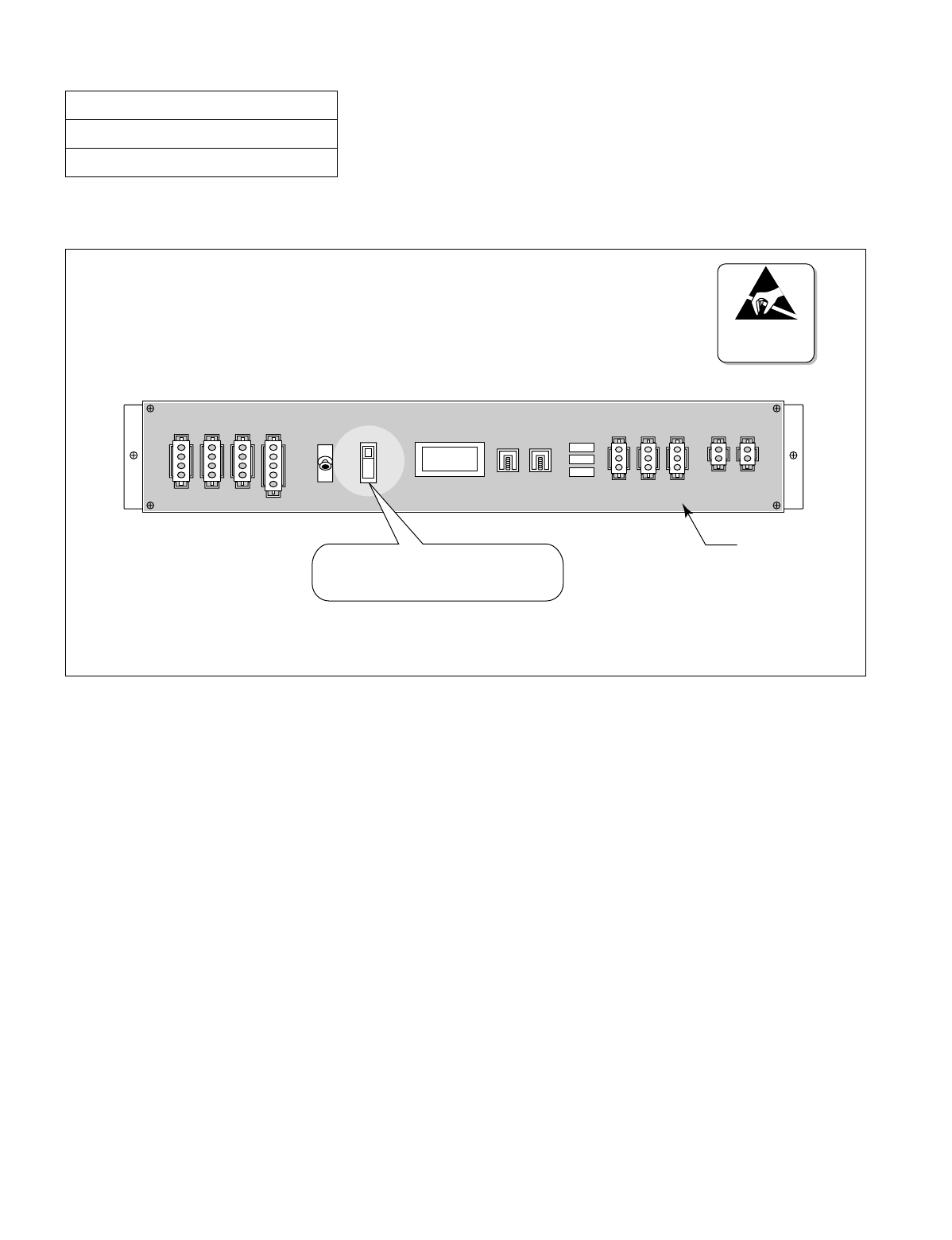
NDA-24234 CHAPTER 3
Page 57
Revision 3.0
INSTALLATION PROCEDURE
STEP 4: Fix a FAN fuse (5.0A) onto the PZ-M369.
Figure 005-4 Attachment of FAN Fuse (PZ-M369)
STEP 5: Connect the FAN cables as shown in Figure 005-5 and Figure 005-6.
STEP 6: Lastly, attach the Top Cover onto the TOPU of the cabinet. Then, fasten the four screws (refer to Fig-
ure 005-7).
Note: The procedures, STEP 4 through STEP 6, must be performed at each PBX cabinet adopting 1-PIM or 2-
PIM configuration.
NAP-200-005
Sheet 4/16
Mounting of Units and Modules
TH2 FAN TALM1 TALM0
TH1 TH0 FC0 FC1 FC2
PZ-M369
ON
OFF
Auto
Fasten a FAN fuse (5.0 A) here.
PWR SWNote
ATTENTION
Contents
Static Sensitive
Handling
Precautions Required
Note: Heat run test of the FANU is shown in Chapter 4, ”SYSTEM STARTUP”. Therefore, keep the PWR SW
key to the center position (= OFF), still at this time.
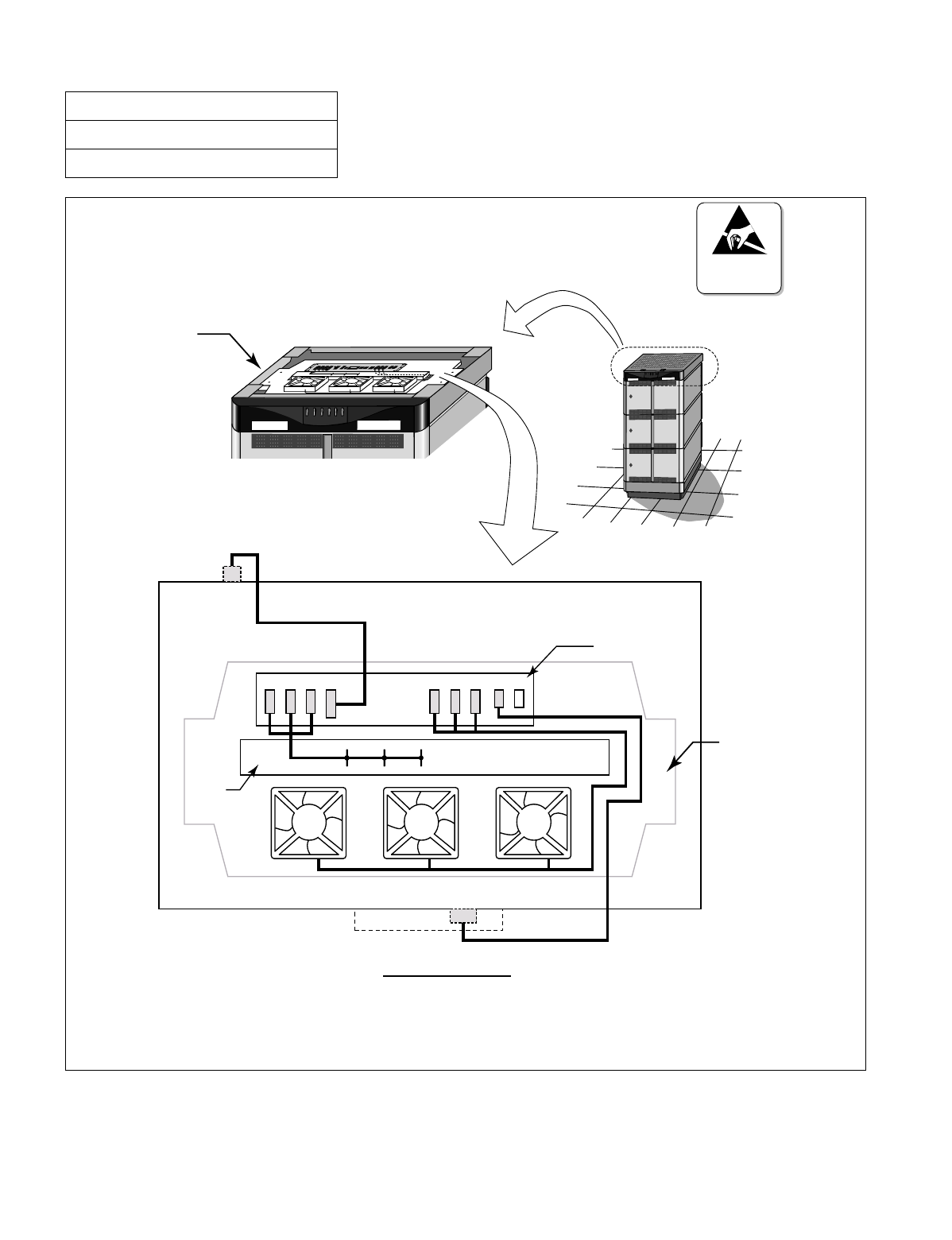
CHAPTER 3 NDA-24234
Page 58
Revision 3.0
INSTALLATION PROCEDURE
Figure 005-5 Cable Connections for FANU on TOPU
NAP-200-005
Sheet 5/16
Mounting of Units and Modules
PBX
NEC
NEAX 2400 IMS
NEAX 2400 IMS
NEC
...
...
TH0 TH1TH2 FAN FC0 FC1 FC2 TALM0
FAN
Note 1
Note 2
TALM
PZ-M369
THM
TOPU
FANU
TOPU (Top View)
ATTENTION
Contents
Static Sensitive
Handling
Precautions Required
Note 1: For details on the “FA N” connector (PIM backplane), refer to Figure 005-6.
Note 2: For details on the “TALM” connector (TOPU panel), refer to Figure 005-3.
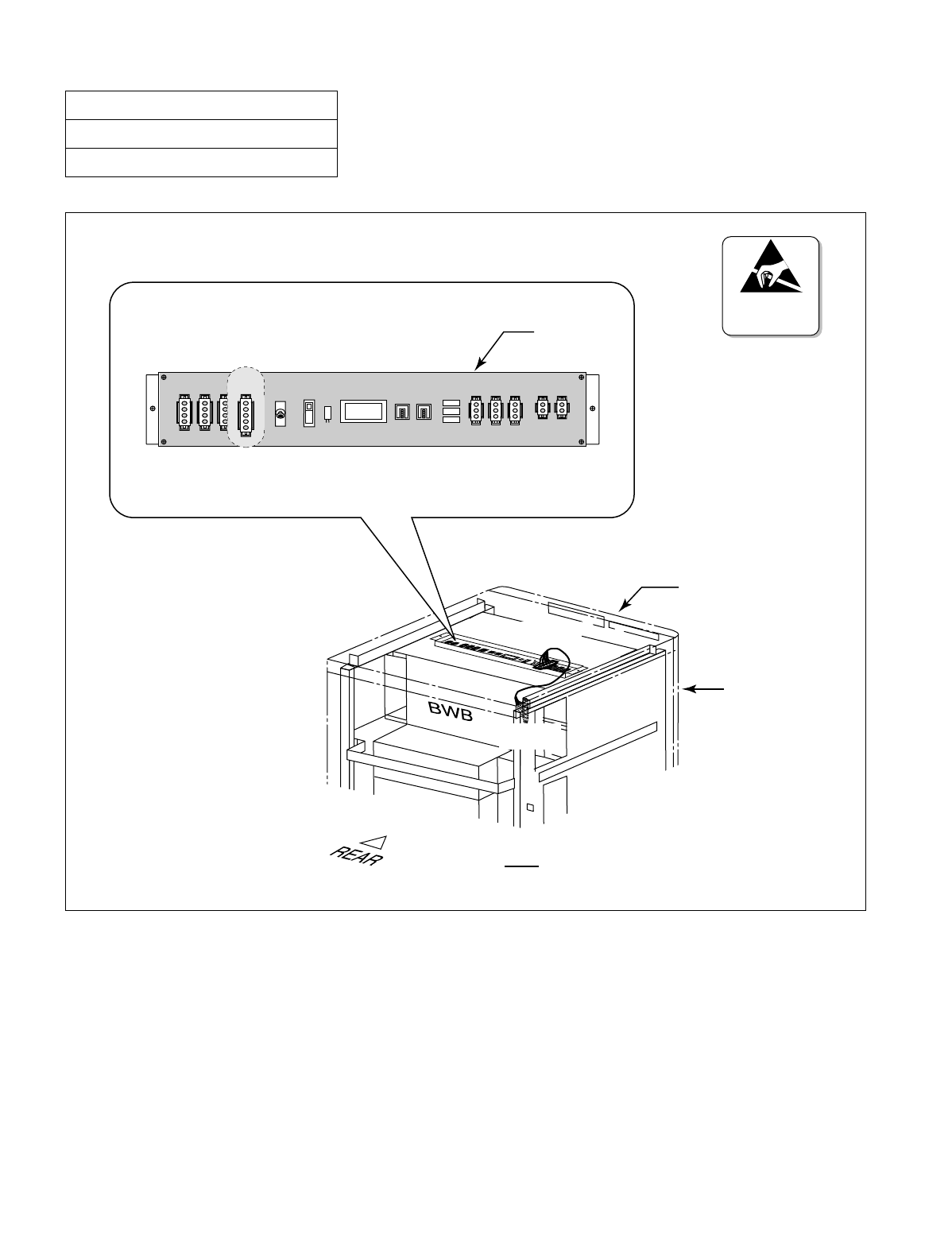
NDA-24234 CHAPTER 3
Page 59
Revision 3.0
INSTALLATION PROCEDURE
Figure 005-6 Connection of “FAN” Connector Cable (TOPU-PIM)
NAP-200-005
Sheet 6/16
Mounting of Units and Modules
PBX
TOPU
PIM
(FAN)
(FAN)
TALM1 TALM0
TH1 TH0 FC0 FC1 FC2
FAN
PZ-M369
ATTENTION
Contents
Static Sensitive
Handling
Precautions Required
TH2
ON
OFF
Auto
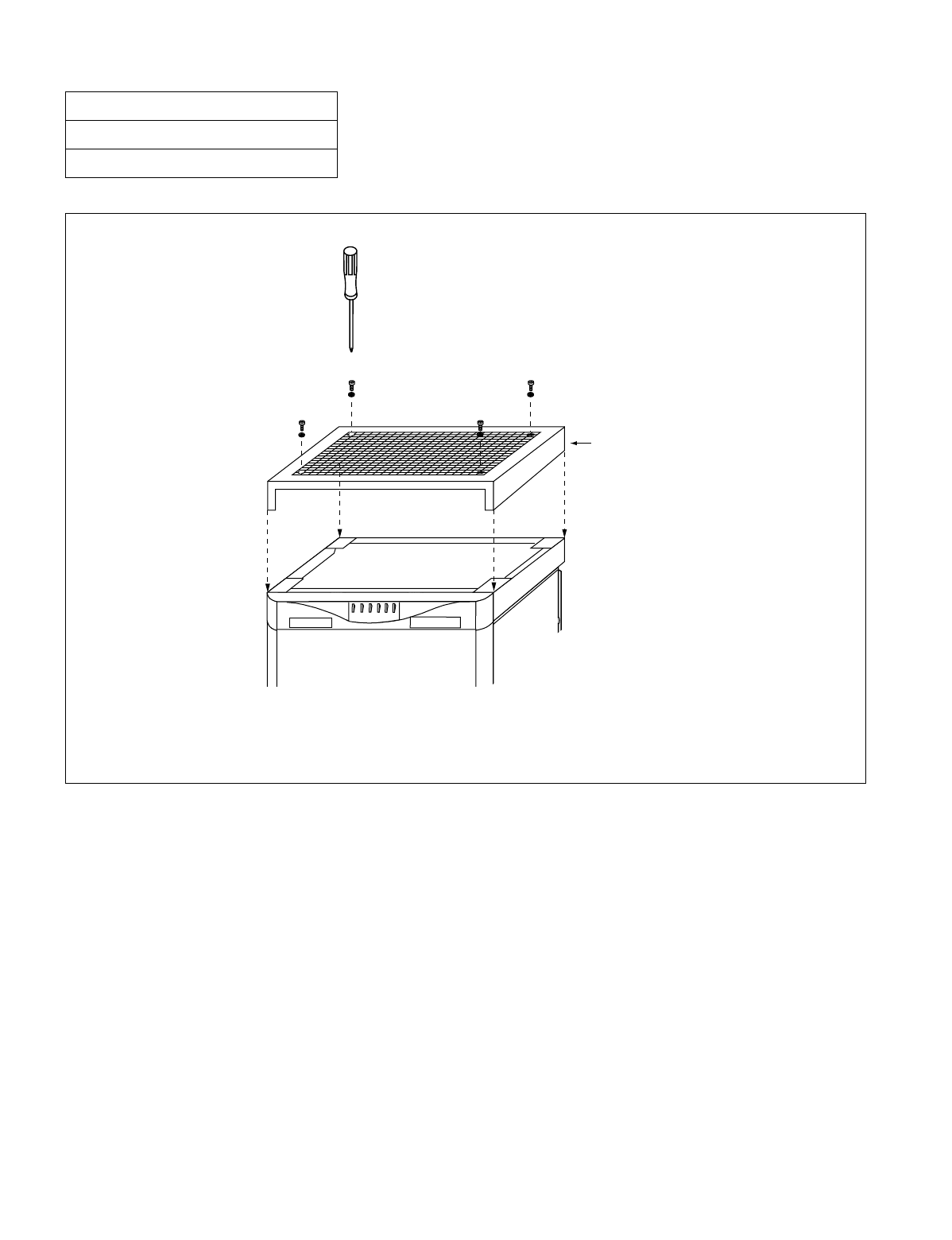
CHAPTER 3 NDA-24234
Page 60
Revision 3.0
INSTALLATION PROCEDURE
Figure 005-7 Attachment of the Top Cover
NAP-200-005
Sheet 7/16
Mounting of Units and Modules
NEAX 2400 IMS
NEC
Top Cover
TOPU
PIM
Mount the Top Cover onto the TOPU.
Then, fasten the four screws by using
the Phillips screwdriver.

NDA-24234 CHAPTER 3
Page 61
Revision 3.0
INSTALLATION PROCEDURE
4. PROCEDURE FOR FANU IN THE FAN BOX
When any IMG is configured by 3 or 4 PIMs, the FANU must be accommodated within the FAN BOX in the center
of the cabinet. Because the FANU is originally mounted on the TOPU as shown in Figure 005-3, relocate the FANU
into the dedicated FAN BOX as per the STEPs below:
STEP 1: Referring to Figure 005-3, remove the FANU from the TOPU.
•Remove the two screws fastening the PZ-M369. Then, lift away the PZ-M369.
•Remove the four screws fastening the FAN Mounting Plate (tipped with three FANs).
•Then, lift away the FAN Mounting Plate.
Note: Retain the removed screws.
STEP 2: Fasten the PZ-M369 and FAN Mounting Plate onto the FAN BOX connection bar (refer to Figure
005-8). Use two screws (for PZ-M369) and four screws (for FAN Mounting Plate) retained in STEP
1.
STEP 3: Connect the FAN cables for “FC0,” “FC1” and “FC2” connectors on the PZ-M369. Refer to Figure
005-9.
STEP 4: Insert the FANU, prepared in STEP 1 through STEP 3, into the FAN BOX. Then, secure the FANU
with the two screws (refer to Figure 005-8).
NAP-200-005
Sheet 8/16
Mounting of Units and Modules
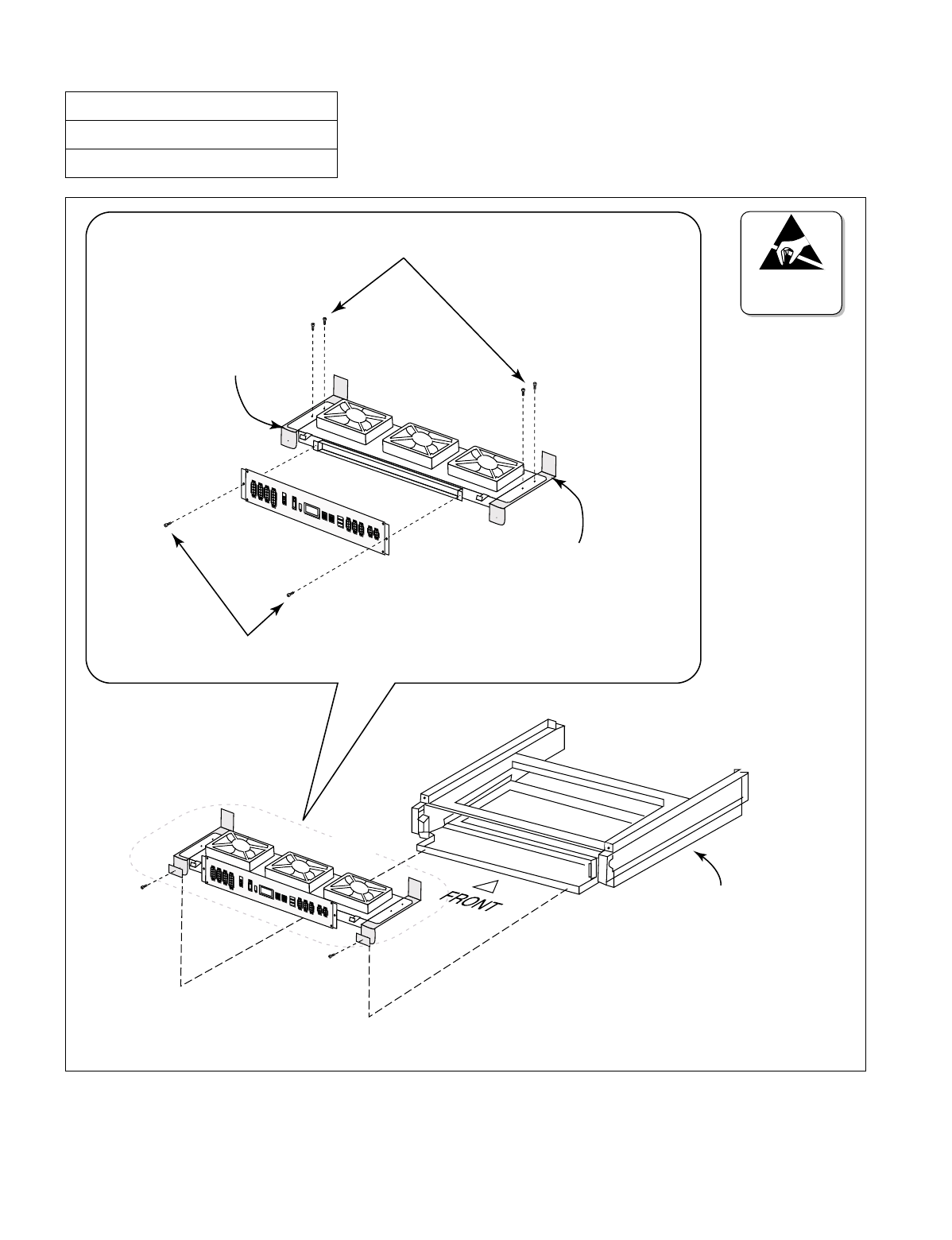
CHAPTER 3 NDA-24234
Page 62
Revision 3.0
INSTALLATION PROCEDURE
Figure 005-8 Relocation of FANU and Insertion into FAN BOX
NAP-200-005
Sheet 9/16
Mounting of Units and Modules
Screws for FAN Mounting Plate
Screws for PZ-M369
FAN BOX connection bar
FAN BOX connection bar
FAN BOX
Note
ATTENTION
Contents
Static Sensitive
Handling
Precautions Required
Note: Before inserting the FANU into the FAN BOX, connect the FAN cables for “FC0,” “FC1,” and “FC2”
connectors on the PZ-M369. Refer to Figure 005-9.
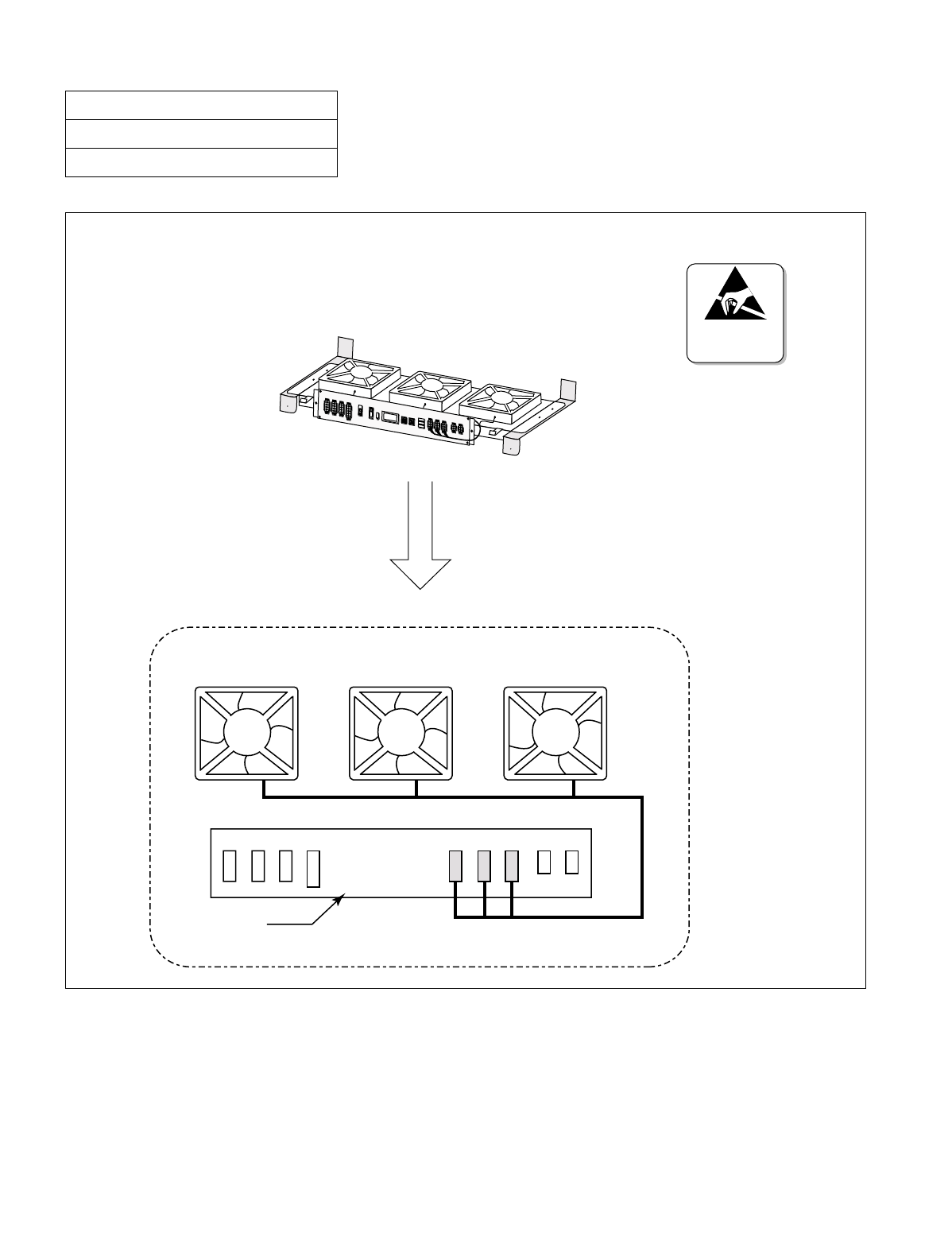
NDA-24234 CHAPTER 3
Page 63
Revision 3.0
INSTALLATION PROCEDURE
Figure 005-9 FAN Cable Connections for FC0/FC1/FC2 Connectors
NAP-200-005
Sheet 10/16
Mounting of Units and Modules
FC0 FC1 FC2
ATTENTION
Contents
Static Sensitive
Handling
Precautions Required
FAN0 FAN1 FAN2
PZ-M369
Before installing the FANU into the FAN BOX, connect FAN cables as shown below.

CHAPTER 3 NDA-24234
Page 64
Revision 3.0
INSTALLATION PROCEDURE
STEP 5: Fix a FAN fuse (5.0A) onto the PZ-M369 by referring to Figure 005-4.
STEP 6: Connect the remaining FAN cables as per Figure 005-10 and Figure 005-11.
STEP 7: Lastly, attach the Top Cover onto the TOPU of the cabinet. Then, fasten the four screws (refer to Fig-
ure 005-7).
Note: The procedures, STEP 1 through STEP 7, must be performed at each PBX cabinet adopting 3-PIM or 4-
PIM configurations.
NAP-200-005
Sheet 11/16
Mounting of Units and Modules
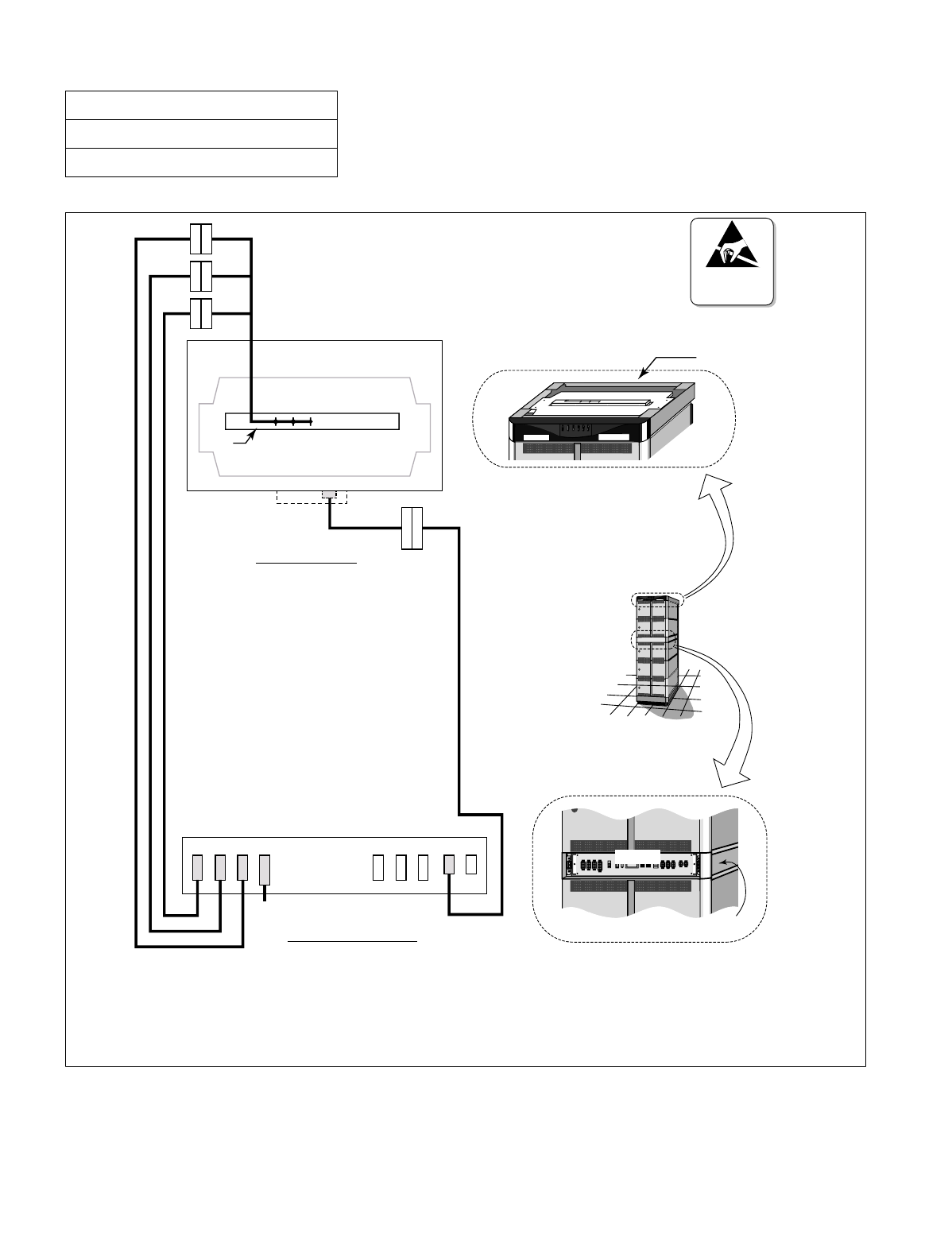
NDA-24234 CHAPTER 3
Page 65
Revision 3.0
INSTALLATION PROCEDURE
Figure 005-10 Cable Connections for FANU in FAN BOX
NAP-200-005
Sheet 12/16
Mounting of Units and Modules
FAN BOX
PZ-M369
TH0TH1TH2FAN TALM0
Note 2
TALM
THM
TOPU (Top View)
Note 1
PZ-M369 (Front View)
NEC
NEAX 2400 IMS
PBX
TOPU
NEAX 2400 IMS
NEC
.
.
ATTENTION
Contents
Static Sensitive
Handling
Precautions Required
T
H
2
T
H
2
(
)
T
H
1
T
H
1
T
H
0
T
H
0
T
A
L
M
0
T
A
L
M
(
)(
)
Note 1: For details on the “FAN” connector (PIM backplane), refer to Figure 005-11.
Note 2: For details on the “TALM” connector (TOPU), refer to Figure 005-3.
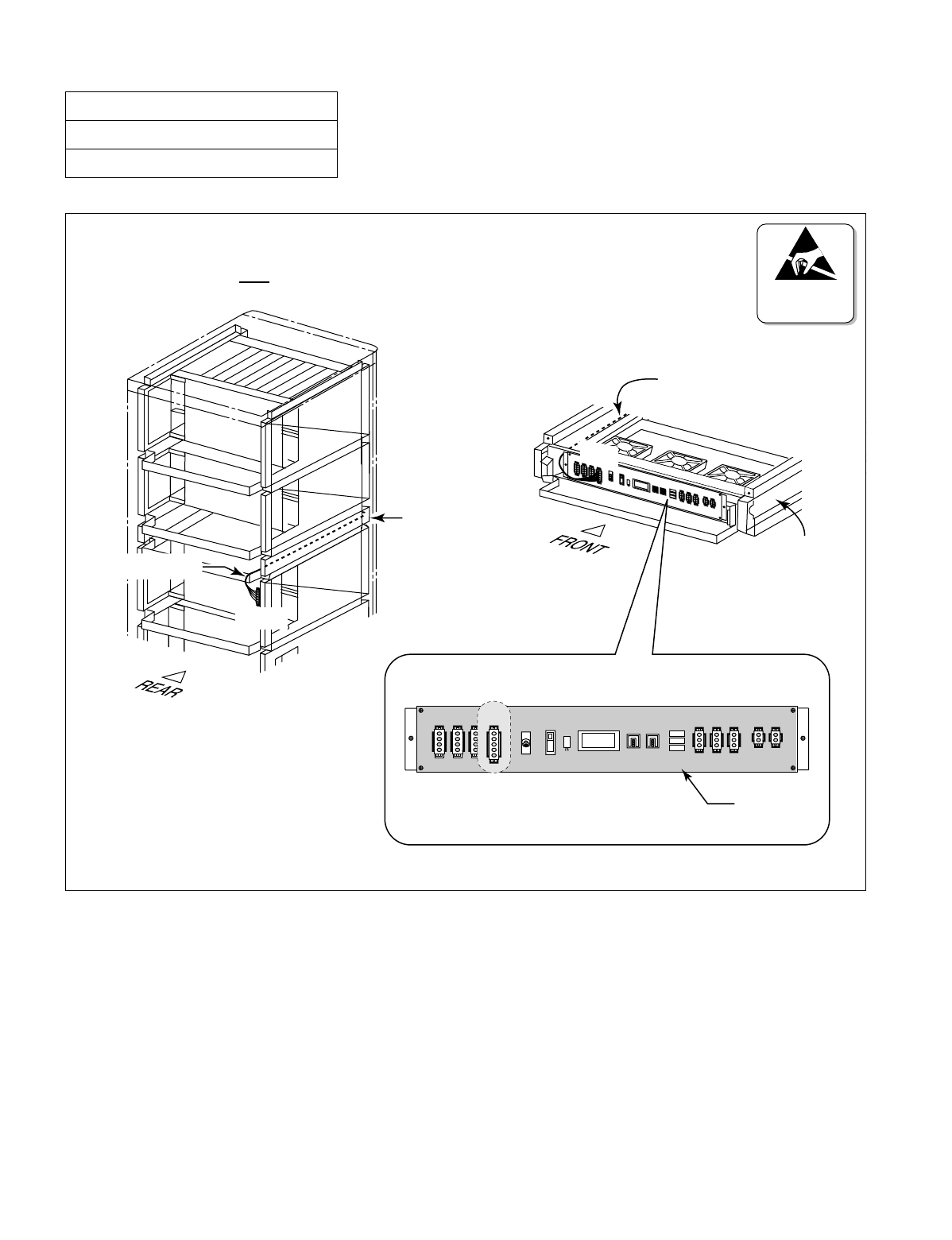
CHAPTER 3 NDA-24234
Page 66
Revision 3.0
INSTALLATION PROCEDURE
Figure 005-11 Connection of “FAN” Connector Cable (FAN BOX-PIM)
NAP-200-005
Sheet 13/16
Mounting of Units and Modules
ATTENTION
Contents
Static Sensitive
Handling
Precautions Required
(FAN)
FAN BOX
PBX
FAN power cable
FAN power cable
(FAN)
FAN BOX
TH2 TALM1 TALM0
TH1 TH0 FC0 FC1 FC2
ON
OFF
Auto
FAN
PZ-M369

NDA-24234 CHAPTER 3
Page 67
Revision 3.0
INSTALLATION PROCEDURE
5. ATTACHING THE ADDITIONAL NOISE FILTER UNIT (NFILU) TO THE BASEU
The following flowchart shows the procedure for attaching the Additional Noise Filter Unit (NFILU) to the BASEU
of the PBX. This work should be performed when the module stack contains 3 or 4 PIMs.
NAP-200-005
Sheet 14/16
Mounting of Units and Modules
START
Referring to Figure 005-12 and Figure 005-13, insert the NFILU to BASEU and attach the NFILU with
two screws.
Referring to Figure 005-14, connect the cables equipped with NFILU to the terminals on the BASEU.
END
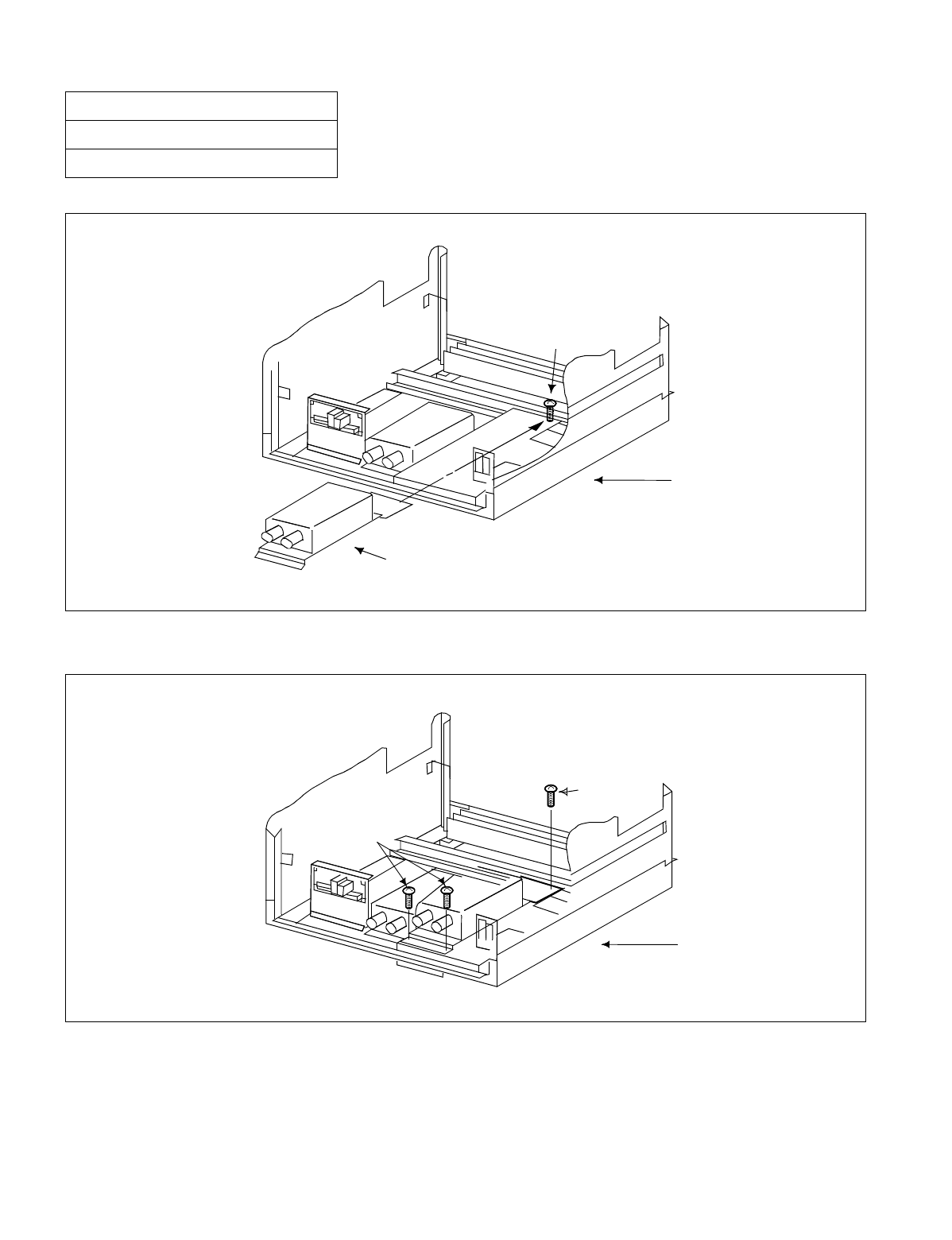
CHAPTER 3 NDA-24234
Page 68
Revision 3.0
INSTALLATION PROCEDURE
Figure 005-12 Insertion of NFILU
Figure 005-13 Attaching of NFILU
NAP-200-005
Sheet 15/16
Mounting of Units and Modules
NOISE FILTER UNIT (NFILU)
SCREW
BASEU
SCREW
SCREWS
BASEU
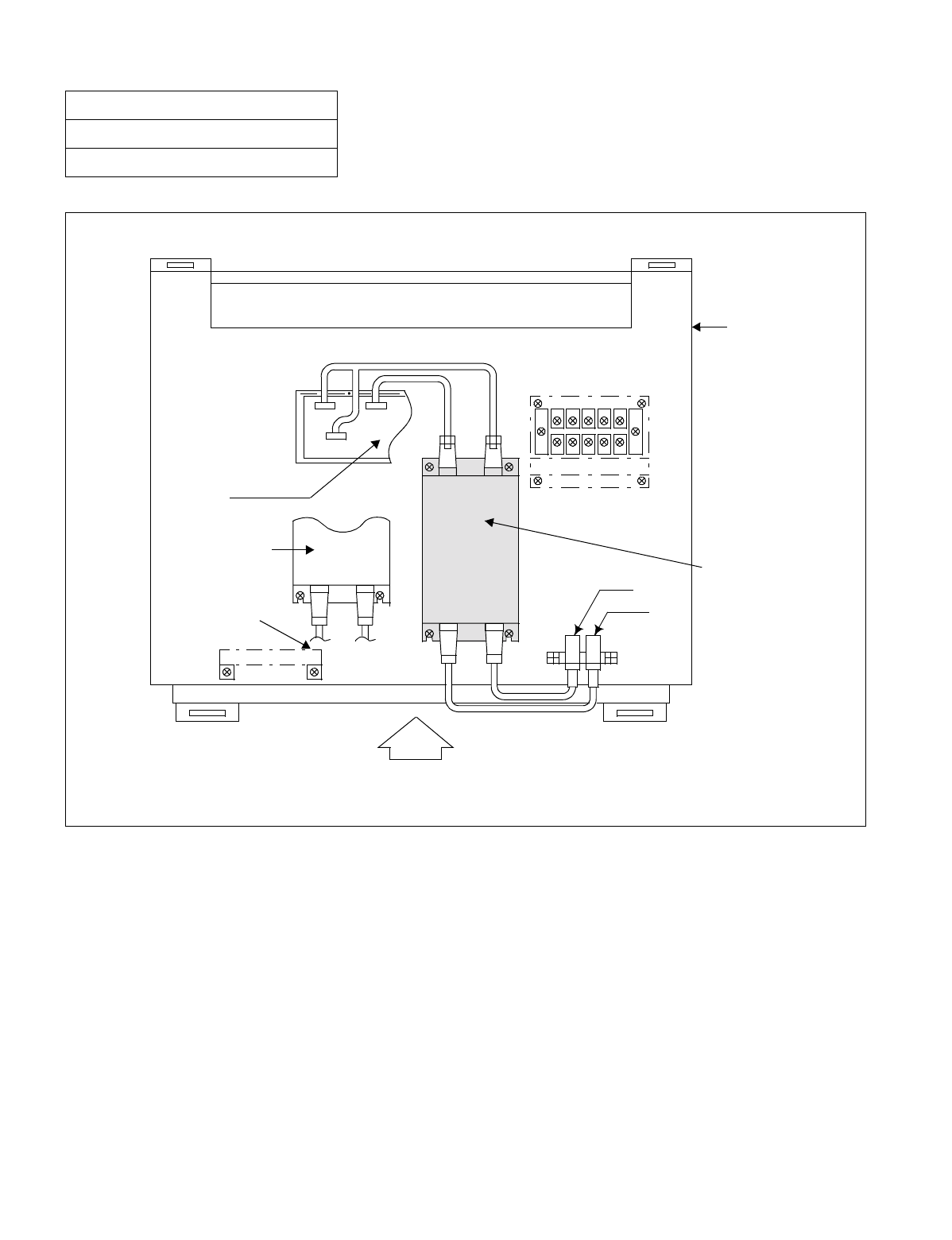
NDA-24234 CHAPTER 3
Page 69
Revision 3.0
INSTALLATION PROCEDURE
Figure 005-14 Cabling Diagram of NFILU
NAP-200-005
Sheet 16/16
Mounting of Units and Modules
(-48VB)
(GB0)
(G)
(-48V)
(PZ-M371)
Additional
Noise Filter
Unit (NFILU)
(3) (4)
(1) (2)
(1) (2)
(PZ-M377)
FRONT
Already Attached
Noise Filter Unit
BASEU
(GB1)

CHAPTER 3 NDA-24234
Page 70
Revision 3.0
INSTALLATION PROCEDURE
This NAP explains the procedures for installing the power equipment.
Note: The Circuit Breaker (NFB) for the Rectifier's DC output must remain OFF.
NAP-200-006
Sheet 1/1
Installation of Power Equipment
START
Install the power equipment at the predetermined location using anchor bolts, etc. Install the framework
for the batteries to be used for backup. Secure the framework using anchor bolts, etc.
Check the cabling at the primary and secondary sides of the power equipment, and the cabling to the
batteries
Confirm that the specifications of the customer-installed AC PDB (NFB capacity, voltage, phase, etc.)
conform to the specifications of the Rectifier.
Confirm that the proper communication ground is available.
Connect the input power cable and grounding cable to the rectifier.
Supply electrolyte to each battery as per the specifications of the battery.
Charge the batteries after verifying that the rectifier is operating normally.
END
NDA-24234 CHAPTER 3
Page 71
Revision 3.0
INSTALLATION PROCEDURE
This NAP explains the procedures for installing the MDF.
NAP-200-007
Sheet 1/1
Installation of the MDF
START
Install the MDF at the predetermined location on the floor or wall. Be sure to check the quantity of
accessory items such as arresters, block terminals, etc.
Install the MDF, taking into consideration the locations of lead-in holes for Local Cable, C.O. lines, Tie
Lines, and Cable Running Routes.
MDF Line Protector Ground must be separated from the Communication Ground connected to the
rectifier.
END
CHAPTER 3 NDA-24234
Page 72
Revision 3.0
INSTALLATION PROCEDURE
This NAP explains the following work items.
•Connection of Power and Ground Cables
•Connection of DC-DC Converter for Telephone sets equipped with Message Waiting Lamps
•End Jointing of Power and Ground Cables
•Branching of Power Cables
1. CONNECTION OF THE POWER AND GROUND CABLES
CAUTION: Grounding circuit continuity is vital for safe operation of telecommunication equipment.
Never operate telecommunication equipment with grounding conductor disconnected.
NAP-200-008
Sheet 1/13
Connection of Power and Ground
Cables from the Power Equipment
Cable Running Run the power and ground cables per
Figure 008-1 and Figure 008-3.
Running of power and ground cables to the
Power Receiving Terminals in the BASEU An example of cable running on a free access or
computer floor is shown in Figure 008-1.
Confirm that the Circuit Breaker (NFB) of the Rectifier is OFF.
Connection of the power and ground cables Connect the power and ground cables to the
Power Receiving Terminals on the BASEU per
Figure 008-3.
Connect the power and ground cables to the
output terminals of the Rectifier.
Check after cable connections Using a continuity tester, confirm that the -48 V
power cable is not shorting to the G power cable
or FE ground cable.
START
END
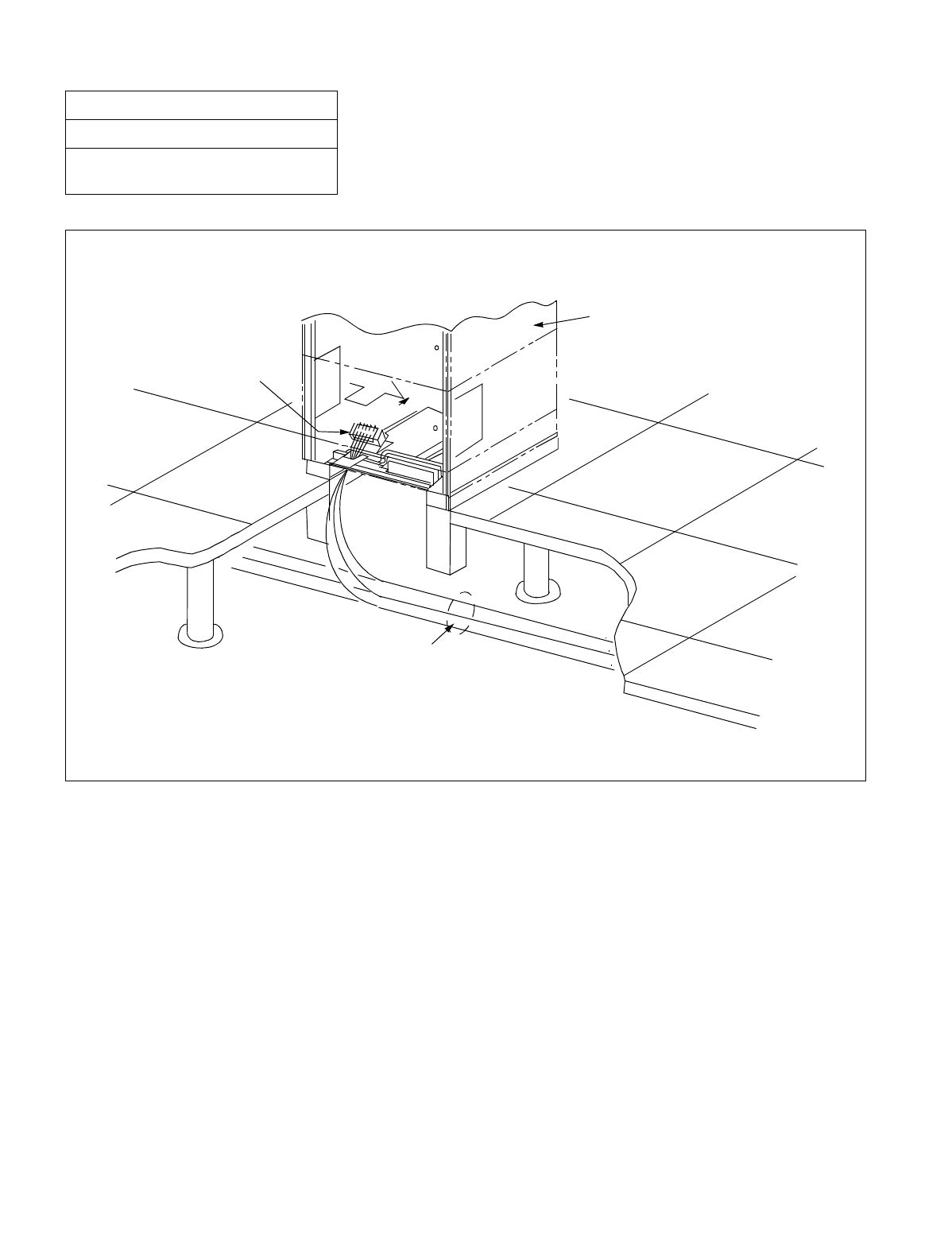
NDA-24234 CHAPTER 3
Page 73
Revision 3.0
INSTALLATION PROCEDURE
Figure 008-1 Detail of Cable Running
NAP-200-008
Sheet 2/13
Connection of Power and Ground
Cables from the Power Equipment
POWER AND GROUND CABLES
POWER RECEIVING TERMINAL
PBX
PIM
REAR LPM
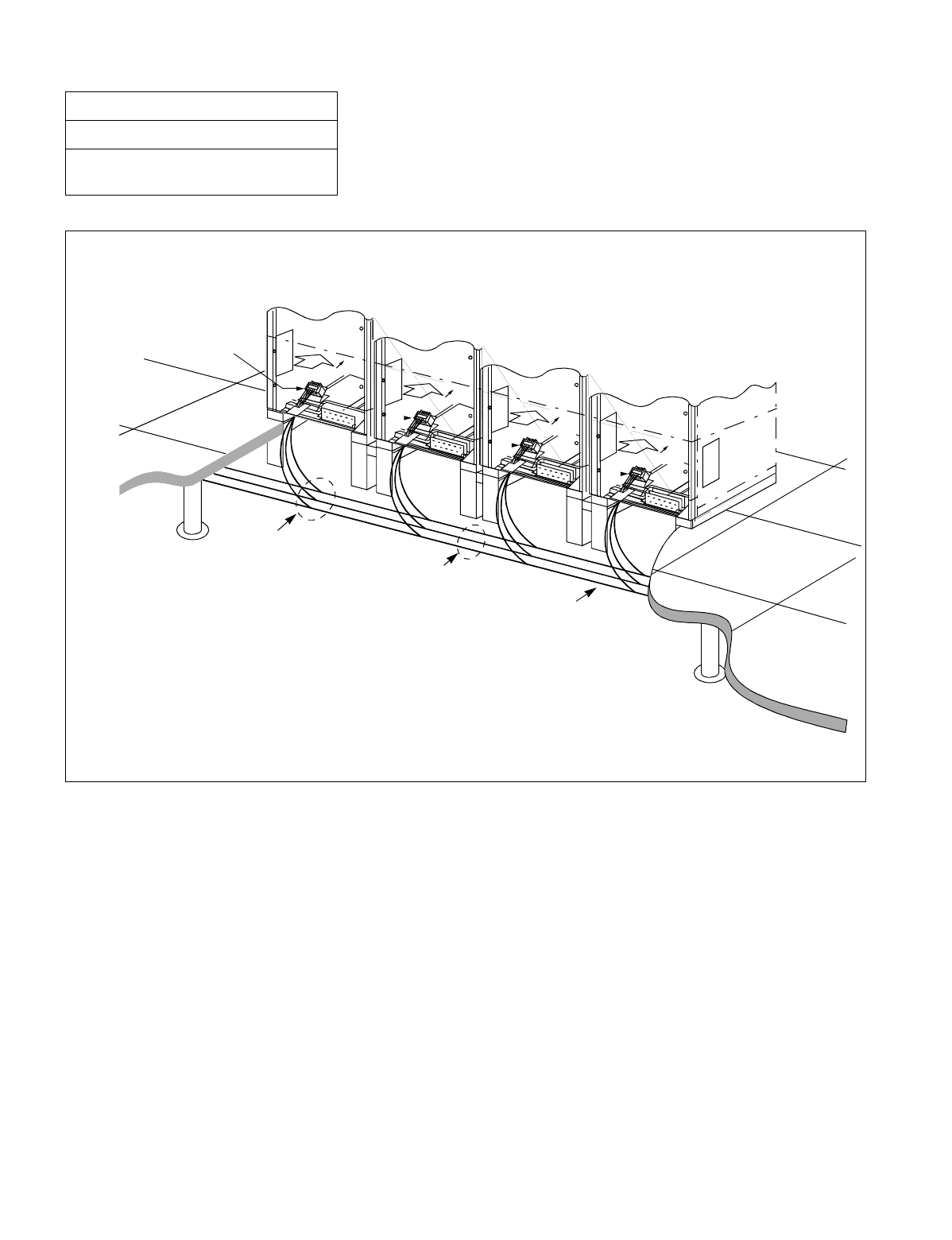
CHAPTER 3 NDA-24234
Page 74
Revision 3.0
INSTALLATION PROCEDURE
Figure 008-2 Detail of Cable Running (Multiple IMG Configuration)
NAP-200-008
Sheet 3/13
Connection of Power and Ground
Cables from the Power Equipment
REAR
REAR
REAR LPM
IMG3
REAR TSWM
IMG2
IMG1
IMG0
POWER RECEIVING TERMINAL
T-BRANCH CONNECTION
POWER AND GROUND CABLES
MAIN CABLE
DUMMY
DUMMY
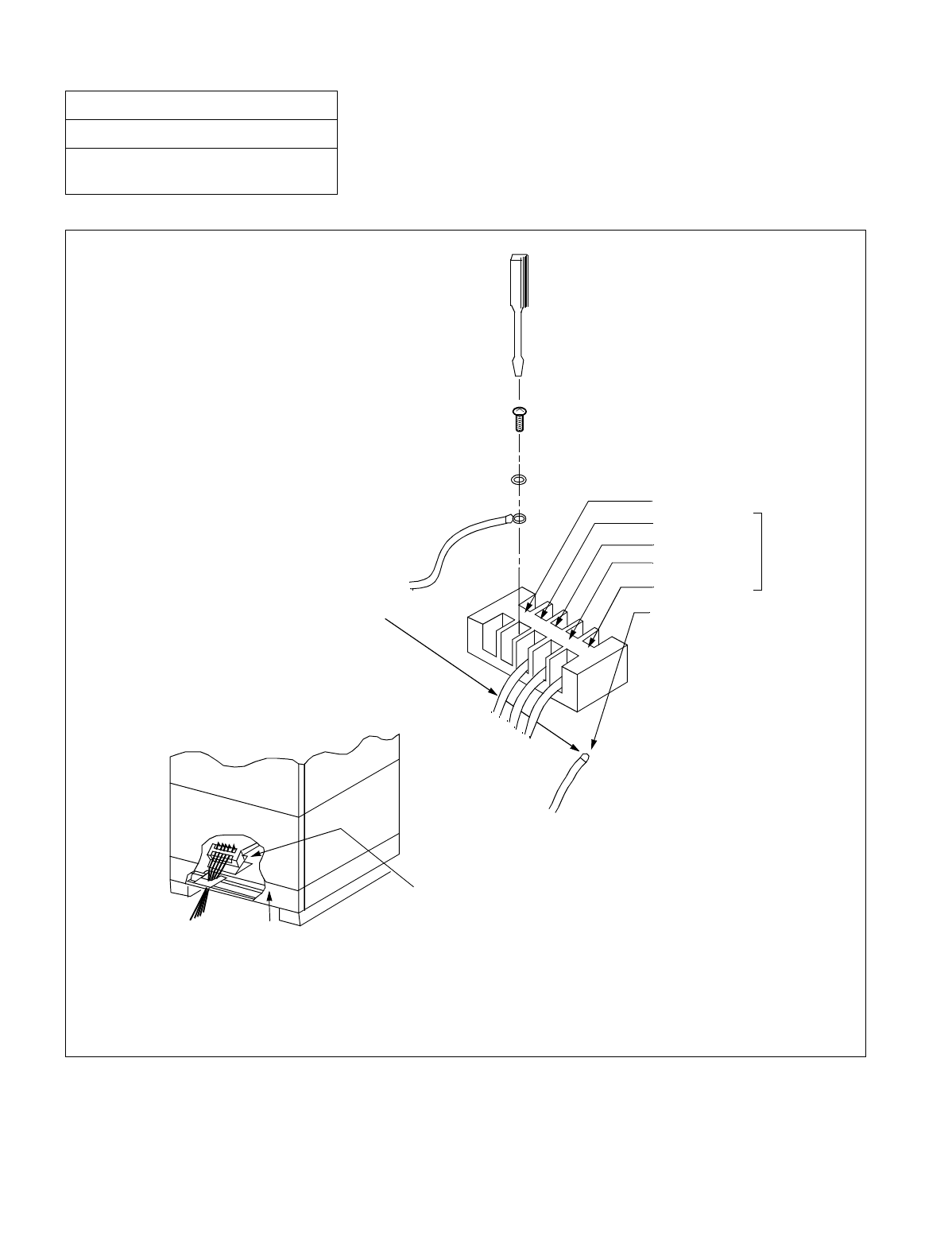
NDA-24234 CHAPTER 3
Page 75
Revision 3.0
INSTALLATION PROCEDURE
Figure 008-3 Connection of Power and Ground Cables to Power Receiving Terminal
NAP-200-008
Sheet 4/13
Connection of Power and Ground
Cables from the Power Equipment
Note 1: For 1/2 PIM configuration, connect the cable only to the A terminal.
Note 2: An example of End Jointing (using A Type-Clamp terminal) is explained in Section 3 of this NAP.
+80V:Terminal
-48V:B Terminal
G:B Terminal
-48V:A Terminal
G:A Terminal
FE Terminal
POWER AND GROUND CABLES
POWER RECEIVING TERMINAL
REAR VIEW
BASEU
PIM0
LPR
Note 1

CHAPTER 3 NDA-24234
Page 76
Revision 3.0
INSTALLATION PROCEDURE
2. CONNECTION OF DC-DC CONVERTER FOR TELEPHONE SETS EQUIPPED WITH MESSAGE WAITING
LAMPS
NAP-200-008
Sheet 5/13
Connection of Power and Ground
Cables from the Power Equipment
START
Cable Running Referring to Figure 008-4, run the power and
ground cables.
Removal of shorting piece and cable
connection Referring to Figure 008-5, remove the shorting
piece from the +80 V connector of PZ-M371 card,
and then connect the cable provided on the +80 V
Power Receiving Terminal Block to the +80 V
connector.
Confirm that the Circuit Breaker (NFB) of the Rectifier is OFF.
Connection of Power and Ground Cables Referring to Figures 008-4 and 008-5, connect the
power and ground cable to each terminal of the
equipment.
Check after cable connections Using a continuity tester, confirm that the –48 V
and +80 V power cable are not short-circuiting with
the G power cable or FE ground cables.
END
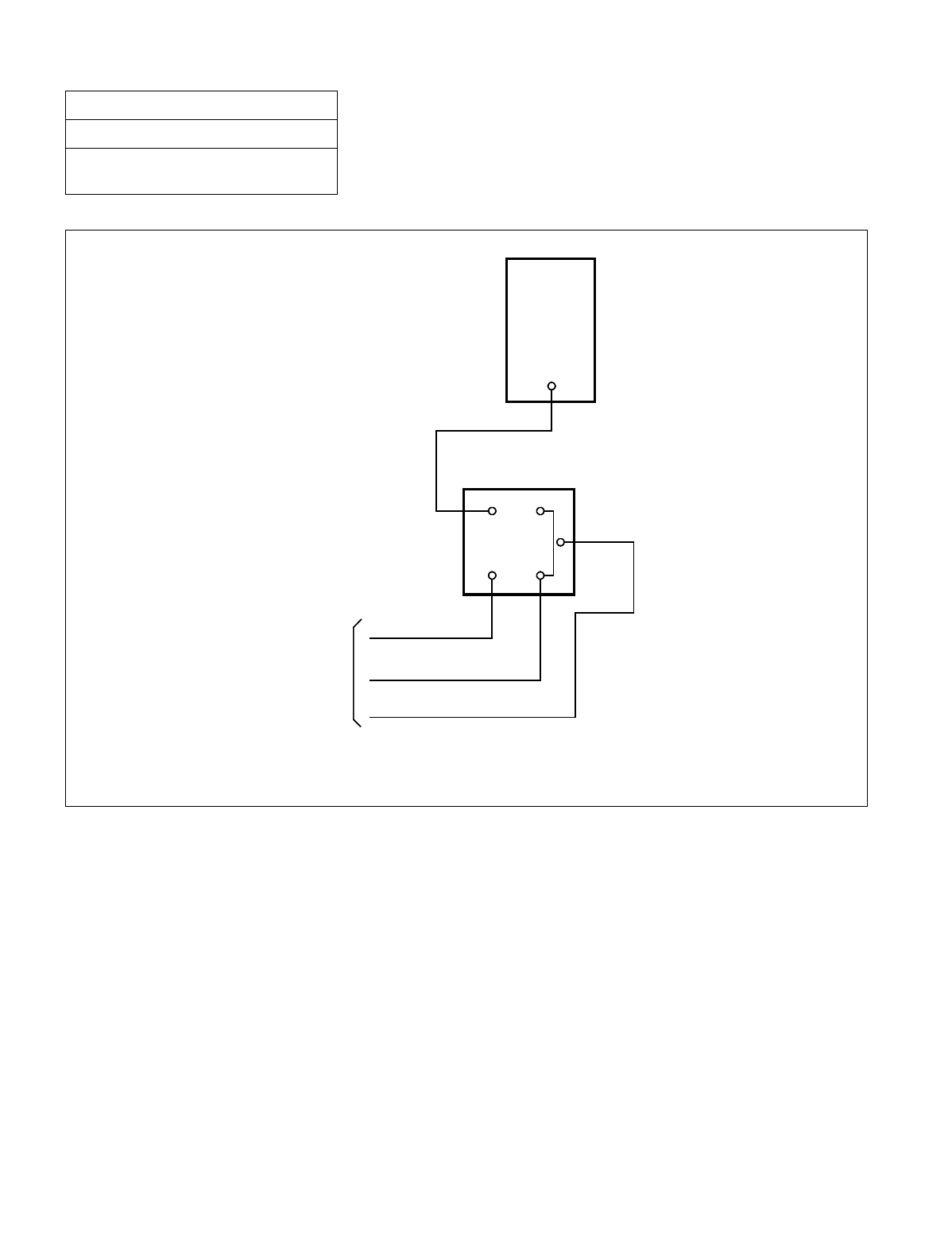
NDA-24234 CHAPTER 3
Page 77
Revision 3.0
INSTALLATION PROCEDURE
Figure 008-4 Example Connection Diagram-DC-DC Converter for Message Waiting Lamps
NAP-200-008
Sheet 6/13
Connection of Power and Ground
Cables from the Power Equipment
Note: The current capacity of the DC-DC Converter is calculated by multiplying the (current capacity of
the message waiting lamp) by the number of telephone sets.
PBX
IV(WHITE)
+80V
DC-DC
CONVERTER
OUTPUT
INPUT
G+80V
G
–48V
IV (R)
IV (BL)
IV (G)
TO RECTIFIER
F
G
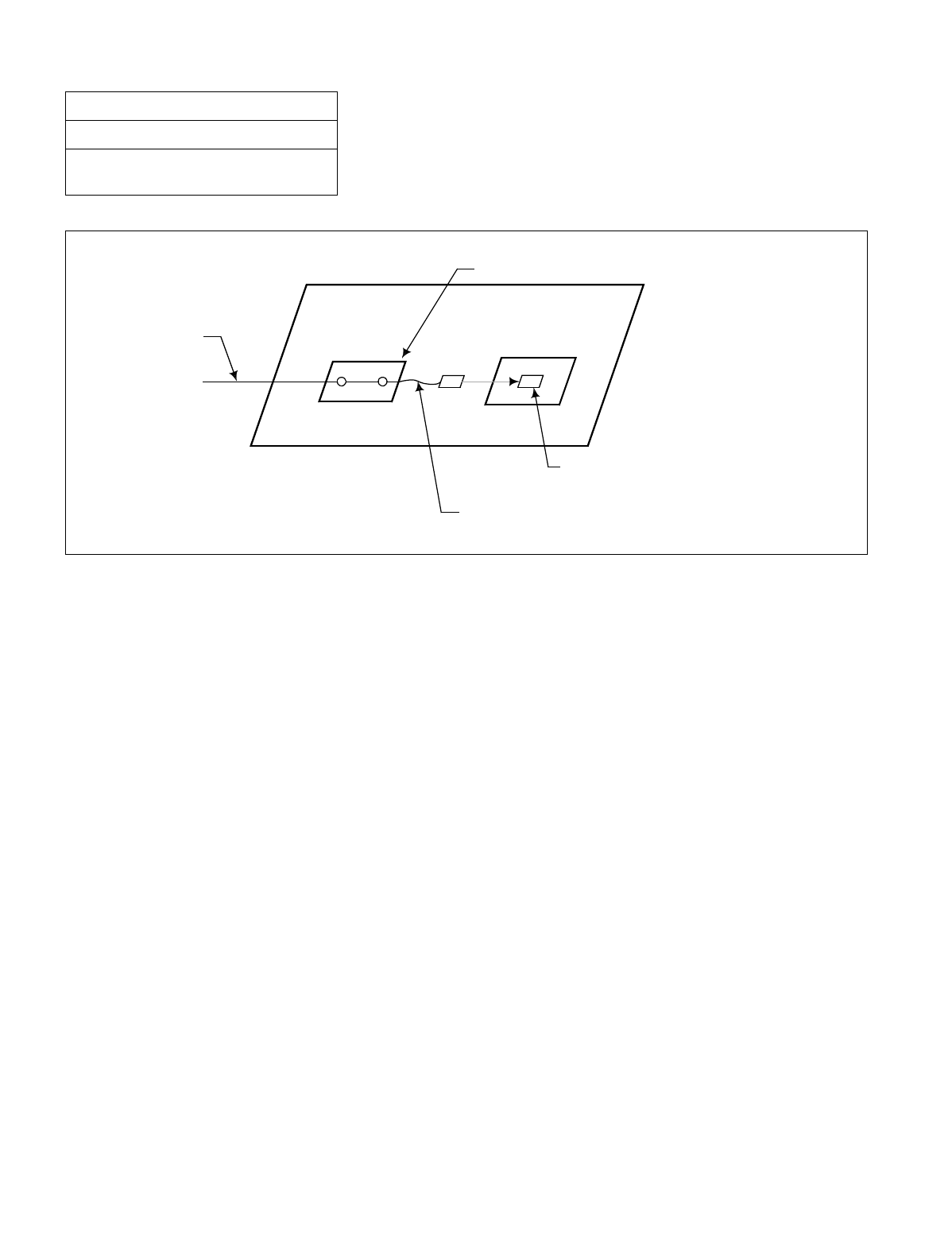
CHAPTER 3 NDA-24234
Page 78
Revision 3.0
INSTALLATION PROCEDURE
Figure 008-5 Removal of Shorting Piece and Cable Connection
NAP-200-008
Sheet 7/13
Connection of Power and Ground
Cables from the Power Equipment
BASEU
Power Receiving Terminal Block
Remove the shorting piece
Connect the Cable to the +80V Connector of PZ-M371 card
PZ-M371
+80V
+80V
Power Cable
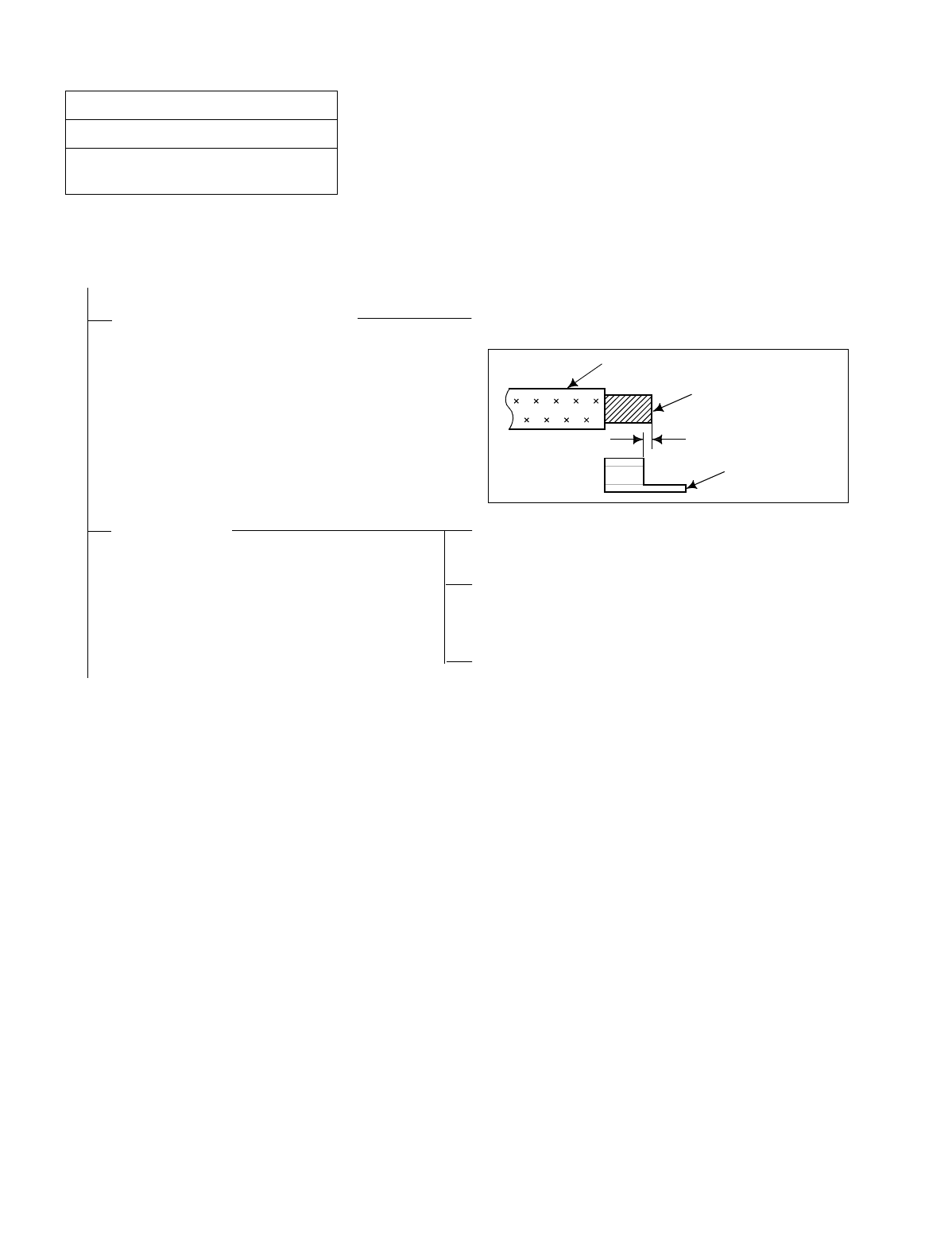
NDA-24234 CHAPTER 3
Page 79
Revision 3.0
INSTALLATION PROCEDURE
3. END JOINTING OF POWER AND GROUND CABLES
NAP-200-008
Sheet 8/13
Connection of Power and Ground
Cables from the Power Equipment
START
Stripping of Insulation Sheath Strip the wire to exceed the length of the terminal body
by 1 - 2 mm (1/8 inch).
Clamping Referring to Figure 008-6, place the terminal body on
the die with the soldered part facing upward.
Referring to Figure 008-7, insert the stripped wire into
the terminal body up to the insulation-sheath edge, and
clamp the terminal.
Wipe the terminal with a dry cloth.
END
WIRE SHEATH
CONDUCTOR
CLAMP TERMINAL
1/8 inch (1 - 2 mm)
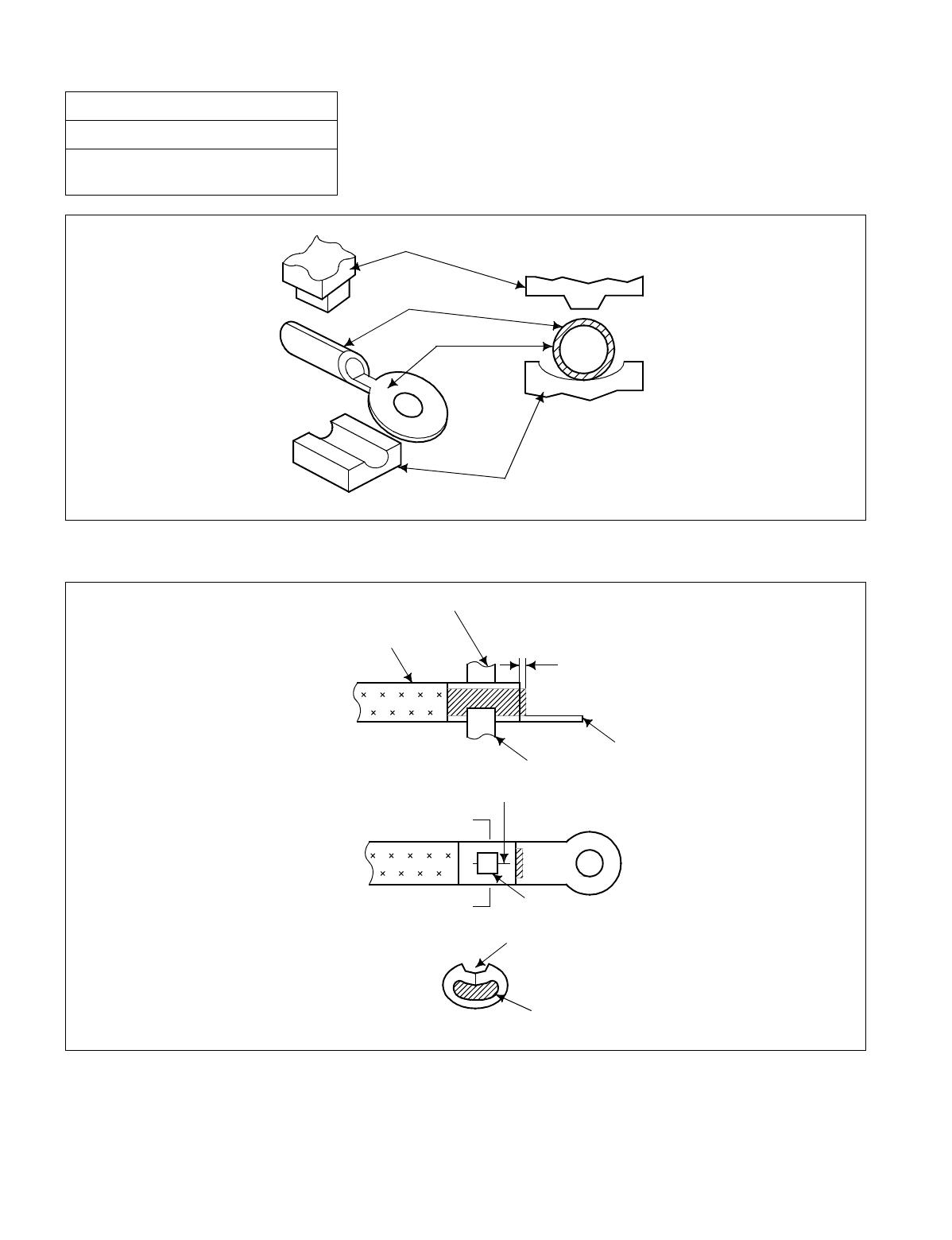
CHAPTER 3 NDA-24234
Page 80
Revision 3.0
INSTALLATION PROCEDURE
Figure 008-6 Placing the Clamp Terminal on the Die
Figure 008-7 Clamping Method
NAP-200-008
Sheet 9/13
Connection of Power and Ground
Cables from the Power Equipment
CONVEX DIE
SOLDERED PART
TERMINAL
CONCAVE DIE
1/8 inch (1 - 2mm)
CONVEX DIE
A
A'
INSULATION SHEATH
TERMINAL
CONCAVE DIE
SOLDERED PART
CLAMPED PORTION
CLAMPED PORTION
CONDUCTOR
A-A'
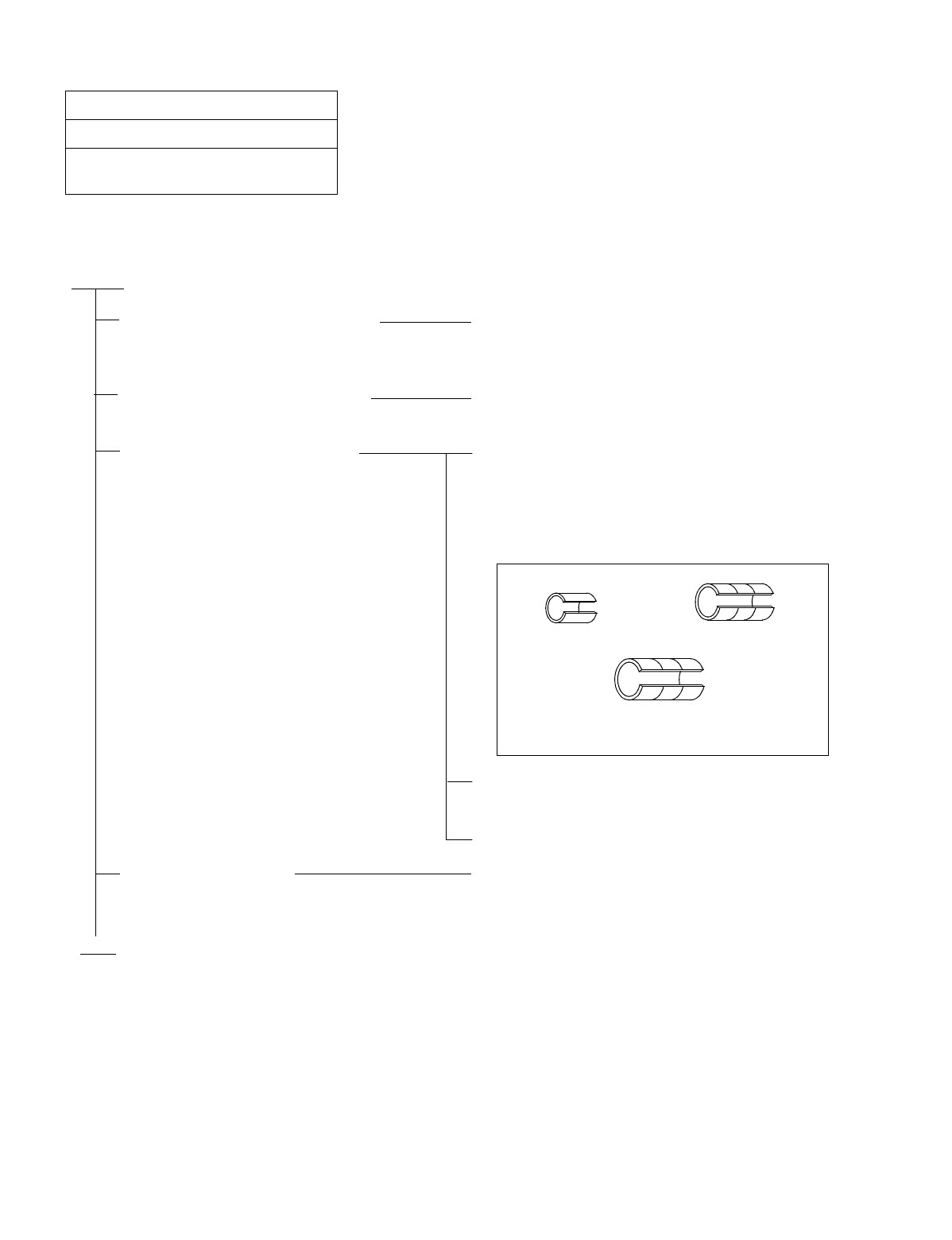
NDA-24234 CHAPTER 3
Page 81
Revision 3.0
INSTALLATION PROCEDURE
4. BRANCHING OF POWER CABLES
NAP-200-008
Sheet 10/13
Connection of Power and Ground
Cables from the Power Equipment
START
Stripping Main and Branch Cable Referring to Figure 008-8, strip insulation coating
with an electrician’s knife. Avoid damage to the
conductor during the stripping process.
Inserting of Cables into Terminal Insert the stripped main wire and branch wire into the
terminal as shown in Figure 008-9.
Clamping for Branch Jointing Place T-Type terminal on the die of the clamping
tool, T-20 - T-44 terminals should be placed on the
center of the die.
T-60 - T-365 terminals should be placed on the die in
such a way that the terminal will be pressed on the
part marked with the roulette.
Proceed with the operation of the clamping tool
referring to Figure 008-10.
Clean the terminal with a dry cloth.
Taping and Covering Referring to Figures 008-11 and 008-12, put an
installation cover over the clamped portion, after
taping with installation tape.
END
3 ROULLETTES
T-154-T-365
NO ROULLETTE
T-20-T-44 2 ROULLETTES
T-60-T-122
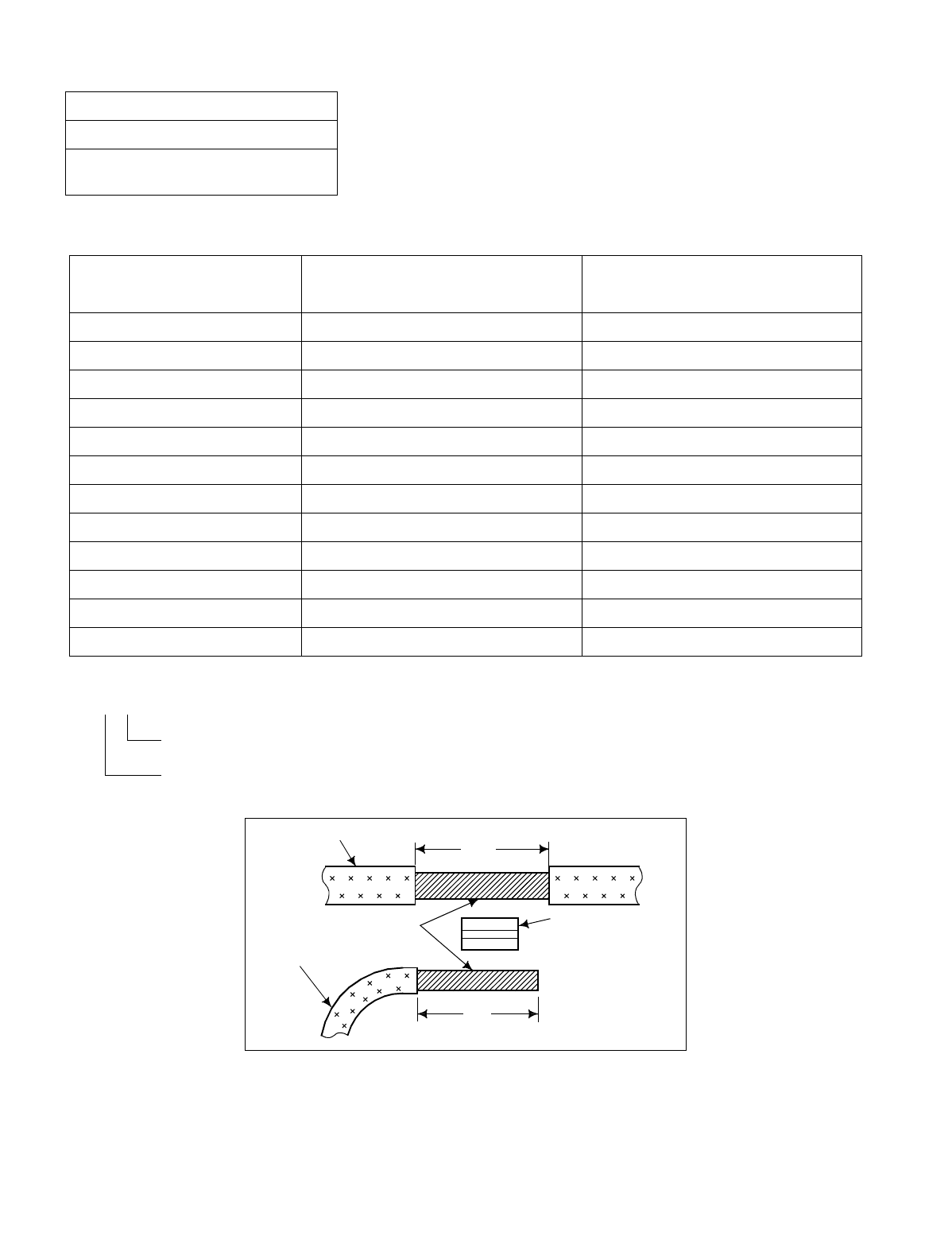
CHAPTER 3 NDA-24234
Page 82
Revision 3.0
INSTALLATION PROCEDURE
Figure 008-8 Stripped Length of Main and Branch Cable
NAP-200-008
Sheet 11/13
Connection of Power and Ground
Cables from the Power Equipment
Table 008-1 Stripped Length
APPLICABLE TERMINAL STRIPPED MAIN-WIRE LENGTH I1
[inch (mm)] STRIPPED MAIN-WIRE LENGTH I2
[inch (mm)]
T-20 Approx. 1.2 (28) Approx. 1.0 (24)
T-26 1.3 (32) 1.2 (28)
T-44 1.5 (37) 1.3 (33)
T-60 1.6 (40) 1.5 (36)
T-76 1.7 (42) 1.6 (39)
T-98 1.8 (44) 1.7 (41)
T-122 1.7–1.9 (43–46) 1.6–1.7 (40–43)
T-154 2.0 (49) 1.9 (46)
T-190 2.3 (57) 2.2 (54)
T-240 2.5 (63) 2.4 (60)
T-288 2.8 (69) 2.6 (66)
T-365 3.0 (75) 2.9 (72)
T-98
Sum of the cross sections of the main and branching, or the main and extension cables.
Type of clamp terminal (T type)
I 1
MAIN CABLE
CONDUCTOR
BRANCH CABLE
I 2
T TYPE
CLAMP-
TERMINAL
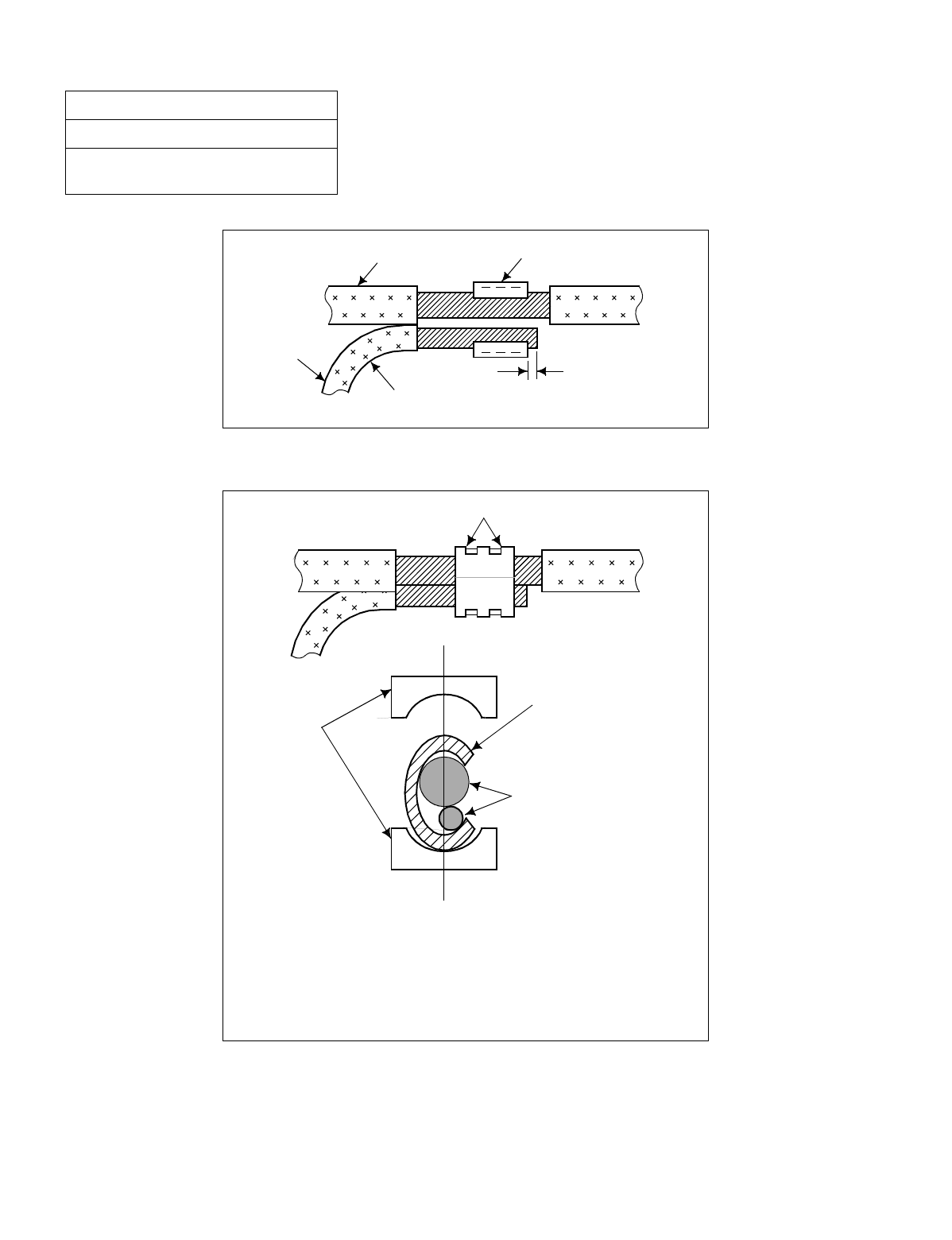
NDA-24234 CHAPTER 3
Page 83
Revision 3.0
INSTALLATION PROCEDURE
Figure 008-9 Inserting of Cables into Terminal
Figure 008-10 Clamping for Branch Jointing
NAP-200-008
Sheet 12/13
Connection of Power and Ground
Cables from the Power Equipment
1/8 inch (1 - 2 mm)
BRANCH
CABLE
MAIN CABLE
BEND PRIOR TO INSERTION
T TYPE
TERMINAL
Note: •Prevent the wires from slipping out of the clamp ter-
minal by holding them firmly.
•Check the indication of the pressure regulator.
•Operate the pressure release lever to release the
wires from the die.
CLAMPED PORTION
DIE
T TYPE
TERMINAL
CONDUCTOR
(MAIN AND
BRANCH CABLE)
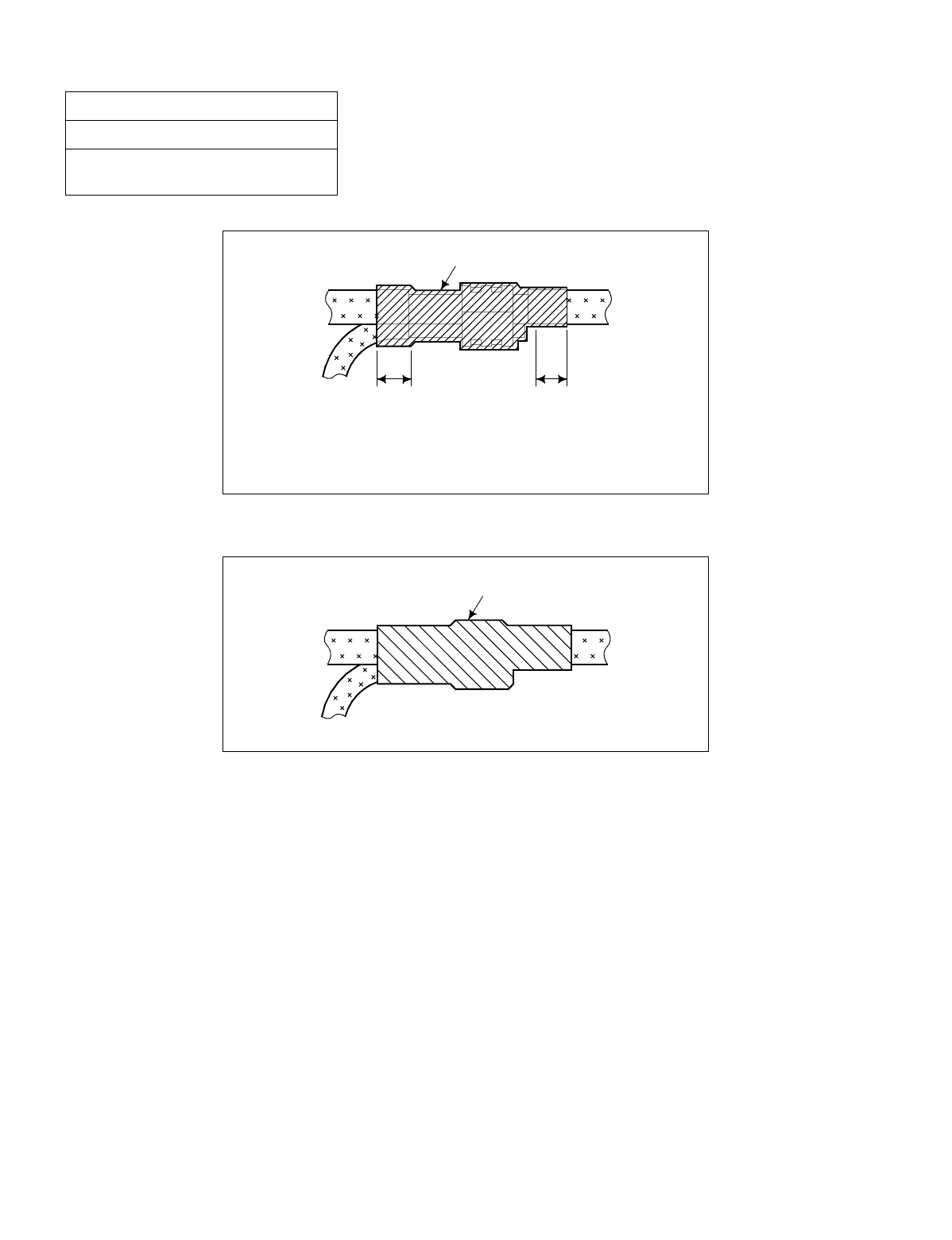
CHAPTER 3 NDA-24234
Page 84
Revision 3.0
INSTALLATION PROCEDURE
Figure 008-11 Taping
Figure 008-12 Covering
NAP-200-008
Sheet 13/13
Connection of Power and Ground
Cables from the Power Equipment
Note: Taping should be done in two rounds with the tape
overlapping half the tape width.
INSULATION TAPE
4-1.2 in (10 - 30 mm) More than.4 in (10 mm)
INSULATION COVER

NDA-24234 CHAPTER 3
Page 85
Revision 3.0
INSTALLATION PROCEDURE
This NAP explains the following work items:
•Extraction of Mounted Circuit Cards
•Mounting of Circuit Cards
•Setting of Switch Positions on Circuit Cards
•Installation of CPR
1. PRECAUTIONS
1.1. Protection Against Static Electricity
When setting switches on circuit cards, use a Portable Field Service Grounding Kit in order to prevent damage
to static-sensitive components.
Example: 3M Model 8012, consists of:
•2 × 2 VELOSTAT ® Work Mat
•15 ft. (4.5 m) Ground Cord
•CHARGE-GUARD ® Wrist Strap with alligator clip
Before handling any circuit cards, first spread out the work mat, then connect the ground cord to the frame or
other ground source.
If a CHARGE-GUARD wrist strap is to be used, connect the wrist strap to the frame or other ground using the
provided cable.
1.2. Handling Circuit Cards
Whenever possible, do not handle circuit cards with bare hands.
The only portion of the card that can be touched is its edge. Do not touch the surface or the mounted components.
Doing so may damage the card.
Handle circuit cards with care. Never bang or drop them.
1.3. Mounting or Removing Circuit Cards when the System Is in Operation
Never mount or remove a circuit card without first setting its MBR and/or MB switch to the UP position.
NAP-200-009
Sheet 1/11
Setting of Switch Positions and
Mounting of Circuit Cards
ATTENTI ON
Contents
Static Sensitive
Handling
Precautions Required
CHAPTER 3 NDA-24234
Page 86
Revision 3.0
INSTALLATION PROCEDURE
2. EXTRACTION OF MOUNTED CIRCUIT CARDS
NAP-200-009
Sheet 2/11
Setting of Switch Positions and
Mounting of Circuit Cards
START
Remove the Card Stopper Referring to Figure 009-1, remove the card stopper
from the module.
Extract Circuit Cards Referring to Figure 009-2, pull the card puller tabs
in the direction indicated by the arrow. The card
will release from the connector and can then be
removed.
Pull the card out about 50 mm (2 inches) from the
edge of the module so that it does not contact the
backplane connector.
END
ATTENTI ON
Contents
Static Sensitive
Handling
Precautions Required
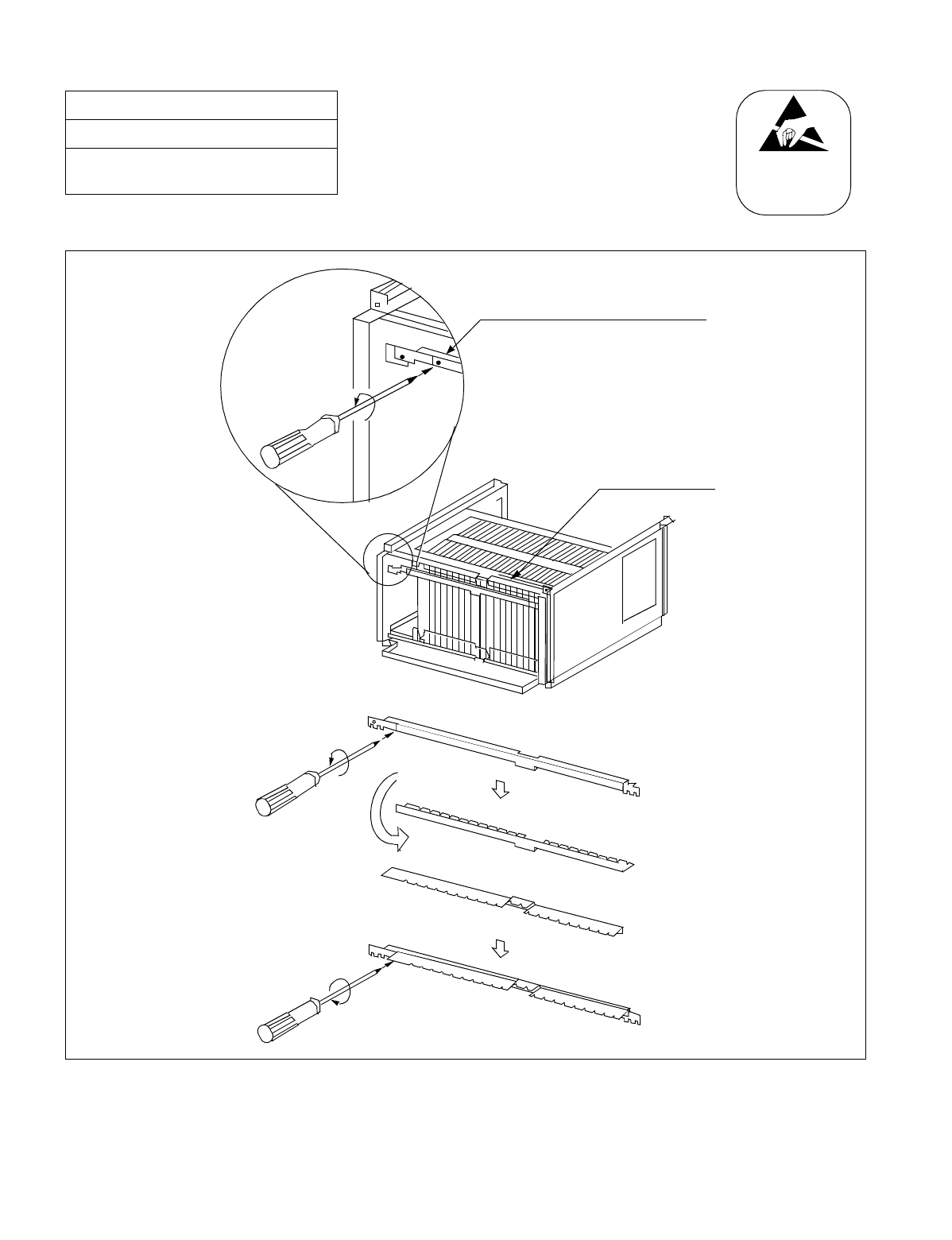
NDA-24234 CHAPTER 3
Page 87
Revision 3.0
INSTALLATION PROCEDURE
Figure 009-1 Removal of Card Stopper
NAP-200-009
Sheet 3/11
Setting of Switch Positions and
Mounting of Circuit Cards
ATTENTI ON
Contents
Static Sensitive
Handling
Precautions Required
CARD STOPPER
PAN HEAD SCREW (M3, 8mm (.3 inches) length)
SPRING WASHER (M3)
PLAIN WASHER (M3)
Remove the card stopper from the
module using a phillips-head screwdriver.
(PL-C.P.l. MS3815BF)
CHAPTER 3 NDA-24234
Page 88
Revision 3.0
INSTALLATION PROCEDURE
3. MOUNTING OF CIRCUIT CARDS
NAP-200-009
Sheet 4/11
Setting of Switch Positions and
Mounting of Circuit Cards
START
Unpacking the Circuit Cards Unpack each circuit card and remove it from its
polyethylene bag.
Clean the connector portion of the
Circuit Cards Wipe the connector portion clean using a soft cloth
moistened with pure trichloroethylene or methanol
(medical alcohol). Make sure that no lint or dust
remains on the connector after cleaning.
Circuit cards which are already mounted should be
extracted and cleaned as per the above instructions.
Confirm the mounting positions of the
Circuit Cards Confirm the mounting position of each circuit card
by referring to the Module Face Layout.
Confirm that the color code of the card puller tab
coincides with that of the card mounting slot.
Confirm the Slot No. on the Module. Slot numbers
are indicated at the bottom of each module, and
range from 00 to 23.
Insert the cards into the Module Partially insert the circuit card into the module,
making sure that it is correctly aligned at the top and
bottom. The card should extend about two inches
from the module, and must not contact the backplane
connector (see Figure 009-3).
END
ATTENTI ON
Contents
Static Sensitive
Handling
Precautions Required
NDA-24234 CHAPTER 3
Page 89
Revision 3.0
INSTALLATION PROCEDURE
4. SETTING OF SWITCH POSITIONS ON CIRCUIT CARDS
NAP-200-009
Sheet 5/11
Setting of Switch Positions and
Mounting of Circuit Cards
START
Extracting the Circuit Cards from the
Module Extract one circuit card requiring switch setting from
the module.
Place the extracted card onto the anti-static sheet.
Perform switch setting Set the required switches according to the Switch
Setting Sheets in the Circuit Card Manual.
Mounting of Circuit Cards After the switches have been set, partially insert the
card in the module. The card should extend about 50
mm (2 inches) from the module, and must not contact
the backplane connector. Refer to Figure 009-3.
END
ATTENTI ON
Contents
Static Sensitive
Handling
Precautions Required
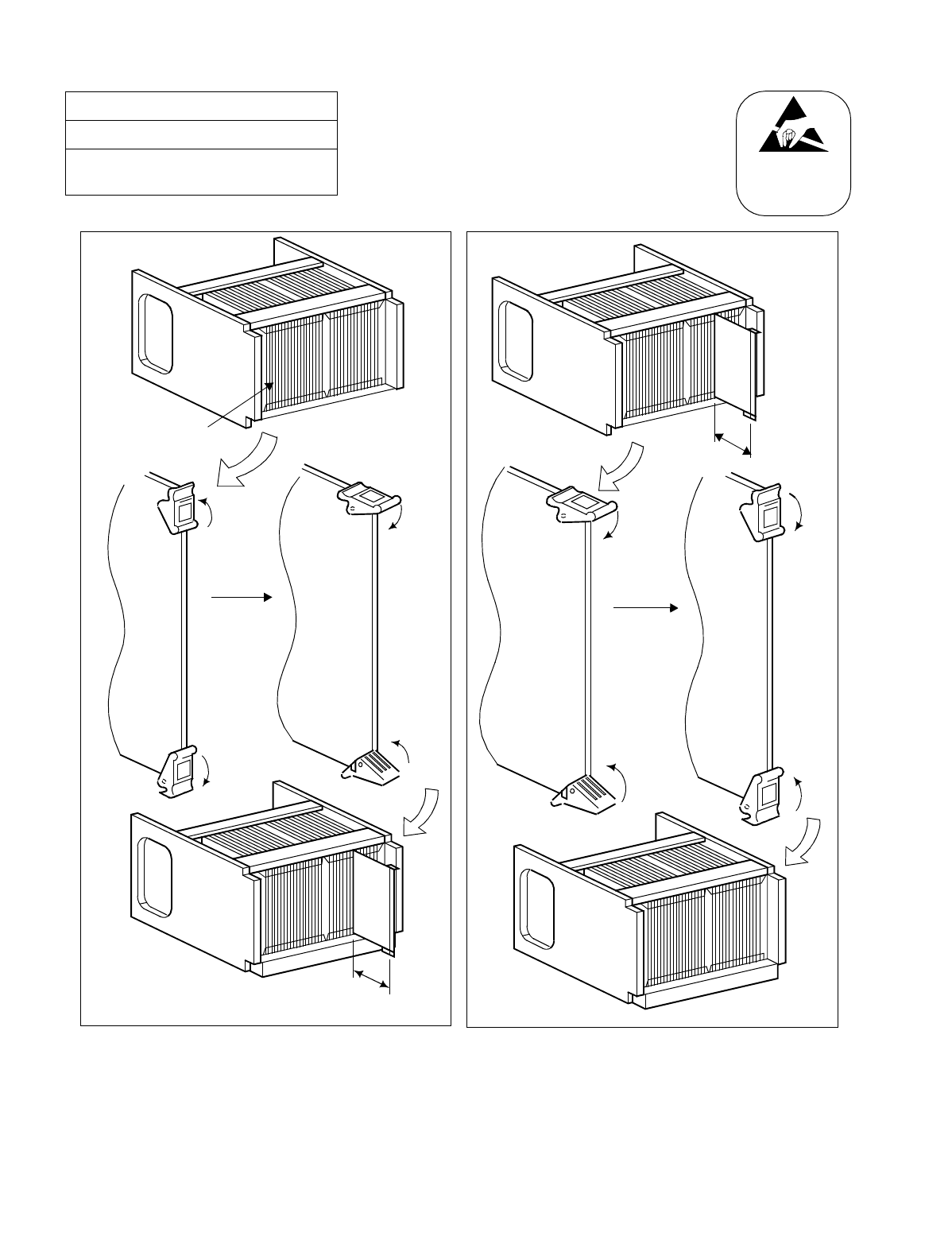
CHAPTER 3 NDA-24234
Page 90
Revision 3.0
INSTALLATION PROCEDURE
NAP-200-009
Sheet 6/11
Setting of Switch Positions and
Mounting of Circuit Cards
ATTENTI ON
Contents
Static Sensitive
Handling
Precautions Required
About 50 mm
(2 inches)
About 50 mm
(2 inches)
CIRCUIT
CARDS
CARD
PULLER
TAB
Figure 009-2 Extraction of Circuit Cards Figure 009-3 Circuit Card Mounting (Partial Insertion)
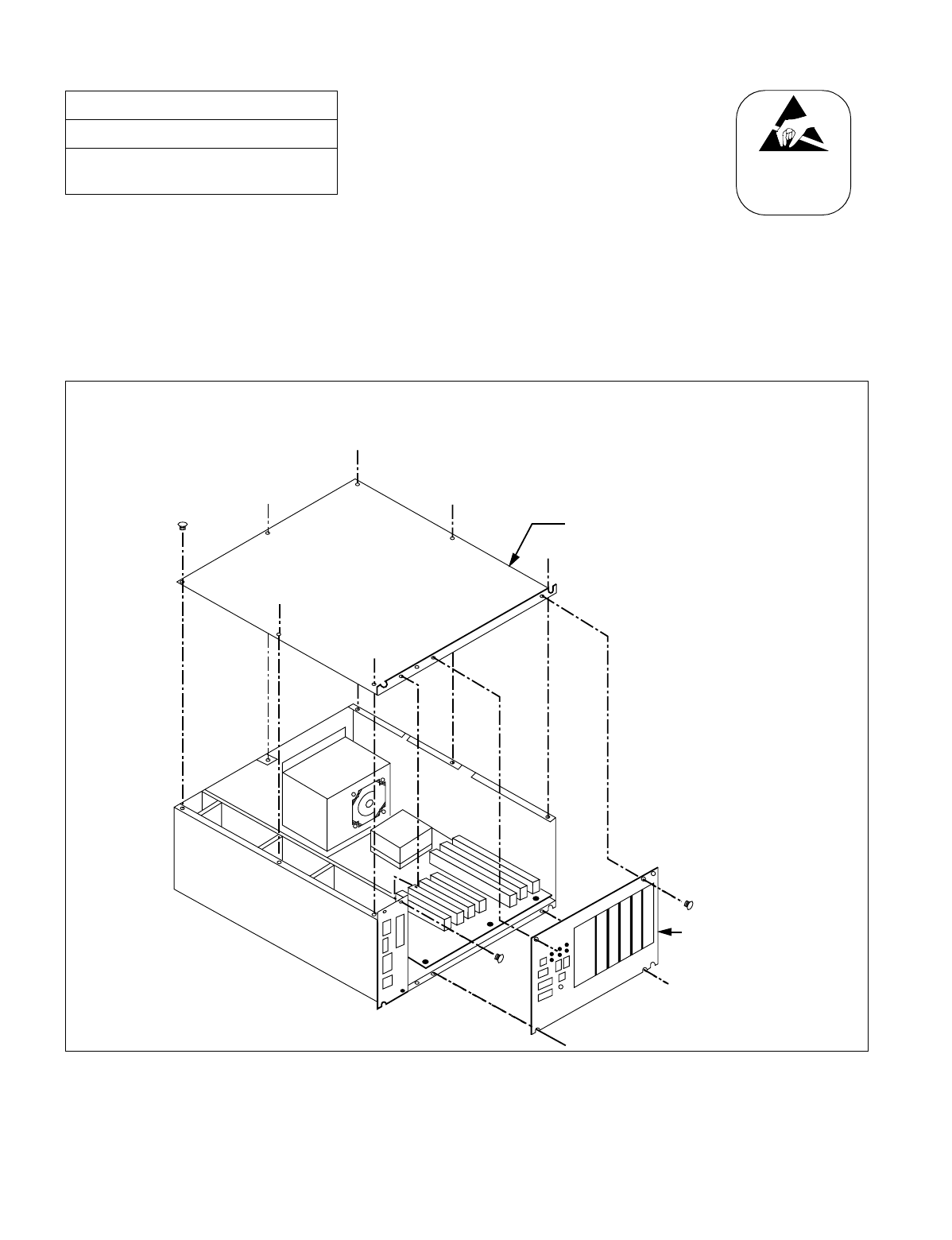
NDA-24234 CHAPTER 3
Page 91
Revision 3.0
INSTALLATION PROCEDURE
5. INSTALLATION OF CPR
This Section explains the procedure to install the CPR into the LPM. Perform the following ([1] through [5]) for
both CPR0 and CPR1.
1. Using the Phillips Screwdriver, remove the 4 + 8 screws. Then, detach the front panel and top cover from
the CPR. (Refer to Figure 009-4.)
Figure 009-4 Removal of Front Panel and Top Cover from CPR
NAP-200-009
Sheet 7/11
Setting of Switch Positions and
Mounting of Circuit Cards
ATTENTI ON
Contents
Static Sensitive
Handling
Precautions Required
Top Cover
CPR
Front Panel
As shown in the figure below, detach the front panel of the CPR by removing the 4 screws. Then, lift away
the top cover after removing the 8 screws.
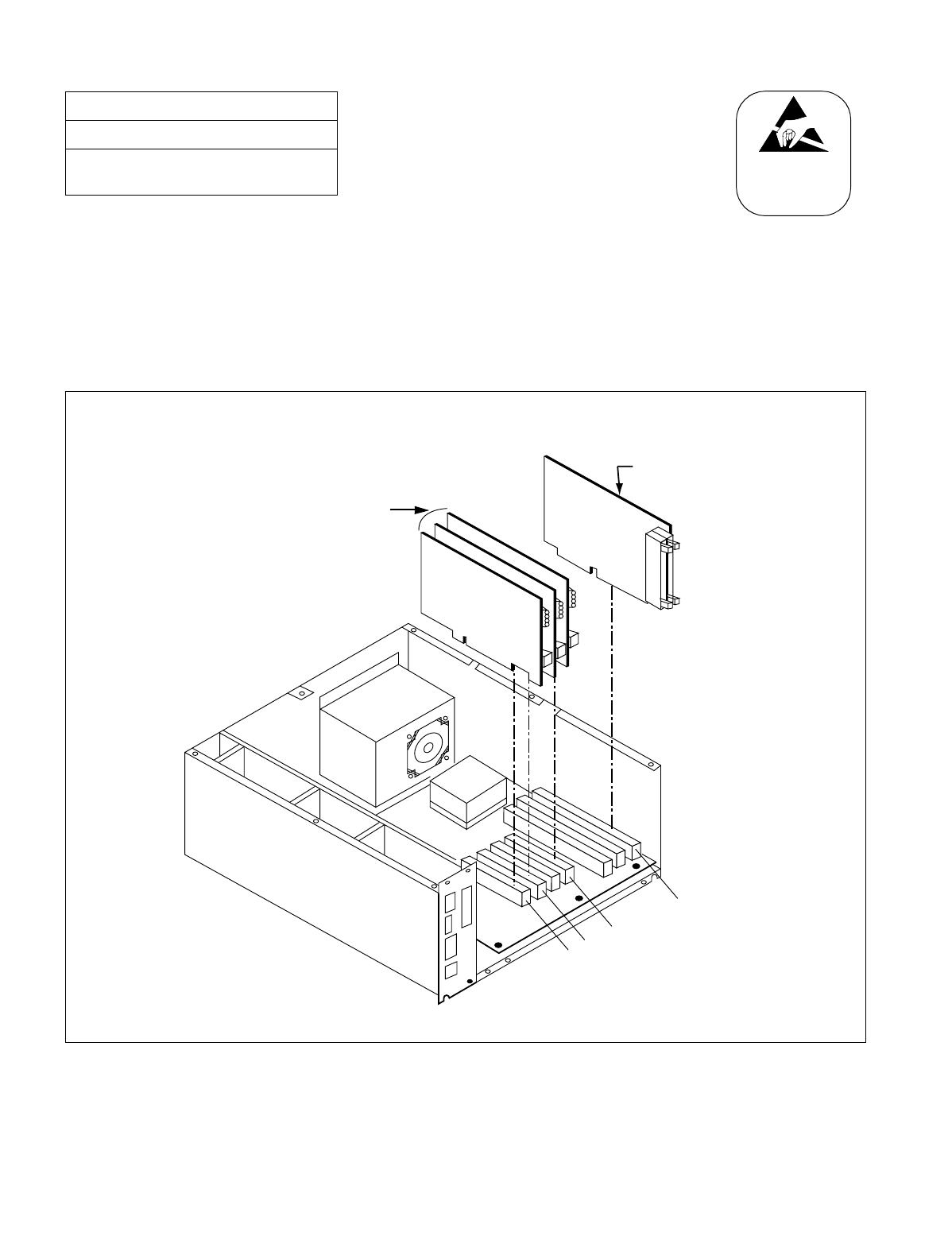
CHAPTER 3 NDA-24234
Page 92
Revision 3.0
INSTALLATION PROCEDURE
2. Depending on the system configuration, insert the ISAGT (PZ-GT13/16) and LANI
(PZ-PC19) cards into the following slots of the CPR (refer to Figure 009-5):
ISAGT (PZ-GT13/16) →Slot #6 (ISA) (Fixed)
LANI →Slot #0 (PCI) (For Fusion Link)
LANI →Slot #1 (PCI) (When connecting MAT via 10-BASE T and PCI buses)
LANI →Slot #3 (PCI) (When LANI for Fusion Link is in dual configuration: avail-
able for Release 3 or later software)
Figure 009-5 Insertion of ISAGT and LANI Cards into CPR Slots
NAP-200-009
Sheet 8/11
Setting of Switch Positions and
Mounting of Circuit Cards
ATTENTI ON
Contents
Static Sensitive
Handling
Precautions Required
CPR Slot 0 (PCI)
LANI
ISAGT
Slot 1 (PCI)
Slot 3 (PCI)
Slot 6 (ISA)
This figure (example) shows how to insert the ISAGT and LANI cards into CPR Slots #6 (ISA), and #0, #1
and #3 (PCI), respectively.
Note: The LANI card for PCI Slot 3 is available for Release 3 or later software.
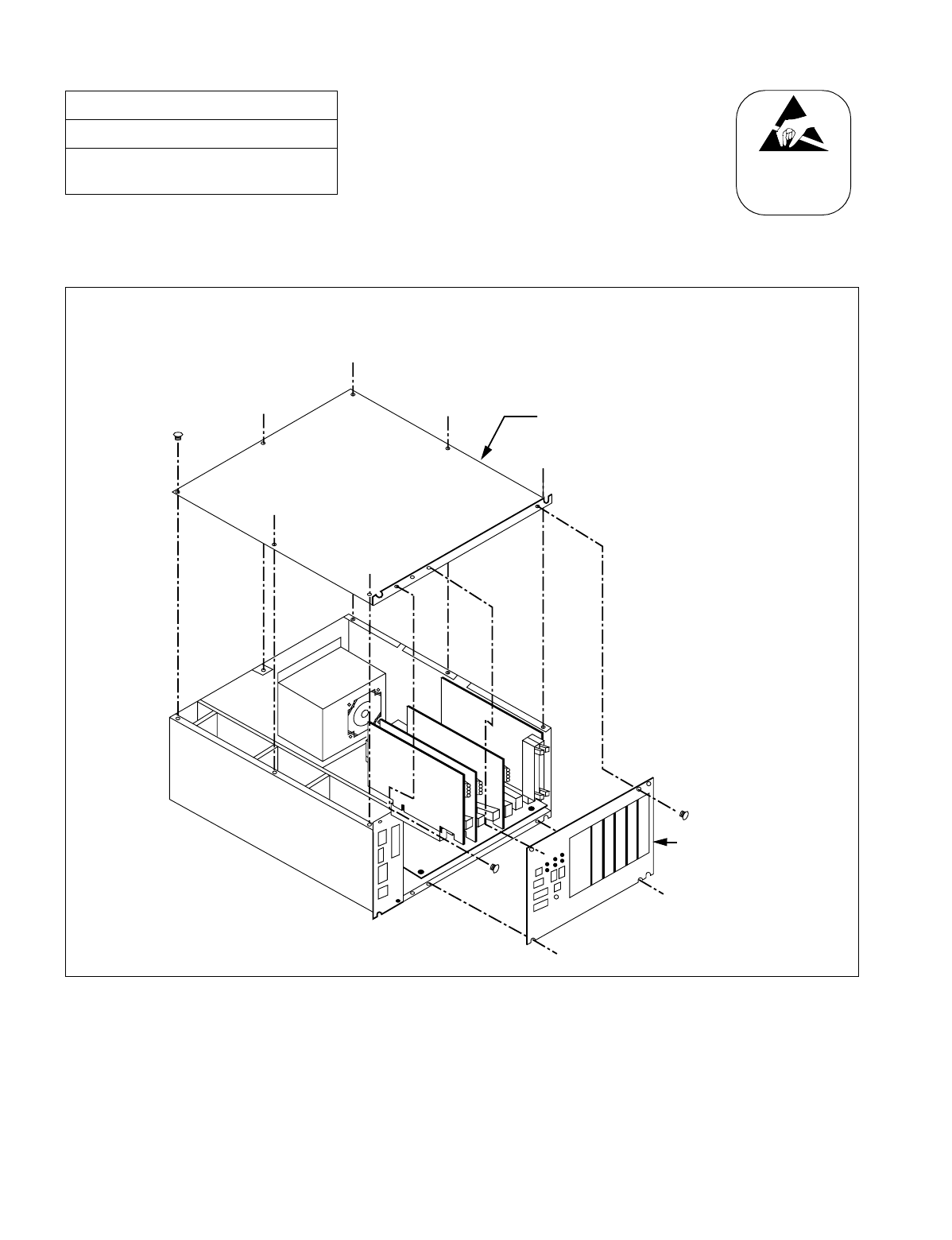
NDA-24234 CHAPTER 3
Page 93
Revision 3.0
INSTALLATION PROCEDURE
3. Attach the top cover and front panel again by fastening the removed screws. (Refer
to Figure 009-6.)
Figure 009-6 Reattachment of CPR Top Cover and Front Panel
NAP-200-009
Sheet 9/11
Setting of Switch Positions and
Mounting of Circuit Cards
ATTENTI ON
Contents
Static Sensitive
Handling
Precautions Required
Top Cover
CPR
Front Panel
After mounting the ISAGT/LANI cards, reattach the top cover by tightening the 8 screws.
Then, also attach the Front Panel by fastening the 4 screws.
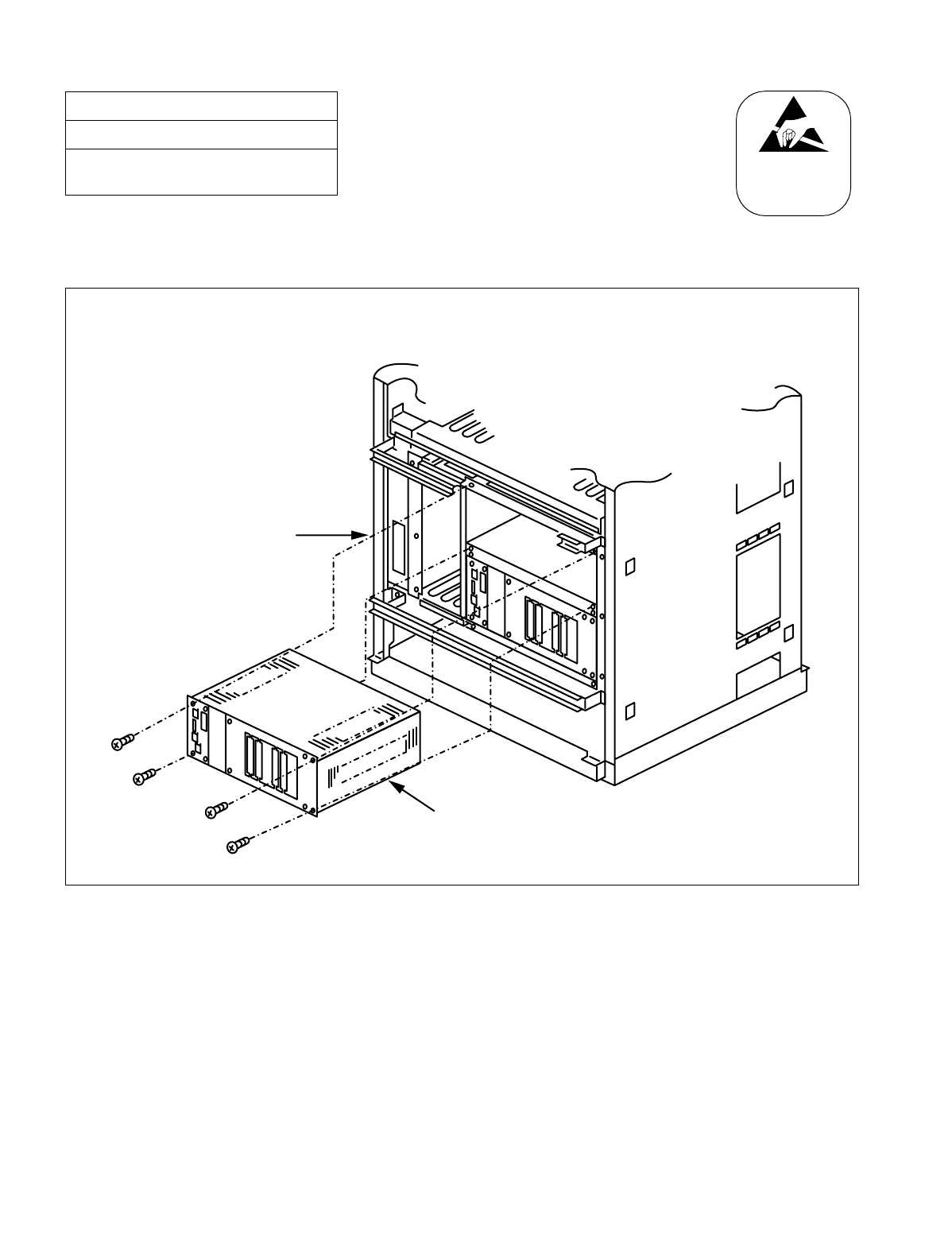
CHAPTER 3 NDA-24234
Page 94
Revision 3.0
INSTALLATION PROCEDURE
4. After turning “ON” the MBR key on the DSP of the CPR, insert the CPR into the
LPM. Then, fasten the four screws. (Refer to Figure 009-7.)
Figure 009-7 Accommodation of New CPR into LPM
NAP-200-009
Sheet 10/11
Setting of Switch Positions and
Mounting of Circuit Cards
ATTENTI ON
Contents
Static Sensitive
Handling
Precautions Required
CPR
LPM
As shown in the figure below, insert the CPR into the LPM. Then, fasten the four screws.
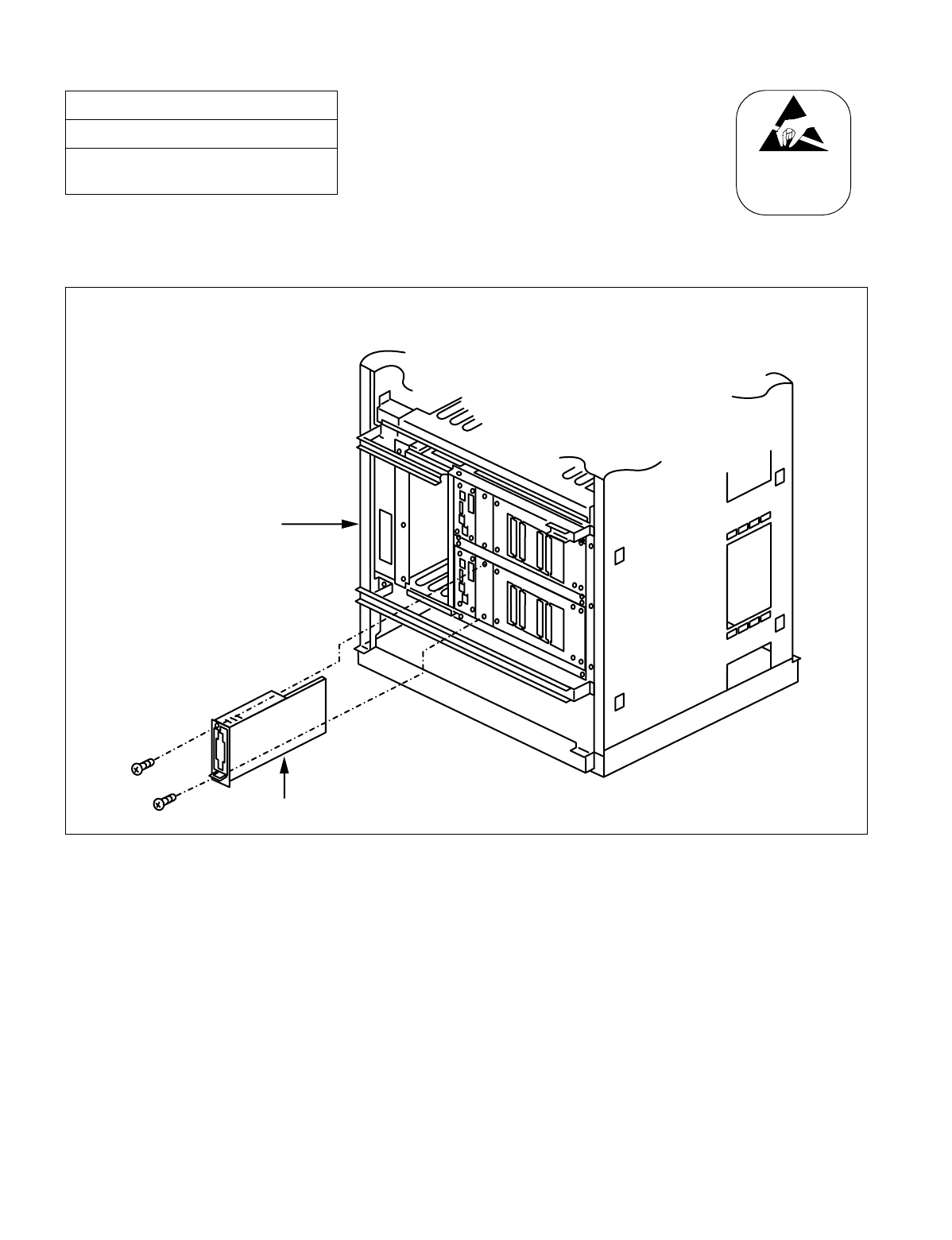
NDA-24234 CHAPTER 3
Page 95
Revision 3.0
INSTALLATION PROCEDURE
5. Finally, insert the HFD into the CPR. Then, fasten the two screws. (Refer to Figure
009-8.)
Figure 009-8 Insertion of New HFD into CPR
NAP-200-009
Sheet 11/11
Setting of Switch Positions and
Mounting of Circuit Cards
ATTENTION
Contents
Static Sensitive
Handling
Precautions Required
LPM
HFD (PZ-IO27/28)
By using the two screws, fasten the HFD onto the CPR.

CHAPTER 3 NDA-24234
Page 96
Revision 3.0
INSTALLATION PROCEDURE
This NAP explains how to run the following internal cables between Modules.
NAP-200-010
Sheet 1/71
Internal Cable Connections
START
Confirm connector locations Referring to Figures 010-1 through 010-4,
confirm the locations of the connectors into
which the internal cables are inserted.
Connection of FANU cables Referring to the figures listed in Figures 010-4
through 010-9, connect FANU cables.
Connection of Internal Power Cables Referring to the figures shown in Figures 010-
18 through 010-26, connect internal power
cables.
Connection of Internal Bus Cables Referring to figures shown in Figures 010-35
through 010-37, connect internal bus cables.
END
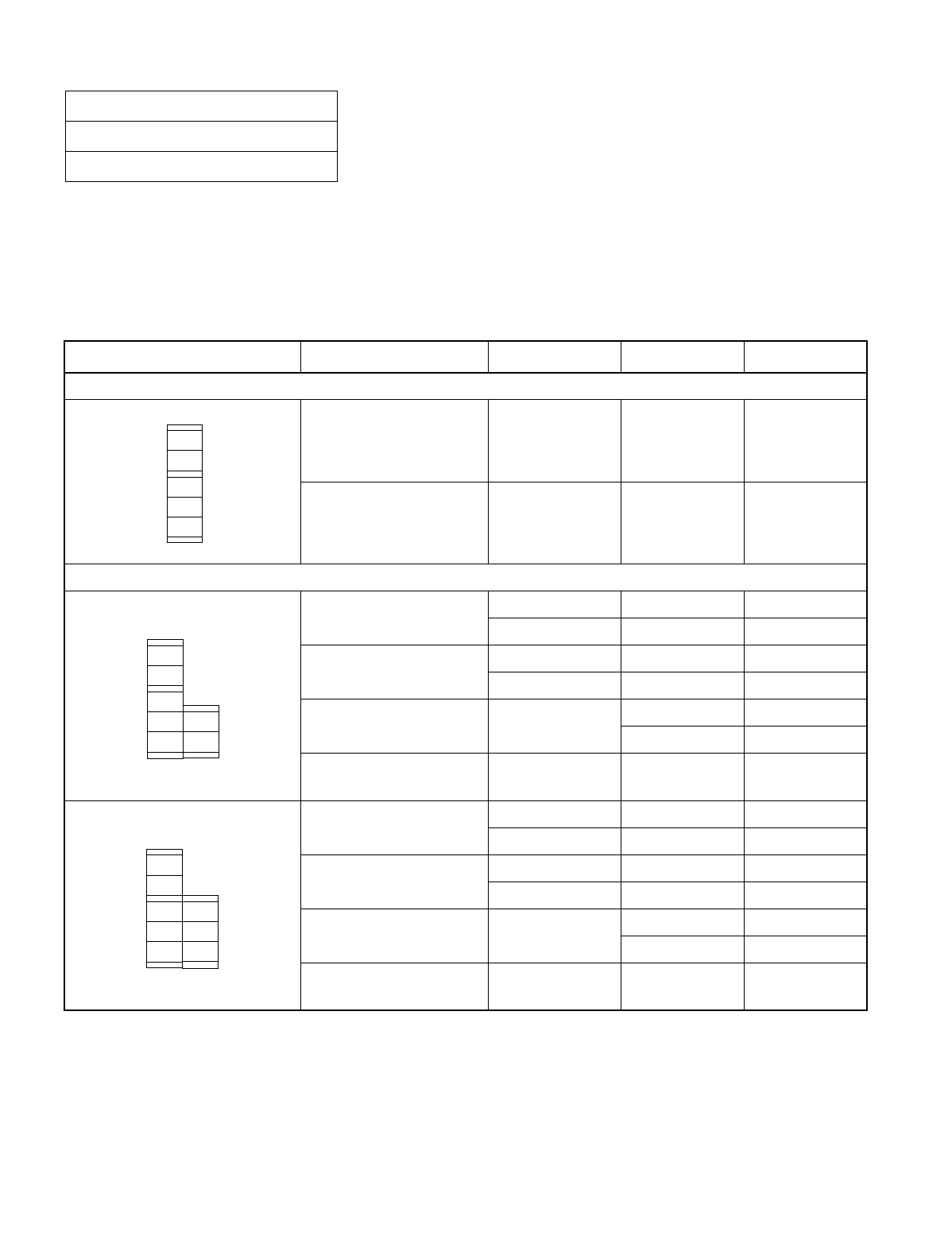
NDA-24234 CHAPTER 3
Page 97
Revision 3.0
INSTALLATION PROCEDURE
Since Cable connections vary depending on the system configuration which includes how many Port Interface Mod-
ules (PIMs) are accommodated in the system or whether redundancy is taken into account as to the CPU. Before
starting cable connections, find your system in “Quick Reference Table.” When you find your system in the table,
open the related pages, on which necessary information is provided, and then set about the cable connections.
NAP-200-010
Sheet 2/71
Internal Cable Connections
Table 010-1 Quick Reference Table (1/6)
SYSTEM TYPE KIND OF CABLE FRAME NAME FIGURE TABLE
Single IMG Configuration
Power Cable IMG0 010-5 ~
010-12 010-2 ~ 010-5
Internal Cable IMG0 010-22 ~
010-29 010-15 ~
010-18
Multiple IMG Configuration
Power Cable IMG0 010-13 010-6
IMG1 010-14 010-7
Internal Cable IMG0 010-30 010-19
IMG1 010-31 010-20
Inter-Frame Bus Cable IMG0-IMG1 011-1 011-1
011-2 011-2
Inter-Frame
Alarm Bus Cable IMG0-IMG1 011-11 011-11
Power Cable IMG0 010-13 010-6
IMG1 010-15 010-8
Internal Cable IMG0 010-30 010-19
IMG1 010-32 010-21
Inter-Frame Bus Cable IMG0-IMG1 011-1 011-1
011-2 011-2
Inter-Frame
Alarm Bus Cable IMG0-IMG1 011-11 011-11
PIM0
LPM
IMG
PIM2
PIM3
PIM1
TOPU
FANU
BASEU
PIM0 PIM0
LPM
IMG0
IMG1
TSWM
PIM2
PIM3
PIM1 TOPU
BASEU
FANU
TOPU
BASEU
5-PIM System
PIM0
PIM0
LPM
IMG0
IMG1
PIM2
PIM3
TSWM
PIM1
PIM1
BASEU
TOPU
FANU TOPU
BASEU
6-PIM System
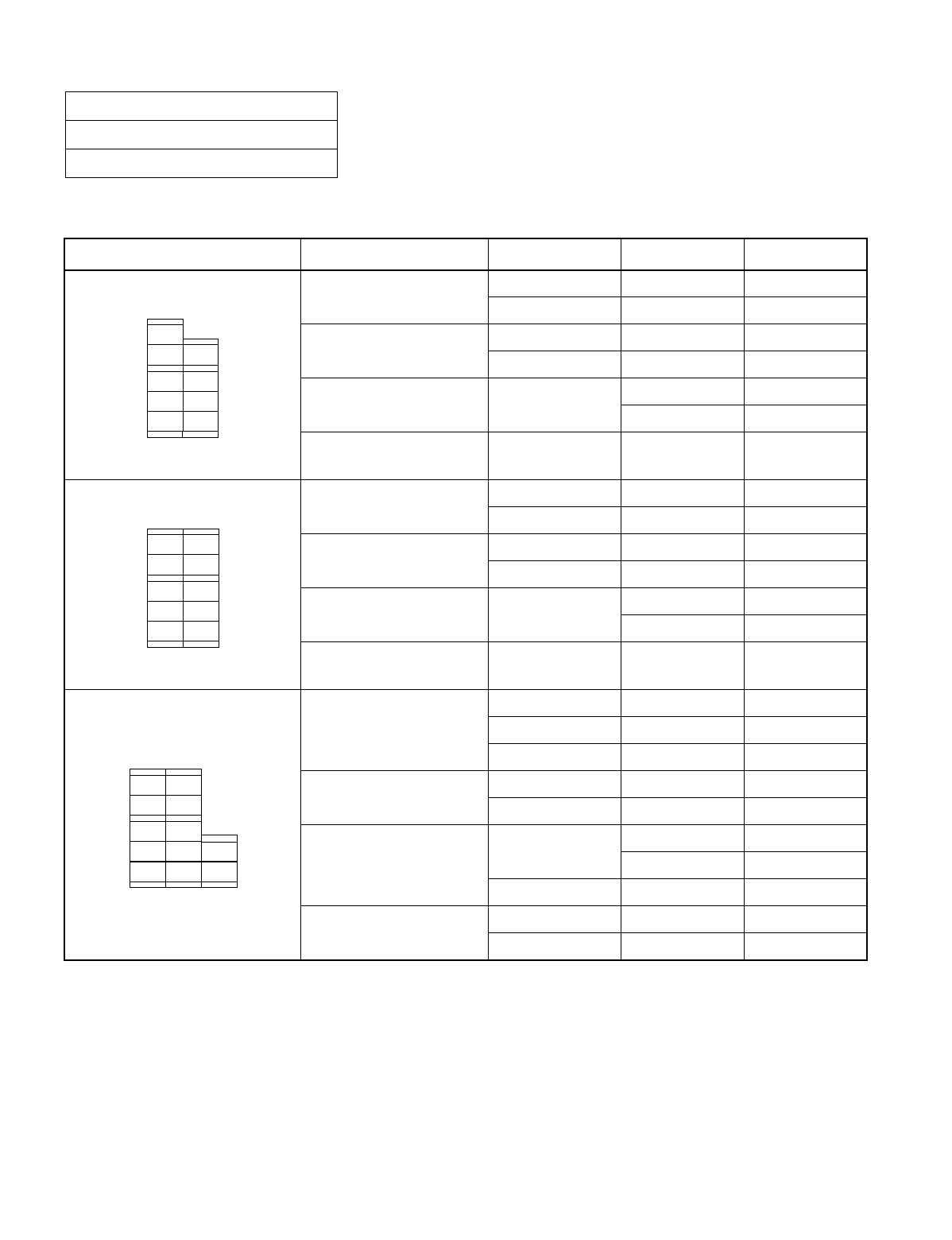
CHAPTER 3 NDA-24234
Page 98
Revision 3.0
INSTALLATION PROCEDURE
NAP-200-010
Sheet 3/71
Internal Cable Connections
Table 010-1 Quick Reference Table (2/6)
SYSTEM TYPE KIND OF CABLE FRAME NAME FIGURE TABLE
Power Cable IMG0 010-13 010-6
IMG1 010-16 010-9
Internal Cable IMG0 010-30 010-19
IMG1 010-33 010-22
Inter-Frame Bus Cable IMG0-IMG1 011-1 011-1
011-2 011-2
Inter-Frame
Alarm Bus Cable IMG0-IMG1 011-11 011-11
Power Cable IMG0 010-13 010-6
IMG1 010-17 010-10
Internal Cable IMG0 010-30 010-19
IMG1 010-34 010-23
Inter-Frame Bus Cable IMG0-IMG1 011-1 011-1
011-2 011-2
Inter-Frame
Alarm Bus Cable IMG0-IMG1 011-11 011-11
Power Cable
IMG0 010-13 010-6
IMG1 010-17 010-10
IMG2 010-18 010-11
Internal Cable IMG0 010-30 010-19
IMG1 010-34 010-23
Inter-Frame Bus Cable IMG0-IMG1 011-1 011-1
011-2 011-2
IMG1-IMG2 011-3 011-3
Inter-Frame
Alarm Bus Cable
IMG0-IMG1 011-11 011-11
IMG0-IMG2 011-12 011-12
PIM0 PIM0
LPM
IMG0
PIM2
PIM3
TSWM
PIM1 PIM1
PIM2
IMG1
TOPU
BASEU
FANU
BASEU
TOPU
7-PIM System
PIM0 PIM0
LPM
IMG0 IMG1
PIM2
PIM3
TSWM
PIM1 PIM1
PIM2
PIM3
TOPU
BASEU
FANU FANU
BASEU
TOPU
8-PIM System
PIM0 PIM0 PIM0
LPM
IMG0 IMG1
PIM2
PIM3
TSWM
DUMMY
PIM1 PIM1
PIM2
PIM3
IMG2
BASEU
TOPU
FANU
BASEU BASEU
TOPU
TOPU
FANU
9-PIM System
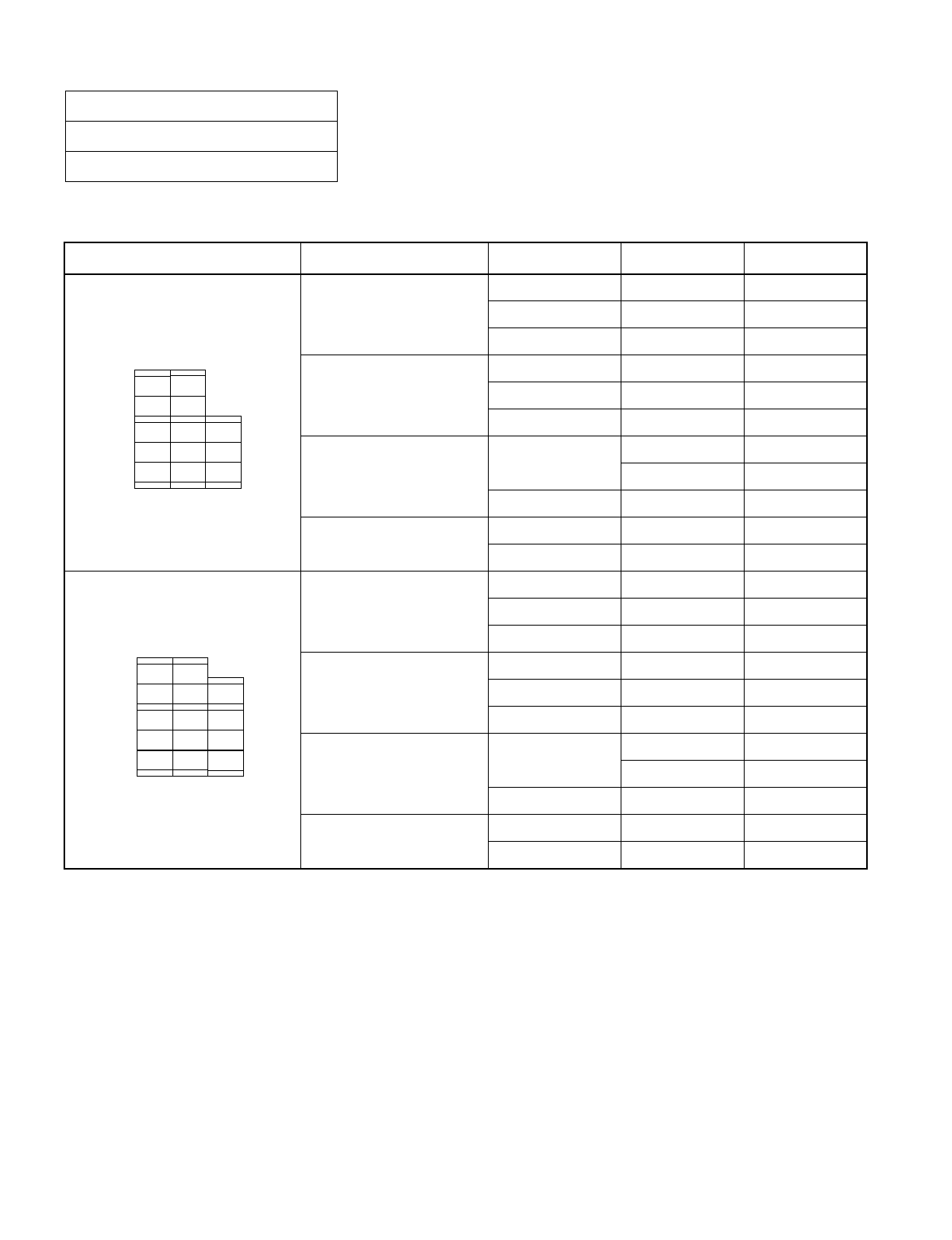
NDA-24234 CHAPTER 3
Page 99
Revision 3.0
INSTALLATION PROCEDURE
NAP-200-010
Sheet 4/71
Internal Cable Connections
Table 010-1 Quick Reference Table (3/6)
SYSTEM TYPE KIND OF CABLE FRAME NAME FIGURE TABLE
Power Cable
IMG0 010-13 010-6
IMG1 010-17 010-10
IMG2 010-19 010-12
Internal Cable
IMG0 010-30 010-19
IMG1 010-34 010-23
IMG2 010-35 -
Inter-Frame Bus Cable IMG0-IMG1 011-1 011-1
011-2 011-2
IMG1-IMG2 011-4 011-4
Inter-Frame
Alarm Bus Cable
IMG0-IMG1 011-11 011-11
IMG0-IMG2 011-12 011-12
Power Cable
IMG0 010-13 010-6
IMG1 010-17 010-10
IMG2 010-20 010-13
Internal Cable
IMG0 010-30 010-19
IMG1 010-34 010-23
IMG2 010-36 -
Inter-Frame Bus Cable IMG0-IMG1 011-1 011-1
011-2 011-2
IMG1-IMG2 011-5 011-5
Inter-Frame
Alarm Bus Cable
IMG0-IMG1 011-11 011-11
IMG0-IMG2 011-12 011-12
PIM0 PIM0 PIM0
LPM
IMG0 IMG1
PIM2
PIM3
TSWM
DUMMY
PIM1 PIM1
PIM1
PIM2
PIM3
IMG2
10-PIM System
BASEU
TOPU
FAN U FANU TOPU
TOPU
BASEU BASEU
PIM0 PIM0 PIM0
LPM
IMG0 IMG1
PIM2
PIM3
TSWM
DUMMY
PIM1 PIM1
PIM1
PIM2 PIM2
PIM3 IMG2
11-PIM System
BASEU
TOPU
FANU FANU FANU
BASEUBASEU
TOPU
TOPU
CHAPTER 3 NDA-24234
Page 100
Revision 3.0
INSTALLATION PROCEDURE
NAP-200-010
Sheet 5/71
Internal Cable Connections
Table 010-1 Quick Reference Table (4/6)
SYSTEM TYPE KIND OF CABLE FRAME NAME FIGURE TABLE
Power Cable
IMG0 010-13 010-6
IMG1 010-17 010-10
IMG2 010-21 010-14
Internal Cable
IMG0 010-30 010-19
IMG1 010-34 010-23
IMG2 010-37 -
Inter-Frame Bus Cable IMG0-IMG1 011-1 011-1
011-2 011-2
IMG1-IMG2 011-6 011-6
Inter-Frame
Alarm Bus Cable
IMG0-IMG1 011-11 011-11
IMG0-IMG2 011-12 011-12
Power Cable
IMG0 010-13 010-6
IMG1 010-17 010-10
IMG2 010-21 010-14
IMG3 010-18 010-11
Internal Cable
IMG0 010-30 010-19
IMG1 010-34 010-23
IMG2 010-37 -
Inter-Frame Bus Cable
IMG0-IMG1 011-1 011-1
011-2 011-2
IMG1-IMG2 011-6 011-6
IMG1-IMG3 011-7 011-7
Inter-Frame
Alarm Bus Cable
IMG0-IMG1 011-11 011-11
IMG0-IMG2 011-12 011-12
IMG0-IMG3 011-13 011-13
PIM0 PIM0 PIM0
LPM
IMG0 IMG1
DUMMY
PIM2
PIM3
TSWM
PIM1
PIM1 PIM1
PIM2 PIM2
PIM3
PIM3
IMG2
BASEU
TOPU
FANU FANU FA NU
TOPU TOPU
BASEU BASEU
12-PIM System
PIM0 PIM0 PIM0 PIM0
LPM
IMG0 IMG1
DUMMY
PIM2
PIM3
TSWM
DUMMY
PIM1
PIM1 PIM1
PIM2 PIM2
PIM3
PIM3
IMG3
IMG2
13-PIM System
FAN U
BASEU
TOPU TOPU TOPU
TOPU
BASEU BASEU BASEU
FAN U FANU
NDA-24234 CHAPTER 3
Page 101
Revision 3.0
INSTALLATION PROCEDURE
NAP-200-010
Sheet 6/71
Internal Cable Connections
Table 010-1 Quick Reference Table (5/6)
SYSTEM TYPE KIND OF CABLE FRAME NAME FIGURE TABLE
Power Cable
IMG0 010-13 010-6
IMG1 010-17 010-10
IMG2 010-21 010-14
IMG3 010-19 010-12
Internal Cable
IMG0 010-30 010-19
IMG1 010-34 010-23
IMG2 010-37 -
IMG3 010-35 -
Inter-Frame Bus Cable
IMG0-IMG1 011-1 011-1
011-2 011-2
IMG1-IMG2 011-6 011-6
IMG1-IMG3 011-8 011-8
Inter-Frame
Alarm Bus Cable
IMG0-IMG1 011-11 011-11
IMG0-IMG2 011-12 011-12
IMG0-IMG3 011-13 011-13
Power Cable
IMG0 010-13 010-6
IMG1 010-17 010-10
IMG2 010-21 010-14
IMG3 010-20 010-13
Internal Cable
IMG0 010-30 010-19
IMG1 010-34 010-23
IMG2 010-37 -
IMG3 010-36 -
Inter-Frame Bus Cable
IMG0-IMG1 011-1 011-1
011-2 011-2
IMG1-IMG2 011-6 011-6
IMG1-IMG3 011-9 011-9
Inter-Frame
Alarm Bus Cable
IMG0-IMG1 011-11 011-11
IMG0-IMG2 011-12 011-12
IMG0-IMG3 011-13 011-13
PIM0 PIM0 PIM0 PIM0
LPM
IMG0 IMG1
DUMMY
PIM2
PIM3
TSWM
DUMMY
PIM1
PIM1 PIM1
PIM1
PIM2 PIM2
PIM3
PIM3
IMG3
IMG2
14-PIM System
FANU
BASEU
TOPU TOPU TOPU
TOPU
BASEU BASEU
BASEU
FANU FANU
PIM0 PIM0 PIM0 PIM0
LPM
IMG0 IMG1
DUMMY
PIM2
PIM3
TSWM
DUMMY
PIM1
PIM1 PIM1
PIM1
PIM2 PIM2 PIM2
PIM3
PIM3 IMG3
IMG2
BASEU
TOPU
FANU FA NU FANU FAN U
TOPU
TOPU TOPU
BASEU BASEU BASEU
15-PIM System
CHAPTER 3 NDA-24234
Page 102
Revision 3.0
INSTALLATION PROCEDURE
NAP-200-010
Sheet 7/71
Internal Cable Connections
Table 010-1 Quick Reference Table (6/6)
SYSTEM TYPE KIND OF CABLE FRAME NAME FIGURE TABLE
Power Cable
IMG0 010-13 010-6
IMG1 010-17 010-10
IMG2 010-21 010-14
IMG3 010-21 010-14
Internal Cable
IMG0 010-30 010-19
IMG1 010-34 010-23
IMG2 010-37 -
IMG3 010-37 -
Inter-Frame Bus Cable
IMG0-IMG1 011-1 011-1
011-2 011-2
IMG1-IMG2 011-6 011-6
IMG1-IMG3 011-10 011-10
Inter-Frame
Alarm Bus Cable
IMG0-IMG1 011-11 011-11
IMG0-IMG2 011-12 011-12
IMG0-IMG3 011-13 011-13
PIM0 PIM0 PIM0 PIM0
LPM
IMG0 IMG1
DUMMY
PIM2
PIM3
TSWM
DUMMY
PIM1
PIM1 PIM1
PIM1
PIM2 PIM2 PIM2
PIM3
PIM3
PIM3
IMG3
IMG2
TOPU
FANU
BASEU
BASEU BASEU BASEU
FANUFANU
FANU
TOPUTOPU
TOPU
16-PIM System
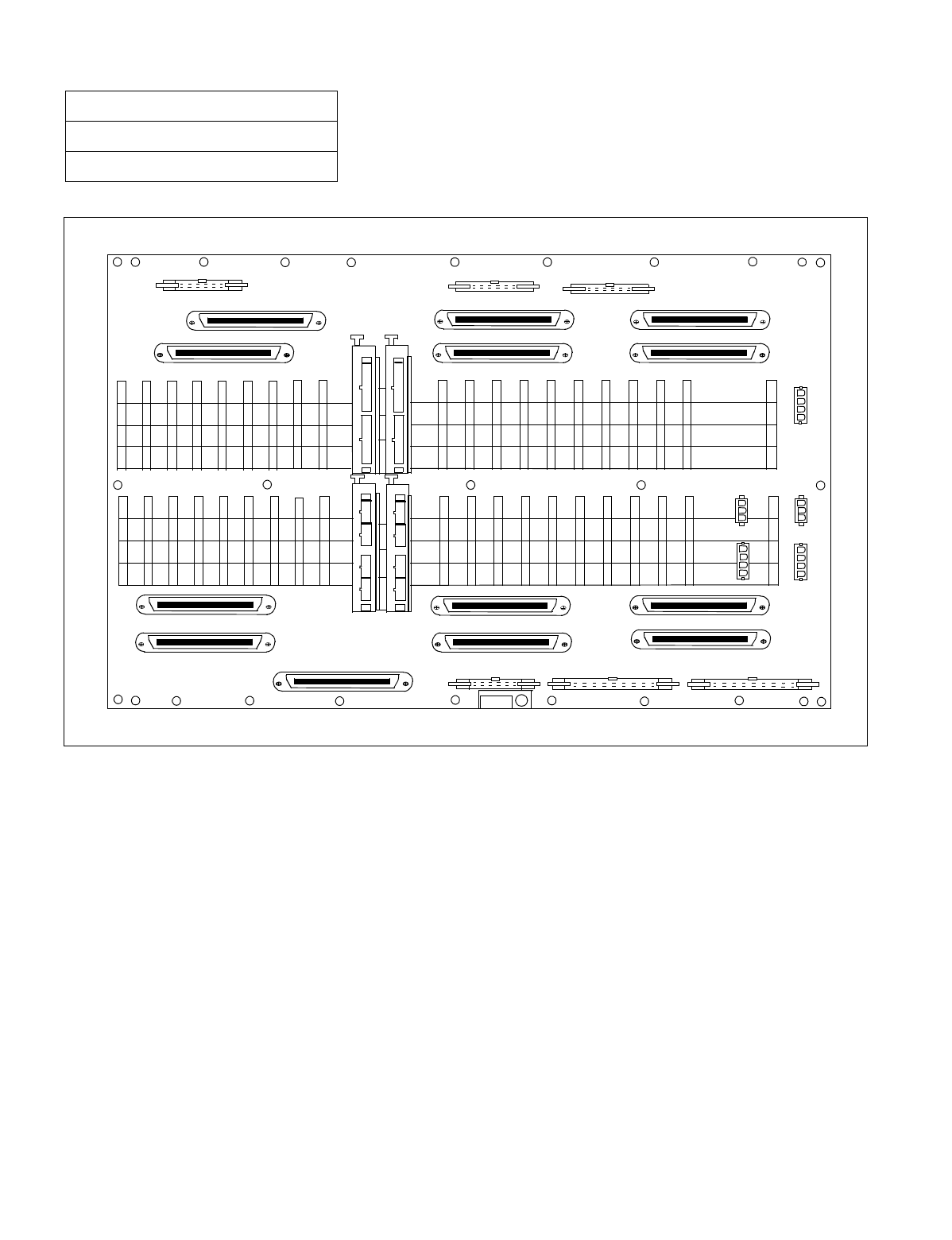
NDA-24234 CHAPTER 3
Page 103
Revision 3.0
INSTALLATION PROCEDURE
Figure 010-1 Locations of Connectors on the PIM Backplane
NAP-200-010
Sheet 8/71
Internal Cable Connections
26
LT7
ATI0
1
2
3
1
2
3
4
1
2
3
4
26
25 01
50 PLO
25 01
26
50
LT6
25 01 26
50
LT11
LT8
25 01
50
25 01
26
50
LT3
25 01
2650 LT2
A
B10 01
ALMB
A
B10 01
ATI 1
A
B10 01
PWRA
PWRB
-48V1 -48V0
FAN
25 01
50
LT4
25 01
50
25 01
50 LT5
25 01
50
LT9
25 01
50
LT1 0 25 01
2650
LT1
25 01
26
50
LT0
A
B
A
B
A
B
ALMA BUS1A
20 01 20 01
BUS0A
10 01
CONN12
CONN13 CONN11
CONN01 CONN00
CONN10
PLO1
PLO0
MUSIC0
MUSIC1
CONN02
CONN03
26
26
26
26
26
1
1
2
3
2
3
4
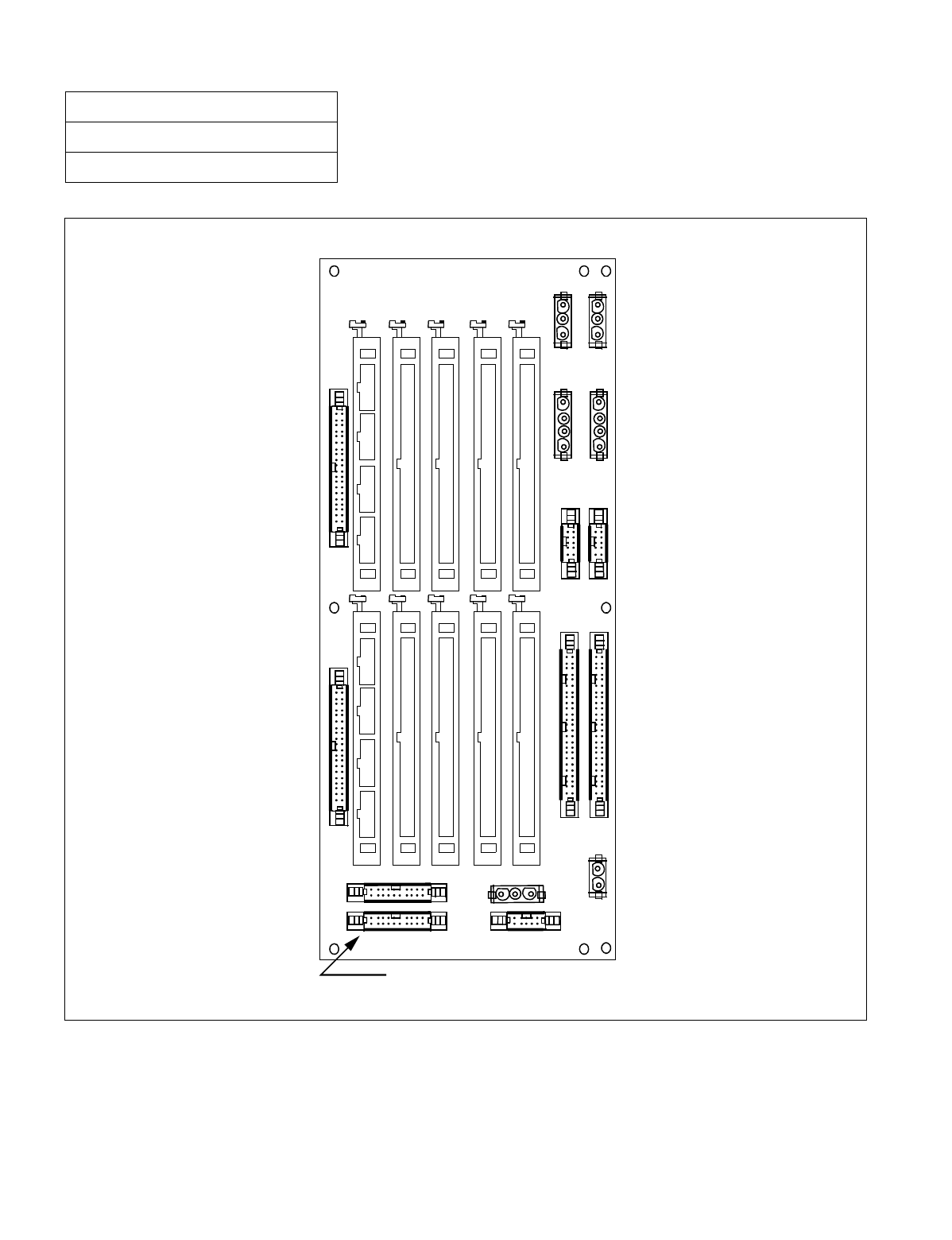
CHAPTER 3 NDA-24234
Page 104
Revision 3.0
INSTALLATION PROCEDURE
Figure 010-2 Locations of Connectors on the LPM Backplane
NAP-200-010
Sheet 9/71
Internal Cable Connections
FALM
DSP
ALM
PWRA0
PWRA1
PWRB0
PWRB1
PAL M1 PA L M 0
EBUS1
EMA IOC MISC MISC MISC
EBUS0
BUS1 BUS0
KEY
FAN
BZ-C21
MISC1B
MISC2B
MISC3B
MISC4B
LED3 LED2 LED1 ALM3 ALM2MUSIC ALM1 EXALM
MISC1A
MISC2A
MISC3A
MISC4A
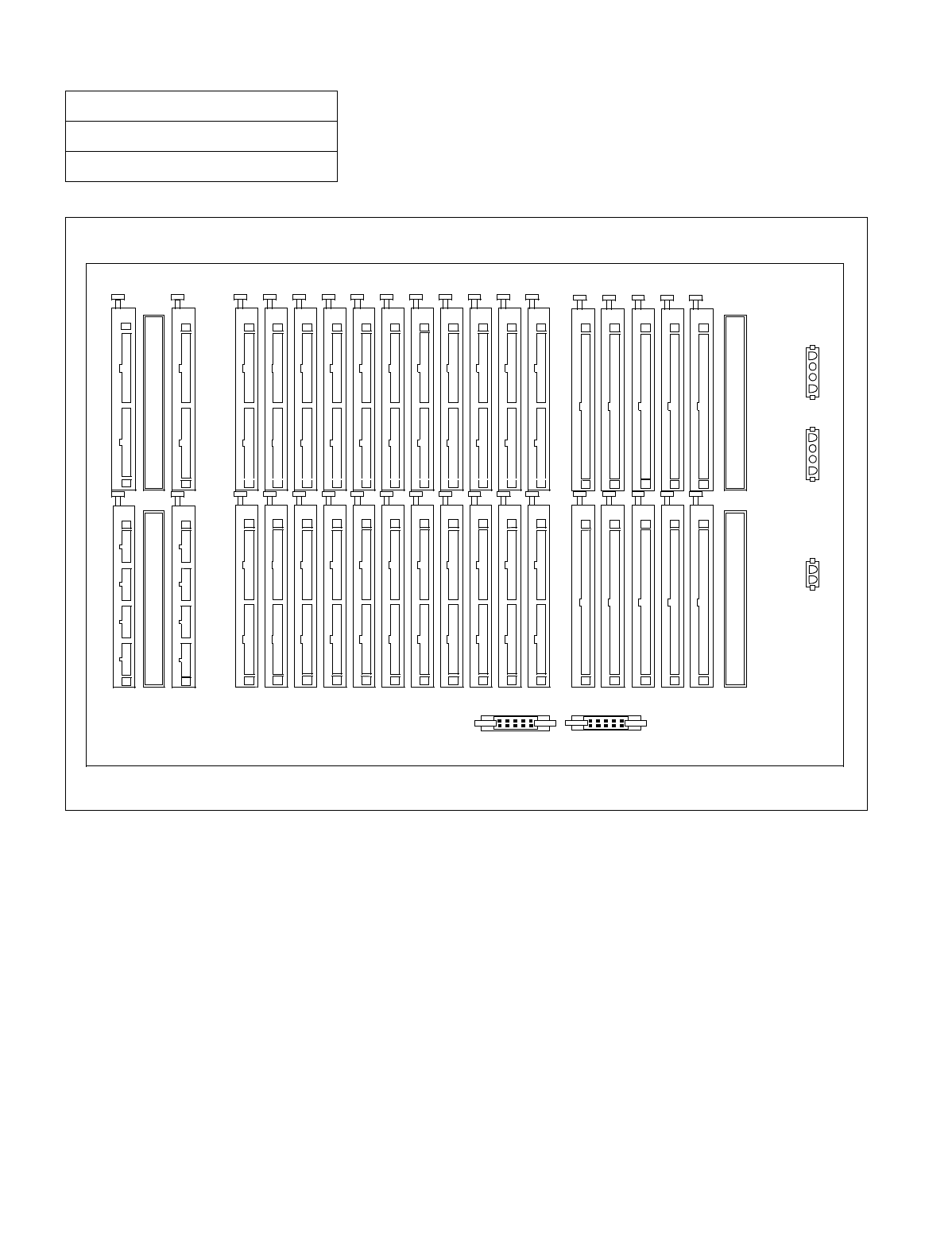
NDA-24234 CHAPTER 3
Page 105
Revision 3.0
INSTALLATION PROCEDURE
Figure 010-3 Location of Connectors on the TSWM Backplane (Multiple IMG Configuration)
NAP-200-010
Sheet 10/71
Internal Cable Connections
PWRB
MISC1B
MISC2B
MISC3B
MIO31
MUX003 MUX002 MUX001 MUX000
MUX013 MUX012 MUX011 MUX010
MUX023 MUX022 MUX021 MUX020
MUX033 MUX032 MUX031 MUX030
MUX103 MUX102 MUX101 MUX100
MUX113 MUX112 MUX111 MUX110
MUX123 MUX122 MUX121 MUX120
MUX133 MUX132 MUX131 MUX130
EMAFH
EXCLK0
EXCLK1
IOP1
IOP0
MIO30
MIO20 MIO0
MIO21 MIO1
MISC3A
MISC2A
MISC4B
MISC5B MISC5A
MISC4A
MISC1A
PWRA
TIORES1 TIORES0
MIORES1 MIORES0
FALM
ALM EMA
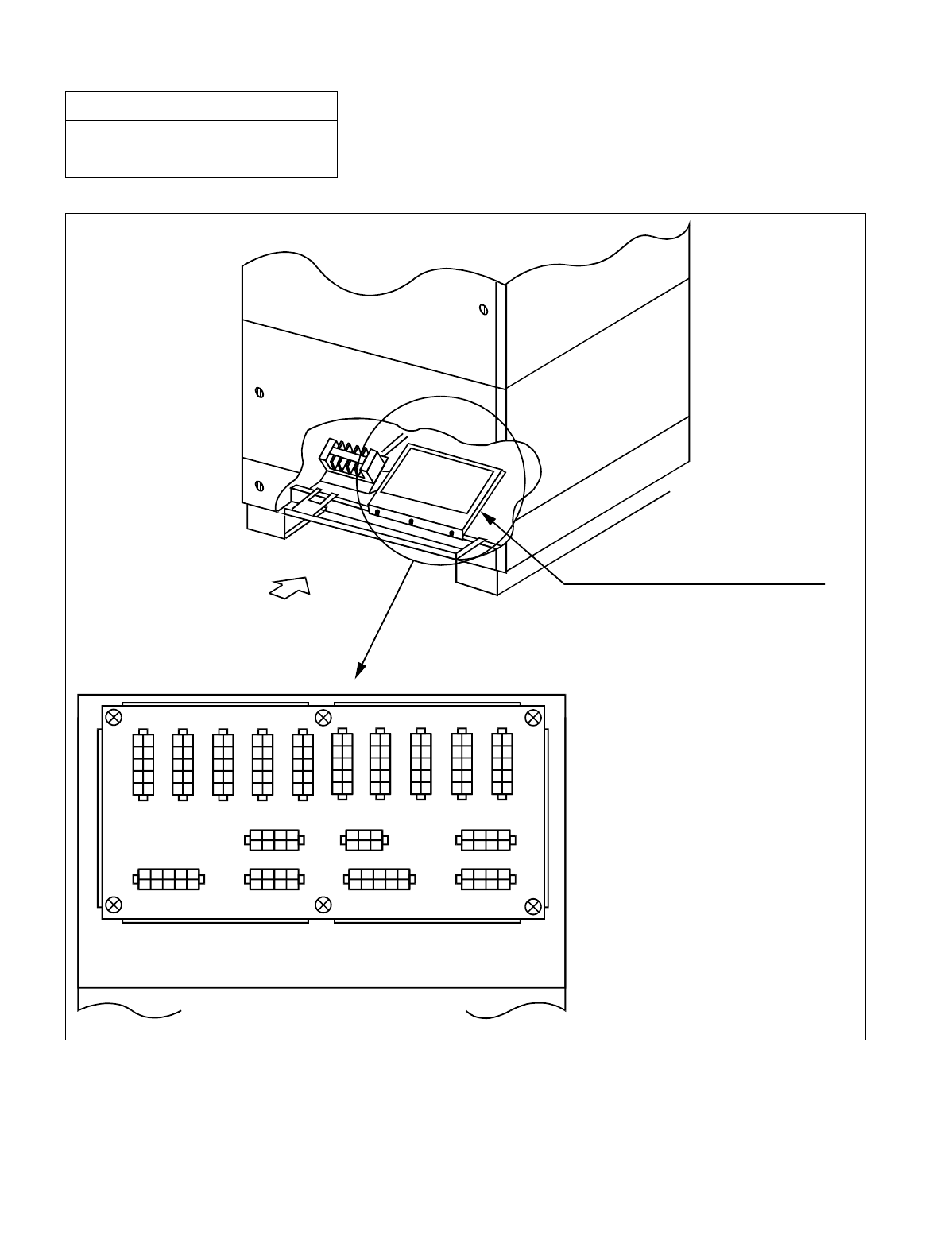
CHAPTER 3 NDA-24234
Page 106
Revision 3.0
INSTALLATION PROCEDURE
Figure 010-4 Locations of Connectors on the Power Distribution Terminal Board (PZ-M371)
NAP-200-010
Sheet 11/71
Internal Cable Connections
PIM
LPM
BASEU
POWER DISTRIBUTION TERMINAL BOARD
REAR VIEW
DETAIL OF BOARD
PA0 PB 0 PA1 P B 1 PA2 P B2 PA3 P B 3 PA 4 P B4
GA0 +80A GB0
GB1
-48VB
GA1
-48VA
PZ-M371
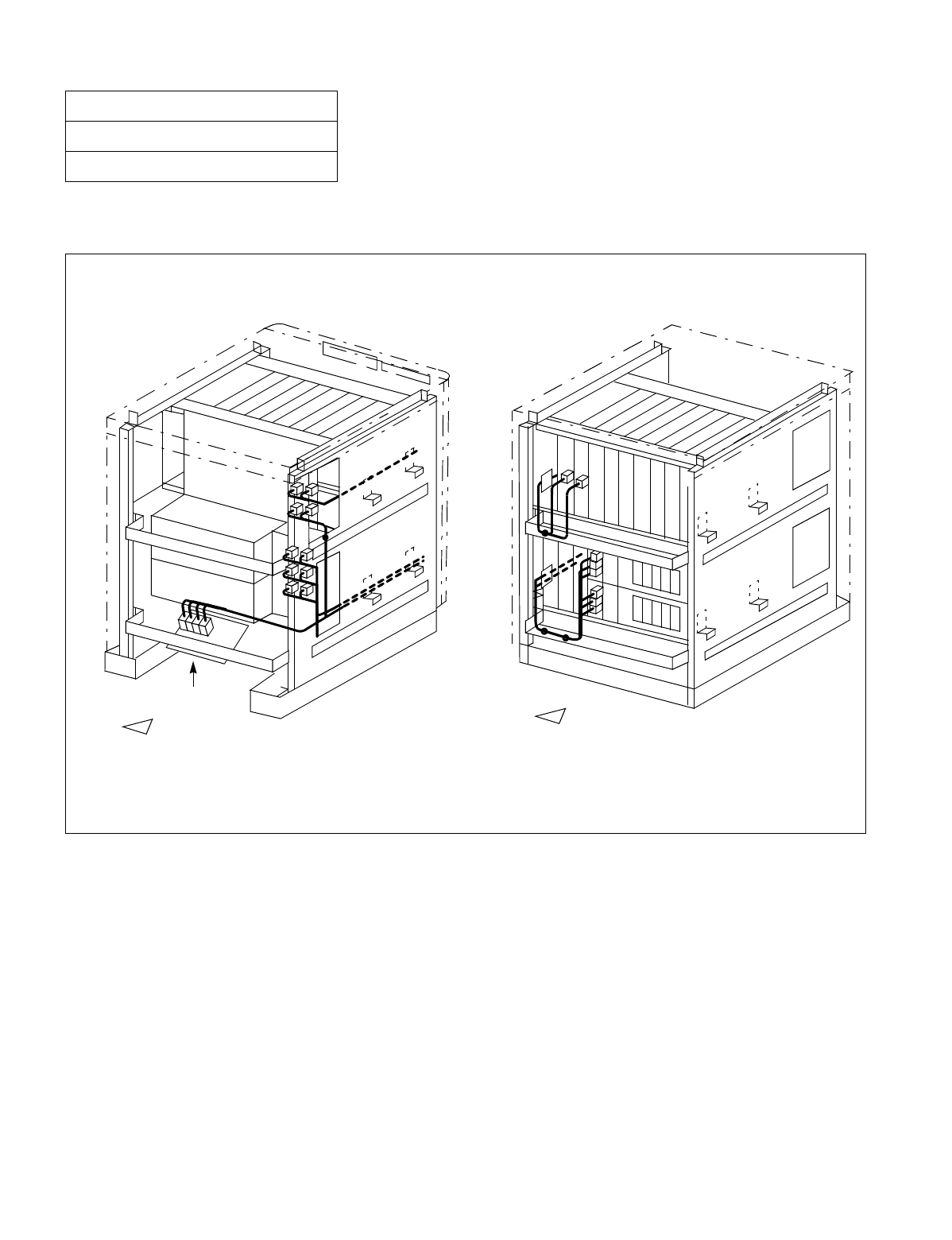
NDA-24234 CHAPTER 3
Page 107
Revision 3.0
INSTALLATION PROCEDURE
Run the power cables, referring to Figure 010-6. Then, fasten the cables to the cabinet, referring to Figure 010-5.
Figure 010-5 Power Cable Connections for 1-PIM System (Single IMG Configuration)
NAP-200-010
Sheet 12/71
Internal Cable Connections
Note: Normally, the cables are fastened onto the cabinet at the proposed locations, where small dots ( ) are pro-
vided in this figure.
PZ-M371 PKG
Backplane
FRONT
REAR
Below is the rough sketch of how to run the power cables for the 1-PIM system. For details on actual cable
runnings, see Figure 010-6.
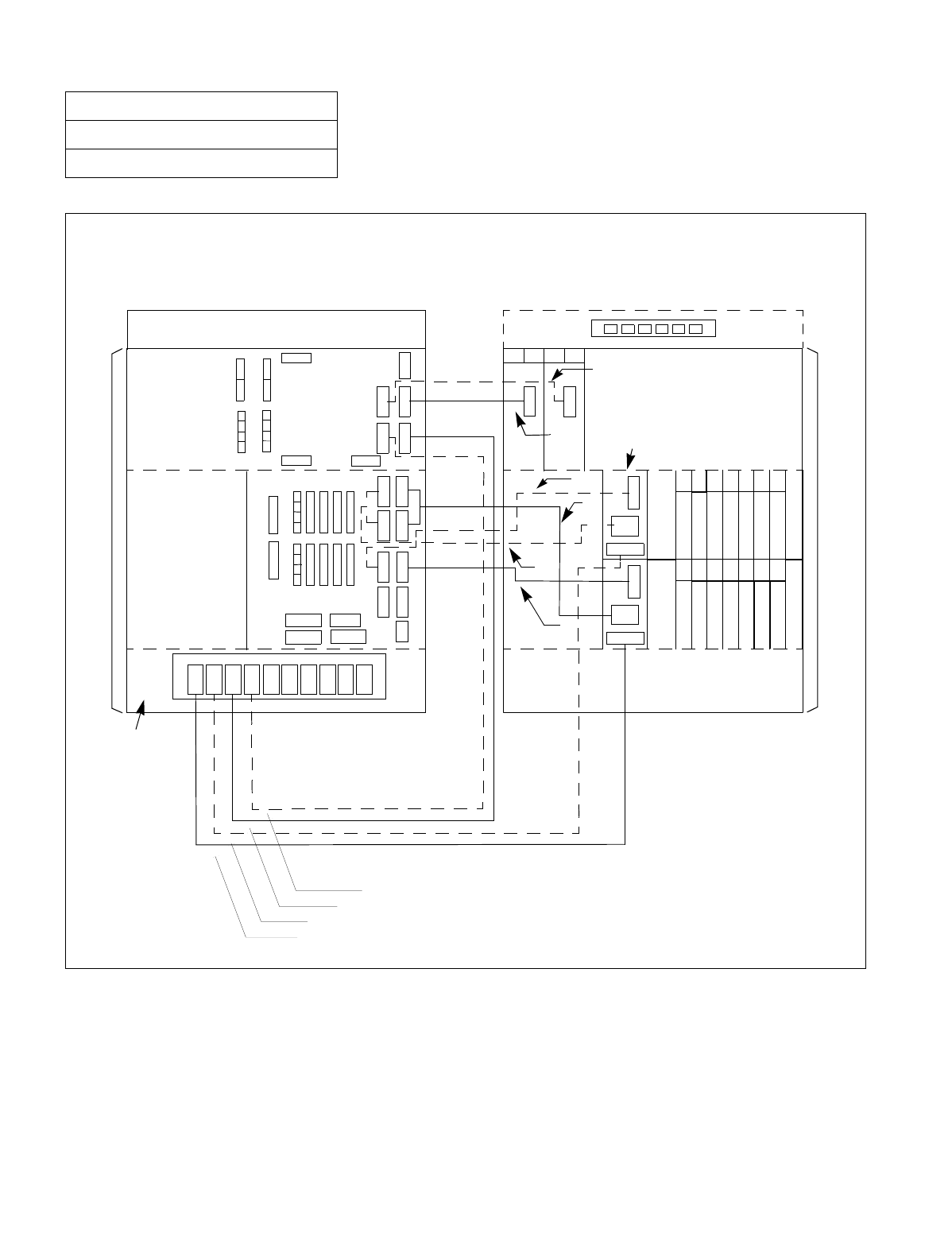
CHAPTER 3 NDA-24234
Page 108
Revision 3.0
INSTALLATION PROCEDURE
Figure 010-6 Details on Power Cable Connections (for 1-PIM System) (Single IMG Configuration)
NAP-200-010
Sheet 13/71
Internal Cable Connections
INPWR
PALM
OUT
PWR
PA L M
PB 1
PA 1
PB 0
PA 0
PAL M 1
PAL M 0
PWR B1
PWR A1
PWR B
PWR A PWR A0 PWR B0
00 01 02 03 04 05 06
00 01 02 03 04 05 06
00 01
PWR
02 03
PWR
PZ-M371
(1)
(3)
(5)
(7)
(9)
(2)
(4)
(6)
(8)
(10)
(BASEU)
(BASEU)
(LPR)
(LPR)
BSCM
(PIM 0) (PIM 0)
TOPU TOPU
NEAX
FRONT VIEW
REAR VIEW
Connect the power cables as shown below. Cables represented in dotted-lines indicate power cable
-48V1
-48V0
BSCM
for a dual-system.
INPWR
OUT
PWR
-48V0
-48V1

NDA-24234 CHAPTER 3
Page 109
Revision 3.0
INSTALLATION PROCEDURE
NAP-200-010
Sheet 14/71
Internal Cable Connections
Table 010-2 Power Cable Connection for IMG0 (Single IMG Configuration)
No.
FROM TO
CABLE NAME REMARKS
UNIT/
MODULE CONNECTOR
NAME UNIT/
MODULE CONNECTOR
NAME
1 LPR INPWR BASEU PA0 4P-2P PWR CA-A
2 LPR INPWR BASEU PB0 4P-2P PWR CA-B
3 BASEU PA1 PIM0 PWR A 4P PWR CA-C
4 BASEU PB1 PIM0 PWR B 4P PWR CA-D
5 LPR PALM LPR PALM 0 10AL-(110) FLT CA
6 LPR OUT PWR LPR PWR A1/PWR B1 6P-(4P-3P) PWR CA-B
7 LPR OUT PWR LPR PWR A0/PWR B0 6P-(4P-3P) PWR CA-A
8 LPR PALM LPR PALM 1 10AL-(130) FLT CA
9 PIM0 (PWR) -48V IN CONN PIM0 -48V0 3P PWR CA-A -48V0
10 PIM0 (PWR) -48V IN CONN PIM0 -48V1 3P PWR CA-B -48V1
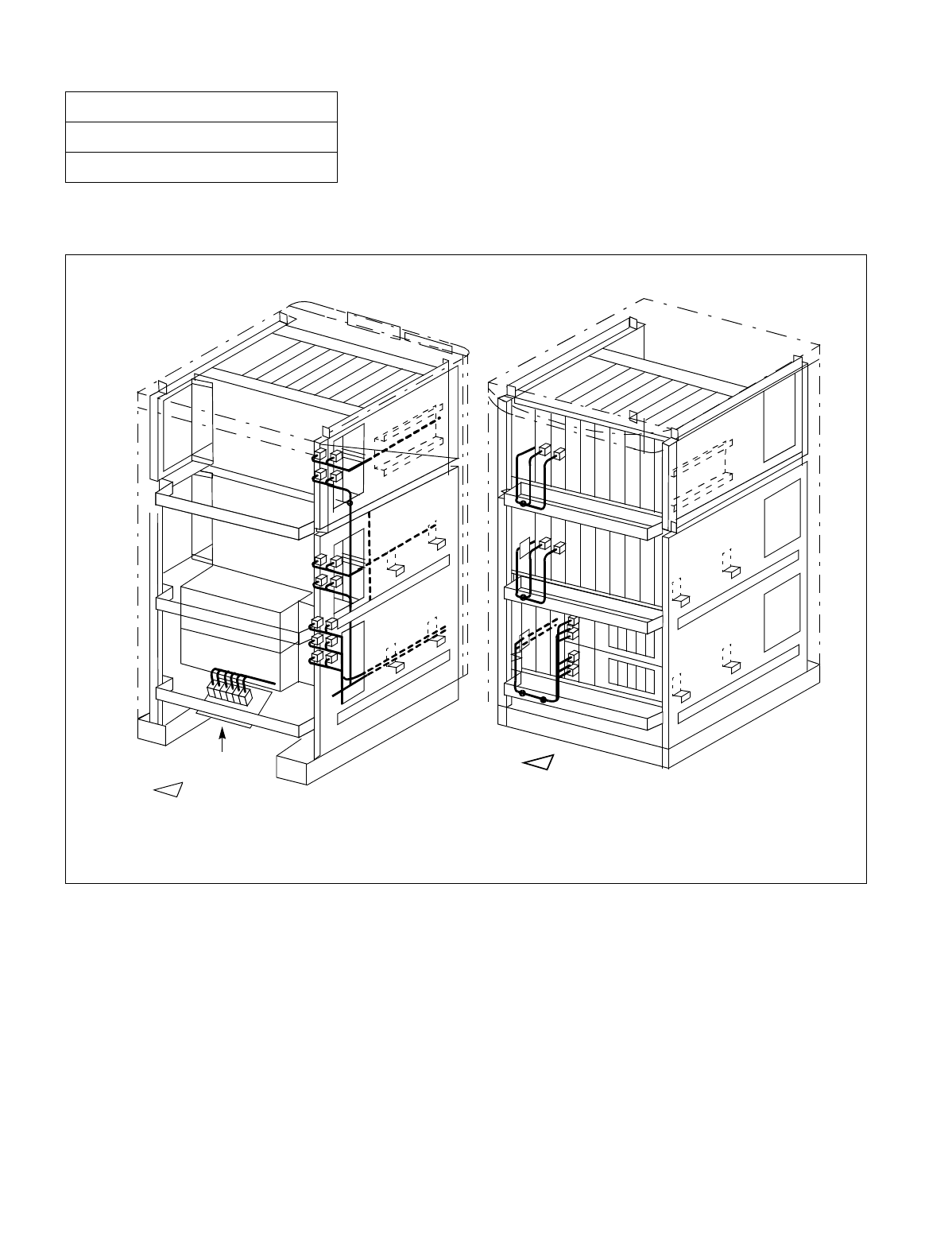
CHAPTER 3 NDA-24234
Page 110
Revision 3.0
INSTALLATION PROCEDURE
Run the power cables, referring to Figure 010-6. Then, fasten the cables to the cabinet, referring to Figure 010-7.
Figure 010-7 Power Cable Connections for 2-PIM System (Single IMG Configuration)
NAP-200-010
Sheet 15/71
Internal Cable Connections
Below is the rough sketch of how to run the power cables for the 2-PIM system. For details on actual cable run-
nings, see Figure 010-6.
Note: Normally, the cables are fastened onto the cabinet at the proposed locations, where small dots ( ) are
provided in this figure.
Backplane
Backplane
PZ-M371 PKG
FRONT
REAR
Backplane
Backplane
PZ-M371 PKG
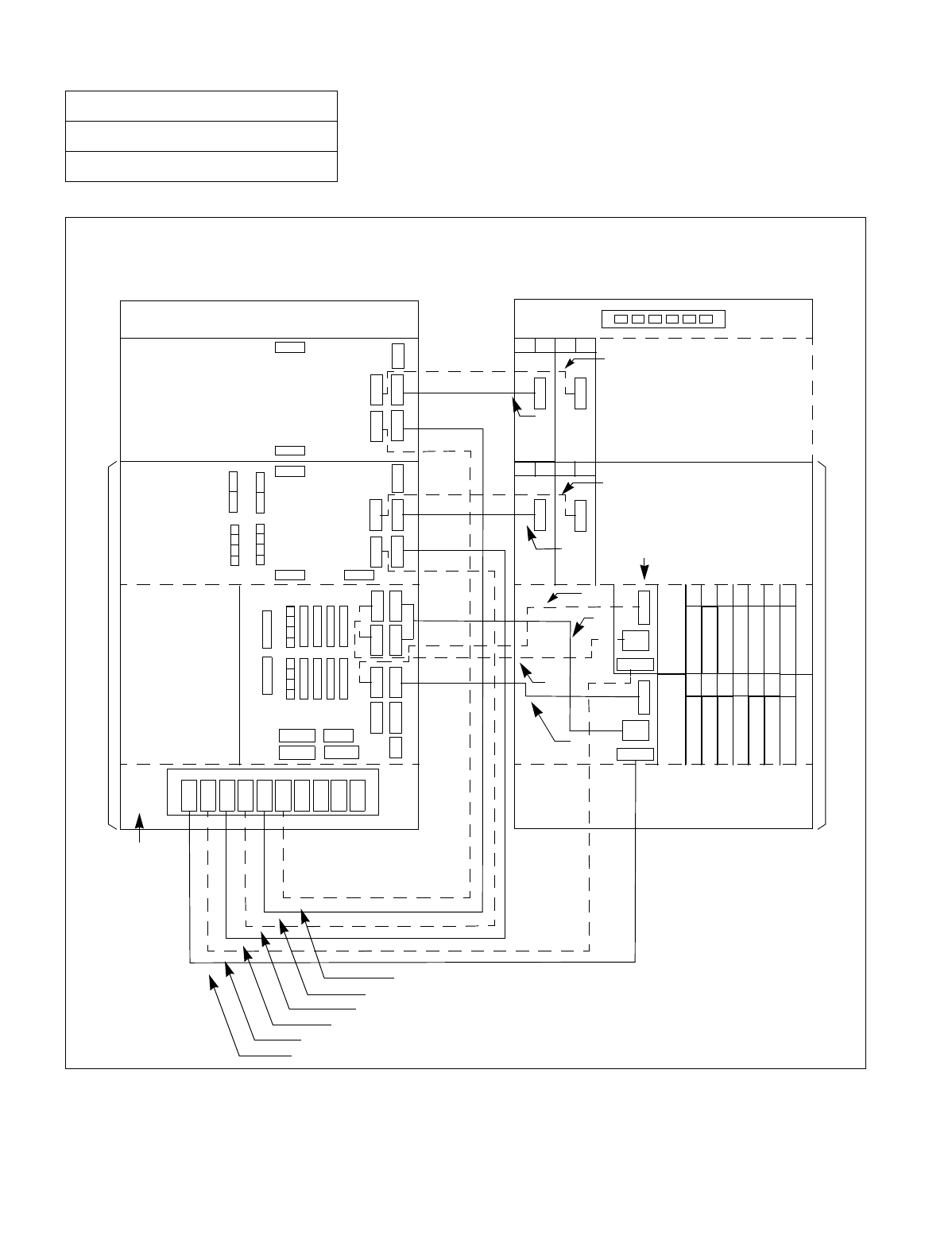
NDA-24234 CHAPTER 3
Page 111
Revision 3.0
INSTALLATION PROCEDURE
Figure 010-8 Details on Power Cable Connections (for 2-PIM System) (Single IMG Configuration)
NAP-200-010
Sheet 16/71
Internal Cable Connections
PALM 1
PALM 0
PWR B1
PWR B0
PWR A1
PWR A0
PWR B
PWR A
-48V1
-48V0
-48V0
-48V1
PWR A
PWR B
PAL M
OUT
PWR
INPWR
PAL M
-48V0
-48V1 -48V1
-48V0
OUT
PWR
INPWR
00 01 02 03 04 05 06
00 01 02 03 04 05 06
00 01
PWR
00 01
PWR
02 03
PWR
02 03
PWR
PZ-M371
(1)
(3)
(5)
(7)
(9)
(11)
(13)
(2)
(4)
(6)
(8)
(10)
(12)
(14)
(BASEU)
(BASEU)
(LPM)
(LPR)
BSCM
(PIM 0) (PIM 0)
PIM 1 PIM 1
TOPU TOPU
NEAX
FRONT VIEW
REAR VIEW
BSCM
PB 2
PA 2
PB 1
PA 0
PB 0

CHAPTER 3 NDA-24234
Page 112
Revision 3.0
INSTALLATION PROCEDURE
NAP-200-010
Sheet 17/71
Internal Cable Connections
Table 010-3 Power Cable Connections for 2-PIM System (Single IMG Configuration)
No.
FROM TO
CABLE NAME REMARKS
UNIT/
MODULE CONNECTOR
NAME
UNIT/
MODULE CONNECTOR
NAME
1 LPR INPWR BASEU PA0 4P-2P PWR CA-A
2 LPR INPWR BASEU PB0 4P-2P PWR CA-B
3 BASEU PA1 PIM0 PWR A 4P PWR CA-C
4 BASEU PB1 PIM0 PWR B 4P PWR CA-D
5 BASEU PA2 PIM1 PWR A 4P PWR CA-E
6 BASEU PB2 PIM1 PWR B 4P PWR CA-F
7 LPR PALM LPR PALM 0 10AL-(110) FLT CA
8 LPR OUT PWR LPR PWR A1/PWR B1 6P-(4P-3P) PWR CA-B
9 LPR OUT PWR LPR PWR A0/PWR B0 6P-(4P-3P) PWR CA-A
10 LPR PALM LPR PALM 1 10AL-(130) FLT CA
11 PIM0 (PWR) -48V IN CONN PIM0 -48V0 3P PWR CA-A -48V0
12 PIM0 (PWR) -48V IN CONN PIM0 -48V1 3P PWR CA-B -48V1
13 PIM1 (PWR) -48V IN CONN PIM1 -48V0 3P PWR CA-A -48V0
14 PIM1 (PWR) -48V IN CONN PIM1 -48V1 3P PWR CA-B -48V1
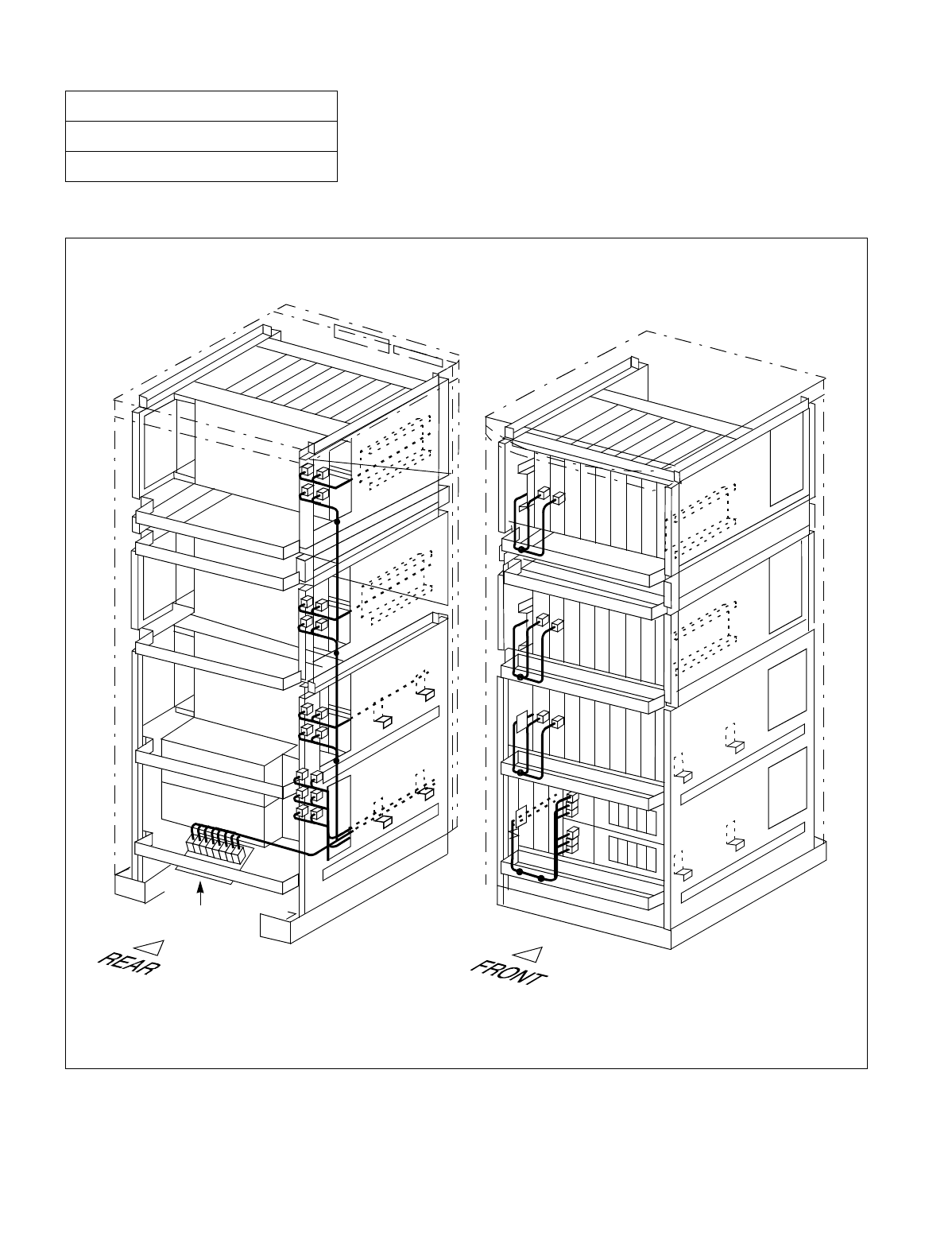
NDA-24234 CHAPTER 3
Page 113
Revision 3.0
INSTALLATION PROCEDURE
Run the power cables, referring to Figure 010-10. Then, fasten the cables to the cabinet, referring to Figure 010-9.
Figure 010-9 Power Cable Connections for 3-PIM System (Single IMG Configuration)
NAP-200-010
Sheet 18/71
Internal Cable Connections
Below is the rough sketch of how to run the power cables for the 3-PIM system. For details on actual cable run-
nings, see Figure 010-10.
Note: Normally, the cables are fastened onto the cabinet at the proposed locations, where small dots (•) are
provided in this figure.
Backplane
Backplane
Backplane
PZ-M371 PKG
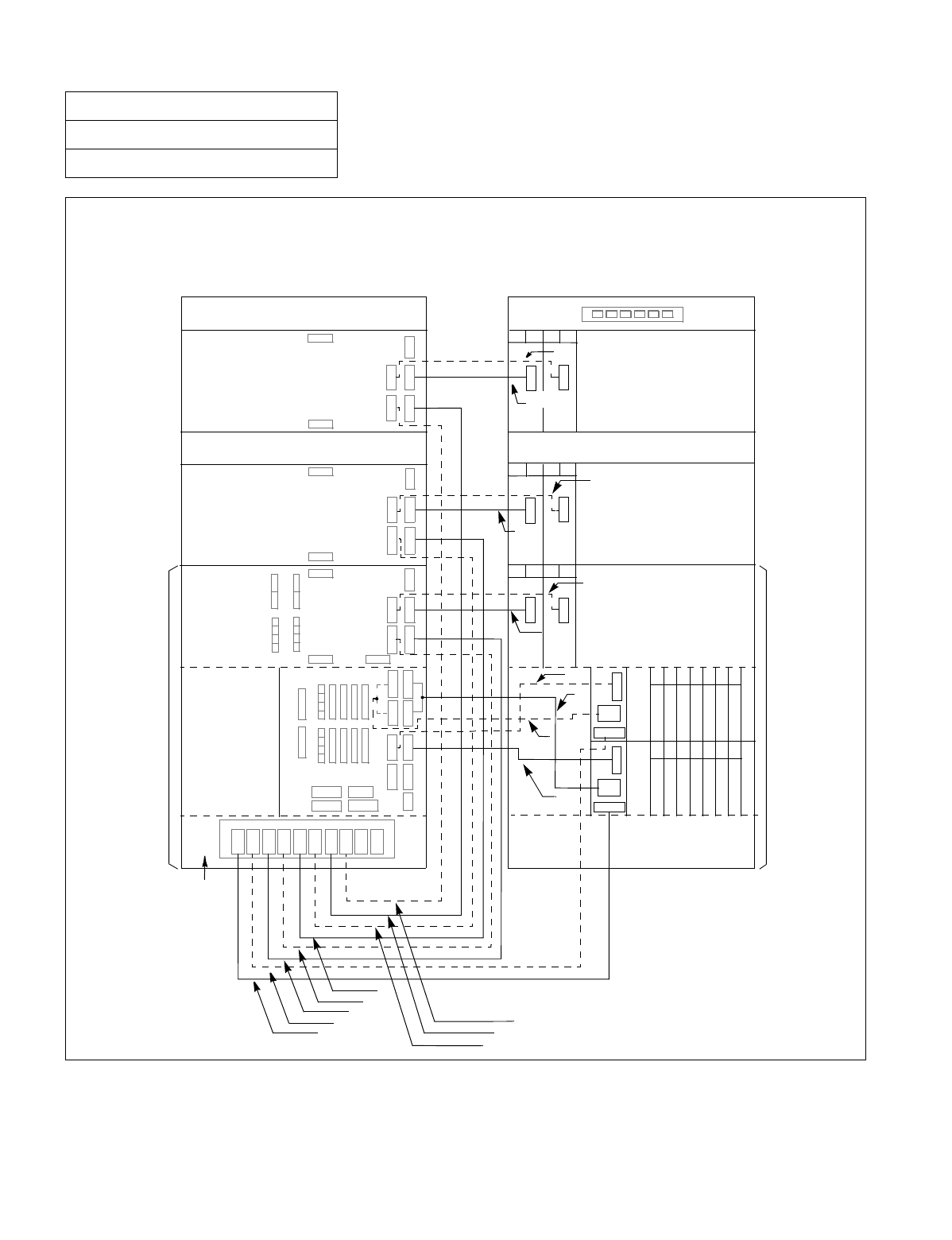
CHAPTER 3 NDA-24234
Page 114
Revision 3.0
INSTALLATION PROCEDURE
Figure 010-10 Details on Power Cable Connections (for 3-PIM System) (Single IMG Configuration)
NAP-200-010
Sheet 19/71
Internal Cable Connections
(BASEU)
(BASEU)
(LPM)
BSCM
(PIM 0) (PIM 0)
PIM 1 PIM 1
FANU FANU
PIM 2 PIM 2
TOPU TOPU
FRONT VIEW
REAR VIEW
BSCM
PA 0
PA 1
PB 0
PB 1
PA 2
PB 2
PA 3
PB 3
PWR B
PWR A
PWR B
PWR A
00 01 02 03 04 05 06
OUT
PWR
PAL M
00 01 02 03 04 05 06
OUT
PWR
PALM
00 01
PWR
00 01
PWR
00 01
PWR
02 03
PWR
02 03
PWR
02 03
PWR
PZ-M371
(1)
(3)
(5)
(7)
(9)
(11)
(13)
(15)
(2)
(4)
(6)
(8)
INPWR
INPWR
(10)
(12)
(14)
(16)
(18)
NEAX
-48V1
-48V0 -48V0
-48V1
PWR A
-48V1
-48V1
-48V0
-48V0
-48V1
(LPM)
PWR B
-48V0
-48V1
-48V0
PWR B1 PWR A1
PWR A0 PWR B0
PAL M 1
PAL M 0
Connect the power cables as shown below. Cables represented in dotted lines indicate power cables for a dual-
system.
(17)

NDA-24234 CHAPTER 3
Page 115
Revision 3.0
INSTALLATION PROCEDURE
NAP-200-010
Sheet 20/71
Internal Cable Connections
Table 010-4 Power Cable Connections for 3-PIM System (Single IMG Configuration)
No.
FROM TO
CABLE NAME REMARKS
UNIT/
MODULE CONNECTOR
NAME UNIT/
MODULE CONNECTOR
NAME
1 LPR INPWR BASEU PA0 4P-2P PWR CA-A
2 LPR INPWR BASEU PB0 4P-2P PWR CA-B
3 BASEU PA1 PIM0 PWR A 4P PWR CA-C
4 BASEU PB1 PIM0 PWR B 4P PWR CA-D
5 BASEU PA2 PIM1 PWR A 4P PWR CA-E
6 BASEU PB2 PIM1 PWR B 4P PWR CA-F
7 BASEU PA3 PIM2 PWR A 4P PWR CA-G
8 BASEU PB3 PIM2 PWR B 4P PWR CA-H
9 LPR PALM LPR PALM 0 10AL-(110) FLT CA
10 LPR OUT PWR LPR PWR A1/PWR B1 6P-(4P-3P) PWR CA-B
11 LPR OUT PWR LPR PWR A0/PWR B0 6P-(4P-3P) PWR CA-A
12 LPR PALM LPR PALM 1 10AL-(130) FLT CA
13 PIM0 (PWR) -48V IN CONN PIM0 -48V0 3P PWR CA-A -48V0
14 PIM0 (PWR) -48V IN CONN PIM0 -48V1 3P PWR CA-B -48V1
15 PIM1 (PWR) -48V IN CONN PIM1 -48V0 3P PWR CA-A -48V0
16 PIM1 (PWR) -48V IN CONN PIM1 -48V1 3P PWR CA-B -48V1
17 PIM2 (PWR) -48V IN CONN PIM2 -48V0 3P PWR CA-A -48V0
18 PIM2 (PWR) -48V IN CONN PIM2 -48V1 3P PWR CA-B -48V1
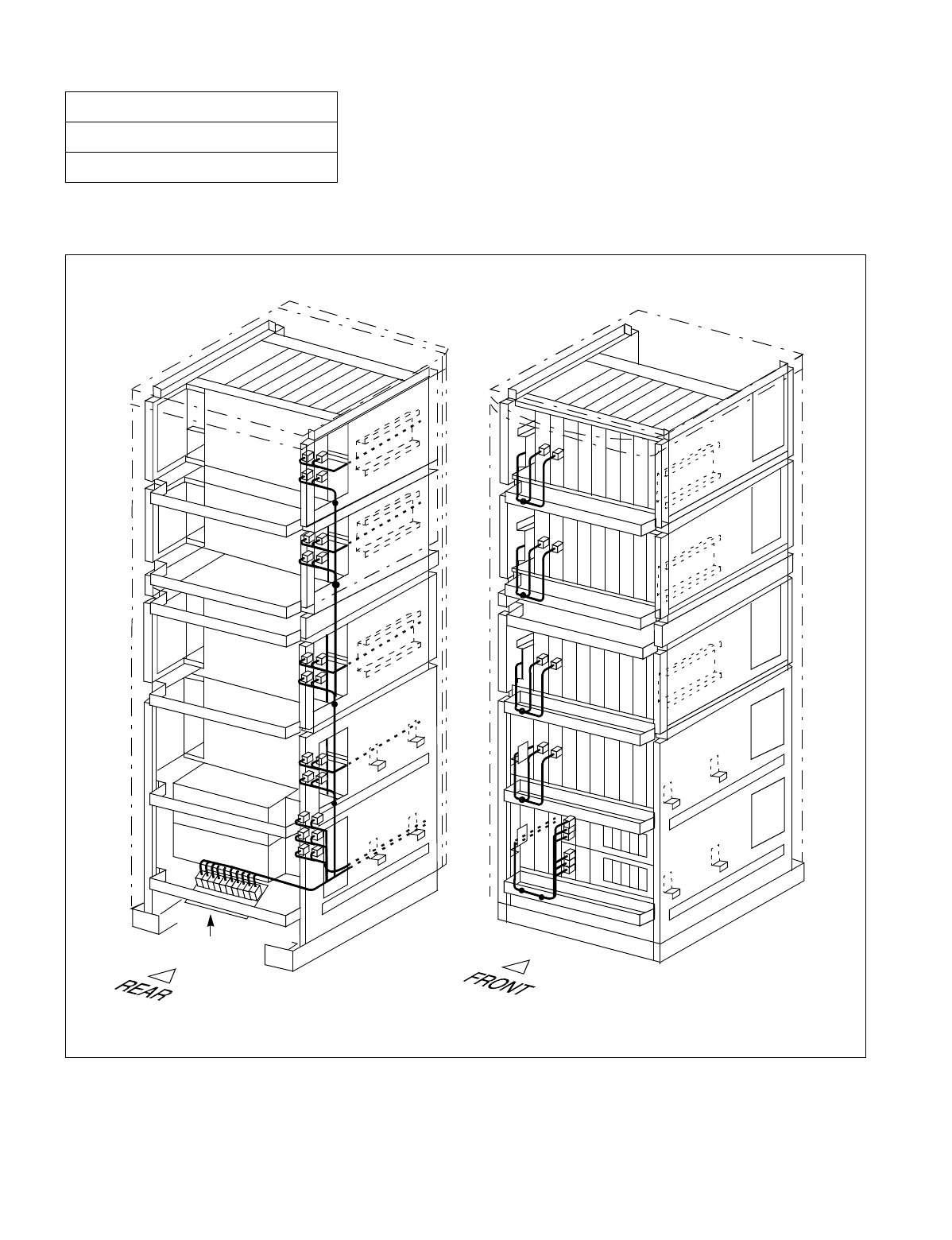
CHAPTER 3 NDA-24234
Page 116
Revision 3.0
INSTALLATION PROCEDURE
Run the power cables, referring to Figure 010-12. Then, fasten the cables to the cabinet, referring to Figure 010-11.
Figure 010-11 Power Cable Connections for 4-PIM System (Single IMG Configuration)
NAP-200-010
Sheet 21/71
Internal Cable Connections
Below is the rough sketch of how to run the power cables for the 4-PIM system. For details on actual cable run-
nings, see Figure 010-12.
Note: Normally, the cables are fastened onto the cabinet at the proposed locations, where small dots (•) are
provided in this figure.
Backplane
Backplane
Backplane
Backplane
PZ-M371 PKG
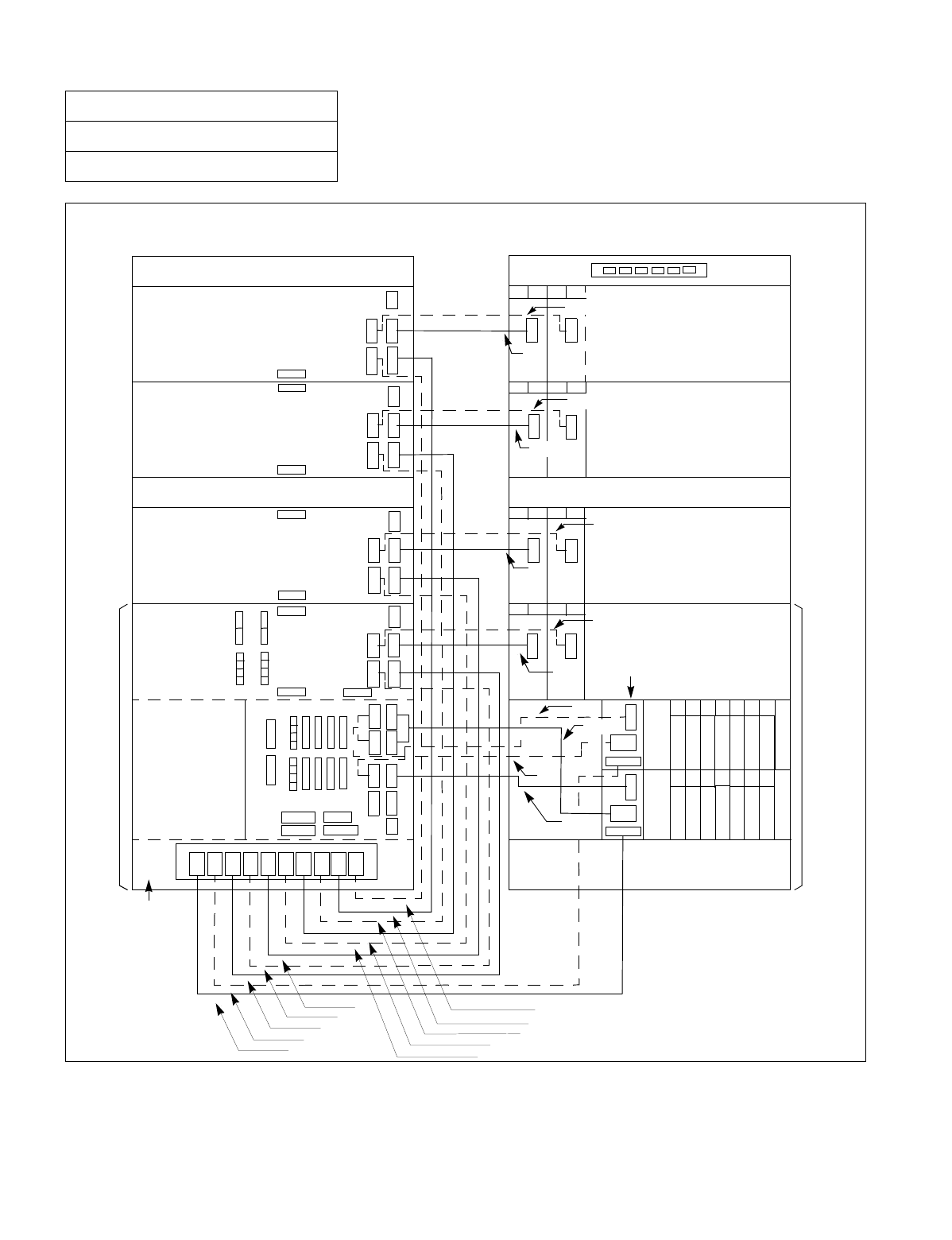
NDA-24234 CHAPTER 3
Page 117
Revision 3.0
INSTALLATION PROCEDURE
Figure 010-12 Details on Power Cable Connections (for 4-PIM System) (Single IMG Configuration)
NAP-200-010
Sheet 22/71
Internal Cable Connections
-48V0
-48V1
OUT
PWR
INPWR
PAL M
-48V1
-48V1
PZ-M371
PA 0
PA 1
PB 0
PB 1
PA 2
PB 2
PA 3
PB 3
PA 4
PB 4
PWR A1
PWR A0
PWR B1
PWR B0
PAL M 1
PAL M 0
-48V1
-48V0
PWR B
PWR A
-48V1
-48V0
PWR B
PWR A
-48V1
-48V0 PWR A
PWR B
Connect the power cables as shown below. Cables represented in dotted-lines indicate power cables for a
dual-system.
00 01 02 03 04 05 06
00 01 02 03 04 05 06
00 01
PWR
00 01
PWR
00 01
PWR
00 01
PWR
02 03
PWR
02 03
PWR
02 03
PWR
02 03
PWR
(1)
(3)
(5)
(7)
(9)
(15)
(17)
(2)
(4)
(6)
(8)
(10)
(12)
(14)
(16)
(18)
(21)
PIM 1 PIM 1
FANU FANU
PIM 2 PIM 2
PIM 3 PIM 3
TOPU TOPU
NEAX
FRONT VIEW
REAR VIEW
(BASEU)
(LPM)
BSCM
(PIM 0)
(BASEU)
(LPM)
(
PIM 0)
BSCM
-48V0
-48V1
PWR A
PWR B
-48V0
-48V1
PAL M
OUT
PWR
INPWR
(13)
(11)
(19)
-48V0
-48V1
(20)
(22)

CHAPTER 3 NDA-24234
Page 118
Revision 3.0
INSTALLATION PROCEDURE
NAP-200-010
Sheet 23/71
Internal Cable Connections
Table 010-5 Power Cable Connections for 4-PIM System (Single IMG Configuration)
No.
FROM TO
CABLE NAME REMARKS
UNIT/
MODULE CONNECTOR
NAME UNIT/
MODULE CONNECTOR
NAME
1 LPR INPWR BASEU PA0 4P-2P PWR CA-A
2 LPR INPWR BASEU PB0 4P-2P PWR CA-B
3 BASEU PA1 PIM0 PWR A 4P PWR CA-C
4 BASEU PB1 PIM0 PWR B 4P PWR CA-D
5 BASEU PA2 PIM1 PWR A 4P PWR CA-E
6 BASEU PB2 PIM1 PWR B 4P PWR CA-F
7 BASEU PA3 PIM2 PWR A 4P PWR CA-G
8 BASEU PB3 PIM2 PWR B 4P PWR CA-H
9 BASEU PA4 PIM3 PWR A 4P PWR CA-I
10 BASEU PB4 PIM3 PWR B 4P PWR CA-J
11 LPR PALM LPR PALM 0 10AL-(110) FLT CA
12 LPR OUT PWR LPR PWR A1/PWR B1 6P-(4P-3P) PWR CA-B
13 LPR OUT PWR LPR PWR A0/PWR B0 6P-(4P-3P) PWR CA-A
14 LPR PALM LPR PALM 1 10AL-(130) FLT CA
15 PIM0 (PWR) -48V IN CONN PIM0 -48V0 3P PWR CA-A -48V0
16 PIM0 (PWR) -48V IN CONN PIM0 -48V1 3P PWR CA-B -48V1
17 PIM1 (PWR) -48V IN CONN PIM1 -48V0 3P PWR CA-A -48V0
18 PIM1 (PWR) -48V IN CONN PIM1 -48V1 3P PWR CA-B -48V1
19 PIM2 (PWR) -48V IN CONN PIM2 -48V0 3P PWR CA-A -48V0
20 PIM2 (PWR) -48V IN CONN PIM2 -48V1 3P PWR CA-B -48V1
21 PIM3 (PWR) -48V IN CONN PIM3 -48V0 3P PWR CA-A -48V0
22 PIM3 (PWR) -48V IN CONN PIM3 -48V1 3P PWR CA-B -48V1
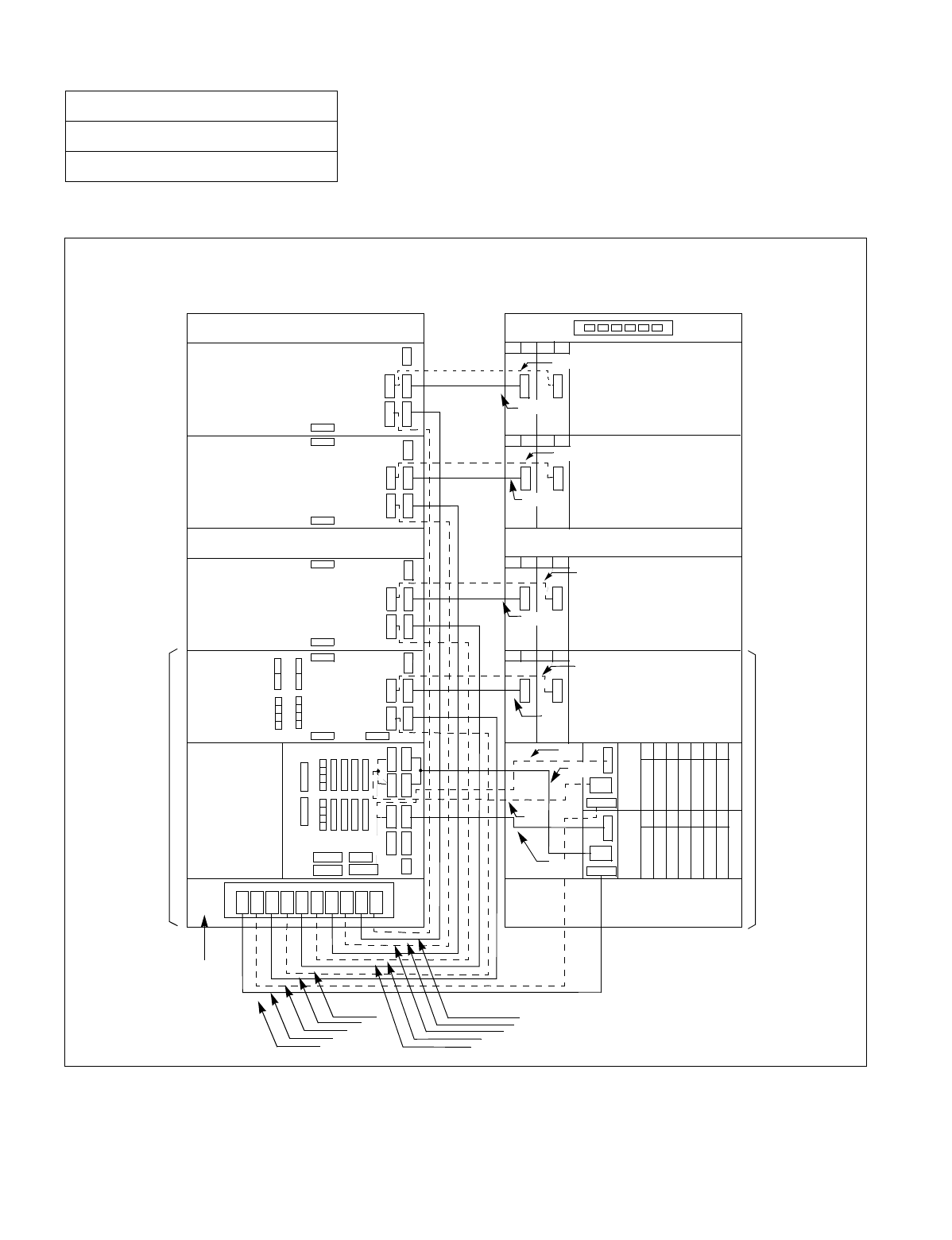
NDA-24234 CHAPTER 3
Page 119
Revision 3.0
INSTALLATION PROCEDURE
Run the internal power cables, referring to Figure 010-13 through Figure 010-26.
Figure 010-13 Power Cable Connection for IMG0 (Multiple IMG Configuration)
NAP-200-010
Sheet 24/71
Internal Cable Connections
Connect the internal power cables for IMG0 as shown below. Note that the dotted lines indicate power cables for
a dual-system.
FRONT VIEW
REAR VIEW
PIM 1 PIM 1
FANU FANU
PIM 2
PIM 2
PIM 3
TOPU
BSCM BSCM
TOPU
PIM 3
(PIM 0)
(LPM)
(BASEU)
(1)(2)
(3)(4)
(5)
(6)
(7) (8)
(9)
(10)
(12)
(14)
(15)
(16)
(18)
00
01
02
03
04 05 06
00
00
00
00
00 01
01
01
01
01
02
02
02
02
02
03
03
03
03
03
04 05 06
PWR
PWR
PWR
PWR
PWR
PWR
PWR PWR
-48v0 PWRA
-48v1
-48v0 -48v0
-48v0 PWRA
PWRA
PWRA PWRA0
PWRA1
PA L M 0
PWRB
PWRB
PWRB
PWRB0
PWRA
PWRB1 PALM1
-48v1 -48v1 PWRB -48v1
(13)
(17)
(19)
(20)
(22)
(21)
(11)

CHAPTER 3 NDA-24234
Page 120
Revision 3.0
INSTALLATION PROCEDURE
NAP-200-010
Sheet 25/71
Internal Cable Connections
Table 010-6 Power Cable Connection for IMG0 (Multiple IMG Configuration)
No.
FROM TO
CABLE NAME REMARKS
UNIT/MODULE CONNECTOR
NAME UNIT/
MODULE CONNECTOR
NAME
1 LPM INPWR BASEU PA0 4P-2P PWR CA-A
2 LPM INPWR BASEU PB0 4P-2P PWR CA-B
3 BASEU PA1 PIM0 PWR A 4P PWR CA-C
4 BASEU PB1 PIM0 PWR B 4P PWR CA-D
5 BASEU PA2 PIM1 PWR A 4P PWR CA-E
6 BASEU PB2 PIM1 PWR B 4P PWR CA-F
7 BASEU PA3 PIM2 PWR A 4P PWR CA-G
8 BASEU PB3 PIM2 PWR B 4P PWR CA-H
9 BASEU PA4 PIM3 PWR A 4P PWR CA-I
10 BASEU PB4 PIM3 PWR B 4P PWR CA-J
11 LPM PALM LPM PALM0 10AL-(110) FLT CA
12 LPM OUTPWR LPM PWR A1/PWR 6P-(4P-3P) PWR CA-B
13 LPM OUTPWR LPM PWR A0/PWR 6P-(4P-3P) PWR CA-A
14 LPM PALM LPM PALM1 10AL-(130) FLT CA
15 PIM0 (PWR) -48V IN CONN PIM0 -48V0 3P PWR CA-A -48V0
16 PIM0 (PWR) -48V IN CONN PIM0 -48V1 3P PWR CA-B -48V1
17 PIM1 (PWR) -48V IN CONN PIM1 -48V0 3P PWR CA-A -48V0
18 PIM1 (PWR) -48V IN CONN PIM1 -48V1 3P PWR CA-B -48V1
19 PIM2 (PWR) -48V IN CONN PIM2 -48V0 3P PWR CA-A -48V0
20 PIM2 (PWR) -48V IN CONN PIM2 -48V1 3P PWR CA-B -48V1
21 PIM3 (PWR) -48V IN CONN PIM3 -48V0 3P PWR CA-A -48V0
22 PIM3 (PWR) -48V IN CONN PIM3 -48V1 3P PWR CA-B -48V1
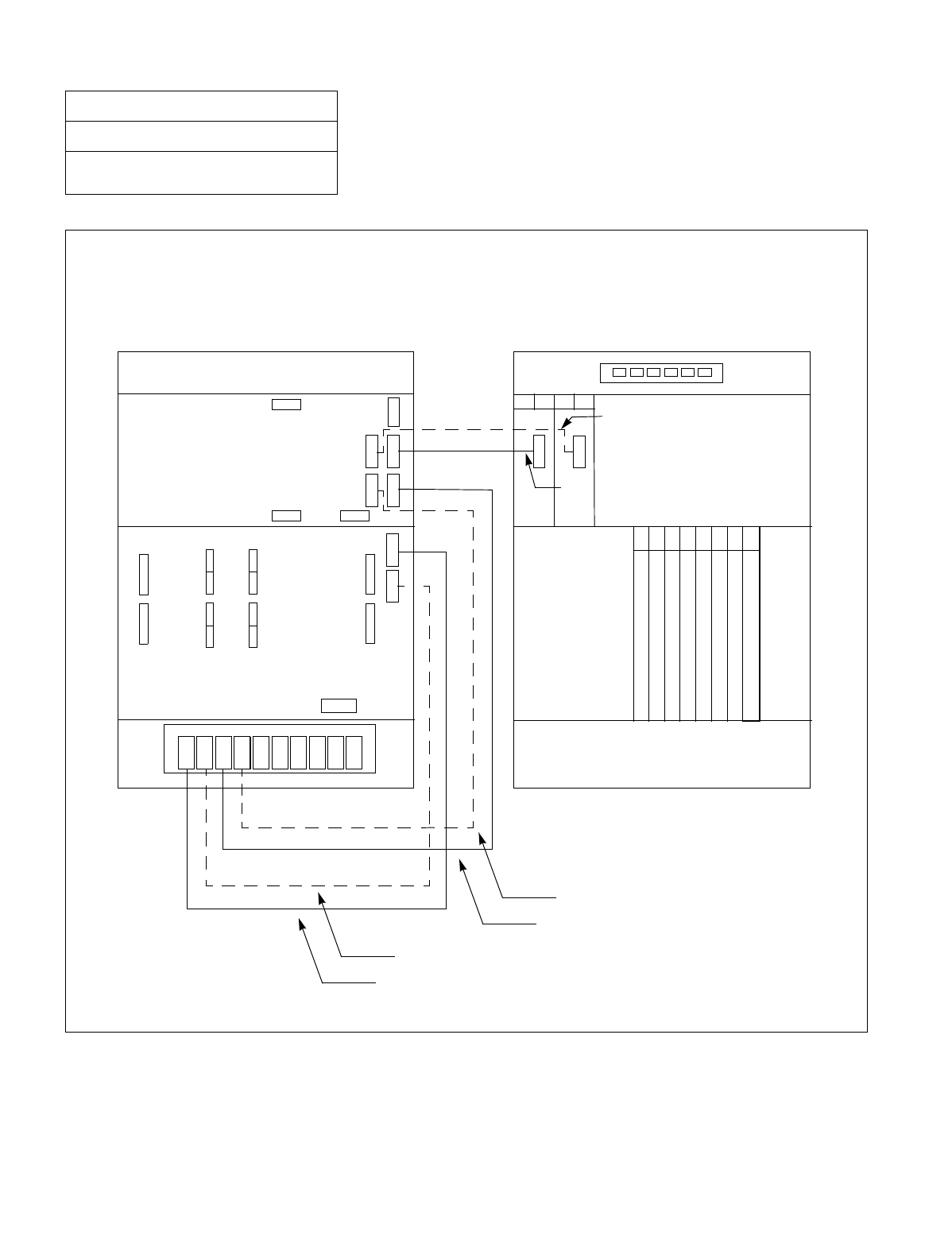
NDA-24234 CHAPTER 3
Page 121
Revision 3.0
INSTALLATION PROCEDURE
Figure 010-14 Power Cable Connection for IMG1 (1-PIM System) (Multiple IMG Configuration)
NAP-200-010
Sheet 26/71
Internal Cable Connections
PWR B PWR A
-48V1
-48V0
PWR B
PWR A
Connect the internal power cables for 1-PIM system of IMG1 as shown below. Note that the dotted lines indi-
cate power cables for a dual-system.
00 01
PWR
02 03
PWR
PZ-M371
(3)
(5)
(4)
(6)
(1)
(2)
BASEU
TSWM
BASEU
PIM 0 PIM 0
TOPU TOPU
FRONT VIEW
REAR VIEW
TSWM
MICRES1
MICRES0
TIORES1
TIORES0
MUX110 MUX010
12
12
13
1300 01 02 03 10 11
14 15 16 17 18 19
TSW(PH-SW12)
TSW(PH-SW12)
TSW(PH-SW12)
TSW(PH-SW12)
TSW(PH-SW12)
TSW(PH-SW12)
TSW(PH-SW12)
TSW(PH-SW12)
PA 0
PA 1
PB 0
PB 1
-48V0
-48V1
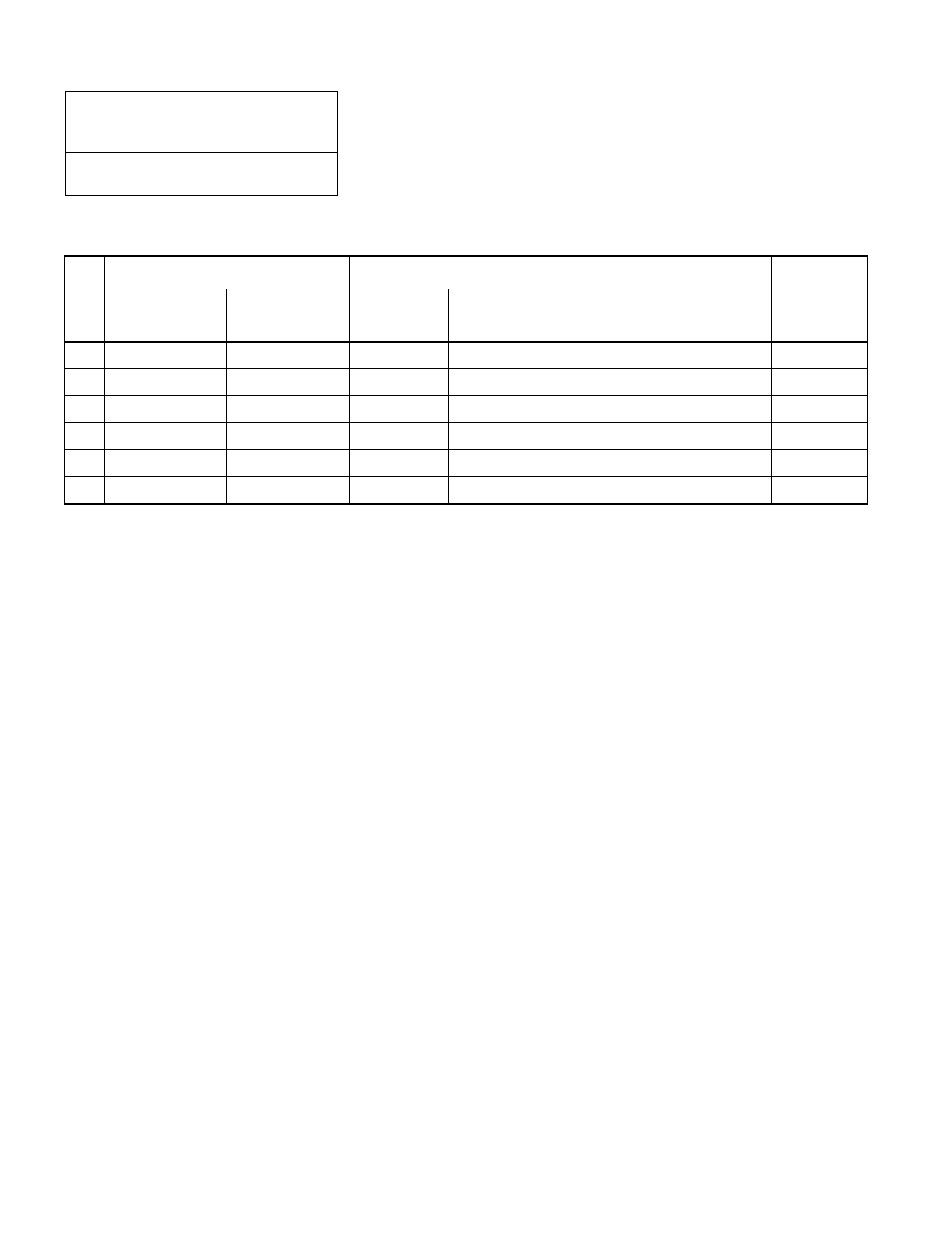
CHAPTER 3 NDA-24234
Page 122
Revision 3.0
INSTALLATION PROCEDURE
NAP-200-010
Sheet 27/71
Internal Cable Connections
Table 010-7 Power Cable Connection for IMG1 (1-PIM System) (Multiple IMG Configuration)
No.
FROM TO
CABLE NAME REMARKS
UNIT/MODULE CONNECTOR
NAME UNIT/
MODULE CONNECTOR
NAME
1 BASEU PA0 TSWM PWR A 4P PWR CA-A
2 BASEU PB0 TSWM PWR B 4P PWR CA-B
3 BASEU PA1 PIM0 PWR A 4P PWR CA-C
4 BASEU PB1 PIM0 PWR B 4P PWR CA-D
5 PIM0 (PWR) -48V IN CONN PIM0 -48V0 3P PWR CA-A -48V0
6 PIM0 (PWR) -48V IN CONN PIM0 -48V1 3P PWR CA-B -48V1
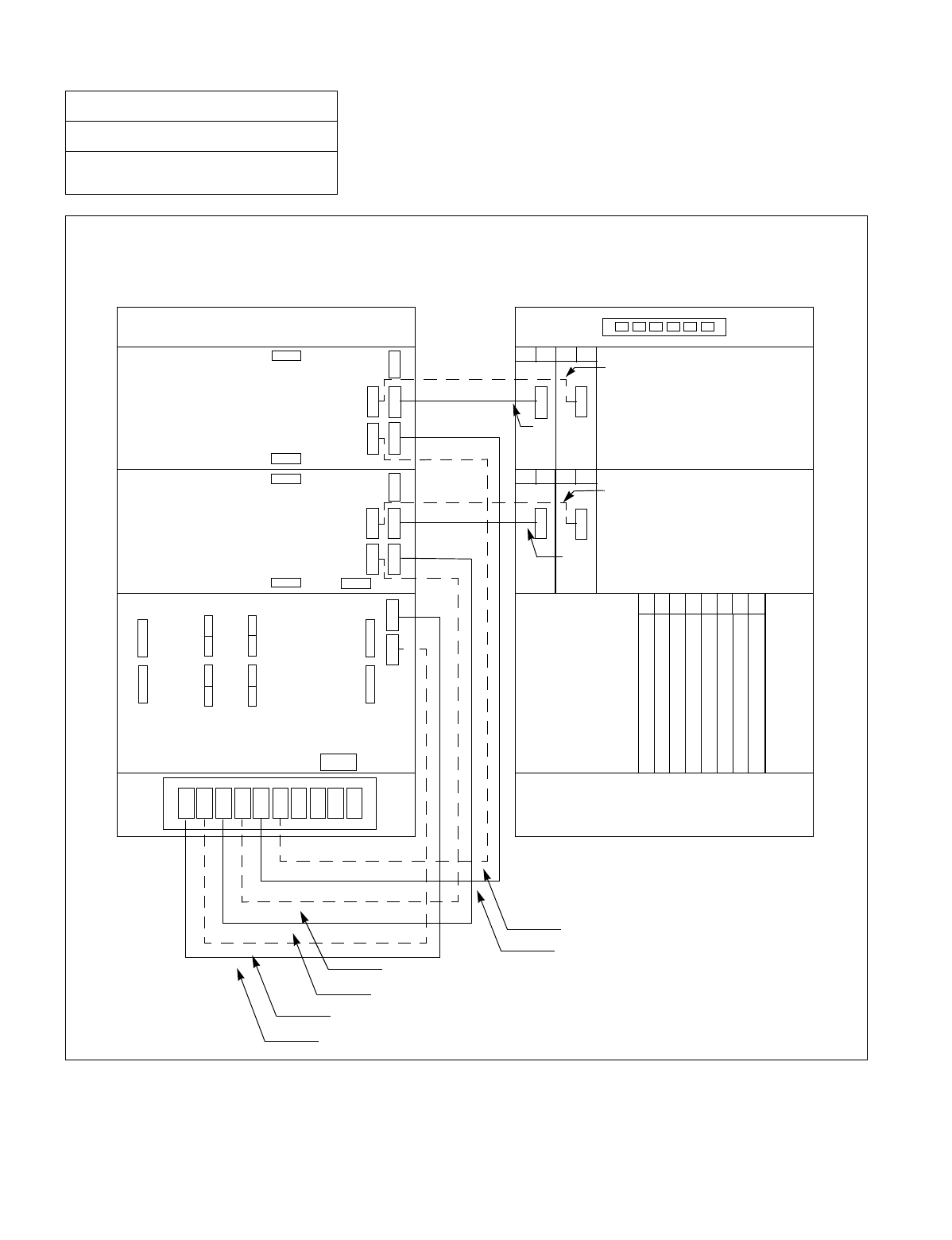
NDA-24234 CHAPTER 3
Page 123
Revision 3.0
INSTALLATION PROCEDURE
Figure 010-15 Power Cable Connection for IMG1 (2-PIM System) (Multiple IMG Configuration)
NAP-200-010
Sheet 28/71
Internal Cable Connections
-48V0
-48V1
-48V0
-48V1
PZ-M371
PA 0
PA 1
PB 0
PB 1
PA 2
PB 2
PWR A
-48V0
-48V0
-48V1
PWR A
PWR B
Connect the internal power cables for 2-PIM system of IMG1 as shown below. Note that the dotted lines indicate
power cables for a dual-system.
00 01
PWR
00 01
PWR
02 03
PWR
02 03
PWR
(3)
(5)
(7)
(9)
(4)
(6)
(8)
(10)
(1)
(2)
BASEU
TSWM
BASEU
PIM 0 PIM 0
PIM 1 PIM 1
TOPU TOPU
FRONT VIEW
REAR VIEW
TSWM
MICRES1
MICRES0
TIORES1
TIORES0
MUX110 MUX010
12
12
13
1300 01 02 03 10 11
14 15 16 17 18 19
TSW(PH-SW12)
TSW(PH-SW12)
TSW(PH-SW12)
TSW(PH-SW12)
TSW(PH-SW12)
TSW(PH-SW12)
TSW(PH-SW12)
TSW(PH-SW12)
PWR B
-48V1 PWR B
PWR A
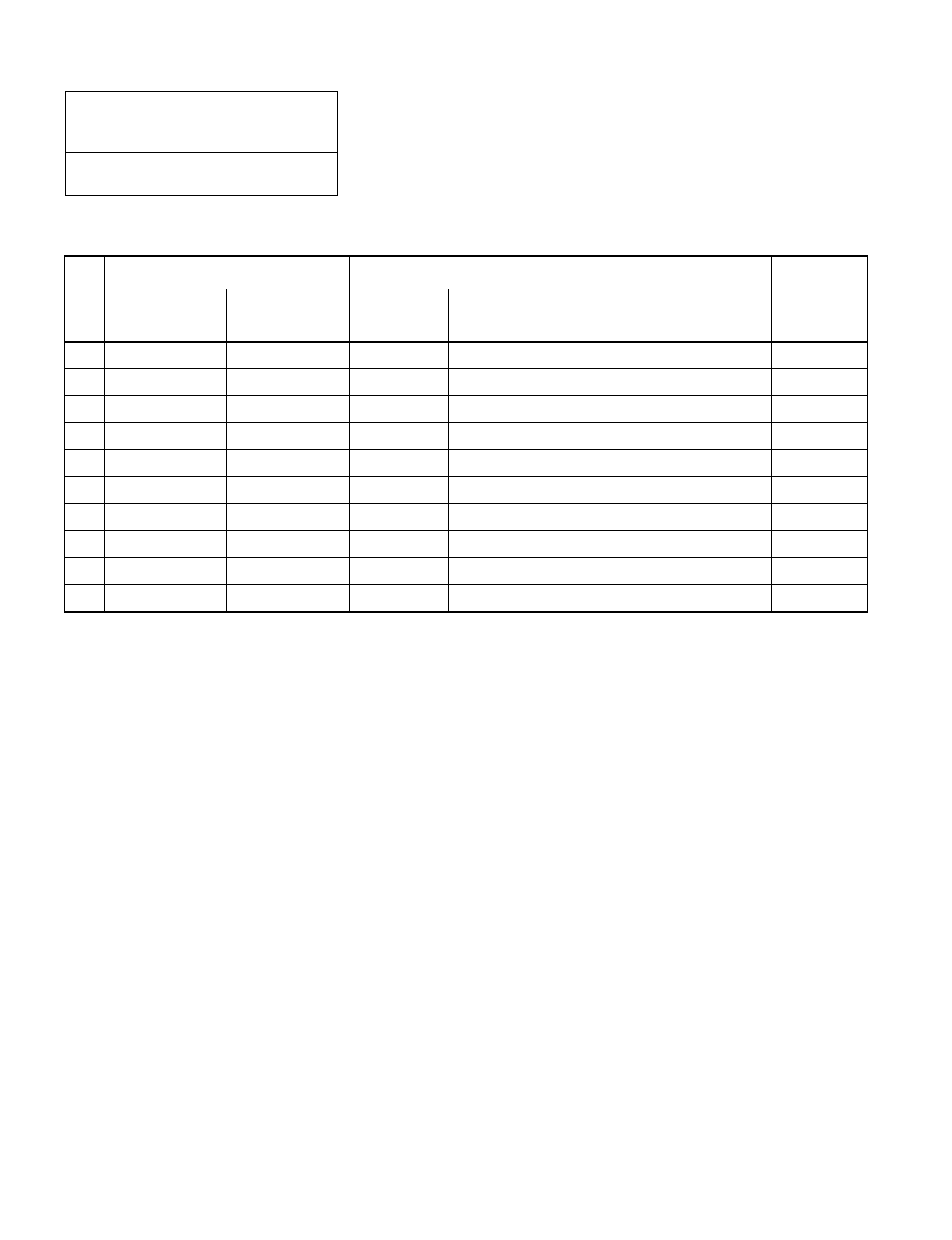
CHAPTER 3 NDA-24234
Page 124
Revision 3.0
INSTALLATION PROCEDURE
NAP-200-010
Sheet 29/71
Internal Cable Connections
Table 010-8 Power Cable Connection for IMG1 (2-PIM System) (Multiple IMG Configuration)
No.
FROM TO
CABLE NAME REMARKS
UNIT/MODULE CONNECTOR
NAME UNIT/
MODULE CONNECTOR
NAME
1 BASEU PA0 TSWM PWR A 4P PWR CA-A
2 BASEU PB0 TSWM PWR B 4P PWR CA-B
3 BASEU PA1 PIM0 PWR A 4P PWR CA-C
4 BASEU PB1 PIM0 PWR B 4P PWR CA-D
5 BASEU PA2 PIM1 PWR A 4P PWR CA-E
6 BASEU PB2 PIM1 PWR B 4P PWR CA-F
7 PIM0 (PWR) -48V IN CONN PIM0 -48V0 3P PWR CA-A -48V0
8 PIM0 (PWR) -48V IN CONN PIM0 -48V1 3P PWR CA-B -48V1
9 PIM1 (PWR) -48V IN CONN PIM1 -48V0 3P PWR CA-A -48V0
10 PIM1 (PWR) -48V IN CONN PIM1 -48V1 3P PWR CA-B -48V1
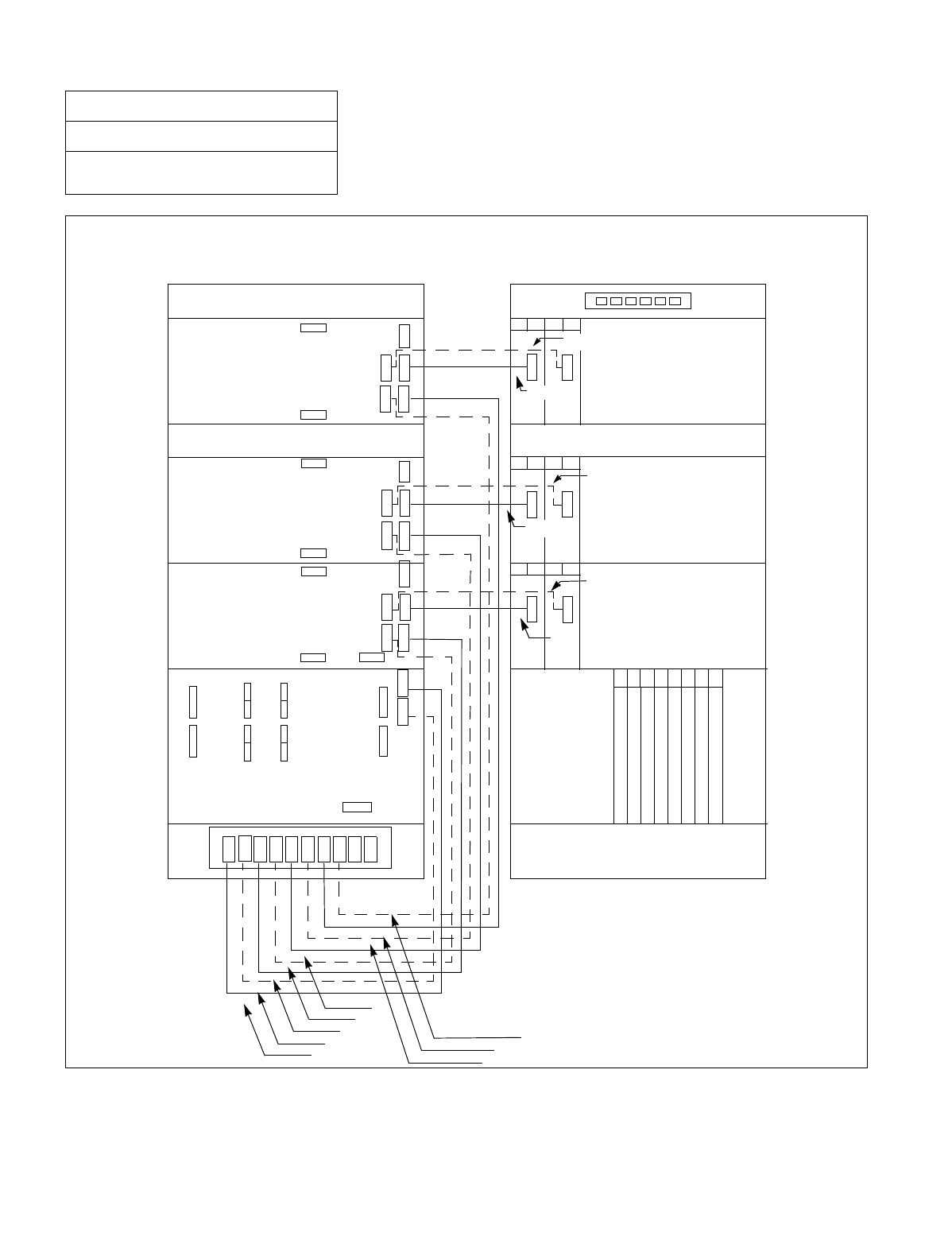
NDA-24234 CHAPTER 3
Page 125
Revision 3.0
INSTALLATION PROCEDURE
Figure 010-16 Power Cable Connection for IMG1 (3-PIM System) (Multiple IMG Configuration)
NAP-200-010
Sheet 30/71
Internal Cable Connections
Connect the internal power cables for 3-PIM system of IMG1 as shown below. Note that the dotted lines indi-
cate power cables for a dual-system.
PA 0
PA 1
PB 0
PB 1
PA 2
PB 2
PA 3
PB 3
PWR B
PWR A
PWR B
PWR A PWR A PWR B
12
12
13
1300 01 02 03 10 11
14 15 16 17 18 19
PWR
00 01
PWR
00 01
PWR
PWR
02 03
00 01 02 03
PWR
02 03
PWR
PZ-M371
(1)
(3)
(5)
(7)
(9)
(2)
(4)
(6)
(8)
(10)
(12)
BASEU BASEU
PIM 0 PIM 0
PIM 1 PIM 1
FANU FANU
PIM 2 PIM 2
TOPU TOPU
FRONT VIEW
REAR VIEW
-48V1
-48V0 -48V0
-48V1
PWR A
PWR B
-48V1
-48V1
-48V0
TSW(PH-SW12)
TSW(PH-SW12)
TSW(PH-SW12)
TSW(PH-SW12)
TSW(PH-SW12)
TSW(PH-SW12)
TSW(PH-SW12)
TSW(PH-SW12)
TSWMTSWM MICRES1
MICRES0
TIORES1
TIORES0
MUX110 MUX010
-48V1
-48V0
-48V0
-48V1
-48V0
(13)
(14)
(11)

CHAPTER 3 NDA-24234
Page 126
Revision 3.0
INSTALLATION PROCEDURE
NAP-200-010
Sheet 31/71
Internal Cable Connections
Table 010-9 Power Cable Connection for IMG1 (3-PIM System) (Multiple IMG Configuration)
No.
FROM TO
CABLE NAME REMARKS
UNIT/MODULE CONNECTOR
NAME UNIT/
MODULE CONNECTOR
NAME
1 BASEU PA0 TSWM PWR A 4P PWR CA-A
2 BASEU PB0 TSWM PWR B 4P PWR CA-B
3 BASEU PA1 PIM0 PWR A 4P PWR CA-C
4 BASEU PB1 PIM0 PWR B 4P PWR CA-D
5 BASEU PA2 PIM1 PWR A 4P PWR CA-E
6 BASEU PB2 PIM1 PWR B 4P PWR CA-F
7 BASEU PA3 PIM2 PWR A 4P PWR CA-G
8 BASEU PB3 PIM2 PWR B 4P PWR CA-H
9 PIM0 (PWR) -48V IN CONN PIM0 -48V0 3P PWR CA-A -48V0
10 PIM0 (PWR) -48V IN CONN PIM0 -48V1 3P PWR CA-B -48V1
11 PIM1 (PWR) -48V IN CONN PIM1 -48V0 3P PWR CA-A -48V0
12 PIM1 (PWR) -48V IN CONN PIM1 -48V1 3P PWR CA-B -48V1
13 PIM2 (PWR) -48V IN CONN PIM2 -48V0 3P PWR CA-A -48V0
14 PIM2 (PWR) -48V IN CONN PIM2 -48V1 3P PWR CA-B -48V1
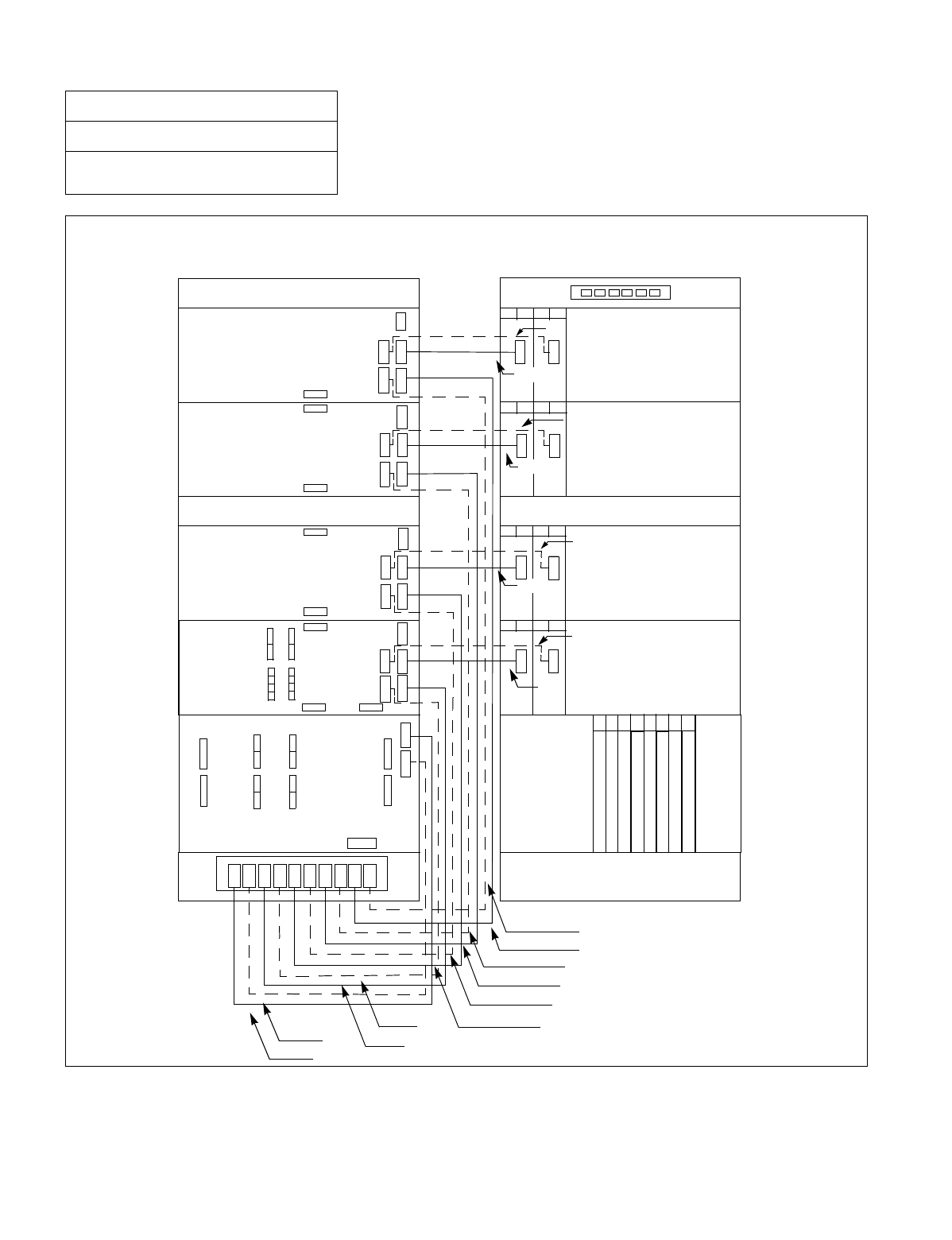
NDA-24234 CHAPTER 3
Page 127
Revision 3.0
INSTALLATION PROCEDURE
Figure 010-17 Power Cable Connection for IMG1 (4-PIM System) (Multiple IMG Configuration)
NAP-200-010
Sheet 32/71
Internal Cable Connections
Connect the internal power cables for 4-PIM system of IMG1 as shown below. Note that the dotted lines indicate
power cables for a dual-system.
00 01
PWR
00 01
PWR
00 01
PWR
00 01
PWR
02 03
PWR
02 03
PWR
02 03
PWR
02 03
PWR
PZ-M371
(1)
(9)
(11)
(2)
(8)
(10)
(12)
(14)
(16)
(18)
(7)
(6)
(5)
(4)
(3)
PIM 1 PIM 1
FANU FANU
PIM 2 PIM 2
PIM 3 PIM 3
TOPU TOPU
FRONT VIEW
REAR VIEW
BASEU
TSWM
PIM 0
BASEU
TSWM
PIM 0
12
12
13
1300 01 02 03 10 11
14 1516 17 18 19
TSW(PH-SW12)
TSW(PH-SW12)
TSW(PH-SW12)
TSW(PH-SW12)
TSW(PH-SW12)
TSW(PH-SW12)
TSW(PH-SW12)
TSW(PH-SW12)
MICRES1
MICRES0
TIORES1
TIORES0
MUX110 MUX010
PWR B
-48V1
-48V0 PWR A
PWR B
PWR A
-48V1
-48V0
-48V1
-48V0 PWR A
PWR B -48V1
-48V0
PWR B
PWR A PWR A PWR B
PB 4
PA 4
PB 3
PA 3
PB 2
PA 0
PA 1
PB 0
PB 1
PA 2
-48V0
-48V1
-48V0
-48V1
-48V0
-48V1
-48V0
-48V1
(13)
(15)
(17)

CHAPTER 3 NDA-24234
Page 128
Revision 3.0
INSTALLATION PROCEDURE
NAP-200-010
Sheet 33/71
Internal Cable Connections
Table 010-10 Power Cable Connection for IMG1 (4-PIM System) (Multiple IMG Configuration)
No.
FROM TO
CABLE NAME REMARKS
UNIT/MODULE CONNECTOR
NAME UNIT/
MODULE CONNECTOR
NAME
1 BASEU PA0 TSWM PWR A 4P PWR CA-A
2 BASEU PB0 TSWM PWR B 4P PWR CA-B
3 BASEU PA1 PIM0 PWR A 4P PWR CA-C
4 BASEU PB1 PIM0 PWR B 4P PWR CA-D
5 BASEU PA2 PIM1 PWR A 4P PWR CA-E
6 BASEU PB2 PIM1 PWR B 4P PWR CA-F
7 BASEU PA3 PIM2 PWR A 4P PWR CA-G
8 BASEU PB3 PIM2 PWR B 4P PWR CA-H
9 BASEU PA4 PIM3 PWR A 4P PWR CA-I
10 BASEU PB4 PIM3 PWR B 4P PWR CA-J
11 PIM0 (PWR) -48V IN CONN PIM0 -48V0 3P PWR CA-A -48V0
12 PIM0 (PWR) -48V IN CONN PIM0 -48V1 3P PWR CA-B -48V1
13 PIM1 (PWR) -48V IN CONN PIM1 -48V0 3P PWR CA-A -48V0
14 PIM1 (PWR) -48V IN CONN PIM1 -48V1 3P PWR CA-B -48V1
15 PIM2 (PWR) -48V IN CONN PIM2 -48V0 3P PWR CA-A -48V0
16 PIM2 (PWR) -48V IN CONN PIM2 -48V1 3P PWR CA-B -48V1
17 PIM3 (PWR) -48V IN CONN PIM3 -48V0 3P PWR CA-A -48V0
18 PIM3 (PWR) -48V IN CONN PIM3 -48V1 3P PWR CA-B -48V1
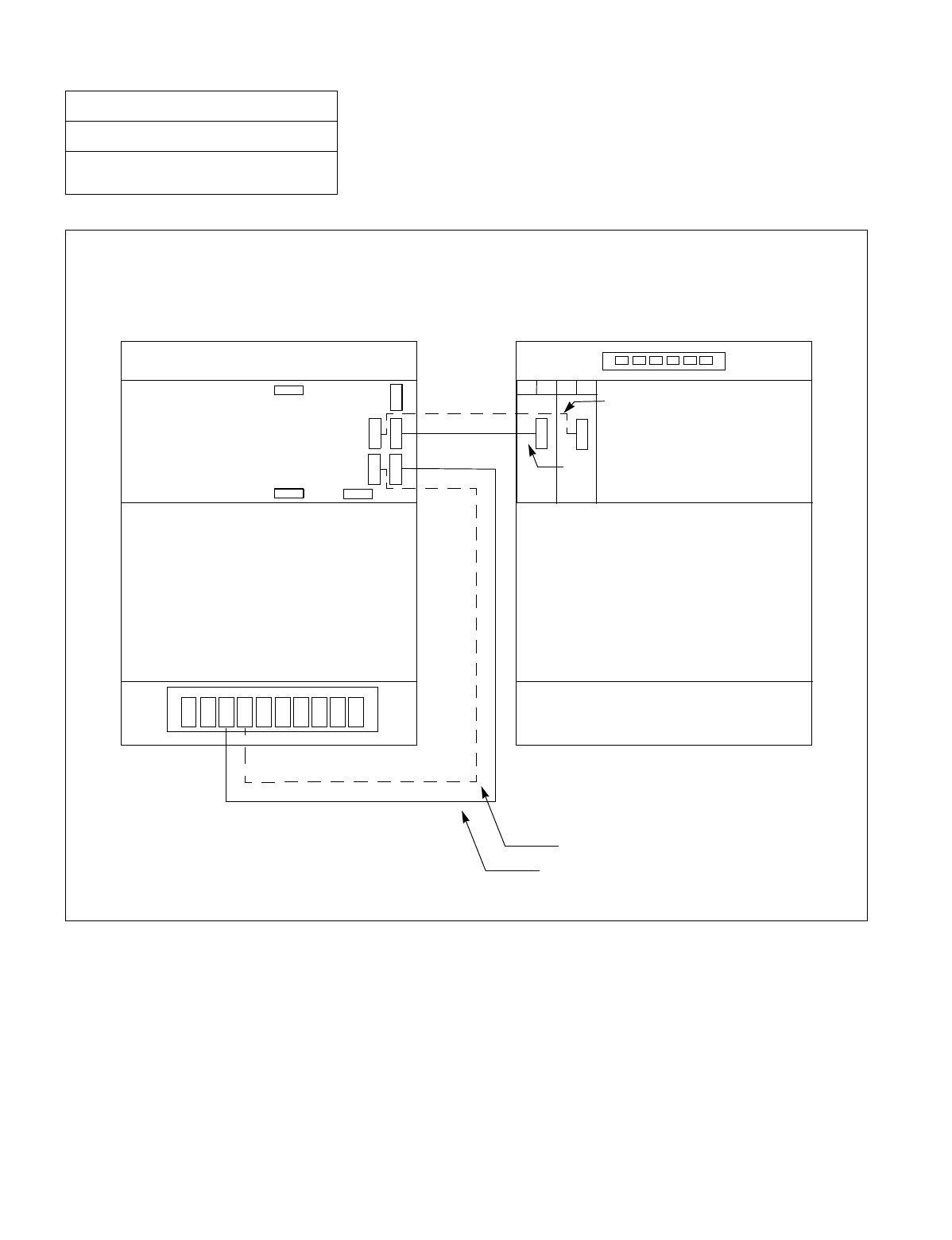
NDA-24234 CHAPTER 3
Page 129
Revision 3.0
INSTALLATION PROCEDURE
Figure 010-18 Power Cable Connection for IMG2/3 (1-PIM System) (Multiple IMG Configuration)
NAP-200-010
Sheet 34/71
Internal Cable Connections
-48V1
Connect the internal power cables for 1-PIM system of IMG2/3 as shown below. Note that the dotted lines in-
dicate power cables for a dual-system.
PA 0
PA 1
PB 0
PB 1
00 01
PWR
02 03
PWR
PZ-M371
(1)
(3)
(2)
(4)
BASEU
DUMMY
BASEU
PIM 0 PIM 0
TOPU TOPU
FRONT VIEW
REAR VIEW
DUMMY
PWR B
PWR A
-48V0
-48V0
-48V1
CHAPTER 3 NDA-24234
Page 130
Revision 3.0
INSTALLATION PROCEDURE
NAP-200-010
Sheet 35/71
Internal Cable Connections
Table 010-11 Power Cable Connection for IMG2/3 (1-PIM System) (Multiple IMG Configuration)
No.
FROM TO
CABLE NAME REMARKS
UNIT/MODULE CONNECTOR
NAME UNIT/
MODULE CONNECTOR
NAME
1 BASEU PA1 PIM0 PWR A 4P PWR CA-C
2 BASEU PB1 PIM0 PWR B 4P PWR CA-D
3 PIM0 (PWR) -48V IN CONN PIM0 -48V0 3P PWR CA-A -48V0
4 PIM0 (PWR) -48V IN CONN PIM0 -48V1 3P PWR CA-B -48V1
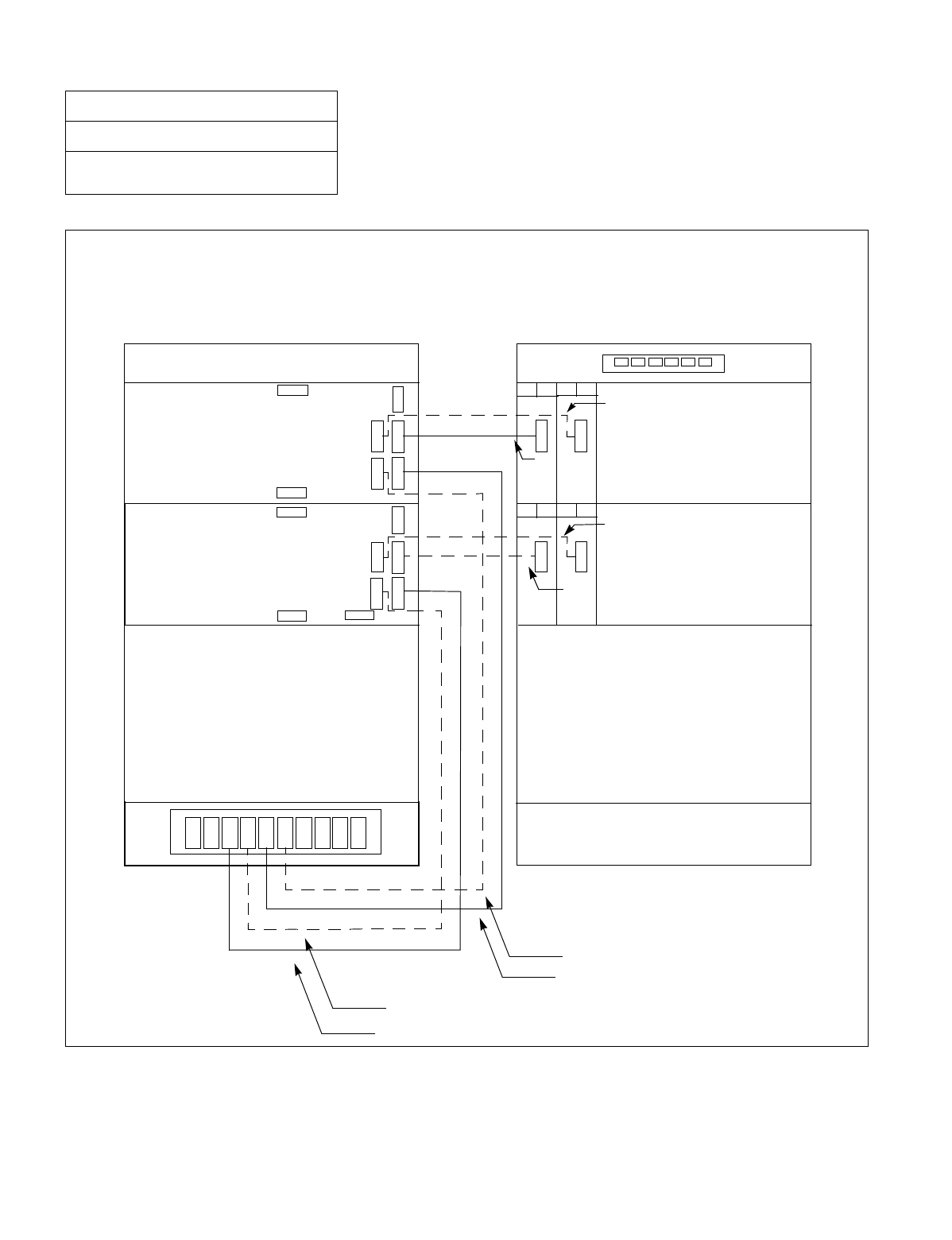
NDA-24234 CHAPTER 3
Page 131
Revision 3.0
INSTALLATION PROCEDURE
Figure 010-19 Power Cable Connection for IMG2/3 (2-PIM System) (Multiple IMG Configuration)
NAP-200-010
Sheet 36/71
Internal Cable Connections
PWR A
Connect the internal power cables for 2-PIM system of IMG2/3 as shown below. Note that the dotted lines indi-
cate power cables for a dual-system.
PA 0
PA 1
PB 0
PB 1
PA 2
00 01
PWR
00 01
PWR
02 03
PWR
02 03
PWR
PZ-M371
(1)
(3)
(5)
(7)
(2)
(4)
(6)
(8)
BASEU
DUMMY
BASEU
PIM 0 PIM 0
PIM 1 PIM 1
TOPU TOPU
FRONT VIEW
REAR VIEW
-48V0
-48V1 PWR B
DUMMY
-48V1 PWR B
-48V0 PWR A
PB 2
-48V1
-48V0
-48V1
-48V0
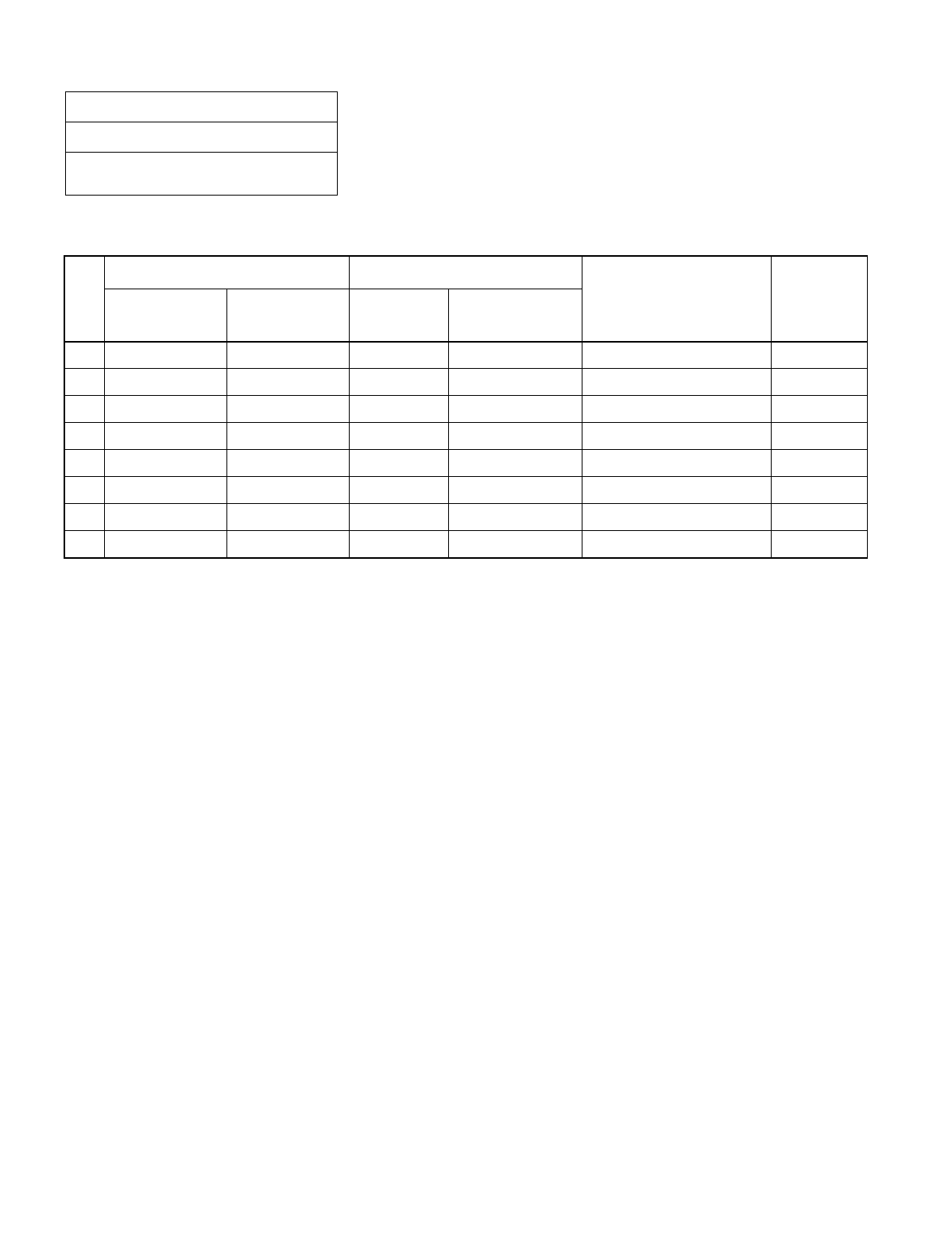
CHAPTER 3 NDA-24234
Page 132
Revision 3.0
INSTALLATION PROCEDURE
NAP-200-010
Sheet 37/71
Internal Cable Connections
Table 010-12 Power Cable Connection for IMG2/3 (2-PIM System) (Multiple IMG Configuration)
No.
FROM TO
CABLE NAME REMARKS
UNIT/MODULE CONNECTOR
NAME UNIT/
MODULE CONNECTOR
NAME
1 BASEU PA1 PIM0 PWR A 4P PWR CA-C
2 BASEU PB1 PIM0 PWR B 4P PWR CA-D
3 BASEU PA2 PIM1 PWR A 4P PWR CA-E
4 BASEU PB2 PIM1 PWR B 4P PWR CA-F
5 PIM0 (PWR) -48V IN CONN PIM0 -48V0 3P PWR CA-A -48V0
6 PIM0 (PWR) -48V IN CONN PIM0 -48V1 3P PWR CA-B -48V1
7 PIM1 (PWR) -48V IN CONN PIM1 -48V0 3P PWR CA-A -48V0
8 PIM1 (PWR) -48V IN CONN PIM1 -48V1 3P PWR CA-B -48V1
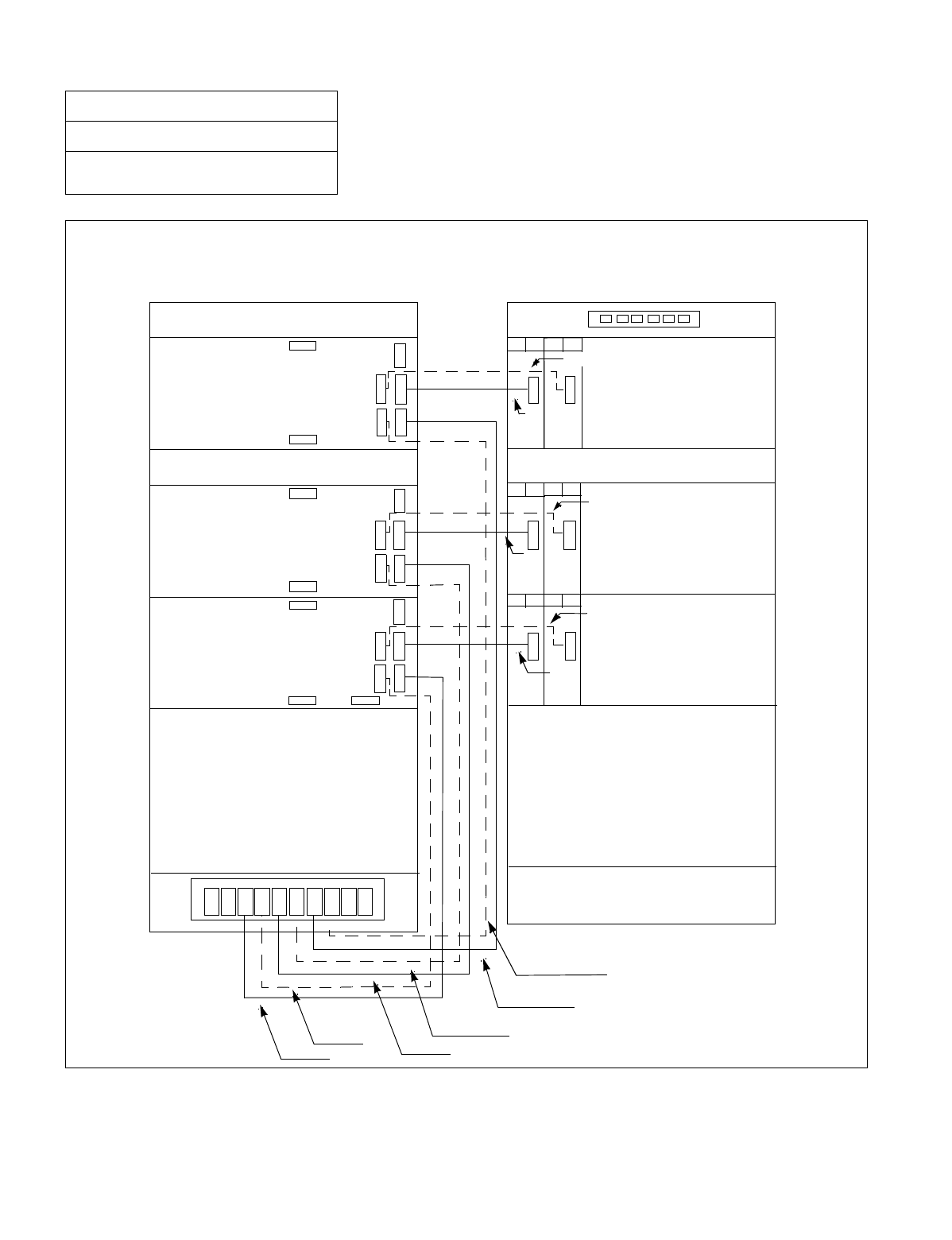
NDA-24234 CHAPTER 3
Page 133
Revision 3.0
INSTALLATION PROCEDURE
Figure 010-20 Power Cable Connection for IMG2/3 (3-PIM System) (Multiple IMG Configuration)
NAP-200-010
Sheet 38/71
Internal Cable Connections
Connect the internal power cables for 3-PIM system of IMG2/3 as shown below. Note that the dotted lines in-
dicate power cables for a dual-system.
00 01
PWR
00 01
PWR
00 01
PWR
02 03
PWR
02 03
PWR
02 03
PWR
PZ-M371
(1) (3)
(5)
(7)
(9)
(2) (4)
(6)
(8)
(10)
(11)
BASEU BASEU
PIM 0
DUMMY DUMMY
PIM 0
PIM 1 PIM 1
FANU FANU
PIM 2 PIM 2
TOPU TOPU
FRONT VIEW
REAR VIEW
-48V1
-48V0
PWR B
PWR A -48V0
-48V1
PWR A
PWR B PWR B
PWR A
-48V1
-48V0
PA 0
PA 1
PB 0
PB 1
PA 2
PB 2
PA 3
PB 3
-48V1
-48V0
-48V0
-48V1
-48V1
-48V0
(12)

CHAPTER 3 NDA-24234
Page 134
Revision 3.0
INSTALLATION PROCEDURE
NAP-200-010
Sheet 39/71
Internal Cable Connections
Table 010-13 Power Cable Connection for IMG2/3 (3-PIM System) (Multiple IMG Configuration)
No.
FROM TO
CABLE NAME REMARKS
UNIT/MODULE CONNECTOR
NAME UNIT/
MODULE CONNECTOR
NAME
1 BASEU PA1 PIM0 PWR A 4P PWR CA-C
2 BASEU PB1 PIM0 PWR B 4P PWR CA-D
3 BASEU PA2 PIM1 PWR A 4P PWR CA-E
4 BASEU PB2 PIM1 PWR B 4P PWR CA-F
5 BASEU PA3 PIM2 PWR A 4P PWR CA-G
6 BASEU PB3 PIM2 PWR B 4P PWR CA-H
7 PIM0 (PWR) -48V IN CONN PIM0 -48V0 3P PWR CA-A -48V0
8 PIM0 (PWR) -48V IN CONN PIM0 -48V1 3P PWR CA-B -48V1
9 PIM1 (PWR) -48V IN CONN PIM1 -48V0 3P PWR CA-A -48V0
10 PIM1 (PWR) -48V IN CONN PIM1 -48V1 3P PWR CA-B -48V1
11 PIM2 (PWR) -48V IN CONN PIM2 -48V0 3P PWR CA-A -48V0
12 PIM2 (PWR) -48V IN CONN PIM2 -48V1 3P PWR CA-B -48V1
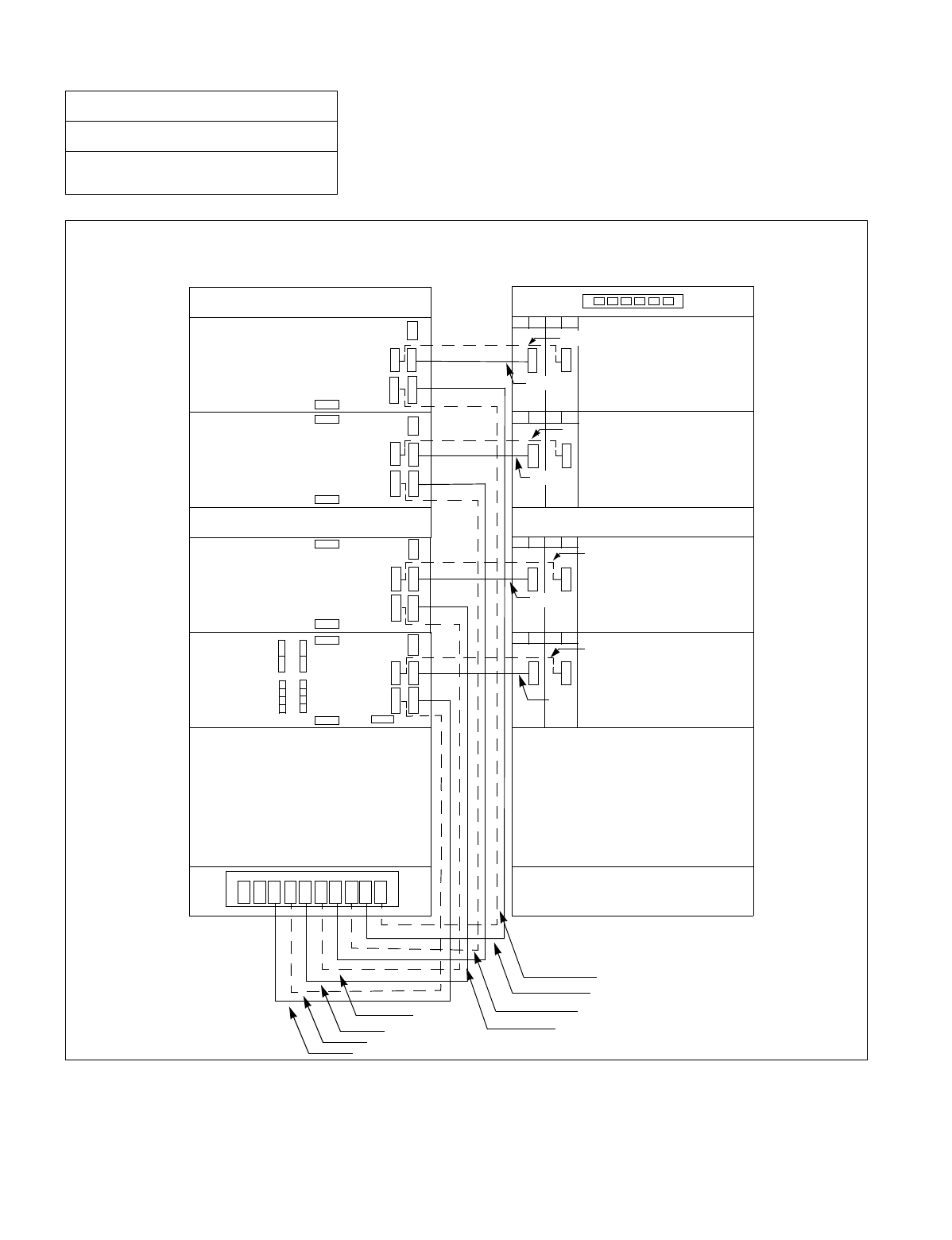
NDA-24234 CHAPTER 3
Page 135
Revision 3.0
INSTALLATION PROCEDURE
Figure 010-21 Power Cable Connection for IMG2/3 (4-PIM System) (Multiple IMG Configuration)
NAP-200-010
Sheet 40/71
Internal Cable Connections
Connect the internal power cables for 4-PIM system of IMG2/3 as shown below. Note that the dotted lines in-
dicate power cables for a dual-system.
PWR
PWR
PWR
00 01
PWR
PWR
PWR
PWR
02 03
00 01 02 03
00 01 02 03
00 01 02 03
PWR
PZ-M371
(1)
(3) (5)
(7)
(9)
(2)
(4) (6)
(8)
(10)
(12)
(14)
PIM 1 PIM 1
FANU FANU
PIM 2 PIM 2
PIM 3 PIM 3
TOPU TOPU
FRONT VIEW
REAR VIEW
BASEU
DUMMY
PIM 0
BASEU
DUMMY
PIM 0
PWR A
-48V0
-48V1 PWR B -48V1
-48V0
PWR B
PWR A
-48V0
-48V1
PWR A
PWR B PWR B
PWR A
-48V1
-48V0
PA 0
PA 1
PB 0
PB 1
PA 2
PB 2
PA 3
PB 3
PA 4
PB 4
-48V0
-48V1
-48V0
-48V1
-48V1
-48V0
-48V0
-48V1
(16)
(15)
(13)
(11)

CHAPTER 3 NDA-24234
Page 136
Revision 3.0
INSTALLATION PROCEDURE
NAP-200-010
Sheet 41/71
Internal Cable Connections
Table 010-14 Power Cable Connection for IMG2/3 (4-PIM System) (Multiple IMG Configuration)
No.
FROM TO
CABLE NAME REMARKS
UNIT/MODULE CONNECTOR
NAME UNIT/
MODULE CONNECTOR
NAME
1 BASEU PA1 PIM0 PWR A 4P PWR CA-C
2 BASEU PB1 PIM0 PWR B 4P PWR CA-D
3 BASEU PA2 PIM1 PWR A 4P PWR CA-E
4 BASEU PB2 PIM1 PWR B 4P PWR CA-F
5 BASEU PA3 PIM2 PWR A 4P PWR CA-G
6 BASEU PB3 PIM2 PWR B 4P PWR CA-H
7 BASEU PB4 PIM3 PWR A 4P PWR CA-I
8 BASEU PB4 PIM3 PWR B 4P PWR CA-J
9 PIM0 (PWR) -48V IN CONN PIM0 -48V0 3P PWR CA-A -48V0
10 PIM0 (PWR) -48V IN CONN PIM0 -48V1 3P PWR CA-B -48V1
11 PIM1 (PWR) -48V IN CONN PIM1 -48V0 3P PWR CA-A -48V0
12 PIM1 (PWR) -48V IN CONN PIM1 -48V1 3P PWR CA-B -48V1
13 PIM2 (PWR) -48V IN CONN PIM2 -48V0 3P PWR CA-A -48V0
14 PIM2 (PWR) -48V IN CONN PIM2 -48V1 3P PWR CA-B -48V1
15 PIM3 (PWR) -48V IN CONN PIM3 -48V0 3P PWR CA-A -48V0
16 PIM3 (PWR) -48V IN CONN PIM3 -48V1 3P PWR CA-B -48V1
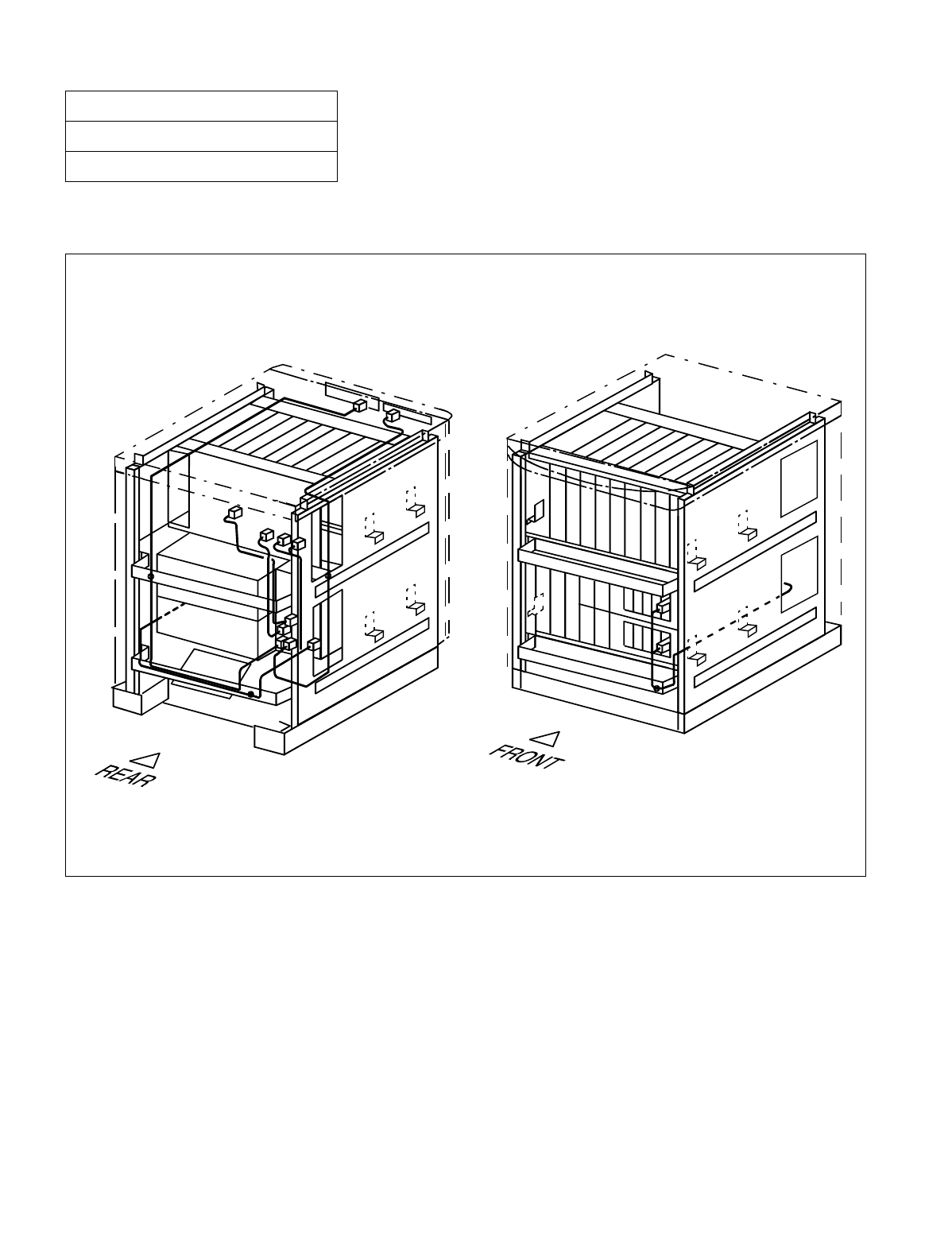
NDA-24234 CHAPTER 3
Page 137
Revision 3.0
INSTALLATION PROCEDURE
Run the bus cables, referring to Figure 010-23. Then, fasten the cables to the cabinet, referring to Figure 010-22.
Figure 010-22 Bus Cable Connections for 1-PIM System (Single IMG Configuration)
NAP-200-010
Sheet 42/71
Internal Cable Connections
The drawing below illustrates how to run the bus cables for the 1-PIM system. For details on actual cable runnings,
see Figure 010-23.
Note: Normally, the cables are fastened onto the cabinet at the proposed locations, where small dots (•) are pro-
vided in this figure.
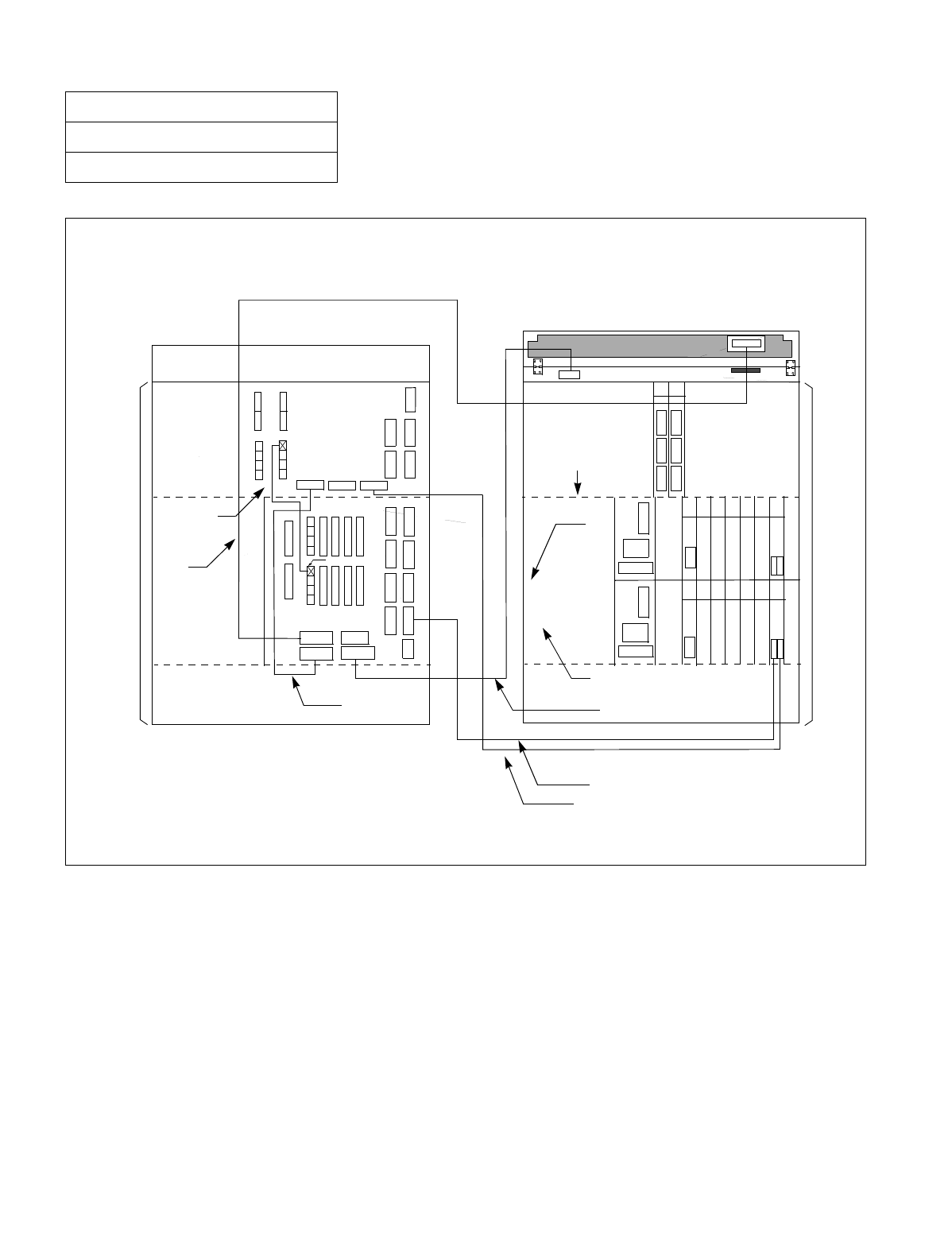
CHAPTER 3 NDA-24234
Page 138
Revision 3.0
INSTALLATION PROCEDURE
Figure 010-23 Details on Bus Cable Connections (for 1-PIM System) (Single IMG Configuration)
NAP-200-010
Sheet 43/71
Internal Cable Connections
Connect the bus cables as shown below. Note that dotted lines indicate bus cables for a dual system.
00 01 02 03 04 05 06
BUS0A
KEYALM
ALMA
MUSIC0
DSP
(1)
(3)
(5)
(8)
(7)
(2)
(4)
(6)
(BASEU)
(PIM 0)
TOPU
FRONT VIEW
REAR VIEW
PC 19 PC 19
GT 16 GT 16
AB
AB
CN
MUX1
MUX1
MUX2
MUX2
MUX3
MUX3
CN
CN
CN CN
CN
BUS 0
BUS 1
13 14
DSPM
BUS1A
KEY
(BSCM)
(BASEU)
BSCM
(PIM 0)
(LPM)
BSCM
MUSIC
00 01 02 03 04 05 06

NDA-24234 CHAPTER 3
Page 139
Revision 3.0
INSTALLATION PROCEDURE
NAP-200-010
Sheet 44/71
Internal Cable Connections
Table 010-15 Bus Cable Connections for 1-PIM System (Single IMG Configuration)
No.
FROM TO
CABLE NAME REMARKS
UNIT/
MODULE CONNECTOR
NAME UNIT/
MODULE CONNECTOR
NAME
1 LPR (GT 16) CN-B
(Front Connector) PIM0 BUS0A 50-40 GT BUS CA-A
2 LPR (GT 16) CN-A
(Front Connector) LPR BUS0 EXGT BUS CA-A
3 LPR KEY TOPU KEY 10AL-(260) FLT CA
4 LPR ALM PIM0 ALMA 20AL-(60) FLT CA
5 LPR (GT 16) CN-A
(Front Connector) LPR BUS1 EXGT BUS CA-A
6 LPR (GT 16) CN-B
(Front Connector) PIM0 BUS1A 50-40 GT BUS CA-A
7 LPR DSP TOPU DSPM 20AL-(270) FLT CA
8 LPR MUSIC PIM0 MUSIC0 16PH MOH CA (1)
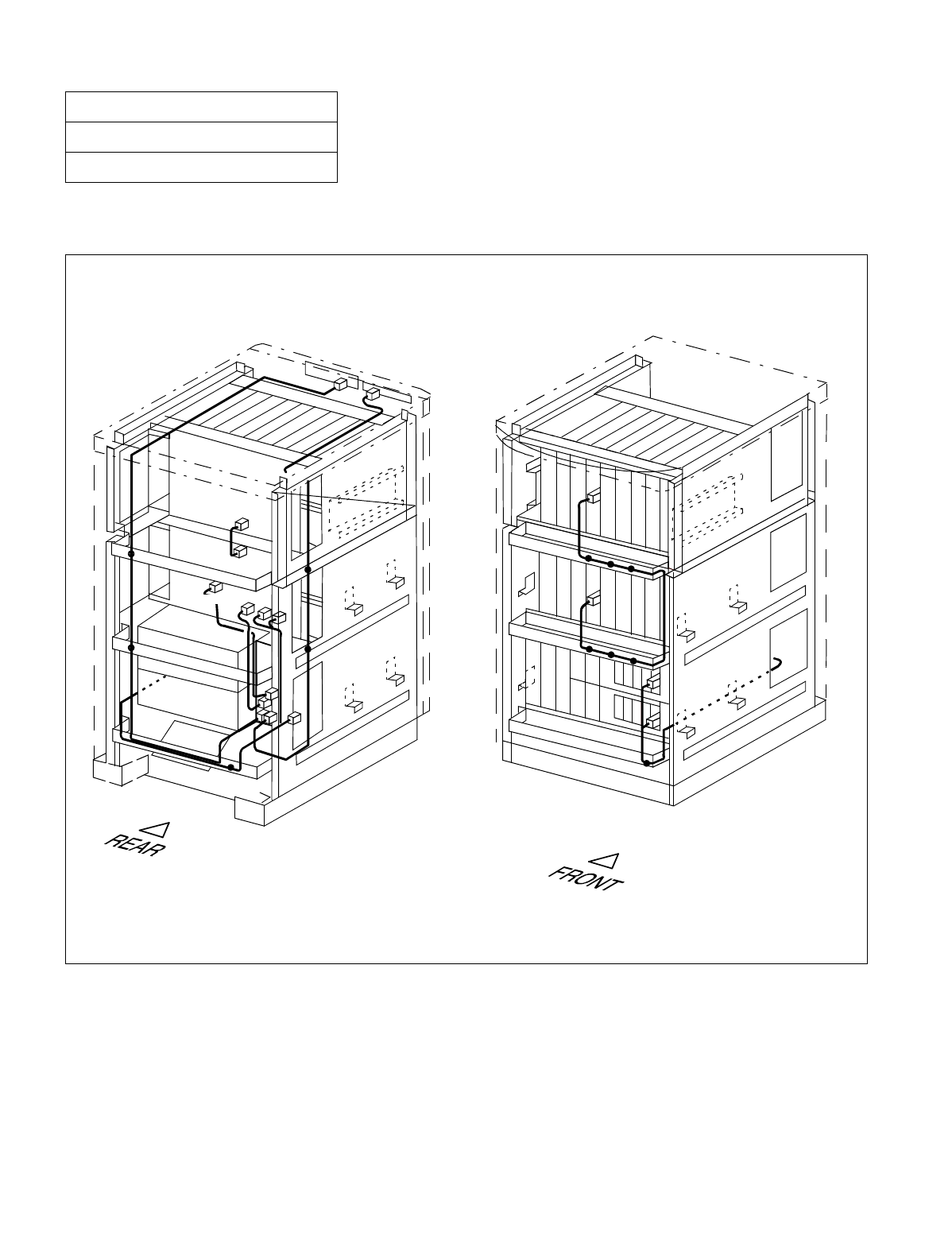
CHAPTER 3 NDA-24234
Page 140
Revision 3.0
INSTALLATION PROCEDURE
Run the bus cables, referring to Figure 010-25. Then, fasten the cables to the cabinet, referring to Figure 010-24.
Figure 010-24 Bus Cable Connections for 2-PIM System (Single IMG Configuration)
NAP-200-010
Sheet 45/71
Internal Cable Connections
Backplane
Backplane
The drawing below illustrates how to run the bus cables for the 2-PIM system. For details on actual cable runnings,
see Figure 010-25.
Note: Normally, the cables are fastened onto the cabinet at the proposed locations, where small dots (•) are pro-
vided in this figure.
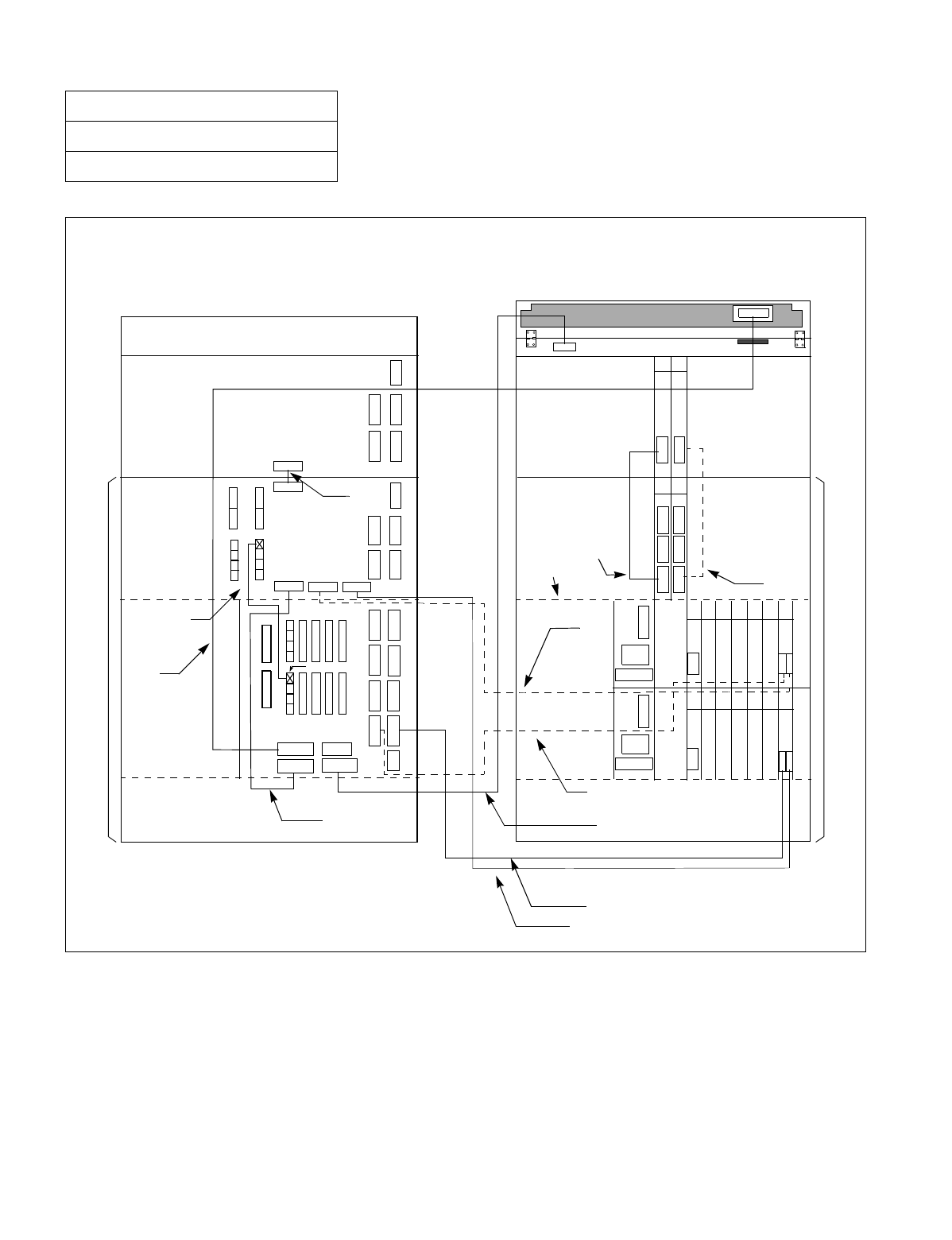
NDA-24234 CHAPTER 3
Page 141
Revision 3.0
INSTALLATION PROCEDURE
Figure 010-25 Details on Bus Cable Connections (for 2-PIM System) (Single IMG Configuration)
NAP-200-010
Sheet 46/71
Internal Cable Connections
Connect the bus cables as shown below. Note that dotted lines indicate bus cables for a dual system.
REAR VIEW FRONT VIEW
TOPU
PIM 1
(PIM 0)
BSCM
(LPM)
(BASEU)
PIM 1
BSCM
(BASEU)
(LPM)
(1)
(2)
(3)
(4)
(5)
(6)
(7)
(8)
(9)
(10)
(11)
(PIM 0)
ALMA
ALMB
MUSIC0
ALMA BUS1A BUS0A
MUSIC
DSP
ALM KEY
BUS1
BUS0
PC 19
GT 16 CN
A
B
MUX3 MUX2
MUX1MUX
PC 19CN
CN
CN
CN
CN GT 16
A
B
MUX3 MUX2
MUX1MUX
KEY
DSPM
13 14
13 14
00 01 02 03 04 05 06
00 01 02 03 04 05 06

CHAPTER 3 NDA-24234
Page 142
Revision 3.0
INSTALLATION PROCEDURE
NAP-200-010
Sheet 47/71
Internal Cable Connections
Table 010-16 Bus Cable Connections for 2-PIM System (Single IMG Configuration)
No.
FROM TO
CABLE NAME REMARKS
UNIT/MODULE CONNECTOR
NAME UNIT/
MODULE CONNECTOR
NAME
1LPR CN-B
(Front Connector) PIM0 BUS0A 50-40 GT BUS CA-A
2LPR CN-A
(Front Connector) LPR BUS0 EXGT BUS CA-A
3 LPR KEY TOPU KEY 10AL-(260) FLT CA
4 LPR ALM PIM0 ALMA 20AL-(60) FLT CA
5 LPR (GT 16) CN-A
(Front Connector) LPR BUS1 EXGT BUS CA-A
6 LPR (GT 16) CN-B
(Front Connector) PIM0 BUS1A 50-40 GT BUS CA-A
7 LPR DSP TOPU DSPM 20AL-(270) FLT CA
8 LPR MUSIC PIM0 MUSIC0 16PH MOH CA (1)
9 PIM0 MUX1 PIM1 MUX MT24 TSW CA-90
10 PIM0 MUX1 PIM1 MUX MT24 TSW CA-90
11 PIM0 ALMB PIM1 ALMA 20AL-(10) FLT CA
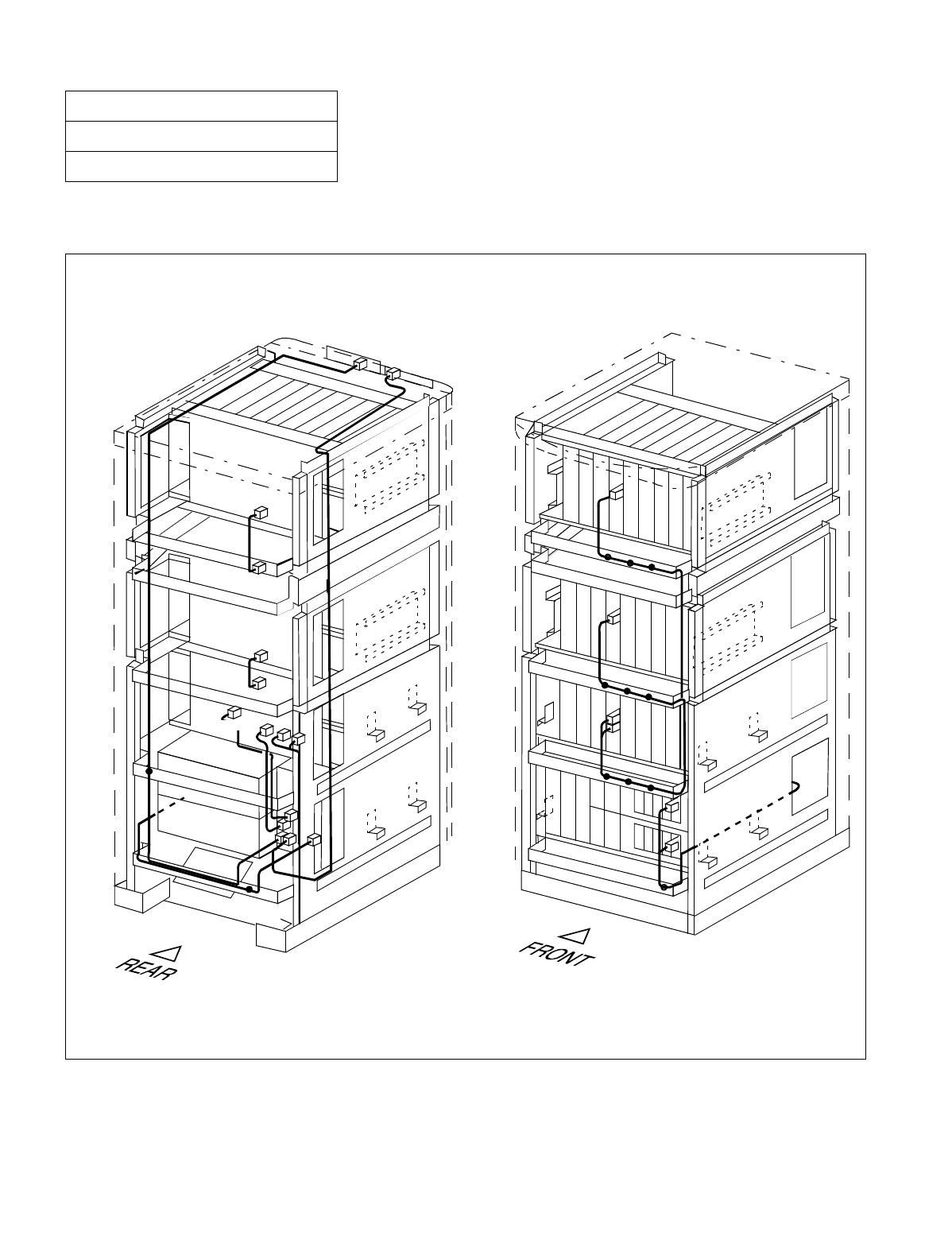
NDA-24234 CHAPTER 3
Page 143
Revision 3.0
INSTALLATION PROCEDURE
Run the bus cables, referring to Figure 010-27. Then, fasten the cables to the cabinet, referring to Figure 010-26.
Figure 010-26 Bus Cable Connections for 3-PIM System (Single IMG Configuration)
NAP-200-010
Sheet 48/71
Internal Cable Connections
The drawing below illustrates how to run the bus cables for the 3-PIM system. For details on actual cable runnings,
see Figure 010-27.
Note: Normally, the cables are fastened onto the cabinet at the proposed locations, where small dots (•) are pro-
vided in this figure.
Backplane
Backplane
Backplane
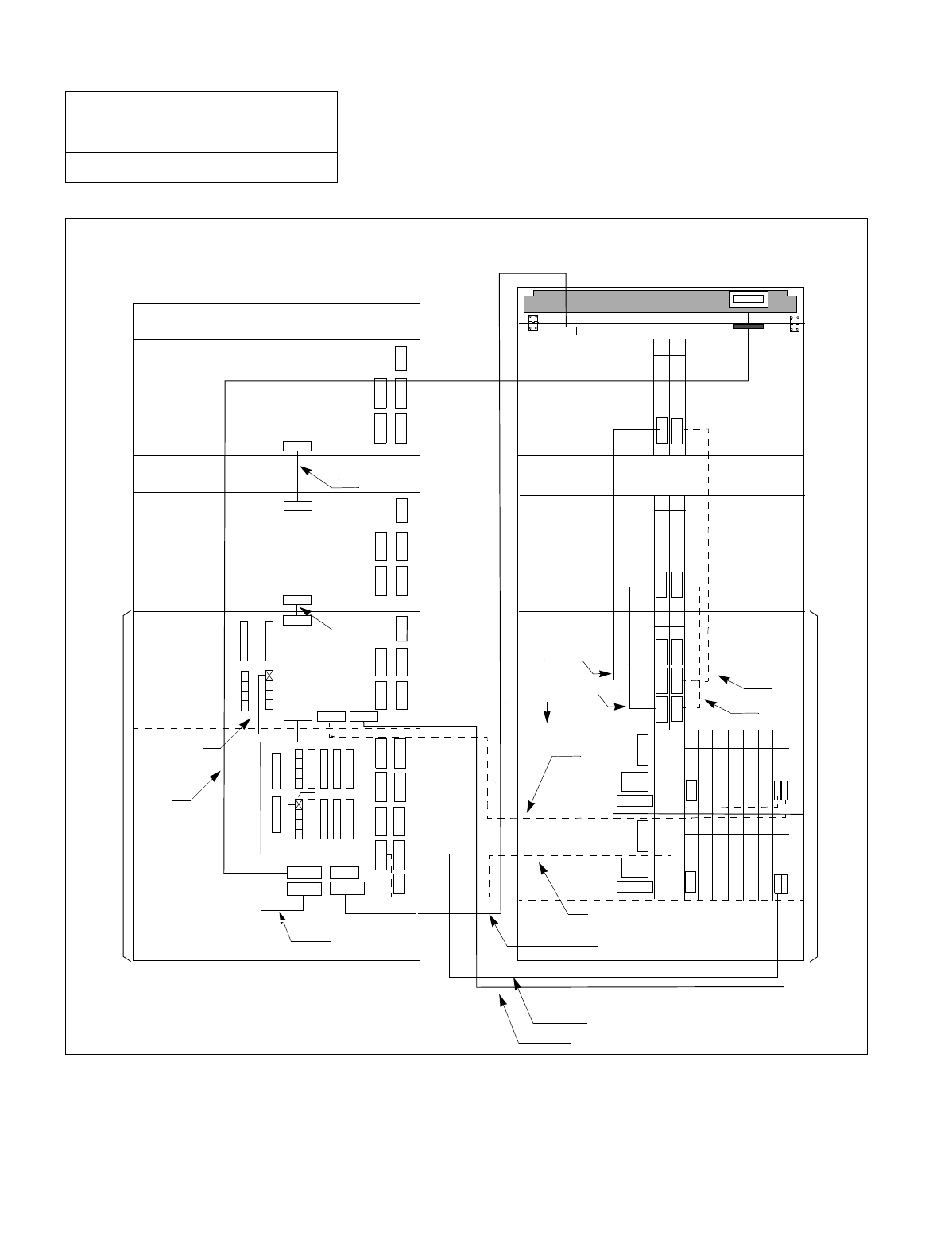
CHAPTER 3 NDA-24234
Page 144
Revision 3.0
INSTALLATION PROCEDURE
Figure 010-27 Details on Bus Cable Connections (for 3-PIM System) (Single IMG Configuration)
NAP-200-010
Sheet 49/71
Internal Cable Connections
Connect the bus cables as shown below. Note that dotted lines indicate bus cables for a dual system.
00 01 02 03 04 05 06
BUS0A
KEY
ALM
ALMA
ALMB
MUSIC0
MUSIC
DSP
(1)
(3)
(5)
(8)
(7)
(10)
(12)
(13)
(14)
(2)
(4)
(6)
PIM 1 PIM 1
FANU FANU
PIM 2 PIM 2
TOPU
FRONT VIEW
REAR VIEW
PC 19
GT 16 GT 16
AB
AB
MUX1
MUX1
MUX2
MUX2
MUX3
MUX3
MUX
MUX
CN
CN
CN
CN
BUS 0
BUS 1
13
13
14
14
MUX
MUX
13 14
KEY
DSPM
(9)
(11)
BUS1A
ALMA
ALMB
ALMA
(BASEU) (BASEU)
(PIM 0)
(LPM)
BSCM
(PIM 0)
(LPM)
BSCM
CN CN
PC 19
00 01 02 03 04 05 06

NDA-24234 CHAPTER 3
Page 145
Revision 3.0
INSTALLATION PROCEDURE
NAP-200-010
Sheet 50/71
Internal Cable Connections
Table 010-17 Bus Cable Connections for 3-PIM System (Single IMG Configuration)
No.
FROM TO
CABLE NAME REMARKS
UNIT/MODULE CONNECTOR
NAME UNIT/
MODULE CONNECTOR
NAME
1 LPR CN-B
(Front Connector) PIM0 BUS0A 50-40 GT BUS CA-A
2 LPR CN-A
(Front Connector) LPR BUS0 EXGT BUS CA-A
3 LPR KEY TOPU KEY 10AL-(260) FLT CA
4 LPR ALM PIM0 ALMA 20AL-(60) FLT CA
5 LPR (GT 16) CN-A
(Front Connector) LPR BUS1 EXGT BUS CA-A
6 LPR (GT 16) CN-B
(Front Connector) PIM0 BUS1A 50-40 GT BUS CA-A
7 LPR DSP TOPU DSPM 20AL-(270) FLT CA
8 LPR MUSIC PIM0 MUSIC0 16PH MOH CA (1)
9 PIM0 MUX1 PIM1 MUX MT24 TSW CA-90
10 PIM0 MUX2 PIM2 MUX MT24 TSW CA-140
11 PIM0 MUX1 PIM1 MUX MT24 TSW CA-90
12 PIM0 MUX2 PIM2 MUX MT24 TSW CA-140
13 PIM0 ALMB PIM1 ALMA 20AL-(10) FLT CA
14 PIM1 ALMB PIM2 ALMA 20AL-(20) FLT CA
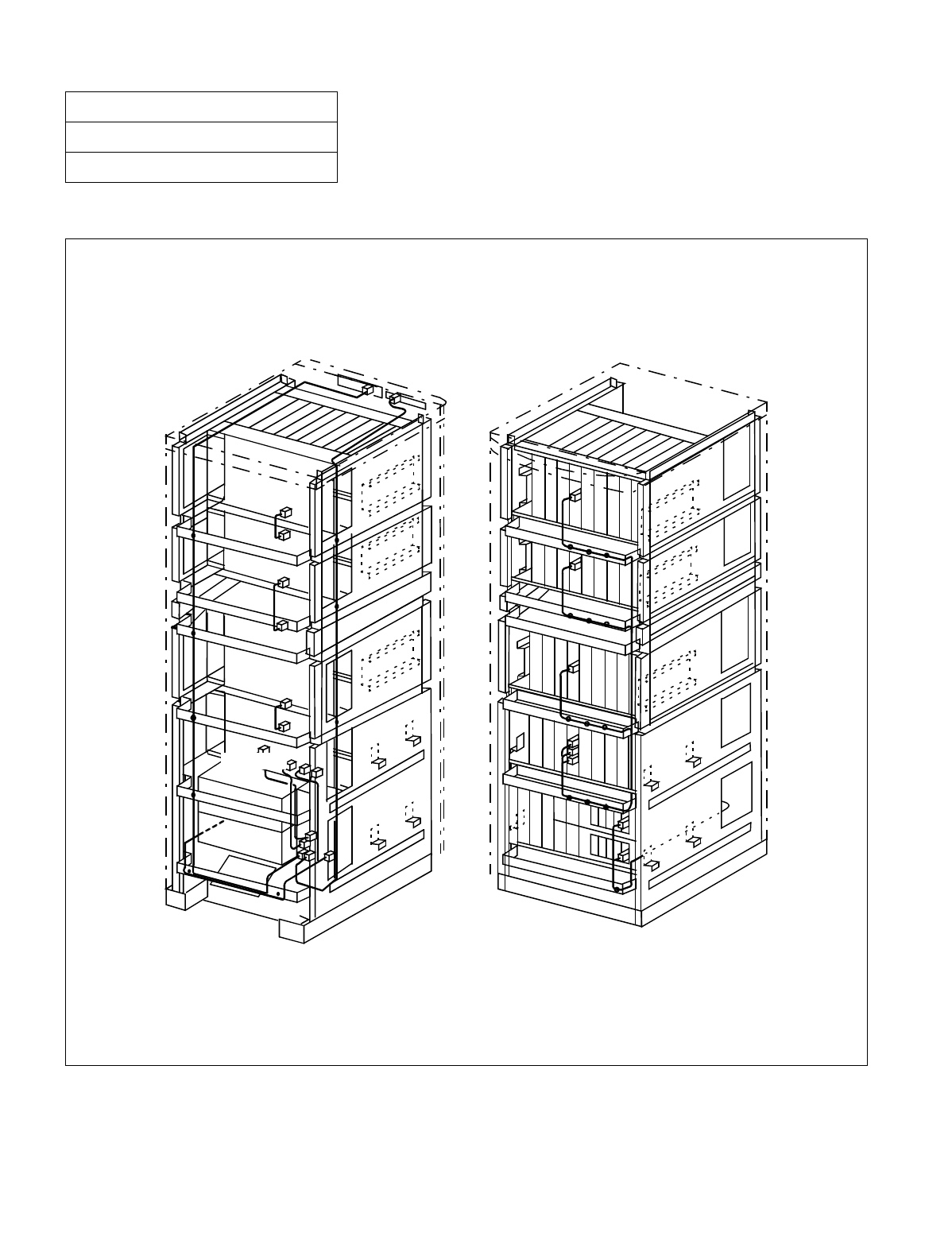
CHAPTER 3 NDA-24234
Page 146
Revision 3.0
INSTALLATION PROCEDURE
Run the bus cables, referring to Figure 010-29. Then, fasten the cables to the cabinet, referring to Figure 010-28.
Figure 010-28 Bus Cable Connections for 4-PIM System (Single IMG Configuration)
NAP-200-010
Sheet 51/71
Internal Cable Connections
The drawing below illustrates how to run the bus cables for the 3-PIM system. For details on actual cable runnings,
see Figure 010-29.
Note: Normally, the cables are fastened onto the cabinet at the proposed locations, where small dots (•) are pro-
vided in this figure.
Backplane
Backplane
Backplane
Backplane
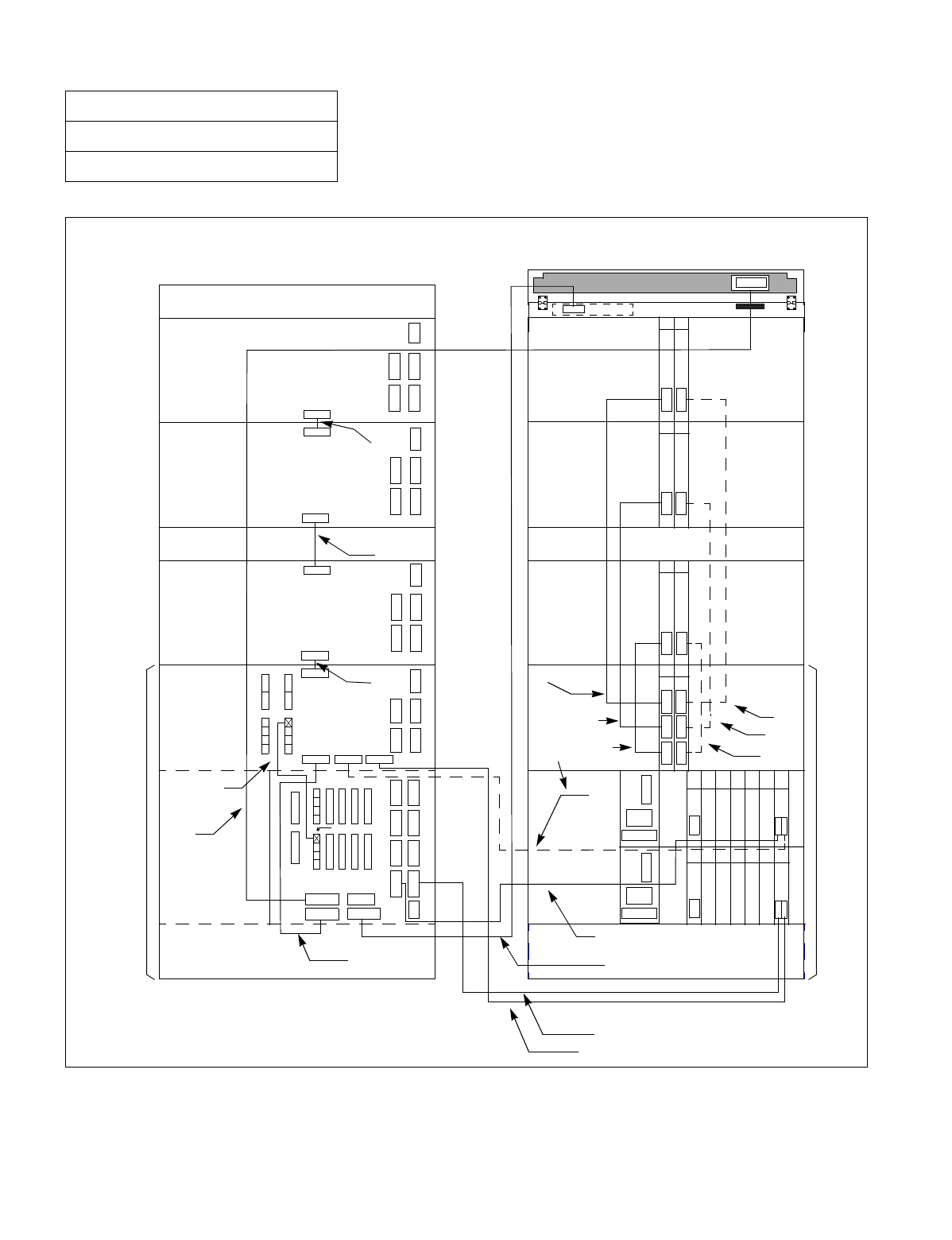
NDA-24234 CHAPTER 3
Page 147
Revision 3.0
INSTALLATION PROCEDURE
Figure 010-29 Details on Bus Cable Connections (for 4-PIM System) (Single IMG Configuration)
NAP-200-010
Sheet 52/71
Internal Cable Connections
Connect the bus cables as shown below. Note that dotted-lines indicate bus cables for a dual-system.
CN CN
GT16
AB
CN
CN
13 14
13 14
00 01 02 03 04 05 06
ALMB
ALMA
MUSIC0
MUSIC
(1)
(3)
(5)
(8)
(7)
(10)
(13)
(14)
(15)
(17)
(16)
(11)
(2)
(4)
(6)
(BASEU)
(LPM)
(PIM 0)
(PIM 0)
PIM 1 PIM 1
FANU FANU
PIM 2 PIM 2
PIM 3 PIM 3
TOPU TOPU
FRONT VIEW
REAR VIEW
PC19 PC19
GT16
AB
13 14
13 14
KEY
(9)
(12)
BSCM BSCM
(LPM)
BUS0AALMA BUS1A
BUS 0
BUS 1
ALMB
ALMA
ALMA
ALMB
KEY
ALM
DSP
DSPM
MUX
MUX
MUX
MUX
MUX
MUX
MUX1
MUX1
MUX2
MUX2
MUX3
MUX3
00 01 02 03 04 05 06
CN
CN

CHAPTER 3 NDA-24234
Page 148
Revision 3.0
INSTALLATION PROCEDURE
NAP-200-010
Sheet 53/71
Internal Cable Connections
Table 010-18 Bus Cable Connections for 4-PIM System (Single IMG Configuration)
No.
FROM TO
CABLE NAME REMARKS
UNIT/
MODULE CONNECTOR
NAME UNIT/
MODULE CONNECTOR
NAME
1 LPR CN-B
(Front Connector) PIM0 BUS0A 50-40 GT BUS CA-A
2 LPR CN-A
(Front Connector) LPR BUS0 EXGT BUS CA-A
3 LPR KEY TOPU KEY 10AL-(260) FLT CA
4 LPR ALM PIM0 ALMA 20AL-(60) FLT CA
5 LPR (GT 16) CN-A
(Front Connector) LPR BUS1 EXGT BUS CA-A
6 LPR (GT 16) CN-B
(Front Connector) PIM0 BUS1A 50-40 GT BUS CA-A
7 LPR DSP TOPU DSPM 20AL-(270) FLT CA
8 LPR MUSIC PIM0 MUSIC0 16PH MOH CA (1)
9 PIM0 MUX1 PIM1 MUX MT24 TSW CA-90
10 PIM0 MUX2 PIM2 MUX MT24 TSW CA-140
11 PIM0 MUX3 PIM3 MUX MT24 TSW CA-180
12 PIM0 MUX1 PIM1 MUX MT24 TSW CA-90
13 PIM0 MUX2 PIM2 MUX MT24 TSW CA-140
14 PIM0 MUX3 PIM3 MUX MT24 TSW CA-180
15 PIM0 ALMB PIM1 ALMA 20AL-(10) FLT CA
16 PIM1 ALMB PIM2 ALMA 20AL-(20) FLT CA
17 PIM2 ALMB PIM3 ALMA 20AL-(10) FLT CA
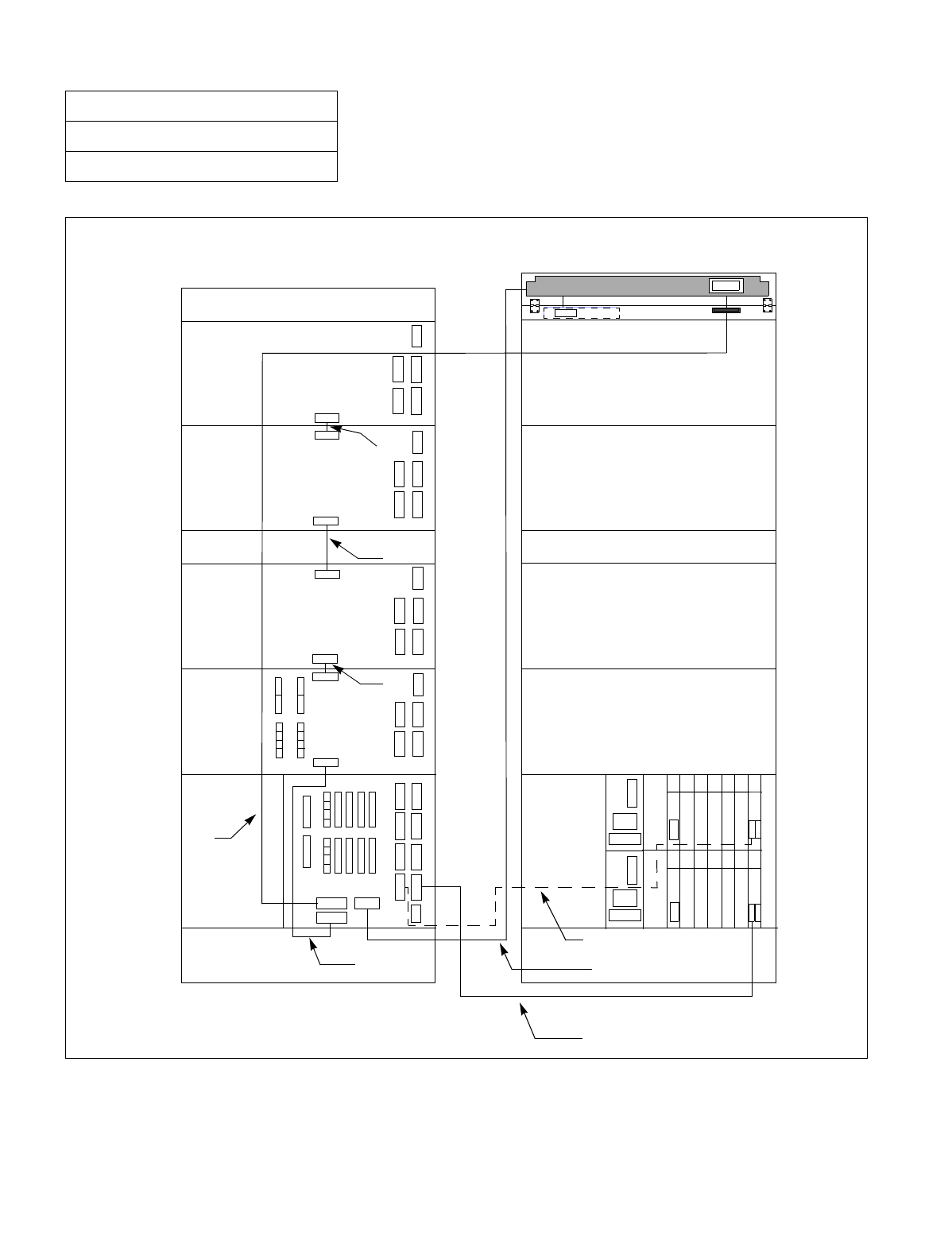
NDA-24234 CHAPTER 3
Page 149
Revision 3.0
INSTALLATION PROCEDURE
Figure 010-30 Internal Bus Cable Connection for IMG0 (Multiple IMG Configuration)
NAP-200-010
Sheet 54/71
Internal Cable Connections
BUS 0
BUS 1
DSP KEY
00 01 02 03 04 05 06
00 01 02 03 04 05 06
(3)
(2)
(5)
(6)
(8)
(7)
(1)
(4)
BASEU BASEU
PIM 0 PIM 0
PIM 1 PIM 1
FANU FANU
PIM 2 PIM 2
PIM 3 PIM 3
TOPU TOPU
FRONT VIEW
REAR VIEW
PC 19 PC 19
GT13 GT 13
MT
MT
CN
LPM LPR
DSP
KEY
CN
CN
CN
CN
CN
ALMA
ALM
ALMA
ALMB
ALMA
ALMB
ALMB
ALMA

CHAPTER 3 NDA-24234
Page 150
Revision 3.0
INSTALLATION PROCEDURE
NAP-200-010
Sheet 55/71
Internal Cable Connections
Table 010-19 Internal Bus Cable Connection for IMG0 (Multiple IMG Configuration)
No.
FROM TO
CABLE NAME REMARKS
UNIT/MODULE CONNECTOR
NAME UNIT/
MODULE CONNECTOR
NAME
1 LPM (CPU0) CN-M LPM BUS0 EXGT BUS CA-A
2 LPM (CPU1) CN-M LPM BUS1 EXGT BUS CA-A
3 LPM KEY TOPU KEY 10AL-(260) FLT CA
4 LPM ALM PIM0 ALMA 20AL-(60) FLT CA
5 LPM DSP TOPU DSPL 20AL-(270) FLT CA
6 PIM0 ALMB PIM1 ALMA 20AL-(10) FLT CA
7 PIM1 ALMB PIM2 ALMA 20AL-(20) FLT CA
8 PIM2 ALMB PIM3 ALMA 20AL-(10) FLT CA
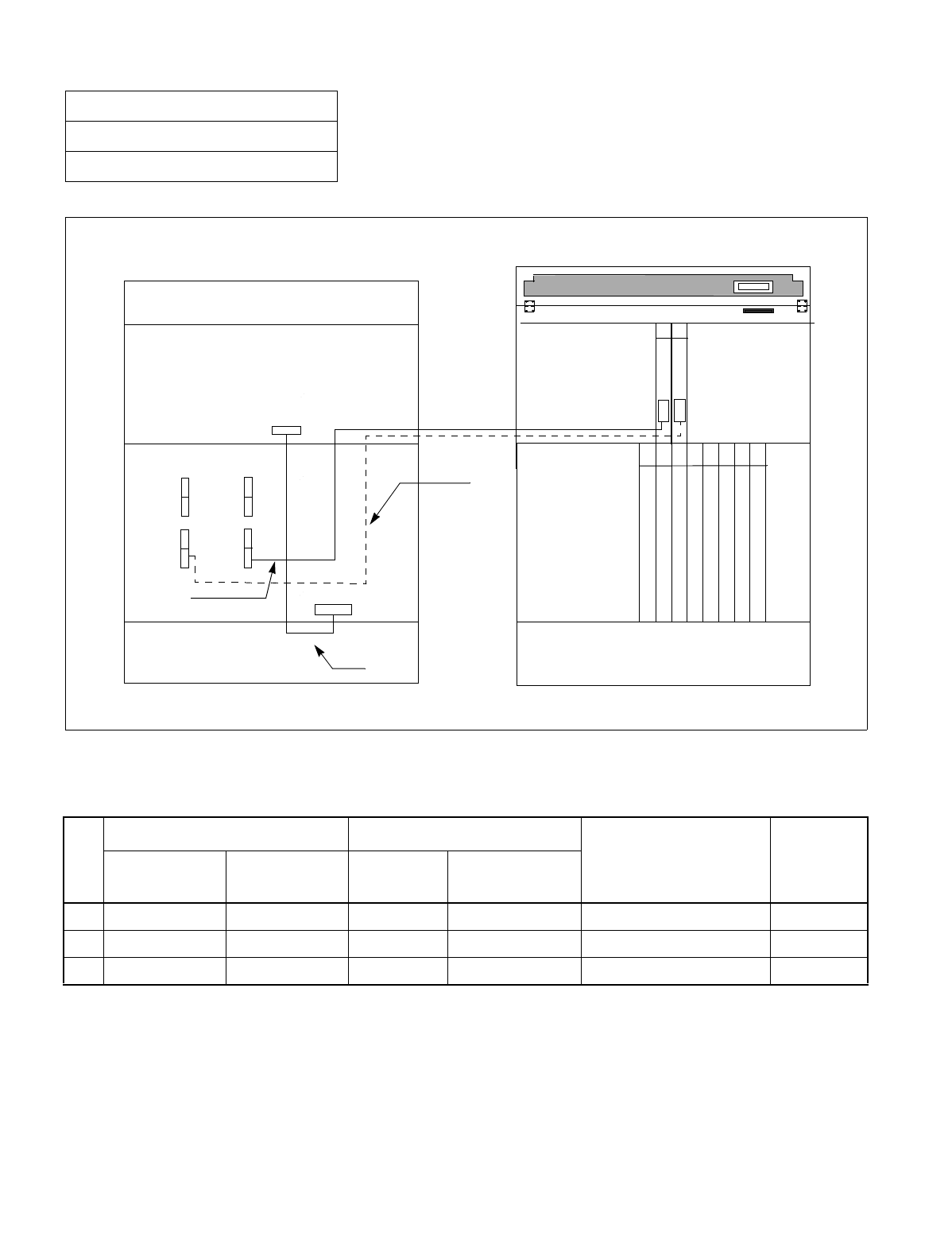
NDA-24234 CHAPTER 3
Page 151
Revision 3.0
INSTALLATION PROCEDURE
Figure 010-31 Internal Bus Cable Connection for IMG1 (1-PIM System) (Multiple IMG Configuration)
NAP-200-010
Sheet 56/71
Internal Cable Connections
Table 010-20 Internal Bus Cable Connection for IMG1 (1-PIM System) (Multiple IMG Configuration)
No.
FROM TO
CABLE NAME REMARKS
UNIT/MODULE CONNECTOR
NAME UNIT/
MODULE CONNECTOR
NAME
1 TSWM ALM PIM0 ALMA 20AL-(60) FLT CA
2 TSWM MUX010 PIM0 MUX (slot 13) 34PH MT24 TSW CA-D TSW 01
3 TSWM MUX110 PIM0 MUX (slot 14) 34PH MT24 TSW CA-D TSW 11
TSW(PH-SW12)
TSW(PH-SW12)
TSW(PH-SW12)
TSW(PH-SW12)
TSW(PH-SW12)
TSW(PH-SW12)
TSW(PH-SW12)
TSW(PH-SW12)
MUX
MUX
BASEU
PIM 0
TOPU
TOPU
REAR VIEW
BASEU
TSWM
PIM 0
TSWM
13 14
DSPM
(TSW 11)
MUX 011
(TSW 01)
MUX 010
(6)
(3)
(1)
00 01 02 03 10 11 12 13
12 13 14 15 16 17 18 19
(2)
ALMA
ALM
FRONT VIEW
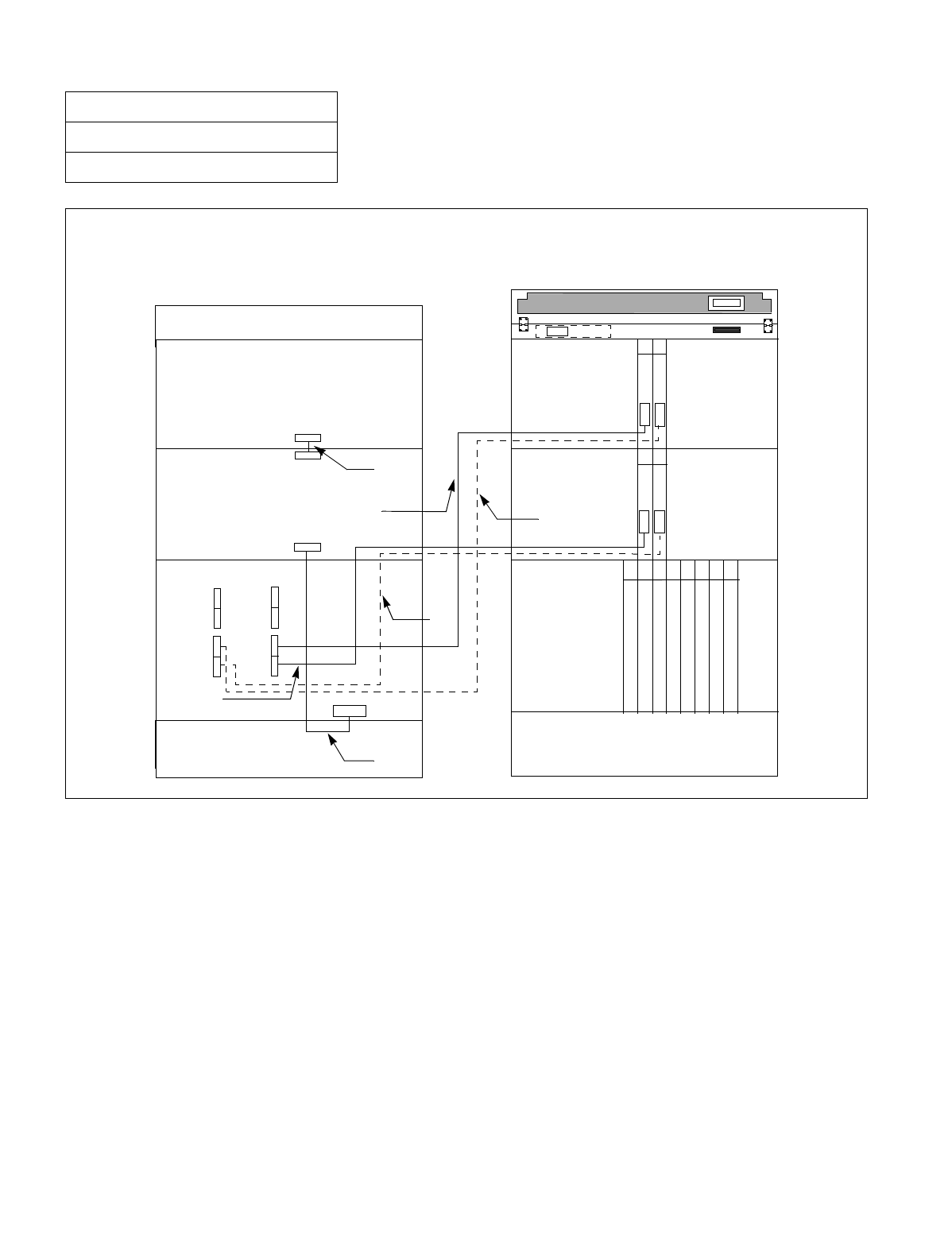
CHAPTER 3 NDA-24234
Page 152
Revision 3.0
INSTALLATION PROCEDURE
Figure 010-32 Internal Bus Cable Connection for IMG1 (2-PIM System) (Multiple IMG Configuration)
NAP-200-010
Sheet 57/71
Internal Cable Connections
TSW(PH-SW12)
TSW(PH-SW12)
TSW(PH-SW12)
TSW(PH-SW12)
TSW(PH-SW12)
TSW(PH-SW12)
TSW(PH-SW12)
TSW(PH-SW12)
Connect the internal bus cables for 2-PIM system of IMG1 as shown below. Note that the dotted lines indicate
bus cables for a dual System.
MUX
MUX
ALMB
ALMA
BASEU
PIM 0
PIM 1 PIM 1
TOPU TOPU
FRONT VIEW
REAR VIEW
BASEU
TSWM
PIM 0
TSWM
13 14
13 14
DSPM
(TSW 11)
MUX 111
MUX 110
(TSW 01)
MUX 011
MUX 010
(6)
(4)
(3)
(1)
00 01 02 03 10 11 12 13
12 13 14 15 16 17 18 19
(5)
MUX
MUX
(2)
ALMA
ALM
KEY
NDA-24234 CHAPTER 3
Page 153
Revision 3.0
INSTALLATION PROCEDURE
NAP-200-010
Sheet 58/71
Internal Cable Connections
Table 010-21 Internal Bus Cable Connection for IMG1 (2-PIM System) (Multiple IMG Configuration)
No.
FROM TO
CABLE NAME REMARKS
UNIT/MODULE CONNECTOR
NAME UNIT/
MODULE CONNECTOR
NAME
1 TSWM ALM PIM0 ALMA 20AL-(60) FLT CA
2 TSWM MUX010 PIM0 MUX (Slot 13) 34PH MT24 TSW CA-D TSW 01
3 TSWM MUX110 PIM0 MUX (Slot 14) 34PH MT24 TSW CA-D TSW 11
4 TSWM MUX011 PIM1 MUX (Slot 13) 34PH MT24 TSW CA-G TSW 01
5 TSWM MUX111 PIM1 MUX (Slot 14) 34PH MT24 TSW CA-G TSW 11
6 PIM0 ALMB PIM1 ALMA 20AL-(10) FLT CA
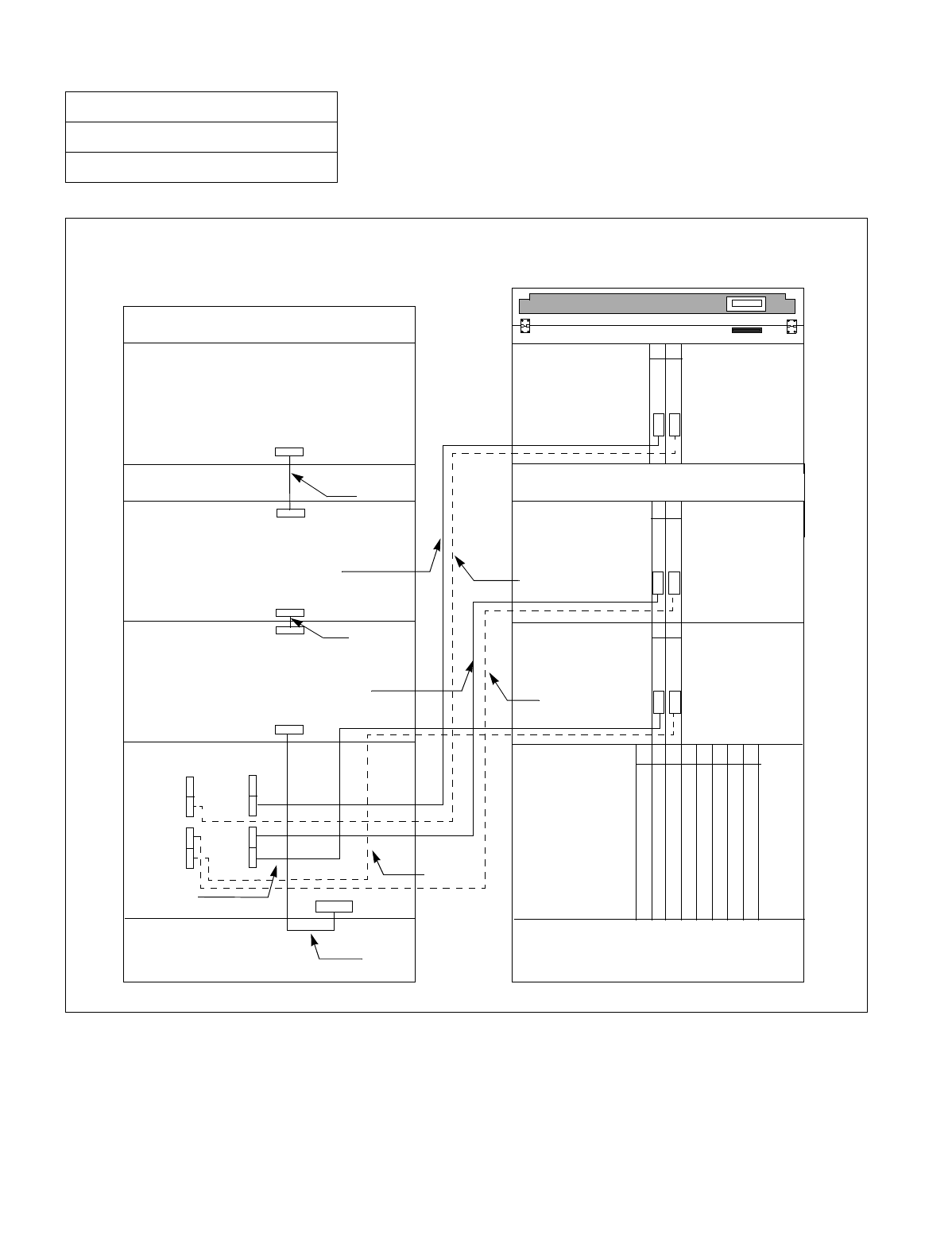
CHAPTER 3 NDA-24234
Page 154
Revision 3.0
INSTALLATION PROCEDURE
Figure 010-33 Internal Bus Cable Connection for IMG1 (3-PIM System) (Multiple IMG Configuration)
NAP-200-010
Sheet 59/71
Internal Cable Connections
MUX
MUX
MUX
ALMB
ALMA
ALMA
ALMB
BASEU
PIM 0
PIM 1
PIM 2
FANU
PIM 1
TOPU TOPU
FRONT VIEW
REAR VIEW
13 14
BASEU
TSWM
PIM 0
TSWM
PIM 2
13 14
13 14
FANU
DSPM
ALM
(TSW 11)
MUX 112
MUX 111
MUX 110
(TSW 01)
MUX 012
MUX 011
MUX 010
(9)
(6)
(4)
(3)
(1)
TSW(PH-SW12)
TSW(PH-SW12)
TSW(PH-SW12)
TSW(PH-SW12)
TSW(PH-SW12)
TSW(PH-SW12)
TSW(PH-SW12)
TSW(PH-SW12)
00 01 02 03 10 11 12 13
12 13 14 15 16 17 18 19
(5)
(7)
(8)
MUX
MUX
(2)
Connect the internal bus cables for 3-PIM system of IMG1 as shown below. Note that the dotted lines indicate
bus cables for a dual-system.
MUX
ALMA

NDA-24234 CHAPTER 3
Page 155
Revision 3.0
INSTALLATION PROCEDURE
NAP-200-010
Sheet 60/71
Internal Cable Connections
Table 010-22 Internal Bus Cable Connection for IMG1 (3-PIM System) (Multiple IMG Configuration)
No.
FROM TO
CABLE NAME REMARKS
UNIT/MODULE CONNECTOR
NAME UNIT/
MODULE CONNECTOR
NAME
1 TSWM ALM PIM0 ALMA 20AL-(60) FLT CA
2 TSWM MUX010 PIM0 MUX (Slot 13) 34PH MT24 TSW CA-D TSW 01
3 TSWM MUX110 PIM0 MUX (Slot 14) 34PH MT24 TSW CA-D TSW 11
4 TSWM MUX011 PIM1 MUX (Slot 13) 34PH MT24 TSW CA-G TSW 01
5 TSWM MUX111 PIM1 MUX (Slot 14) 34PH MT24 TSW CA-G TSW 11
6 TSWM MUX012 PIM2 MUX (Slot 13) 34PH MT24 TSW CA-F TSW 01
7 TSWM MUX112 PIM2 MUX (Slot 14) 34PH MT24 TSW CA-F TSW 11
8 PIM0 ALMB PIM1 ALMA 20AL-(10) FLT CA
9 PIM1 ALMB PIM2 ALMA 20AL-(20) FLT CA
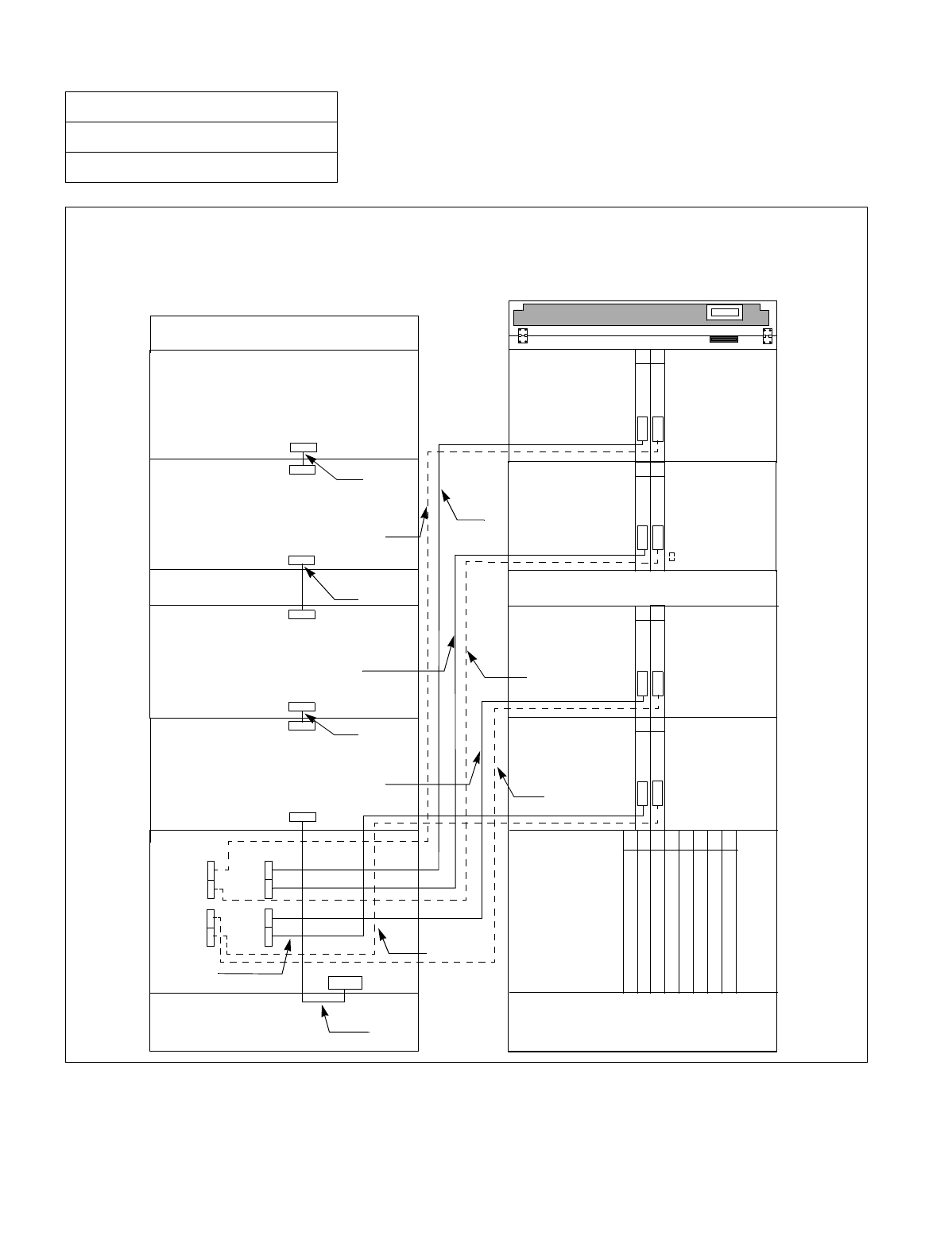
CHAPTER 3 NDA-24234
Page 156
Revision 3.0
INSTALLATION PROCEDURE
Figure 010-34 Internal Bus Cable Connection for IMG1 (4-PIM System) (Multiple IMG Configuration)
NAP-200-010
Sheet 61/71
Internal Cable Connections
Connect the internal bus cables for 4-PIM system of IMG1 as shown below. Note that the dotted lines indicate
bus cables for a dual-system.
MUX
MUX
MUX
MUX
MUX
MUX
MUX
MUX
ALMB
ALMA
ALMA
ALMA
ALMA
ALMB
BASEU
PIM 0
PIM 1
PIM 2
FANU
PIM 3
PIM 1
TOPU TOPU
FRONT VIEW
REAR VIEW
13
13
14
14
BASEU
TSWM
PIM 0
TSWM
PIM 3
PIM 2
13 14
13 14
FANU
DSPM
ALM
(12)
(TSW 11)
MUX 113
MUX 112
MUX 111
MUX 110
(TSW 01)
MUX 013
MUX 012
MUX 011
MUX 010
(9)
(11)
(6)
(10)
(4)
(3)
(1)
TSW(PH-SW12)
TSW(PH-SW12)
TSW(PH-SW12)
TSW(PH-SW12)
TSW(PH-SW12)
TSW(PH-SW12)
TSW(PH-SW12)
TSW(PH-SW12)
00 01 02 03 10 11 12 13
12 13 14 15 16 17 18 19
(5)
(7)
(8)
ALMB

NDA-24234 CHAPTER 3
Page 157
Revision 3.0
INSTALLATION PROCEDURE
NAP-200-010
Sheet 62/71
Internal Cable Connections
Table 010-23 Internal Bus Cable Connection for IMG1 (4-PIM System) (Multiple IMG Configuration)
No.
FROM TO
CABLE NAME REMARKS
UNIT/MODULE CONNECTOR
NAME UNIT/
MODULE CONNECTOR
NAME
1 TSWM ALM PIM0 ALMA 20AL-(60) FLT CA
2 TSWM MUX010 PIM0 MUX (Slot 13) 34PH MT24 TSW CA-D TSW 01
3 TSWM MUX110 PIM0 MUX (Slot 14) 34PH MT24 TSW CA-D TSW 11
4 TSWM MUX011 PIM1 MUX (Slot 13) 34PH MT24 TSW CA-G TSW 01
5 TSWM MUX111 PIM1 MUX (Slot 14) 34PH MT24 TSW CA-G TSW 11
6 TSWM MUX012 PIM2 MUX (Slot 13) 34PH MT24 TSW CA-F TSW 01
7 TSWM MUX112 PIM2 MUX (Slot 14) 34PH MT24 TSW CA-F TSW 11
8 TSWM MUX013 PIM3 MUX (Slot 13) 34PH MT24 TSW CA-G TSW 01
9 TSWM MUX113 PIM3 MUX (Slot 14) 34PH MT24 TSW CA-G TSW 11
10 PIM0 ALMB PIM1 ALMA 20AL-(10) FLT CA
11 PIM1 ALMB PIM2 ALMA 20AL-(20) FLT CA
12 PIM2 ALMB PIM3 ALMA 20AL-(10) FLT CA
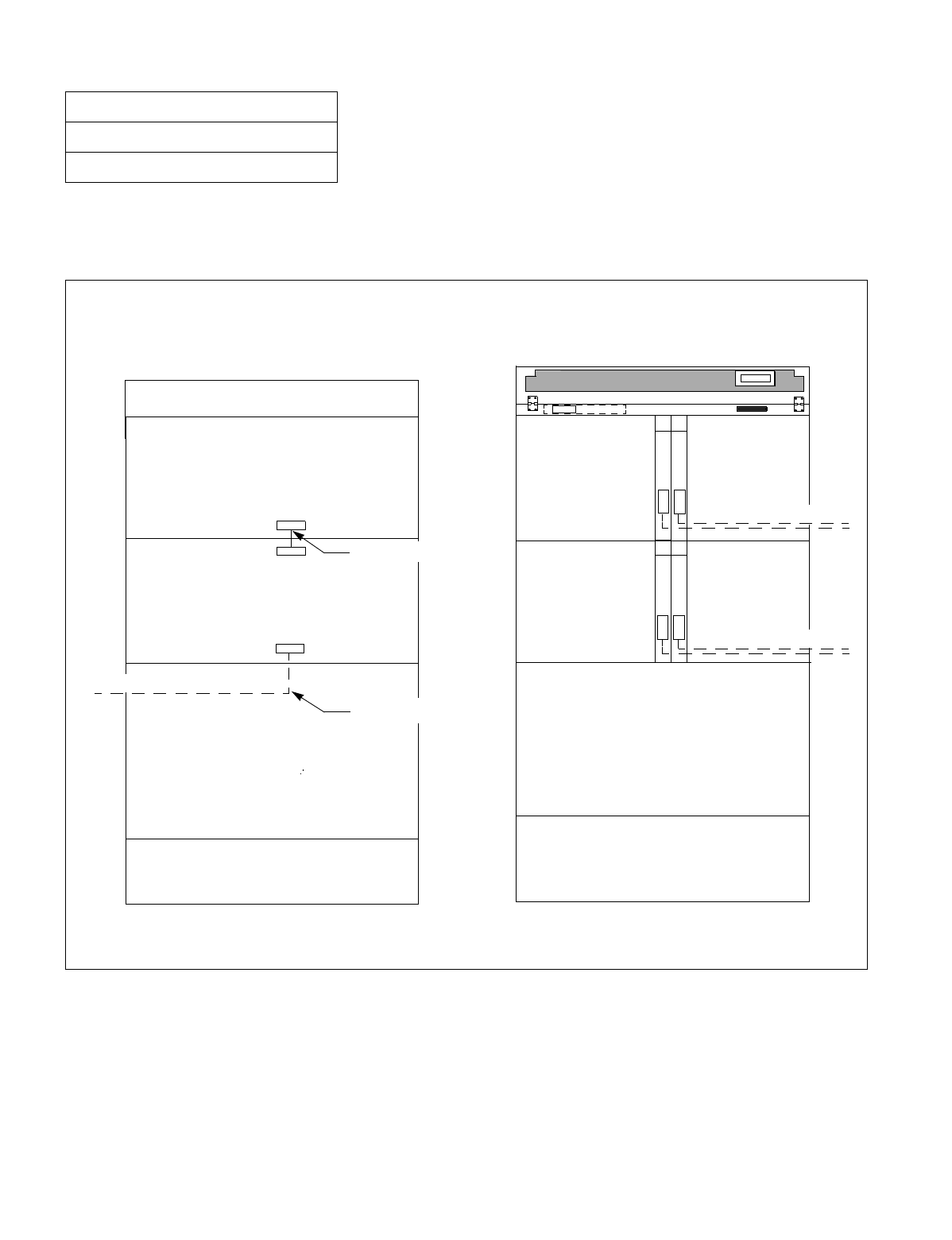
CHAPTER 3 NDA-24234
Page 158
Revision 3.0
INSTALLATION PROCEDURE
Figures 010-35 through 010-37 show how to run the internal bus cables for IMG2/3. Because bus cables for the 1-
PIM system all adopt inter-frame connections with other cabinets (IMG0 and 1), explanations are given here about
the 2-PIM configuration or more. (cf. NAP 200-011: “Inter-frame Cable Connections.”)
Figure 010-35 Internal Bus Cable Connection for IMG2/3 (2-PIM System) (Multiple IMG Configuration)
NAP-200-010
Sheet 63/71
Internal Cable Connections
When 2-PIM system is adopted in IMG2 or 3, the required connection is as follows:
Note: For these cable runnings, refer to NAP 200- 011: “Inter-frame Cable Connections.”
MUX
MUX
ALM
ALMB
BASEU
PIM 0
PIM 1 PIM 1
TOPU TOPU
FRONT VIEW
REAR VIEW
BASEU
DUMMY
PIM 0
DUMMY
13 14
Note
Note
13 14
To IMG 1
Note
20AL-(10)FLT CA
DSPM
To IMG 1
20AL-(10)FLT CA
ALMA
KEY
MUX
MUX
To IMG 0
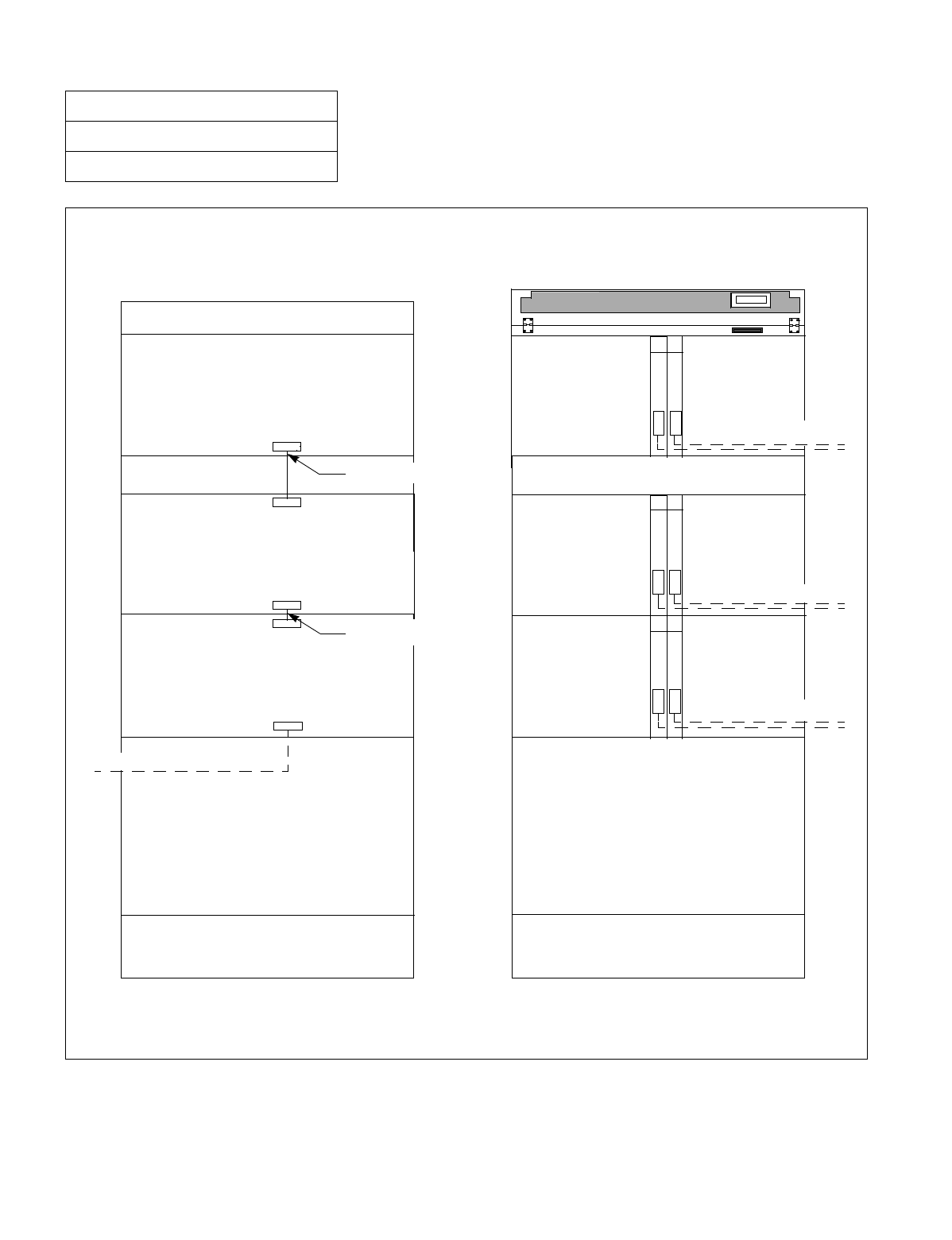
NDA-24234 CHAPTER 3
Page 159
Revision 3.0
INSTALLATION PROCEDURE
Figure 010-36 Internal Bus Cable Connection for IMG2/3 (3-PIM System) (Multiple IMG Configuration)
NAP-200-010
Sheet 64/71
Internal Cable Connections
When 3-PIM system is adopted in IMG2 or 3, the required cable connections are as follows:
Note: For these cable runnings, refer to NAP 200-011:“Inter-frame Cable Connections.”
MUX
MUX
MUX
MUX
MUX
MUX
ALMB
ALMA
ALMA
ALMA
ALMB
BASEU
PIM 0
PIM 1
PIM 2
FANU
PIM 1
TOPU TOPU
FRONT VIEW
REAR VIEW
13 14
BASEU
DUMMY
PIM 0
DUMMY
Note
PIM 2
13 14
Note
Note
To IMG 0
13 14
To IMG 1
Note
FANU
20AL-(10)FLT CA
DSPM
To IMG 1
To IMG 1
20AL-(10)FLT CA
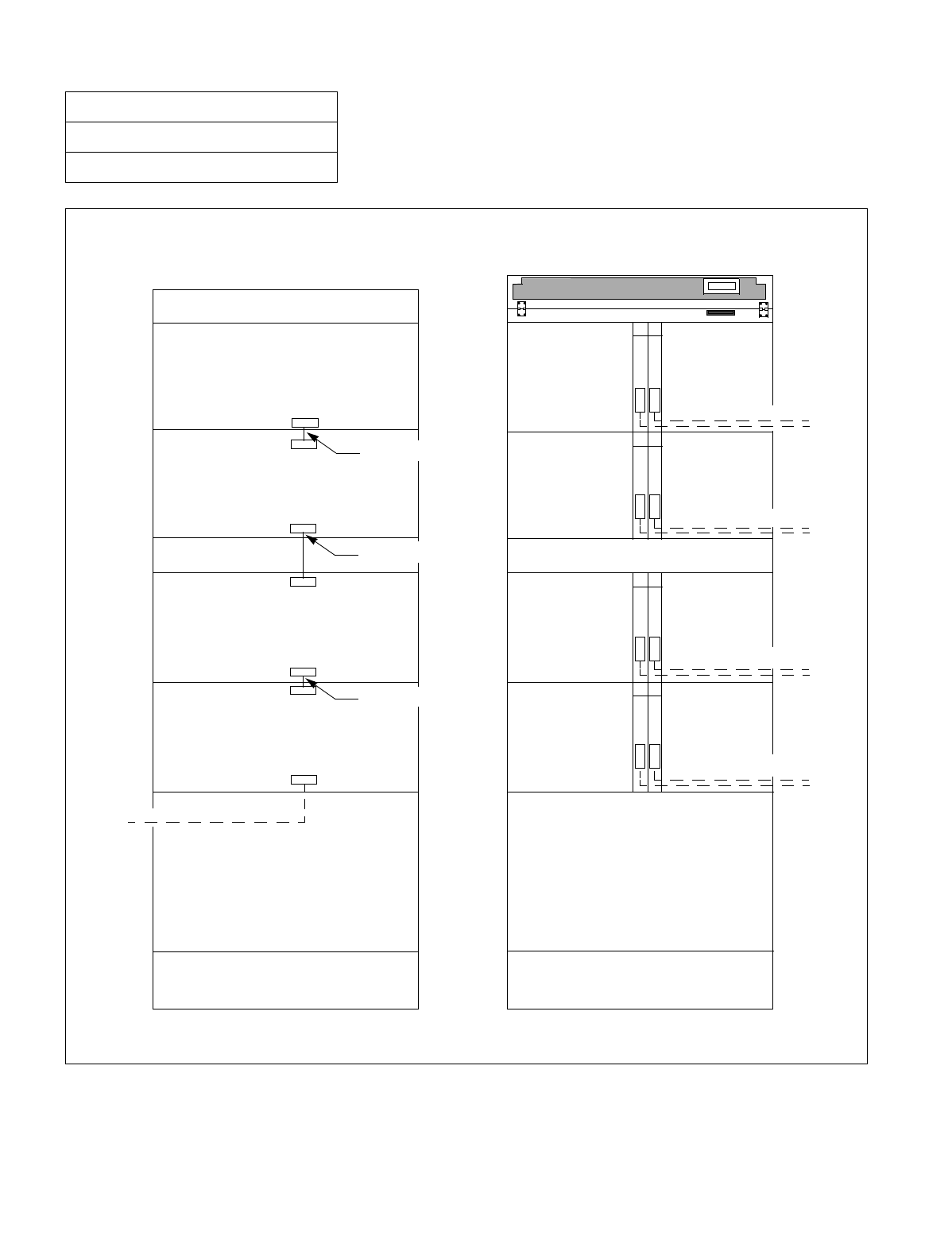
CHAPTER 3 NDA-24234
Page 160
Revision 3.0
INSTALLATION PROCEDURE
Figure 010-37 Internal Bus Cable Connection for IMG2/3 (4-PIM System) (Multiple IMG Configuration)
NAP-200-010
Sheet 65/71
Internal Cable Connections
MUX
MUX
MUX
MUX
MUX
MUX
MUX
MUX
ALMB
ALMA
ALMA
ALMA
ALMB
ALMA
ALMB
When 4-PIM system is adopted in IMG2 or 3, the required cable connections are as follows:
Note: For these cable runnings, refer to NAP 200-011: “Inter-frame Cable Connections.”
BASEU
PIM 0
PIM 1
PIM 2
FANU
PIM 3
PIM 1
TOPU TOPU
FRONT VIEW
REAR VIEW
13
13
14
14
BASEU
DUMMY
PIM 0
DUMMY
Note
PIM 3
PIM 2
13 14
Note
To IMG 1
Note
Note
To IMG 0
20AL-(10)FLT CA
13 14
To IMG 1
Note
FANU
20AL-(10)FLT CA
DSPM
To IMG 1
To IMG 1
20AL-(20)FLT CA

NDA-24234 CHAPTER 3
Page 161
Revision 3.0
INSTALLATION PROCEDURE
This NAP explains how to run the frame-to-frame cables for 2/3/4-IMG System.
NAP-200-011
Sheet 1/24
Inter-Frame Cable Connections Multiple IMG Configuration
START
Connection of Inter-frame ISA Bus Cables Refer to Figure 011-1.
Connection of Inter-frame Bus Cables Refer to Figures 011-2 through 011-10.
Connection of Inter-frame Alarm Bus Cables Refer to Figures 011-11 through 011-
13.
END
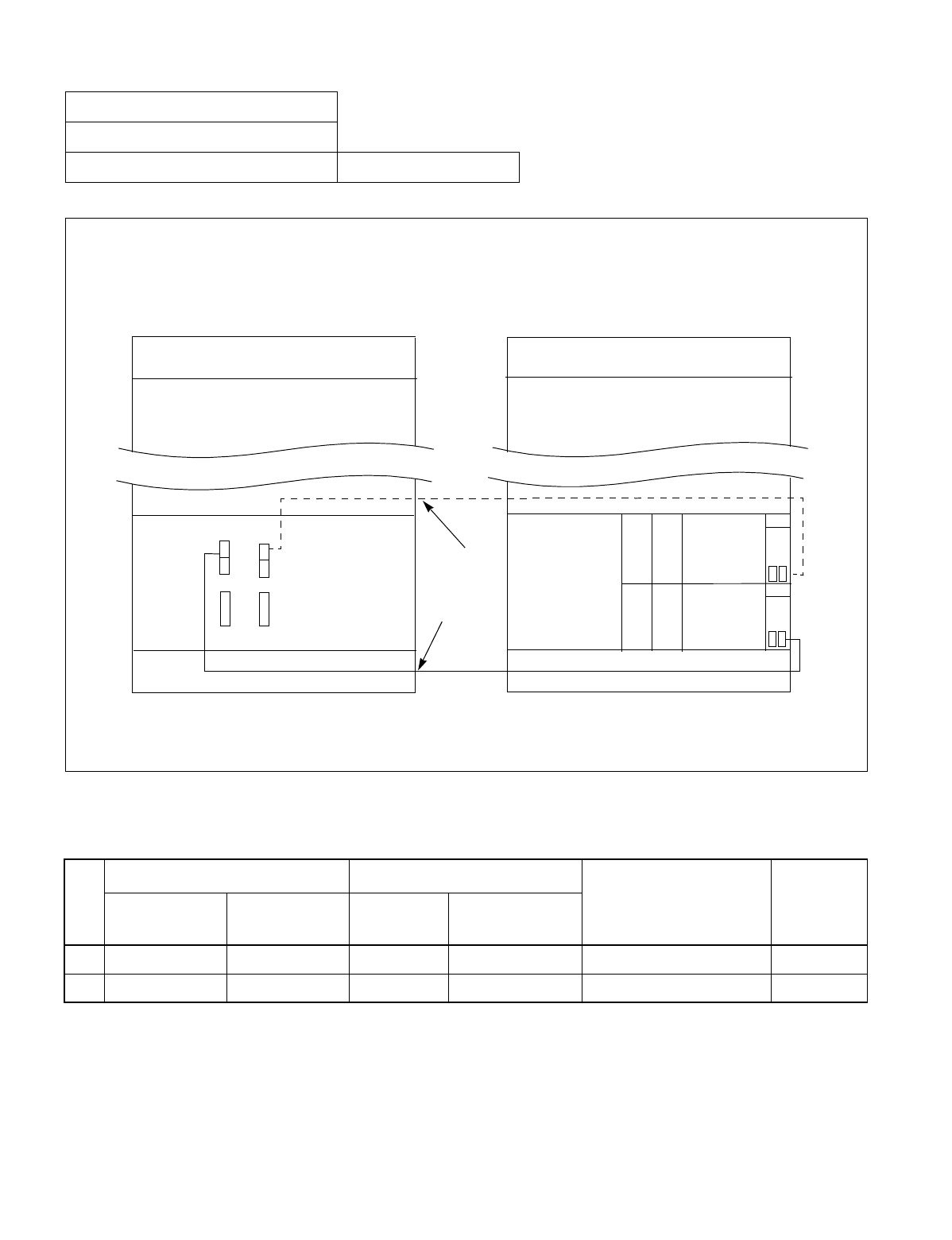
CHAPTER 3 NDA-24234
Page 162
Revision 3.0
INSTALLATION PROCEDURE
Figure 011-1 Inter-Frame ISA Bus Cable Connection for IMG0-IMG1
NAP-200-011
Sheet 2/24
Inter-Frame Cable Connections Multiple IMG Configuration
Table 011-1 Inter-Frame ISA Bus Cable Connection for IMG0-IMG1
No.
FROM TO
CABLE NAME REMARKS
UNIT/MODULE CONNECTOR
NAME UNIT/
MODULE CONNECTOR
NAME
1 LPM (CPU0) CN-T TSWM IOP0 (Slot 11) 34PH 50AL CA-A GT1
2 LPM (CPU1) CN-T TSWM IOP1 (Slot 10) 34PH 50AL CA-A GT0
Connect the inter-frame ISA bus cables as shown below. Note that the dotted line indicates the bus cable for a
dual system.
IMG 1 IMG 0
TOPU
TSWM
BASEU
LPM
REAR VIEW FRONT VIEW
TOPU
BASEU
(1)
(2)
IOP1
IOP0
(GT1) (GT0)
06
06
PZ-
PW02
PW02
PZ-
CPU1
CPU0
T
CN
CN
T
M
CN
M
CN
GT
13
GT
13
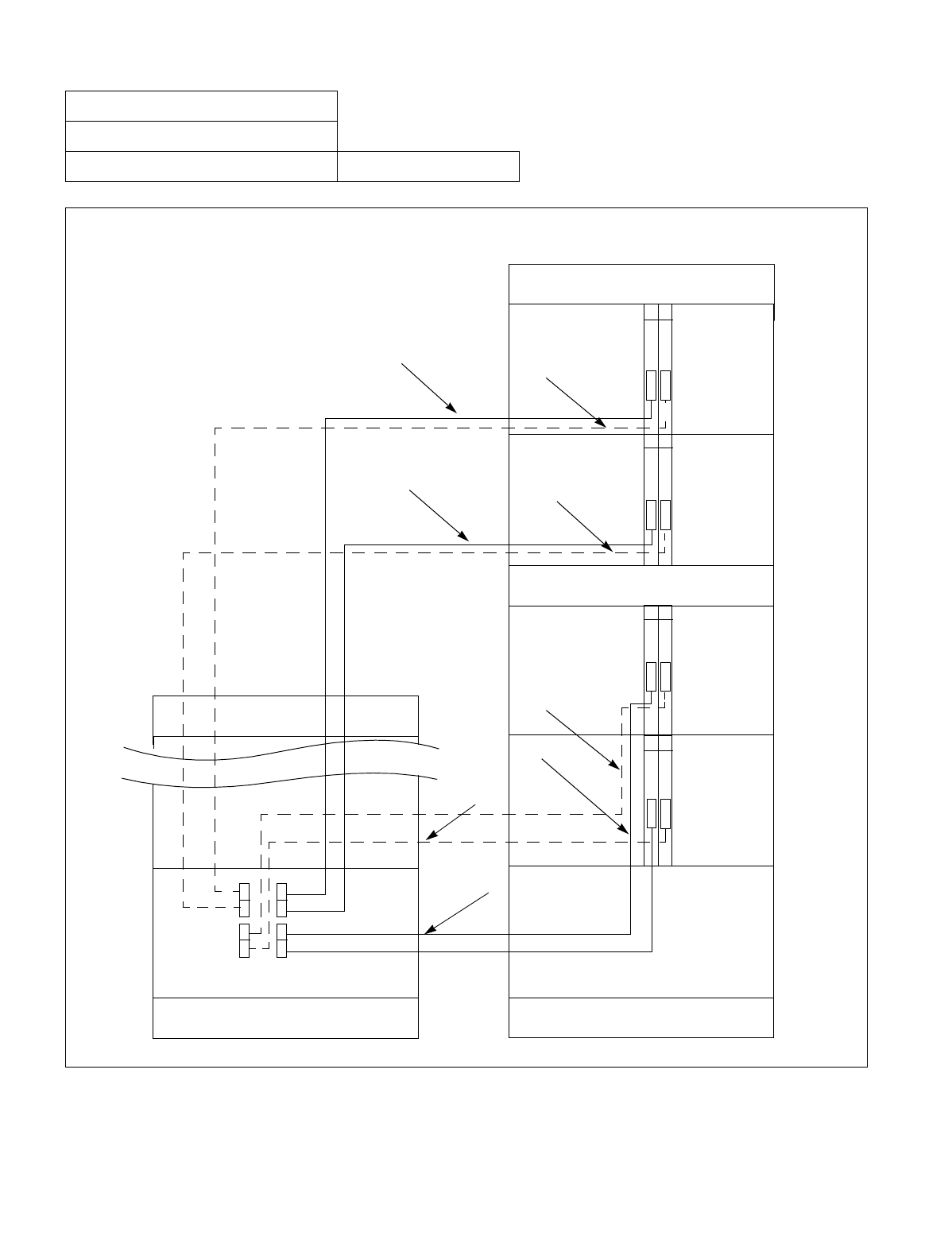
NDA-24234 CHAPTER 3
Page 163
Revision 3.0
INSTALLATION PROCEDURE
Figure 011-2 Inter-Frame Bus Cable Connection for IMG0-IMG1
NAP-200-011
Sheet 3/24
Inter-Frame Cable Connections Multiple IMG Configuration
Connect the inter-frame bus cables between IMG0 and IMG1 as shown below. Note that the dotted lines indicate
bus cables for a dual-system.
BASEU
BASEU
TSWM
PIM 0
PIM 1
FANU
PIM 2
FRONT VIEW
REAR VIEW
LPM
PIM 3
TOPU
13
MUX
14
MUX
13 14
13 14
13 14
TOPU
(4)
(6)
(5)
(8)
(7)
(3)
(2)
(1)
IMG 1
IMG 0
MUX
MUX
MUX
MUX
MUX
MUX
MUX103
MUX102
MUX101
MUX100
MUX003
MUX002
MUX001
MUX000
(TSW10) (TSW00)
CHAPTER 3 NDA-24234
Page 164
Revision 3.0
INSTALLATION PROCEDURE
NAP-200-011
Sheet 4/24
Inter-Frame Cable Connections Multiple IMG Configuration
Table 011-2 Inter-Frame Bus Cable Connection for IMG0-IMG1
No.
FROM TO
CABLE NAME REMARKS
UNIT/
MODULE CONNECTOR
NAME UNIT/
MODULE CONNECTOR
NAME
1 TSWM MUX000 PIM0 (IMG0) MUX (Slot 13) 34PH MT24 TSW CA-F TSW 00
2 TSWM MUX100 PIM0 (IMG0) MUX (Slot 14) 34PH MT24 TSW CA-F TSW 10
3 TSWM MUX001 PIM1 (IMG0) MUX (Slot 13) 34PH MT24 TSW CA-E TSW 00
4 TSWM MUX101 PIM1 (IMG0) MUX (Slot 14) 34PH MT24 TSW CA-E TSW 10
5 TSWM MUX002 PIM2 (IMG0) MUX (Slot 13) 34PH MT24 TSW CA-H TSW 00
6 TSWM MUX102 PIM2 (IMG0) MUX (Slot 14) 34PH MT24 TSW CA-H TSW 10
7 TSWM MUX003 PIM3 (IMG0) MUX (Slot 13) 34PH MT24 TSW CA-H TSW 00
8 TSWM MUX103 PIM3 (IMG0) MUX (Slot 14) 34PH MT24 TSW CA-H TSW 10
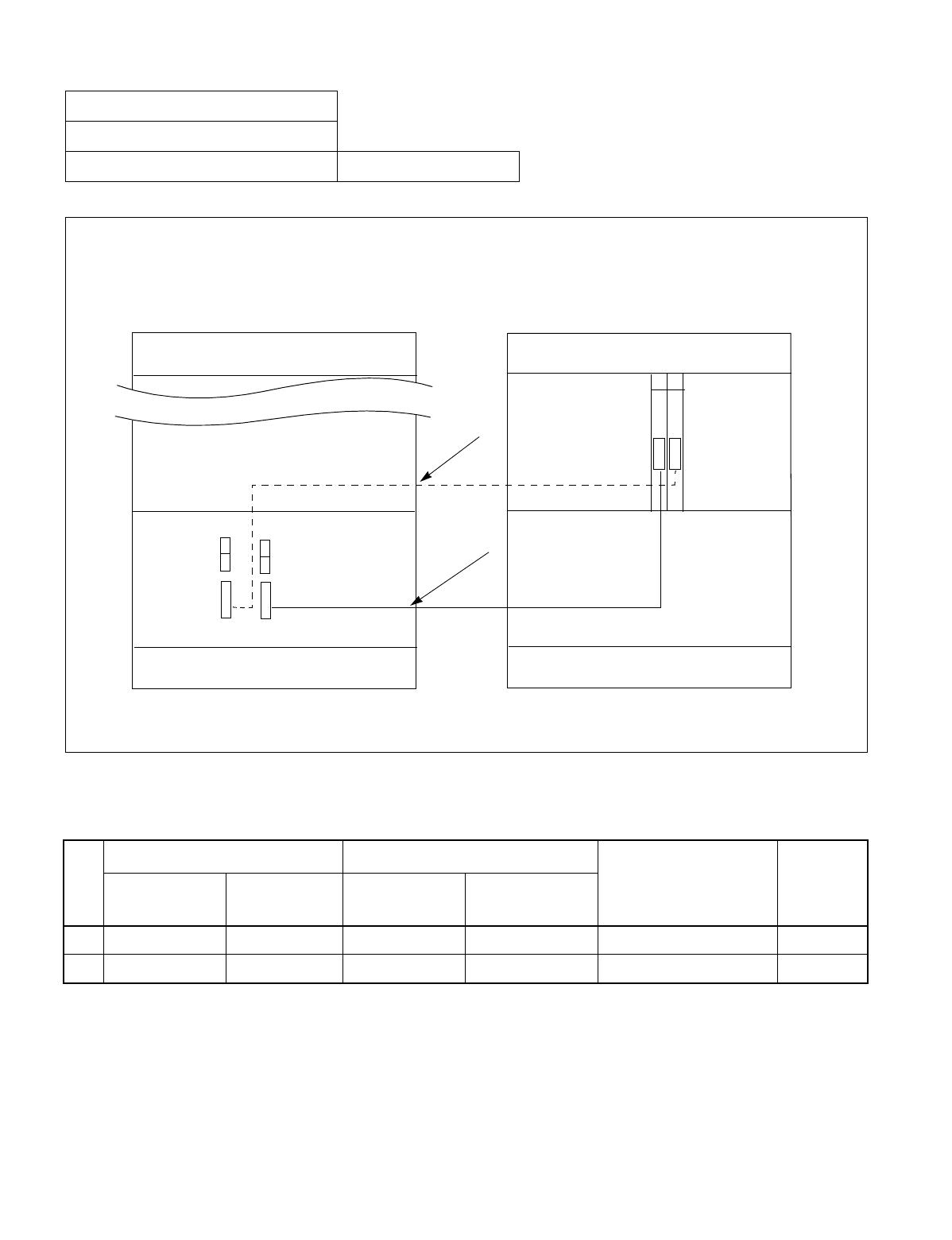
NDA-24234 CHAPTER 3
Page 165
Revision 3.0
INSTALLATION PROCEDURE
Figure 011-3 Inter-Frame Bus Cable Connection for IMG1-IMG2 (1-PIM System)
NAP-200-011
Sheet 5/24
Inter-Frame Cable Connections Multiple IMG Configuration
Table 011-3 Inter-Frame Bus Cable Connection for IMG1-IMG2 (1-PIM System)
No.
FROM TO
CABLE NAME REMARKS
UNIT/MODULE CONNECTOR
NAME UNIT/MODULE CONNECTOR
NAME
1 TSWM MUX020 PIM0 (IMG2) MUX (Slot 13) 34PH MT24 TSW CA-F TSW 02
2 TSWM MUX120 PIM0 (IMG2) MUX (Slot 14) 34PH MT24 TSW CA-F TSW 12
Connect the inter-frame bus cables between IMG1 and IMG2 (1-PIM system) as shown below. Note that the dotted
line indicates the bus cable for a dual-system.
IMG 1 IMG 2
TOPU
TSWM
BASEU
DUMMY
REAR VIEW FRONT VIEW
TOPU
BASEU
(1)
(2)
MUX120 MUX020
(TSW12) (TSW02)
13 14
MUX
MUX
PIM 0
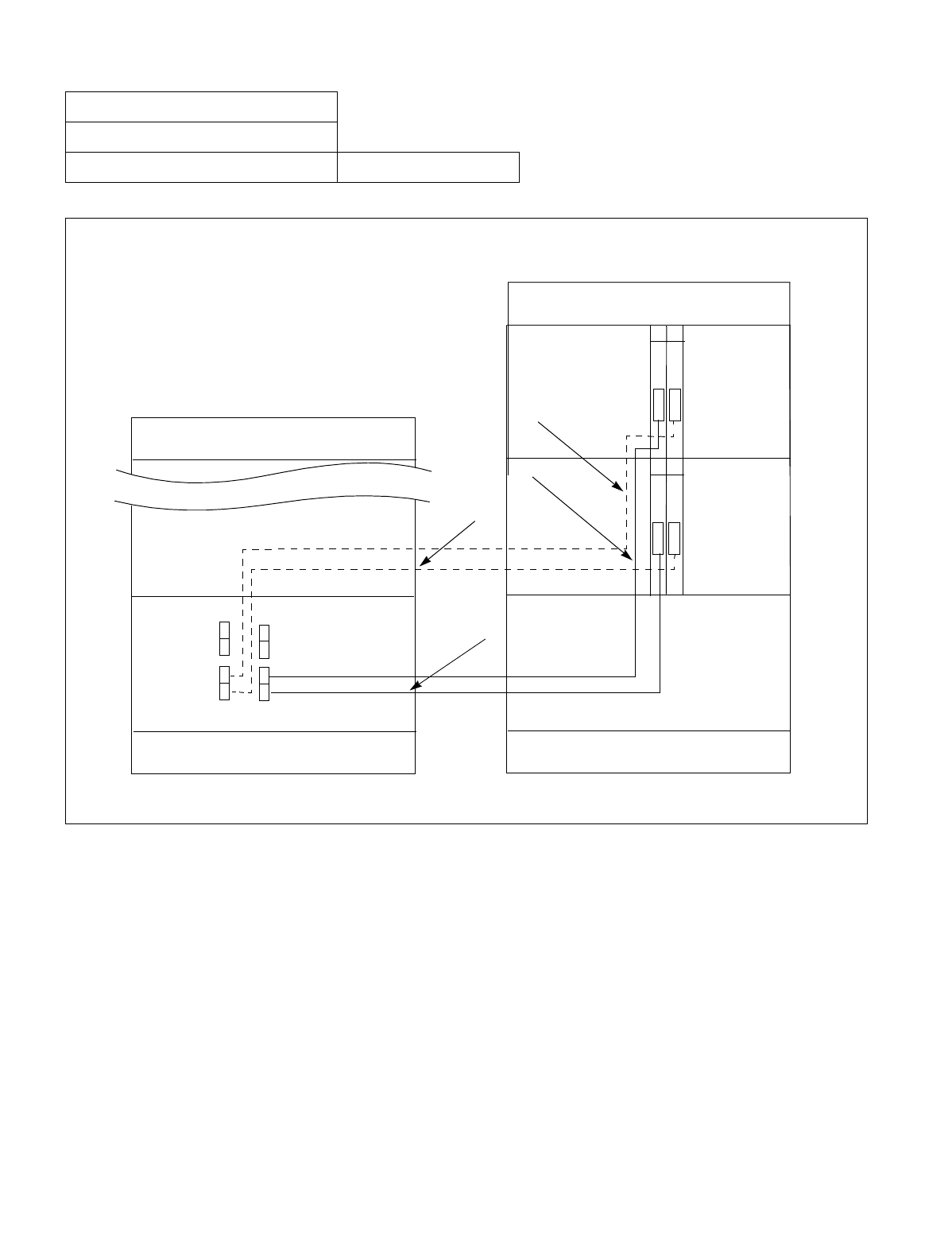
CHAPTER 3 NDA-24234
Page 166
Revision 3.0
INSTALLATION PROCEDURE
Figure 011-4 Inter-Frame Bus Cable Connection for IMG1-IMG2 (2-PIM System)
NAP-200-011
Sheet 6/24
Inter-Frame Cable Connections Multiple IMG Configuration
Connect the inter-frame bus cables between IMG1 and IMG2 (2-PIM system) as shown below. Note that the dotted
lines indicate bus cables for a dual-system.
IMG 1
IMG 2
TOPU
TSWM
BASEU
DUMMY
REAR VIEW FRONT VIEW
TOPU
BASEU
(1)
(2)
MUX120 MUX020
(TSW12) (TSW02)
13 14
MUX
MUX
PIM 0
PIM 1
13 14
MUX
MUX
(4)
(3)
MUX121 MUX021
NDA-24234 CHAPTER 3
Page 167
Revision 3.0
INSTALLATION PROCEDURE
NAP-200-011
Sheet 7/24
Inter-Frame Cable Connections Multiple IMG Configuration
Table 011-4 Inter-Frame Bus Cable Connection for IMG1-IMG2 (2-PIM System)
No.
FROM TO
CABLE NAME REMARKS
UNIT/
MODULE CONNECTOR
NAME UNIT/MODULE CONNECTOR
NAME
1 TSWM MUX020 PIM0 (IMG2) MUX (Slot 13) 34PH MT24 TSW CA-F TSW 02
2 TSWM MUX120 PIM0 (IMG2) MUX (Slot 14) 34PH MT24 TSW CA-F TSW 12
3 TSWM MUX021 PIM1 (IMG2) MUX (Slot 13) 34PH MT24 TSW CA-G TSW 02
4 TSWM MUX121 PIM1 (IMG2) MUX (Slot 14) 34PH MT24 TSW CA-G TSW 12
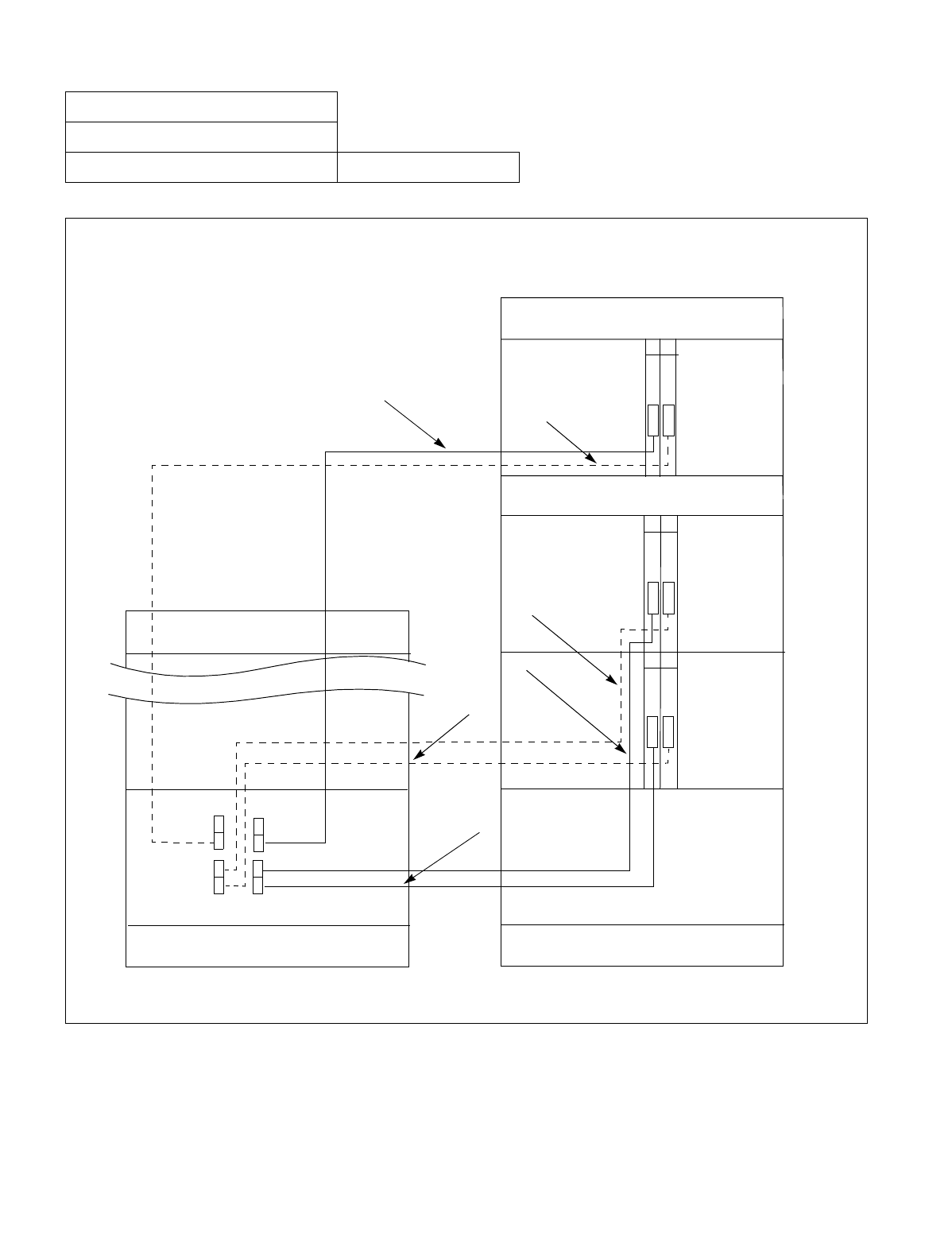
CHAPTER 3 NDA-24234
Page 168
Revision 3.0
INSTALLATION PROCEDURE
Figure 011-5 Inter-Frame Bus Cable Connection for IMG1-IMG2 (3-PIM System)
NAP-200-011
Sheet 8/24
Inter-Frame Cable Connections Multiple IMG Configuration
Connect the inter-frame bus cables between IMG1 and IMG2 (3-PIM system) as shown below. Note that the dotted
lines indicate bus cables for a dual-system.
IMG 1
IMG 2
TOPU
TSWM
BASEU
DUMMY
REAR VIEW FRONT VIEW
TOPU
BASEU
(1)
(2)
MUX120 MUX020
(TSW12) (TSW02)
13 14
MUX
MUX
PIM 0
PIM 1
13 14
MUX
MUX
(4)
(3)
MUX
MUX
13 14
(5)
(6) PIM 2
FANU
MUX021
MUX022
MUX121
MUX122
NDA-24234 CHAPTER 3
Page 169
Revision 3.0
INSTALLATION PROCEDURE
NAP-200-011
Sheet 9/24
Inter-Frame Cable Connections Multiple IMG Configuration
Table 011-5 Inter-Frame Bus Cable Connection for IMG1-IMG2 (3-PIM System)
No.
FROM TO
CABLE NAME REMARKS
UNIT/
MODULE CONNECTOR
NAME UNIT/MODULE CONNECTOR
NAME
1 TSWM MUX020 PIM0 (IMG2) MUX (Slot 13) 34PH MT24 TSW CA-F TSW 02
2 TSWM MUX120 PIM0 (IMG2) MUX (Slot 14) 34PH MT24 TSW CA-F TSW 12
3 TSWM MUX021 PIM1 (IMG2) MUX (Slot 13) 34PH MT24 TSW CA-G TSW 02
4 TSWM MUX121 PIM1 (IMG2) MUX (Slot 14) 34PH MT24 TSW CA-G TSW 12
5 TSWM MUX022 PIM2 (IMG2) MUX (Slot 13) 34PH MT24 TSW CA-H TSW 02
6 TSWM MUX122 PIM2 (IMG2) MUX (Slot 14) 34PH MT24 TSW CA-H TSW 12
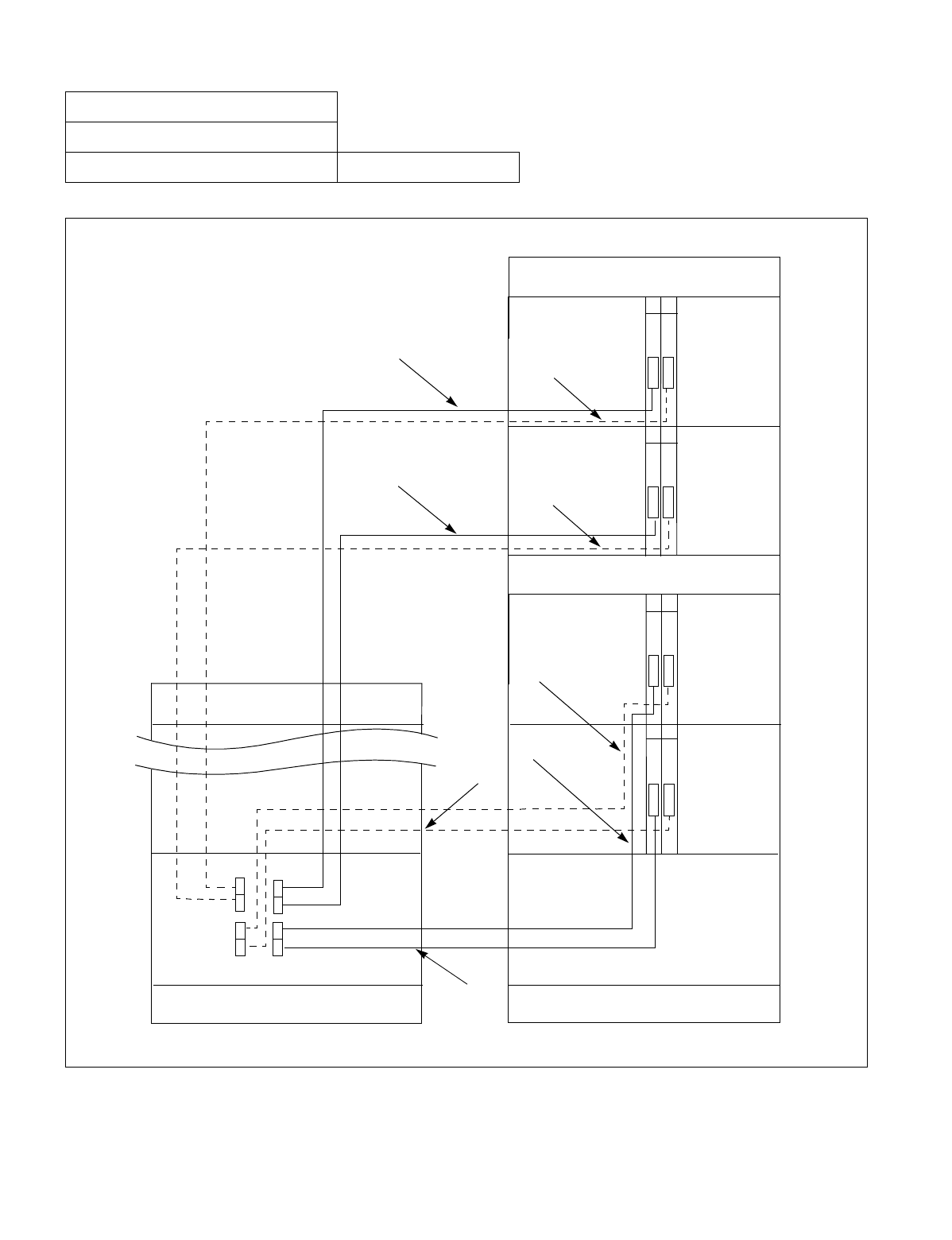
CHAPTER 3 NDA-24234
Page 170
Revision 3.0
INSTALLATION PROCEDURE
Figure 011-6 Inter-Frame Bus Cable Connection for IMG1-IMG2 (4-PIM System)
NAP-200-011
Sheet 10/24
Inter-Frame Cable Connections Multiple IMG Configuration
Connect the inter-frame bus cables between IMG1 and
IMG2 (4-PIM system) as shown below. Note that the dotted
lines indicate bus cables for a dual-system.
IMG 1
IMG 2
TOPU
TSWM
BASEU
DUMMY
REAR VIEW FRONT VIEW
TOPU
BASEU
(1)
(2)
MUX120
MUX020
(TSW12) (TSW02)
13 14
PIM 0
PIM 1
13 14
MUX
(4)
(3)
MUX
MUX
13 14
(5)
(6) PIM 2
FANU
MUX021
MUX022
MUX121
MUX122
MUX
MUX
13 14
PIM 3
MUX123 MUX023
MUX
MUX
MUX
(7)
(8)
NDA-24234 CHAPTER 3
Page 171
Revision 3.0
INSTALLATION PROCEDURE
NAP-200-011
Sheet 11/24
Inter-Frame Cable Connections Multiple IMG Configuration
Table 011-6 Inter-Frame Bus Cable Connection for IMG1-IMG2 (4-PIM System)
No.
FROM TO
CABLE NAME REMARKS
UNIT/
MODULE CONNECTOR
NAME UNIT/MODULE CONNECTOR
NAME
1 TSWM MUX020 PIM0 (IMG2) MUX (Slot 13) 34PH MT24 TSW CA-F TSW 02
2 TSWM MUX120 PIM0 (IMG2) MUX (Slot 14) 34PH MT24 TSW CA-F TSW 12
3 TSWM MUX021 PIM1 (IMG2) MUX (Slot 13) 34PH MT24 TSW CA-G TSW 02
4 TSWM MUX121 PIM1 (IMG2) MUX (Slot 14) 34PH MT24 TSW CA-G TSW 12
5 TSWM MUX022 PIM2 (IMG2) MUX (Slot 13) 34PH MT24 TSW CA-H TSW 02
6 TSWM MUX122 PIM2 (IMG2) MUX (Slot 14) 34PH MT24 TSW CA-H TSW 12
7 TSWM MUX023 PIM3 (IMG2) MUX (Slot 13) 34PH MT24 TSW CA-H TSW 02
8 TSWM MUX123 PIM3 (IMG2) MUX (Slot 14) 34PH MT24 TSW CA-H TSW 12
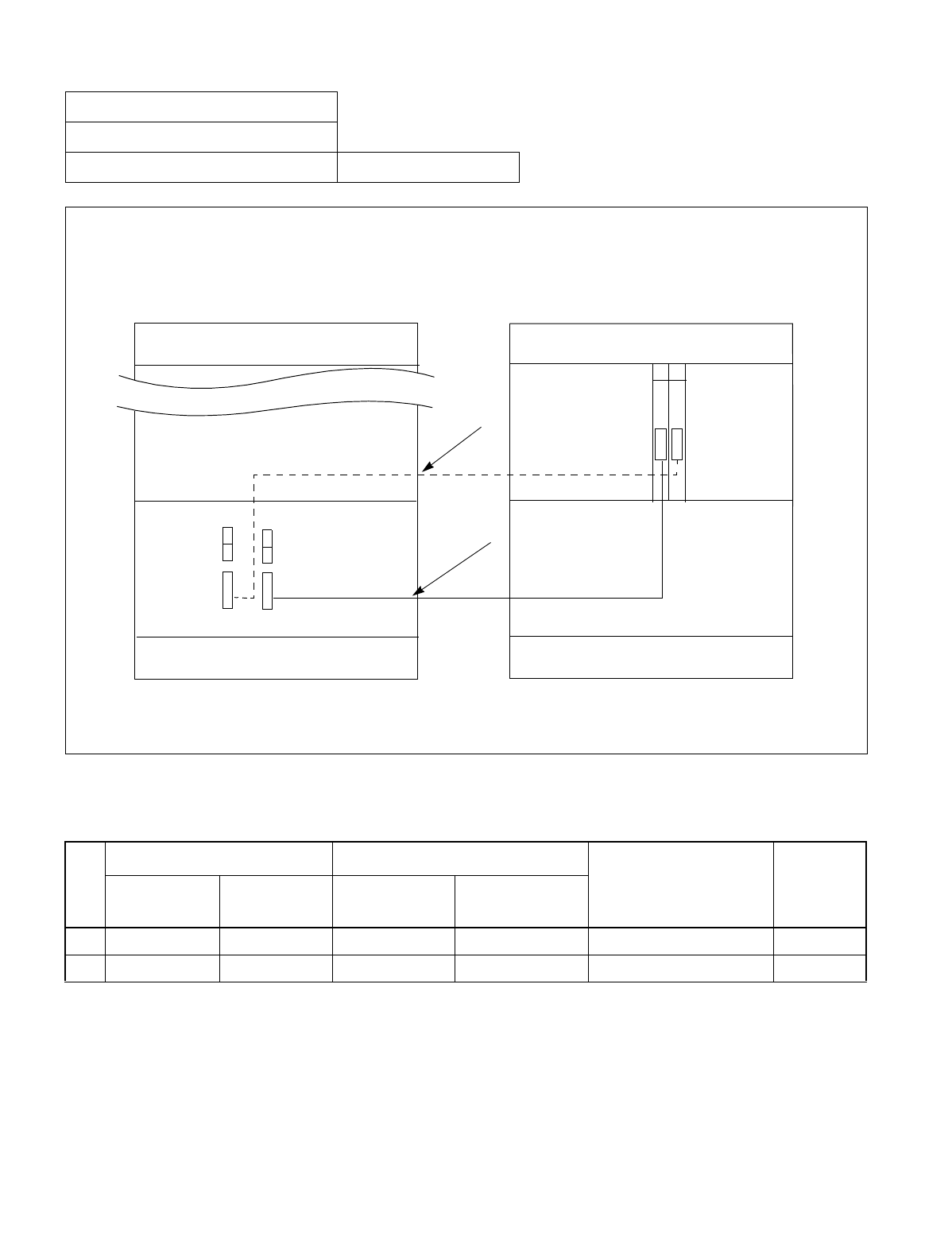
CHAPTER 3 NDA-24234
Page 172
Revision 3.0
INSTALLATION PROCEDURE
Figure 011-7 Inter-Frame Bus Cable Connection for IMG1-IMG3 (1-PIM System)
NAP-200-011
Sheet 12/24
Inter-frame Cable Connections Multiple IMG Configuration
Table 011-7 Inter-Frame Bus Cable Connection for IMG1-IMG3 (1-PIM System)
No.
FROM TO
CABLE NAME REMARKS
UNIT/
MODULE CONNECTOR
NAME UNIT/MODULE CONNECTOR
NAME
1 TSWM MUX030 PIM0 (IMG3) MUX (Slot 13) 34PH MT24 TSW CA-H TSW 03
2 TSWM MUX130 PIM0 (IMG3) MUX (Slot 14) 34PH MT24 TSW CA-H TSW 13
IMG 1 IMG 3
TOPU
TSWM
BASEU
REAR VIEW FRONT VIEW
TOPU
BASEU
(1)
(2)
MUX130 MUX030
(TSW13) (TSW03)
13 14
MUX
MUX
Connect the inter-frame bus cables between IMG1 and IMG3 (1-PIM system) as shown below. Note that the dotted
line indicates the bus cable for a dual-system.
DUMMY
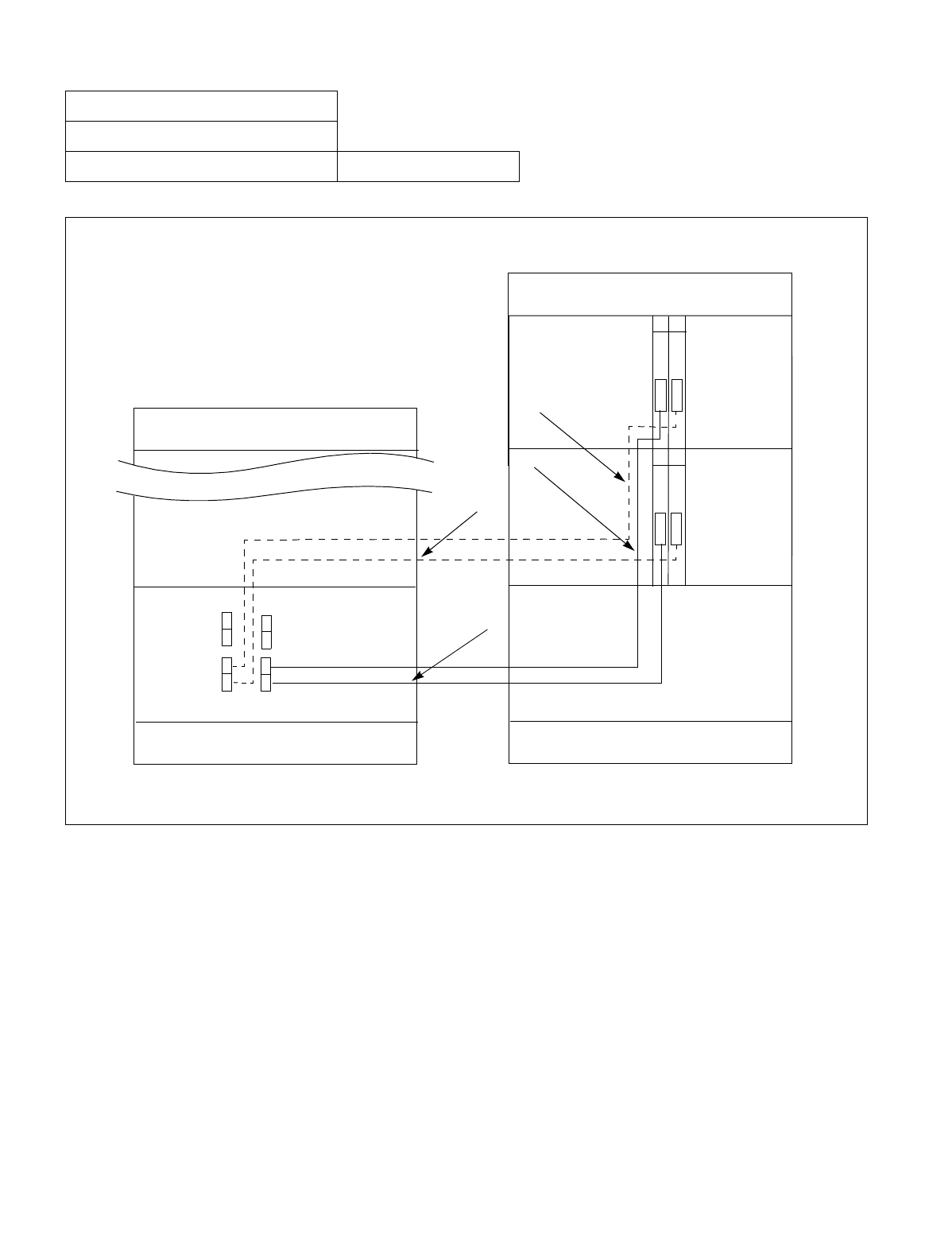
NDA-24234 CHAPTER 3
Page 173
Revision 3.0
INSTALLATION PROCEDURE
Figure 011-8 Inter-Frame Bus Cable Connection for IMG1-IMG3 (2-PIM System)
NAP-200-011
Sheet 13/24
Inter-Frame Cable Connections Multiple IMG Configuration
IMG 1
IMG 3
TOPU
TSWM
BASEU
DUMMY
REAR VIEW FRONT VIEW
TOPU
BASEU
(1)
(2)
MUX130 MUX030
(TSW13) (TSW03)
13 14
MUX
MUX
PIM 0
PIM 1
13 14
MUX
MUX
(4)
(3)
MUX131 MUX031
Connect the inter-frame bus cables between IMG1 and IMG3 (2-PIM system) as shown below. Note that the dotted
lines indicate bus cables for a dual-system.
CHAPTER 3 NDA-24234
Page 174
Revision 3.0
INSTALLATION PROCEDURE
NAP-200-011
Sheet 14/24
Inter-Frame Cable Connections Multiple IMG Configuration
Table 011-8 Inter-Frame Bus Cable Connection for IMG1-IMG3 (2-PIM System)
No.
FROM TO
CABLE NAME REMARKS
UNIT/
MODULE CONNECTOR
NAME UNIT/MODULE CONNECTOR
NAME
1 TSWM MUX030 PIM0 (IMG3) MUX (Slot 13) 34PH MT24 TSW CA-H TSW 03
2 TSWM MUX130 PIM0 (IMG3) MUX (Slot 14) 34PH MT24 TSW CA-H TSW 13
3 TSWM MUX031 PIM1 (IMG3) MUX (Slot 13) 34PH MT24 TSW CA-H TSW 03
4 TSWM MUX131 PIM1 (IMG3) MUX (Slot 14) 34PH MT24 TSW CA-H TSW 13
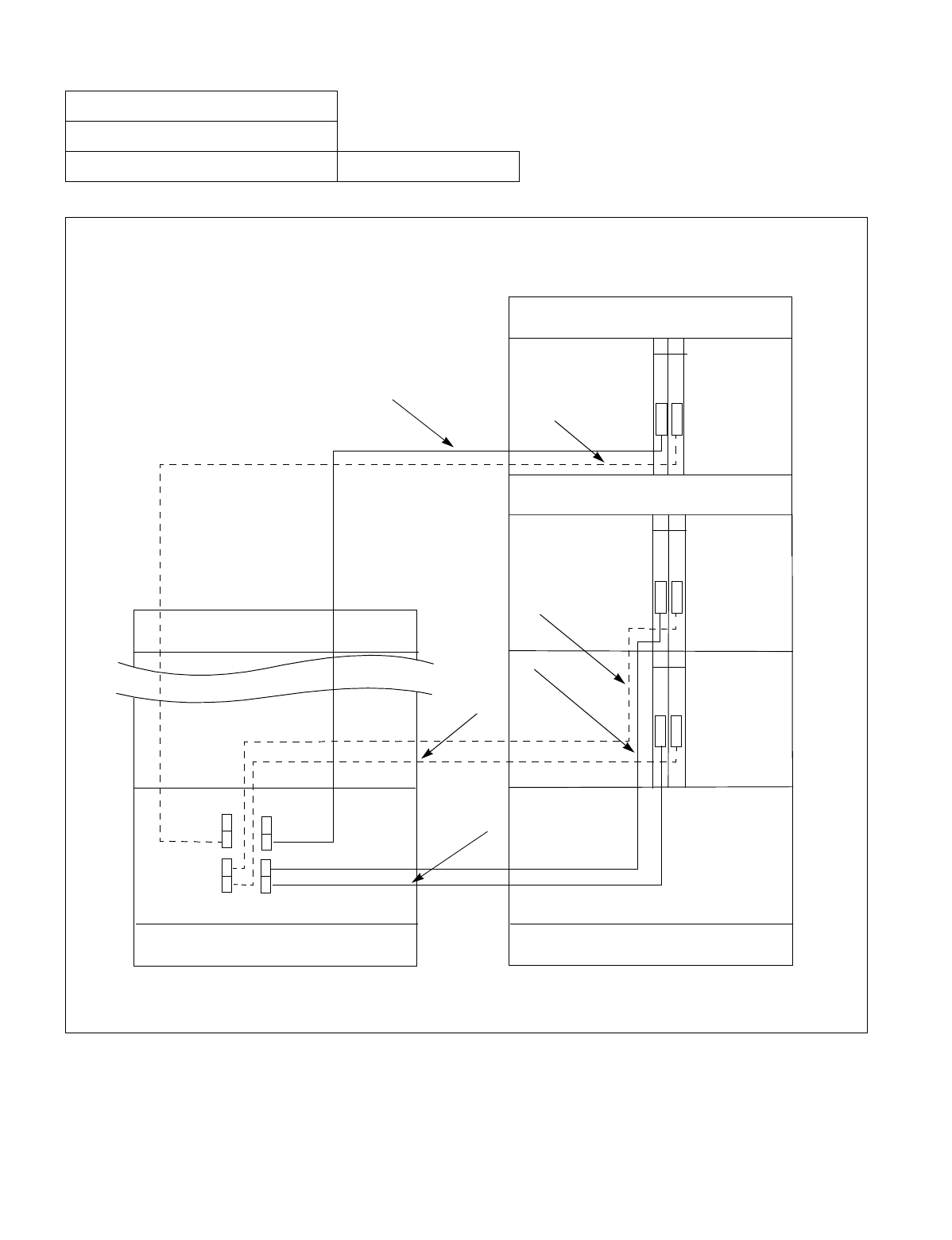
NDA-24234 CHAPTER 3
Page 175
Revision 3.0
INSTALLATION PROCEDURE
Figure 011-9 Inter-Frame Bus Cable Connection for IMG1-IMG3 (3-PIM System)
NAP-200-011
Sheet 15/24
Inter-frame Cable Connections Multiple IMG Configuration
IMG 1
IMG 3
TOPU
TSWM
BASEU
DUMMY
REAR VIEW FRONT VIEW
TOPU
BASEU
(1)
(2)
MUX130 MUX030
(TSW13) (TSW03)
13 14
MUX
MUX
PIM 0
PIM 1
13 14
MUX
MUX
(4)
(3)
MUX
MUX
13 14
(5)
(6) PIM 2
FANU
MUX031
MUX032
MUX131
MUX132
Connect the inter-frame bus cables between IMG1 and IMG3 (3-PIM system) as shown below. Note that the dotted
lines indicate bus cables for a dual-system.
CHAPTER 3 NDA-24234
Page 176
Revision 3.0
INSTALLATION PROCEDURE
NAP-200-011
Sheet 16/24
Inter-Frame Cable Connections Multiple IMG Configuration
Table 011-9 Inter-Frame Bus Cable Connection for IMG1-IMG3 (3-PIM System)
No.
FROM TO
CABLE NAME REMARKS
UNIT/
MODULE CONNECTOR
NAME UNIT/MODULE CONNECTOR
NAME
1 TSWM MUX030 PIM0 (IMG3) MUX (Slot 13) 34PH MT24 TSW CA-H TSW 03
2 TSWM MUX130 PIM0 (IMG3) MUX (Slot 14) 34PH MT24 TSW CA-H TSW 13
3 TSWM MUX031 PIM1 (IMG3) MUX (Slot 13) 34PH MT24 TSW CA-H TSW 03
4 TSWM MUX131 PIM1 (IMG3) MUX (Slot 14) 34PH MT24 TSW CA-H TSW 13
5 TSWM MUX032 PIM2 (IMG3) MUX (Slot 13) 34PH MT24 TSW CA-I TSW 03
6 TSWM MUX132 PIM2 (IMG3) MUX (Slot 14) 34PH MT24 TSW CA-I TSW 13
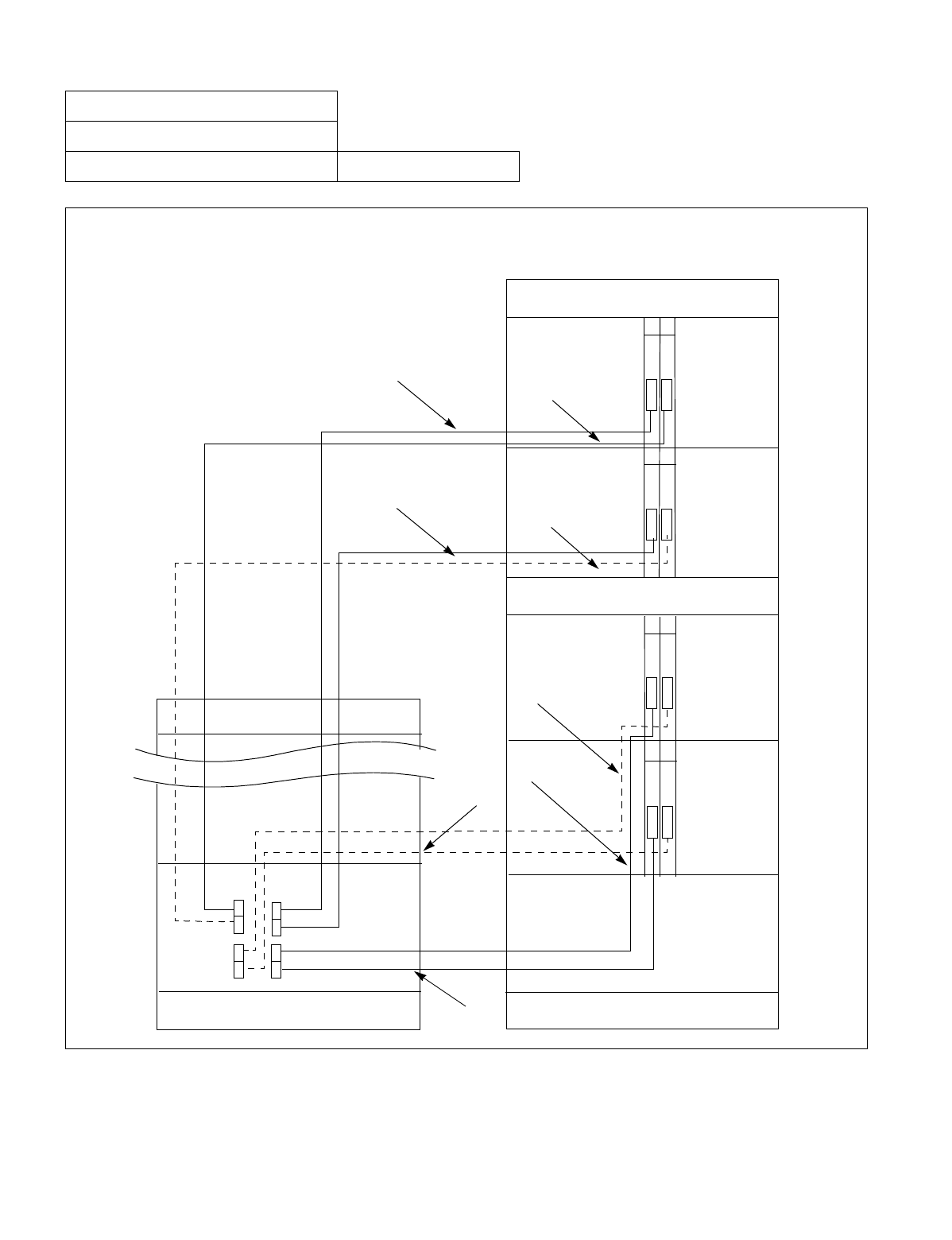
NDA-24234 CHAPTER 3
Page 177
Revision 3.0
INSTALLATION PROCEDURE
Figure 011-10 Inter-Frame Bus Cable Connection for IMG1-IMG3 (4-PIM System)
NAP-200-011
Sheet 17/24
Inter-Frame Cable Connections Multiple IMG Configuration
IMG 1
IMG 3
TOPU
TSWM
BASEU
DUMMY
TOPU
BASEU
(1)
(2)
MUX130 MUX030
(TSW13) (TSW03)
13 14
PIM 0
PIM 1
13 14
MUX
(4)
(3)
MUX
MUX
13 14
(5)
(6) PIM 2
FANU
MUX031
MUX032
MUX131
MUX132
MUX
MUX
13 14
PIM 3
MUX133 MUX033
MUX
MUX
MUX
(7)
(8)
Connect the inter-frame bus cables between IMG1 and IMG3 (4-PIM system) as shown below. Note that the dotted
lines indicate bus cables for a dual-system.
CHAPTER 3 NDA-24234
Page 178
Revision 3.0
INSTALLATION PROCEDURE
NAP-200-011
Sheet 18/24
Inter-frame Cable Connections Multiple IMG Configuration
Table 011-10 Inter-Frame Bus Cable Connection for IMG1-IMG3 (4-PIM System)
No.
FROM TO
CABLE NAME REMARKS
UNIT/
MODULE CONNECTOR
NAME UNIT/MODULE CONNECTOR
NAME
1 TSWM MUX030 PIM0 (IMG3) MUX (Slot 13) 34PH MT24 TSW CA-H TSW 03
2 TSWM MUX130 PIM0 (IMG3) MUX (Slot 14) 34PH MT24 TSW CA-H TSW 13
3 TSWM MUX031 PIM1 (IMG3) MUX (Slot 13) 34PH MT24 TSW CA-H TSW 03
4 TSWM MUX131 PIM1 (IMG3) MUX (Slot 14) 34PH MT24 TSW CA-H TSW 13
5 TSWM MUX032 PIM2 (IMG3) MUX (Slot 13) 34PH MT24 TSW CA-I TSW 03
6 TSWM MUX132 PIM2 (IMG3) MUX (Slot 14) 34PH MT24 TSW CA-I TSW 13
7 TSWM MUX033 PIM3 (IMG3) MUX (Slot 13) 34PH MT24 TSW CA-J TSW 03
8 TSWM MUX133 PIM3 (IMG3) MUX (Slot 14) 34PH MT24 TSW CA-J TSW 13
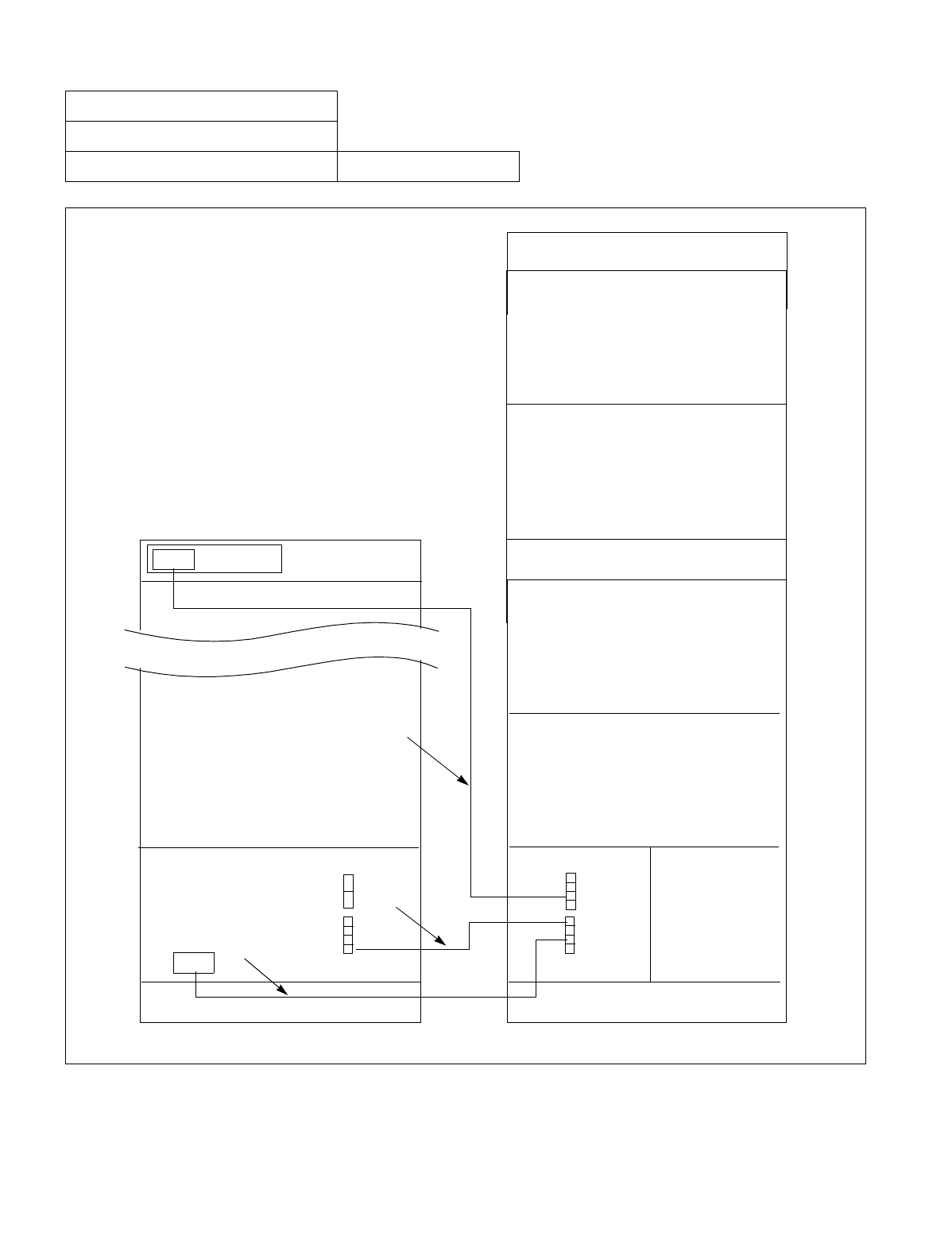
NDA-24234 CHAPTER 3
Page 179
Revision 3.0
INSTALLATION PROCEDURE
Figure 011-11 Inter-Frame Alarm Bus Cable Connection for IMG0-IMG1
NAP-200-011
Sheet 19/24
Inter-frame Cable Connections Multiple IMG Configuration
Connect the inter-frame alarm bus cables between
IMG0 and IMG1 as shown below.
IMG 1
IMG 0
TOPU
TSWM
BASEU
LPM
REAR VIEW FRONT VIEW
TOPU
BASEU
(1)
(2)
PIM 0
PIM 1
(3)
PIM 2
FANU
PIM 3
PIM 0
DSP PZ-DK223
EMAFH
EMA
LED1
MUSIC
ALM1
CHAPTER 3 NDA-24234
Page 180
Revision 3.0
INSTALLATION PROCEDURE
NAP-200-011
Sheet 20/24
Inter-frame Cable Connections Multiple IMG Configuration
Table 011-11 Inter-Frame Alarm Bus Cable Connection for IMG0-IMG1
No.
FROM TO
CABLE NAME REMARKS
UNIT/MODULE CONNECTOR
NAME UNIT/MODULE CONNECTOR
NAME
1 LPM LED1 TOPU(IMG1) DSPM 16PH LED CA-A
2 LPM ALM1 TSWM EMA 16PH ALM CA-A
3 LPM MUSIC TSWM EMAFH 16PH STD CA-F
NDA-24234 CHAPTER 3
Page 181
Revision 3.0
INSTALLATION PROCEDURE
Figure 011-12 Inter-Frame Alarm Bus Cable Connection for IMG0-IMG2
NAP-200-011
Sheet 21/24
Inter-frame Cable Connections Multiple IMG Configuration
Connect the inter-frame alarm bus cables between
IMG0 and IMG2 as shown below.
IMG 2
IMG 0
TOPU
DUMMY
BASEU
LPM
REAR VIEW FRONT VIEW
TOPU
BASEU
(1)
(2)
PIM 0
PIM 1
PIM 2
FANU
PIM 3
PIM 0
DSP PZ-DK223
ALMA
LED2
ALM2
CHAPTER 3 NDA-24234
Page 182
Revision 3.0
INSTALLATION PROCEDURE
NAP-200-011
Sheet 22/24
Inter-Frame Cable Connections Multiple IMG Configuration
Table 011-12 Inter-Frame Alarm Bus Cable Connection for IMG0-IMG2
No.
FROM TO
CABLE NAME REMARKS
UNIT/MODULE CONNECTOR
NAME UNIT/MODULE CONNECTOR
NAME
1 LPM LED2 TOPU(IMG2) DSPM 16PH LED CA-B
2 LPM ALM2 PIM0 (IMG2) ALMA 16PH ALM CA-B
NDA-24234 CHAPTER 3
Page 183
Revision 3.0
INSTALLATION PROCEDURE
Figure 011-13 Inter-Frame Alarm Bus Cable Connection for IMG0-IMG3
NAP-200-011
Sheet 23/24
Inter-frame Cable Connections Multiple IMG Configuration
Connect the inter-frame alarm bus cables between
IMG0 and IMG3 as shown below.
ALM3
LED3
(2)
(1)
IMG 3
IMG 0
TOPU
DUMMY
BASEU
LPM
REAR VIEW FRONT VIEW
TOPU
BASEU
PIM 0
PIM 1
PIM 2
FANU
PIM 3
PIM 0
DSP PZ-DK223
ALMA
CHAPTER 3 NDA-24234
Page 184
Revision 3.0
INSTALLATION PROCEDURE
NAP-200-011
Sheet 24/24
Inter-frame Cable Connections Multiple IMG Configuration
Table 011-13 Inter-Frame Alarm Bus Cable Connection for IMG0-IMG3
No.
FROM TO
CABLE NAME REMARKS
UNIT/MODULE CONNECTOR
NAME UNIT/MODULE CONNECTOR
NAME
1 LPM LED3 TOPU(IMG3) DSPM 16PH LED CA-C
2 LPM ALM3 PIM0 (IMG3) ALMA 16PH ALM CA-C
NDA-24234 CHAPTER 3
Page 185
Revision 3.0
INSTALLATION PROCEDURE
This NAP describes front cable connections between circuit cards.
Note: Protection against static electricity:
A Portable Field Service Grounding Kit must be used to protect system components from static discharge.
Figure 012-1 Front Cable Connections between Circuit Cards for CCIS/ISDN
NAP-200-012
Sheet 1/1
Front Cable Connections between Circuit
Cards
START
When CCH/DCH and DTI cards are mounted in PIM (For CCIS/ISDN), connect the front cable
between CCH/DCH and DTI cards by referring to Figure 012-1.
END
TRK
CN2
CCH
/DCH DTI
(PIM)
Connecting Cable Specification
Cable Name
Desig. No.
Color Label
Length
: 10AL-(10)FLT CA
: NR-510247-001
: White
: 10/4 (cm/inch)
FRONT VIEW
DCH/CCH

CHAPTER 3 NDA-24234
Page 186
Revision 3.0
INSTALLATION PROCEDURE
This NAP explains the following work items:
•Cable Running from the PBX to the MDF and ATTCON (Desk Console)
•Cable Running from the PBX to the MAT and SMDR
•Connections at the PBX Side
•Cable Tying at the Equipment Frame
Note: Compliance with EMI
To comply with EMI, Shielded cables with CHAMP connector should be used for the following installation
cables:
•Cable from the PBX to the MDF
•Cable from the PBX to Attendant Console
•Cable from the PBX to alarm indicating equipment
•Cable from the PBX to the external music-on-hold source
•Cable for line test (connected to TEST connection)
NAP-200-013
Sheet 1/13
Cable Running from the PBX to MDF,
ATTCON, MAT, and SMDR
NDA-24234 CHAPTER 3
Page 187
Revision 3.0
INSTALLATION PROCEDURE
1. CABLE RUNNING FROM THE PBX TO THE MDF AND ATTCON
NAP-200-013
Sheet 2/13
Cable Running from the PBX to MDF,
ATTCON, MAT, and SMDR
START
Cables (25P) for LT Connectors At the PBX side, verify the names of the connectors
on the PIM backplane, then bring each LT cable up to
the corresponding connector position.
Refer to Figure 013-1.
Cables for Desk Console Connectors Referring to NAP 200-016, run the installation cables
for the Desk Console to the relevant connector
positions.
Cables (25P) for 16PH EX ALM
Connector At the PBX side, confirm the name of the connectors
on the LPR backplane, then bring the 16PH EX ALM
CA and installation cable up to the connector
position.
Cables (25P) for NCU Connectors At the PBX side, bring each NCU cable up to the
connector on the front of the PFT cards to be
mounted in the PIM. Refer to Figure 015-4.
At the MDF side, confirm the location of the
Terminal Block to which the cable is to be
terminated, then bring the cable up to the terminal
block.
A
CHAPTER 3 NDA-24234
Page 188
Revision 3.0
INSTALLATION PROCEDURE
NAP-200-013
Sheet 3/13
Cable Running from the PBX to MDF,
ATTCON, MAT, and SMDR
Cables for ODT Connectors Referring to description of 8TLT card in the
Circuit Card Manual, connect each 2400
ODT CABLE/2400 ODT CABLE-A and the
corresponding installation cables.
At the PBX side, bring each 2400 ODT
CABLE/2400 ODT CABLE-A up to the
connector position on the front of the 8TLT
cards to be mounted in the PIM.
At the MDF side, confirm the location of the
Terminal Blocks to which each cable is to be
terminated, then bring the cables up to the
terminal blocks.
END
A
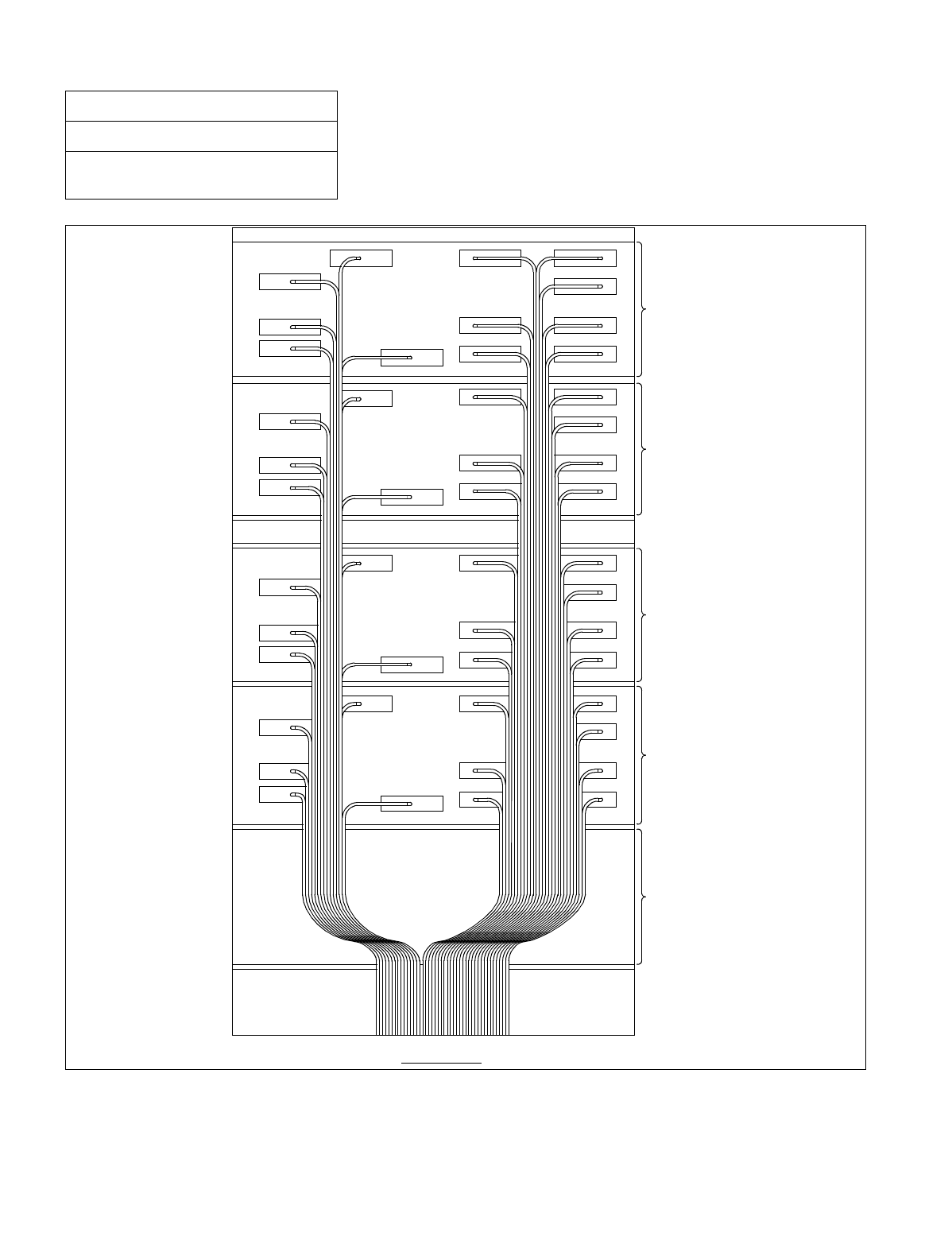
NDA-24234 CHAPTER 3
Page 189
Revision 3.0
INSTALLATION PROCEDURE
Figure 013-1 LT Cable Routing
NAP-200-013
Sheet 4/13
Cable Running from the PBX to MDF,
ATTCON, MAT, and SMDR
(PIM3)
(TOPU)
(PIM2)
(PIM1)
(PIM0)
(LPR)
(BASEU)
(FANU)
REAR VIEW
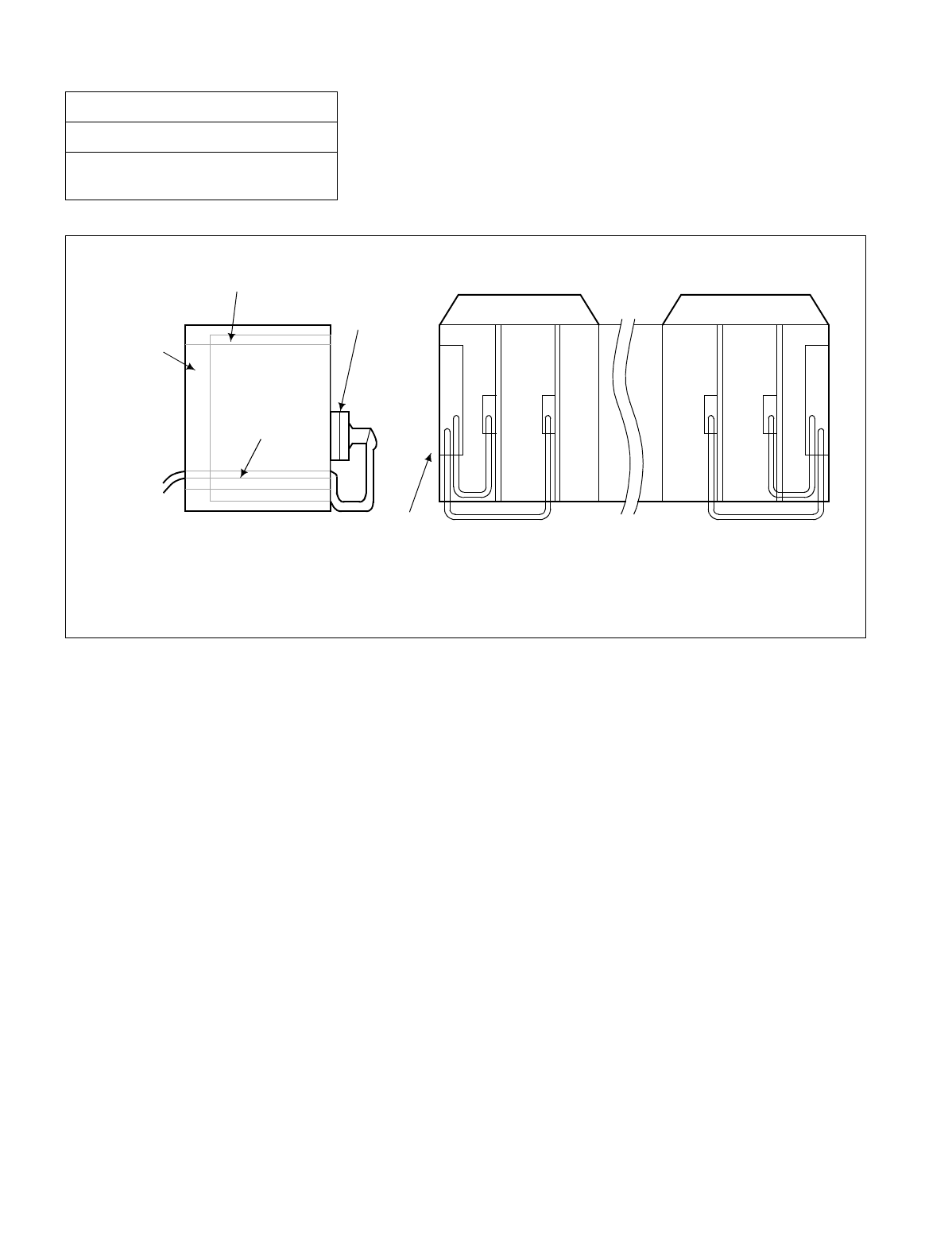
CHAPTER 3 NDA-24234
Page 190
Revision 3.0
INSTALLATION PROCEDURE
Figure 013-2 Cable Routing of Circuit Card Front Cable
NAP-200-013
Sheet 5/13
Cable Running from the PBX to MDF,
ATTCON, MAT, and SMDR
Cable Duct
SIDE VIEW FRONT VIEW
Cable
Cable Hole
Circuit Card
Front Connector
Circuit Card
Up to three circuit card
front cables can be run
through the cable hole.
Six circuit card front
cables can be accommodated;
three on the left side, and
three on the right side.
NDA-24234 CHAPTER 3
Page 191
Revision 3.0
INSTALLATION PROCEDURE
2. CABLE RUNNING FROM THE PBX TO THE MAT AND SMDR
NAP-200-013
Sheet 6/13
Cable Running from the PBX to MDF,
ATTCON, MAT, and SMDR
START
MAT (Refer to NAP-200-017) Referring to NAP-200-017, connect 68PH S 2 PORTS
CA-A and the installation cable (25P).
At the PBX side, confirm the connector name on the
LPR backplane, then run 68PH S 2 PORTS CA-A up
to the connector position.
At the MAT side, run RS-232-CA “0” up to the MAT.
SMDR (Refer to NAP-200-018) Referring to NAP-200-018, connect the PBX and the
SMDR equipment.
At the PBX side, confirm the connector name on the
LPR backplane, then run 68PH S 2 PORTS CA-A up
to the connector position.
At the SMDR equipment side, run the installation
cable (25P) up to the SMDR equipment.
END

CHAPTER 3 NDA-24234
Page 192
Revision 3.0
INSTALLATION PROCEDURE
3. CONNECTIONS AT THE PBX SIDE
4. CABLE TYING AT THE PBX
NAP-200-013
Sheet 7/13
Cable Running from the PBX to MDF,
ATTCON, MAT, and SMDR
START
LT Connectors Confirm each connector name on the backplane
and the corresponding LT connector, then
connect the two.
16PH EX ALM Connect the 16PH EX ALM CA to the EXALM
rear connector on the LPR backplane.
NCU Connectors Connect the NCU cable to the connector on the
front of the PFT card.
IOC Connectors Connect 68 PH S 2PORTS CA-A to the MISC
connectors on the LPR backplane.
END
START
Referring to Figure 013-3, secure the connector cables to the Module.
END
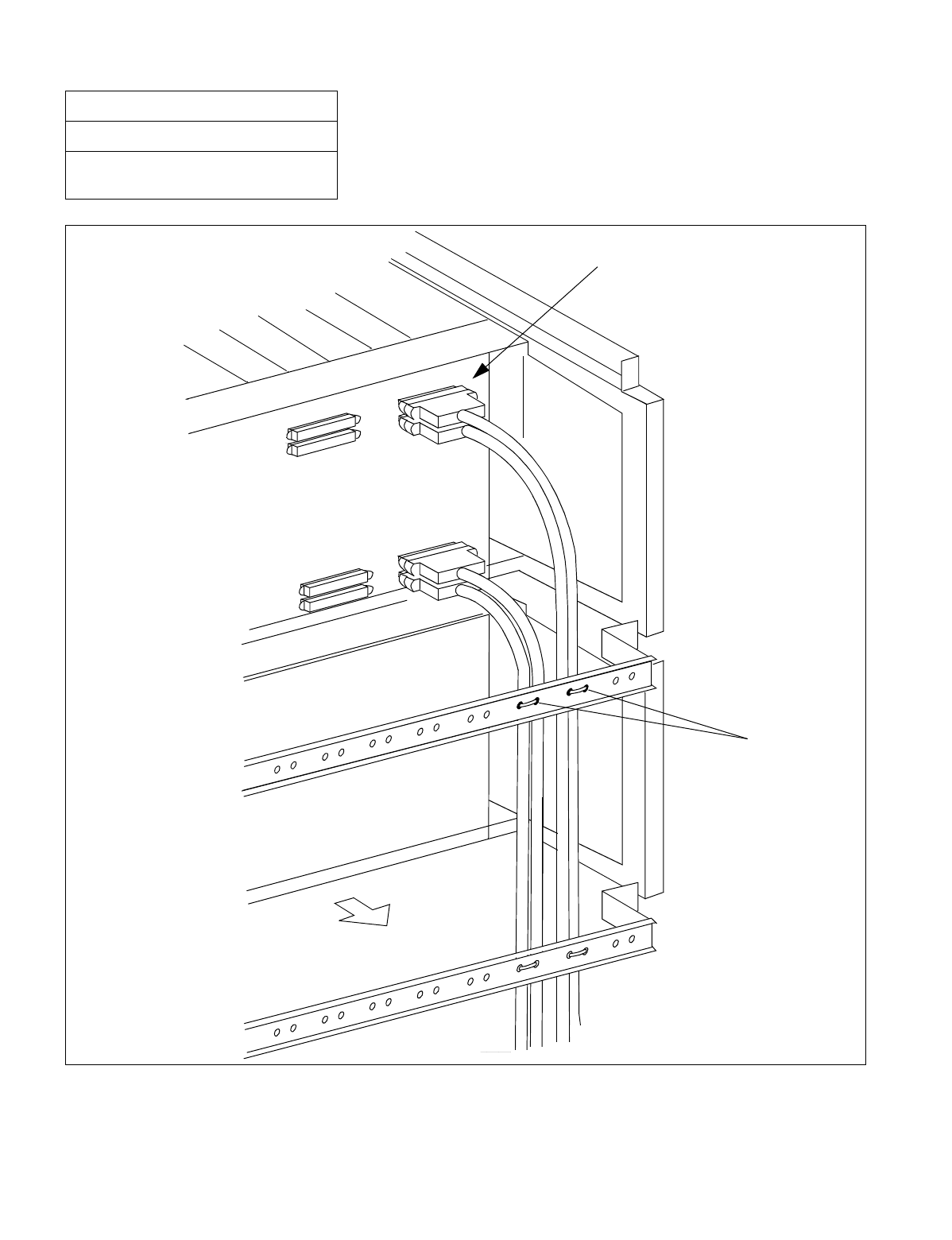
NDA-24234 CHAPTER 3
Page 193
Revision 3.0
INSTALLATION PROCEDURE
Figure 013-3 Example of Cable Tying Using Tie-Wrap
NAP-200-013
Sheet 8/13
Cable Running from the PBX to MDF,
ATTCON, MAT, and SMDR
Backplane
LT6
PLO
LT3
LT2
LT5
LT4
LT0
LT1
REAR SIDE
TIE-WRAP

CHAPTER 3 NDA-24234
Page 194
Revision 3.0
INSTALLATION PROCEDURE
5. TERMINATION OF THE CABLES BETWEEN THE PBX AND THE MDF OR ATTCON ONTO THE CABLE
SUPPORT ASSEMBLY
NAP-200-013
Sheet 9/13
Cable Running from the PBX to MDF,
ATTCON, MAT, and SMDR
START
Remove of the Cable Support Assembly. Remove the Cable Support Assembly from the
BASEU. (See Figure 013-4.)
Peel the cable cover Referring to Table 13-1, confirm the cable
terminating locations on the Cable Support
Assembly.
Per the cable terminating locations, peel the
cable cover as shown on Figure 013-5.
Terminate the cable Referring to Figure 013-5, wind the M-clamp
onto the cable portion from which the cover has
been peeled off.
Referring to Figure 013-6, terminate the cable
onto the Cable Support Assembly.
When all the cables have been terminated to the Cable Support Assembly A, likewise terminate the
cables onto the Cable Support Assembly B, C, D, E in the order named.
END
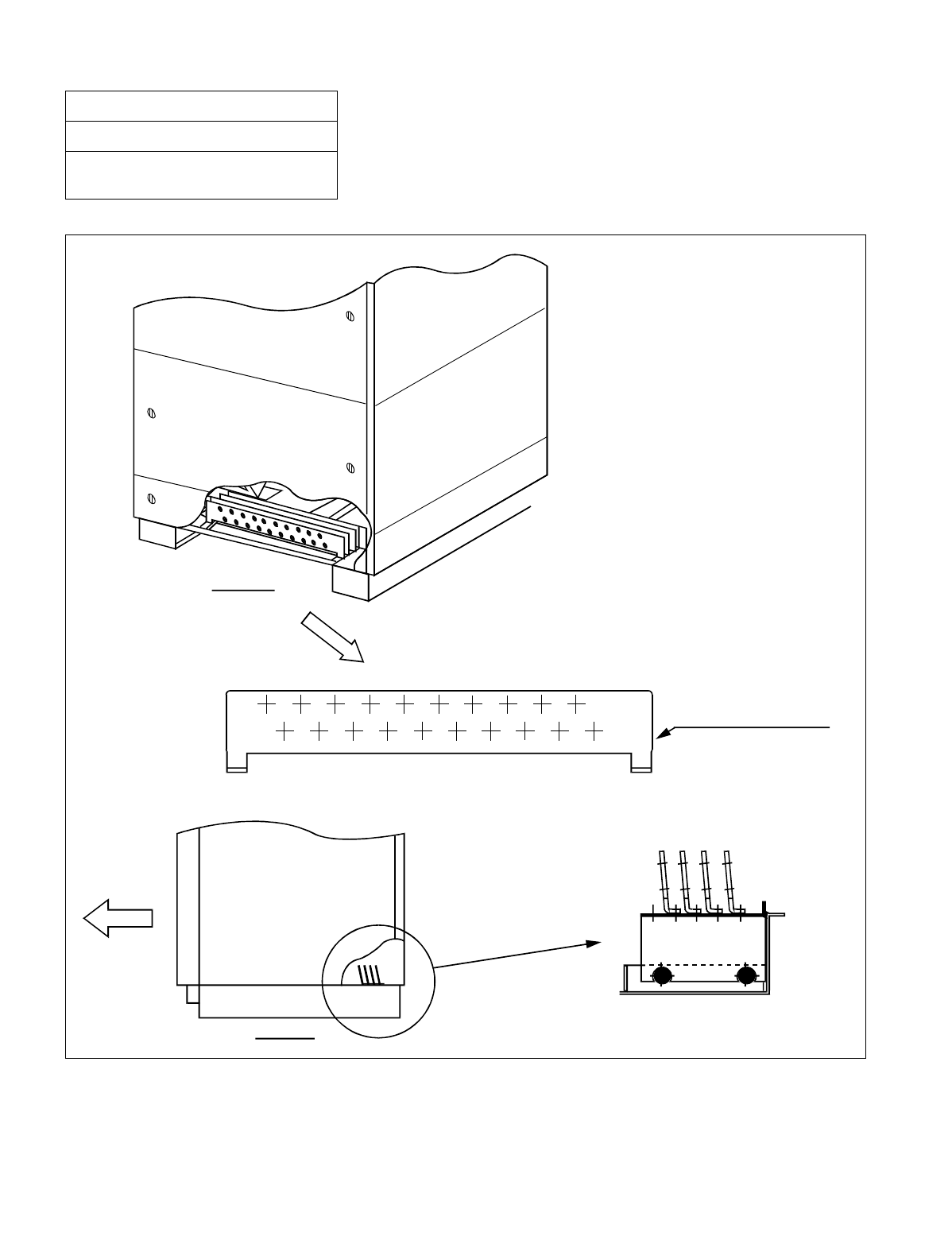
NDA-24234 CHAPTER 3
Page 195
Revision 3.0
INSTALLATION PROCEDURE
Figure 013-4 Cable Support Assembly
NAP-200-013
Sheet 10/13
Cable Running from the PBX to MDF,
ATTCON, MAT, and SMDR
ABC D
(LPM, TSWM or DUMMY)
REAR VIEW (BASEU)
CABLE SUPPORT ASSEMBLY
FRONT
SIDE VIEW
(LPM, TSWM or DUMMY)

CHAPTER 3 NDA-24234
Page 196
Revision 3.0
INSTALLATION PROCEDURE
Note: For LPM only.
NAP-200-013
Sheet 11/13
Cable Running from the PBX to MDF,
ATTCON, MAT, and SMDR
Table 013-1 Cable Support Assembly
BACKPLANE CABLE
SUPPORT No. USE REMARKS
MODULE CONNECTOR NAME
LPR
MISCnA, MISCnB Afor I/O Equipment (MAT,
Printer, etc.) Spare cable (15 cables) are to
be used as Cable Support
Assembly extra cables. The
number of cables for the
whole system is limited to
maximum 100.
EXALM Note Afor Alarm Indicating
Panel, etc.
A (Extra) Spare (15 cables)
PIM0
Front of Circuit Card
B
The number of cables is
limited to three for one
side, and six for both
sides.
In case the required number
of cables exceeds 20, the
Cable Support Assembly
extra cables should be used.
LT0 - LT11 B LT cable
PIM1
Front of Circuit Card
C
The number of cables is
limited to three for one
side, and six for both
sides.
In case the required number
of cables exceeds 20, the
Cable Support Assembly
extra cables should be used.
LT0 - LT11 C LT cable
PIM2
Front of Circuit Card
D
The number of cables is
limited to three for one
side, and six for both
sides.
In case the required number
of cables exceeds 20, the
Cable Support Assembly
extra cables should be used.
LT0 - LT11 D LT cable
PIM3
Front of Circuit Card
E
The number of cables is
limited to three for one
side, and six for both
sides.
In case the required number
of cables exceeds 20, the
Cable Support Assembly
extra cables should be used.
LT0 - LT11 E LT cable
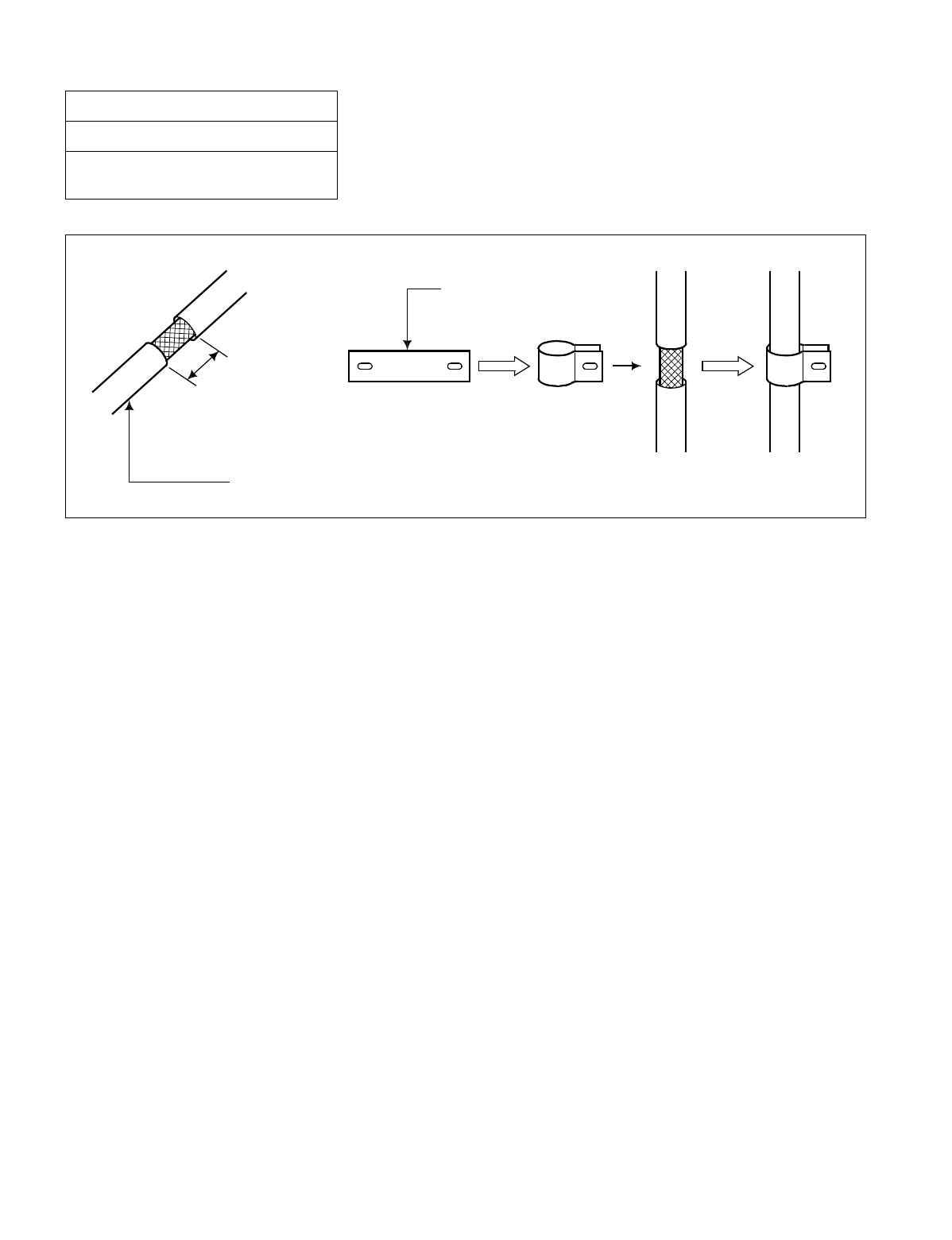
NDA-24234 CHAPTER 3
Page 197
Revision 3.0
INSTALLATION PROCEDURE
Figure 013-5 Clamp Winding
NAP-200-013
Sheet 12/13
Cable Running from the PBX to MDF,
ATTCON, MAT, and SMDR
Shield cable
Approx.
18 mm (0.72 inch)
CLAMP (M-398902)
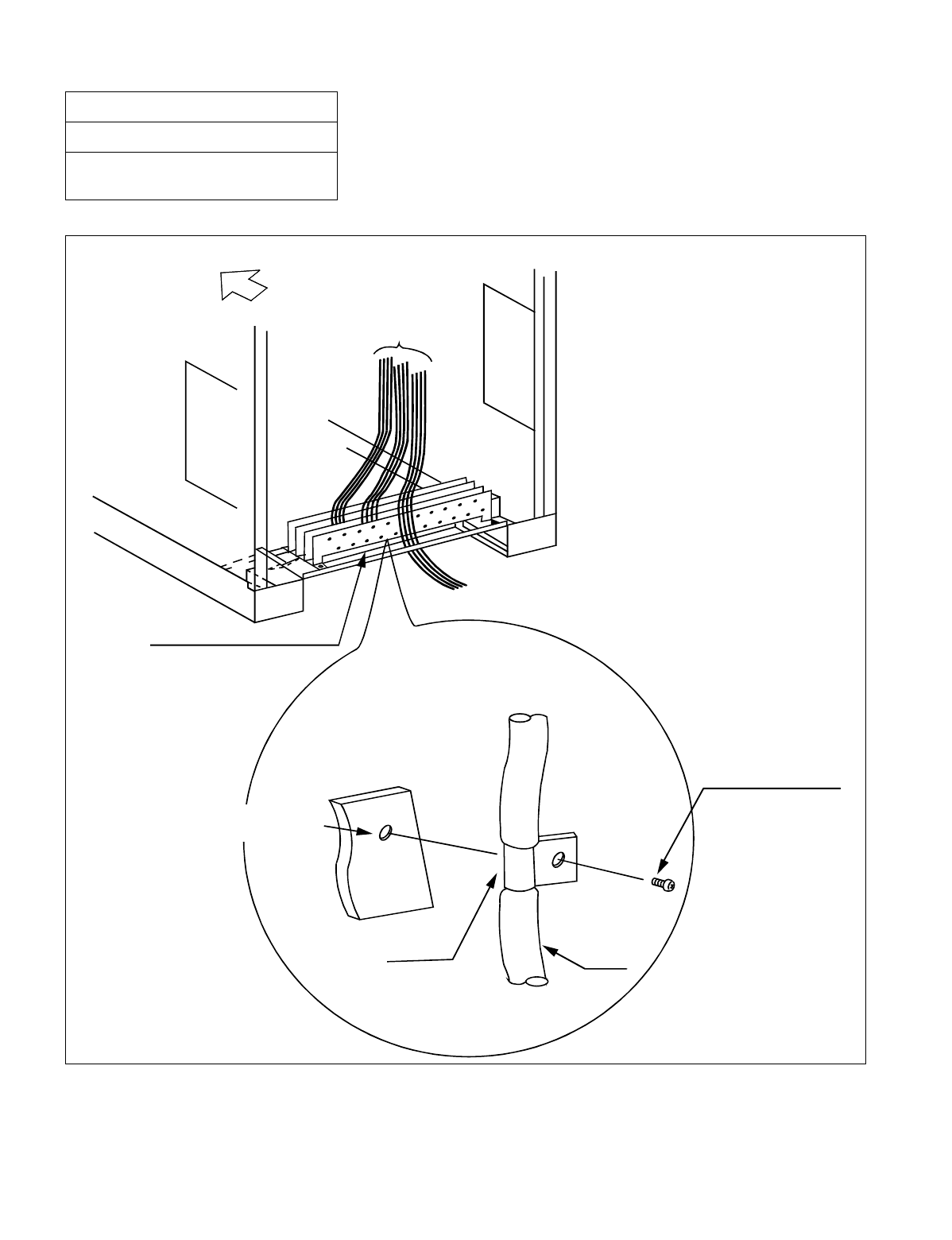
CHAPTER 3 NDA-24234
Page 198
Revision 3.0
INSTALLATION PROCEDURE
Figure 013-6 Termination of Installation Cables
NAP-200-013
Sheet 13/13
Cable Running from the PBX to MDF,
ATTCON, MAT, and SMDR
(FRONT)
CABLE
CABLE SUPPORT ASSEMBLY
CABLE SUPPORT
ASSEMBLY
CLAMP CABLE
PANHEAD SCREW
(PL-C, P, B, MS 4X8X3 GF)

NDA-24234 CHAPTER 3
Page 199
Revision 3.0
INSTALLATION PROCEDURE
This NAP explains the procedures for terminating cables at the MDF.
CAUTION: When terminating Cables to the MDF, the line/trunk circuit card should extend about 50 mm (2
inches) from the module and must not contact the backplane connector.
NAP-200-014
Sheet 1/1
Termination of Cables on MDF (Wire
Accommodation of Each Cable)
START
Cable trying at the MDF Secure the CHAMP Connector cables, which have
been extended to the MDF as per NAP-200-012, to
the cable supports on the MDF after confirming their
positions on the terminal block.
Cutting of excess cable Shorten each CHAMP connector cable, leaving
enough length so that they can be neatly terminated
to the terminal block.
Cable termination to the MDF Referring to the Circuit Card Manual, punch down
the CHAMP connector cables to the MDF.
Confirmation of connections After confirming that no erroneous connections have
been made on the Module Group side, use an IC
buzzer on similar device to verify the connections at
the MDF.
END
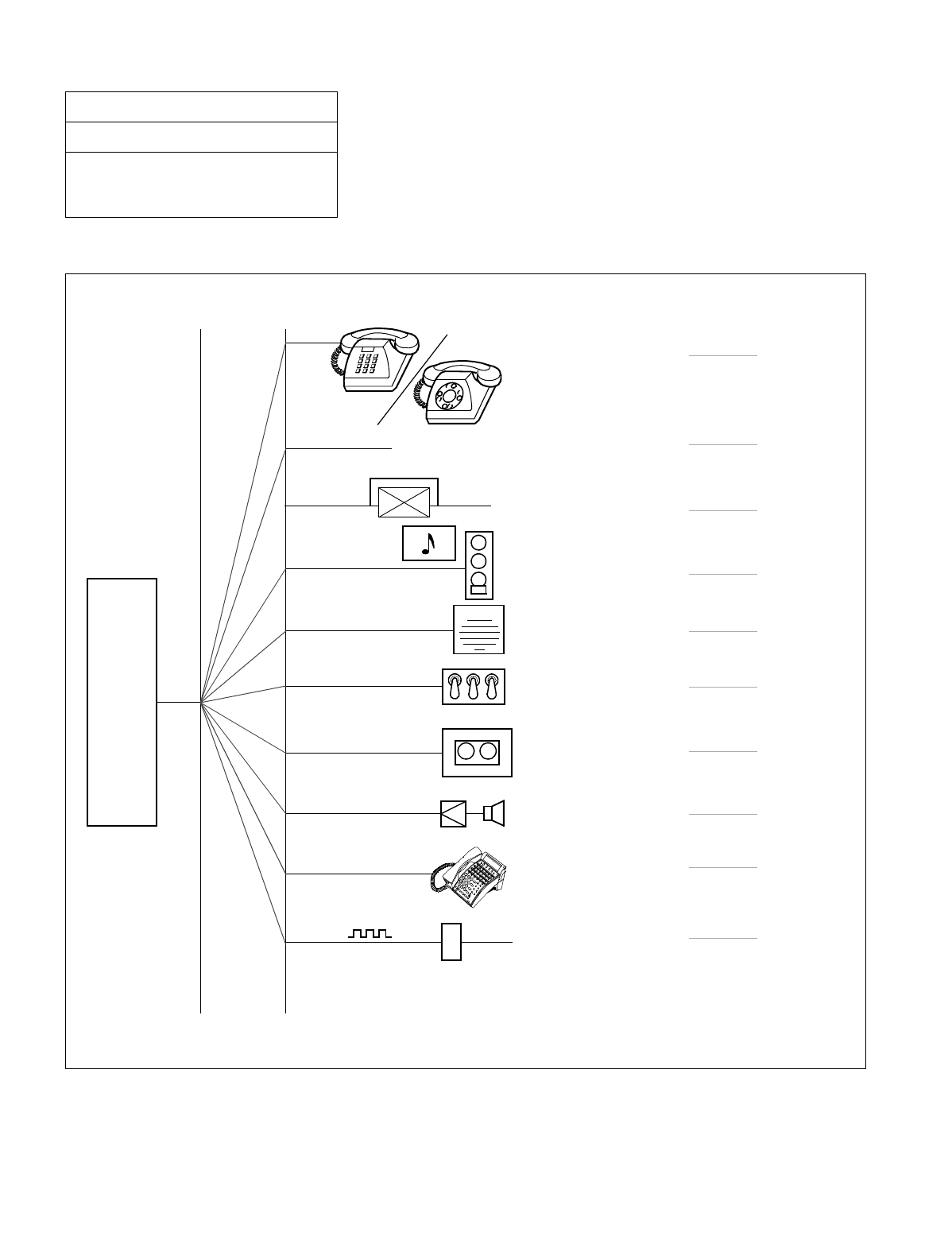
CHAPTER 3 NDA-24234
Page 200
Revision 3.0
INSTALLATION PROCEDURE
This NAP explains the following work items:
NAP-200-015
Sheet 1/30
Cable Termination and Cross
Connections from MDF to Peripheral
Equipment, C. O. Lines, and Tie Lines
MDF
C.O. Line/
Tie Line
Cross Connection of
Stations
Cross Connection of
Trunks (C.O. Lines and
Tie Lines)
Cross Connections
for PFT
Cross connection of Alarm
Indicating Panel and
Cross connections for
TAS indicator
Cross connections for
External Switches
Connection of
Announcement
Machine
Connection of
Paging Equipment
Cross connections for
Dterm Series E
Cross Connections
for Digital Interfaces
PBX
Page 201
Page 202
Page 204
Page 207
Page 212
Page 215
Page 217
Page 219
Page 221
Page 223
Music on Hold
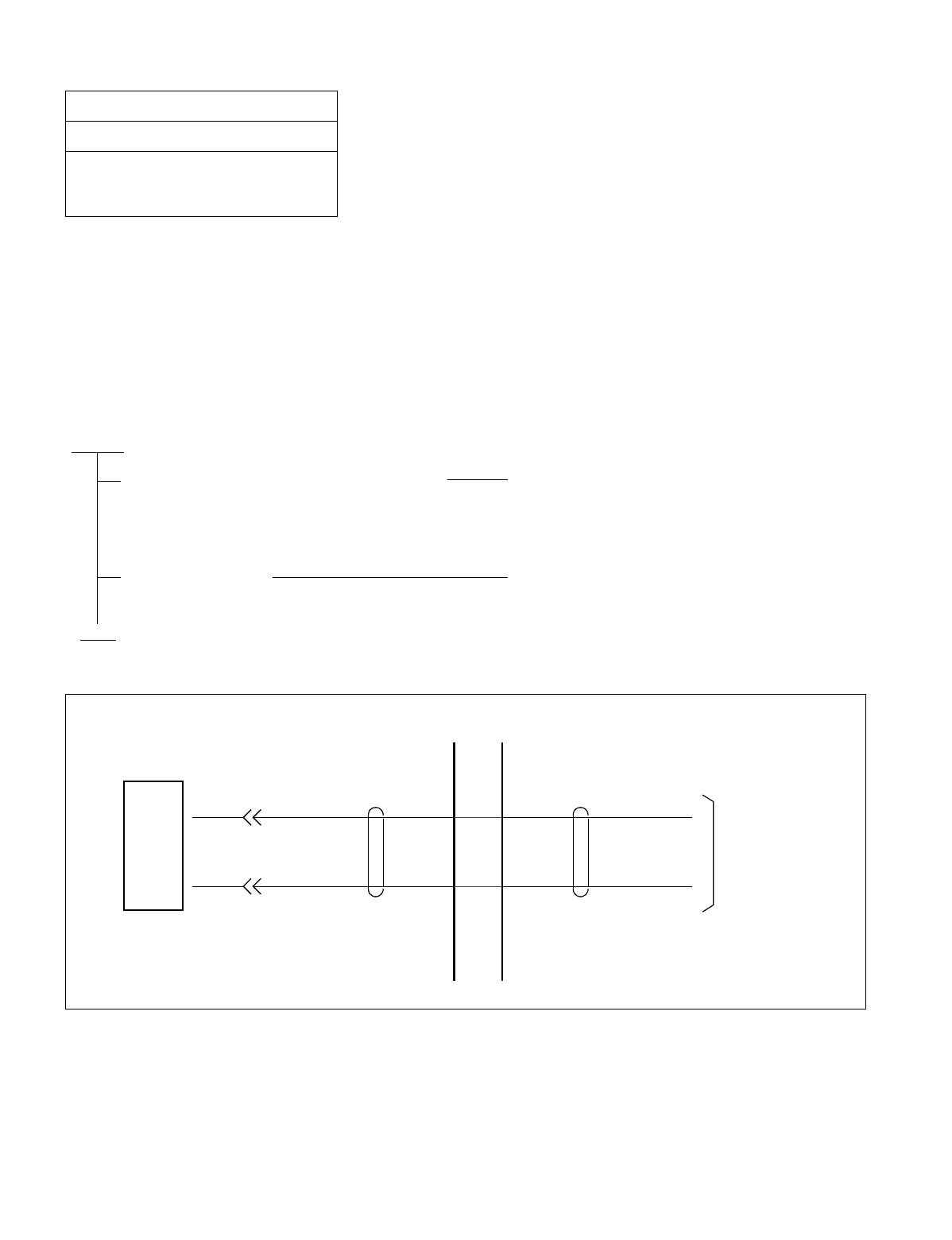
NDA-24234 CHAPTER 3
Page 201
Revision 3.0
INSTALLATION PROCEDURE
1. CROSS CONNECTION OF STATIONS
Note 1: Provide the necessary cross connections at the MDF by using copper wires of 0.5 mm diameter (24 AWG).
2-core twisted wire is used for speech path, and single-core wire is used for control wire. It is recommended
that wires of different colors be used for trunks, station lines, PFT, etc., so that they can easily be distin-
guished.
Note 2: For cross connections between stations and C.O. lines for PFT, refer to Section 3., “CROSS CONNEC-
TIONS FOR PFT”.
Figure 015-1 Cross Connection of Stations
NAP-200-015
Sheet 2/30
Cable Termination and Cross
Connections from MDF to Peripheral
Equipment, C. O. Lines, and Tie Lines
START
Check the terminal locations on the Module
Group side of the MDF Referring to Port Accommodation sheet and
description of 16LC card in the Circuit Card
Manual, identify the lead names for the 16LC
card and the terminal locations of the leads.
Cross Connection Referring to Figure 015-1, provide the necessary
cross connections.
END
AXX
MDF
BXX
16LC
CARD TELEPHONE
SET
Module Group Side

CHAPTER 3 NDA-24234
Page 202
Revision 3.0
INSTALLATION PROCEDURE
2. CROSS CONNECTION OF TRUNKS (C.O. LINES AND TIE LINES)
Note 1: Provide the necessary cross connections at the MDF by using copper wires of 0.5 mm diameter (24 AWG).
2-core twisted wire is used for speech path, and single-core wire is used for control wire. It is recommended
that wires of different colors be used for trunks, station lines, PFT, etc., so that they can easily be distin-
guished.
Note 2: For cross connections between stations and C.O. lines for PFT, refer to Section 3., “CROSS CONNEC-
TIONS FOR PFT” in this NAP.
NAP-200-015
Sheet 3/30
Cable Termination and Cross
Connections from MDF to Peripheral
Equipment, C. O. Lines, and Tie Lines
START
Check the terminal locations on
the Module Group side of the MDF Referring to Port Accommodation sheet and
description of 16COT card or 8TLT card in the
Circuit Card Manual, identify the lead names for
the 16COT, or 8TLT card and the terminal locations
of the leads.
Cross Connection Referring to Figure 015-2, provide the necessary
cross connections.
END
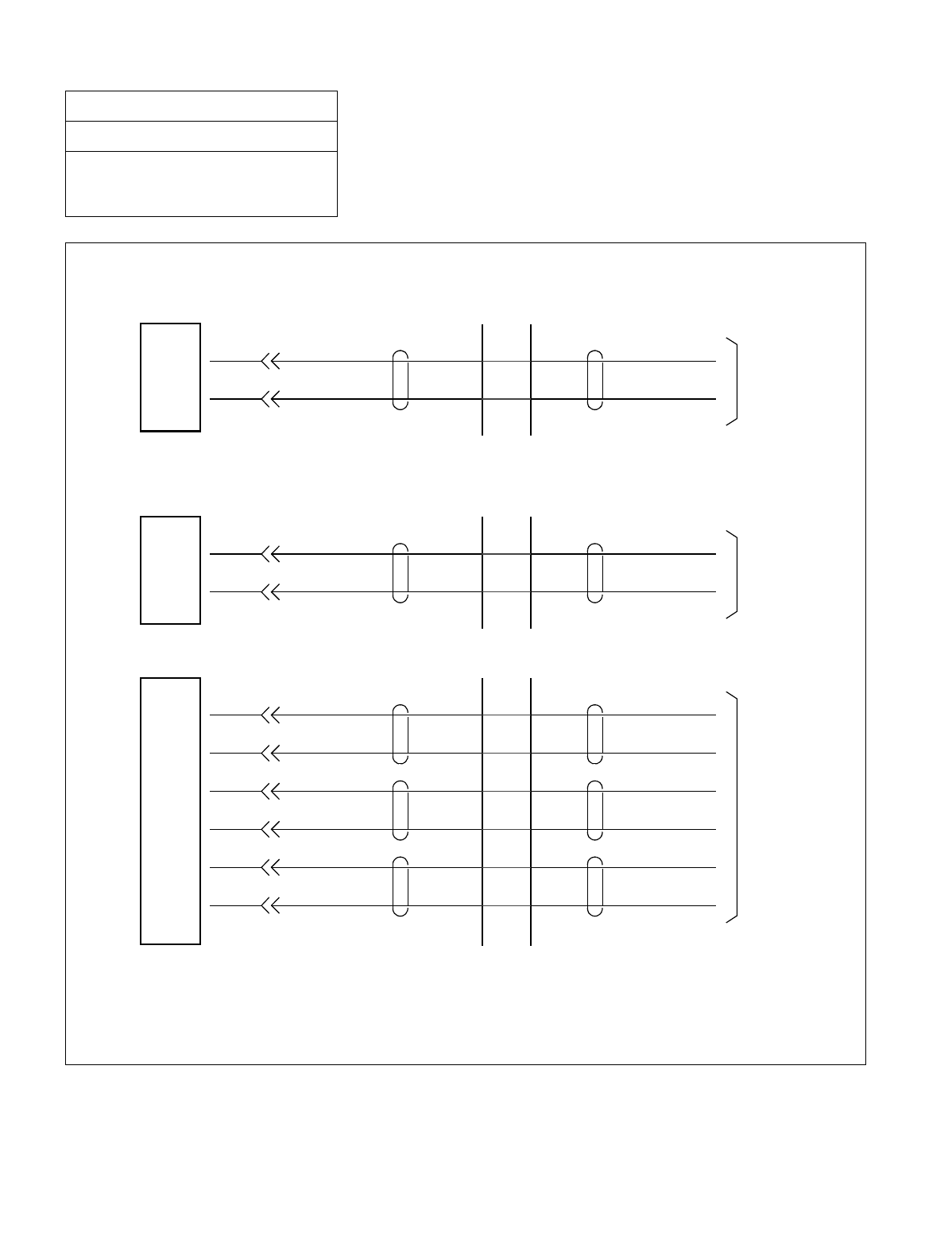
NDA-24234 CHAPTER 3
Page 203
Revision 3.0
INSTALLATION PROCEDURE
Figure 015-2 Cross Connection of Trunks (C.O. Lines and Tie Lines)
NAP-200-015
Sheet 4/30
Cable Termination and Cross
Connections from MDF to Peripheral
Equipment, C. O. Lines, and Tie Lines
AX
BX
16COT
CARD C.O. LINE
Module Group Side
AX
BX
8TLT
CARD TIE LINE
TAX
RAX
8TLT
CARD TIE LINE
EX
MX
TBX
RBX
(1) 16COT card
(3) 8TLT card (for E&M Trunk)
(2) 8TLT card (for DID Trunk)
Note 1
Note 1: For 2W/4W E&M systems, these leads are not used.
Note 2: For No. 4–7 trunks, the leads appear at the front of the card. Refer to the description of the 8TLT
card in the Circuit Card Manual.
Note 2
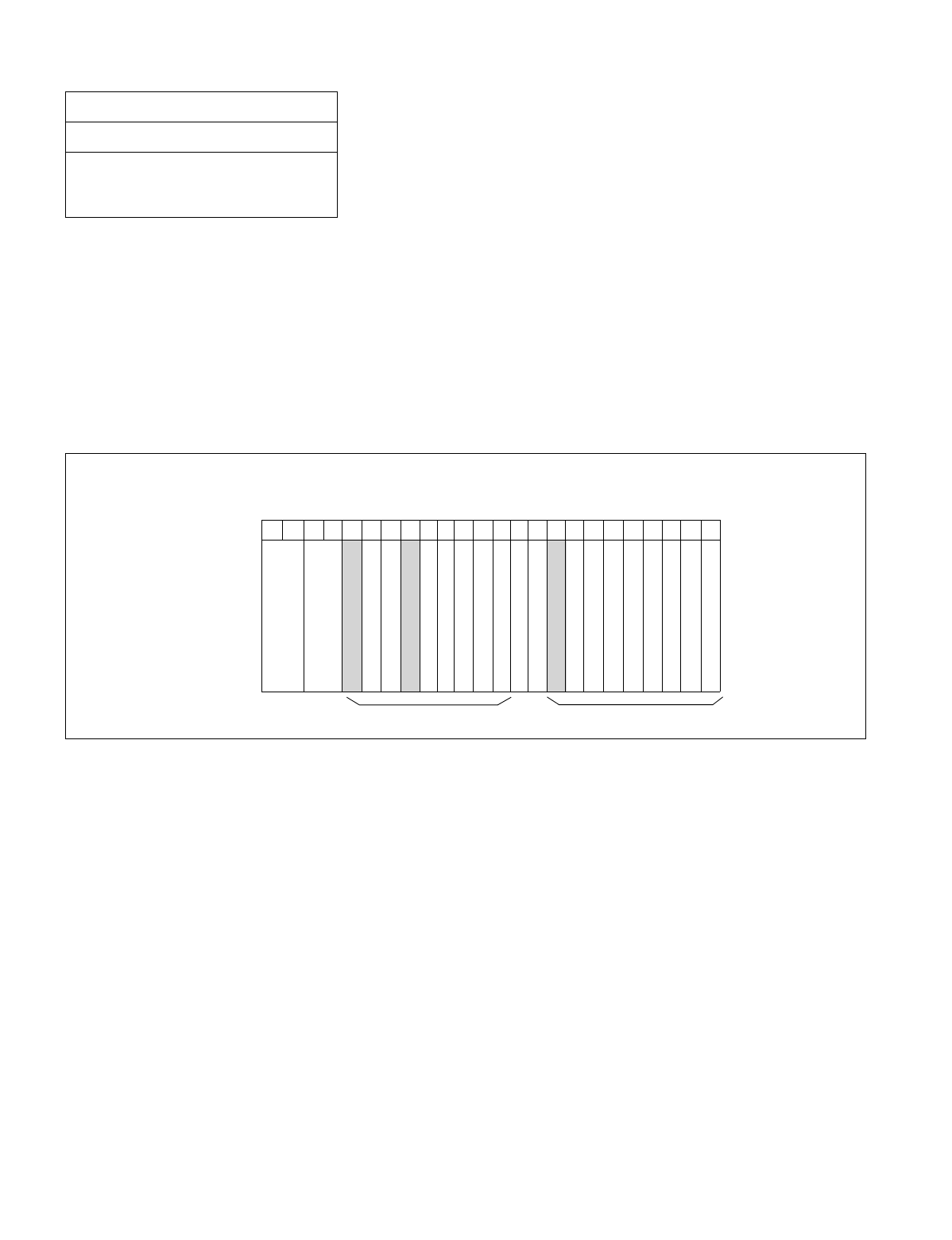
CHAPTER 3 NDA-24234
Page 204
Revision 3.0
INSTALLATION PROCEDURE
3. CROSS CONNECTIONS FOR PFT
Note 1: The COT must be accommodated in a universal slot of the same Unit (U) in which the cross-connected PFT
is mounted. See the figure below.
Note 2: Provide the necessary cross connections at the MDF by using copper wires of 0.5 mm diameter (24 AWG).
2-core twisted wire is used for speech path, and single-core wire is used for control wire. It is recommended
that wires of different colors be used for trunks, station lines, PFT, etc., so that they can easily be distin-
guished.
Figure 015-3 Mounting Locations of PFT (PA-M53)
NAP-200-015
Sheet 5/30
Cable Termination and Cross
Connections from MDF to Peripheral
Equipment, C. O. Lines, and Tie Lines
00 01 02 03 04 05 06 07 08 09 10 11 12 13 14 15 16 17 18 19 20 21 22 23
PFT (PA-M53)
MUX
PIM
The PFT (PA-M53) card is mounted in slot 04 or in slot 15 of each PIM.
FRONT VIEW
COT
MUX
PFT (PA-M53)
Universal Slots Universal Slots
NDA-24234 CHAPTER 3
Page 205
Revision 3.0
INSTALLATION PROCEDURE
NAP-200-015
Sheet 6/30
Cable Termination and Cross
Connections from MDF to Peripheral
Equipment, C. O. Lines, and Tie Lines
START
Check the terminal locations on
the Module Group side of the MDF Referring to Section 1., “CROSS CONNECTION OF
STATIONS” and Section 2., “CROSS
CONNECTION OF TRUNKS (C.O. LINES AND TIE
LINES)” in this NAP, identify the lead names of the
stations and trunks to be connected to the PFT (NCU)
card and the terminal locations of the leads.
Referring to description of PFT card in the “NEAX
2400 IMX Circuit Card Manual,” identify the lead
names for the “NCU” connector, “LT” connector, and
the terminal locations of the leads.
Cross Connection Referring to Figure 015-4, provide the necessary cross
connections.
END
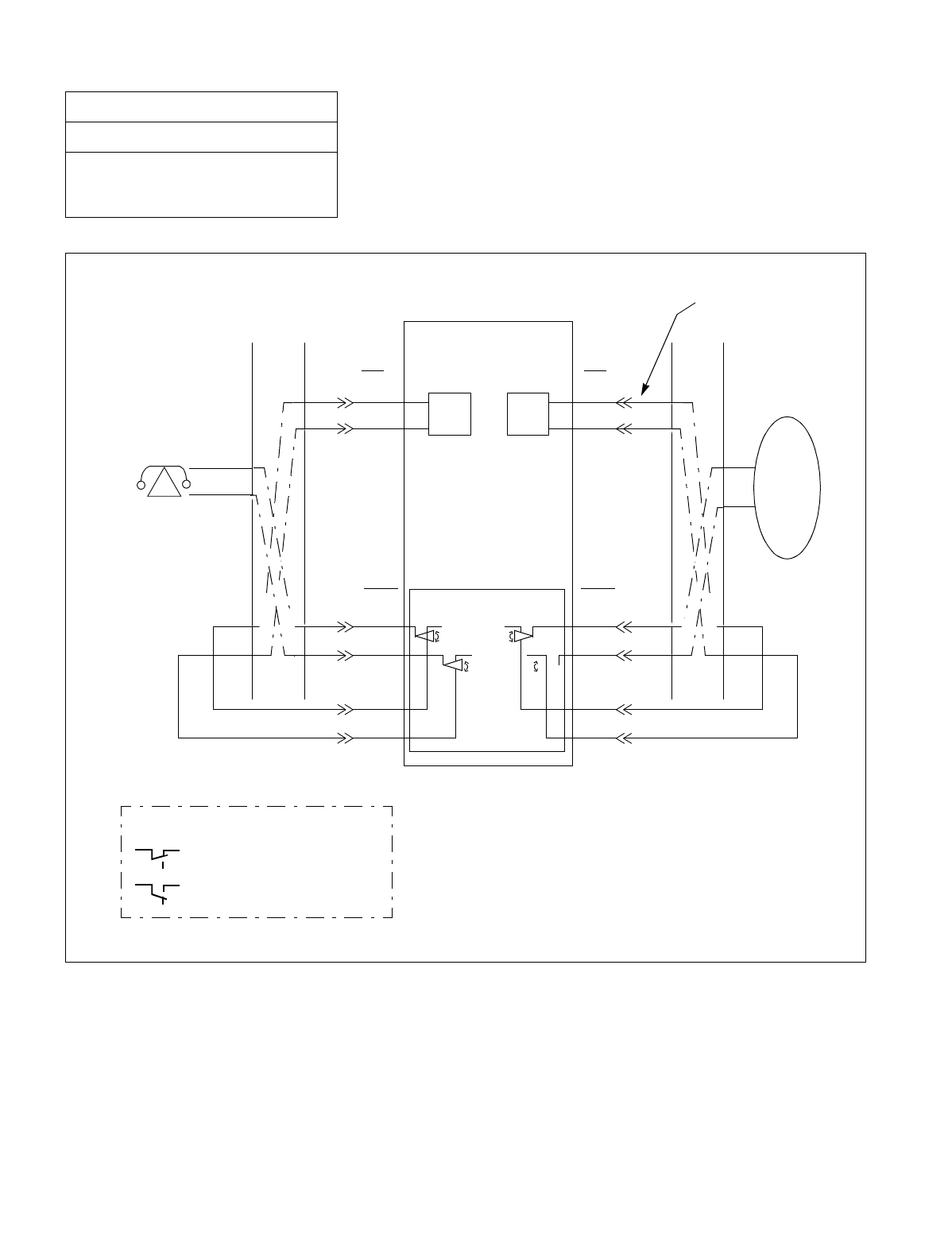
CHAPTER 3 NDA-24234
Page 206
Revision 3.0
INSTALLATION PROCEDURE
Figure 015-4 Cross Connection for PFT
NAP-200-015
Sheet 7/30
Cable Termination and Cross
Connections from MDF to Peripheral
Equipment, C. O. Lines, and Tie Lines
PBX
COT
PFT(PA-M53) Card
LT
AXX
BXX
LT
AXX
BXX
MDFMDF
NCU
ROXX
TOXX
RIXX
TIXX
NCU
AOXX
BOXX
AIXX
BIXX
Analog Telephone
Installation Cable
<LEGEND>
: When PIM Power is OFF
: When PIM Power is ON
LC
Central
Office

NDA-24234 CHAPTER 3
Page 207
Revision 3.0
INSTALLATION PROCEDURE
4. CROSS CONNECTION OF ALARM INDICATING PANEL AND MUSIC ON HOLD
Note: Provide the necessary cross connections at the MDF by using copper wires of 0.5 mm diameter (24 AWG).
2-core twisted wire is used for speech path, and single-core wire is used for control wire. It is recommended
that wires of different colors be used for trunks, station lines, PFT, etc., so that they can easily be distin-
guished.
•Alarm Indicating Panel
•Music On Hold
NAP-200-015
Sheet 8/30
Cable Termination and Cross
Connections from MDF to Peripheral
Equipment, C. O. Lines, and Tie Lines
START
Mounting of Alarm Indicating panel Mount the Alarm Indicating Panel using AY plugs,
curl plugs, board plugs, etc.
Cable running Referring to Figure 015-5 or Figure 015-6, run the
cables between the Alarm Indicating Panel and the
MDF.
Referring to Figure 015-5 or Figure 015-6, run the
cable between the RPT on BASEU and the MDF.
Protect the cables by using cable ducts, etc.
Termination of cables Terminate the installed cables to the Alarm
Indicating Panel, MDF, and RPT terminals.
Cross connection Referring the Figure 015-5 or Figure 015-6,
provide the necessary cross connections at the
Alarm Indicating Panel side and Module Group
side.
END
START
Cross connection Referring to Figures 015-5 or Figure 015-7, run the cable
between the MDF and the music source.
Connect the music source to the FM0 and E connections.
Note: FM1 is not used at this time.
END
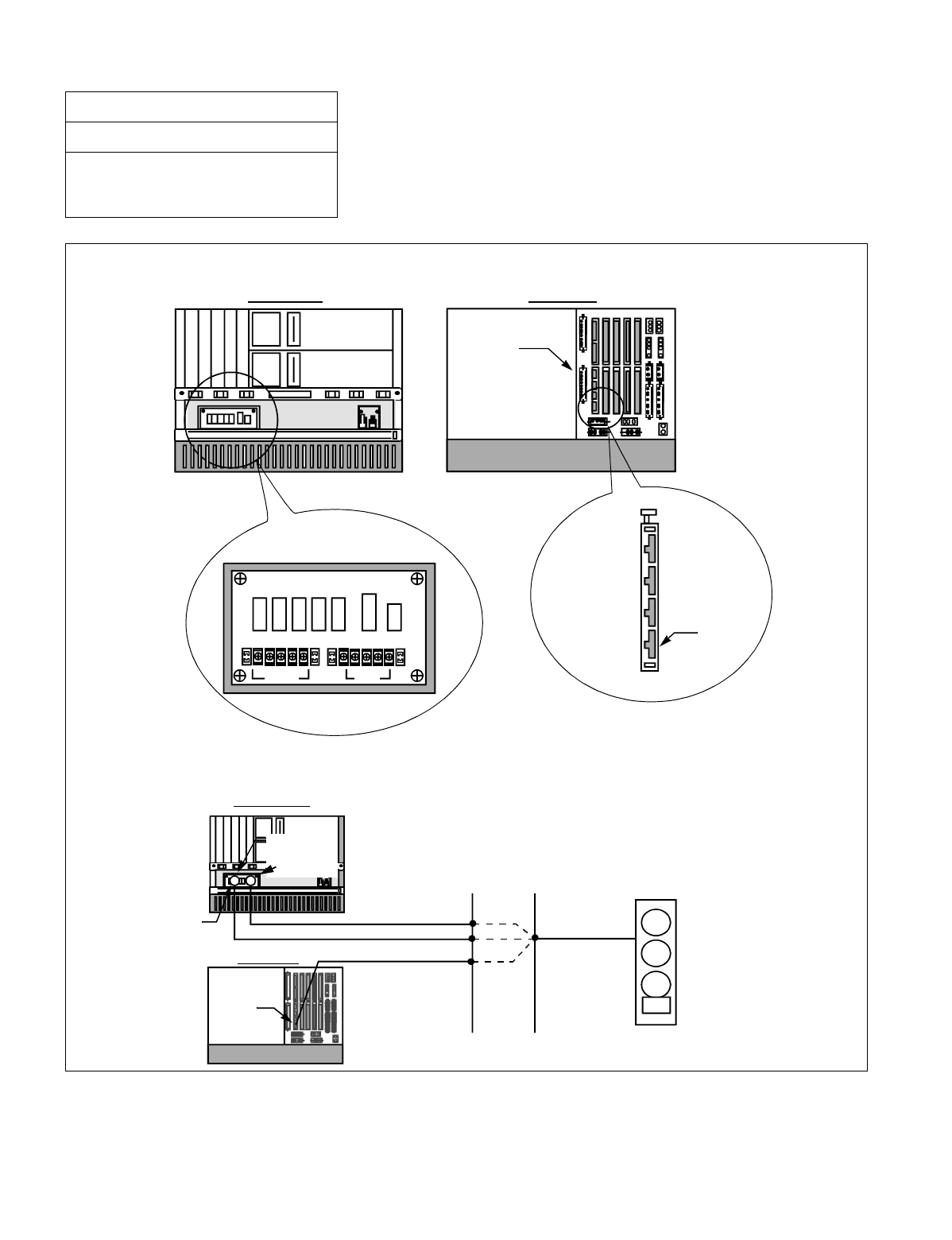
CHAPTER 3 NDA-24234
Page 208
Revision 3.0
INSTALLATION PROCEDURE
Figure 015-5 Connection of Alarm Indicating Panel and Music on Hold (Single IMG Configuration)
NAP-200-015
Sheet 9/30
Cable Termination and Cross
Connections from MDF to Peripheral
Equipment, C. O. Lines, and Tie Lines
•Locations of Terminal and Connector
•General Cable Connection for Alarm Indicating Panel
FRONT VIEW REAR VIEW
LPR
BASEU
BZ-C21
RPT Terminal (PZ-M377)
TPWRFALM
-48V GND
(RPT0) (RPT1)
EXALM
LPR
BASEU
FRONT VIEW
REAR VIEW
01234
12345 12 345
LPR
LPR
BSCF
-48V (RPT0)
EXALM
MJ
MN
BELL
Audible and Visual
Alarm Indicting
Panel
BSCF
MDF
RPT Terminal
(PZ-M377)
GND (RPT1)
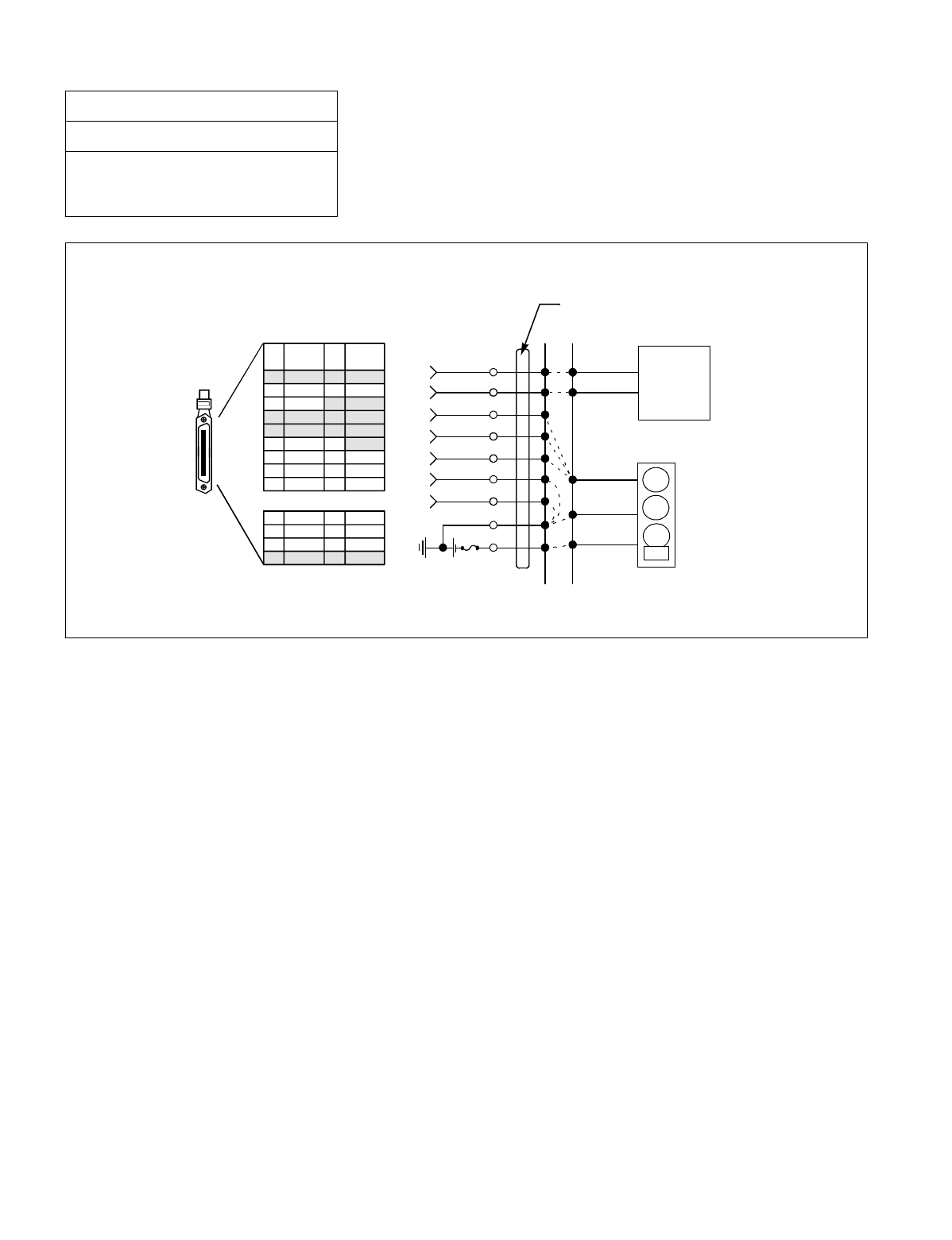
NDA-24234 CHAPTER 3
Page 209
Revision 3.0
INSTALLATION PROCEDURE
Figure 015-5 Connection of Alarm Indicating Panel and Music on Hold (Single IMG Configuration) (2/2)
NAP-200-015
Sheet 10/30
Cable Termination and Cross
Connections from MDF to Peripheral
Equipment, C. O. Lines, and Tie Lines
16 PH EXALM CA cable
Pin Assignment
16 PH EXALM CA and
Installation Cable (25P)
MDF
MUSIC
SOURCE
Audible and Visual
Alarm Indicating Panel
MN
BELL
MJ
FM0
E
MJA
MNA
BELL
MJB
MNB
RPT1 (G)
RPT0 (48v)
PIN
No.
26
27
28
29
30
31
32
34
33
LEAD
NAME
E
E
MJB
MNB
PIN
No.
1
2
3
4
5
6
7
9
8
LEAD
NAME
FM0
FM1
MJA
MNA
MPALM
BELL
47
48
49
50
22
23
24
25
EXTA EXTB
•Cabling Diagram
Note: FM1 is not used.
Note
EXALM
(Slot 04, LPM)
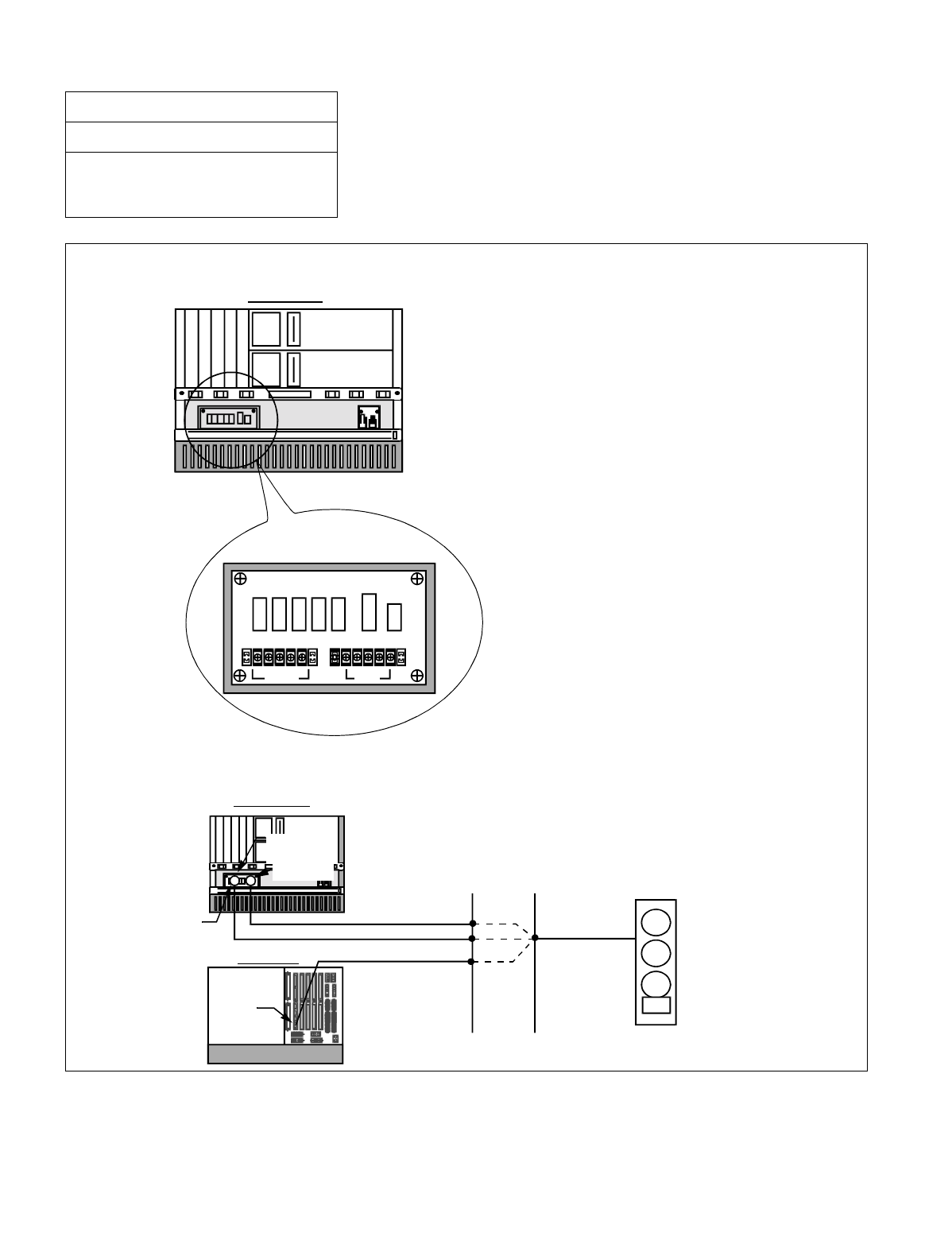
CHAPTER 3 NDA-24234
Page 210
Revision 3.0
INSTALLATION PROCEDURE
Figure 015-6 Connection of Alarm Indicating Panel (Multiple IMG Configuration) (1/2)
NAP-200-015
Sheet 11/30
Cable Termination and Cross
Connections from MDF to Peripheral
Equipment, C. O. Lines, and Tie Lines
•Locations of Terminal and Connector
•General Cable Connection for Alarm Indicating Panel
FRONT VIEW
RPT Terminal (PZ-M377)
TPWRFALM
-48V GND
(RPT0) (RPT1)
LPR
BASEU
FRONT VIEW
REAR VIEW
01234
12345 12 345
LPR
LPR
BSCF
-48V (RPT0)
RPT Terminal
(PZ-M377)
EXALM
MJ
MN
BELL
Audible and Visual
Alarm Indicting
Panel
BSCF
MDF
GND (RPT1)
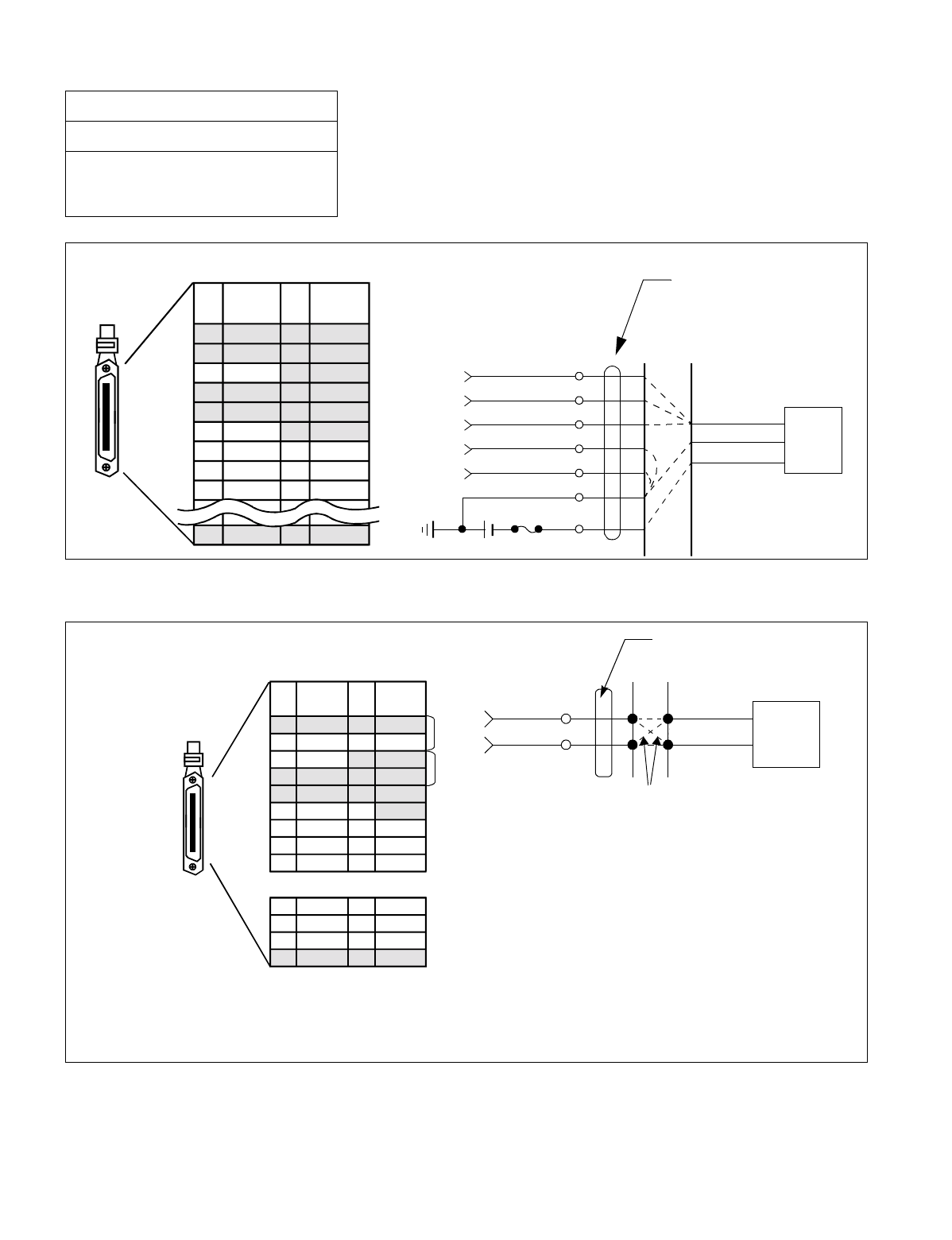
NDA-24234 CHAPTER 3
Page 211
Revision 3.0
INSTALLATION PROCEDURE
Figure 015-6 Connection of Alarm Indicating Panel (Multiple IMG Configuration) (2/2)
Figure 015-7 Connection of Music on Hold (Multiple IMG Configuration)
NAP-200-015
Sheet 12/30
Cable Termination and Cross
Connections from MDF to Peripheral
Equipment, C. O. Lines, and Tie Lines
31
EXALM PIN
No.
26
27
28
29
30
32
33
34
50
LEAD
NAME
-
MJB
MNA
-
EXTA
6
PIN
No.
1
2
3
4
5
7
8
9
25
LEAD
NAME
MPALM
MJA
MNB
BELL
EXTB
MJA
MNA
BELL
MJB
MNB
RPT1 (G)
RPT0 (-48V)
MDF
MJ/MN/BELL
16 PH EXALM CA and
Installation Cable
•Cabling Diagram
(Slot 04, LPM)
16 PH EXALM CA Cable
Pin Assignment
31
PIN
No.
26
27
28
29
30
32
33
34
50
LEAD
NAME
FM0
FM1
EXTA
47
48
49
25 EXTB
22
23
24
6
PIN
No.
1
2
3
4
5
7
8
9
LEAD
NAME
E
E
Note 1
34 PH EXCLK CA-A and
Installation Cable (25P)
MDF
MUSIC
SOURCE
EXCLK0/EXCLK1
•Cabling Diagram
Note 1: For 34 PH ISWM EXCLK CA-A cable (available when PH-CK16-A/PH-CK-17-A card is used as PLO).
Note 2: For 34 PH EXCLK CA-A cable (available when PH-CK16/PH CK-17 card is used as PLO).
Note 1, Note 2 : FM1 is not used.
Note 3: When PH-CK16-A/17-A is in use, also perform multiple connections between No. 0 and No.1 systems.
(Slot 21/33, TSWM)
Pin Assignment for Receiving
Music-on-hold Source
34 PH ISWM EXCLK CA-A/
FM0
FM1 E
E
Note 2 Note 3

CHAPTER 3 NDA-24234
Page 212
Revision 3.0
INSTALLATION PROCEDURE
5. CROSS CONNECTIONS FOR TAS INDICATOR
Note: Provide the necessary cross connections at the MDF by using copper wires of 0.5 mm diameter (24 AWG).
2-core twisted wire is used for speech path, and single-core wire is used for control wire. It is recommended
that wires of different colors be used for trunks, station lines, PFT, etc., so that they can easily be distin-
guished.
NAP-200-015
Sheet 13/30
Cable Termination and Cross
Connections from MDF to Peripheral
Equipment, C. O. Lines, and Tie Lines
START
Mounting of TAS Indicator Mount the TAS Indicator using AY plugs, curl plugs,
board plugs, etc.
Cable running Referring to Figure 015-8, run the cables between the
TAS and the MDF.
Protect the cables by using cable ducts, etc.
Termination of cables Terminate the installed cables to the TAS Indicator, and
MDF.
Check the terminal locations on the
Module Group side of the MDF Referring to Port Accommodation sheet and
description of ATI (PA-CS33) card in the “Circuit Card
Manual,” identify the lead names for the ATI card and
the terminal locations of the leads.
Cross Connection Referring to Figure 015-8, provide the necessary cross
connections at the TAS Indicator side and the PBX
side.
END
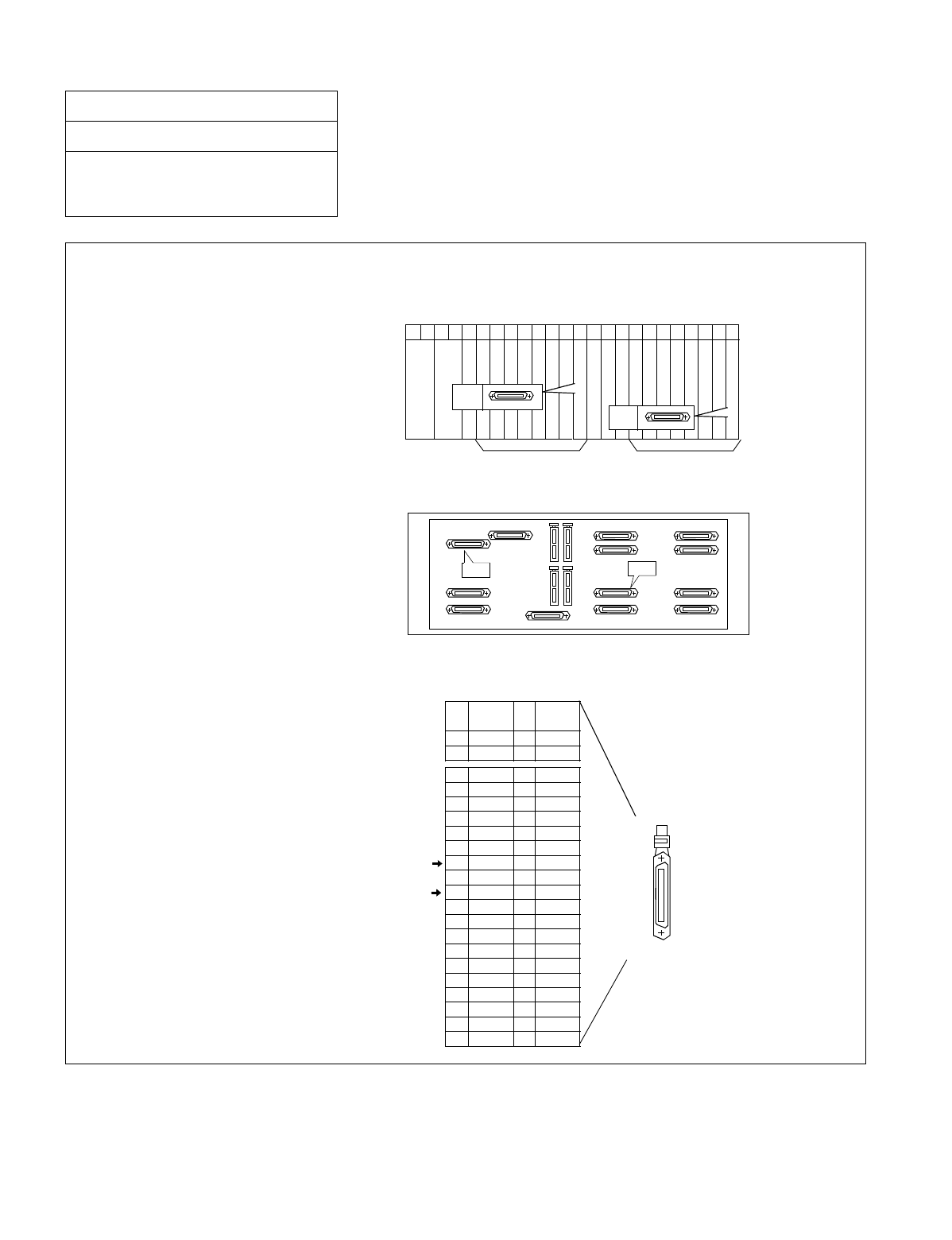
NDA-24234 CHAPTER 3
Page 213
Revision 3.0
INSTALLATION PROCEDURE
Figure 015-8 Cable Connection Diagram for TAS (1 of 2)
NAP-200-015
Sheet 14/30
Cable Termination and Cross
Connections from MDF to Peripheral
Equipment, C. O. Lines, and Tie Lines
PIN
No.
26
27
LEAD
NAME
PIN
No.
1
2
LEAD
NAME
32
33
34
35
36
37
38
39
40
41
42
43
44
45
46
47
48
49
50
7
8
9
10
11
12
13
14
15
16
17
18
19
20
21
22
23
24
25
BN4800
BN4820
TAS 1B
BN4810
TAS 0B
BN4830
B2
B3
BN4801
BN4821
TAS1A
BN4811
TAS0A
BN4831
A2
A3
LT Connector
for TAS #1
for TAS #0
00 01 02 03 04 05 06 07 08 09 10 11 12 13 14 15 16 17 18 19 20 21 22 23
Front View
Backplane
PIM
PIM
PA-CS33 Pin Assignment
Universal Slots Universal Slots
PA- CS33(ATI )
PA- CS33(ATI )
TSW/MUX
TSW/MUX
LT11 LT5
LT5
LT11
To connect TAS the PA-CS33 card is used as the interface card. The card may be mounted in Slot No. 12 or in
Slot No. 23. The leads appear on LT5 and LT11, respectively.
•PA-CS33 (ATI) mounting slots
PA-CS33 (ATI) card may be mounted
in Slot 12 and/or 23.
• LT cable connectors
Use LT5 connector when the PA-CS33
card is mounted in Slot 12. When the
card is mounted in Slot 23, use LT11
connector.
•LT cable Pin Assignment
Pins are assigned as follows on the LT
connector for PA-CS33 card.
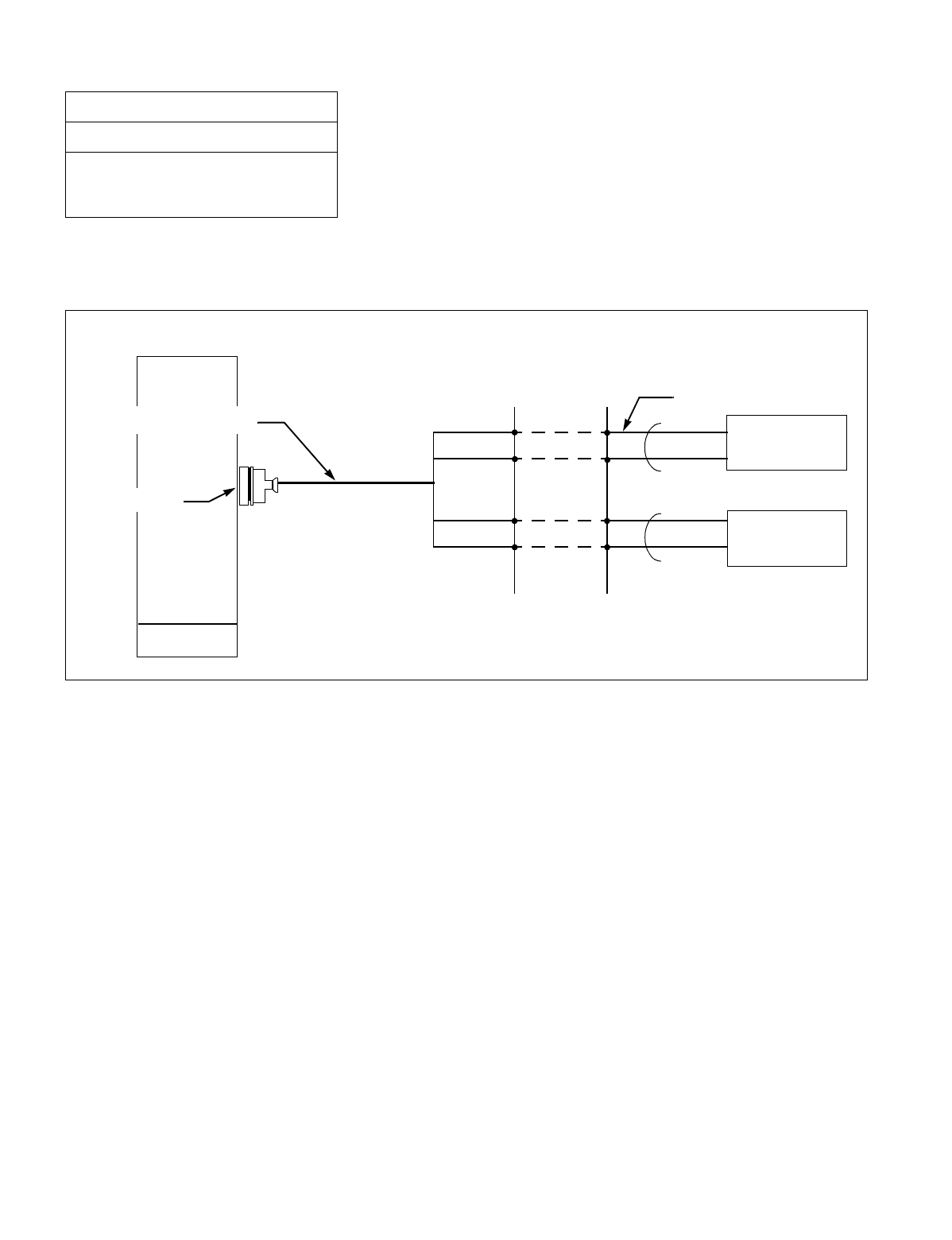
CHAPTER 3 NDA-24234
Page 214
Revision 3.0
INSTALLATION PROCEDURE
•Cable Connection Diagram
Provide the following connections at the MDF.
Figure 015-8 Cable Connection Diagram for TAS (2 of 2)
NAP-200-015
Sheet 15/30
Cable Termination and Cross
Connections from MDF to Peripheral
Equipment, C. O. Lines, and Tie Lines
MDF Installation Cable (1P)
TAS Indicator
TAS Indicator
TAS0A0
TAS0B0
TAS0A1
TAS0B1
PBX
LT connector Cable
LT connector
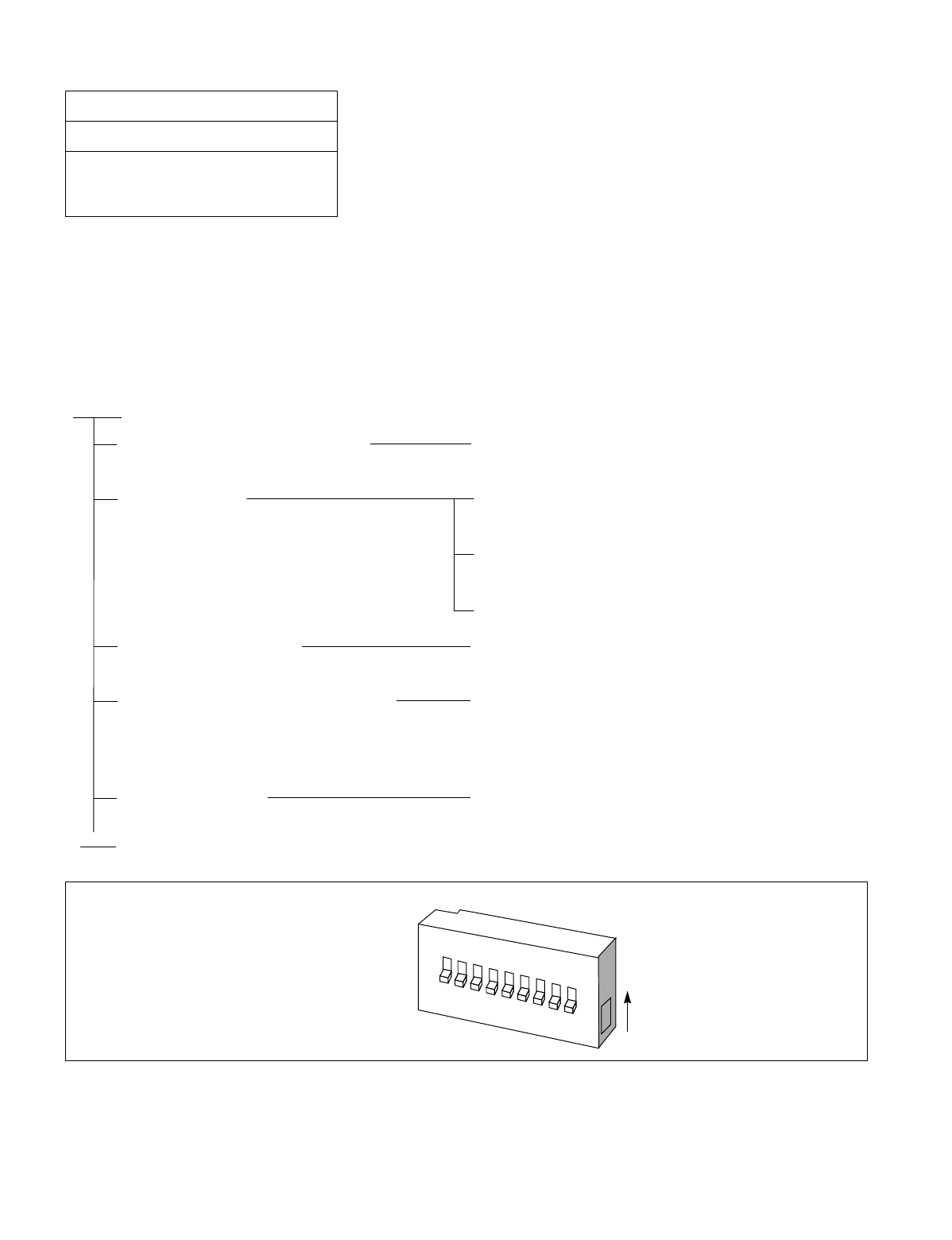
NDA-24234 CHAPTER 3
Page 215
Revision 3.0
INSTALLATION PROCEDURE
6. CROSS CONNECTIONS FOR EXTERNAL SWITCHES
Note: Provide the necessary cross connections at the MDF by using copper wires of 0.5 mm diameter (24 AWG).
2-core twisted wire is used for speech path, and single-core wire is used for control wire. It is recommended
that wires of different colors be used for trunks, station lines, PFT, etc., so that they can easily be distin-
guished.
Figure 015-9 Outer View of External Switch
NAP-200-015
Sheet 16/30
Cable Termination and Cross
Connections from MDF to Peripheral
Equipment, C. O. Lines, and Tie Lines
START
Mounting of External Switches Mount the External Switches using AY plugs, curl
plugs, board plugs, etc.
Cable running Referring to Figure 015-10, run the cables between the
External Switches and the MDF.
Referring to Figure 015-10, run the cables between the
External Switches and RPT on the BASEU.
Protect the cables by using cable ducts, etc.
Termination of cables Terminate the installed cables to the External Switches,
and MDF.
Check the terminal locations on the
Module Group side of the MDF Referring to Port Accommodation sheet and
description of PFT (PA-M53 card in the “Circuit Card
Manual”, identify the lead names for the “LT”
connector and the terminal locations of the leads.
END
Cross connection Referring to Figure 015-10, provide the necessary
cross connections at the External Switch side and the
PBX side.
When the EFCT key is in the UP position, operations of K0-K7 are effective. To turn on a circuit, set the
corresponding key (K0-K7) in the UP position.
EFCT K0 K1 K2 K3 K4 K5 K6 K7
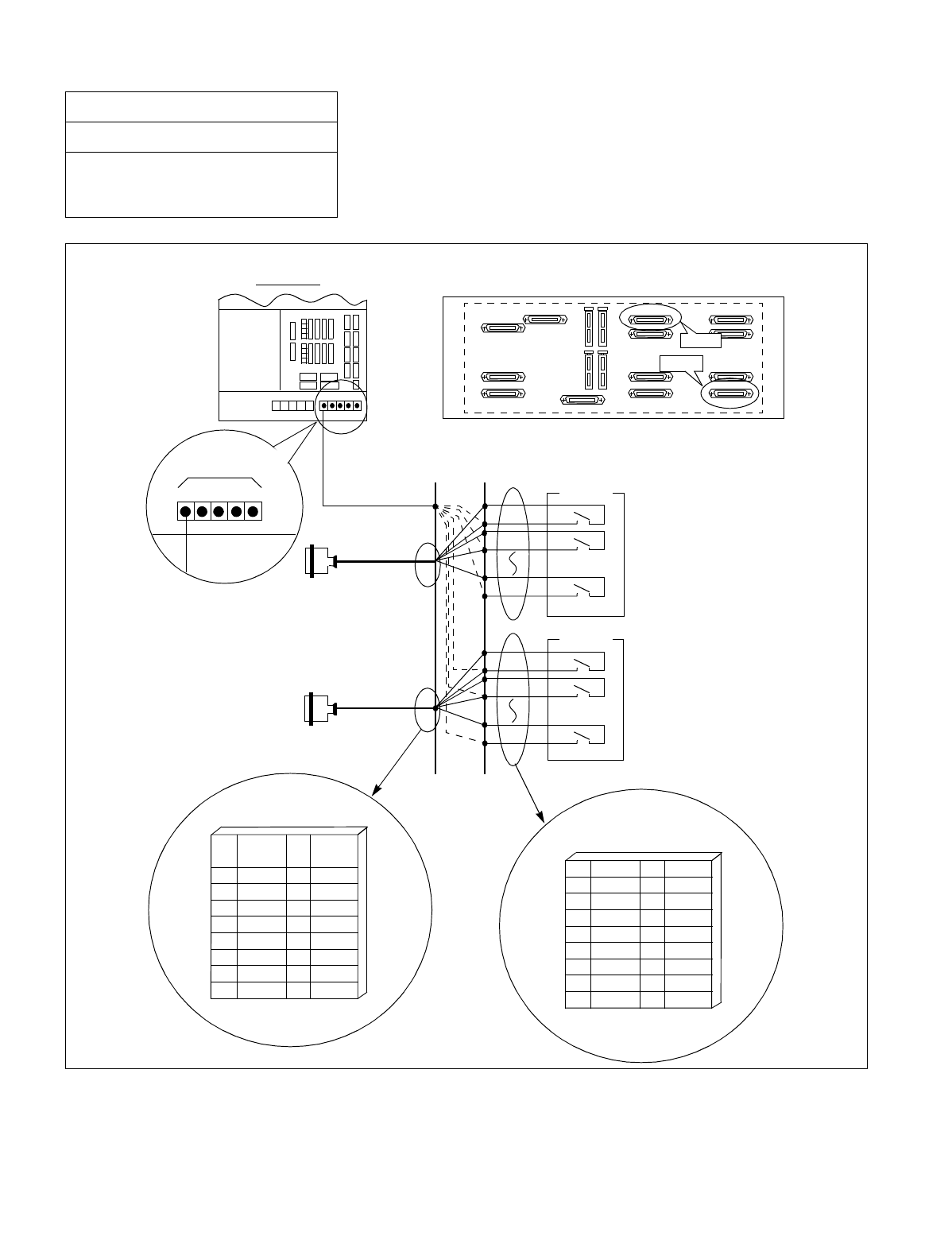
CHAPTER 3 NDA-24234
Page 216
Revision 3.0
INSTALLATION PROCEDURE
Figure 015-10 Connection of External Switches
NAP-200-015
Sheet 17/30
Cable Termination and Cross
Connections from MDF to Peripheral
Equipment, C. O. Lines, and Tie Lines
Provide cable connections at the MDF as shown below.
#1
#2 External Switch No.0
#1
#2 External Switch No.1
REAR VIEW
LPR
BASCF
G(RPT1)
01 02 03 04 05
MDF
Pin Assignment #1
Pin Assignment #2
PIN
No.
26
27
28
29
30
31
32
33
LEAD
NAME
KY1
KY3
KY5
KY7
LEAD
NAME
KY0
KY2
KY4
KY6
PIN
No.
1
2
3
4
5
6
7
8
1
2
3
4
5
6
7
8
9
K0
K1
K2
K3
K4
K5
K6
K7
26
27
28
29
30
31
32
33
34
E
E
E
E
E
E
E
E
PIM Backplane
LT0
LT6

NDA-24234 CHAPTER 3
Page 217
Revision 3.0
INSTALLATION PROCEDURE
7. CONNECTION OF ANNOUNCEMENT MACHINE
Note: Provide the necessary cross connections at the MDF by using copper wires of 0.5 mm diameter (24 AWG).
2-core twisted wire is used for speech path, and single-core wire is used for control wire.
It is recommended that wires of different colors be used for trunks, station lines, PFT, etc., so that they can
easily be distinguished.
NAP-200-015
Sheet 18/30
Cable Termination and Cross
Connections from MDF to Peripheral
Equipment, C. O. Lines, and Tie Lines
START
Mounting of Announcement Machine Mount the Announcement Machine using AY plugs,
curl plugs, board plugs, etc.
Cable running Referring to Figure 015-11, run the cable between
the Announcement Machine and the MDF.
Protect the cables by using cable ducts, etc.
Termination of cables Terminate the installed cables to the Announcement
Machine and MDF.
Check the terminal locations on the
Module Group side of the MDF Referring to Port Accommodation sheet and
description of 16COT card in the Circuit Card
Manual and Figure 015-11, identify the lead names
of the Announcement Trunk (ANTK) and the
terminal locations of the leads.
Cross connections Referring to Figure 015-11, provide the necessary
cross connections at the Announcement Machine
side and the PBX side.
END
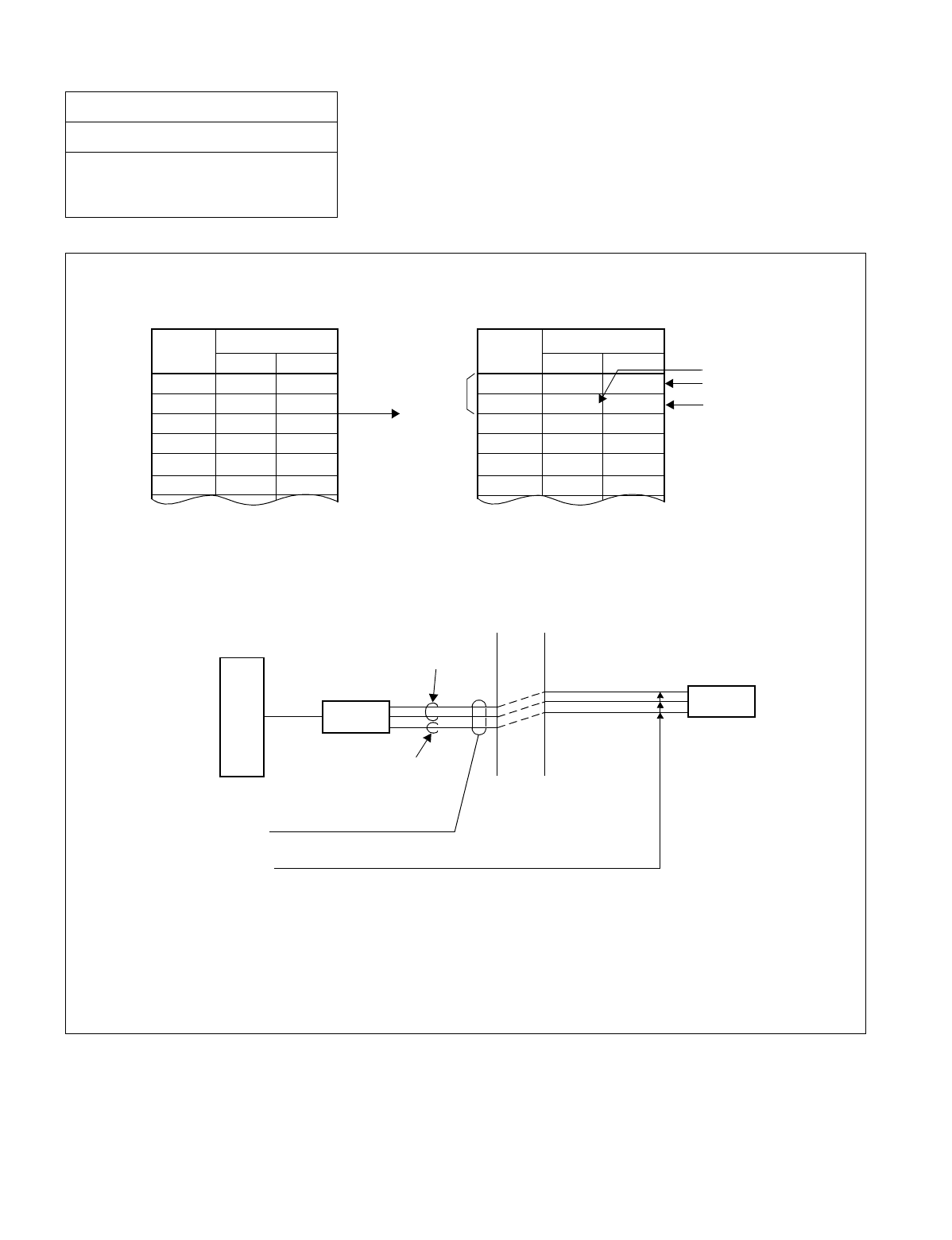
CHAPTER 3 NDA-24234
Page 218
Revision 3.0
INSTALLATION PROCEDURE
Figure 015-11 Connection of Announcement Machine
NAP-200-015
Sheet 19/30
Cable Termination and Cross
Connections from MDF to Peripheral
Equipment, C. O. Lines, and Tie Lines
Note: An ANTK circuit is available only on the No. 0 circuit of the 16COT card.
If a starting wire is required, the No. 1 circuit cannot be used for a COT.
Configuration of 16COT Lead
ANTK
When No. 0 circuit is used for COT.
Speech Wires
Starting Wire
When No. 0 circuit is used for
Announcement Trunk.
Announcement Machine Cabling Diagram
TSW
MDF
SPEECH WIRES
ANTK (COT)
STARTING
WIRE
“LT” Connector Cable (25P)
already run in NAP-200-013.
Connections are made using installation cable.
ANNOUNCEMENT
MACHINE
A total of three wires are required per line: two wires
for speech and one starting wire.
For a loop start system, only two wires are required.
When using 16COT-BE,
connect to ground
No. OF
CKT
LEAD
BA
No.0
1
2
3
4
5
B0 A0
B1 A1
B2 A2
B3 A3
B4 A4
B5 A5
No. OF
CKT
LEAD
BA
No.0
1
2
3
4
5
B0 A0
B1 (M) A1
B2 A2
B3 A3
B4 A4
B5 A5

NDA-24234 CHAPTER 3
Page 219
Revision 3.0
INSTALLATION PROCEDURE
8. CONNECTION OF PAGING EQUIPMENT
Note: Provide the necessary cross connections at the MDF by using copper wires of 0.5 mm diameter (24 AWG).
2-core twisted wire is used for speech path, and single-core wire is used for control wire.
It is recommended that wires of different colors be used for trunks, station lines, PFT, etc., so that they can
easily be distinguished.
NAP-200-015
Sheet 20/30
Cable Termination and Cross
Connections from MDF to Peripheral
Equipment, C. O. Lines, and Tie Lines
START
Mounting of Paging Equipment Mount the Paging Equipment using AY plugs, curl
plugs, board plugs, etc.
Cable running Referring to Figure 015-12, run the cables between
the Paging Equipment and the MDF.
Protect the cables by using cable ducts, etc.
Termination of cables Terminate the installed cables to the Paging
Equipment and the MDF.
Check terminal locations on the Module
Group side of the MDF Referring to Port Accommodation sheet and
description of 16COT card in the Circuit Card Manual
and Figure 015-12, identify the lead names for the
Paging Trunk (PGT) and the terminal locations of the
leads.
Cross connections Referring to Figure 015-12, provide the necessary
cross connections at the Paging Equipment side and
the PBX side.
END
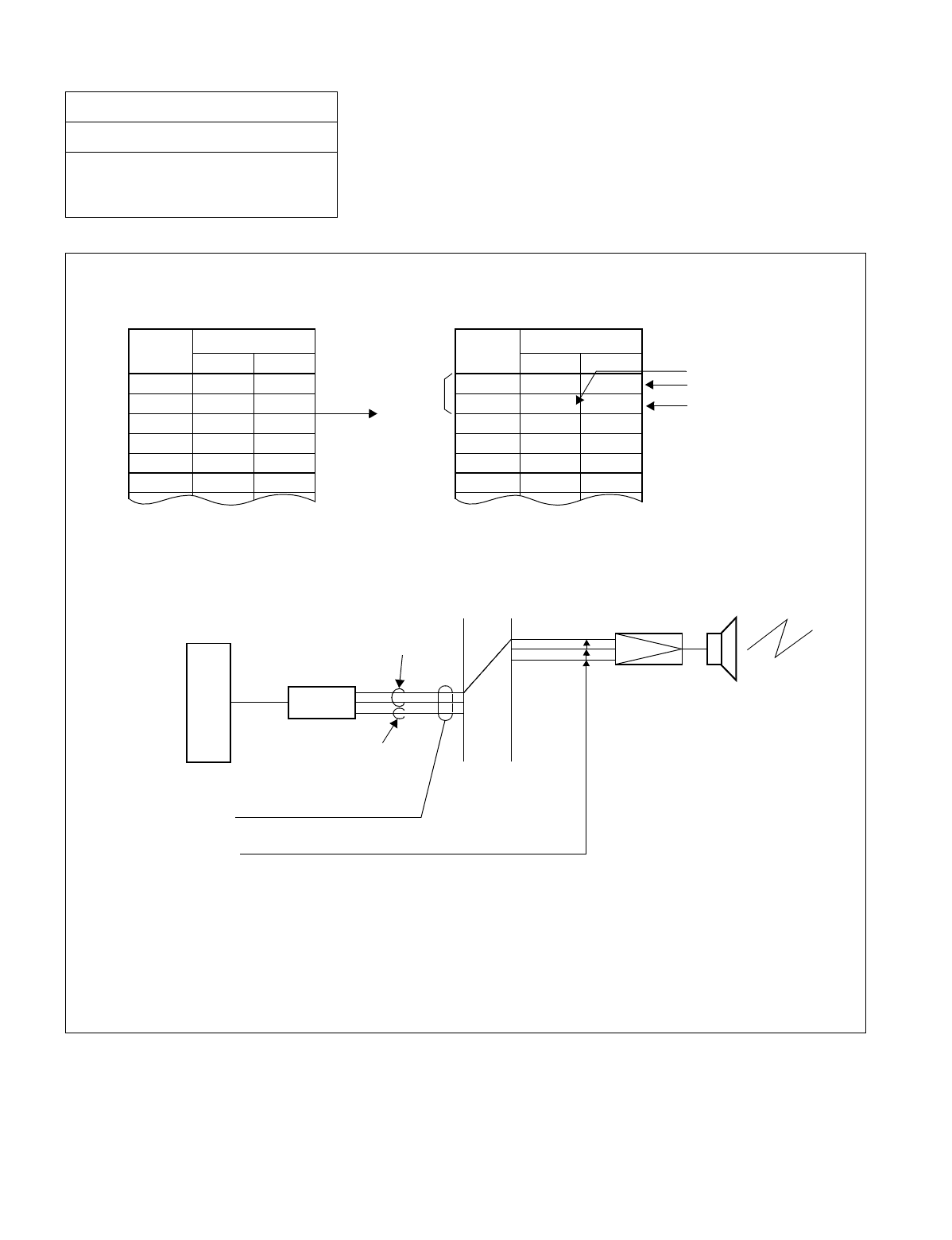
CHAPTER 3 NDA-24234
Page 220
Revision 3.0
INSTALLATION PROCEDURE
Figure 015-12 Connection of Paging Equipment
NAP-200-015
Sheet 21/30
Cable Termination and Cross
Connections from MDF to Peripheral
Equipment, C. O. Lines, and Tie Lines
Note: A PGT circuit is available only on the No. 0 circuit of the 16COT card. If a starting wire is required,
the No. 1 circuit cannot be used for a COT.
Configuration of 16 COT Lead
ANTK
When No. 0 circuit is used for COT. When No. 0 circuit is used for PGT.
Paging Equipment Cabling Diagram
TSW
MDF
SPEECH WIRES
ANTK (COT)
STARTING
WIRE
“LT” Connector Cable (25P)
already run in NAP-200-013.
Connections are made using installation cable.
A total of three wires are required per line: two wires
for speech and one starting wire.
For a loop start system, only two wires are required.
AMP SP
Speech Wires
Starting Wire
When using 16 COT-BE,
connect to ground
No. OF
CKT
LEAD
BA
No.0
1
2
3
4
5
No. OF
CKT
LEAD
BA
No.0
1
2
3
4
5
B0 A0
B1 A1
B2 A2
B3 A3
B4 A4
B5 A5
B0 A0
B1 (M) A1
B2 A2
B3 A3
B4 A4
B5 A5
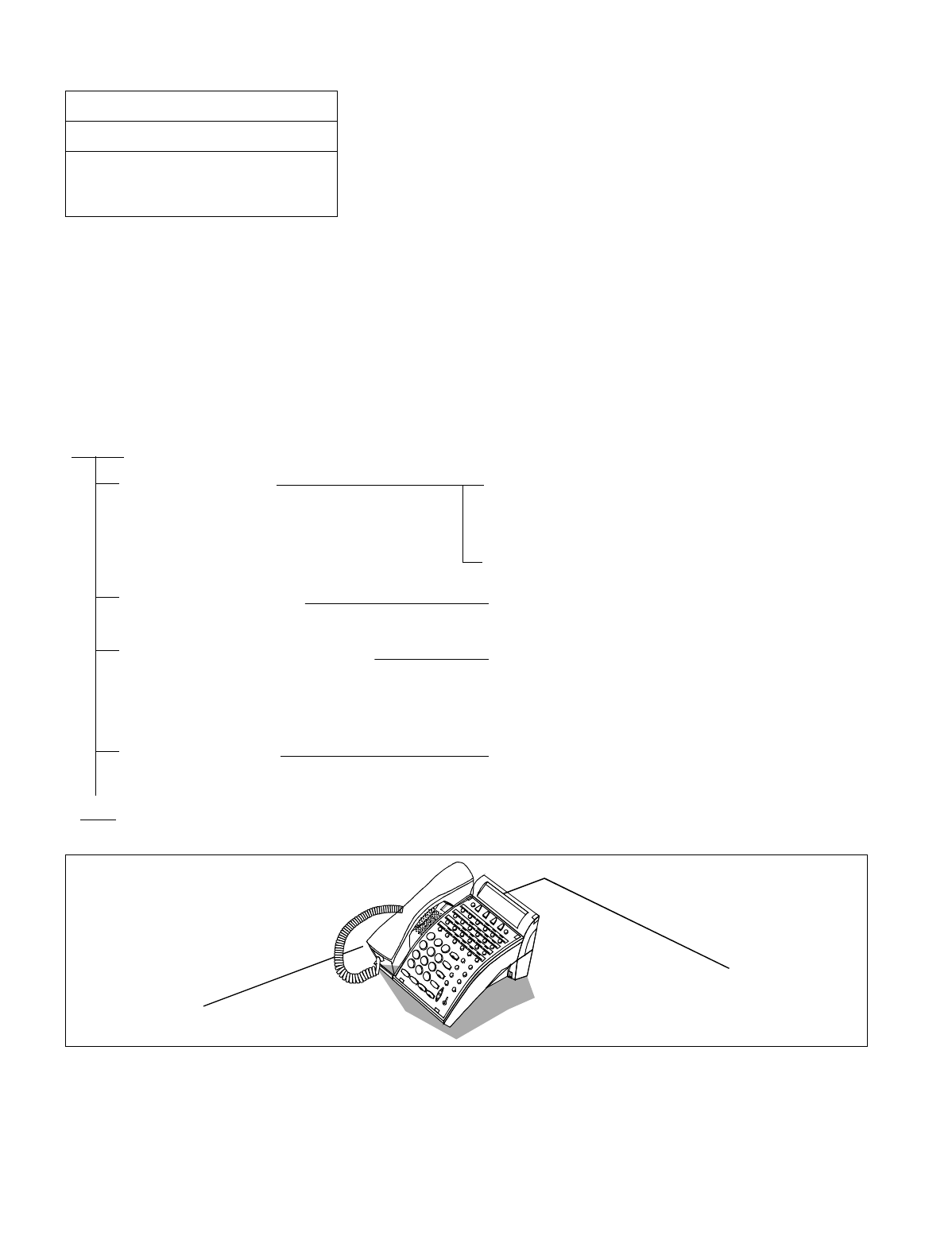
NDA-24234 CHAPTER 3
Page 221
Revision 3.0
INSTALLATION PROCEDURE
9. CROSS CONNECTIONS FOR Dterm Series E
Note 1: Provide the necessary cross connections at the MDF using copper wires of 0.5 mm diameter (24 AWG). 2-
core twisted wire is used for speech path, and single-core wire is used for control wire. It is recommended
that wires of different colors be used for trunks, station lines, PFT, etc., so that they can easily be distin-
guished.
Note 2: The maximum distance between the Module Group and Dterm is 850 meters (2459 feet). The installation
cable must be 24 AWG (0.5 mm dia.) or larger.
Figure 015-13 Outer View of Dterm Series E
NAP-200-015
Sheet 22/30
Cable Termination and Cross
Connections from MDF to Peripheral
Equipment, C. O. Lines, and Tie Lines
START
Cable running Referring to Figure 015-14, run the cables between
each Dterm and its Modular Block (Jack), and
between the Modular Blocks and the MDF.
Protect the cables by using cable ducts, etc.
Termination of cables Referring to Figure 015-14, terminate the installed
cables to the MDF and the Modular Blocks.
Check terminal locations on the
Module Group side of the MDF Referring to Port Accommodation sheet and
description of 16ELC card in the “Circuit Card
Manual,” identify the lead names for the ELC card
and the terminal locations of the leads.
END
Cross Connection Referring to Figure 015-14, provide the necessary
cross connections at the Dterm side and the PBX side.
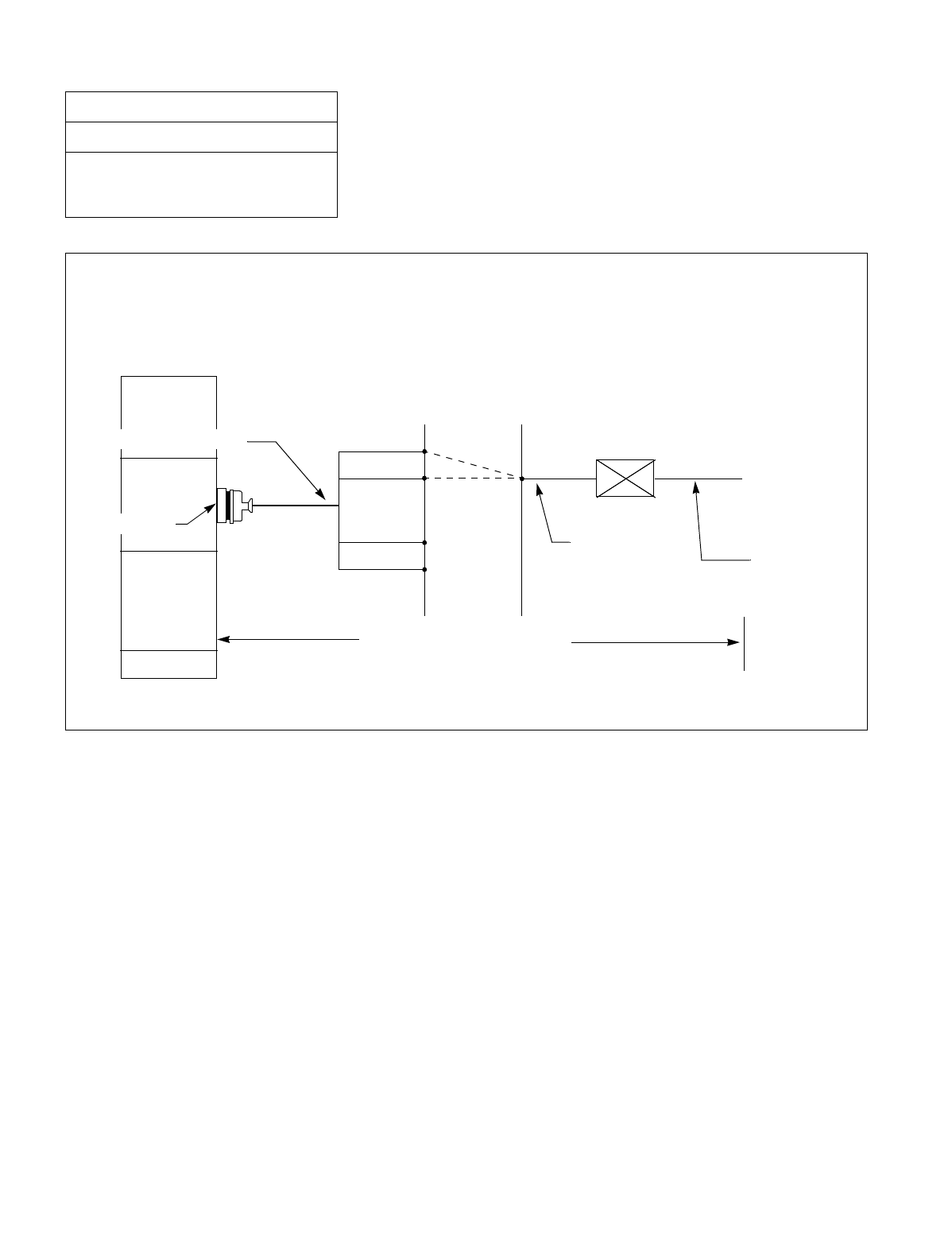
CHAPTER 3 NDA-24234
Page 222
Revision 3.0
INSTALLATION PROCEDURE
Figure 015-14 Cable Connection for Dterm Series E
NAP-200-015
Sheet 23/30
Cable Termination and Cross
Connections from MDF to Peripheral
Equipment, C. O. Lines, and Tie Lines
PBX
LT connector Cable
LT connector
ELC
A0
A15
B0
B15
MDF
Max 850 m. (2459 feet)
1-pair cable
(Jack)
Modular Block
Modular Cable
Provide the following connections at the MDF
.
D Series E
term

NDA-24234 CHAPTER 3
Page 223
Revision 3.0
INSTALLATION PROCEDURE
10. CROSS CONNECTIONS FOR DIGITAL INTERFACES
Perform the cross connections for digital interfaces as shown below:
Note 1: When your system is single IMG configuration, time division switch (TSW) card is equipped with Phase
Lock Oscillator (PLO). Therefore no dedicated PLO card is required to use Digital Interfaces. However,
when the system requires a higher-precision oscillator, use the Oscillator (OSC: PA-CK14) card. The cards
may be mounted in slots numbered 9, and 17 of PIM0. For the OSC card, no external wiring is required.
Note 2: Provide the necessary cross connections at the MDF by using copper wires of 0.5 mm diameter (24 AWG).
2-core twisted wire is used for speech path, and single-core wire is used for control wire. It is recommended
that wires of different colors be used for trunks, station lines, PFT, etc., so that they can easily be distin-
guished.
NAP-200-015
Sheet 24/30
Cable Termination and Cross
Connections from MDF to Peripheral
Equipment, C. O. Lines, and Tie Lines
START
Check terminal
locations on the
Module Group
side of the MDF
Digital Trunk
(DTI, CCT, PRT) Referring to the Port Accommodation
sheet and description of Digital Trunk
card in the “Circuit Card Manual,”
identify the lead names for the Digital
Trunk card and the terminal locations
of the leads.
PLO leads Referring to Figure 015-15/Figure
015-16 to identify the lead names and
the terminal locations for the PLO.
Cross Connection
Note When accepting synchronization
clocks from other node (master or
submaster node)
Referring to Figure 015-17/Figure
015-18, provide the necessary cross
connections.
When accepting synchronization
clocks from External High-Stability
Oscillator
Referring to Figure 015-17/Figure
015-18, provide the necessary cross
connections.
END
WARNING: Back card out of the module before attempting cross connection. Otherwise, the fuse mounted
on the DTI card will blow and the card will become inoperative.
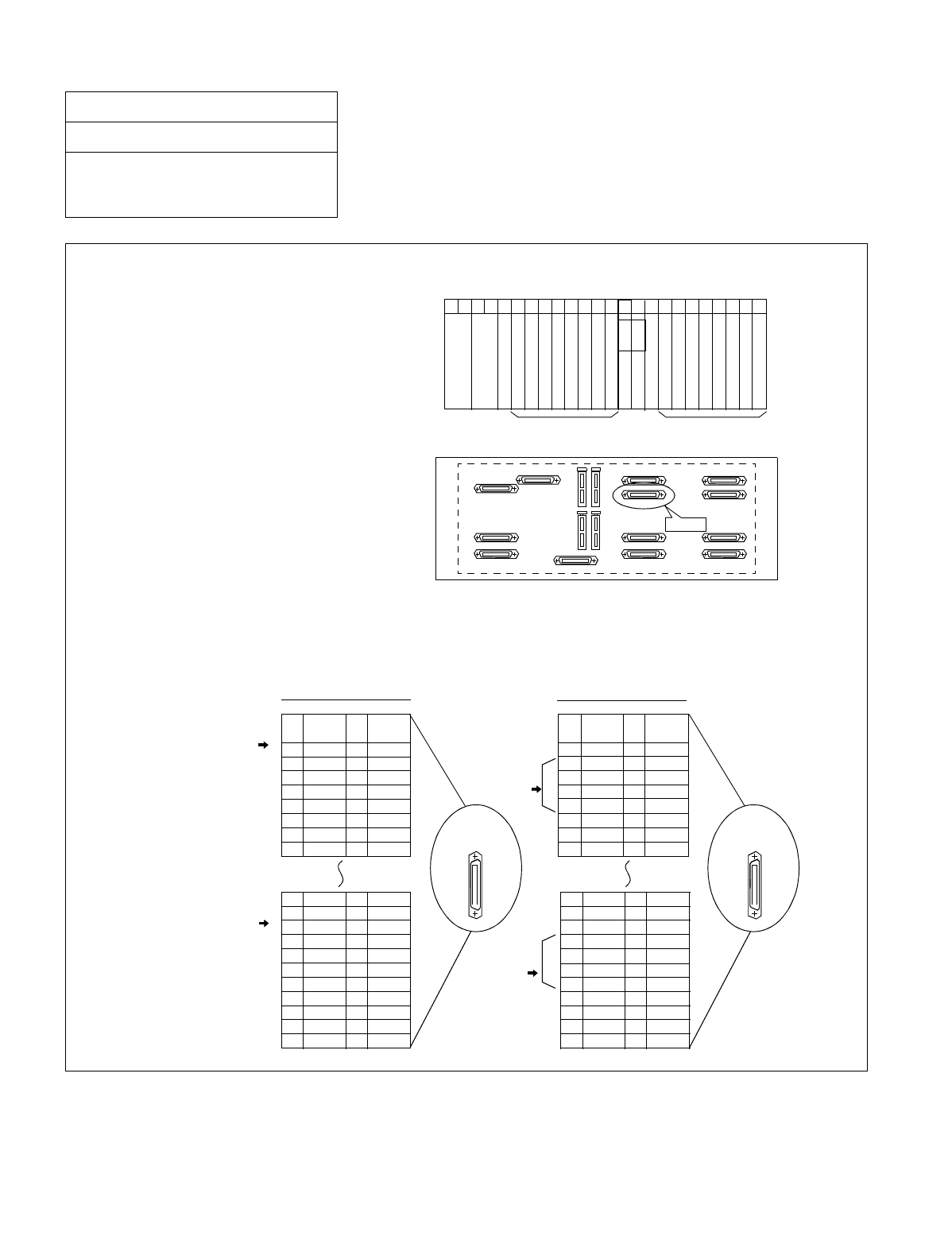
CHAPTER 3 NDA-24234
Page 224
Revision 3.0
INSTALLATION PROCEDURE
Figure 015-15 PLO Pin Assignments for Receiving Clock (Single IMG Configuration)
NAP-200-015
Sheet 25/30
Cable Termination and Cross
Connections from MDF to Peripheral
Equipment, C. O. Lines, and Tie Lines
00 01 02 03 04 05 06 07 08 09 10 11 12 13 14 15 16 17 18 19 20 21 22 23
Front View
PIM0
PLO
PLO TSW
TSW
Universal Slots Universal Slots
PIN
No.
26
27
28
29
30
31
32
33
LEAD
NAME
DCSB0
DIU0B0
DIU1B0
DIU2B0
DIU3B0
SYN0B0
SYN1B0
LEAD
NAME
DCSA0
DIU0A0
DIU1A0
DIU2A0
DIU3A0
SYN0A0
SYN1A0
PIN
No.
1
2
3
4
5
6
7
8
PIN
No.
26
27
28
29
30
31
32
33
LEAD
NAME
DCSB0
DIU0B0
DIU1B0
DIU2B0
DIU3B0
SYN0B0
SYN1B0
LEAD
NAME
DCSA0
DIU0A0
DIU1A0
DIU2A0
DIU3A0
SYN0A0
SYN1A0
PIN
No.
1
2
3
4
5
6
7
8
40
41
42
43
44
45
46
47
48
49
50
15
16
17
18
19
20
21
22
23
24
25
DCSB1
DIU0B1
DIU1B1
DIU2B1
DIU3B1
SYN0B1
SYN1B1
DCSA1
DIU0A1
DIU1A1
DIU2A1
DIU3A1
SYN0A1
SYN1A1
40
41
42
43
44
45
46
47
48
49
50
15
16
17
18
19
20
21
22
23
24
25
DCSB1
DIU0B1
DIU1B1
DIU2B1
DIU3B1
SYN0B1
SYN1B1
DCSA1
DIU0A1
DIU1A1
DIU2A1
DIU3A1
SYN0A1
SYN1A1
for PLO
equipped
with TSW #0
with TSW #0
for PLO
equipped
with TSW #1
for PLO
equipped
with TSW #1
for receiving clock from
a High-Stability Oscillator
for distributing clock from
a digital interface
Since PLO circuit is equipped with TSW card, PLO input leads appear on the LT connector labeled PLO.
PIM0
Backplane
PLO
• TSW mounting slots
TSW card is mounted in slots 13 and 14
of PIM0.
• LT cable connector
Connect an LT cable to the connector labeled
“PLO” on PIM0 backplane.
• PLO connector Pin Assignment
Pins are assigned as follows on “PLO” connector. When clock is distributed from a digital interface, use one
pair of “DIUxxx” leads among a maximum of 4 inputs. DIU leads have the following precedence:
DIU0xx(High)-> DIU3xx(Low). To receive clock from an external high-stability oscillator, use “DCSxx” leads.
PLO Connector
for PLO
equipped
PLO Connector
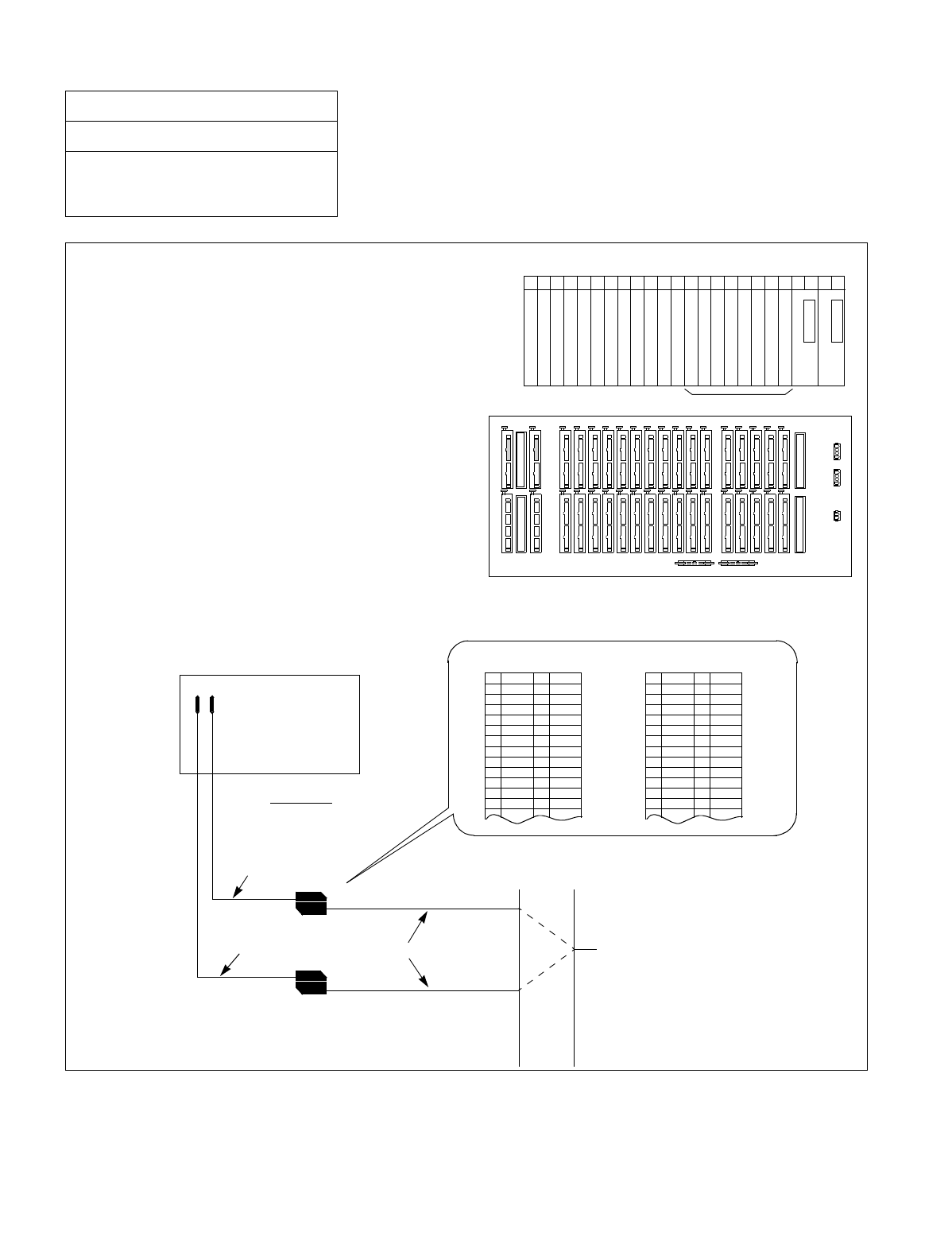
NDA-24234 CHAPTER 3
Page 225
Revision 3.0
INSTALLATION PROCEDURE
Figure 015-16 PLO Pin Assignments for Receiving Clock (Multiple IMG Configuration)
NAP-200-015
Sheet 26/30
Cable Termination and Cross
Connections from MDF to Peripheral
Equipment, C. O. Lines, and Tie Lines
EXCLK0
EXCLK1
TSWM
Backplane
PLO input leads appear on the LT connectors labeled EXCLK0 and EXCLK1.
•PLO mounting slots
PLO card is mounted in slots 21 and 23 of TSWM.
00 01 02 03 04 05 06 07 08 09 10 11 12 13 14 15 16 17 18 19 20 21 22 23
Front View
TSWM
TSW
PLOEXCLK1
EXCLK0 PLO
•LT cable connectors
Connect LT cables to the connectors labeled “EXCLK0” and
“EXCLK1” on the TSWM backplane.
•EXCLK0/EXCLK1 connector Pin Assignment
Pins are assigned as follows on “EXCLK0/EXCLK1” connector. When clock is distributed from a digital interface, use one pair of “DI-
Uxxx” leads among a maximum of 4 inputs. DIU leads have the following precedence: DIU0xx (High)-> DIU3xx (Low). On the contrary,
to receive clock from an external high-stability oscillator, use “DCSxx” leads.
REAR VIEW
EXCLK0
EXCLK1
TSWM
MDF
Installation Cable To Digital Interface and/or DCS
34PH EXCLK CA-A
26
27
28
29
30
31
32
33
34
35
36
37
38
1
2
3
4
5
6
7
8
9
10
11
12
13
FM1
FM0
SYN1B
SYN0B
DIU3B
DIU2B
DIU1B
DIU0B
DCSB
E
E
SYN1A
SYN0A
DIU3A
DIU2A
DIU1A
DIU0A
DCSA
Cable Lead Accommodation
26
27
28
29
30
31
32
33
34
35
36
37
38
1
2
3
4
5
6
7
8
9
10
11
12
13
FM1
FM0
SYN1B
SYN0B
DIU3B
DIU2B
DIU1B
DIU0B
DCSB
E
E
SYN1A
SYN0A
DIU3A
DIU2A
DIU1A
DIU0A
DCSA
34 PH ISWM EXCLK CA-A
Cable Lead Accommodation
Cable
Cable
Note
Note
Note: 34 PH EXCLK CA-A for PH-CK 16/PH CK 17 card;
34 PH ISWM EXCLK CA-A for PH-CK 16-A/PH-
CK 17-A card.
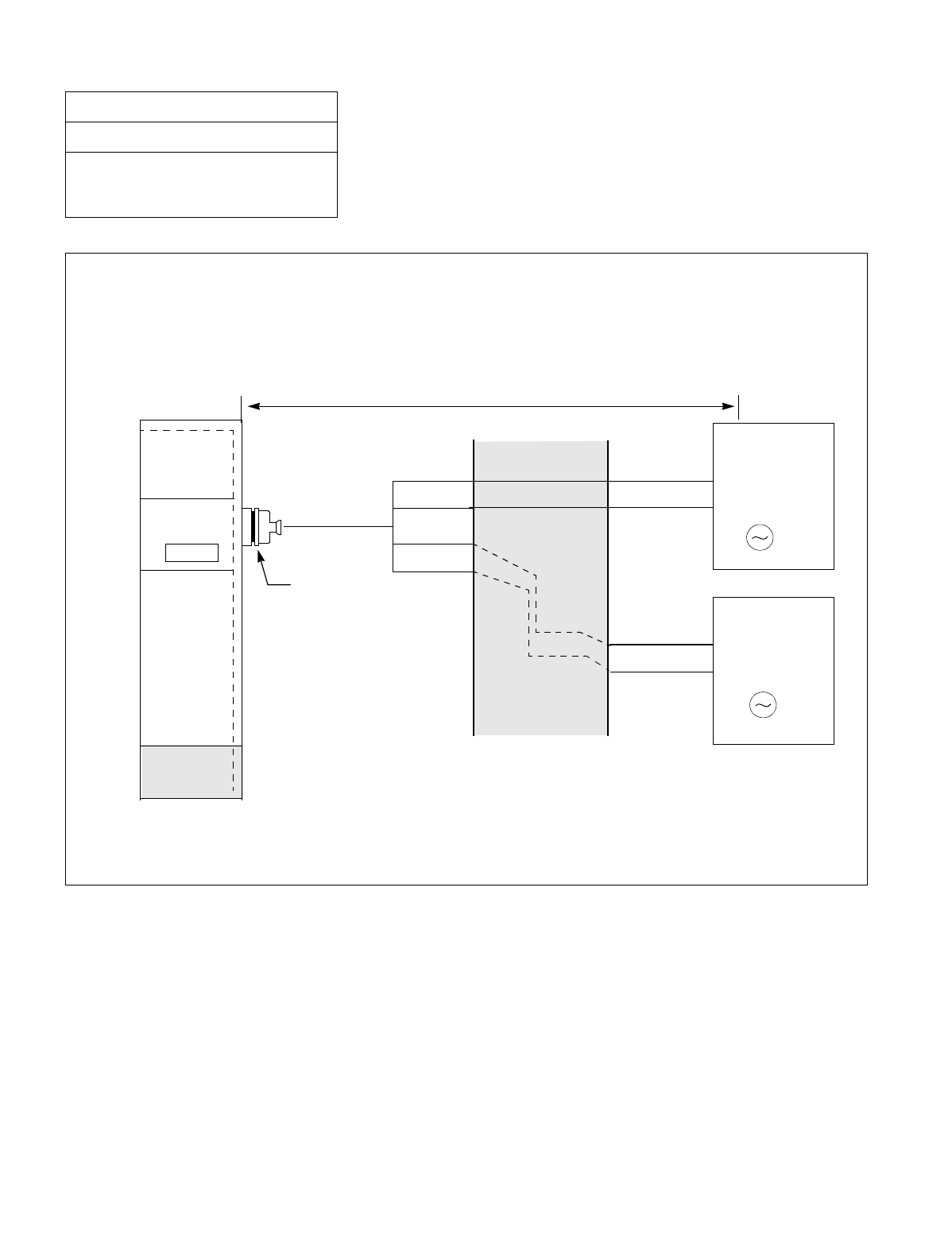
CHAPTER 3 NDA-24234
Page 226
Revision 3.0
INSTALLATION PROCEDURE
Figure 015-17 Cable Connection Diagram for Accepting Synchronization Clocks
from an External High-Stability Oscillator (Single IMG Configuration)
NAP-200-015
Sheet 27/30
Cable Termination and Cross
Connections from MDF to Peripheral
Equipment, C. O. Lines, and Tie Lines
PLO
MDF
PBX
PCM Cable (IP)
PCM Cable (IP)
DCSA0
DCSB0
LT Connector Cable
DCSB1
DCSA1
TSW
BASEU
maximum 400 meters (1320 feet) (24AWG)
External
High-Stability
Oscillator #0
CLK
External
High-Stability
Oscillator #1
CLK
•Cable Connection Diagram
Provide the following wirings at the MDF. The following connection diagram shows an example where the
system has the TSW cards in a dual configuration.
Note: This diagram shows connections for a system having dual TSWs.
“PLO”
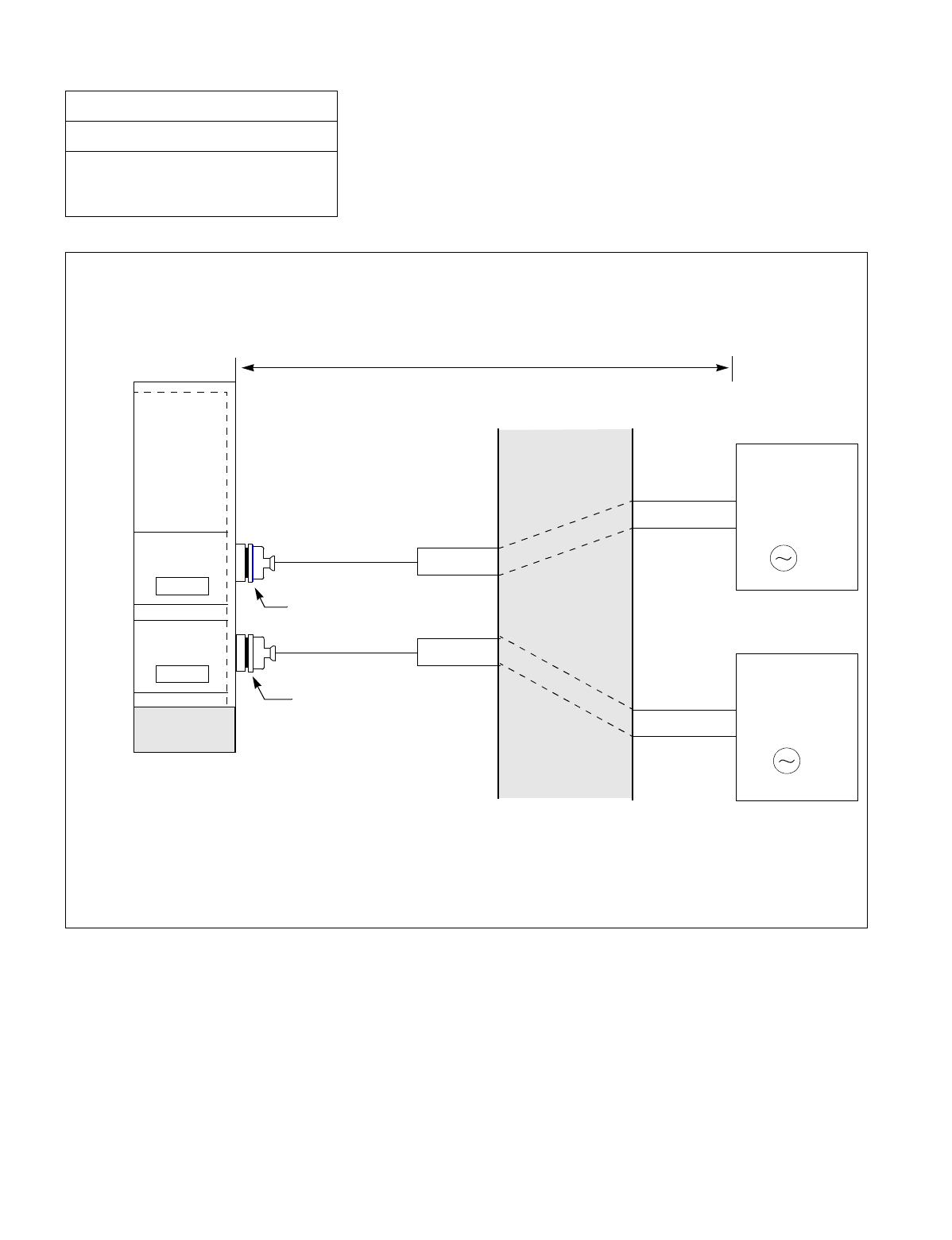
NDA-24234 CHAPTER 3
Page 227
Revision 3.0
INSTALLATION PROCEDURE
Figure 015-18 Cable Connection Diagram for Accepting Synchronization Clocks
from an External High-Stability Oscillator (Multiple IMG Configuration)
NAP-200-015
Sheet 28/30
Cable Termination and Cross
Connections from MDF to Peripheral
Equipment, C. O. Lines, and Tie Lines
EXCLK0
EXCLK1
MDF
IMG1
PCM Cable (IP)
PCM Cable (IP)
DCSA
DCSB
Cable
“EXCLK1”
DCSB
DCSA
Cable
“EXCLK0”
PLO#1
PLO#0
BASEU
maximum 400 meters (1320 feet) (24AWG)
External
High-Stability
Oscillator #1
CLK
External
High-Stability
Oscillator #0
CLK
•Cable Connection Diagram
Provide the following wirings at the MDF. The following connection diagram shows an example where the
system has the PLO cards in a dual configuration.
Note: This diagram shows connections for a system having dual PLOs.
Note 1: “34PH EXCLK CA-A” for PH-CK16/PH-CK17;
“34PH ISWM EXCLK CA-A” for PH-CK16-A/PH-CK17-A card.
Note 1
Note 1
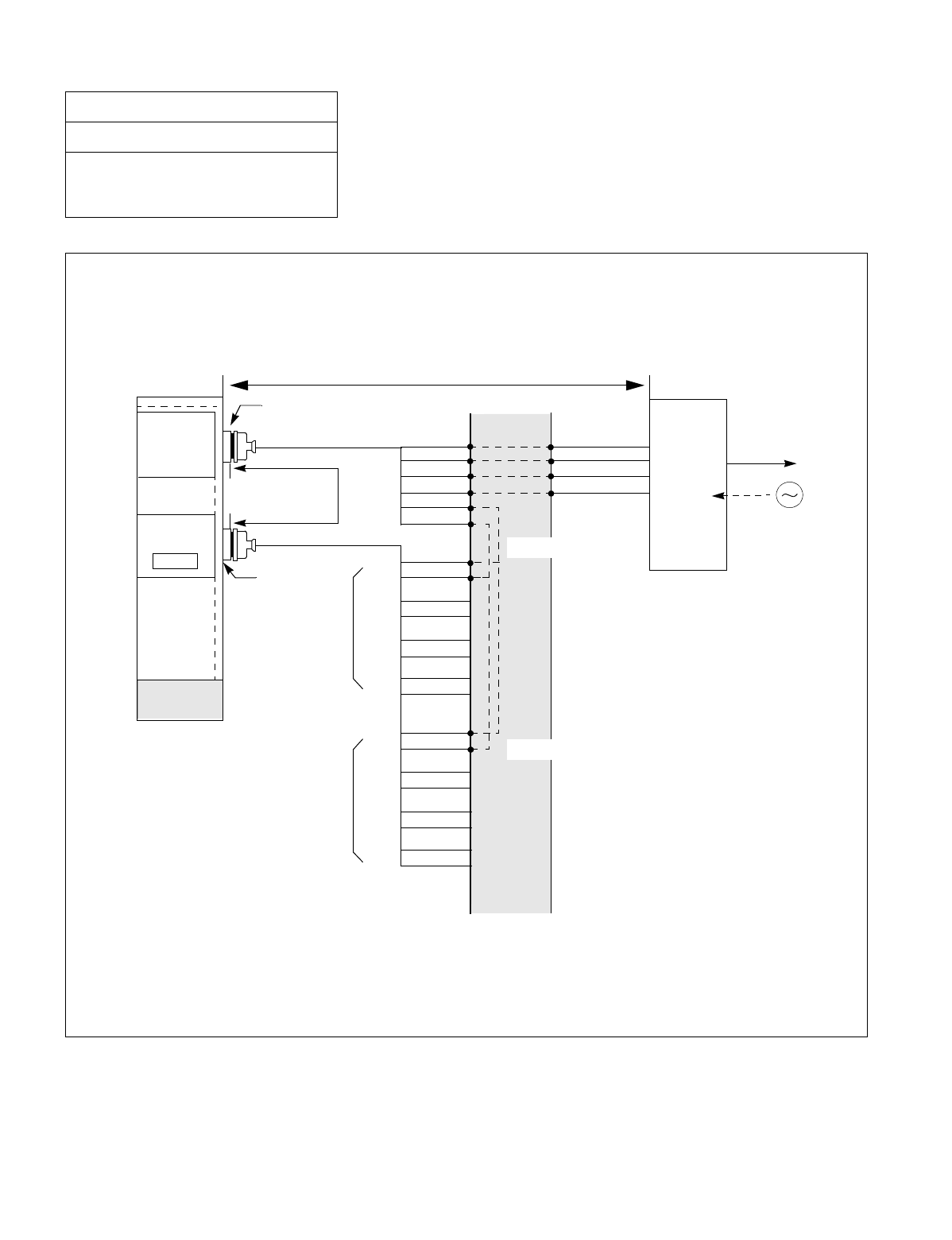
CHAPTER 3 NDA-24234
Page 228
Revision 3.0
INSTALLATION PROCEDURE
Figure 015-19 Cable Connection Diagram for Distributing Clock from a Digital Interface (Single IMG
Configuration)
NAP-200-015
Sheet 29/30
Cable Termination and Cross
Connections from MDF to Peripheral
Equipment, C. O. Lines, and Tie Lines
PLO
maximum 100
meters (330 feet)
MDF
IMG1
PCM
Carrier
Equipment/
DSU
CLK
PCM Cable (2P)
LT Connector
TSW
BASEU
to other node
RA
RB
TA
TB
POUTA
POUTB
DIU0A0
DIU0B0
DIU1A0
DIU1B0
DIU2A0
DIU2B0
DIU3A0
DIU3B0
DIU0A1
DIU0B1
DIU1A1
DIU1B1
DIU2A1
DIU2B1
DIU3A1
DIU3B1
#1
#2
#3
#4
#1
#2
#3
#4
for PLO #0
for PLO #1
Installation Cable
Installation Cable
Digital
Interface
(24AWG)
Note 1
Note 2
Note 1: PLO has a maximum of four inputs. DIU1xx leads are used for the first clock distribution routes. Thus,
DIU4xx leads are used for the fourth. The first input has the highest priority.
Note 2: This connection is required for a dual-TSW system.
•Cable Connection Diagram
Perform the following wirings at the MDF. The following connection diagram shows an example where the Digital
Trunk POUT leads are used as the 1st clock distribution route.
maximum 200 meters (660 feet) (24AWG)
“PLO”
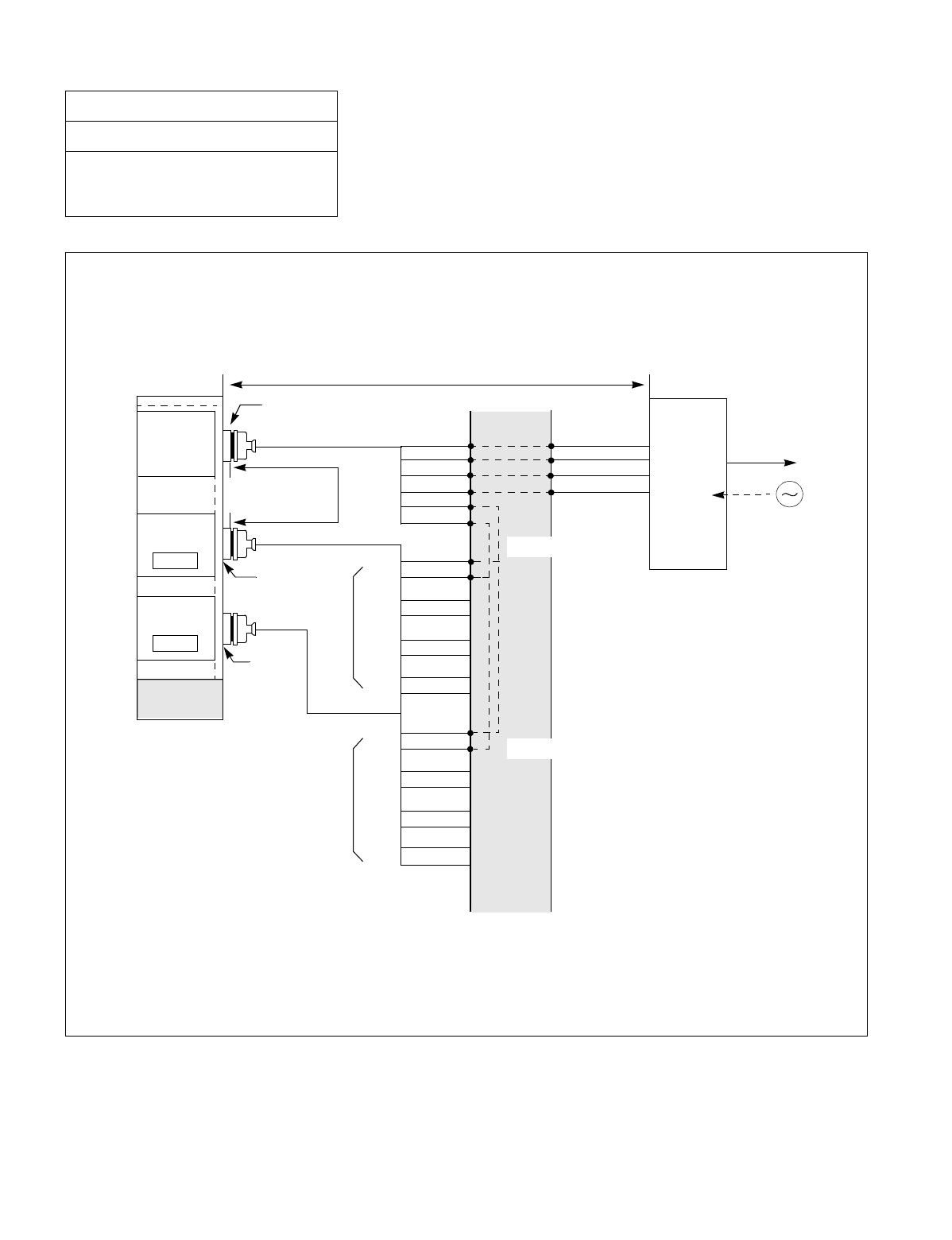
NDA-24234 CHAPTER 3
Page 229
Revision 3.0
INSTALLATION PROCEDURE
Figure 015-20 Cable Connection Diagram for Distributing Clock from a Digital Interface
(Multiple IMG Configuration)
NAP-200-015
Sheet 30/30
Cable Termination and Cross
Connections from MDF to Peripheral
Equipment, C. O. Lines, and Tie Lines
EXCLK1
EXCLK0
maximum 100
meters (330 feet)
MDF
IMG1
PCM
Carrier
Equipment/
DSU
CLK
PCM Cable (2P)
LT Connector
“EXCLK0”
“EXCLK1”
PLO#0
PLO#1
BASEU
to other node
RA
RB
TA
TB
POUTA
POUTB
DIU0A
DIU0B
DIU1A
DIU1B
DIU2A
DIU2B
DIU3A
DIU3B
DIU0A
DIU0B
DIU1A
DIU1B
DIU2A
DIU2B
DIU3A
DIU3B
#1
#2
#3
#4
#1
#2
#3
#4
for PLO #0
for PLO #1
Installation Cable
Installation Cable
Installation Cable
Digital
Interface
(24AWG)
Note 1
Note 2
Note 1: PLO has a maximum of four inputs. DIU1xx leads are used for the first clock distribution routes. Thus,
DIU4xx leads are used for the fourth. The first input has the highest priority.
Note 2: This connection is required for a dual-PLO system.
•Cable Connection Diagram
Perform the following wirings at the MDF. The following connection diagram shows an example where the Digital
Trunk POUT leads are used as the 1st clock distribution route.
maximum 200 meters (660 feet) (24AWG)
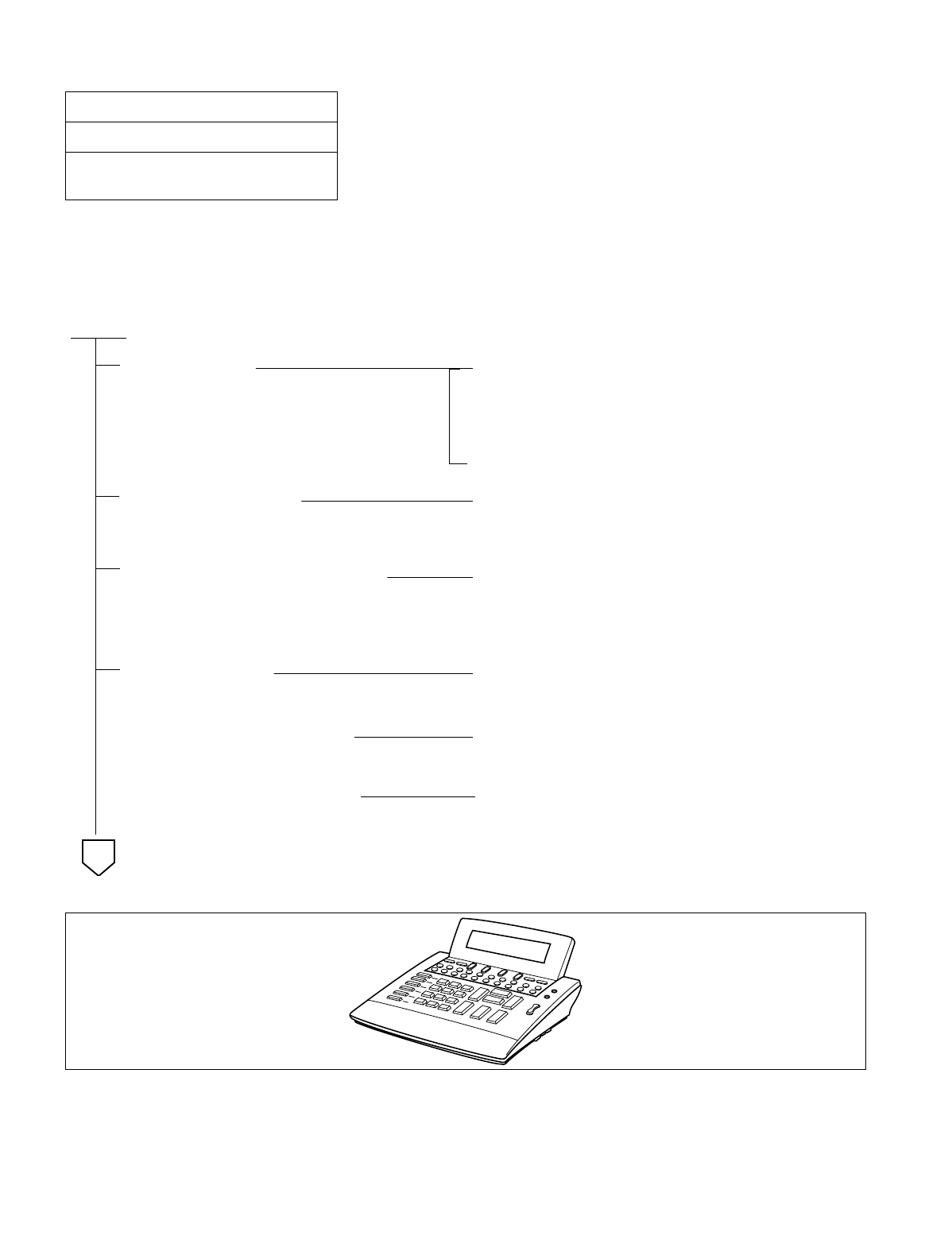
CHAPTER 3 NDA-24234
Page 230
Revision 3.0
INSTALLATION PROCEDURE
This NAP explains the installation of the DESK CONSOLE and Cable Connection. Figure 016-1 shows the outer
view of the DESK CONSOLE. Use the PA-CS33 (ATI) card as an interface card between the system and the DESK
CONSOLE. The card can connect a maximum of two DESK CONSOLEs.
Figure 016-1 Outer View of Desk Console
NAP-200-016
Sheet 1/41
Installation of the DESK CONSOLE and
Cable Connection
START
Cable running While referring to Figure 016-2 through Figure 016-5,
run the cables between each DESK CONSOLE and its
Modular Block (Jack), and between the Modular
Blocks and the MDF.
Protect the cables by using cable ducts, etc.
Termination of cables While referring to Figure 016-2 through Figure 016-5
terminate the installed cables to the MDF and the
Modular Blocks.
Check the terminal locations on the
Module Group side of the MDS While referring to Port Accommodation sheet and
description of PA-CS33 card in the NEAX2400 IMX
Circuit Card Manual, identify the lead names for the
card and the terminal locations of the leads.
Cross Connection While referring to Figure 016-2 and Figure 016-5,
provide the necessary cross connection at the DESK
CONSOLE side and the PBX side.
Mounting of Headset (Optional) While referring to Figure 016-6, mount optional
Headset on DESK CONSOLE.
Mounting of Handset (Optional) While referring to Figure 016-7 or Figure 016-8,
mount optional Handset on DESK CONSOLE.
A
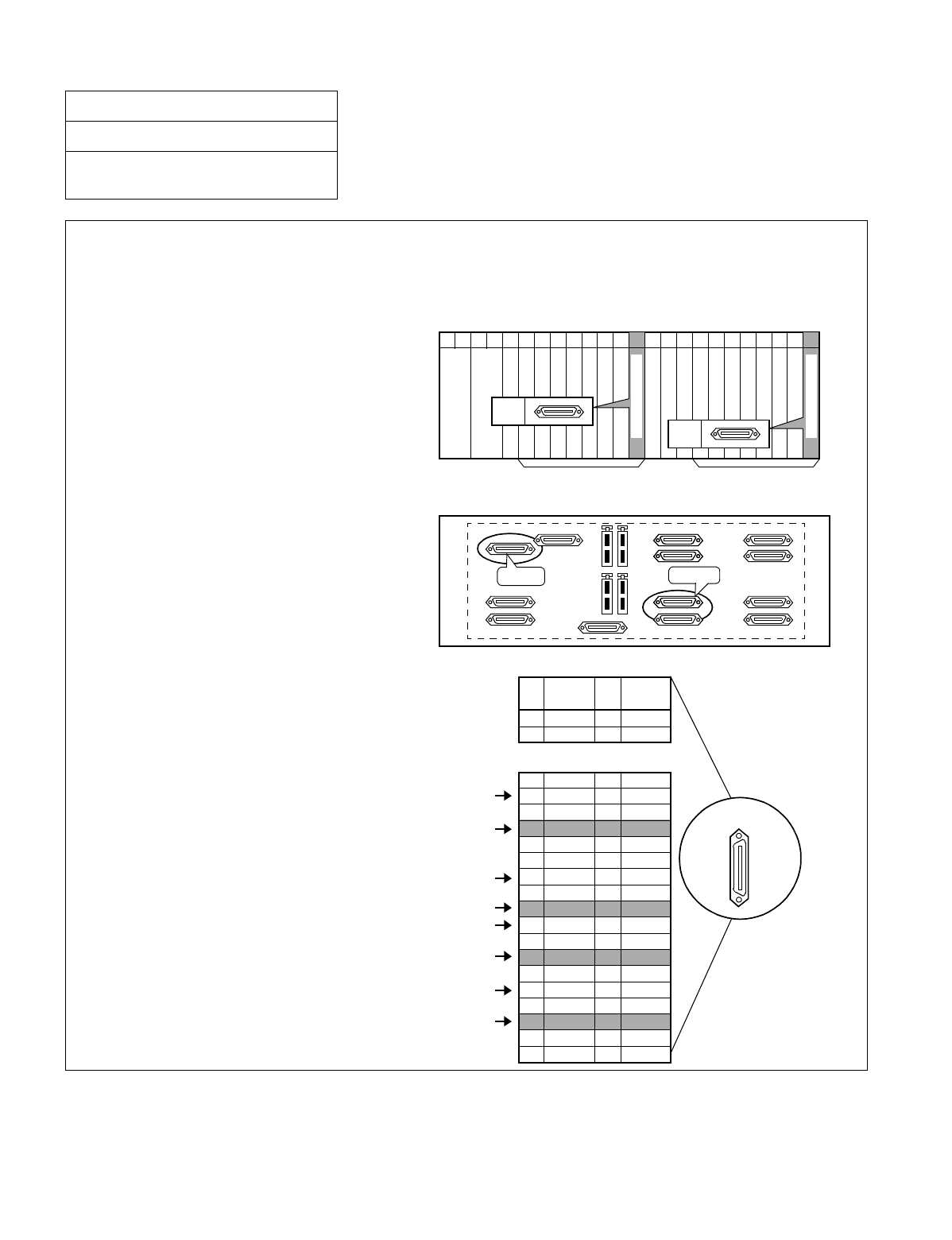
NDA-24234 CHAPTER 3
Page 231
Revision 3.0
INSTALLATION PROCEDURE
Figure 016-2 Cable Connection Diagram for Desk Console (1 of 2)
NAP-200-016
Sheet 2/41
Installation of the Desk Console and
Cable Connection
To connect DESK CONSOLE(s), the PA-CS33 card is used as the interface card. The card may be mounted
in slot No. 12 or in slot No. 23. The leads appear on LT5 and LT11 respectively. However, when replacing
Attendant Console with DESK CONSOLE, the leads appear on the LT connector on the ATT TERM (See
Note on the next page).
• PA-CS33 (ATI) mounting slots
PA-CS33 (ATI) card may be mounted in
slots 12 and/or 23.
• LT cable connectors
Use LT5 connector when the PA-CS33
card is mounted in slot 12. When the card
is mounted in slot 23, use LT11 connector.
• LT cable Pin Assignment
Pins are assigned as follows for PA-CS33 card.
33
34
35
36
37
38
39
40
41
42
43
44
45
46
47
48
49
50
1
2
26
27
PIN
No.
Backplane
22212019181716151413111009080706050403020100 2312
LT5
PIM
Universal Slots Universal Slots
Front View
LT11
PIM LT11 LT5
PA-CS33 Pin Assignment
LEAD
NAME PIN
No. LEAD
NAME
BN4800
BN4820
TAS1B
BN4810
TAS0B
BN4830
B0
B2
B1
B3
BN4801
BN4821
TAS1A
BN4811
TAS0A
BN4831
A0
A2
A1
A3
8
9
10
11
12
13
14
15
16
17
18
19
20
21
22
23
24
25
for DESK CONSOLE #0
for DESK CONSOLE #1
for DESK CONSOLE #0
for DESK CONSOLE #1
LT Connector
MUX
MUX
PA-CS33(ATI)
PA-CS33(ATI)
for ADD-ON CONSOLE #0
for ADD-ON CONSOLE #1
for ADD-ON CONSOLE #0
for ADD-ON CONSOLE #1
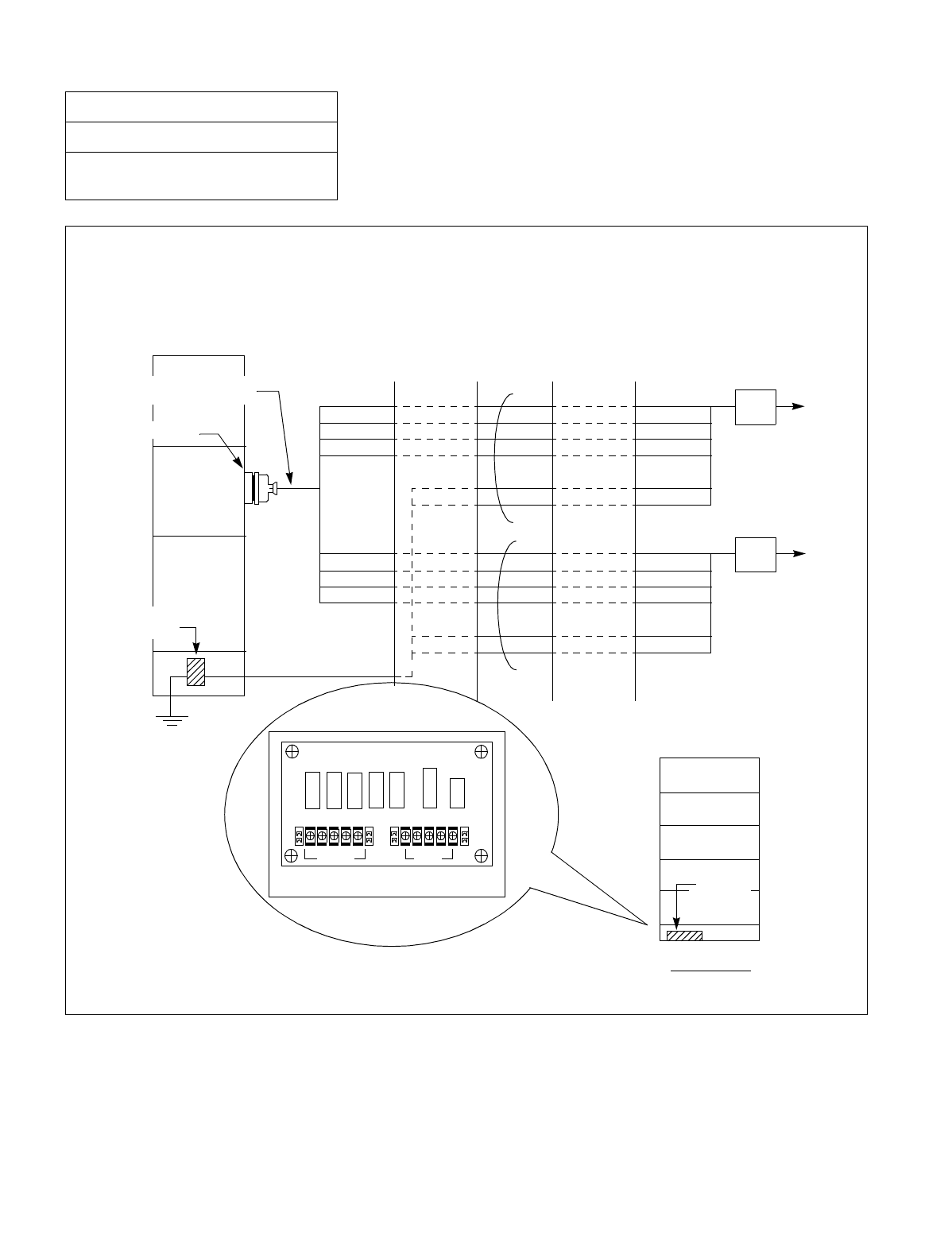
CHAPTER 3 NDA-24234
Page 232
Revision 3.0
INSTALLATION PROCEDURE
Figure 016-2 Cable Connection Diagram for Desk Console (2 of 2)
NAP-200-016
Sheet 3/41
Installation of the Desk Console and
Cable Connection
PZ-M377
0TPWR
FALM
11
-48V GND
PBX
RPT
terminal
BASEU
FRONT VIEW
GND
BASEU
RPT Terminal
(PZ-M377)
ATI
(PA-CS33)
LT connector
LT Connector Cable
PBX
A2
B2
BN4820(-48V)
BN4821(-48V)
A2
B2
BN4820(-48V)
BN4821(-48V)
A3
B3
BN4830(-48V)
BN4831(-48V)
A3
B3
BN4830(-48V)
BN4831(-48V)
MDF IDF
GND
GND
GND
GND
Modular Block
Modular Block
To Desk Console #0
To Desk Console #1
•Cable Connection Diagram
Provide the following wirings at the MDF and IDF.
4321
2345 2345

NDA-24234 CHAPTER 3
Page 233
Revision 3.0
INSTALLATION PROCEDURE
Note: When replacing Attendant Console with DESK CONSOLE, follow the procedure below:
1 Turn OFF the PWR card in the PIM.
2 Remove installation cables connected to ATT0, ATT1 and LT connectors on the ATT TERM.
3 Remove installation cables connected to the following connectors:
•RLT connector on the ATT TERM
•ATI0 and LT5, ATI1 and LT11 connectors on the PIM
4 Install DESK CONSOLE using the LT connector on the ATT TERM.
5 Turn ON the PWR card in the PIM.
NAP-200-016
Sheet 4/41
Installation of the DESK CONSOLE and
Cable Connection
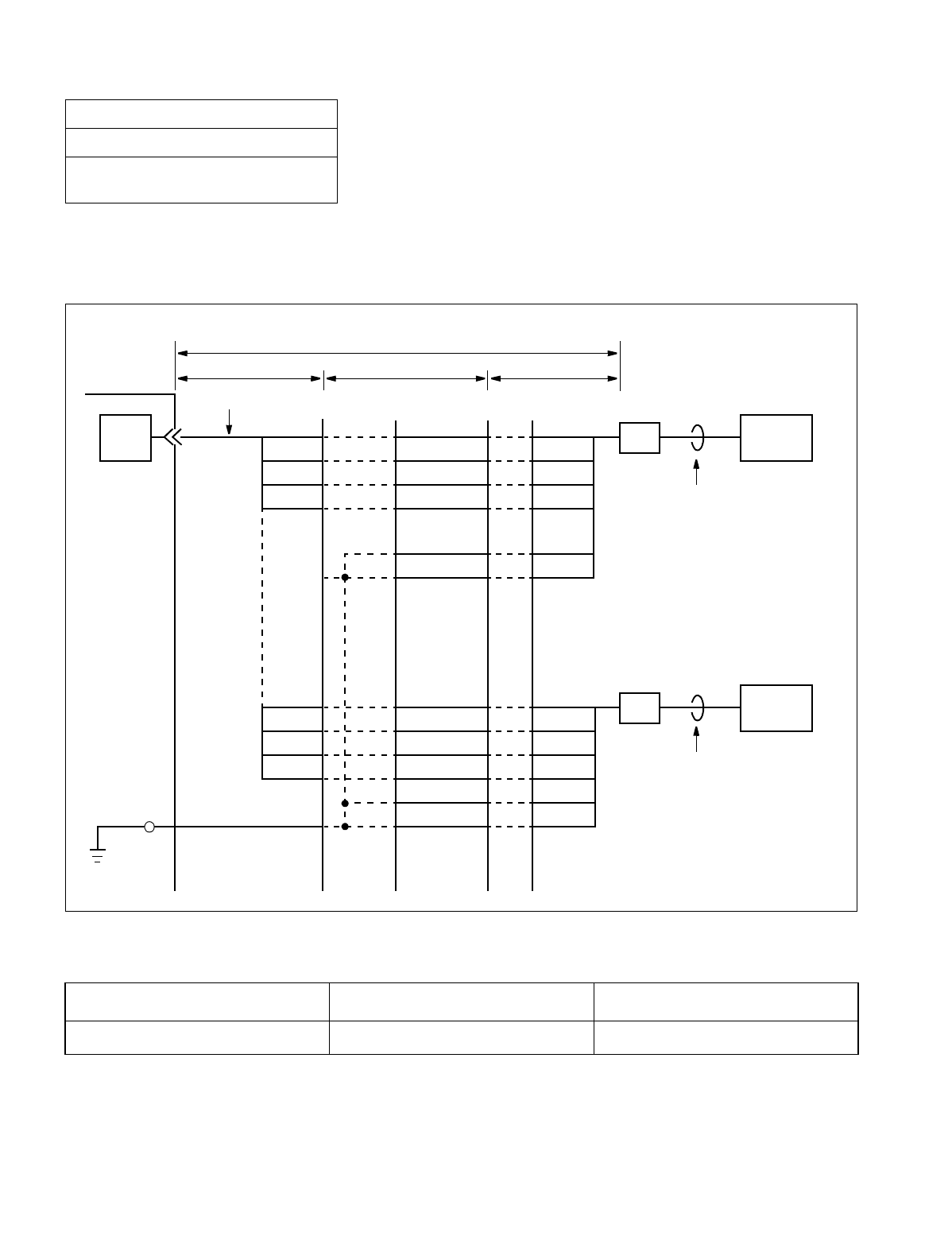
CHAPTER 3 NDA-24234
Page 234
Revision 3.0
INSTALLATION PROCEDURE
1. CABLE CONNECTION DIAGRAM
(a) When the power is supplied from the PBX
Figure 016-3 Cable Connection Diagram (When the Power Is Supplied from the PBX)
The maximum distance between the ATI circuit card and DESK CONSOLE is as shown below.
When exceeding the distance above, calculate the distance referring to the next page.
NAP-200-016
Sheet 5/41
Installation of the DESK CONSOLE and
Cable Connection
Source 0.5 φ Cable 0.65 φ Cable
PBX 350 m (1,148 ft.) 500 m (1,640 ft.)
GND
GND
A
B
BN4830
BN4831
A3
B3
GND
GND
A
B
A2
b c
M
a
PBX
ATI MDF IDF
Installation Cable
B2
BN4820
BN4821
(–48V)
(–48V)
BN4820
BN4821
BN4830
BN4831
RPT1
DESK CONSOLE
6-core Modular
Rosette
6-core Modular
Rosette DESK CONSOLE
6-core Modular Cable
6-core Modular Cable
NDA-24234 CHAPTER 3
Page 235
Revision 3.0
INSTALLATION PROCEDURE
2. CALCULATION OF THE DISTANCE BETWEEN THE ATI CIRCUIT CARD AND MODULAR ROSETTE
The distance M in Figure 016-3 is determined by the Direct-Current resistance of power supply cables (–48V and
GND). Note that the maximum resistance is 26 Ω as shown in the following formula:
M = a + b + c
≤
26 Ω
M: Maximum Direct–Current resistance between the ATI circuit card and Modular Rosette
a: Direct-Current resistance of power supply cables (–48V and GND) in the range of A
b: Direct-Current resistance of power supply cables (–48V and GND) in the range of B
c: Direct-Current resistance of power supply cables (–48V and GND) in the range of C
Example of Calculation
a, b, and c are calculated by the following formula:
Note: You are not required to use cable lengths in meters in the following formulae. You may use cable lengths in
feet, yards, or whatever unit you prefer. However, the units of resistance you use must match the units of
length you use. For example, if you use distance in feet, you must also use DC resistance per foot.
u: Direct-Current resistance per meter in the range of A (Ω/m)
v: Direct-Current resistance per meter in the range of B (Ω/m)
w: Direct-Current resistance per meter in the range of C (Ω/m)
x: Cable length (m) in the range of A
y: Cable length (m) in the range of B
z: Cable length (m) in the range of C
NAP-200-016
Sheet 6/41
Installation of the DESK CONSOLE and
Cable Connection
c = w (Ω/m) × z (m)
2+w (Ω/m) × z (m)
2
Resistance of –48V cables Resistance of GND cables
Number of –48V cables Number of GND cables
a = u (Ω/m) × x (m)
2+u (Ω/m) × x (m)
1
Resistance of –48V cables Resistance of GND cables
Number of –48V cables Number of GND cable
b = v (Ω/m) × y (m)
2+v (Ω/m) × y (m)
2
Resistance of –48V cables Resistance of GND cables
Number of –48V cables Number of GND cables
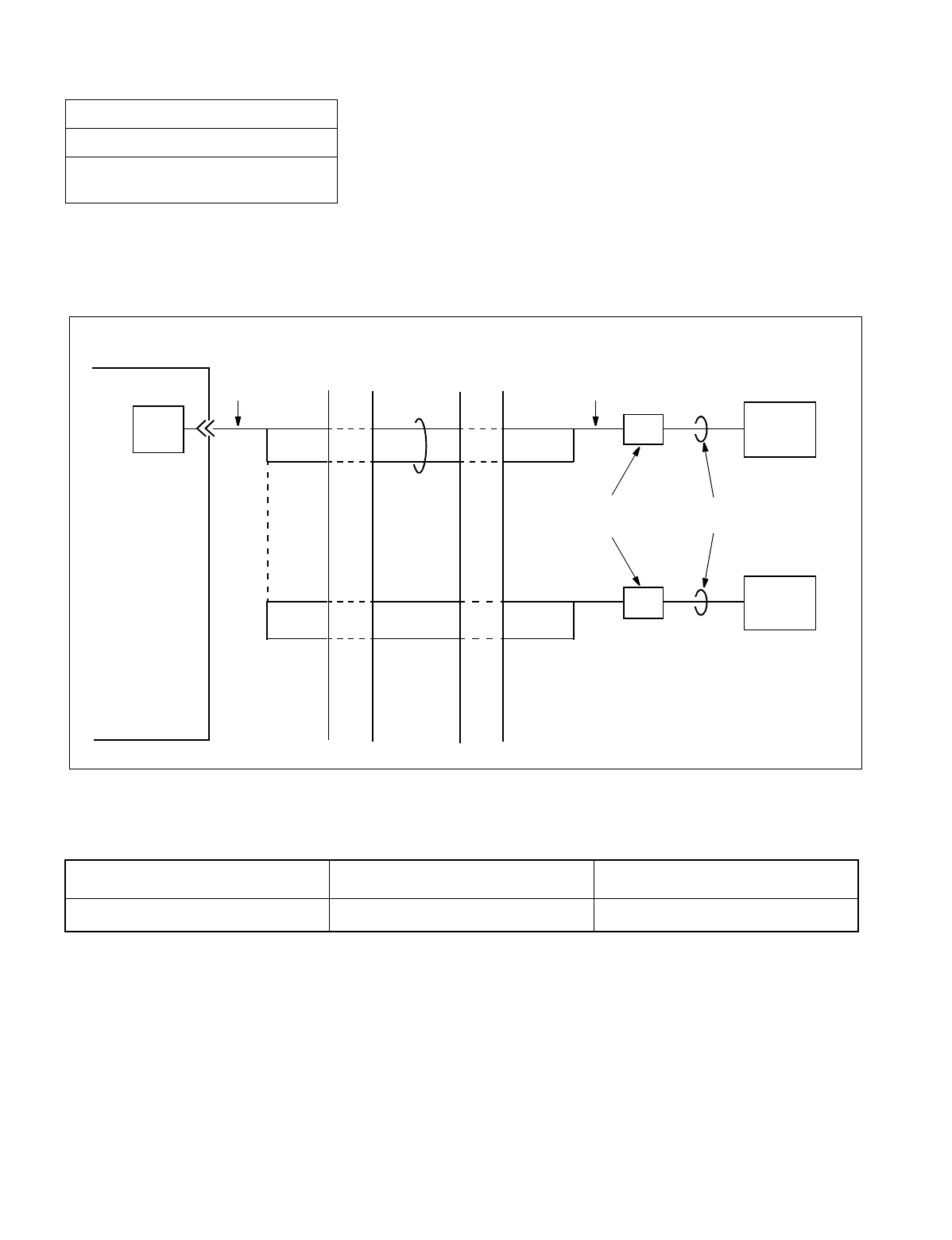
CHAPTER 3 NDA-24234
Page 236
Revision 3.0
INSTALLATION PROCEDURE
(b) When using Local Power Supply Note
Note: When using local power supply, DESK CONSOLE cannot be used in case of power failure.
Figure 016-4 Cable Connection Diagram (When Using Local Power Supply)
The maximum distance between the ATI circuit card and DESK CONSOLE is as shown below.
NAP-200-016
Sheet 7/41
Installation of the DESK CONSOLE and
Cable Connection
Source 0.5 φCable 0.65 φCable
Local Power Supply 1,200 m (3,937 ft.) 1,500 m (4,921 ft.)
A2
PBX
ATI
MDF IDF
Installation Cable
B2
DESK CONSOLE
6-core Modular
Rosette
6-core Modular
Cable
A
B
DESK CONSOLE
A3
B3
A
B
Installation CableInstallation
Cable
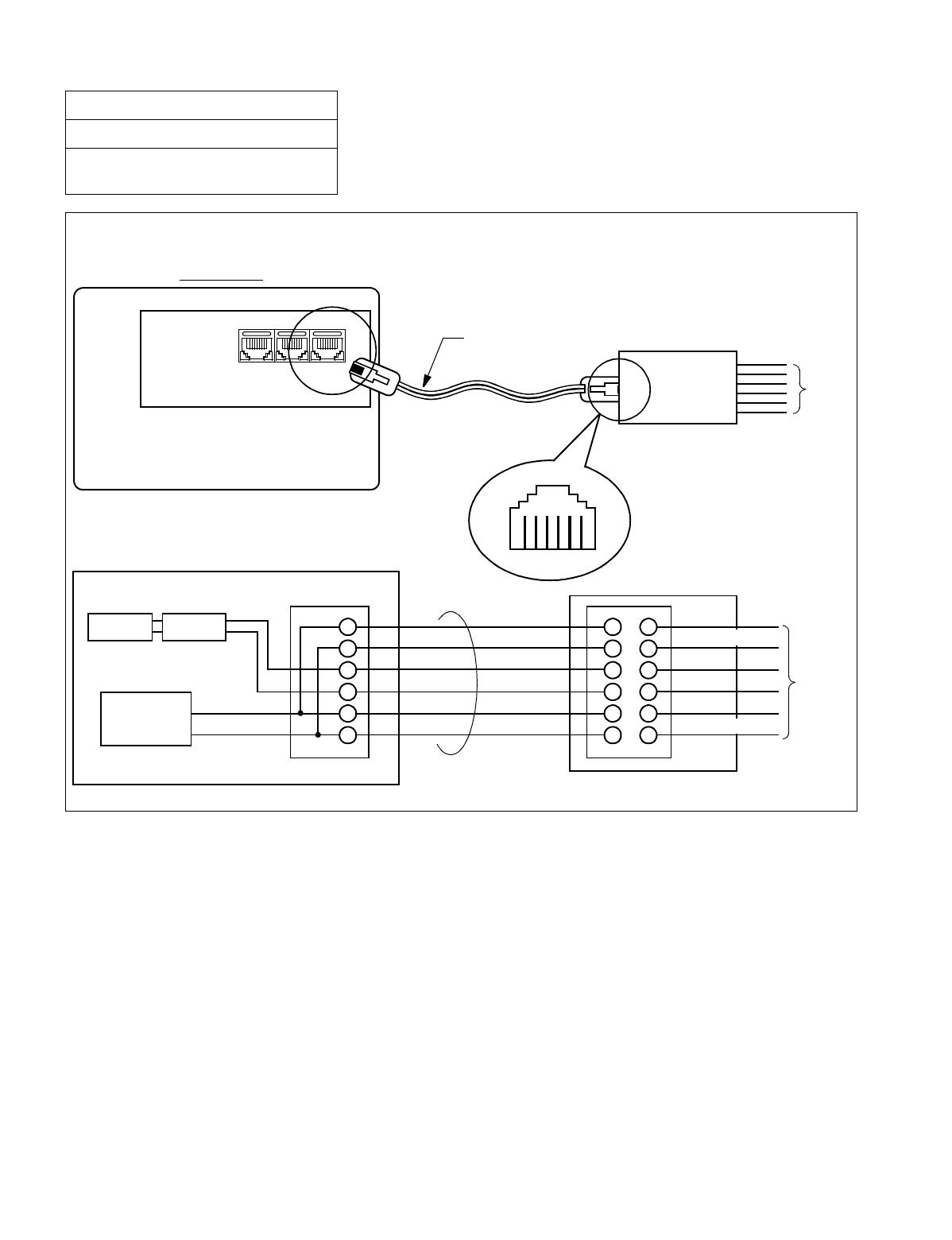
NDA-24234 CHAPTER 3
Page 237
Revision 3.0
INSTALLATION PROCEDURE
Figure 016-5 Cable Connection Diagram for DESK CONSOLE Modular Block
NAP-200-016
Sheet 8/41
Installation of the DESK CONSOLE and
Cable Connection
Wire the cables to the Modular Block as shown below.
Modular Jack
Bottom View
DESK CONSOLE
PAG E
(8-core) LINE
(6-core)
REC
(8-core)
6-core Modular Cable 6-core Modular Block IDF/MDF
Viewed from direction
to be inserted
1 2 3 4 5 6
DESK CONSOLE
Transformer Surge
Protection
DC/DC
Convertor
GND
–48V/–24V
Desk Console
Modular Jack 6-core Modular Cable
6-core Modular Block
GND
Ax Note
Bx Note
GND
IDF/MDF
Note: x represents 2 or 3.
BN48×0(–48V)
BN48×1(–48V)
GND
BN48×0 (–48V)
Ax Note
Bx Note
GND
BN48×1(–48V)
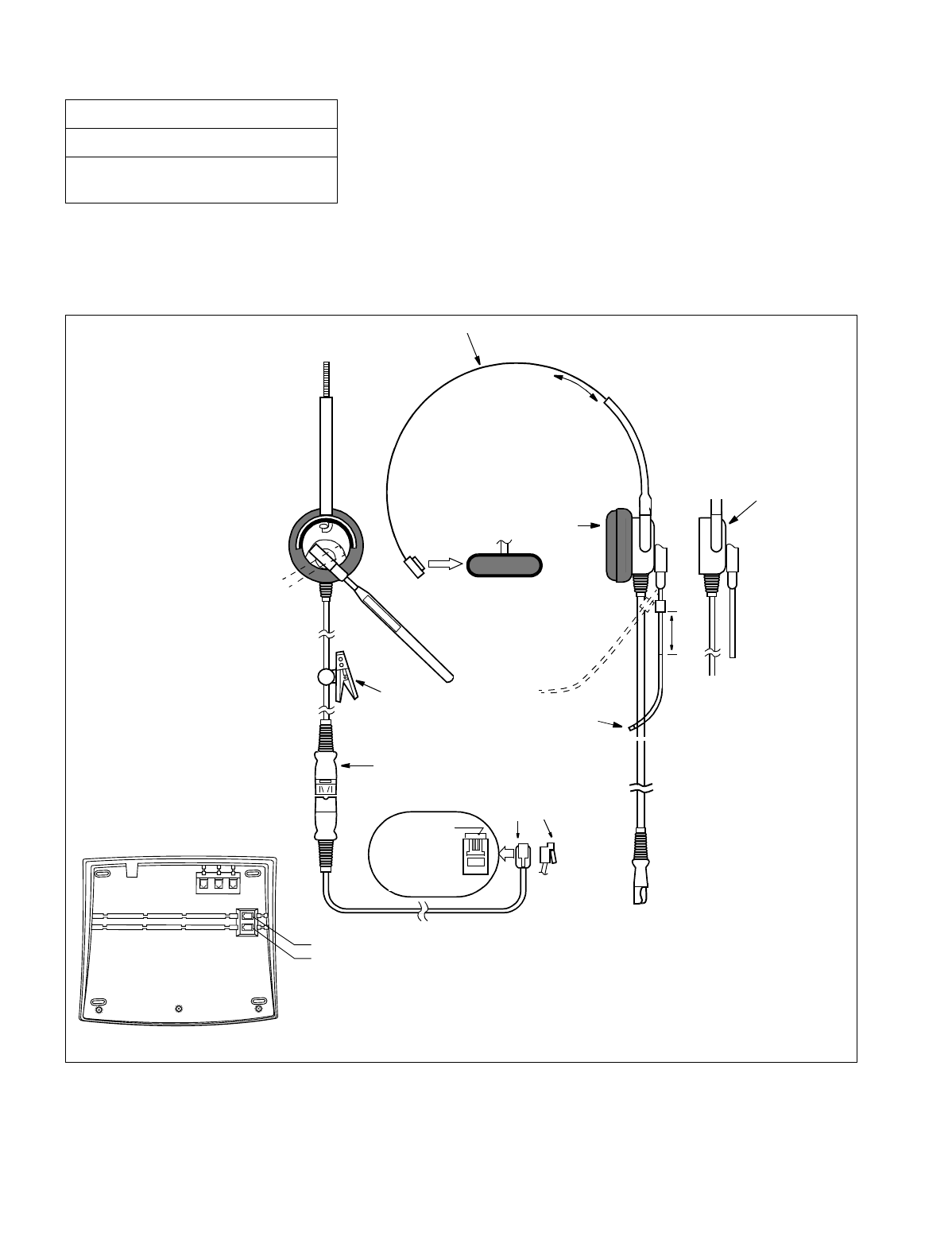
CHAPTER 3 NDA-24234
Page 238
Revision 3.0
INSTALLATION PROCEDURE
3. MOUNTING OF HEADSET (OPTIONAL)
The Headset cable is connected to one of the modular jacks (HAND H/S 0 or H/S 1) on the bottom of DESK
CONSOLE.
Figure 016-6 Headset
NAP-200-016
Sheet 9/41
Installation of the DESK CONSOLE and
Cable Connection
Voice Tube
HAND
H/S0
H/S1
Note: In daily use, use Quick Disconnect when connecting/disconnecting the Headset.
Slide
Closing
Clip
Quick Disconnect
PIN1 TX
2 RX
3 RX
4 TX
PIN1
(+)
(–)
Modular Plug Note
Slide
Ear Pad
Slide
Head Band
Capsule Unit
(Microphone and
Speaker)
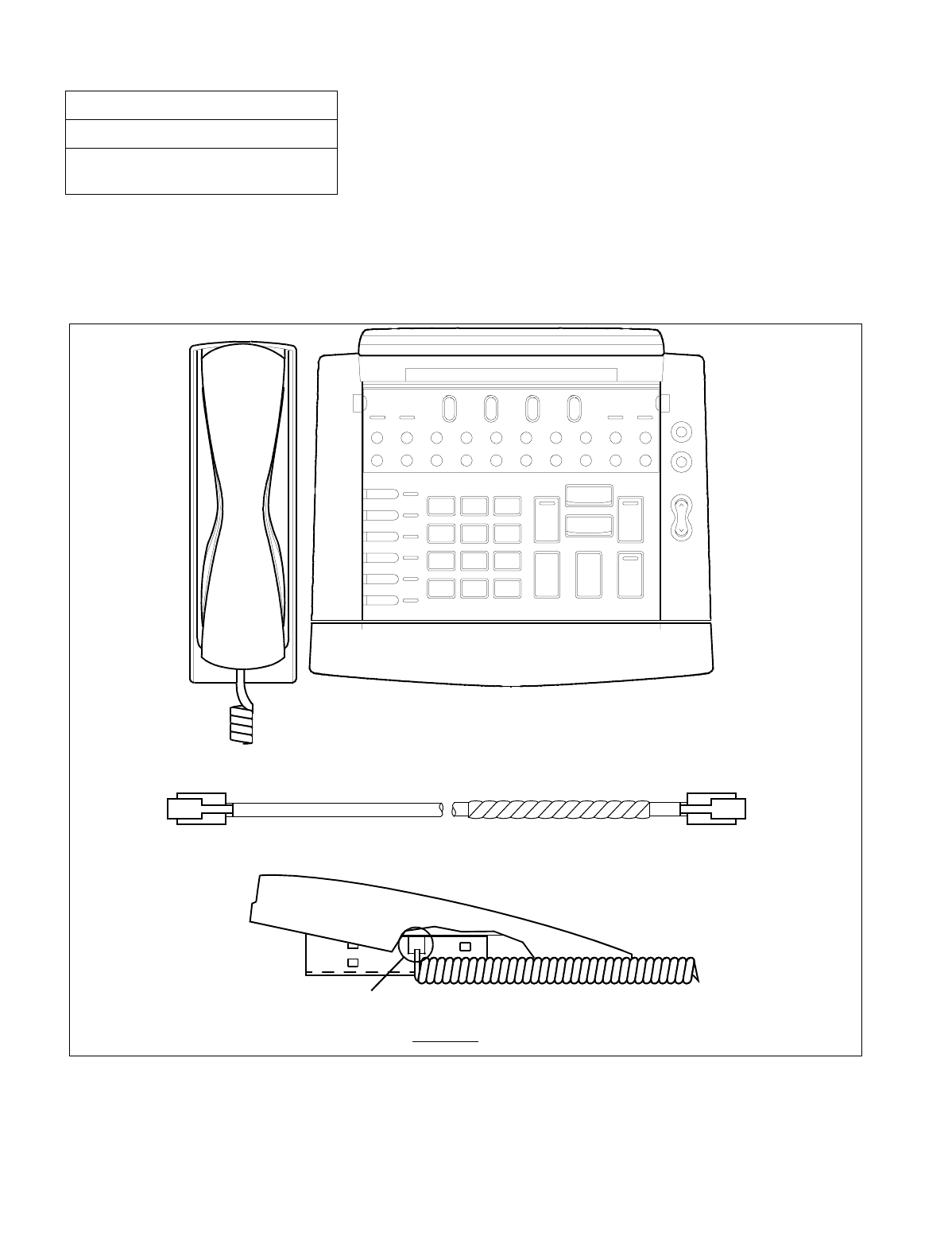
NDA-24234 CHAPTER 3
Page 239
Revision 3.0
INSTALLATION PROCEDURE
4. MOUNTING OF HANDSET (OPTIONAL)
The Handset cable is connected to the modular jack (HAND H/S 0) on the bottom of DESK CONSOLE.
(a) When mounting at the left side of DESK CONSOLE (Standard)
Figure 016-7 Mounting of Handset (Left Side of DESK CONSOLE)
NAP-200-016
Sheet 10/41
Installation of the DESK CONSOLE and
Cable Connection
6. Put the Handset code through the hole as shown below.
(DESK CONSOLE side)(Handset side)
Handset code
Hole
Side View
Alarm
LDN TIE Busy ATND ANANS Recall
EMG BV TRKSL Call Park SC SVC
PAGE
Start
REC
Night
Postion Busy
Mute
DEST
SRC
3
DEF
2
ABC
1
L 6
L 5
L 4
L 3
L 2
L 1
6
MNO
5
JKL
4
GHI
9
WXYZ
8
TUV
0
7
PQRS
*#
Cancel
Talk
AnswerHoldRelease
Postion Availtable Postion Busy Nighty
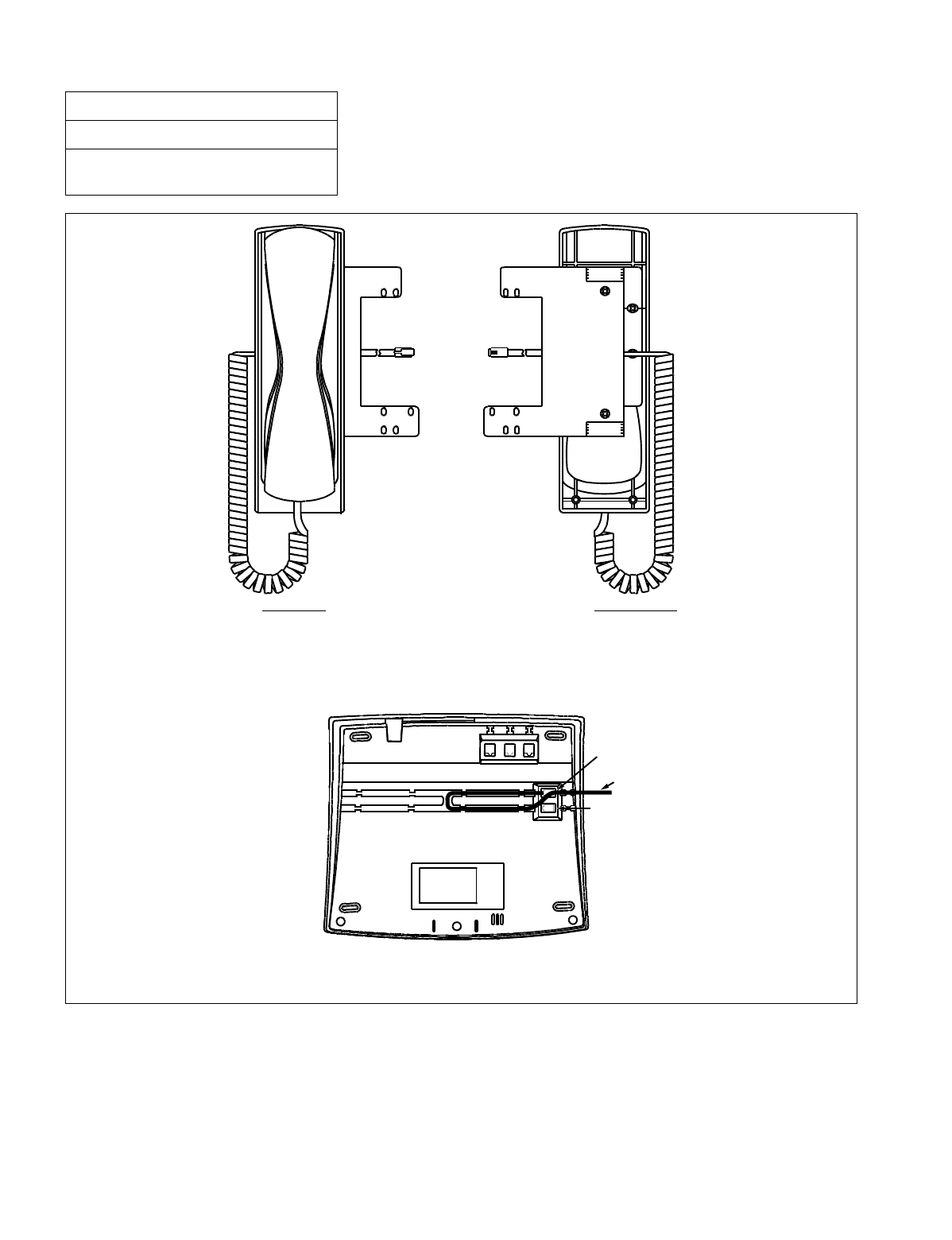
CHAPTER 3 NDA-24234
Page 240
Revision 3.0
INSTALLATION PROCEDURE
Figure 016-7 Mounting of Handset (Left Side of DESK CONSOLE) (Continued)
NAP-200-016
Sheet 11/41
Installation of the DESK CONSOLE and
Cable Connection
7. Connect the Handset code to HAND H/S0 connector as shown below (H/S1 is not used for the Handset).
Bottom View of DESK CONSOLE
Top View Bottom View
H/S1
HAND
H/S0
Handset code
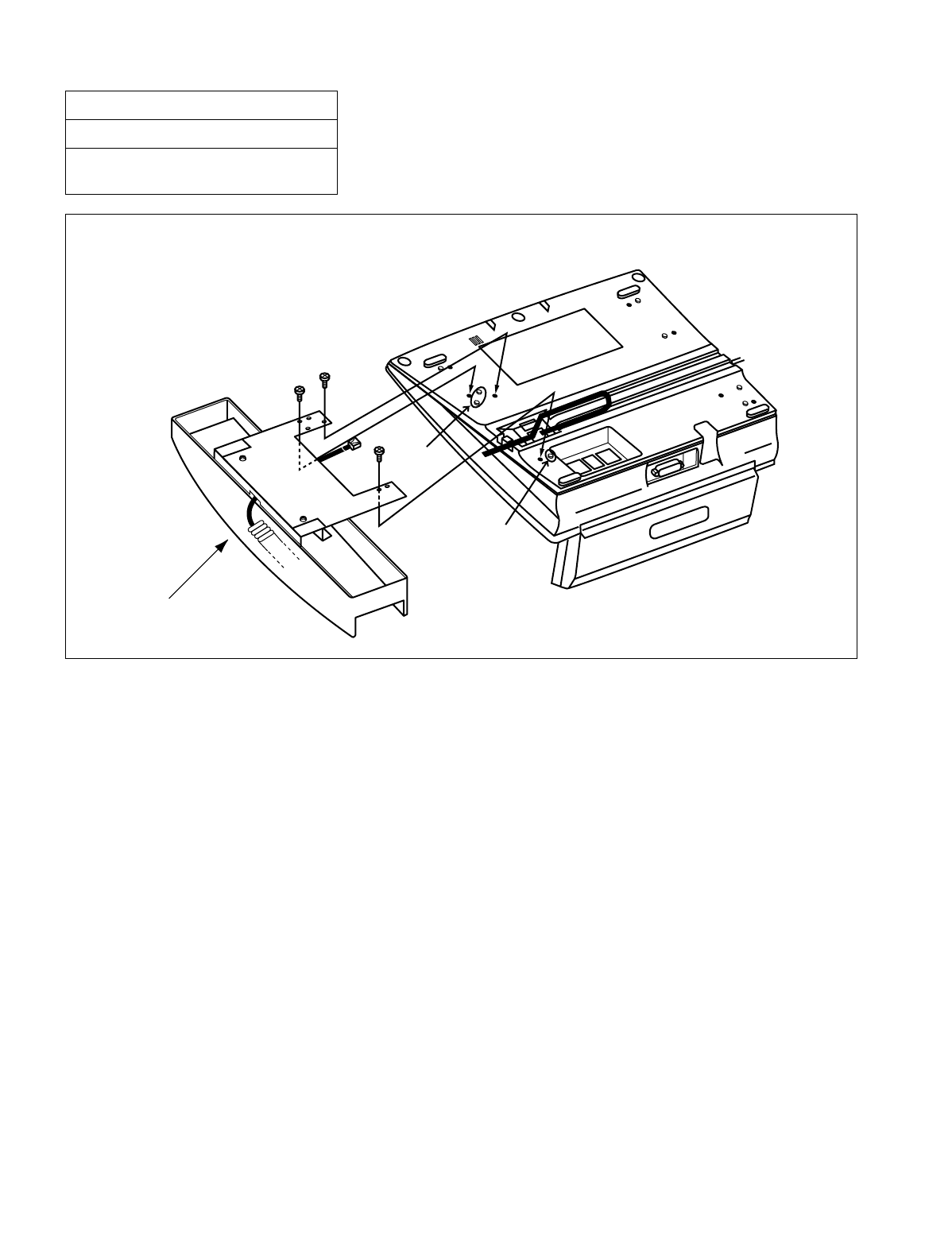
NDA-24234 CHAPTER 3
Page 241
Revision 3.0
INSTALLATION PROCEDURE
Figure 016-7 Mounting of Handset (Left Side of DESK CONSOLE) (Continued)
NAP-200-016
Sheet 12/41
Installation of the DESK CONSOLE and
Cable Connection
Mount the Handset Support to DESK CONSOLE with 3 screws as shown below.
Handset Support
projection
projection
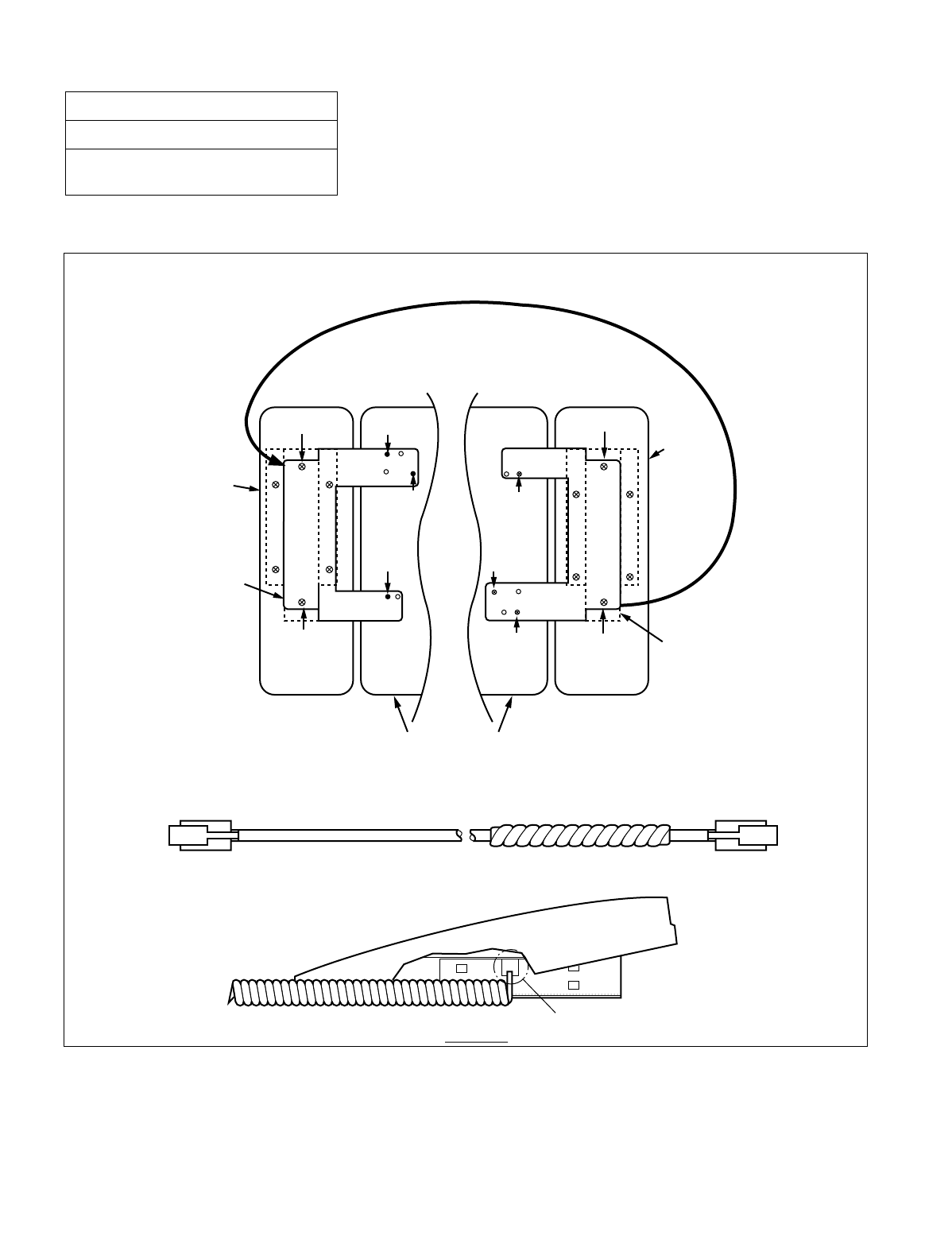
CHAPTER 3 NDA-24234
Page 242
Revision 3.0
INSTALLATION PROCEDURE
(b) When mounting at the right side of DESK CONSOLE
Figure 016-8 Mounting of Handset (Right Side of DESK CONSOLE)
NAP-200-016
Sheet 13/41
Installation of the DESK CONSOLE and
Cable Connection
Screw (1)
Screw (1)
Screw (5)
Screw (5)
Screw (4)
Screw (4) Screw (3)
Screw (3)
Screw (2)
Screw (2)
Handset
Metal Plate
Metal Plate
Handset
When mounting at the left sideWhen mounting at the right side
Turn over the metal plate.
DESK CONSOLE
Hole
Handset code
(DESK CONSOLE side) (Handset side)
Side View
2. Put the Handset code through the hole as shown below.
1. Remove the metal plate from the Handset, turn it over, and mount it to the Handset again.
Refer to the figure below.
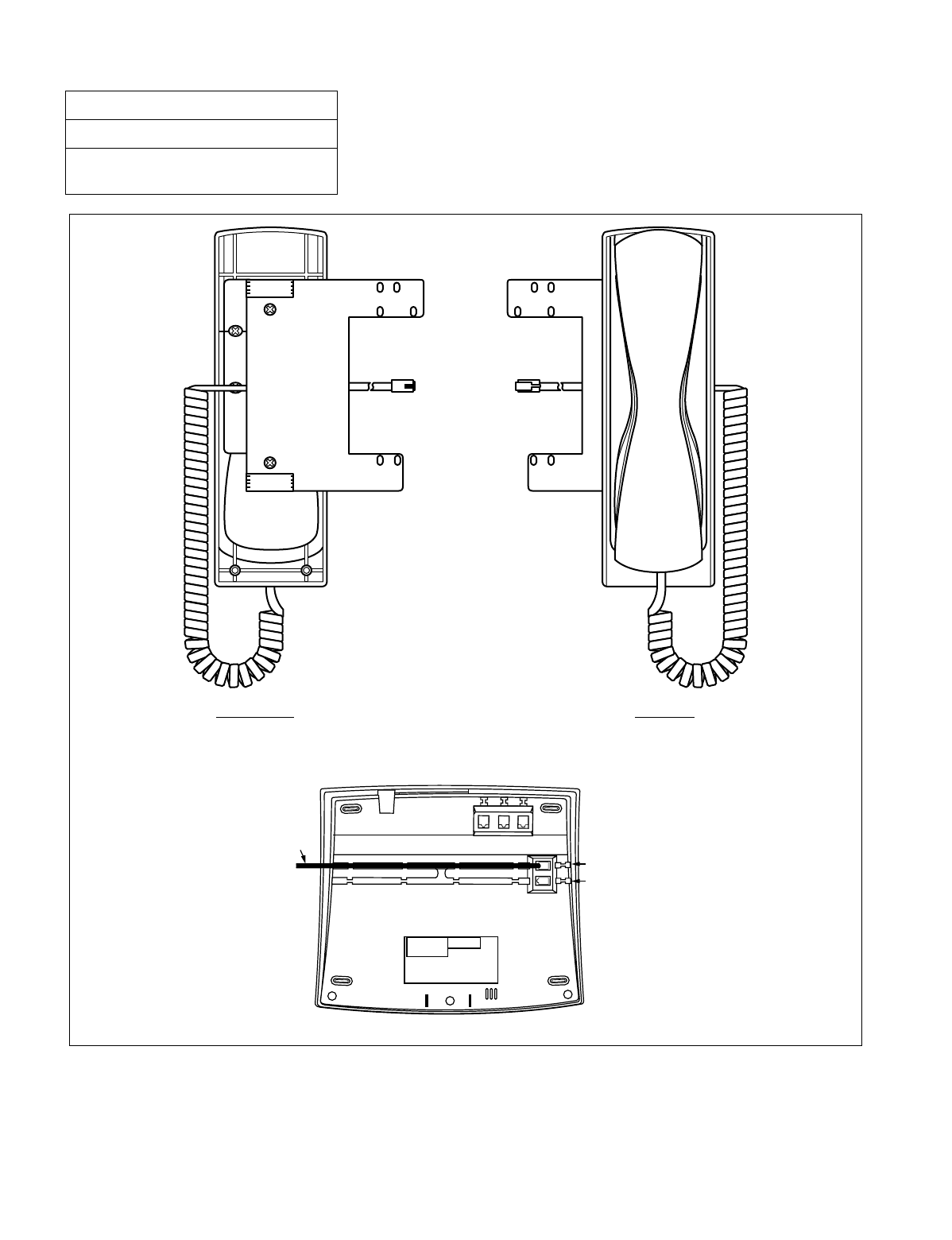
NDA-24234 CHAPTER 3
Page 243
Revision 3.0
INSTALLATION PROCEDURE
Figure 016-8 Mounting of Handset (Right Side of DESK CONSOLE) (Continued)
NAP-200-016
Sheet 14/41
Installation of the DESK CONSOLE and
Cable Connection
3. Connect the Handset code to HAND H/S0 connector as shown below (H/S1 is not used for the Handset).
Bottom View of DESK CONSOLE
Bottom view Top View
Code HAND
H/S0
H/S1
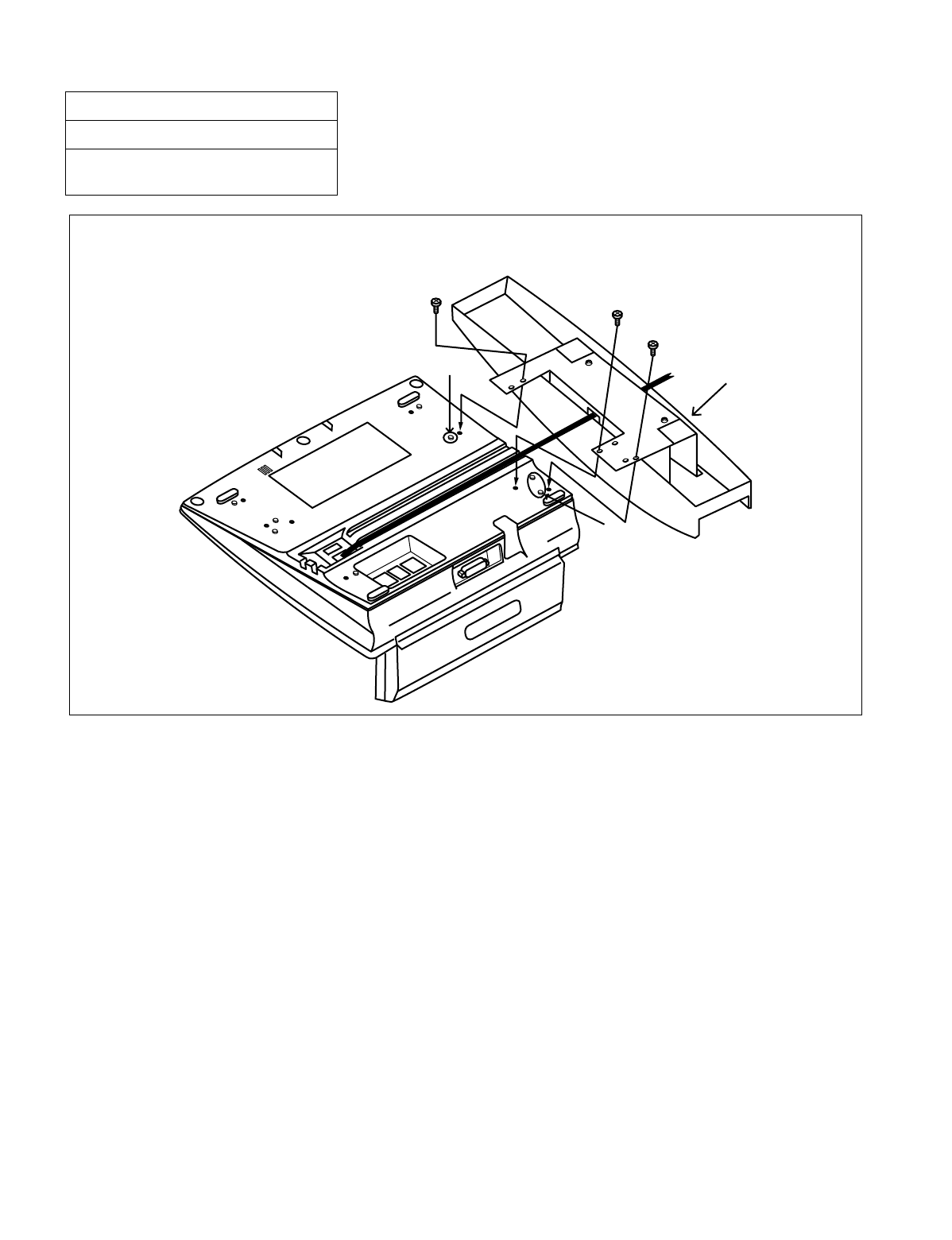
CHAPTER 3 NDA-24234
Page 244
Revision 3.0
INSTALLATION PROCEDURE
Figure 016-8 Mounting of Handset (Right Side of DESK CONSOLE) (Continued)
NAP-200-016
Sheet 15/41
Installation of the DESK CONSOLE and
Cable Connection
Mount the Handset Support to DESK CONSOLE with 3 screws as shown below.
Handset Support
projection
projection
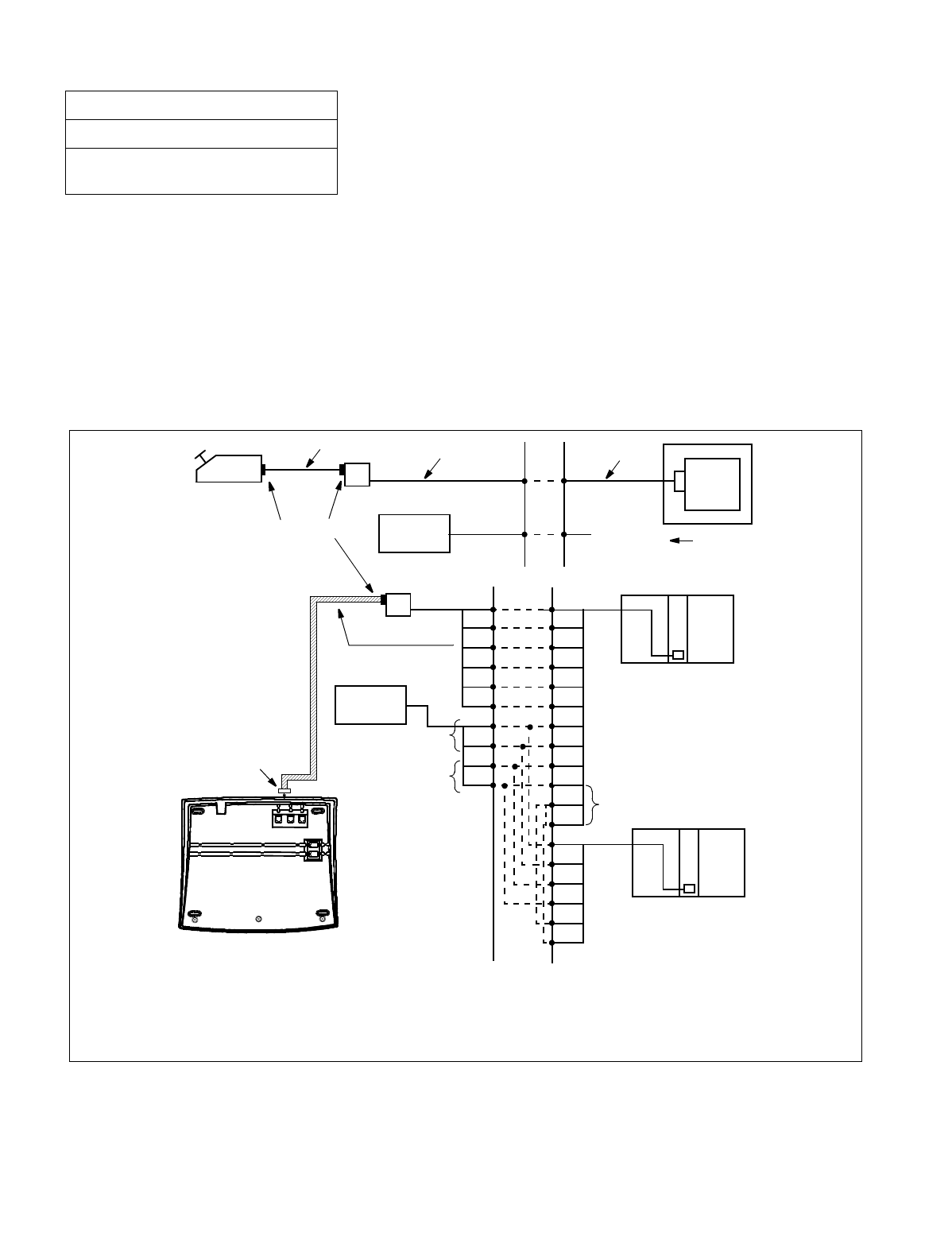
NDA-24234 CHAPTER 3
Page 245
Revision 3.0
INSTALLATION PROCEDURE
5. CONNECTION OF RECORDING EQUIPMENT
The following are required for using recording function:
•The RECC circuit card
•Recording Equipment
•8-core Line Cable
•Rosette
An RECC card (PA-M87) connects DESK CONSOLEs and recording equipment in the following combinations:
•Six DESK CONSOLEs and one recording equipment × 1 set
•Three DESK CONSOLEs and one recording equipment × 2 set
Figure 016-9 RECC Card Cable Connection Diagram
NAP-200-016
Sheet 16/41
Installation of the DESK CONSOLE and
Cable Connection
50FLT-CHAMP
CABLE
Note 1: Recording equipment is positioned between the C.O. line and telephones.
Note 2: One recording equipment can be shared with multiple RECC cards.
Note 3: When sharing one recording equipment with multiple RECC cards, multiple connection of ZA and
ZB terminals is required.
R
E
C
C
DESK CONSOLE MDF
Installation Cable
8-core Line Cable PIM
RECC
card
Front
Recording
Equipment
8-pin Modular Connector
8-core Line Cable
Rosette
MDF
A
B
LA
LB
KA
KB
A0
B0
M0A
M0B
K0A
K0B
L0A
L0B
T0A
T0B
ZA
ZB
L0B
T0A
T0B
ZA
ZB
Note 1
Note 3
Circuit Card Front Connector
PIM
Telephone
side leads
Note 1 C.O. line
side leads
8-pin Modular Connector
Note 2
L0A
Rosette
Recording
Equipment
R
E
C
C
PIM
Bottom View of DESK CONSOLE
REC
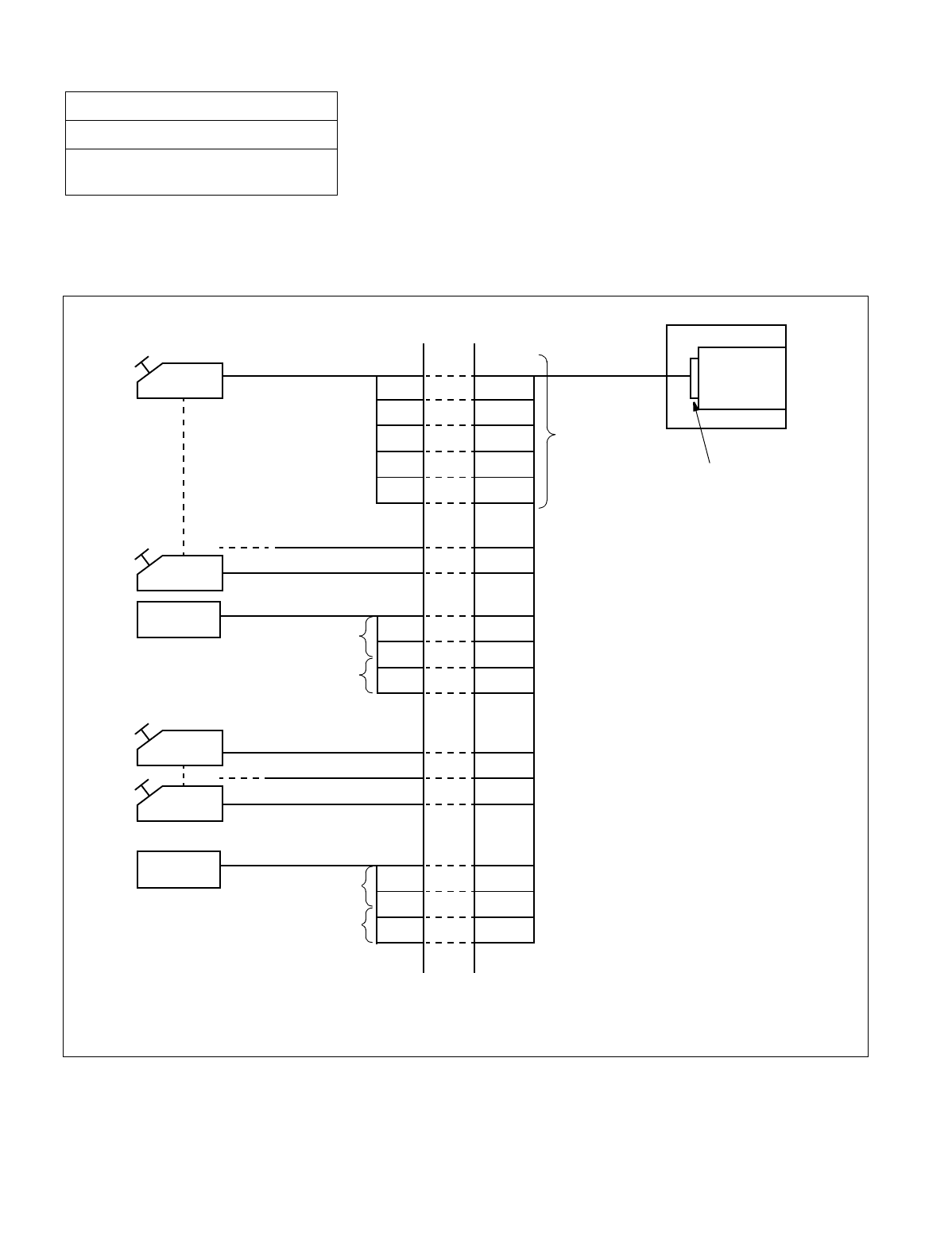
CHAPTER 3 NDA-24234
Page 246
Revision 3.0
INSTALLATION PROCEDURE
(a) When using three DESK CONSOLEs and one recorder Note 1
Note 1: Switch settings of SW10, SW12 and SW13 on the PA-M87 card are required. For switch setting and connec-
tor lead accommodation, refer to the NEAX2400 IMX Circuit Card Manual.
Figure 016-10 Three DESK CONSOLEs and One Recording Equipment
NAP-200-016
Sheet 17/41
Installation of the DESK CONSOLE and
Cable Connection
Note 2: Refer to Figure 016-9“RECC Card Cable Connection Diagram” for cable connection.
Note 3: Connections of Circuit 1 through 5 are the same as those of Circuit 0.
Note 4: Recording equipment is positioned between the C.O. line and telephones.
DESK CONSOLE
Note 2
MDF
Note 2
PIM
RECC
card
Circuit 0
Note 3 Front Connector
A
B
LA
LB
KA
KB
A0
B0
M0A
M0B
K0A
K0B
Circuit 1
Circuit 2
L0A
L0B
T0A
T0B
Circuit 3
Circuit 4
Circuit 5
L1A
L1B
T1A
T1B
C.O. line side
leads
Telephone side
leads
Recording
Equipment
Recording
Equipment
Note 4
Note 4
C.O. line side
leads
Telephone side
leads
Note 4
Note 4
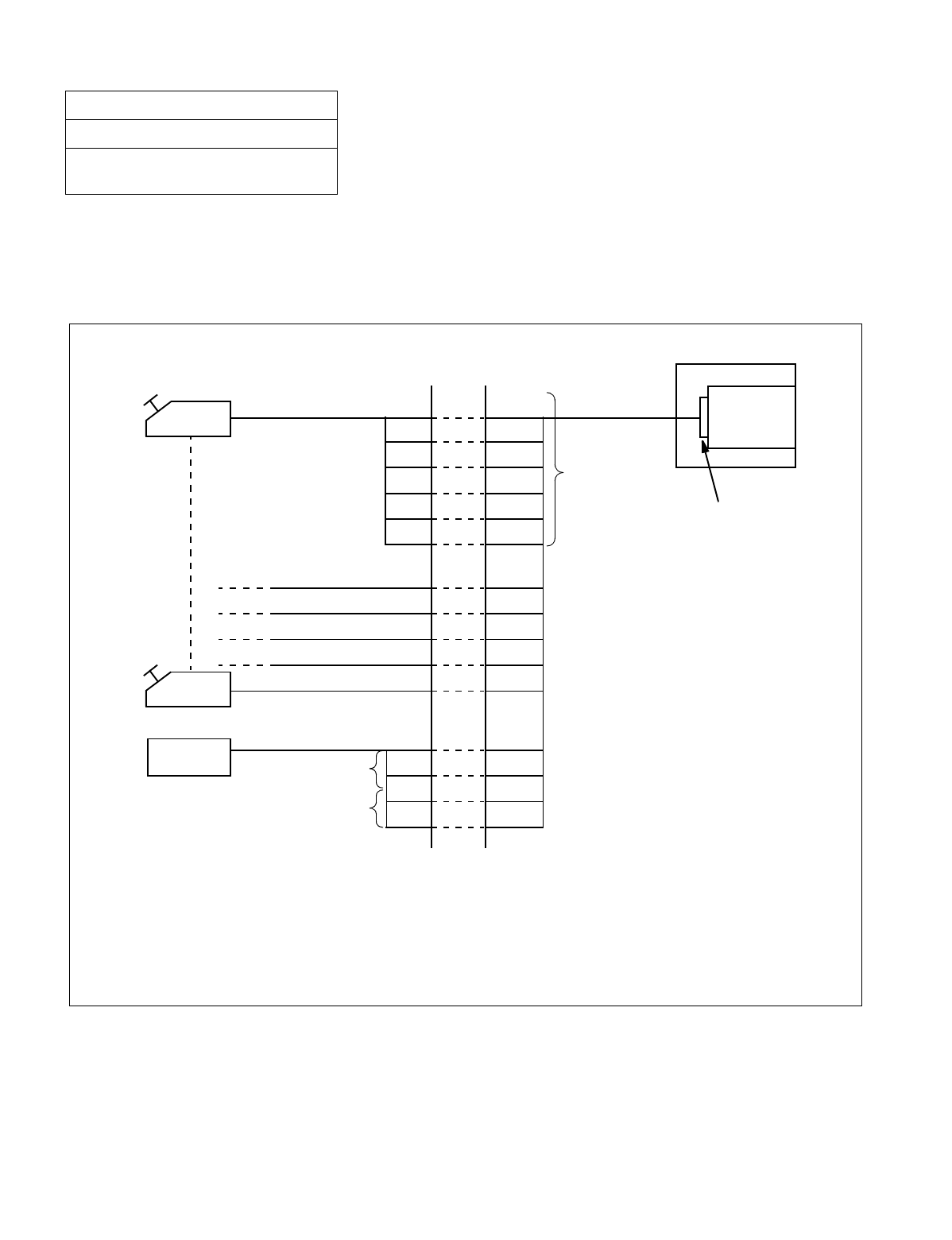
NDA-24234 CHAPTER 3
Page 247
Revision 3.0
INSTALLATION PROCEDURE
(b) When using six DESK CONSOLEs and one recording equipment Note 1
Note 1: Switch settings of SW10, SW12 and SW13 on the PA-M87 card are required. For switch setting and connec-
tor lead accommodation, refer to the NEAX2400 IMX Circuit Card Manual.
Figure 016-11 Six DESK CONSOLEs and One Recording Equipment
NAP-200-016
Sheet 18/41
Installation of the DESK CONSOLE and
Cable Connection
Note 2: Refer to Figure 016-9 “RECC Card Cable Connection Diagram” for cable connection.
Note 3: Connections of Circuit 1 through 5 are the same as those of Circuit 0.
Note 4: Recording equipment is positioned between the C.O. line and telephones.
DESK CONSOLE
Note 2
MDF
A
B
LA
LB
KA
KB
A0
B0
M0A
M0B
K0A
K0B
Circuit 1
Circuit 2
Circuit 3
Circuit 4
Circuit 5
L0A
L0B
T0A
T0B
Recording
Equipment C.O. line side
leads
Telephone side
leads
PIM
Front Connector
RECC
card
Note 2
Circuit 0
Note 4
Note 4
Note 3
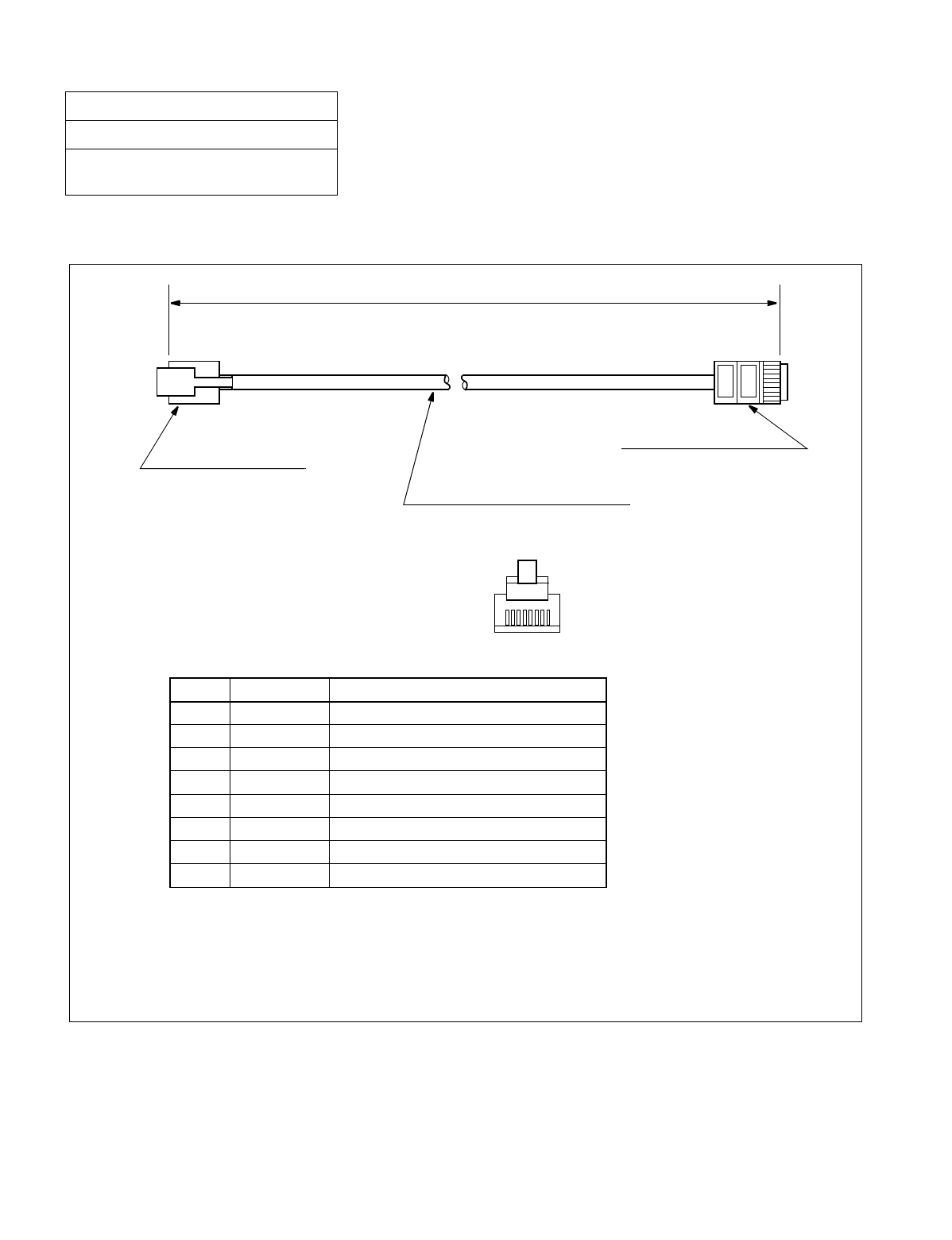
CHAPTER 3 NDA-24234
Page 248
Revision 3.0
INSTALLATION PROCEDURE
6. 8-CORE LINE CABLE (INSTALLATION CABLE)
Figure 016-12 8-core Line Cable
NAP-200-016
Sheet 19/41
Installation of the DESK CONSOLE and
Cable Connection
Note 1: Cut the cable in proper length. Attach the modular connector to both sides of the 8-core line ca-
ble using installation tool.
Note 2: Be sure to check the polarity of pin numbers 7 (LA) (+) and 8 (LB) (–).
Speech
Speech
Not used
Not used
Recording Start Signal (Relay Contact)
Recording Start Signal (Relay Contact)
Recording Lamp Signal (+)
Recording Lamp Signal (–)
A
B
–
–
KA
KB
LA (Note 2)
LB (Note 2)
1
2
3
4
5
6
7
8
8-pin Modular Connector
(Rosette side)
8-pin Modular Connector
(DESK CONSOLE side)
Note 1
8-core Line Cable (Installation Cable)
Pin No.
12345678
LEAD NAME MEANING
Pin No.
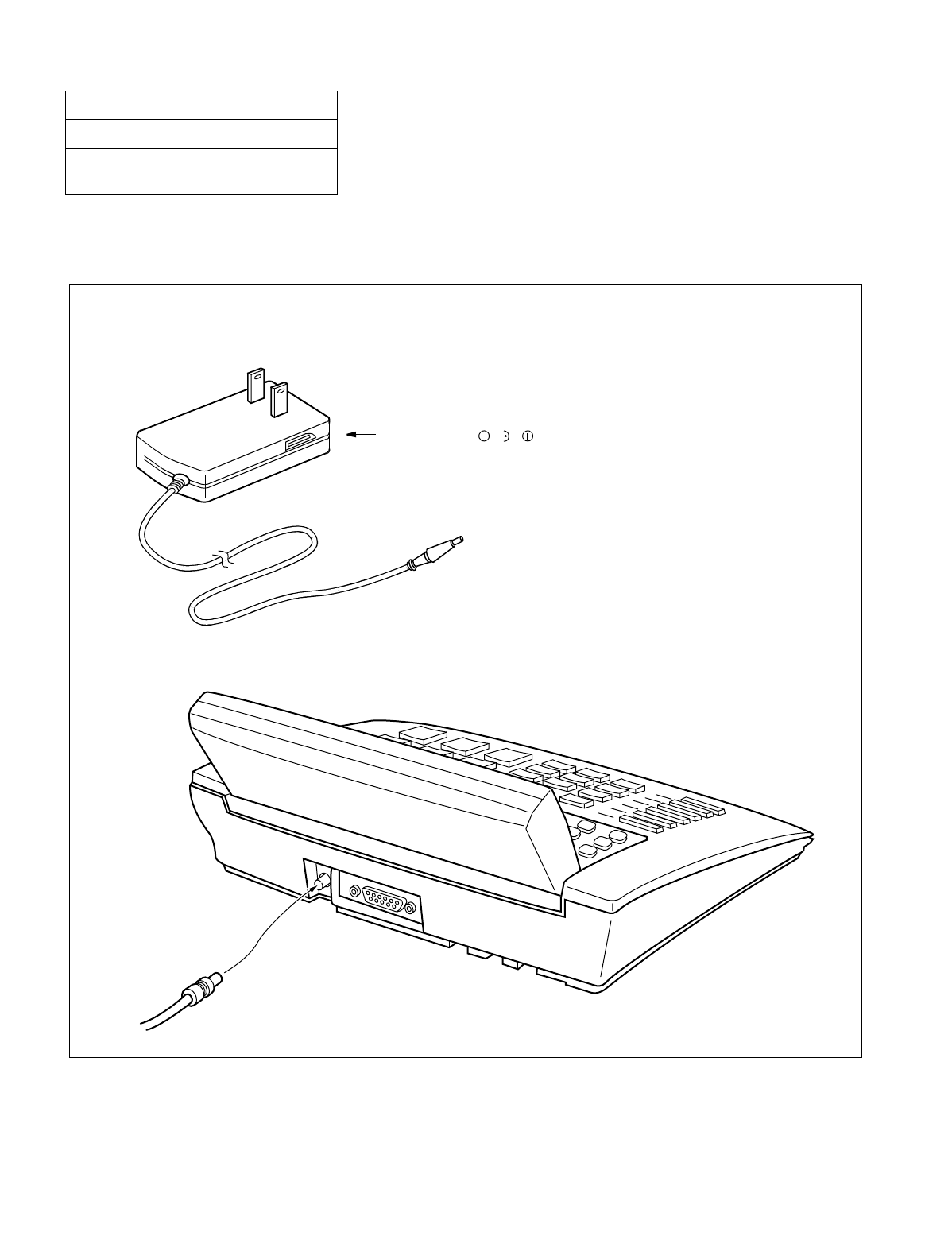
NDA-24234 CHAPTER 3
Page 249
Revision 3.0
INSTALLATION PROCEDURE
7. CONNECTION OF AC-DC ADAPTER (OPTIONAL)
The AC-DC adapter is required when the power supply from the distant PBX is not available.
Figure 016-13 Connection of AC-DC Adapter
NAP-200-016
Sheet 20/41
Installation of the DESK CONSOLE and
Cable Connection
The connector for the AC-DC adapter is on the rear side of DESK CONSOLE.
AC-DC Adapter ( )
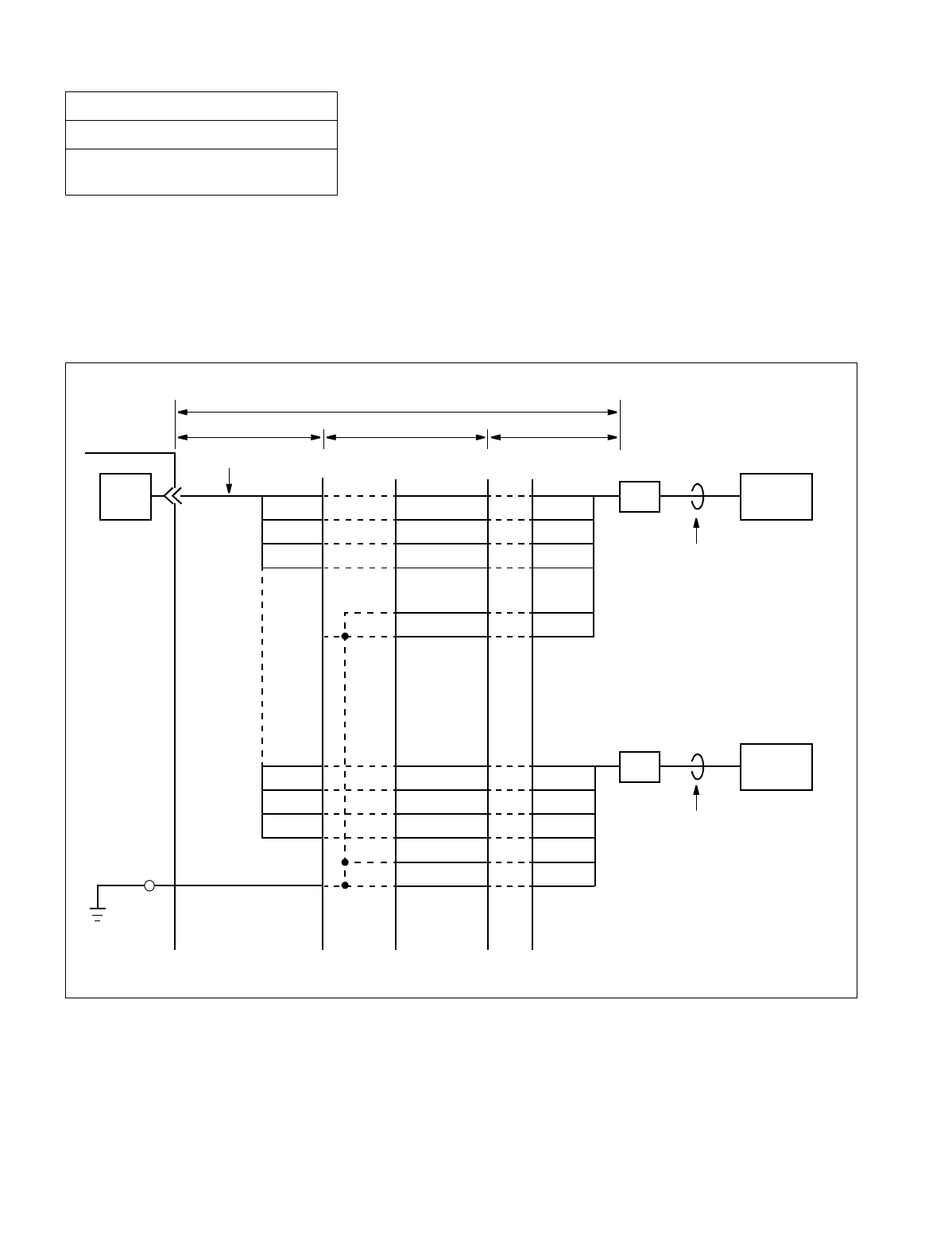
CHAPTER 3 NDA-24234
Page 250
Revision 3.0
INSTALLATION PROCEDURE
8. MOUNTING OF ADD-ON CONSOLE (FOR HOTEL SYSTEM)
ADD-ON CONSOLE is used in the Hotel System.
1. Cable Connection Diagram
(a) Cable Connection Diagram of Add-On Console (When the power is supplied from the PBX)
Figure 016-14 Add-On Console Cable Connection Diagram (When the Power Is Supplied from the PBX)
NAP-200-016
Sheet 21/41
Installation of the DESK CONSOLE and
Cable Connection
GND
GND
A1
B1
BN4810
BN4811
A1
B1
GND
GND
A0
B0
A0
b c
M
a
PBX
ATI MDF IDF
Installation Cable
B0
BN4800
BN4801
(–48V)
(–48V)
BN4800
BN4801
BN4810
BN4811
RPT1
ADD-ON CONSOLE
6-core Modular
Rosette
6-core Modular
Rosette ADD-ON CONSOLE
6-core Modular Cable
6-core Modular Cable
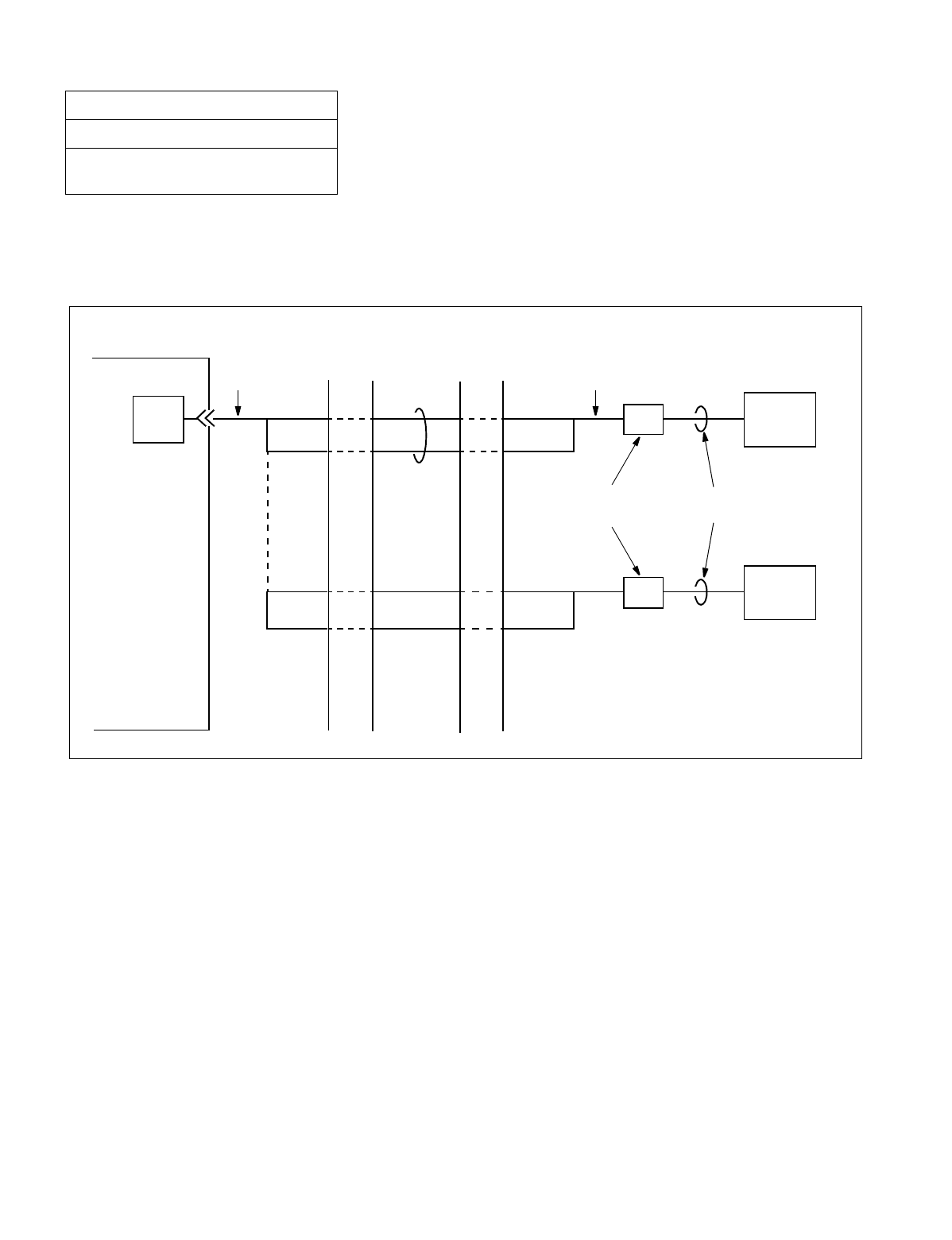
NDA-24234 CHAPTER 3
Page 251
Revision 3.0
INSTALLATION PROCEDURE
(b) Cable Connection Diagram of Add-On Console (When using Local Power Supply) Note
Note: When using local power supply, DESK CONSOLE cannot be used in case of power failure.
Figure 016-15 Add-On Console Cable Connection Diagram (When Using Local Power Supply)
NAP-200-016
Sheet 22/41
Installation of the DESK CONSOLE and
Cable Connection
A0
PBX
ATI
MDF IDF
Installation Cable
B0
ADD-ON CONSOLE
6-core Modular
Rosette
6-core Modular
Cable
A
B
ADD-ON CONSOLE
A1
B1
A
B
Installation CableInstallation
Cable
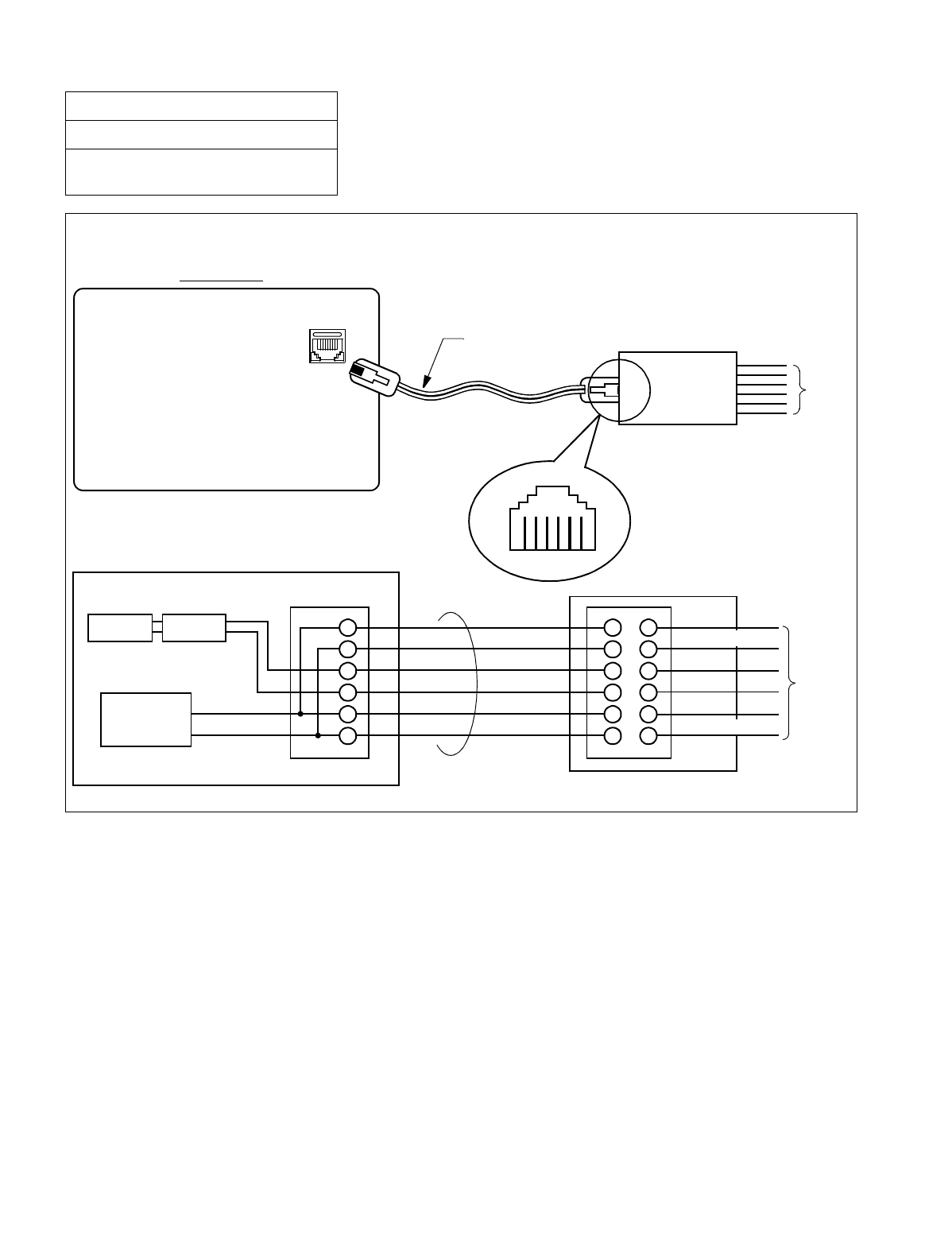
CHAPTER 3 NDA-24234
Page 252
Revision 3.0
INSTALLATION PROCEDURE
Figure 016-16 Cable Connection Diagram for Add-On Console Modular Block
NAP-200-016
Sheet 23/41
Installation of the DESK CONSOLE and
Cable Connection
Wire the cables to the Modular Block as shown below.
Modular Jack
Bottom View
ADD-ON CONSOLE
LINE
(6-core)
6-core Modular Cable 6-core Modular Block IDF/MDF
Viewed from direction
to be inserted
1 2 3 4 5 6
ADD-ON CONSOLE
Transformer Surge
Protection
DC/DC
Convertor
GND
–48V/–24V
Add-On Console
Modular Jack 6-core Modular Cable
6-core Modular Block
GND
Ax Note
Bx Note
GND
IDF/MDF
Note: x represents 0 or 1.
BN48×0(–48V)
BN48×1(–48V)
GND
BN48×0(–48V)
Ax Note
Bx Note
GND
BN48×1(–48V)
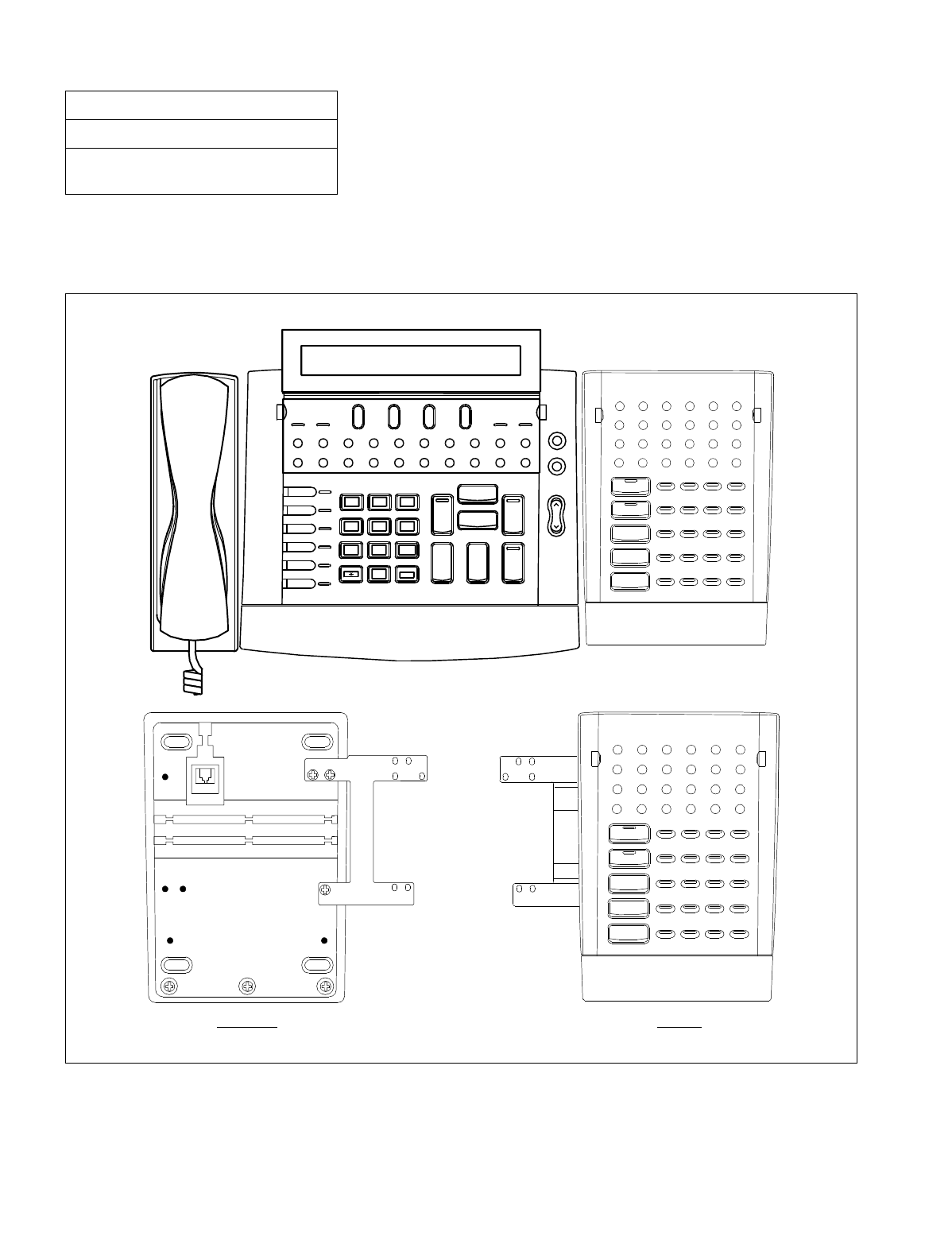
NDA-24234 CHAPTER 3
Page 253
Revision 3.0
INSTALLATION PROCEDURE
9. MOUNTING OF ADD-ON CONSOLE
(a) When mounting at the right side of DESK CONSOLE
Figure 016-17 Mounting of Add-On Console (Right Side of DESK CONSOLE)
NAP-200-016
Sheet 24/41
Installation of the DESK CONSOLE and
Cable Connection
L 6
L 5
L 4
L 3
L 2
L 1
1 2
ABC 3
DEF
6
MNO
5
JKL
4
GHI
9
WXYZ
8
TUV
7
PQRS
#
0
Cancel
Talk
SRC
Answer
DEST
Release Hold
Position Busy
Position Busy
Night
Night
PAGE REC
Start Mute
TFRecallNANSADMBusyTIELDN
Alarm Position Available
HWC HP DD GST LT ICPT
TRKSL SVC SC
DDC
WUS
WUR DDR RCR MWR STS
DDS RCS MWS
HWS BV
MR CLR TG1 TG6
TG7
TG8
TG9
TG10TG5
TG4
TG3
TG2
Enter
Clear
Exit
TRKSL SVC SC
DDC
WUS
WUR DDR RCR MWR STS
DDS RCS MWS
HWS BV
MR CLR TG1 TG6
TG7
TG8
TG9
TG10TG5
TG4
TG3
TG2
Enter
Clear
Exit
Bottom View Top View
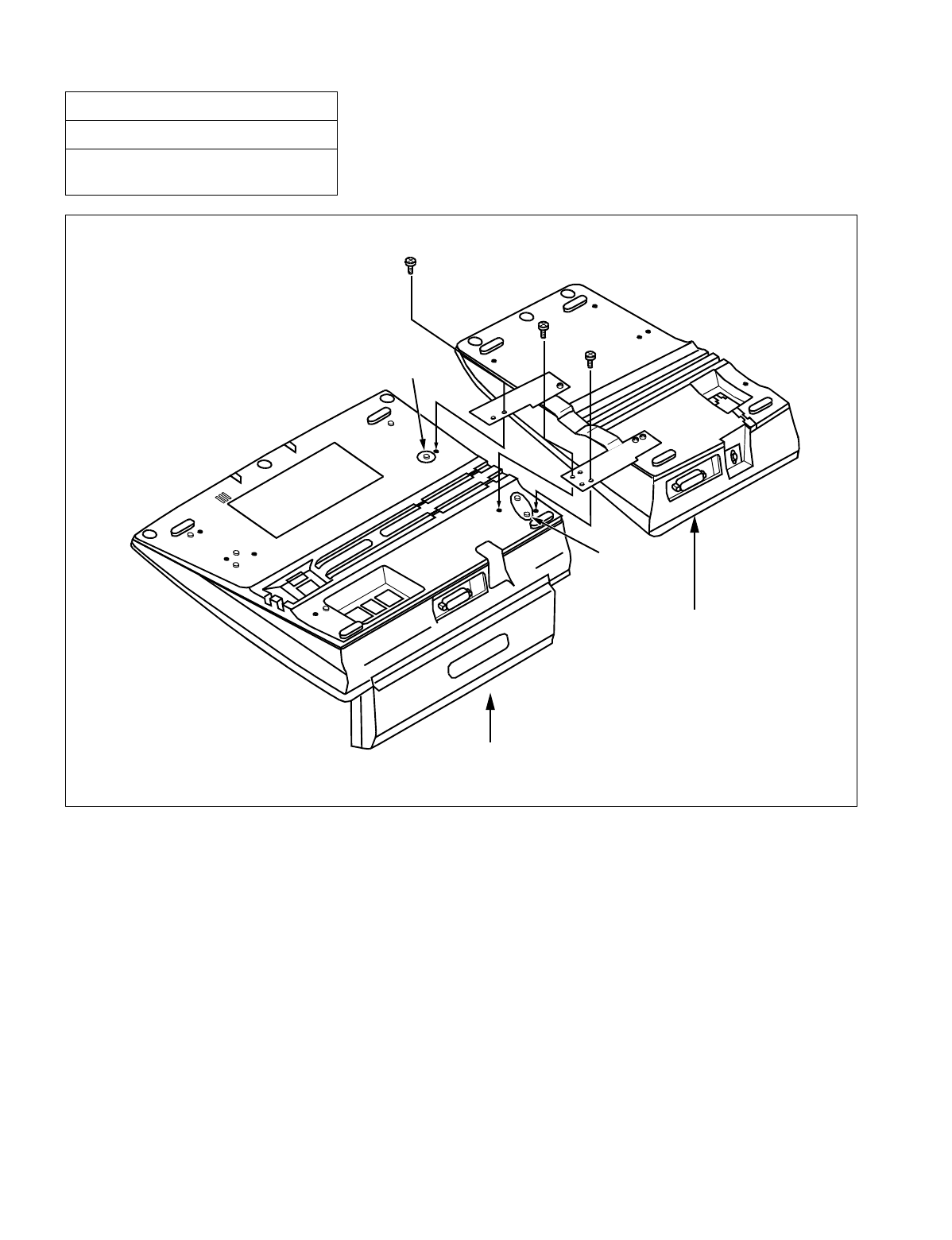
CHAPTER 3 NDA-24234
Page 254
Revision 3.0
INSTALLATION PROCEDURE
Figure 016-17 Mounting of Add-On Console (Right Side of DESK CONSOLE) (Continued)
NAP-200-016
Sheet 25/41
Installation of the DESK CONSOLE and
Cable Connection
Mount the ADD-ON CONSOLE to DESK CONSOLE with 3 screws as shown below.
Projection
Projection
ADD-ON CONSOLE
DESK CONSOLE
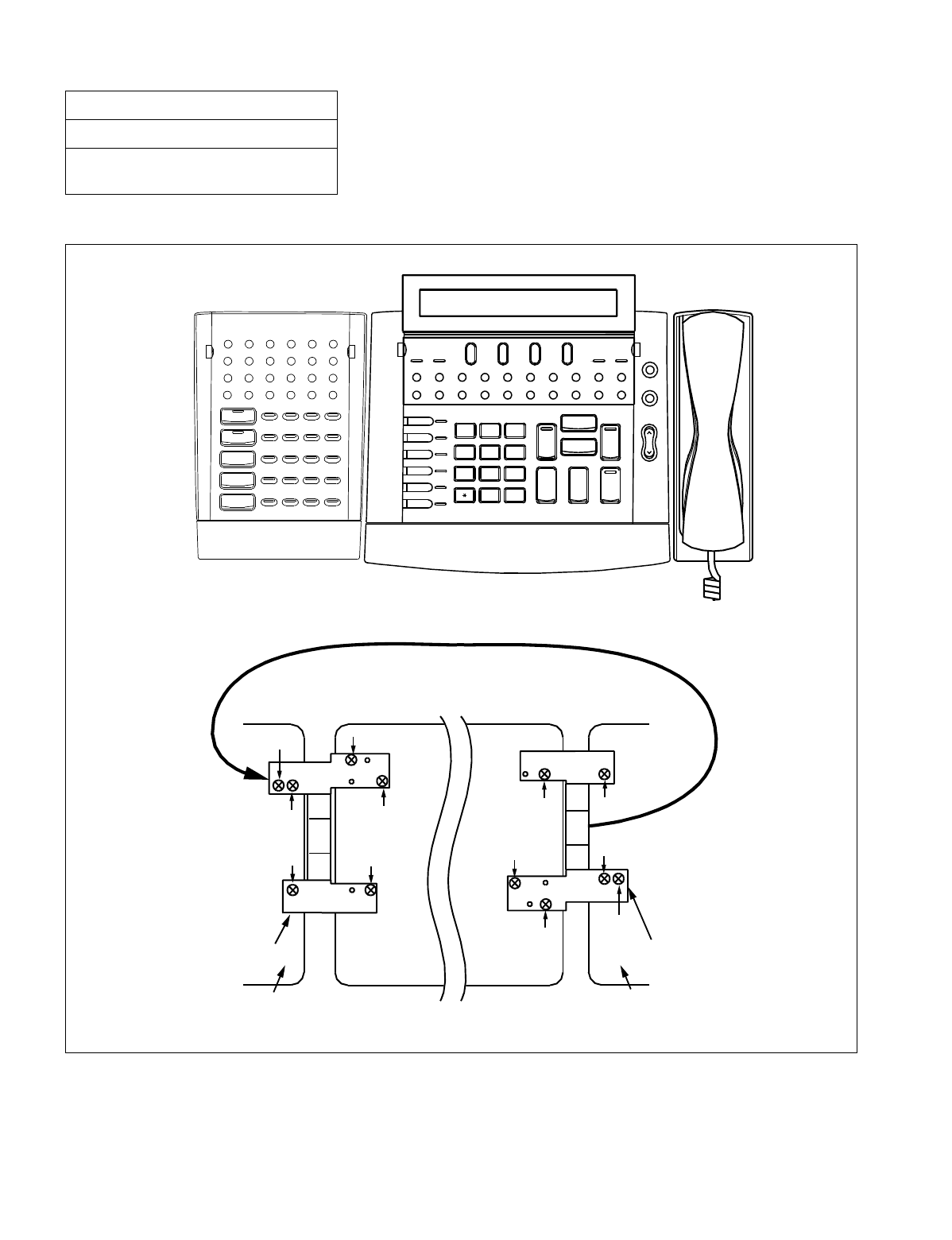
NDA-24234 CHAPTER 3
Page 255
Revision 3.0
INSTALLATION PROCEDURE
(b) When mounting at the left side of DESK CONSOLE
Figure 016-18 Mounting of Add-On Console (Left Side of DESK CONSOLE)
NAP-200-016
Sheet 26/41
Installation of the DESK CONSOLE and
Cable Connection
L 6
L 5
L 4
L 3
L 2
L 1
1
9
#
0
Cancel
Talk
SRC
Answer
DEST
Release Hold
Position
Position
Night
Night
PAGE REC
Start Mute
TFRecallNANSADMBusyTIELDN
Alarm Position
HWC HP DD GST LT ICPT
TRKSL SVC SC
DDC
WUS
WUR DDR RCR MWR STS
DDS RCS MWS
HWS BV
MR CLR TG1 TG6
TG7
TG8
TG9
TG10TG5
TG4
TG3
TG2
Enter
Clear
Exit
1. Remove the metal plate from the ADD-ON CONSOLE, turn it over, and mount it
Turn over the metal plate
.
When mounting at the right side When mounting at the left side
Screw(2)
Screw(2)
Screw(4)
Screw(4)
Screw(5)
Screw(5)
Screw(1)
Screw(1)
Screw(3)
Screw(3)
Screw(6)
Screw(6)
ADD-ON CONSOLE
ADD-ON CONSOLE
Metal Plate Metal Plate
WXYZ
2
ABC
7
6
MNO
8
TUV
3
DEF
4
GHI
5
JKL
to the ADD-ON CONSOLE again. Refer to the figure below.
Available
Busy
Busy
PQRS
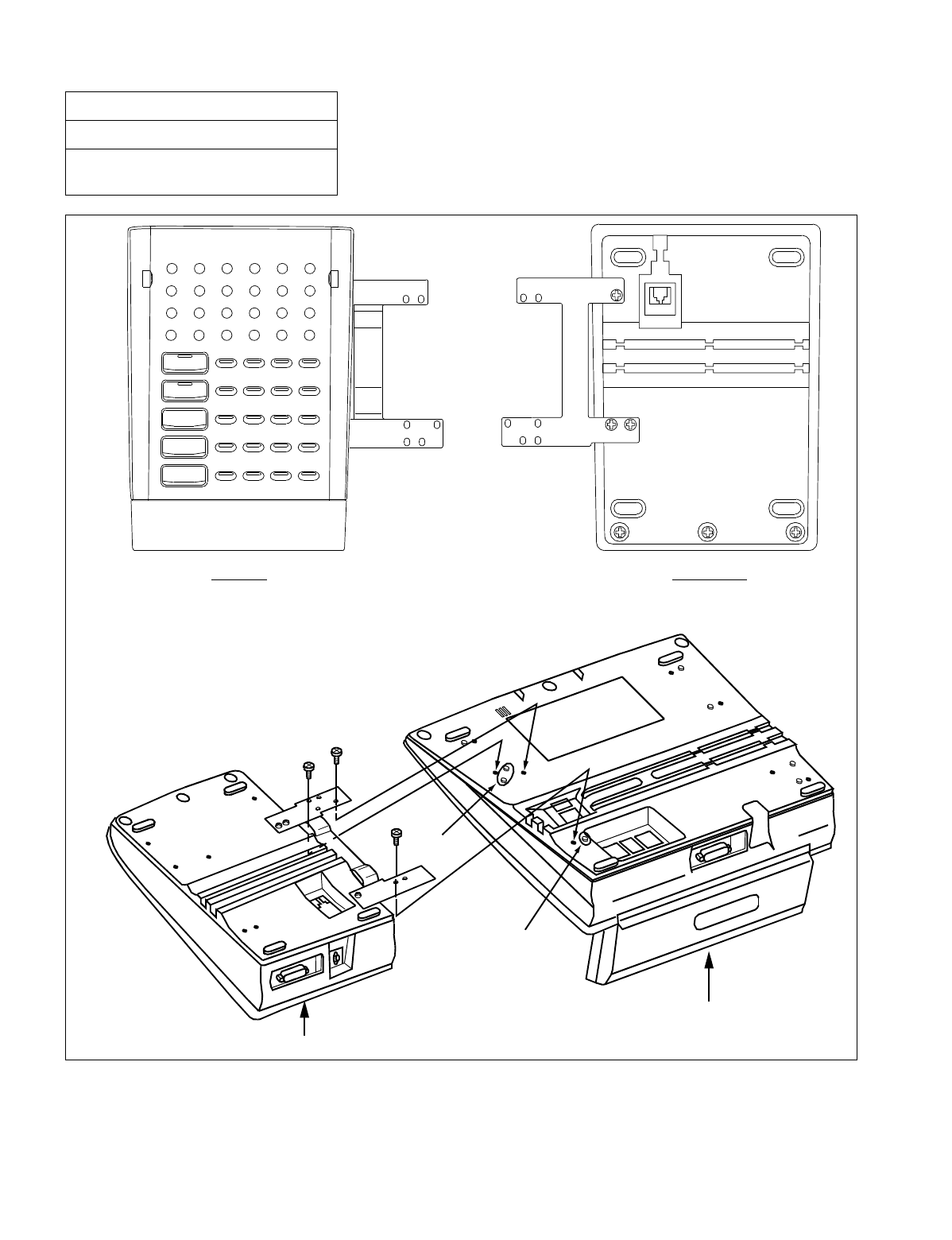
CHAPTER 3 NDA-24234
Page 256
Revision 3.0
INSTALLATION PROCEDURE
Figure 016-18 Mounting of Add-On Console (Left Side of DESK CONSOLE) (Continued)
NAP-200-016
Sheet 27/41
Installation of the DESK CONSOLE and
Cable Connection
TRKSL SVC SC
DDC
WUS
WUR DDR RCR MWR STS
DDS RCS MWS
HWS BV
MR CLR TG1 TG6
TG7
TG8
TG9
TG10TG5
TG4
TG3
TG2
Enter
Clear
Exit
Top View Bottom View
2. Mount the ADD-ON CONSOLE to DESK CONSOLE with 3 screws as shown below.
Projection
Projection
DESK CONSOLE
ADD-ON CONSOLE
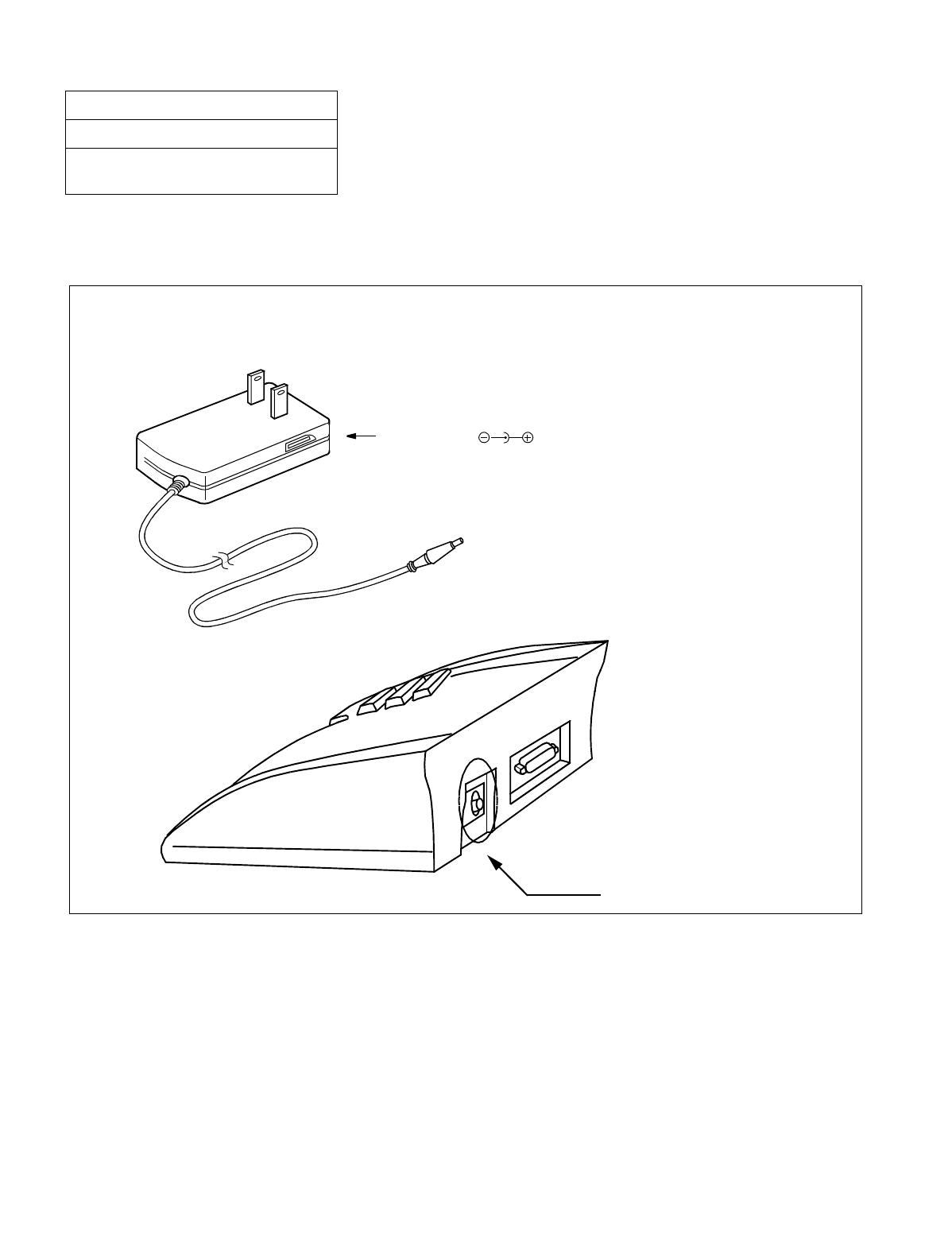
NDA-24234 CHAPTER 3
Page 257
Revision 3.0
INSTALLATION PROCEDURE
10. CONNECTION OF AC-DC ADAPTER FOR ADD-ON CONSOLE (OPTIONAL)
The AC-DC adapter is required when the power supply from the distant PBX is not available.
Figure 016-19 Connection of AC-DC Adapter for Add-On Console
NAP-200-016
Sheet 28/41
Installation of the DESK CONSOLE and
Cable Connection
The connector for the AC-DC adapter is on the rear side of ADD-ON CONSOLE.
AC-DC Adapter ( )
Connector for AC-DC Adapter

CHAPTER 3 NDA-24234
Page 258
Revision 3.0
INSTALLATION PROCEDURE
11. CONFIGURATION MENU
11.1.General
Configuration Menu is used for assigning configuration data for DESK CONSOLE. The menu has the fol-
lowing items:
1. HEADSET/HANDSET
2. HEADSET TYPE
3. MUTE
4. REC CONTROL
5. PAGE CONTROL
6. SUP CONNECTION
7. REC VOLUME
8. BLF
9. HOLD/START/RELEASE/SWAP
11.2.Selection of Configuration Item
1. Displaying Configuration Menu
NAP-200-016
Sheet 29/41
Installation of the DESK CONSOLE and
Cable Connection
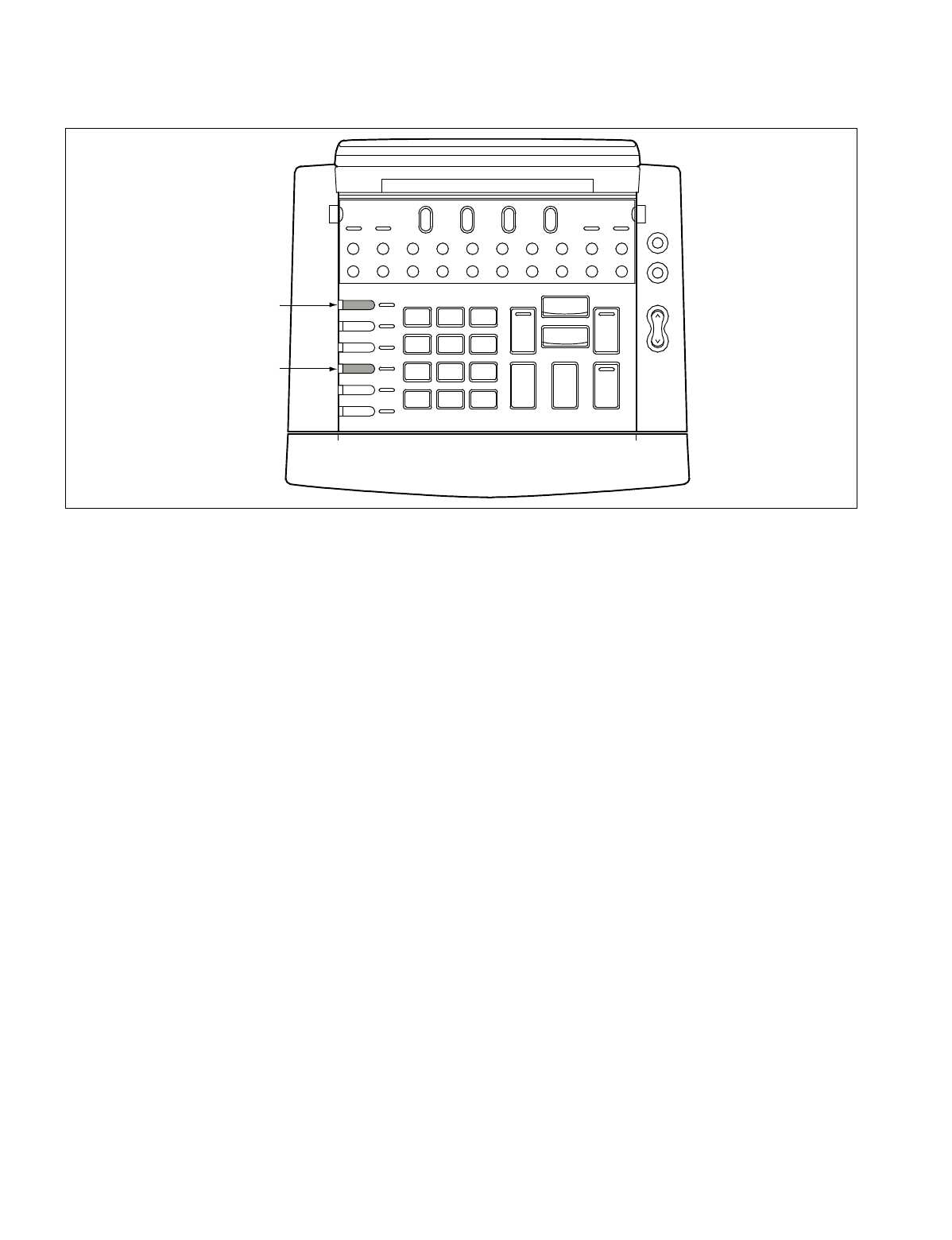
NDA-24234 CHAPTER 3
Page 259
Revision 3.0
INSTALLATION PROCEDURE
(a) While pressing the L3 and L6 keys simultaneously, turn on the power.
Figure 016-20 Displaying the Configuration Menu
Alarm
LDN TIE Busy ATND NANS Recall
EMG BV TRKSL Call Park SC SVC
PAGE
Start
REC
Night
Position Busy
Mute
DEST
SRC
3
DEF
2
ABC
1
L 6
L 5
L 4
L 3
L 2
L 1
6
MNO
5
JKL
4
GHI
9
WXYZ
8
TUV
0
7
PQRS
*#
Cancel
Talk
Answer
Hold
Release
Position Position Night
[L6 key]
[L3 key]
Available
Busy

CHAPTER 3 NDA-24234
Page 260
Revision 3.0
INSTALLATION PROCEDURE
The first page of Configuration Menu appears on the LCD. Configuration Menu has a total of three pages.
•1st Page
•2nd Page
Note: Do not change this data.
•3rd Page
(b) When the DEST key is pressed, the display changes to the next page. When returning to the previous
page, press the SRC key.
(c) When the Release key is pressed, Configuration Menu disappears and the DESK CONSOLE returns
to normal operation.
NAP-200-016
Sheet 30/41
Installation of the DESK CONSOLE and
Cable Connection
[CONFIG MENU P1] VER x DEST: next page
1: HEADSET/HANDSET Release: exit
2: HEADSET TYPE Answer: update
3: MUTE
[CONFIG MENU P2] VER x SRC: prev page
1: REC CONTROL DEST: next page
2: PAGE CONTROL Note Release: exit
3: SUP CONNECTION Answer: update
[CONFIG MENU P3] VER x SRC: prev page
1: REC VOLUME Release: exit
2: BLF Answer: update
3: HOLD/START/RELEASE/SWAP
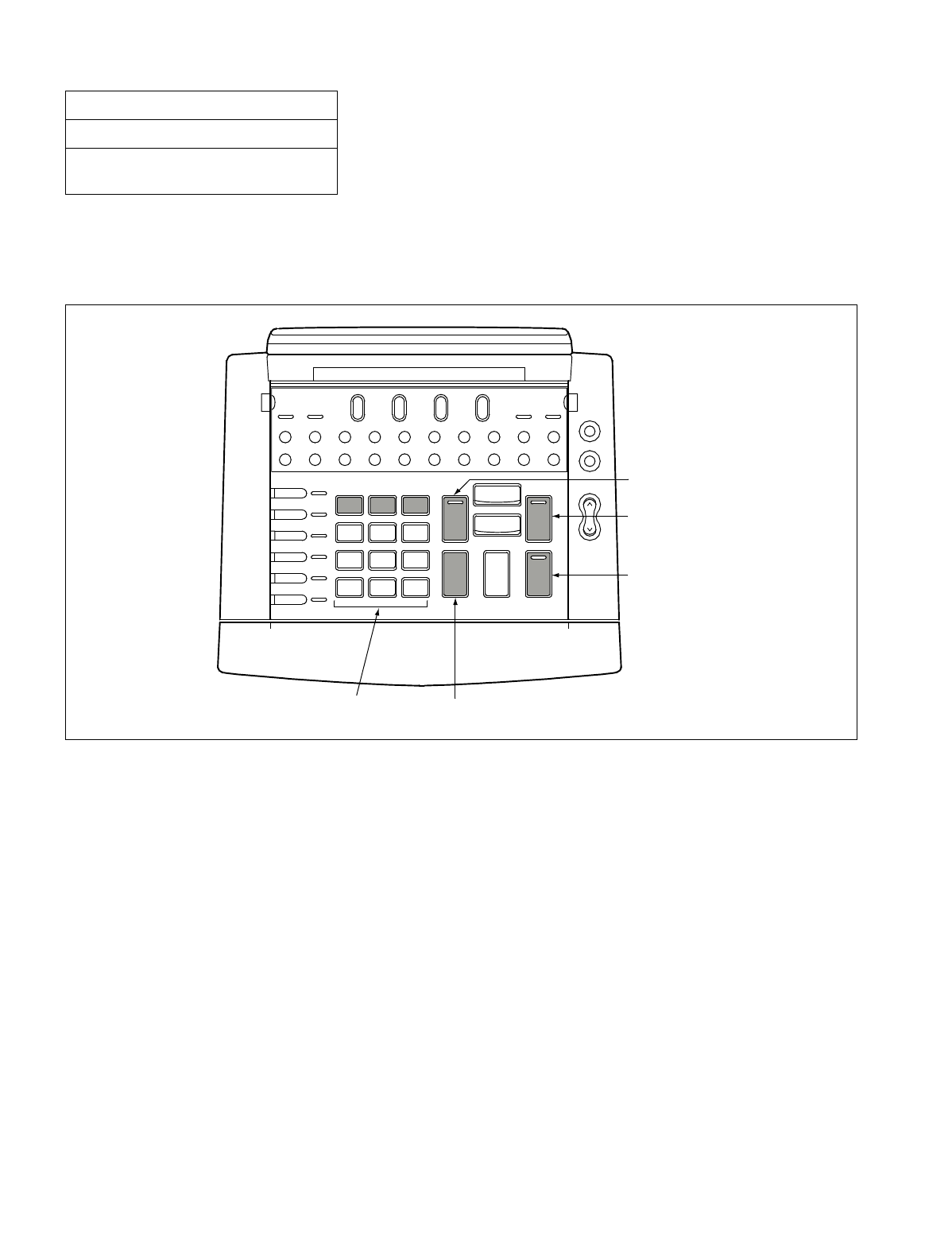
NDA-24234 CHAPTER 3
Page 261
Revision 3.0
INSTALLATION PROCEDURE
12. SELECTION OF CONFIGURATION ITEM
Using a numeric key, press the desired number in Configuration Menu. A menu for assigning configuration
data appears. Assign configuration data referring to “Assignment of Configuration Data” on the next page.
Figure 016-21 Selecting a Configuration Item
NAP-200-016
Sheet 31/41
Installation of the DESK CONSOLE and
Cable Connection
Alarm
LDN TIE Busy ATND NANS Recall
EMG BV TRKSL Call Park SC SVC
PAGE
Start
REC
[SRC key]
Night
Position Busy
Mute
DEST
SRC
3
DEF
2
ABC
1
L 6
L 5
L 4
L 3
L 2
L 1
6
MNO
5
JKL
4
GHI
9
WXYZ
8
TUV
0
7
PQRS
*#
Cancel
Talk
Answer
Hold
Release
Position Position Night
[DEST key]
[Answer key]
[Release key]
[Numeric keys]
Available Busy
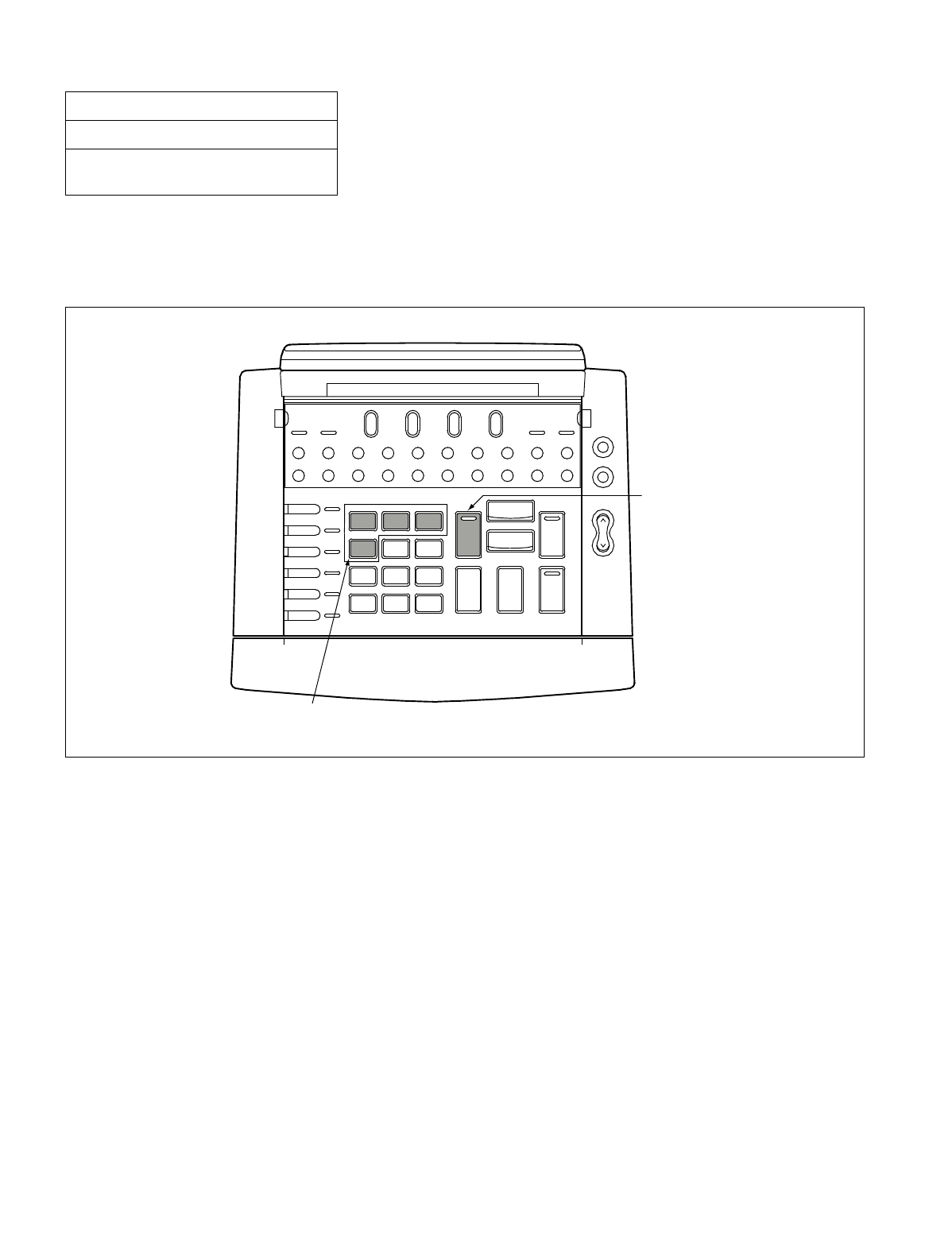
CHAPTER 3 NDA-24234
Page 262
Revision 3.0
INSTALLATION PROCEDURE
13. ASSIGNMENT OF CONFIGURATION DATA
This section explains how to assign each configuration data. When assigning configuration data, the following shad-
ed keys are used.
Figure 016-22 Assigning Configuration Data
NAP-200-016
Sheet 32/41
Installation of the DESK CONSOLE and
Cable Connection
Alarm
LDN TIE Busy ATND NANS Recall
EMG BV TRKSL Call Park SC SVC
PAGE
Start
REC
[SRC key]
Night
Position Busy
Mute
DEST
SRC
3
DEF
2
ABC
1
L 6
L 5
L 4
L 3
L 2
L 1
6
MNO
5
JKL
4
GHI
9
WXYZ
8
TUV
0
7
PQRS
*#
Cancel
Talk
Answer
Hold
Release
Position Position Night
[Numeric keys (1-4)]
Available Busy

NDA-24234 CHAPTER 3
Page 263
Revision 3.0
INSTALLATION PROCEDURE
14. HEADSET/HANDSET
This item specifies an optional device connected to the HAND H/S0 connector.
Note: With regard to the H/S1 connector, only the Headset is connected. Accordingly, data assignment for H/S1
connector is not required.
(d) Press the desired number. An asterisk shows the selected number.
1. Headset is connected to the HAND H/S0 connector
2. Handset is connected to the HAND H/S0 connector
SRC: Return to Configuration Menu
Note: Default setting is “1: HEADSET”.
(b) Press the SRC key. The display returns to Configuration Menu.
(c) When configuration data assignment is finished, proceed to UPDATING CONFIGURATION DATA.
When the other item is also specified, return to SELECTION OF CONFIGURATION ITEM.
NAP-200-016
Sheet 33/41
Installation of the DESK CONSOLE and
Cable Connection
[HEADSET/HANDSET] SRC: menu
*1: HEADSET
2: HANDSET
[CONFIG MENU P1] VER x DEST: next page
1: HEADSET/HANDSET Release: exit
2: HEADSET TYPE Answer: update
3: MUTE

CHAPTER 3 NDA-24234
Page 264
Revision 3.0
INSTALLATION PROCEDURE
15. HEADSET TYPE
This item specifies the type of Headset connected to the H/S1 connector.
(d) Press the desired number. An asterisk shows the selected number.
1. The type of Headset is “SUPRA”
2. The type of Headset is “COROLLE”
SRC: Return to Configuration Menu
Note: Default setting is “1: SUPRA”.
(b) Press the SRC key. The display returns to Configuration Menu.
(c) When configuration data assignment is finished, proceed to UPDATING CONFIGURATION DATA.
When the other item is also specified, return to SELECTION OF CONFIGURATION ITEM.
NAP-200-016
Sheet 34/41
Installation of the DESK CONSOLE and
Cable Connection
[HEADSET TYPE] SRC: menu
*1: SUPRA
2: COROLLE
[CONFIG MENU P1] VER x DEST: next page
1: HEADSET/HANDSET Release: exit
2: HEADSET TYPE Answer: update
3: MUTE

NDA-24234 CHAPTER 3
Page 265
Revision 3.0
INSTALLATION PROCEDURE
16. MUTE
This item specifies On/Off setting of the mute function for the HAND H/S0 or H/S1 connector. While the
mute function is set to On, if the Mute key is pressed, the voice at the DESK CONSOLE side is not sent to
the other party.
(a) Press the desired number. An asterisk shows the selected number.
1. Both H/S0 and H/S1 are set to On
2. Only H/S0 is set to On
3. Only H/S1 is set to Off
SRC: Return to Configuration Menu
Note: Default setting is “1: H/S0 ON, H/S1 ON”.
(b) Press the SRC key. The display returns to Configuration Menu.
(c) When configuration data assignment is finished, proceed to UPDATING CONFIGURATION DATA.
When the other item is also specified, return to ASSIGNMENT OF CONFIGURATION DATA.
NAP-200-016
Sheet 35/41
Installation of the DESK CONSOLE and
Cable Connection
[MUTE] SRC: menu
*1: H/S0 ON, H/S1 ON
2 : H/S0 ON, H/S1 OFF
3 : H/S0 OFF, H/S1 ON
[CONFIG MENU P1] VER x DEST: next page
1: HEADSET/HANDSET Release: exit
2: HEADSET TYPE Answer: update
3: MUTE

CHAPTER 3 NDA-24234
Page 266
Revision 3.0
INSTALLATION PROCEDURE
17. REC CONTROL
This item specifies the operation mode of a recording device. The following two types of modes are available:
Manual mode
Manual mode is available when the REC circuit card is mounted in the system. When the REC key is
pressed, the system starts recording and the REC lamp lights. When the REC key is pressed again, the re-
cording stops and the REC lamp goes off.
Automatic mode
In Automatic mode, a dedicated recording device is directly connected to the REC connector. When a call
is connected/disconnected, the system starts/ends recording automatically. Note that the REC key is not ef-
fective in Automatic mode.
(a) Press the desired number. An asterisk shows the selected number.
1. Manual mode
2. Automatic mode
SRC: Return to Configuration Menu
Note: Default setting is “1: MANUAL”.
(b) Press the SRC key. The display returns to Configuration Menu.
Note: Do not change this data.
(c) When configuration data assignment is finished, proceed to UPDATING CONFIGURATION DATA.
When the other item is also specified, return to SELECTION OF CONFIGURATION ITEM.
NAP-200-016
Sheet 36/41
Installation of the DESK CONSOLE and
Cable Connection
[REC CONTROL] SRC: menu
*1: MANUAL
2 : AUTO
[CONFIG MENU P2] VER x DEST: next page
1: REC CONTROL Release: exit
2: PAGE CONTROL Note Answer: update
3: SUP CONNECTION

NDA-24234 CHAPTER 3
Page 267
Revision 3.0
INSTALLATION PROCEDURE
18. SUP CONNECTION
This item specifies whether the supervisory console is connected or not.
(a) Press the desired number. An asterisk shows the selected number.
1. Supervisory Console is connected
2. Supervisory Console is not connected
SRC: Return to Configuration Menu
Note: Default setting is “1: NONE”.
(b) Press the SRC key. The display returns to Configuration Menu.
Note: Do not change this data.
(c) When configuration data assignment is finished, proceed to UPDATING CONFIGURATION DATA.
When the other item is also specified, return to SELECTION OF CONFIGURATION ITEM.
NAP-200-016
Sheet 37/41
Installation of the DESK CONSOLE and
Cable Connection
[SUP CONNECTION] SRC: menu
*1: NONE
2 : CONNECTED
[CONFIG MENU P2] VER x SRC: prev page
1: REC CONTROL DEST: next page
2: PAGE CONTROL Note Release: exit
3: SUP CONNECTION Answer: update

CHAPTER 3 NDA-24234
Page 268
Revision 3.0
INSTALLATION PROCEDURE
19. REC VOLUME ADJUSTMENT
This item specifies the recording level of the received voice from the other party. Note that the voice level at the
operator side cannot be adjusted.
(a) Press the desired number. An asterisk shows the selected number.
1. +2dB Up
2. 0dB (Standard level)
3. -4dB Down
4. -8dB Down
SRC: Return to Configuration Menu
Note: Default setting is “2: 0dB”.
(b) Press the SRC key. The display returns to Configuration Menu.
(c) When configuration data assignment is finished, proceed to UPDATING CONFIGURATION DATA.
When the other item is also specified, return to SELECTION OF CONFIGURATION ITEM.
NAP-200-016
Sheet 38/41
Installation of the DESK CONSOLE and
Cable Connection
[REC VOLUME ADJUSTMENT] SRC: menu
1: +2dB 4: -8dB
*2: 0dB
3: -4dB
[CONFIG MENU P3] VER x SRC: prev page
1: REC VOLUME Release: exit
2: BLF Answer: update
3: HOLD/START/RELEASE/SWAP

NDA-24234 CHAPTER 3
Page 269
Revision 3.0
INSTALLATION PROCEDURE
20. BLF
This item specifies On/Off setting of the BLF function. When using BLF function, system data assignment is
also required.
(a) Press the desired number. An asterisk shows the selected number.
1. BLF Available
2. BLF Not available
SRC: Return to Configuration Menu
Note: Default setting is “2: DISABLE”.
(b) Press the SRC key. The display returns to Configuration Menu.
(c) When configuration data assignment is finished, proceed to UPDATING CONFIGURATION DATA.
When the other item is also specified, return to SELECTION OF CONFIGURATION ITEM.
NAP-200-016
Sheet 39/41
Installation of the DESK CONSOLE and
Cable Connection
[BLF] SRC: menu
1: ENABLE
*2: DISABLE
[CONFIG MENU P3] VER x DEST: next page
1: REC VOLUME Release: exit
2: BLF Answer: update
3: HOLD/START/RELEASE/SWAP

CHAPTER 3 NDA-24234
Page 270
Revision 3.0
INSTALLATION PROCEDURE
21. HOLD/START/RELEASE/SWAP
This item specifies the locations of HOLD, START and RELEASE key.
(a) Press the desired number. An asterisk shows the selected number.
1. Original setting
2. Swapped setting
Note: The locations of each key changes as shown below.
SRC: Return to Configuration Menu
Note: Default setting is “1: ORIGINAL”.
(b) Press the SRC key. The display returns to Configuration Menu.
(c) When configuration data assignment is finished, proceed to UPDATING CONFIGURATION DATA.
When the other item is also specified, return to SELECTION OF CONFIGURATION ITEM.
NAP-200-016
Sheet 40/41
Installation of the DESK CONSOLE and
Cable Connection
[HOLD/START/RELEASE/SWAP] SRC: menu
*1: ORIGINAL
2: SWAPPED
ORIGINAL SETTING SWAPPED SETTING
RELEASE START
HOLD RELEASE
START HOLD
[CONFIG MENU P3] VER x DEST: next page
1: REC VOLUME Release: exit
2: BLF Answer: update
3: HOLD/START/RELEASE/SWAP
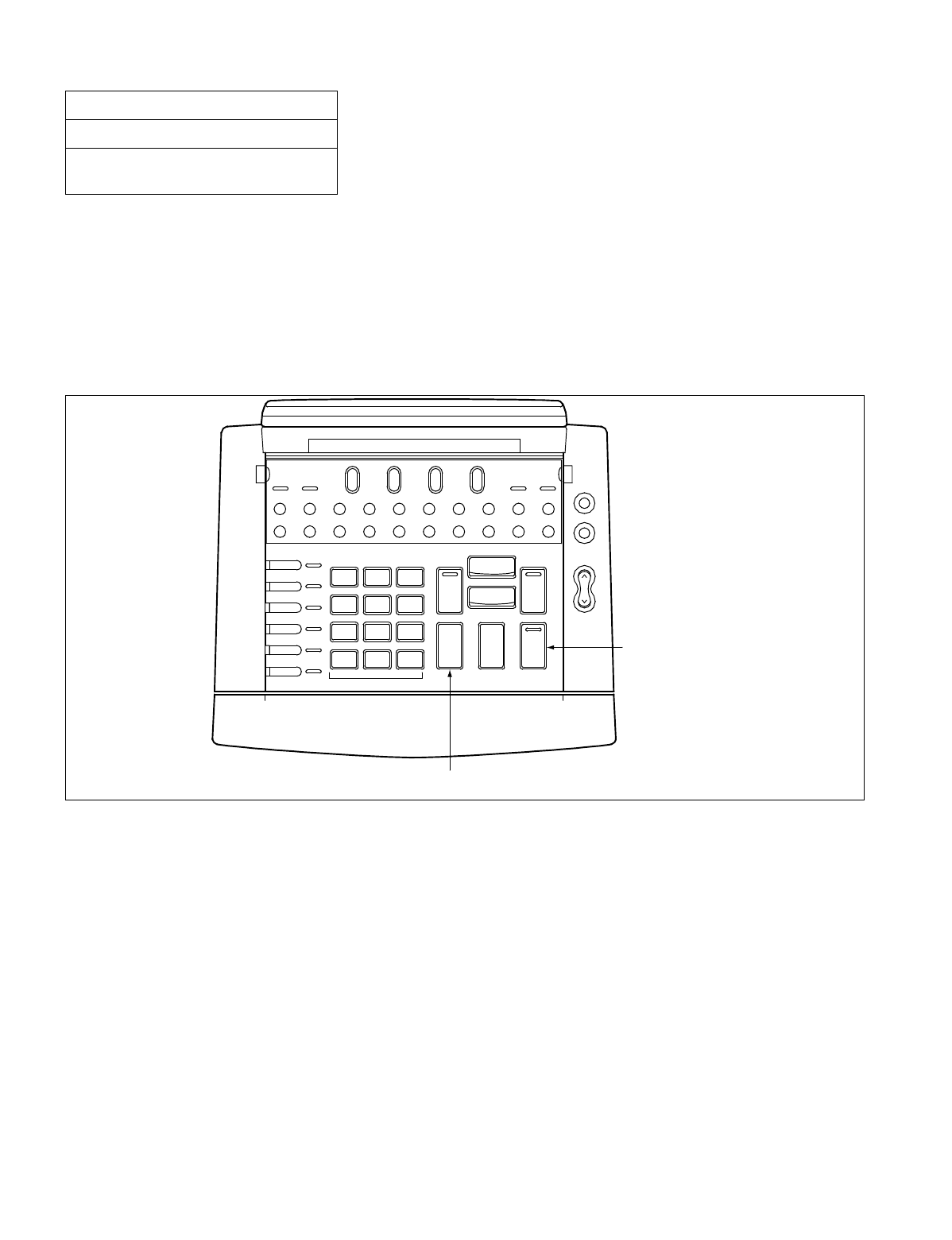
NDA-24234 CHAPTER 3
Page 271
Revision 3.0
INSTALLATION PROCEDURE
22. UPDATING CONFIGURATION DATA
When configuration data assignment is complete, update configuration data according to the procedure below.
When the RELEASE key is pressed, update is cancelled.
While one of the Configuration Menu is displayed on the LCD, press the ANSWER key.
Configuration data is updated and the DESK CONSOLE is automatically restarted.
Figure 016-23 Updating Configuration Data
NAP-200-016
Sheet 41/41
Installation of the DESK CONSOLE and
Cable Connection
Alarm
LDN TIE Busy ATND NANS Recall
EMG BV TRKSL Call Park SC SVC
PAGE
Start
REC
Night
Position Busy
Mute
DEST
SRC
3
DEF
2
ABC
1
L 6
L 5
L 4
L 3
L 2
L 1
6
MNO
5
JKL
4
GHI
9
WXYZ
8
TUV
0
7
PQRS
*#
Cancel
Talk
Answer
Hold
Release
Position Position Night
[Answer key] (Update)
[Release key] (Cancel)
Available Busy

CHAPTER 3 NDA-24234
Page 272
Revision 3.0
INSTALLATION PROCEDURE
This NAP explains the installation of the Maintenance Administration Terminal (MAT) and the System Message
Printer focusing on their cable connections.
1. INSTALLATION OF MAT AND CABLE CONNECTIONS
NAP-200-017
Sheet 1/9
Installation of Maintenance
Administration Terminal (MAT) and Cable
Connections
START
Preparation of the MAT Set up the Personal Computer, CRT Display, Printer,
and so on.
Cable Connection Connect the cables between the MAT and the PBX
referring to Figure 017-2.
END
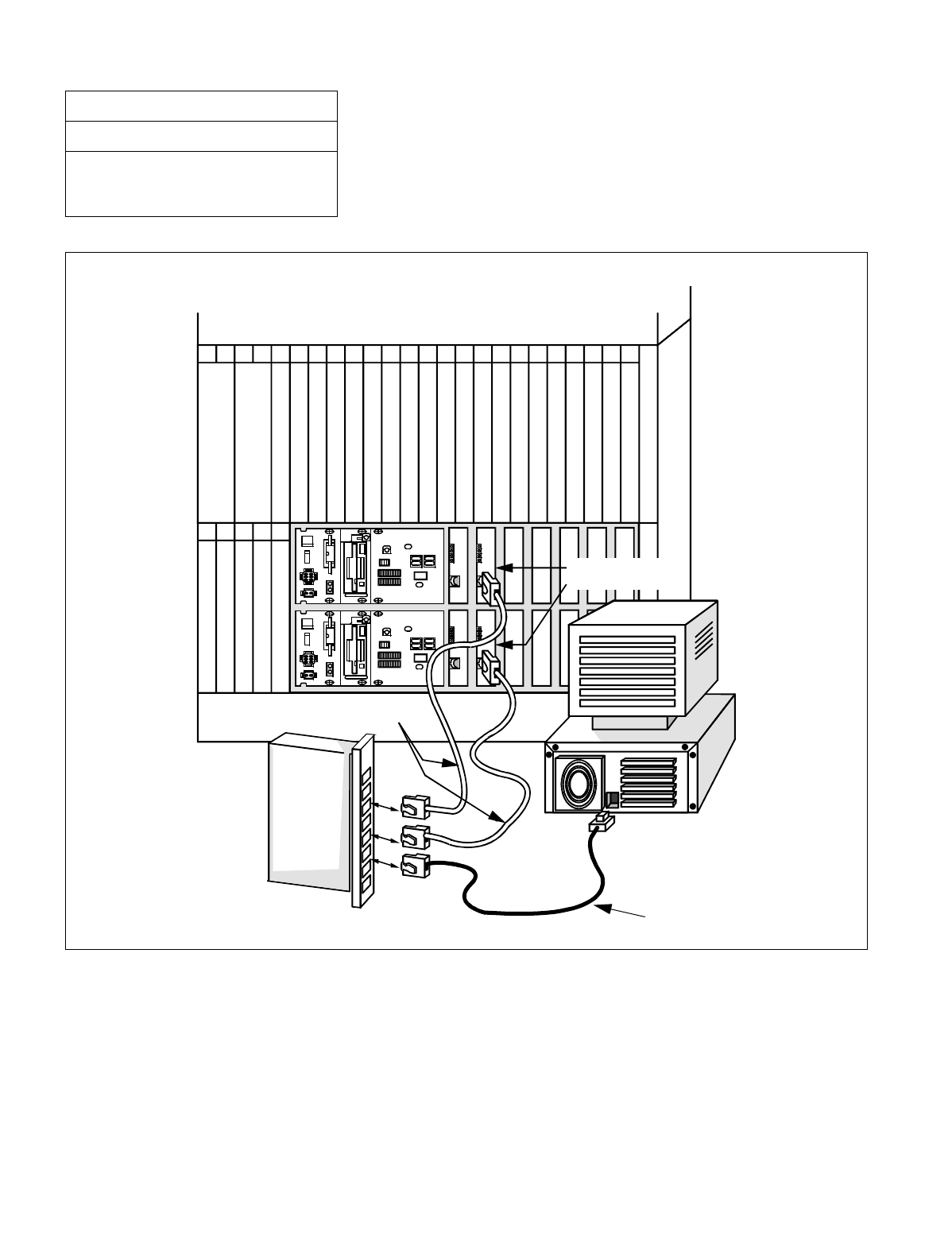
NDA-24234 CHAPTER 3
Page 273
Revision 3.0
INSTALLATION PROCEDURE
Figure 017-1 Cabling of MAT when Using Ethernet
NAP-200-017
Sheet 2/9
Installation of the Maintenance
Administration Terminal (MAT) and Cable
Connections
LPR
BASEU
LANI(PZ-PC19)
10BASET (straight)
HUB
MAT
00
01 02 03 04 05 06 07 08 0900
01 02 03 04
11 12 13 14 15 16 17 18 1910 21 22 2320
PH-IO24 (IOC)
PH-PC40 (EMA)
10BASET (straight)
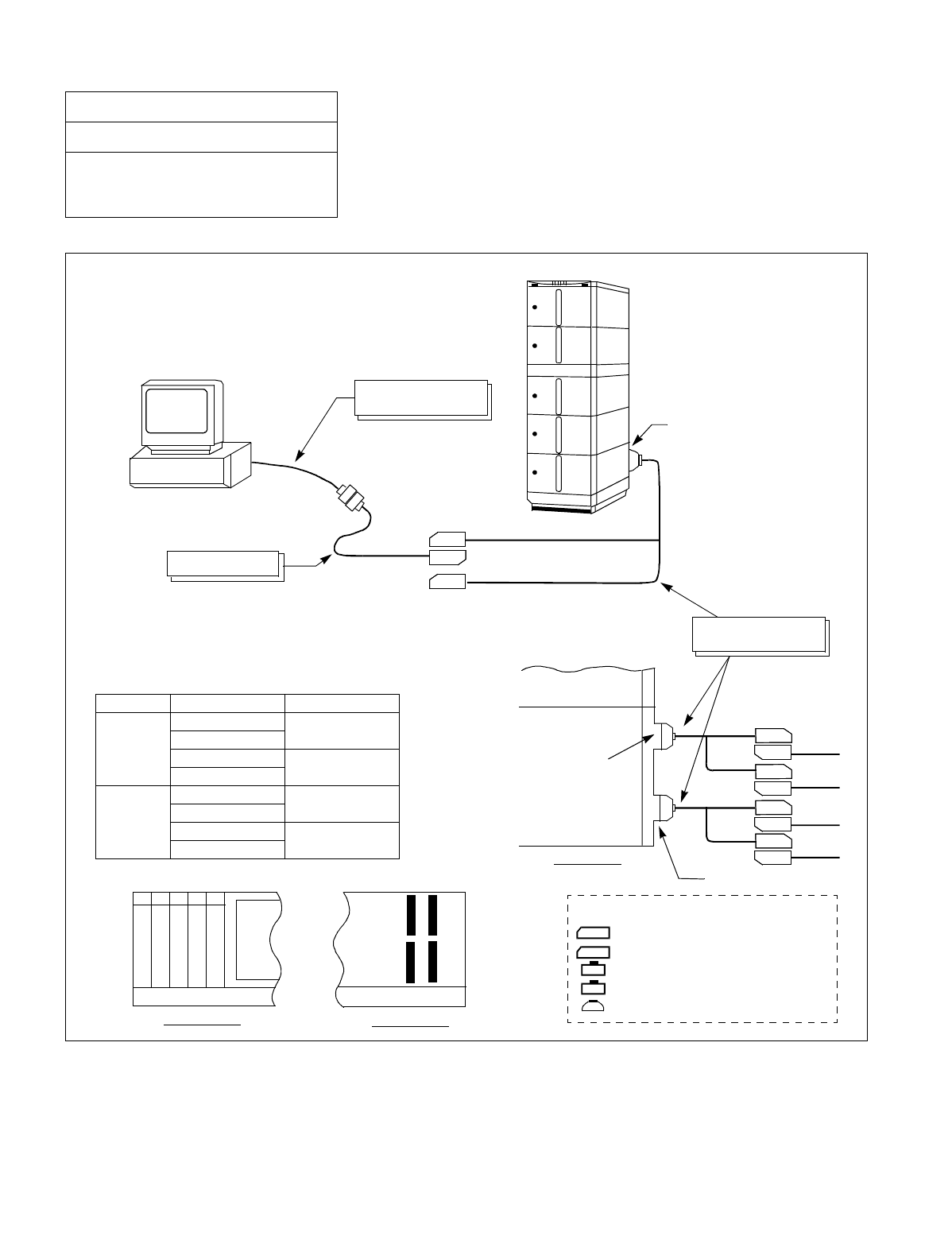
CHAPTER 3 NDA-24234
Page 274
Revision 3.0
INSTALLATION PROCEDURE
Figure 017-2 Cable Connection Diagram for the MAT
NAP-200-017
Sheet 3/9
Installation of the Maintenance
Administration Terminal (MAT) and Cable
Connections
Slot No.s 03 02
MISC4B MISC4A
<Connecting Diagram>
•To connect the PBX and the MAT, the following three
kinds of cables are required. The “RS-232C Cable should
be provided by the customer.
<Location of MISC Connector>
•The location of the MISC connector to which the “68PH S 2PORTS CA-A” cable
is connected varies depending on the mounting location of the IOC(PH-IO24)
card and the IOC port number (#0 ~ #3). See the table below.
PBX
To MISC Connector
MAT
RS-232C Cable
(customer provided)
SERIAL PORT #0
SERIAL PORT #1
RS-232C CA-(1)
TYP0
TYP1
68PH S 2PORTS CA-A
(2 m / 6 feet)
PIM
MISC 3B / 4B Connector
LPM
SIDE VIEW
port #1
port #0
port #3
port #2
TYP1
TY0
TYP1
TYP0
MISIC 3A / 4A Connector
MISC3B MISC3A
LPM
BASEU
REAR VIEW
FRONT VIEW
LPR
00 01 02 03 04
IOC #1
IOC #0
Slot No. Port No. MISC Connector
02
IOC Port #0 MISC 3B
IOC Port #1
IOC Port #2 MISC 3A
IOC Port #3
03
IOC Port #0 MISC 4B
IOC Port #1
IOC Port #2 MISC 4A
IOC Port #3
: Champ Connector (Male)
: Champ Connector (Female)
: 25-Pin Cannon Connector (Male)
: 25-Pin Cannon Connector (Female)
: 68-Pin Connector (Female)
— Legend —

NDA-24234 CHAPTER 3
Page 275
Revision 3.0
INSTALLATION PROCEDURE
2. INSTALLATION OF MAT AND CABLE CONNECTION BY USING MODEM
Note: When the distance between the PBX and the MAT (Maintenance Administration Terminal) exceeds 15
meters (50 feet), connect them with Modems as shown in Figure 017-3.
NAP-200-017
Sheet 4/9
Installation of the Maintenance
Administration Terminal (MAT) and Cable
Connections
START
Preparation of the MAT Set up the Personal Computer, CRT Display, Printer,
and so on.
Preparation of the modems Set up the modems referring to its instruction book.
Cable connection Connect the cables referring to Figure 017-3.
END
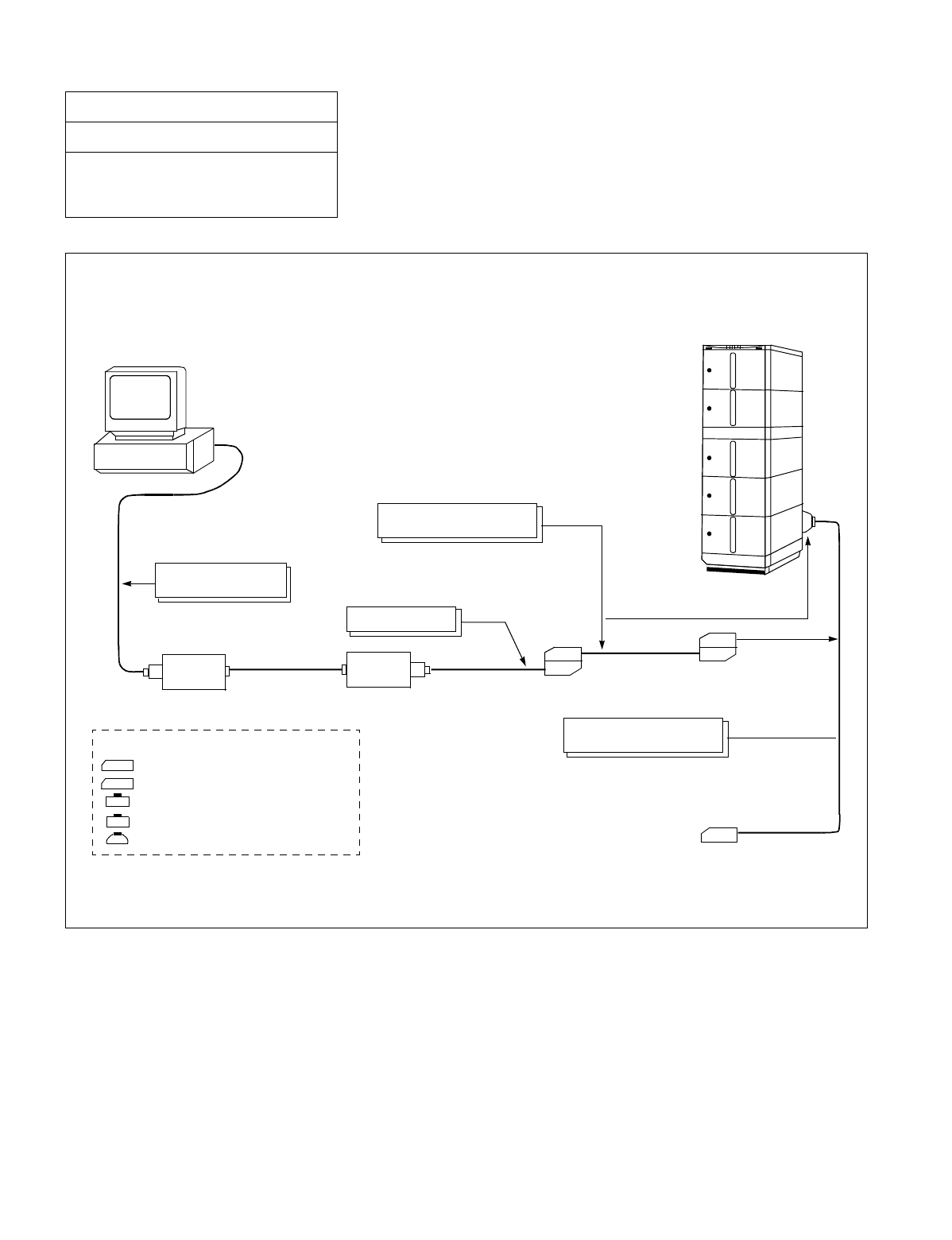
CHAPTER 3 NDA-24234
Page 276
Revision 3.0
INSTALLATION PROCEDURE
Figure 017-3 Cabling of MAT Using Modems
NAP-200-017
Sheet 5/9
Installation of the Maintenance
Administration Terminal (MAT) and Cable
Connections
: Champ Connector (Male)
: Champ Connector (Female)
: 25-Pin Cannon Connector (Male)
: 25-Pin Cannon Connector (Female)
: 68-Pin Connector (Female)
— Legend —
MAT
PBX
Installation Cable
(less than 10 m / 33 feet)
RS-232C Cable
(customer provided)
RS-232C CA-(3)
MODEM
ANALOG LINE
(2W/4W) MODEM
To the MISC connectors
TYP0 serial port 0
68PH S 2PORTS CA-A
(2 m / 6 feet)
TYP1 serial port 1
•To connect the PBX and the MAT, the following three kinds of communication cables are required.
The “RS-232C Cable” should be provided by the customer.
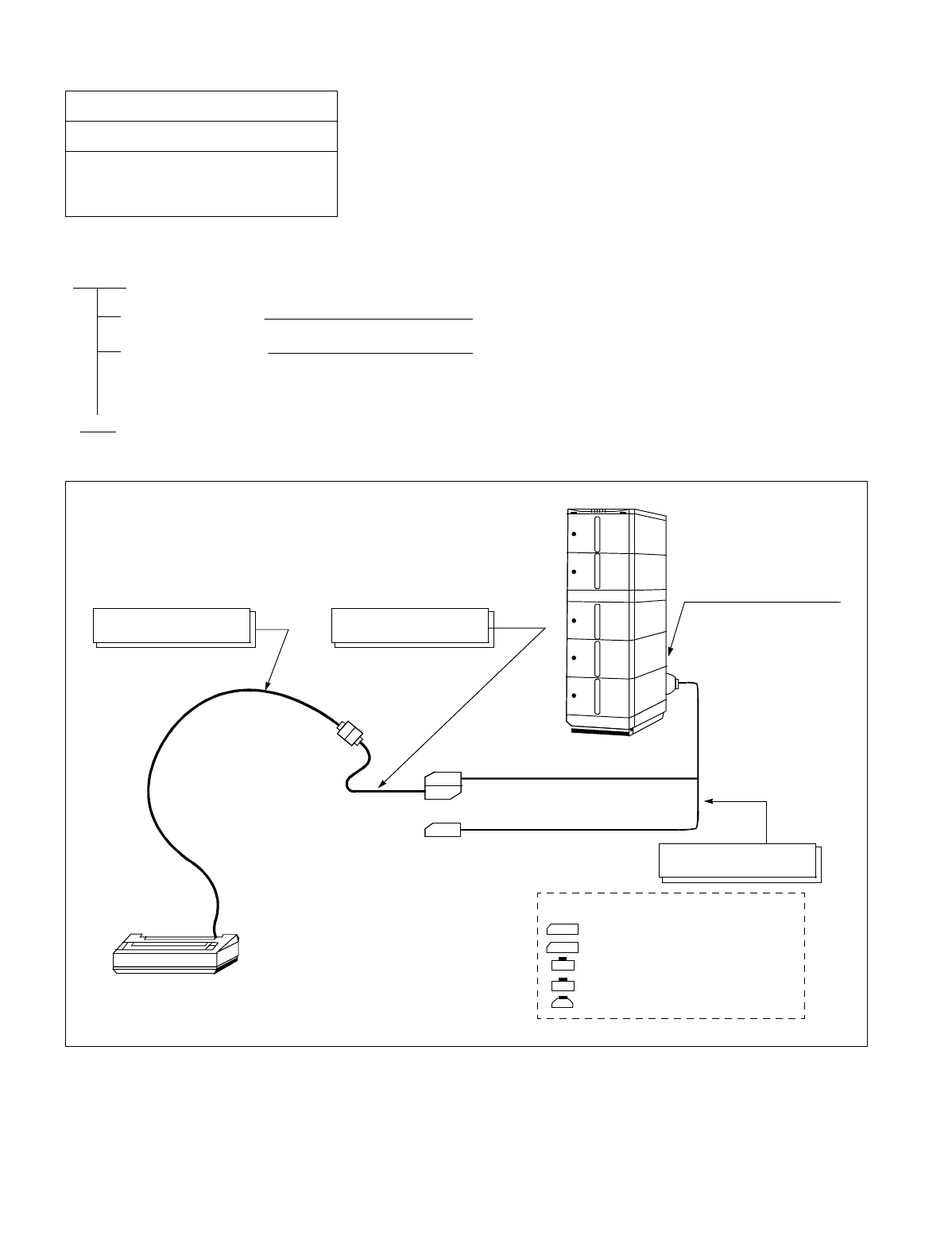
NDA-24234 CHAPTER 3
Page 277
Revision 3.0
INSTALLATION PROCEDURE
3. INSTALLATION OF SYSTEM MESSAGE PRINTER AND CABLE CONNECTIONS
Figure 017-4 Connection of System Message Printer
NAP-200-017
Sheet 6/9
Installation of the Maintenance
Administration Terminal (MAT) and Cable
Connections
START
Installing printer Install printer according to its instructions.
Cable connection Connect the cable between the PBX and the dedicated
System Message Printer which is equipped with a
parallel port referring to Figure 017-4.
END
: Champ Connector (Male)
: Champ Connector (Female)
: 25-Pin Cannon Connector (Male)
: 25-Pin Cannon Connector (Female)
: 68-Pin Connector (Female)
— Legend —
•To connect the PBX and the dedicated SYSTEM MESSAGE
PRINTER, the following three kinds of communication cables
are required. The “RS-232C Cable” should be provided by the
customer.
RS-232C Cable
(customer provided) RS-232C CA-(0)
TYP0 SERIAL PORT 0
TYP1 SERIAL PORT 1
68PH S 2PORTS CA-A
(2 m / 6.6 feet)
PRINTER
PBX
To the MISC connectors
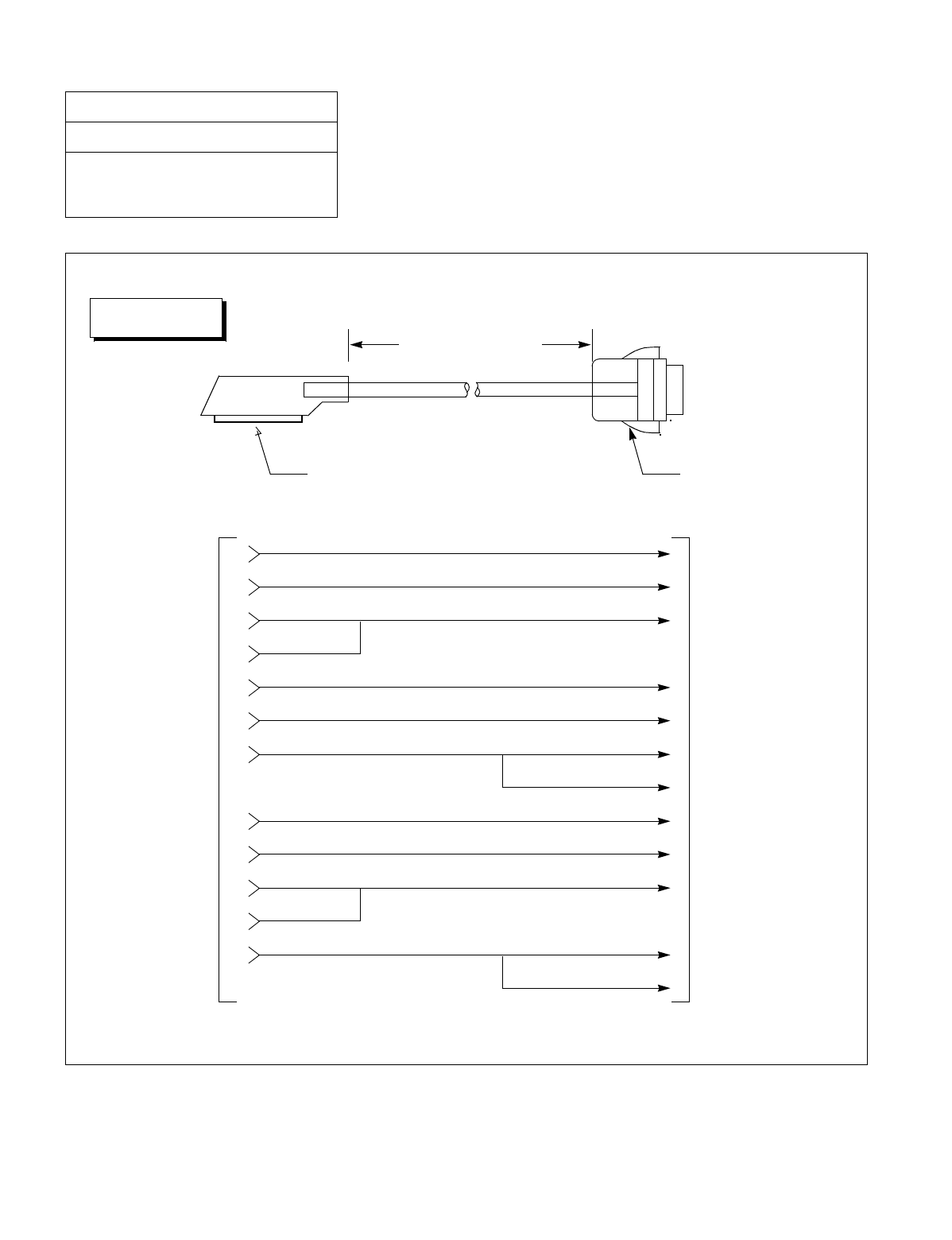
CHAPTER 3 NDA-24234
Page 278
Revision 3.0
INSTALLATION PROCEDURE
Figure 017-5 Detail of RS-232C CA-(0)
NAP-200-017
Sheet 7/9
Installation of the Maintenance
Administration Terminal (MAT) and Cable
Connections
1500mm (4 feet 1 inch)
TYP
DTE
Champ Connector
(Female) 25-Pin Cannon Connector
(Male)
Connect to PRT
Connect to
68PH S 2PORTS CA-A
TYPE-1-SD
TYPE-2-RD
TYPE-3-RS
TYPE-4-CS
TYPE-5-DR
TYPE-6-SG
TYPE-7-CD
TYPE-8-ER
TYPE-9-PB
TYPE-10-SP0
TYPE-12-SP2
TYPE-11-SP1
DTE-3-RD
TYPE-2-SD
TYPE-8-CD
TYPE
TYPE-20-ER
TYPE-7-SG
TYPE-4-RS
-5-CS
TYPE-6-DR
TYPE-11-PB
TYPE-24-ST1
TYPE-17-RT
TYPE-15-ST2
RS-232C CA-(0)
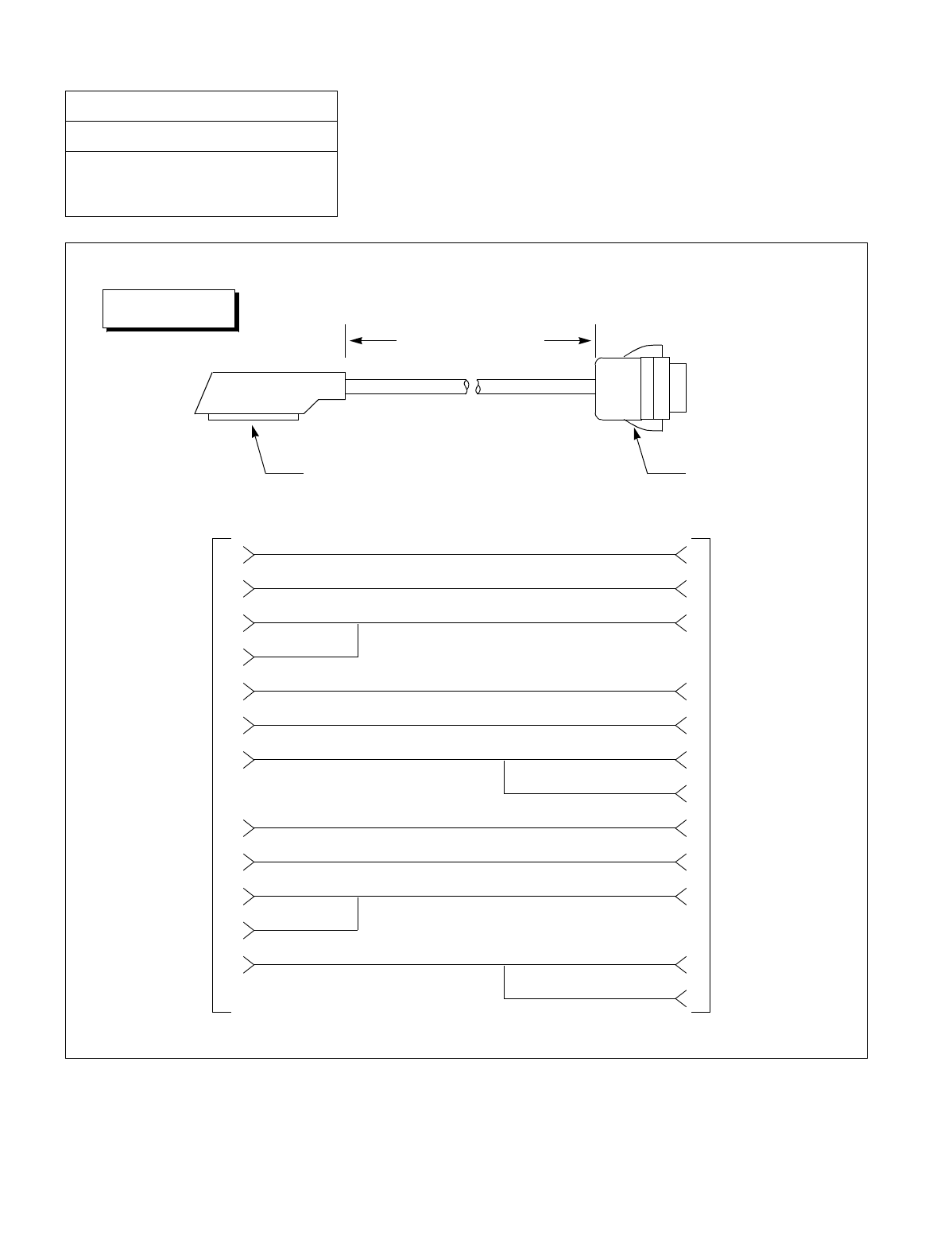
NDA-24234 CHAPTER 3
Page 279
Revision 3.0
INSTALLATION PROCEDURE
Figure 017-6 Detail of RS-232C CA-(1)
NAP-200-017
Sheet 8/9
Installation of the Maintenance
Administration Terminal (MAT) and Cable
Connections
1500mm (4 feet 1 inch)
TYP
Champ Connector
(Female) 25-Pin Cannon Connector
(Female)
Connect to
RS-232C Cable
Connect to
68PH S 2PORTS CA-A
TYPE-1-SD
TYPE-2-RD
TYPE-3-RS
TYPE-4-CS
TYPE-5-DR
TYPE-6-SG
TYPE-7-CD
TYPE-8-ER
TYPE-9-PB
TYPE-10-SP0
TYPE-12-SP2
TYPE-11-SP1
DTE-3-RD
TYPE-2-SD
TYPE-8-CD
TYPE
TYPE-20-ER
TYPE-7-SG
TYPE-4-RS
-5-CS
TYPE-6-DR
TYPE-11-PB
TYPE-24-ST1
TYPE-17-RT
TYPE-15-ST2
DTE
RS-232C CA-(1)
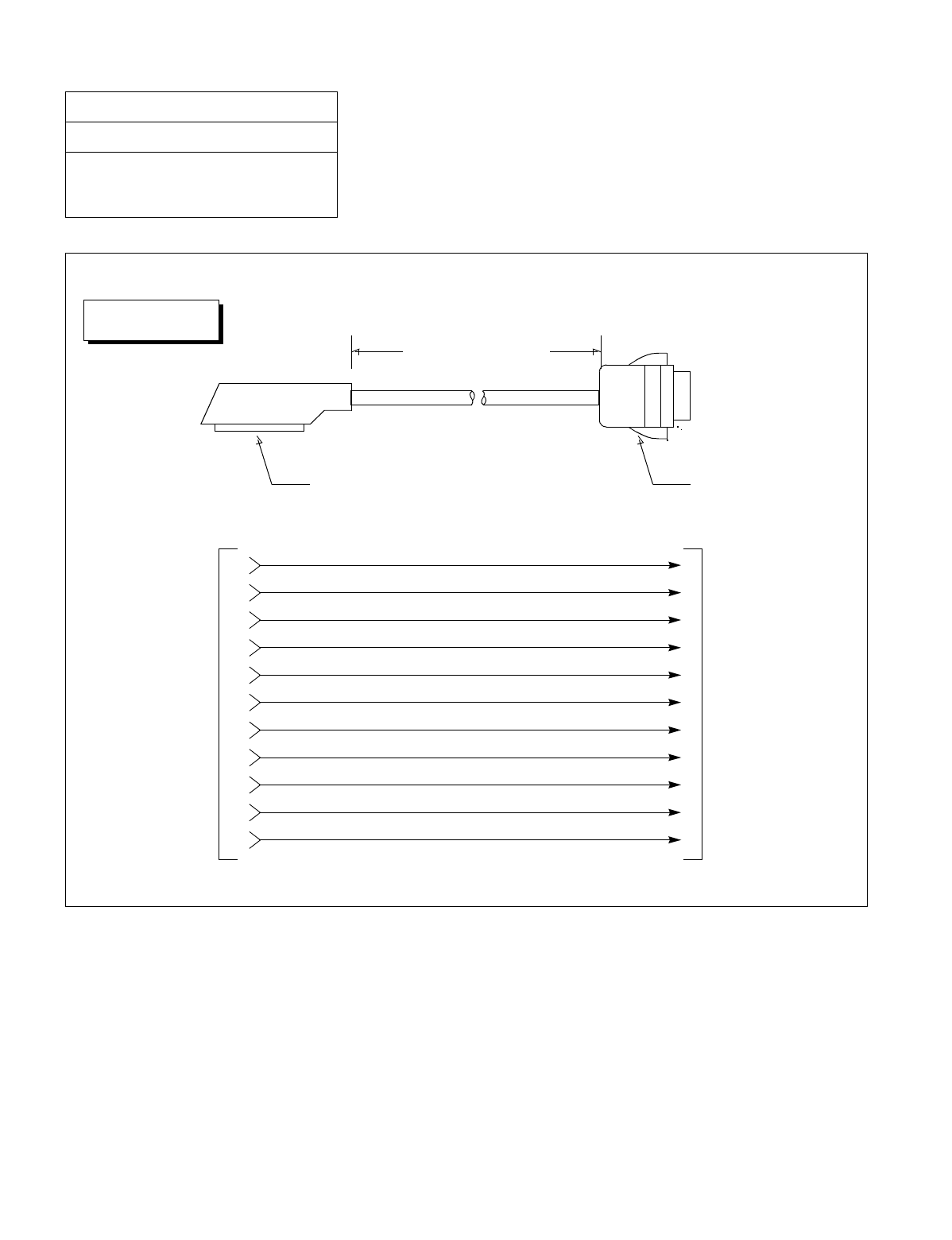
CHAPTER 3 NDA-24234
Page 280
Revision 3.0
INSTALLATION PROCEDURE
Figure 017-7 Detail of RS-232C CA-(3)
NAP-200-017
Sheet 9/9
Installation of the Maintenance
Administration Terminal (MAT) and Cable
Connections
1500mm (4 feet 1 inch)
TYP
Champ Connector
(Female) 25-Pin Cannon Connector
(Male)
Connect to MODEM
Connect to
68PH S 2PORTS CA-A
TYP-1-SD
TYP-2-RD
TYP-3-RS
TYP-4-CS
TYP-5-DR
TYP-6-SG
TYP-7-CD
TYP-8-ER
TYP-10-SP0
TYP-11-SP2
TYP-12-SP1
DCE-2-SD
DCE-3-RD
DCE-4-RS
DCE-5-CS
DCE-6-DR
DCE-7-SG
DCE-8-CD
DCE-20-ER
DCE-17-RT
DCE-24-ST1
DCE-15-ST2
RS-232C CA-(3)
DTE
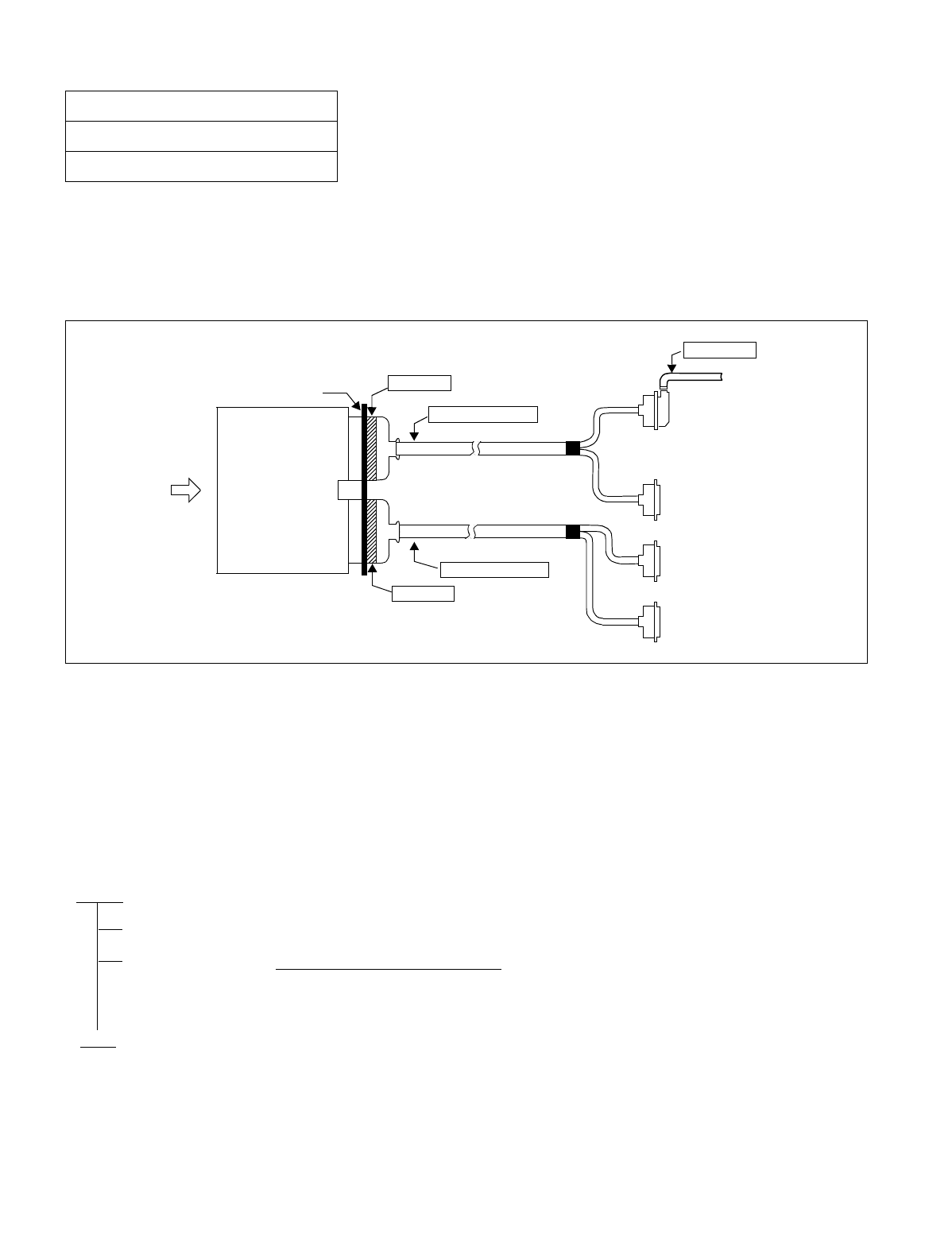
NDA-24234 CHAPTER 3
Page 281
Revision 3.0
INSTALLATION PROCEDURE
This NAP explains the cable connection of SMDR equipment.
Note: The IOC circuit card (PH-IO24), which has four RS-232C interfaces, can be mounted in the slot Number
3 and/or 2 of the LPR. Consequently, the system can have maximum eight ports for the RS232C terminals.
Figure 018-1 I/O Port Interface
The SMDR RS-232C interface specifications are:
•Synchronization —Asynchronous
•Data Speed —9600 bps (maximum)
•Code —ASCII 7-bit + Parity Bit
•Maximum Distance —15 meters (50 feet) without Modems.
NAP-200-018
Sheet 1/3
Connections of SMDR
START
Installation of SMDR equipment
Cable connection Connect the cables by referring to Figure 018-2.
•Refer to Figure 018-3 when the length of the
cables exceeds 15 meters (49.5 feet).
END
AMP
TYP0
Backplane MISC 3B/4B
RS-232C cable
To RS-232C
Terminal
Circuit 0
Circuit 1
68PH S 2PORTS CA-A
(PH-IO24)
TYP1
AMP
TYP0
IOC
MISC 3A/4A
68PH S 2PORTS CA-A Circuit 2
Circuit 3
AMPAMP
Front
TYP0
TYP1 TYP0 TYP1
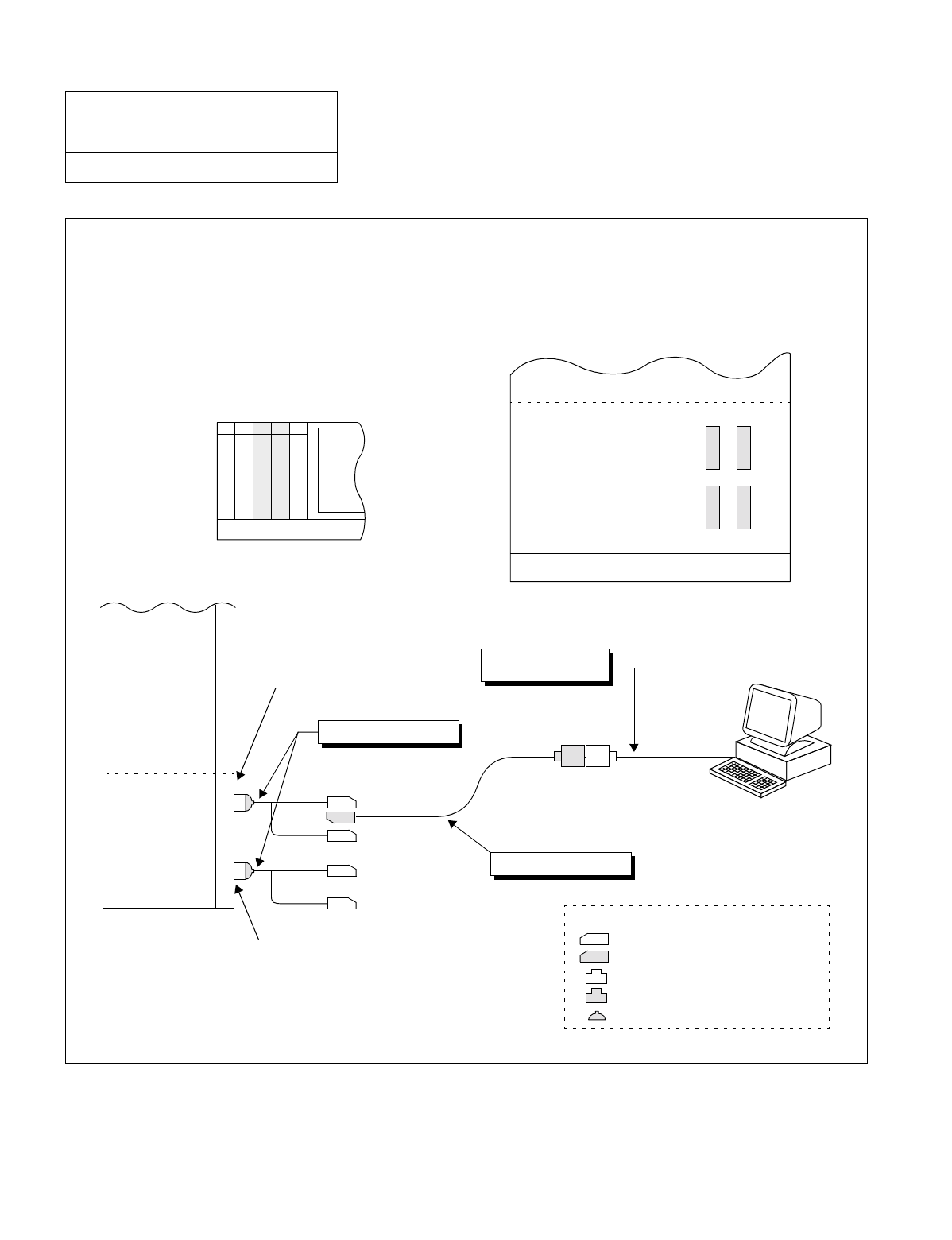
CHAPTER 3 NDA-24234
Page 282
Revision 3.0
INSTALLATION PROCEDURE
Figure 018-2 Cable Connection Diagram for the SMDR Equipment
NAP-200-018
Sheet 2/3
Connections of SMDR
68PH S 2PORTS CA-A
TYP1
Port 1
TYP0
Port 0
TYP1
Port 3
TYP0
Port 2
MISC 3A/4A Connector
MISC 3B/4B Connector
IOC
PIM
00 01 02 03 04
IOC 1
IOC 0
: Champ Connector (Male)
: Champ Connector (Female)
: 25-Pin Cannon Connector (Male)
: 25-Pin Cannon Connector (Female)
-- Legend --
LPM
FRONT VIEW
RS 232C Cable
PBX
2400 RS 232C CA-1
MISC4B
MISC3B
MISC4A
MISC3A
Slot Number 03 02
PBX
PIM
LPM
BASEU
FRONT VIEW
SMDR
: 68-Pin Connector (Female)
(customer provided)
•The location of MISC connector to which “68PH S 2PORTS CA-A” cable is connected varies depending on
the mounting location of the IOC (PH-IO24) card and the designated IOC port number (#0~#3).
SIDE VIEW
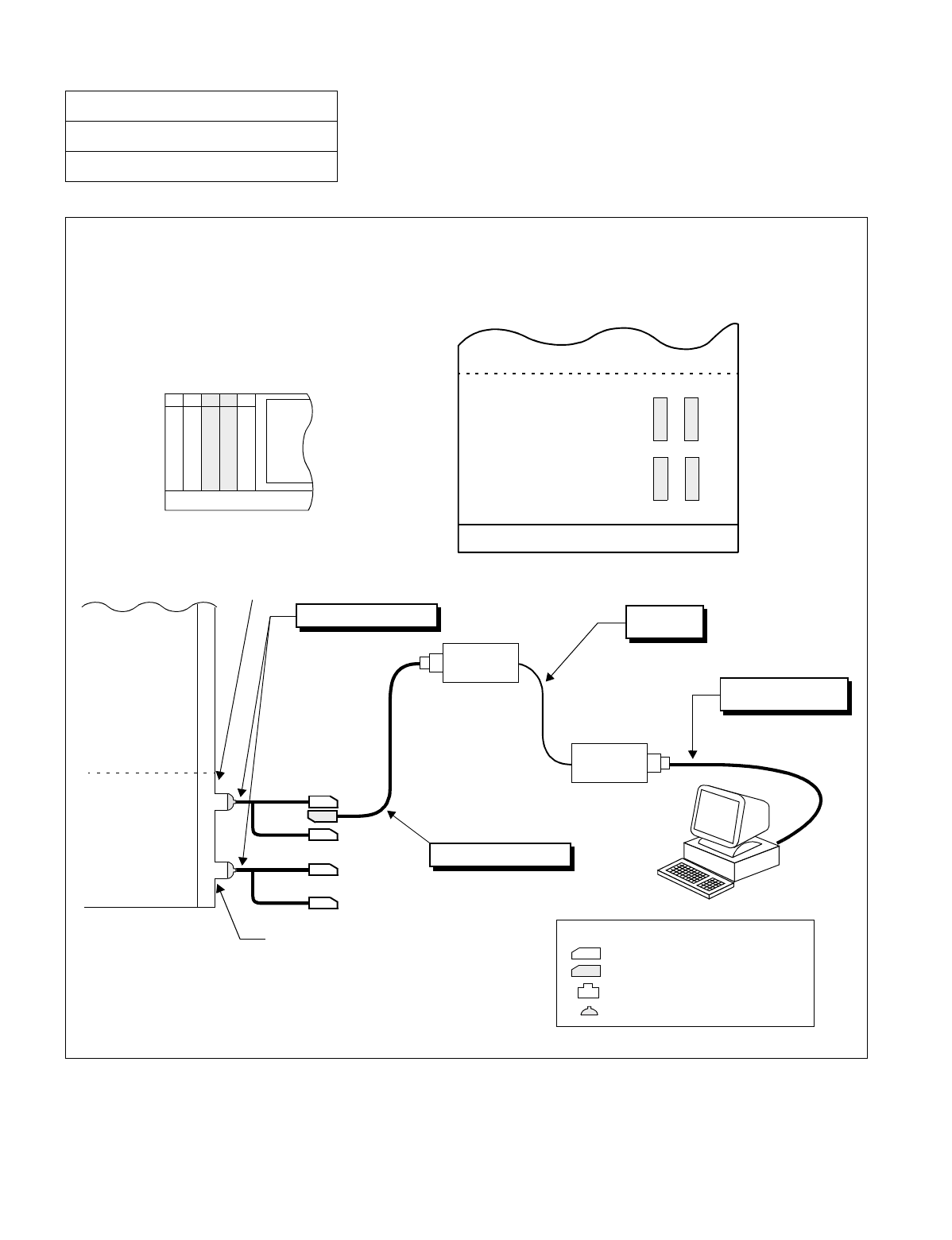
NDA-24234 CHAPTER 3
Page 283
Revision 3.0
INSTALLATION PROCEDURE
Figure 018-3 Connection of SMDR by Using MODEM
NAP-200-018
Sheet 3/3
Connections of SMDR
68PH S 2PORTS CA-A
TYP1
Port 1
TYP0
Port 0
TYP1
Port 3
TYP0
Port 2
MISC 3A/4A Connector
MISC 3B/4B Connector
IOC
00 01 02 03 04
IOC 1
IOC 0
: Champ Connector (Male)
: Champ Connector (Female)
: 25-Pin Cannon Connector (Male)
-- Legend --
LPM
FRONT VIEW
Analog Line
PBX
2400 RS 232C CA-(3)
MISC4B
MISC3B
MISC4A
MISC3A
Slot Number 03 02 PIM
LPM
BASEU
REAR VIEW
SMDR
: 68-Pin Connector (Female)
RS 232C Cable
MODEM
MODEM
(customer provided)
(2W/4W)
•The location of MISC connector to which “68PH S 2 PORTS CA-A” cable is connected varies depending
on the mounting location of the IOC (PH-IO24) card and the designated IOC number (#0~#3).
PBX

CHAPTER 3 NDA-24234
Page 284
Revision 3.0
INSTALLATION PROCEDURE
This page is for your notes.

NDA-24234 CHAPTER 4
Page 285
Revision 3.0
CHAPTER 4 SYSTEM STARTUP
1. GENERAL
This Chapter describes the method to start up the system initially after completion of the installation of the PBX,
and the method to check as to whether the system has started up normally. Before beginning the system startup,
thoroughly read Section 2., “PRECAUTIONS BEFORE BEGINNING SYSTEM STARTUP” of this Chapter,
and observe the precautions while performing the system startup. Failure to so may delay the system cutover or
may result in damage to the system equipment.
2. PRECAUTIONS BEFORE BEGINNING SYSTEM STARTUP
1. The system is to be started up using the basic system data.
2. When starting up the system, it is necessary to start up the MAT.
3. The following preparatory steps must be completed before the tests are begun:
•All circuit card switches should be correctly set.
•Flat cables should be securely connected.
•CHAMP connectors should be securely connected.
•All connector-ended cables should be secured at both ends.
•The –48 V (Blue) and G (Red) power supply leads must be correctly connected.
•An earth lead (less than 10 ohms) must be connected to the communication ground.
•The installer should confirm at this point that all installation steps have been completed.
4. Do not place any object (a tool, manual, etc.) on top of the Module Group or within a unit (module).
•An object such as a book, when placed on top of the Module Group, will adversely affect heat dissipa-
tion from the Module Group.
•If an object placed on top of the Module Group or left within a unit (module) falls out, it may cause
backplane pins, circuit cards, etc. to short-circuit.
5. Before initially turning ON power to the system, read the Power On Procedure (NAP-200-019).
•Until the normal operation of all circuit cards has been confirmed, leave power ON only during testing.
6. Observe the temperature in the switch room.
•Does the air-conditioning function properly at night?
•Does the temperature fluctuate constantly because people go in and out frequently, or rise above the rec-
ommended level due to excessive heat being generated by any single piece of equipment?
•The fan should be left ON constantly until the installation tests are completed.
7. A floppy disk (FD) copy of the programmed Office Data should be created. If a backup is not made, and
the contents of the Data Memory are accidentally altered or destroyed, all the Office Data will have to be
programmed again.

CHAPTER 4 NDA-24234
Page 286
Revision 3.0
SYSTEM STARTUP
8. If any portion of the Office Data (especially data related to ringing patterns) has been changed via com-
mands “ARTD”, “AKYD”, or “ASYD”, the system must be initialized and tests involving the changed data
must be performed.
9. After the system is initialized, perform the following.
•Set the current date and time using MAT command “ATI M”.
•When the system is initialized, the system begins operating in Day Mode. To change over to Night
Mode, depress the NITE key on the Attendant Console.
•If no Attendant Console is equipped, the system begins operating in night mode.
10. The following cross connections must be made at the MDF:
•Complete necessary cross connections by extracting the related circuit cards from their mounting slots
or by disconnecting the circuits with a cut plug if test springs are in use.
•If the connection to a Dterm is made incorrectly, the electronic fuse of the circuit card will blow out.
(Repair Method: Correct the cross connections and flip the MB switch on the card Down-Up-Down).
•While a test is in progress, do not perform cross connections without first consulting with the person
conducting the test (Ringing signal: AC 20 Hz, effective value 90 V, may be flowing through the termi-
nals).
•Remove all temporary cross connections after the tests have been performed (If Office Data was as-
signed for test purposes, restore the original Office Data).
11. Observe the following when connecting cables:
•Before connecting or disconnecting the control cable (Front & Backplane), turn OFF the power to the
Module Group (LPM / PIM etc.).
•Before connecting or disconnecting a CHAMP connector, turn OFF the power to the Module Group.
This will prevent an accident from occurring in the event that a metal object such as a screw, screwdriver,
etc. accidentally contacts the backplane circuitry or pins.
•When connecting or disconnecting the connector cable of the Attendant Console, first set the MB switch
on the ATI circuit card to the UP position, then connect/disconnect the cable.
12. Precautions when Handling Circuit Cards
•When handling a circuit card, use a Field Service Kit to protect against static discharge (example: 3M
No. 8012 Portable Field Service Kit; available from NEC).
•When touching a circuit card, be sure to wear the grounded wrist strap provided with the Portable Field
Service Kit.
•Set the MB switch to the UP position and extract the circuit card from its mounting slot.
•When holding a circuit card with bare hands, do not touch the component mounted side of the card or
the connector portion.
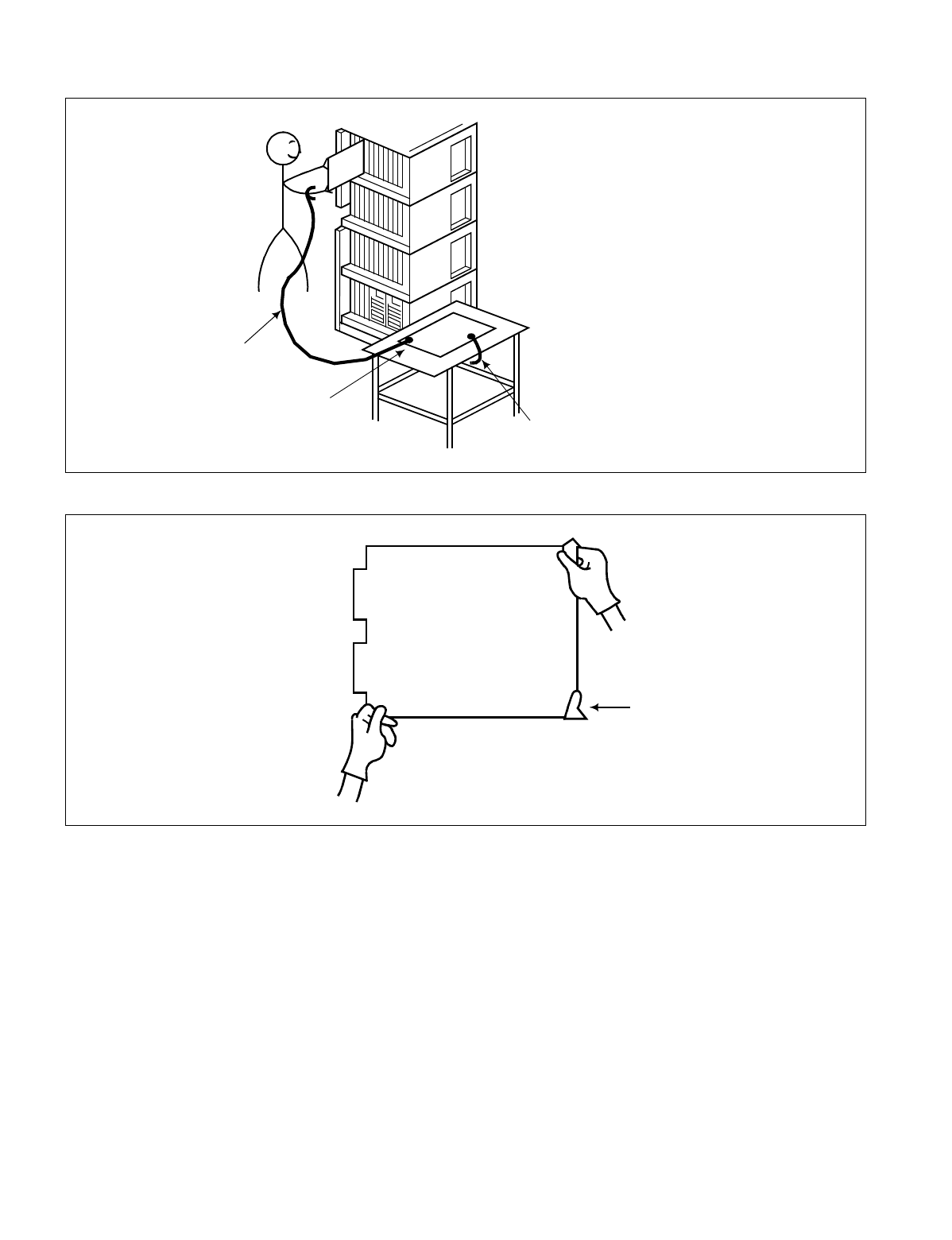
NDA-24234 CHAPTER 4
Page 287
Revision 3.0
SYSTEM STARTUP
Wrist Strap
Place the Circuit
Card on a
conductive sheet. Connect ground wire to the Earth
terminal of the Module Group.
(Component-Mounted
Side)
Connector
(Contact) Portion
Front Side
Card Puller Tab
CHAPTER 4 NDA-24234
Page 288
Revision 3.0
SYSTEM STARTUP
•When placing a circuit card on a table or other flat surface, spread out a conductive sheet and set the card
on the sheet.
•Set the MB switch of the circuit card to the UP position and confirm its mounting slot (Note). Then insert
the card into its mounting slot.
Note: Confirm that the color of the card puller tab is the same as the color of the label showing the Slot Number.
3. SYSTEM STARTUP PROCEDURE
The NAPs indicated in the following flowchart describe the procedures for powering on, starting up the system,
assigning Office Data, and checking the startup conditions.
START
Power On: NAP-200-019
Program Install/Load: NAP-200-020
Office Data Assignment: NAP-200-021
Check of Lamp Indication and System Messages: NAP-200-022
Check of Alarm Lamps of the TOPU: NAP-200-023
END
Circuit
Card
Perform work on the conductive sheet
while wearing a grounded wrist strap.
NDA-24234 CHAPTER 4
Page 289
Revision 3.0
SYSTEM STARTUP
NAP-200-019
Sheet 1/2
Power ON
START
Visual Inspection Check whether any pins are shorting on the backplane of
each Module.
Check whether any foreign matter such as a cleaning fluid
residue is present on the connector portion of the circuit
cards.
On each circuit card equipped with ROM (CPU, etc.),
check whether any pins of the ROM are bent or improperly
seated.
Leave all circuit cards inserted
halfway Mount all circuit cards (including PWR Supplies) in the
Module, leaving them inserted only halfway. (They should
not be inserted into their connectors.)
Check input voltage Check insulation across the -48 V and G terminals on the
power receiving terminal of the Base Unit.
Turn power to the rectifier ON and check the voltage (DC
-48V ± 5V) and its polarity on the power receiving terminal
of the Base Unit.
Turn ON Fan Units Turn FAN UNIT ON.
Verify that air is blown upwards.
If the Fuse blows, the input polarity is reversed.
Turn OFF the FAN UNIT.
Correct polarity, replace the fuse and turn FAN UNIT ON.
Verify that the FAN blows air upwards.
Check PWR Supply Check the Power Supplies for each Module one at a time.
Check Steps:
1. Turn circuit breaker OFF and insert the PWR Supply.
2. Turn circuit breaker ON (See Note).
3. Various lamps (Green) illuminate.
4. Observe the PWR Supply for a while and confirm that
nothing abnormal (unusual smell, smoke, etc.) occurs.
5. Turn the circuit breaker ON/OFF a few times and
observe the condition.
6. Turn the circuit breaker OFF and remove the PWR
Supply.
Note: If a Module is equipped with dual PWR Supplies,
they must be turned ON/OFF simultaneously.
ATTENTION
Contents
Static Sensitive
Handling
Precautions Required
A
CHAPTER 4 NDA-24234
Page 290
Revision 3.0
SYSTEM STARTUP
NAP-200-019
Sheet 2/2
Power ON
Insert all PWR Supplies Insert all PWR Supplies into their positions.
Insertion Steps:
1. Turn each Power Supply’s circuit breaker OFF and insert
them one at a time.
2. Turn circuit breakers ON.
3. Confirm that there are no abnormal indications (unusual
smell, smoke, alarm, etc.)
Insert and check Line/Trunk circuit
cards Insert Line (16LC, etc.) and Trunk (16COT, etc.) circuit
cards into their backplane connectors one at a time and
confirm that no fuses are blown in the process.
Check Steps:
1. Set MB switch UP and insert the card.
2. Set MB switch DOWN.
3. Confirm that there are no abnormal indications.
4. Set MB switch UP and remove the card.
Insert and check control system
cards Insert control system circuit cards (TSW, MUX, etc.) one at
a time and confirm that no fuses are blown in the process.
Check Steps:
1. Set MB switch UP and insert the card.
2. Set MB switch DOWN.
3. Confirm that there are no abnormal indications.
4. Set MB switch UP and remove the card.
Note: If a module contains dual PWR Supplies, they must be turned ON or OFF simultaneously.
END
ATTENTION
Contents
Static Sensitive
Handling
Precautions Required
A
Power ON Procedure IMG3 →IMG2 →IMG1 →IMG0
IMG3: PIM0 →PIM1 →PIM2 →PIM3
IMG2: TSWM1 → PIM0
→PIM1 →PIM2 →PIM3
IMG1: TSWM0 →PIM0 → PIM1
→PIM2 →PIM3
IMG0: CPR0 →CPR1 → PIM0
→PIM1 →PIM2 →PIM3
Power OFF Procedure: IMG3 →IMG2 →IMG1 →IMG0
IMG3: PIM3 →PIM2 →PIM1 →PIM0
IMG2: PIM3 → PIM2
→PIM1 →PIM0 →TSWM1
IMG1: PIM3 → PIM2
→PIM1 →PIM0 →TSWM0
IMG0: PIM3 →PIM2 →PIM1 →PIM0 → CPR1
→ CPR0
NDA-24234 CHAPTER 4
Page 291
Revision 3.0
SYSTEM STARTUP
Procedure for Program Install consists of the following items.
Note: The control of 7-seg LED is the next page.(Case of program install and restart processing)
NAP-200-020
Sheet 1/6
Program Install and Load ATTENTION
Contents
Static Sensitive
Handling
Precautions Required
•Generic Software 2 ~ 11
•Internal MAT Software 1 - 2
•TCP/IP Software 1 Install
Application
Software Install
HD Initial
Off-Line Start Up Refer to (a) Procedure for Off-Line Start Up
Refer to (b) Procedure for HD Initial
•HD format
•Generic Software (1) Install
•Making Directory in the HD
Refer to (d) Procedure for Application Software Install
START
END
Refer to (c) Procedure for Basic Software Install
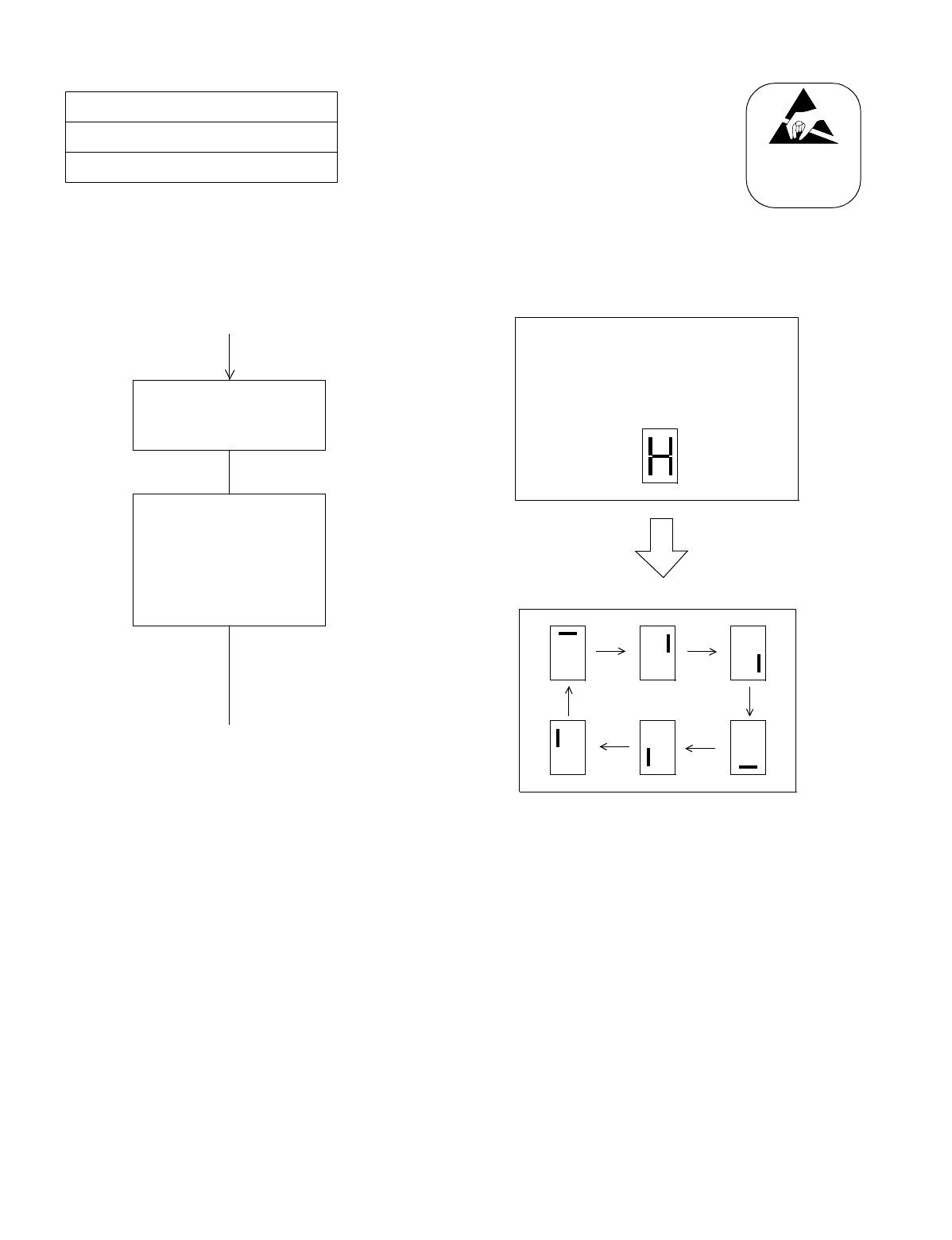
CHAPTER 4 NDA-24234
Page 292
Revision 3.0
SYSTEM STARTUP
(a) Procedure for off-line start-up
NAP-200-020
Sheet 2/6
Program Install and Load
Status change of 7 Segment LED on the EMA card
ATTENTION
Contents
Static Sensitive
Handling
Precautions Required
START
END
Set the SENSE switch
to “c” on the CPU Front Panel.
• Push the CPURST
button on the CPU
Front Panel.
or
• Turn Power-SW ON.
Startup
end (off-line mode)
for the system to be
initialized (CPU0, CPU1)
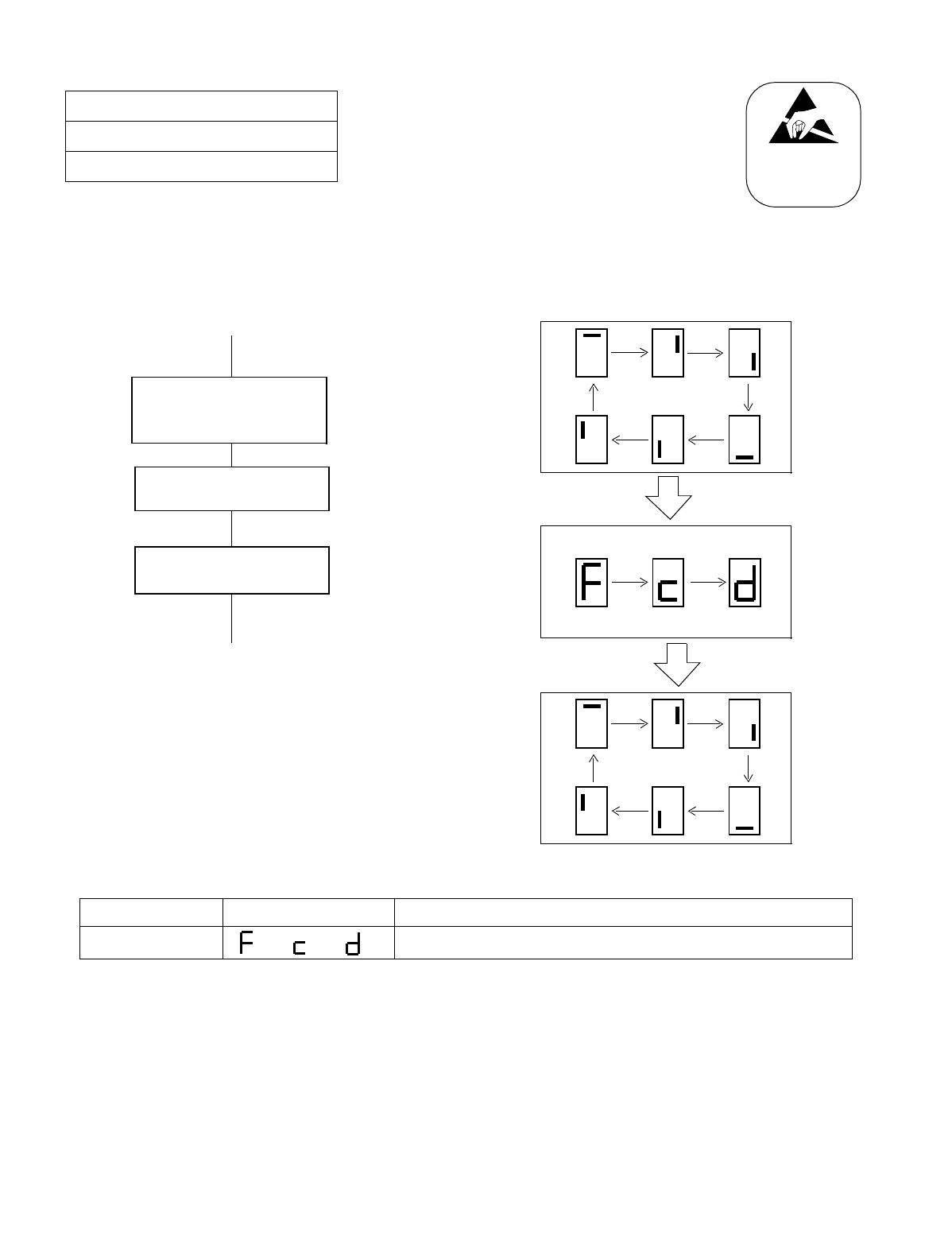
NDA-24234 CHAPTER 4
Page 293
Revision 3.0
SYSTEM STARTUP
(b) Procedure for HD Initial
NAP-200-020
Sheet 3/6
Program Install and Load
Status change of 7 Segment LED on the CPU Front
Panel.
Note:
ATTENTION
Contents
Static Sensitive
Handling
Precautions Required
START
END
• HD Format
Set the SENSE switch for the
system to be initialized (CPU0,
CPU1) to “1” on the CPU Front
Panel.
Insert the FD Basic Generic
Disk 1 into the FDD.
Flip the MBR key on the CPU
Front Panel [OFF-ON-OFF].
Display end
SENS SW 7SEG LED FUNCTION
1FORMAT
→ COPY → MAKING DIRECTORY
→ →
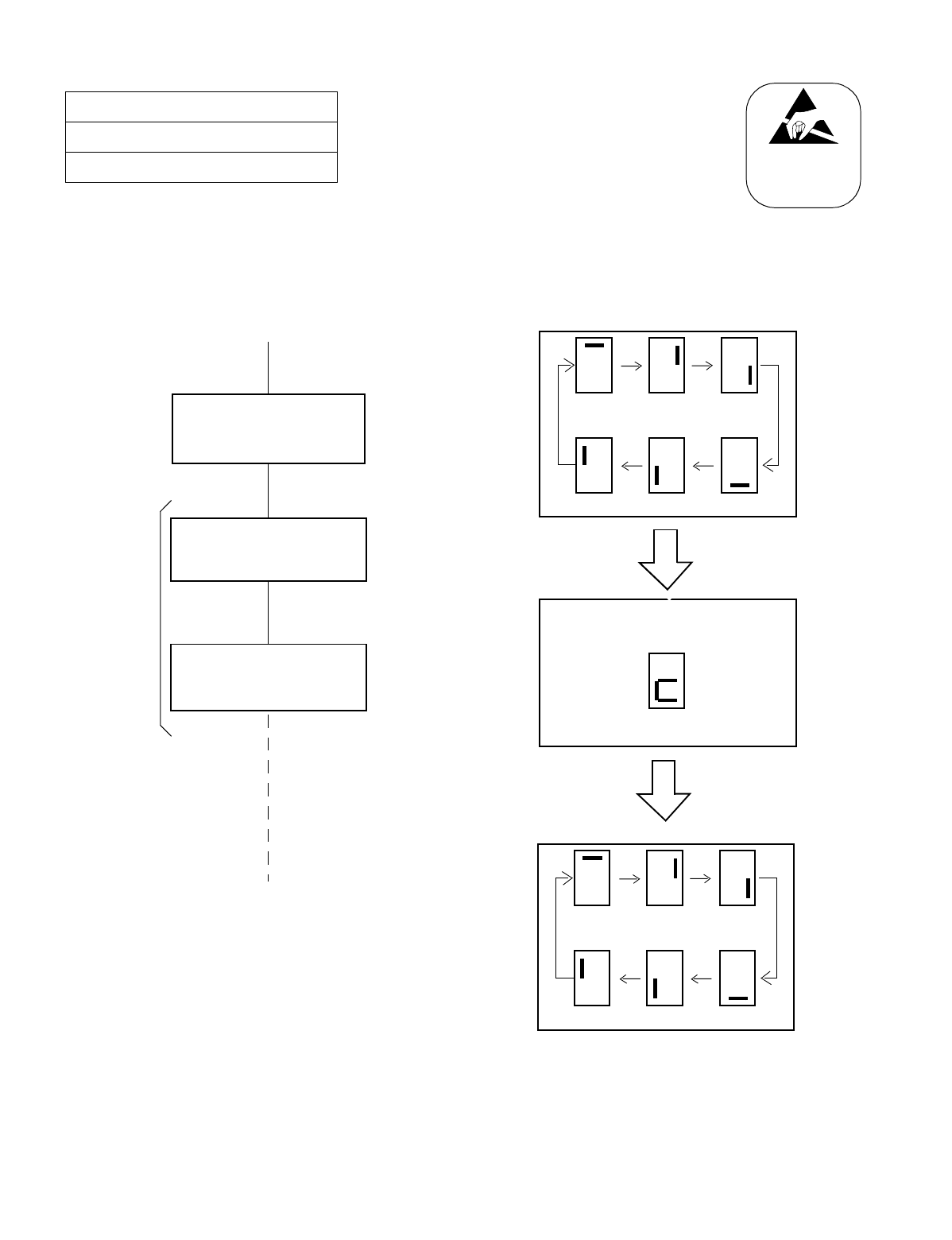
CHAPTER 4 NDA-24234
Page 294
Revision 3.0
SYSTEM STARTUP
(c) Procedure for Generic Software (#2 ~ #11) Internal MAT Software (1 ~ 2), TCP/
IP Software (1) Install
NAP-200-020
Sheet 4/6
Program Install and Load
Status change of 7 Segment LED on the CPU Front
Panel.
WARNING: Removal or Make Busy of the HFD card is
not allowed while the Floppy Disk or Hard
Disk is being accessed.
ATTENTION
Contents
Static Sensitive
Handling
Precautions Required
START
END
* Repeat
Insert the FD Basic Generic
Disk 2 into the FDD.
*
Set the SENSE switch
to “3” on the CPU Front Panel.
for the system to have
DATA installed (CPU0, CPU1)
Flip the MBR key on the
CPU Front Panel card
OFF–ON–OFF.
Generic Software 3 ~ 11
Internal MAT Software 1 ~ 2
TCP/IP Software 1
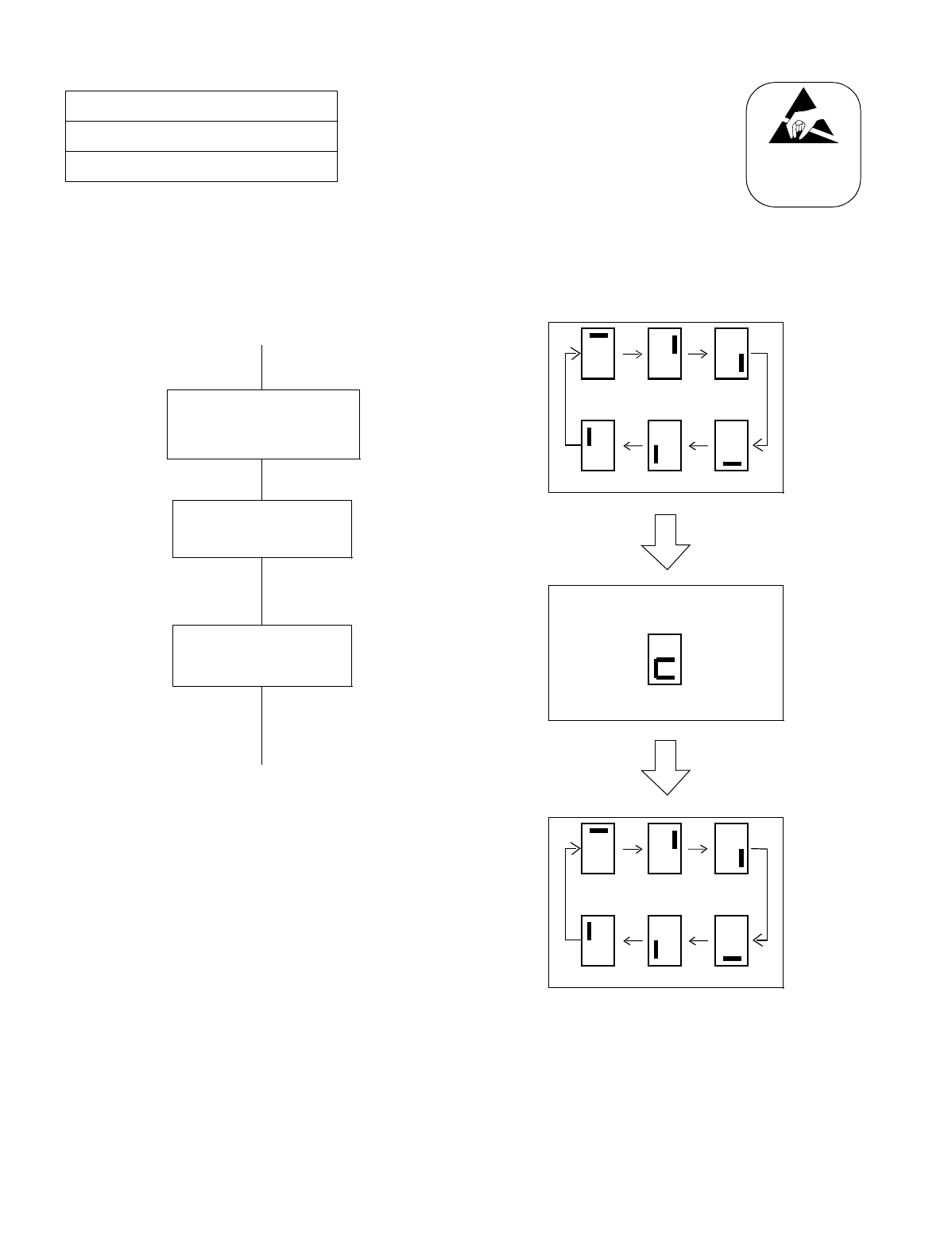
NDA-24234 CHAPTER 4
Page 295
Revision 3.0
SYSTEM STARTUP
(d) Procedure for Application Software Install
NAP-200-020
Sheet 5/6
Program Install and Load
Status change of 7 Segment LED on the CPU Front
Panel.
WARNING: Removal or Make Busy of the HFD card is
not allowed while the Floppy Disk or Hard
Disk is being accessed.
ATTENTION
Contents
Static Sensitive
Handling
Precautions Required
Insert the FD “Application
Software into the FDD.
START
END
Flip the MBR Key on the
CPU Front Panel
Set the SENSE switch
to “3” on the CPU Front Panel.
for the system to have DATA
installed (CPU0, CPU1)
[OFF–ON–OFF].
INSTALL END
CHAPTER 4 NDA-24234
Page 296
Revision 3.0
SYSTEM STARTUP
•Procedure for Program Load
This section describes system start-up procedure in which a program is loaded from the HD to the MEM
and the data memory is cleared.
NAP-200-020
Sheet 6/6
Program Install and Load
START
Program Load Set the SENSE switch to “1” (restart with data
memory clear) on the CPU Front Panel and press the
CPURST button.
The system is initialized when LOADING from the
HD to the MEM is completed.
Verify that the OPE lamp on the CPU Front Panel
starts flashing.
Set On-Line mode Set the SENSE switch to “2” (restart without data
memory clear) on the CPU Front Panel.
END
ATTENTION
Contents
Static Sensitive
Handling
Precautions Required
NDA-24234 CHAPTER 4
Page 297
Revision 3.0
SYSTEM STARTUP
NAP-200-021
Sheet 1/2
Assignment of Office Data
START
Start up the MAT
Enter basic data Assign the following data via the MAT per the office data
programming sheet.
“ATIM”: Assignment of Date and Time
“ASYD” (SYS 1, 2, & 3) /ASYDL (SYS 1 & 2):
System Data assignment
“AUNT”: Unit Data assignment
Save basic data Save the above data onto the hard disk (HD) using the
“MEM_HDD” Command.
Initialize Make sure that the SENSE switch on the CPU Front
Panel has been set to “2”.
Press the CPURST button on the CPU Front Panel.
Clear the alarm by pressing the ALM RST button on the
TOPU.
Assign Office Data Assign data according to the office data programming
sheet.
ATTENTION
Contents
Static Sensitive
Handling
Precautions Required
A
CHAPTER 4 NDA-24234
Page 298
Revision 3.0
SYSTEM STARTUP
NAP-200-021
Sheet 2/2
Assignment of Office Data
Save Office Data onto HD Save the Office Data onto the hard disk (HD) from the
MEM using the “MEM_HDD” command.
Save Office Data onto FD Save the Office Data onto a floppy disk (FD) from the
HD using the “HDD_MAT” command.
END
ATTENTION
Contents
Static Sensitive
Handling
Precautions Required
A
NDA-24234 CHAPTER 4
Page 299
Revision 3.0
SYSTEM STARTUP
NAP-200-022
Sheet 1/5
Check of Lamp Indications and System
Messages
START
Check lamp indications on Line/
Trunk circuit cards Check lamp indications on each of the assigned Line/
Trunk circuit cards.
OPE lamp (G): ON
BL lamp (R): OFF
If the lamp indications are other than above, investigate
per Chapter 6: “FAULT RECOVERY DURING
TESTS.”
Check lamp indications on control
system circuit cards The OPE lamps (G) are shown in Figure 022-1 through
Figure 022-4.
If any alarm lamp illuminates, check switch settings on
the circuit card, mounting positions of the cards within
that module, control cable connections (Front &
Backplane), and Office Data assignments.
Confirm that no alarm lamps (R) / (Y)
are illuminating on the TOPU For explanations of the TOPU (Top Unit) lamp
indications, refer to the System Operations and
Maintenance Manual.
Check System Messages Display System Messages using MAT command
“DFTD.”
END
If a System Message which indicates a fault is displayed,
investigate and recover the fault referring to the System
Operations and Maintenance Manual.
START
ATTENTION
Contents
Static Sensitive
Handling
Precautions Required
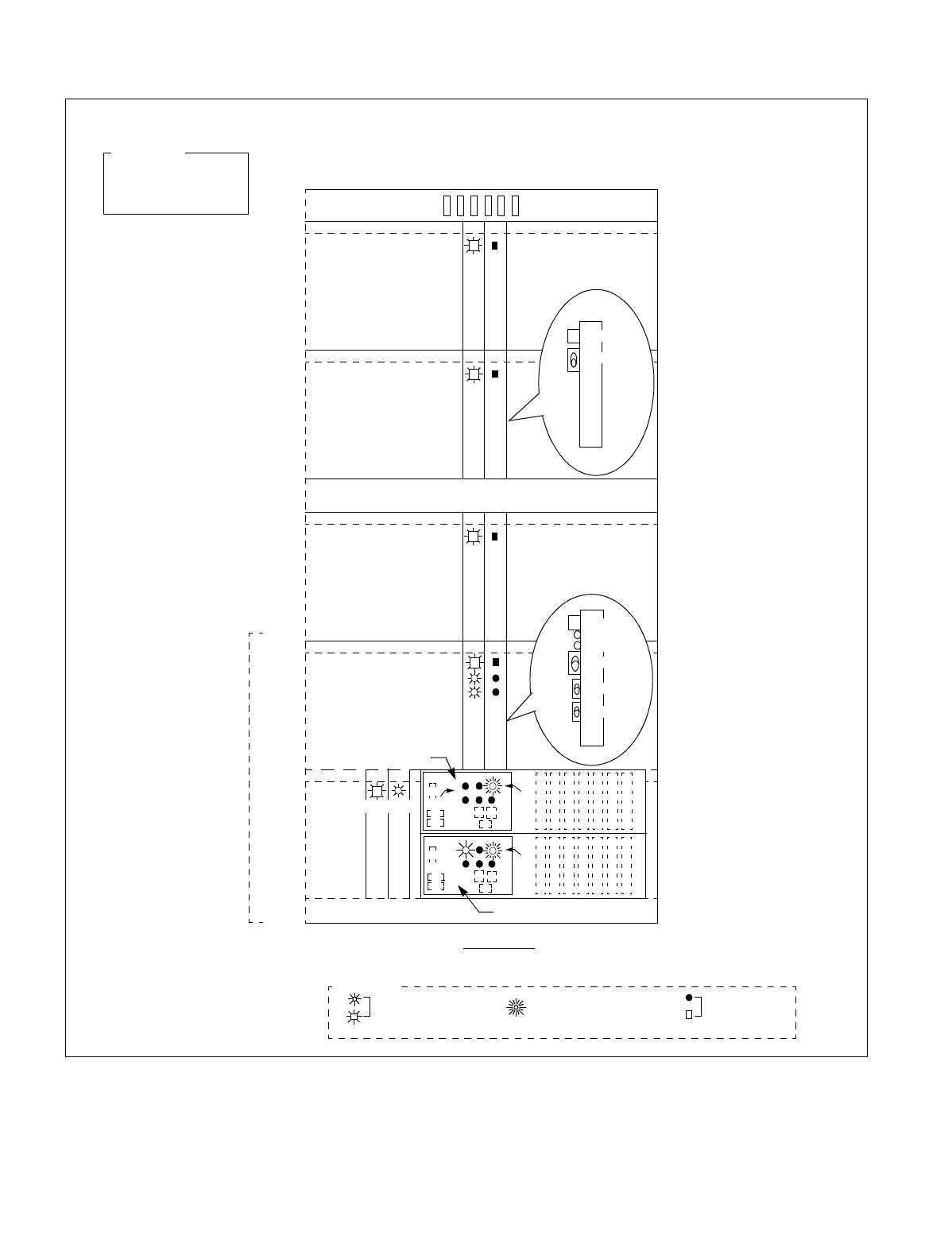
CHAPTER 4 NDA-24234
Page 300
Revision 3.0
SYSTEM STARTUP
Figure 022-1 LED Indications in Normal Operation (Single IMG Configuration)
13 14
MUX ACT
MUX(PH-PC36)
MUX(PH-PC36)
13 14
MUX ACT
MUX(PH-PC36)
MUX(PH-PC36)
13 14
MUX ACT
MUX(PH-PC36)
MUX(PH-PC36)
13 14
TSW ACT
MUX ACT
PLO ACT
TSW(PH-SW10)
TSW(PH-SW10)
03 04
IOC(PH-IO24)
EMA(PH-PC40)
OPE OPE/MB
TOPU
PIM3
PIM2
PIM1
PIM0
LPR
BASEU
FANU
BSCM
FRONT VIEW
: Lamp is ON (Green) : Lamp is OFF: Lamp is Flashing (Green)
Legend
CPU 0 -) ACT
TSW 0 -) ACT
PLO 0 -) ACT
System State
CPU OPE IMG0
IMG1
DSP 1 (PZ-DK224)
DSP 0 (PZ-DK224)
CPU OPE
FRONT
TSW
TSW ACT
MUX ACT
PLO ACT
MB
TSW MBR
PLO MBR
FRONT
MUX
MUX ACT
MB
This figure shows the LED indications for a fully expanded system as an example.
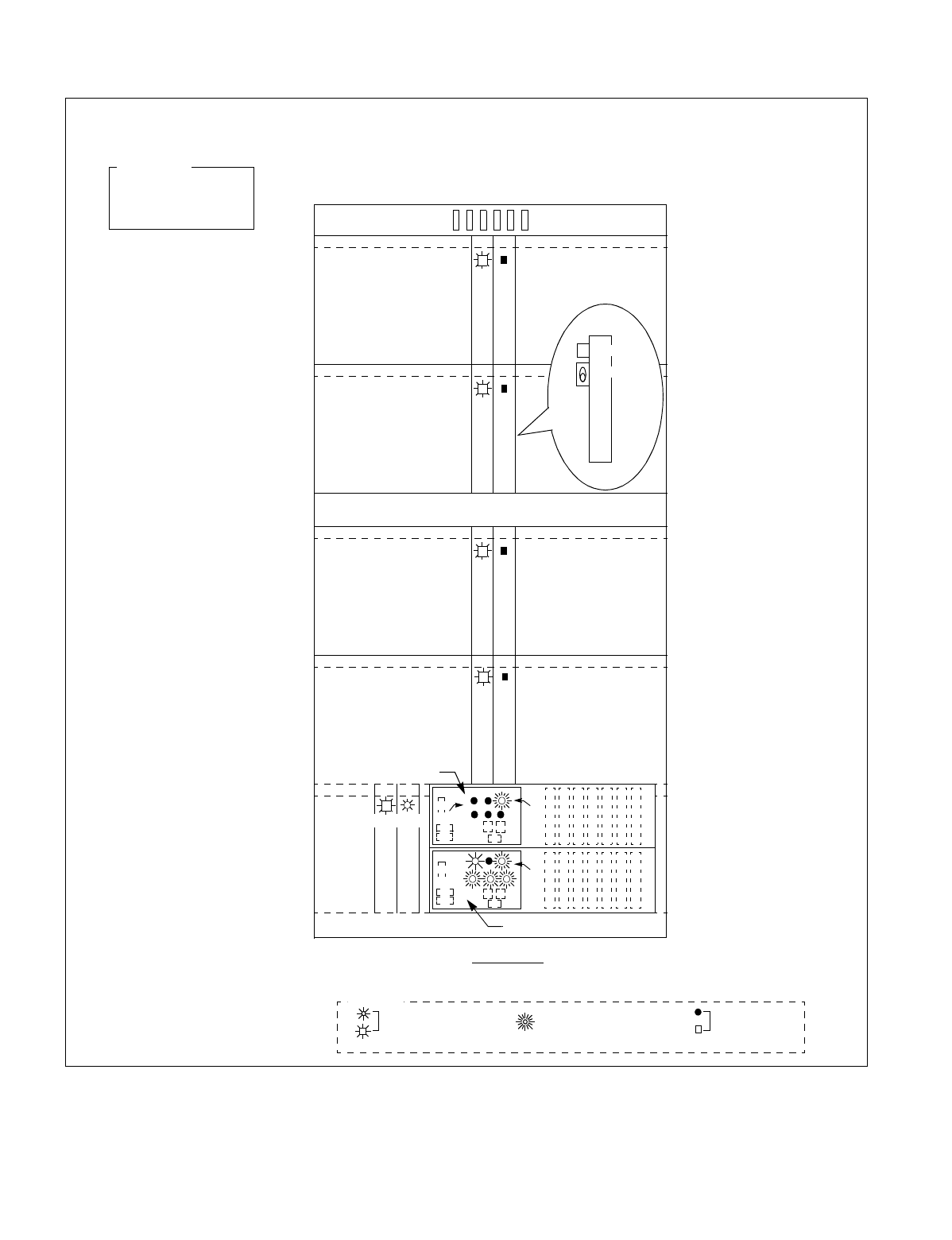
NDA-24234 CHAPTER 4
Page 301
Revision 3.0
SYSTEM STARTUP
Figure 022-2 LED Indications of IMG0 in Normal Operation (Multiple IMG Configuration)
13 14
MUX ACT
MUX(PH-PC36)
MUX(PH-PC36)
13 14
MUX ACT
MUX(PH-PC36)
MUX(PH-PC36)
13 14
MUX ACT
MUX(PH-PC36)
MUX(PH-PC36)
13 14
MUX ACT
03 04
IOC(PH-IO24)
EMA(PH-PC40)
OPE OPE/MB
TOPU
PIM3
PIM2
PIM1
PIM0
LPM
BASEU
FANU
FRONT VIEW
: Lamp is ON (Green) : Lamp is OFF: Lamp is Flashing (Green)
Legend
CPU 0 → ACT
TSW 0 → ACT
PLO 0 → ACT
System State
CPU OPE IMG 0
DSP 1 (PZ-DK224)
DSP 0 (PZ-DK224)
CPU OPE
FRONT
MUX
MUX ACT
MB
This figure shows the LED indications (example) for a fully expanded IMG0 system.
MUX(PH-PC36)
MUX(PH-PC36)
IMG 0
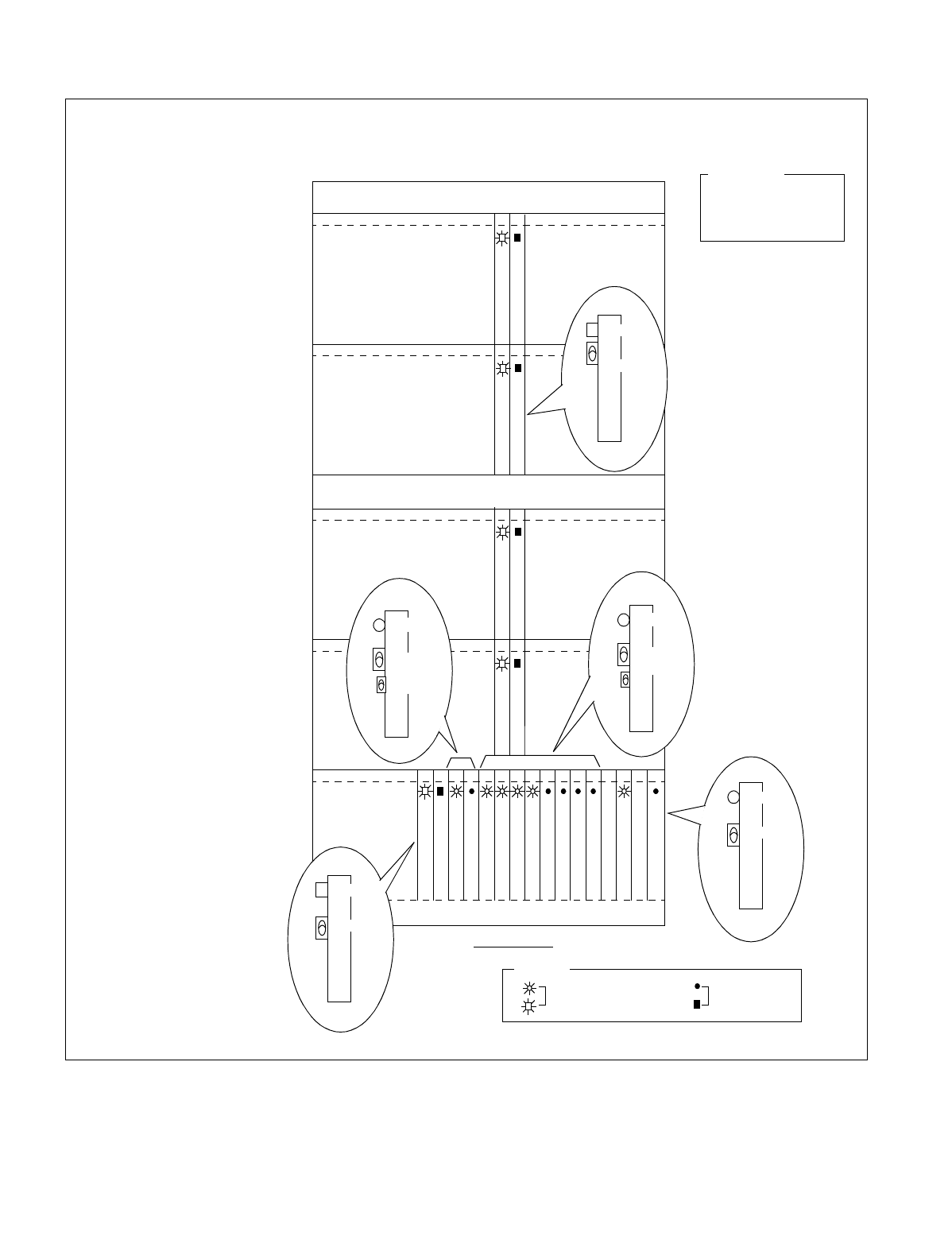
CHAPTER 4 NDA-24234
Page 302
Revision 3.0
SYSTEM STARTUP
Figure 022-3 LED Indications of IMG1 in Normal Operation (Multiple IMG Configuration)
13 14
MUX(PH-PC36)
MUX(PH-PC36)
13 14
MUX(PH-PC36)
MUX(PH-PC36)
13 14
MUX(PH-PC36)
MUX(PH-PC36)
MUX(PH-PC36)
MUX(PH-PC36)
13 14
08
DLKC (PH-PC20)
DLKC (PH-PC20)
GT (PA-GT09)
TSW 00 (PH-SW12)
TSW 01 (PH-SW12)
TSW 02 (PH-SW12)
TSW 03 (PH-SW12)
TSW 10 (PH-SW12)
TSW 11 (PH-SW12)
TSW 12 (PH-SW12)
TSW 13 (PH-SW12)
PLO Note
PLO Note
(RES)
GT (PA-GT09)
TOPU
PIM3
PIM2
PIM1
PIM0
TSWM
BASEU
FANU
FRONT VIEW
: Lamp is ON : Lamp is OFF
Legend
System State
IMG1
TSW 0 -> ACT
PLO 0 -> ACT
DLKC 0 -> ACT
2322
09 10 11 12 13 14 15 16 17 18 19 20 21
This figure shows the LED indications (example) for a fully expanded IMG1 system. Note that this example
assumes that all of the four IMGs are used in an integrated multimedia exchange service.
FRONT
DLKC
OPE/MB
MB
PLO
FRONT
MB
ACT
TSW
FRONT
MB
TSW ACT
TSW ACT
GT
MBR
FRONT
MB
OPE/MB
MBR
MUX
FRONT
MB
MUX ACT
Note: PH-CK16/PH-CK17, or PH-CK16-A/PH-CK17-A
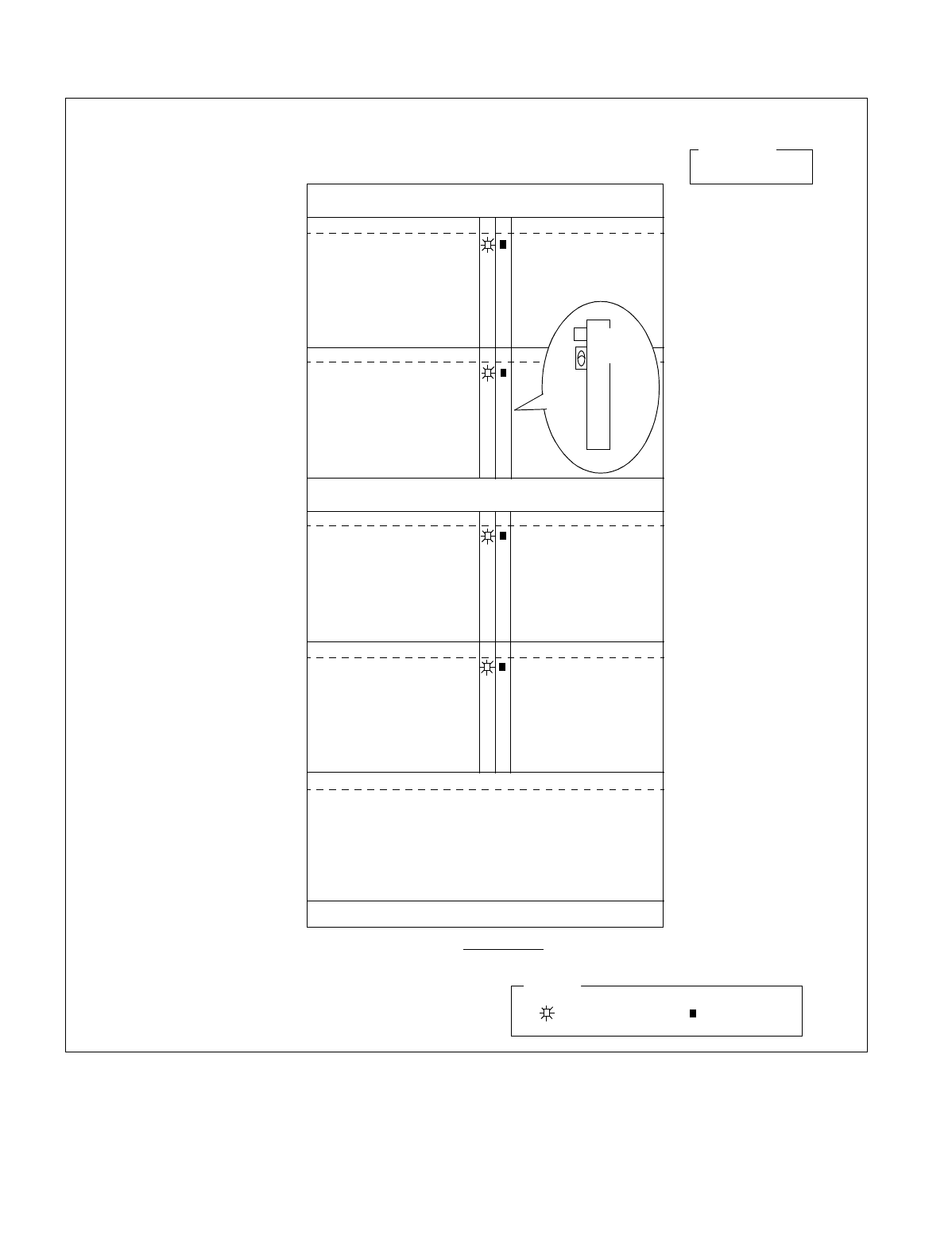
NDA-24234 CHAPTER 4
Page 303
Revision 3.0
SYSTEM STARTUP
Figure 022-4 LED Indications of IMG 2/3 in Normal Operation (example) (Multiple IMG Configuration)
This figure shows the LED indications (example) of a fully expanded system of IMG 2/3.
1314
MUX(PH-PC36)
MUX(PH-PC36)
1314
MUX(PH-PC36)
MUX(PH-PC36)
1314
MUX(PH-PC36)
MUX(PH-PC36)
MUX(PH-PC36)
MUX(PH-PC36)
1314
TOPU
PIM3
PIM2
PIM1
PIM0
DUMMY
BASEU
FANU
FRONT VIEW
: Lamp is ON
IMG 2/3
Legend
: Lamp is OFF
System State
TSW 0 -> ACT
FRONT
MUX
MUX ACT
MB
CHAPTER 4 NDA-24234
Page 304
Revision 3.0
SYSTEM STARTUP
Test Outline: The System has Alarm Lamps on the TOPU. Figure 023-1 shows the Alarm
Lamps on the TOPU. For more information about each lamp, see the
NEAX2400 IMX System Operations and Maintenance Manual.
Figure 023-1 Alarm Lamps on the TOPU
Note: SMJ and SMN are used in multiple IMG configuration only.
NAP-200-023
Sheet 1/2
Check of Alarm Lamps of the TOPU ATTENTION
Contents
Static Sensitive
Handling
Precautions Required
PWR
ON MJ MN SUP
GRR
GY
SMJ SMN
G
ALM
NDA-24234 CHAPTER 4
Page 305
Revision 3.0
SYSTEM STARTUP
NAP-200-023
Sheet 2/2
Check of Alarm Lamps of the TOPU
START
Test of MJ (MAJOR) Lamp Set the circuit breakers of the Power Supplies (PWR0, 1)
in a PIM to OFF (About 10 seconds later, set the circuit
breaker(s) back ON.
Confirm that the MJ lamp (red) on the TOPU turns ON.
Cancel the alarm indicating by pressing the ALM RST
button on the TOPU.
Test of MN (MINOR) Lamp Take an act side RGU Fuse out of the PWR card.
Confirm that the MN lamp (red) on the TOPU turns ON.
Cancel the alarm indication by pressing the ALM RST
button on the TOPU.
Test of SUP (SUPERVISORY)
Lamp On the EMA Circuit card, flip the MB switch DOWN-
UP-DOWN
Confirm that the SUP lamp (yellow) on the TOPU turns
ON.
Cancel the alarm indication by pressing the ALM RST
button on the TOPU.
END
ATTENTION
Contents
Static Sensitive
Handling
Precautions Required

CHAPTER 4 NDA-24234
Page 306
Revision 3.0
SYSTEM STARTUP
This page is for your notes.

NDA-24234 CHAPTER 5
Page 307
Revision 3.0
CHAPTER 5 INSTALLATION TEST PROCEDURE
1. HOW TO ENTER DATA IN THE TEST CHECK COLUMN
Each NAP in this Chapter has check column for test result entry for each test item (see Figure 5-1). This para-
graph explains the method of entering test result into the check column concerned using Figure 5-1 as an exam-
ple.
1. Method of Entry
Each check column consists of two sections of “PROVIDED” and “CHECK”. If the equipment or service
feature pertaining to the test item is provided in the system, enter “*” in the PROVIDED section. At the
time of performing installation tests, the test item with “*” marked in the PROVIDED section must be test-
ed without exception.
In the “CHECK” column, enter the results of each test as follows:
•When the test result is good: “OK”
•When the test result is no good: “×”
2. Fault Recovery
If a fault is discovered as a result of an installation test, enter “√”
into the related check sheet. After finish-
ing all tests in the same category, be sure to repair the detected fault before proceeding to the next test.
3. Entry into Check Column after Fault Recovery
After fault recovery work has been completed, a test must be performed to confirm that the fault has been
completely corrected. If the result of this confirmation indicates that the fault has been corrected, enter
“OK” next to the “×”
entered previously. This entry should appear as: “× OK”.
CHAPTER 5 NDA-24234
Page 308
Revision 3.0
INSTALLATION TEST PROCEDURE
Figure 5-1 Example of Entry to Test Check Column
•This example is NAP-200-024: DT Connection Test
When “*” is already printed in the “PROVIDED” section, the item concerned
is a basic function of the system. Test the item without exception.
When “PROVIDED” section is blank, the installer should enter “*”
mark as per the Job Specification.
The item marked with “*” must be tested without exception.
Check whether the OPE lamp (G) is turning ON on the RST circuit
cards.
Check whether the OPE lamp (G) is turning ON on the LC circuit
cards.
Lift handset.
Confirm DT (Dial Tone).
Check whether the Busy lamp (R) is turning ON for the
connected ORT and LC.
Continue listening to DT for about 12 seconds.
Confirm that DT changes to Reorder Tone (ROT).
Continue listening to ROT for about 30 seconds.
When System Data (SYS1,
INDEX 64, b3 = 0, b4 = 0)
are assigned.
Confirm that ROT changes to
“no tone.”
When System Data (SYS1,
INDEX 64, b3 = 0, b4 = 1 or
b3 = 1, b4 = 0) are assigned.
Confirm that howler tone is
heard after ROT stops.
(Analog Ports only)
Hang up and release the connection.
These are the
Test Check
Columns, the
left column is
“PROVIDE”
column and the
right columns is
the “CHECK”
columns.
START
END
*
*
*
*
*

NDA-24234 CHAPTER 5
Page 309
Revision 3.0
INSTALLATION TEST PROCEDURE
2. BASIC CONNECTION TEST
2.1 Outline
After the system has been started up, establish some basic connections and verify that the system operates nor-
mally.
2.2 Basic Connection Test Procedure
Perform tests on the operations of the processors and the system by referring to the NAP Number indicated to
the right of each item in the following flowchart. If an operation cannot be performed satisfactorily, perform the
necessary repair procedure(s) based on Chapter 6, “FAULT RECOVERY DURING TESTS”.
START
DT (Dial Tone) Connection Test: NAP-200-024
Station-to-Station Connection Test: NAP-200-025
END
CHAPTER 5 NDA-24234
Page 310
Revision 3.0
INSTALLATION TEST PROCEDURE
NAP-200-024
Sheet 1/1
DT (Dial Tone) Connection Test
START
Check whether the OPE lamp (G) is turning ON on the RST circuit cards.
Check whether the OPE lamp (G) is turning ON on the LC circuit cards.
Lift handset.
Confirm DT (Dial Tone).
Check whether the Busy lamp (R) is turning ON for the connected ORT and LC.
Continue listening to DT for about 12 seconds.
Confirm that DT changes to Reorder Tone (ROT).
Continue listening to ROT for about 30 seconds.
When System Data (SYS1,
INDEX 64, b3 = 0, b4 = 0) are
assigned.
Confirm that ROT changes to “no tone”.
When System Data (SYS1,
INDEX 64, b3 = 0, b4 = 1 or
b3 = 1, b4 = 0) are assigned.
Confirm that howler tone is heard after ROT
stops. (Analog Ports only)
Hang up and release the connection.
END
LC ORTA
DT, ROT
*
*
*
*
*
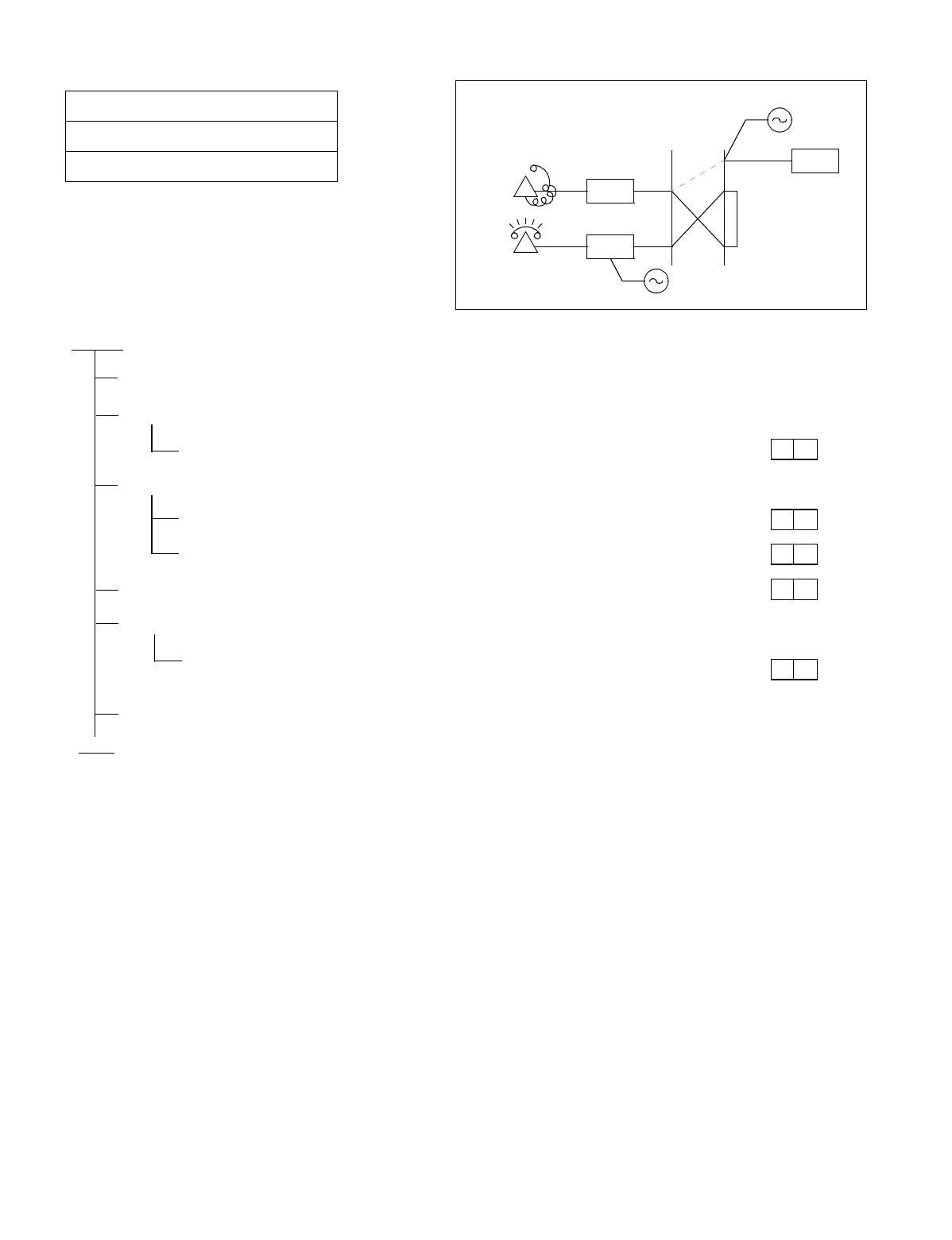
NDA-24234 CHAPTER 5
Page 311
Revision 3.0
INSTALLATION TEST PROCEDURE
NAP-200-025
Sheet 1/1
Station to Station Connection Test
START
Confirm that a connection can be established between Station “A” and Station “B.”
Station “A” goes off-hook.
Station “A” hears DT.
Station “A” dials the station number of Station “B.”
Station “A” confirms that DT stops when the first digit has been dialed.
Station “A” confirms that RBT (Ring Back Tone) is heard after dialing ends.
Station “B” hears ringing on the telephone set.
Station “B” lifts handset and answers the call.
After answering, both Stations “A” and “B” confirm that they can talk with
each other.
Stations “A” and “B” hang up. The connection is released.
END
LC
ORT
A
DT, ROT
LC
B
RG
*
*
*
*
*

CHAPTER 5 NDA-24234
Page 312
Revision 3.0
INSTALLATION TEST PROCEDURE
3. SYSTEM INITIALIZED TEST
3.1 Outline
Tests are to be performed on the restart processing (reinitialization) and system changeover functions which en-
able the system to restart its operations and services.
3.2 System Initialized Test Procedure
The System Changeover Test and Initialization Tests are to be performed per the NAP Numbers indicated to the
right of each item in the following flowchart.
START
System Changeover Test: NAP-200-026
System Initialization Test: NAP-200-027
Circuit Card Initialization Test: NAP-200-028
END
NDA-24234 CHAPTER 5
Page 313
Revision 3.0
INSTALLATION TEST PROCEDURE
Test Outline:
Tests are performed to see if a changeover of the dual systems (Control Systems and Speech Path Systems) of the
PBX can be executed.
NAP-200-026
Sheet 1/7
System Changeover Test Single IMG and Multiple IMG Configuration
START
Perform a Control System Changeover test by switch operations
Control System change-
over via MBR switch on
the DSP (PZ-DK224)
card
On the DSP card of which OPE lamp is turning ON, flip the
“MBR” switch DOWN➝UP➝DOWN (OFF➝ON➝OFF).
The lamp indication of the DSP changes to “DSP in ST-BY
mode” shown in Figure 026-1.
System message “7-C” and “7-D” are displayed in
succession.
CPU changeover via
switch (Forced Change-
over)
Designate CPU changeover via the “CPU SEL” switch on
the EMA (PH-PC 40) card.
•CPU SEL SW UP Position: No. 0 ACT
•CPU SEL SW DOWN Position: No. 1 ACT
System Messages “7-C” and “7-D” are displayed in
succession.
ATTENTION
Contents
Static Sensitive
Handling
Precautions Required
A
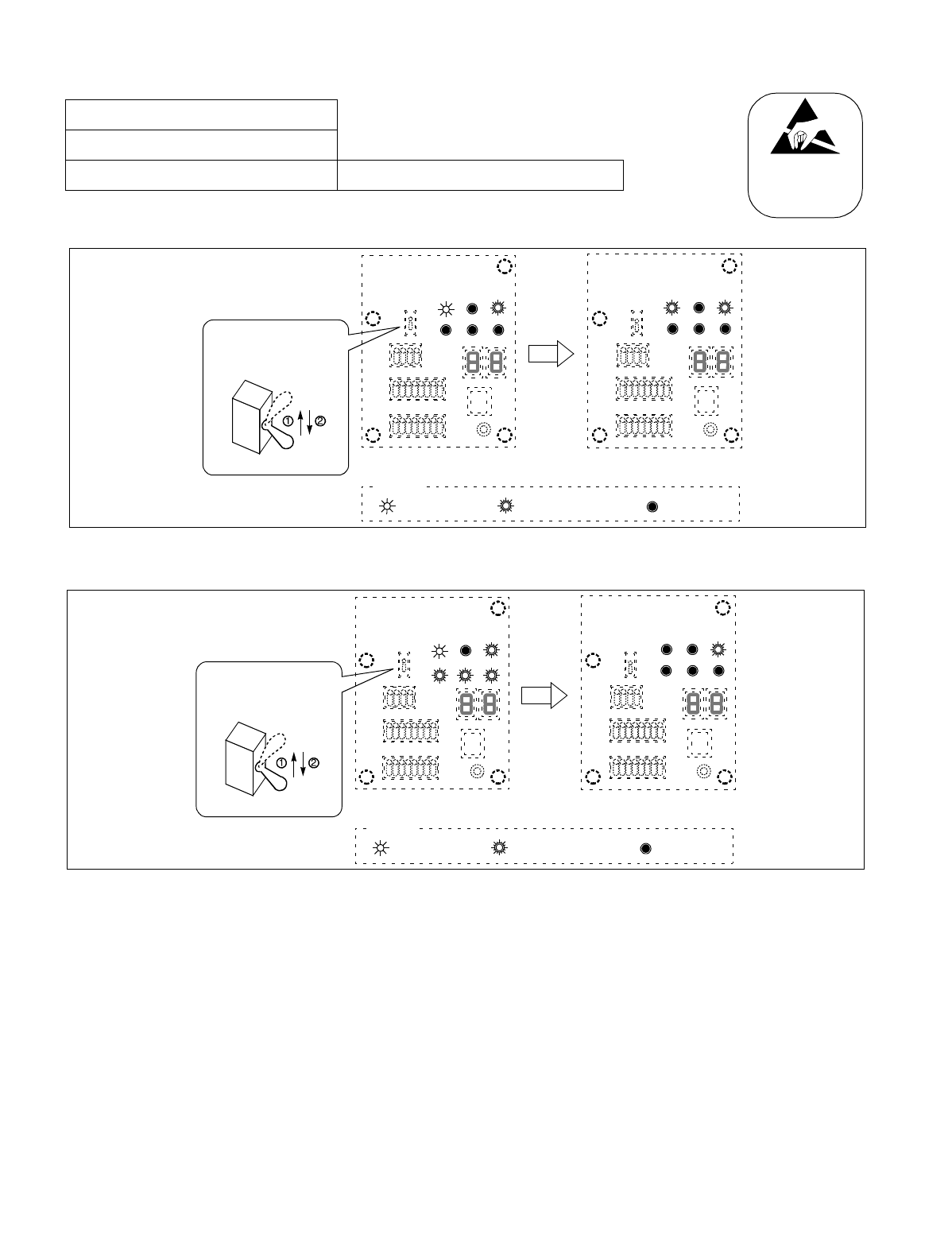
CHAPTER 5 NDA-24234
Page 314
Revision 3.0
INSTALLATION TEST PROCEDURE
Figure 026-1 How to Perform a Control System Changeover (Single IMG Configuration)
Figure 026-2 How to Perform a Control System Changeover (Multiple IMG Configuration)
NAP-200-026
Sheet 2/7
System Changeover Test Single IMG and Multiple IMG Configuration ATTENTION
Contents
Static Sensitive
Handling
Precautions Required
Flip the MBR switch
on the DSP.
CPUOPE WDT IMG0
IMG1 IMG2 IMG3
MBR
Legend
DSP in ACT mode DSP in ST-BY mode
: Lamp is OFF: Lamp is Flashing (Green): Lamp is ON (Green)
CPUOPE WDT IMG0
IMG1 IMG2 IMG3
MBR
Flip the MBR switch
on the DSP.
CPUOPE WOT IMG0
IMG1 IMG2 IMG3
MBR
Legend
DSP in ACT mode DSP in ST-BY mode
: Lamp is OFF: Lamp is Flashing (Green): Lamp is ON (Green)
CPUOPE WDT IMG0
IMG1 IMG2 IMG3
MBR
NDA-24234 CHAPTER 5
Page 315
Revision 3.0
INSTALLATION TEST PROCEDURE
Figure 026-3 LEDs and Switches on TSW/MUX
NAP-200-026
Sheet 3/7
System Changeover Test Single IMG Configuration
Perform a TSW system changeover test by means of switch operations. (Refer to Figure 026-3)
TSW changeover via
switch. On the TSW (PH-SW10) card on which the “TSW
ACT” lamp is turning ON, flip the “TSW MBR” switch
DOWN-UP-DOWN.
System Messages “7-E,” “7-F” and “1-T” are displayed
in succession.
Perform a PLO system changeover test, if TSW (PH-SW10) is provided in dual.
On the TSW card of which PLO ACT lamp is turning
ON, flip the “PLO MBR” switch DOWN-UP-DOWN.
System message “7-G” and “7-H” are displayed in
succession.
END
ATTENTION
Contents
Static Sensitive
Handling
Precautions Required
A
FRONT VIEW
TSW (PH-SW10) MUX (PH-PC36)
TSW ACT
MUX ACT
MUX ACT
MB
PLO ACT
MB
TSW MBR
PLO MBR
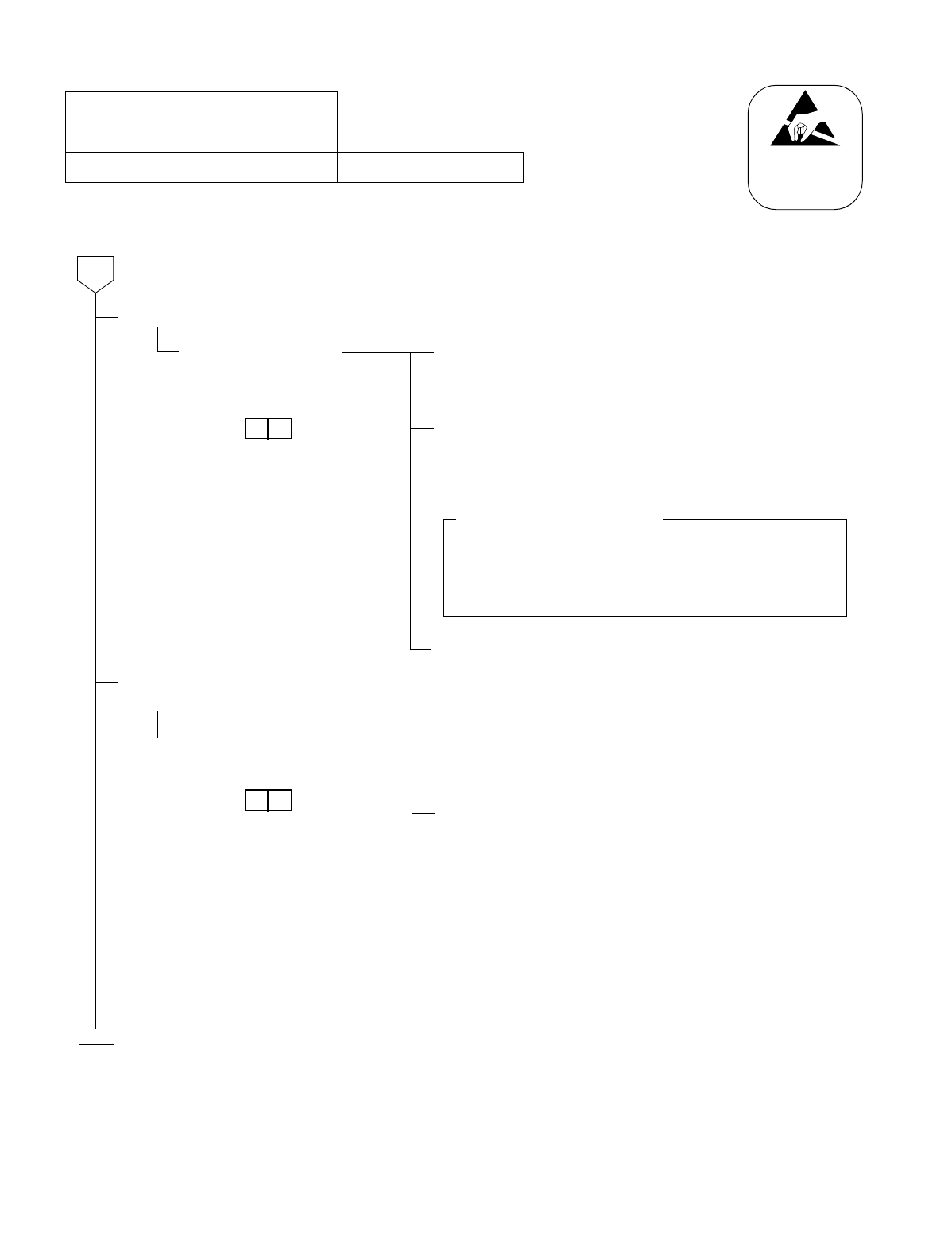
CHAPTER 5 NDA-24234
Page 316
Revision 3.0
INSTALLATION TEST PROCEDURE
NAP-200-026
Sheet 4/7
System Changeover Test Multiple IMG Configuration
Perform a Speech Path system changeover test by switch operations. (Refer to Figure 026-4)
TSW changeover via
switch On the active GT (PA-GT09) card on which the “OPE/MB”
lamp is illuminating, flip the “MBR” switch DOWN-UP-
DOWN.
Make sure that the active Speech Path system has been
changed over to the ST-BY mode. (Check all the related
circuit cards, which were formerly active, have been totally
changed over to the ST-BY mode.
Analyze the system messages “7-E,” “7-F” and “1-T” to be
displayed automatically.
Perform a PLO system changeover test by switch operations. (Refer to Figure 026-3)
PLO changeover via
switch. On the PLO card on which the “ACT/OPE” lamp is
illuminating, flip the “MB” switch DOWN-UP-DOWN.
Note
Make sure that the active PLO system has been changed over
to the ST-BY mode (“ACT/OPE” lamp goes OFF).
END
Analyze the system messages “7-U” and “7-V” to be
displayed automatically.
Note: As the PLO, any of the following cards can be used:
•PH-CK16
•PH-CK17
•PH-CK16-A
•PH-CK17-A
ATTENTION
Contents
Static Sensitive
Handling
Precautions Required
A
Circuit Cards to be affected
•TSW (PH-SW12)
•DLKC (PH-PC20)
•MUX (PH-PC36)
Note: Refer to Figure 026-4.
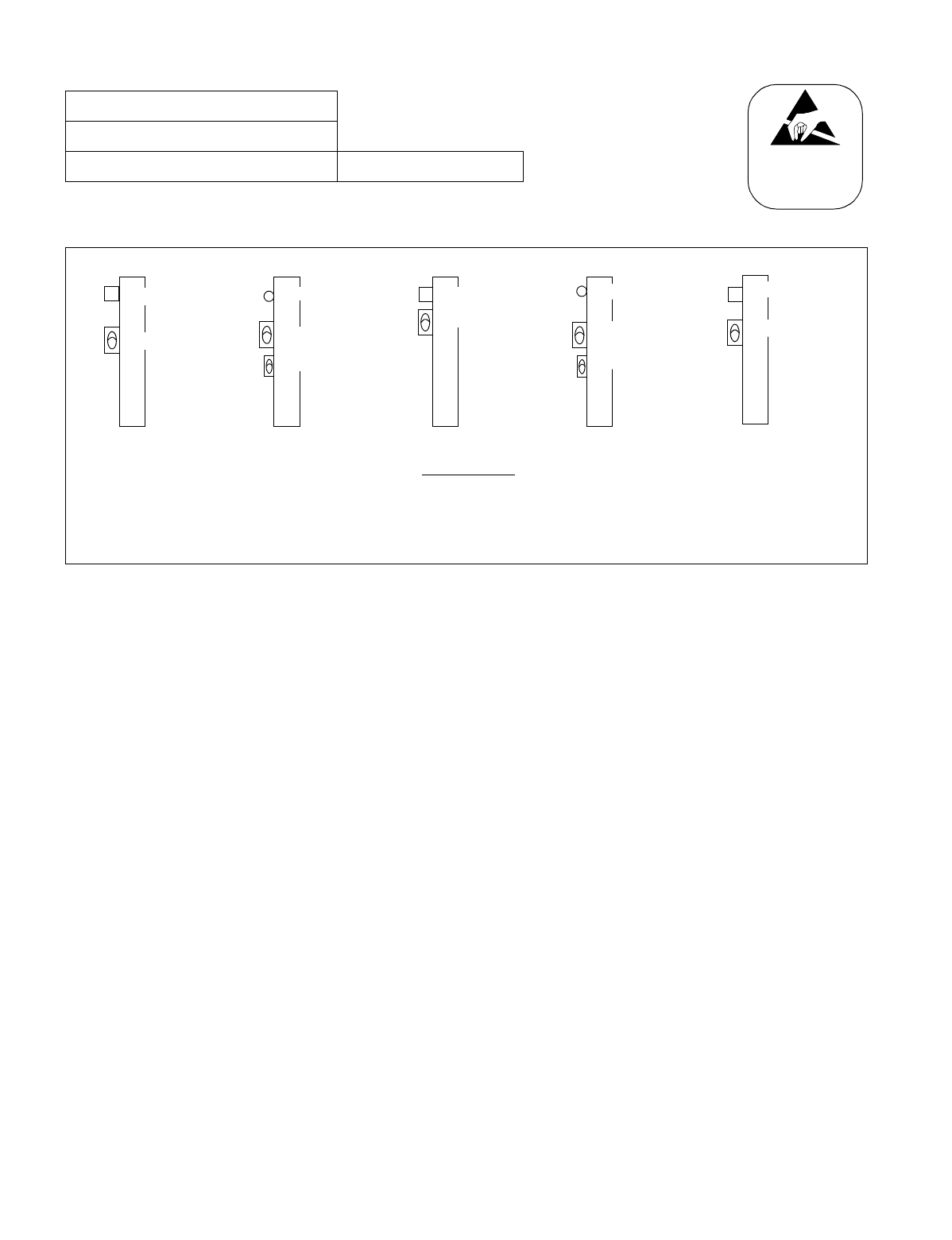
NDA-24234 CHAPTER 5
Page 317
Revision 3.0
INSTALLATION TEST PROCEDURE
Figure 026-4 LEDs and Switches for System Changeover (Multiple IMG Configuration)
NAP-200-026
Sheet 5/7
System Changeover Test Multiple IMG Configuration ATTENTION
Contents
Static Sensitive
Handling
Precautions Required
MUX (PH-PC36)
MUX ACT
MB
TSW (PH-SW12)
GT (PA-GT09)
OPE/MB
MBR
MB
DLKC (PH-PC20)
OPE/MB
MB
FRONT VIEW
TSW ACT
TSW MBR
MB
PLO Note 1
OPE/ACT Note 2
MB
Note 1: PH-CK16/PH-CK17, or PH-CK16-A/PH-CK17-A
Note 2: “OPE” for PH-CK16-A/PH-CK17-A, “ACT” for PH-CK16/PH-CK17
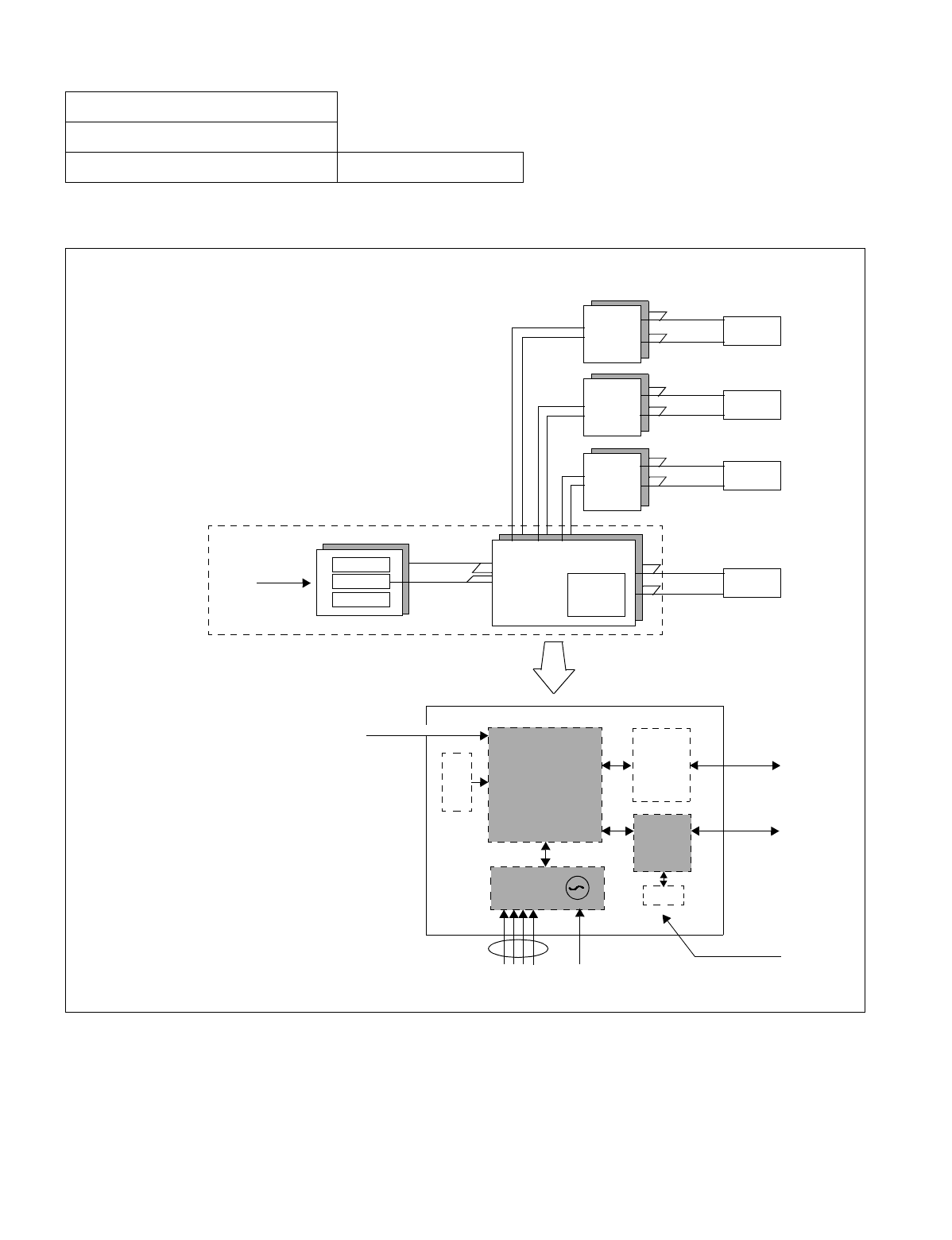
CHAPTER 5 NDA-24234
Page 318
Revision 3.0
INSTALLATION TEST PROCEDURE
Figure 026-5 System Block Diagram (TSW and MUX) (Multiple IMG Configuration)
NAP-200-026
Sheet 6/7
System Changeover Test Single IMG Configuration
LC/TRK
LC/TRK
LC/TRK
LC/TRK
MUX
MUX
MUX
MUX
TSW/INT/PLO
CPU
GT
LANI
PCM HW
PM BUS
PCM HW
PM BUS
PCM HW
PM BUS
PCM HW
PM BUS
D
T
G
TSW/INT
PLO
LVD S
MUX
CFT
From EMA
MUSIC
MUX
LC/TRK
PHSW10
DTI DCS
CPR
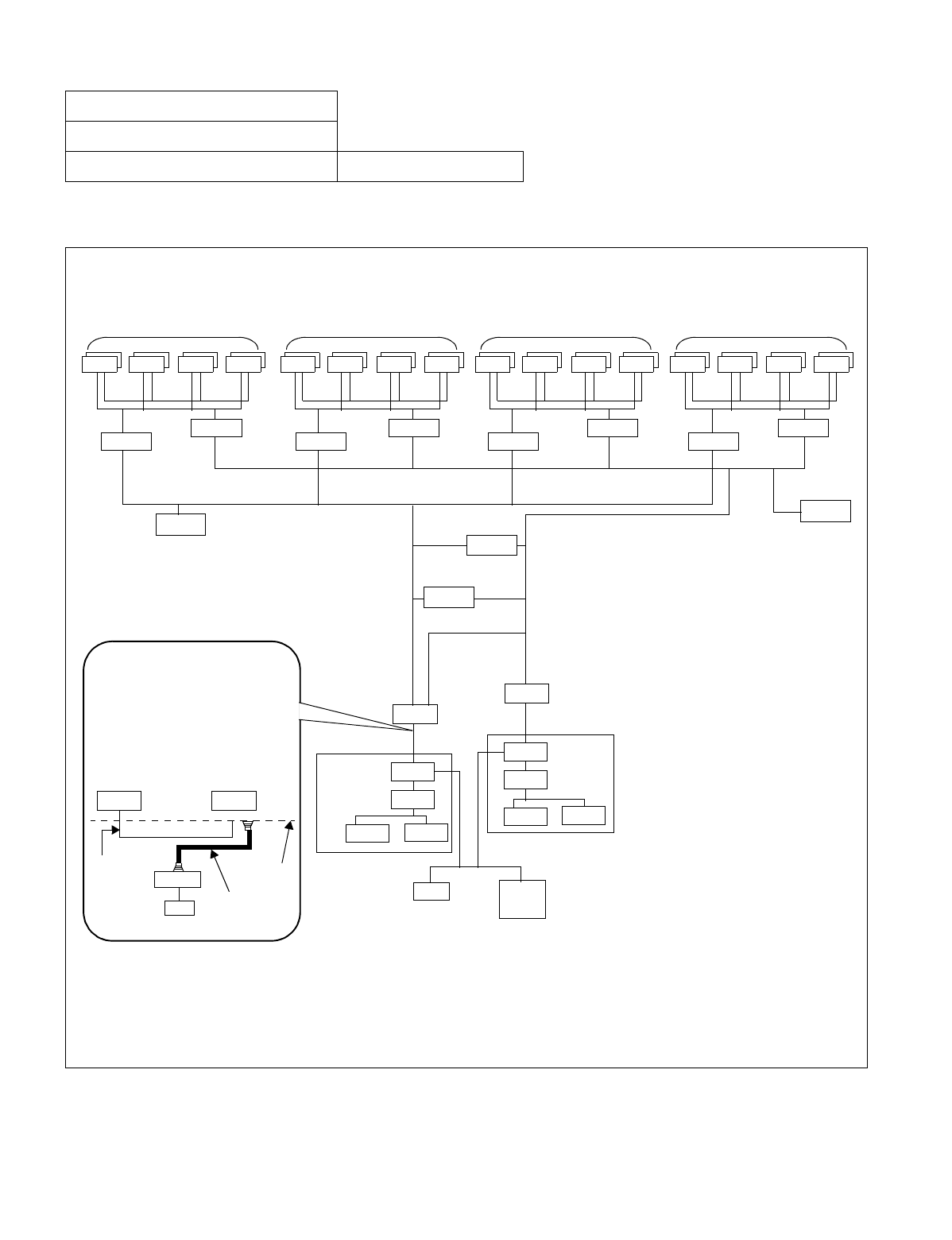
NDA-24234 CHAPTER 5
Page 319
Revision 3.0
INSTALLATION TEST PROCEDURE
Figure 026-6 System Block Diagram (GT and Other Controlling Blocks) (Multiple IMG Configuration)
NAP-200-026
Sheet 7/7
System Changeover Test Multiple IMG Configuration
This figure shows a system block diagram centering on the CPU and its controlling GT. Although each side ap-
pears to have complicated connections, the controlling route of CPU 0 goes directly to GT 0, and that of CPU 1
to GT 1. Therefore, if the system of CPU is once changed over, the ACT/ST-BY of GT is also changed over.
MUXMUX MUXMUXMUXMUX MUXMUX MUXMUX MUXMUX MUXMUX MUXMUX
IMG 0 IMG 1 IMG 2 IMG 3
TSW 00 TSW 10 TSW 11 TSW 12 TSW 03 TSW 13
DLKC 0 DLKC 1
TSW 01 TSW 02
TSW I/O BUS
TSW I/O BUS
GT 0
GT 1
LANI LANI
CPR 1
LANI LANI
CPR 0
PLO 1
PLO 0
ISAGT
CPU 1
ISAGT
CPU 0
EMA IOC/
MISC
MISC BUS
ISAGT: PZ-GT13
DLKC: PH-PC20 LANI: PZ-PC19
EMA: PH-PC40 GT: PH-GT09
IOC: PH-IO24 TSW: PH-SW12
PLO: PH-CK16/17, or PH-CK16-A/17A
MUX: PH-PC36
Note: Because the ACT/ST-BY changeover of CPU also affects the GT status, the MBR key on the GT card is
not used for GT system changeover. The key is used to switch over the Speech Path System, involving the
TSW, DLKC, and MUX circuit cards. (See the next page.)
As shown below, though an ex-
ternal cable is physically con-
nected between ISAGT #0 and
GT #1, the actual control signal
is sent/received only between IS-
AGT 0 and GT 0 via the back-
board bus.
GT 0 GT 1
ISAGT0
CPU
IOP0
Backboard
External Cable
Backboard Bus T
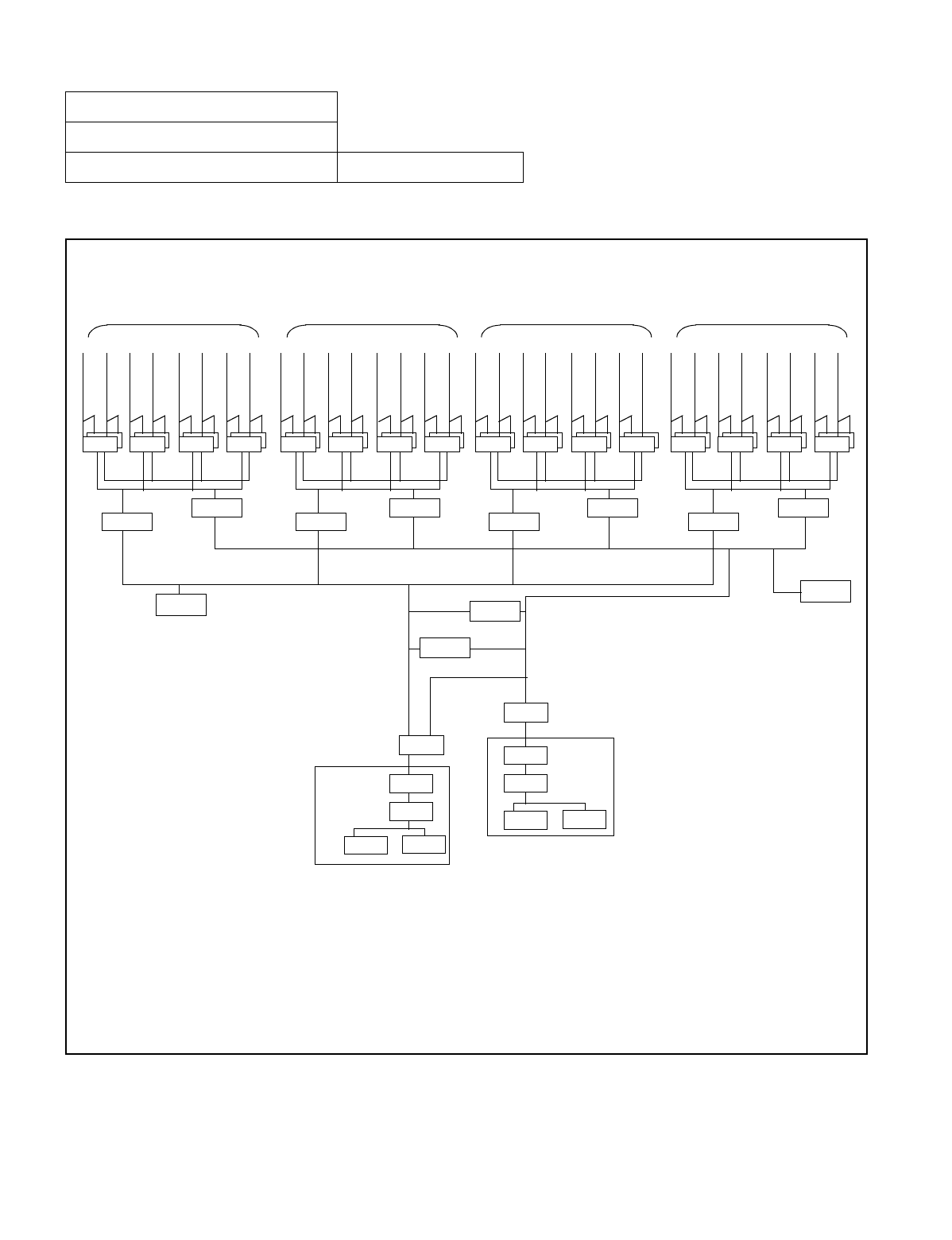
CHAPTER 5 NDA-24234
Page 320
Revision 3.0
INSTALLATION TEST PROCEDURE
Figure 026-7 System Block Diagram (Speech Path) (Multiple IMG Configuration)
NAP-200-026
Sheet 8/8
System Changeover Test Multiple IMG Configuration
This figure shows a system block diagram centering on the GT and its controlling Speech Path System. By chang-
ing over the ACT/ST-BY of the Speech Path System, all the related systems, such as TSW/INT, DLKC, and MUX,
are totally switched over. The changeover can be executed by a key operation on the active GT card.
MUXMUX MUXMUXMUXMUX MUXMUX MUXMUX MUXMUX MUXMUX MUXMUX
IMG 0 IMG 1 IMG 2 IMG 3
TSW 00 TSW 10 TSW 11 TSW 12 TSW 03 TSW 13
DLKC 0 DLKC 1
TSW 01 TSW 02
TSW I/O BUS
TSW I/O BUS
LANI LANI
CPR 1
LANI LANI
CPR 0
PLO 1
PLO 0
ISAGT: PZ-GT13
DLKC: PH-PC20 LANI: PZ-PC19 GT: PH-GT09 TSW: PH-SW12
PLO: PH-CK16/17, or PH-CK16-A/17A MUX: PH-PC36
Note: If the MBR key is once flipped on the active GT card, all the Speech Path related systems (TSW/INT,
DLKC, and MUX) in the same switching block are totally changed over. However, the ACT/ST of GT and
PLO is not affected.
PM BUS
PCM HW
PM BUS
PM BUS
PM BUS
PM BUS
PM BUS
PM BUS
PM BUS
PM BUS
PM BUS
PM BUS
PM BUS
PM BUS
PM BUS
PM BUS
PM BUS
PCM HW
PCM HW
PCM HW
PCM HW
PCM HW
PCM HW
PCM HW
PCM HW
PCM HW
PCM HW
PCM HW
PCM HW
PCM HW
PCM HW
PCM HW
Line/Trunk PMLine/Trunk PM Line/Trunk PM Line/Trunk PM
ISAGT
CPU 0
GT 0
GT 1
CPU 1
ISAGT
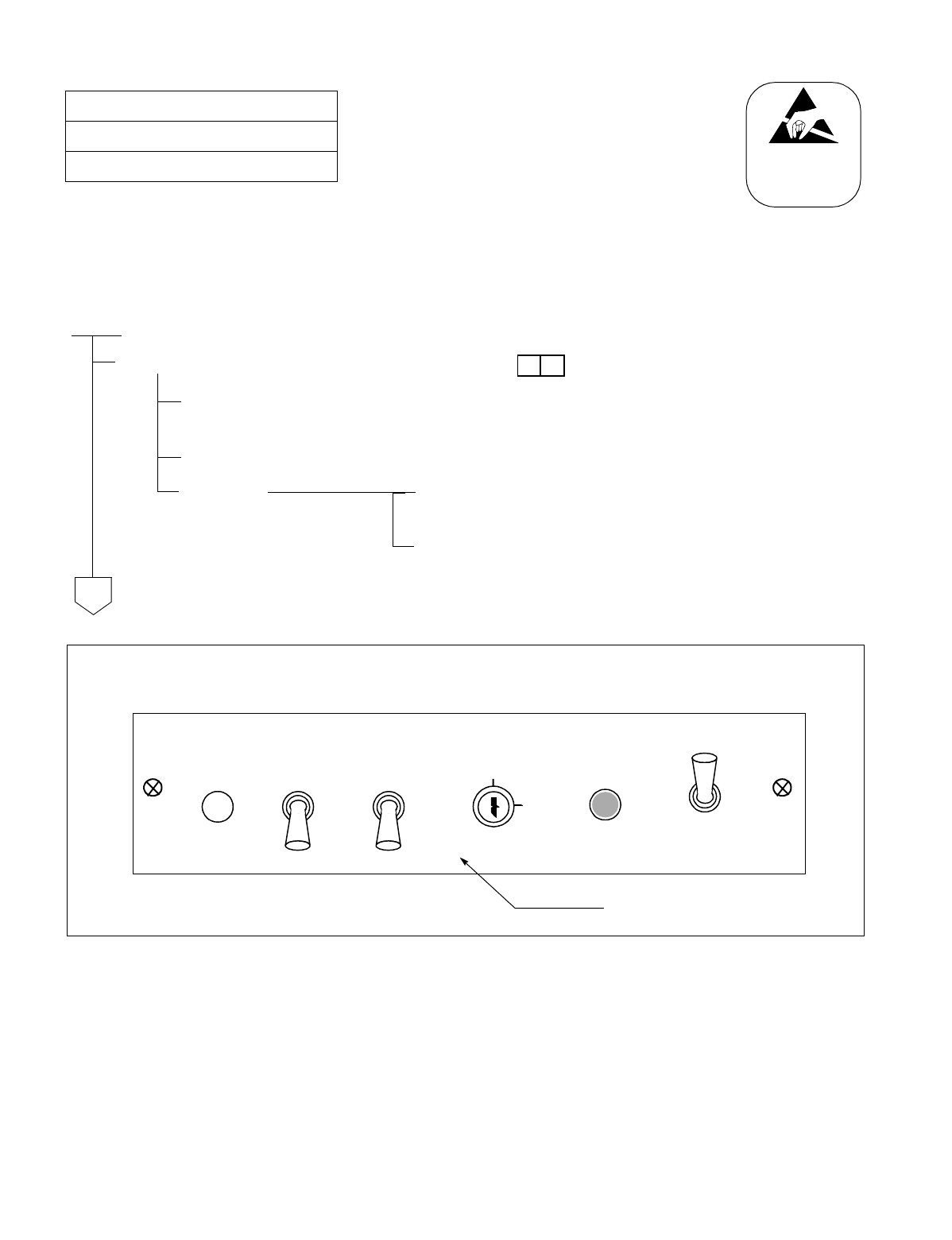
NDA-24234 CHAPTER 5
Page 321
Revision 3.0
INSTALLATION TEST PROCEDURE
Test Outline:
Tests are performed to see if system initialization can be executed. There are two kinds of test method; test by using
START button on the TOPU, and test by Power ON/OFF.
Figure 027-1 System Initialization via ‘Start’ Button
NAP-200-027
Sheet 1/2
System Initialization Test
START
Perform system initialization (via “START” button)
Set the SYSTEM DATA key on the TOPU to NON LOAD side, and set the PROGRAM key to
NON LOAD side.
Perform system initialization by pressing the “START” button on the TOPU.
Confirm When the system is initialized, the “CPU OPE” lamp (Green)
on the DSP circuit card lights.
When the system is initialized, System Message “7-B” is
displayed on the MAT.
ATTENTION
Contents
Static Sensitive
Handling
Precautions Required
A
*
To perform system initialization, set the switch keys on the TOPU as shown below, then press the START button.
ALM
RST
PFT
ON
OFF
INITIAL
START
EFFECT
PROGRAM
LOAD
SYSTEM DATA
NON LOAD ON
OFF
NON LOAD
PZ-DK222
CHAPTER 5 NDA-24234
Page 322
Revision 3.0
INSTALLATION TEST PROCEDURE
NAP-200-027
Sheet 2/2
System Initialization Test
Perform system initialization (by powering ON/OFF).
Initialization by powering
ON/OFF. On all PWR Supplies, set the circuit breaker OFF
(Down). If a module contains two PWR Supplies,
they must be turned ON/OFF simultaneously.
Turn ON the PWR Supplies in each module in the
following order. If a module contains two PWR
Supplies, they must be turned ON/OFF
simultaneously.
•LPM→PIM0→PIM1→PIM2 →PIM3
Confirm When the system is initialized, the CPU OPE lamp
(Green) on the DSP turns ON.
When the system is initialized, System Message “7-
B” is displayed on the MAT.
Assignment of Date and Time Upon completion of all the initialization tests,
assign data and time via MAT command “ATIM.”
END
ATTENTION
Contents
Static Sensitive
Handling
Precautions Required
A
*
NDA-24234 CHAPTER 5
Page 323
Revision 3.0
INSTALLATION TEST PROCEDURE
NAP-200-028
Sheet 1/1
Circuit Card Initialization Test
START
Make the No. 0 CPU the ACT system.
In each PIM, initialize any
Line/Trunk circuit card. On the selected Line/Trunk circuit card, set the MB switch UP.
The OPE lamp goes out.
System Message “7-K” is displayed.
Set the MB switch DOWN.
The OPE lamp turns ON.
System Message “7-L” is displayed.
Clear the alarm Clear the alarm indication by pressing the “ALM RST” button
on the TOPU.
Make the No. 1 CUP the ACT system.
In each PIM, initialize any
Line/Trunk circuit card. On the selected Line/Trunk circuit card, set the MB switch UP.
The OPE lamp goes out.
System Message “7-K” is displayed.
Set the MB switch DOWN.
The OPE lamp turns ON.
System Message “7-L” is displayed.
Clear the alarm Clear the alarm indication by pressing the “ALM RST” button
on the TOPU.
END
*

CHAPTER 5 NDA-24234
Page 324
Revision 3.0
INSTALLATION TEST PROCEDURE
4. PORT CONNECTION TEST
4.1 Outline
Tests are to be performed on all the circuits of LC and Trunk circuit cards and PWR Supplies. LC and Trunk
circuit cards are tested with respect to their operations and speech path conditions. PWR Supplies are tested with
respect to howler tone and ringing signal.
While tests are in progress, the No. 0 CPU and TSW systems must be ACT (active).
4.2 Port Connection Test Procedure
The connection test procedure for each type of circuit card is described in the NAP indicated to the right of each
item in the following flowchart.
START
ORT (RST Card) Connection Test: NAP-200-029
ATTCON (ATI Card) Connection Test: NAP-200-030
Line (LC, ELC Card) Connection Test: NAP-200-031
Outgoing Trunk (COT, TLT, DTI Card) Connection Test: NAP-200-032
Incoming Trunk (COT, TLT, DTI Card) Connection Test: NAP-200-033
Direct-In Termination Trunk (COT Card) Connection Test: NAP-200-034
SND (RST Card) Connection Test: NAP-200-035
3-Party Conference Trunk Function Test: NAP-200-036
Connection Test - Announcement Trunk for Announcement Service: NAP-200-037
Connection Test - Digital Announcement Trunk for Announcement Service: NAP-200-038
Connection Test - Paging Trunk for Paging Access Service: NAP-200-039
Connection Test - Paging Trunk for Paging Transfer Service: NAP-200-040
Radio Paging Trunk (COT Card) Connection Test: NAP-200-041
Howler and Ringing Signal Test: NAP-200-042
END
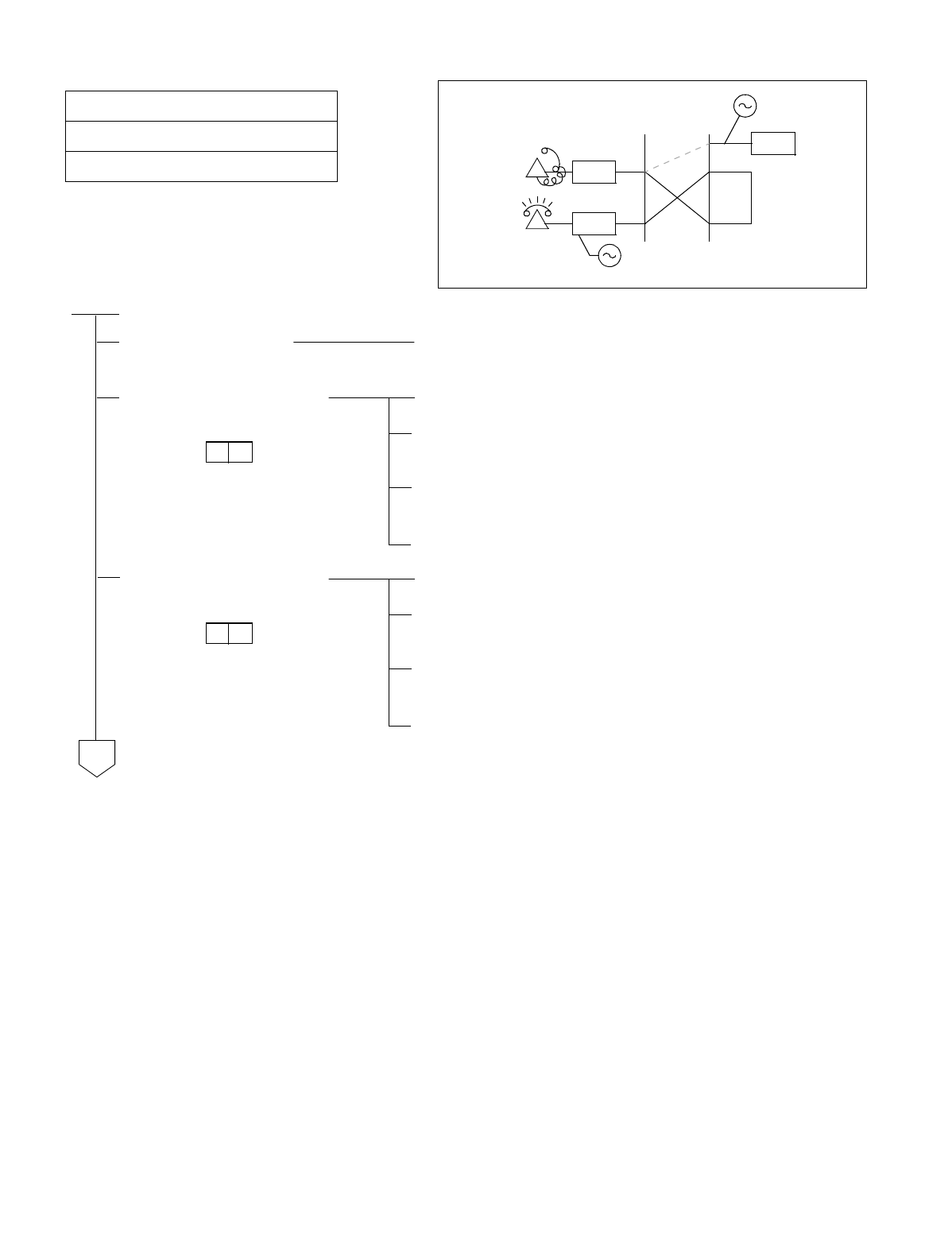
NDA-24234 CHAPTER 5
Page 325
Revision 3.0
INSTALLATION TEST PROCEDURE
NAP-200-029
Sheet 1/2
ORT (RST Card) Connection Test
START
Make busy all ORTs On the front of the RST card, set all MBR switches (0-7) to
the OFF position, making all ORTs busy.
From Station “A” (DP), test
ORTs one circuit at a time. Un-busy (make idle) only the ORT to be tested.
Station “A” goes off-hook and after hearing DT, dials the
station number of Station “B.”
Station “A” confirms ringing to Station “B” and Station “B”
answers.
Stations “A” and “B” go on-hook.
From Station “B” (PB), test
ORTs on circuit at a time. Un-busy only the ORT to be tested.
Station “B” goes off-hook and after hearing DT, dials the
station number of Station “A.”
Station “B” confirms ringing to Station “A” and Station “A”
answers.
Stations “A” and “B” go on-hook.
LC
ORT
A (DP)
DT, RBT
LCB (PB)
RG
A
*
*
CHAPTER 5 NDA-24234
Page 326
Revision 3.0
INSTALLATION TEST PROCEDURE
NAP-200-029
Sheet 2/2
ORT (RST Card) Connection Test
Perform tests for a situation where all ORTs are busy.
System Data SYS1,
INDEX 4, b0 =0 Station “A” goes off-hook.
Station “A” confirms that Reorder Tone (ROT) is heard
Station “A” goes off-hook.
System Data SYS1,
INDEX 4, b0 =1 Station “A” goes off-hook.
Station “A” confirms that no tone is heard.
Un-busy (make idle) a single ORT circuit.
Station “A” confirms that DT is heard.
Station “A” goes off-hook.
END
A
*
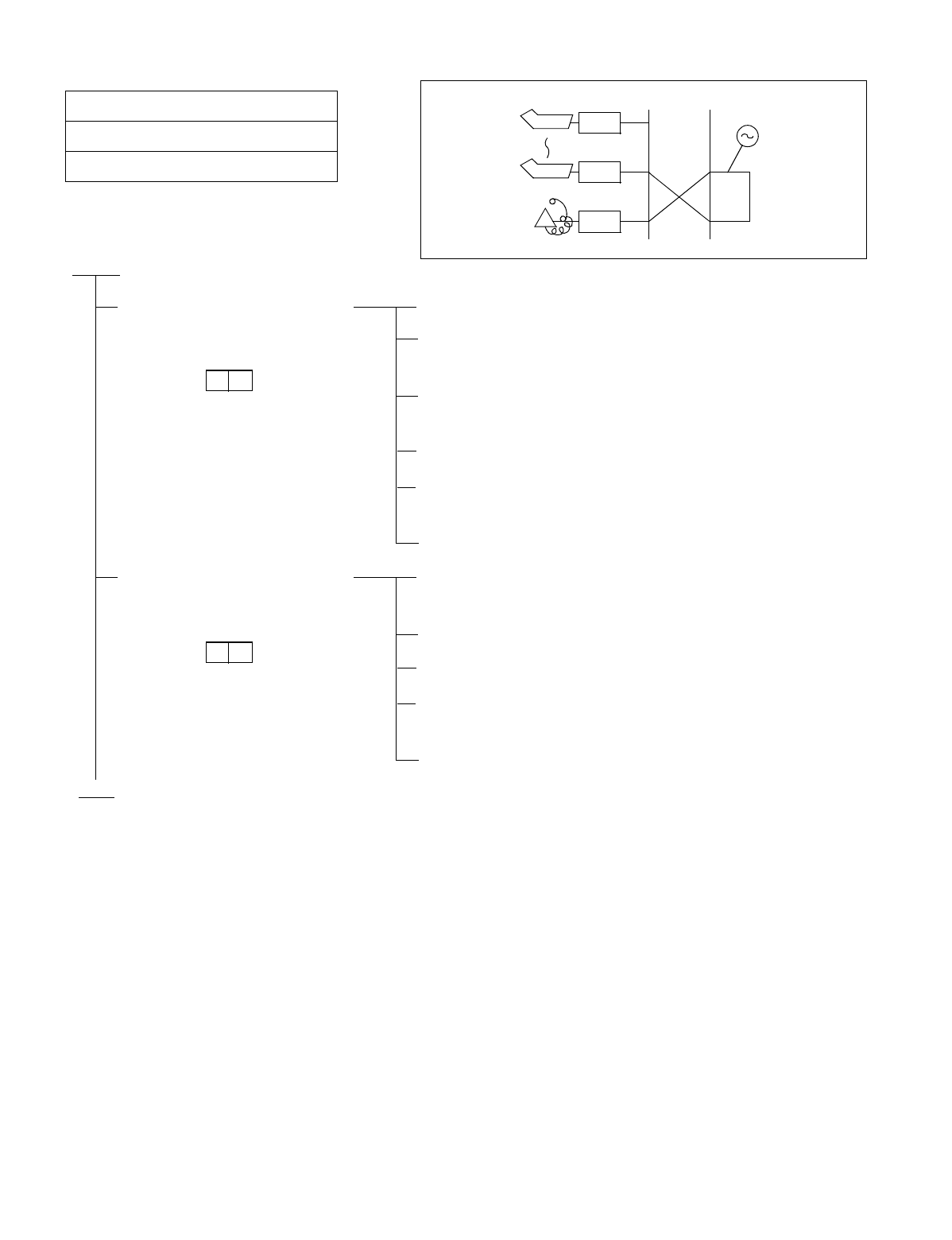
NDA-24234 CHAPTER 5
Page 327
Revision 3.0
INSTALLATION TEST PROCEDURE
NAP-200-030
Sheet 1/1
ATTCON (ATI Card) Connection Test
START
A station repeats an ATTCON
call. Each ATTCON answers
the call.
Station “A” dials the operator access code (normally, “0”).
At each ATTCON, the operator confirms that the ATT lamp
flashes and the ringer sounds.
At each ATTCON, the operator answers the call by pressing
the ATND key.
Station “A” confirms speech with each ATTCON.
The operator at each ATTCON releases by pressing the
CANCEL key.
Station “A” goes on-hook.
Each ATTCON calls a station
by pressing LOOP keys one at a
time.
At each ATTCON, the operator dials the number of Station
“A” by using LOOP keys (L1-L6) one at a time.
Ringing at Station “A” is confirmed.
Station “A” answers the call and confirms speech.
The operator at the ATTCON releases by pressing the
CANCEL key.
Station “A” goes on-hook.
END
ATI
DT, RBT
LCA
ATI
ATTCON
*
*
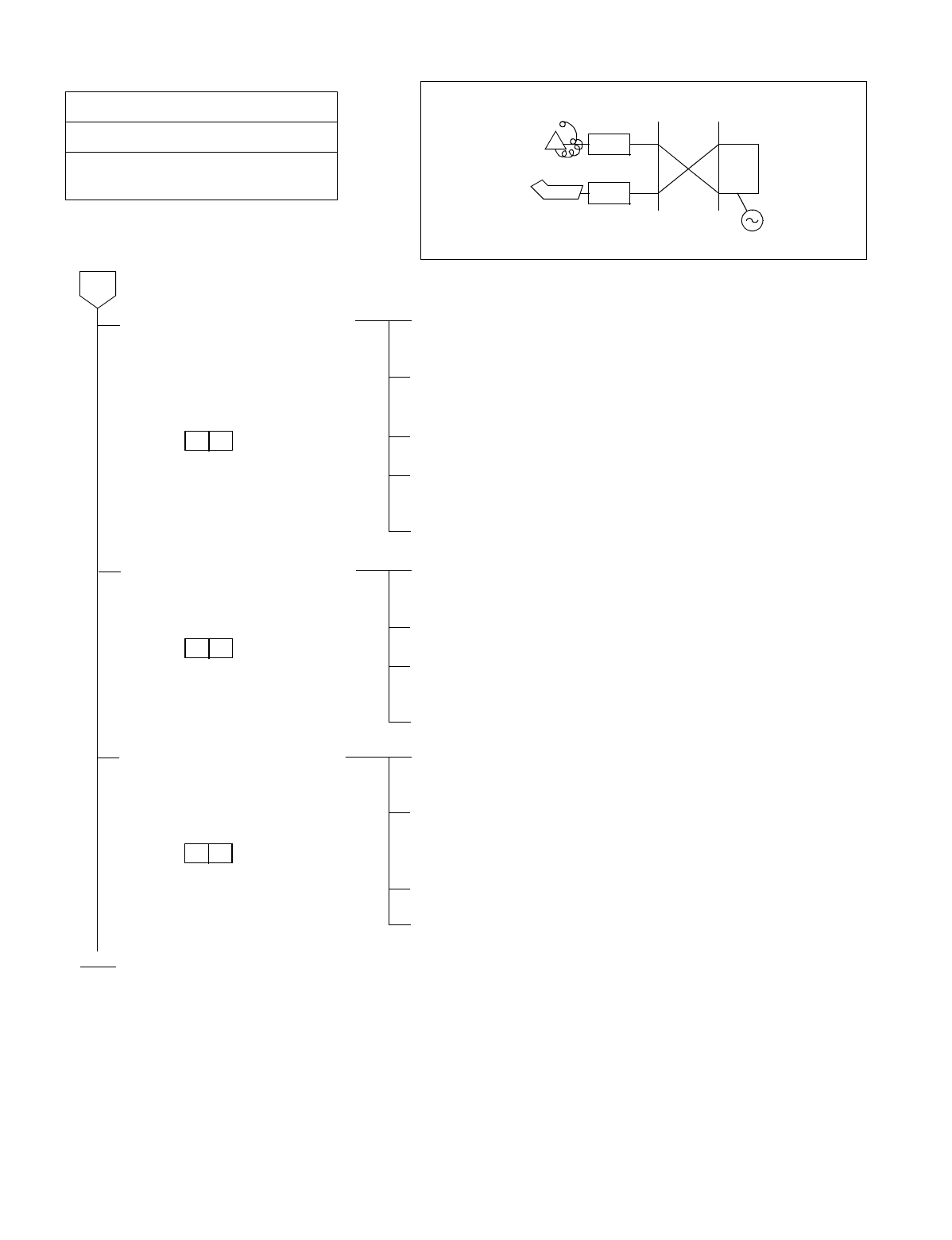
CHAPTER 5 NDA-24234
Page 328
Revision 3.0
INSTALLATION TEST PROCEDURE
NAP-200-031
Sheet 1/1
Line (LC, ELC, DLC, Card) Connection
Tes t
An ATTCON or Dterm is called
from each station. The called
party confirms the station
number.
On the MDF, a telephone set is connected to the line circuit
to be tested
The station (XXXX) to be tested goes off-hook and
confirms DT (Dial Tone).
The station (XXXX) calls an ATTCON or Dterm.
The called ATTCON or Dterm answers the call, and confirms
speech and the station number of the calling station.
The call is released.
The ATTCON or Dterm calls a
station being tested. The ATTCON or Dterm dials the station number of the
station being tested.
The called station answers and confirms speech.
The ATTCON or Dterm confirms that the number dialed and
the number of the station being tested are the same.
The call is released.
The test conducted when the
station involved is assigned as a
Hot Line/House Phone.
The station being tested goes off-hook and confirms Ring
Back Tone (RBT).
The station checks whether the call is routed to the
predetermined station/ATTCON or that a call is originated
to a predetermined trunk.
The called side answers the call and confirms speech.
The call is released.
END
Line being
tested
(XXXX)
ATTCON
D term
ATI/ELC
LC/ELC
DT, RBT
A
*
*
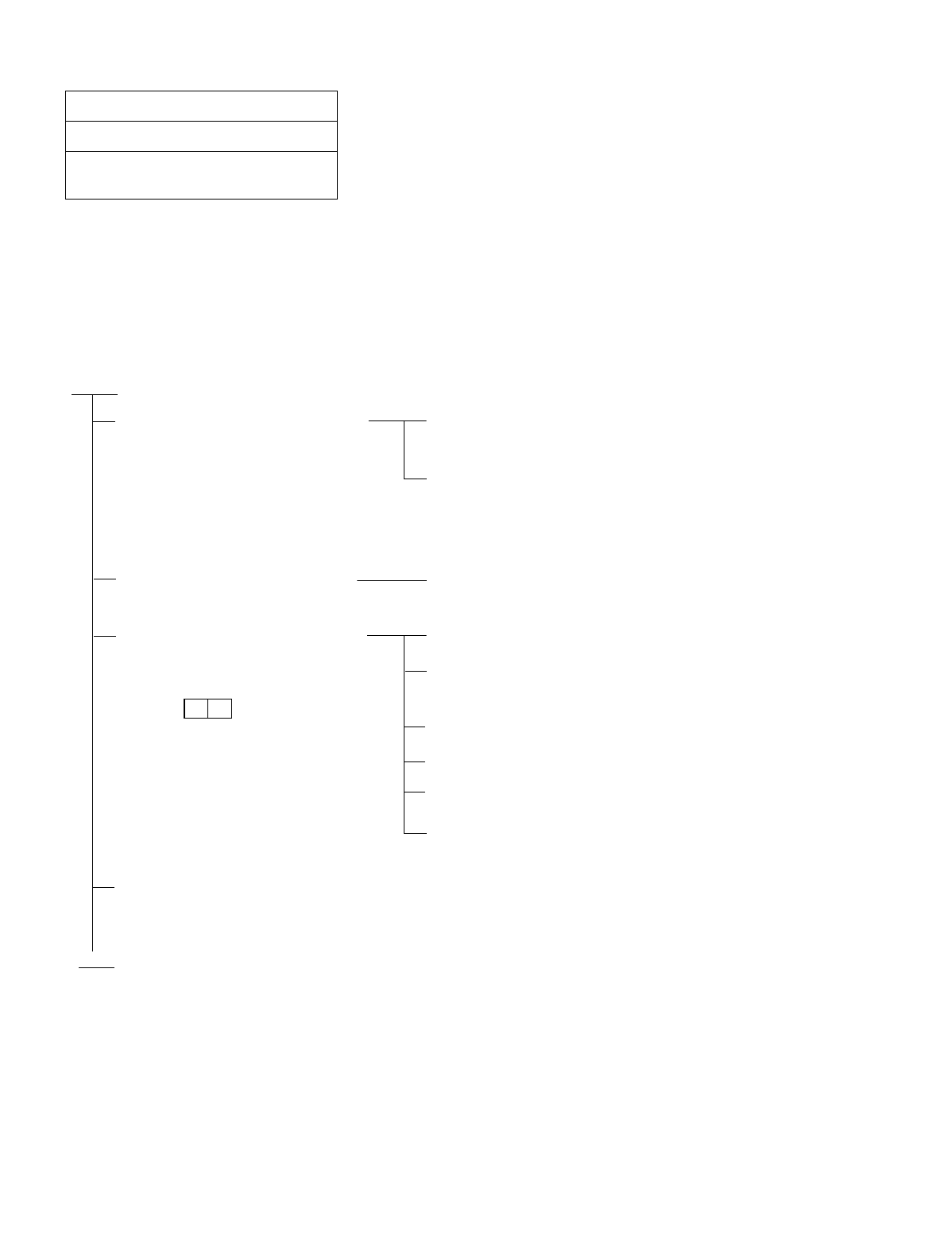
NDA-24234 CHAPTER 5
Page 329
Revision 3.0
INSTALLATION TEST PROCEDURE
Test Outline:
The purpose of this test is to confirm, by setting up an outgoing connection test for each outgoing trunk, that speech
can be made and that the call can be released.
Outgoing trunks must be tested one at a time using the sequence of Routes and Trunk Numbers assigned at each
office
NAP-200-032
Sheet 1/3
Outgoing Trunk (COT, TLT, DTI Card)
Connection Test
START
When a C. O. Line or Tie Line is
not connected with a trunk circuit,
temporary cross connections
between the Outgoing trunk being
tested and the terminating trunk
should be set up on the MDF as a
loop-back circuit.
Referring to Figures 032-1 through 032-3, make temporary
cross connections on the MDF for a loop-back circuit.
Temporarily assign Office Data from the MAT so that a loop-
back connection from the trunk can be established.
Make busy all Outgoing Trunks. On the front of the Trunk circuit card, set the MB switch to
the OFF position, making the trunk busy.
Test the trunk circuits one at a
time by establishing access from a
station.
Un-busy (make idle) only the trunk to be tested.
The station dials the Access Code of the trunk being tested
and the number for the call destination.
The called side answers.
The station confirms speech.
The call is released.
Make temporary cross connections for the next trunk to be
tested.
Restore the temporary
connections, temporary Office
Data, etc. to the original.
END
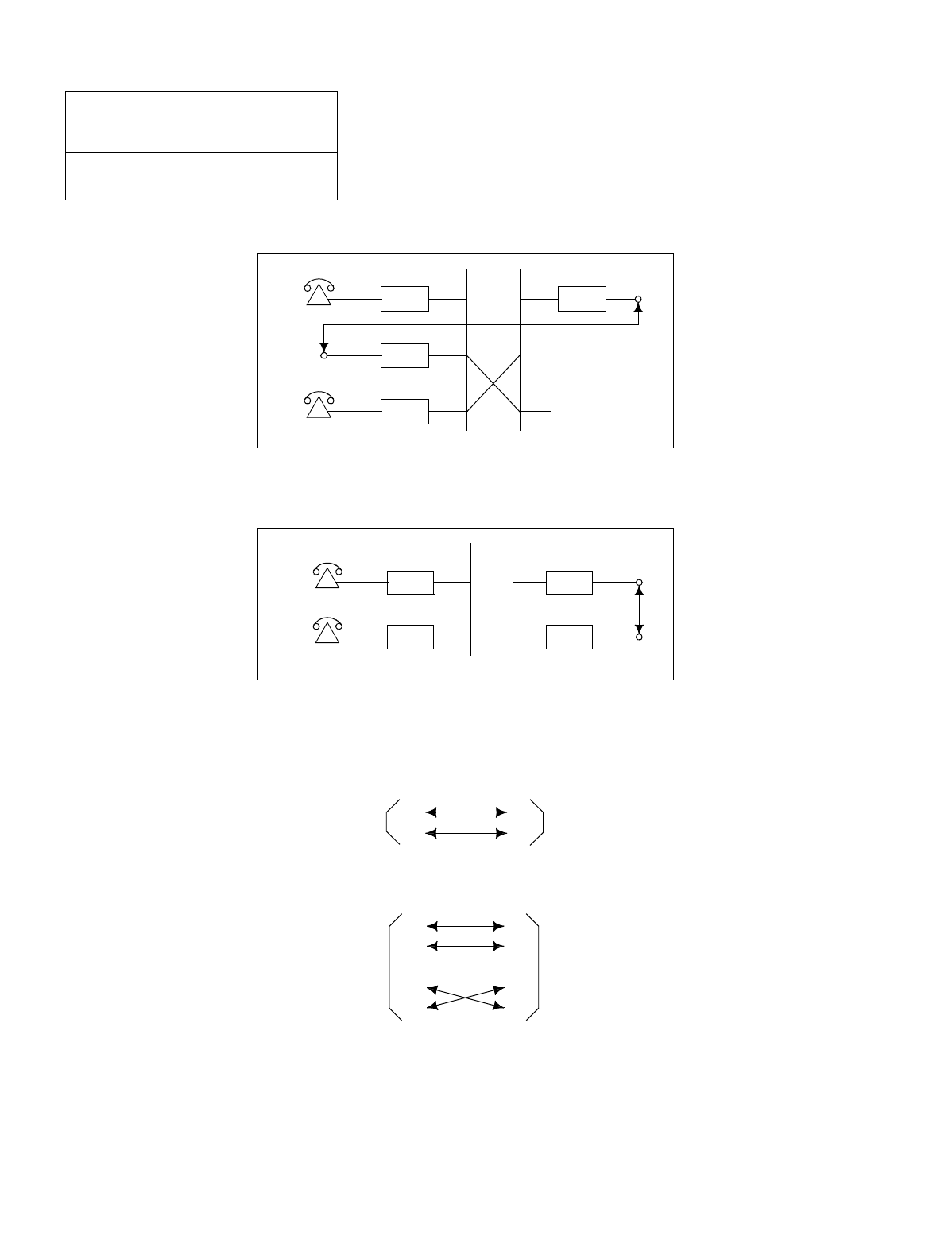
CHAPTER 5 NDA-24234
Page 330
Revision 3.0
INSTALLATION TEST PROCEDURE
•Set up a loop-back connection between the COT (C.O. Trunk) to be tested and a station line.
Figure 032-1 COT Test Configuration
•The trunk route must be assigned for Loop Start.
Figure 032-2 TLT Test Configuration
•Set up a loop-back connection between the TLT (Tie Line Trunk) to be tested and another EMT.
•If the TLT is a DID (Direct Inward Dialing) Trunk, connected the related leads as shown below.
•If the TLT is a 2W E&M System, connect the related leads as shown below.
NAP-200-032
Sheet 2/3
Outgoing Trunk (COT, TLT, DTI Card)
Connection Test
LCC
LCB
LCACOT
LC TLTA
LCBTLT
T
R
T
R
TLT TLT
T
R
T
R
E
M
E
M
TLT TLT
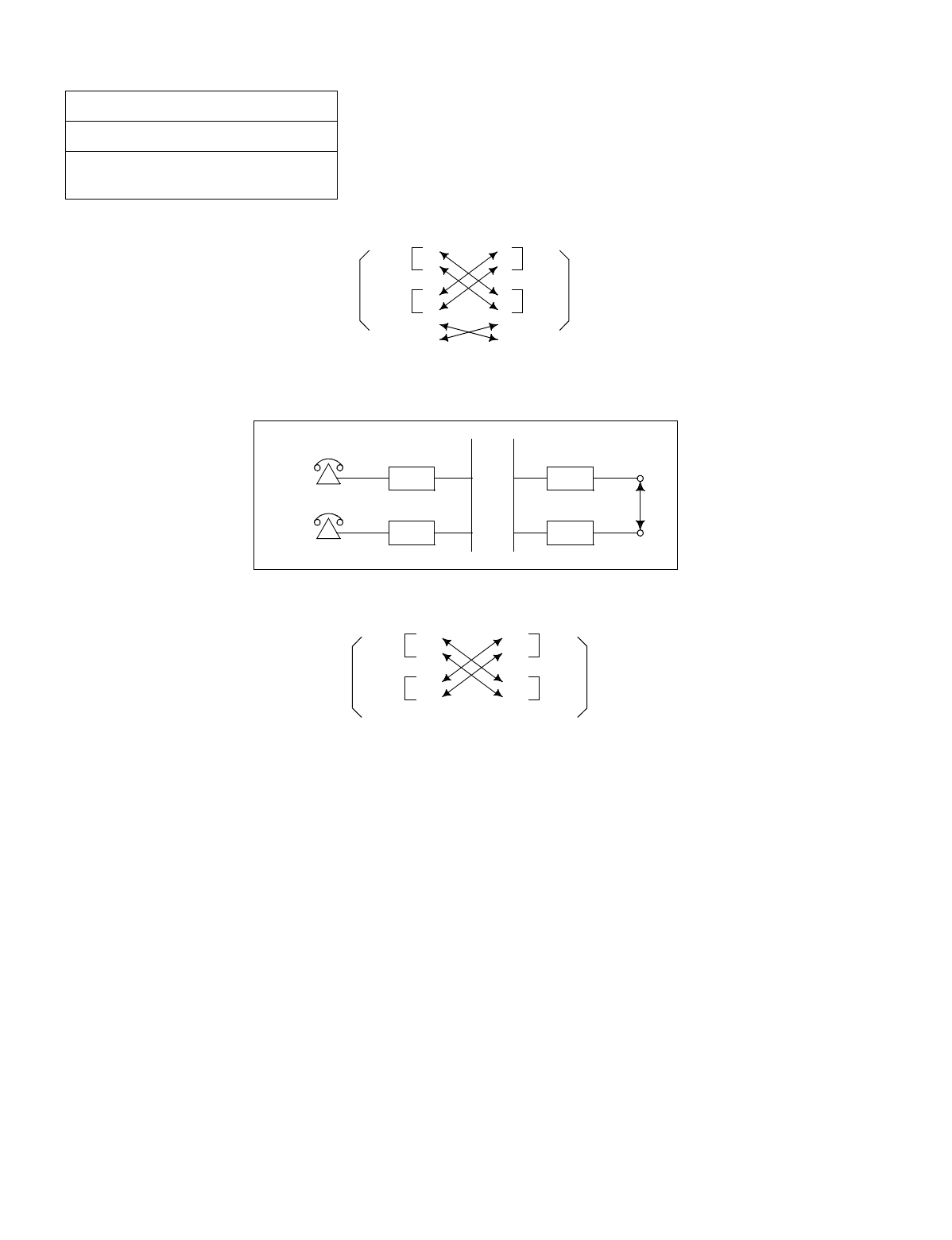
NDA-24234 CHAPTER 5
Page 331
Revision 3.0
INSTALLATION TEST PROCEDURE
•If the TLT is a 4W E&M System, connect the related leads as shown below.
•Set up a loop-back connection between the DTI Trunk to be tested and another DTI Trunk as shown below:
Figure 032-3 DTI Test Configuration
•If the office is the primary office (Clock-Source-Office), perform the tests by disconnecting the PLO and the
M-OSC. (The mode of the PLO becomes “Self Operation Mode.”)
NAP-200-032
Sheet 3/3
Outgoing Trunk (COT, TLT, DTI Card)
Connection Test
T
RT
R
T
R
E
M
T
R
E
M
Re-
ceive
Send
Re-
ceive
Send
TLT TLT
E
ME
M
LC DTIA
LCBDTI
RA
RB RA
RB
TA
TB TA
TB
Re-
ceive
Send
Re-
ceive
Send
DTI DTI
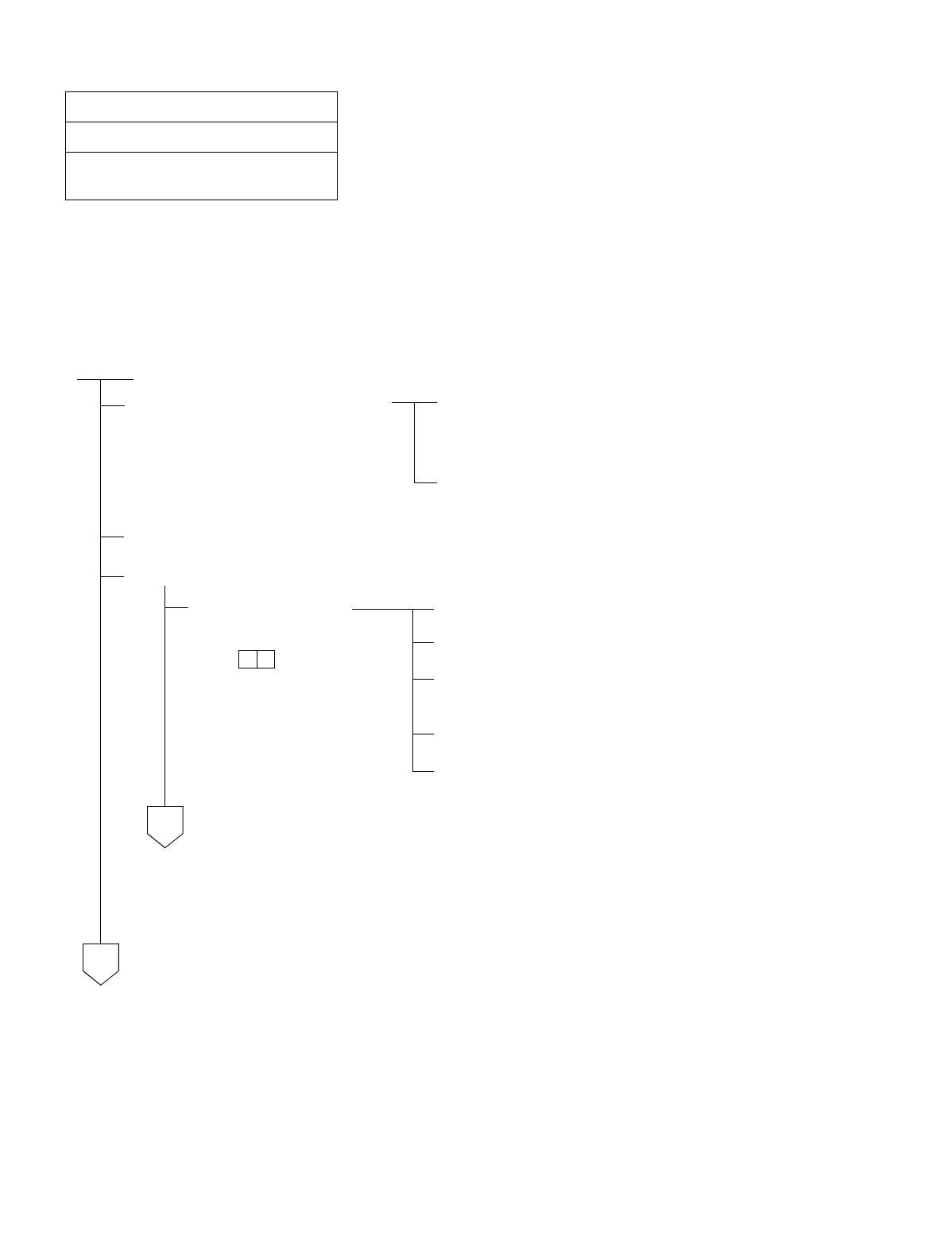
CHAPTER 5 NDA-24234
Page 332
Revision 3.0
INSTALLATION TEST PROCEDURE
Test Outline:
The purpose of this test is to confirm, by setting up an incoming trunk connection test for each incoming trunk, that
speech can be made with the ATTCON when a Ringdown Signal Interface is used, or with a station when a Dial-In
Signal Interface is used. This test also confirms that the call can be released. Incoming trunks must be tested one at
a time using the sequence of Route and Trunk Numbers assigned at each office.
NAP-200-033
Sheet 1/2
Incoming Trunk (COT, TLT, DTI Card)
Connection Test
START
On the MDF, make temporary
cross connections between the
Incoming Trunk to be tested and an
outgoing trunk as a loop-back
circuit.
Referring to Figures 032-1 through 032-3 in NAP-200-032,
make temporary cross connections on the MDF for a loop-
back circuit.
Temporarily assign Office Data from the MAT so that a loop-
back connection from the trunk can be established.
Make busy all outgoing trunks other than the cross-connected trunk.
Test Incoming trunk circuits one at a time.
For Ringdown Signal
Interface. Station “A” dials the station number of Station “C”.
The call terminates to an Attendant Console.
The Attendant Console answers the call and confirms
speech.
The call is released.
Make temporary connections for the next trunk to be tested.
A
B
NDA-24234 CHAPTER 5
Page 333
Revision 3.0
INSTALLATION TEST PROCEDURE
NAP-200-033
Sheet 2/2
Incoming Trunk (COT, TLT, DTI Card)
Connection Test
For a Dial-In Signal
Interface. Station “A” dials the access code for the outgoing trunk and
the number of Station “B”.
Station “B” answers the call and confirms speech.
The call is released.
Make temporary cross connections for the next trunk to be
tested.
Restore the temporary cross connections, temporary Office Data, etc. to the original.
A
END
B
CHAPTER 5 NDA-24234
Page 334
Revision 3.0
INSTALLATION TEST PROCEDURE
NAP-200-034
Sheet 1/1
Direct-In Termination Trunk (COT Card)
Connection Test
START
On the MDF, make temporary cross connections between the Trunk for Direct-In Termination (DIT) and
an LC.
C.O.Line Incoming Call Station “B” dials the number of LC “C” (Station “C”).
Incoming Call to Station via
DIT Trunk. The call terminates to Station “A”; Station “A” rings.
Confirm that the ringing is distinct from that of an intra-
office call or ordinary C.O. call.
•The ringing signal for Direct-In Termination calls can be
the same as that used for C.O. calls if the related Office
Data is assigned.
System Data SYS1, INDEX 72, SYS3, INDEX 0, and
parameter DR of Command “ARTD”.
Answer and Talk Station “A” goes off-hook.
Stations “A” and “B” talk with each other.
Release Station “A” and “B” both go on-hook.
Remove the temporary cross connections.
END
B
LC
C
LC
A
DIT
LC
COT
NDA-24234 CHAPTER 5
Page 335
Revision 3.0
INSTALLATION TEST PROCEDURE
NAP-200-035
Sheet 1/1
SND (RST Card) Connection Test
START
When a C.O. Line or Tie Line is
not connected with the trunk,
make an arrangement for trunk
loop-back as illustrated above.
On the MDF, make temporary cross connections for a
loop back circuit.
Temporarily assign Office Data from the MAT so that a
connection can be set up with Station “B” via a SND.
Make busy all SNDs On the front of the RST circuit card, set all MBS switches
(0-7) to the OFF position, thereby making all SNDs busy.
Test SNDs one after another Un-busy (make idle) only the SND to be tested.
Station “A” dials the access code of the trunk and the
station number of Station “B”.
Station “B” answers and talks
The call is released.
Restore the temporary cross connections, temporary Office Data etc. to the original.
END
B
LC
LC
A
COT
LC
SND
ORT
MAT
CHAPTER 5 NDA-24234
Page 336
Revision 3.0
INSTALLATION TEST PROCEDURE
NAP-200-036
Sheet 1/1
3-party Conference Trunk Function Test
START
Made busy all CFTs Made busy all CFTs using MAT command “MBTK”.
Test CFTs one at a time Un-busy (make idle) only the CFT to be tested.
Stations “A” and “B” are engaged in a station to station
connection.
Station “A” makes a Switch Hook Flash (SHF) and after hearing
DT, dials the station number of Station “C”.
Station “C” answers the call.
Station “A”, after having talked with Station “C”, makes a SHF
and confirms that a three-way connection has been set up.
The call is released.
Cancel the Make Busy of
the CFT Un-busy (make idle) the CFT using the “MBTK” command.
END
B
LC
C
LC
A
LC
SPDT,RBT
RC
C
F
T
TSW/INT
CARD
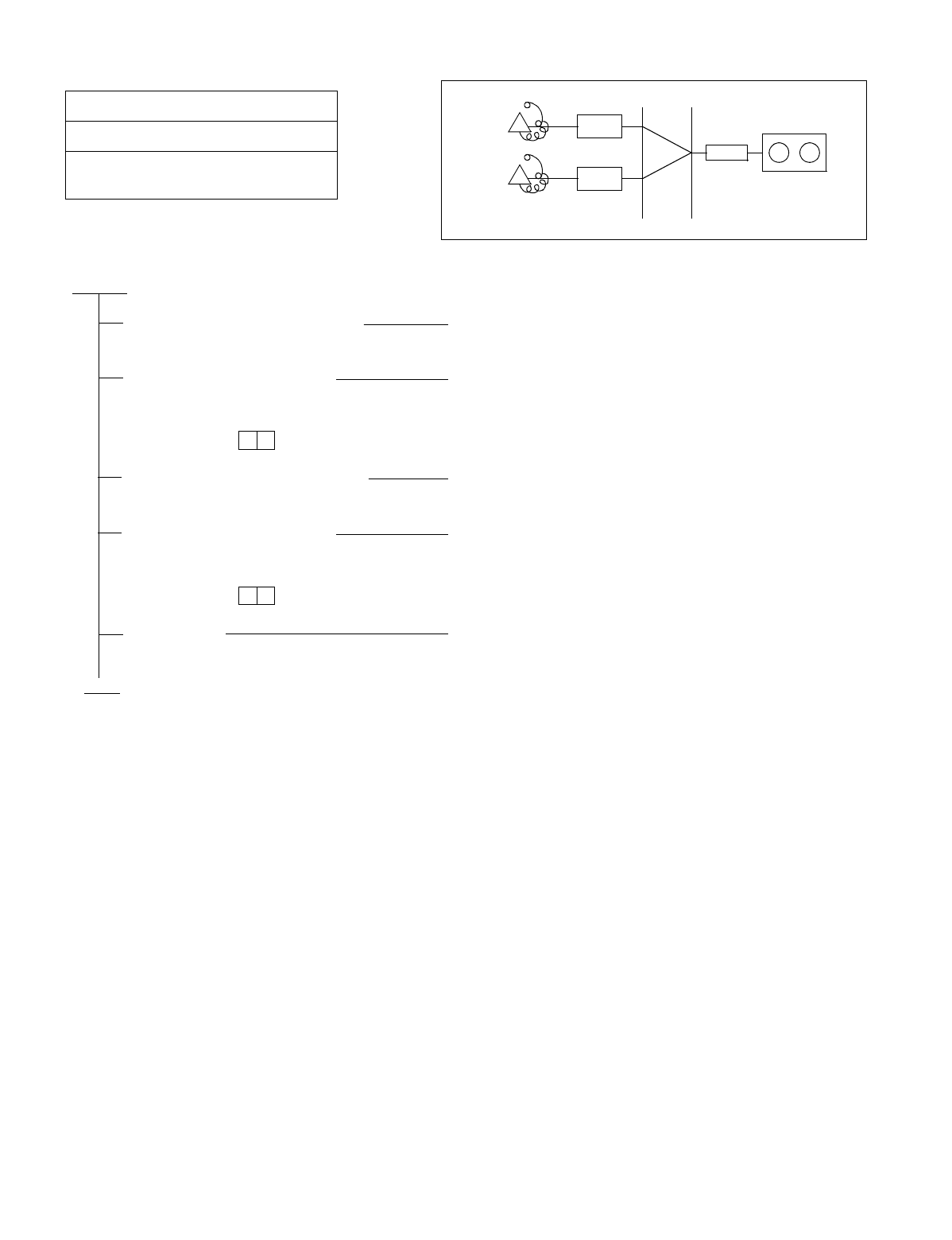
NDA-24234 CHAPTER 5
Page 337
Revision 3.0
INSTALLATION TEST PROCEDURE
NAP-200-037
Sheet 1/1
Connection Test-Announcement Trunk for
Announcement Service
START
Dial the announcement service
code Station “A” dials the announcement service code.
Check the contents of the
announcement Station “A” is connected to the announcement machine
and hears the announcement.
Dial the announcement service
code Station “B” dials the announcement service code.
Check the contents of the
announcement Station “B” is connected to the announcement machine
and hears the announcement.
Release Confirm that the announcement machine stops when both
Stations “A” and “B” goes on-hook.
END
LC
A
LC
B
ANNOUNCEMENT
TRK
ANNOUNCEMENT
MACHINE
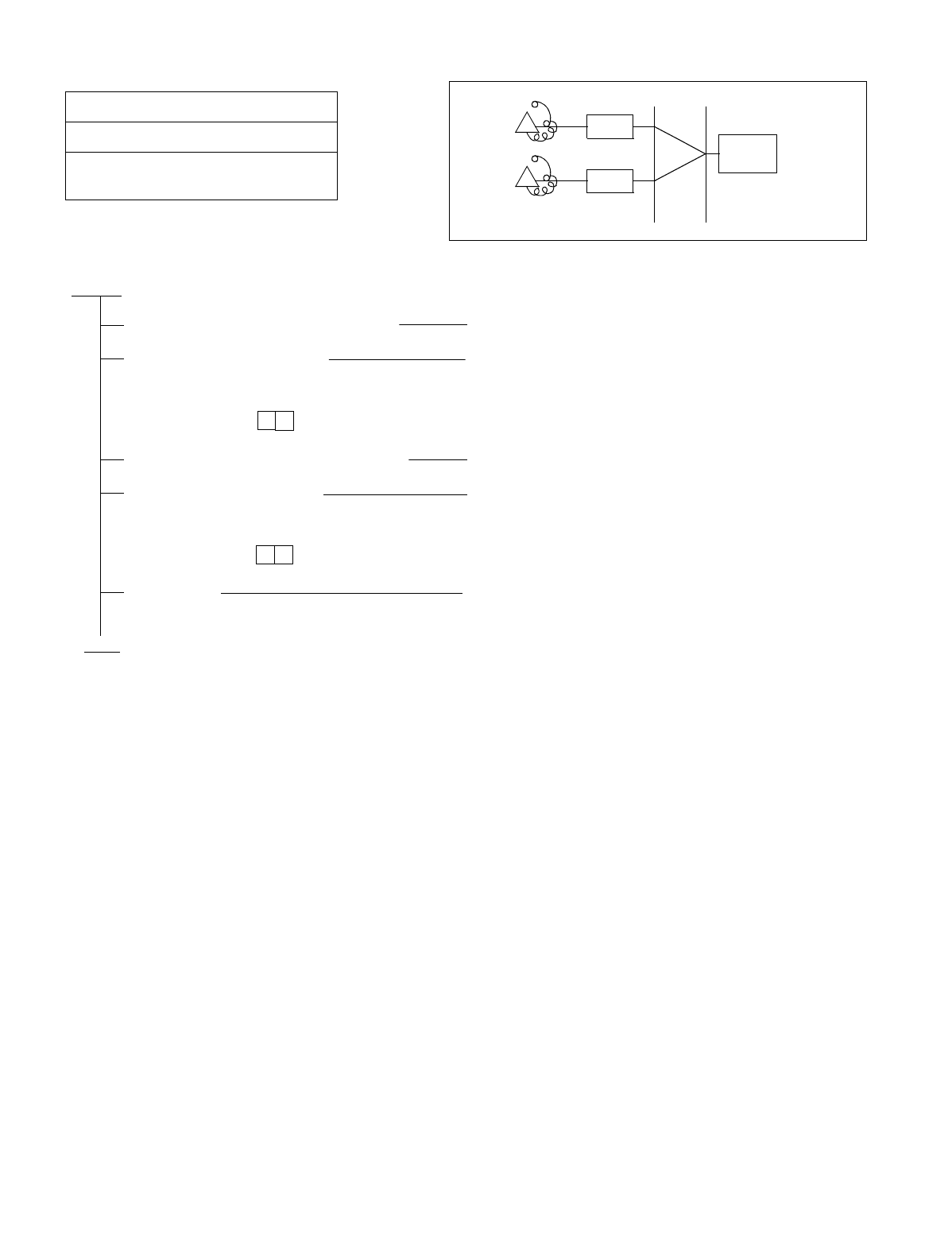
CHAPTER 5 NDA-24234
Page 338
Revision 3.0
INSTALLATION TEST PROCEDURE
NAP-200-038
Sheet 1/1
Connection Test-Digital Announcement
Trunk for Announcement Service
START
Dial the announcement service code Station “A” dials the announcement service code.
Check the contents of the
announcement Station “A” is connected to the announcement trunk and
hears the announcement.
Dial the announcement service code Station “B” dials the announcement service code.
Check the contents of the
announcement Station “B” is connected to the announcement trunk and
hears the announcement.
Release Confirm that the announcement stops when both
Stations “A” and “B” goes on-hook.
END
LC
A
LC
B
ANNOUNCEMENT
TRK
DAT
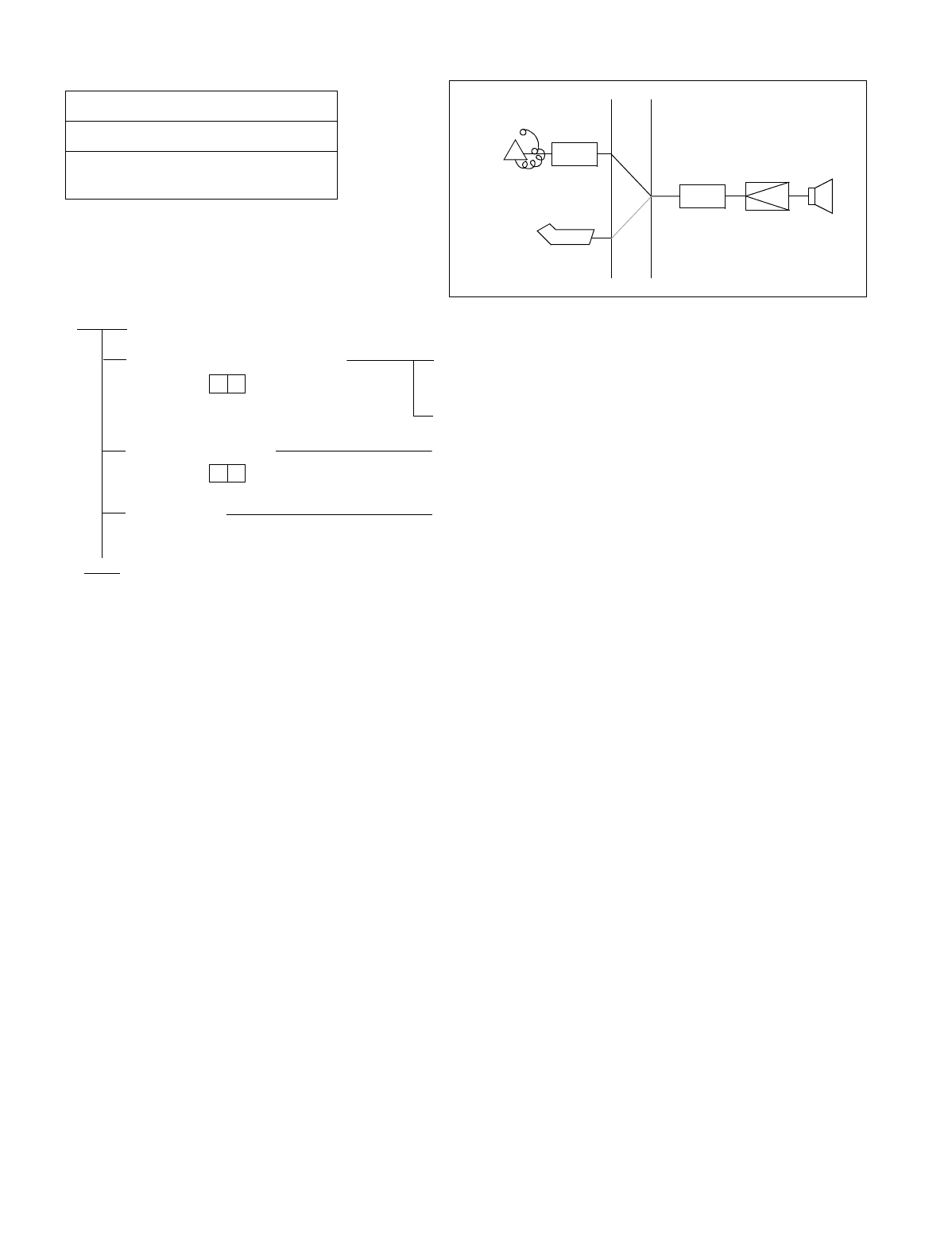
NDA-24234 CHAPTER 5
Page 339
Revision 3.0
INSTALLATION TEST PROCEDURE
NAP-200-039
Sheet 1/1
Connection Test-Paging Trunk for Paging
Access Service
START
Dial the paging access code Station “A”/ATTCON dials the paging access code and hears
CRBT (Continuous Ringback Tone).
In about 1 second, CRBT stops.
Speaker Paging Check whether speaker paging is possible after CRBT has
stopped.
Release Station “A” goes on-hook or the ATTCON depresses the
CANCEL key.
END
LCA
ATTCON
PGT
AMP SP
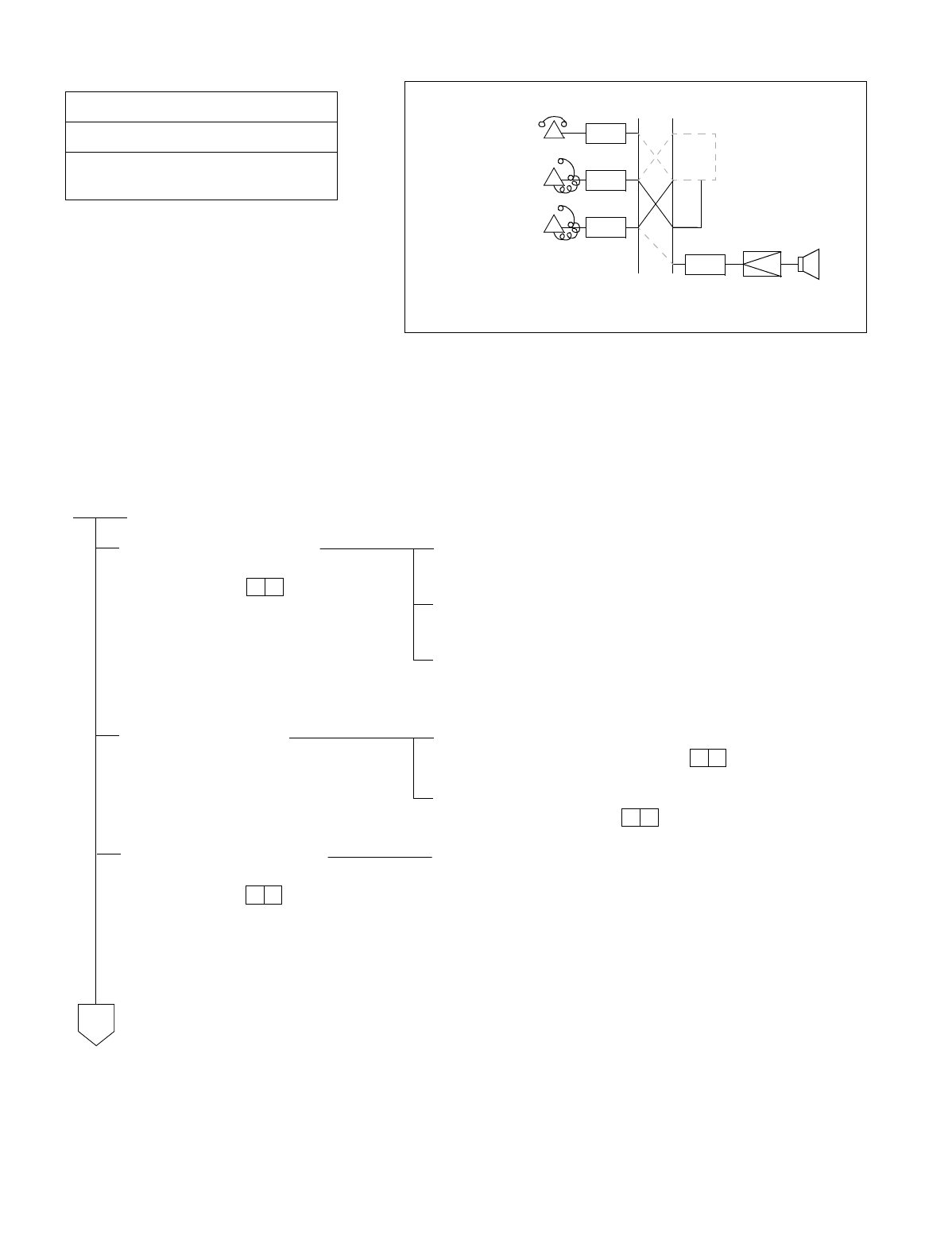
CHAPTER 5 NDA-24234
Page 340
Revision 3.0
INSTALLATION TEST PROCEDURE
•Paging Transfer Service can be selected according to System Data (SYS1, INDEX 73).
1. Non-Delay System
2. Delay and Non-Delay System
3. Paging Transfer Supervision
NAP-200-040
Sheet 1/2
Connection Test-Paging Trunk for Paging
Transfer Service
START
Call the Paging Trunk Stations “A” and “B” are engaged in a station to station
connection.
Station “A” makes a Switch Hook Flash (SHF) and hears
SPDT. Station “B” is held on the line.
Station “A” dials the paging access code and hears CRBT. In
about 1 sec., CRBT is no longer heard and Station “A” is able
to page through the loudspeaker.
The paging party For a Non-Delay System:
Station “A” remains on hold.
For a Delay System with Paging Transfer Supervision:
Station “A” hangs up.
The paged party answers Station “C” (the paged party) dials the paging access code
(answer).
LC
A
PGT
AMP SP
LC
B
LC
C
Paged Station
Hold Station
Paging Station
A
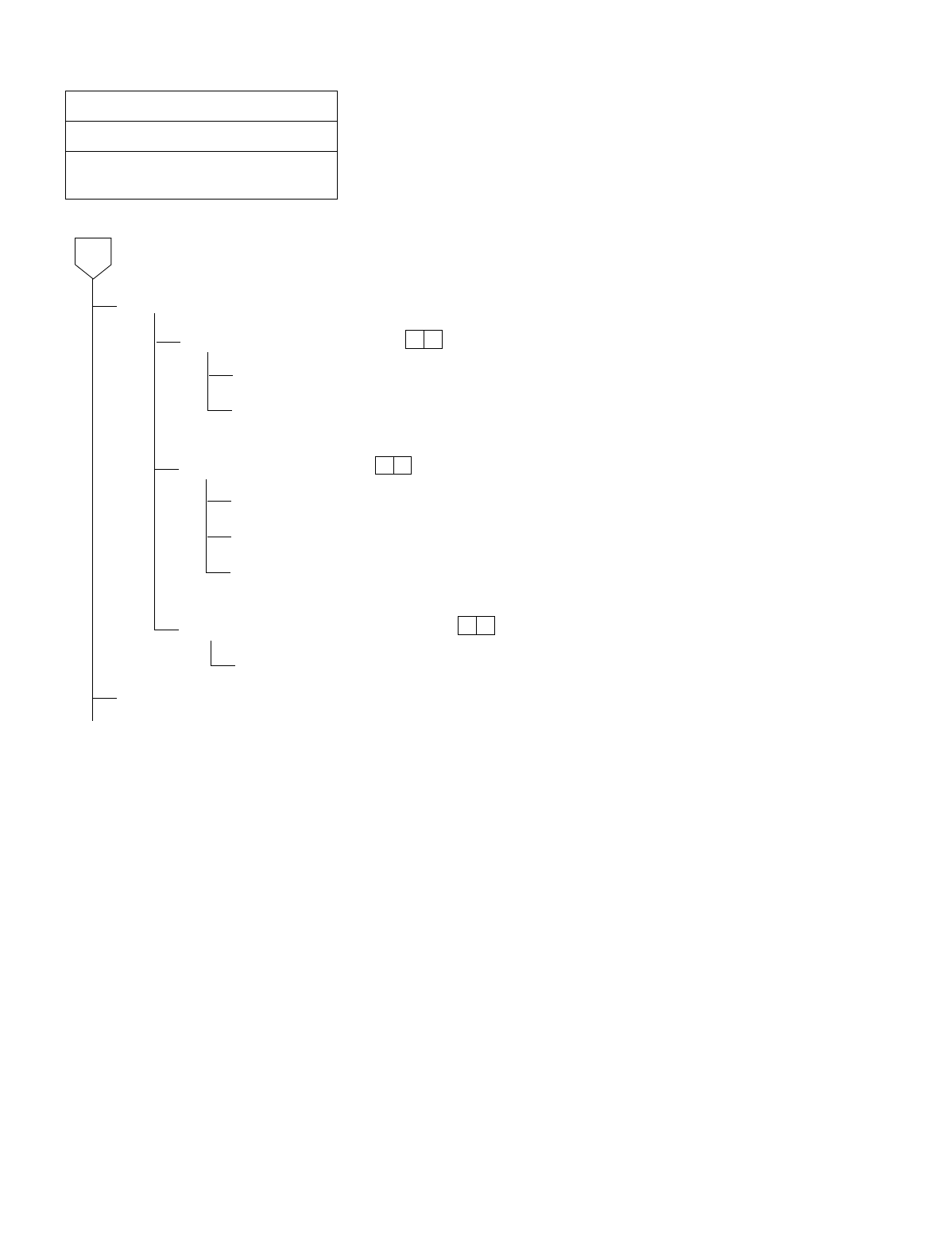
NDA-24234 CHAPTER 5
Page 341
Revision 3.0
INSTALLATION TEST PROCEDURE
NAP-200-040
Sheet 2/2
Connection Test-Paging Trunk for Paging
Transfer Service
Connection
For Non-Delay-System
Station “C” is connected to Station “A”.
When Station “A” hangs up, Stations “B” and “C” are automatically connected
with each other.
For a Delay-System
Station “A” rings and picks up handset
Station “A” is connected to Stations “C”.
When Station “A” hangs up, Stations “B” and “C” are automatically connected
with each other.
For Paging Transfer Supervision
Station “C” is connected to Station “B”.
Release
END
A
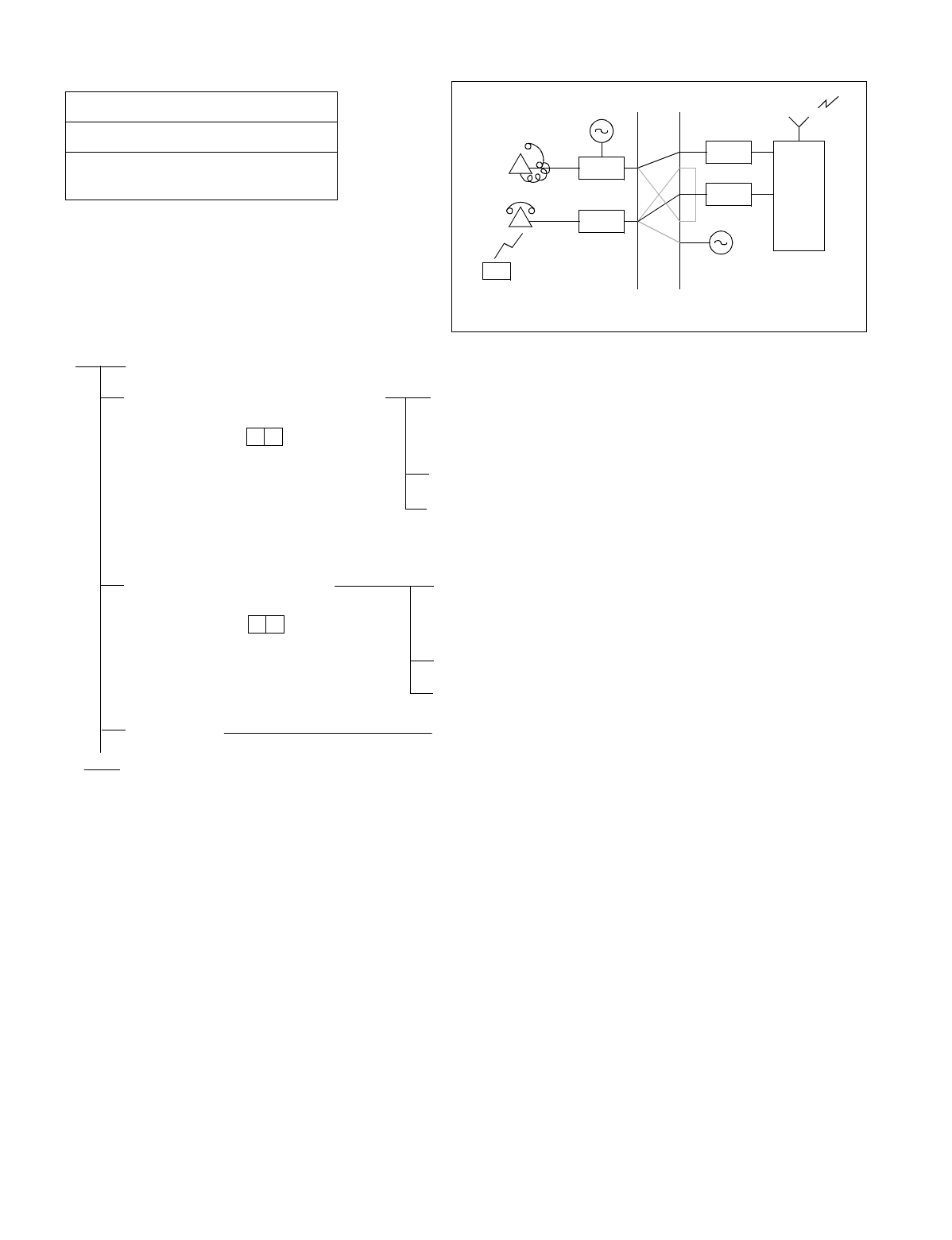
CHAPTER 5 NDA-24234
Page 342
Revision 3.0
INSTALLATION TEST PROCEDURE
NAP-200-041
Sheet 1/1
Radio Paging Trunk (COT Card)
Connection Test
START
Call the Radio Paging Equipment Station “A” dials the radio paging access code and hears
Special Dial Tone from the Radio Paging Equipment, then
dials the slave station number.
The paging radio of the slave station starts ringing.
By hearing CRBT (Continuous Ring Back Tone) from the
Radio Paging Equipment, Station “A” confirms that the slave
station is being paged, then goes on-hook.
The paged party answers The slave station (the radio-pages party) dials the paging an-
swer code at the nearby Station “B”, hears SPDT through the
Radio Paging Equipment, then dials the paging answer code.
Station “A” rings and picks up the handset.
Confirm that Stations “A” and “B” can talk with each other.
Release Stations “A” and “B” both go on-hook.
END
LC
COT
A
RG
LC
B
RBT
COT
RADIO PAGING
SLAVE STATION
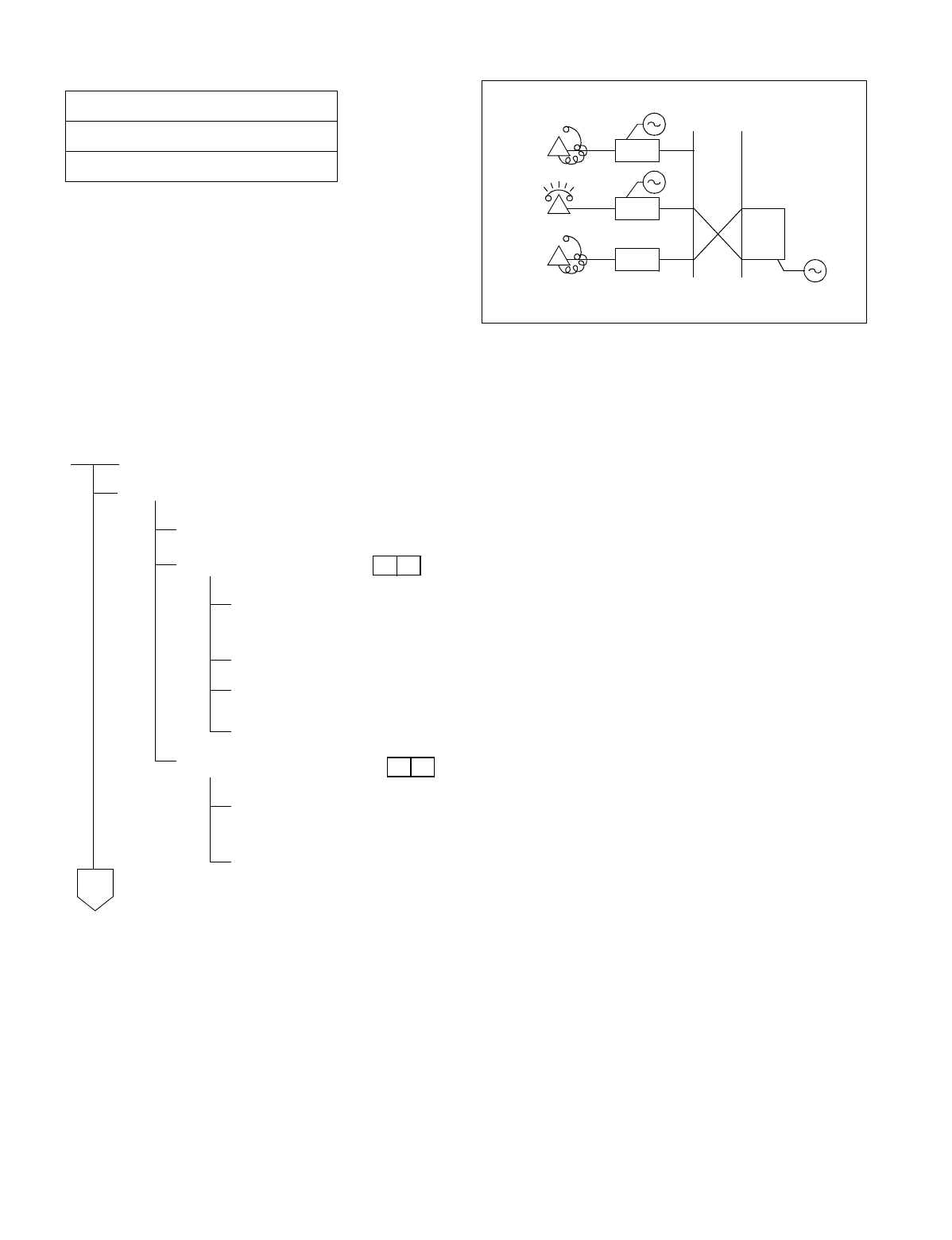
NDA-24234 CHAPTER 5
Page 343
Revision 3.0
INSTALLATION TEST PROCEDURE
Test Outline:
The Howler Tone Generator and the Ringing Generator are equipped on the PWR Supply.
The purpose of the test is to confirm ringing signal by setting up a station to station connection and a howler tone
connection from a station accommodated in any PIM.
NAP-200-042
Sheet 1/2
Howler & Ringing Signal Test
START
Check PWR0 in each PIM.
While both PWR Supplies are OFF, turn power to PWR0 ON. Leave PWR1 OFF.
Check howler tone.
A station accommodated in the PIM for which the PWR Supply is to be tested goes off-
hook. (analog port only)
The station hears DT.
In about 12 seconds, the station hears ROT.
About 30 seconds later, the station should confirm hearing howler tone.
Check ringing signal.
Set up a station-to-station connection between two stations accommodated in the IM
inm which the PWR Supply is to be tested. (analog port only)
Confirm that ringing signal is sent out.
LC
B
RBT
LC
C
RG
LC
Howler Signal
A
A
*
*
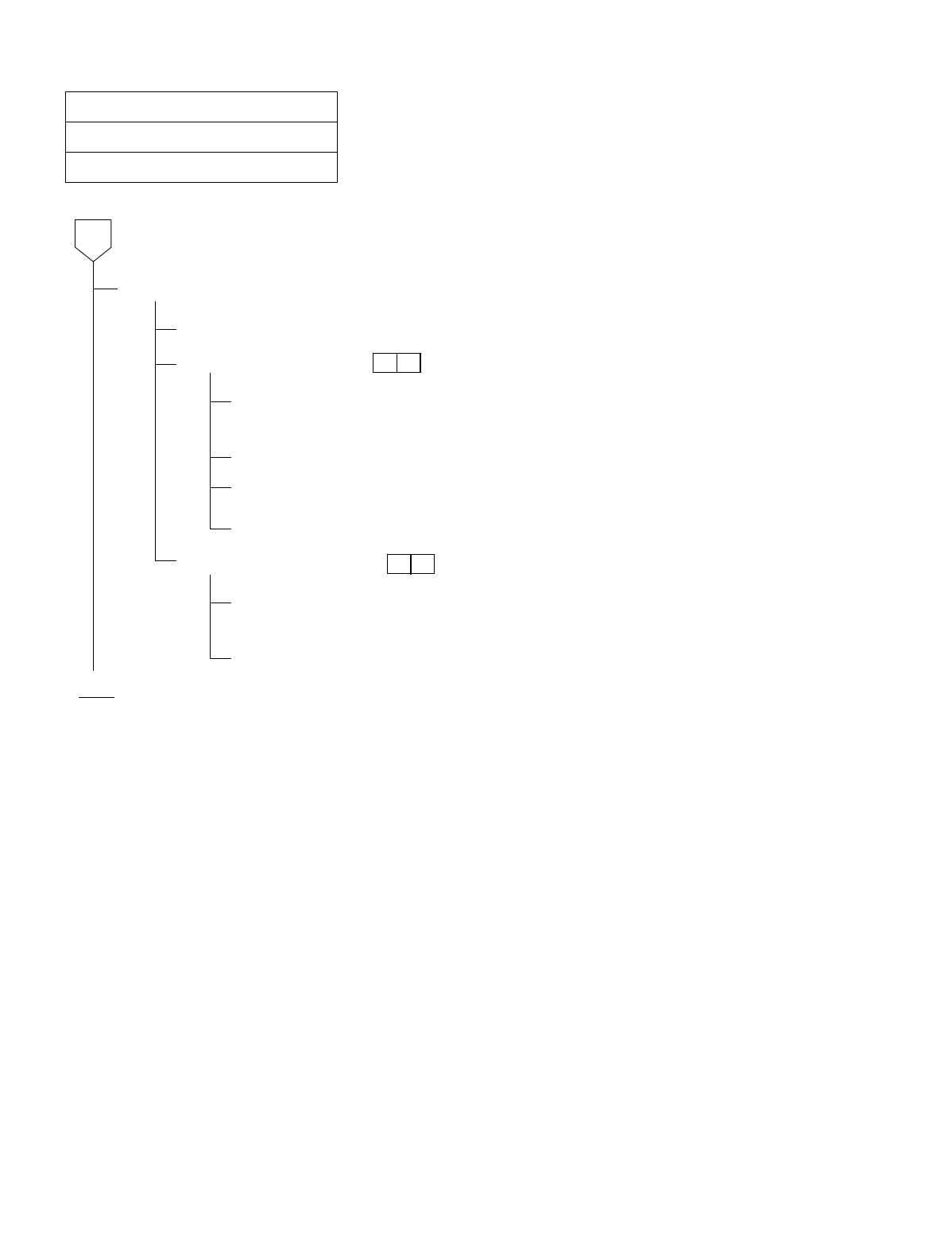
CHAPTER 5 NDA-24234
Page 344
Revision 3.0
INSTALLATION TEST PROCEDURE
NAP-200-042
Sheet 2/2
Howler & Ringing Signal Test
Check PWR1 in each PIM.
While both PWR Supplies are OFF, turn power to PWR1 ON. Leave PWR0 OFF.
Check howler tone.
A station accommodated in the PIM for which the PWR Supply is to be tested goes off-
hook. (analog port only)
The station hears DT.
In about 12 seconds, the station hears ROT.
About 30 seconds later, the station should confirm hearing howler tone.
Check ringing signal.
Set up a station-to-station connection between two stations accommodated in the IM
inm which the PWR Supply is to be tested. (analog port only)
Confirm that ringing signal is sent out.
END
A
*
*

NDA-24234 CHAPTER 5
Page 345
Revision 3.0
INSTALLATION TEST PROCEDURE
5. OVERALL TEST
5.1 Outline
Tests are to be performed to check C.O. Lines and/or Tie Lines by connecting them to a trunk on an individual
basis.
The speech path conditions (speech level, presence of noise, one-way speech, no speech, etc.) over the connec-
tion to the distant office will be checked. Release of the trunk used will also be checked.
5.2 Overall Test Procedure
The procedure for performing the Overall Test is described in the NAPs indicated to the right of each item in
the following flowchart.
START
Overall Test of C.O. Line Outgoing Call: NAP-200-043
Overall Test of C.O. Line Incoming Call: NAP-200-044
Overall Test of CCIS Tie Line Outgoing Call: NAP-200-045
Overall Test of CCIS Tie Line Incoming Call: NAP-200-046
Test of Connection Alternate Routing to All Tie Lines: NAP-200-047
Test of Tandem Connection to Tie Line: NAP-200-048
PAD Setting: NAP-200-049
END
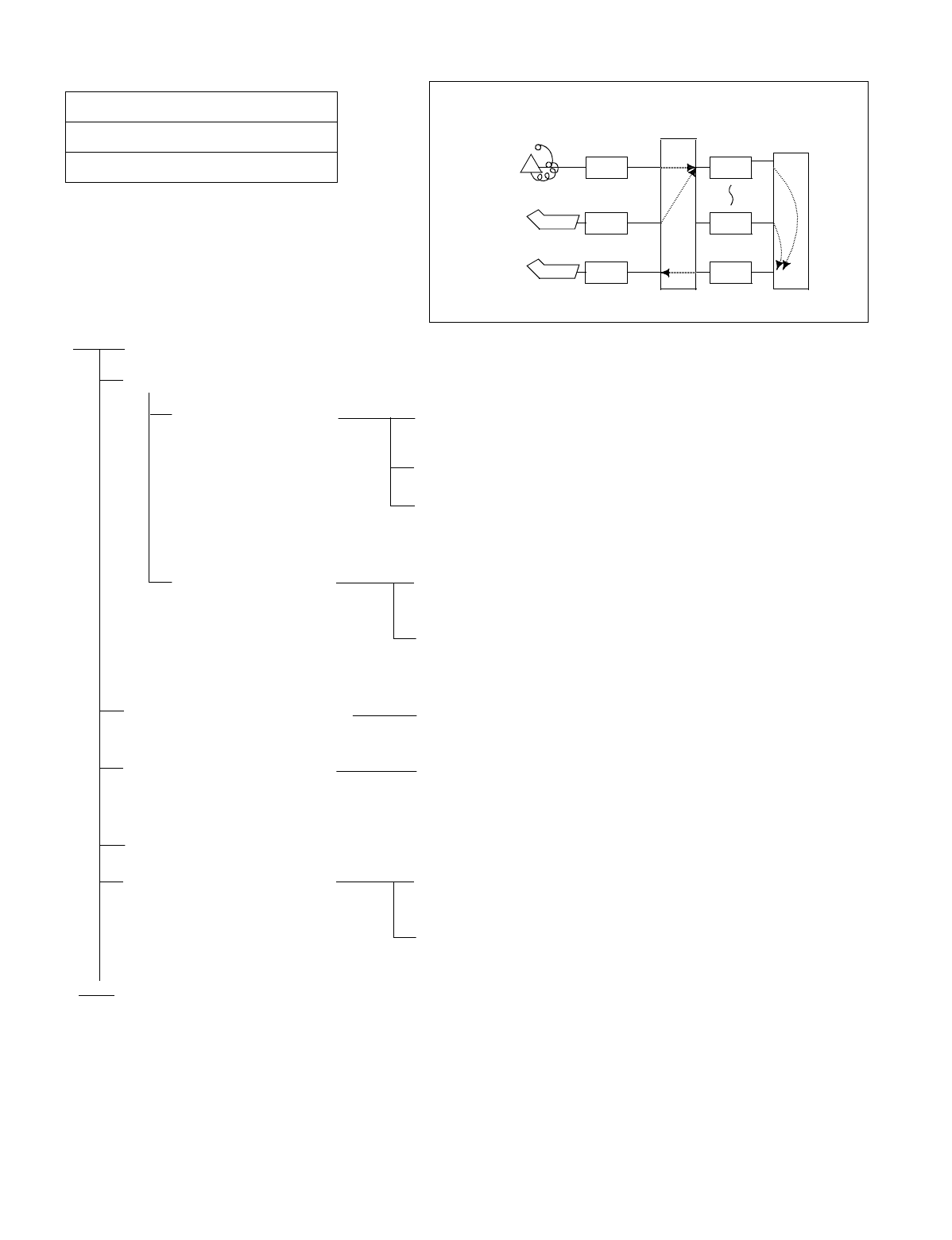
CHAPTER 5 NDA-24234
Page 346
Revision 3.0
INSTALLATION TEST PROCEDURE
NAP-200-043
Sheet 1/1
Overall Test for C.O. Line Outgoing Call
START
Seizure of trunk to be tested
When seizing from a
station Place the trunk to be tested into idle state, and make all other
trunks busy.
Station “A” dials the trunk access number.
Station “A”, after hearing dial tone from the C.O., dials the
pilot number for the local office and allows the call to be
terminated to that office via loop-back at the C.O.
When seizing from an
ATTCON An ATTCON sets up the connection with a specific trunk
designated via Individual Trunk Access service.
The ATTCON, after hearing dial tone from the C.O., dials
the pilot number for the local office and allows the call to be
terminated to that office via loop-back at the C.O.
Call termination to ATTCON The call looped back at the C.O. terminates to the
ATTCON.
Check of speech conditions After the call has been answered at the ATTCON, check the
speech conditions including speech level, presence of noise,
and one-way speech state.
Release
When all COTs have been
checked and a fault is detected. Perform a trunk loop-back test at the C.O., and determine
whether the trunk side or the C.O. Line side is faulty.
If the C.O. Line is faulty, make a request to the C.O. for
repair.
END
ATT CO N
ATT CO N
LC
PBX
A
ATI
ATI
COT
COT
COT
Central
Office
Exchange
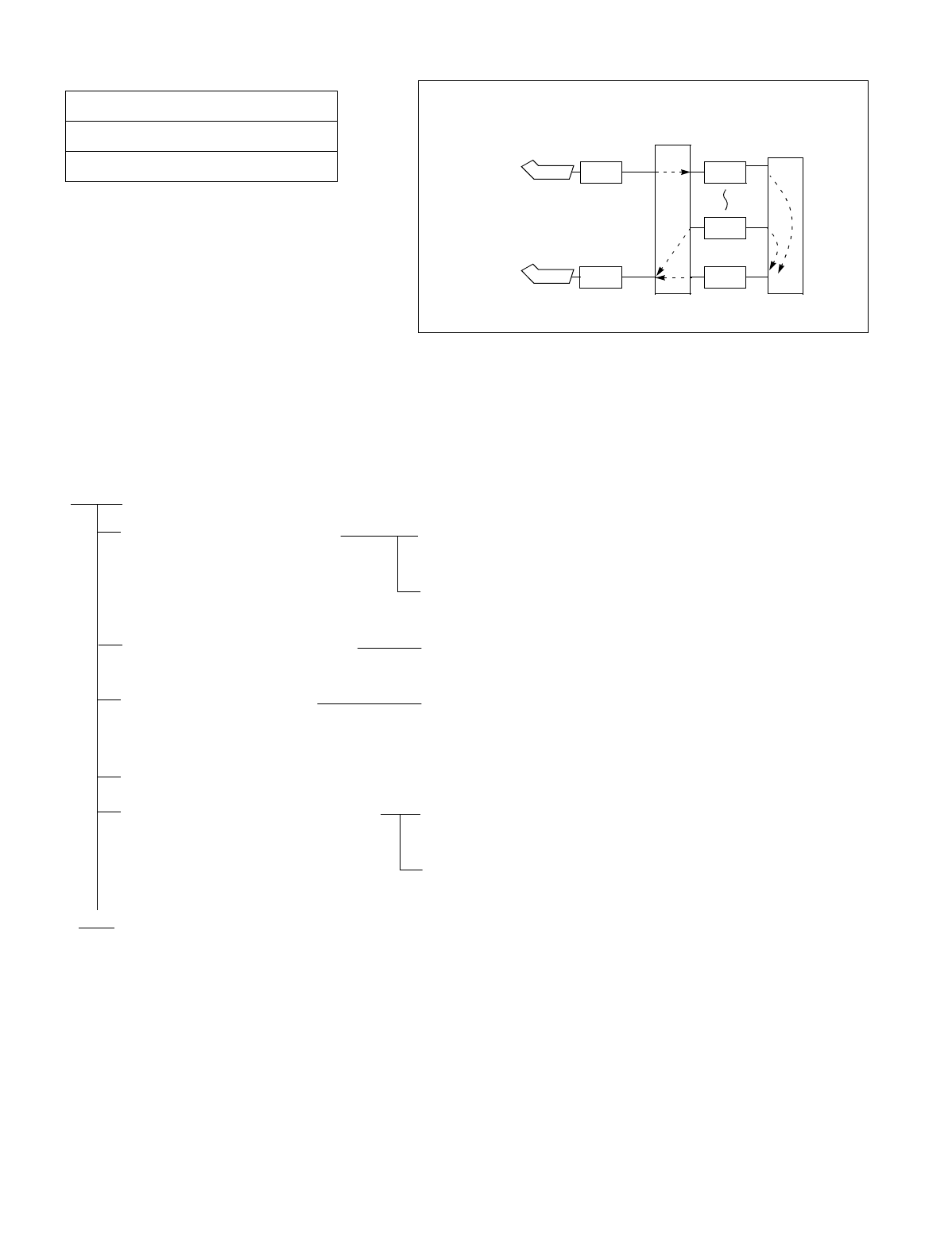
NDA-24234 CHAPTER 5
Page 347
Revision 3.0
INSTALLATION TEST PROCEDURE
Test Outline:
The tests comprising this NAP are to be performed according to the C.O. Line Number Table provided by the C.O.
If the C.O. Line Numbers are not known, tests cannot be performed because loop-back cannot be performed at the
C.O.
In addition, tests cannot be performed which involve Direct Inward Dialing. Under such circumstances, the C.O.
must be asked to perform an incoming test.
NAP-200-044
Sheet 1/1
Overall Test for C.O. Line Incoming Call
START
Seizure of trunk to be tested From the ATTCON, set up a connection with a specific trunk
designated via Individual Trunk Access.
After hearing dial tone from the C.O., dial the C.O. Line
number of the trunk being tested from the ATTCON.
Call termination to ATTCON The call looped back at the C.O. terminates to the
ATTCON.
Speech Condition Check After the call has been answered at the ATTCON, check the
speech conditions including speech level, presence of noise,
and one-way speech.
Release
When all COT trunks have been
checked and a fault is detected. Perform a trunk loop-back test at the C.O. and identify
whether the trunk side or the C.O. Line side is faulty.
If the C.O. Line side is faulty, make a request to the C.O. for
repair.
END
ATT CO N
ATT CO N
LC
PBX
ATI
COT
COT
COT
Central
Office
Exchange
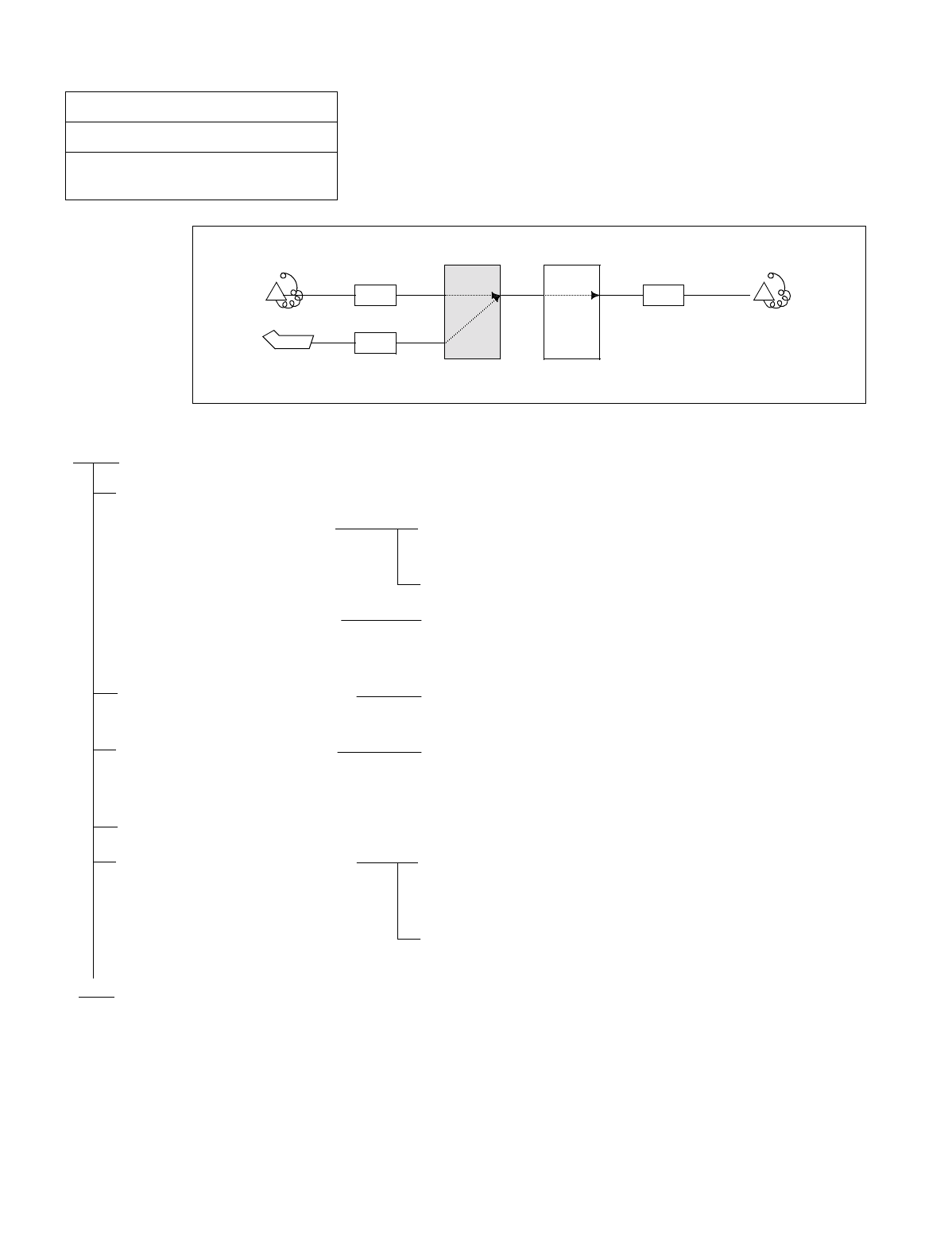
CHAPTER 5 NDA-24234
Page 348
Revision 3.0
INSTALLATION TEST PROCEDURE
NAP-200-045
Sheet 1/2
Overall Test of CCIS Tie Line Outgoing
Call
START
Seizure of trunk to be tested
When seizing from a
station Place the trunk to be tested into idle state, and make busy all
other trunks.
Station “A” dials the number for station “B” in the PBX-B
When seizing from an
ATTCON An ATTCON sets up the connection with a specific trunk
designated by Individual Trunk Access for CCIS TRK
service and dials the number for Station “B” in the PBX-B.
Call termination to Station “B”
in the PBX-B The call terminates to Station “B” via a CCIS Tie Line.
Check of speech conditions After the call has been answered at the ATTCON, check the
speech conditions including speech level, presence of noise
and one-way speech state.
Release
When all CCIS Tie Line Trunks
have been checked and a fault
has been detected
Perform fault localization procedure when a fault has
occurred to CCIS Tie Line (See Procedure A).
If the distant office is faulty, make a request to the distant
office for repair.
END
ATTCON
PBX-A
ATI
LC LC
Station A PBX-B Station B
(PBX to be tested)
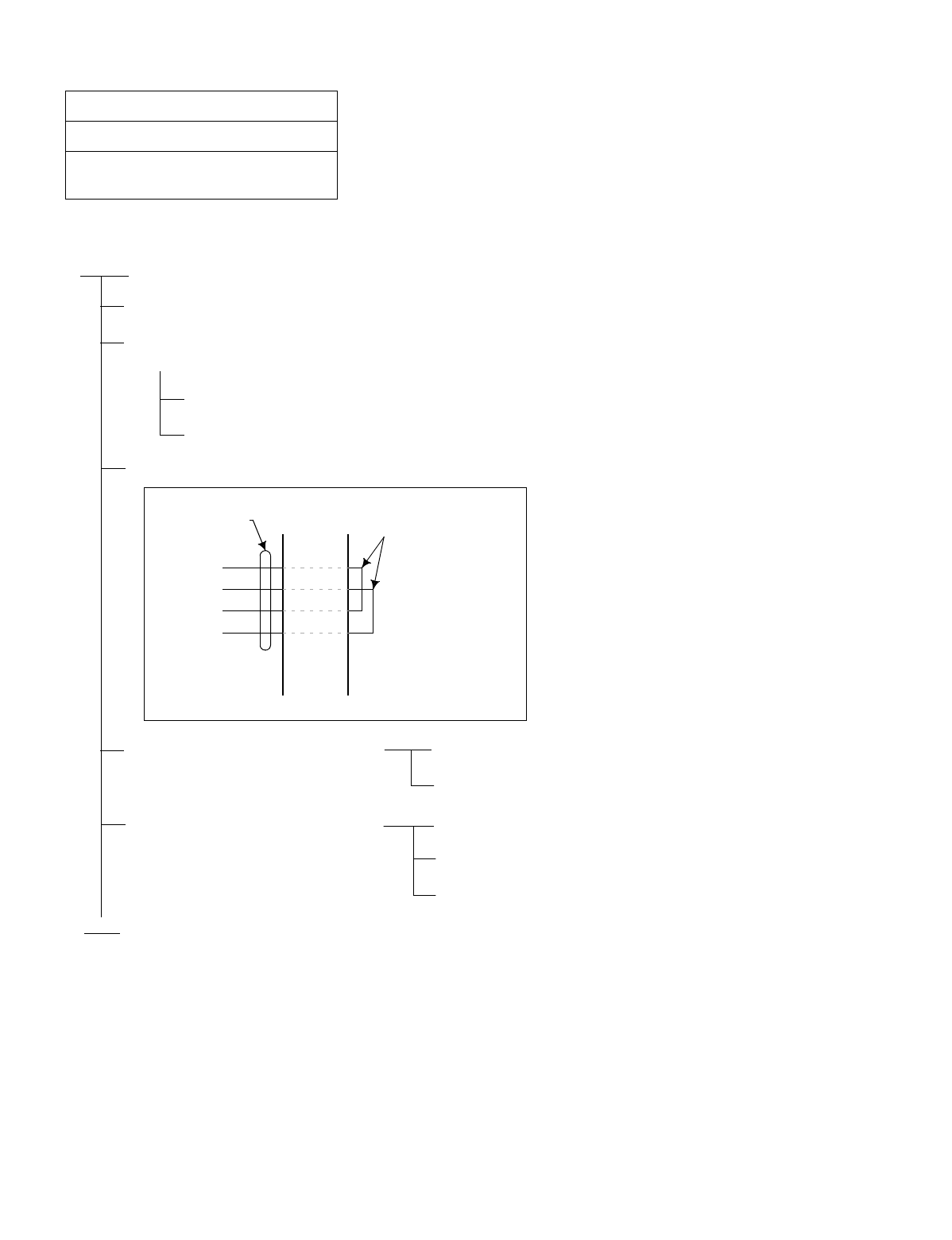
NDA-24234 CHAPTER 5
Page 349
Revision 3.0
INSTALLATION TEST PROCEDURE
(Procedure A)
NAP-200-045
Sheet 2/2
Overall Test of CCIS Tie Line Outgoing
Call
START
On the DTI/CCT card, set its MB switch UP.
In any office other than the Primary Office (Clock-Source-Office), disconnect the DTI/CCT cable
connector at the DTI/CCT side (Backplane of PIM)
PLO alarm is generated, but ignore it.
The PLO starts running by itself.
Make the following connection at the MDF using a paired wire.
The DTI does not recover. (CCH/
CCT Link Failure may occur, but
ignore it.)
System message “3-J” is not displayed.
The DTI/CCT is faulty.
The DTI recovered. (CCH/CCT
Link Failure may occur, but ignore
it.)
System message “3-J” is displayed.
The DTI/CCT is normal.
Call the distant office and ask for repair.
END
TA
TB
RA
RB
DTI/CCT
LEADS CROSS
CONNECTION
MDF
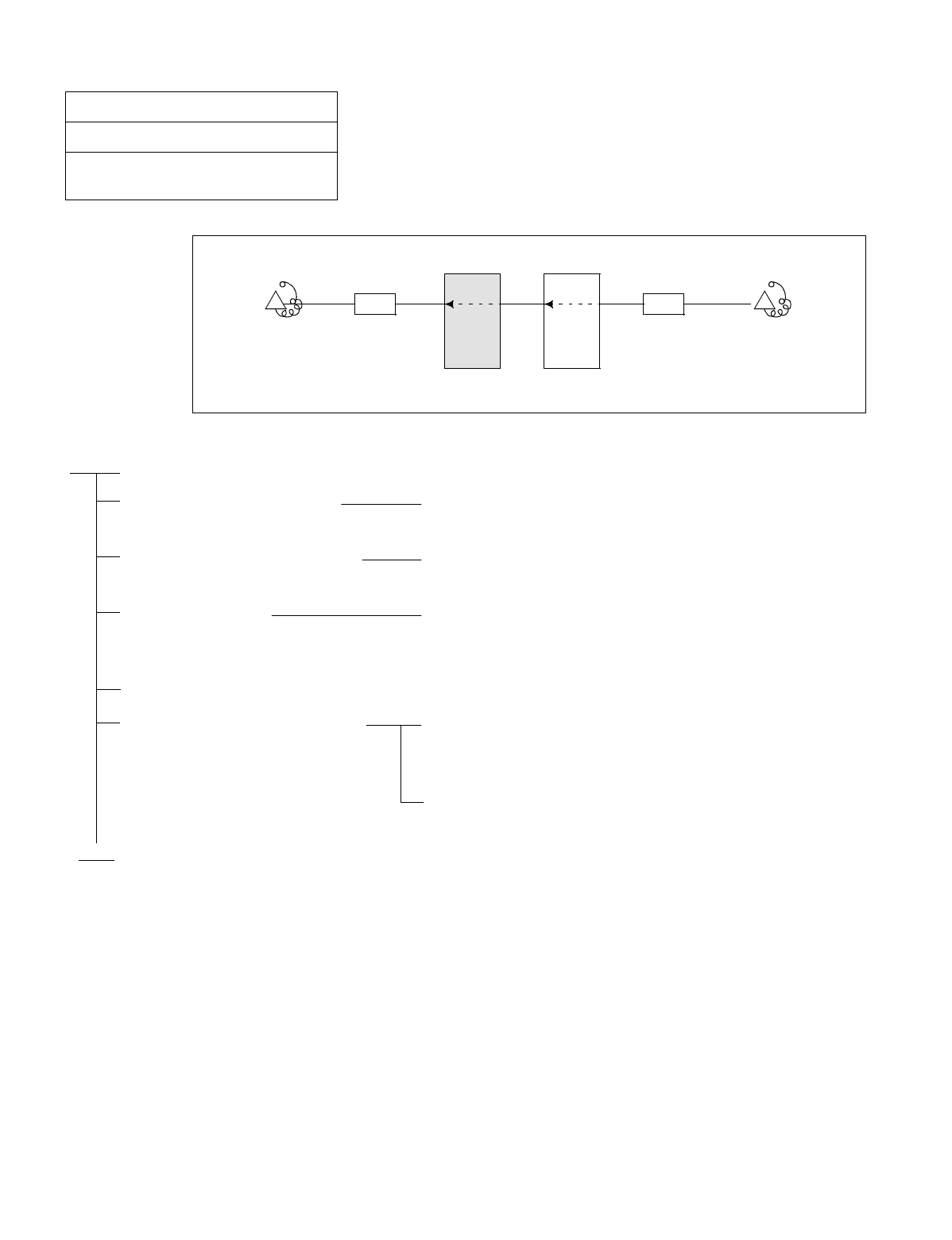
CHAPTER 5 NDA-24234
Page 350
Revision 3.0
INSTALLATION TEST PROCEDURE
NAP-200-046
Sheet 1/1
Overall Test of CCIS Tie Line Incoming
Call
START
Seizure of trunk to be tested Place the trunk to be tested into idle state, and make busy all
other trunks.
Termination of incoming call to
station “A” in the self office An incoming call from the distant office terminates to
Station “A”.
Check of speech After the call has been answered at Station “A”, check the
speech conditions including speech level, presence of noise
and one-way speech state.
Release
When all CCIS Tie Line Trunks
have been checked and a fault has
been detected
Perform fault localization procedure when a fault has
occurred to CCIS Tie Line. (See Procedure A of NAP-200-
045.)
If the distant office is faulty, make a request to the distant
office for repair.
END
PBX-A
LC LC
Station A PBX-B Station B
(PBX to be tested)
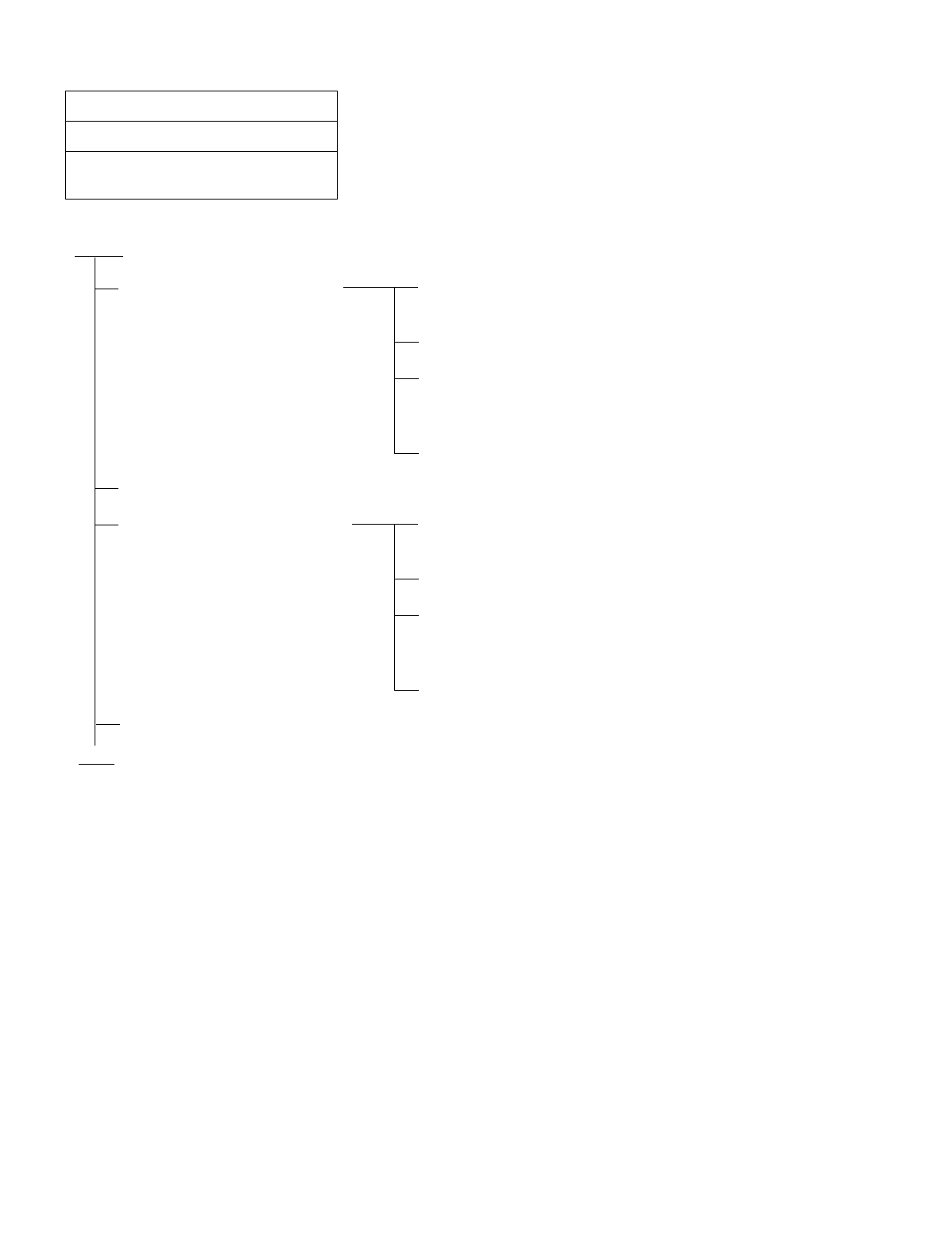
NDA-24234 CHAPTER 5
Page 351
Revision 3.0
INSTALLATION TEST PROCEDURE
NAP-200-047
Sheet 1/2
Test of Connection and Alternate Routing
to All Tie Lines
START
Test the trunks in the primary
route one at a time. Make busy all trunks in the primary route except the trunk to
be tested.
Station “A” calls Station “B” via the primary route.
After Station “B” answers, check the normality of the speech
condition including the speech level, presence of noise, and
one-way speech.
Release.
Make all the trunks in the primary route busy.
Test the trunks in the alternate
route one at a time. Make busy all trunks in the alternate route except the trunk
to be tested.
Station “A” calls Station “B” via the alternate route.
After Station “B” answers, check the normality of the speech
condition including the speech level, presence of noise, and
one-way speech.
Release.
Cancel the Make Busy condition of the trunks.
END
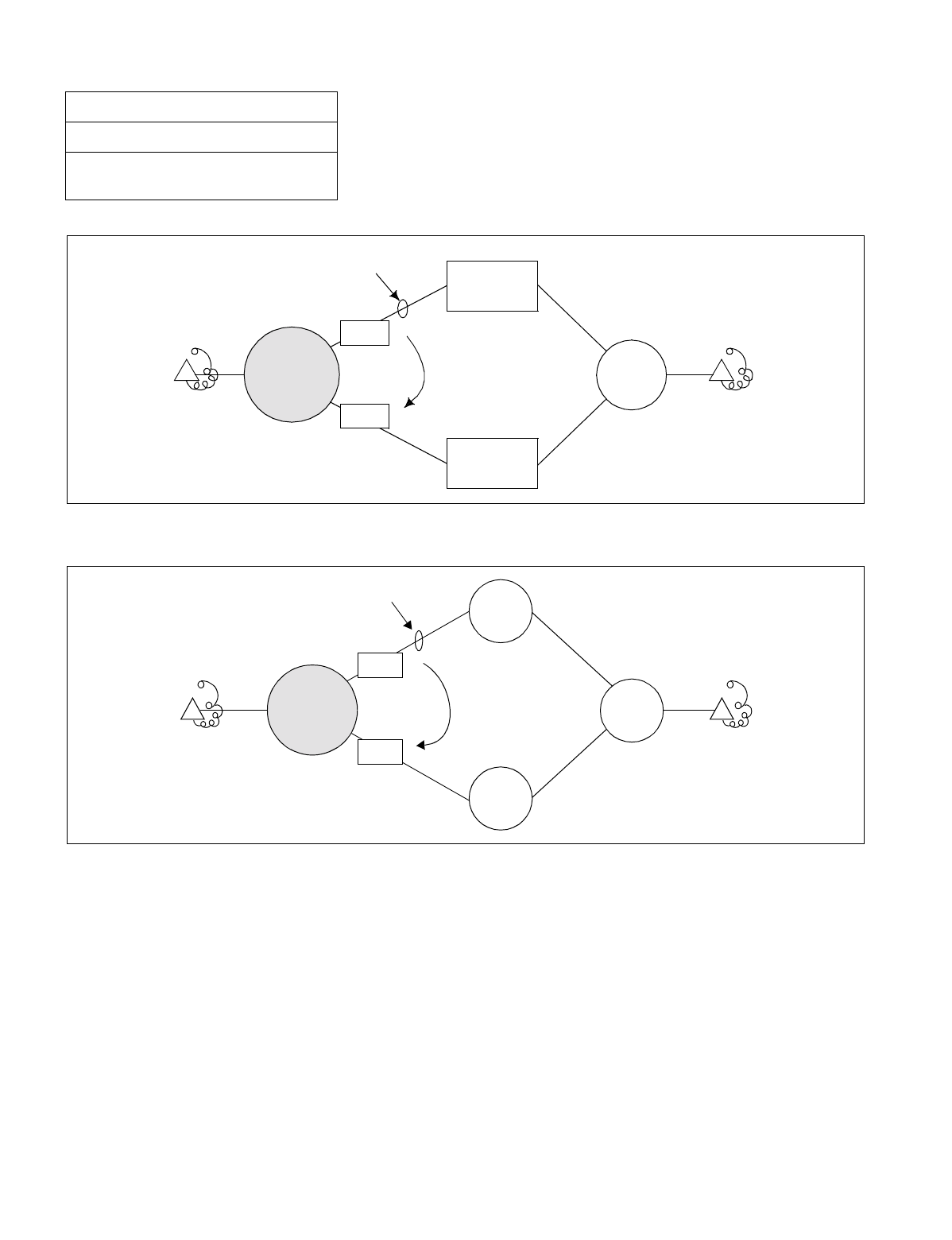
CHAPTER 5 NDA-24234
Page 352
Revision 3.0
INSTALLATION TEST PROCEDURE
Figure 047-1 Combination of Tie Line Network and Public Network
Figure 047-2 Tie Line Network
NAP-200-047
Sheet 2/2
Test of Connection and Alternate Routing
to All Tie Lines
Basic Route
Station A Station B
PBX to
be tested
Tie Line
Network
Public
Network
PBX
TRKs
TRKs
Alternate
Route
PBX
PBX
PBX
Station A Station B
TRKs
TRKs
ALTERNATE
ROUTE
BASIC ROUTE
PBX to be
tested
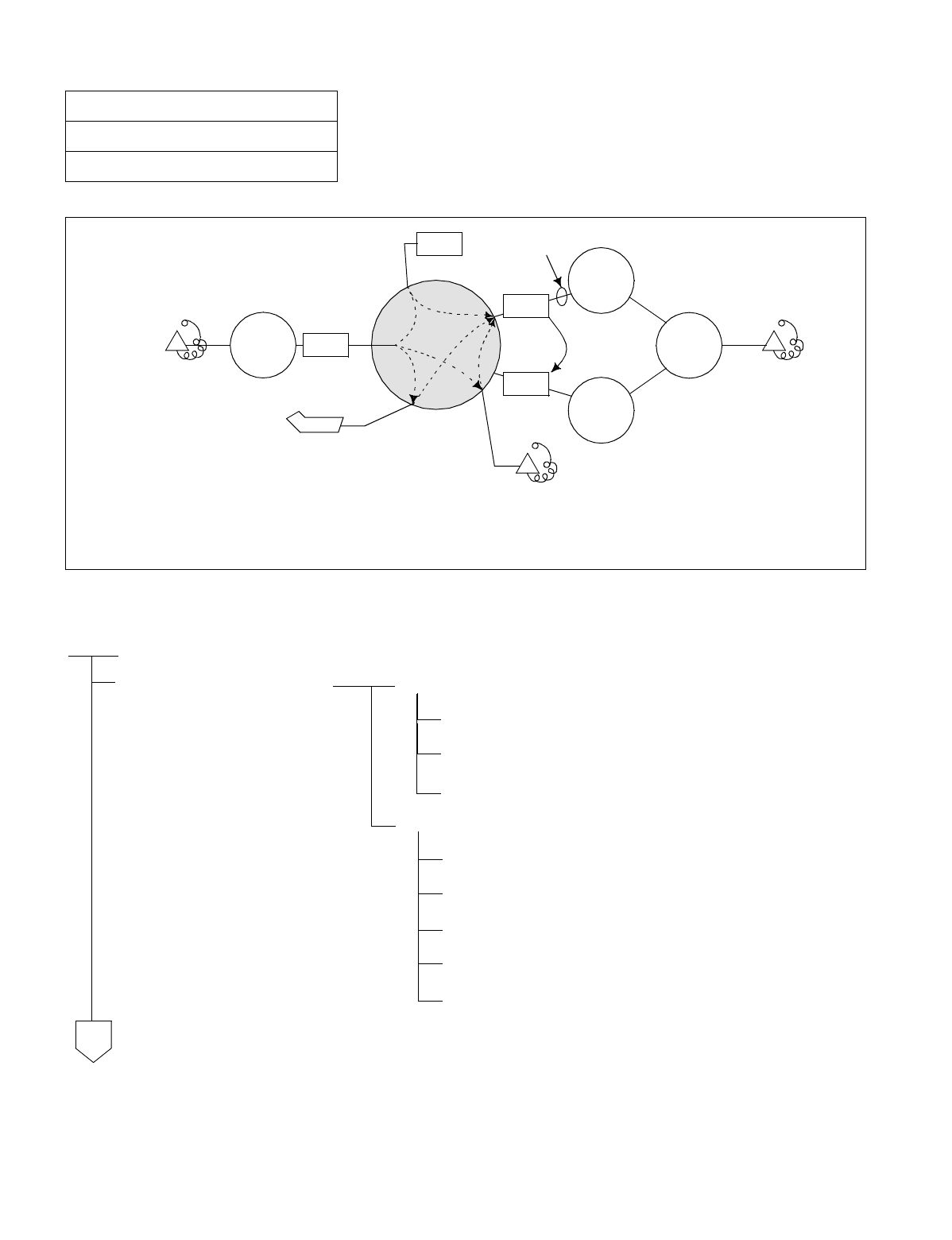
NDA-24234 CHAPTER 5
Page 353
Revision 3.0
INSTALLATION TEST PROCEDURE
Figure 048-1 Test of Tandem Connection to Tie Line
NAP-200-048
Sheet 1/2
Test of Tandem Connection to Tie Line
START
Test of direct dial-in tandem
connection Test of Primary Route
Station “A” calls Station “B”.
Confirm speech between Stations “A” and “B”.
Release.
Test of Alternate Route
Make busy all the trunks in the primary route.
Station “A” calls Station “B”.
Confirm speech between Stations “A” and “B”.
Release.
Un-busy (make idle) all the trunks.
Primary Route
Station A
Station B
PBX to
be tested
PBX
TRKs
Alternate
Route
PBX
PBX
PBX TRKs
IRT
TRKs
ATT CO N
(1)
(3)
(2)
Station C
(1):
(2):
(3):
Direct tandem connection by dial-in
Tandem connection via ATTCON
Tandem connection via Station
A
CHAPTER 5 NDA-24234
Page 354
Revision 3.0
INSTALLATION TEST PROCEDURE
NAP-200-048
Sheet 2/2
Test of Tandem Connection to Tie Line
Test of tandem connection via
ATTCON Station “A” dials the access code for the ATTCON.
The ATTCON answers and sets up a tandem connection to
Station “B”.
The ATTCON releases, and speech between Stations “A”
and “B” is confirmed.
Release.
Test of tandem connection via
station Station “A” calls Station “C”.
Station “C”, after answering, makes a Switch Hook Flash
(SHF) and calls Station “B”.
After Station “B” answers, Station “C” release. Speech
between Stations “A” and “B” is confirmed.
Release.
END
A
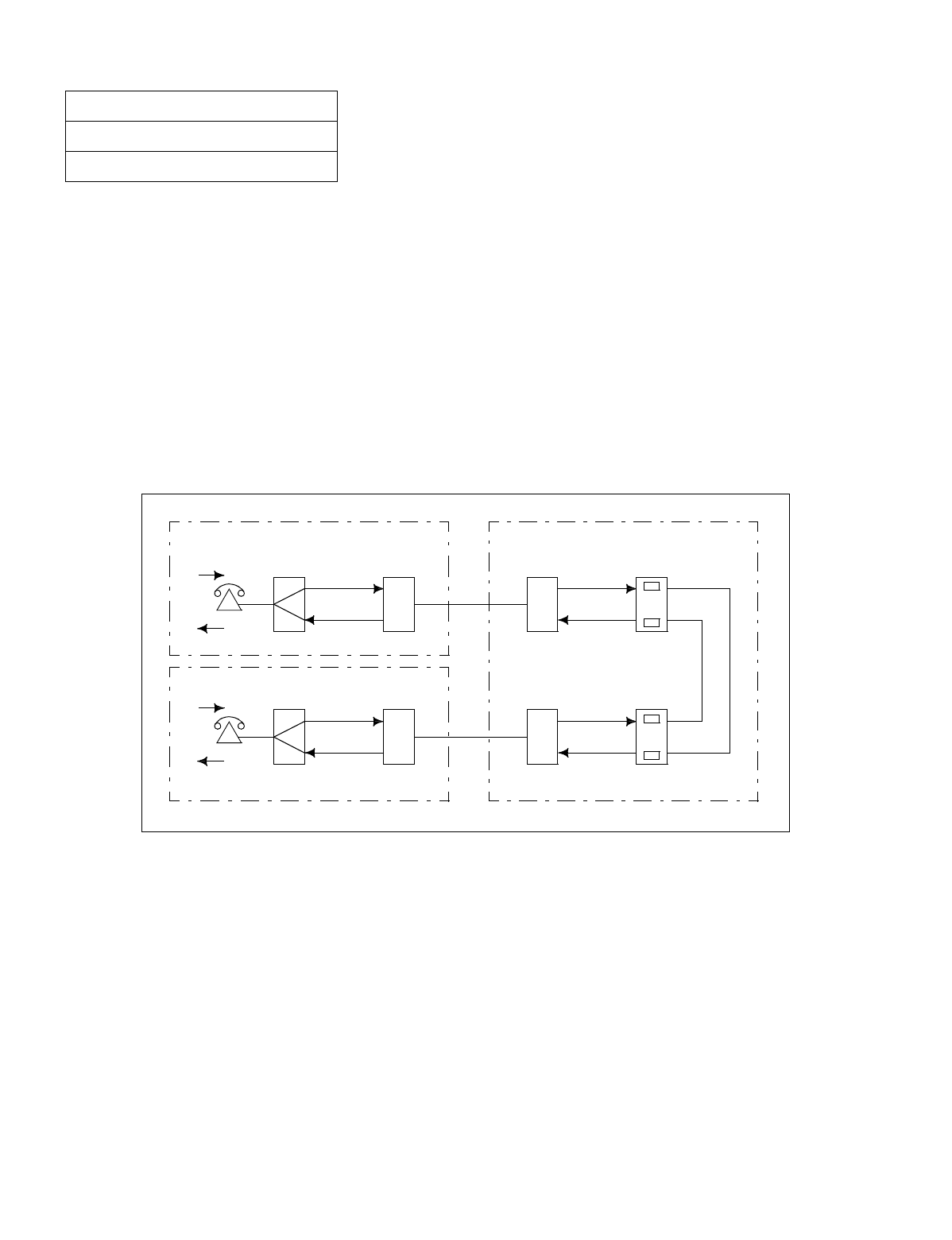
NDA-24234 CHAPTER 5
Page 355
Revision 3.0
INSTALLATION TEST PROCEDURE
For the PBX, PADs can be set according to the connecting status of the Tie Line involved.
(a) For an outgoing/incoming call via a Tie Line:
•Via MAT command “ARTD” and switch settings on the TLT circuit card.
(b) For a tandem Tie Line connection:
•Via command “APAD” or switch settings on the TLT circuit card(s).
At both the originating and terminating offices, an 8 dB PAD is set for the EMT route via the “ARTD” command or
switch settings. At the tandem office, a 4 dB PAD is set for the terminating and originating sides of each EMT route
via command “APAD”.
Through this arrangement, an 8 dB PAD is in service for outgoing and incoming connections, and 4 dB PADs are in
service for each line in a tandem connection (total: 8 dB). This arrangement is shown in Figure 049-1
Figure 049-1 Example of PAD Setting
NAP-200-049
Sheet 1/2
PAD Setting
Originating Office
0 dB
8 dB
8 dB
8 dB
EMT
Carrier
Terminal
–8
0
Carrier
Terminal
0
–8
EMT
PAD
Terminating Office
0 dB
8 dB
8 dB
8 dB
EMT Carrier
Terminal
–8
0
Carrier
Terminal
0
–8
EMT
PAD
4 dB
4 dB
4 dB
4 dB
Tandem Office
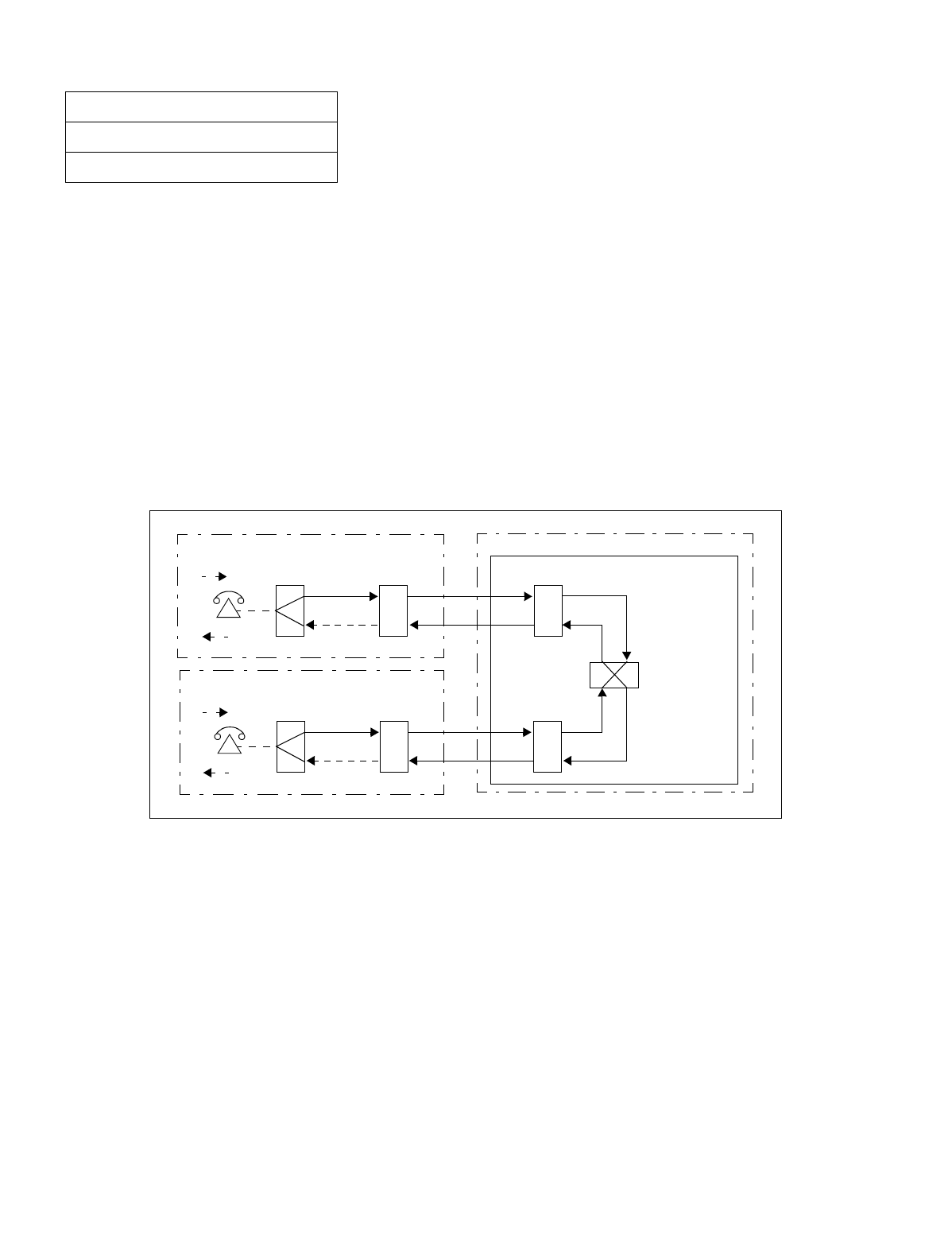
CHAPTER 5 NDA-24234
Page 356
Revision 3.0
INSTALLATION TEST PROCEDURE
When setting up a No. 7 CCIS Network, PAD setting differs from that in the analog network.
(c) For an outgoing call to/incoming call from a Tie Line:
•Via “ARTD” command.
(d) For a tandem Tie Line connection:
•Via “APAD” command.
At both the originating and terminating offices, 0 dB is set to the outgoing side and 8 dB is set to the terminating of
the DTI/CCT route via “ARTD” command.
At the tandem office, 0 dB is set for both the terminating and originating sides of each DTI/CCT route via “APAD”
command.
This arrangement is shown in Figure 049-2.
Figure 049-2 Example of PAD Setting for CCIS
NAP-200-049
Sheet 2/2
PAD Setting
Terminating Office
0 dB
–8 dB
–8 dB 0 dB
0 dB 0 dB
DTI/CCT
Originating Office
0 dB
–8 dB
–8 dB 0 dB
0 dB 0 dB
DTI/CCTDTI/CCT
Tandem Office

NDA-24234 CHAPTER 6
Page 357
Revision 3.0
CHAPTER 6 FAULT RECOVERY DURING TESTS
1. GENERAL
The fault recovery procedures described in this Chapter are used when a connection cannot be established in the
normal manner or an abnormal connection is discovered as a result of the tests designated in Chapter 4, ”SYS-
TEM STARTUP”, and Section 2., “BASIC CONNECTION TEST” of CHAPTER 5.
2. OUTLINE OF PROCEDURE FOR FAULT RECOVERY
The procedures for performing fault recovery are described in the NAPs indicated to the right of each item in
the following flowchart.
START
Abnormal Lamp Indication After System Startup: NAP-200-050
Faulty DT (Dial Tone) Connection: NAP-200-051
Faulty Station To Station Connection: NAP-200-052
END
CHAPTER 6 NDA-24234
Page 358
Revision 3.0
FAULT RECOVERY DURING TESTS
NAP-200-050
Sheet 1/2
Abnormal Lamp Indications After System
Startup
START
Check conducted when the OPE lamp (Green) does not turn ON on any circuit cards mounted in a PIM
Using MAT command “AUNT”, check whether UNIT data has been assigned.
Replace the TSW/MUX card in the PIM with a spare.
Check whether the flat cable connected to the “BUSXX” terminal on the PIM backplane is
securely connected.
A PIM will occasionally malfunction due to a single circuit card mounted in the PIM.
Therefore, check the circuit cards via the following steps:
Extract all circuit cards from the PIM other than the TSW/MUX and the PWR Supplies.
Insert one circuit card into its mounting slot and see if its OPE lamp turns ON. Repeat
this procedure for the remaining circuit cards.
Check conducted when the OPE lamp (Green) does not turn ON on a Line Circuit card
Confirm that the MB switch of the circuit card is DOWN.
Using command “ASDT”, check whether station data is assigned to the circuits on the card.
Replace the card with a spare.
Check conducted when OPE lamp of a Line Circuit card illuminates, but the BL lamp (Red) for an
individual line flashes
Using command “MBST”, confirm that the specific line is not in Make Busy state.
Using command “ASDT”, check whether station data has been assigned to the line circuit.
Replace the circuit card with a spare.
ATTENTION
Contents
Static Sensitive
Handling
Precautions Required
A
NDA-24234 CHAPTER 6
Page 359
Revision 3.0
FAULT RECOVERY DURING TESTS
NAP-200-050
Sheet 2/2
Abnormal Lamp Indications After System
Startup
Check conducted when the OPE lamp (Green) does not turn ON on a Trunk circuit card.
Confirm that the MB switch of the circuit card is DOWN.
Using command “ATRK”, check whether Trunk data has been assigned for the circuits on the
card.
Replace the circuit card with a spare.
Check conducted when the OPE lamp of a Trunk circuit card turns ON, but the BL lamp (Red) for an
individual circuit flashes.
Confirm that the MB switch for each circuit of the card is OFF.
Using command “MBTK”, confirm that the trunk circuit is not in Make Busy state.
Using command “ATRK”, check whether trunk data has been assigned for the trunk circuit.
Replace the circuit card with a spare.
Perform the following check before replacing a circuit card which is considered defective with a spare.
Confirm the switch settings on the circuit card.
Poor contact at the connector portion of the circuit card may be responsible for the malfunction.
Check the circuit card once again by inserting and extracting it two or three times.
END
ATTENTION
Contents
Static Sensitive
Handling
Precautions Required
A
CHAPTER 6 NDA-24234
Page 360
Revision 3.0
FAULT RECOVERY DURING TESTS
NAP-200-051
Sheet 1/1
DT (Dial Tone) Connection Fault
START
Dial tone is not heard.
On the MDF, check the cross connections between the telephone and the corresponding line
circuit.
Check whether the LT cable is securely connected to the PIM.
Replace the LC card with a spare.
DT cannot be heard from one or more lines of the same circuit card.
Replace the LC card with a spare.
DT cannot be heard from the lines accommodated by a specific PIM.
Check the switch settings on the TSW/MUX circuit card.
Replace the TSW/MUX card with a spare.
Check the switch settings on the TSW circuit card.
Replace the TSW card with a spare.
Check whether the “MT24 TSW” cable is securely inserted to the connectors on the front edge
of TSW and MUX cards.
END
ATTENTION
Contents
Static Sensitive
Handling
Precautions Required
NDA-24234 CHAPTER 6
Page 361
Revision 3.0
FAULT RECOVERY DURING TESTS
NAP-200-052
Sheet 1/2
Station to Station Connection Fault
START
Dial Tone (DT) is still heard after a digit is dialed (cannot break dial tone)
A specific RST card is involved
A specific LC card is involved
A specific UNIT card is involved
Entire System is involved
Reorder Tone (ROT) is heard after a station number is dialed.
Using MAT command “ANPD/ANPDL/ANPDN,” check “Necessary Number of Digits” data.
Using command “ASPA/ASPAL/ASPAN,” check “Special Number” data.
Using command “ASDT,” check “Station” data.
Using command “ATNR,” check “Tenant Restriction Class” data.
Ring Back Tone (RBT) is heard, but the bell at the called station remains silent.
Check whether the called station is assigned the correct LENS data in command “ASDT.”
When all the stations accommodated in a specific PIM do not ring, replace the PWR circuit card
with a spare.
If the fault involves one or more lines within the same LC circuit card, replace the LC card with
a spare.
ATTENTION
Contents
Static Sensitive
Handling
Precautions Required
A

CHAPTER 6 NDA-24234
Page 362
Revision 3.0
FAULT RECOVERY DURING TESTS
NAP-200-052
Sheet 2/2
Station to Station Connection Fault
After the call has been answered, noise is heard or the speech path is one-way.
If the fault involves one or more lines within the same LC circuit card, replace the card with a
spare.
If the fault involves a specific PIM, replace either the MUX or TSW circuit card with a spare.
If noise is heard throughout the entire system, replace the TSW circuit card with a spare.
ATTENTION
Contents
Static Sensitive
Handling
Precautions Required
A
END

NDA-24234 CHAPTER 7
Page 363
Revision 3.0
CHAPTER 7 WORK AFTER INSTALLATION TESTS
This Chapter explains various kinds of work and site cleaning, etc. which the installer must perform after completion
of installation tests so that the system can be cut over normally.
Upon completion of all the required tests, the technician must confirm or perform the following.
1. Office Data Management
2. Preparation of Test Result Reports
3. Mounting of the Front and Rear Covers
4. Attachment of Inter-frame Brackets
5. Site Cleaning
1. OFFICE DATA MANAGEMENT
This paragraph explains the method of creating backup of the Office Data and the method of protecting the Of-
fice Data.
The PBX executes various kinds of processing according to the results of access by the CPU to the Data Memory
in which the Office Data are stored. If the contents of Data Memory become faulty. It may result in erroneous
operation of the system or in a system down. If any part of the Office Data has been illegally changed, it may
also bring about a trouble the same as in the case of a fault occurrence to the Data Memory.
Thus, upon completion of the installation tests, ensure to create backup of the Office Data and provide a proper
measure of office data protection.
1.1 Preservation of Office Data
The following items be kept at the job site after the installation test has been completed for preservation of office
data.
1. Office Data Programming Sheets
Since the office data programming sheets should reflect the most up-to-date data at all times, entries into
the office data programming sheets must be made in pencil.
2. Floppy Disks for Storing Data
If a major change is made to the office data, especially a change involving System Data (command “ASYD/
ASYDL/ASYDN”), the system may not function as expected afterward. To prepare for such an occurrence,
an FD containing the office data before the change and one containing the data after the change should be
kept on hand. The FD containing the data before the change allows the technician to restore the previous
(running) condition if the system will not operate properly with the new data.

CHAPTER 7 NDA-24234
Page 364
Revision 3.0
WORK AFTER INSTALLATION TESTS
Note: Cautions pertaining to Floppy Disks.
(1) Do not place a heavy object on an FD or the FD will be damaged.
(2) When taking an FD out of its protective envelope, hold the top edge of the disk and gently pull it out.
(3) Do not expose the FD to direct sunlight or to a high temperature (above 65°C (150°F)).
(4) Do not pinch the FD with a clip.
(5) Do not touch the recorded surface of the floppy disk with bare hands; fingerprints left by bare hands
will attract dust.
(6) Avoid cleaning of the floppy disk.
(7) Do not place the floppy disk near a magnet, etc. If an FD is exposed to a magnetic field of more than
50 Oe, the data on the disk is likely to be altered or destroyed.
(8) Do not bend the floppy disk.
(9) Do not apply force to outer edge of the floppy disk.
2. PREPARATION OF TEST RESULT REPORT
When submitting a report of test results to the end user or when performing test with customer’s representatives
attending, prepare Test Result Report and record the test results into the prepared Test Result Report.

NDA-24234 CHAPTER 7
Page 365
Revision 3.0
WORK AFTER INSTALLATION TESTS
3. MOUNTING OF THE FRONT AND REAR COVERS
When mounting the front cover and the rear cover of the PBX, follow the procedure below.
START
Inspection Set all MB switches back to their positions prior to the
installation tests. Confirm that all circuit cards are
mounted in the proper slots according to the Bayface
Layout.
Mounting of Side Covers Referring to Figure 7-1 through Figure 7-3, mount the
side covers onto the Modules and the Fan Unit.
Mounting of Rear Covers Modules Referring to Figure 7-4 and Figure 7-5, mount the rear
covers.
Fan Unit Referring to Figure 7-6 mount the rear covers.
Mounting of Front Covers Modules Referring to Figure 7-7 through Figure 7-9, mount the
front cover (A).
Check Confirm that the mounted covers do not contact any of
the cables, circuit cards, etc.
END
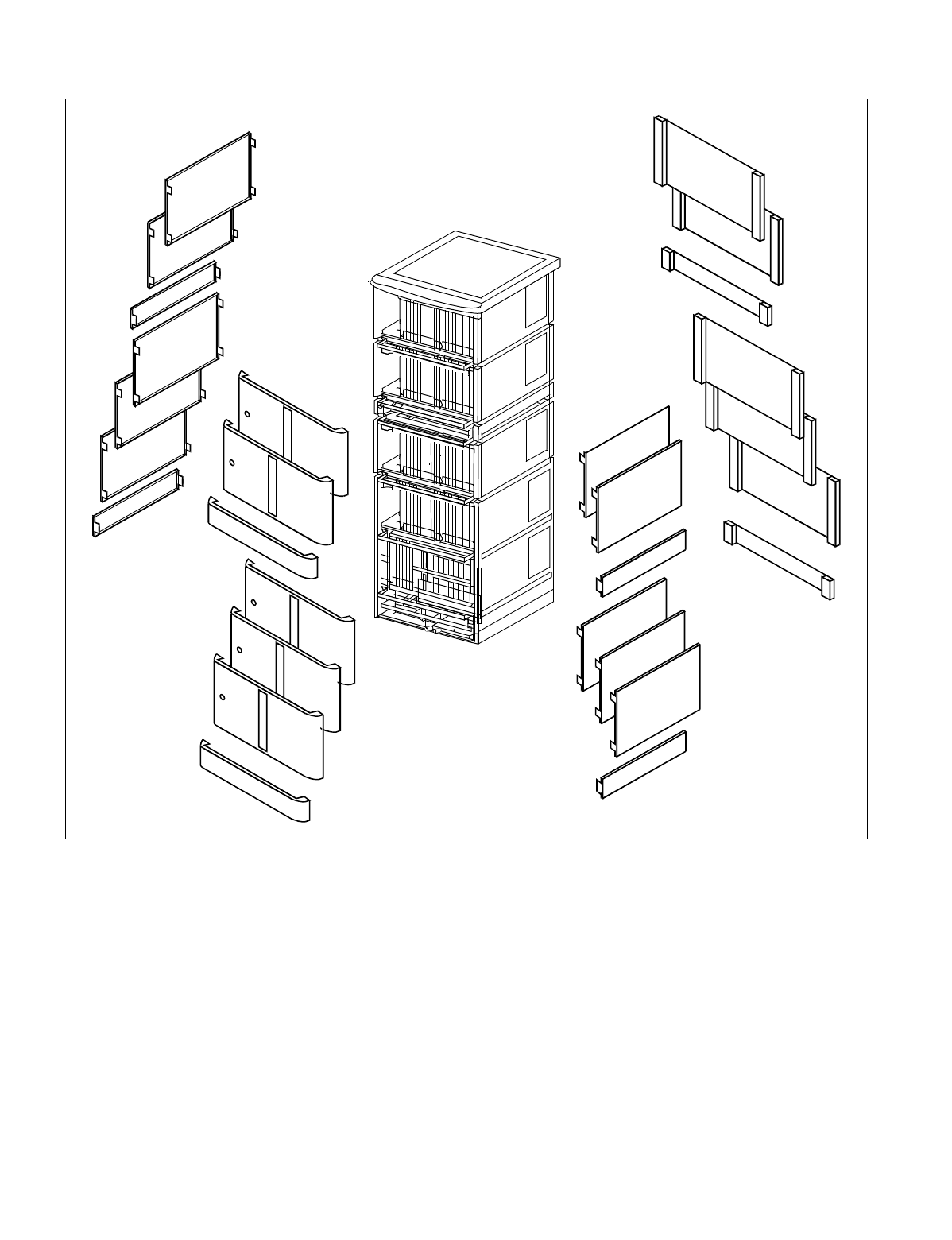
CHAPTER 7 NDA-24234
Page 366
Revision 3.0
WORK AFTER INSTALLATION TESTS
Figure 7-1 Mounting of the Covers
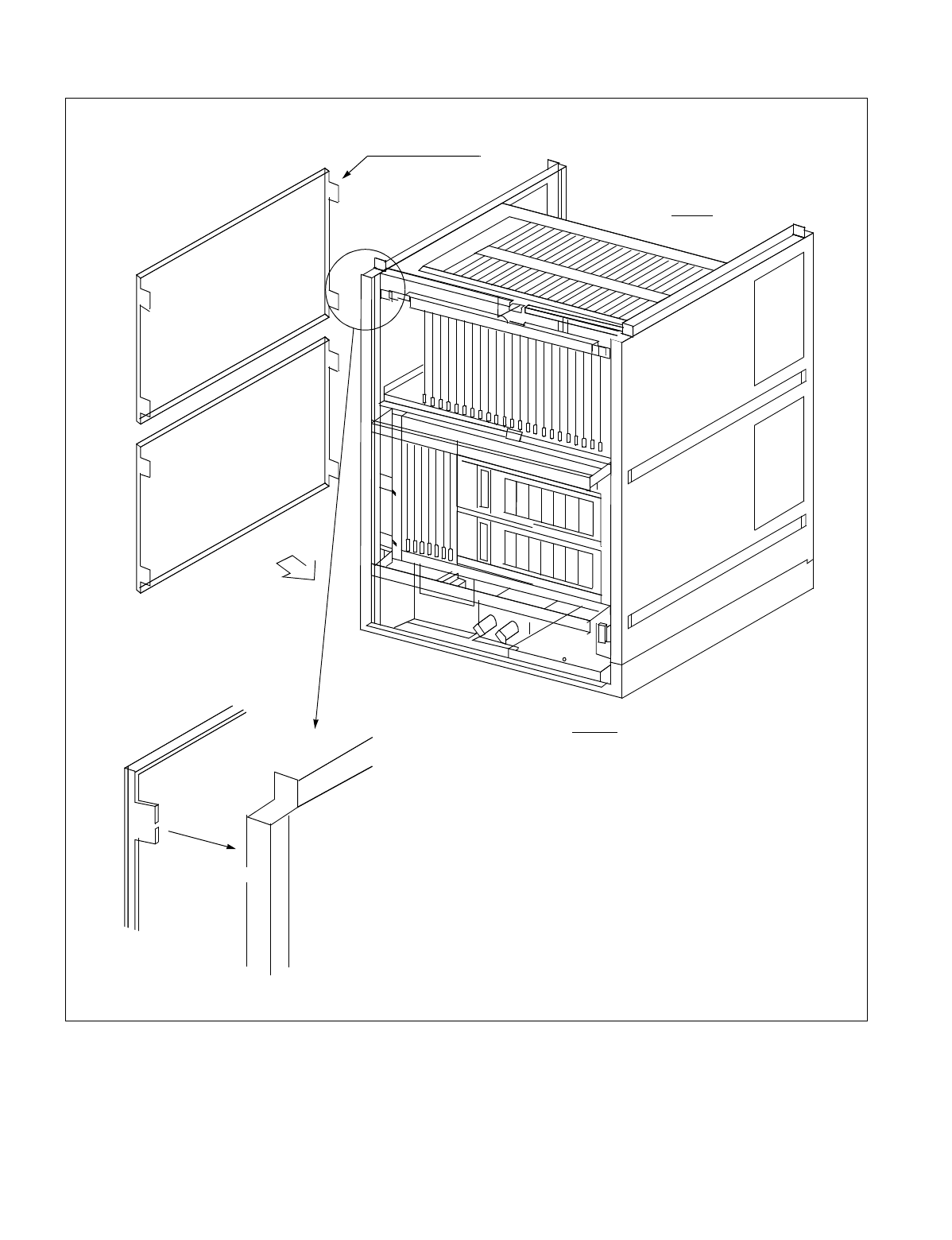
NDA-24234 CHAPTER 7
Page 367
Revision 3.0
WORK AFTER INSTALLATION TESTS
Figure 7-2 Side Cover Mounting Method (BASEU+LPR+PIM0)
SCREW
FRONT
REAR
SIDE COVER
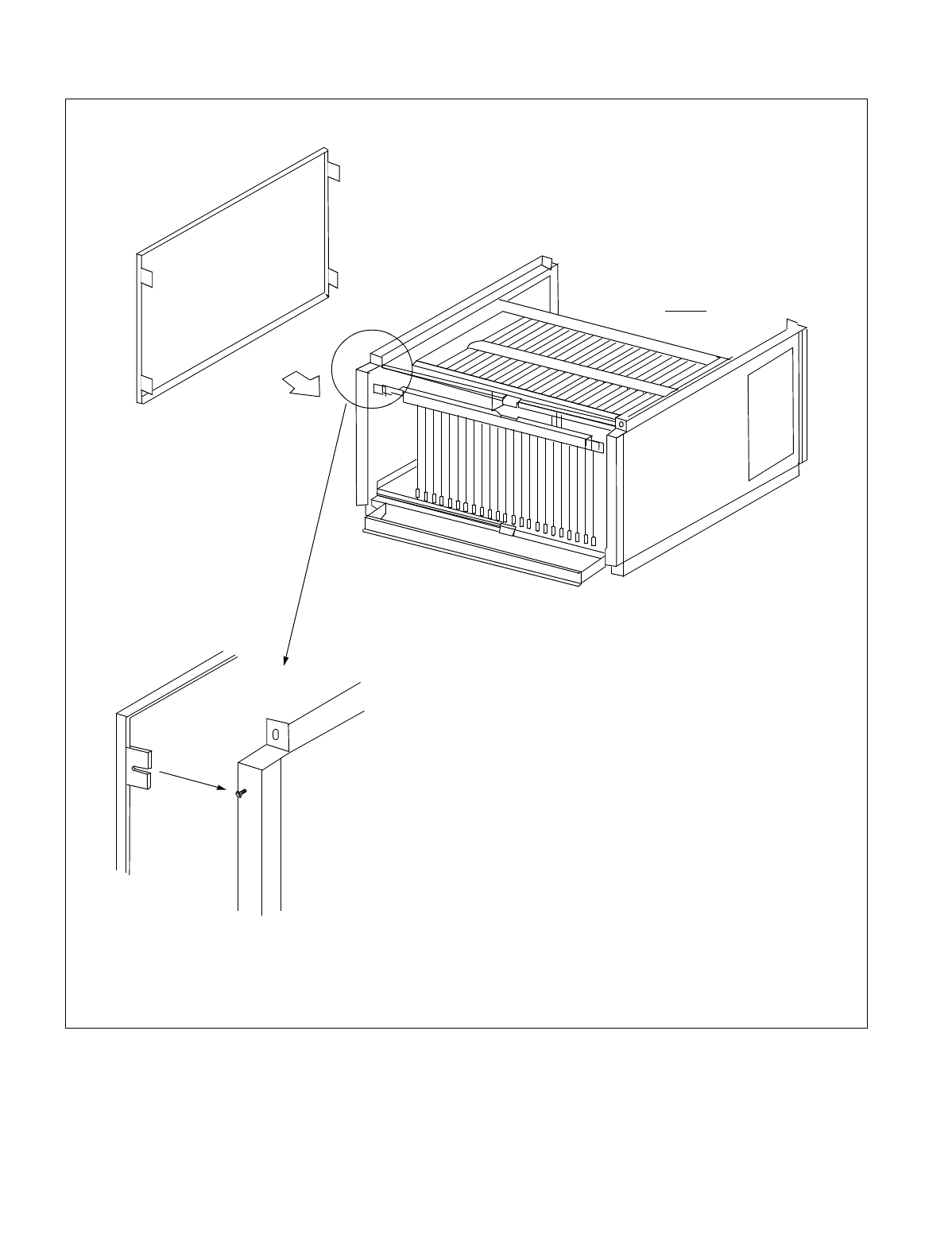
CHAPTER 7 NDA-24234
Page 368
Revision 3.0
WORK AFTER INSTALLATION TESTS
Figure 7-3 Side Cover Mounting Method (PIM)
REAR
SIDE COVER
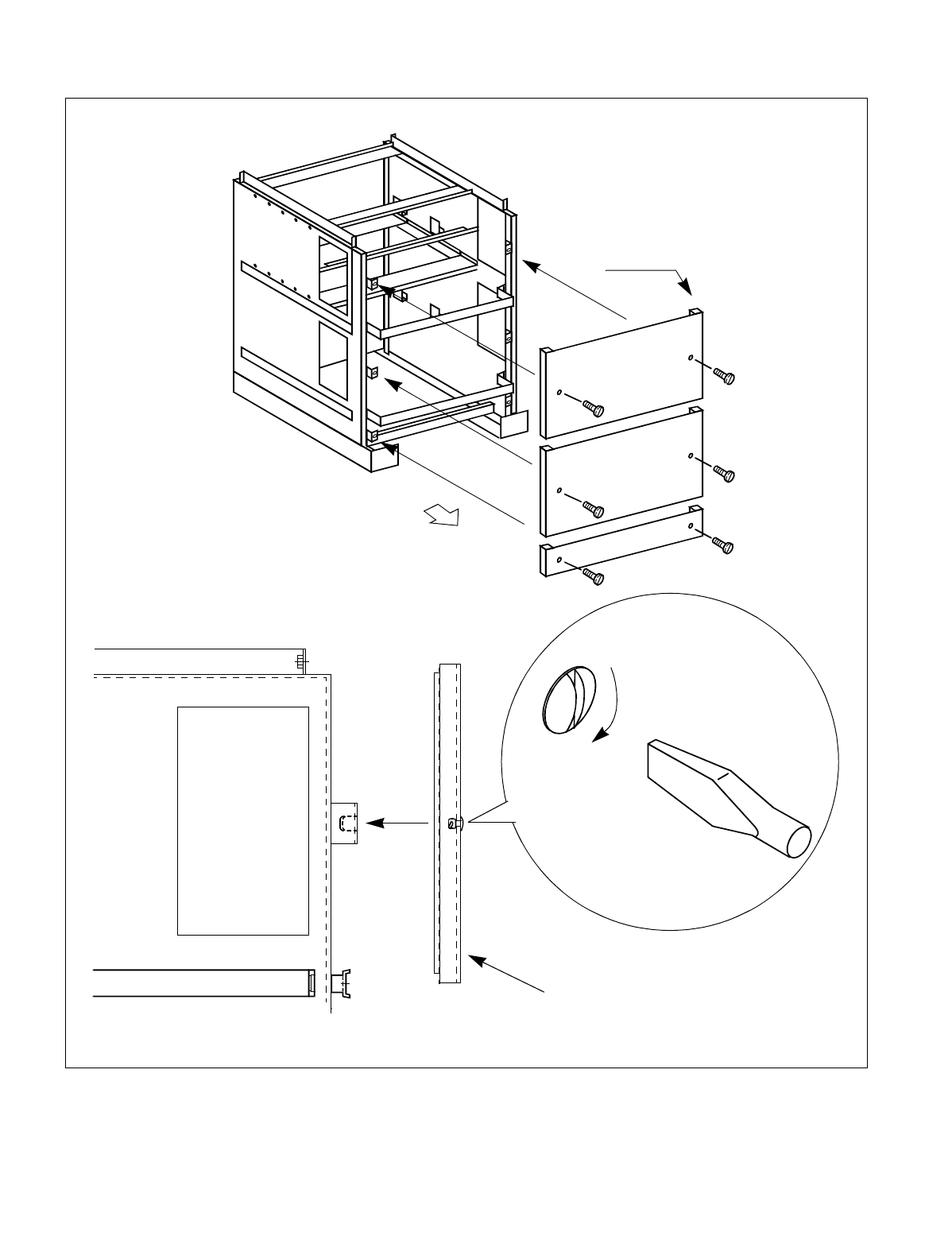
NDA-24234 CHAPTER 7
Page 369
Revision 3.0
WORK AFTER INSTALLATION TESTS
Figure 7-4 Rear Cover Mounting Method (BASEU+LPR+PIM0)
SCREW
SCREW
SCREW
SCREW
SCREW
SCREW
REAR SIDE
REAR COVER
SIDE VIEW
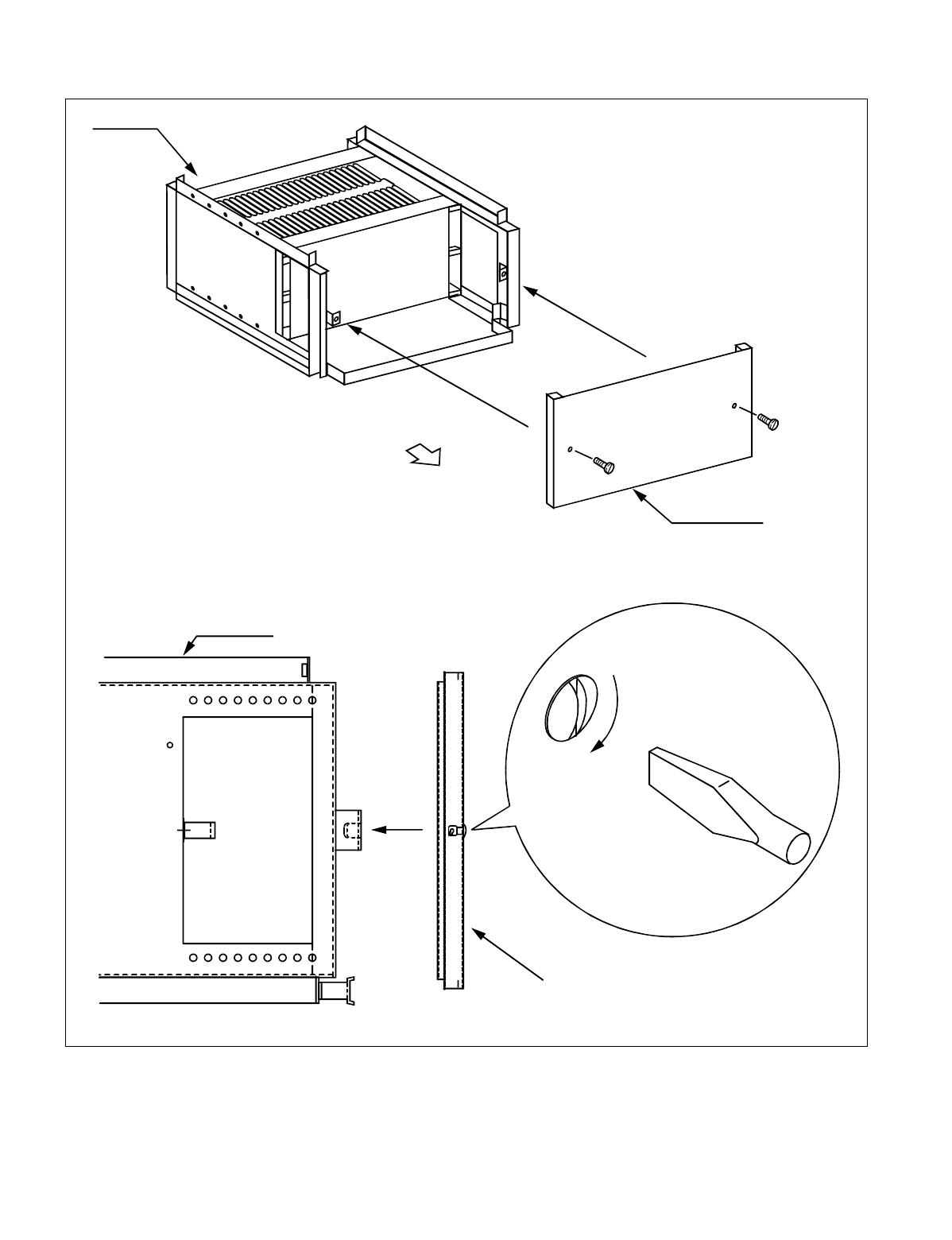
CHAPTER 7 NDA-24234
Page 370
Revision 3.0
WORK AFTER INSTALLATION TESTS
Figure 7-5 Rear Cover Mounting Method (PIM)
MODULE
REAR SIDE
REAR COVER
SCREW
SCREW
MODULE
REAR COVER
SIDE VIEW
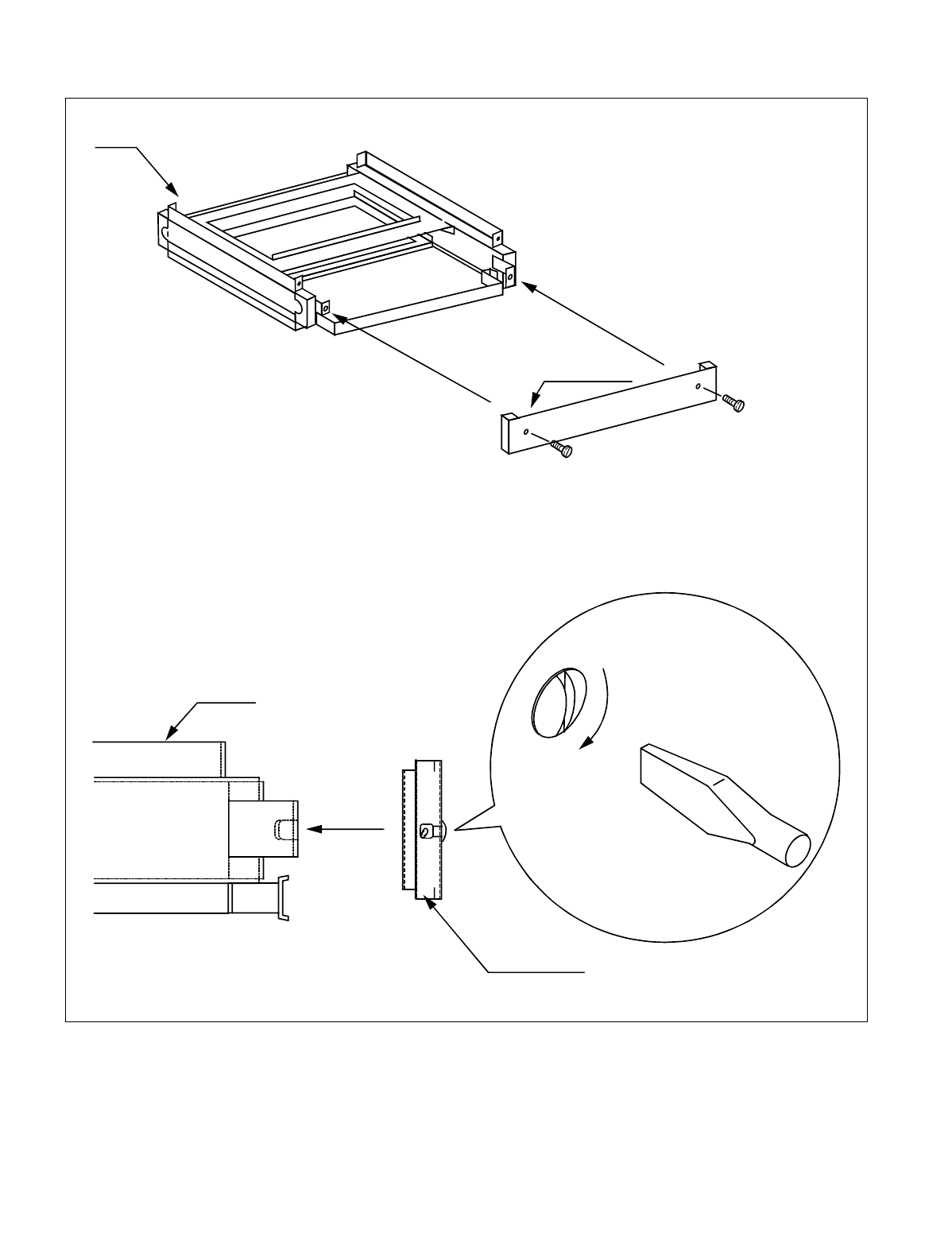
NDA-24234 CHAPTER 7
Page 371
Revision 3.0
WORK AFTER INSTALLATION TESTS
Figure 7-6 Rear Cover Mounting Method (FANU)
FANU
REAR COVER
SCREW
SCREW
FANU
REAR COVER
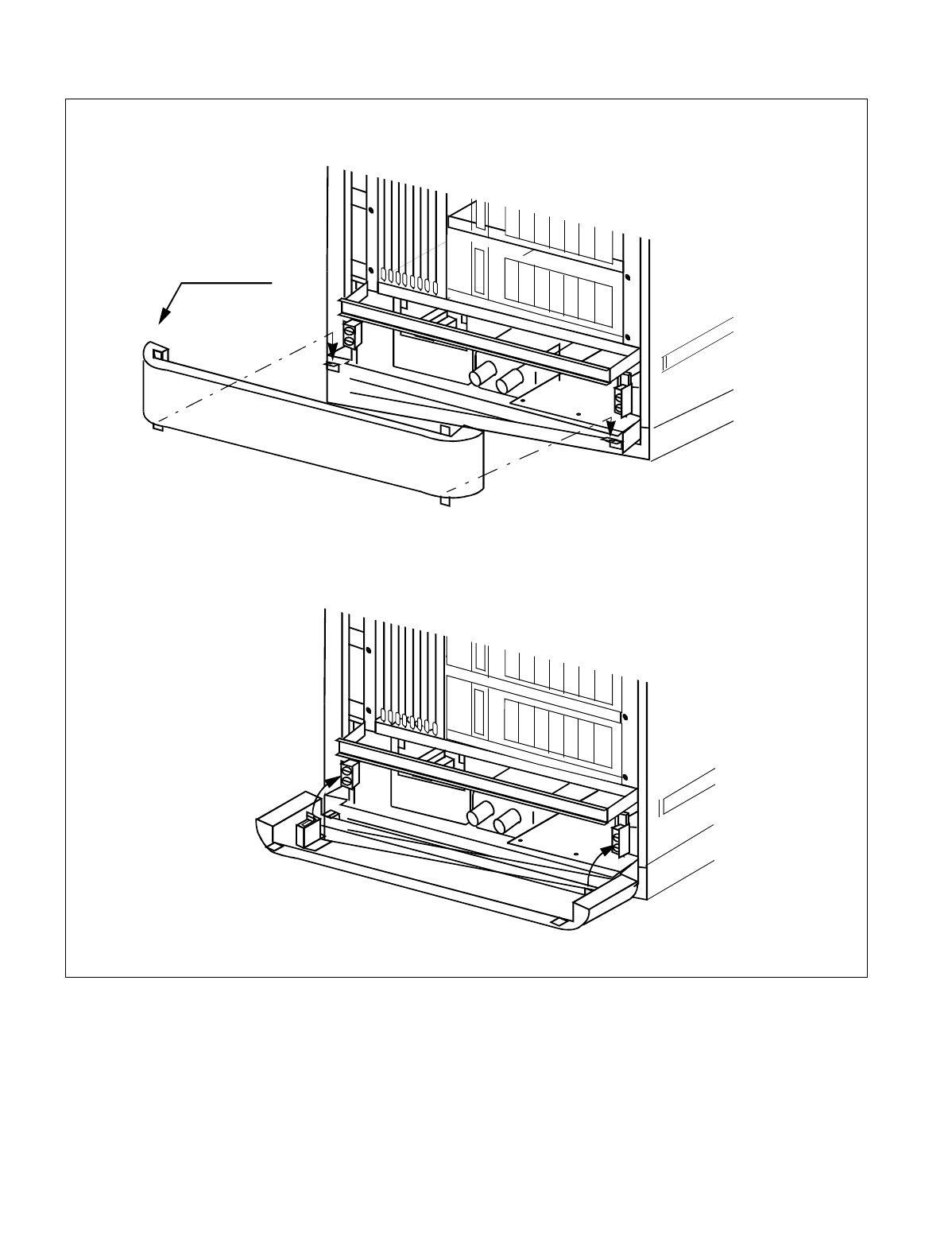
CHAPTER 7 NDA-24234
Page 372
Revision 3.0
WORK AFTER INSTALLATION TESTS
Figure 7-7 Front Cover Mounting Method (BASEU+LPR+PIM0)
FRONT COVER
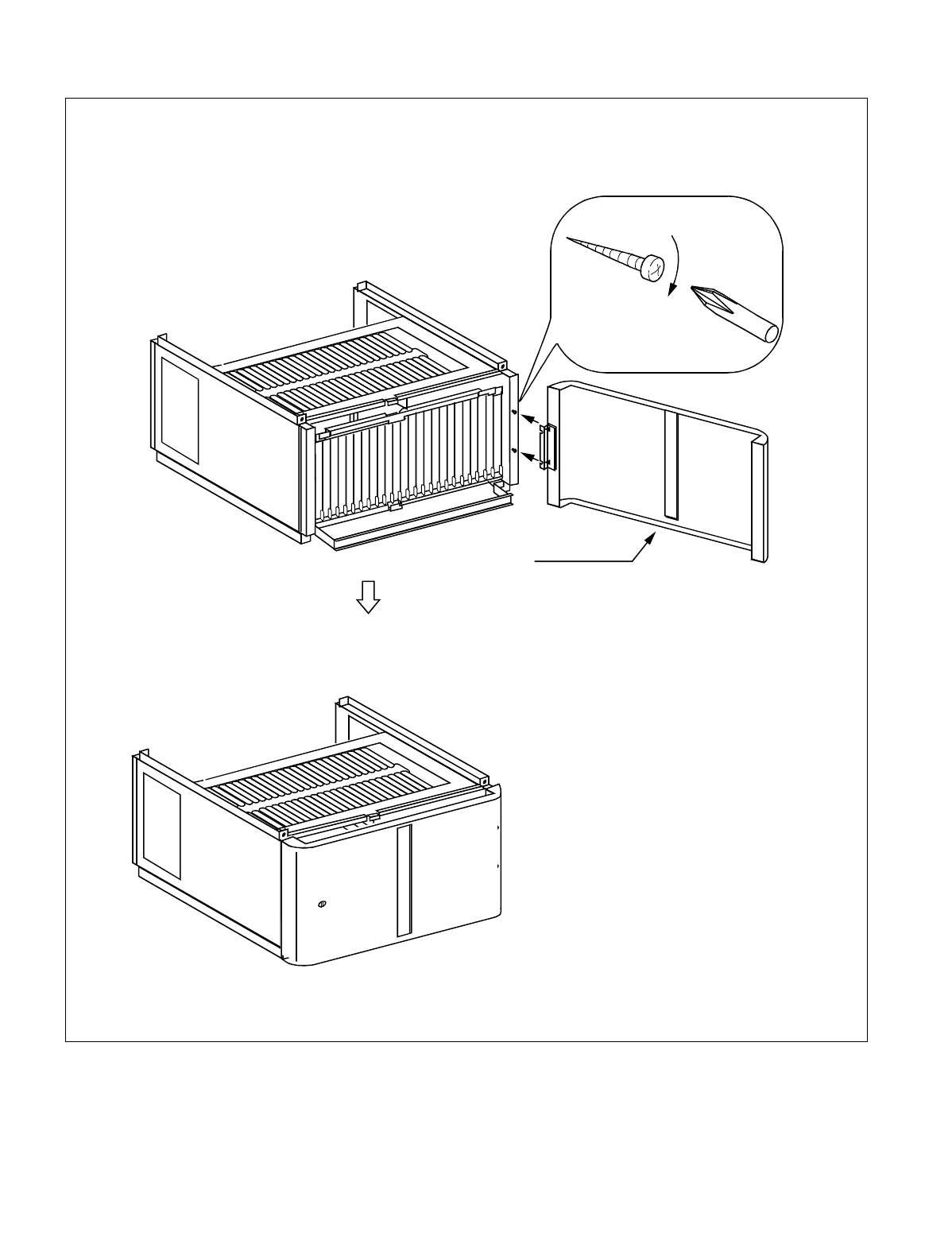
NDA-24234 CHAPTER 7
Page 373
Revision 3.0
WORK AFTER INSTALLATION TESTS
Figure 7-8 Front Cover Mounting Method (PIM)
Mount the Front Cover onto the module using screws.
FRONT COVER
SCREW
Note: The Front Cover can be set to open
to either the “left side” or “right
side”. The Front Cover shown in
this figure is set to open to the left
side. When it is to be set to open to
right side, mount the Front Cover
onto the frame by setting the respec-
tive hinges on the left side of the
frame and the Front Cover.
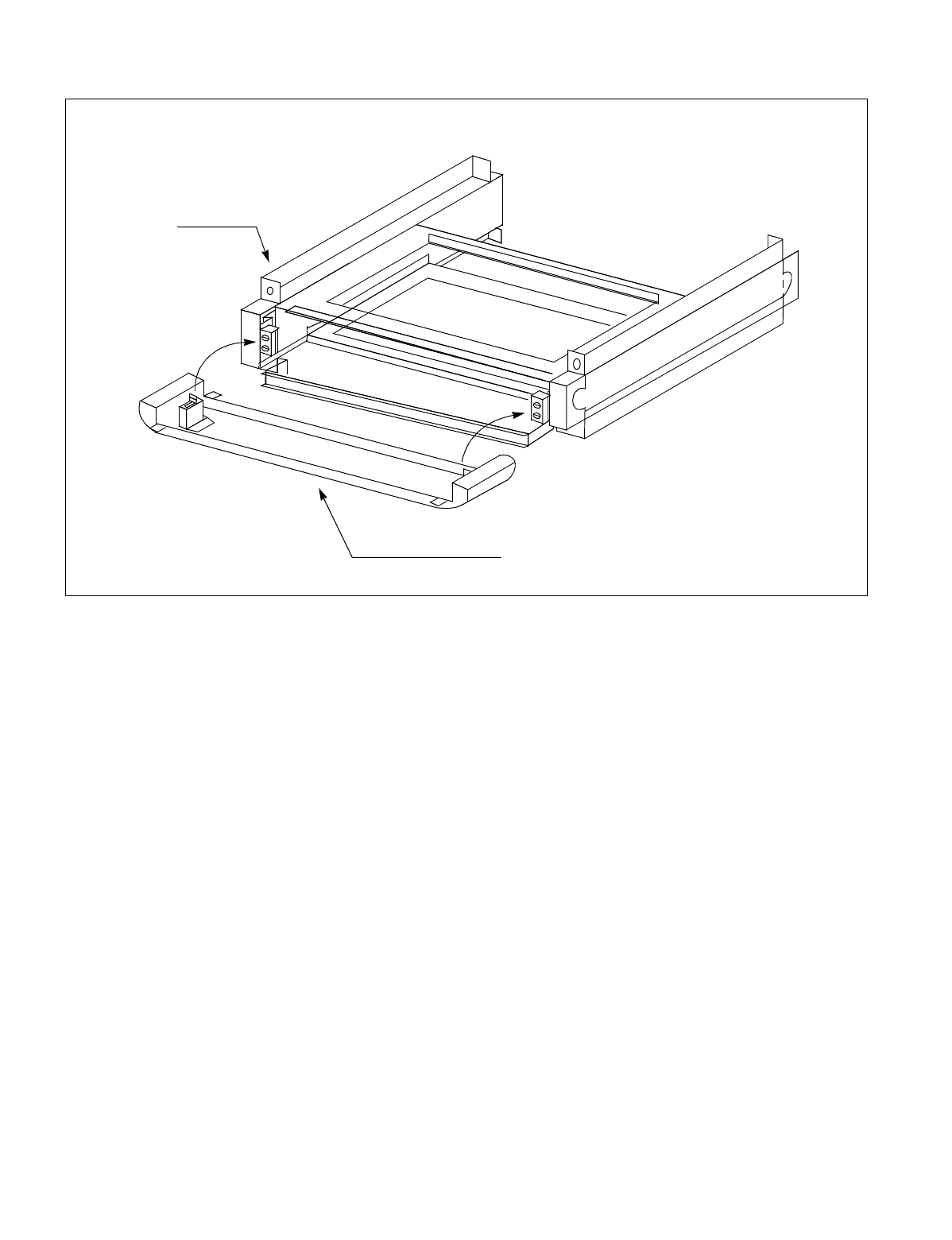
CHAPTER 7 NDA-24234
Page 374
Revision 3.0
WORK AFTER INSTALLATION TESTS
Figure 7-9 Front Cover Mounting Method (FANU)
FANU
FRONT COVER C(U)
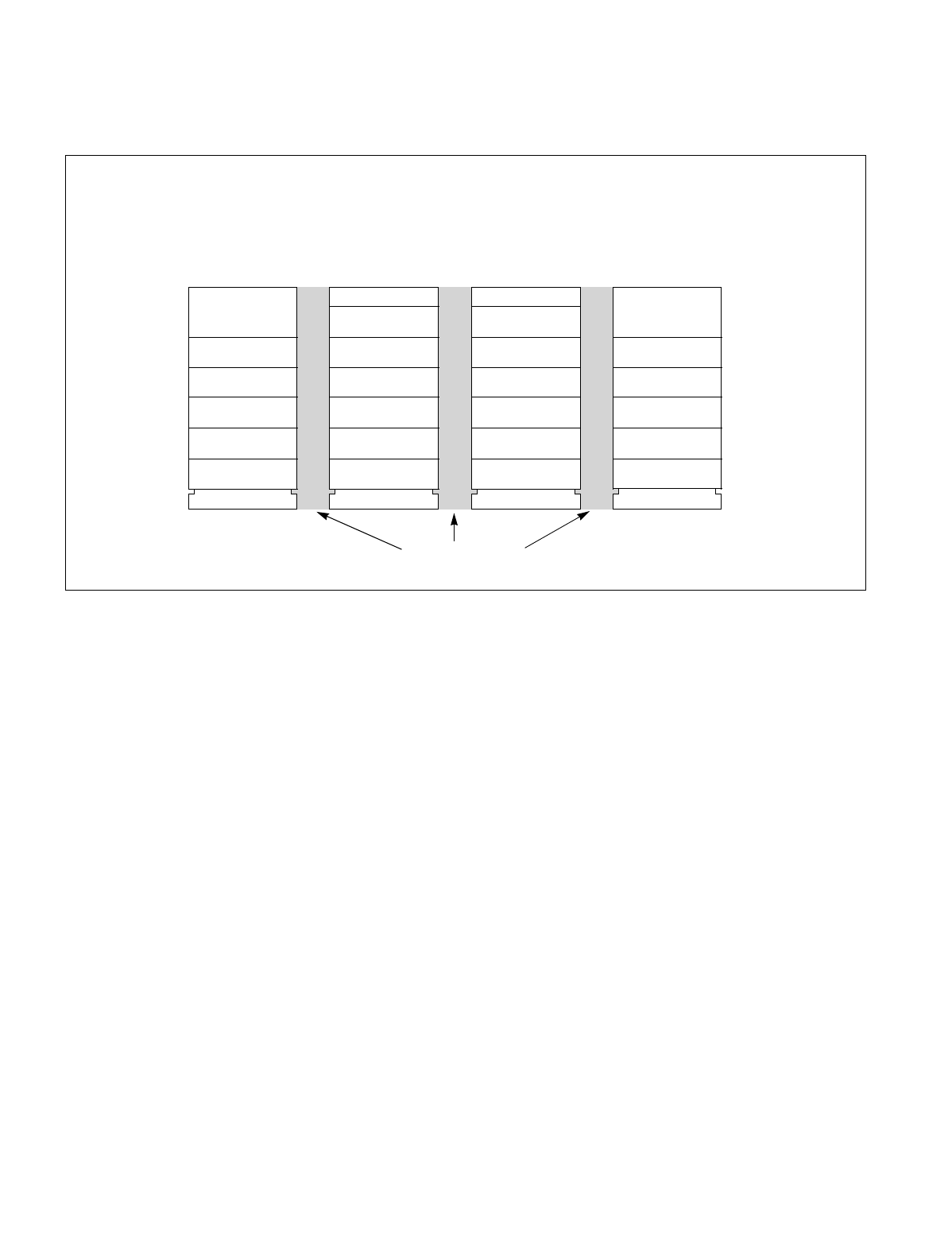
NDA-24234 CHAPTER 7
Page 375
Revision 3.0
WORK AFTER INSTALLATION TESTS
4. ATTACHMENT OF INTER-FRAME BRACKETS
This section covers how to attach inter-frame brackets between the cabinets.
Figure 7-10 Locations of Inter-frame Brackets
TOPU
PIM1
IMG0
TOPU
PIM1
IMG1
TOPU
PIM1
IMG2
TOPU
PIM1
IMG3
Inter-frame Brackets
BASEU TSWM BASEU BASEU
LPM BASEU DUMMY DUMMY
PIM0 PIM0 PIM0 PIM0
FANU FANU FANU FANU
PIM2 PIM2 PIM2 PIM2
PIM3 PIM3 PIM3 PIM3
When the maximum four-IMG configuration is adopted, the inter-frame brackets should be attached in the
following locations.
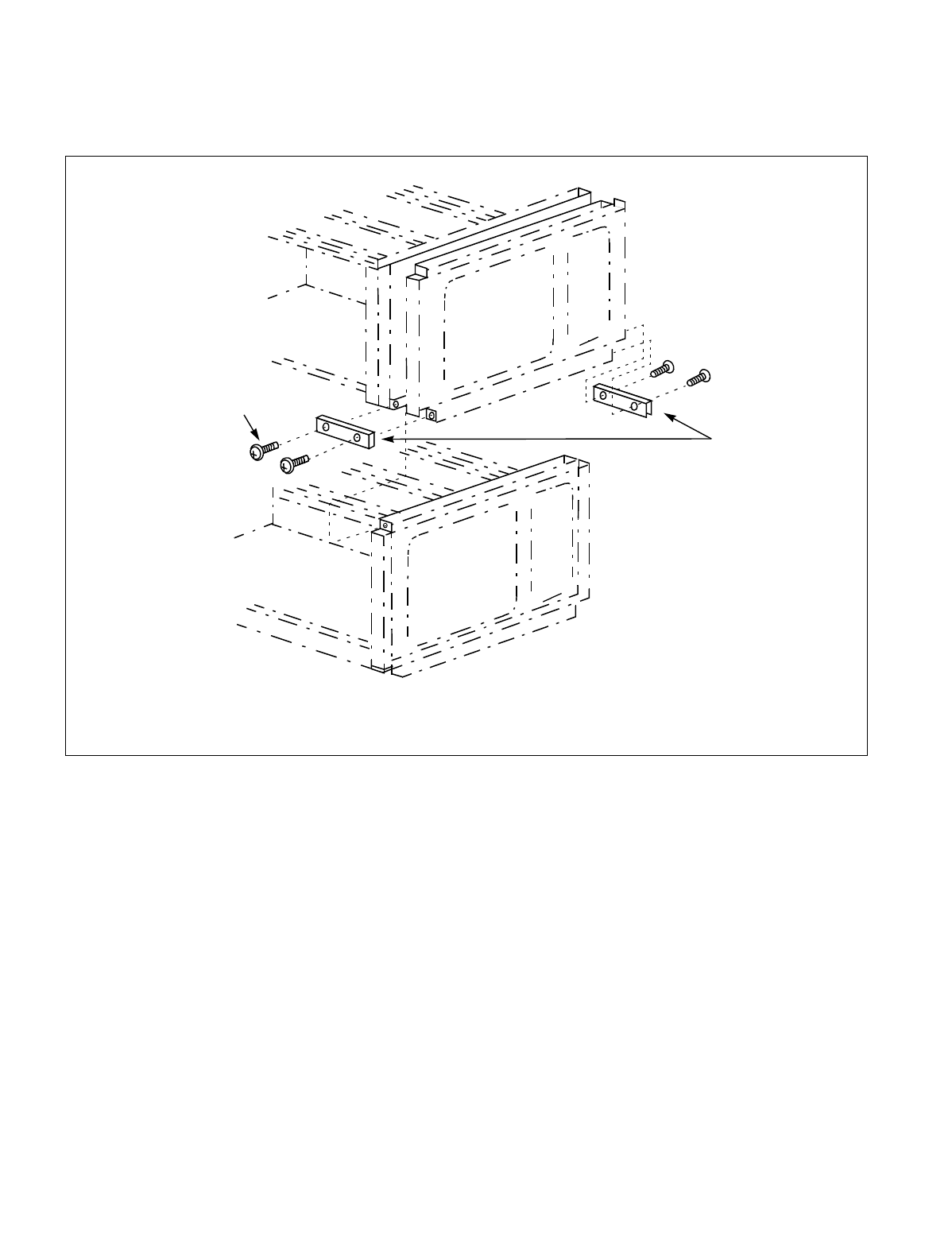
CHAPTER 7 NDA-24234
Page 376
Revision 3.0
WORK AFTER INSTALLATION TESTS
<Attachment Procedure>
STEP 6: Referring to the Figure 7-11 through Figure 7-11, fix the brackets (E) between the modules.
Figure 7-11 How to Attach Inter-frame Brackets
STEP 7: Referring to Figure 7-11 and Figure 7-11, fix the brackets (A) with the screws.
STEP 8: Referring to Figure 7-11 and Figure 7-11, fix the brackets (B) with the screws.
Bracket (E)
(PIM)
(LPM/PIM)
Dedicated screws for
inter-module stabilization.
Note
Note: These screws are appended when obtaining the module components from NEC.
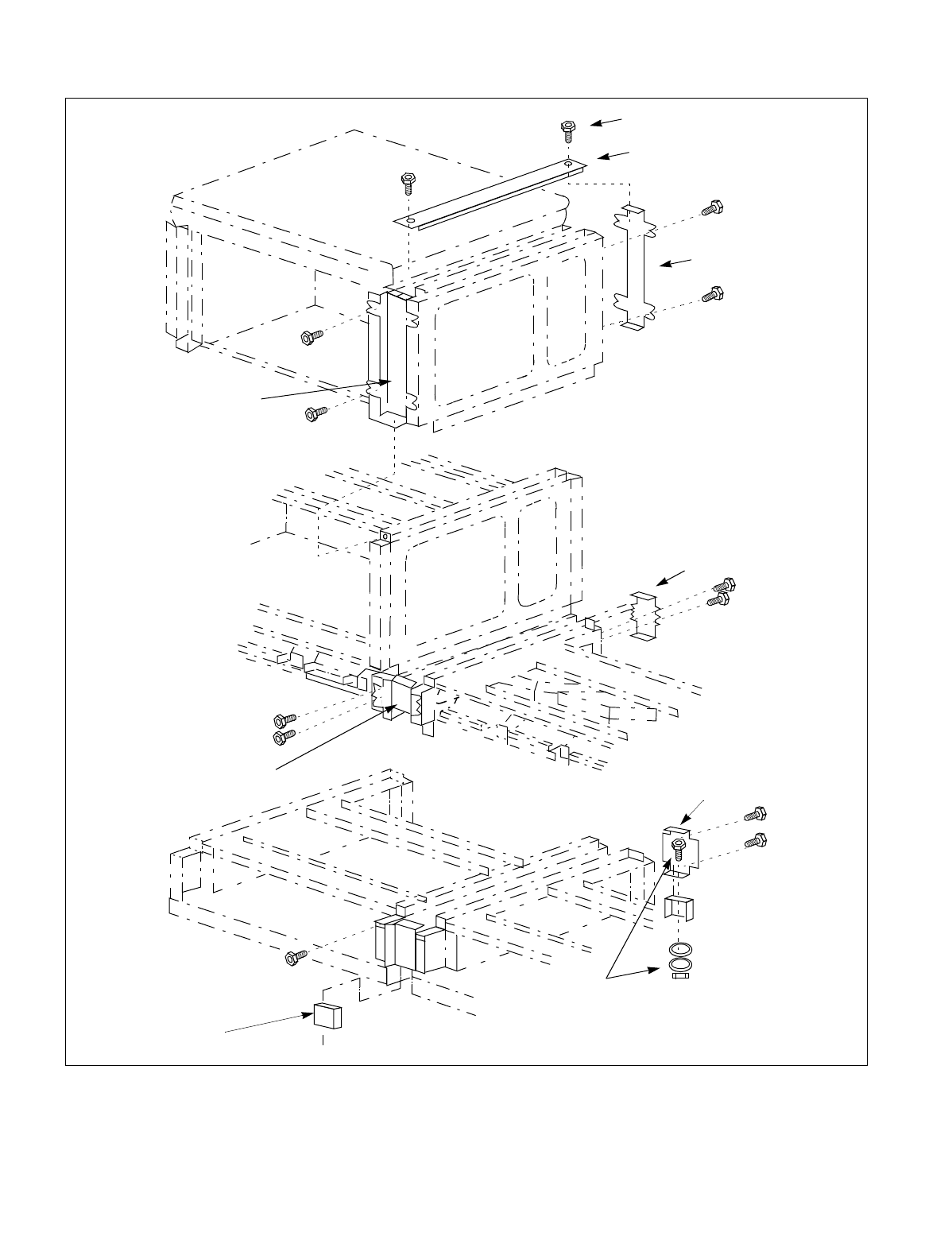
NDA-24234 CHAPTER 7
Page 377
Revision 3.0
WORK AFTER INSTALLATION TESTS
Figure 7-11 How to Attach Inter-frame Brackets (Continued)
SL-C.P.B.M.S x 4 x 8 x 3GF
Bracket (D)
Bracket (A)
Bracket (A)
Bracket (B)
Bracket (B)
Bracket (B)
Bracket (F)
Bracket (F)
(BASEU)
(FANU)
(PIM)
PL-C.P.I.M.S x 4 x 10 x 15 BF
P.I.WA x 4 x 15 BF
#2.ST.L.WA x 4 x 15 BF
A.HEX.I.N. x 4 x 15 BF
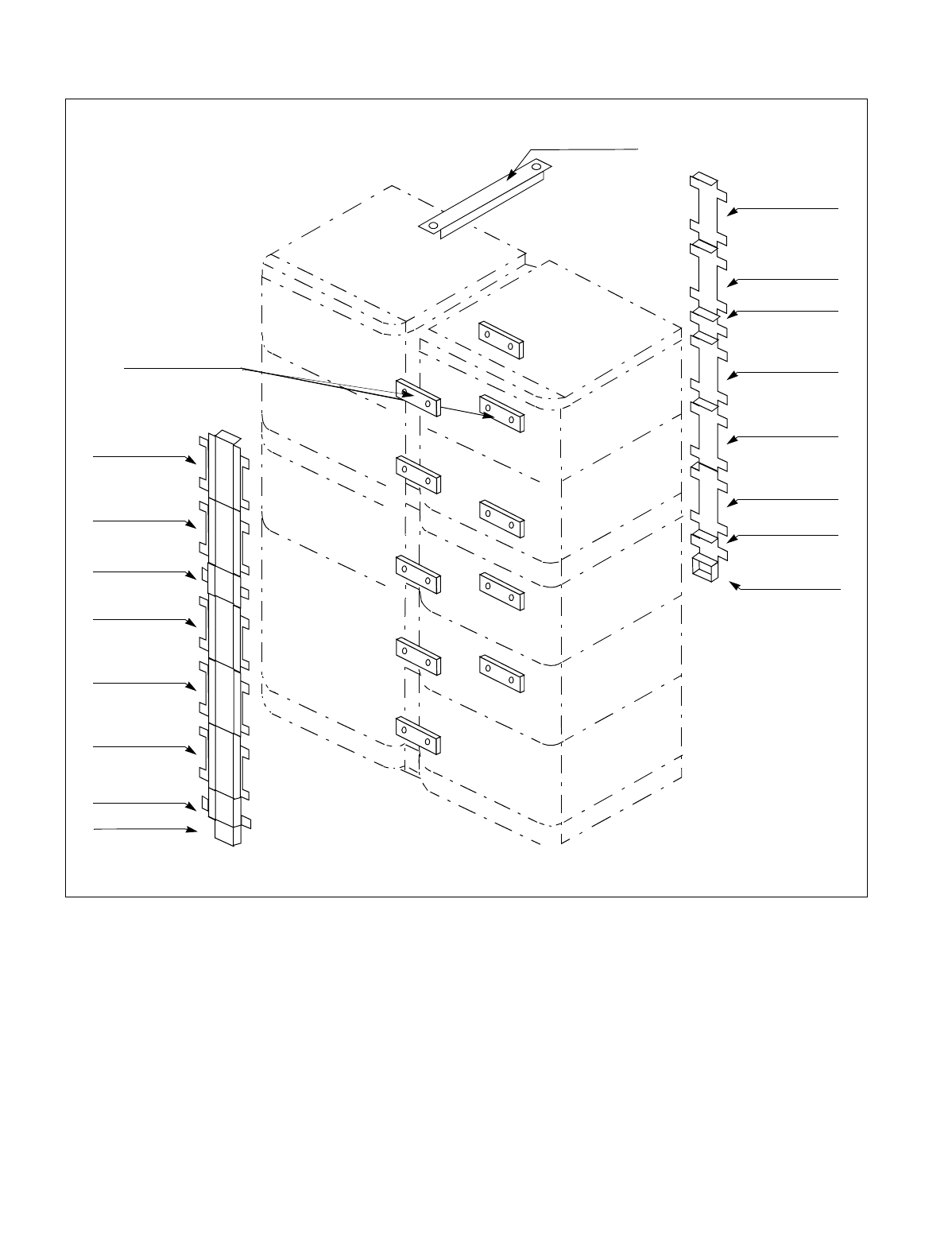
CHAPTER 7 NDA-24234
Page 378
Revision 3.0
WORK AFTER INSTALLATION TESTS
Figure 7-11 How to Attach Inter-frame Brackets (Continued)
STEP 9: Referring to Figure 7-11 and Figure 7-11, fix the brackets (D) with the screws.
STEP 10:Referring to Figure 7-11 and Figure 7-11, fix the brackets (F) with the screws.
Bracket (E)
Bracket (D)
Bracket (A)
Bracket (A)
Bracket (A)
Bracket (B)
Bracket (A)
Bracket (A)
Bracket (A)
Bracket (B)
Bracket (F)
Bracket (F)
Bracket (B)
Bracket (A)
Bracket (A)
Bracket (A)
Bracket (A)
Bracket (B)

NDA-24234 CHAPTER 7
Page 379
Revision 3.0
WORK AFTER INSTALLATION TESTS
5. SITE CLEANING
Upon completion of the works described in Section 1 to 4 of this Chapter, execute or confirm the following
items.
•Restore the cross connections arranged for test purposes to their original conditions.
•Clean around the Module Group and the MDF.
•Collect and organize all test equipment, tools, etc. used during the installation tests.
•Dispose of dust, trash, etc.

CHAPTER 7 NDA-24234
Page 380
Revision 3.0
This page is for your notes.
