Shader Instructions
Shader%20Instructions
Shader%20Instructions
Shader%20Instructions
Shader%20Instructions
Shader%20Instructions
User Manual:
Open the PDF directly: View PDF  .
.
Page Count: 1
Seven Swords - Using the included shader
NOTE: the shader only works fully in forward rendering
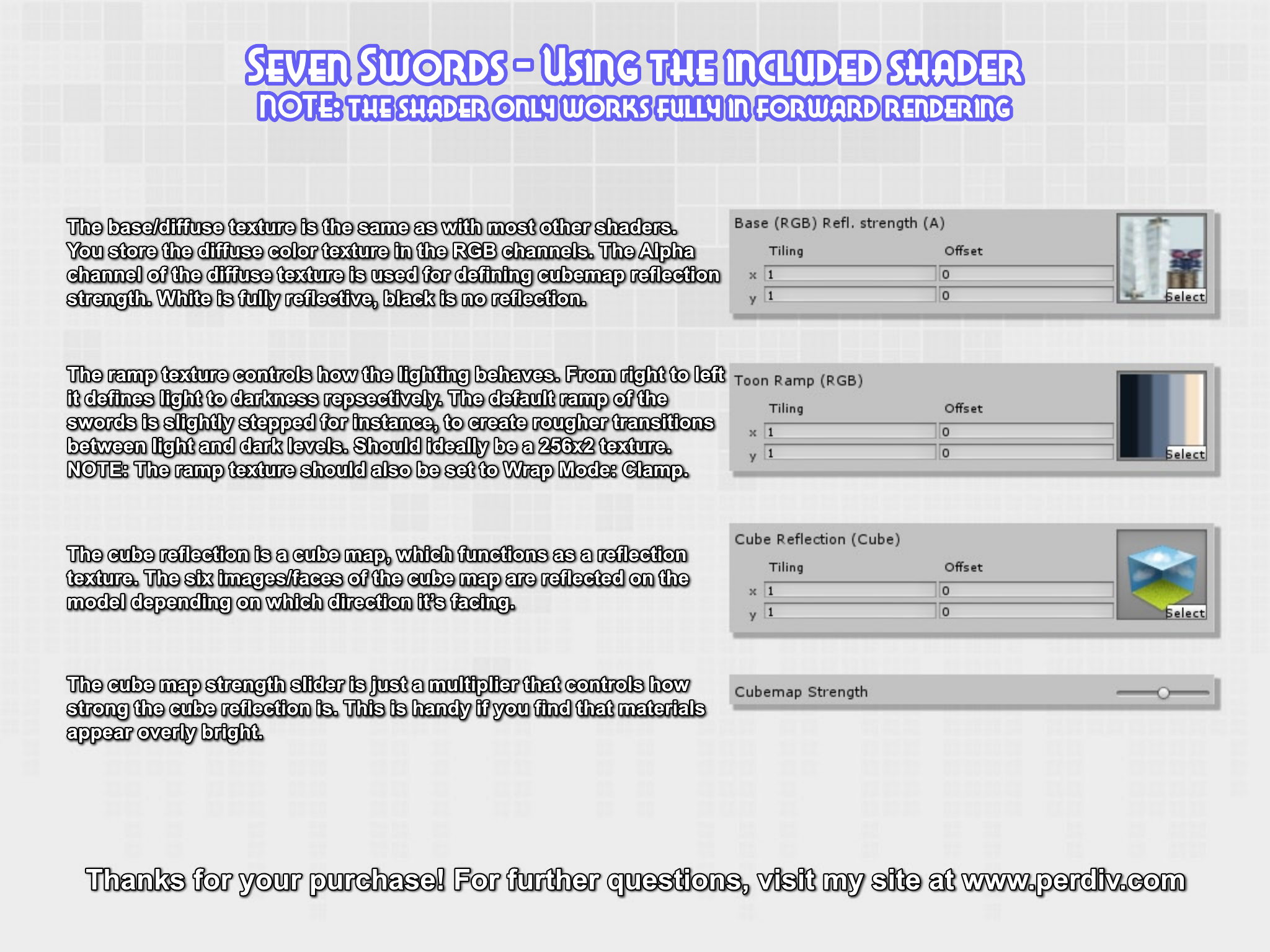
The base/diffuse texture is the same as with most other shaders.
You store the diffuse color texture in the RGB channels. The Alpha
channel of the diffuse texture is used for defining cubemap reflection
strength. White is fully reflective, black is no reflection.
The ramp texture controls how the lighting behaves. From right to left
it defines light to darkness repsectively. The default ramp of the
swords is slightly stepped for instance, to create rougher transitions
between light and dark levels. Should ideally be a 256x2 texture.
NOTE: The ramp texture should also be set to Wrap Mode: Clamp.
The cube reflection is a cube map, which functions as a reflection
texture. The six images/faces of the cube map are reflected on the
model depending on which direction it’s facing.
The cube map strength slider is just a multiplier that controls how
strong the cube reflection is. This is handy if you find that materials
appear overly bright.
Thanks for your purchase! For further questions, visit my site at www.perdiv.com
