Ing Instructions For Report Generation
ing%20Instructions%20for%20Report%20Generation
User Manual:
Open the PDF directly: View PDF  .
.
Page Count: 2
Testing Instructions for Report Generation
Required Setup
No required files are needed for testing.
Have the project running on the server along with a mySQL database connection.
The testing should be done on a private mode of a browser (this is used to clear any cache that
may affect the testing).
Client Profile and Needs and Assessment tables should be populated with data. If there is no
data, then do the following:
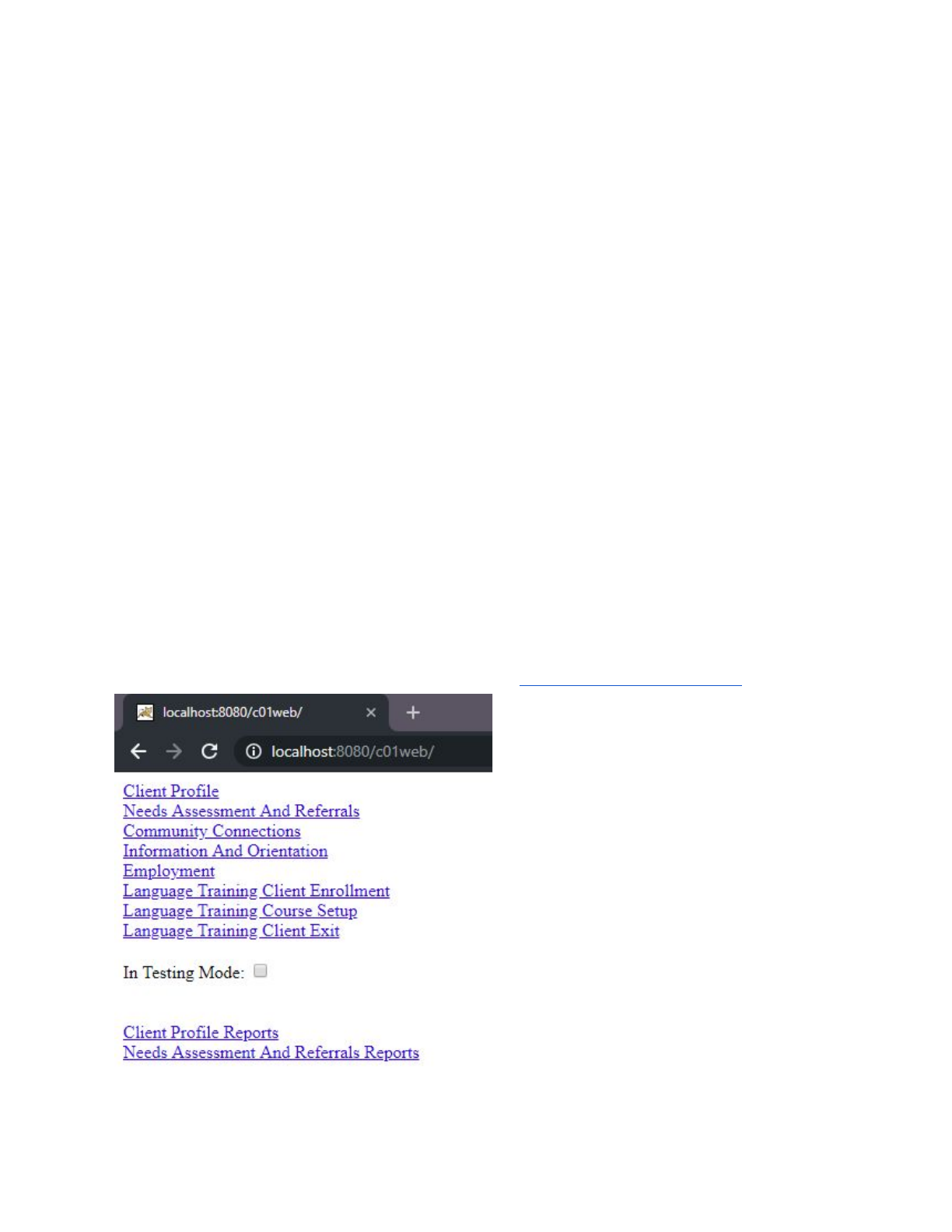
1. Check “In Testing Mode” checkbox
2. Click into Client Profile and repeatedly refresh the page until desired amount of data has
been inserted
3. Return to main page
4. Click into Needs Assessment And Referrals and repeatedly refresh the page until desired
amount of data has been inserted
5. Return to main page
The tester should start on the main page of the project http://localhost:8080/c01web/

Procedure
1. Select/fill the fields that the report should generate upon. Text within text boxes will be
compared to the data.
Note that the fields will be combined into a single query that counts the number of rows
of data that matches
2. Generate report by clicking the button near the end of page
Expected Output
200 message on the pop-up after entering a form page.
Along with the message, “Result: XXXX” should show, where XXXX is the number of people
that match the selected criteria. This could be manual compared to the database data.
