The Mag Pi Issue 1 En
User Manual: The-MagPi-issue-1-en
Open the PDF directly: View PDF  .
.
Page Count: 32
I
IS
SS
SU
UE
E0
01
1-
-M
MA
AY
Y2
20
01
12
2
A
AM
Ma
ag
ga
az
zi
in
ne
ef
fo
or
rR
Ra
as
sp
pb
be
er
rr
ry
yP
Pi
iU
Us
se
er
rs
s
h
ht
tt
tp
p:
:/
//
/w
ww
ww
w.
.t
th
he
em
ma
ag
gp
pi
i.
.c
co
om
m
R
Ra
as
sp
pb
be
er
rr
ry
yP
Pi
ii
is
sa
at
tr
ra
ad
de
em
ma
ar
rk
ko
of
fT
Th
he
eR
Ra
as
sp
pb
be
er
rr
ry
yP
Pi
iF
Fo
ou
un
nd
da
at
ti
io
on
n.
.
T
Th
hi
is
sm
ma
ag
ga
az
zi
in
ne
ew
wa
as
sc
cr
re
ea
at
te
ed
du
us
si
in
ng
ga
aR
Ra
as
sp
pb
be
er
rr
ry
yP
Pi
ic
co
om
mp
pu
ut
te
er
r.
.
F
Fr
ro
on
nt
tC
Co
ov
ve
er
ra
an
nd
dF
Fe
ee
ed
db
ba
ac
ck
kI
Im
ma
ag
ge
es
sc
cr
re
ea
at
te
ed
du
us
si
in
ng
gh
ht
tt
tp
p:
:/
//
/p
ph
ho
ot
to
of
fu
un
ni
ia
a.
.c
co
om
m
N
NO
OM
MO
OR
RE
E
A
AP
PP
PL
LE
ES
S
F
FO
OR
R
T
TE
EA
AC
CH
HE
ER
R!
!
I
In
nt
tr
ro
od
du
uc
ci
in
ng
g.
..
..
.
T
Th
he
e
R
Ra
as
sp
pb
be
er
rr
ry
yP
Pi
i
A
An
ne
ew
wb
br
re
ee
ed
d
o
of
fc
co
om
mp
pu
ut
te
er
r
Over the coming issues, The MagPi will
explore the exciting things that can be
done with this very special computer.
We will introduce you to the various
Raspberry Pi operating systems, how to
program in a range of languages, and
start your own interesting projects. We
aim to help experts and beginners get the
most out of the Raspberry Pi hardware
and more importantly help build a fun a
friendly community for everyone to get
involved with.
Contents
P.04
P.05
P.06
P.09
P.10
P.12
P.16
P.18
P.20
P.23
P.30
P.32
Affordable Computing
The Fall Of Programming
The Pioneers
Hardware Development
Skutter
RacyPy LiveCD & Virtual Machine
Debian VirtualBox
Programming
The Scratch Patch
The Python Pit
Feedback
Web Links & Credits
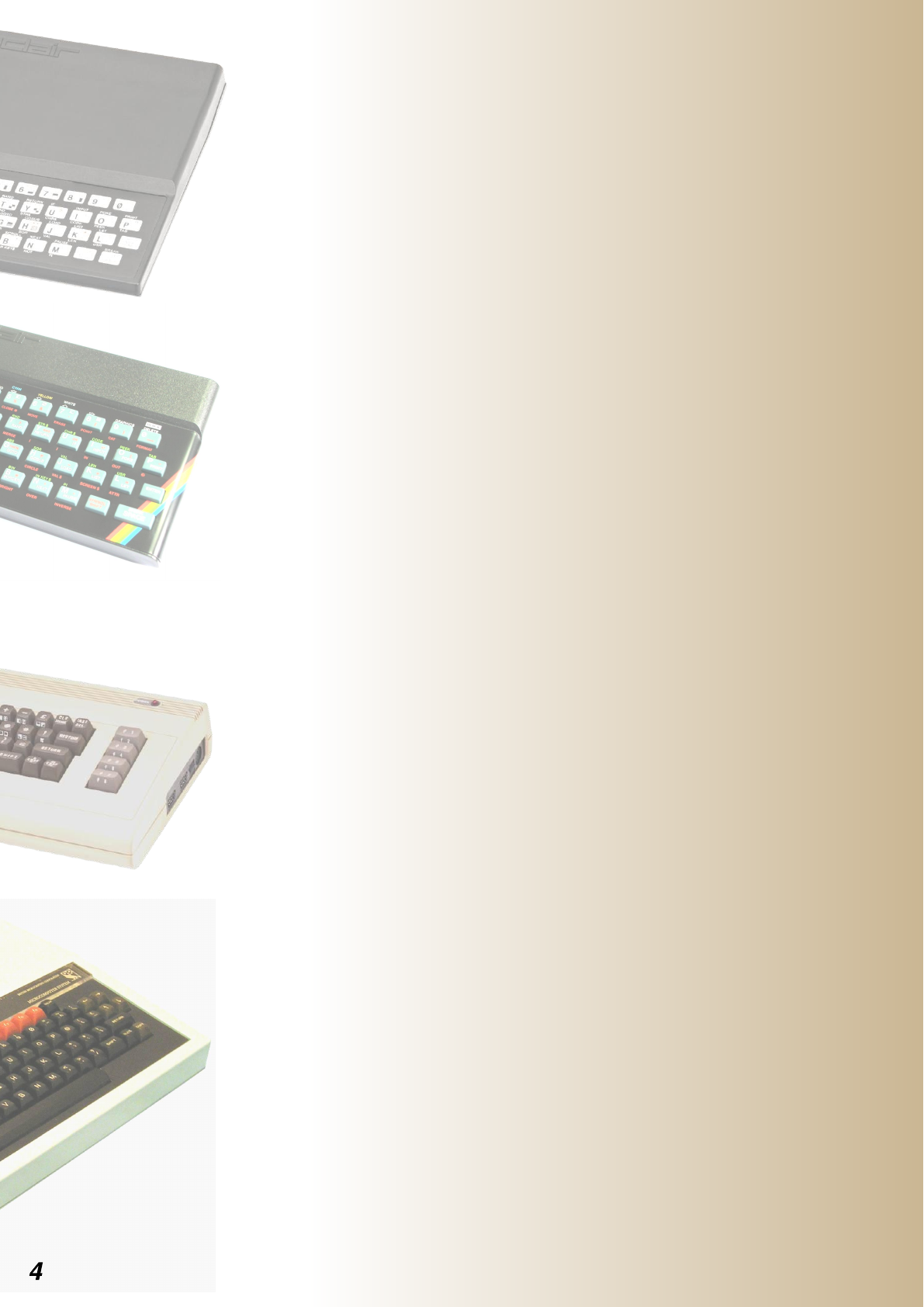
The ZX81 and Spectrum by Sinclair
Research, were among the first
affordable home computers available
during the early 1980's.
Although these 8-bit computers were
crude by today's standards, they gave
ordinary people the opportunity to
write computer programs and games.
The BBC Acorn computer was
backed by the British Government
for use in education and subsidies
were granted to schools. These
computers were a little too expensive
for most families to have at home.
The 'Electron' was Acorn's attempt at
addressing the price issue. They sold
a number of units, however despite
being more powerful on the hardware
side, the range of game titles was
significantly smaller than rivals
Sinclair and Commodore.
The Dawn Of
Affordable
Computing
Home computer users were becoming less
interested in writing their own programs.
Slick-looking, professionally made games that
were coming out of software publishing
companies were compelling.
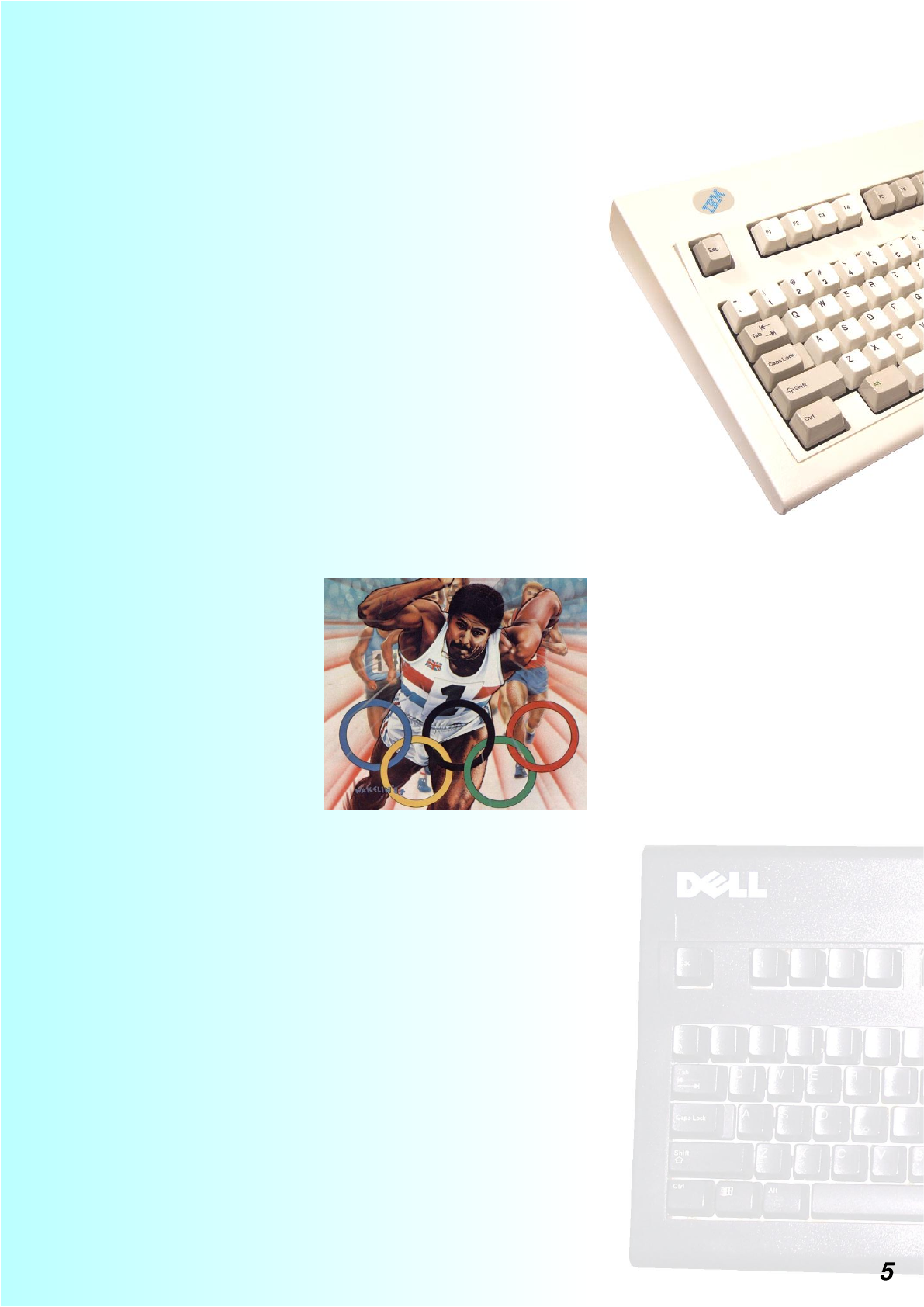
Ocean Software for
example, boasted an
impressive library of
hit game titles such as
'Daley Thompson's
Decathlon', 'Chase
HQ' and 'New Zealand
Story'.
The trend of moving away from programming
followed within the education sector. Early
software packages like Wordstar, and Lotus 123
were difficult to use before the days of the
graphical interface, but typing skills, word
processing, spreadsheet and database training
continued to be the focus. Programming was seen
as a very specialist and niche area of study.
The Fall Of
Programming
The Pioneers
The story of how the Raspberry Pi computer came to be.
Cambridge and Beyond
A Tasty Bit Of RacyPy
>Programming
Here at the Python Pit, you will find Python and
Pygame programs to type in. Each month we will
bring you examples that will help to demonstrate
some of the commands and programming methods
to get you started writing your own code.
All of the programs are tested before the magazine
goes live, and will have a stamp underneath
showing which operating system and language
versions were used for the testing.
# ARITHMETIC
# By Jaseman - 23rd April 2012
print("Two plus two equals ",2+2); print()
print("Eight minus three equals ",8-3); print()
print("Four times two equals ",4*2); print()
print("Ten divided by two equals ",10/2); print()
N/A
# PUTTING TEXT ONTO THE SCREEN
# By Jaseman - 23rd April 2012
print("*** Welcome to The Python Pit! ***")
print() # A line space
print("Brought to you by The MagPi")
Note: The examples in this issue are written for Python 3. They will work on older versions by making a
change to all the print commands: Change print ("TEXT") to print "TEXT" - remove the ( ) brackets.
N/A
# SPARE ME THE DETAILS
# By Jaseman - 24th April 2012
print("Seven divided by three is",7/3); print()
print("Seven divided by three is roughly",int(7/3)); print()
print("Five divided by two is",5/2); print()
print("Five divided by two is roughly",int(5/2)); print()
N/A
N/A
# ALGEBRA
# By Jaseman - 24th April 2012
a=3
b=7
c=4
print("A is equal to",a); print()
print("B is equal to",b); print()
print("C is equal to",c); print()
print("A plus B equals",a+b); print()
print("A plus B plus C equals",a+b+c); print()
print("A plus B minus C equals",a+b-c); print()
# STRINGS OF WORDS
# By Jaseman - 24th April 2012
a = "If you"
b = "notice"
c = "this"
d = "you will"
e = "is not worth"
f = "noticing!"
print(a,b,c,b,d,b,c,b,e,f); print()
N/A
# COUNTING WITH FOR LOOPS
# By Jaseman - 24th April 2012
for n in range(0,10+1):
print(n)
N/A
# COUNTING WITH WHILE LOOPS
# By Jaseman - 24th April 2012
n=0
while n <= 10:
print (n)
n += 1
N/A
N/A
# LOTTERY NUMBERS
# By Jaseman - 24th April 2012
import random
for n in range(1,6+1): # We want six random numbers
print (random.randint(1,100)) # Picks a number between 1 and 100
# BINGO!
# By Jaseman - 24th April 2012
import random
n =0
while n != 13: # Keep looping till you get thirteen
n = random.randint(1,100)
print (n)
N/A
# STRING ARRAYS
# By Jaseman - 24th April 2012
mytext = ["I", "Love", "My","Raspberry","Pi"]
for n in range(0,5):
print (mytext[n])
print()
N/A
# BAT AND BALL
# By antiloquax - 28th April 2012
import pygame
from pygame.locals import *
pygame.init()
# set the width and height of the screen
size = [400, 400]
screen = pygame.display.set_mode(size)
# give the window a title
pygame.display.set_caption("Bat and Ball")
# This makes the normal mouse pointer invisible in graphics window
pygame.mouse.set_visible(0)
# create surfaces for the bat and ball
bat_surf = pygame.Surface((64,12))
bat_surf.fill((0,255,0))
batrect = bat_surf.get_rect()
ball_surf = pygame.Surface((30,30))
ballrect = ball_surf.get_rect()
ball = pygame.draw.circle(ball_surf, (0,0,255),[15, 15], 15)
# set speed of ball
speed = [3, 3]
# puts the bat centre of screen, near the bottom
batrect.center = ((size[0]/2), (size[1] - 50))
# make a text object
font = pygame.font.Font(None, 36)
text = font.render("Game Over", True, (255,0,0))
textRect = text.get_rect()
textRect.centerx = (size[0]/2)
textRect.centery = (size[1]/2)
# loop until the user clicks the close button
done=0
# create a timer to control how often the screen updates
clock = pygame.time.Clock()
# main game loop
while done == 0:
screen.fill((0,0,0))
# event handling
for event in pygame.event.get(): # if we click something ...
if event.type == pygame.QUIT: # if we click close ...
done=1 # this will cause the loop to finish.
# moves bat in accordance with the mouse position
position = pygame.mouse.get_pos()
batrect.centerx = position[0]
# move the ball
ballrect.left += speed[0]
ballrect.top += speed[1]
# collision detection
if ballrect.colliderect(batrect):
speed[1] = -speed[1]
# check if the ball is going off screen
if ballrect.left < 0 or ballrect.right > size[0]:
speed[0] = -speed[0]
if ballrect.top < 0:
speed[1] = -speed[1]
# print "Game Over" if the ball leaves screen
if ballrect.top > size[1]:
screen.blit(text, textRect)
pygame.display.flip()
pygame.time.wait(2000) # 2000 milliseconds pause
ballrect.top=0; ballrect.left=(size[0]/2) # reset the ball position
screen.blit(ball_surf, ballrect)
screen.blit(bat_surf, batrect)
# set the loop to 60 cycles per second
clock.tick(60)
# update the display
pygame.display.flip()
1.9.2a0