Time Stalkers (2M)
User Manual: Time Stalkers (2M) La Biblioteca de los 8 bits
Open the PDF directly: View PDF  .
.
Page Count: 17
1
Thank you for purchasing Time Stalkers! Please note that this software is designed only
for use with the Sega Dreamcast console. Be sure to read this instruction manual thor-
oughly
before you start playing Time Stalkers.
STARTING AND SAVING . . . . . . . .2
THE STORY . . . . . . . . . . . . . . . . . . .4
CHARACTER INTRODUCTIONS . .5
CONTROLS . . . . . . . . . . . . . . . . . .6
COMMAND MENUS . . . . . . . . . .8
GAME DISPLAY . . . . . . . . . . . . . .10
GAME SYSTEM . . . . . . . . . . . . . . .12
TOWN ACTIONS . . . . . . . . . . . . .16
DUNGEON STRUCTURE
. . . . . . . .17
DUNGEON ACTIONS . . . . . . . . .18
BATTLE ACTIONS . . . . . . . . . . . . .20
COMMAND MENUS
(TOWN AND DUNGEONS) . . . .22
SET-UP WINDOW (DUNGEONS) .24
COMMAND MENUS (BATTLES) . .25
STATUS SCREEN . . . . . . . . . . . . . .26
LEVEL-UPS AND MASTERY . . . . . .28
CAPTURING, GRAZING,
REARING . . . . . . . . . . . . . . . . . .30
QUESTS . . . . . . . . . . . . . . . . . . . . .32
Time Stalkers is a memory card [Visual Memory Unit,
or VMU (sold separately)] compatible game. To save
game files and to download mini-games, you must
have the amount of blocks of space available
shown to the right.
There is so much to Time Stalkers, that we couldn’t fit it into
one manual!! Whenever you see this icon, please refer to the
Time Stalkers website.
http://www.sega.com/timestalkers
TSManual2_3_00A 2/25/00 3:47 PM Page 2
2
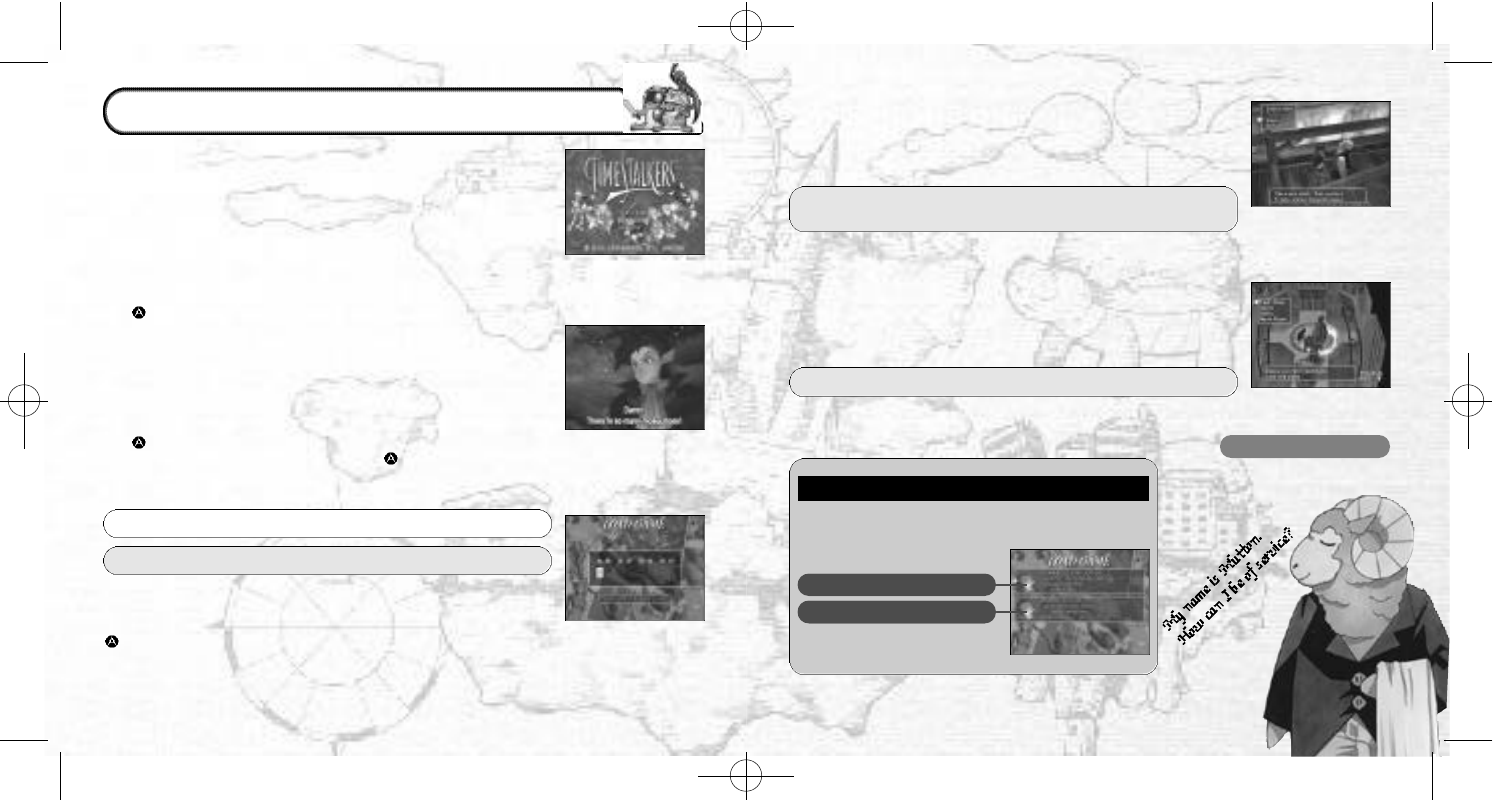
Place the Time Stalkers disc into your Dreamcast console,
press the disc down until it clicks into place, close the lid and
press the POWER Button to turn ON the power. The play demo
will start a few moments later. Press Start during the play demo
to display the Title Screen. Press Start once more to display the
Mode Select Screen.
●STARTING A GAME
●CONTINUING A PREVIOUSLY SAVED GAME
●CHANGING GAME SETTINGS
Select “NEW GAME” from the Mode Select Screen, then press
the Button to enter your selection. You will be shown the
opening story in which our hero, Sword, finds himself lost in a
fantasy world. Once the opening story is over, the game will
start. (You cannot skip the opening story).
Select “LOAD GAME” from the Mode Select Screen, then press
the Button to enter your selection. Select a memory card,
followed by a game file, then press the Button to continue
playing a previously saved game.
Select “OPTIONS” from the Mode Select Screen, then press the
Button to enter your selection. All the game settings can be
changed.
●SAVING
●FAST SAVE
You can save the game in Sword’s House during game play.
When you restart the game, you will start from the place where
you last saved.
You can save when your character
is in a dungeon and com-
pletes a floor. After saving, the Title Screen will be displayed.
Your fast save file will be deleted once you have used the file.
WHITE: Save file (a file saved at Sword’s House)
YELLOW:
Fast save file (a file saved half way through a dungeon)
Within the Fountain Square Piece Sword’s House
(Talk to Mutton the Butler)→P9
Dungeon Set-Up Window →P24
F I L E S
The indicators are different for normal saving and
fast saving.
SAVED DATA (WHITE)
FAST SAVED DATA (YELLOW)
3
MUTTON THE BUTLER
He looks after Sword’s
House.
STARTING AND SAVING
TSManual2_3_00A 2/25/00 3:47 PM Page 4
5
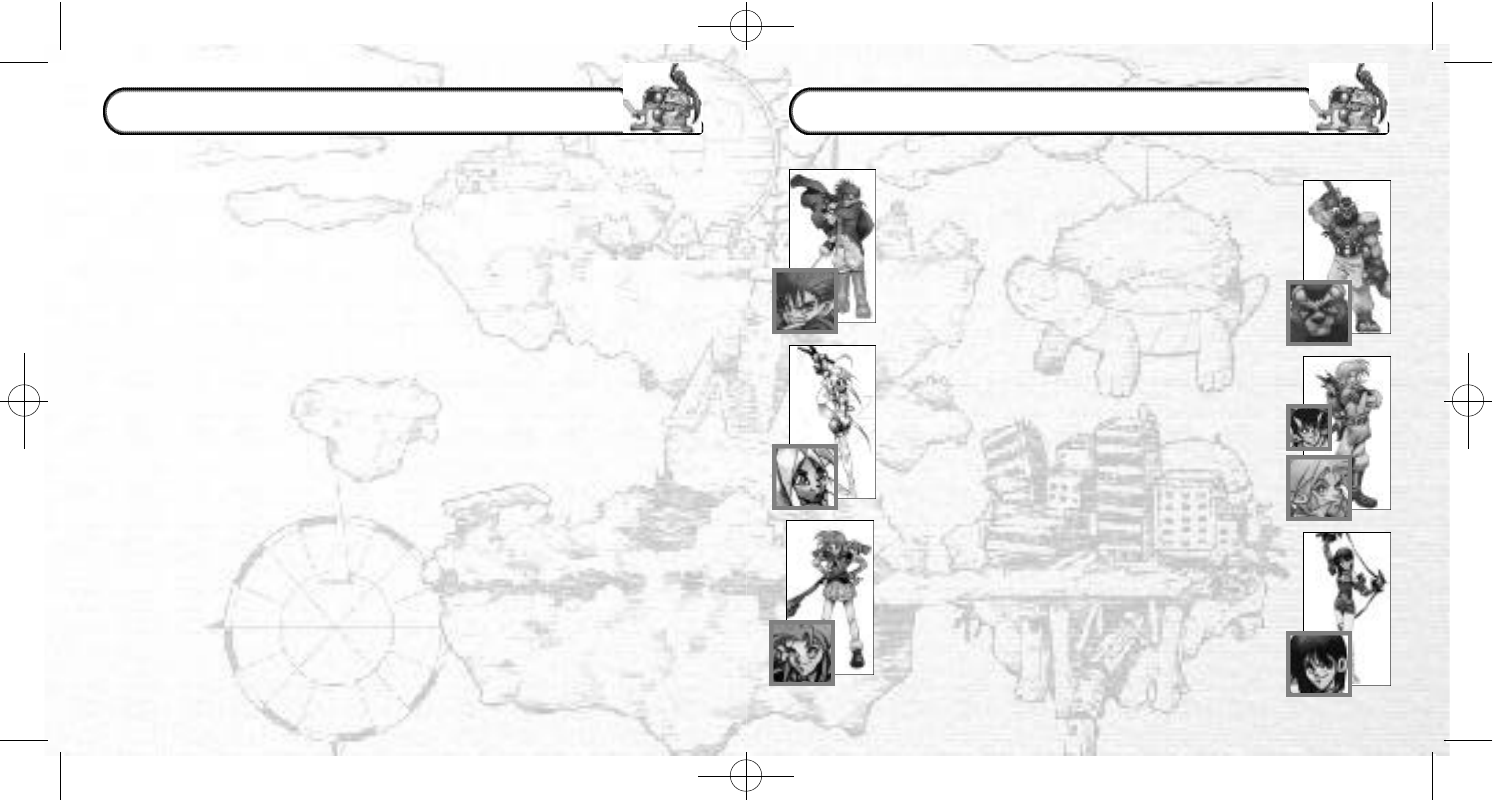
The main character. Sword travels without
destination. As much as he tries to pose
and appear to be a ladies’ man, he’s
actually rash and careless. His sword ability,
however, is first-class.
Rao is a halfling; half human and half Rioring
Tribe lion soldier. He is uncommunicative, but
very brave. Rao is a proud and lonely warrior
who seeks fulfillment through fighting.
Marion is a doll in every sense of the word!
She is a battle machine produced by an
unknown manufacturer. She is devoid of
emotion, but she is fascinated by humans.
Pyra is an elf. She is also a magician with
a violent temper. Although she is serious,
she causes fear and is very scary. She is gifted
with advanced offensive magical abilities.
Nigel is a treasure hunter. He loves
danger. He has an inseparable
friend named Friday, who is a Sprite.
Lady is a young woman who has run away
from her distinguished family. She’s a real
troublemaker. Lady is impulsive, and never
considers the consequences of her actions.
She has the best fighting ability in the world.
These are the main characters. How will Sword meet them?
This is a fantasy world.
A medieval world, an ancient world, and even modern Japan…
Countless worlds nonsensically bind to form this amazing and yet tiny world.
So who created it? And for what reason or purpose?
No one knows.
A man is summoned.
His name is Sword. He is a wandering adventurer.
A mysterious old man welcomes Sword to the world and calls him a “hero.”
The old man gives him a mission. Sword must solve the hidden mystery of this
world.
Who created this world? And why?
And… is it possible to escape from it?
Many mysteries and strange labyrinths lie before Sword as he sets off on his
adventure.
But Sword is undaunted and decides to bravely defy the myriad obstacles
that stand in his path.
This world contains a bizarre collection of geographical features from many eras and
locations, such as Medieval Europe and 1980s Japan. Each geographical feature is
known as a “Piece.” In every “Piece,” the people, who once lived in each place and
each era, continue to live their normal everyday lives. The world is enwrapped in the
space of a different dimension, and consequently, its geography frequently changes.
●PIECES
●THE HERO’S CREST
Your character must be carrying the Hero’s Crest to enter a dungeon. Sword receives
the Hero’s Crest from the old man at the beginning of the game. As the story develops,
Sword is able to pass the Hero’s Crest to the following characters once he has met
them. You can change the character that you are currently using by selecting “Change
Character” in Sword’s House.
4
THE STORY
CHARACTER INTRODUCTIONS
TSManual2_3_00A 2/25/00 3:47 PM Page 6
6
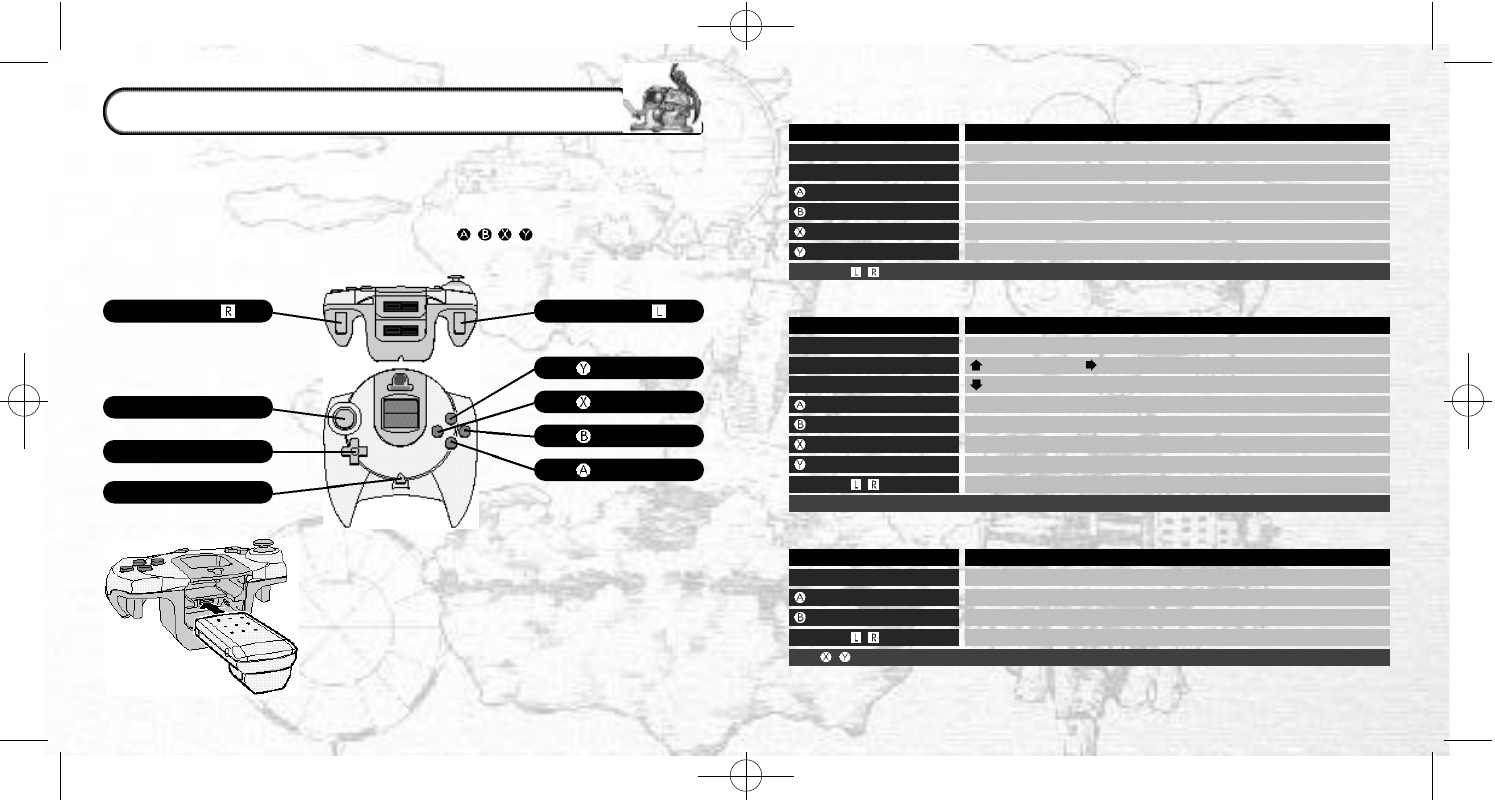
This is a one-player game. Connect your Dreamcast Controller to Control Port A.
✽Insert a memory card into Expansion Socket 1 of your controller.
✽To save game files, you must have the following amount of blocks of available
space on your memory card.
Main game: 16 Mini-games: 54-123 for each game
✽To soft reset, simultaneously press and hold the , , , and Start Buttons on
the controller.
THE JUMP PACK™ (SOLD SEPARATELY)
✽Make sure that you insert the Jump Pack into
Expansion Socket 2 of the controller.
✽Do not remove the memory card or Jump Pack
while saving.
B U T TO N
B U T TO N
B U T TO N
7
●MOVEMENT WINDOW (TOWN)
●MOVEMENT WINDOW (DUNGEON)
●BATTLE WINDOW (DUNGEON)
Triggers / and the Start Button are not used.
Left on the D-Pad.
The , and Start Buttons are not used.
Button
Analog Thumb Pad
Directional Pad (D-Pad)
Button
Button
Button
Button/Start Button
Button
Analog Thumb Pad
D-Pad
Button
Button
Button
Button/Start Button
D-Pad
Triggers /
Analog Thumb Pad/D-Pad
Button
Button
Button
Triggers /
Function
Movement (Press fully to run)/Look around (First person view)
Selection/ Look around (First person view)
Enter a selection/Conversation/Enter a building
Cancel/Close all the windows
Change camera angle (First person view)
Open the Command Menu (→P22)
Function
Movement (Press fully to run)
: Change map; : Switch the Map ON or OFF
: Change the camera angle (Overhead↔Rear)
Check Mode→Pick up an item/Initiate a battle (→P18)
Cancel/Close all the windows
Search (→P18)
Open the Command Menu (→P22)
Rotate the camera angle (During the overhead camera angle)
Function
Selection
Enter your selection
Cancel
Party member selection
TRIGGER TRIGGER
B U T TO N
DIRECTIONAL PAD
STA RT BUTTO N
A NA LOG THUMB PA D
CONTROLS
TSManual2_3_00A 2/25/00 3:47 PM Page 8
✽
“Registration” is when your character is able to use a newly learned magic skill or a captured
monster. Skill and magic registration is automatic. Monster registration is not automatic.
✽✽ “Sealing” is necessary at times when your character’s parameters are too low to be able to
“master” a registered skill. Sacrifice a skill by sealing it in order to use your character’s other
skills while its parameters are still low.
98
●MOVEMENT (TOWN)
Items
Spells
Skills
Status
Lists
Allies
Equip your character with, dispose of and view the details of items
Spell Menu, registration, removal
Skill Menu, registration✽, removal, seal✽✽
Display the Status Window (Only for the main character) (
→
P26)
Display a list of acquired items and captured monsters
Let monsters in and out of their capsules, change battle formation
●MOVEMENT (DUNGEON)
Items
Spells
Skills
Status
Lists
Allies
Equip, use, dispose of, identify
✽
, repair
✽
, and view the details of items
Spell Menu, cast magic spells, use the spells of your monster allies
Skill Menu, check your monster allies’ skills
Status Screen (main character and allies) (→P26)
Display a list of acquired items and captured monsters
Reorganize the fighting formation of your monsters
●BATTLES (DUNGEONS)
Attack
Spell
Item
Defend
Movement
Capture
Attack techniques, weapons or bare fists (VIT Consumption)
Attack using magic (MP Consumption)
Use items
Defend, dodge and run away (Not necessarily 100% successful)
Move within your sector (Equipped “boots” or skill required)
Capture a monster (Registration “capture” of skill required)
✽Special skills and items are needed to “identify” and “repair.” Furthermore, “spells” and “skills”
can only be registered outside of dungeons. “Spells” and “skills” are automatically registered
even when the windows are not displayed.
●SET-UP WINDOW (DUNGEONS)
Bonus Point Distribution
Skills
Allies
Fast Save
Allocate bonus points (e.g. to the “basic ability parameters”)
Check and seal your own and your monster allies’ skills
Let your monsters in and out of their capsules
Save a game file in a dungeon (→P3)
●VMU DEVICE (IN THE MONSTER HOUSE)
Download Game
Delete Game
Tokens
Download Monster
Download a mini-game to your VMU
Delete the mini-game that is currently stored in your VMU
Buy, Sell and Exchange them for items, download into VMU
Download monsters to and from your VMU
●HOLOGRAM MACHINE (IN THE MONSTER HOUSE)
Graze
Encapsulate
Register
Release
Put a monster in the Monster House
Take a monster out of the Monster House
Register a monster (You can also give the monster a name)
Remove a monster (A selected monster will be completely deleted)
●SWORD’S HOUSE (TALK TO MUTTON)
Store Item
Collection
Save
Character Change✽
Save items
Display a collection item
Save a game file
Replace Sword with a new main character
●ITEM STORE
Buy
Sell Buy an item
Sell an item
●THE CHURCH
Monster Revive Revive registered monster allies (There is a charge for this)
COMMAND MENUS
✽You can only do this when the story has developed.
→P22
→P22
→P25
→P24
→P3
→P30
Options Change game options and view character profiles
TSManual2_3_00A 2/25/00 3:47 PM Page 10
1110
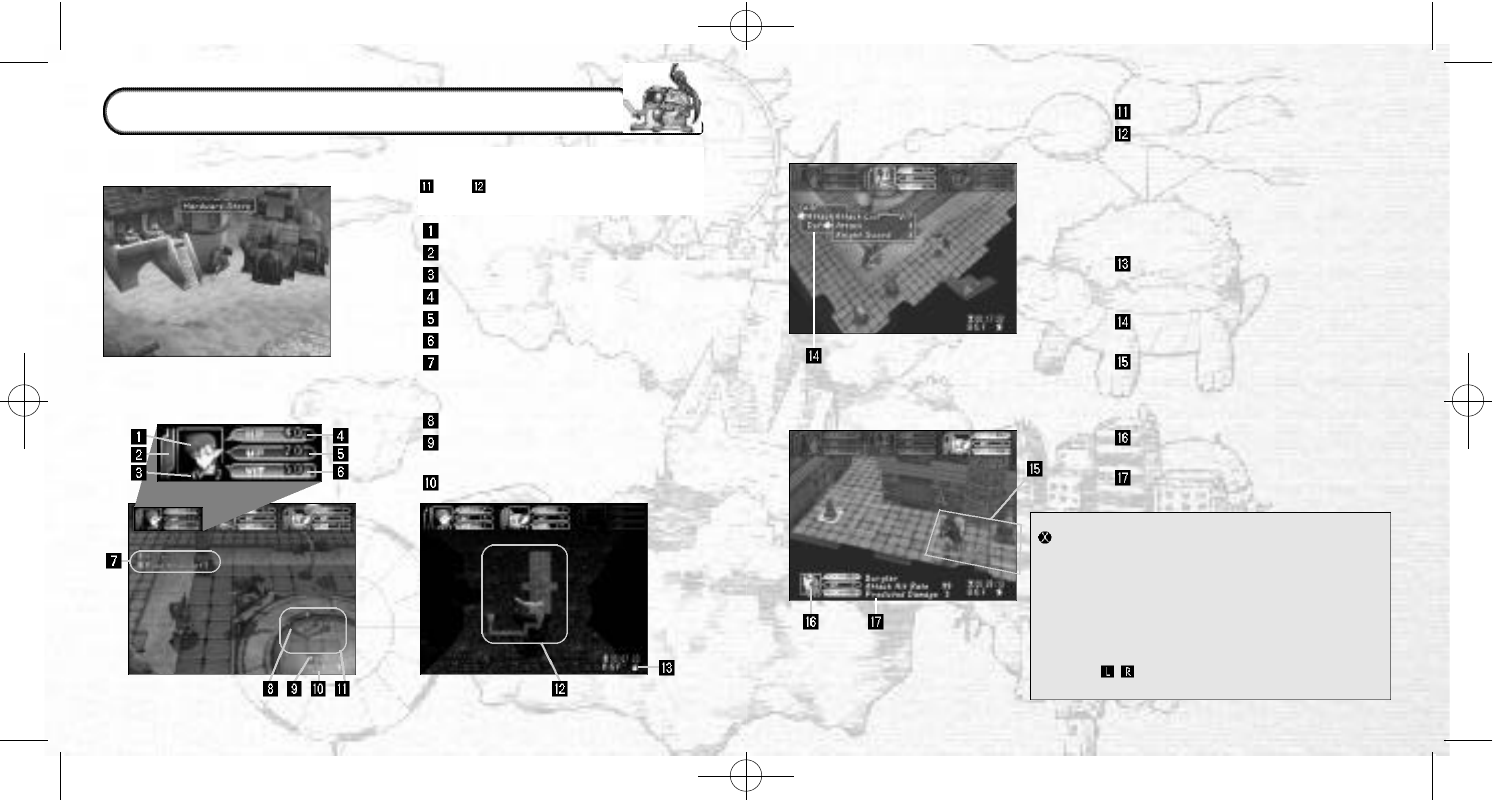
●MOVEMENT SCREEN (TOWN)
●
MOVEMENT SCREEN (DUNGEON)
●
BATTLE SCREEN (COMMAND MENU)
●BATTLE SCREEN (BATTLE FIELD)
Character Portrait
Hunger Meter
LV (Level)
HP (Hit points)
MP (Magic points)
VIT (Vitality)
Search indicator (Items and monsters
t
hat you can search are indicated as
your character approaches them)
Compass (This always points north)
Elapsed time (Only for the current
dungeon)
Floor indicator
There are no onscreen indicators when
your character is moving around town.
and cannot be displayed at the
same time in a dungeon.
Radar
Auto map
Gray . . . . . . . Unexplored area
Orange . . . . Unsearched area
Green . . . . . Searched area
Yellow . . . . . Ally
Red . . . . . . . Enemy and/or Trap
Blue . . . . . . . Items
Attribute icon
This displays the attributes of the
floor (→P17)
Command Menu (During battles)
(→P25)
Battle field indicator
Blue . . . . . . . Within range
Red . . . . . . . Out of range
Yellow . . . . . Ally
Enemy status display (Only one
enemy at a time)
Monster name, hit rate, expected
damage
Modifying the Movement Screen in a Town
Button . . . . .
Overhead view
↔
First person view
D-Pad/ . . . . . .
Rotate camera angle (Only when
Analog Thumb Pad using first person view)
Modifying the Movement Screen in a Dungeon
D-Pad Up . . . . Radar↔Auto Map
D-Pad Right . . Switch the Radar ON/OFF
D-Pad Down . . Overhead camera angle↔Rear
angle
Triggers / .
Rotate camera angle (Only when
using overhead camera angle)
GAME DISPLAY
TSManual2_3_00A 2/25/00 3:47 PM Page 12
The key to success in Time Stalkers is to remember to make all necessary preparations
in town in order to negotiate the dungeons.
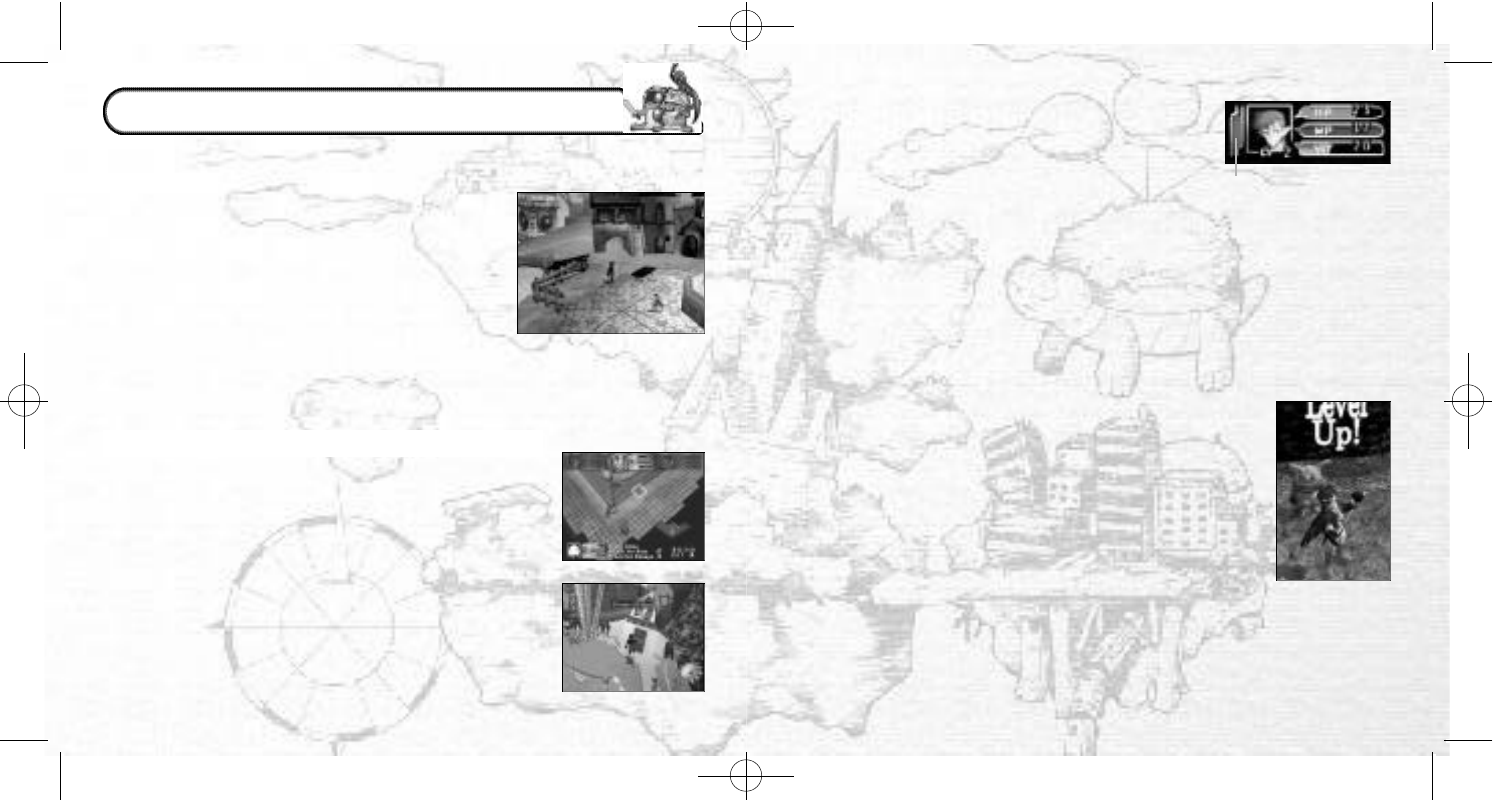
●TOWN
Here you can buy and sell items, gather information and
prepare for your next adventure. The following facilities
can be found in town:
Item Store . . . . . . . . . .
Buy and sell equipment and food
Church . . . . . . . . . . . . .Revive monster allies
Monster House . . . . . .Register and store your monster
allies and download mini-games
Mr. Noiman’s House .
Quest introduction✽/Sell precious
goods to Mr. Noiman
Sword’s House . . . . . .
Save a game file, store items, and
change the character that you
wish to play with✽
●DUNGEONS (THE REALM OF ADVENTURE)
●QUESTS (YOUR JOB)
The dungeons are where the most exciting part of your
adventure happens. Here you can fight monsters and pick up
items. The floor plan of every dungeon will randomly generate
every time you enter, so you will never see exactly the same
dungeon twice.
✽You cannot do these things until the story has developed.
As the story develops, you can get new quests (jobs)at Mr.
Noiman’s House. You can re-enter previously cleared dungeons
and set off on new missions. There are many tasks to complete,
such as searching for specific items or defeating specific
monsters. (→P32)
12
●STATUS
●LV (LEVEL)AND TITLES
HP (Hit Points)
Physical strength. This is depleted when your character
receives damage. If the main character’s HP is reduced to 0,
your dungeon quest will end. Also, when the Hunger Meter
reaches 0, your character will gradually begin to lose HP.
MP (Magic Points)
This is the essential parameter for using magic. MP will decrease
when you cast magic
spells.
VIT (Vitality)
This is the essential parameter for using techniques. VIT will decrease when you use
techniques. However, VIT will gradually increase as time passes.
Hunger Meter
This is the essential parameter for inspecting the dungeons. The Hunger Meter will
decrease when you inspect orange colored areas. The Hunger Meter will also
gradually decrease as time passes.
Hunger Meter
LV (Level)
Experience levels are only applicable in dungeons. Your character’s
level will rise by 1 point for every 100-experience points they acquire
in a dungeon. Your character’s fighting power, defensive power, HP,
MP and VIT will increase with each successive level up. Similarly,
your
character will be able to carry more items, and will be able to
use
magic and equipment which were previously not mastered.
However, as
soon as your character leaves the dungeon, their level
will return to
1 again. (→P28)
Titles
Every time your character leaves a dungeon (whether through victory or defeat)it may
be promoted to a new title. Unlike LV, which restarts from LV 1 every time your character
enters a dungeon, titles build on the experience gained from each successive dungeon.
When your character is promoted to a new title, they will be able to use new magic and
skills. These spells and skills must be registered. Your monster allies can also receive new
titles. (→P28)
13
GAME SYSTEM
TSManual2_3_00A 2/25/00 3:47 PM Page 14
1514
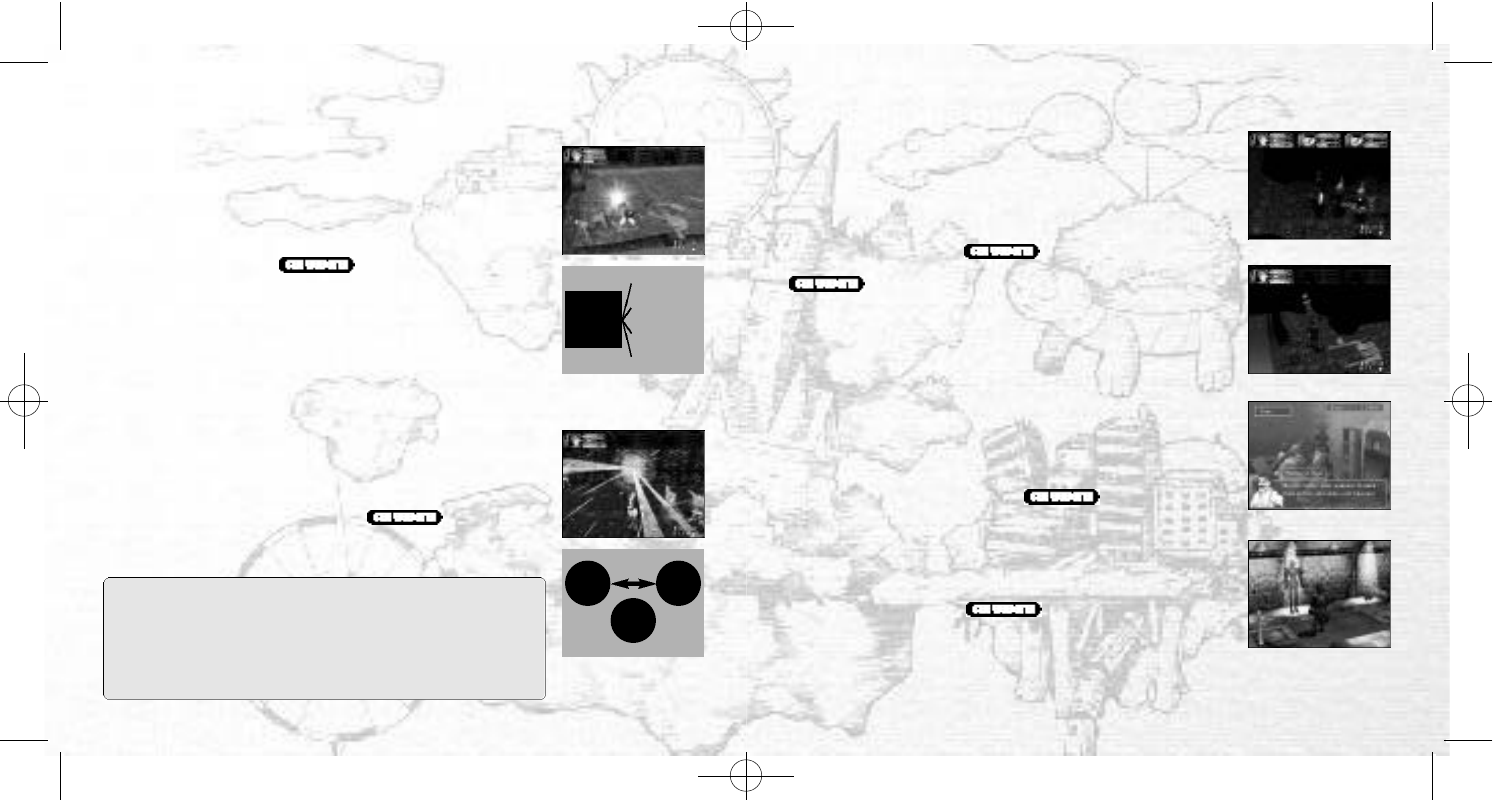
●BATTLES AND SPECIAL ABILITY COMMANDS ●DUNGEON BATTLES
●OTHER THINGS
Items (Equipment)
There are various “equipment items” such as weapons and
armor, and “use items” such as tools.
Techniques (weapon items): There are several ways of attacking
using techniques, both bare handed or using weapon items.
These are only displayed during battles. Each weapon can be
used to perform several techniques, and the total of performable
techniques for each weapon increases with the level ups.
Techniques deplete VIT.
Magic (Registered)
Magic is a highly effective way of attacking. Magic depletes
MP. Magic is usually more powerful than techniques are.
Attributes: “Fire,” “Ice,” “Lightning” and “No Attribute.” “Fire” and
“Ice” are opposite attributes “Lightning” is an independent
attribute, so it is effective against both “Fire” and “Ice.”
Level: Spells also have levels, and become more effective with
each level up (→P28).
Classifications: Spells are displayed in the selection window
using the following prefixes.
Mega-: Every member of a party, Giga-: All enemies
Skills (Registered)
Your character will gain many special abilities, such as extra
strength when it acquires a new skill.
Level: Skills have levels too, but do not level up (→P28). You
can acquire separate skills at every level.
Parties
You can form a party of up to 3, including the main charac-
ter. Enemy monsters can form parties of up to 4.
Ally Monsters
If you successfully “capture” a monster during a battle, it can
become a member of your party (→P30). Register your newly
captured monster in the Monster House, and you will be able
to revive it in the Church should it be defeated in a
dungeon. You can also make it work for you in a mini-game
.
Aggression
This is the level of enthusiasm for battles that every enemy
monster has. Aggression has a strong influence on the behav-
ior of monsters, because although a monster that likes to fight
will attack, monsters that dislike battles will not. (→P20)
Legendary Items
There are only a few of these precious items in Time Stalkers.
At the Blacksmith, you can add skills from other items to your
legendary item (Transfer)or lower the parameter value to
master using the item (Improve).
Collection Items
You’ll have a lot of fun collecting these. You can display them
in the Collection Room next to Sword’s House and go and
admire them whenever you like, just as though you owned
your very own museum.
●MASTERY
During gameplay, your character will acquire “equipment items,”
“magic,” and “skills,” which you can then equip or register.
However, some items, magic and skills require the character to
have specific basic parameters (strength, wisdom, charisma, etc.
→P28)in order to be effective. Your character will have to gain
experience points, and you will have to allocate bonus points in
order to “master” some items, magic and skills.
FIRE ICE
OPPOSITES
INDEPENDENT
WEAPON
ITEM
TECHNIQUE 1
TECHNIQUE 2
TECHNIQUE 3
TECHNIQUE 4
The relation between
weapons and
techniques
Magic: the attribute
factor
LIGHT-
NING
TSManual2_3_00A 2/25/00 3:47 PM Page 16
17
●DUNGEONS RANDOMLY GENERATE
●SECTORS
●FLOOR STRUCTURE AND ATTRIBUTES
●SEARCHING FOR ITEMS
●SETTING OFF TRAPS
●MONSTER AGGRESSION
●RECOVERY ROOMS
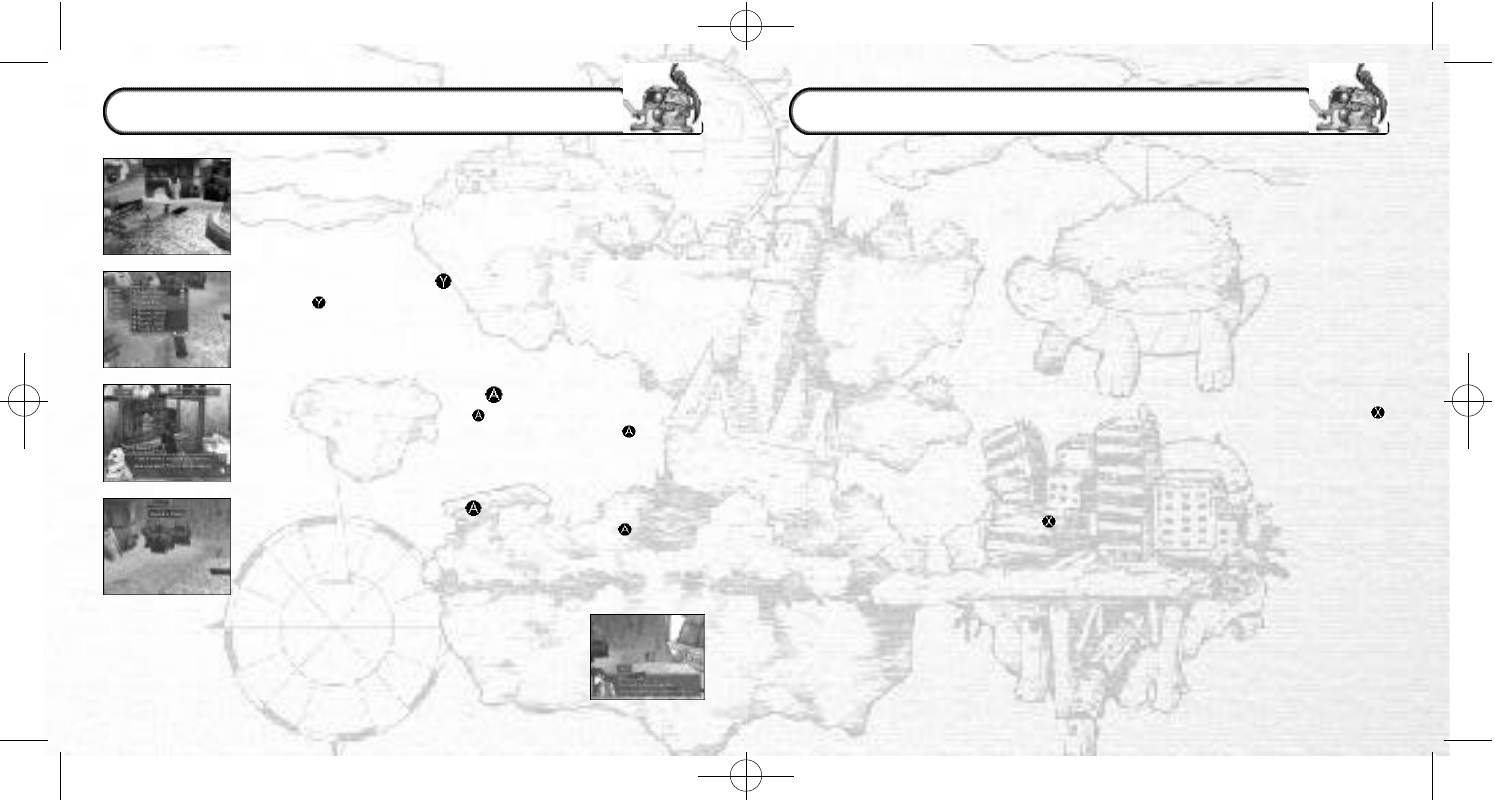
The layout and floor plan of every dungeon is randomly generated every time your
character enters. There are countless completely original and unique dungeons to be
discovered in the amazing world of Time Stalkers.
Each floor of the dungeon is divided into units called sectors. Check these sectors for
traps and hidden items. During battles, four enemies can fit into one sector.
Dungeons consist of many floors, which have a specific structure. You must clear the
floors one by one, but remember that once you have cleared a floor and advanced
to the next one, you cannot return. Furthermore, floors can have certain attributes:
fire, ice or lightning, which have an influence on magic.
Many items (some of which are hidden)are scattered around dungeons. Press the
Button to search orange colored sectors. Don’t forget that investigating will affect your
character’s stomach, making it hungry (this is displayed in the Hunger Meter). When
the stomach is empty, you can no longer search.
Traps are always hidden and will be set off if your character steps in a sector
containing a hidden trap. Press the Button not only to search for items, but also to
search for traps.
Depending on its aggression, there is a chance that if you meet a monster in a
dungeon, it won’t attack you. By looking at the Emotion Indicator of a monster, you
will usually be able to determine how much a monster enjoys fighting or not.
In all dungeons, and on any floor, there are recovery rooms where you can fully
recover lost or spent HP, MP and VIT.
DUNGEON STRUCTURE
16
The town (Fountain Square etc.)is the main base for the player in
Time Stalkers. You can get information from various people, buy
and sell items and prepare for the next dungeon. Furthermore,
all the events happen in the town, so don’t forget to explore every
corner. The events will give you precious information as to what to
do next. The actions that you can perform in the town are outlined
below.
●COMMAND MENU (BUTTON)
●TALKING AND READING (BUTTON)
●ENTERING BUILDINGS (BUTTON)
Press the Button to open the Command Menu to check the
condition of your characters. (→P22)
To collect information, press the Button near other characters
and signboards to speak and read. Similarly, press the Button in
stores to buy weapons and armor. Don’t forget to drop into stores
before entering a dungeon.
When the name of a building is displayed, press the Button to
enter.
The Townsfolk
It is possible to get new information from people with whom you have
already spoken to, so talk to the townsfolk as much as possible.
TOWN ACTIONS
TSManual2_3_00A 2/25/00 3:47 PM Page 18
1918
●ESCAPING FROM DUNGEONS
There are three ways to leave a dungeon:
1. Defeat a boss and leave through the exit
2. Use an escape item (or magic spell)
3. When the main character of your party is defeated
Whether you leave a dungeon in success or failure, your
characters’ LV will return to 1. Depending on experience earned
in a dungeon, your characters may be promoted and get new
“Titles” and they may also have learned new magic or skills.
Demotion is impossible.
If the main character is defeated, the following will happen:
1. All the items that are not currently equipped will be lost
2. Currently equipped items may be damaged
(You will have to pay to have them repaired at the Blacksmith)
3. Unregistered monsters will disappear
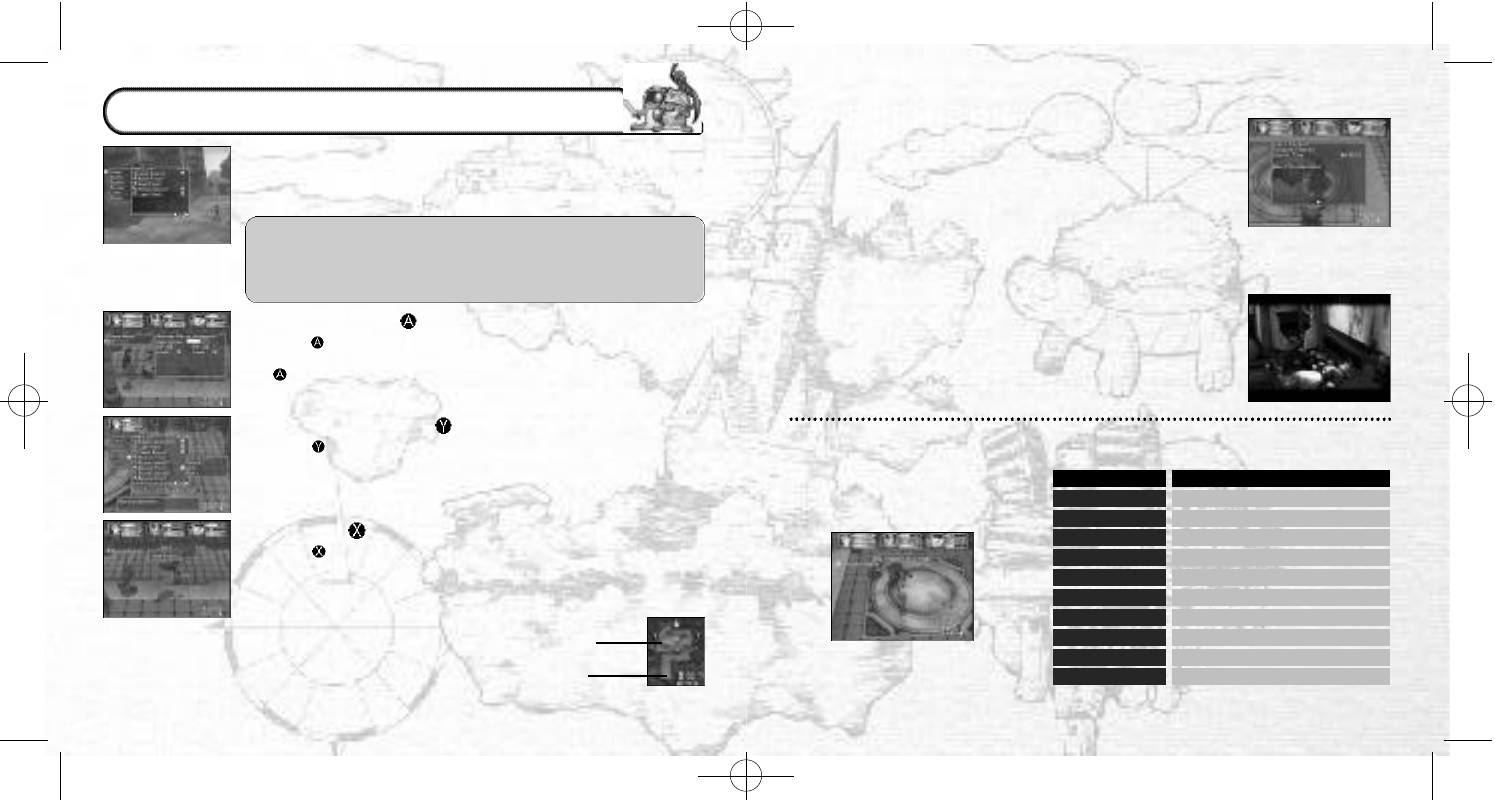
●DIFFERENT SORTS OF TRAPS
There are many traps waiting to
ruin your day (See chart right)Trap Name
Blast
Blizzard
Jagged Spear
Gas Bomb
Intruder Alarm
Spiked Ceiling
Lightning
Magic Darts
Effect
Fire damage
Ice damage
Lightning damage
Physical damage
Curse inflicted
Monster aggression increases
Physical damage
Battle parameters decrease
Bear Trap
Status Clear Cannot move during the battle
Special Effects/Curse is nullified
The dungeons are where the real action and adventure occur.
You must skillfully guide your character through by picking up
items, avoiding traps, and by toppling monsters that dare stand
in your way, to complete your goal.
There are limits on the number of items that each character
can take into a dungeon (Sword can only take four). Get rid
of unnecessary items (either let Mutton take care of them or
sell them at a store)before entering a dungeon, to ensure
that your character is carrying the correct number of items.
●CHECK MODE (BUTTON)
Press the Button when you are close to items and monsters and
their information will be displayed. This is the Check Mode. Press
the Button again to pick up an item or initiate a battle.
●COMMAND MENU (BUTTON)
Press the Button when your character is moving freely in the
dungeon (not engaged in battle)to display the Command Menu.
(→P22)
●SEARCH (BUTTON)
Press the Button to search the sector that your character is
standing in and the surrounding four sectors to search whether or
not there are any traps. If anything is found, it will be displayed in
the radar. You should be suspicious of orange sectors on the radar,
because hidden items can often be found
in them. But every time you search an
area, your character’s Hunger Meter will
be reduced. The Hunger Meter will also
gradually decrease as time passes.
Unsearched area
(orange)
Searched area
(green)
DUNGEON ACTIONS
TSManual2_3_00A 2/25/00 3:47 PM Page 20
2120
●ENDING A BATTLE
There are three conditions that preclude the end of a battle.
DEFEAT ALL THE MONSTERS
Defeat all the enemy monsters. Your character and any allies
will earn experience points, and often a monster will drop an
item, which you can then pick up.
RUN AWAY
If you are feeling particularly cowardly and your prospects
of defeating the enemy monsters are bleak, you have the
option of making your character and any allies run away.
Naturally, you will not earn any experience points. (If your
sector is enclosed, your chances of a successful escape will
lower).
IF THE MAIN CHARACTER IS DEFEATED
If the main character’s HP reaches 0, the present quest will
be brought to a sudden end. The main character will then
be returned to Sword’s House.
●BOSS BATTLES
There is a Boss (or group of bosses)on the last floor of every
dungeon. Defeat the Boss to clear, then leave the dungeon.
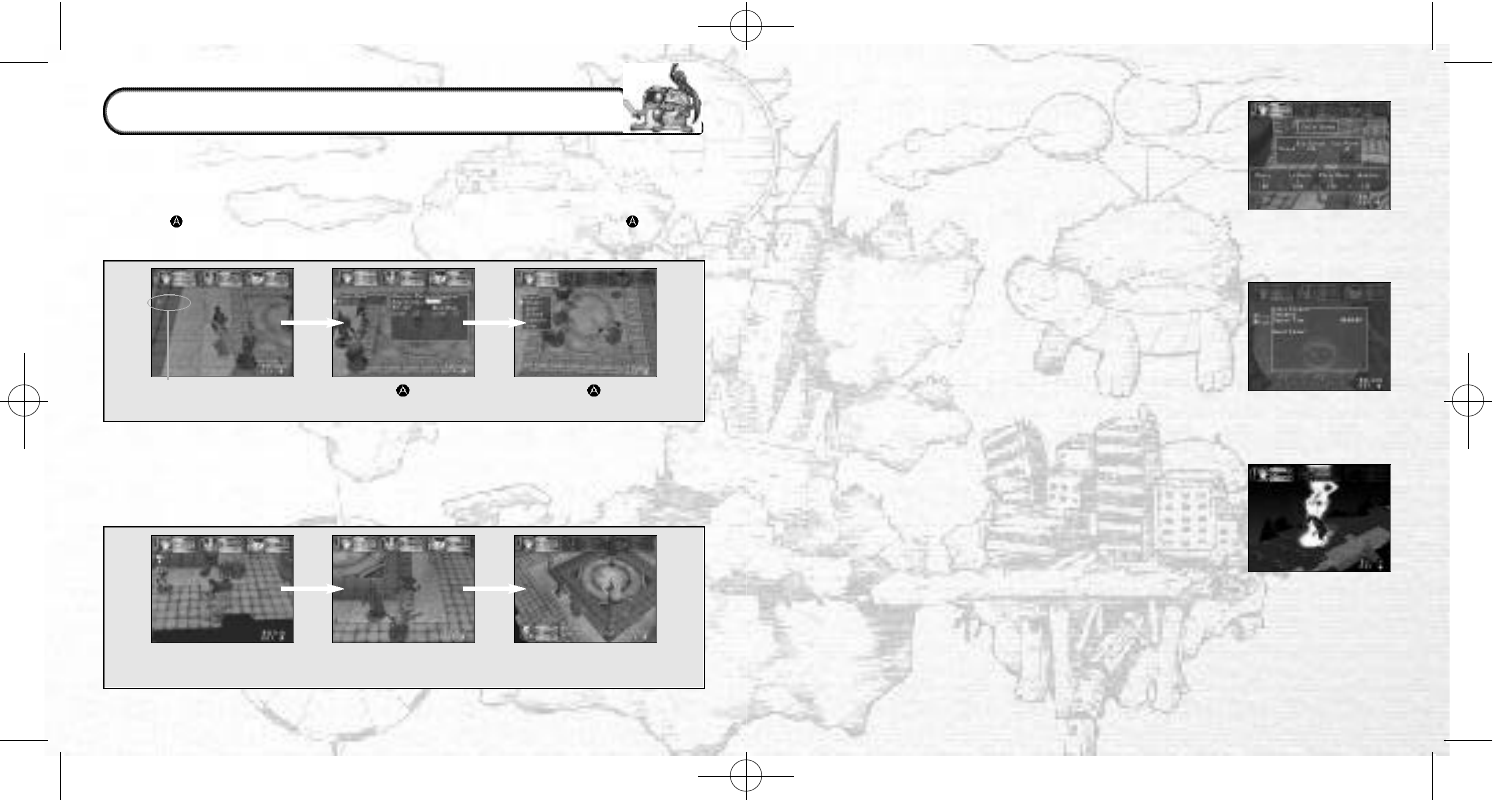
Dungeon battles can be initiated by the main character or by monsters.
●INITIATING A BATTLE
●WHEN A MONSTER INITIATES A BATTLE
You can use the Check Mode if a monster enters a sector close to the main character.
Press the Button to check all possible opponents in the vicinity. Press the Button
again to initiate a battle.
Check possibility
indicator. Press the Button to
use the Check Mode.
Press the Button
to initiate a battle.
A monster finds
your character.
If the monster has a high
level of aggression…
It will rush into battle.
Firstly, the monster finds the main character (and allies). If the monster has a high
level of aggression, it will rush into battle. In contrast, if the monster has a low level of
aggression it is highly likely that it won’t rush into battle.
BATTLE ACTIONS
TSManual2_3_00A 2/25/00 3:47 PM Page 22
2322
Magic Registration
(Only in Town)
Monster Reference
Monster List
Display captured monsters with picture and explanations
Item List Display acquired items with explanations ✓ ✓
✓ ✓
T D
Release Let your monster out of its capsule
Insert
Change Battle Formation
Put your monster back into its capsule
Change the formation of your party
X✓
X✓
✓X
D ST
Use Cast a spell
Remove
Register Magic ✽
Remove magic spell
Register magic spell
Use Allies’ Magic Use your allies’ magic spell
X✓
✓X
✓X
X✓
T D
●SPELLS Spell Introductions
Select to display a list of registered magic. Select one
to display the following:
●STATUS Status Screen →P26
Select to view the status screen.
●LIST
Select to display the following. An entire list of items and monsters that appear
in the story are displayed. “???” indicates something not yet discovered. Try
and discover all the items and monsters in Time Stalkers.
●ALLIES
Let monsters in and out of their capsules and change battle formations.
Select to display a list of monsters. Select one to display the following:
Press the Button while moving freely
around town and dungeons to display the
Command Menus. Use the D-Pad to select
a command and press the Button to
enter your selection.
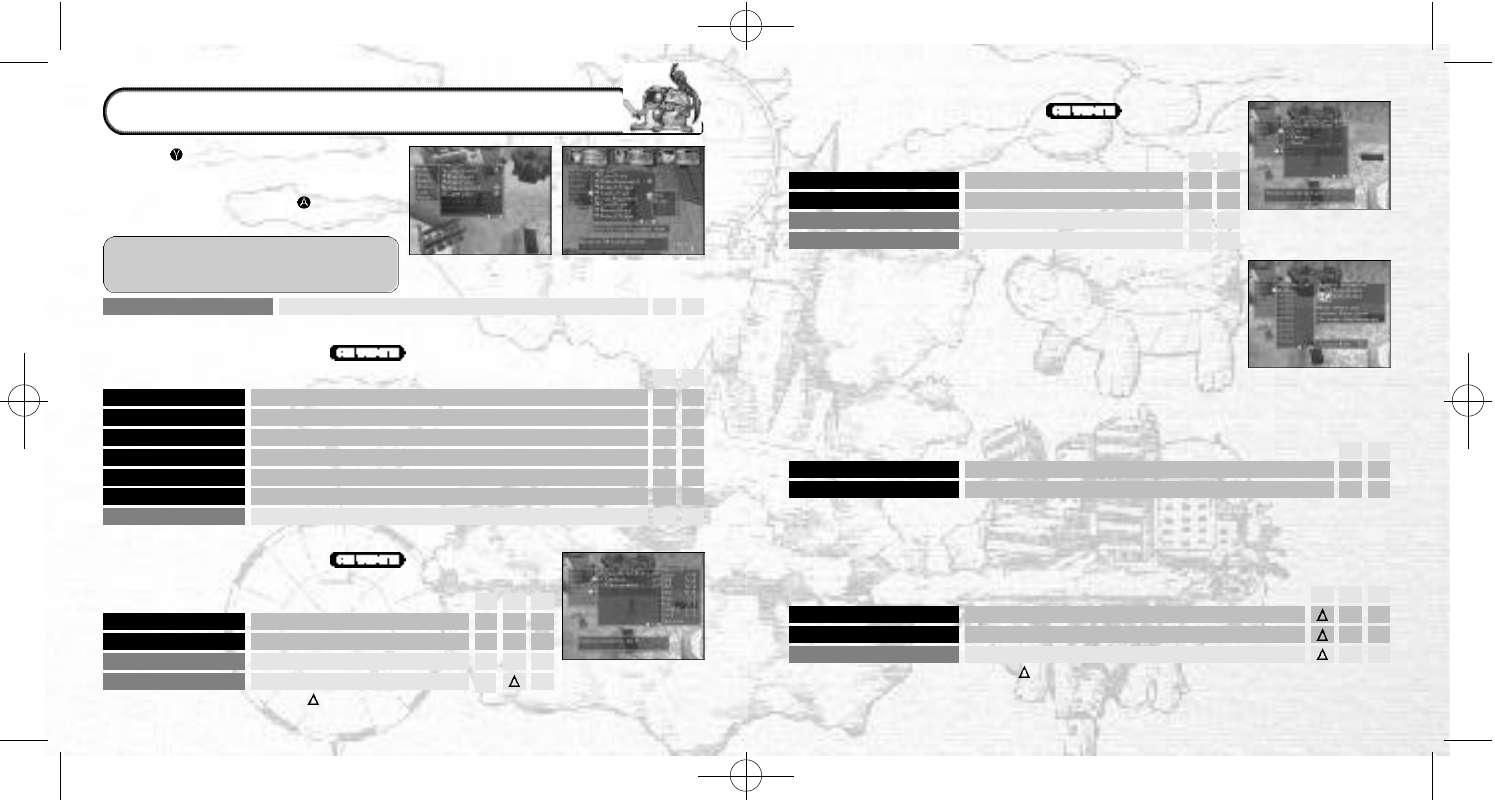
Command Menu
(Town)Command Menu
(Dungeon)
✽You can only register magic and
skills in town.
Skill Registration
(Only in Town)
Equip/Remove Equip an item/remove an item
Use
Drop
Use an item (After command selection, select a target object)
Throw away an item (It will vanish forever)
Identify ✽✽
Repair ✽✽
Check the name and functions of an item
Repair damaged items
Details
View
Display detailed explanations about hit ratios, techniques, etc.
View presently equipped items
✓ ✓
X✓
✓ ✓
X✓
X✓
✓ ✓
✓ ✓
T D
Command Name Explanation T D
Remove Remove a skill
Seal
Register Skill ✽
Seal a skill (→P29)
Register a skill
Check Allies’ Skills
Check and seal your allies’ skills
✓X
✓X
✓X
X
T D X
✓
X
✓
S
●ITEMS Item Introductions
Unequipped items are shown in white and equipped items are shown in yellow.
●SKILLS Skill Introductions
Select to display a list of registered skills. Select one
to display
the following:
T: Movement Screen (Town)D: movement Screen (Dungeon)
S: Set-up Window
✽✽ Skill Registration Required.
COMMAND MENUS (
TOWN AND
DUNGEONS
)
=You can check but you cannot seal.
You can control but they are not displayed on the screen.
TSManual2_3_00A 2/25/00 3:47 PM Page 24
2524
Command Menu
(Battles)
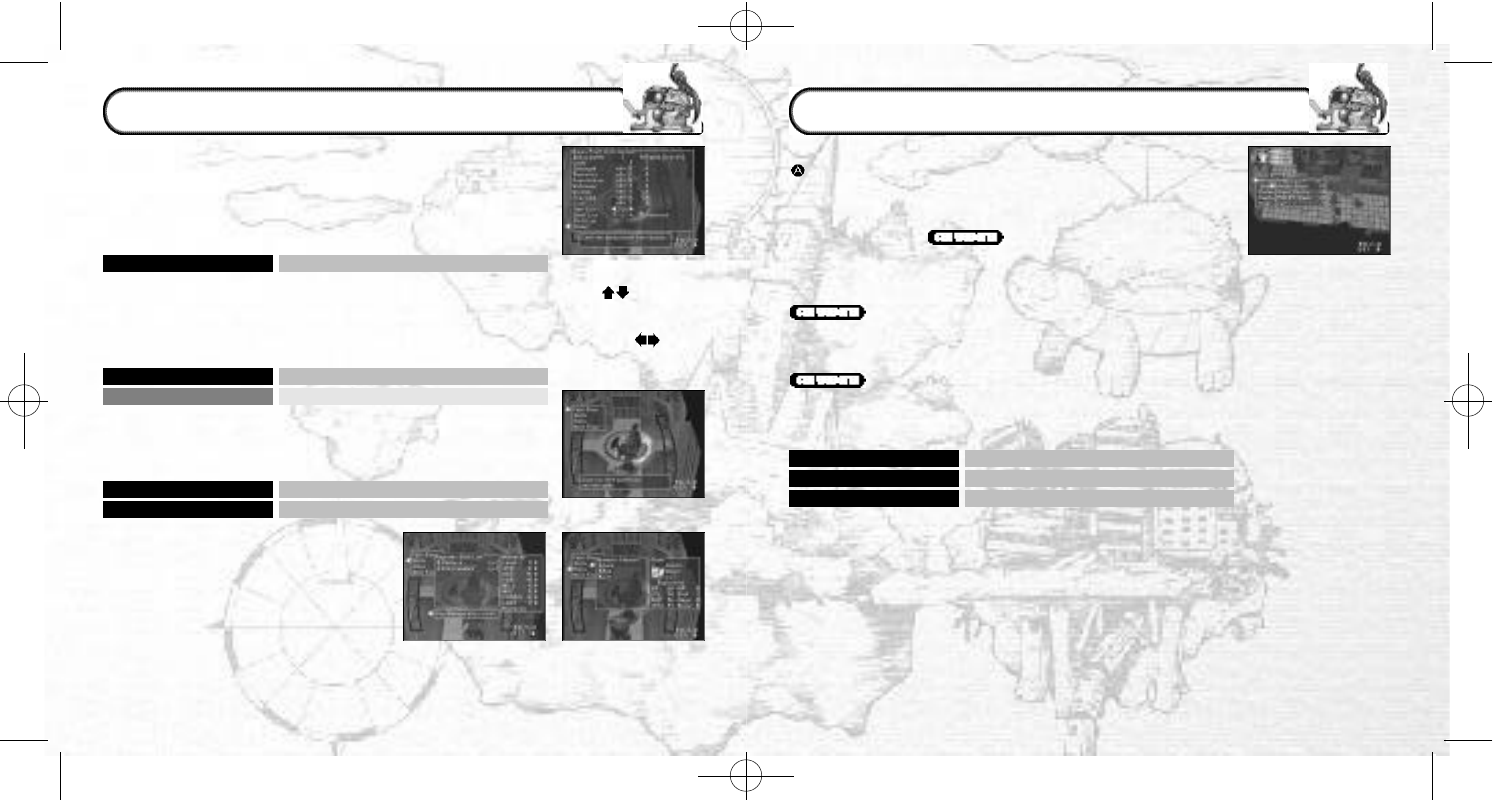
Battle Command Menus are displayed during battles. Press the
Button to select a command.
Block Defend against an attack
Dodge
Run Away Dodge an attack
Run away from enemies
●TECHNIQUES (=WEAPON ITEMS)
Attack using a weapon item or even a bare hand. Technique
attacks use up VIT.
●SPELLS (REGISTERED)
Attack using registered magic spells. Magic attacks use up MP.
●ITEM
Use an item that your main character is presently carrying.
●DEFENSE
Defend your characters in the following way:
✽Your defensive choices are not guaranteed.
●MOVEMENT
Move within the your characters’ sector (to one of four squares
in your sector). You can do this if your character is equipped
with boots, or if you have earned and registered the Movement
Skill
●CAPTURE (WHEN “CAPTURE” IS REGISTERED)
Capture a monster and put it in a capsule.
✽Capture is not necessarily 100% successful.
COMMAND MENUS (BATTLES)
Set-Up Window
Letting Monsters in
and out of their
Monster Capsules
Sealing a Skill
Release Let your monster out of its capsule
Insert Put your monster back into its capsule
Seal Seal a skill (→P29)
Check Allies’ Skills Check or seal your allies’ skills
Bonus Point Distribution
Allocate bonus points
Before continuing to the next floor of the dungeon, you can
carry out the following:
●BONUS POINT DISTRIBUTION
Allocate the bonus points gained through level ups to your
character’s basic ability parameters. (→P26)
●SKILLS
It is possible to make registered skills ineffective by sealing them.
A skill is not effective if the parameter value for “mastering” it is
too high.
●ALLIES (MONSTER CAPSULES)
You can let monsters in and out of their capsules. You cannot
change the battle formation of your party.
●FAST SAVE
Perform a fast save, and the game will
end.
●NEXT FLOOR
Continue to the next floor without saving.
Bonus Point Distribution
Press on the
D-Pad to view
magic, skills or items,
and press on
the D-Pad to view
every object.
SET-UP WINDOW (DUNGEONS)
TSManual2_3_00A 2/25/00 3:47 PM Page 26
2726
●BATTLE ABILITY
●QUESTS
●AILMENTS
Confirm the quest (job)that you are currently undertaking.
Your character can become sick or cursed depending on certain attacks and traps.
Use an item etc. to cure the problem as soon as possible. Leave the dungeon to
completely cure your character of all curses.
Attack Power (ATKPWR)
Penetration (PNTRT)Basic attack power
Armor piercing power; only effective when higher than enemy’s armor
Evade (EVADE)
Armor (ARMOR)Probability of evading technique attacks
Ineffective if lower than enemy’s penetration level
Defense Power (DEFPWR)
Physical defensive power of your character
Armor Defense (ARMDEF)
Magic Evade (MAGEVD)Defensive power from clothes, etc. (Ineffective if pierced)
Probability of evading magic spells
Magic Defense (MAGDEF)
Curse Evade (CRSEVD)Defense strength against magic attacks
Probability of evading a curse; there are four types of curses
Attribute Revision Level Revision level after receiving an attribute attack
Confusion (1 floor)
Charm (1 floor)Inputted commands differ from character’s movements
Your character will not be able to discern between allies and enemies
Weaken (entire dungeon)
Headache (some turns)
One of the parameters (attack, defense, wisdom, luck)will decrease
MP depletion level will increase (only when using magic spells)
Strain (some turns)VIT depletion level will increase (only when using techniques)
Poison (1 floor)
Fatigue (1 floor)HP will reduce for a fixed time
VIT will reduce for a fixed time
Mute (some turns)
Stun (during battle)
Your character will not be able to use magic
For 1 turn your character will be unable to move
Paralysis (during battle)
Your character will be unable to move until the end of the battle
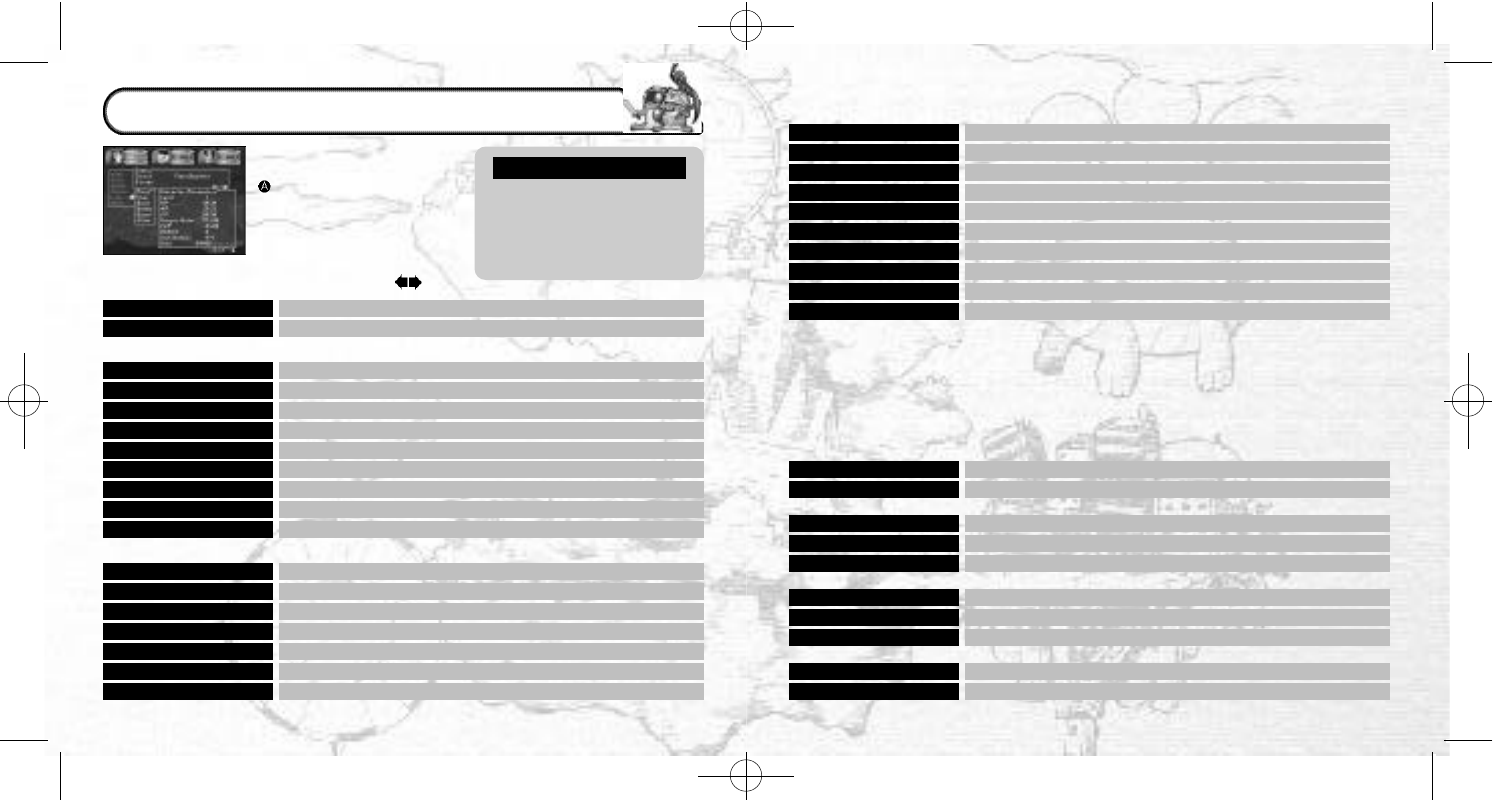
From the Movement Screen
(town or dungeons)press the
Button to display the
Command Menu, then select
“Status” to display the Status
Screen. View the status of
your allies (in a dungeon
and if they are with you)by
pressing the D-Pad .
Yellow: value increases/high
Blue: value decreases/low
00/00: present value/
necessary value
NUMBER VALUES
●CHARACTERS
●BASIC ABILITY
Title
Ailment Your character’s state of health
Level (LV)
HP Your character’s current level (Only relevant in dungeons)
Decreases when damage is received (0 = KO’d)
MP
VIT Decreases when magic is used
Decreases when techniques are used; VIT is naturally regained
Hunger Meter
EXP Measures your character’s hunger (0 = Gradual HP loss)
Win battles to gain experience points (100 EXP = New LV)
BONUS
Item Number
Level up to earn bonus points; allocate points at set-up screen (
→
P28)
Level up to carry more items
Dexterity (DEX)
Constitution (CON)Influences the order of battles, hits and evasion
Influences defense against attacks
Willpower (WILL)
Wisdom (WIS)Influences defense against magic and hunger
Influences the effectiveness of magic and ability to identify items
Charisma (CHA)
Luck (LUCK)Influences monster allies’ defense and capture probability
Influences setting off traps and discovering items
Strength (STR)Increases the power of technique attacks
Earn dungeon experience to gain a new title (This is not LV)
STATUS SCREEN
RESTRICTION (RESTRC)
BATTLE POWER (BATTLE)
WEAKNESS (WEAKNS)
CONFUSION (CONFUS)
Gold The amount of gold your character is carrying
TSManual2_3_00A 2/25/00 3:47 PM Page 28
2928
●MASTERY
Some powerful items and skills require specifically high basic ability parameters
(strength etc.) (→P26)in order to be effective and therefore mastered. Additionally
some items require your character to have a specific level in order to master them.
Set-Up Window
•EQUIPMENT ITEMS (INDIVIDUAL REQUIREMENTS)
Some weapons, clothes, shields, boots and rings have specific
parameters that must be met in order to be effective. If these
requirements are not fulfilled, they will cause the negative
effects outlined in the chart below. It is still possible to equip
such items.
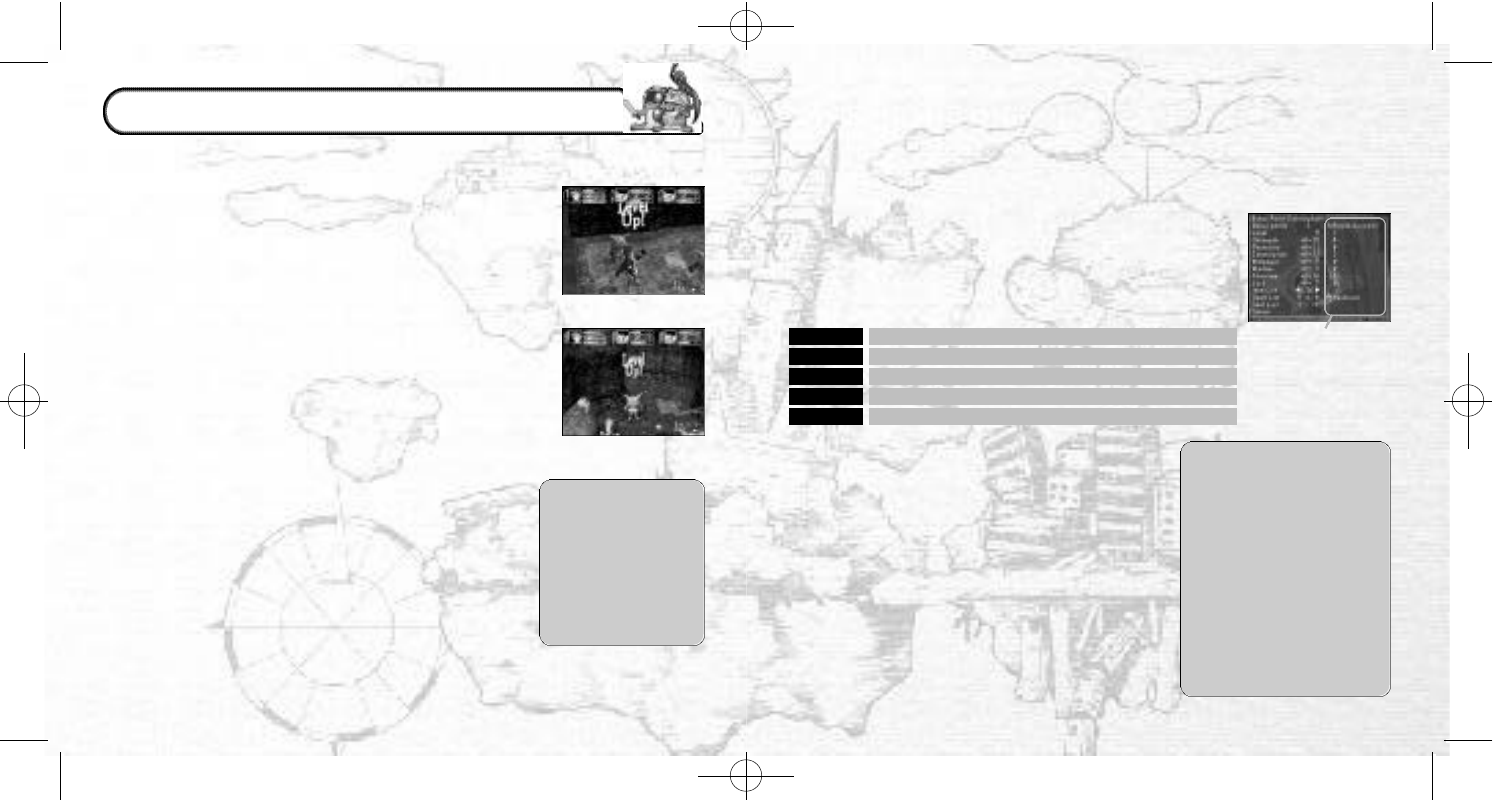
Required parameters
to master using a
long sword
•Magic (individual requirements)
There are special parameters to be met in order to
master every type of magic. Similarly, if a required
status is unfulfilled, the magic will be unusable.
•Skills (general requirements)
The required parameters to master a new skill are
equivalent to the sum total of all the presently
registered skills. If the character’s status does not
fulfill the necessary conditions, the skill will be
ineffective.
●SEALING SKILLS
Another way to master a
skill is to “seal” skills at the
set-up window or in a
town when the character’s
status is still low at the
beginning of a dungeon.
For example, if you have 4
skills, you will be unable to
use any of them if your
character’s parameters
are too low. Seal one or
two of these skills in order
to use the others.
Weapons
Clothes
Attack is halved; some techniques impossible; skills ineffective
Armor level, defense, and magic defense are halved
Shields
Boots Armor level, defense, and magic defense are halved
Evasion and magic evasion are halved; some skills ineffective
Rings Particular skills are ineffective
(Main negative effects of equipment items)
●LEVEL-UPS
•EXP
Acquire 100 experience points (EXP)in battle and your character’s
level will increase by 1. The amount of EXP acquired depends on
your character and your enemy’s difference in level and the
number of allies vs. enemies and number of parties attacking
your party in any given battle. If your main
character and
monster allies have a high level and are fighting
a single
enemy with a low level, they will acquire relatively few experi-
ence points.
•STATUS-UP
When your character level-ups, its status (HP, MP etc.)will increase
accordingly. Because the basic ability parameters (strength etc.)
also increase, the character will be able to master new items
and magic. Your character will be able to carry more items, and
the level of registered magic will also increase.
*BONUS POINTS
Your main character will receive bonus points after it level-ups.
These can be allocated to the basic ability parameters
(strength, etc.)to strengthen your character. You will also be
able to add to specific parameters to “master” (→P29)new
items, skills and magic.
✽
You can only allocate bonus points in the dungeon set-up
window (→P24).
•MONSTER ALLIES’ LEVEL-UPS
The monster allies who are currently in your party will level
up after battles in the same way as your main character.
Monsters do not receive bonus points though.
●EXTRA POINTS
If you pick up items
that have a number
such as “+3” or “-2”
attached, the item
will have an effect
on some of the
parameters.
LEVEL-UPS AND MASTERY
TSManual2_3_00A 2/25/00 3:47 PM Page 30
3130
●TAKING OUT MONSTERS
You can take registered monsters into a dungeon with your
main character as members of your party. To take your favorite
monsters to a dungeon, select “Encapsulate” at the Hologram
Machine in the Monster House.
●REARING MONSTERS
You can rear registered monsters in the VMU (sold separately)
mini-game “MOONLIGHTER”. Send the monster to the
mini-game from the VMU Device in the Monster House. You can
then change your monster’s character and gain experience.
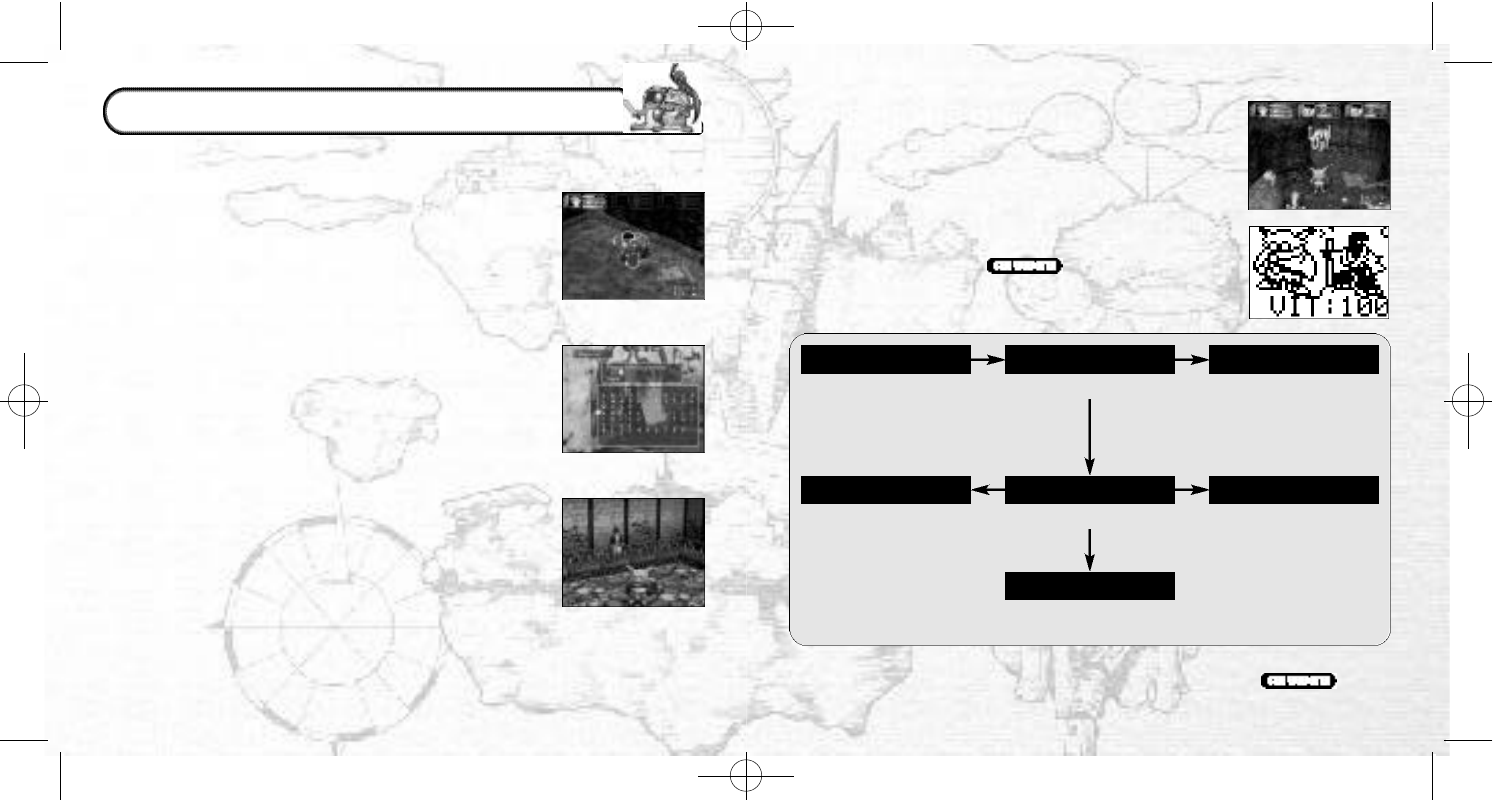
ALLY
(Within a dungeon) (Monster capsule) (Battles)
An unregistered monster will
be your ally but if it dies in
the dungeon, you can not
revive it.
(Monster House) (Monster House) (VMU)
Change the monster’s
character and earn tokens.
You can put monsters that
you cannot take out with
you here.
(Battles)If you register your allies,
you can revive them if they
are killed in battle.
CAPTURE TRANSPORTATION ALLY
GRAZING REARINGREGISTRATION
The main character can capture monsters to make new allies.
Register the monsters to rear and graze them.
●CAPTURING MONSTERS
Select the command “Capture” during a battle to capture a
monster (if the required skill “Capture” is registered). The main
character can carry the monsters around at all times in their
capsules. Let the monsters in or out of their capsules, reorganize
their battle formations or include them in your party using the
Command Menu or at the Set-Up Window. You can only cap-
ture up to eight monsters at a time.
●REGISTERING MONSTERS
Bring captured monsters back to the town and register them
at the Monster House. You can make unregistered monsters
take part in battles, but if the main character is defeated, the
unregistered monster will disappear forever. Register a monster
and you can put it to graze in the Monster House or rear it in a
mini-game.
●GRAZING MONSTERS
If you do not want to put a monster in a capsule you can put it
to graze in the Monster House from the Hologram Machine in
the Monster House. Select “Encapsulate” to take a grazing
monster from the Monster House into a dungeon.
ENLARGING THE MONSTER ROOM
Only eight monsters can graze in the Monster House, but pay
the carpenter some money and you will be able to have your
Monster House enlarged to accommodate up to
twenty-four grazing monsters.
CAPTURING, GRAZING, REARING
✽There are also mini-games that you can buy within the world of Time Stalkers
which can be downloaded to your VMU. For more information,
TSManual2_3_00A 2/25/00 3:47 PM Page 32
32
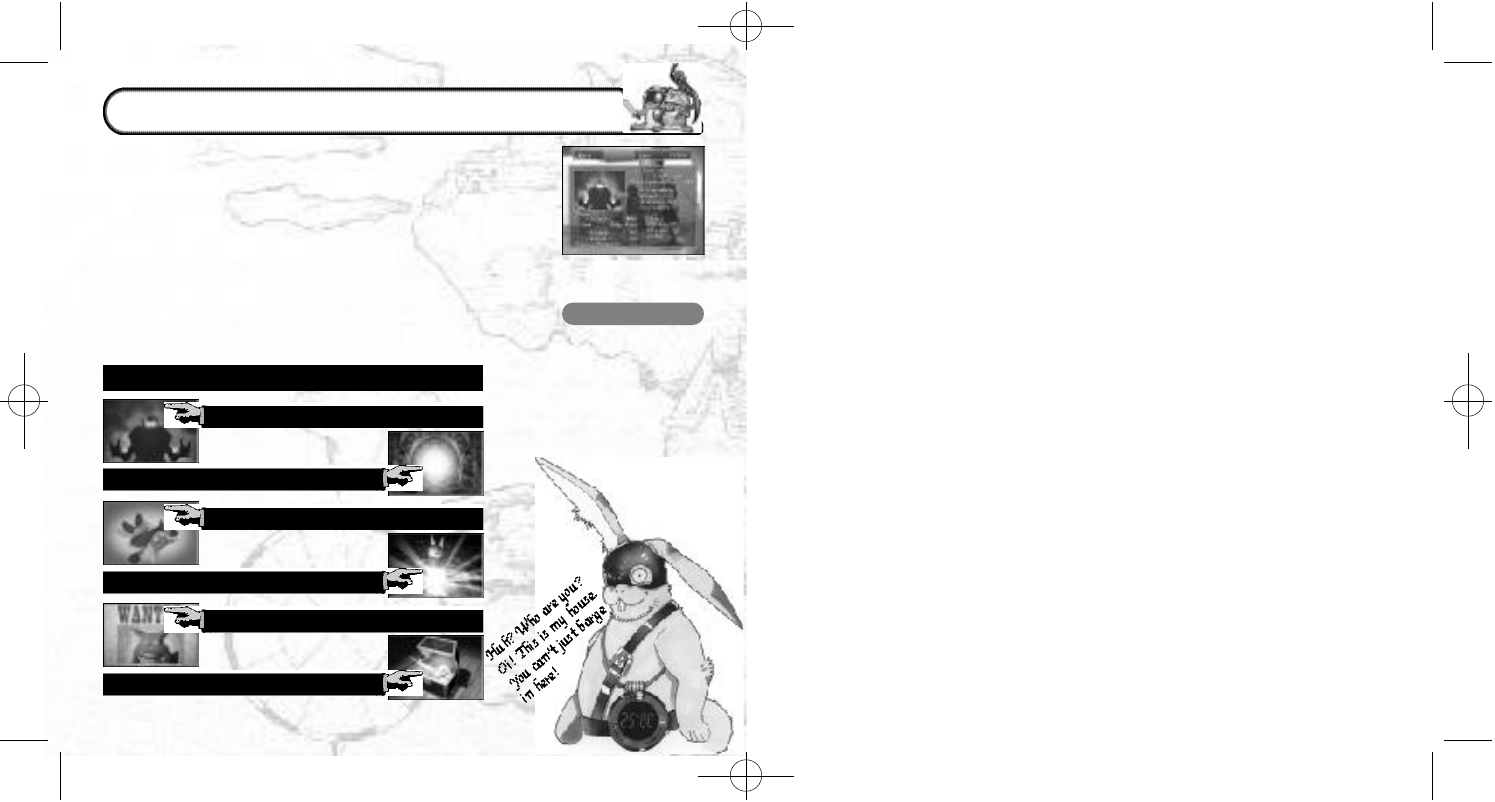
MR. NOIMAN
This rabbit may
pretend to know
nothing and you will
find it hard to figure
him out, but Mr.
Noiman is an
important little rabbit
and will give you
plenty of jobs. He
is
a devoted
husband.
The main characteristic of Time Stalkers is that the dungeons
regenerate every time your character enters, creating an infinite
number of adventure possibilities. The Quests have been included
in the game to add to the enjoyment of being able to reenter
countless new dungeons. Types of Quests include defeating a
fixed number of a specified species of monster, defeating a
different boss than the one defeated the first time you cleared
the dungeon and searching for or withdrawing a specific item.
Mr. Noiman, the mysterious rabbit that lives in a house on the hill
will introduce these quests to you - for a fee of course. Have fun
returning to the dungeons that you previously cleared. You will
find more than enough fantastic items to deeply enrich your
Time Stalkers experience.
THE QUESTS
DEFEAT A DIFFERENT BOSS
DEFEAT A FIXED NUMBER OF MONSTERS
DEFEAT A FIXED NUMBER OF A MONSTER
CLEAR A NEW NUMBER OF FLOORS
CAPTURE A SPECIFIC SPECIES
SEARCH FOR A SPECIFIC ITEM
QUESTS
TSManual2_3_00A 2/25/00 3:47 PM Page 34
