High Level Design Titan Secure Mobile App User Guide .1.0
User Manual:
Open the PDF directly: View PDF  .
.
Page Count: 8
Sensitivity: Internal & Restricted
Titan- Secure
Mobile APP User Guide

CONFIDENTIAL Page 2 of 8
Sensitivity: Internal & Restricted
Table of Contents
1. INTRODUCTION ............................................................................................................................................... 3
2. PURPOSE/AUDIENCE ...................................................................................................................................... 3
3. GOALS AND OBJECTIVES ............................................................................................................................. 3
4. INSTALLATION INSTRUCTIONS AND APP FLOW .................................................................................. 4

CONFIDENTIAL Page 3 of 8
Sensitivity: Internal & Restricted
1. Introduction
Cold Chain management solution for Pharma addresses the challenges and concerns of the
pharmaceutical companies, by providing near real-time tracking of the temperature sensitive
consignments in a transparent and immutable manner throughout the supply chain.
The aim of this document is to describe the last mile coverage mobile app – for getting the alert
details from the cloud as well as the alerts stored in the sensor.
2. Purpose/Audience
Users of the mobile application – such as supply chain team members, pharmacists and end users.
3. Goals and Objectives
One of the challenges within cold chain system is to maintain the temperature range (2°C – 8°C) of
the consignment throughout the delivery cycle, which is the most common range for the
pharmaceutical industry. Multiple variables can affect the length of time a product’s temperature is
considered controlled, including package size and thickness and the type and quantity of cooling
agents used. The objective of the system should be monitoring these conditions in near real time in a
secure, transparent and immutable manner and trigger alerts if there are temperature/humidity
abnormalities.
CONFIDENTIAL Page 4 of 8
Sensitivity: Internal & Restricted
4. Installation Instructions and App Flow
Install the Titan-Secure.apk in an android phone
Turn on the WiFi/Mobile data, Bluetooth, and the location features in the phone
Open the Titan-Secure application
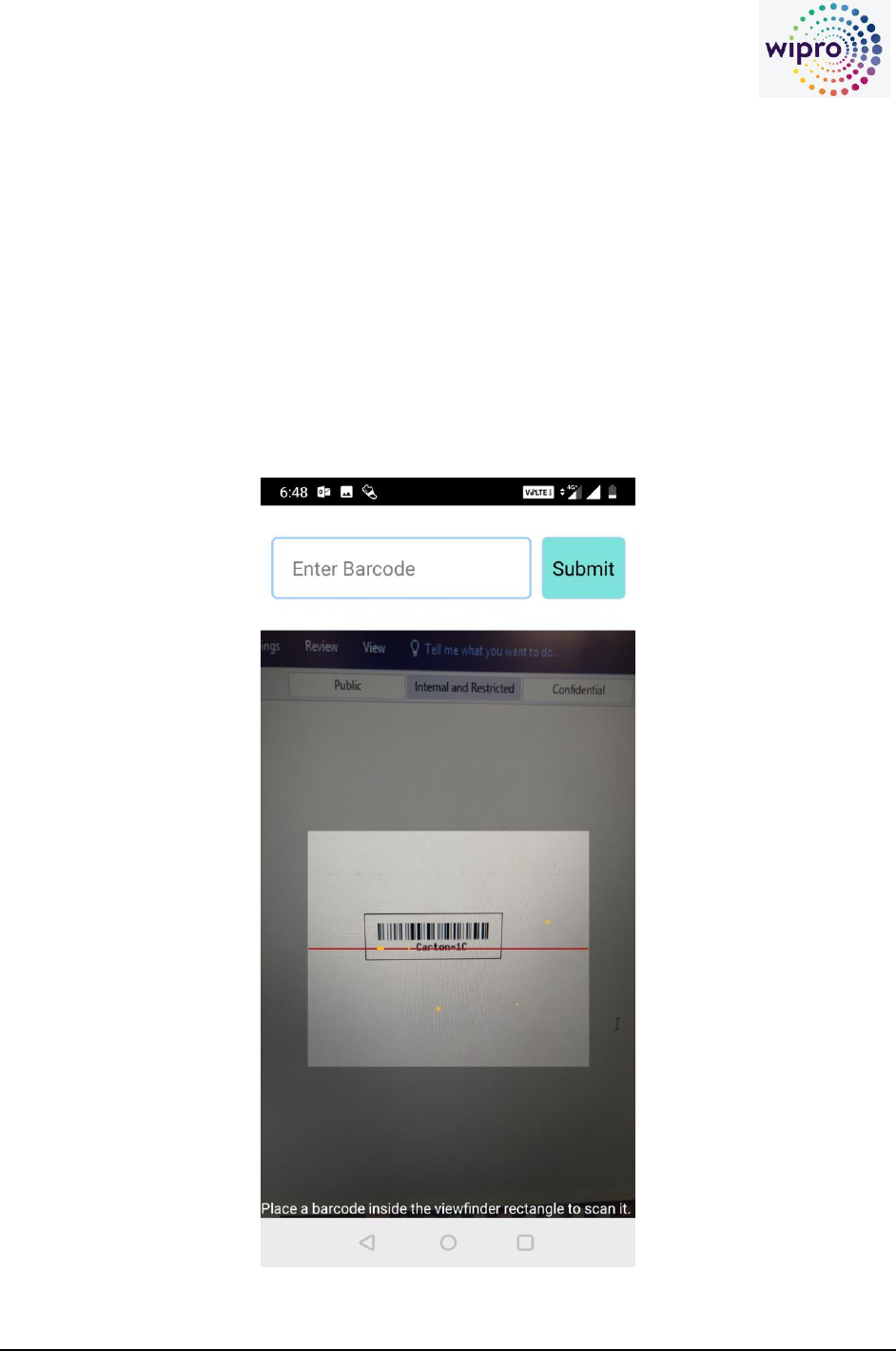
Scan the barcode on the object (product, box, carton, pallet), the barcode should be a valid
barcode of an object which is a part of a valid shipment in the Titan-Secure portal
CONFIDENTIAL Page 5 of 8
Sensitivity: Internal & Restricted
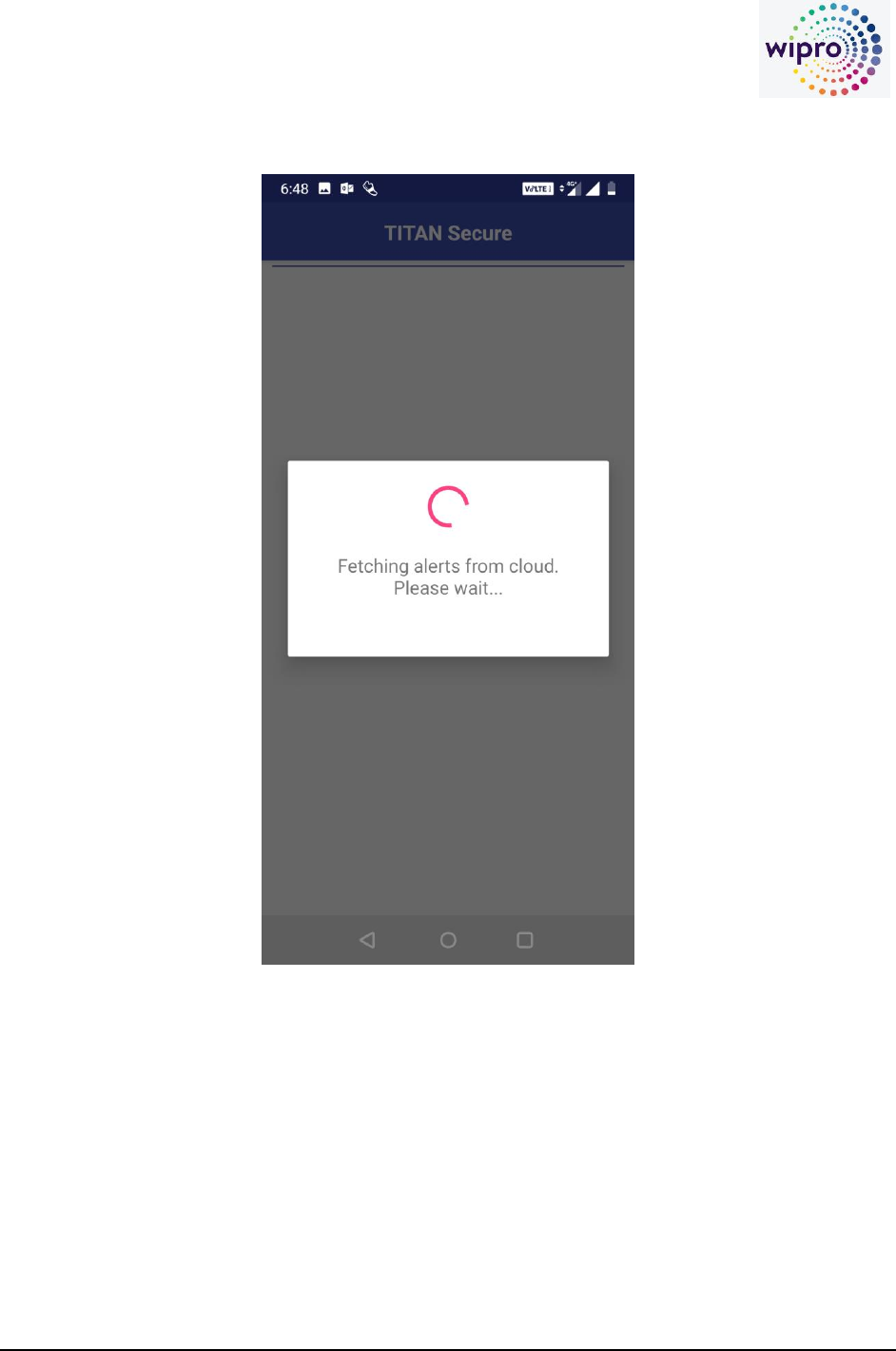
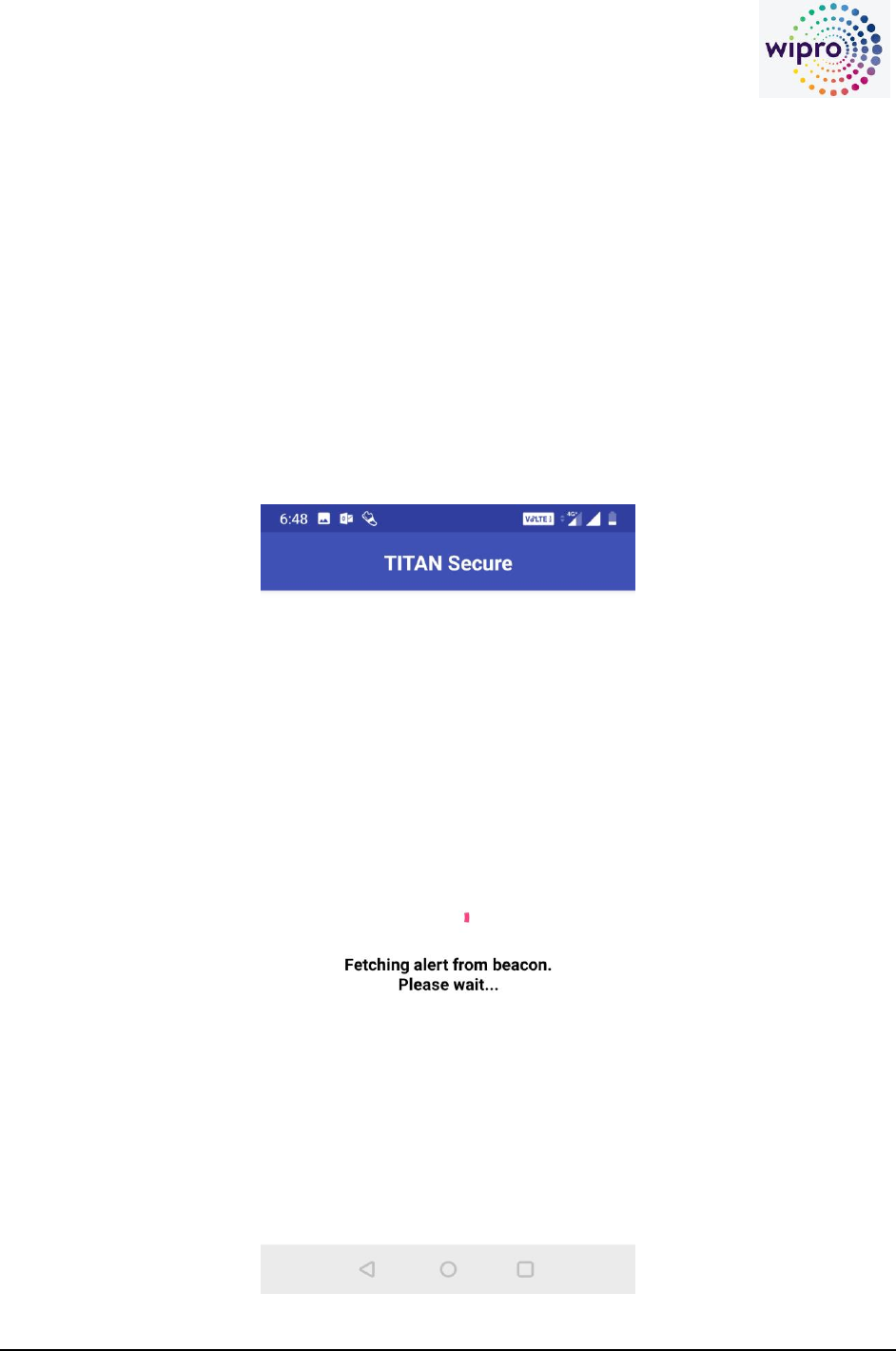
The App fetches the alert information from the Titan-Secure portal on Azure
CONFIDENTIAL Page 6 of 8
Sensitivity: Internal & Restricted
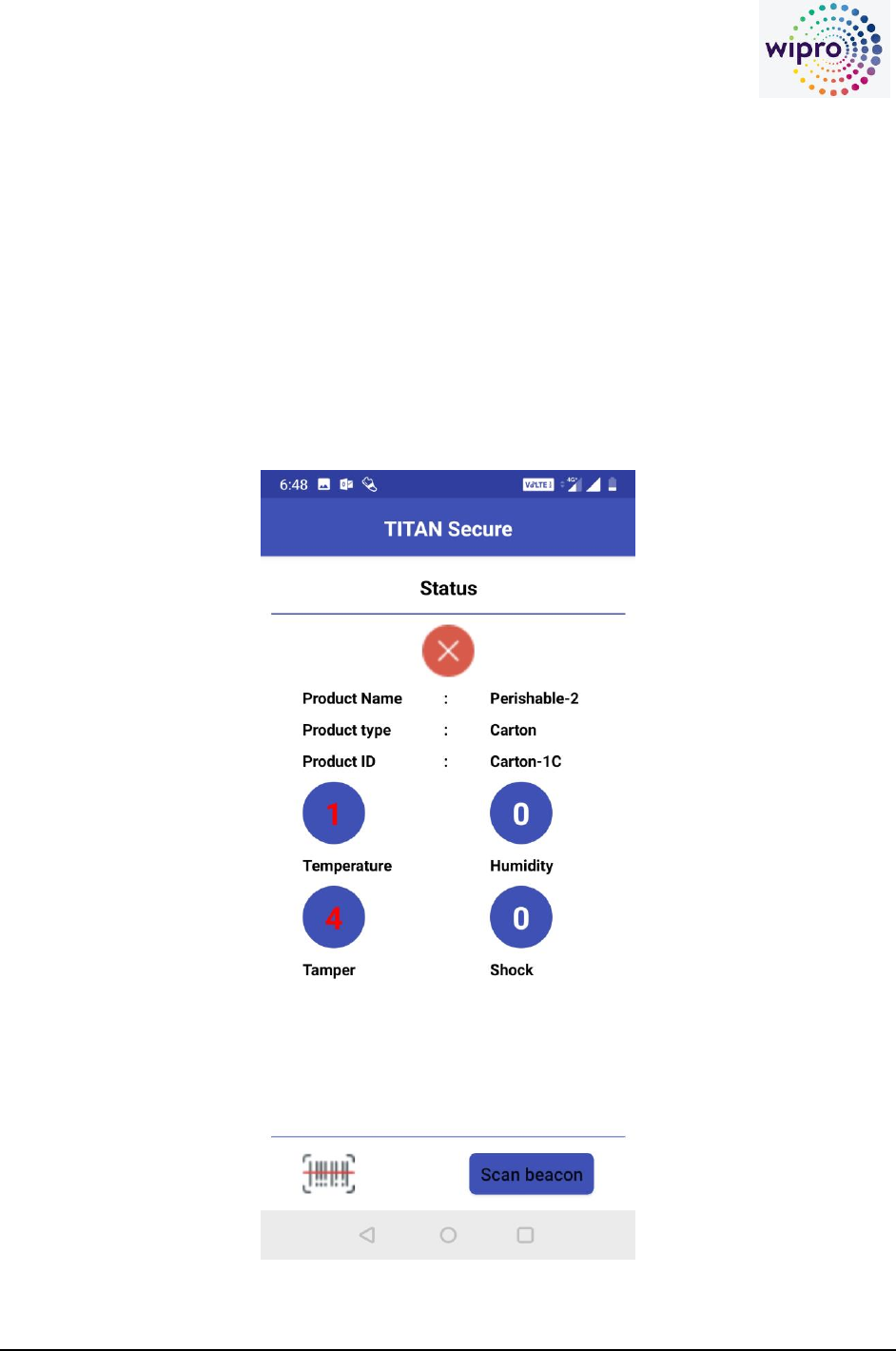
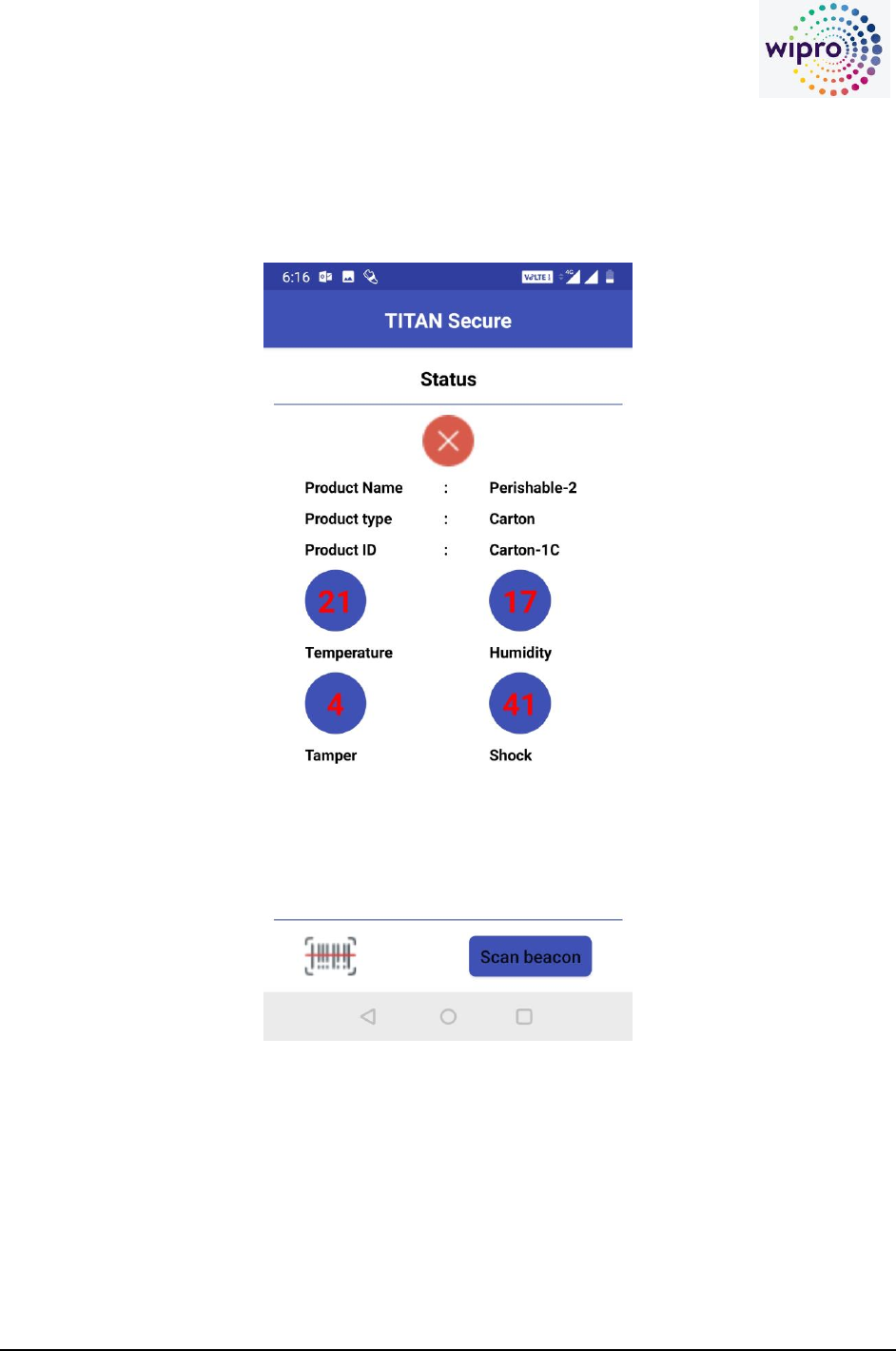
The App fetches the alert information from the Titan-Secure portal on Azure and displays to the
user. The alerts read from the portal are processed alerts, for eg. A temperature excursion is
considered as an alert only if the excursion persists for more than 10 mins (or a user configurable
time) The red cross mark indicates presence of alerts in the for the particular object, if there are
no events or alerts, the symbol would be a green tick mark
CONFIDENTIAL Page 7 of 8
Sensitivity: Internal & Restricted
Click on the scan beacon icon (the BLE beacon associated with the object should be in range of
the mobile phone (less than 10 mts)
The app connects to the beacon sensor and fetches all the alerts stored in the sensor, these are
cumulative of all the processed and raw alerts, as the sensor stores all the alerts, irrespective of
the duration
CONFIDENTIAL Page 8 of 8
Sensitivity: Internal & Restricted
The App fetches the alert information stored in the sensor and displays to the user
