Blue Curve User Guide Sample
User Manual:
Open the PDF directly: View PDF  .
.
Page Count: 31

Welcome to LAMW
●LAMW: Lazarus Android Module Wizard:
●You are now an android developer!
●See how easy it is to create an Android
application with LAMW!
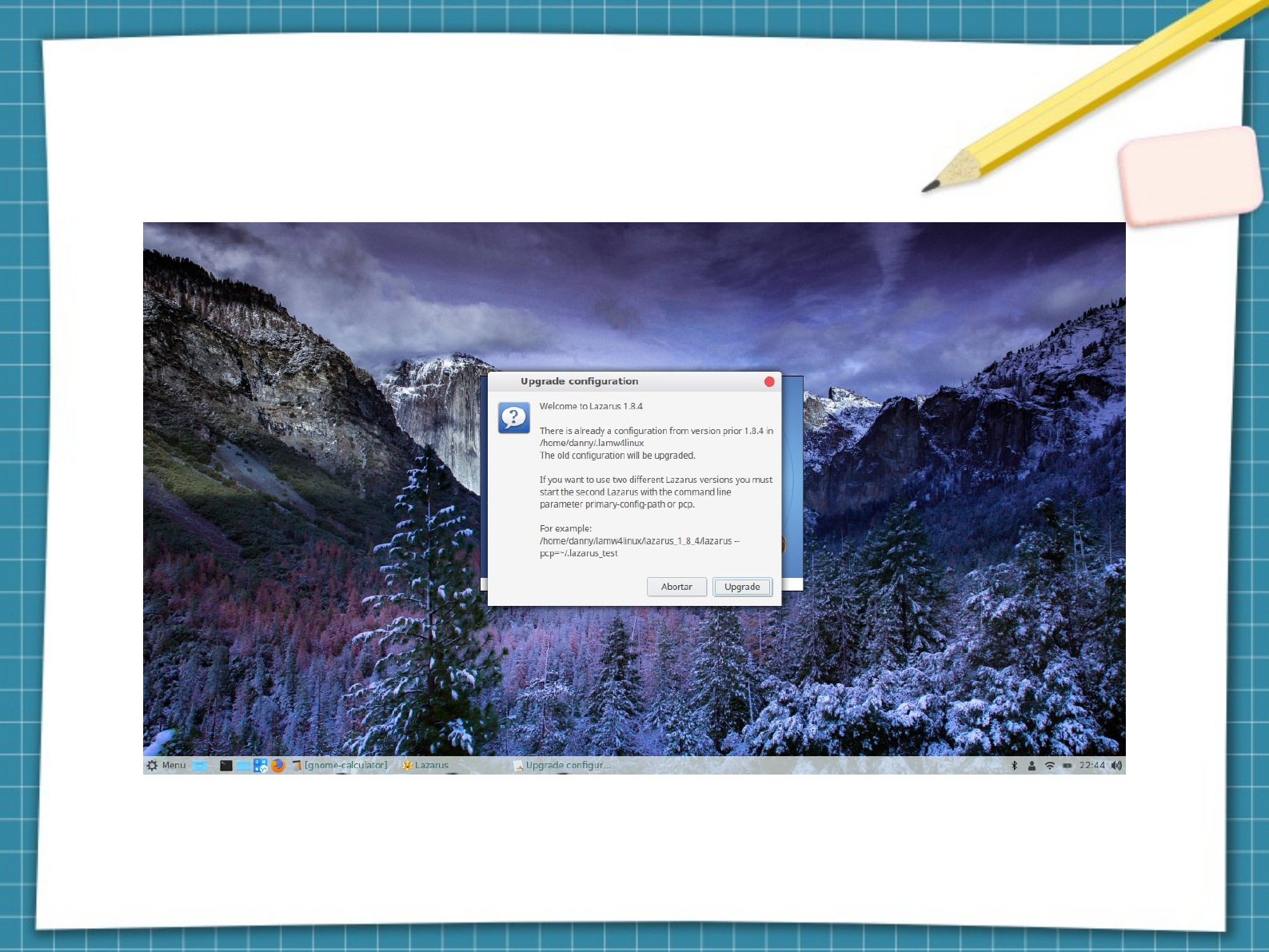
First boot of Lazarus IDE

Check options and click Start IDE
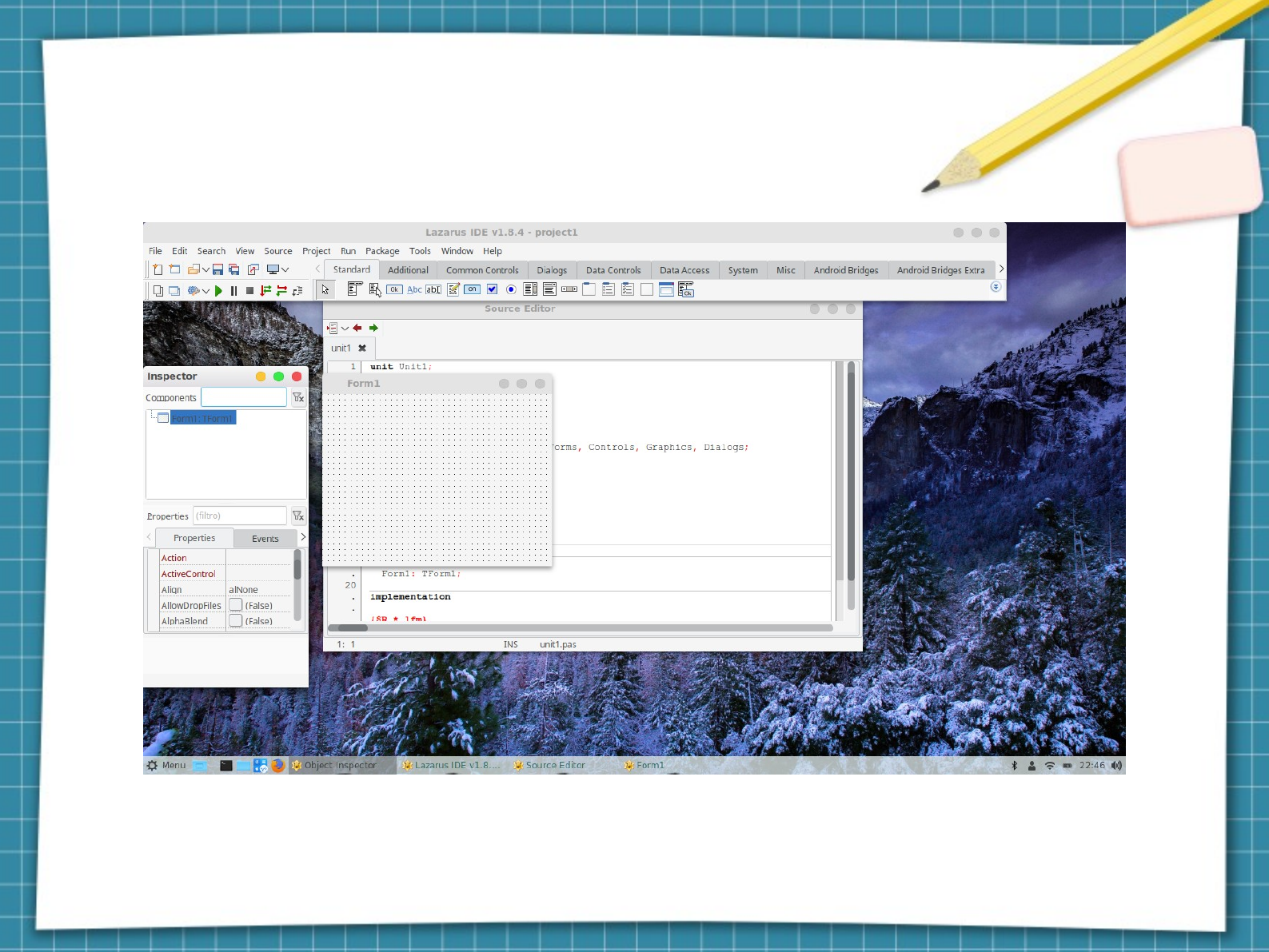
Default lazarus design window
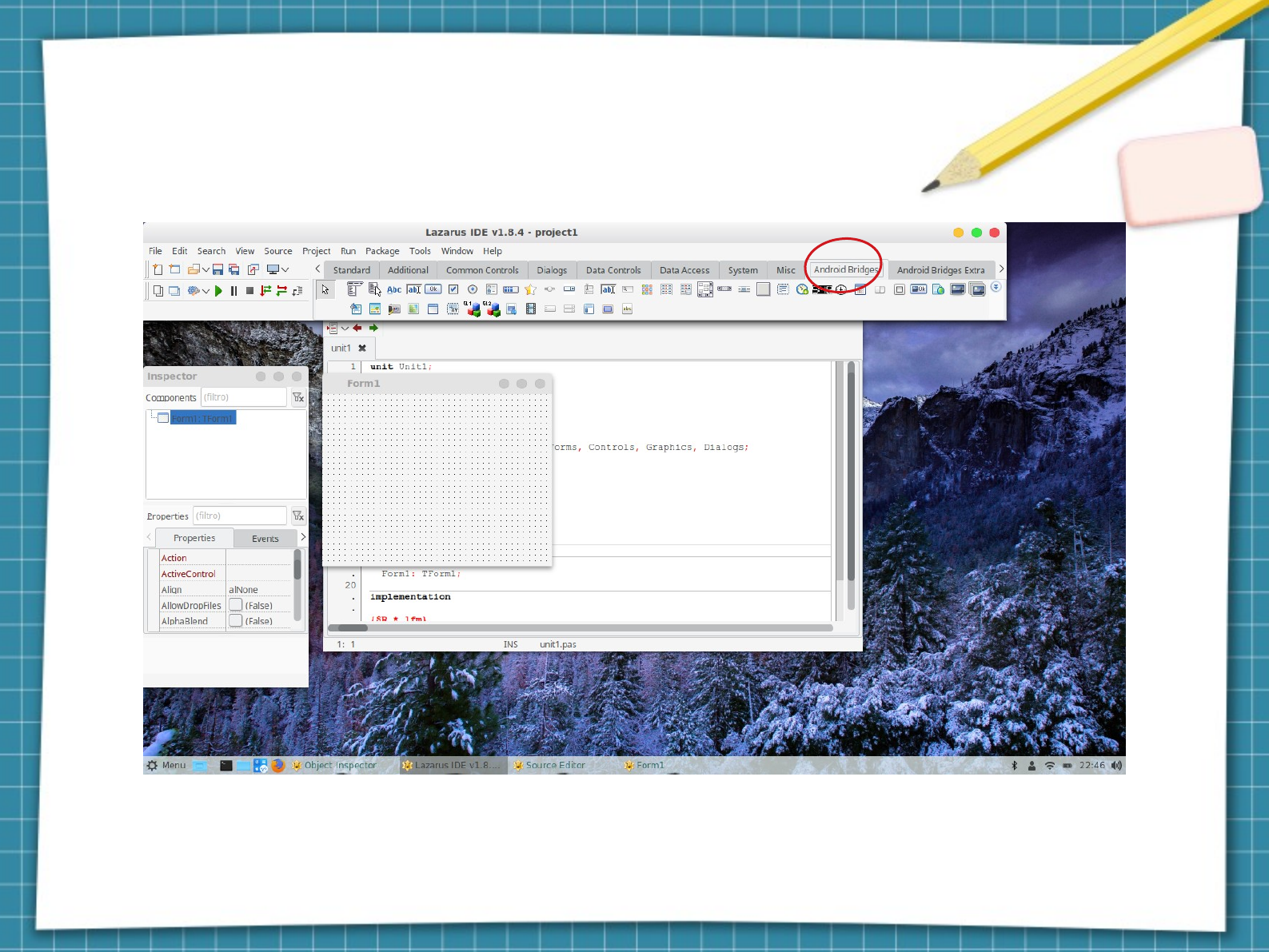
LAMW adds tabs in the lazurus taskbar:

Enable Message Display
Highlights of the LAMW guides

Enabled Messages
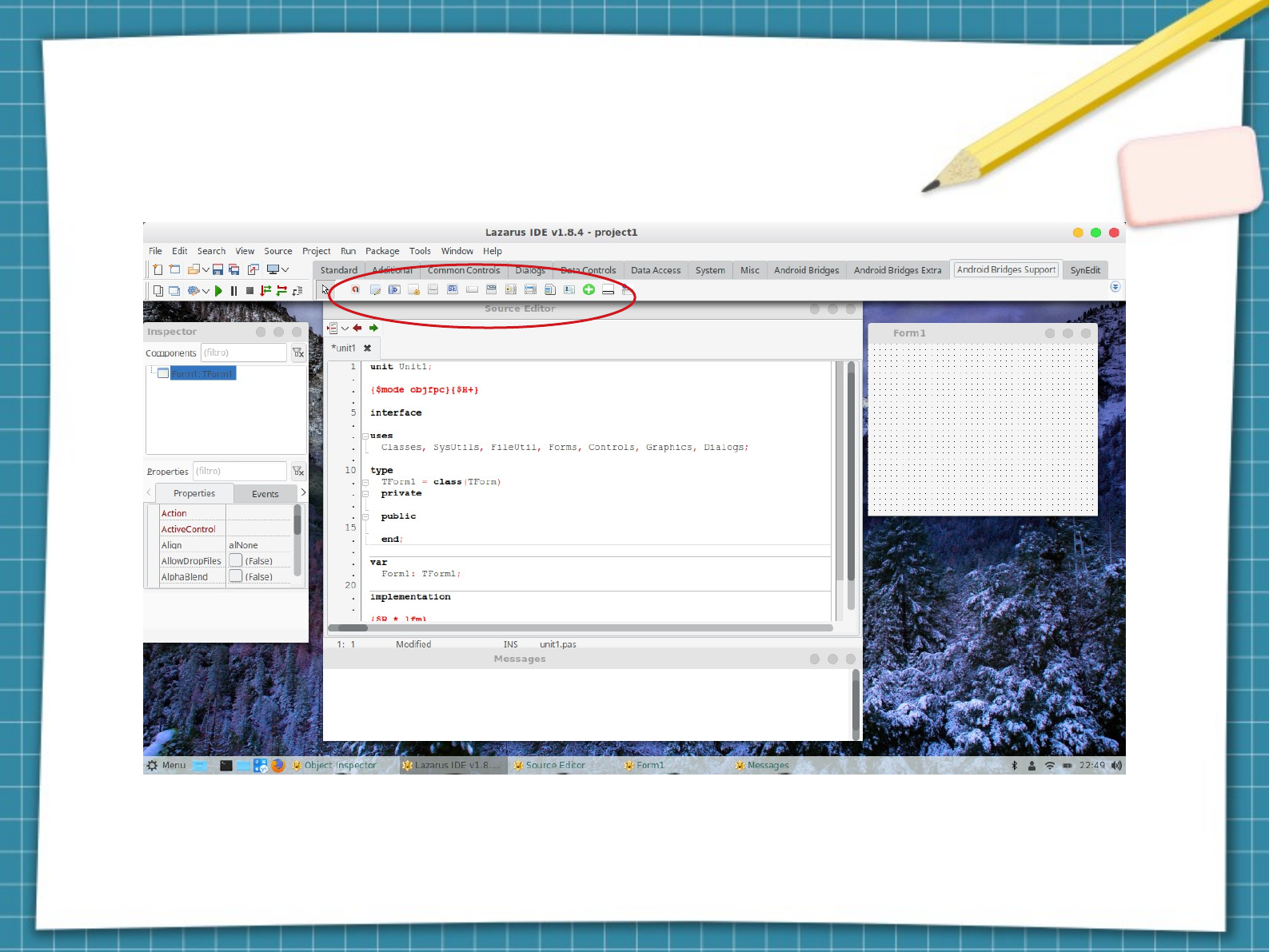
Showing bridges support
components

LAMW First Design Creation Guide

Create a new LAMW Project
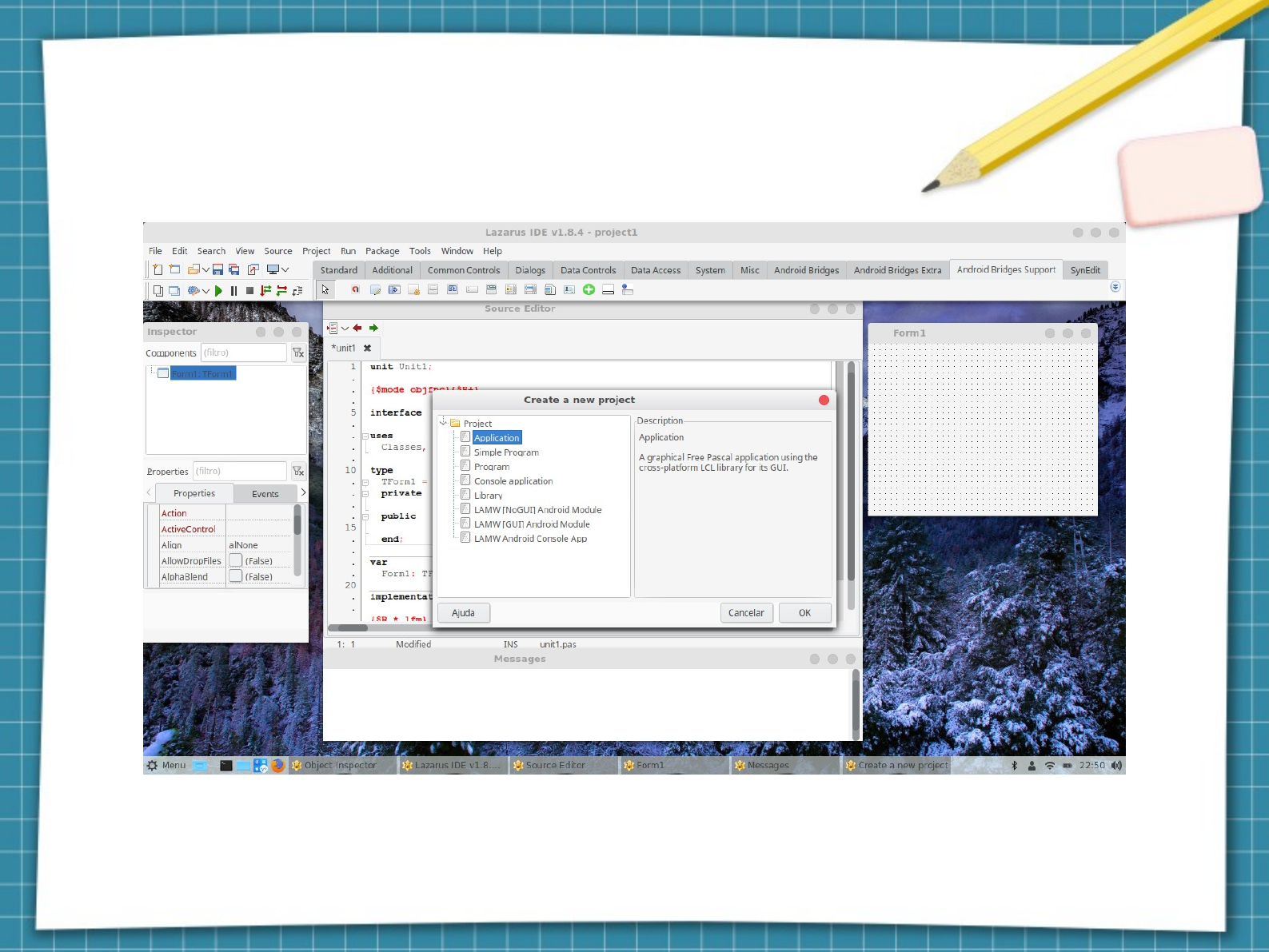
New project creation screen
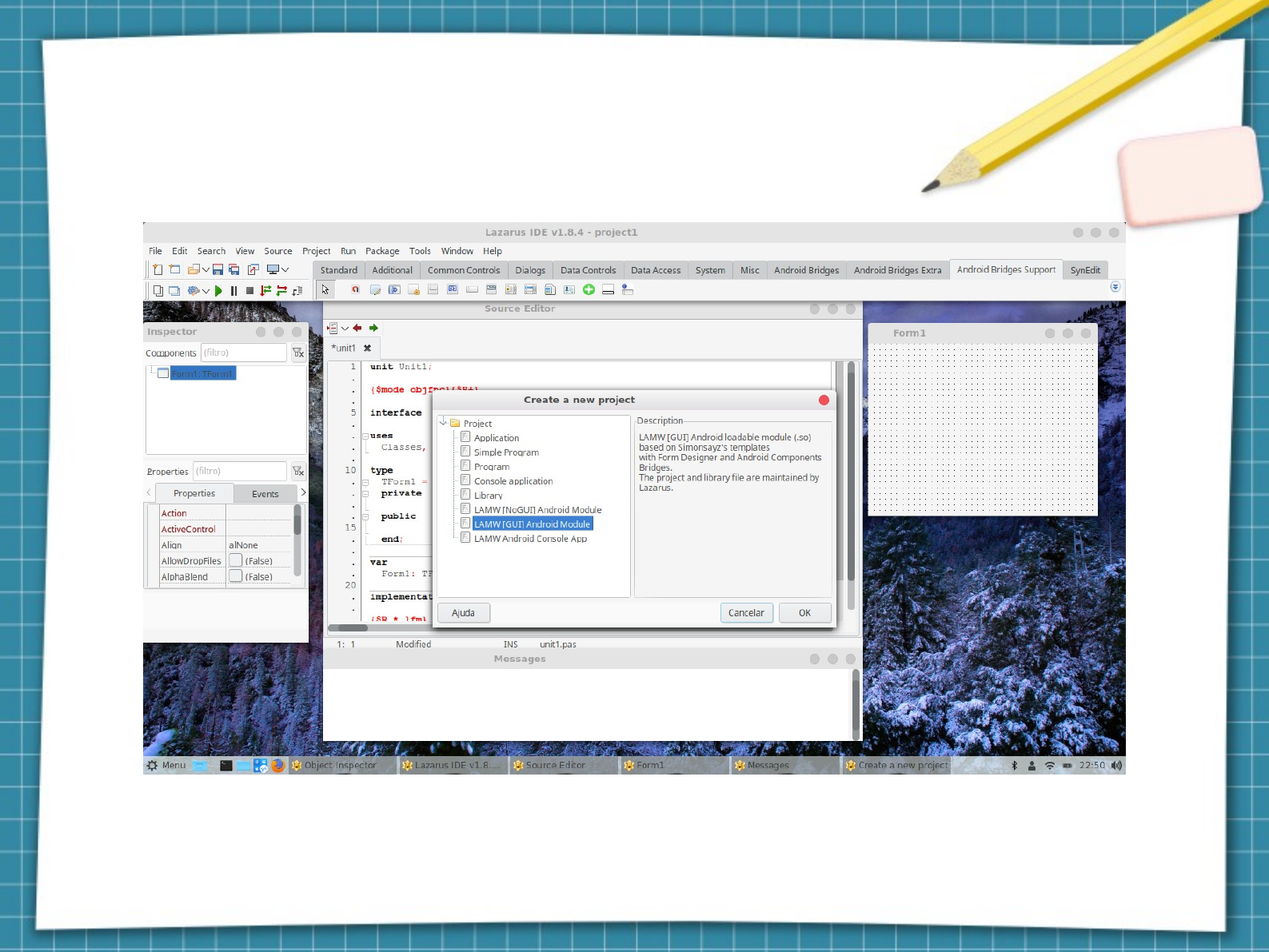
Choose LAMW GUI Android Modul

LAMW Project Customization Screen 0.8
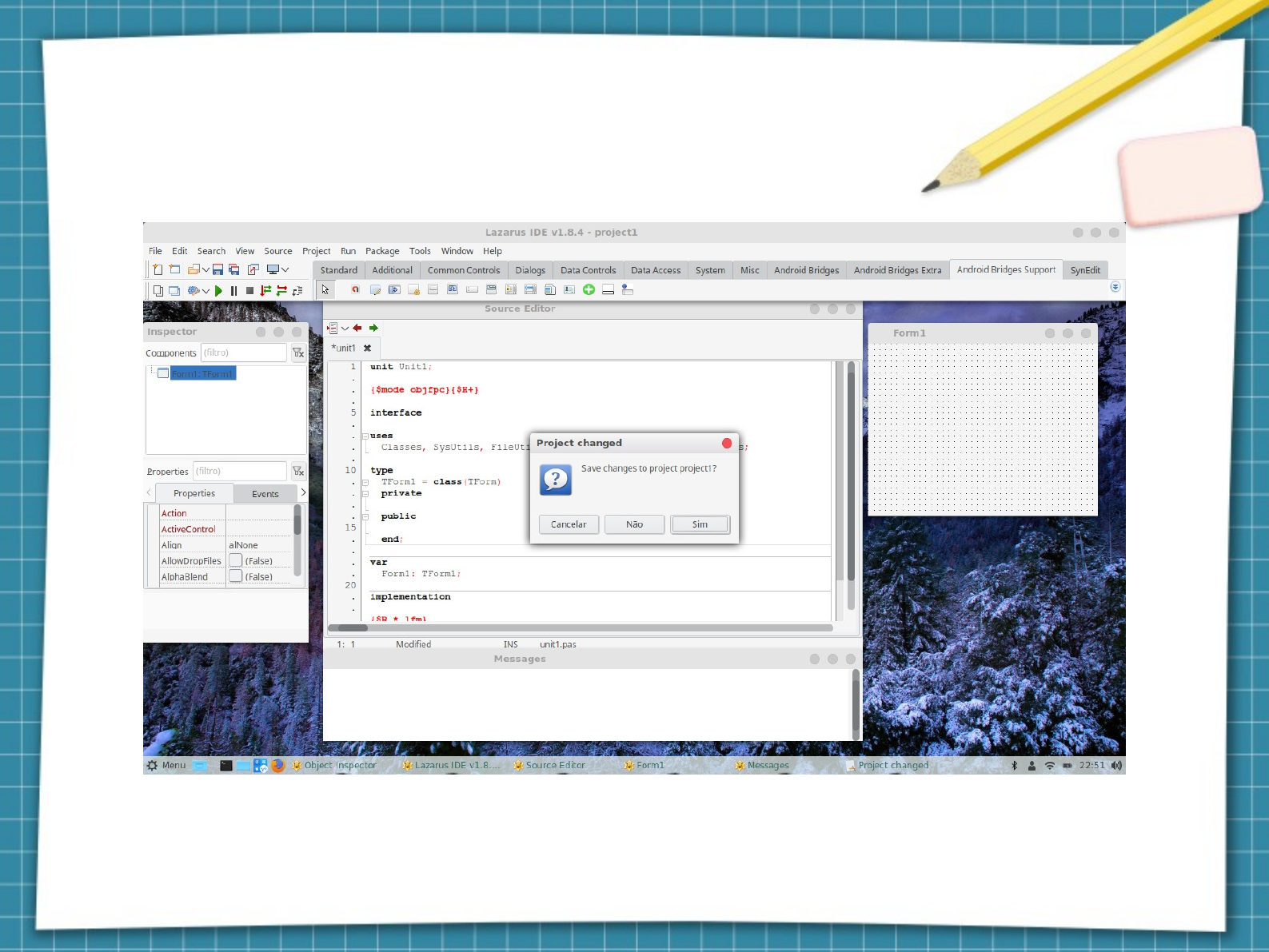
Answer the dialog box, whether or not you want to
save the default project (application)
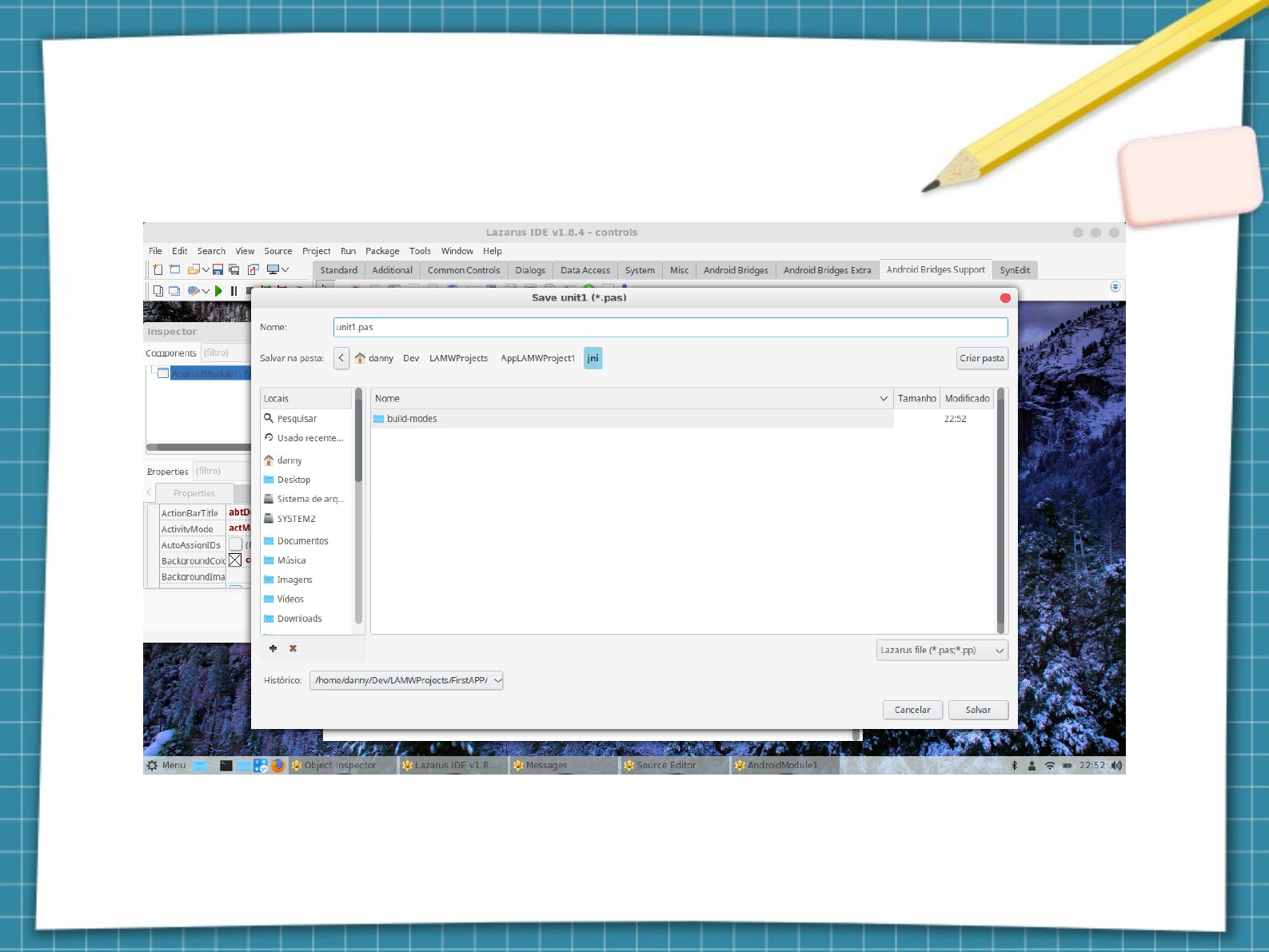
Saving the LAMW project
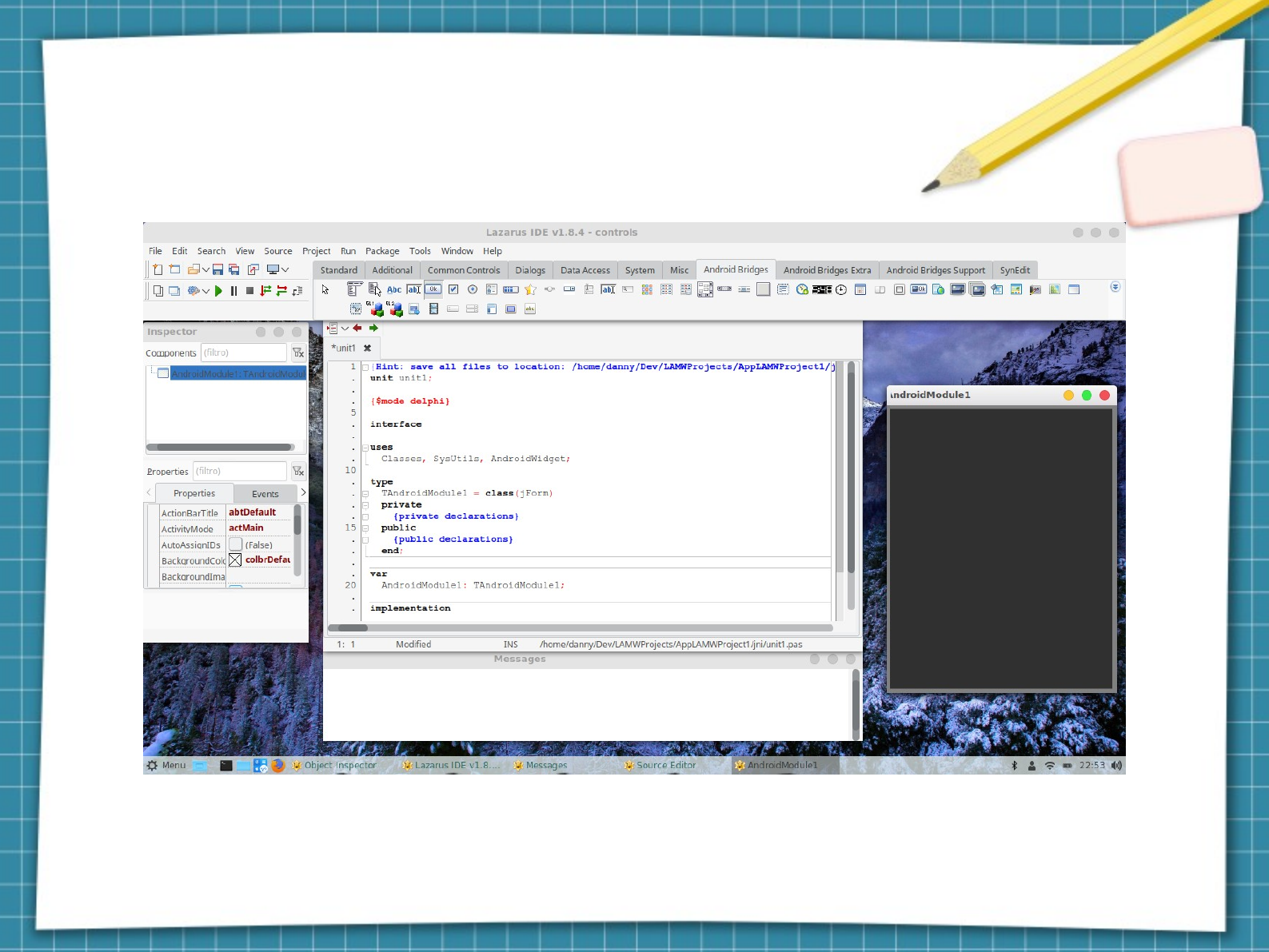
Standard LAMW design with form design
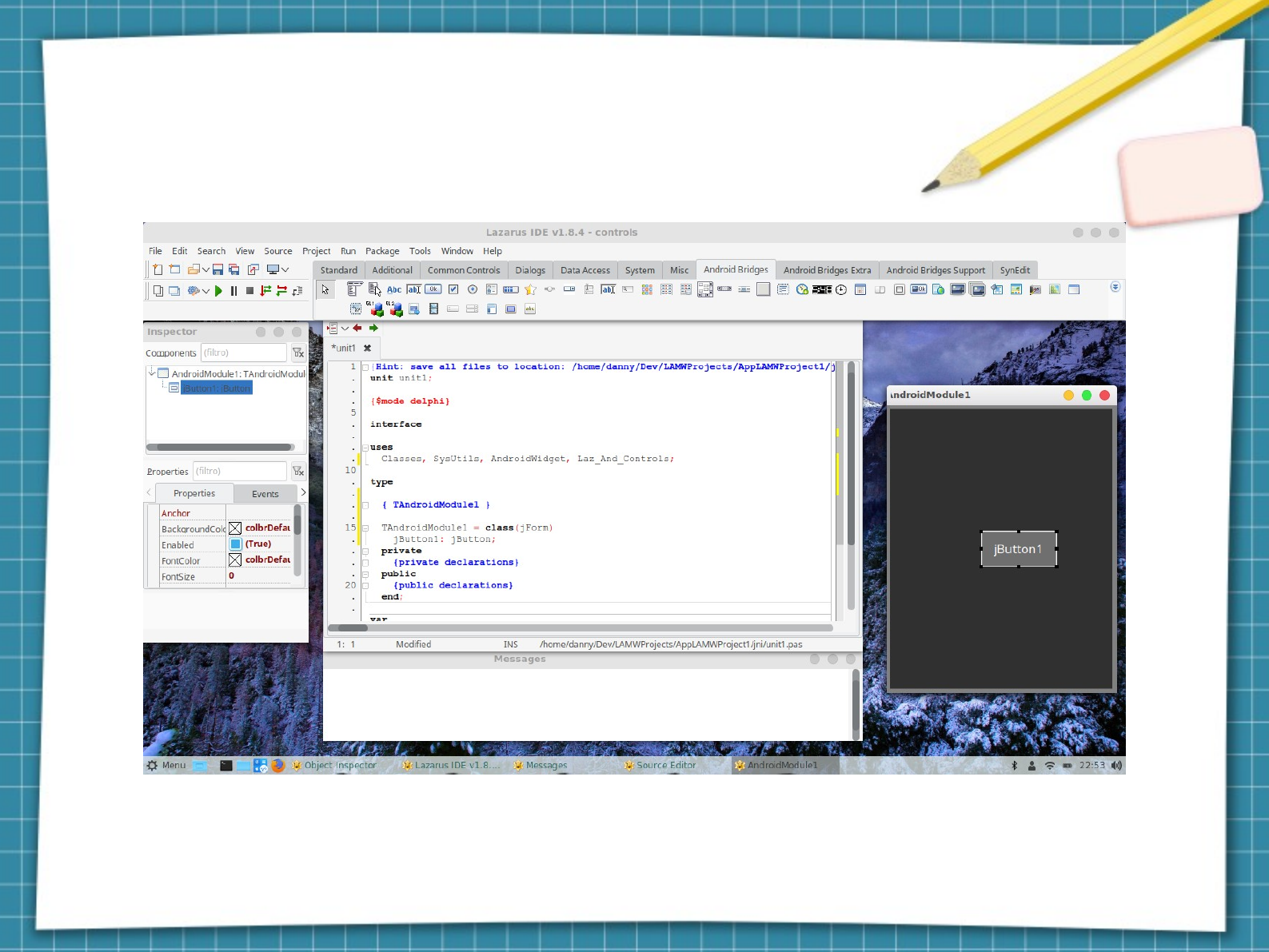
Adding a jbotton
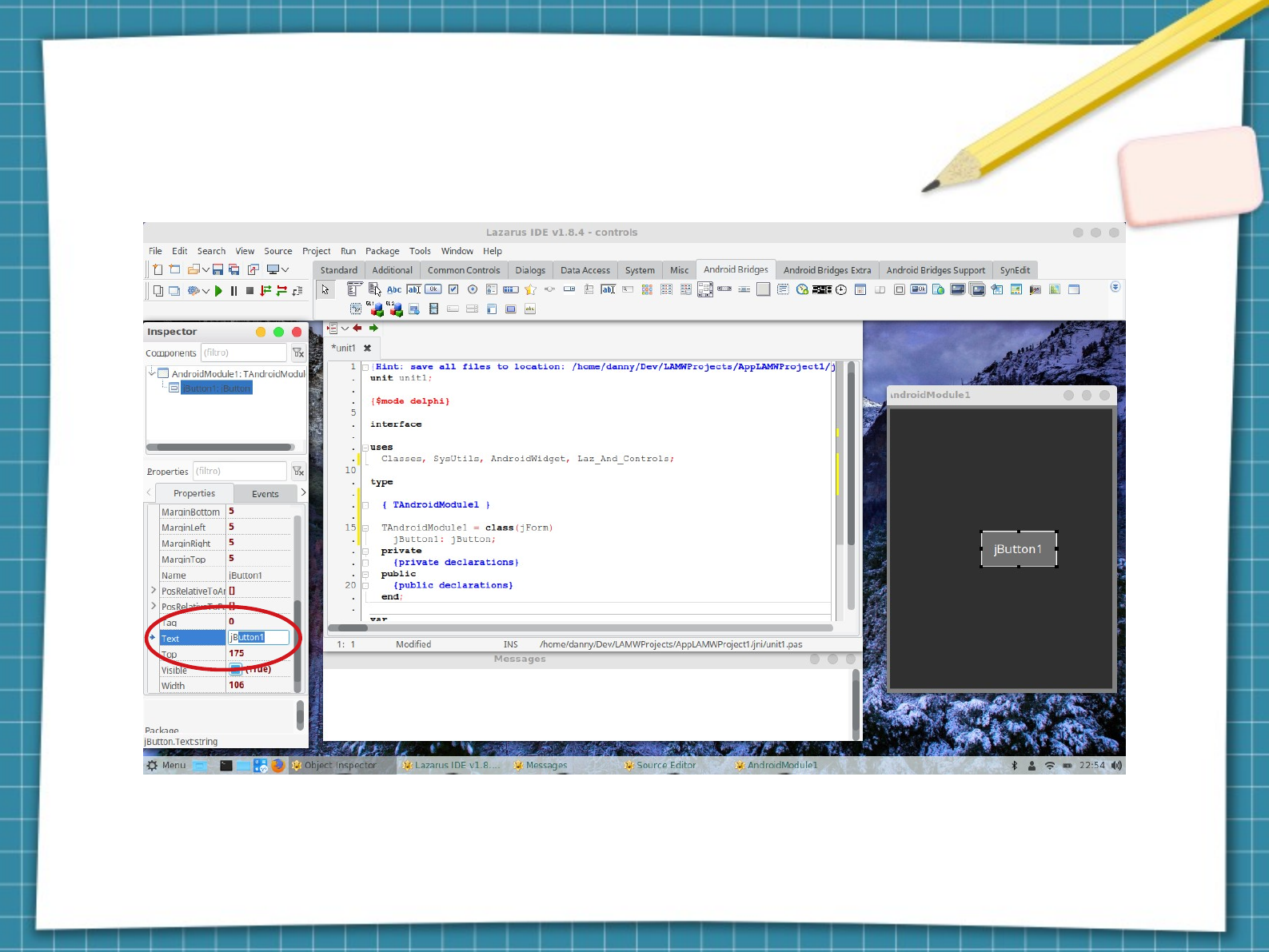
Renaming button caption
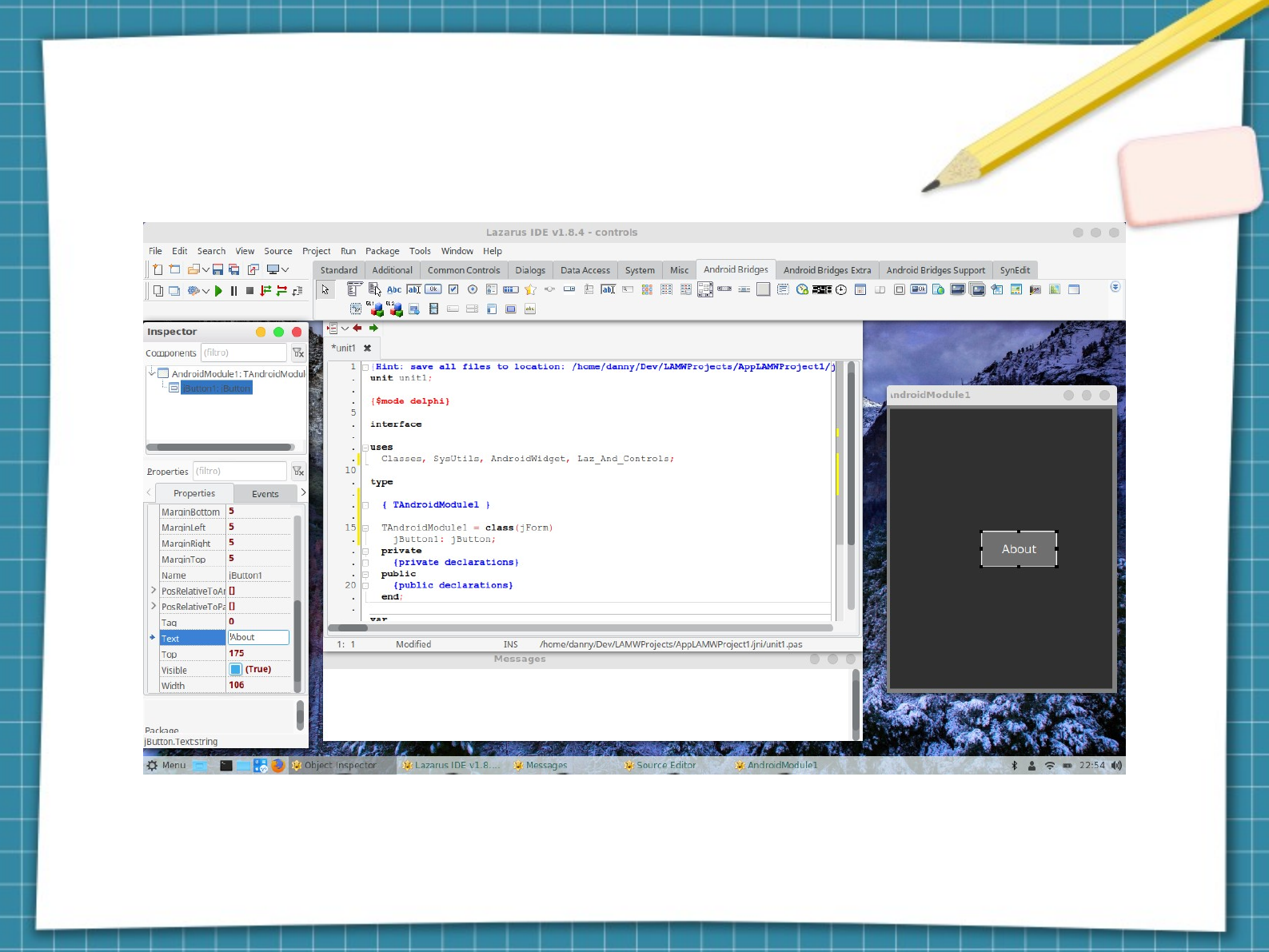
Renaming caption from 'button' to
'About'
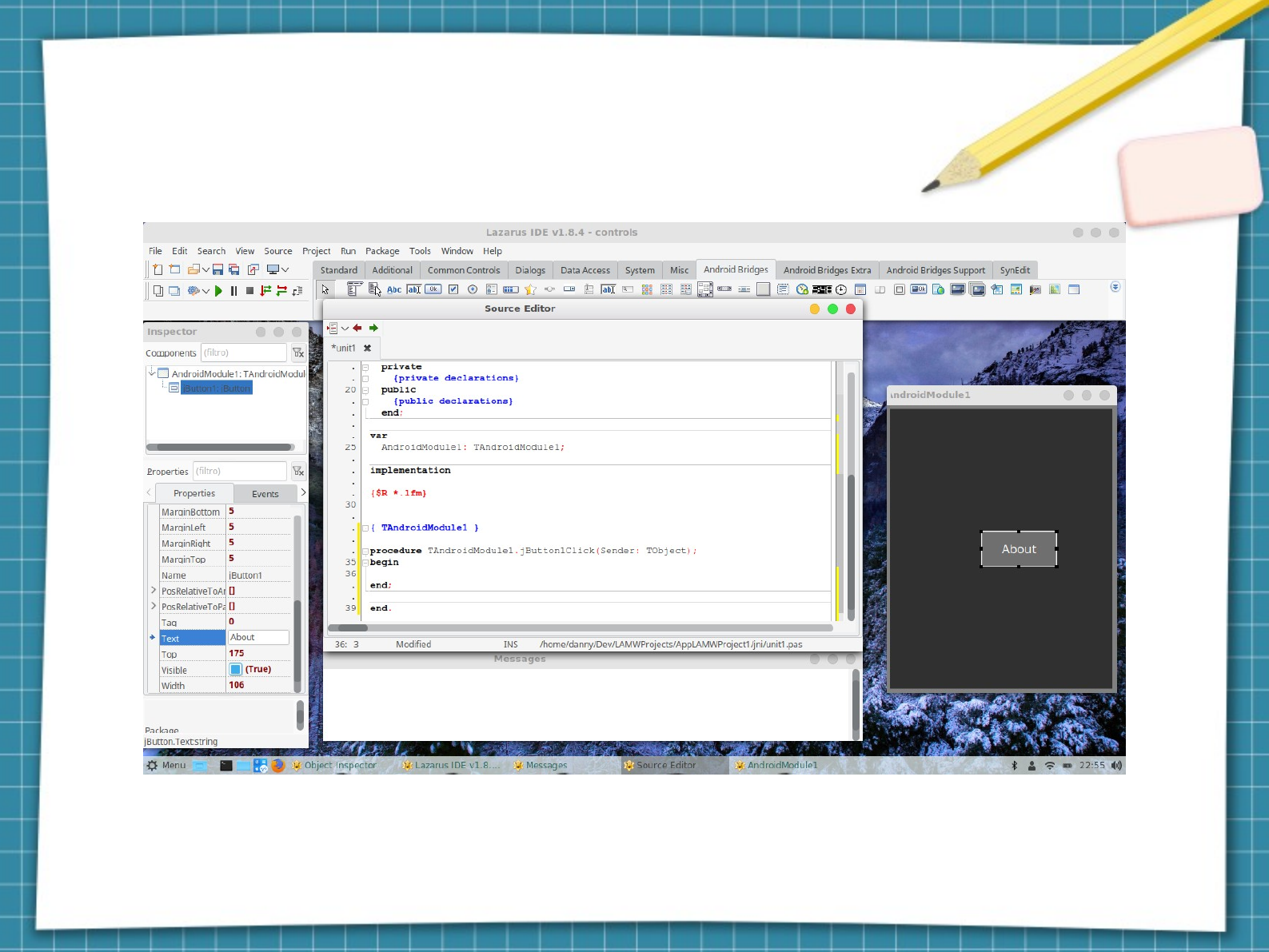
caption of 'jbutton' button renamed
to 'About'

Double-click About to access the OnClick
event method
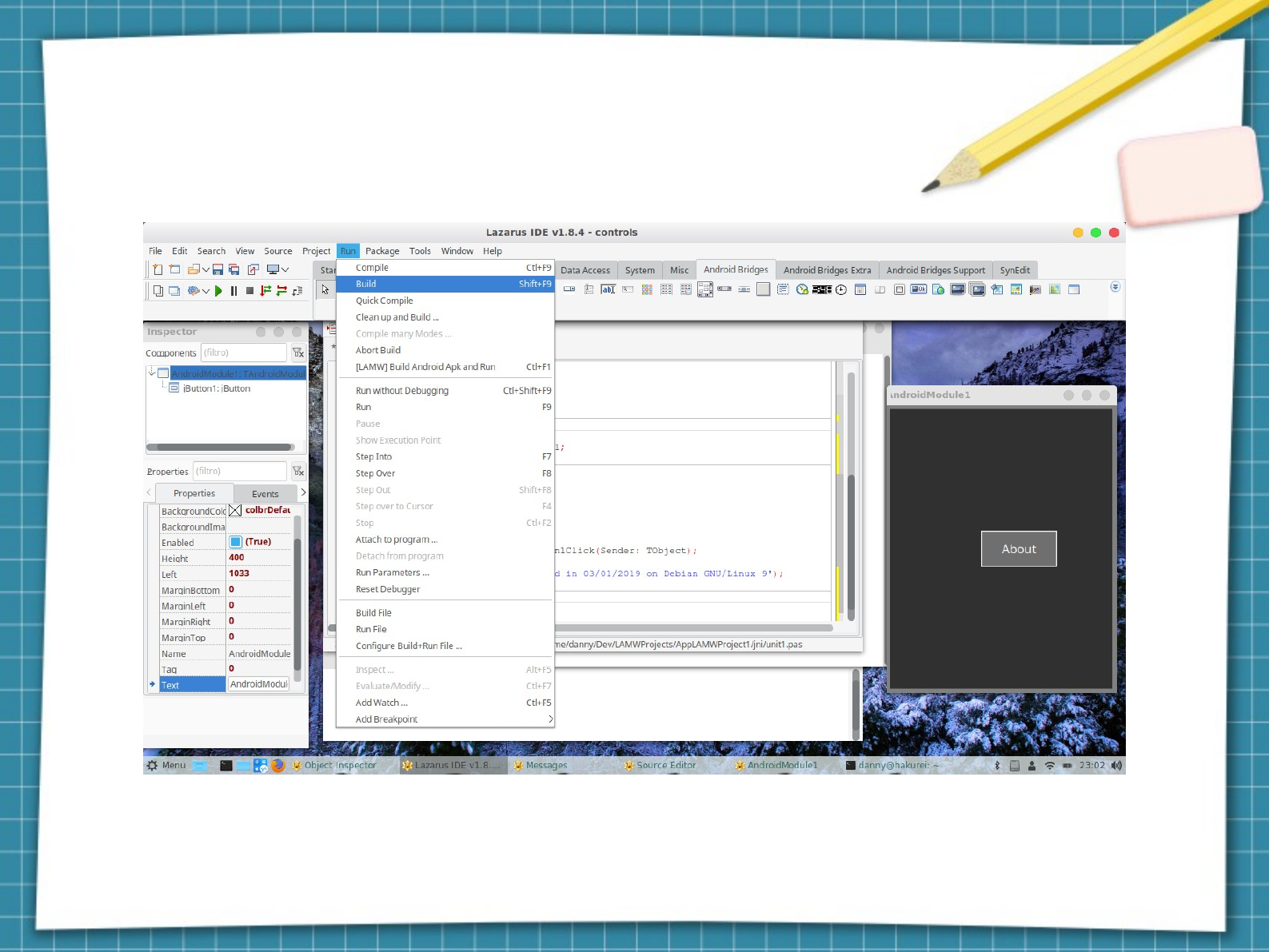
Compile the pascal code

Pascal source code compiled successfully!
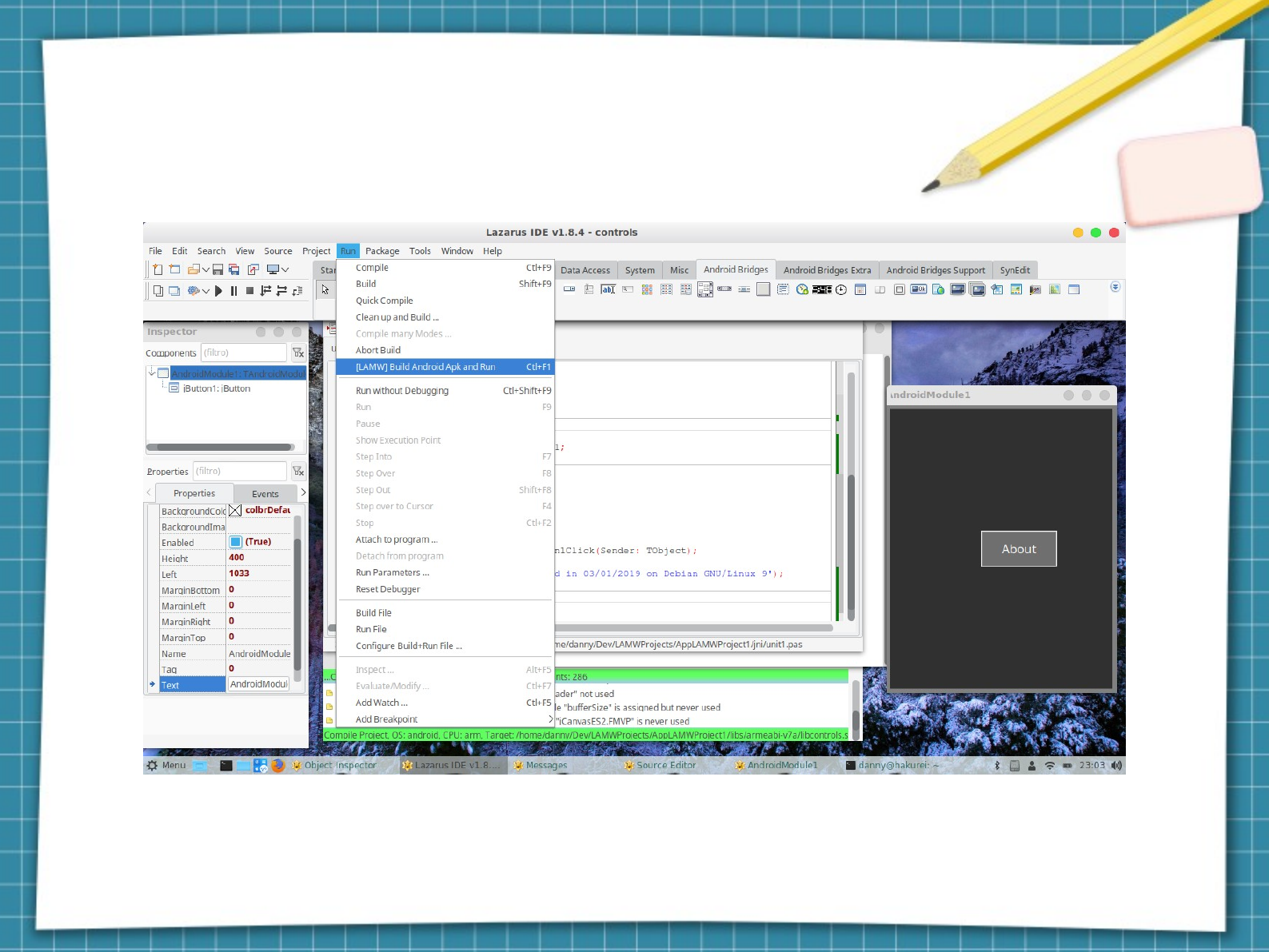
Compile the source code into an .apk and
run
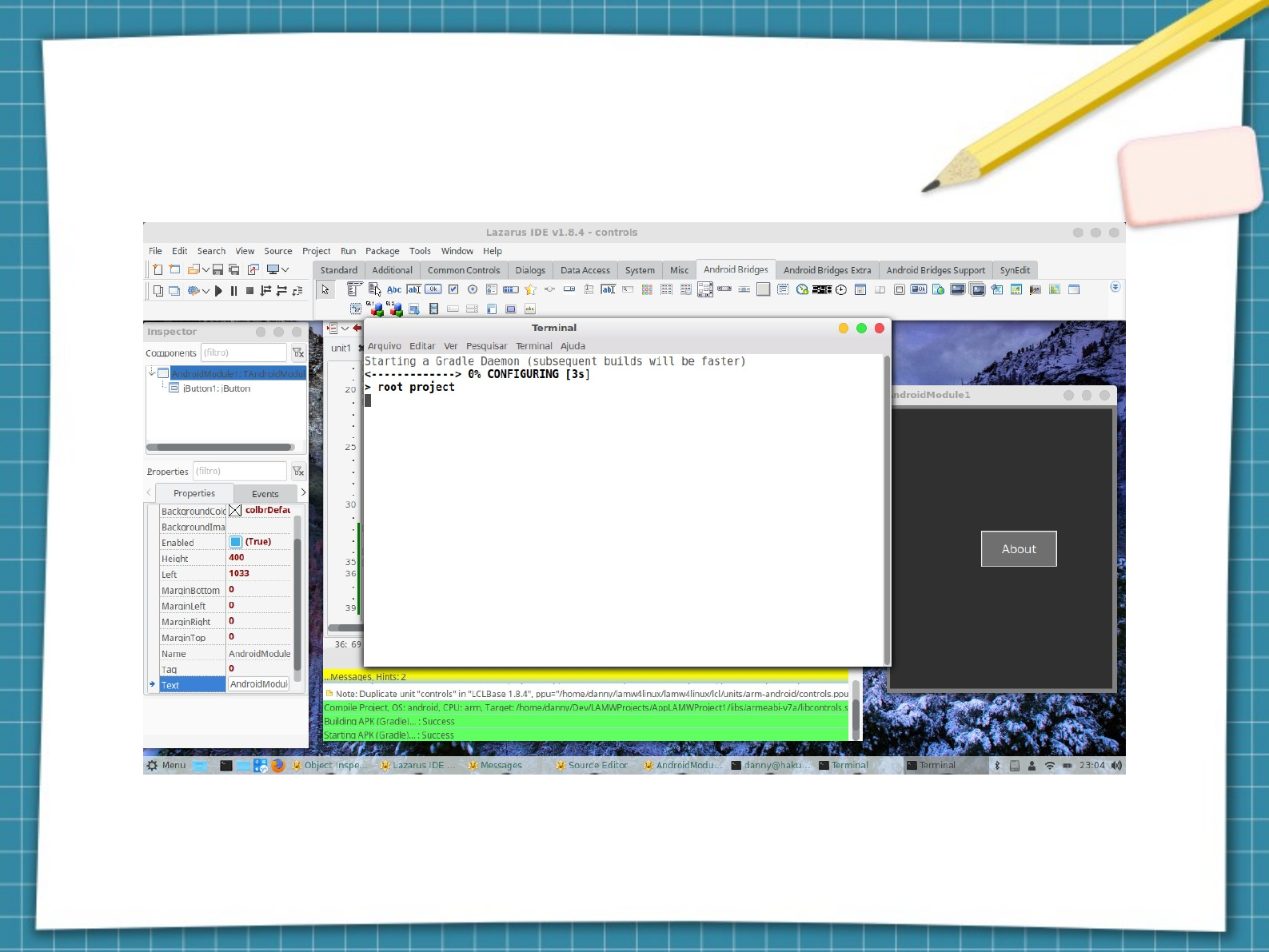
Compiling with Gradle
*Gradle requires internet connection
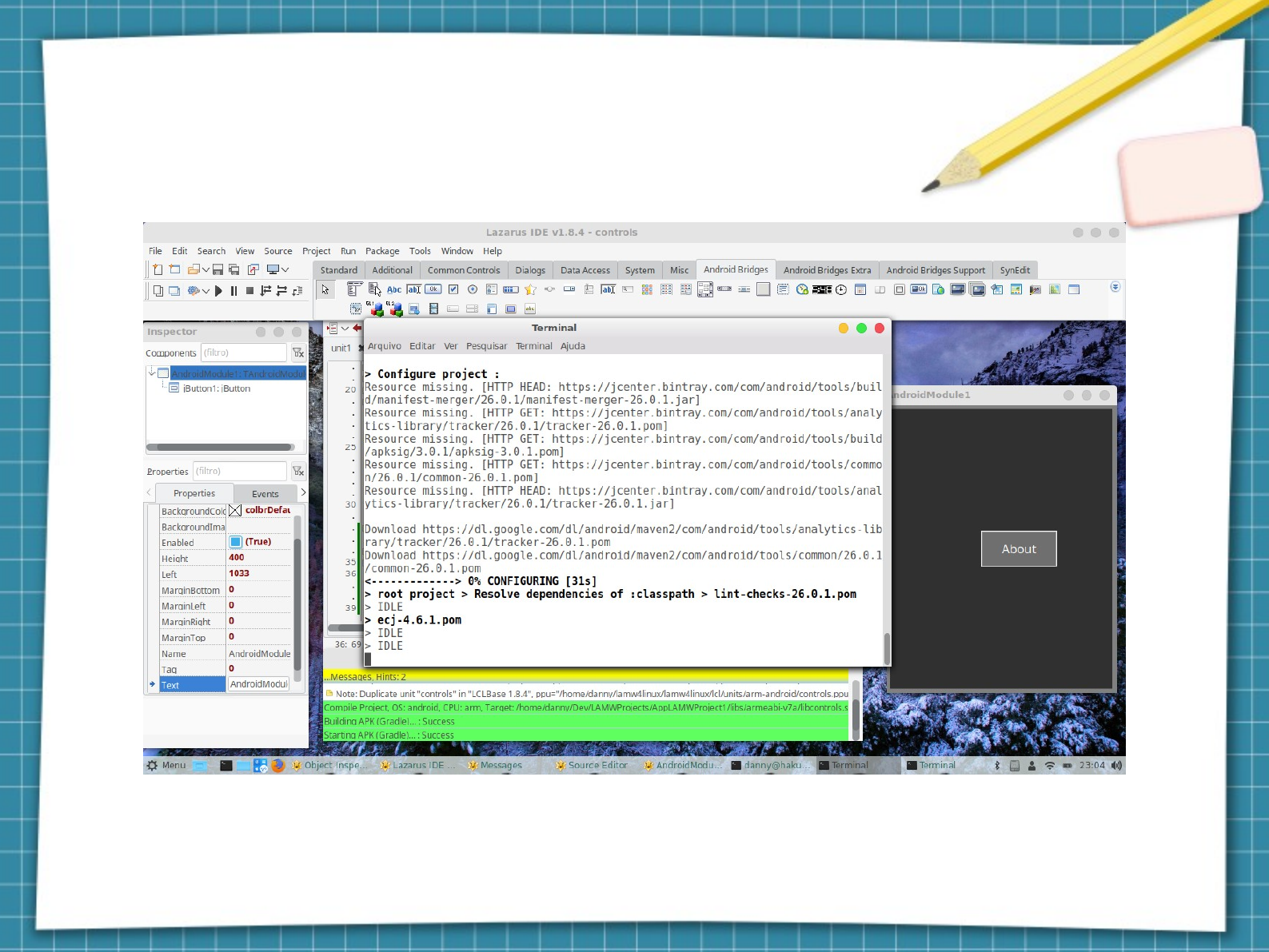
Gradle downloading dependencies
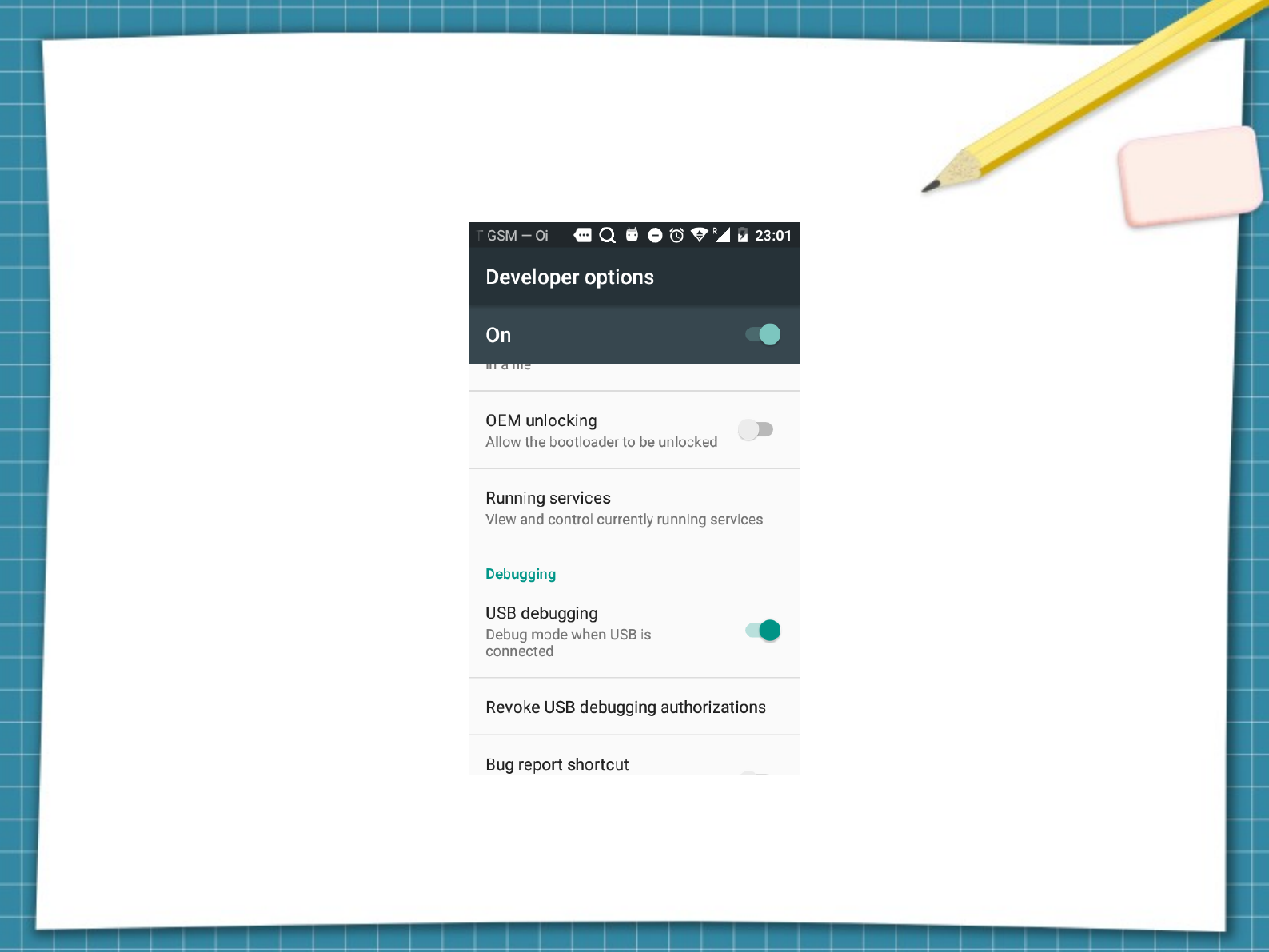
Search for USB Debugging on your smartphone
and enable!
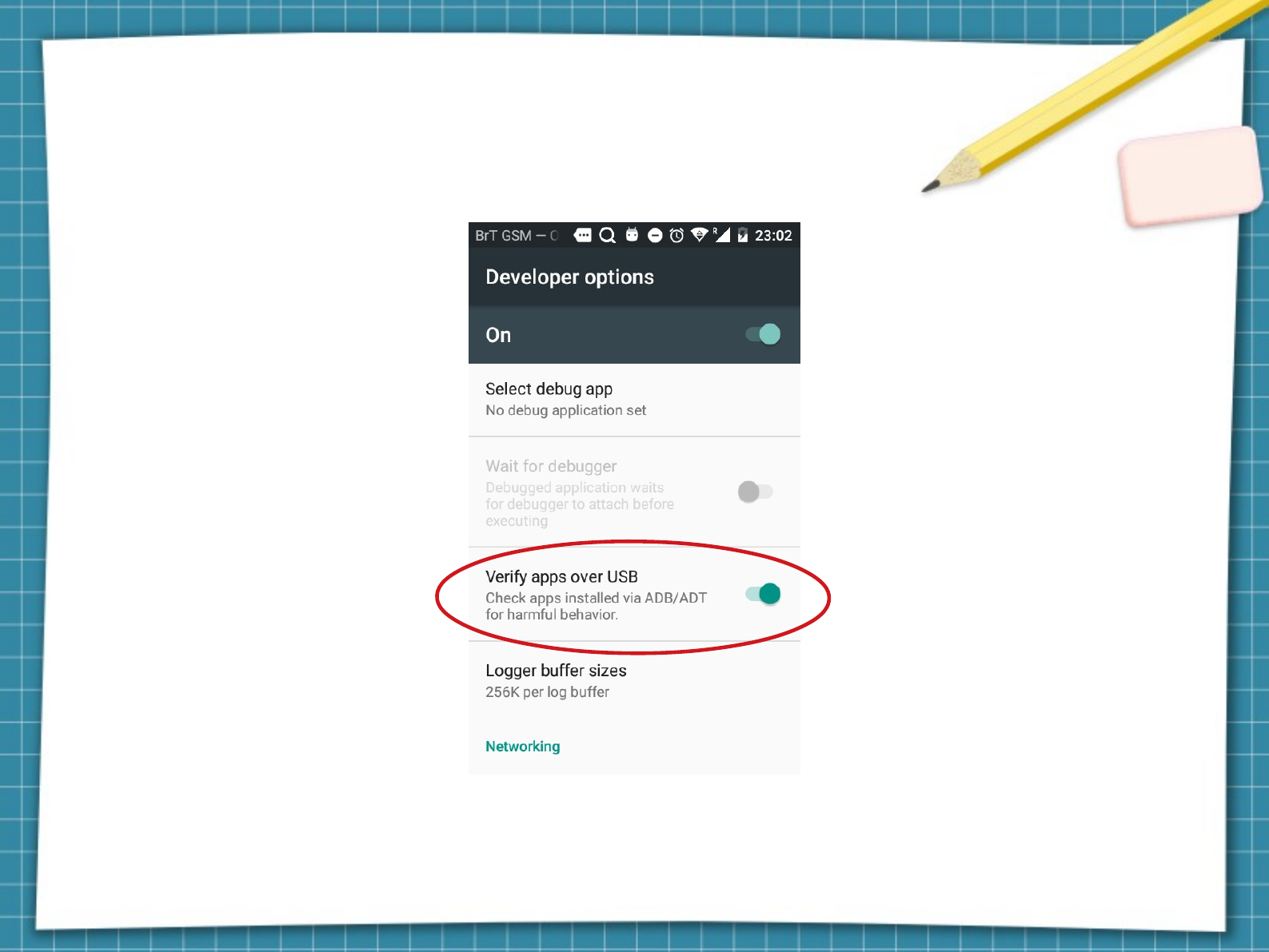
Check the highlighted option in red!
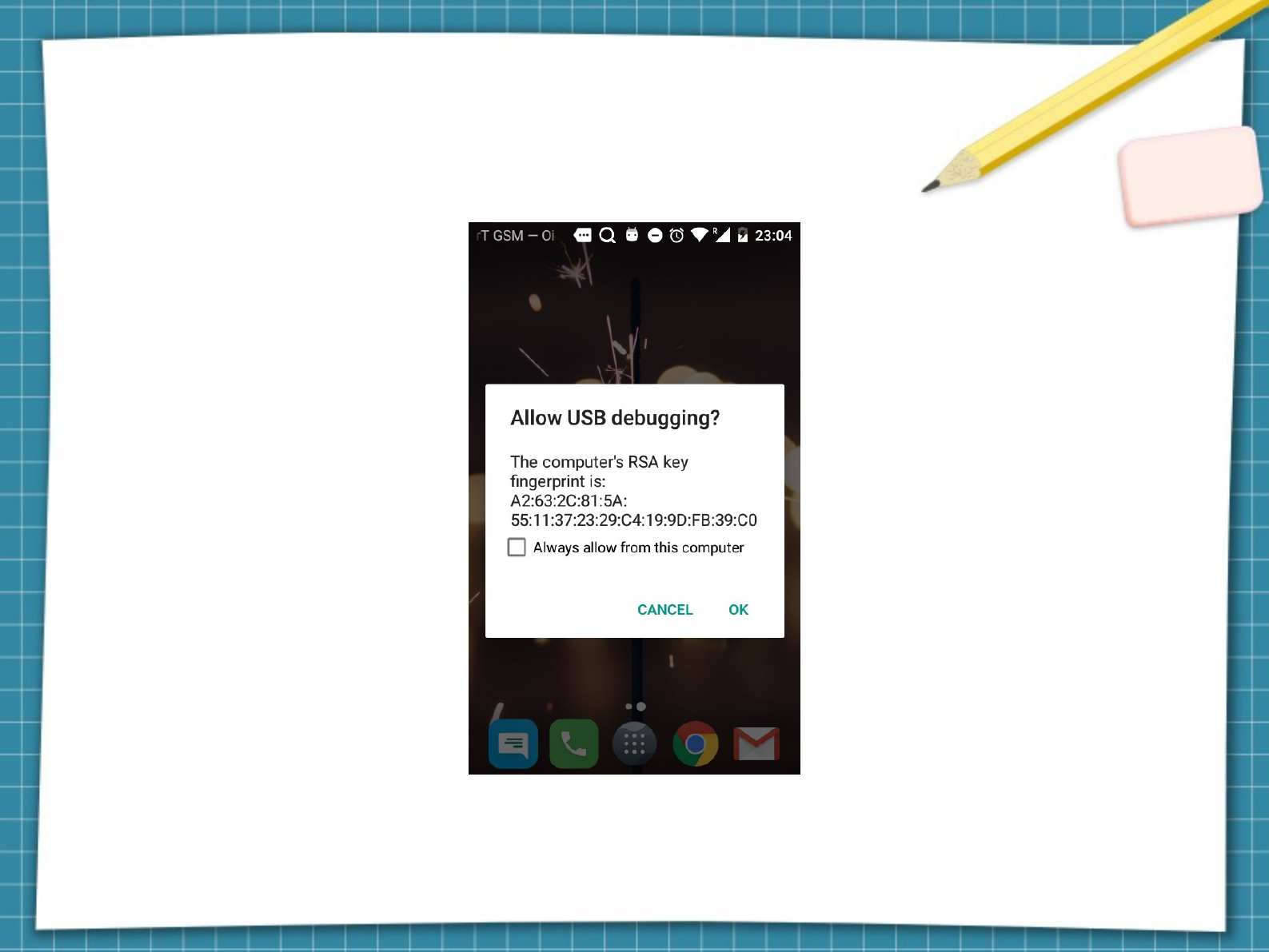
Connect your phone to the computer and Accept
USB debugging!
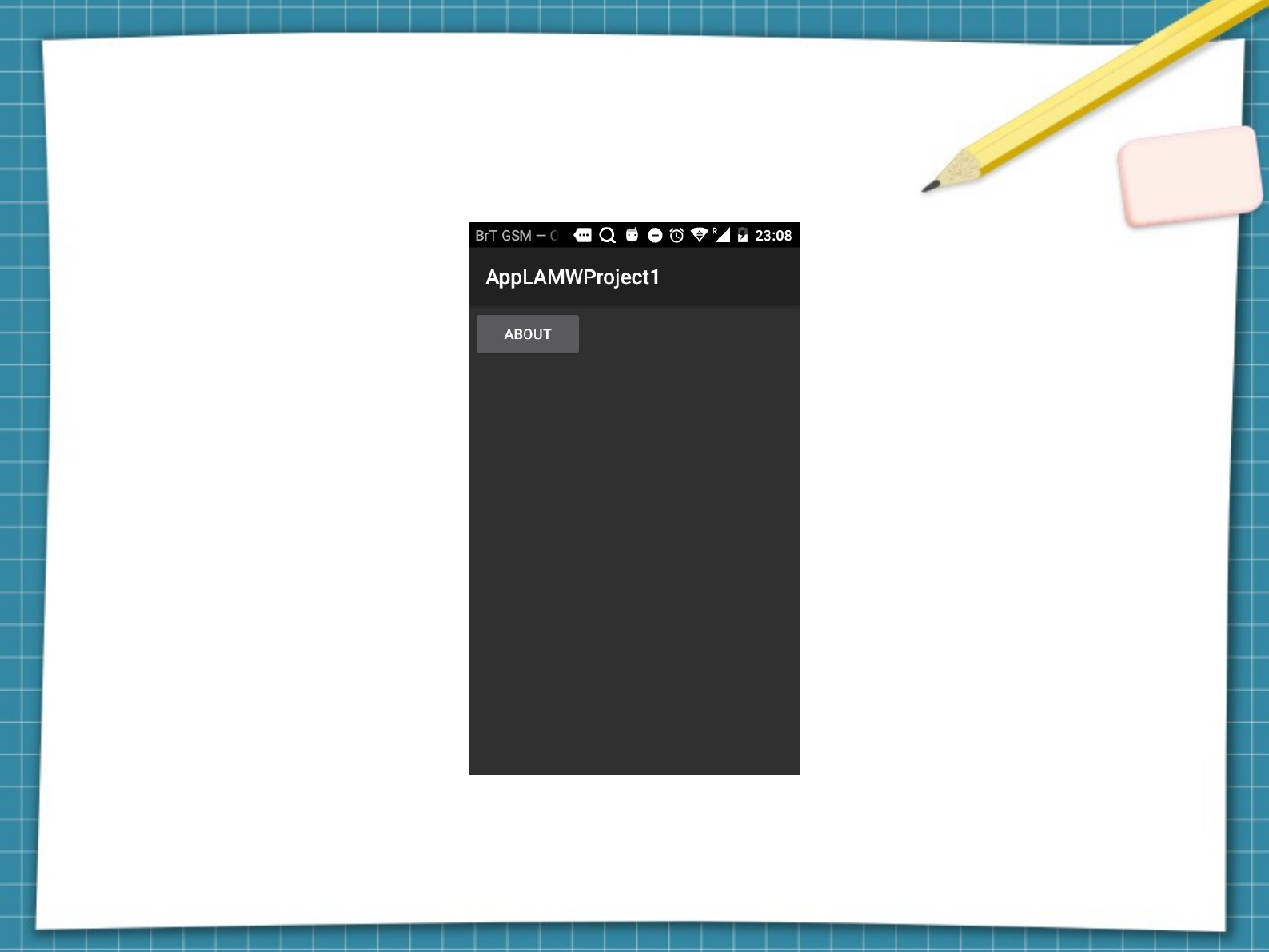
Application installed and running on
your phone
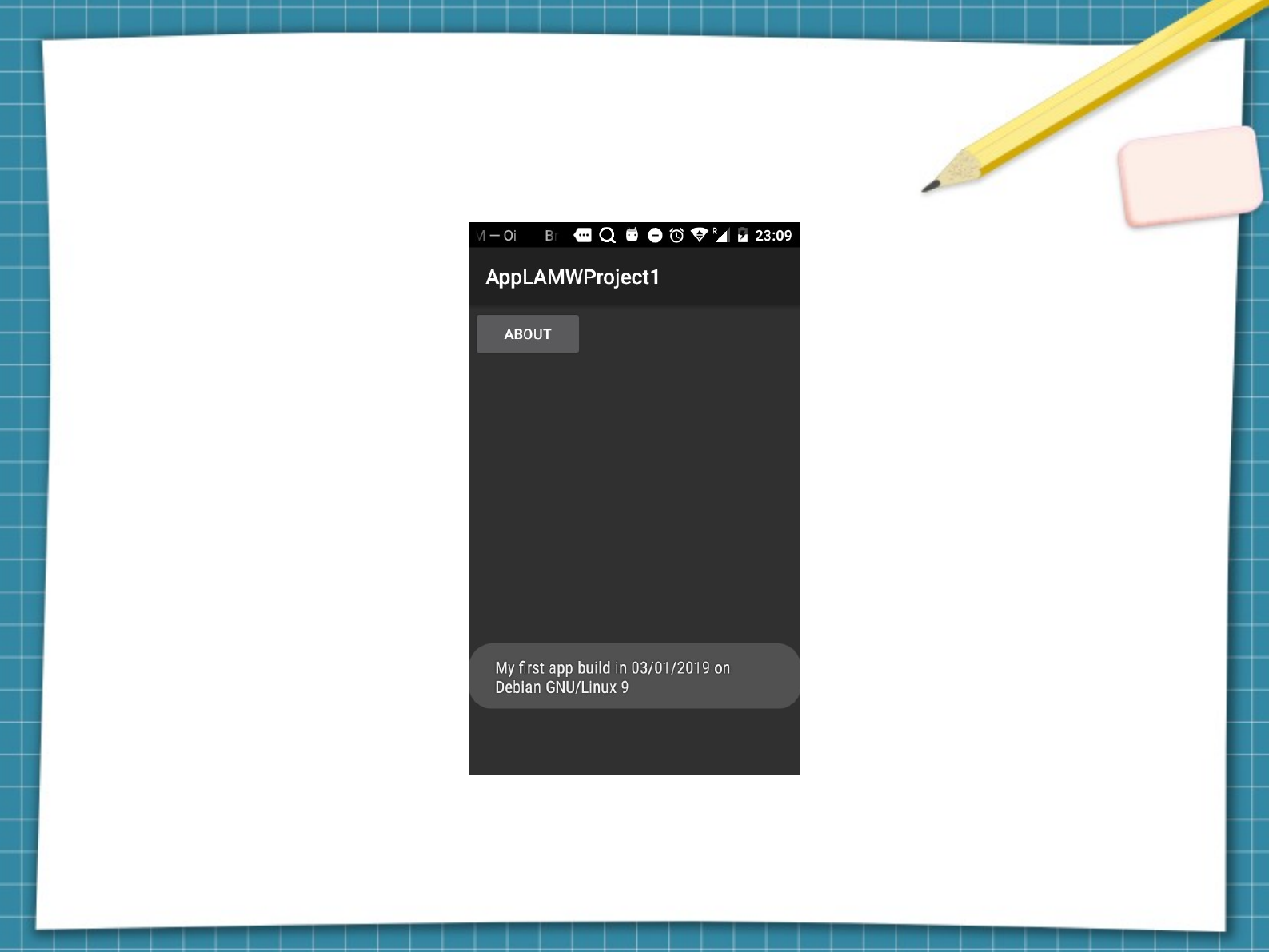
Click the button and check the message in
the click event!
