Fermax_f 1403_datasheet Fermax F 1403 Datasheet
User Manual: fermax_f-1403_datasheet
Open the PDF directly: View PDF  .
.
Page Count: 2
Playback
Close
Intercom
Do not
disturb
Call
record
Monitor
Kit Extensions
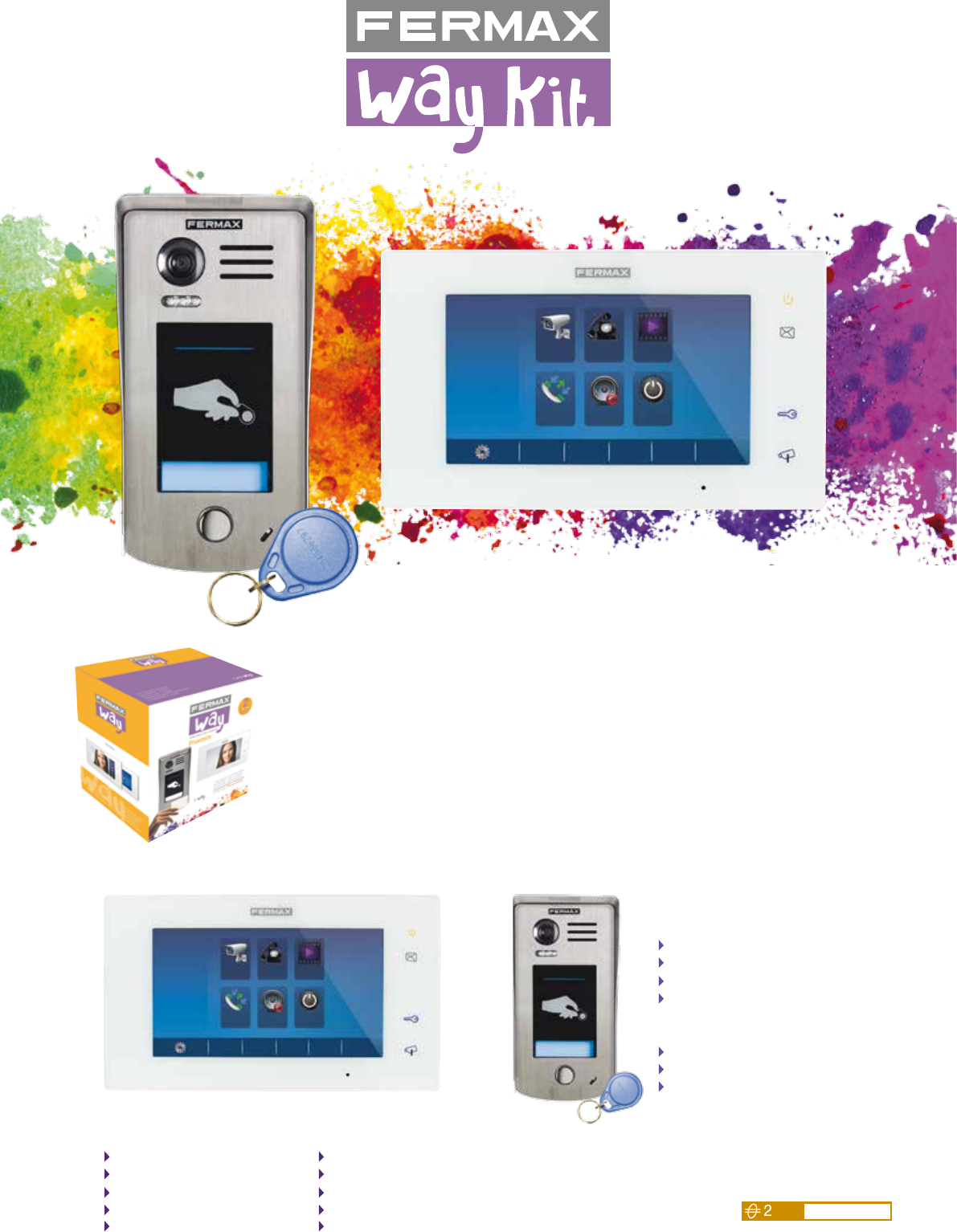
The WAY kit can be extended with a 2nd monitor
in the residence without extra power supply.
• Extensions for WAY PROX VIDEO kit:
ref.1412 Monitor WAY (v3.0).
• For additional user identifiers:
ref.4515 Proximity keyfob
ref.23361 Proximity keycard
Monitor Features
Panel Features
7” handsfree colour monitor (version 3.0).
Capacitive touch screen.
Extra slim surface mounted (18mm).
High quality image.
User-friendly menu.
Memory feature.
Calls history showing time, date & picture.
20 melodies to choose.
16 languages.
Dimensions: 131(H)x225(W)x18(D)mm.
Made of 316 stainless steel.
Surface mounted (44 mm).
CCD wide angle colour camera (104º).
Blue backlighted cardholder with lighting change
according to the status of the panel: calling,
conversation, door open.
Large proximity reader. Up to 320 users.
Hood included.
Dimensions: 182(H)x93(W)x30(D)mm.
(44 with hood).
Playback
Close
Intercom
Do not
disturb
Call
record
Monitor
Video Door Entry Systems
Kit
Technology
wires non polarised
Plug&Play
1/W VIDEO WAY PROX KIT
ref.1403
The kit includes:
• 1/W video door entry panel with proximity reader (ref.1411).
• 7 proximity keyfobs: 2 master and 5 for users.
• 7” WAY colour monitor with TFT touch screen (ref.1412).
• Hood: to protect the panel from the rain.
• Power supply 26Vdc for a 12Vdc (ref.1410).
Optional accessories: ref.1418 Way relay
www.fermax.com
WIRING A B
Twisted cable 2x0,75mm2
Twisted cable 2x1mm2
60
80
60
80
B
A2 wires
2 wires
2 wires
100:240Vac
2 wires
Video Door Entry Systems
Do it your
Call record
All the calls from panel-to-monitor,
monitor-to-monitor and between
monitors will be recorded and can be
reviewed afterwards.
Call record 01/08
06-23 15:22 Inner call
06-12 21:43 Outdoor Panel
06-18 20:54 Outdoor Panel
05-29 13:16 Inner call
06-18 21:43 Outdoor Panel
Touch screen
Digital TFT colour monitor with
capacitive touch screen that facilitates
an intuitive use.
3 shortcut buttons for a quick access
without using the screen.
Do not disturb
Take your time to relax.
Activate the Do not Disturb in
1 HOUR, 8 HOURS or ALWAYS.
After 3 seconds the monitor automatically
records a video (in case there is a micro SD
Card installed) or a picture (in case there
isn’t) of the visitors. While answering, you
also have the option to manually take a
snapshot of your visit.
The recorded videos/pictures from the
outdoor panel will be played on the screen.
Playback
Capacity:
118 pictures (without
micro SD Card) or
audio&video record
up to 32G (with micro
SD Card).
Brightness, contrast, selection of melodies,
date & time, scene mode (brightly, soft and
user), ring volume for day time and night time,
language selection (16 different), etc.
Settings
Establish communication with another
installed monitor inside the house.
In the 2 apartments kit
the option to call to another apartment
is available as well.
Intercom
Playback
Close
Intercom
Do not
disturb
Call
record
Monitor
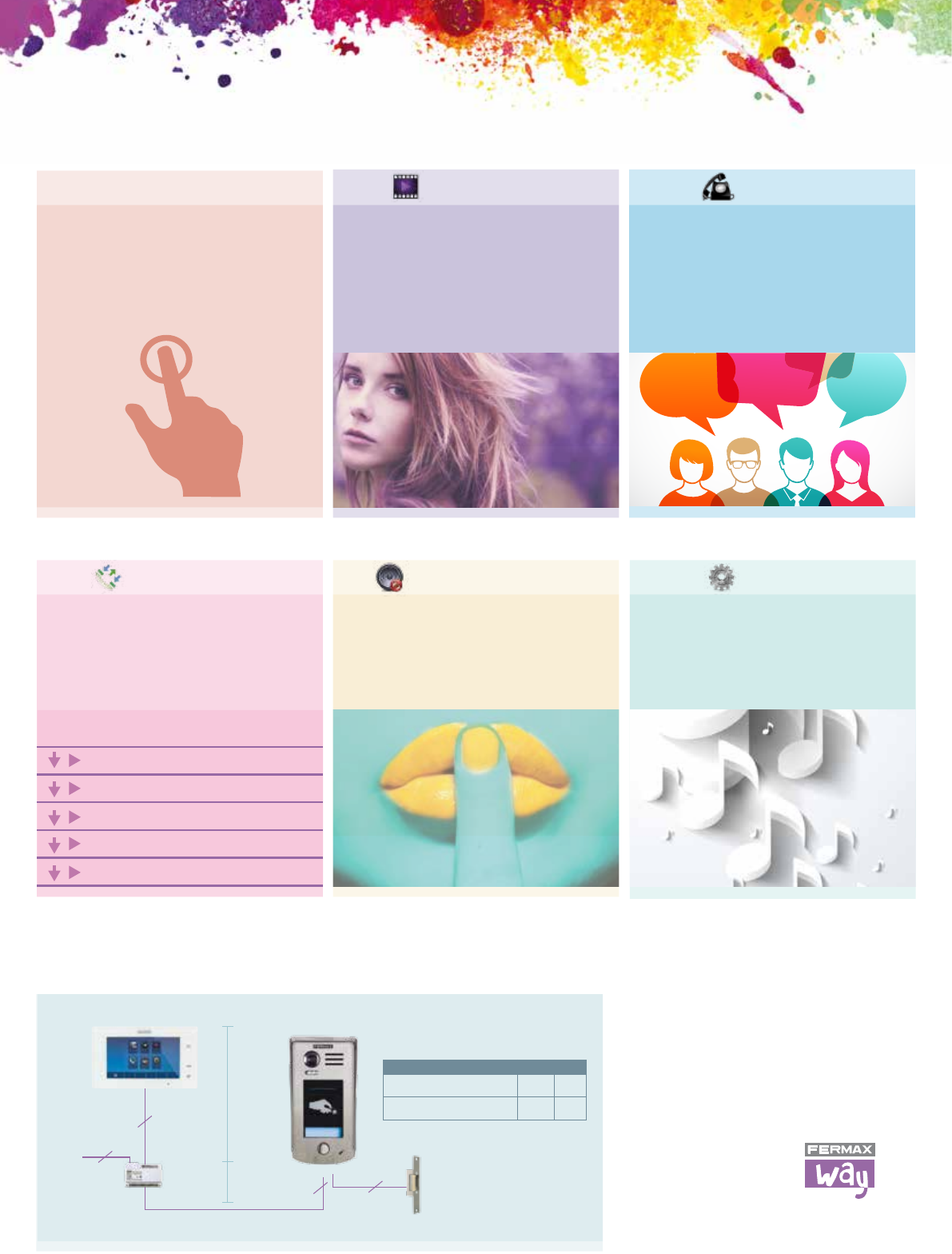
Functions
Basic installation diagram
