12 220v2.qxp Lagard E Lock
User Manual:
Open the PDF directly: View PDF  .
.
Page Count: 1
FEATURES
Please see Manager Instructions for
additional features that may be
activated on your unit.
USER CODE
• Open Lock
• Change Code
WRONG TRY PENALTY
• Four (4) consecutive invalid codes
initiates five minute delay period.
LOW BATTERY WARNING
• Repeated audio and visual signal (LED
flashing and repeated beeping) during
opening indicates battery low.
AUDIO AND VISUAL SIGNAL
• Double signal (LED flashes and unit
beeps) indicates entry is valid or
accepted.
• Triple signal indicates invalid or not
accepted.
CHANGING YOUR CODE
ALWAYS PERFORM THIS OPERATION WITH THE DOOR OPEN
1 Enter “zero” six times.
2 Enter your existing six (6) digit code one time.
3 Enter your NEW six (6) digit code two times.
4 If a mistake is made wait thirty (30) seconds and repeat steps 1- 3.
5 Test lock operation several times before closing the door.
• Valid Code Entry - Double signal after valid six (6) digit code is entered.
• Invalid Code Entry - Triple signal and old code is still valid.
OPENING THE LOCK
1Enter valid six (6) digit code. (Factory set to 1-2-3-4-5-6)
2The lock will signal a valid code entry with a double signal.
3Within four (4) seconds, turn handle to the open position. (Clock-wise)
4Pull door open.
• Invalid Code Entry - Lock will signal three (3) times.
BATTERY LOW WARNING
• Repeated beeping during an opening indicates that the battery is low and
needs immediate replacement.
• Uses one (1) 9-Volt Alkaline Battery. LA GARD recommends the use of
Duracell™ or Eveready™ Alkaline batteries. LA GARD recommends the
replacement of batteries at least once annually.
If battery is depleted and will not allow lock to open, simply follow
instructions below. Lock contains a non-volatile memory, even with the
batteries removed the lock will retain all programming.
CHANGING YOUR BATTERY
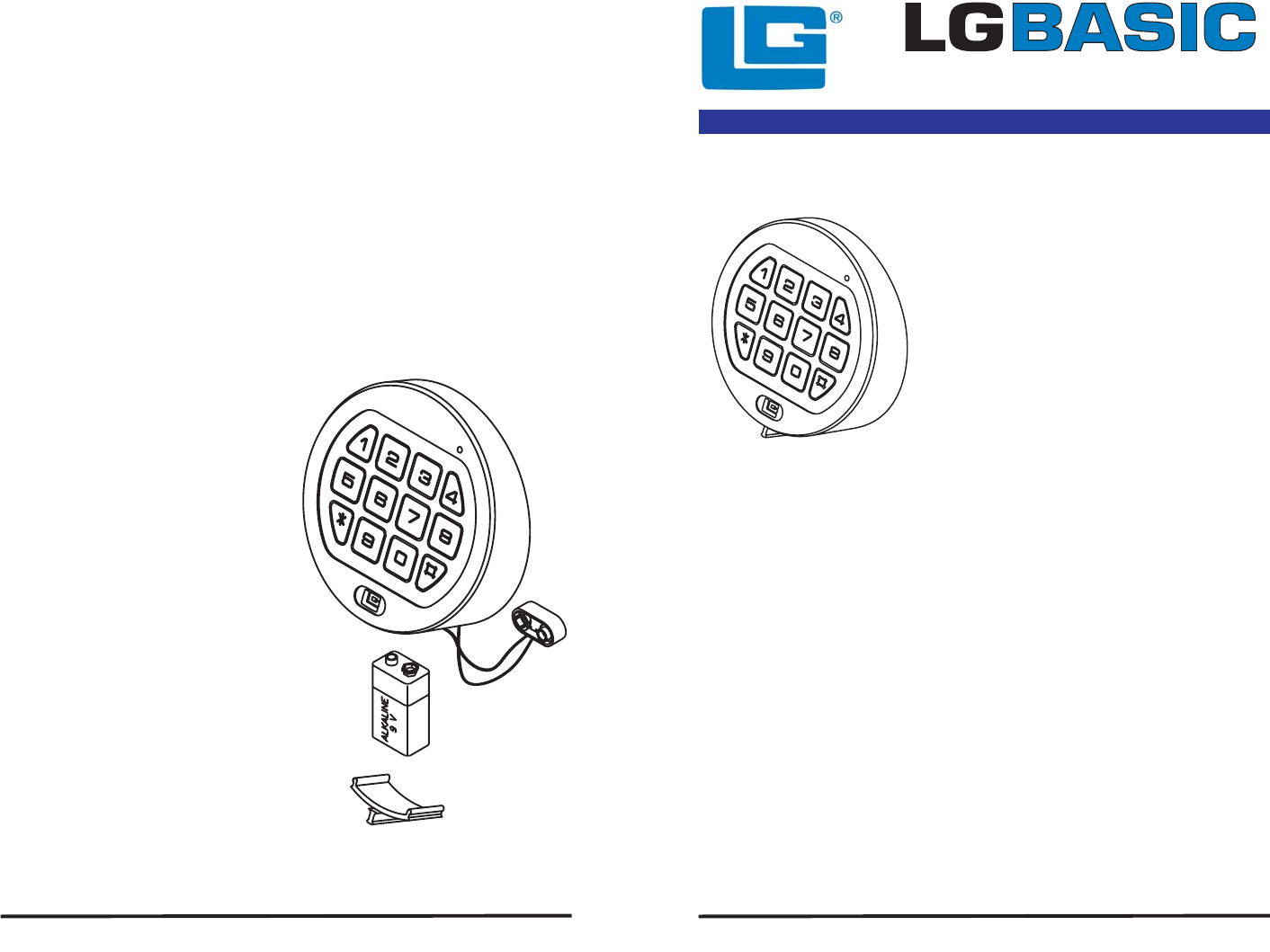
Note: Some manufacturers use a small screw to
secure the battery compartment cover to the keypad
housing. If your model has this screw, it must be
removed first before following the steps listed below.
1Remove black plastic battery
compartment cover (located at the
bottom of the keypad) by gently
pulling downward on it’s handle.
2Allow the battery and it’s attached
leads to drop down and out of the
battery compartment. If it does not
drop, gently pull on the battery until
it does.
3The connector is easily removed by
unsnapping it from the two terminals
on the top of the battery.
Never Pull on the Battery Leads
4Connect a new 9-Volt Alkaline
battery to the battery clip.
5Push the battery and the leads
completely up into the battery
compartment.
6Install the battery cover by placing
one side of the cover in position and
then pressing the other side into
position with your finger.
© copyright 2006 12-220v2 LA GARD INC - A Member of The Kaba Group
3710 Electronic Combination Lock
USER OPERATING INSTRUCTIONS
WRONG TRY PENALTY
• Entry of four (4) consecutive invalid codes starts a 5-minute delay period.
- LED flashed red at five (5) second intervals.
• At the end of the delay period, two more consecutive invalid codes will restart
an additional 5-minute delay period.
© copyright 2006 12-220v2 LA GARD INC - A Member of The Kaba Group
