Manual
User Manual:
Open the PDF directly: View PDF  .
.
Page Count: 10

OMEN KILO
========
OMEN Computers - - - https://github.com/osmibity - - - Page: 2
INTRODUCTION
===========
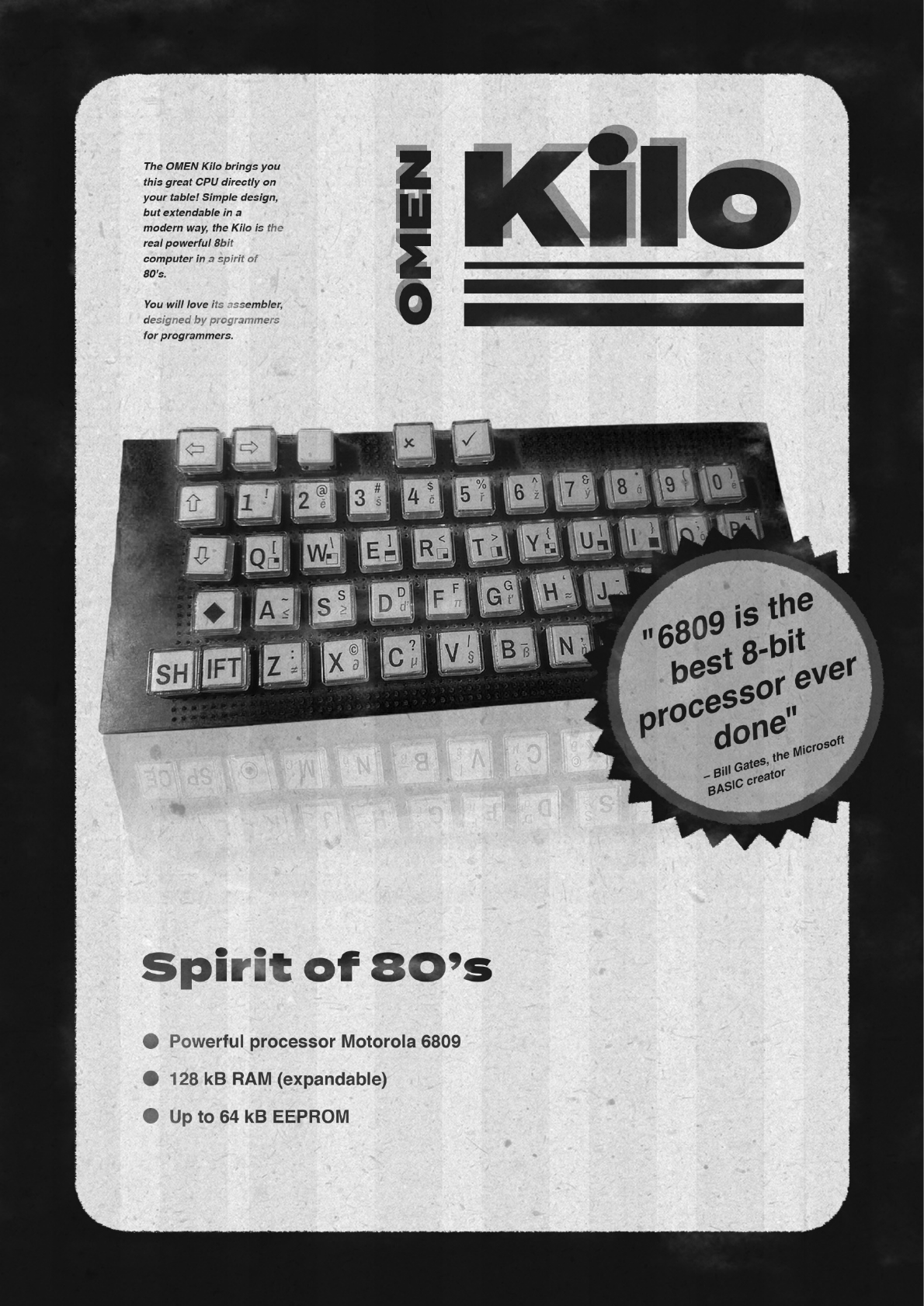
The OMEN Kilo computer kit is a low-cost computer trainer, based on the
MC6809 / HD6309 CPU. It has these features:
- MC6809 CPU working at 1.8432 MHz
- 32 kB RAM
- 8 kB EEPROM
- Serial port up to 115.200 Bd / MC6850 ACIA
- Application system bus

OMEN KILO
========
OMEN Computers - - - https://github.com/osmibity - - - Page: 3
ASSEMBLY INSTRUCTIONS
===================
1. Solder sockets for the integrated circuits
2. Test all soldered connections
a. Test if all pins are well connected
b. Check if GND is not short connected to Vcc
c. Check if each IC has properly connected GND and Vcc
3. Solder all passive parts /capacitors, diode, resistors, push button,
crystals/
4. Connect the power adapter and check
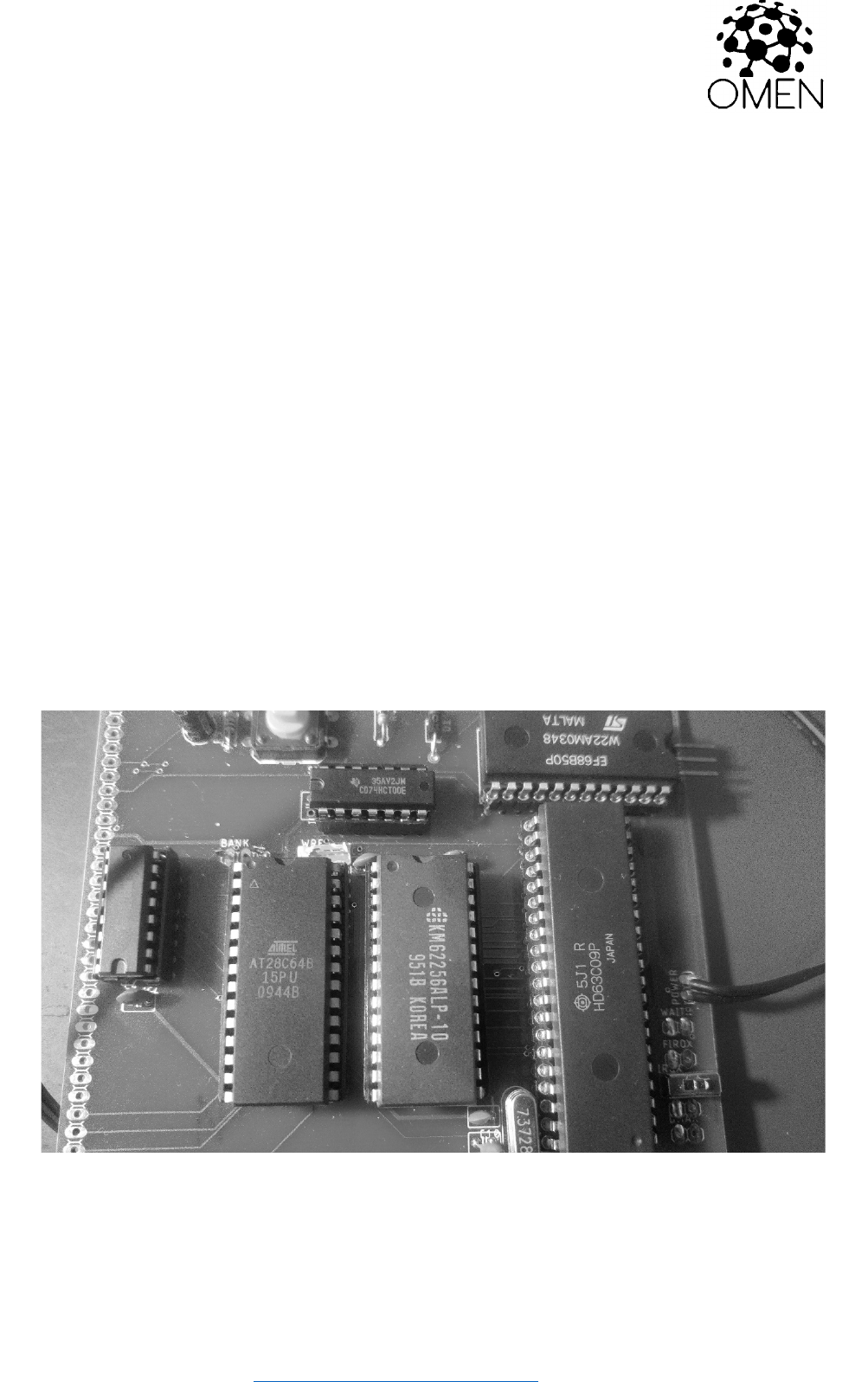
5. Insert the CPU into its socket /keep the proper orientation!/ and try to
power it up. Check if oscillator lives /at CPU pin 34/
6. Insert the other ICs. Again: keep the proper orientation! Bad orientation
can damage the IC!
7. Connect the serial pins TxD, RxD and GND /pinhead SERIAL/ to the TTL-
to-USB converter
8. Start the serial terminal on your PC, select proper serial port and set
the parameters to 115.200 Bd, 8 data bits, no parity, 1 stop bit.
9. Power your Kilo and check the terminal.

OMEN KILO
========
OMEN Computers - - - https://github.com/osmibity - - - Page: 4
MONITOR
=======
The main software for OMEN Kilo issue 2 is the Kilo Monitor version 2.0. Source
codes are available on GitHub.
Basic commands are:
Daddr – Memory dump. Next line with ENTER, SPACE aborts dumping, BACKSPACE
displays previous addresses.
Maddr – Modify memory byte by byte. Use ENTER, SPACE and BACKSPACE in the same
way as in DUMP.
Gaddr – Go to program (JMP)
W from to – export memory as SREC
X from to – export memory as HEX
: - start HEX file to load. You can just send HEX file directly to the terminal
to load data or program into the memory.
U – start a use module. Kilo EEPROM contains one preprogrammed module, the
TINY BASIC interpreter. See source code to further information about the
modular concept.
OMEN KILO
========
OMEN Computers - - - https://github.com/osmibity - - - Page: 5
THE BOARD
========
Jumpers and pin headers
--------------------
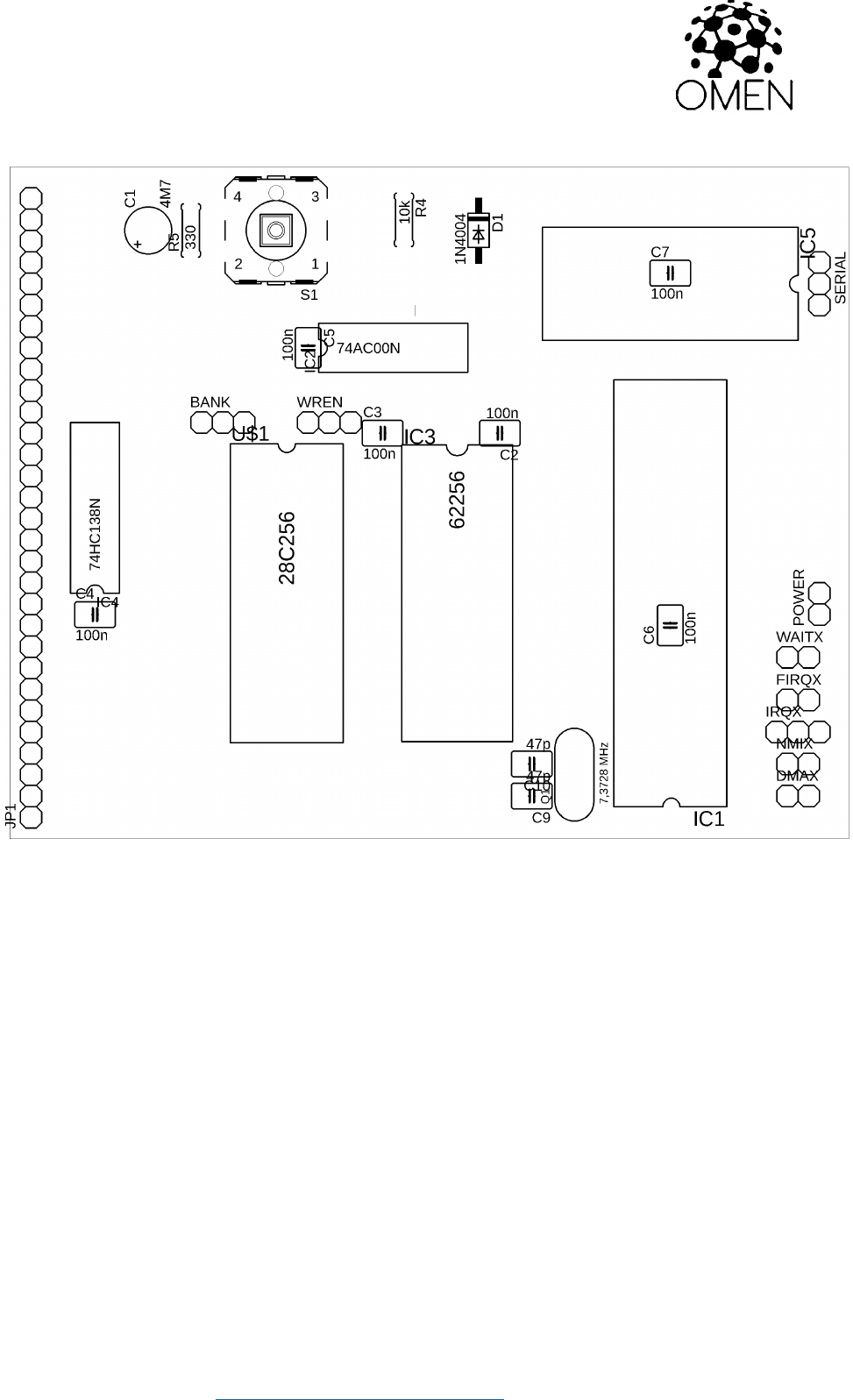
SERIAL: Serial port. Pins are RxD, TxD, GND from up to the bottom, RxD is near
the edge.
WREN: PLEASE DO NOT USE, just solder the middle pin and the left pin /close to
the BANK switch/ together. I am sorry.
BANK: EEPROM bank selector – only for AT28C256. Leave it open.
NMIX: NMI enabler. Close to disable non-maskable interrupts, open to leave it
on the application bus. Connect the 10k resistor to make it “open-collector
signal”.

OMEN KILO
========
OMEN Computers - - - https://github.com/osmibity - - - Page: 6
IRQX: Interrupt enabler. Close to disable maskable interrupts, open to leave it
on the application bus. Connect the 10k resistor to make it “open-collector
signal”.
FIRQX: Fast Interrupt enabler. Close to disable maskable interrupts, open to
leave it on the application bus. Connect the 10k resistor to make it “open-
collector signal”.
WAITX, DMAX: Connect the 10k resistor or short wire, if you does not plan using
these features.

OMEN KILO
========
OMEN Computers - - - https://github.com/osmibity - - - Page: 7
SYSTEM APPLICATION CONNECTOR
=========================
This connector is on the right edge of board. Pin 1 is on the upper side, next to
the SYSTEM label.
Pins:
1 /WR
2 D0
3 D1
4 D2
5 D3
6 D4
7 D5
8 D6
9 D7
10 A0
11 A1
12 A2
13 /RD
14 IO1 --- 9000h – 93FFh
15 IO2 --- 8800h – 8BFFh
16 IO3 --- 9800h – 9BFFh
17 IO4 --- 8400h – 87FFh IOx signals are decoded by 74138
18 IO5 --- 9400h – 97FFh
19 IO6 --- 8C00h – 8FFFh
20 IO7 --- 9C00h – 9FFFh
21 Vcc
22 GND
23 IRQ --- See the IRQX jumper
24 PHI2
25 /RESET
26 /WAIT --- See the WAITX jumper
27 /BUSRQ --- See the DMAX jumper
28 /BUSACK
29 /FIRQ --- See the FIRQX jumper