Manual Famicom
manual_famicom
manual_famicom
User Manual:
Open the PDF directly: View PDF  .
.
Page Count: 30

2
[Introduction]
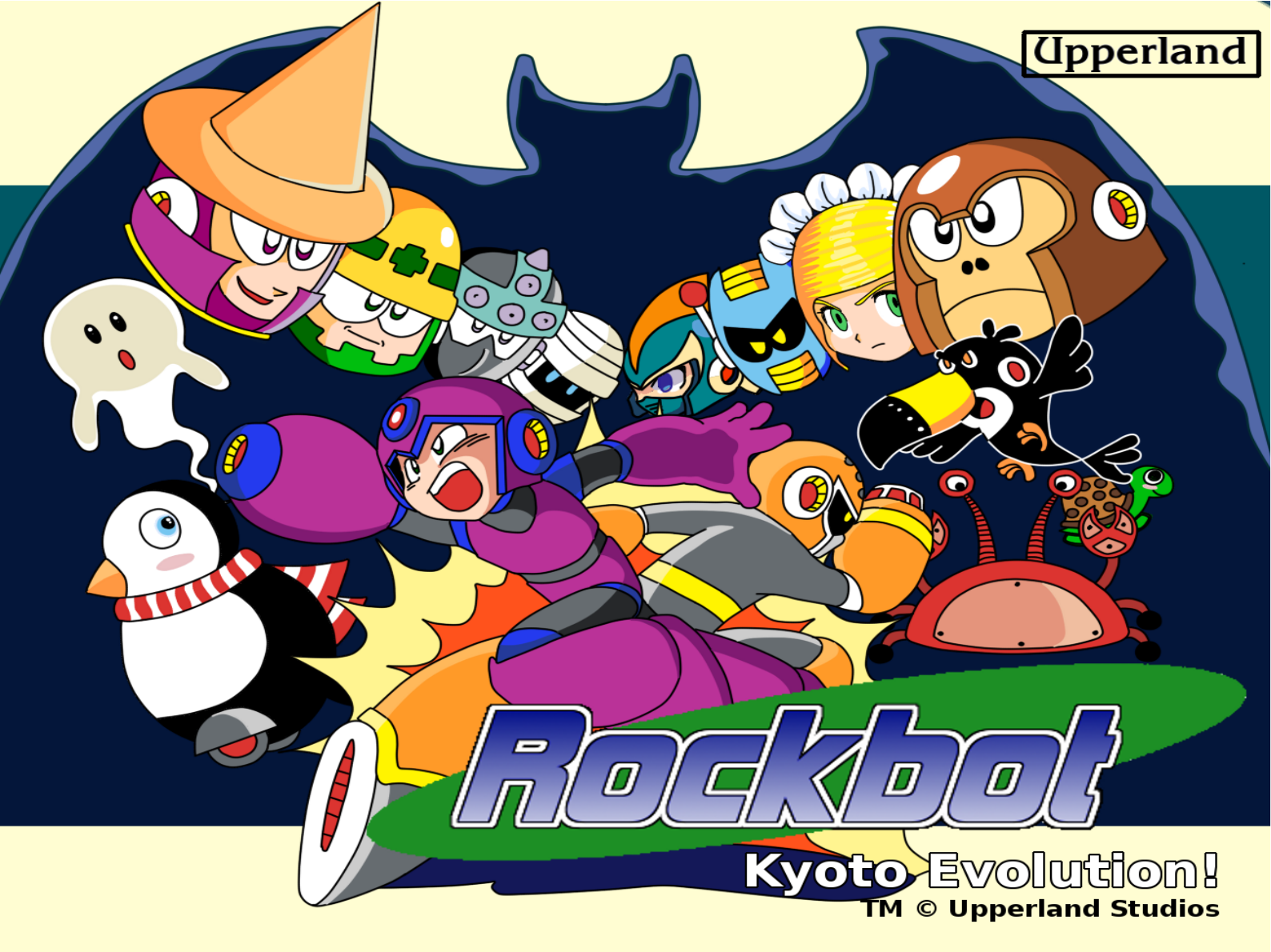
Thank you for downloading a copy of the Upperland's Family Computer
Cassette Simulation: ROCKBOT1 (UPP-XU).
Please read this “Instruction Manual” carefully before operating to
ensure correct handling and use of this product. Additionally, keep this
“Instruction Manual” stored properly in a safe place.
Health Warning:
Take a 15 minute break every 2 hours of play, avoid static shock, don’t
yank the power with the game on, don’t get it wet, don’t feed it after
midnight and don't play it with a dancing pad.
3
[Contents]
STORY.........................................................................................................................................
USING THE CONTROLLER & COMMANDS................................................................................
GAME START..............................................................................................................................
SCREEN EXPLANATION.............................................................................................................
ABOUT CHANGING WEAPONS.......................................................................
FROG AND EAGLE WONDER MASCOTS..........................................................
SLIDING, CHARGED SHOT AND SHIELD.........................................................
ABOUT ITEMS..................................................................................................
THE CHARACTERS OF ROCKBOT ...................................................................
THE STORY OF ROCKBOT...............................................................................
ABOUT THE PASSWORD..................................................................................
LEGAL NOTICE ….............................................................................................
04
05
09
10
11
12
15
13
14
25
28
29
4
[Story]
WAR HAS COME TO THE WORLD!
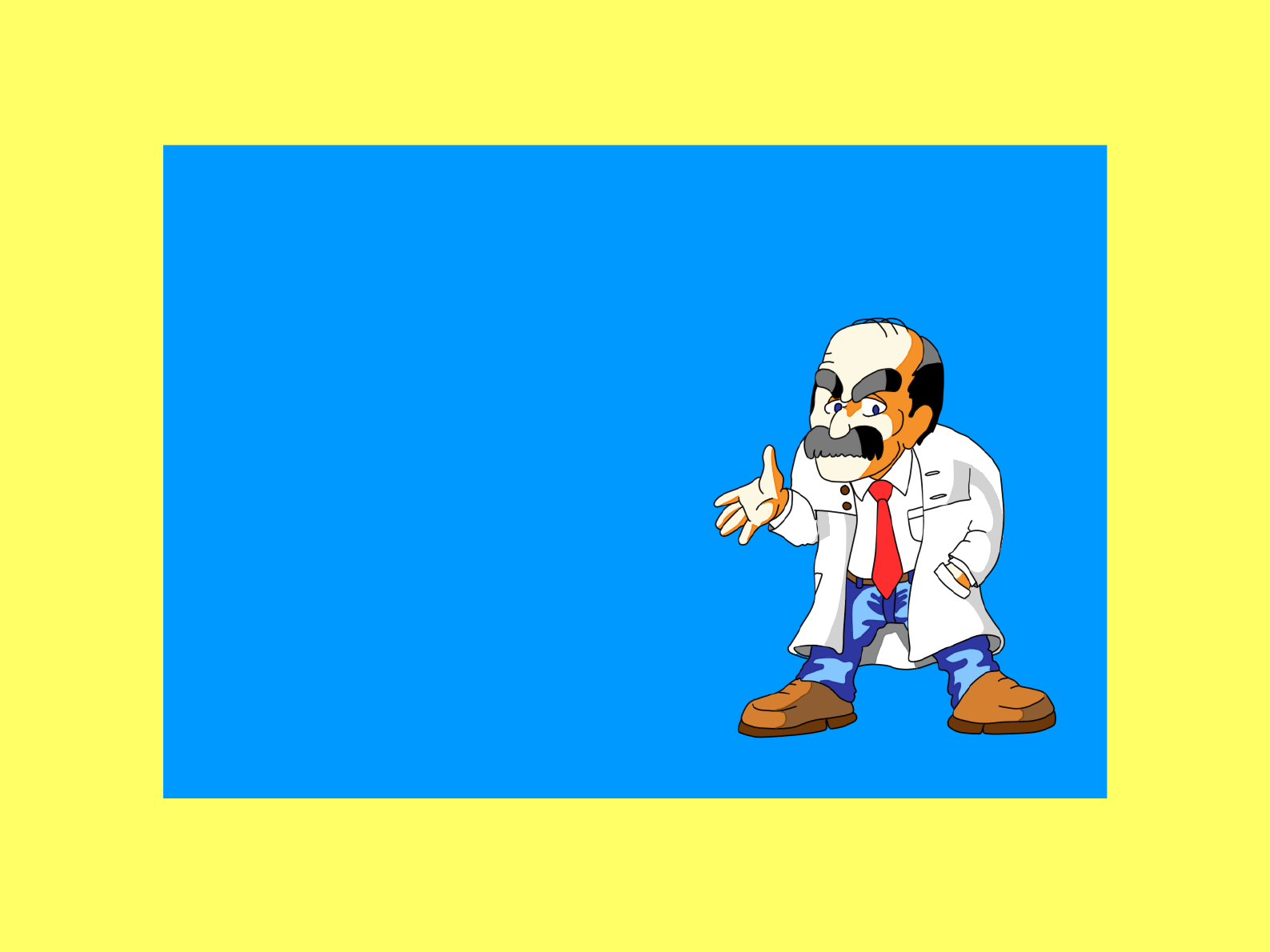
In the year 20XX, the city of Kyoto rests peacefully, but danger casts a
shadow in the horizon as news from Tokyo speak of robots going
berserk
Suddenly, explosions plague the city, marking
the start of a war. An army of robots with
unknown origin is attacking! The city defense
forces are unable to stop their advance. Facing
an eminent defeat, the army calls for help
from the city university's scientists. They need
to create weapons to defeat the new enemy.
Inspirited by news of a robot hero in Tokyo,
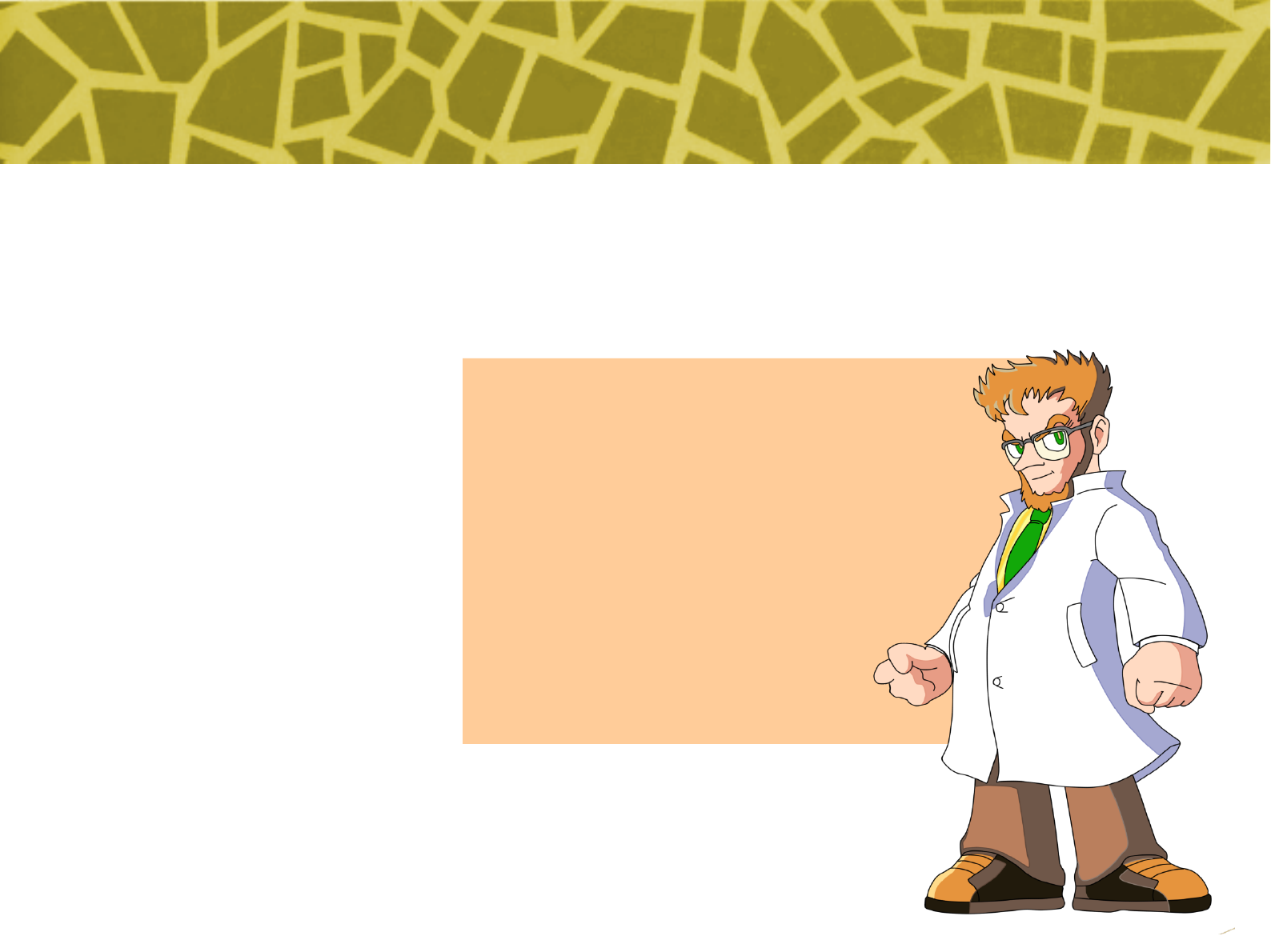
young professor Kanotus creates a robot
warrior project. But his first creation, called
Beta, is too temperamental and unstable; he
then creates a second robot, called Rockbot,
with improved design, to fight along. Now,
both robots need to rush to save the city and
try become heroes.
5
[Using the control & Commands]
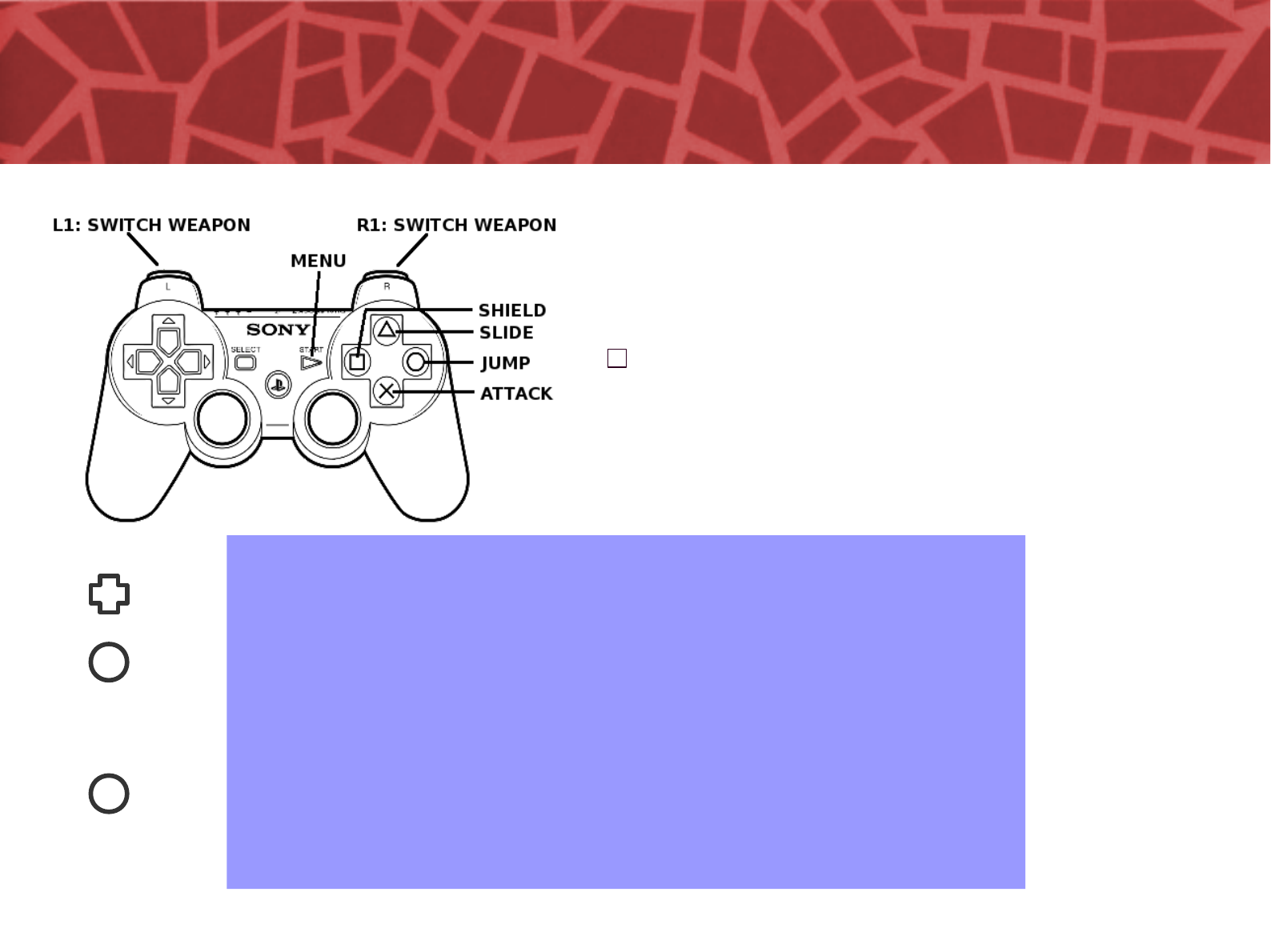
Hold down key and press jump to
dash with Betabot or slide with
Rockbot.
With Rockbot, hold attack button to
charge and release it to fire a
powerful attack.
Rockbot have use shield to reflect
projectiles coming in his direction.
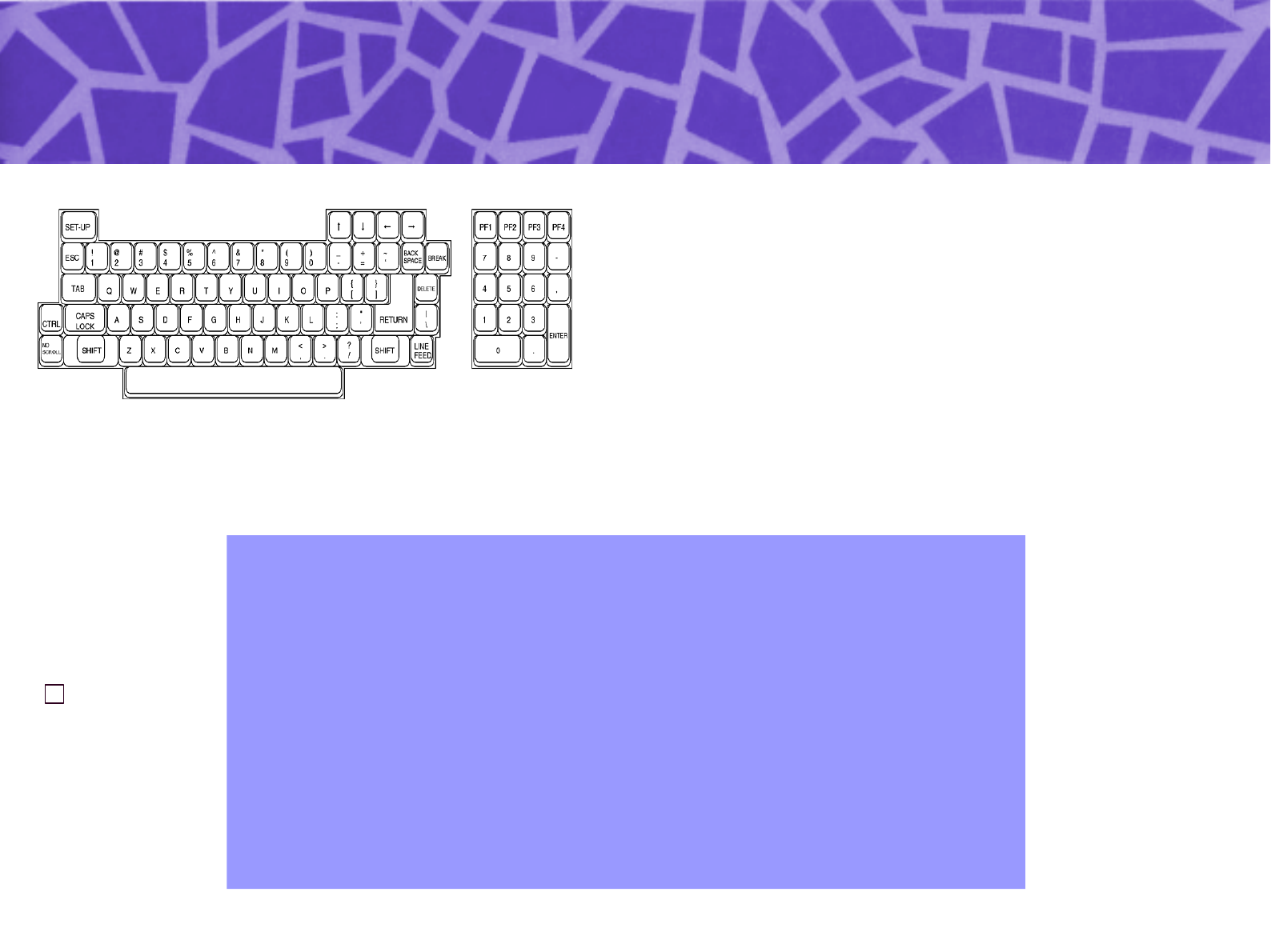
Playstation 2
O Button — Jump
X Button — Attack
∆ Button — Dash (Beta)/Slide(Rockbot)
Button — Shield (Rockbot)
Start Button — Open Weapon Select Menu
& Make Selection
Directional Key Pad up to grasp and climb
ladders. (Press the O Button to let go.)
Directional Key Pad down + O Button —
Sliding
6
[Using the control & Commands]
PC Keyboard
X Button — Jump
A Button — Attack
C Button — Dash (Beta)/Slide(Rockbot)
Z Button — Shield (Rockbot)
Enter Key — Open Weapon Select Menu &
Make Selection
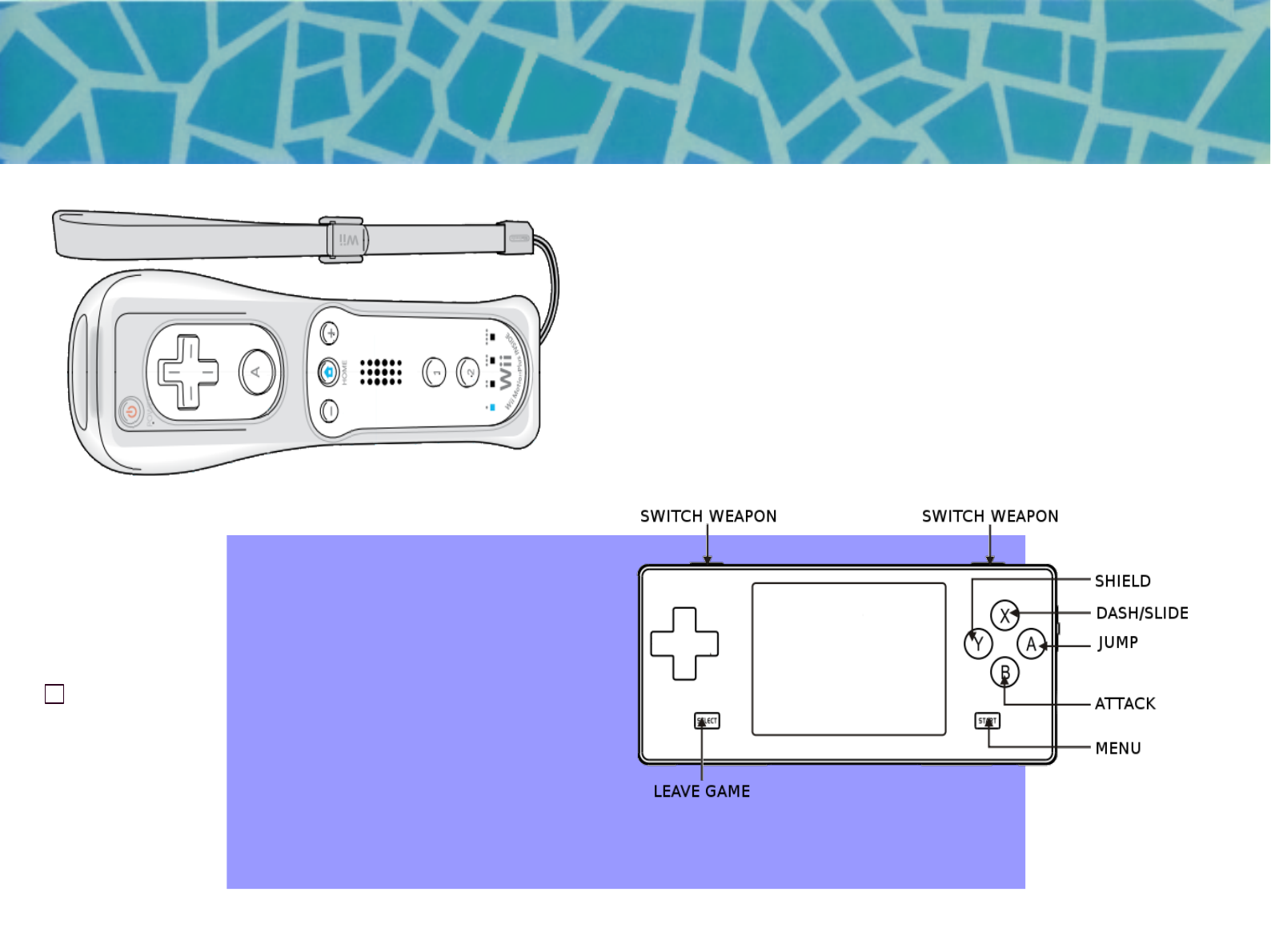
PSP
O Button — Jump
X Button — Attack
∆ Button — Dash (Beta)/Slide(Rockbot)
Button — Shield (Rockbot)
Start Button — Open Weapon Select Menu
& Make Selection
7
[Using the control & Commands]
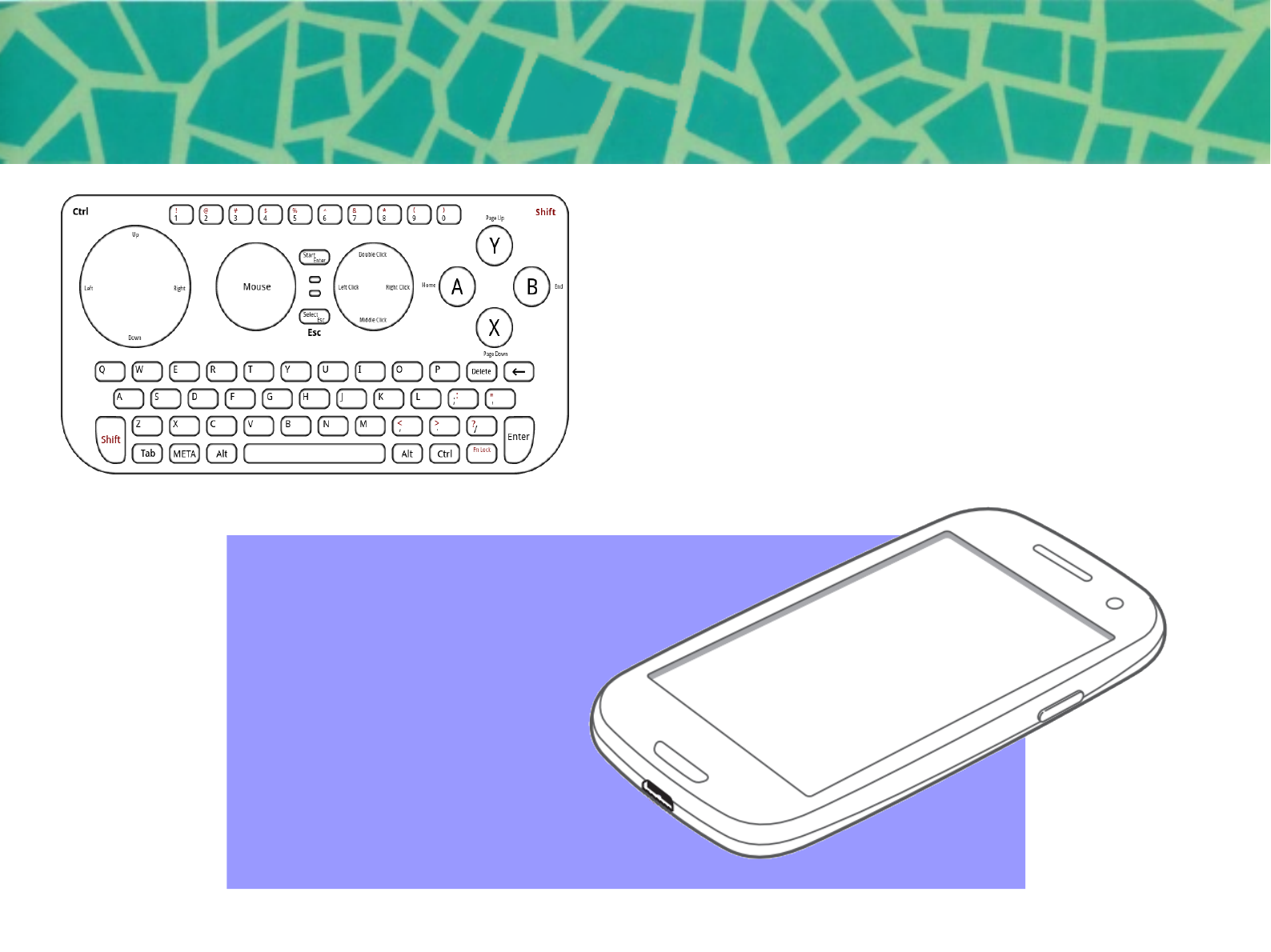
Wii
X Button — Jump
A Button — Attack
C Button — Dash (Beta)/Slide(Rockbot)
Z Button — Shield (Rockbot)
Enter Key — Open Weapon Select Menu &
Make Selection
Dingoo A320 (Dingux)
O Button — Jump
X Button — Attack
∆ Button — Dash (Beta)/Slide(Rockbot)
Button — Shield (Rockbot)
Start Button — Open Weapon Select Menu
& Make Selection
8
[Using the control & Commands]
Pandora
X Button — Jump
A Button — Attack
C Button — Dash (Beta)/Slide(Rockbot)
Z Button — Shield (Rockbot)
Enter Key — Open Weapon Select Menu &
Make Selection
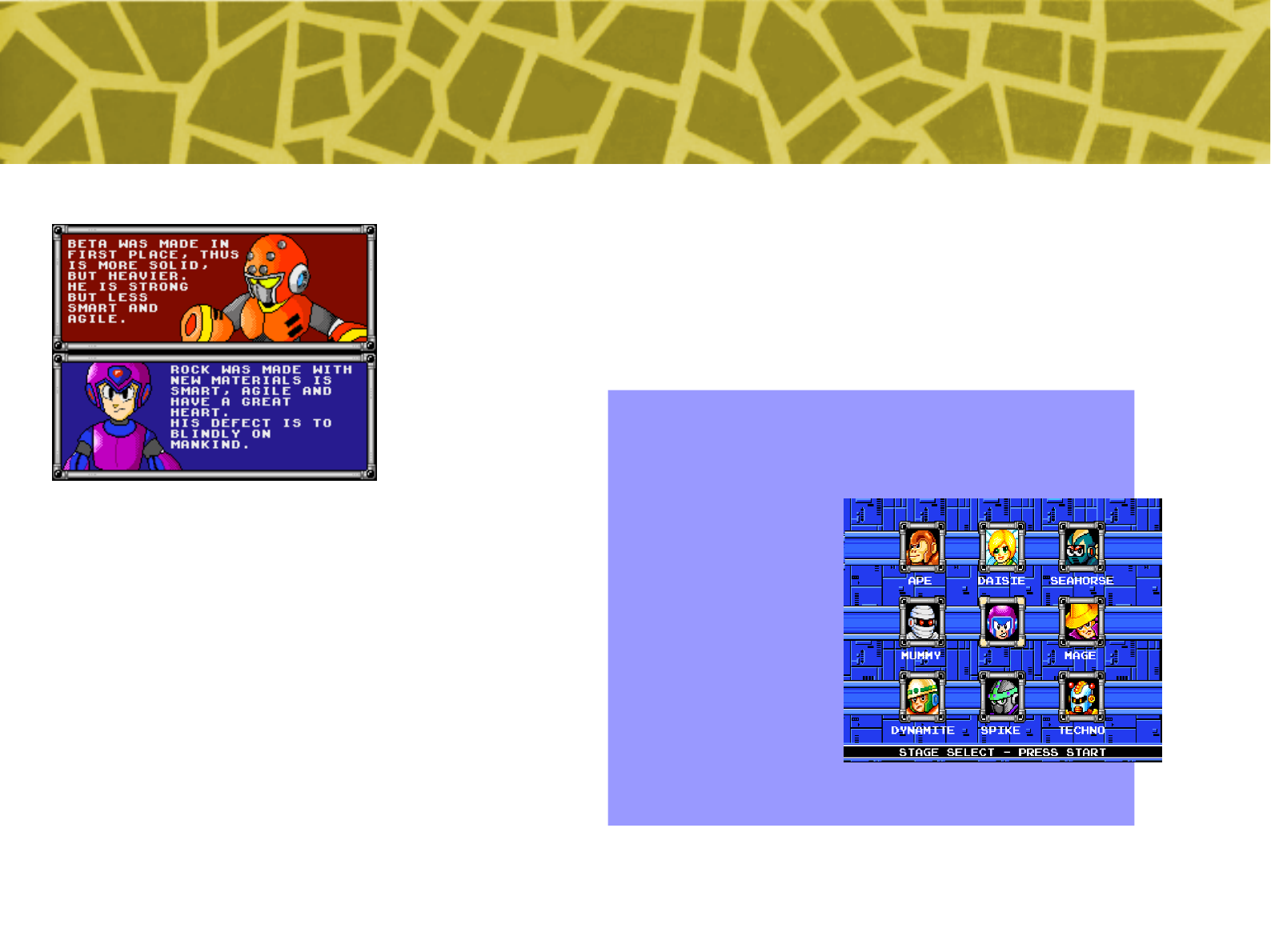
Android
Touch Controls*:
A Button — Jump
B Button — Attack
Start — Open Weapon Select Menu &
Make Selection
* You can also configure a bluetooth or
USB joystick, or use built-in controls if your
hardware have any.
9
[Game Start]
After defeating the introduction stage, the 8 boss
characters of each stage are displayed on the
screen. Begin playing any stage by moving the
cursor over that character’s image and pressing
the Start Button.
After defeating the boss of each stage, you will
obtain the weapon wielded by that boss.
When starting the game, a player selection screen
allows you to pick between Rockbot and Betabot.
Rock is easier to play with due to bigger jump and
charged shot, while Beta matches classic Mega
Man (tm Capcom) play.
10
[Screen Explanation]
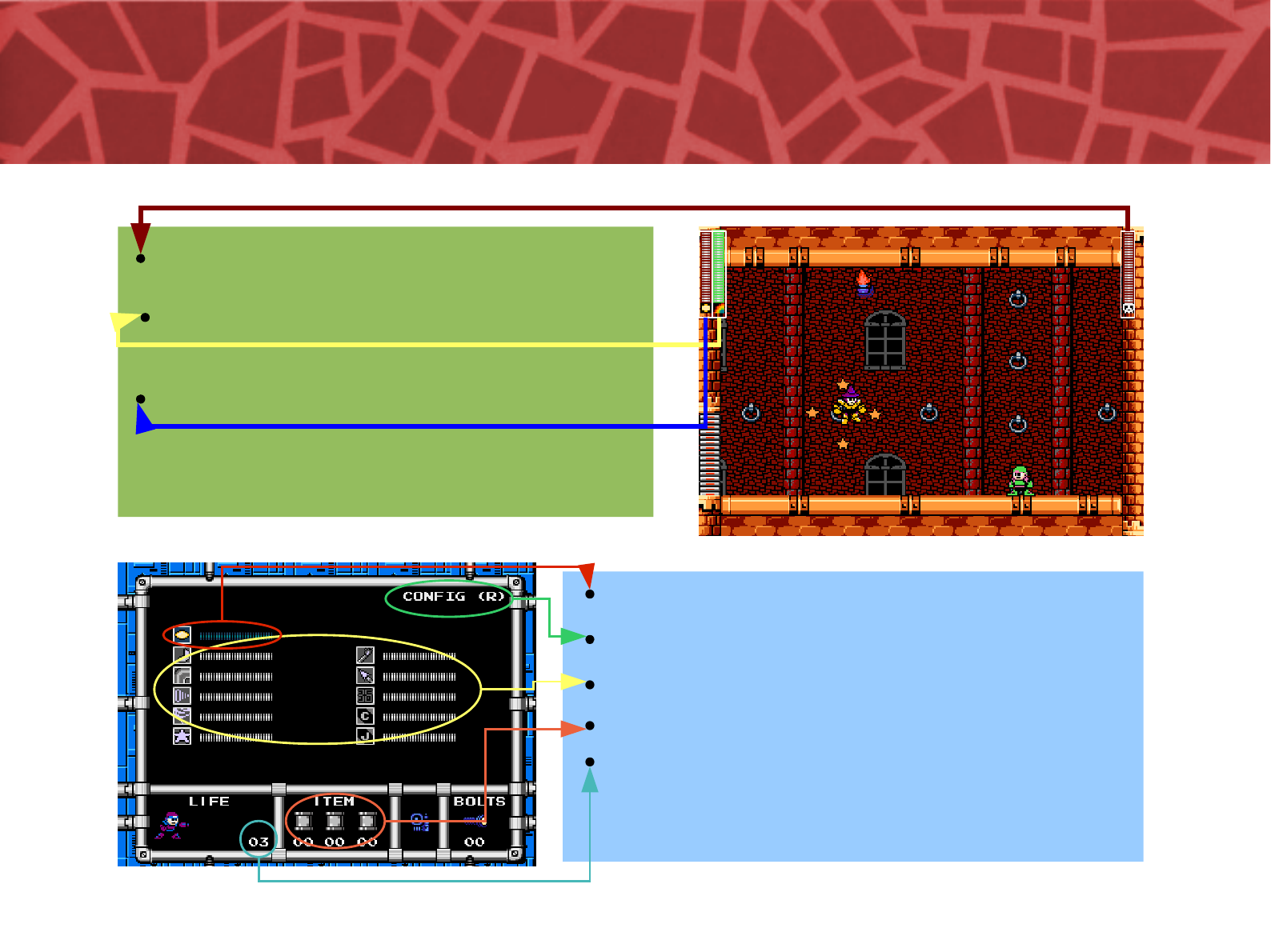
Enemy Energy Gauge (BOSS only)
Life Energy Gauge
Weapon Energy Gauge
Configuration (press R button)
Life Energy Gauge
Weapon Select Area
Usable items (Energy tanks)
Player Count
11
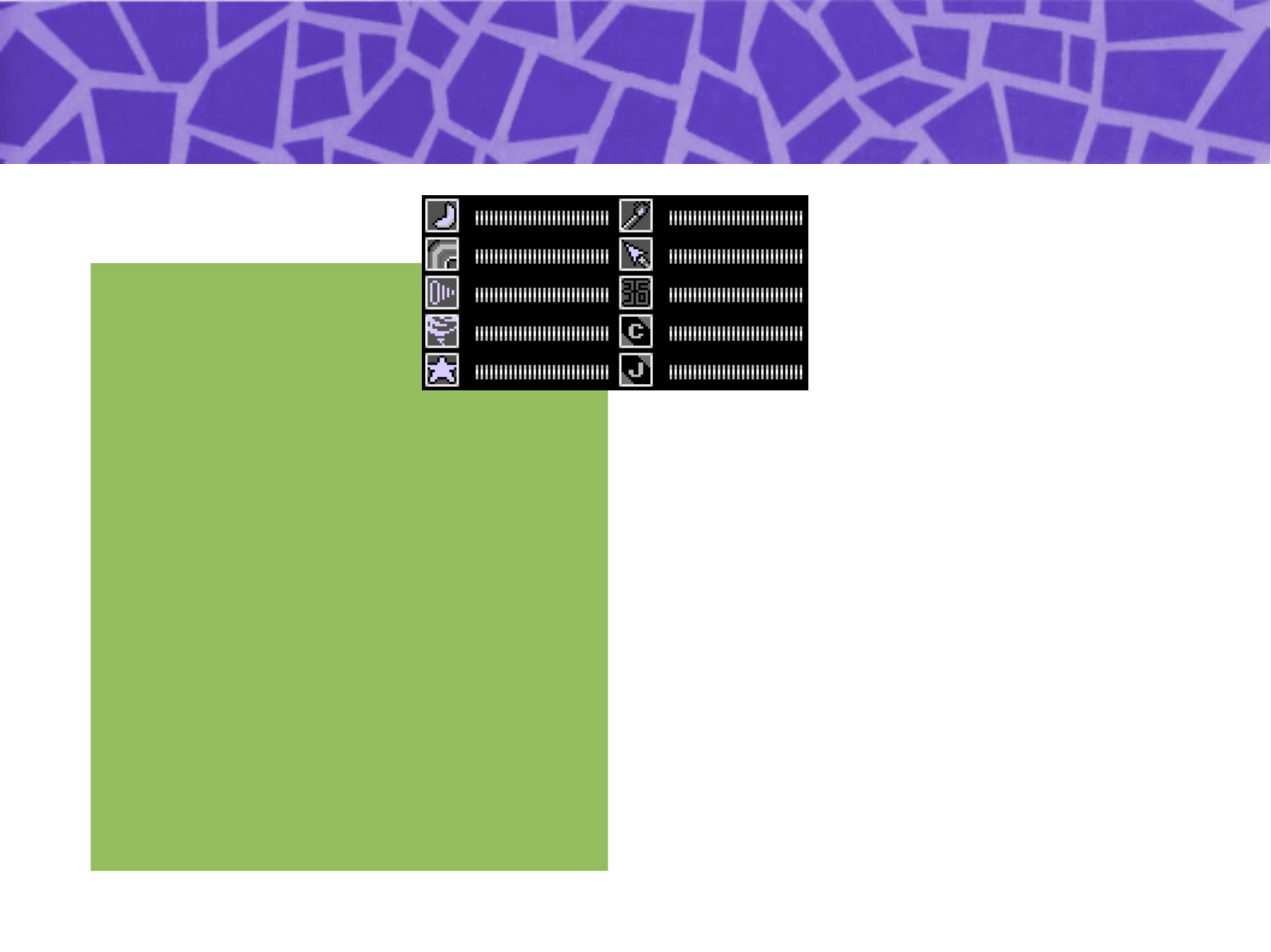
[ABOUT CHANGING WEAPONS]
Cockpit
After defeating a boss and acquiring its weapon, pressing the Start Button
during the game will enable switching weapons by opening the weapon display
area.
By moving the Directional Key Pad up down left and right, select the initials of
the weapon you wish to use and press start to confirm your selection!
12
[Frog and Eagle Mascots]
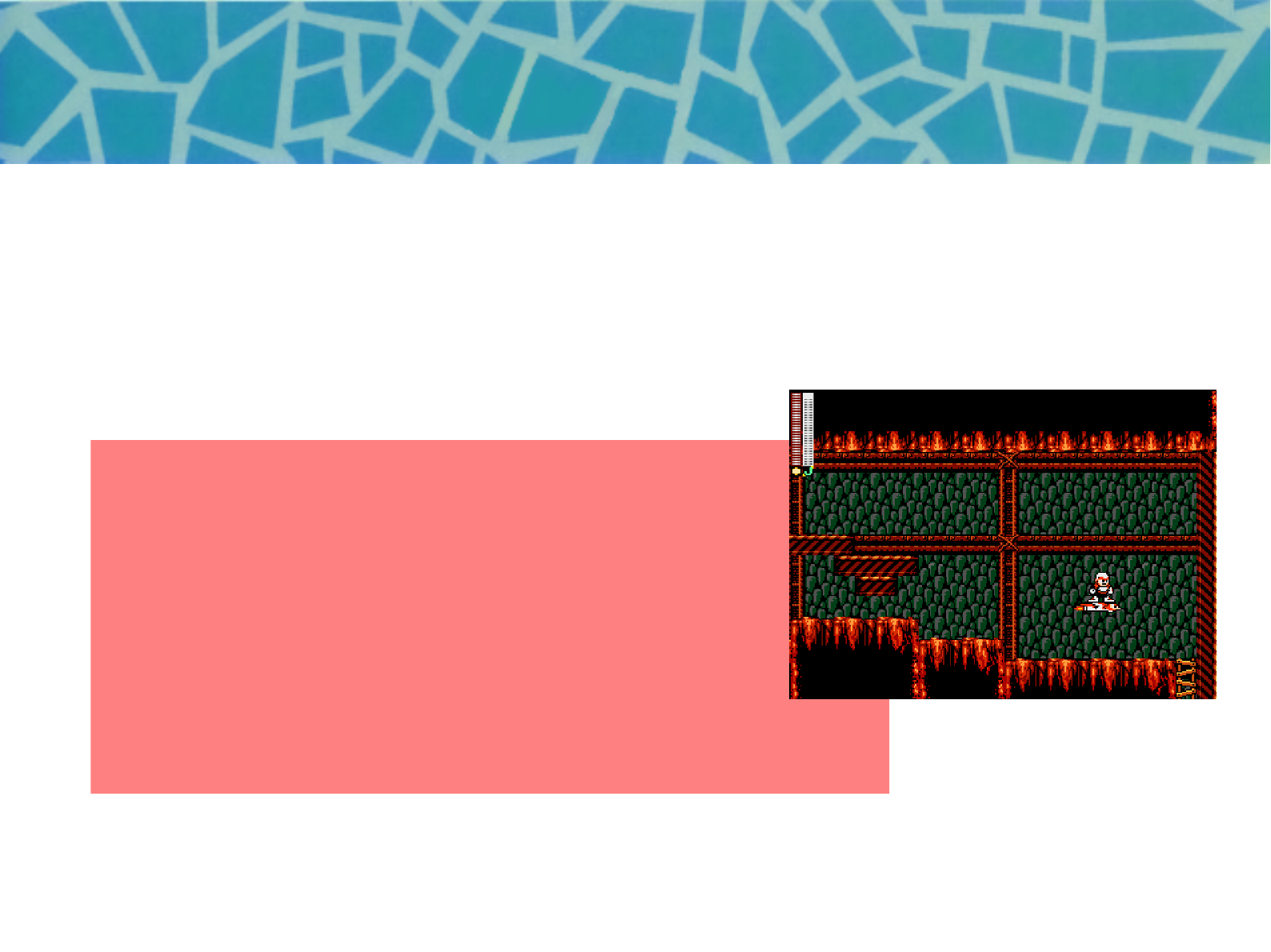
Rockbot and Betabot have two companion friends which can be selected for use
in the same manner as choosing a weapon.
Coil Frog helps you to reach high places and Eagle Jet helps to fly over obstables
or pits.The two friends can only be acquired by defeating certain bosses.
In both cases, they cannot appear on the screen
more than once at a time.
13
[Frog Coil]
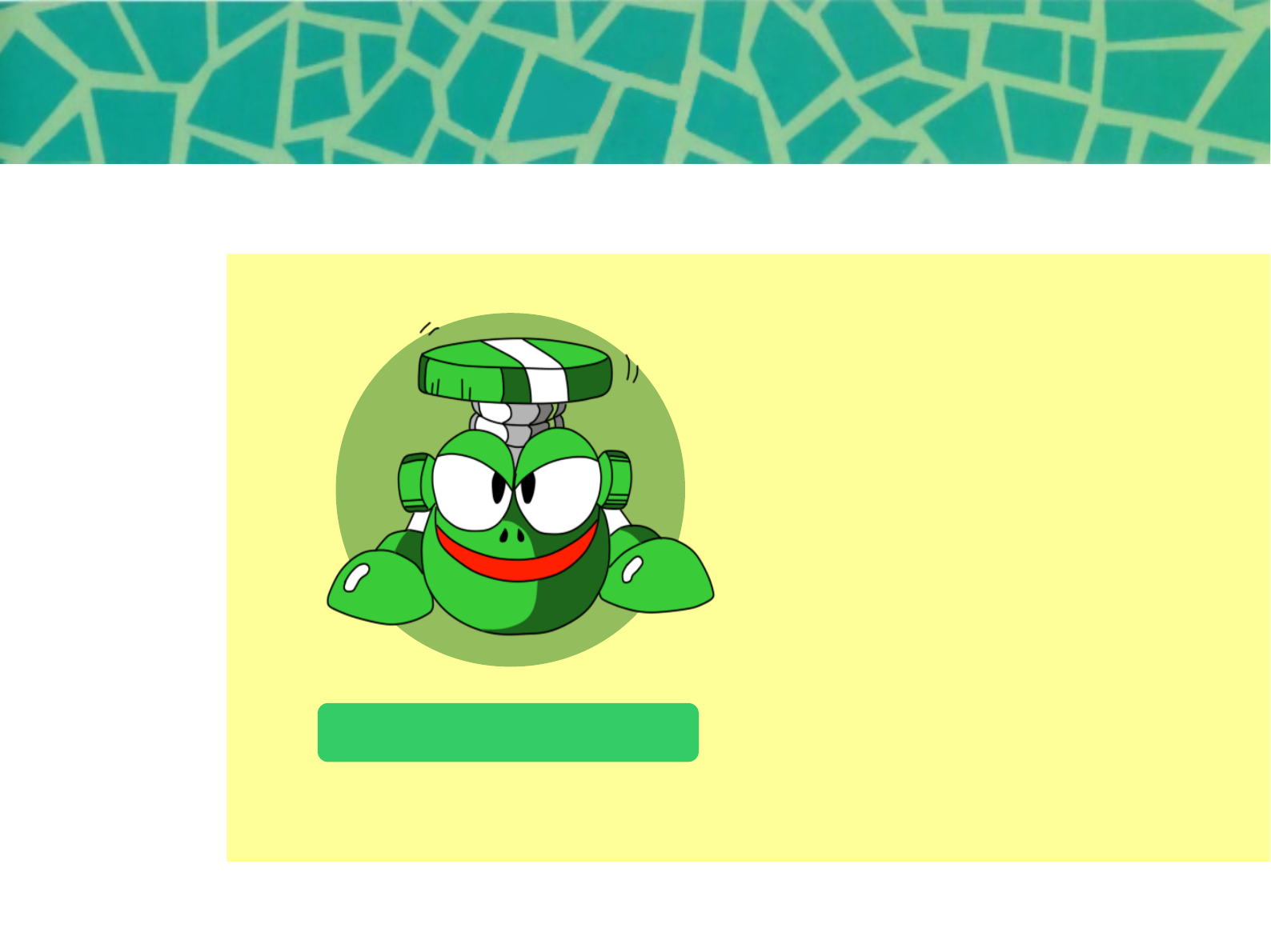
Frog Coil
This ability is availableafter
beating Ape Bot's stage.
Get atop Frog to perform a
super jump and reache
higher areas.
14
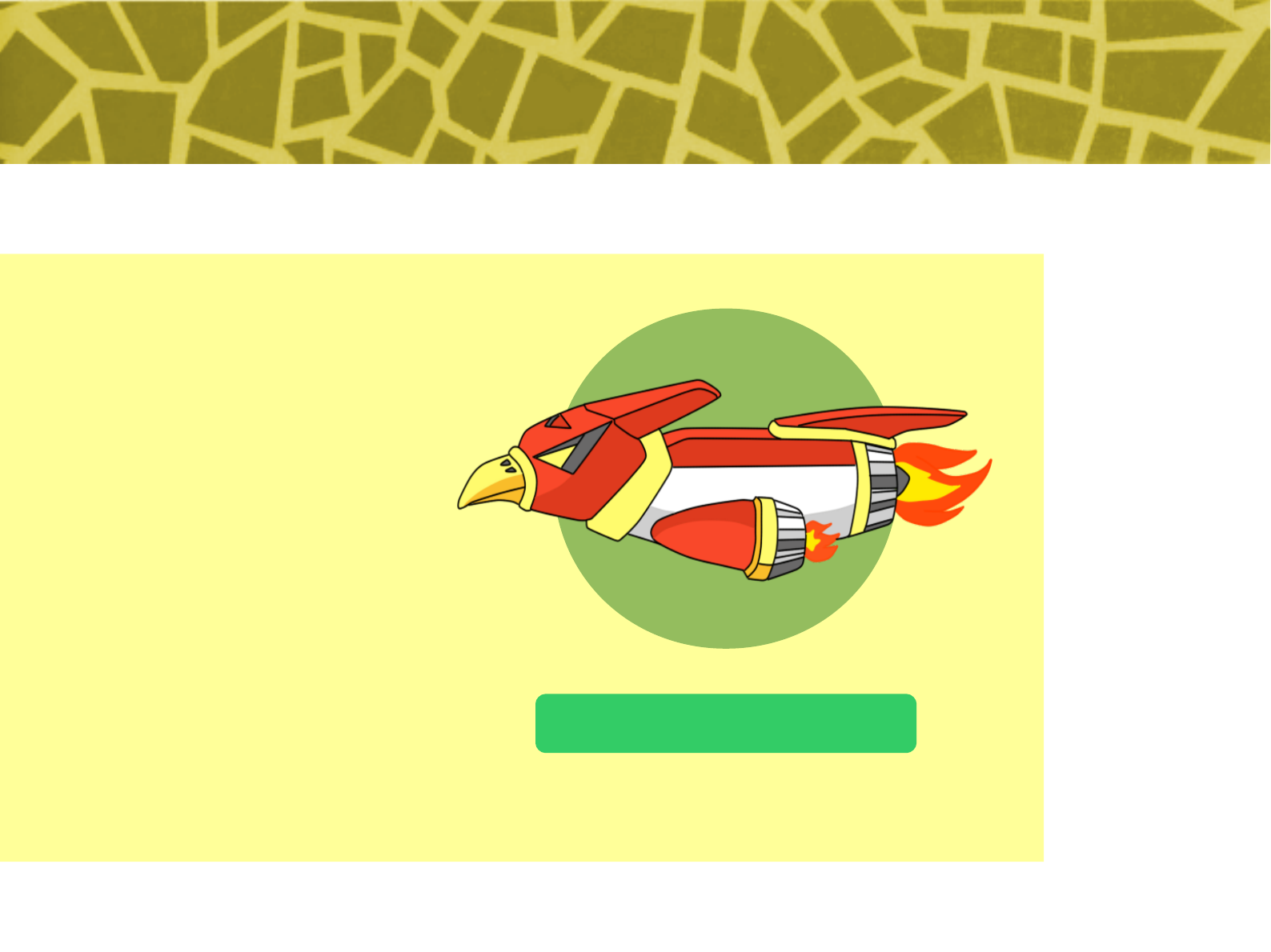
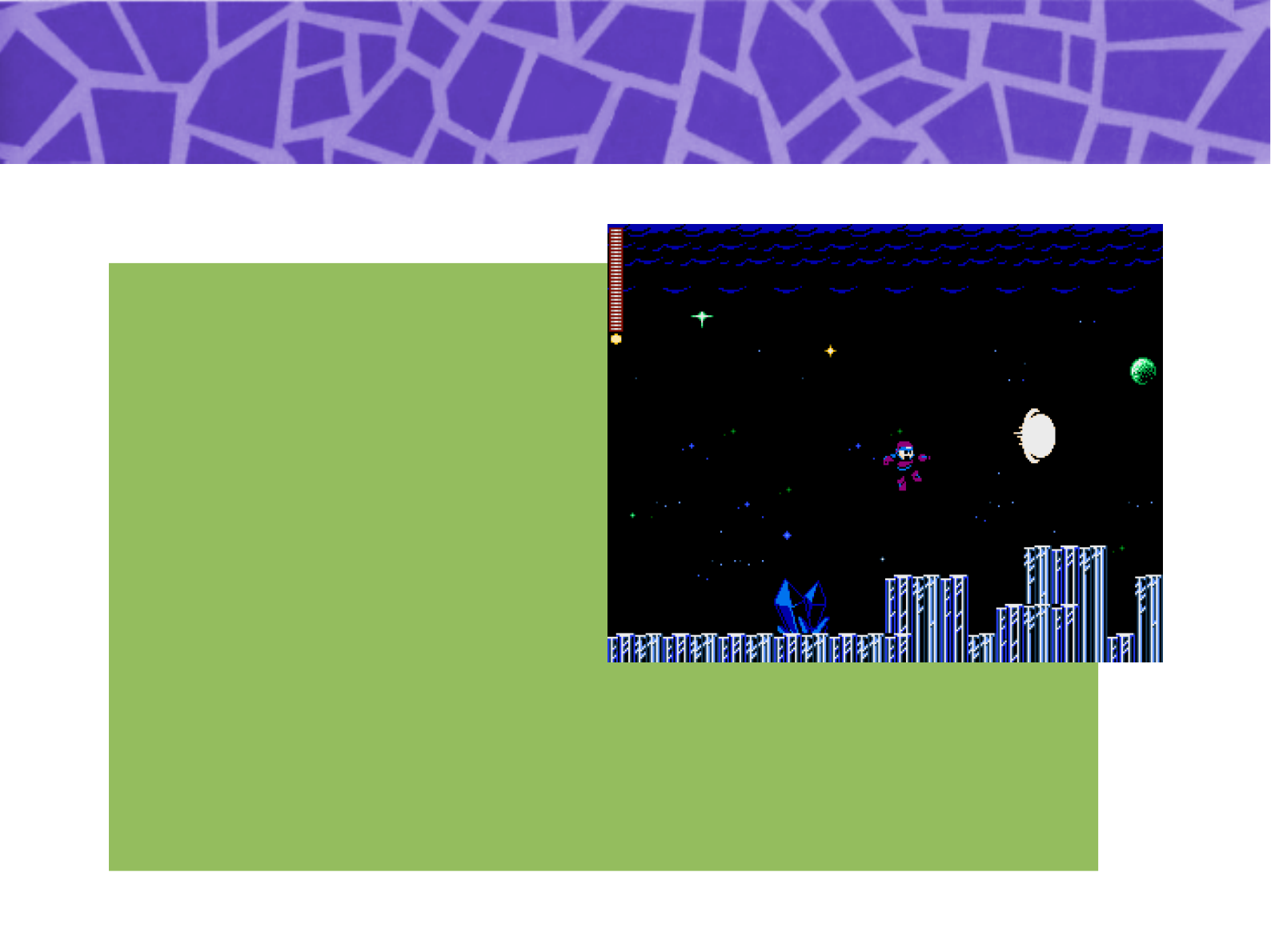
[Eagle Jet]
Eagle Jet
Soars freely through the air.
Watch its energy usage
carefully or you can fall!!
(WARNING)
Cancelling Eagle while
moving over a danger zone
or an area without footholds
will cause the player to drop
and fall. Please use
caution.
15
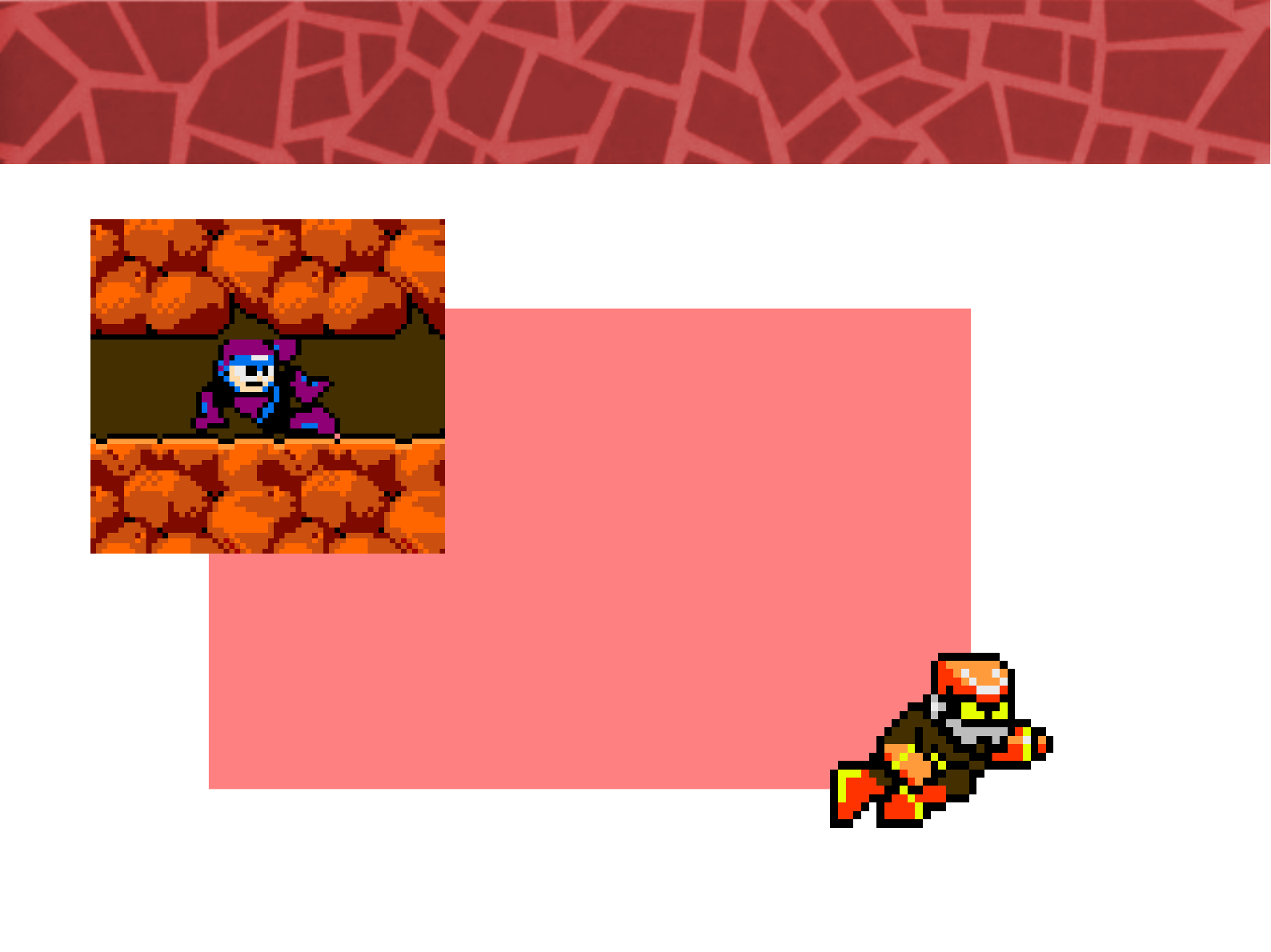
[Using Slide/Dash]
By holding the Directional Key Pad down and
pressing the JUMP button, the player can
perform a slide to get out of many tough
situations!!
By using this nimble burst of speed, you can
slide underneath and slip past your enemies,
and that ’s not all!!
There are some narrow passageways that can
only be traversed by sliding!!
16
[Rockbot's Charged Shot]
When playing with Rockbot,
press and hold down the Attack
button and he will start charging
his weapon. Release the button
to fire up a powerful attack that
can defeat strong enemies on a
single shot!
Betabot can't charge, but fires
two shots at once, making
easier to hit difficult target.
17
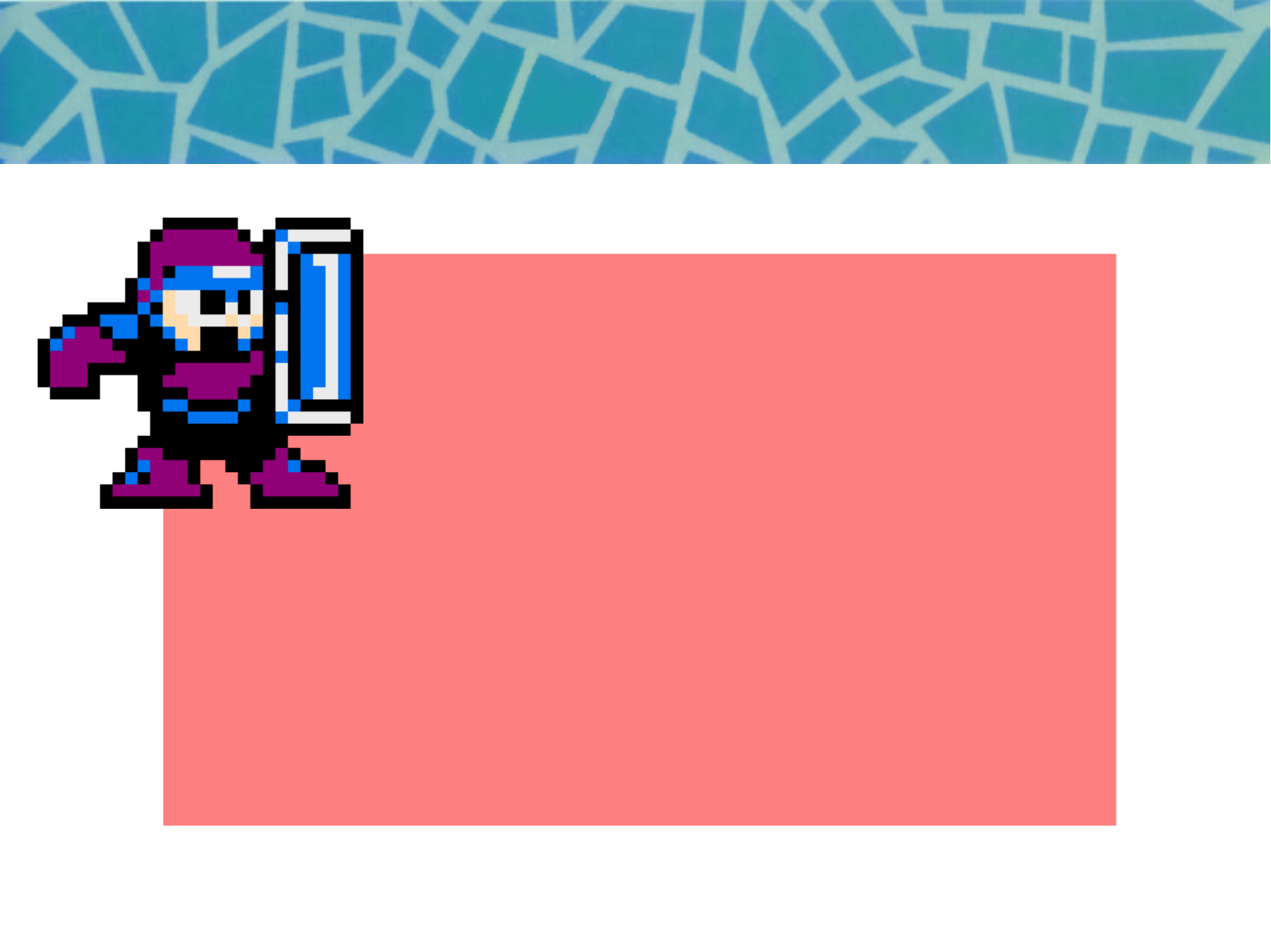
[Using Rockbot's Shield]
When pressing the shield button with
Rockbot, he will raise his shield to protect
himself from enemies projectiles by
reflecting those.
Betabot is not equipped with a shield.
Warning
You are still vulnerable if a projectile comes
from the opposite direction you are facing
and also from damage from contact with
enemy body.
18
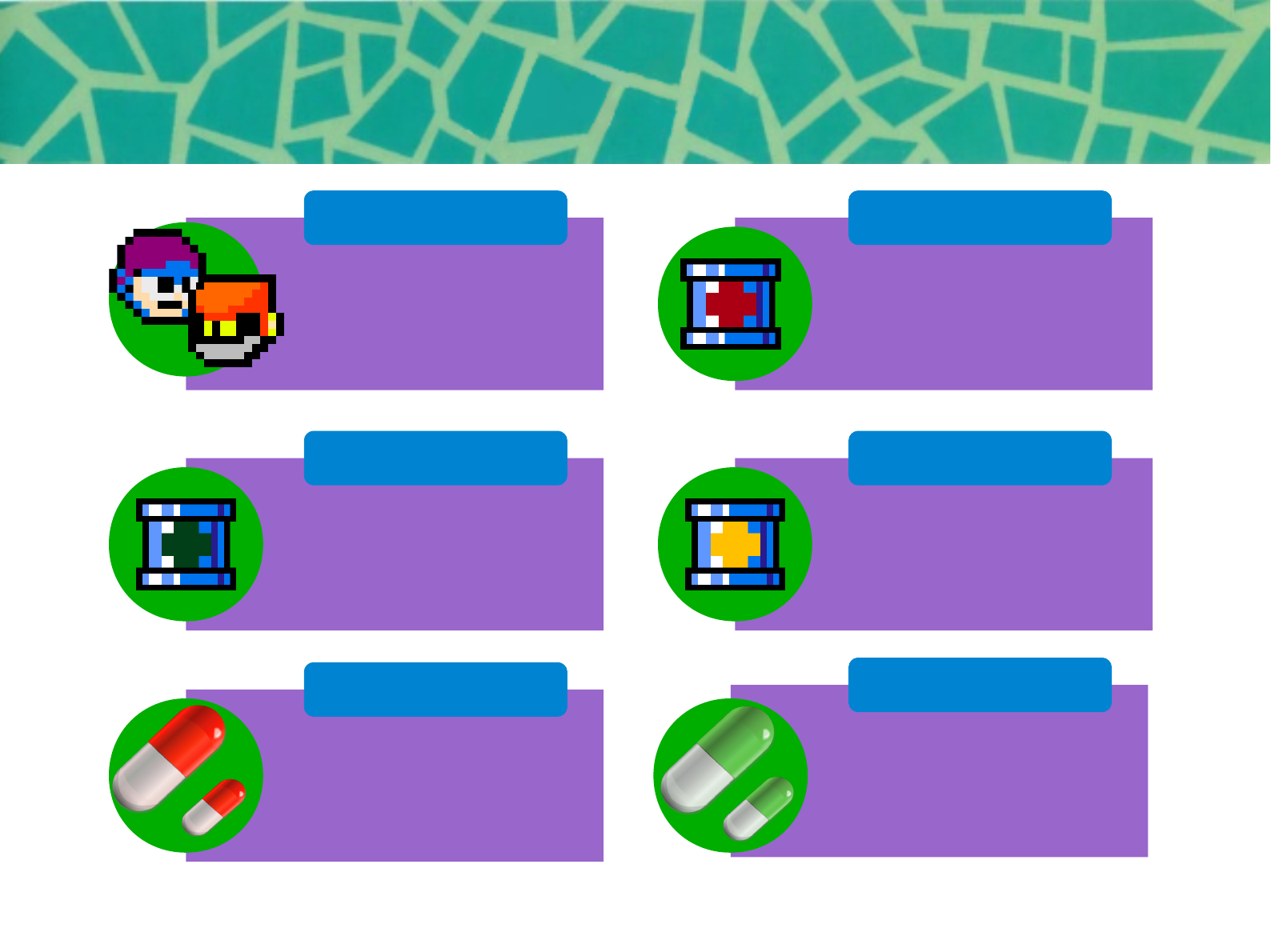
[About Items]
1UP
Weapons Can
Energy Can
Weapon Energy
Life Energy
Special Can
Recovers the player’s
life.
(Large/Small)
Recovers weapon
energy.
(Large/Small)
When this item is used,
all weapons energy are
fully recovered.
Player count increases
by 1 man.
When this item is used,
all life energy is fully
recovered.
When this item is used,
all life and weapons
energy are fully
recovered.
19
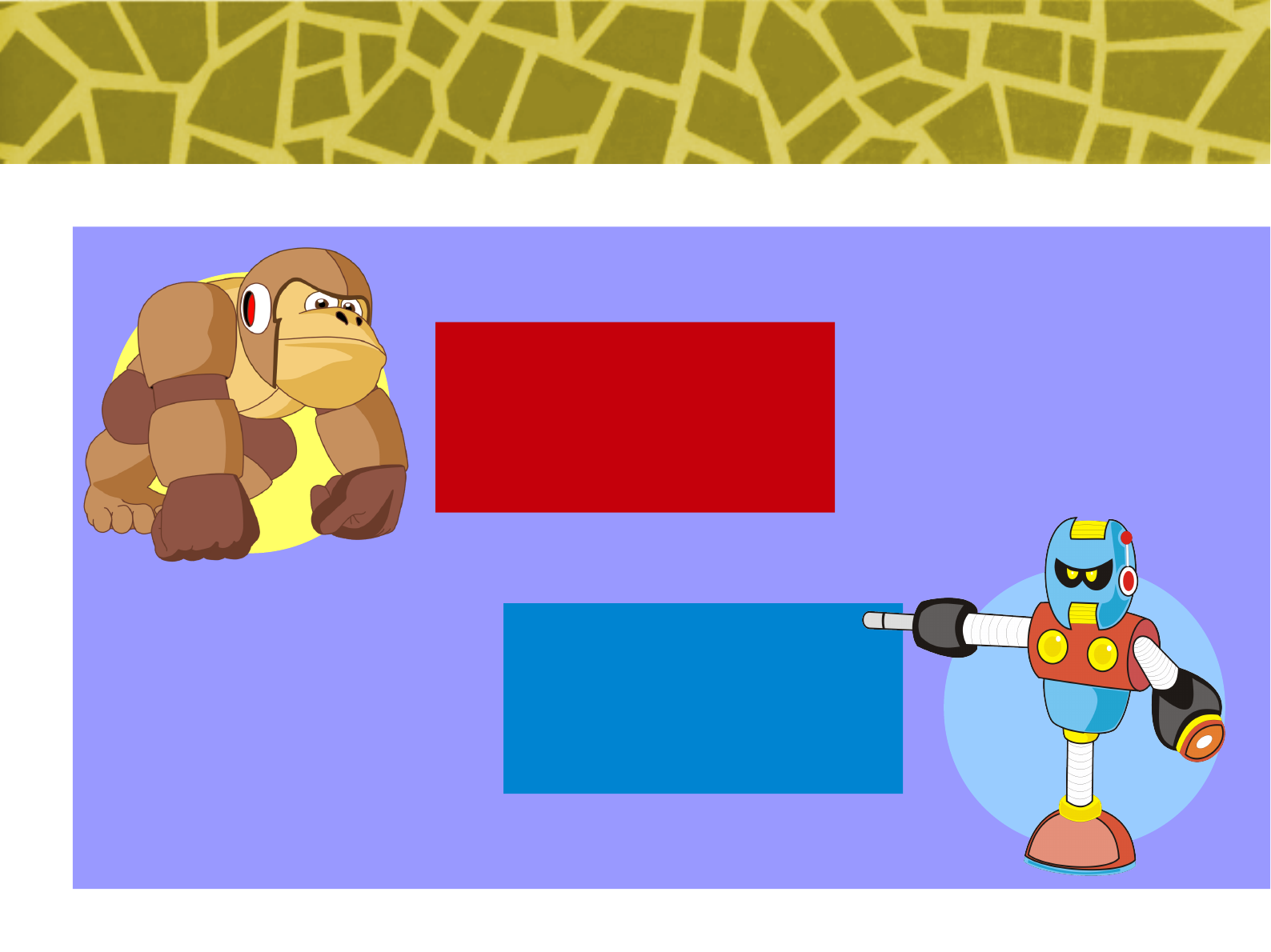
[The Characters of Rockbot 1]
No. 001
Ape Bot
● Ivan Fiedoruk
● Iuri Fiedoruk
No. 002
Techno Bot
● Fabiano “Chikago” Saccol
● Iuri Fiedoruk
20
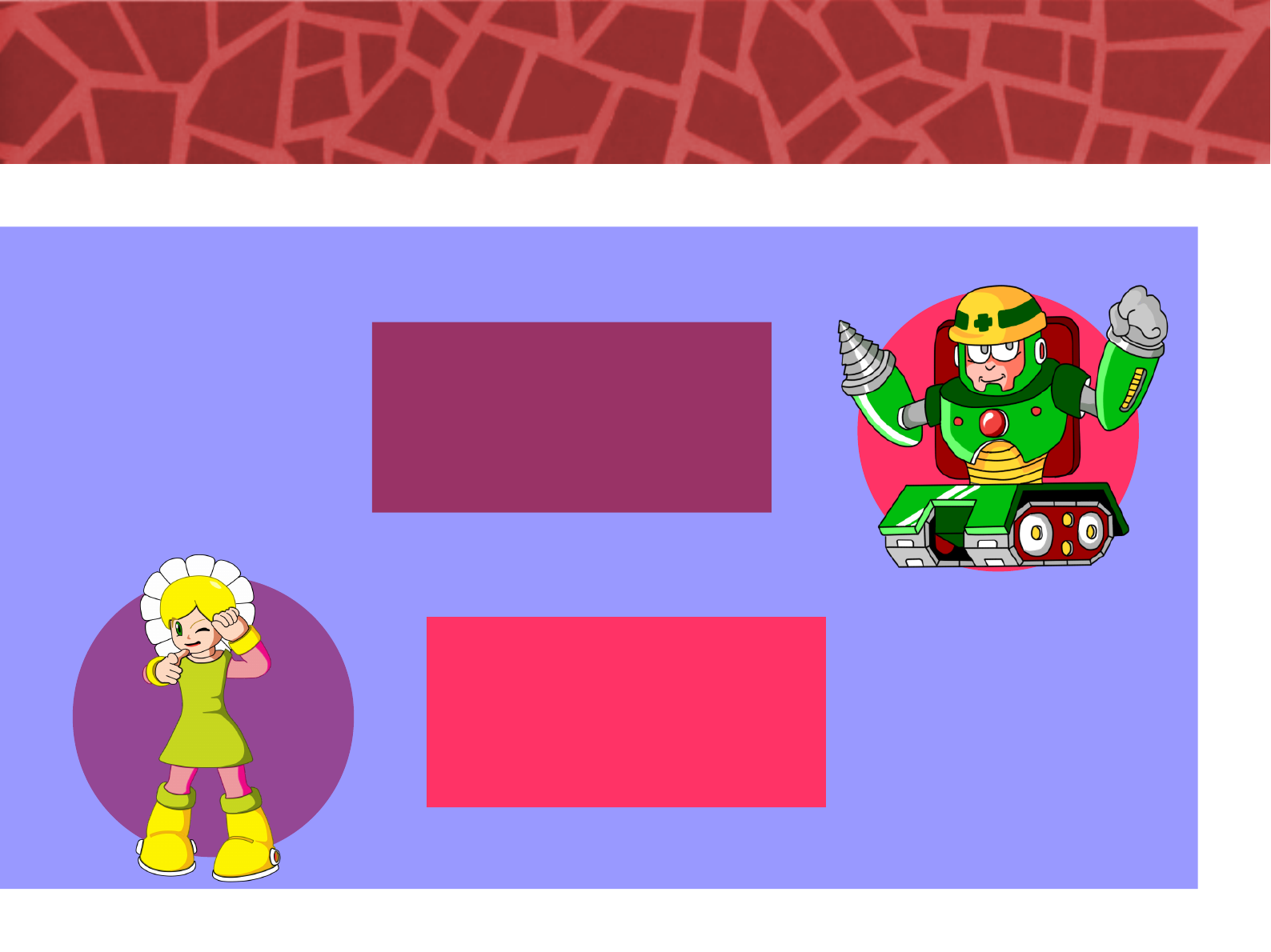
No. 003
Dynamite Bot
● Giuliano “Kobold” Saccol
● Iuri Fiedoruk
No. 004
Daisie Bot
● Arismeire Kümmer Silva
Fiedoruk
21
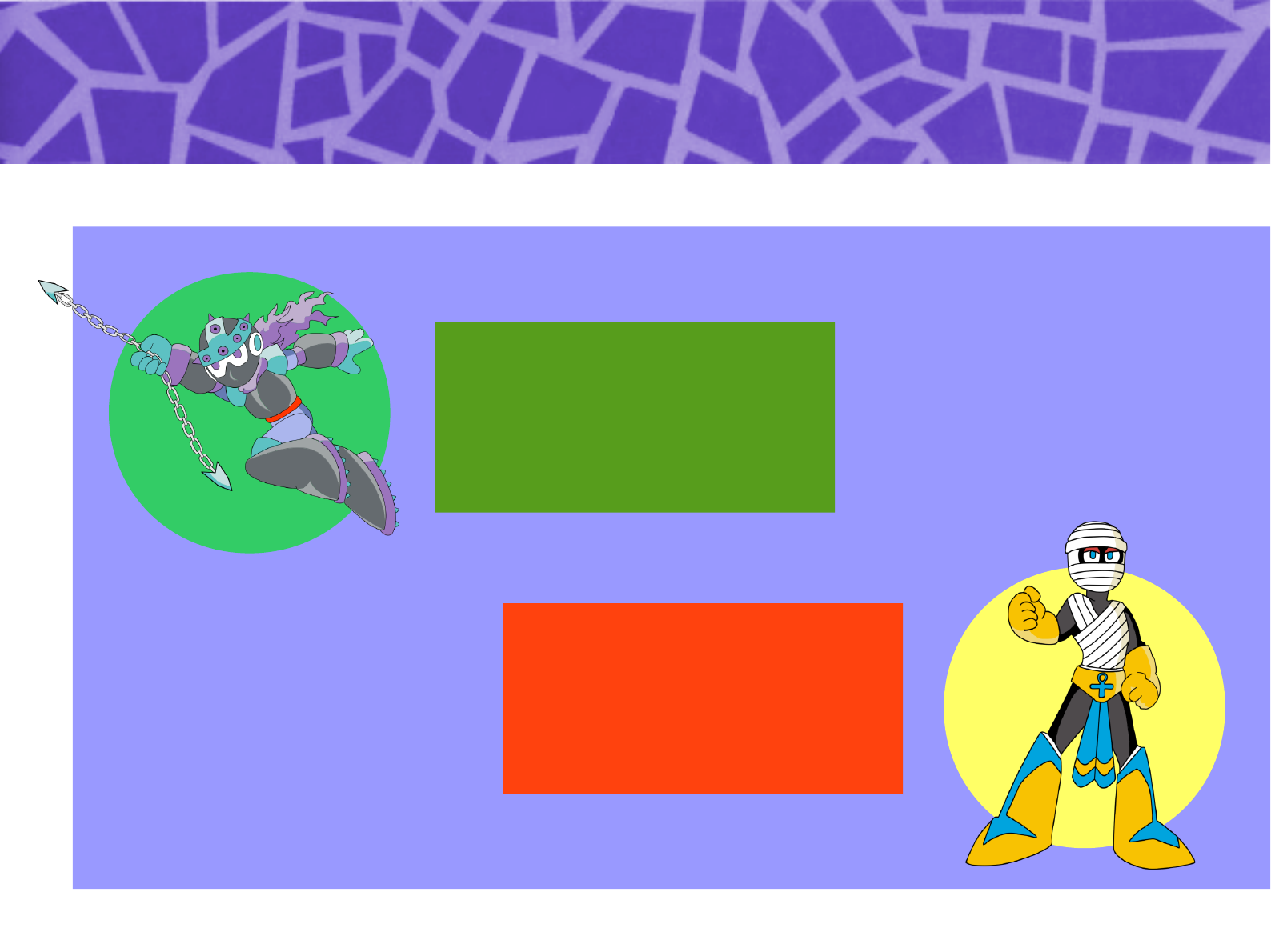
No. 005
Spike Bot
● Iuri Fiedoruk
No. 006
Mummy Bot
● Arismeire Kümmer Silva
Fiedoruk
22
No. 007
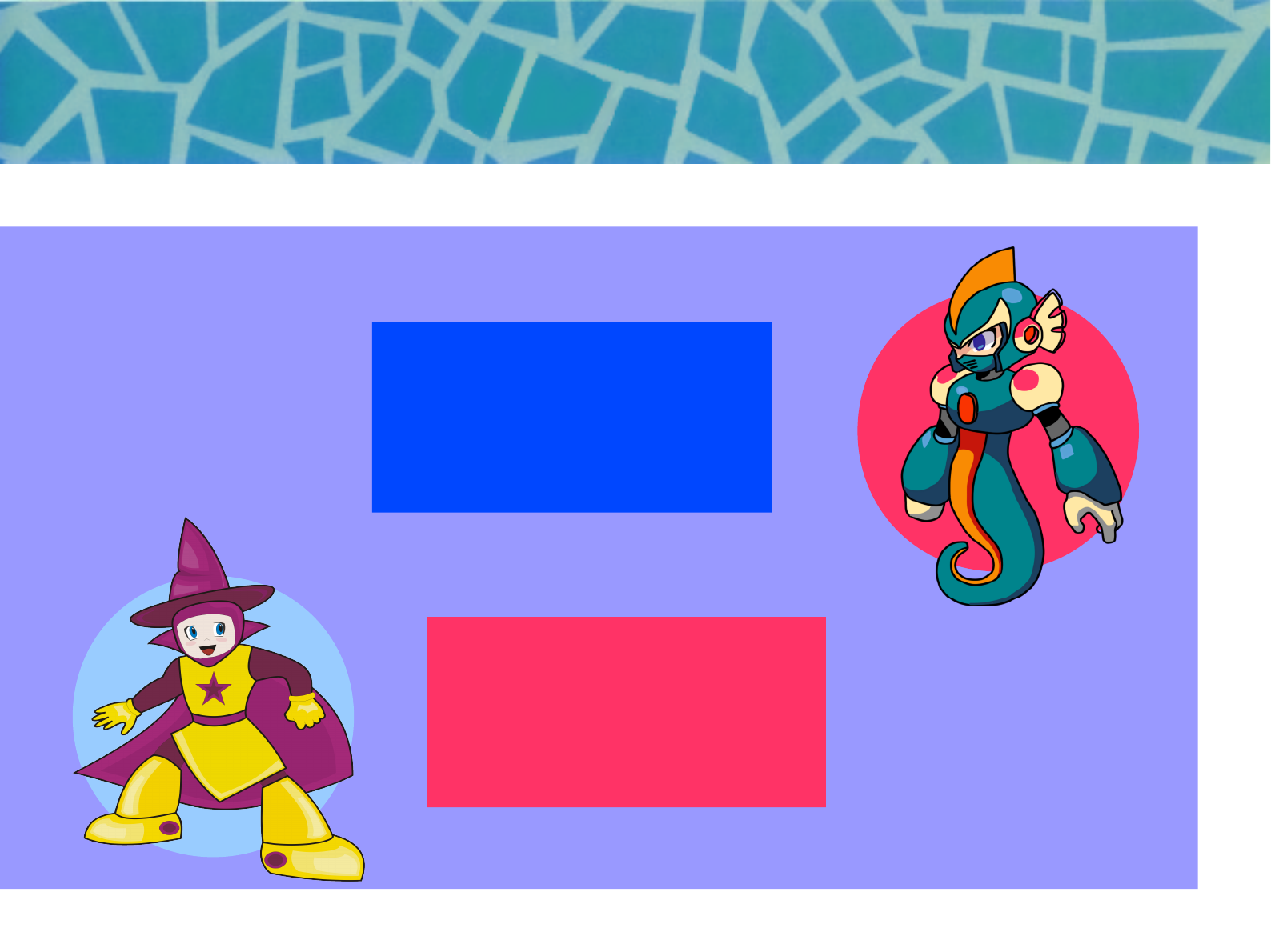
Seahorse Bot
● Arismeire Kümmer Silva
Fiedoruk
● Iuri Fiedoruk
No. 008
Mage Bot
● Arismeire Kümmer Silva
Fiedoruk
23
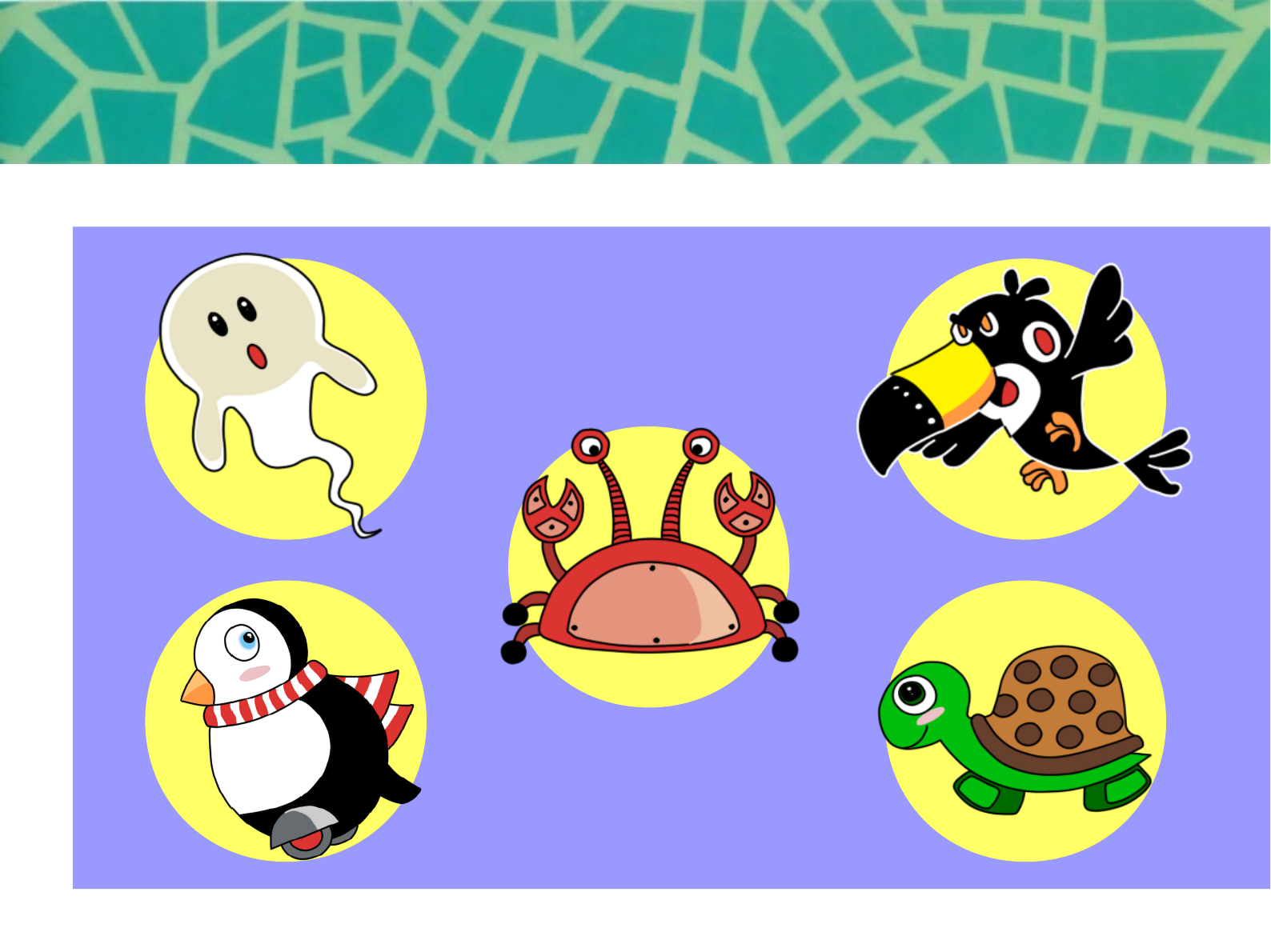
Ghost Tucano
Siri
Penguin Turtle
24
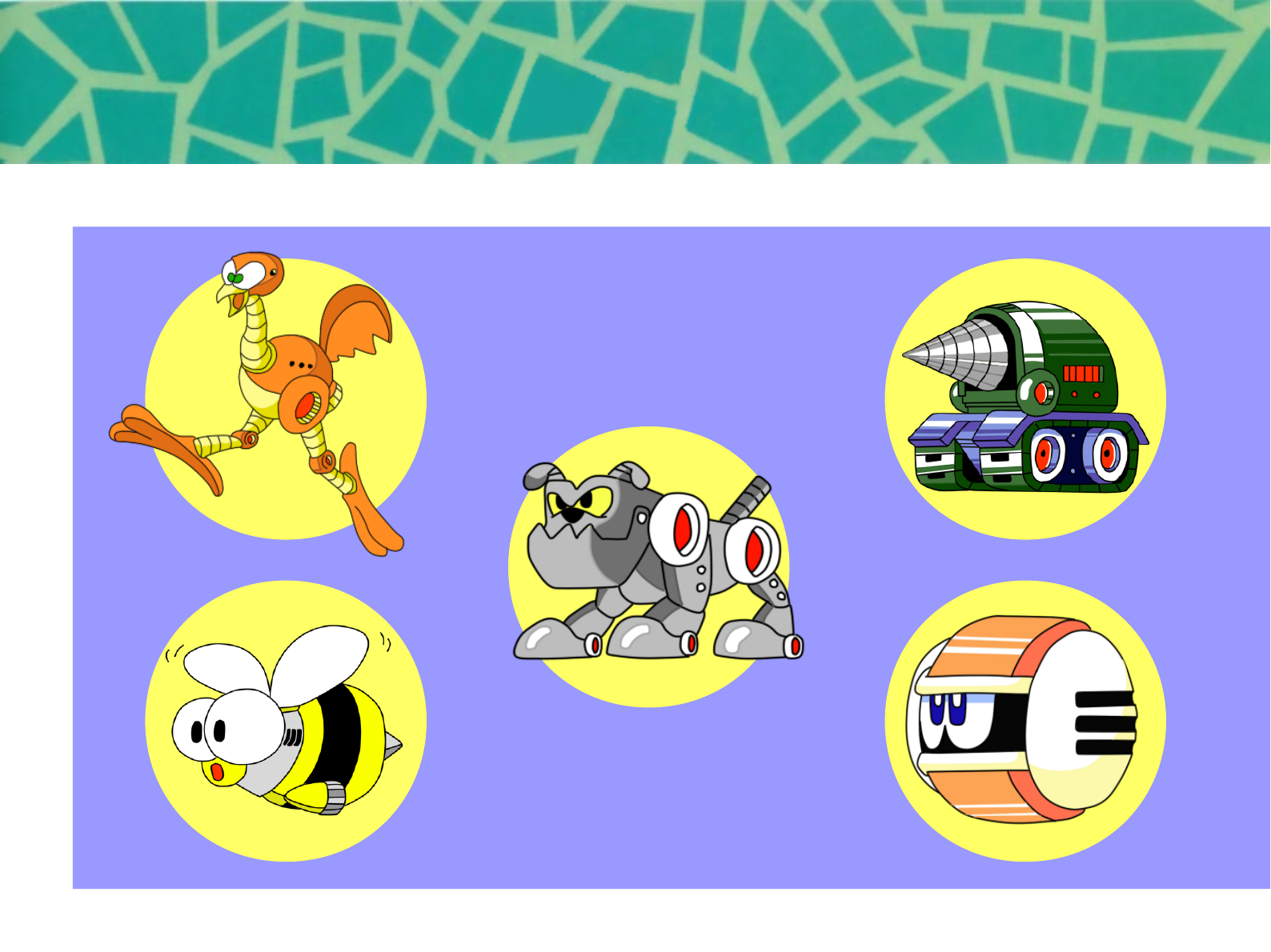
Ema Driller
Bulldog
Fat Bee Cannon Ball
25
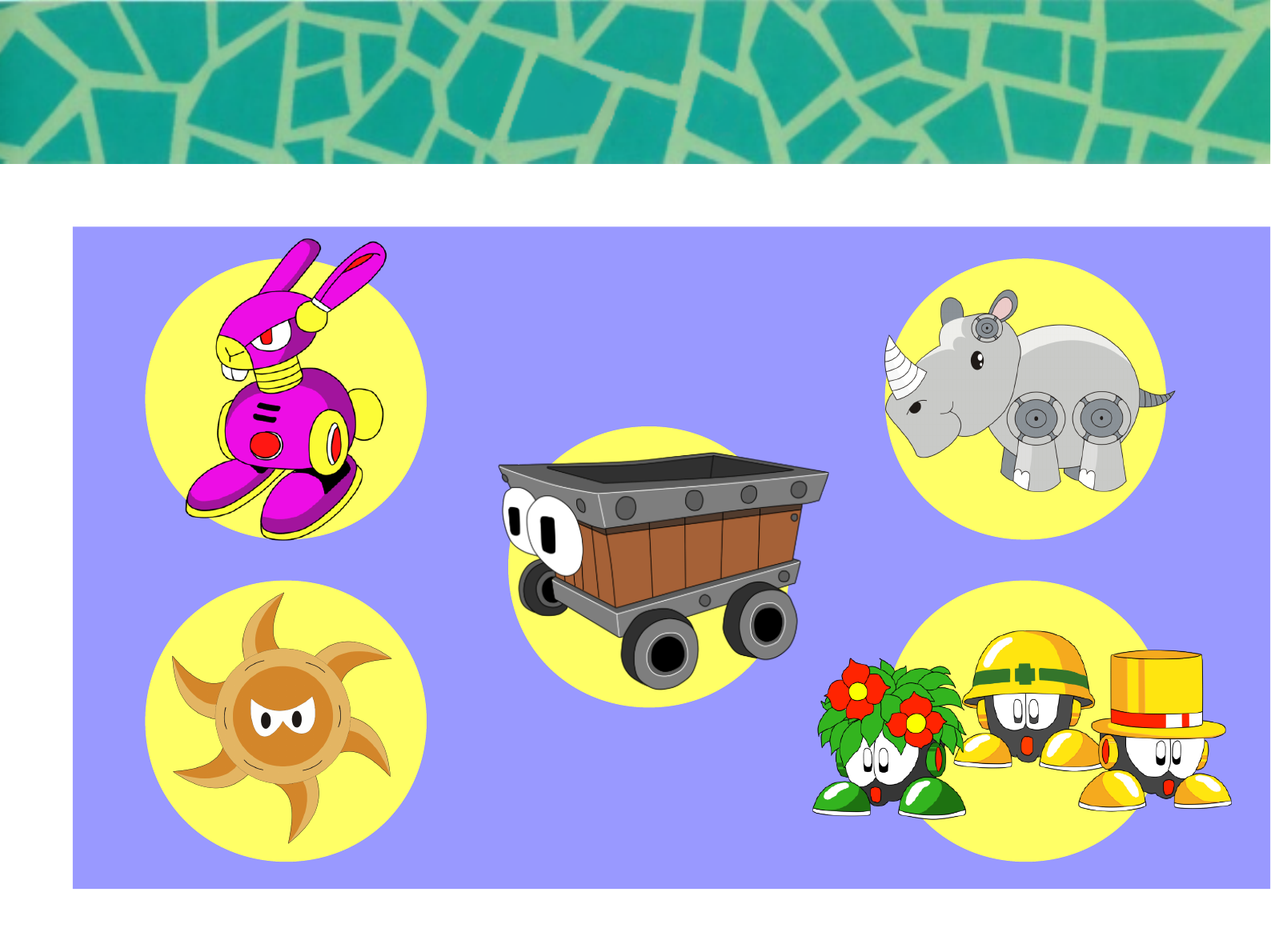
Trick Rabbit
Spinning Blade Metools
Rhino
Mine Cart
26
THE STORY
OF
ROCKBOT
27
ROCKBOT STORY
In the year 200X, industrial use humanoid robots have been created thanks to the
steady progress of science. These robots can work round the clock tirelessly 24 hours
a day, at a superhuman rate.
Then one day, some shocking news arise in Tokyo: “The robots have begun going out
of control one after another! At this rate, mankind will be ruled by robots!”
Fearing to have the same destiny, the city of Kyoto prepare for
the worse. One night, the fear becomes truth, an horde of
unknown robots attack.
Being unable to stop the enemies, the city security forces call for
help from the university's scientists in order to create warrior
that match the enemies strength One professor comes with a
project for fighter robots. After his first construct is unstable and
unwary, he improves the project and build other one to fight
along.
Now, even without being fully tested and stable, both robots,
born to fight, will have to prove their value and become heroes
saving the city.
Go! Go! BETABOT and ROCKBOT!! Only you can defeat the 8 robot
masters, and find out who is responsible for this violence!
28
[About Password]
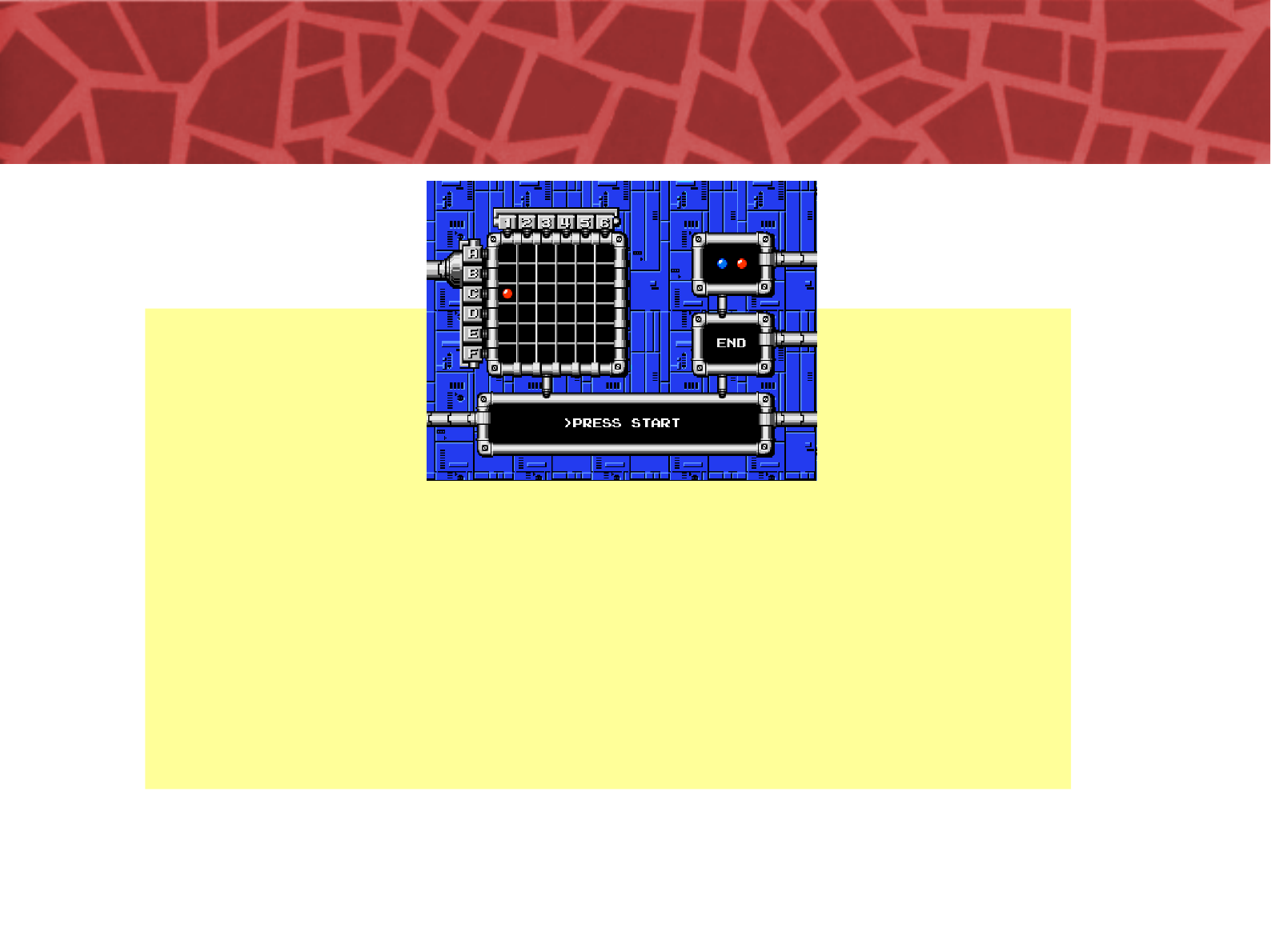
After clearing a stage or getting a Game Over, a password like the one in the image
above will be displayed. The bosses you’ve defeated, as well as the weapons and
items you’ve obtained will be stored in the password according to the location of
the chips. (The player count is not saved, however.)
Come time to input the password, use the A Button to select a chip color, then
move the cursor to the proper location and press the A Button again to place each
chip.
The A Button can also be used to remove a chip that ’s already been placed.

29
For use in all countries in the world.
Have fun and create more games!
This product is based on characters from the Mega Man (Rockman)
game that is trademark and copyright of Capcom Inc.
The source code is licensed under the GPL2 and is freely available at
http://www.sf.net/projects/rockbot-game.
All sound effects are copyright of Capcom Inc.
Music was obtained from http://modarchive.org and is licensed under
Mod Archive Distribution.
Mega Man character graphics is copyright of Capcom Inc.
Original Rockbot graphics are licensed under CC Share Alike and
copyright of Upperland Studios.
Upperland Studios
Condomínio Jardim América, bl. 34.
Bairro Santo Antônio, Porto Alegre, RS, Brasil.
CEP 90640-190.
protoman@upperland.net
http://rockbot.upperland.net/
30
© 2009-2014 Upperland Studios. All rights reserved.
