Vortex Cypher Manual
User Manual:
Open the PDF directly: View PDF  .
.
Page Count: 3
!
CYPHER User manual
Main Features:
1.!65% keyboard with ANSI or ISO layout
2.!Cherry MX keyswitches
3.!Dual layer PCB
4.!Keycap material: PBT
5.!Legends printed: Laser engraved
6.!Split or standard spacebar for option
7.!USB-C Interface
8.!Full key programming by hardware
9.!Support Vortexgear MPC online key-codes editor
Package Content:
1.!Keyboard x 1
2.!USB-C Cable x 1
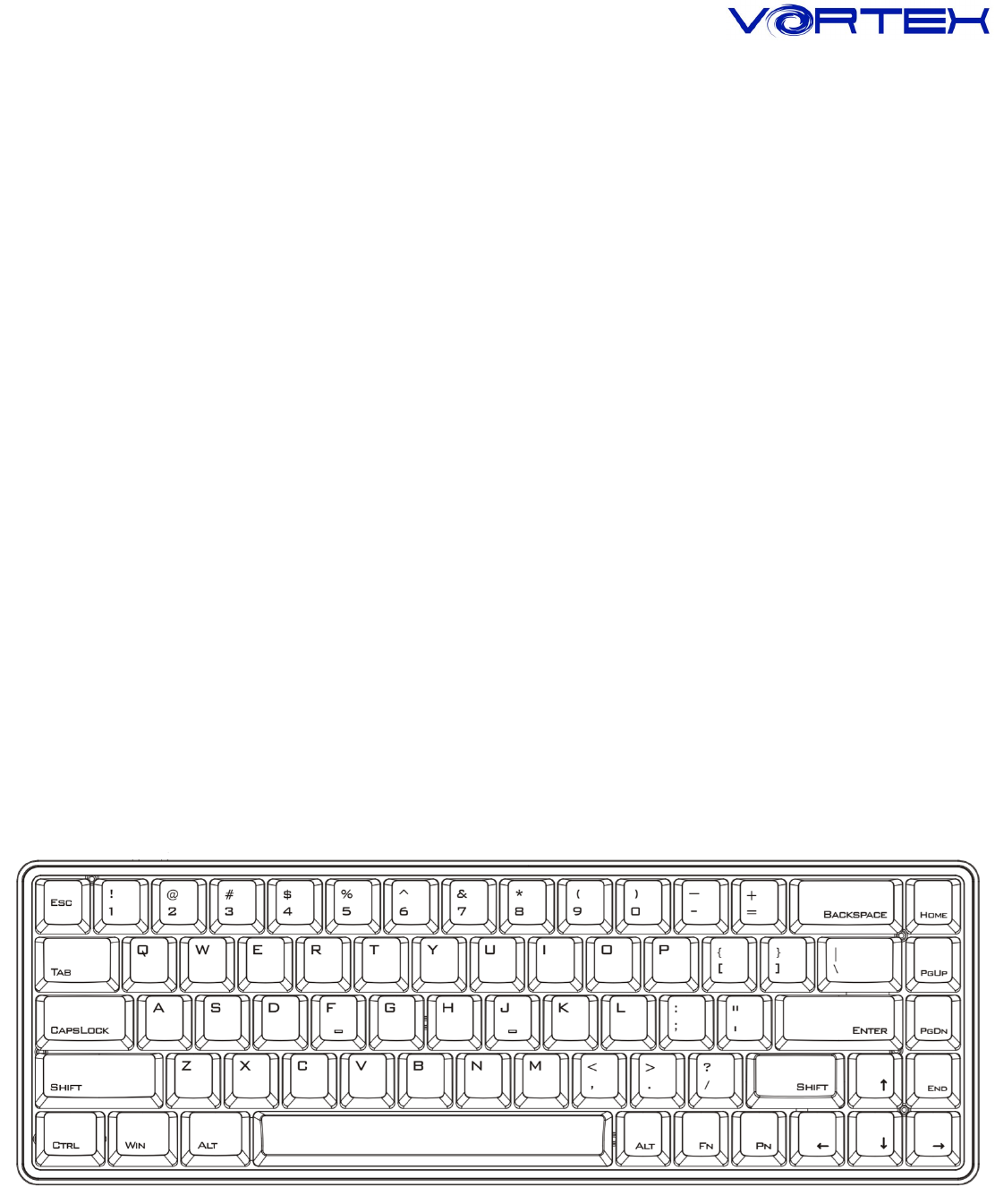
Keyboard Layout:
!
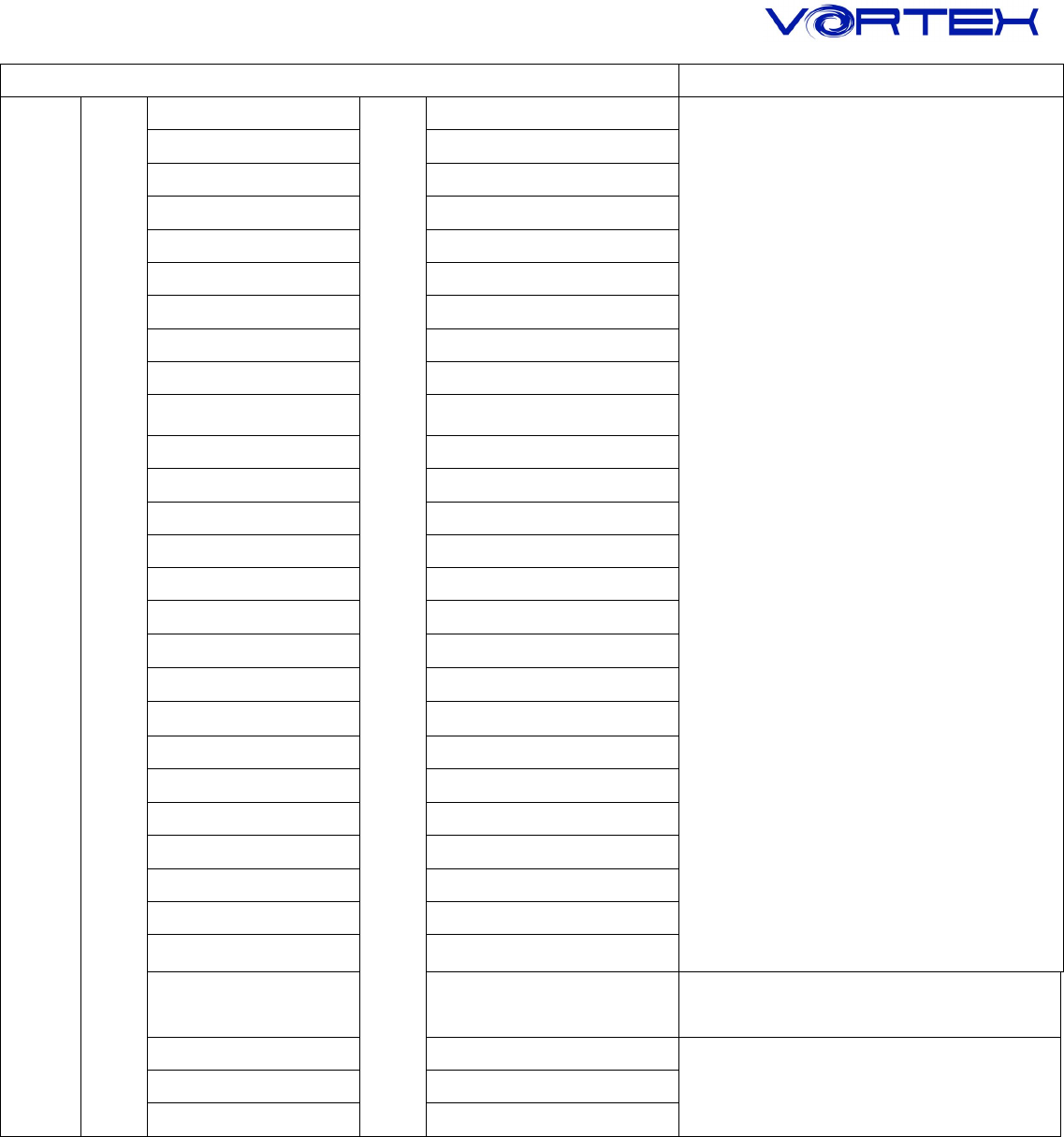
Fn + Control keys
Remark
Fn
+
ESC
=
`
Key code
Change
1
F1
2
F2
3
F3
4
F4
5
F5
6
F6
7
F7
8
F8
9
F9
0
F10
- _
F11
= +
F12
P
Print Screen
[ {
Scroll Lock
] }
Pause
; :
Insert
' “
Delete
Z
APP
Q
Previous
W
Play/Pause
E
Next
S
Volume -
D
Volume +
F
Mute
L_shift + ESC
~
R
Restore to factory
default
Clean single layer
programmed key-codes
T
Delay 15ms
Only valid in Programming
Mode
G
Delay 0.1s
B
Delay 0.5s

!
1. Spacebar LEDs indicator:
a. Left side of LED - Switching Layers
Fn + M = None - Default layer
Fn + <, = Red color - Layer1
Fn + >. = Green color - Layer 2
Fn +!?/ = Blue color - Layer 3
b. Right side of LED - Switching Layout
Fn + Home = QWERTY(Default)
Fn + PgUp = Red color - COLEMAK
Fn + PgDn = Green color - DVORAK
Fn + End = Blue color - Windows lock
2. Caps Lock LEDs indicator:
a. White = Caps Lock on
b. Green = Programming mode on
c. Green & Red = Bluetooth mode only
3. Other instructions:
a. Programming steps please refer to POK3R’s instruction
To enter programming mode, you have to hit Fn + L_Ctrl. Other steps like POK3R
b. Swap Fn or Pn location:
Fn/Pn + L_shift for 5 seconds then select new Fn/Pn key location
(LEDs under spacebar will on solid Blue when you swap Fn or Pn)
