DynaPoint H3V5001 Wireless Mouse User Manual

DynaPoint (Dong Guan) Inc. Wireless Mouse

User Manual

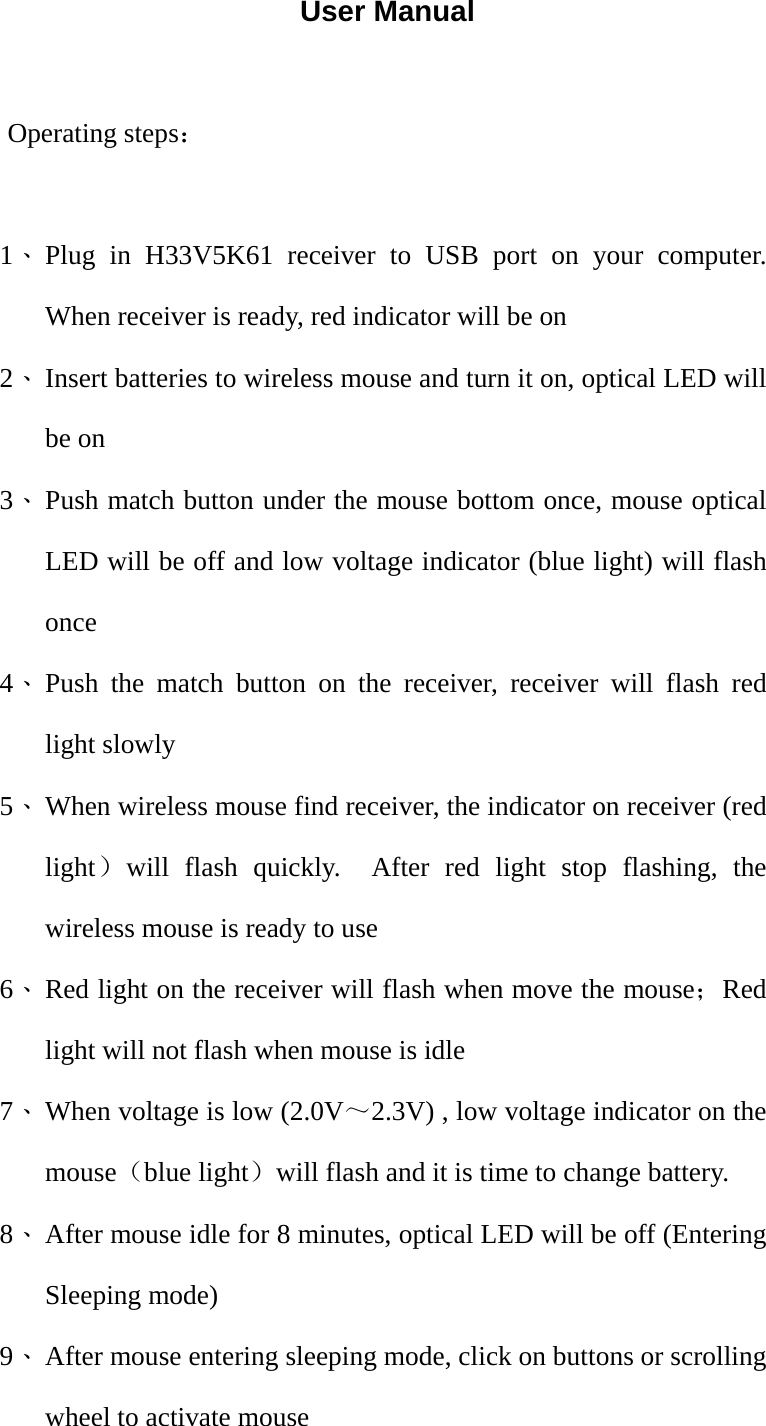
User Manual  Operating steps:  1、 Plug in H33V5K61 receiver to USB port on your computer.  When receiver is ready, red indicator will be on 2、 Insert batteries to wireless mouse and turn it on, optical LED will be on 3、 Push match button under the mouse bottom once, mouse optical LED will be off and low voltage indicator (blue light) will flash once 4、 Push the match button on the receiver, receiver will flash red light slowly 5、 When wireless mouse find receiver, the indicator on receiver (red light)will flash quickly.  After red light stop flashing, the wireless mouse is ready to use 6、 Red light on the receiver will flash when move the mouse;Red light will not flash when mouse is idle 7、 When voltage is low (2.0V~2.3V) , low voltage indicator on the mouse(blue light)will flash and it is time to change battery. 8、 After mouse idle for 8 minutes, optical LED will be off (Entering Sleeping mode) 9、 After mouse entering sleeping mode, click on buttons or scrolling wheel to activate mouse
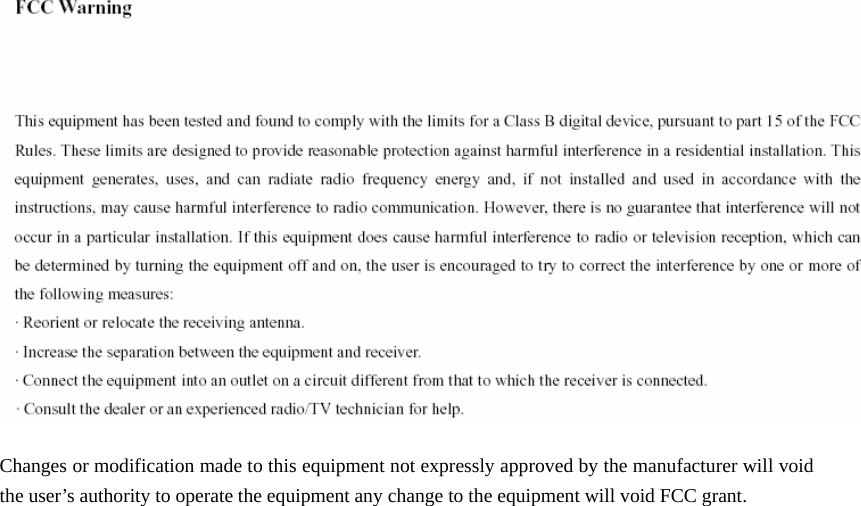
        Changes or modification made to this equipment not expressly approved by the manufacturer will void the user’s authority to operate the equipment any change to the equipment will void FCC grant.

Navigation menu