DynaPoint H5001 Cordless Mouse User Manual hk5001 User Manual

Dyna Point (Dong Guan) Electronic Cordless Mouse hk5001 User Manual

Users Manual

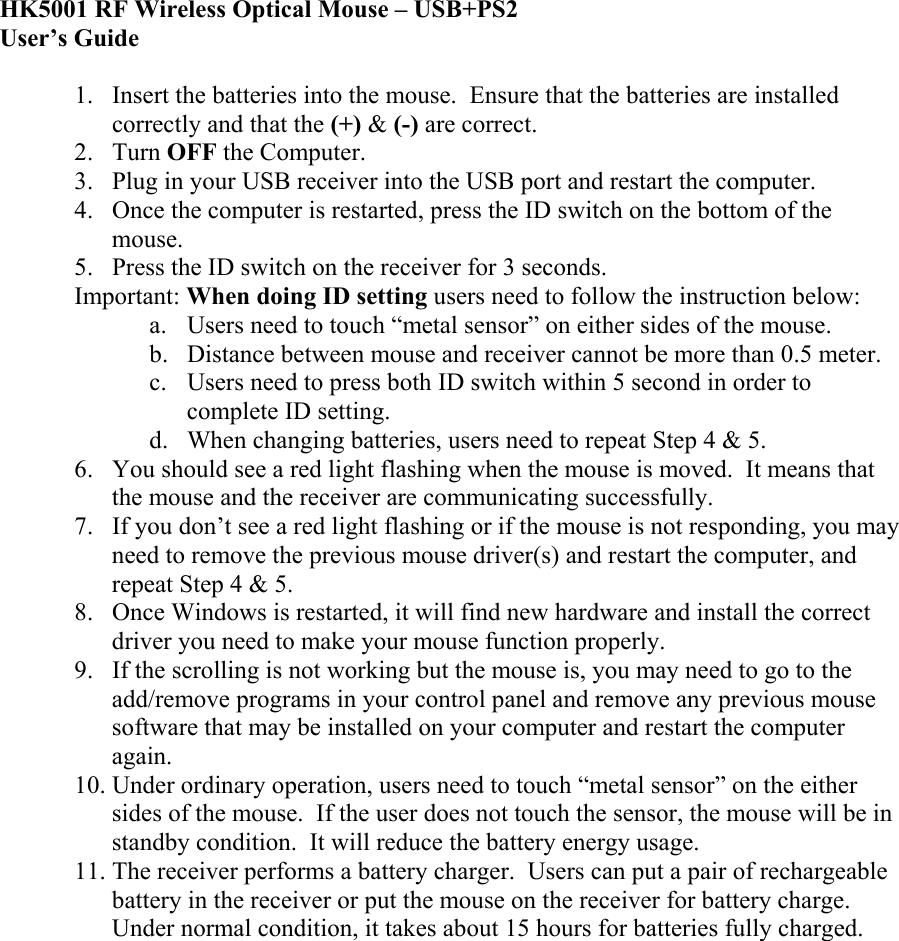
HK5001 RF Wireless Optical Mouse – USB+PS2 User’s Guide  1.  Insert the batteries into the mouse.  Ensure that the batteries are installed correctly and that the (+) & (-) are correct. 2. Turn OFF the Computer. 3.  Plug in your USB receiver into the USB port and restart the computer. 4.  Once the computer is restarted, press the ID switch on the bottom of the mouse. 5.  Press the ID switch on the receiver for 3 seconds. Important: When doing ID setting users need to follow the instruction below: a.  Users need to touch “metal sensor” on either sides of the mouse. b.  Distance between mouse and receiver cannot be more than 0.5 meter. c.  Users need to press both ID switch within 5 second in order to complete ID setting. d.  When changing batteries, users need to repeat Step 4 & 5. 6.  You should see a red light flashing when the mouse is moved.  It means that the mouse and the receiver are communicating successfully.  7.  If you don’t see a red light flashing or if the mouse is not responding, you may need to remove the previous mouse driver(s) and restart the computer, and repeat Step 4 & 5. 8.  Once Windows is restarted, it will find new hardware and install the correct driver you need to make your mouse function properly. 9.  If the scrolling is not working but the mouse is, you may need to go to the add/remove programs in your control panel and remove any previous mouse software that may be installed on your computer and restart the computer again. 10. Under ordinary operation, users need to touch “metal sensor” on the either sides of the mouse.  If the user does not touch the sensor, the mouse will be in standby condition.  It will reduce the battery energy usage. 11. The receiver performs a battery charger.  Users can put a pair of rechargeable battery in the receiver or put the mouse on the receiver for battery charge.  Under normal condition, it takes about 15 hours for batteries fully charged.

Navigation menu