ENTERMEDIA EX3800TX Wireless Microphone User Manual FCC Test report
ENTERTECH CO., LTD. Wireless Microphone FCC Test report
User Manual
BWS TECH Inc.
294-9 Jungdae-Dong,
Kwanggu-Si,Kyunggi-Do,
464-800, Korea
Report No: BWS-03-RF-0014
FCC ID : PBNEX3800TX
Date of Test : August 20~25,2003
ENTER TECH CO., LTD.
900MHz Wireless Microphone EX3800TX
Appendix 8. User Manual
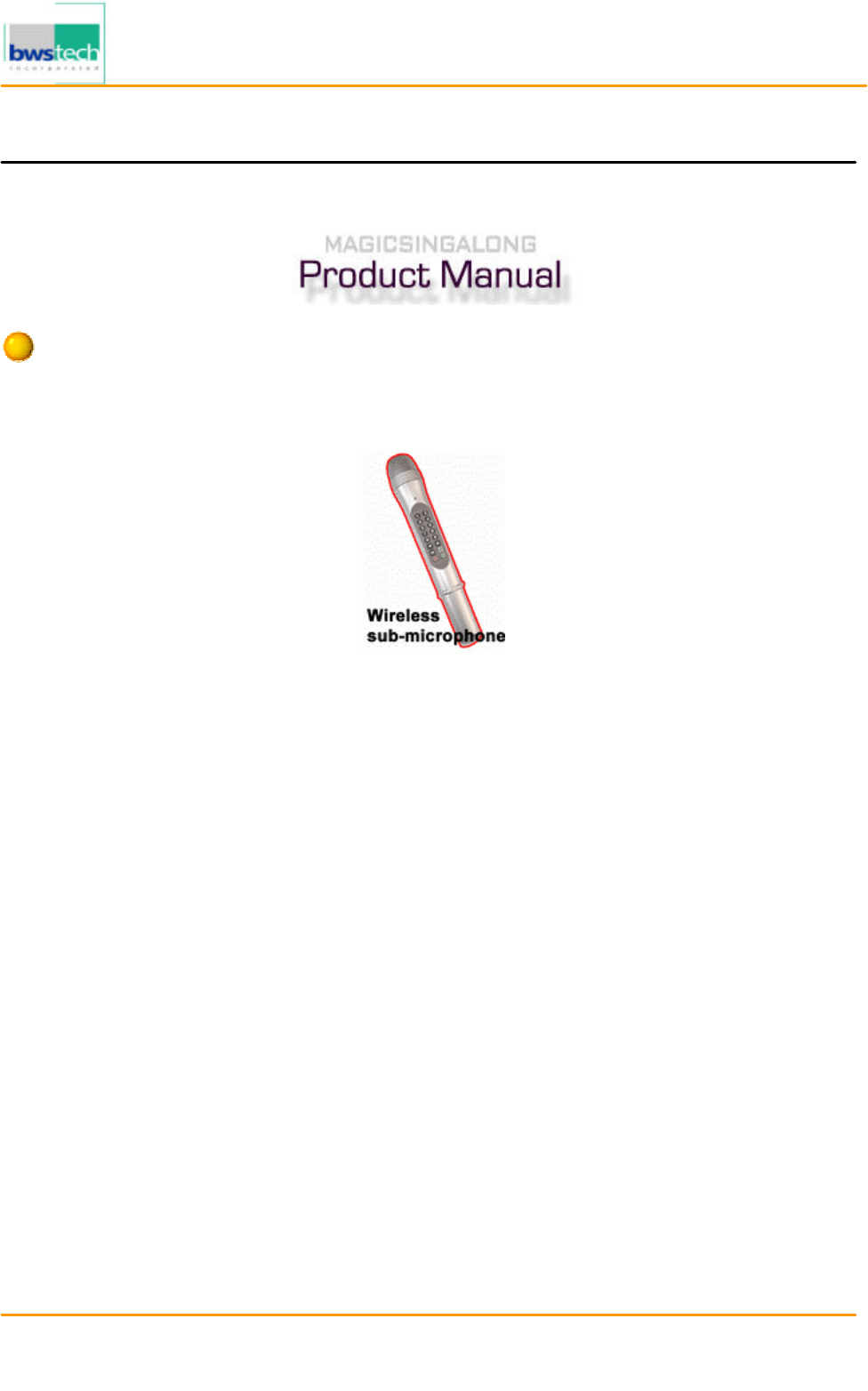
Wireless sub-microphone user manual (option)
BWS TECH Inc.
294-9 Jungdae-Dong,
Kwanggu-Si,Kyunggi-Do,
464-800, Korea
Report No: BWS-03-RF-0014
FCC ID : PBNEX3800TX
Date of Test : August 20~25,2003
ENTER TECH CO., LTD.
900MHz Wireless Microphone EX3800TX
1. General description
• The 2nd microphone is using ultra high band of 900MHz
• The 2nd microphone achieved crystal clear sound by using ultra highband and noise
reduction circuit. The
2nd Microphone has been tested static and crackling sounds by high-
system advanced Frequency
Coordination
• The MAGICSING offers an extended reception range when assistant microphone is enabled.
• With the second microphone, you can use the functions in the main mic.
2. Product specification
- Frequency range : 902.8 MHz ~ 906.4 MHz
- Using Channel : 10 Ch
- Channel Spacing : 400 kHz
- RF Output Power : 10 mW
- Freq. Stability : ±50ppm(-10? ~ +50?)
- Modulation method : FM
- Power Requirement :
DC 3.0V , 100mA (1.5V AA Battery x 2)
- Weight : 155g
- Diemension : Size ; 38Φ Length : 124.5 mm
3. Installation and Operation
1. If you press the mode + 3 button of the Main Microphone, the monitor will display the Sub-Microphone ON,
and the sub-mic will go into the operation channel.
2. Open the back cover of the Sub-Microphone, insert two AA batteries and press the power button.
The Green LED light will be on and, it will start to function.
¡Ø When you insert the batteries, make sure the + - is pointed in the right direction.
3. : Up / Down Button
It is used to select the songs. As you press the button, the monitor will show the list of 10 songs.
By pressing the button up and down, you can choose the song you want, then press the START button to play.
When you press the button during the operation, it will show each song on the list.
4. RES : Reservation Button
Select the desired song number, and then press the Reservation Button.
5. : Pause button
During the performance, pressing the PAUSE button wil
l temporarily stop the music, pressing it again will
resume the performance.
7. PWR Power Button
It is used to turn the Power On for the Sub-Microphone.

BWS TECH Inc.
294-9 Jungdae-Dong,
Kwanggu-Si,Kyunggi-Do,
464-800, Korea
Report No: BWS-03-RF-0014
FCC ID : PBNEX3800TX
Date of Test : August 20~25,2003
ENTER TECH CO., LTD.
900MHz Wireless Microphone EX3800TX
8. : Play/Stop Button
It is a play/stop button. It will start to play when you press it, and it will stop when you press it again.
When the Red LED light appears the batteries need to be replaced.
If you want to stop using the sub microphone, press the mode + 3. The monitor will show the sub-
microphone
OFF sign, and it will stop its function.
NOTICES TO USER
This device complies with Part 15 of the FCC Rules. Operation is subject to the following two
conditions:
(1) this device may not cause harmful interference, and (2) this device must accept any
interference received, including interference that may cause undesired operation.
FCC WARNING
This equipment generates or uses radio frequency energy. Changes or modifications to this
equipment may cause harmful interference unless the modifications are expressly approved in the
instruction manual. The user could lose the authority to operate this equipment if an unauthorized
change or modification is made.
INFORMATION TO THE USER
This equipment has been tested and found to comply with the limits for a Class B digital device,
pursuant to Part 15 of the FCC Rules.These limits are designed to provide reasonable protection against
harmful interference in a residential installation.
This equipment generates, uses and can generate radio frequency energy and, if not installed and
used in accordance with the instructions, may cause harmful interference to radio communications. However,
there is no guarantee that the interference will not occur in a particular installation. If this equipment does
cause harmful interference to radio or television reception, which can be determined by turning the equipment
off and on, the user is encouraged to try to correct the interference by one or more of the following measures:
· Reorient or relocate the receiving antenna.
· Increase the separation between the equipment and receiver.
· Connect the equipment to an outlet on a circuit different from that to which the receiver is connected.
· Consult the dealer for technical assistance.