Ever Sparkle Technologies 80595 Wireless Controller for PS-2 User Manual Charger Grip for PSP Item 85020

Ever Sparkle Technologies Ltd. Wireless Controller for PS-2 Charger Grip for PSP Item 85020

User Manual

Zero Wireless Controller for PS-2 Item 80595 Thank you for purchasing the Nyko Zero Controller for the Playstation 2 entertainment system. This device is designed to provide a comfortable and reliable game play control for your PS-2. Please review the instructions below to ensure proper installation and use of this product.  FEATURES •  Stylish, ergonomic design for maximum comfort and control •  Metal and Plastic hybrid construction, for style, durability and comfort •  Includes Rechargeable NiMH battery pack, USB Recharging cable, and optional AA battery compartment  •  Back Lit Action buttons for easy button recognition in the dark •  Long Range Wireless solution for comfortable game play.  REQUIREMENTS Please note that the rechargeable battery unit should be charged prior to first use.  You may also choose to play while you charge, using the included cable.  In case the battery pack is completely drained, charge the battery for 30 min before playing while you charge.  Note that the PS2 system must be ON in order for the USB ports to be active, you will not be able to charge the Controllers rechargeable battery pack while the PS2 system is powered down.  What Is Included: Zero Controller Zero Receiver Rechargeable battery pack AA Battery Compartment USB Charge Cable Instruction manual  Please check contents to insure all included parts are present.  Charging the Battery Pak:  1)  Attach the Rechargeable Battery Pak to the Zero Controller in the manner shown in Diagram 1 2)  Attach the Mini USB plug of the Charging cable to the front mini port of the Zero Controller 3)  Attach the USB plug of the charging cable to one of the USB ports on the Playstation entertainment Console. 4)  Power us the Console 5)  You will notice that the Battery LED Indicator located on the center of the dual analog stick is illuminated.  During the charging process (when the USB charge cable is being used to recharge the battery pack) This LED indictor can be interpreted as: •  Glowing LED  The Battery Pack is Charging
•  Blinking LED, The Battery pack is nearly fully charged •  LED is OFF, the battery pack is fully charged. Please note that the LED will not be ON while you are playing without use of the Charge cable, with the Exception of:  SLOW Blinking LED with no Charge cable attached, this indicates that the battery needs to be recharged, and is almost completely drained.    INSTALLATION AND REMOVAL (See Diagram 2) ATTACHING:       1.         Always attach and remove receiver while the console is turned off 2.  Gently insert the Zero Receiver dongle into an open controller port on the Playstation console 3.  Make sure that the Zero Controller has a properly attached Battery compartment (AA compartment, or rechargeable pack) and Press the Link button.  This should will power up your controller.  If none of the lights on the controller are responding remove the battery pack, check batteries and reinstall. 4.  Power up your console, the Link indicator on the Receiver and the Link LED on the Controller may blink momentarily as they attempt to link up.   5.  If the Link indicator do not become a solid light and continue to blink, press the Link button on the controller, and press down on the top of the Receiver (diagram 4) 6.  Once you have established Link, use the controller normally    Turning off the Back Lit Buttons  The Nyko Zero controller provides a unique feature by which the primary four action buttons are backlit so they can be recognizable in the dark.  This feature can be turned OFF if you wish.  1)  Press and hold down the Link and Vibration buttons simultaneously for 4 seconds.  You will notice that the back lit buttons will turn OFF 2)  To turn the backlit buttons back ON, simply press and hold the Link and Vibration button for 4 seconds, and the lights will turn back ON. Please note that the default setting for the Zero controller, is for the backlights to be ON.  So every time you turn the controller ON for the first time the backlights will be ON, you can then choose to turn them OFF if you choose      STORING YOUR ZERO CONTROLLER
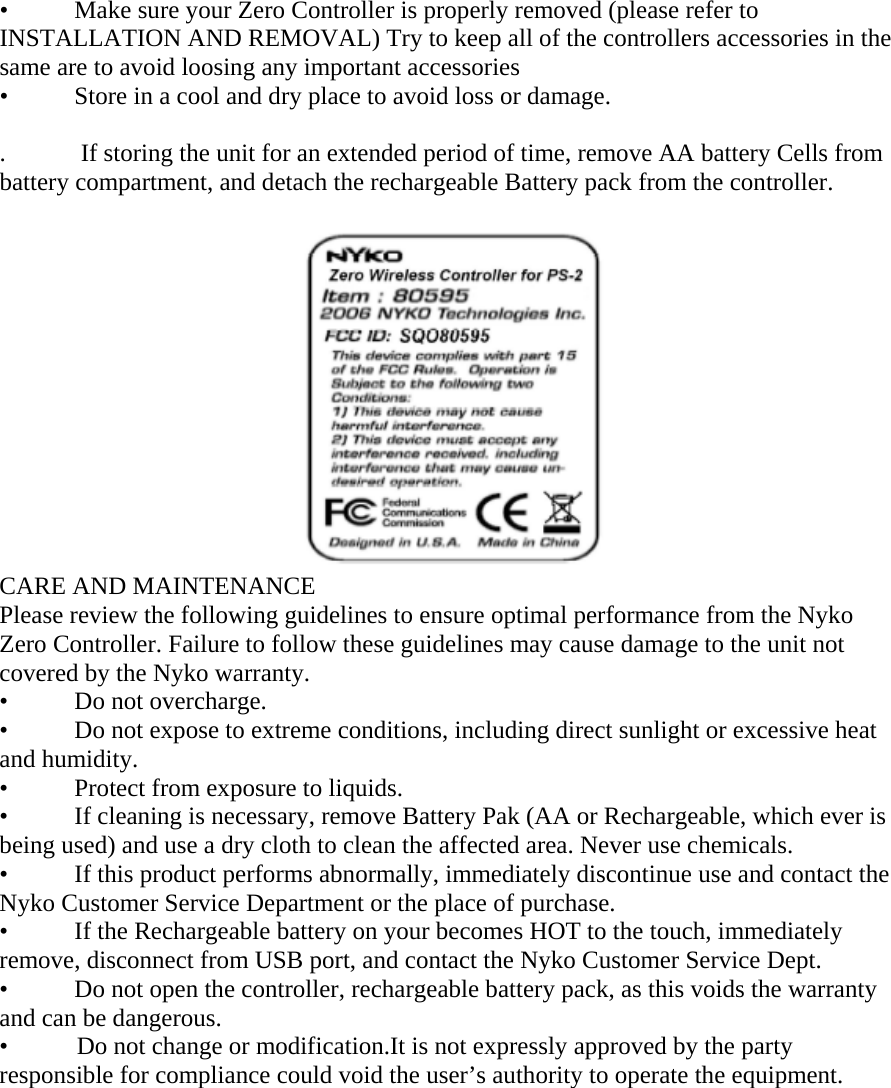
•  Make sure your Zero Controller is properly removed (please refer to INSTALLATION AND REMOVAL) Try to keep all of the controllers accessories in the same are to avoid loosing any important accessories •  Store in a cool and dry place to avoid loss or damage.  .            If storing the unit for an extended period of time, remove AA battery Cells from battery compartment, and detach the rechargeable Battery pack from the controller.                                                    CARE AND MAINTENANCE Please review the following guidelines to ensure optimal performance from the Nyko Zero Controller. Failure to follow these guidelines may cause damage to the unit not covered by the Nyko warranty. •  Do not overcharge. •  Do not expose to extreme conditions, including direct sunlight or excessive heat and humidity. •  Protect from exposure to liquids. •  If cleaning is necessary, remove Battery Pak (AA or Rechargeable, which ever is being used) and use a dry cloth to clean the affected area. Never use chemicals. •  If this product performs abnormally, immediately discontinue use and contact the Nyko Customer Service Department or the place of purchase. •  If the Rechargeable battery on your becomes HOT to the touch, immediately remove, disconnect from USB port, and contact the Nyko Customer Service Dept. •  Do not open the controller, rechargeable battery pack, as this voids the warranty and can be dangerous. •           Do not change or modification.It is not expressly approved by the party responsible for compliance could void the user’s authority to operate the equipment.

Navigation menu