FLYBALL ELECTRONIC S34B Outdoor Bluetooth Speaker User Manual Statement

FLYBALL ELECTRONIC (SHENZHEN) CO. LTD Outdoor Bluetooth Speaker Statement

Contents

User Manual Statement

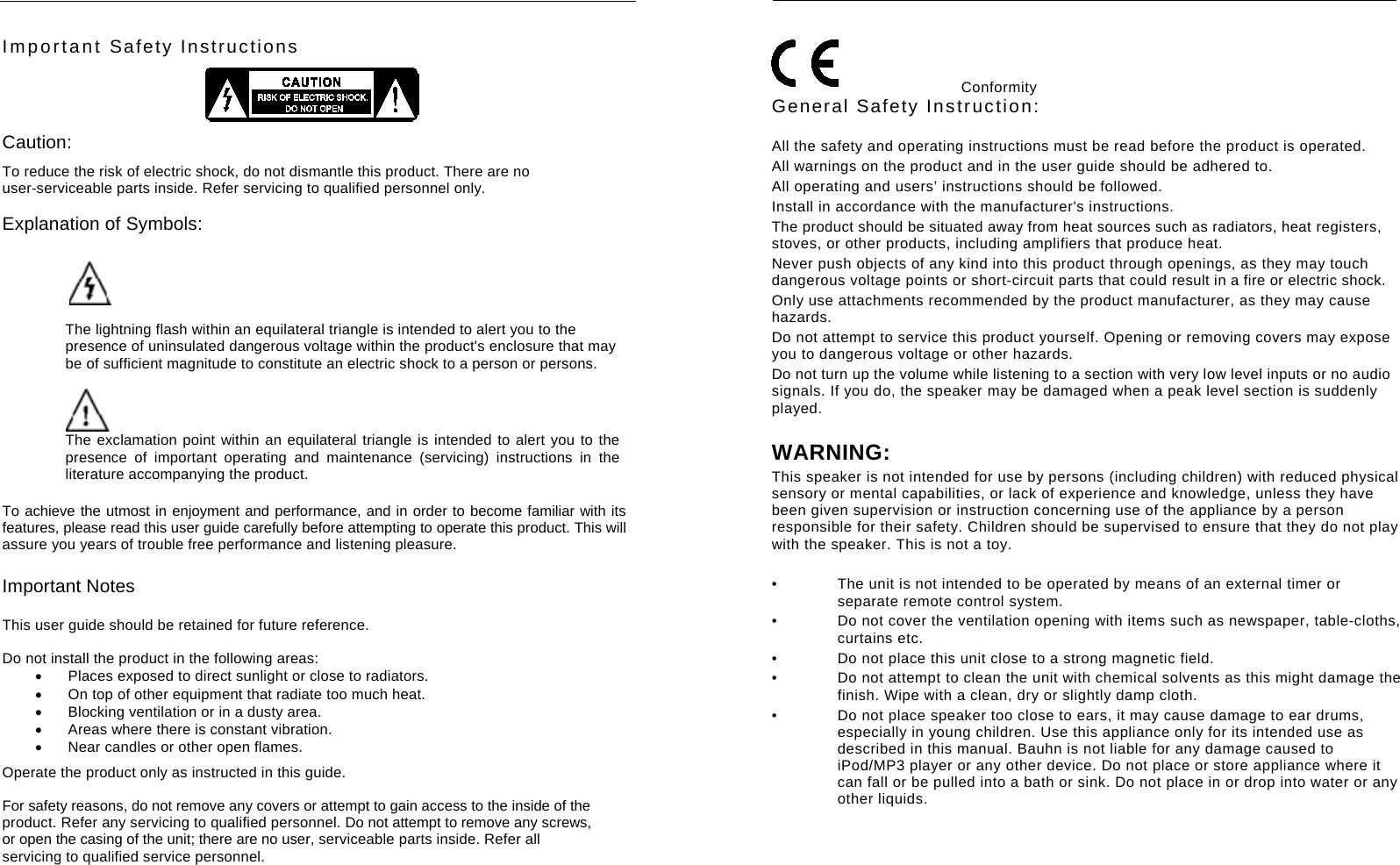
    Important Safety Instructions  Caution: To reduce the risk of electric shock, do not dismantle this product. There are no user-serviceable parts inside. Refer servicing to qualified personnel only. Explanation of Symbols:   The lightning flash within an equilateral triangle is intended to alert you to the presence of uninsulated dangerous voltage within the product's enclosure that may be of sufficient magnitude to constitute an electric shock to a person or persons.  The exclamation point within an equilateral triangle is intended to alert you to the presence of important operating and maintenance (servicing) instructions in the literature accompanying the product. To achieve the utmost in enjoyment and performance, and in order to become familiar with its features, please read this user guide carefully before attempting to operate this product. This will assure you years of trouble free performance and listening pleasure. Important Notes This user guide should be retained for future reference.  Do not install the product in the following areas:   Places exposed to direct sunlight or close to radiators.   On top of other equipment that radiate too much heat.     Blocking ventilation or in a dusty area.   Areas where there is constant vibration.   Near candles or other open flames.  Operate the product only as instructed in this guide. For safety reasons, do not remove any covers or attempt to gain access to the inside of the product. Refer any servicing to qualified personnel. Do not attempt to remove any screws, or open the casing of the unit; there are no user, serviceable parts inside. Refer all servicing to qualified service personnel.       Conformity  General Safety Instruction:  All the safety and operating instructions must be read before the product is operated. All warnings on the product and in the user guide should be adhered to. All operating and users’ instructions should be followed. Install in accordance with the manufacturer's instructions. The product should be situated away from heat sources such as radiators, heat registers, stoves, or other products, including amplifiers that produce heat.   Never push objects of any kind into this product through openings, as they may touch dangerous voltage points or short-circuit parts that could result in a fire or electric shock. Only use attachments recommended by the product manufacturer, as they may cause hazards. Do not attempt to service this product yourself. Opening or removing covers may expose you to dangerous voltage or other hazards. Do not turn up the volume while listening to a section with very low level inputs or no audio signals. If you do, the speaker may be damaged when a peak level section is suddenly played.  WARNING: This speaker is not intended for use by persons (including children) with reduced physical sensory or mental capabilities, or lack of experience and knowledge, unless they have been given supervision or instruction concerning use of the appliance by a person responsible for their safety. Children should be supervised to ensure that they do not play with the speaker. This is not a toy.    •  The unit is not intended to be operated by means of an external timer or separate remote control system. •  Do not cover the ventilation opening with items such as newspaper, table-cloths, curtains etc. •  Do not place this unit close to a strong magnetic field. •  Do not attempt to clean the unit with chemical solvents as this might damage the finish. Wipe with a clean, dry or slightly damp cloth. •  Do not place speaker too close to ears, it may cause damage to ear drums, especially in young children. Use this appliance only for its intended use as described in this manual. Bauhn is not liable for any damage caused to iPod/MP3 player or any other device. Do not place or store appliance where it can fall or be pulled into a bath or sink. Do not place in or drop into water or any other liquids.
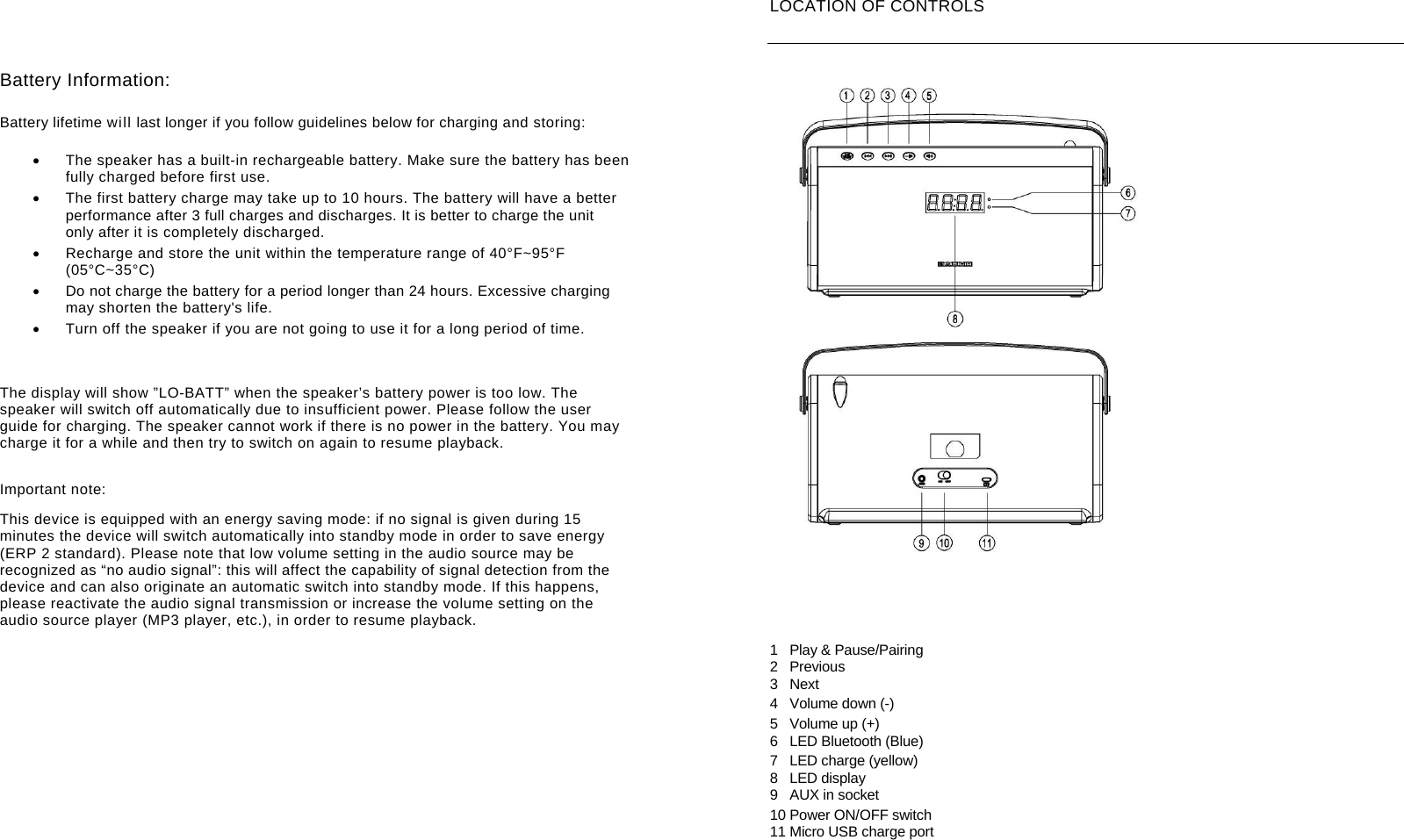
       Battery Information:  Battery lifetime will last longer if you follow guidelines below for charging and storing:    The speaker has a built-in rechargeable battery. Make sure the battery has been fully charged before first use.   The first battery charge may take up to 10 hours. The battery will have a better performance after 3 full charges and discharges. It is better to charge the unit only after it is completely discharged.   Recharge and store the unit within the temperature range of 40°F~95°F (05°C~35°C)   Do not charge the battery for a period longer than 24 hours. Excessive charging may shorten the battery's life.   Turn off the speaker if you are not going to use it for a long period of time.     The display will show ”LO-BATT” when the speaker’s battery power is too low. The speaker will switch off automatically due to insufficient power. Please follow the user guide for charging. The speaker cannot work if there is no power in the battery. You may charge it for a while and then try to switch on again to resume playback. Important note: This device is equipped with an energy saving mode: if no signal is given during 15 minutes the device will switch automatically into standby mode in order to save energy (ERP 2 standard). Please note that low volume setting in the audio source may be recognized as “no audio signal”: this will affect the capability of signal detection from the device and can also originate an automatic switch into standby mode. If this happens, please reactivate the audio signal transmission or increase the volume setting on the audio source player (MP3 player, etc.), in order to resume playback.         LOCATION OF CONTROLS   1  Play & Pause/Pairing 2 Previous 3 Next 4 Volume down (-) 5 Volume up (+) 6 LED Bluetooth (Blue) 7  LED charge (yellow) 8 LED display 9  AUX in socket 10 Power ON/OFF switch 11 Micro USB charge port
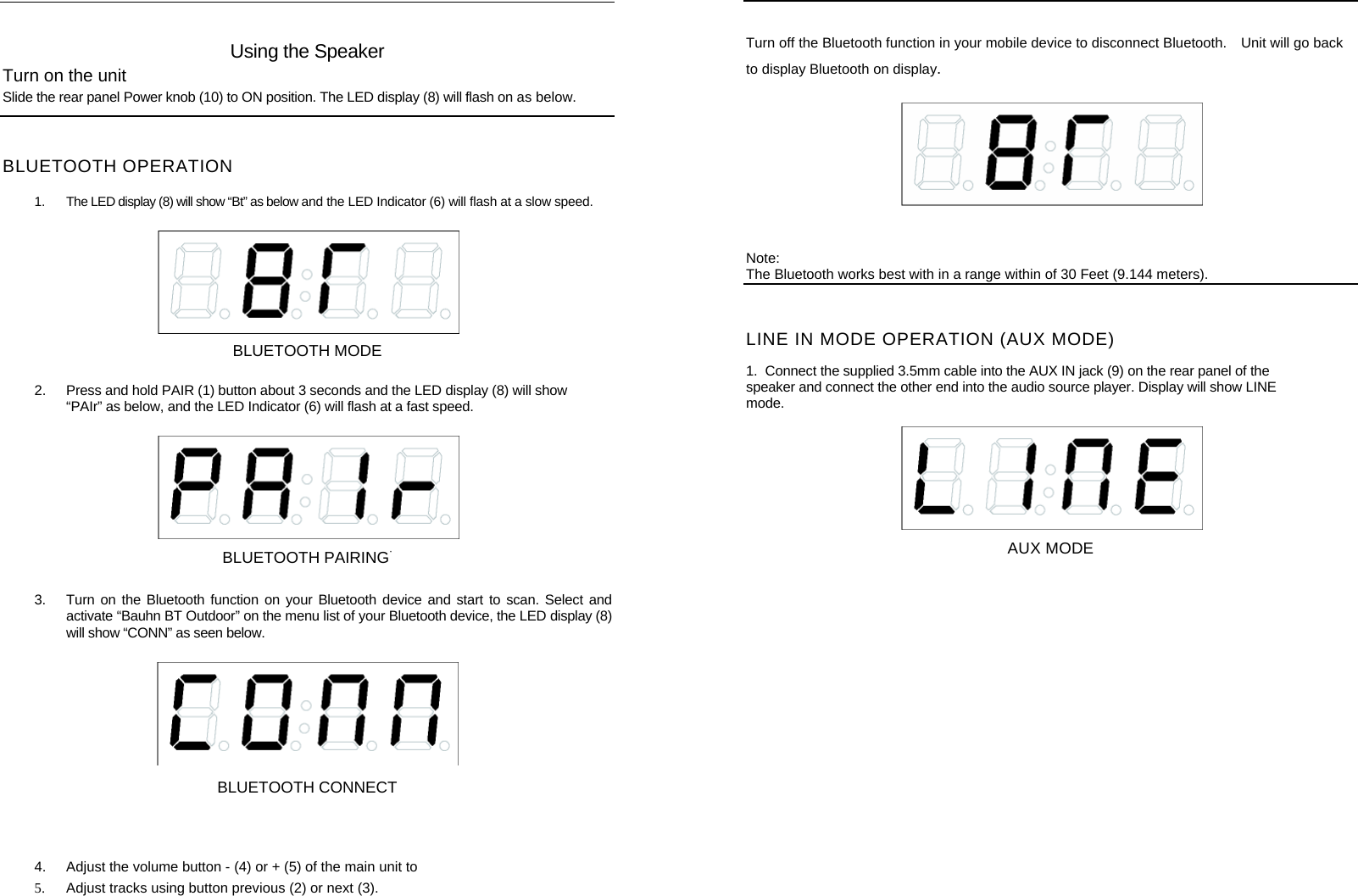
    Using the Speaker Turn on the unit Slide the rear panel Power knob (10) to ON position. The LED display (8) will flash on as below.   BLUETOOTH OPERATION  1.  The LED display (8) will show “Bt” as below and the LED Indicator (6) will flash at a slow speed.   BLUETOOTH MODE 2.  Press and hold PAIR (1) button about 3 seconds and the LED display (8) will show “PAIr” as below, and the LED Indicator (6) will flash at a fast speed.   BLUETOOTH PAIRING· 3.  Turn on the Bluetooth function on your Bluetooth device and start to scan. Select and activate “Bauhn BT Outdoor” on the menu list of your Bluetooth device, the LED display (8) will show “CONN” as seen below.     BLUETOOTH CONNECT   4.  Adjust the volume button - (4) or + (5) of the main unit to                   5.  Adjust tracks using button previous (2) or next (3).     Turn off the Bluetooth function in your mobile device to disconnect Bluetooth.    Unit will go back to display Bluetooth on display.  Note: The Bluetooth works best with in a range within of 30 Feet (9.144 meters). LINE IN MODE OPERATION (AUX MODE)  1.  Connect the supplied 3.5mm cable into the AUX IN jack (9) on the rear panel of the speaker and connect the other end into the audio source player. Display will show LINE mode.  AUX MODE
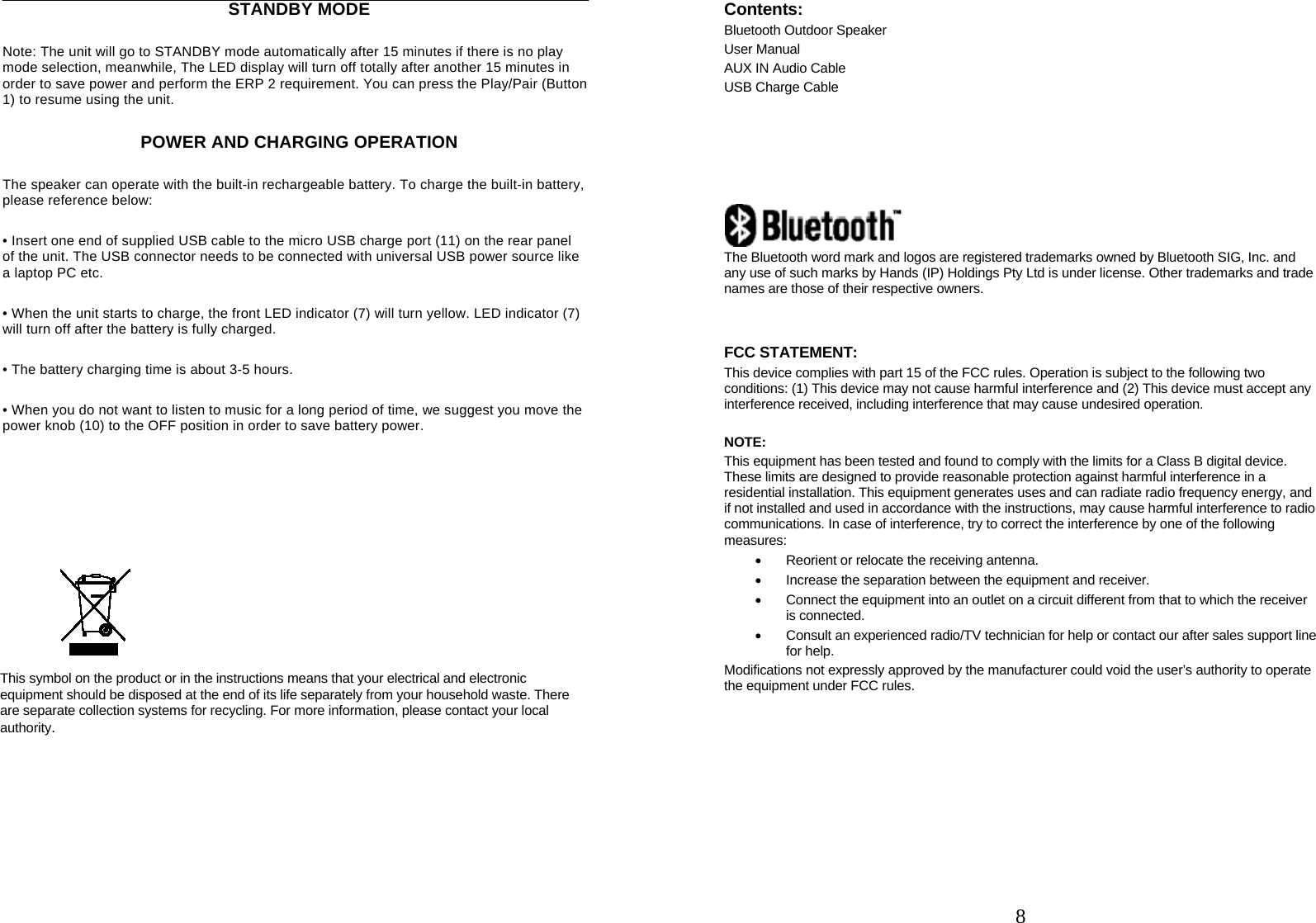
    STANDBY MODE Note: The unit will go to STANDBY mode automatically after 15 minutes if there is no play mode selection, meanwhile, The LED display will turn off totally after another 15 minutes in order to save power and perform the ERP 2 requirement. You can press the Play/Pair (Button 1) to resume using the unit. POWER AND CHARGING OPERATION The speaker can operate with the built-in rechargeable battery. To charge the built-in battery, please reference below: • Insert one end of supplied USB cable to the micro USB charge port (11) on the rear panel   of the unit. The USB connector needs to be connected with universal USB power source like   a laptop PC etc. • When the unit starts to charge, the front LED indicator (7) will turn yellow. LED indicator (7) will turn off after the battery is fully charged. • The battery charging time is about 3-5 hours. • When you do not want to listen to music for a long period of time, we suggest you move the power knob (10) to the OFF position in order to save battery power.         This symbol on the product or in the instructions means that your electrical and electronic equipment should be disposed at the end of its life separately from your household waste. There are separate collection systems for recycling. For more information, please contact your local authority.           8Contents: Bluetooth Outdoor Speaker User Manual AUX IN Audio Cable USB Charge Cable        The Bluetooth word mark and logos are registered trademarks owned by Bluetooth SIG, Inc. and any use of such marks by Hands (IP) Holdings Pty Ltd is under license. Other trademarks and trade names are those of their respective owners.   FCC STATEMENT: This device complies with part 15 of the FCC rules. Operation is subject to the following two conditions: (1) This device may not cause harmful interference and (2) This device must accept any interference received, including interference that may cause undesired operation.  NOTE:  This equipment has been tested and found to comply with the limits for a Class B digital device. These limits are designed to provide reasonable protection against harmful interference in a residential installation. This equipment generates uses and can radiate radio frequency energy, and if not installed and used in accordance with the instructions, may cause harmful interference to radio communications. In case of interference, try to correct the interference by one of the following measures:   Reorient or relocate the receiving antenna.   Increase the separation between the equipment and receiver.   Connect the equipment into an outlet on a circuit different from that to which the receiver is connected.   Consult an experienced radio/TV technician for help or contact our after sales support line for help. Modifications not expressly approved by the manufacturer could void the user’s authority to operate the equipment under FCC rules.

Navigation menu