FUZHOU ESUN ELECTRONIC EN2010 Wireless Meat Thermometer User Manual

FUZHOU ESUN ELECTRONIC CO.,LTD Wireless Meat Thermometer Users Manual

Users manual

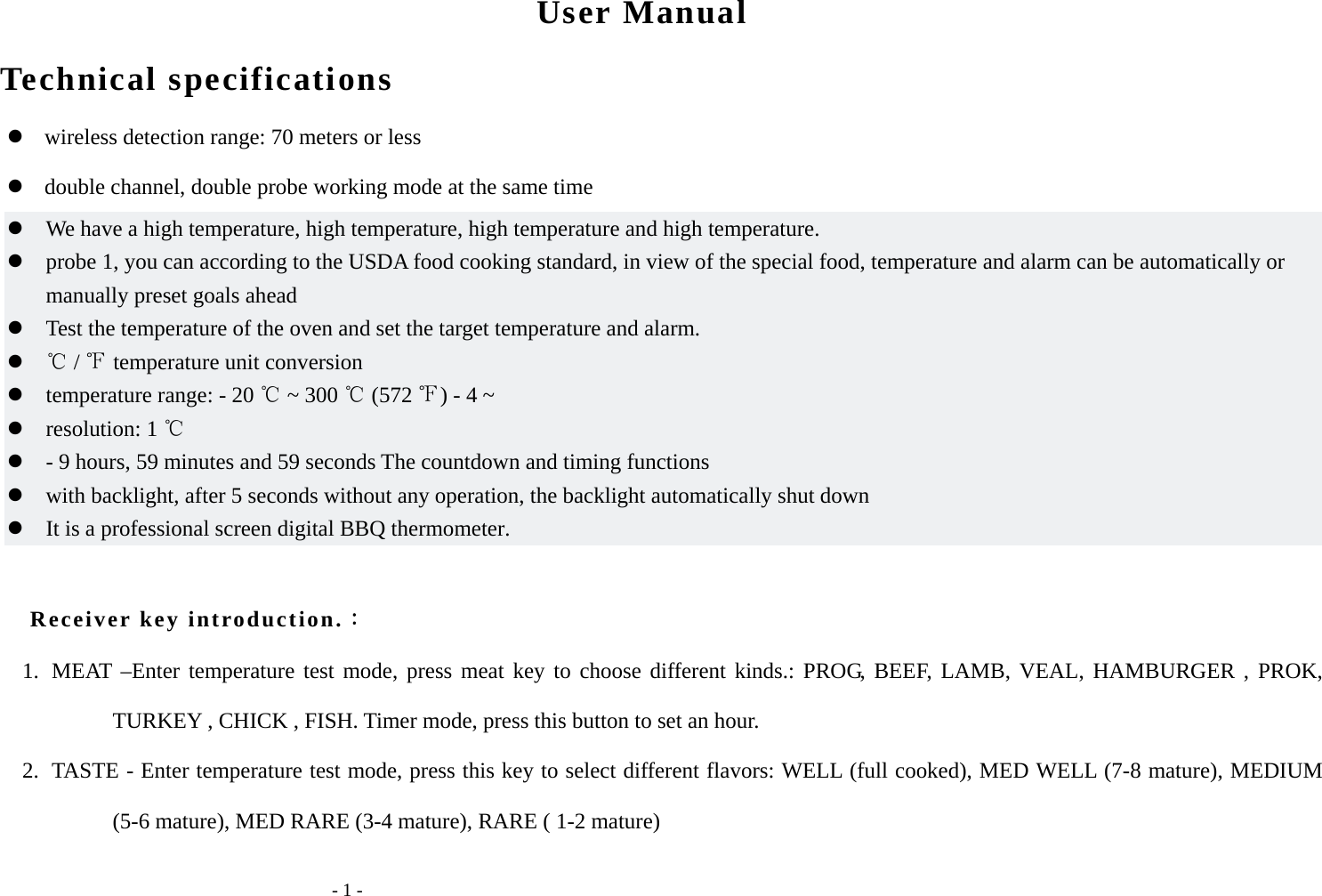
  - 1 - User Manual Technical specifications        wireless detection range: 70 meters or less    double channel, double probe working mode at the same time  We have a high temperature, high temperature, high temperature and high temperature.  probe 1, you can according to the USDA food cooking standard, in view of the special food, temperature and alarm can be automatically or manually preset goals ahead  Test the temperature of the oven and set the target temperature and alarm.   /   temperature unit conversion   temperature range: - 20   ~ 300   (572  ) - 4 ~  resolution: 1   - 9 hours, 59 minutes and 59 seconds The countdown and timing functions  with backlight, after 5 seconds without any operation, the backlight automatically shut down  It is a professional screen digital BBQ thermometer.  Receiver key introduction.: 1. MEAT –Enter temperature test mode, press meat key to choose different kinds.: PROG, BEEF, LAMB, VEAL, HAMBURGER , PROK, TURKEY , CHICK , FISH. Timer mode, press this button to set an hour. 2. TASTE - Enter temperature test mode, press this key to select different flavors: WELL (full cooked), MED WELL (7-8 mature), MEDIUM (5-6 mature), MED RARE (3-4 mature), RARE ( 1-2 mature)
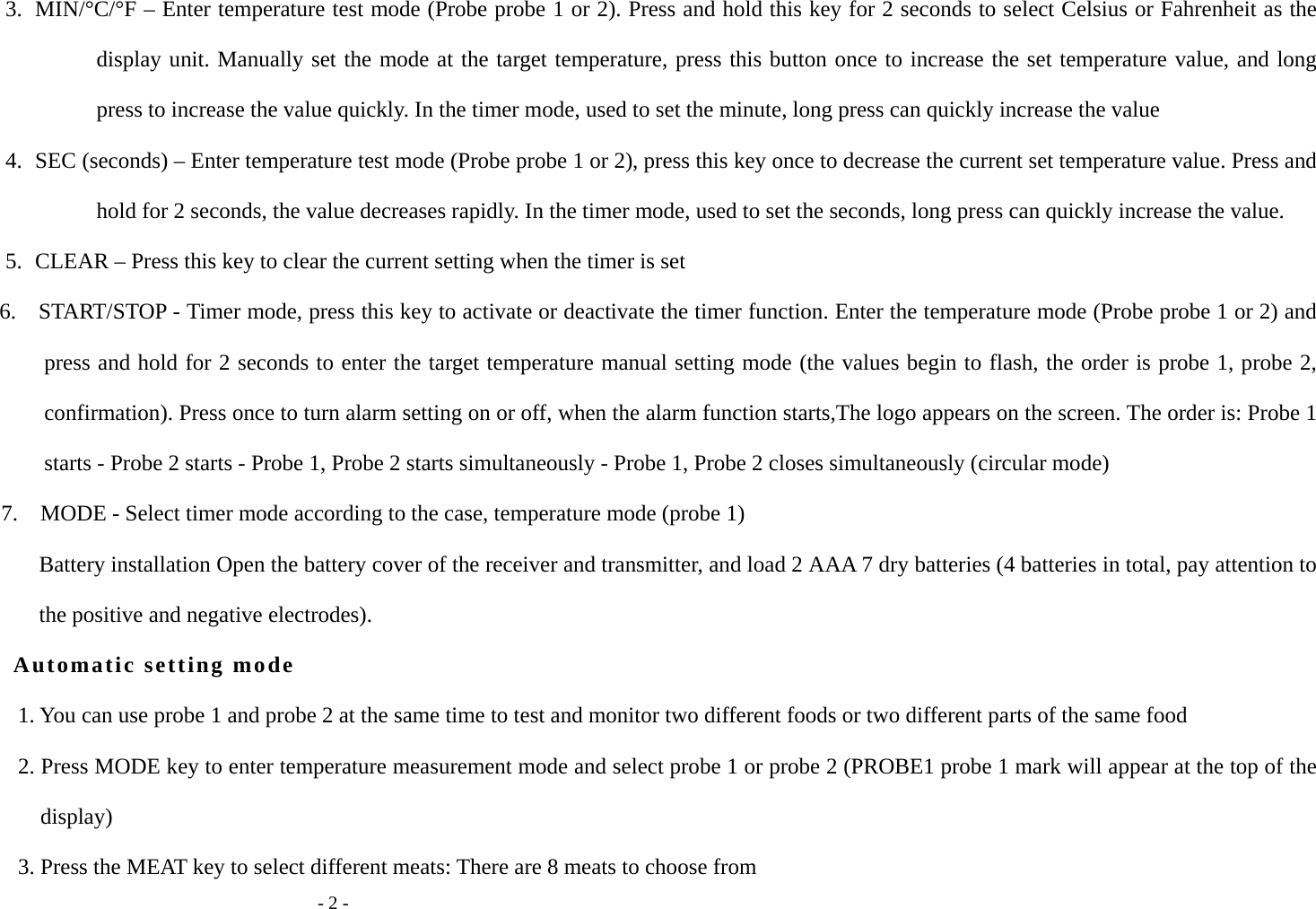
  - 2 - 3. MIN/°C/°F – Enter temperature test mode (Probe probe 1 or 2). Press and hold this key for 2 seconds to select Celsius or Fahrenheit as the display unit. Manually set the mode at the target temperature, press this button once to increase the set temperature value, and long press to increase the value quickly. In the timer mode, used to set the minute, long press can quickly increase the value 4. SEC (seconds) – Enter temperature test mode (Probe probe 1 or 2), press this key once to decrease the current set temperature value. Press and hold for 2 seconds, the value decreases rapidly. In the timer mode, used to set the seconds, long press can quickly increase the value. 5. CLEAR – Press this key to clear the current setting when the timer is set 6.    START/STOP - Timer mode, press this key to activate or deactivate the timer function. Enter the temperature mode (Probe probe 1 or 2) and press and hold for 2 seconds to enter the target temperature manual setting mode (the values begin to flash, the order is probe 1, probe 2, confirmation). Press once to turn alarm setting on or off, when the alarm function starts,The logo appears on the screen. The order is: Probe 1 starts - Probe 2 starts - Probe 1, Probe 2 starts simultaneously - Probe 1, Probe 2 closes simultaneously (circular mode) 7.    MODE - Select timer mode according to the case, temperature mode (probe 1) Battery installation Open the battery cover of the receiver and transmitter, and load 2 AAA 7 dry batteries (4 batteries in total, pay attention to the positive and negative electrodes). Automatic setting mode 1. You can use probe 1 and probe 2 at the same time to test and monitor two different foods or two different parts of the same food 2. Press MODE key to enter temperature measurement mode and select probe 1 or probe 2 (PROBE1 probe 1 mark will appear at the top of the display) 3. Press the MEAT key to select different meats: There are 8 meats to choose from
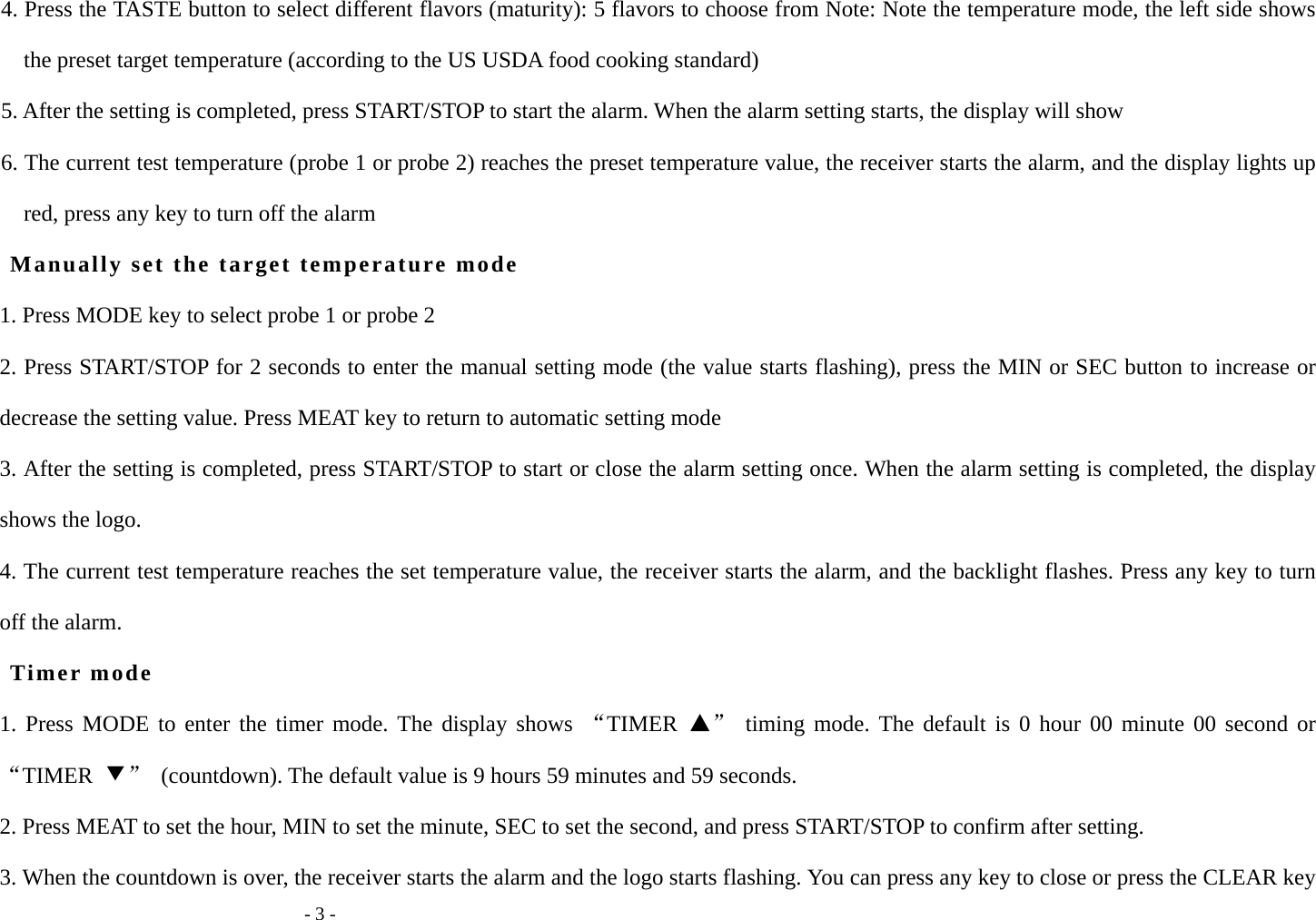
  - 3 - 4. Press the TASTE button to select different flavors (maturity): 5 flavors to choose from Note: Note the temperature mode, the left side shows the preset target temperature (according to the US USDA food cooking standard) 5. After the setting is completed, press START/STOP to start the alarm. When the alarm setting starts, the display will show 6. The current test temperature (probe 1 or probe 2) reaches the preset temperature value, the receiver starts the alarm, and the display lights up red, press any key to turn off the alarm Manually set the target temperature mode 1. Press MODE key to select probe 1 or probe 2 2. Press START/STOP for 2 seconds to enter the manual setting mode (the value starts flashing), press the MIN or SEC button to increase or decrease the setting value. Press MEAT key to return to automatic setting mode 3. After the setting is completed, press START/STOP to start or close the alarm setting once. When the alarm setting is completed, the display shows the logo. 4. The current test temperature reaches the set temperature value, the receiver starts the alarm, and the backlight flashes. Press any key to turn off the alarm. Timer mode 1. Press MODE to enter the timer mode. The display shows “TIMER  ▲” timing mode. The default is 0 hour 00 minute 00 second or “TIMER  ▼”  (countdown). The default value is 9 hours 59 minutes and 59 seconds. 2. Press MEAT to set the hour, MIN to set the minute, SEC to set the second, and press START/STOP to confirm after setting. 3. When the countdown is over, the receiver starts the alarm and the logo starts flashing. You can press any key to close or press the CLEAR key
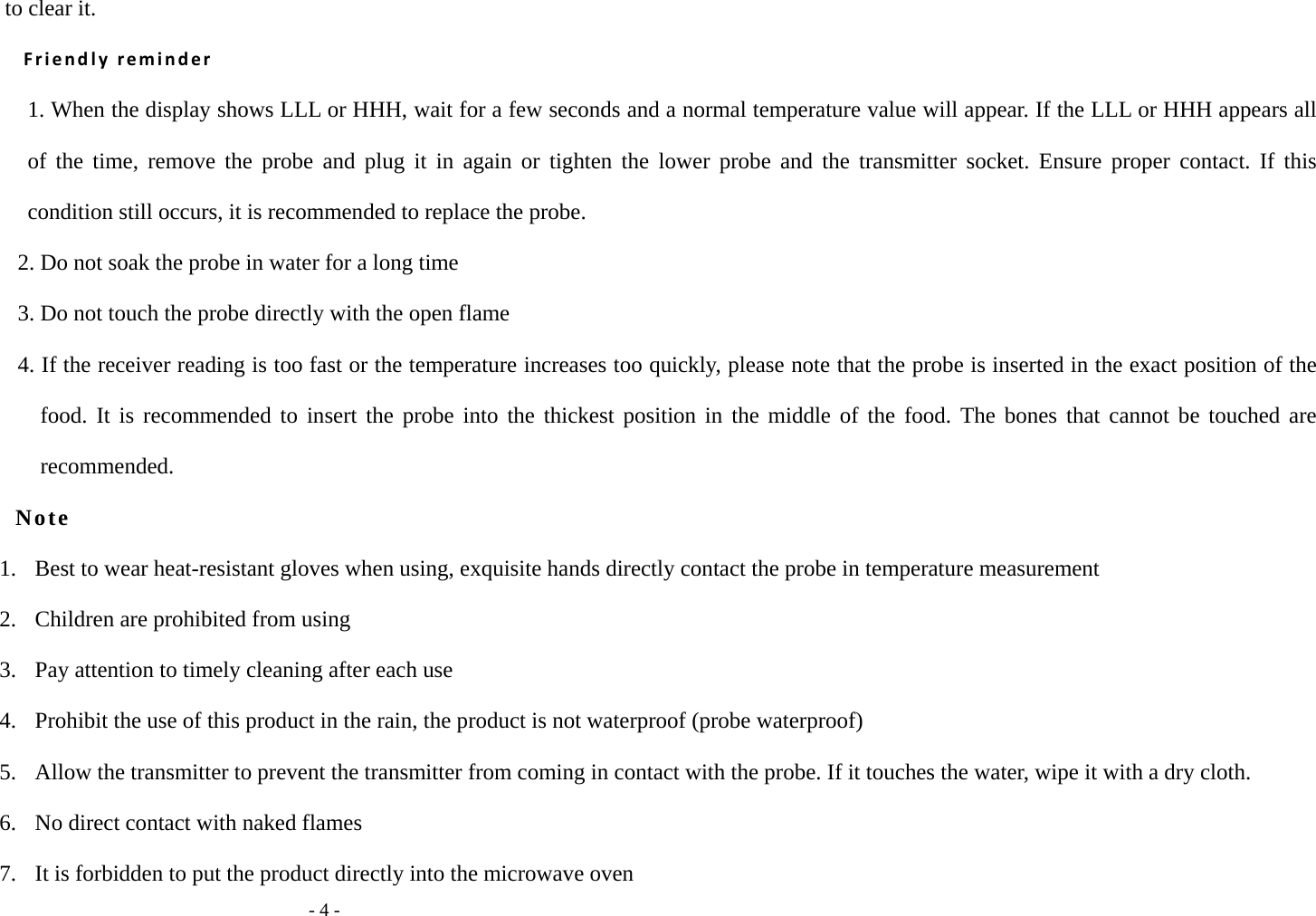
  - 4 - to clear it. Friendly reminder 1. When the display shows LLL or HHH, wait for a few seconds and a normal temperature value will appear. If the LLL or HHH appears all of the time, remove the probe and plug it in again or tighten the lower probe and the transmitter socket. Ensure proper contact. If this condition still occurs, it is recommended to replace the probe. 2. Do not soak the probe in water for a long time 3. Do not touch the probe directly with the open flame 4. If the receiver reading is too fast or the temperature increases too quickly, please note that the probe is inserted in the exact position of the food. It is recommended to insert the probe into the thickest position in the middle of the food. The bones that cannot be touched are recommended. Note 1.   Best to wear heat-resistant gloves when using, exquisite hands directly contact the probe in temperature measurement 2.   Children are prohibited from using 3.   Pay attention to timely cleaning after each use 4.   Prohibit the use of this product in the rain, the product is not waterproof (probe waterproof) 5.   Allow the transmitter to prevent the transmitter from coming in contact with the probe. If it touches the water, wipe it with a dry cloth. 6.  No direct contact with naked flames 7.   It is forbidden to put the product directly into the microwave oven
  - 5 - 8.   Children under the age of 12 are prohibited from using the product or under adult supervision Wipe the probe with a dry cloth to avoid prolonged soaking in water FCC Statement This equipment has been tested and found to comply with the limits for a Class B digital device, pursuant to part 15 of the FCC rules. These limits are designed to provide reasonable protection against harmful interference in a residential installation. This equipment generates, uses and can radiate radio frequency energy and, if not installed and used in accordance with the instructions, may cause harmful interference to radio communications. However, there is no guarantee that interference will not occur in a particular installation. If this equipment does cause harmful interference to radio or television reception, which can be determined by turning the equipment off and on, the user is encouraged to try to correct the interference by one or more of the following measures: -Reorient or relocate the receiving antenna. -Increase the separation between the equipment and receiver. -Connect the equipment into an outlet on a circuit different from that to which the receiver is connected. -Consult the dealer or an experienced radio/TV technician for help. To assure continued compliance, any changes or modifications not expressly approved by the party. Responsible for compliance could void the user’s authority to operate this equipment. (Example- use only shielded interface cables when connecting to computer or peripheral devices). This equipment complies with Part 15 of the FCC Rules. Operation is subject to the following two conditions: (1) This device may not cause harmful interference, and (2) This device must accept any interference received, including interference that

Navigation menu