Fego Precision Co BDQ25 QuieTech Dehumidifier User Manual POWER

Fego Precision Industrial Co Ltd QuieTech Dehumidifier POWER

User Manual

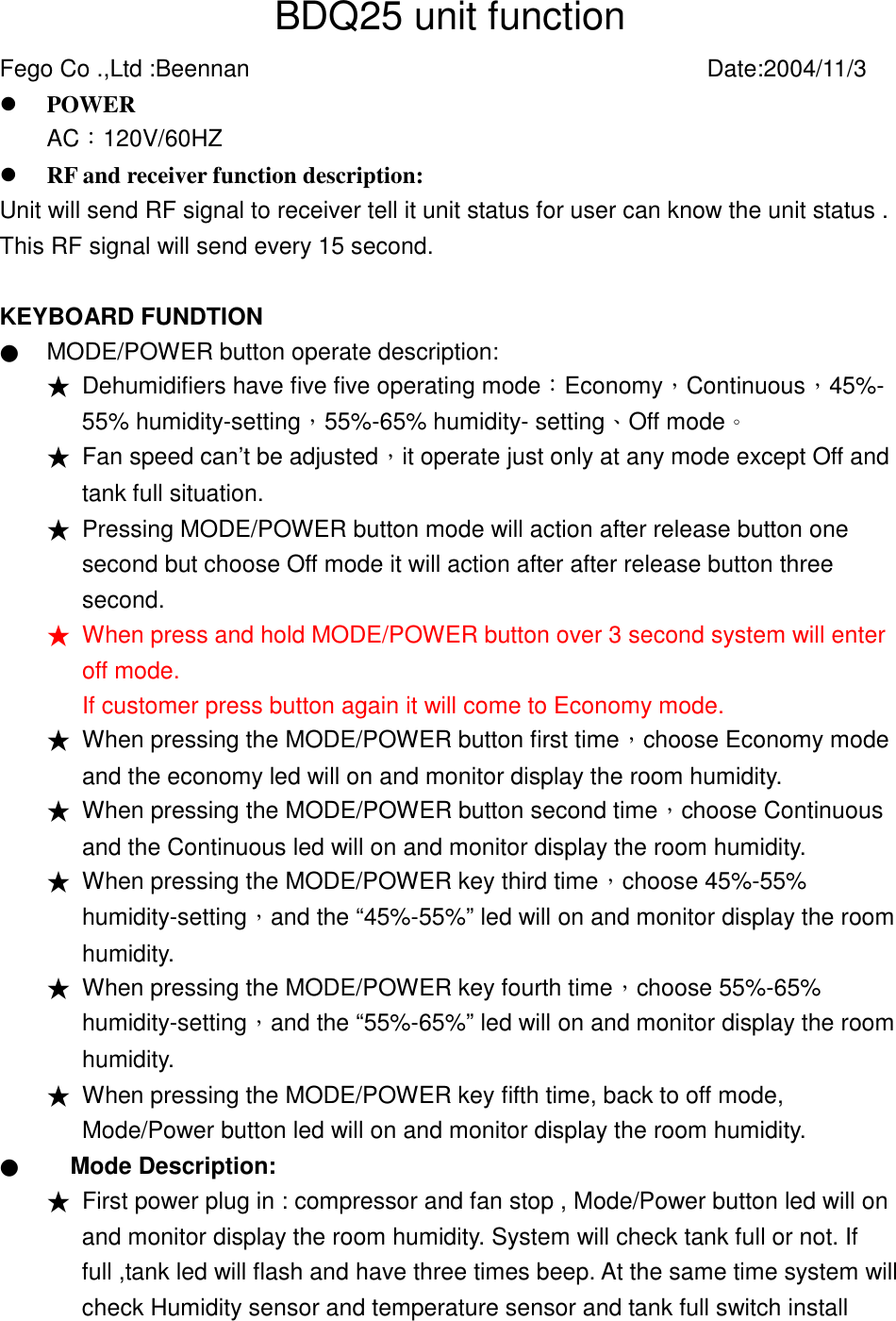
BDQ25 unit function Fego Co .,Ltd :Beennan          Date:2004/11/3 !  POWER     AC︰120V/60HZ      !  RF and receiver function description: Unit will send RF signal to receiver tell it unit status for user can know the unit status . This RF signal will send every 15 second.  KEYBOARD FUNDTION ● MODE/POWER button operate description:   ★ Dehumidifiers have five five operating mode︰Economy,Continuous,45%- 55% humidity-setting,55%-65% humidity- setting、Off mode。 ★ Fan speed can’t be adjusted,it operate just only at any mode except Off and tank full situation.   ★ Pressing MODE/POWER button mode will action after release button one second but choose Off mode it will action after after release button three second. ★ When press and hold MODE/POWER button over 3 second system will enter off mode. If customer press button again it will come to Economy mode. ★ When pressing the MODE/POWER button first time,choose Economy mode and the economy led will on and monitor display the room humidity.   ★ When pressing the MODE/POWER button second time,choose Continuous and the Continuous led will on and monitor display the room humidity.     ★ When pressing the MODE/POWER key third time,choose 45%-55% humidity-setting,and the “45%-55%” led will on and monitor display the room humidity.  ★ When pressing the MODE/POWER key fourth time,choose 55%-65% humidity-setting,and the “55%-65%” led will on and monitor display the room humidity.  ★ When pressing the MODE/POWER key fifth time, back to off mode, Mode/Power button led will on and monitor display the room humidity.     ● Mode Description: ★ First power plug in : compressor and fan stop , Mode/Power button led will on and monitor display the room humidity. System will check tank full or not. If full ,tank led will flash and have three times beep. At the same time system will check Humidity sensor and temperature sensor and tank full switch install
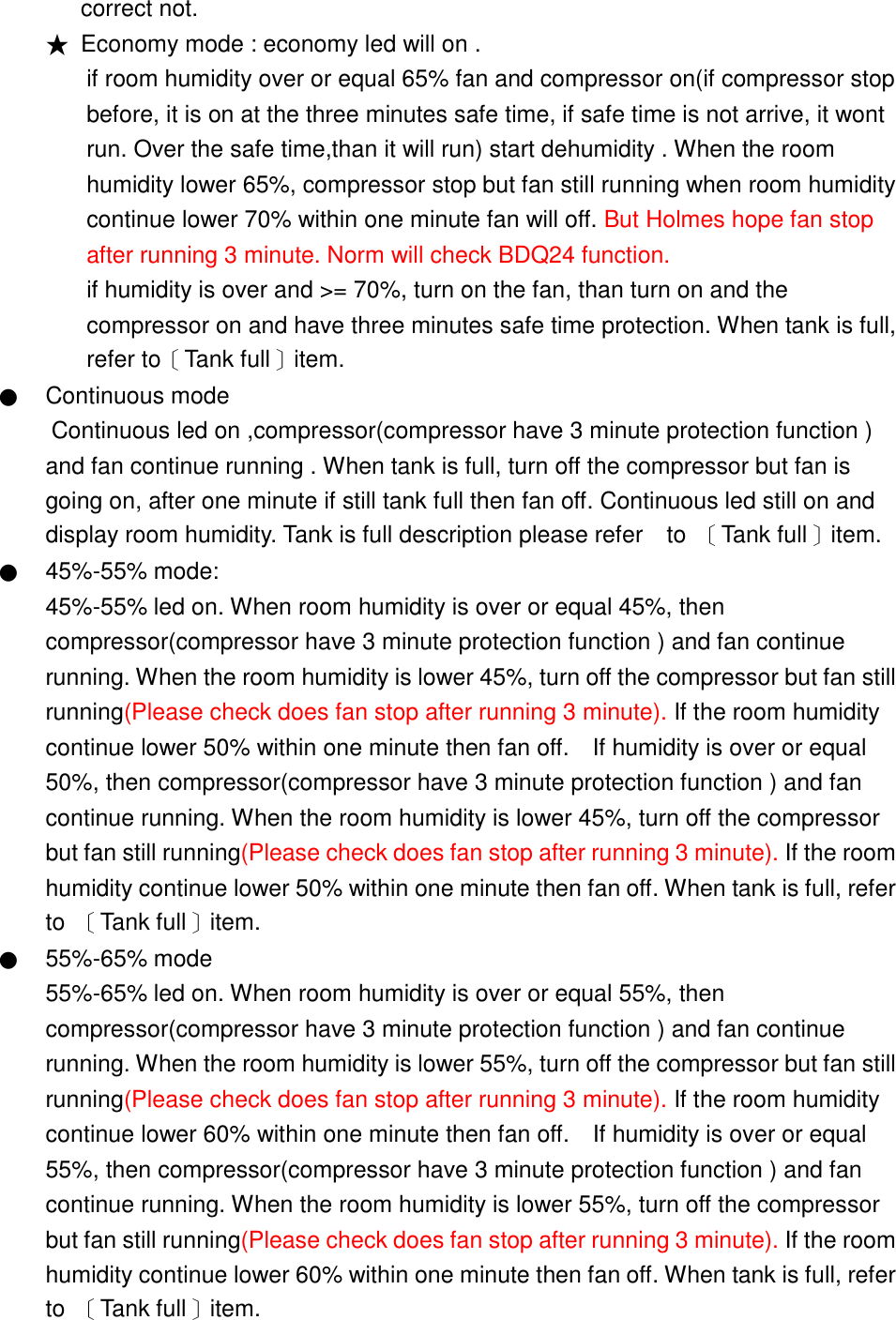
correct not. ★ Economy mode : economy led will on . if room humidity over or equal 65% fan and compressor on(if compressor stop before, it is on at the three minutes safe time, if safe time is not arrive, it wont run. Over the safe time,than it will run) start dehumidity . When the room humidity lower 65%, compressor stop but fan still running when room humidity continue lower 70% within one minute fan will off. But Holmes hope fan stop after running 3 minute. Norm will check BDQ24 function. if humidity is over and >= 70%, turn on the fan, than turn on and the compressor on and have three minutes safe time protection. When tank is full, refer to〔Tank full〕item. ● Continuous mode Continuous led on ,compressor(compressor have 3 minute protection function ) and fan continue running . When tank is full, turn off the compressor but fan is going on, after one minute if still tank full then fan off. Continuous led still on and display room humidity. Tank is full description please refer    to  〔Tank full〕item. ● 45%-55% mode:   45%-55% led on. When room humidity is over or equal 45%, then compressor(compressor have 3 minute protection function ) and fan continue running. When the room humidity is lower 45%, turn off the compressor but fan still running(Please check does fan stop after running 3 minute). If the room humidity continue lower 50% within one minute then fan off.    If humidity is over or equal 50%, then compressor(compressor have 3 minute protection function ) and fan continue running. When the room humidity is lower 45%, turn off the compressor but fan still running(Please check does fan stop after running 3 minute). If the room humidity continue lower 50% within one minute then fan off. When tank is full, refer to  〔Tank full〕item.   ● 55%-65% mode 55%-65% led on. When room humidity is over or equal 55%, then compressor(compressor have 3 minute protection function ) and fan continue running. When the room humidity is lower 55%, turn off the compressor but fan still running(Please check does fan stop after running 3 minute). If the room humidity continue lower 60% within one minute then fan off.    If humidity is over or equal 55%, then compressor(compressor have 3 minute protection function ) and fan continue running. When the room humidity is lower 55%, turn off the compressor but fan still running(Please check does fan stop after running 3 minute). If the room humidity continue lower 60% within one minute then fan off. When tank is full, refer to  〔Tank full〕item.
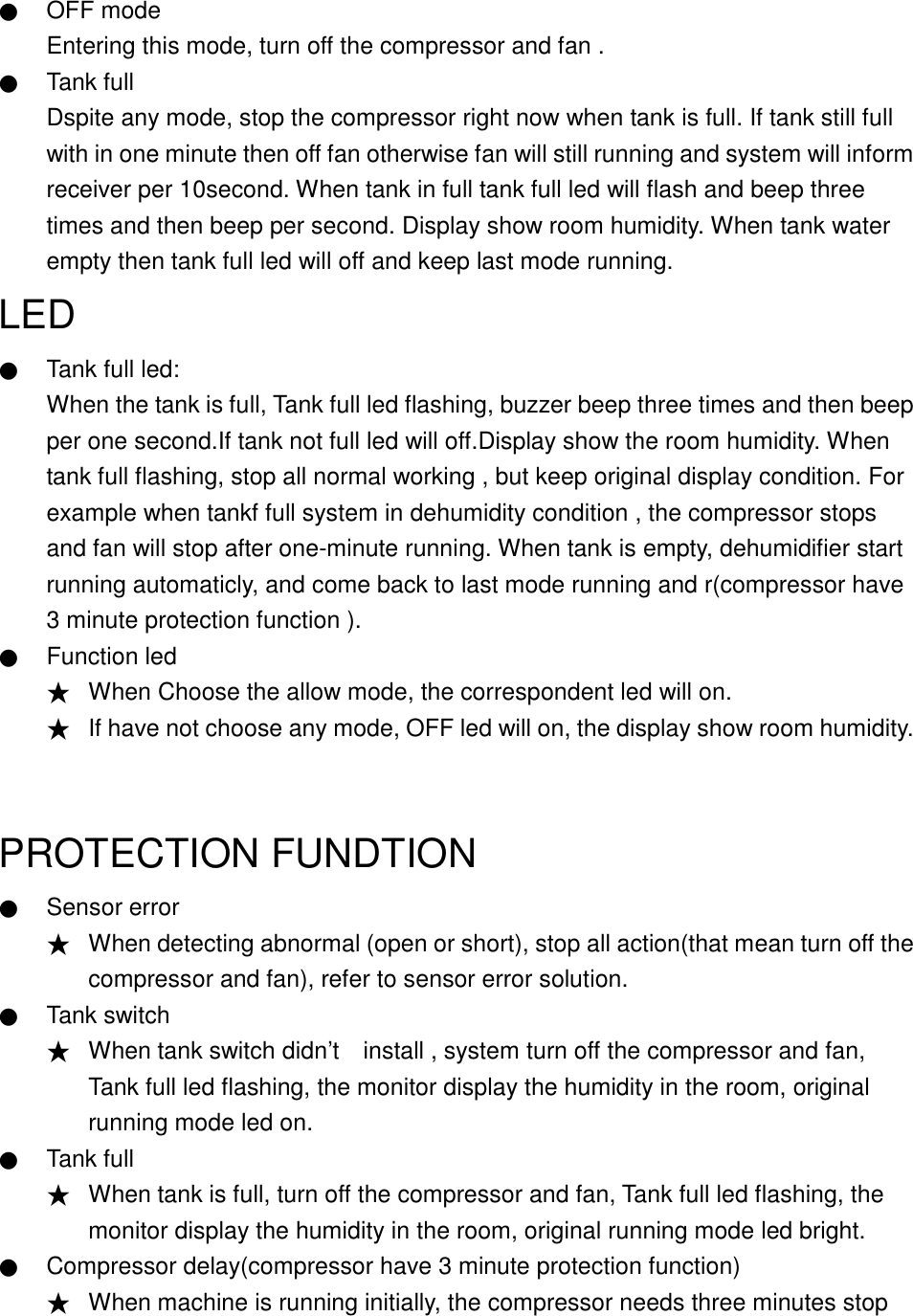
   ● OFF mode Entering this mode, turn off the compressor and fan . ● Tank full Dspite any mode, stop the compressor right now when tank is full. If tank still full with in one minute then off fan otherwise fan will still running and system will inform receiver per 10second. When tank in full tank full led will flash and beep three times and then beep per second. Display show room humidity. When tank water empty then tank full led will off and keep last mode running.   LED  ● Tank full led: When the tank is full, Tank full led flashing, buzzer beep three times and then beep per one second.If tank not full led will off.Display show the room humidity. When tank full flashing, stop all normal working , but keep original display condition. For example when tankf full system in dehumidity condition , the compressor stops and fan will stop after one-minute running. When tank is empty, dehumidifier start running automaticly, and come back to last mode running and r(compressor have 3 minute protection function ). ● Function led ★ When Choose the allow mode, the correspondent led will on. ★ If have not choose any mode, OFF led will on, the display show room humidity.  PROTECTION FUNDTION ● Sensor error ★ When detecting abnormal (open or short), stop all action(that mean turn off the compressor and fan), refer to sensor error solution. ● Tank switch ★ When tank switch didn’t    install , system turn off the compressor and fan, Tank full led flashing, the monitor display the humidity in the room, original running mode led on. ● Tank full ★ When tank is full, turn off the compressor and fan, Tank full led flashing, the monitor display the humidity in the room, original running mode led bright. ● Compressor delay(compressor have 3 minute protection function) ★ When machine is running initially, the compressor needs three minutes stop
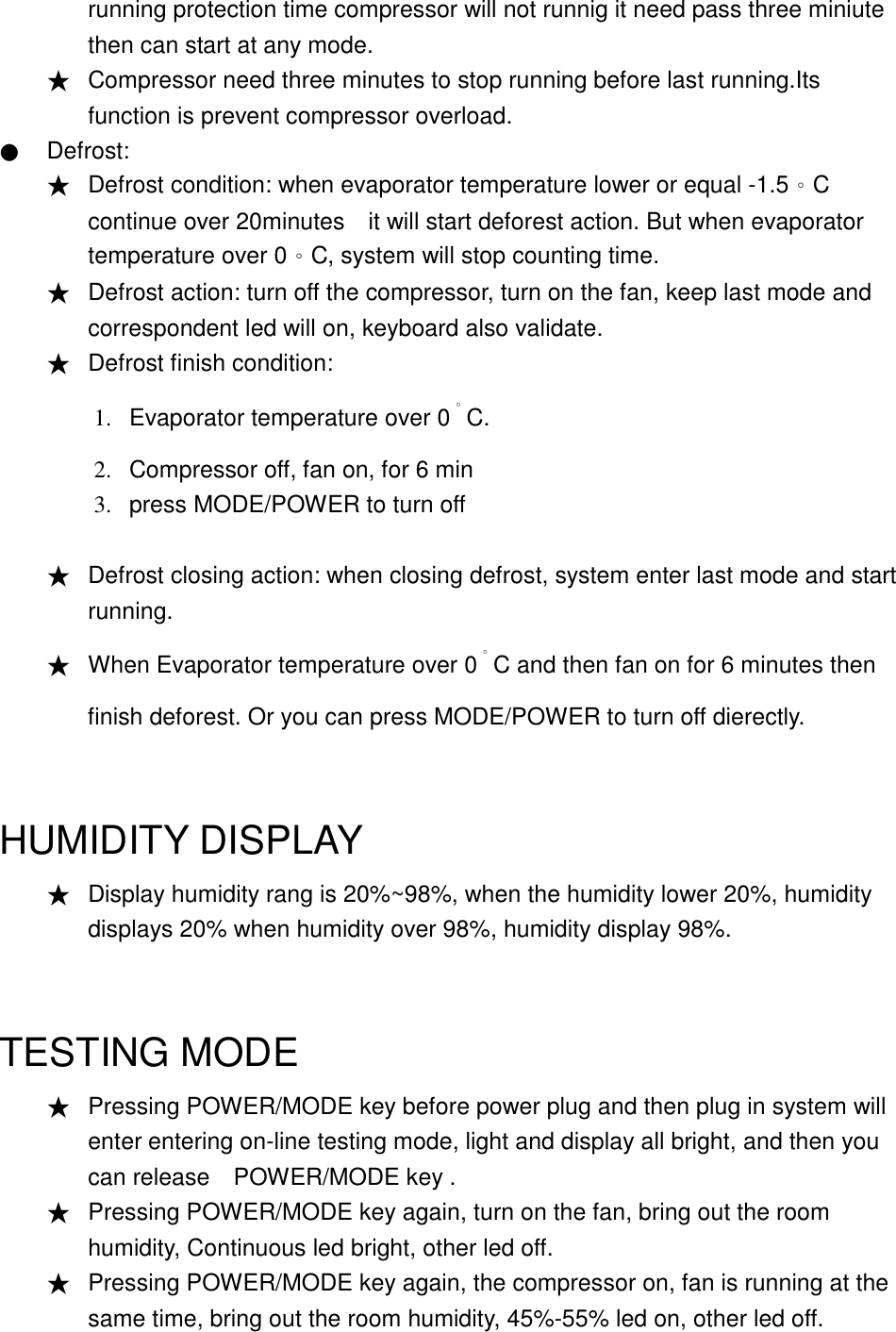
running protection time compressor will not runnig it need pass three miniute then can start at any mode. ★ Compressor need three minutes to stop running before last running.Its function is prevent compressor overload.   ● Defrost: ★ Defrost condition: when evaporator temperature lower or equal -1.5。C continue over 20minutes    it will start deforest action. But when evaporator temperature over 0。C, system will stop counting time.   ★ Defrost action: turn off the compressor, turn on the fan, keep last mode and correspondent led will on, keyboard also validate. ★ Defrost finish condition:   1. 2. 3. Evaporator temperature over 0。C. Compressor off, fan on, for 6 min press MODE/POWER to turn off  ★ Defrost closing action: when closing defrost, system enter last mode and start   running. ★ When Evaporator temperature over 0。C and then fan on for 6 minutes then finish deforest. Or you can press MODE/POWER to turn off dierectly.  HUMIDITY DISPLAY ★ Display humidity rang is 20%~98%, when the humidity lower 20%, humidity displays 20% when humidity over 98%, humidity display 98%.  TESTING MODE ★ Pressing POWER/MODE key before power plug and then plug in system will enter entering on-line testing mode, light and display all bright, and then you can release    POWER/MODE key .   ★ Pressing POWER/MODE key again, turn on the fan, bring out the room humidity, Continuous led bright, other led off. ★ Pressing POWER/MODE key again, the compressor on, fan is running at the same time, bring out the room humidity, 45%-55% led on, other led off.
★ Pressing POWER/MODE key again, turn off the compressor , fan and display, only OFF pilotlamp flashing, means that the test is over, POWER/MODE key doesnot work. ★ In testing, if tank is full, Tank full pilotlamp flashing, and beeps three times. What display brings out originally, and the condition of the fan and compressor will not change. If tank didn’t    full ,tank full symbol will not show. Sensor error process: ★ Temperature sensor open or short: beep 5 times per second and led will show E1,fan and compressor will stop, but led will keep the test mode display. When fix broken user need unplug then plug power again to reset system. ★ Humidity sensor open or short: beep 5 times per second and led will show E2,fan and compressor will stop,but led will keep the test mode display. When fix broken user need unplug then plug power again to reset system. ★ Temperature and Humidity sensor open or short: beep 5 times per second and led will show E1, and E2 alternative .Fan and compressor will stop,but led will keep the test mode display. When fix broken user need unplug then plug power again to reset system. ★ Error signal like below E1->E2->E1->E2…. ★ Test mode hasn’t time limit that mean operator can continue until finish test.

Navigation menu