Flip Video Hdmi 100210 Rr Users Manual Cables User Instructions
HDMI 3250-00018 HDMI_Cables_Foldout_100212_3250-00018_ 600-0117-400_Rev_A-WEB
3250-00018 to the manual 359df9f5-1a48-4218-b576-3729f9e75e29
Flip Video Hdmi Cable User Guide,0 Flip_Video_HDMI_Cable_User_Guide,0 Flip_Video_HDMI_Cable_User_Guide,0 1224665063704 userguide s s.linksys.com 3:
2015-02-09
: Flip-Video Flip-Video-Hdmi-100210-Rr-Users-Manual-551379 flip-video-hdmi-100210-rr-users-manual-551379 flip-video pdf
Open the PDF directly: View PDF  .
.
Page Count: 4
D
HDMI™ Cables
DE HDMI™-Kabel
FR Câbles HDMI™
User Instructions • Benutzerhandbuch • Guide de l’utilisateur
HDMITM

Instructions • Anweisungen
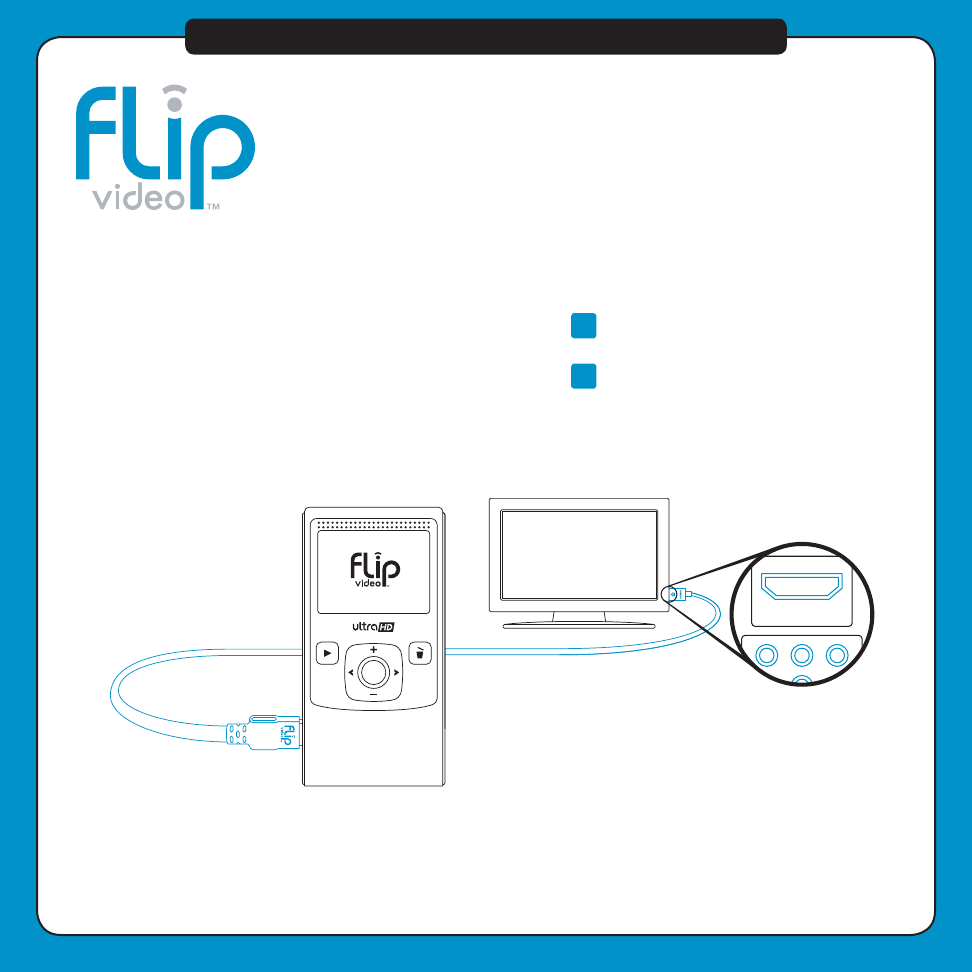
1Power off camcorder and television.
Schalten Sie den Camcorder und das Fernsehgerät aus.
Mettez votre caméscope et votre téléviseur hors tension.
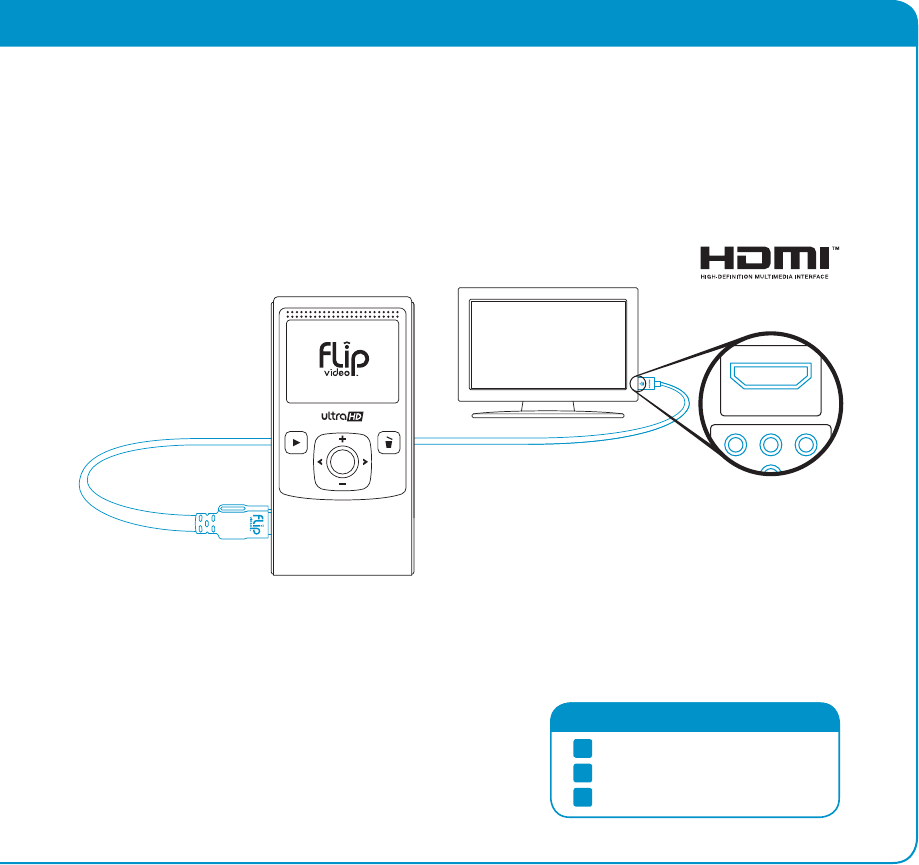
2Connect the HDMI™ Mini Connector end (Type C) of the cable to the HDMI™ port on your camcorder.
Stecken Sie das Mini-Stecker-Ende (Typ C) des HDMI™-Kabels in den HDMI™-Port Ihres Camcorders ein.
Connectez le mini connecteur (type C) du câble HDMI™ au port HDMI™ de votre caméscope.
3Connect the standard HDMI™ Connector end (Type A) of the cable to the HDMI™ port on your HDTV.
Stecken Sie das Standard-Stecker-Ende (Typ A) des Kabels in den HDMI™-Port Ihres HDTV-Geräts ein.
Connectez le connecteur standard (type A) du câble au port HDMI™ de votre téléviseur HD.
4Power on television and camcorder. • Note: Camcorder screen turns off when connected to television.
Schalten Sie das Fernsehgerät und den Camcorder ein. • Hinweis: Das Display des Camcorders schaltet sich
aus, wenn er mit dem Fernsehgerät verbunden ist.
Mettez votre téléviseur et votre caméscope sous tension. • Remarque : Une fois connecté au téléviseur,
l’écran du caméscope s’éteint.
5Switch your television to VIDEO input. • See television manual for instructions.
Schalten Sie Ihr Fernsehgerät auf VIDEO-Eingang um. • Anweisungen hierzu finden Sie im Handbuch Ihres
Fernsehgeräts.
Basculez sur la sortie VIDEO de votre téléviseur. • Consultez les instructions contenues dans le manuel de
votre téléviseur.
6Press play button on your camcorder to start/pause video playback.
Drücken Sie die Wiedergabetaste Ihres Camcorders, um die Videowiedergabe zu starten oder anzuhalten.
Appuyez sur le bouton de lecture de votre caméscope pour démarrer ou suspendre la lecture de la vidéo.
HDMITM
www.theflip.com/support
EN Questions and Customer Service
DE Anfragen und Kundenservice
FR Questions et service clientèle
100210-RR

© 2010 Cisco Systems, Inc. All rights reserved. Cisco, the Cisco logo, Flip Video, the Flip Video logo, Flip Ultra, and Flip UltraHD are trademarks or
registered trademarks of Cisco Systems, Inc. and/or its affiliates in the United States and certain other countries. All other trademarks mentioned in
this document or website are the property of their respective owners.
3250-00018 A
