Fujitsu PaperStream Capture Scanning Software Datasheet Paper Stream V2
User Manual: Fujitsu Datasheet PaperStream Capture Batch Scanning Software - Fujitsu United States
Open the PDF directly: View PDF  .
.
Page Count: 2
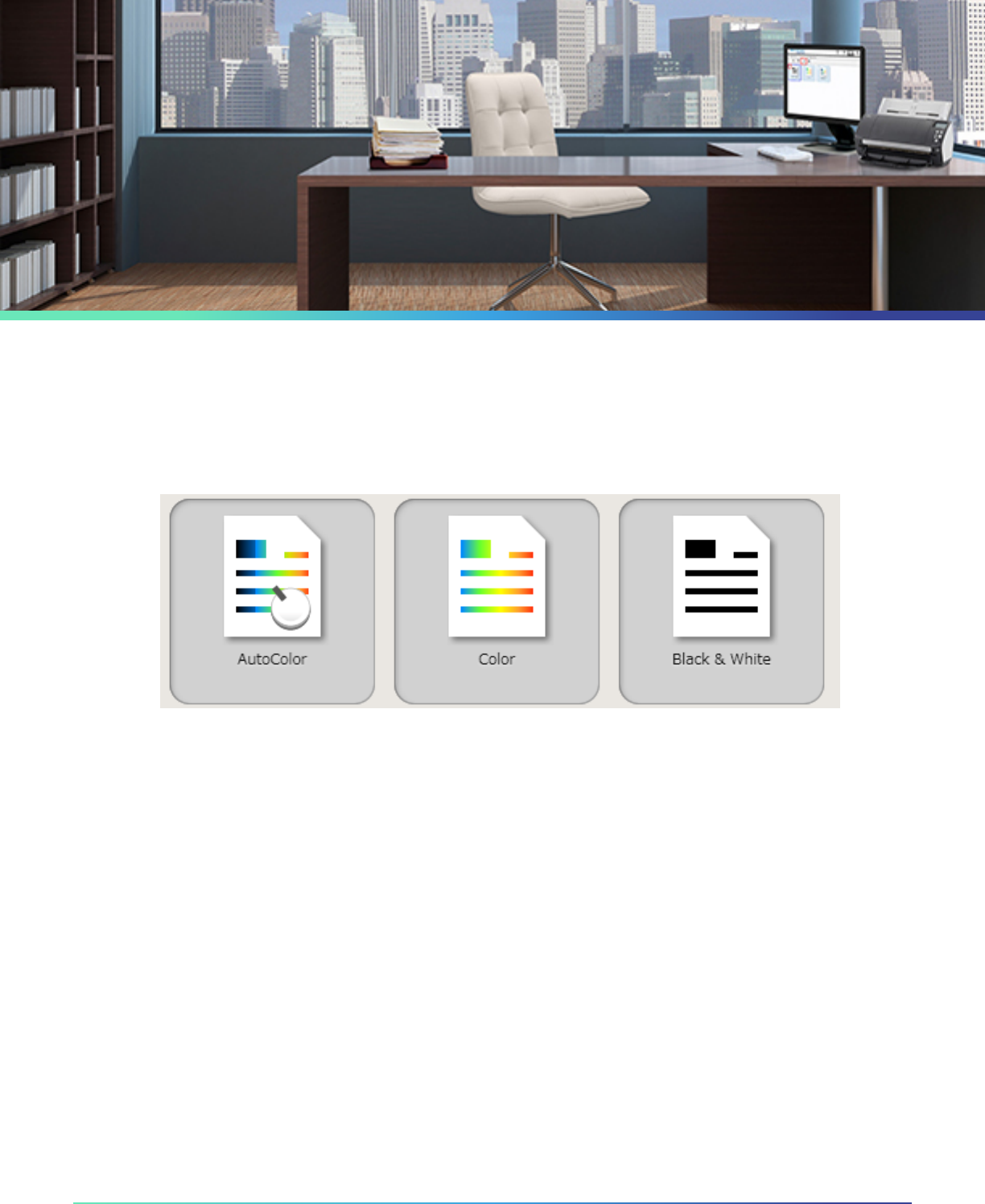
PaperStream Capture provides a digital on-ramp for businesses. Included with Fujitsu Series scanners, this software builds on the
powerful PaperStream TWAIN and ISIS drivers to deliver the best image quality in a small le size. The user-friendly interface, with its
simple icons and intuitive navigation, decreases operator training times. While easy-to-use, prole exibility gets the documents to the
right location in the correct le format without changing existing workows. PaperStream Capture is a great front-end to your
document capture workows.
Datasheet
© Fujitsu. All rights reserved
Standard File Outputs
Scan to PDF, PDF/A, PDF with OCR, TIFF Group 4,
Multipage TIFF, JPEG, BMP with a single click.
Preset Proles
Built-in Black and White, Color, and Auto-Color
proles saves time.
Automatic Image Quality Check
Batches automatically mark multi-feeds and
document edge issues for fast quality control.
Review
Detailed thumbnails and zoom allow for quick
quality review.
SCA Prole Integration
Deploy eet updates and proles using Fujitsu’s
free Scanner Central Admin.
Assisted Scan Integration
Use PaperStream IP integrated Assisted Scan
for quick rescan and powerful image clean up.
Batch Separation
Separate documents with barcodes and patch codes to
avoid post process le organization.
File or Folder Naming
Barcode reader and Zone OCR to name a le or folder for
fast le organization.
Release File Naming
Name scanned les at release for ad hoc batches.
Barcode Support
Read 1D barcodes: UPC-A/EAN/JAN, Code 3 of 9, Code 128/
EAN128, Codabar (NW7), ITF.
Departmental scanners and above support 2D barcodes*,
PDF417, QR Code, and Data Matrix.
Selectable Batch Icons
Personalize batch icons for easy workow recognition.
Prole Lock
Administrator can lock proles to maintain scanning consistency.
PaperStream Capture
Capture. Optimize. Access.

© Fujitsu. All rights reserved
Copyright 2015 Fujitsu Computer Products of America, Inc. All rights reserved. Fujitsu and the Fujitsu logo are registered trademarks. Statements
herein are based on normal operating conditions and are not intended to create any implied warranty of merchantability or tness for a particular
purpose. Fujitsu Computer Products of America, Inc. reserves the right to modify, at any time without notice these statements, our services, pricing,
Product PaperStream Capture
Key Features
File Output PDF, PDF/A, TIFF Group 4, Multipage TIFF, JPEG, JPEG2000, BMP
Optical Character Recognition Yes, rst page or entire batch
Driver Support PaperStream TWAIN and ISIS
Batch Scan Prole Editor Settings (Name rule, Linking, etc.), Batch lock, and Hotkey setting
Editing Rotate, ip, and skew correction
Batch Suspend and Review Yes
Display Multipage View and Thumb Nails
Linkage FTP, SharePoint® Server to 2010
Citrix Support PaperStream TWAIN and ISIS
Barcode (1 Dimensional) UPC-A/EAN/JAN, Code 3 of 9, Code 128/EAN128
Barcode (2 Dimensional) PDF417, QR Code, Data Matrix for departmental scanners and above
System Requirements
Operating System Windows® 8.1 32-bit/64-bit
Windows® 8 32-bit/64-bit
Windows® 7 32-bit/64-bit (SP1 or later)
Windows Vista® 32-bit/64-bit (SP2 or later)
Windows® XP 32-bit (SP3 or later)
Windows® XP 64-bit (SP2 or later)
Windows Server® 2012 64-bit / 2012 R2 64-bit
Windows Server® 2008 32-bit/64-bit / 2008 R2 64-bit
CPU Intel® Pentium® 4 1.8 GHz or higher
*Recommended: Intel® Core™ i5 (2.5GHz or higher, except for mobile)
Memory 1GB or more *Recommended: 4GB or more
Disk 10GB or more
*Enough disk capacity is necessary for the saved le when scanning
Display 1024 x 768 Pixels or more
Software .NET Framework 4.5 (excluding Windows XP)
.NET Framework 4 + the latest Windows Update (Windows XP)
Specications
Learn More: us.fujitsu.com/fcpasolutions
Connect with us!
