Grace Digital GDIEXDRFT ECODRIFT User Manual

Grace Digital Inc. ECODRIFT

User Manual

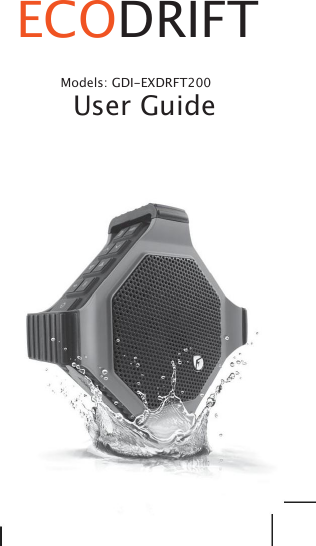
ECODRIFTModels: GDI-EXDRFT200User Guide
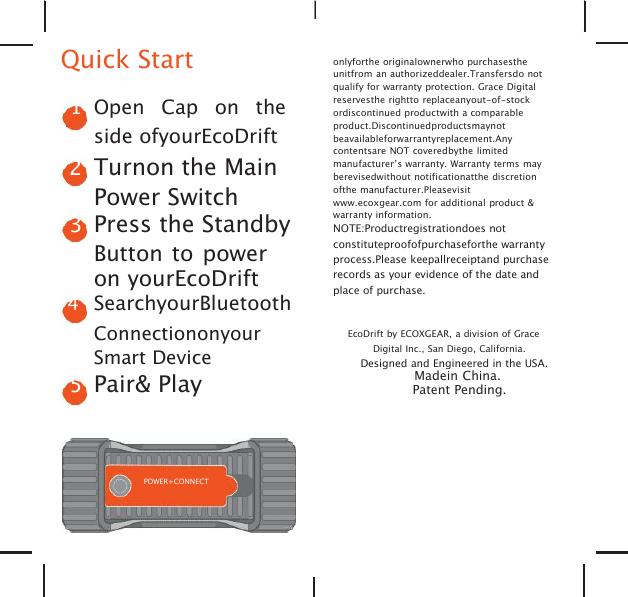
Quick Start1Open Cap on theside ofyourEcoDrift2Turnon the MainPower Switch3Press the StandbyButton to poweron yourEcoDrift4SearchyourBluetoothConnectiononyourSmart Device5Pair& Playonlyforthe originalownerwho purchasestheunitfrom an authorizeddealer.Transfersdo notqualify for warranty protection. Grace Digitalreservesthe rightto replaceanyout-of-stockordiscontinued productwith a comparableproduct.Discontinuedproductsmaynotbeavailableforwarrantyreplacement.Anycontentsare NOT coveredbythe limitedmanufacturer’s warranty. Warranty terms mayberevisedwithout notificationatthe discretionofthe manufacturer.Pleasevisitwww.ecoxgear.com for additional product &warranty information.NOTE:Productregistrationdoes notconstituteproofofpurchaseforthe warrantyprocess.Please keepallreceiptand purchaserecords as your evidence of the date andplace of purchase.EcoDrift by ECOXGEAR, a division of GraceDigital Inc., San Diego, California.Designed and Engineered in the USA.Madein China.Patent Pending.POWER+CONNECT
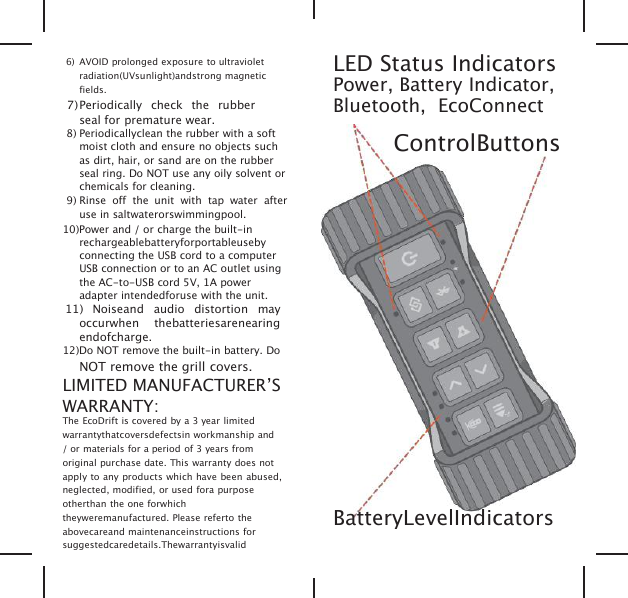
6) AVOID prolonged exposure to ultravioletradiation(UVsunlight)andstrong magneticfields.7)Periodically check the rubberseal for premature wear.8) Periodicallyclean the rubber with a softmoist cloth and ensure no objects suchas dirt, hair, or sand are on the rubberseal ring. Do NOT use any oily solvent orchemicals for cleaning.9) Rinse off the unit with tap water afteruse in saltwaterorswimmingpool.10)Power and / or charge the built-inrechargeablebatteryforportableusebyconnecting the USB cord to a computerUSB connection or to an AC outlet usingthe AC-to-USB cord 5V, 1A poweradapter intendedforuse with the unit.11) Noiseand audio distortion mayoccurwhen thebatteriesarenearingendofcharge.12)Do NOT remove the built-in battery. DoNOT remove the grill covers.LIMITED MANUFACTURER’SWARRANTY:The EcoDrift is covered by a 3 year limitedwarrantythatcoversdefectsin workmanship and/ or materials for a period of 3 years fromoriginal purchase date. This warranty does notapply to any products which have been abused,neglected, modified, or used fora purposeotherthan the one forwhichtheyweremanufactured. Please referto theabovecareand maintenanceinstructions forsuggestedcaredetails.ThewarrantyisvalidLED Status IndicatorsPower, Battery Indicator,Bluetooth, EcoConnectControlButtonsBatteryLevelIndicators
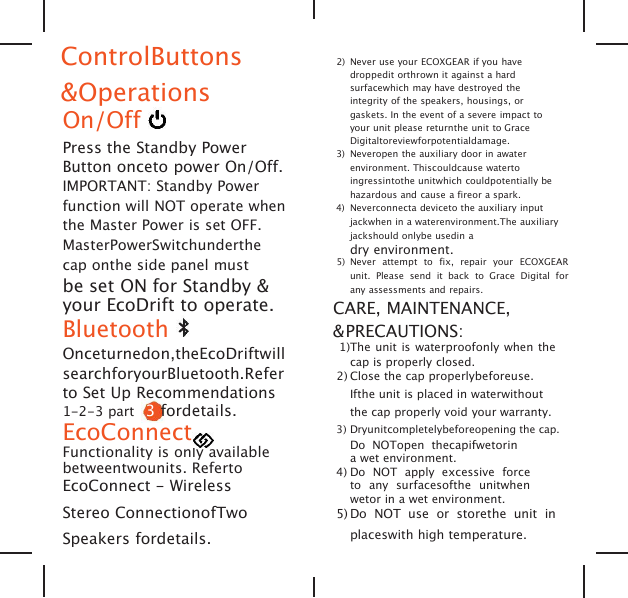
ControlButtons&OperationsOn/OffPress the Standby PowerButton onceto power On/Off.IMPORTANT: Standby Powerfunction will NOT operate whenthe Master Power is set OFF.MasterPowerSwitchunderthecap onthe side panel mustbe set ON for Standby &your EcoDrift to operate.BluetoothOnceturnedon,theEcoDriftwillsearchforyourBluetooth.Referto Set Up Recommendations1-2-3 part 3fordetails.EcoConnectFunctionality is only availablebetweentwounits. RefertoEcoConnect - WirelessStereo ConnectionofTwoSpeakers fordetails.2) Never use your ECOXGEAR if you havedroppedit orthrown it against a hardsurfacewhich may have destroyed theintegrity of the speakers, housings, orgaskets. In the event of a severe impact toyour unit please returnthe unit to GraceDigitaltoreviewforpotentialdamage.3) Neveropen the auxiliary door in awaterenvironment. Thiscouldcause watertoingressintothe unitwhich couldpotentially behazardous and cause a fireor a spark.4) Neverconnecta deviceto the auxiliary inputjackwhen in a waterenvironment.The auxiliaryjackshould onlybe usedin adry environment.5) Never attempt to fix, repair your ECOXGEARunit. Please send it back to Grace Digital forany assessments and repairs.CARE, MAINTENANCE,&PRECAUTIONS:1)The unit is waterproofonly when thecap is properly closed.2) Close the cap properlybeforeuse.Ifthe unit is placed in waterwithoutthe cap properly void your warranty.3) Dryunitcompletelybeforeopening the cap.Do NOTopen thecapifwetorina wet environment.4) Do NOT apply excessive forceto any surfacesofthe unitwhenwetor in a wet environment.5) Do NOT use or storethe unit inplaceswith high temperature.
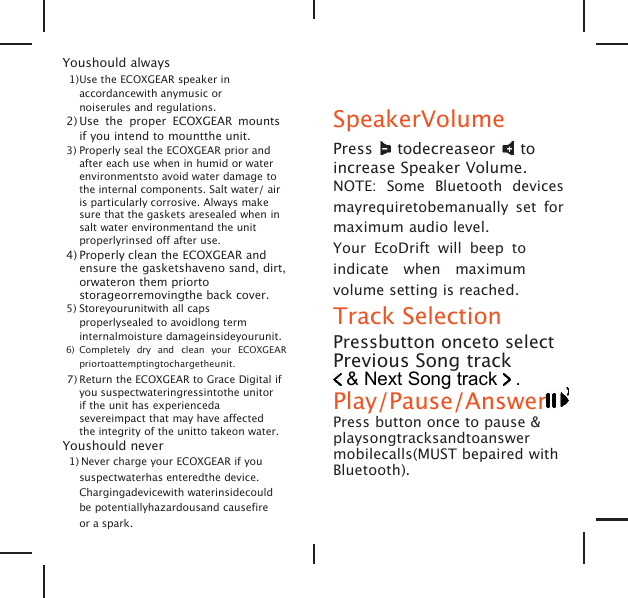
Youshould always1)Use the ECOXGEAR speaker inaccordancewith anymusic ornoiserules and regulations.2) Use the proper ECOXGEAR mountsif you intend to mountthe unit.3) Properly seal the ECOXGEAR prior andafter each use when in humid or waterenvironmentsto avoid water damage tothe internal components. Salt water/ airis particularly corrosive. Always makesure that the gaskets aresealed when insalt water environmentand the unitproperlyrinsed off after use.4) Properly clean the ECOXGEAR andensure the gasketshaveno sand, dirt,orwateron them priortostorageorremovingthe back cover.5) Storeyourunitwith all capsproperlysealed to avoidlong terminternalmoisture damageinsideyourunit.6) Completely dry and clean your ECOXGEARpriortoattemptingtochargetheunit.7) Return the ECOXGEAR to Grace Digital ifyou suspectwateringressintothe unitorif the unit has experiencedasevereimpact that may have affectedthe integrity of the unitto takeon water.Youshould never1) Never charge your ECOXGEAR if yoususpectwaterhas enteredthe device.Chargingadevicewith waterinsidecouldbe potentiallyhazardousand causefireor a spark.SpeakerVolumePress todecreaseor toincrease Speaker Volume.NOTE: Some Bluetooth devicesmayrequiretobemanually set formaximum audio level.Your EcoDrift will beep toindicate when maximumvolume setting is reached.Track SelectionPressbutton onceto selectPrevious Song track& Next Song track .Play/Pause/AnswerPress button once to pause &playsongtracksandtoanswermobilecalls(MUST bepaired withBluetooth).
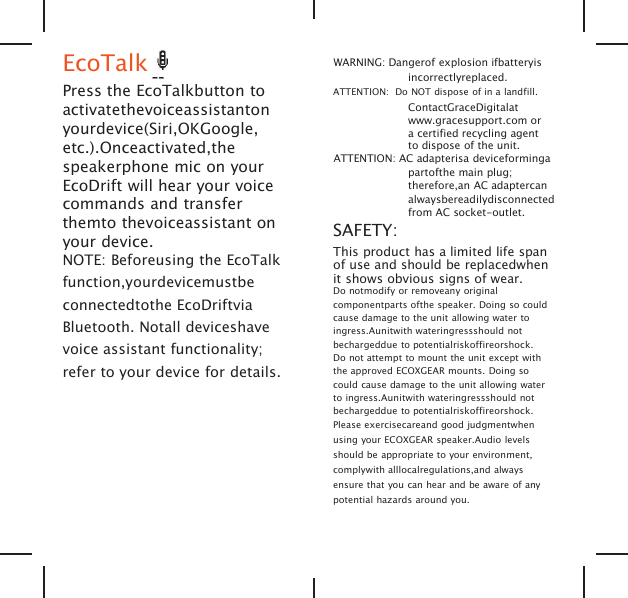
EcoTalkPress the EcoTalkbutton toactivatethevoiceassistantonyourdevice(Siri,OKGoogle,etc.).Onceactivated,thespeakerphone mic on yourEcoDrift will hear your voicecommands and transferthemto thevoiceassistant onyour device.NOTE: Beforeusing the EcoTalkfunction,yourdevicemustbeconnectedtothe EcoDriftviaBluetooth. Notall deviceshavevoice assistant functionality;refer to your device for details.WARNING: Dangerof explosion ifbatteryisincorrectlyreplaced.ATTENTION: Do NOT dispose of in a landfill.ContactGraceDigitalatwww.gracesupport.com ora certified recycling agentto dispose of the unit.ATTENTION: AC adapterisa deviceformingapartofthe main plug;therefore,an AC adaptercanalwaysbereadilydisconnectedfrom AC socket-outlet.SAFETY:This product has a limited life spanof use and should be replacedwhenit shows obvious signs of wear.Do notmodify or removeany originalcomponentparts ofthe speaker. Doing so couldcause damage to the unit allowing water toingress.Aunitwith wateringressshould notbechargeddue to potentialriskoffireorshock.Do not attempt to mount the unit except withthe approved ECOXGEAR mounts. Doing socould cause damage to the unit allowing waterto ingress.Aunitwith wateringressshould notbechargeddue to potentialriskoffireorshock.Please exercisecareand good judgmentwhenusing your ECOXGEAR speaker.Audio levelsshould be appropriate to your environment,complywith alllocalregulations,and alwaysensure that you can hear and be aware of anypotential hazards around you.
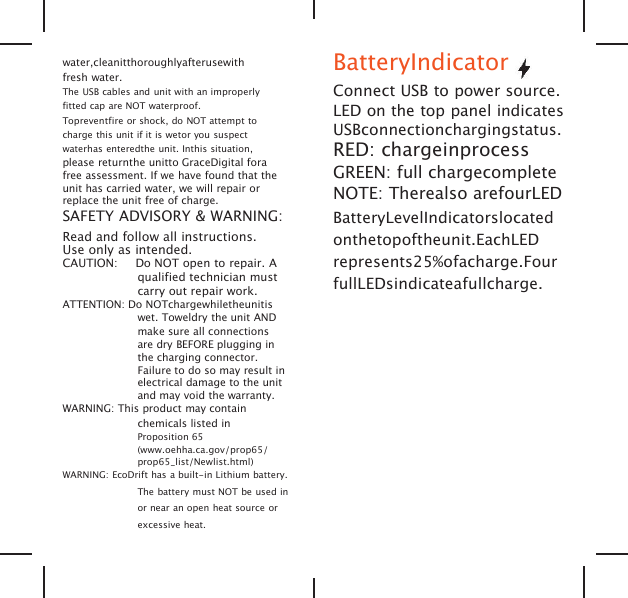
water,cleanitthoroughlyafterusewithfresh water.The USB cables and unit with an improperlyfitted cap are NOT waterproof.Topreventfire or shock, do NOT attempt tocharge this unit if it is wetor you suspectwaterhas enteredthe unit. Inthis situation,please returnthe unitto GraceDigital forafree assessment. If we have found that theunit has carried water, we will repair orreplace the unit free of charge.SAFETY ADVISORY & WARNING:Read and follow all instructions.Use only as intended.CAUTION: Do NOT open to repair. Aqualified technician mustcarry out repair work.ATTENTION: Do NOTchargewhiletheunitiswet. Toweldry the unit ANDmake sure all connectionsare dry BEFORE plugging inthe charging connector.Failure to do so may result inelectrical damage to the unitand may void the warranty.WARNING: This product may containchemicals listed inProposition 65(www.oehha.ca.gov/prop65/prop65_list/Newlist.html)WARNING: EcoDrift has a built-in Lithium battery.The battery must NOT be used inor near an open heat source orexcessive heat.BatteryIndicatorConnect USB to power source.LED on the top panel indicatesUSBconnectionchargingstatus.RED: chargeinprocessGREEN: full chargecompleteNOTE: Therealso arefourLEDBatteryLevelIndicatorslocatedonthetopoftheunit.EachLEDrepresents25%ofacharge.FourfullLEDsindicateafullcharge.
Set UpRecommendations 1-2-31Charge Your EcoDriftBeforeyou poweron yourEcoDrift, connect the USBMicro port to the USB cableand a 5V power source tofully charge your EcoDriftfor best performance.NOTE: BeforeusingyourEcoDriftforthefirsttime,chargetheunit untilall battery level indicators aregreen, indicating a full charge.Approximately 3 hours ofchargingisrequiredfromalowtoa full charge.Power source options includethe USB connection to yourcomputerorapoweroutletusinga5VUSBtoACpoweradapter.ItisrecommendedtoalwaysusetheUSBcableincluded with your EcoDrift.receiverisconnected,consultthe dealeroranexperienced radio/TV technician for help.RF WARNING STATEMENT:The device has been evaluated to meetgeneralRFexposurerequirement.Thedevicecanbe used in portableexposureconditionwithout restriction.IC STATEMENT:Thisdevicecomplieswith Industry Canadalicence-exemptRSS standard(s). Operationis subject to the following two conditions:1)This devicemay notcause interference,and2) Thisdevicemustacceptanyinterference,including interference that may causeundesired operation of the device.Le présent appareil est conforme aux CNRd'Industrie Canada applicables aux appareils radio exempts de licence. L'exploitation est autorisée aux deux conditions suivantes:1)l'appareil ne doit pas produire de brouillage, et2) l'utilisateur de l'appareil doit accepter tout brouillage radioélectrique subi, mêmesi lebrouillage est susceptible d'en compromettre le fonctionnement.
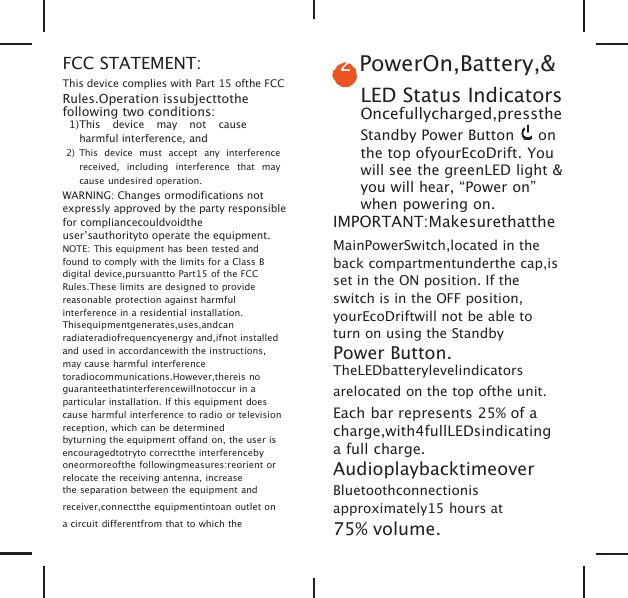
FCC STATEMENT:This device complies with Part 15 ofthe FCCRules.Operation issubjecttothefollowing two conditions:1)This device may not causeharmful interference, and2) This device must accept any interferencereceived, including interference that maycause undesired operation.WARNING: Changes ormodifications notexpressly approved by the party responsiblefor compliancecouldvoidtheuser’sauthorityto operate the equipment.NOTE: This equipment has been tested andfound to comply with the limits for a Class Bdigital device,pursuantto Part15 of the FCCRules.These limits are designed to providereasonable protection against harmfulinterference in a residential installation.Thisequipmentgenerates,uses,andcanradiateradiofrequencyenergy and,ifnot installedand used in accordancewith the instructions,may cause harmful interferencetoradiocommunications.However,thereis noguaranteethatinterferencewillnotoccur in aparticular installation. If this equipment doescause harmful interference to radio or televisionreception, which can be determinedbyturning the equipment offand on, the user isencouragedtotryto correctthe interferencebyoneormoreofthe followingmeasures:reorient orrelocate the receiving antenna, increasethe separation between the equipment andreceiver,connectthe equipmentintoan outlet ona circuit differentfrom that to which the2PowerOn,Battery,&LED Status IndicatorsOncefullycharged,presstheStandby Power Button onthe top ofyourEcoDrift. Youwill see the greenLED light &you will hear, “Power on”when powering on.IMPORTANT:MakesurethattheMainPowerSwitch,located in theback compartmentunderthe cap,isset in the ON position. If theswitch is in the OFF position,yourEcoDriftwill not be able toturn on using the StandbyPower Button.TheLEDbatterylevelindicatorsarelocated on the top ofthe unit.Each bar represents 25% of acharge,with4fullLEDsindicatinga full charge.AudioplaybacktimeoverBluetoothconnectionisapproximately15 hours at75% volume.
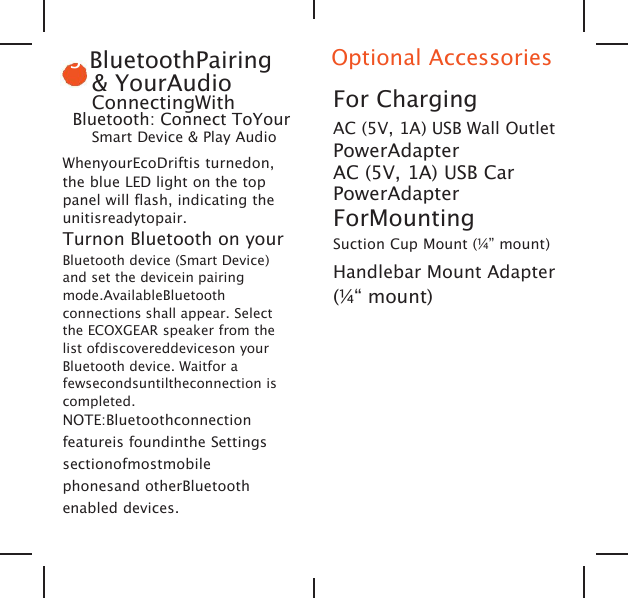
3BluetoothPairing& YourAudioConnectingWithBluetooth: Connect ToYourSmart Device & Play AudioWhenyourEcoDriftis turnedon,the blue LED light on the toppanel will flash, indicating theunitisreadytopair.Turnon Bluetooth on yourBluetooth device (Smart Device)and set the devicein pairingmode.AvailableBluetoothconnections shall appear. Selectthe ECOXGEAR speaker from thelist ofdiscovereddeviceson yourBluetooth device. Waitfor afewsecondsuntiltheconnection iscompleted.NOTE:Bluetoothconnectionfeatureis foundinthe Settingssectionofmostmobilephonesand otherBluetoothenabled devices.Optional AccessoriesFor ChargingAC (5V, 1A) USB Wall OutletPowerAdapterAC (5V, 1A) USB CarPowerAdapterForMountingSuction Cup Mount (¼” mount)Handlebar Mount Adapter(¼“ mount)
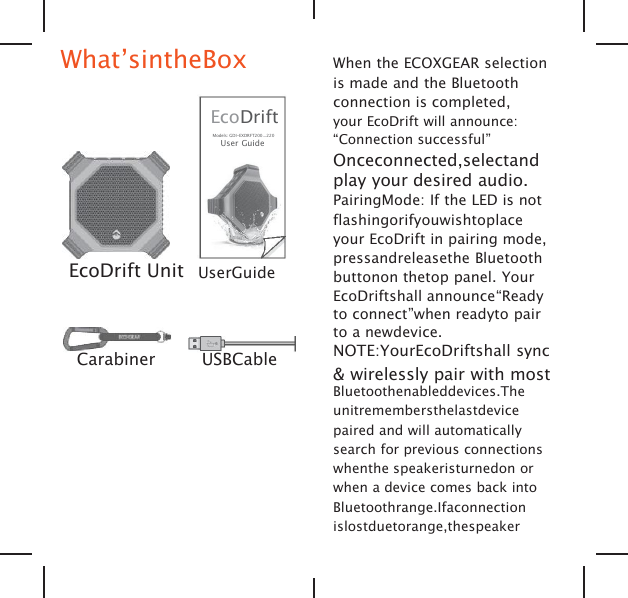
What’sintheBoxEcoDriftModels: GDI-EXDRFT200...220User GuideEcoDrift Unit UserGuideCarabiner USBCableWhen the ECOXGEAR selectionis made and the Bluetoothconnection is completed,your EcoDrift will announce:“Connection successful”Onceconnected,selectandplay your desired audio.PairingMode: If the LED is notflashingorifyouwishtoplaceyour EcoDrift in pairing mode,pressandreleasethe Bluetoothbuttonon thetop panel. YourEcoDriftshall announce“Readyto connect”when readyto pairto a newdevice.NOTE:YourEcoDriftshall sync& wirelessly pair with mostBluetoothenableddevices.Theunitremembersthelastdevicepaired and will automaticallysearch for previous connectionswhenthe speakeristurnedon orwhen a device comes back intoBluetoothrange.Ifaconnectionislostduetorange,thespeaker
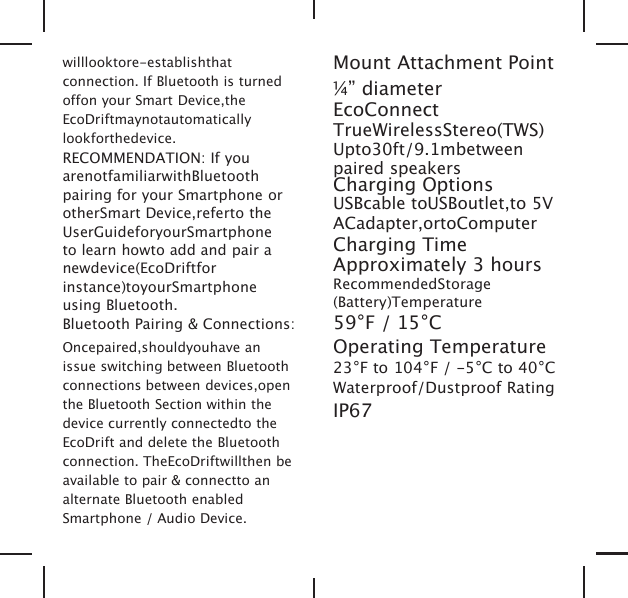
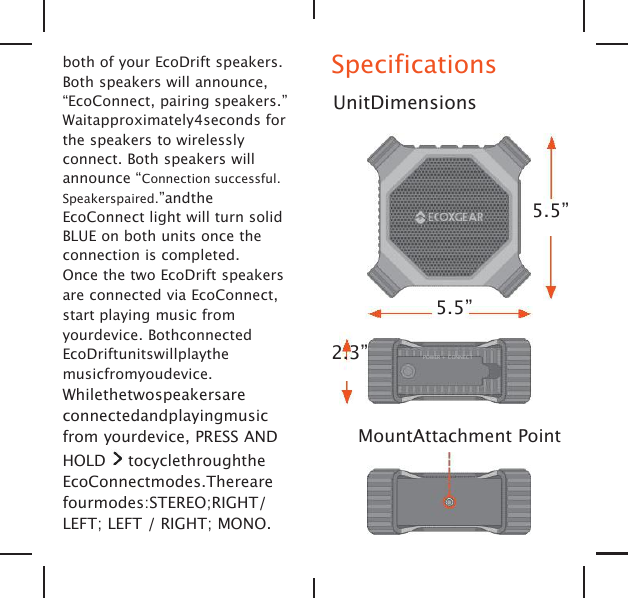
willlooktore-establishthatconnection. If Bluetooth is turnedoffon your Smart Device,theEcoDriftmaynotautomaticallylookforthedevice.RECOMMENDATION: If youarenotfamiliarwithBluetoothpairing for your Smartphone orotherSmart Device,referto theUserGuideforyourSmartphoneto learn howto add and pair anewdevice(EcoDriftforinstance)toyourSmartphoneusing Bluetooth.Bluetooth Pairing & Connections:Oncepaired,shouldyouhave anissue switching between Bluetoothconnections between devices,openthe Bluetooth Section within thedevice currently connectedto theEcoDrift and delete the Bluetoothconnection. TheEcoDriftwillthen beavailable to pair & connectto analternate Bluetooth enabledSmartphone / Audio Device.Mount Attachment Point¼” diameterEcoConnectTrueWirelessStereo(TWS)Upto30ft/9.1mbetweenpaired speakersCharging OptionsUSBcable toUSBoutlet,to 5VACadapter,ortoComputerCharging TimeApproximately 3 hoursRecommendedStorage(Battery)Temperature59°F / 15°COperating Temperature23°F to 104°F / -5°C to 40°CWaterproof/Dustproof RatingIP67
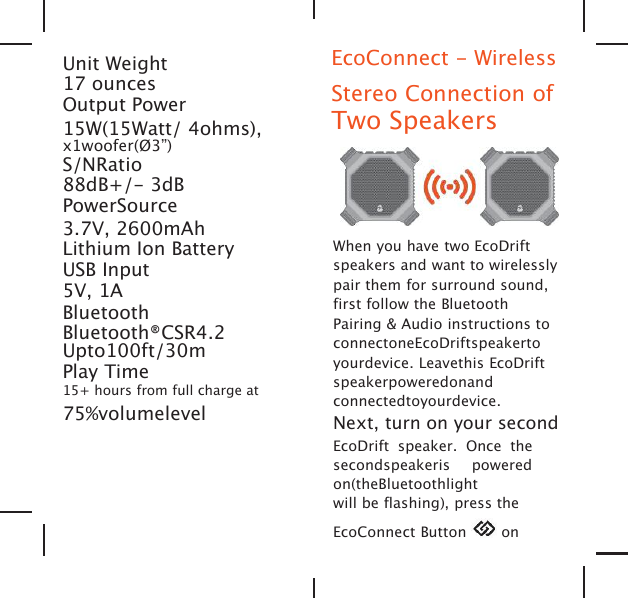
Unit Weight17 ouncesOutput Power15W(15Watt/ 4ohms),x1woofer(Ø3”)S/NRatio88dB+/- 3dBPowerSource3.7V, 2600mAhLithium Ion BatteryUSB Input5V, 1ABluetoothBluetooth®CSR4.2Upto100ft/30mPlay Time15+ hours from full charge at75%volumelevelEcoConnect - WirelessStereo Connection ofTwo SpeakersWhen you have two EcoDriftspeakers and want to wirelesslypair them for surround sound,first follow the BluetoothPairing & Audio instructions toconnectoneEcoDriftspeakertoyourdevice. Leavethis EcoDriftspeakerpoweredonandconnectedtoyourdevice.Next, turn on your secondEcoDrift speaker. Once thesecondspeakeris poweredon(theBluetoothlightwill be flashing), press theEcoConnect Button on
both of your EcoDrift speakers.Both speakers will announce,“EcoConnect, pairing speakers.”Waitapproximately4seconds forthe speakers to wirelesslyconnect. Both speakers willannounce “Connection successful.Speakerspaired.”andtheEcoConnect light will turn solidBLUE on both units once theconnection is completed.Once the two EcoDrift speakersare connected via EcoConnect,start playing music fromyourdevice. BothconnectedEcoDriftunitswillplaythemusicfromyoudevice.Whilethetwospeakersareconnectedandplayingmusicfrom yourdevice, PRESS ANDHOLD tocyclethroughtheEcoConnectmodes.Therearefourmodes:STEREO;RIGHT/LEFT; LEFT / RIGHT; MONO.SpecificationsUnitDimensions5.5”5.5”2.3” POWER + CONNECTMountAttachment Point
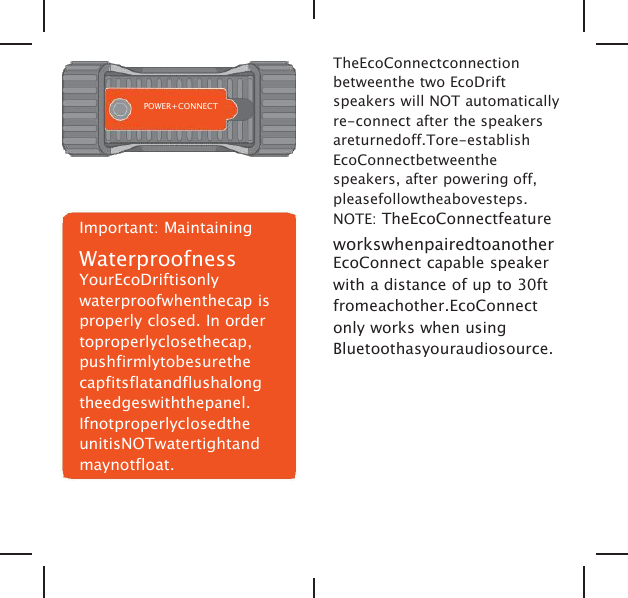
POWER+CONNECTImportant: MaintainingWaterproofnessYourEcoDriftisonlywaterproofwhenthecap isproperly closed. In ordertoproperlyclosethecap,pushfirmlytobesurethecapfitsflatandflushalongtheedgeswiththepanel.IfnotproperlyclosedtheunitisNOTwatertightandmaynotfloat.TheEcoConnectconnectionbetweenthe two EcoDriftspeakers will NOT automaticallyre-connect after the speakersareturnedoff.Tore-establishEcoConnectbetweenthespeakers, after powering off,pleasefollowtheabovesteps.NOTE: TheEcoConnectfeatureworkswhenpairedtoanotherEcoConnect capable speakerwith a distance of up to 30ftfromeachother.EcoConnectonly works when usingBluetoothasyouraudiosource.
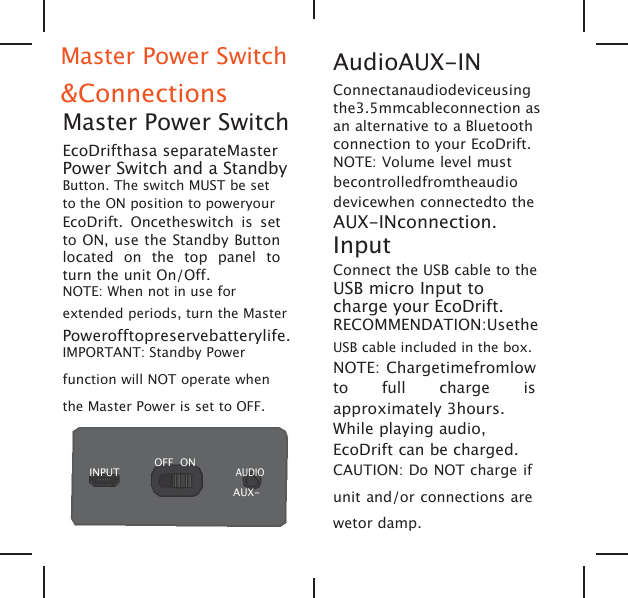
Master Power Switch&ConnectionsMaster Power SwitchEcoDrifthasa separateMasterPower Switch and a StandbyButton. The switch MUST be setto the ON position to poweryourEcoDrift. Oncetheswitch is setto ON, use the Standby Buttonlocated on the top panel toturn the unit On/Off.NOTE: When not in use forextended periods, turn the MasterPowerofftopreservebatterylife.IMPORTANT: Standby Powerfunction will NOT operate whenthe Master Power is set to OFF.INPUTOFF ONAUDIOAUX-AudioAUX-INConnectanaudiodeviceusingthe3.5mmcableconnection asan alternative to a Bluetoothconnection to your EcoDrift.NOTE: Volume level mustbecontrolledfromtheaudiodevicewhen connectedto theAUX-INconnection.InputConnect the USB cable to theUSB micro Input tocharge your EcoDrift.RECOMMENDATION:UsetheUSB cable included in the box.NOTE: Chargetimefromlowto full charge isapproximately 3hours.While playing audio,EcoDrift can be charged.CAUTION: Do NOT charge ifunit and/or connections arewetor damp.

Navigation menu