Show Hiddenline Tool 032709
2016-06-08
: Guides 032709 Showhiddenlinetool 032709_ShowHiddenlineTool tips pdf asi
Open the PDF directly: View PDF  .
.
Page Count: 1
www.advsolinc.com
ASI Client Center
1-877-438-2741
Autodesk Products Tip & Tricks
Copyright 2008 – Advanced Solutions, Inc.
Product: Autodesk Revit Architecture 2009
Topic: Show Hiddenline Tool
Written by: Michael Zeeveld, Senior Technical Engineer
Date: March 27, 2009
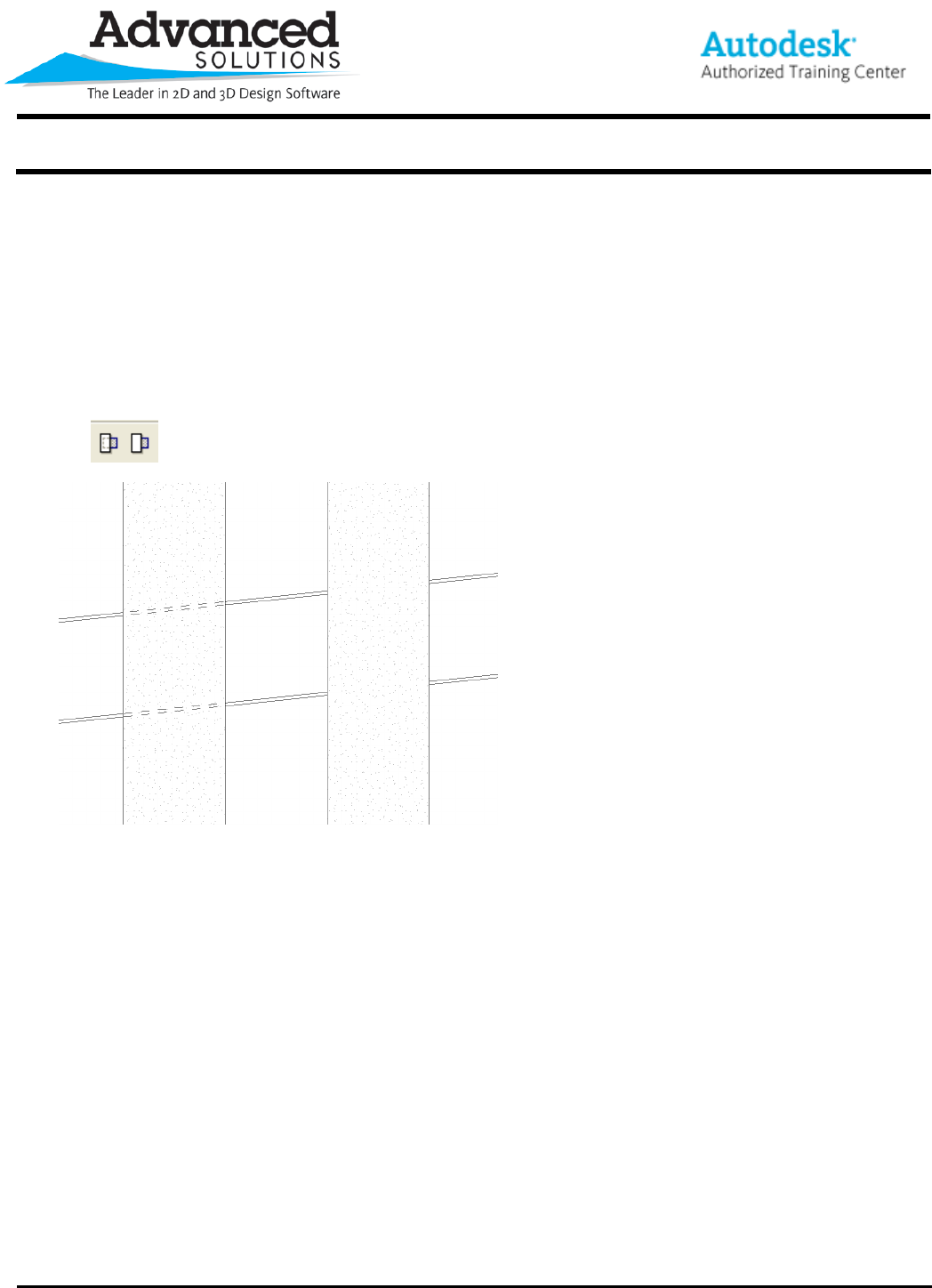
Hiddenline tool allows for overlapping object to show the object beyond as hidden.
Use the Hiddenline button to start the tool.
First, pick the element to show lines through, then the second line beyond.
