Horizontal Or Vertical – Autodesk Inventor 2D Sketch Constraints 102308
2016-06-08
: Guides 102308 Horizontalvertical 102308_HorizontalVertical tips pdf asi
Open the PDF directly: View PDF  .
.
Page Count: 1
www.advsolinc.com
ASI Client Center
1-877-438-2741
Autodesk Products Tip & Tricks
Copyright 2008 – Advanced Solutions, Inc.
Product:
Autodesk Inventor
Topic:
Horizontal or Vertical – Autodesk Inventor 2D Sketch constraints
Written by:
Craig L. Bashor
Date:
October 23, 2008
Have you ever started a sketch on a part and wondered, “Do I need the horizontal or vertical constraint?” As
you apply new sketches to parts and use the “Look at” command, your part will rotate relative to that plane.
There will be times when you will add a geometric constraint and it will be wrong. For example, say you want
to add a horizontal and you apply that to your sketch and the end result is not what you expected. The
constraint should have been the vertical constraint not the HORIZONAL constraint.
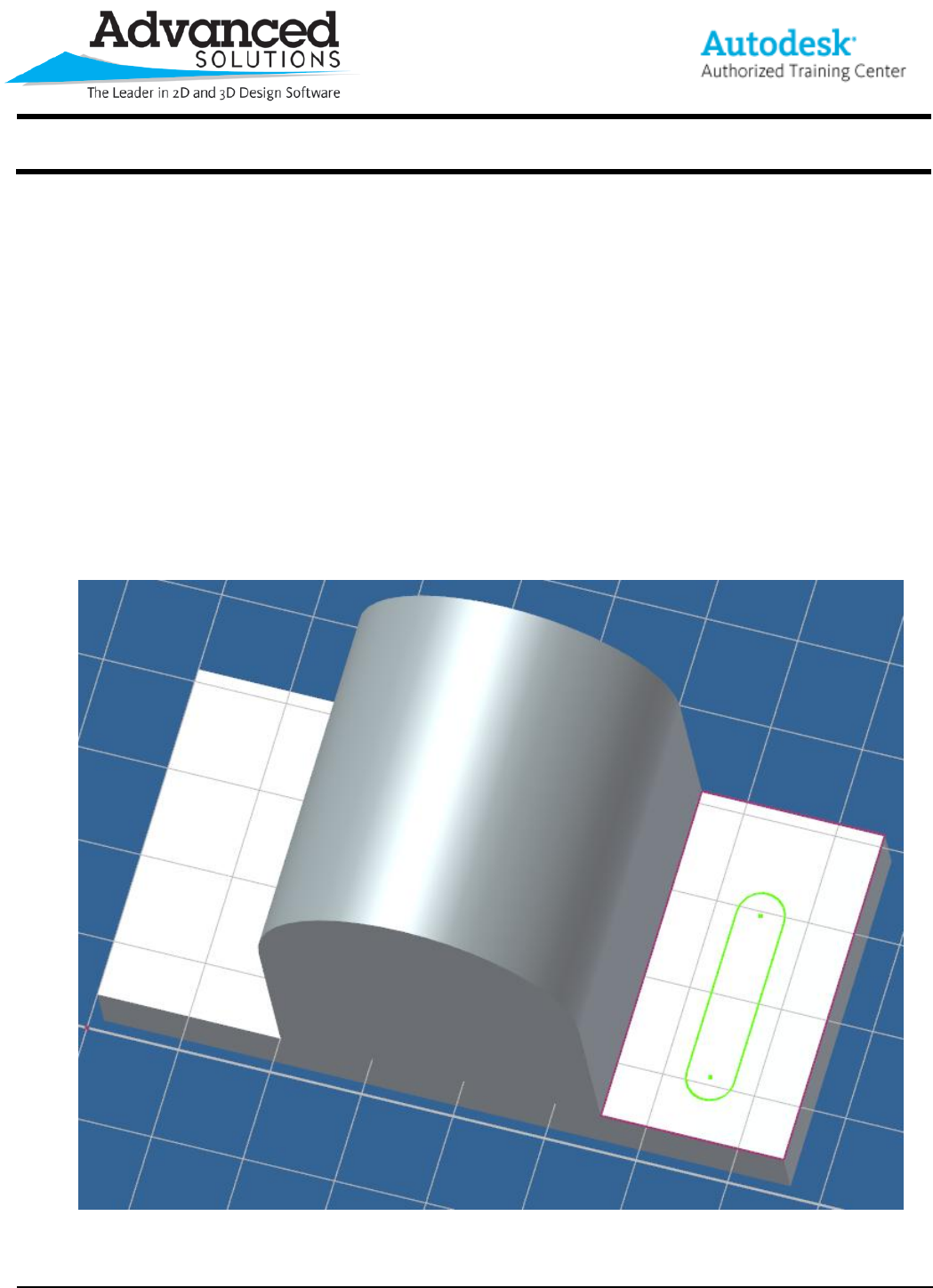
If you are having this issue, here is the tip for you. The secret lies within your sketch axes. When you start a
new sketch, look to your gird lines and the boldest grid line on your graphics screen is the X axes or in
laymen’s terms the horizon (See Figure 1). By following this you will never have to question yourself again, “is
it horizontal or vertical?”
Figure 1
