Autocadlt15 Overview
Autocadlt15 Overview autocadlt15_overview autocadlt15_overview products 2016 pdf ds
2016-06-08
: Guides Autocadlt15 Overview autocadlt15_overview products pdf asi
Open the PDF directly: View PDF  .
.
Page Count: 2
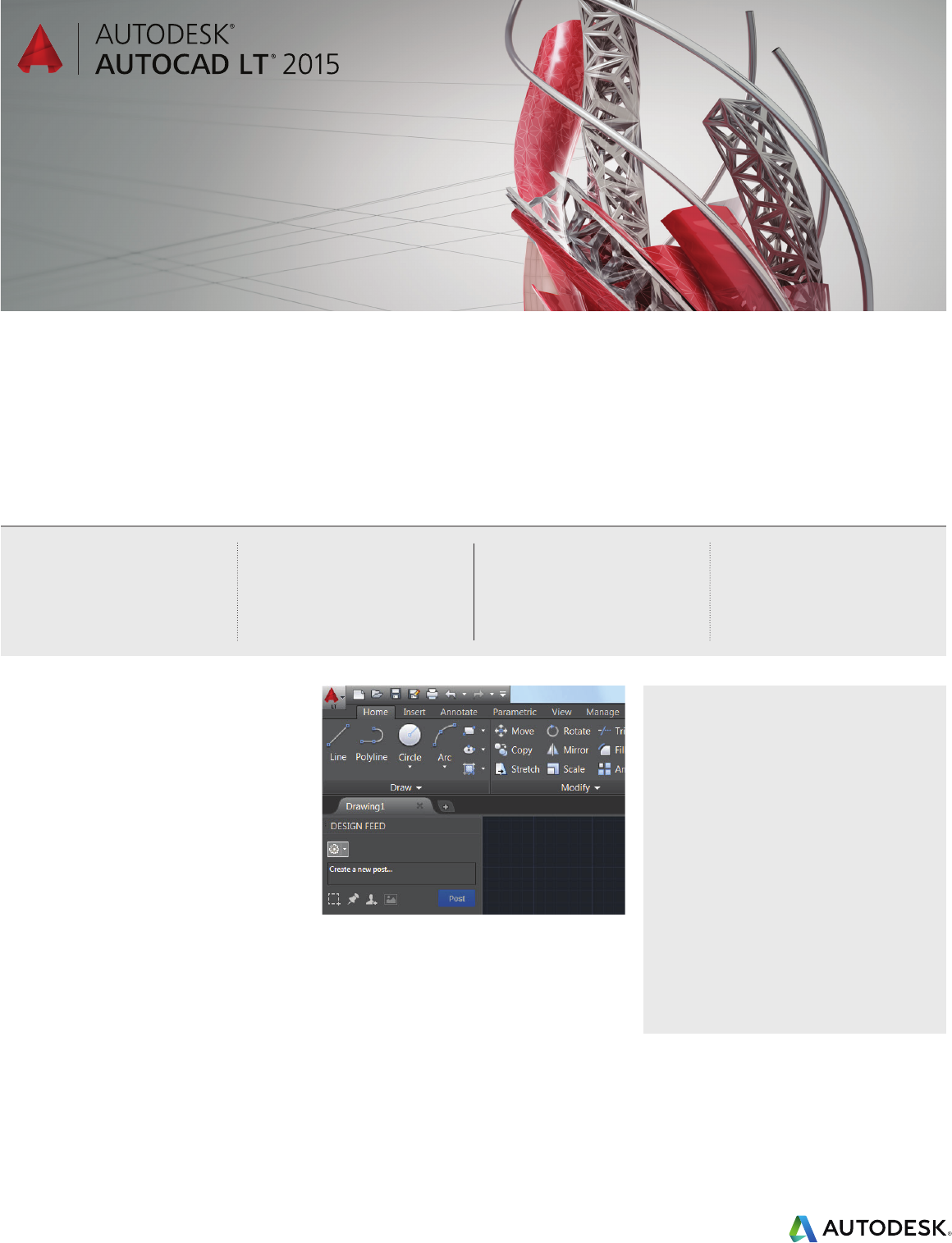
Introducing AutoCAD LT Desktop
Subscription for as low as US$30*
per month
License AutoCAD LT desktop software
to meet a variety of business and budget
considerations.
Choice and accessibility
It’s never been easier to get a license to
AutoCAD with a variety of purchase options
to meet your unique business needs.
Desktop Subscription delivers:
• Lowest cost of entry
• Easy ramp-up/scale-down
• Access to the latest tools
• Budget flexibility
New user interface
A refined interface helps you work more quickly
and eciently:
• Reduce eyestrain and view fine lines, buttons,
and text more easily
• Improve functionality and speed with
repositioned tools
• Save time with modern hardware-accelerated
graphics
Speed design with essential drafting tools
Desktop Subscription delivers AutoCAD LT for as low as
US$30*permonth
The professional choice for 2D drafting
Create drawings with the essential drafting tools
in AutoCAD LT® software. Share precise design
details with the reliability of TrustedDWG™
technology. Speed your detailing work with tools
built to maximize productivity. Connect your
workflow across integrated desktop, cloud, and
mobile Autodesk® AutoCAD® solutions.
Productivity
Enhanced 2D drafting tools and features minimize
repetitive tasks and help you work more quickly
and eciently.
Compatibility
TrustedDWG technology helps ensure that files
are compatible with other Autodesk software
products and support data fidelity.
Reliability
AutoCAD LT is based on AutoCAD software
technology, a design platform trusted by millions
of professionals for over 30 years.
What’s new
• A refined interface improves
functionality and reduces eyestrain
• New Tab helps you open new
and existing drawings quickly
• Ribbon galleries let you access
drawing content from the ribbon
• Command preview shows potential
changes before committing
Benefits
• Preserve design information
with TrustedDWG™ technology
• Access files from almost
anywhere with Autodesk® 360
• Boost drafting speed with smart
and intuitive user tools
• Document your designs with
robust 2D detailing features
* The Suggested Retail Price (SRP) shown is Autodesk’s suggested price for the specified product and services in the United States. The SRP does
not include any allowance or provision for installation or taxes. The SRP is displayed for reference purposes only, as the actual retail price is
determined by your reseller.
** Monthly plans can be purchased only through the online store and quarterly plans can be purchased only through a reseller. Annual plans can
be purchased through either the online store or from a reseller. Plans purchased through the online store are renewed automatically for a fixed fee
paid monthly or annually for duration of contract, subject to availability. Plans purchased from a reseller can be renewed on or prior to expiration
of the current term of the plan,subject to availability from Autodesk or an Autodesk reseller.
Protect your designs with TrustedDWG
Preserve design information with TrustedDWG
technology, one of the most accurate ways to
store design data. Every AutoCAD LT suite uses
TrustedDWG technology to help preserve the
integrity of your designs throughout the review
process. TrustedDWG is the best way to preserve
and protect designs.
Take your drawings everywhere with
AutoCAD 360 mobile
Edit and share your designs from almost anywhere
with a free† mobile drawing application.
• Collaborate with other AutoCAD 360 users in
real time with integrated sharingtools.
• Simplify site visits and fieldwork with easy-to-
access drawing review and markup tools.
Visit www.autocad360.com to learn more and
download the mobile app.
An improved yet familiar experience
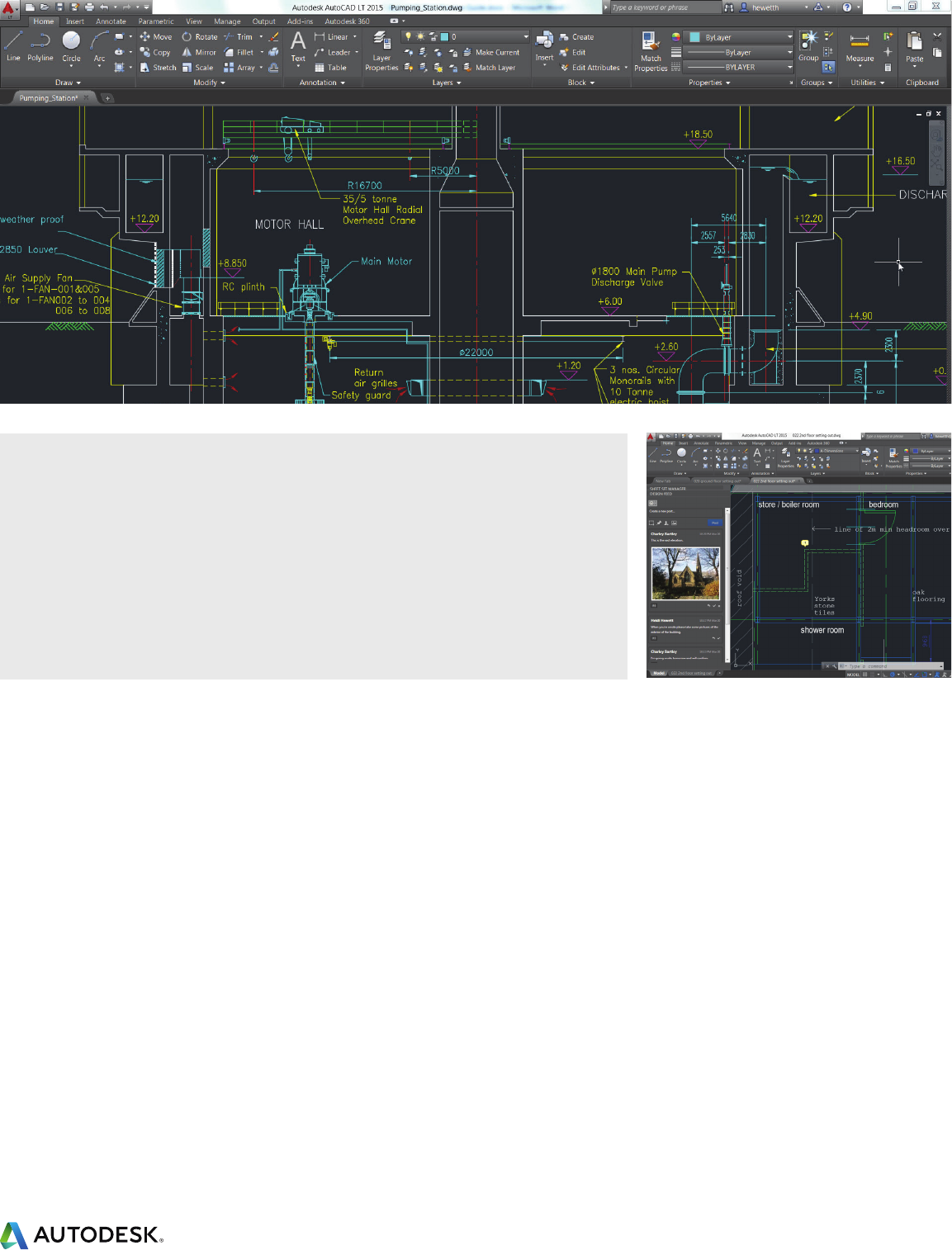
Discover the new interface of AutoCAD LT 2015.
The darker theme reduces eyestrain and allows
fine lines, buttons, and text to stand out. The
refined appearance extends to canvas, including
grips and selection highlighting. Repositioned
buttons improve functionality to help you work
faster.
The updated interface is better suited to modern
hardware-accelerated 2D graphics. 2D vectors
paint on screen faster and panning and zooming
functions run faster as well. The software truly
takes advantage of the graphics hardware
available in the latest computers.
The AutoCAD LT experience was completely
redesigned by incorporating thousands of hours of
focus groups and user feedback. The response has
been overwhelmingly positive, and it remains fully
customizable depending on your preference. You
can even revert back to a lighter theme.
Discover the new AutoCAD LT today.
The latest version of AutoCAD LT
Packed with new and updated capabilities,
AutoCAD LT 2015 contains the latest
connected technologies to speed design and
documentationprocesses:
• Refined interface: An updated interface
improves functionality and reduces eyestrain.
• New tab page: Quickly open new and existing
drawings and access a selection of content.
• Ribbon galleries: Save time by visually
accessing drawing content from the ribbon.
• Command preview: Evaluate changes before
committing with more commands.
• Help window: An animated arrow in the UI
finder shows tool locations within the ribbon.
• Geographic location: Capture online maps as
static images and print.
• Productivity tools: Edit text for styles such as
auto bullets and super-/subscript.
We work predominantly in a 2D space so
AutoCAD LT works very well for us. The LT
solution gives us the functionality that we need
at a price we can afford.
–Matt Brownfield
Director
Nteractive Consulting & Events Ltd
† Free Autodesk software licenses and/or cloud-based services are subject to acceptance of and compliance with the terms and conditions of the
license agreement or terms of service, as applicable, that accompany such software or cloud-based services.
Autodesk, the Autodesk logo, AutoCAD, AutoCAD LT, and TrustedDWG are registered trademarks or trademarks of Autodesk, Inc., and/or its
subsidiaries and/or aliates in the USA and/or other countries. All other brand names, product names, or trademarks belong to their respective
holders. Autodesk reserves the right to alter product and services offerings, and specifications and pricing at any time without notice, and is not
responsible for typographical or graphical errors that may appear in this document. © 2014 Autodesk, Inc. All rights reserved.
