Autodesk Plm360 Engineering V2
2016-06-15
: Guides Autodesk-Plm360-Engineering-V2 autodesk-plm360-engineering-v2 pdf plm
Open the PDF directly: View PDF  .
.
Page Count: 2
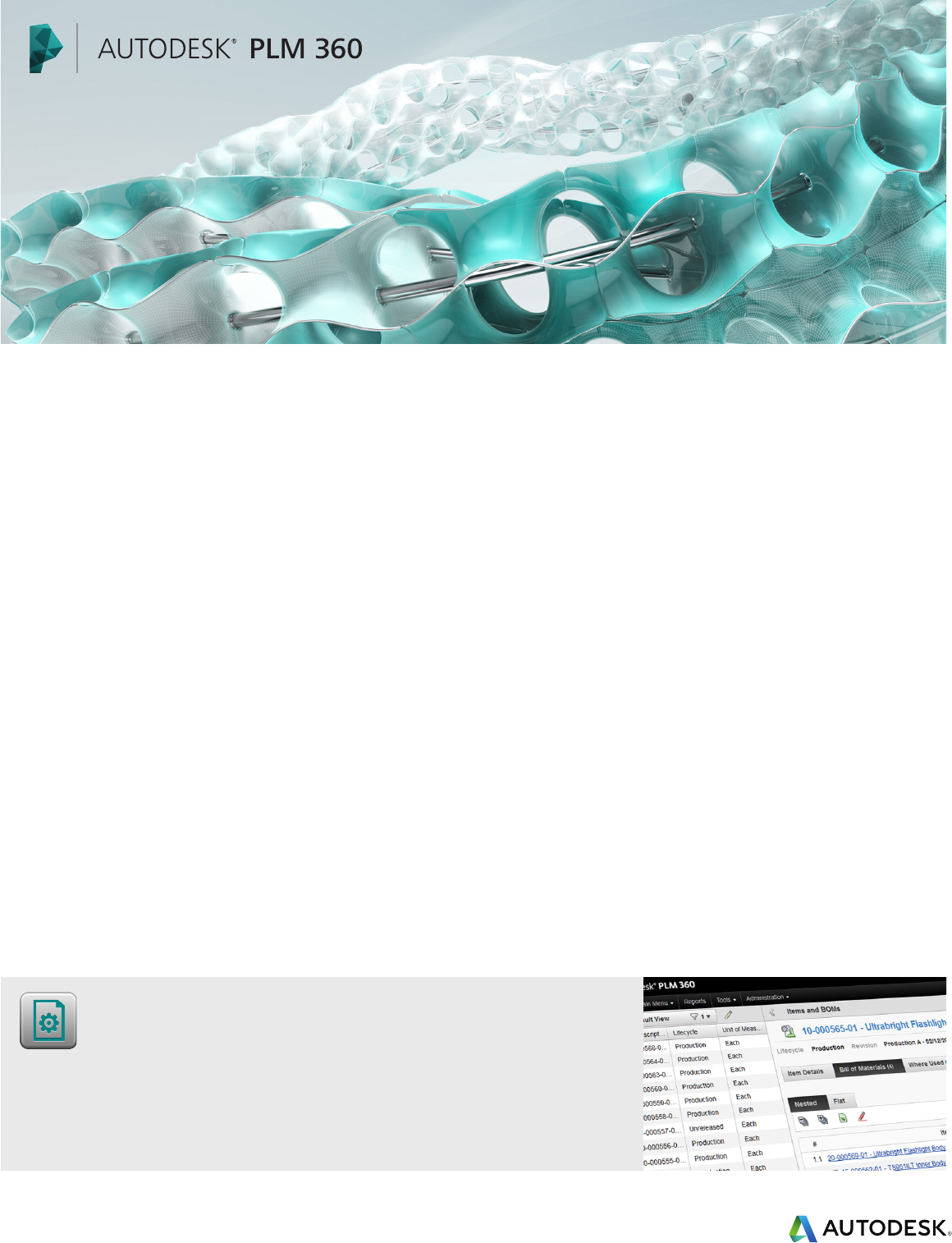
Autodesk PLM 360 Bill of Material
Apps for Engineering
Coordinate core aspects of development to deliver exciting results
to customers.
The Autodesk® PLM 360 cloud-based platform is a
next-generation alternative to traditional product
lifecycle management that makes the benefits of
PLM accessible anytime, anywhere, to companies
of all sizes.
Autodesk PLM 360 Apps for Engineering
Break down silos of information. Engineering
applications in Autodesk PLM 360 make product
information understandable to those outside of
product development. They help other teams
assess how to use new product developments
to meet strategic goals. They allow colleagues
to independently study, learn, and validate the
product details—from raw materials to complete
assemblies—critical to their decision-making. The
applications enable those interested in the latest
proposals to actively participate in design reviews.
Moreover, these applications give a voice to those
adversely affected by early design decisions who
access to product details enables decision-makers
to become more aware, self-reliant and ecient.
Instant communication and visibility of change
requests and change orders yields faster and
more creative problem solving. The engineering
applications inside Autodesk PLM 360 help everyone
understand how his or her contributions make the
customer experience better.
Overview of Applications
The engineering applications delivered with
Autodesk PLM 360 comprise Item and BOM
Management, Change Request, Change Orders,
Material Specifications, and Design Review plus
Navigation and Reporting.
The next section highlights some of the important
features and benefits these applications deliver.
may submit requests for changes before it’s too
late—and save both time and money in the process.
More Ecient Communication
The pressure on companies to innovate in today’s
competitive marketplace requires engineers
focus specifically on product development
tasks—design, iteration, and optimization—and
let others gather technical information, as they
need it. In an environment of rapid change,
managing communication—meetings, documents,
spreadsheets, and other—is more critical than ever.
Engineering applications within Autodesk PLM 360
help key stakeholders capture, organize, and share
relevant product details as they develop. Sharing
product details early results in greater organizational
knowledge of the product upfront. In turn, better,
more timely feedback to development helps them
derive safe and optimum solutions fast. Greater
Engineering applications within Autodesk PLM 360 help
teams capture, organize and share relevant product details as
they develop.
Pre-Configured Apps:
Item and BOM Management
Change Request
Change Orders
Material Specifications
Design Review
For more information about Autodesk PLM 360, visit www.autodeskplm360.com
Autodesk and AutoCAD are registered trademarks or trademarks of Autodesk, Inc., and/or its subsidiaries and/or aliates in the USA and/or other
countries. All other brand names, product names, or trademarks belong to their respective holders. Academy Award is a registered trademark
of the Academy of Motion Picture Arts and Sciences. Autodesk reserves the right to alter product and services offerings, and specifications and
pricing at any time without notice, and is not responsible for typographical or graphical errors that may appear in this document.
© 2013 Autodesk, Inc. All rights reserved.
Item and BOM Management
View or define an item by its attributes or build
relationships to compose an item as a bill of material
• Dramatically reduce mistakes through clear and
concise data entry and relationship mapping
• Easily assign item attributes using drag-and-drop
configuration and pick list classifications
• Quickly build ecient item records and
relationships using industry-standard templates
Change Request
Be specific when asking for product changes to
improve the likelihood of a positive outcome
• Ensure accuracy by cross-linking key information
(e.g. cost) to the actual item source data
• Quickly reveal the magnitude of a change by
using tables that compute fields automatically
• Reduce delay with workflows that directly
assign stages and due dates to those responsible
Change Orders
Respond to change requests with a clear
explanation of how the decision affects the product
• Quickly discover and assess the scope of
changes by reviewing a tabulated list of affected
items
• Reduce delay with workflows that directly
assign stages and due dates to those responsible
• Learn the complete change history by reviewing
the change owner, summary and log
Material Specifications
Store and view critical information about the raw
materials used to make a product
• Maintain database integrity by limiting
configurations to store unique information only
• Source industry expert resources with mash ups
that link to external sources (e.g. MatWeb)
• Provide accurate part definition by cross-
referencing the actual material specifications
used
Design Review
Record and assign specific product issues, concerns
and decisions as they arise in the team review
• Stay flexible with ad hoc or regular reviews
based on multiple review schedule
configurations
• Accurately record review outcomes according to
benchmarks configured and agreed beforehand
• Resolve issues faster by automatically notifying
owners of key tasks and due dates via email
Navigation and Reporting
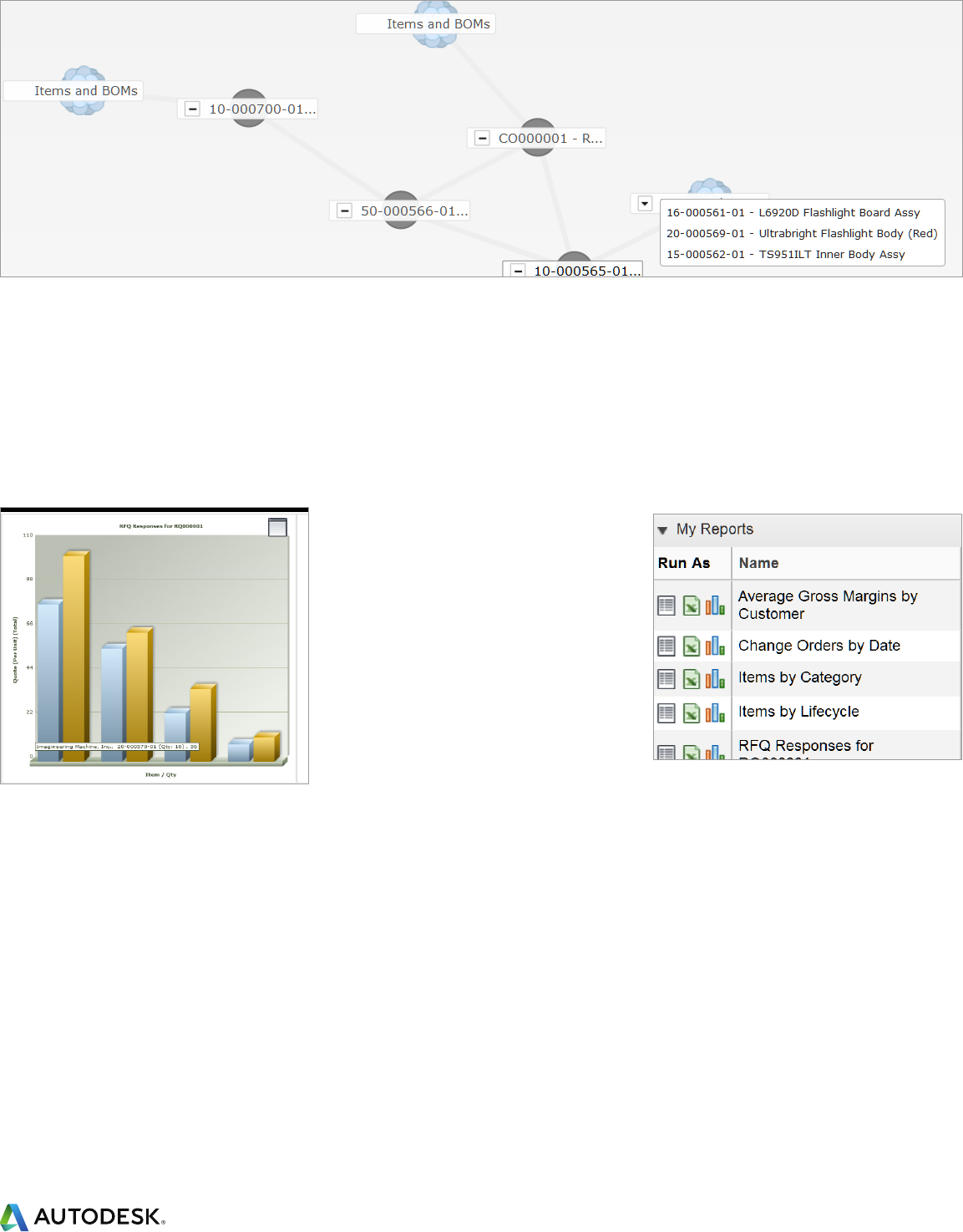
Build links, reports, graphs and dashboards that
present key performance indicators at login
• Access items in one-click using favorites, pop-up
menus and links to recently accessed items
• Point-and-click to uncover deep item
relationships inside the relationship browser
• Quickly build custom reports by manipulating
attribute lists that group, sort and filter data
• Assess initiatives at-a-glance by viewing 3D
graphical reports that update automatically
• As new business needs arise, customers may
enhance the applications within the Engineering
portfolio by adding or configuring new, tailored
applications as necessary
Learn more at www.autodeskplm360.com.
About Autodesk
Autodesk, Inc., is a leader in 3D design, engineering,
and entertainment software. Customers across the
manufacturing, architecture, building, construction,
and media and entertainment industries—including
the last 17 Academy Award winners for Best
Visual Effects—use Autodesk® software to
design, visualize and simulate their ideas. Since
its introduction of AutoCAD® software in 1982,
Autodesk continues to develop the broadest
portfolio of innovative software for global markets.
For additional information about Autodesk,
visit www.autodesk.com.
Autodesk PLM 360 Graphical Report
Autodesk PLM 360 My Reports
Autodesk PLM 360
