Dynamix EngineeringCasestudy Cs Engineering
Dynamix-Engineering-Case-Study Dynamix-Engineering-Case-Study Dynamix-Engineering-Case-Study case-studies 2016 pdf ds
2016-06-08
: Guides Cs Dynamixengineering cs_DynamixEngineering pdf asi
Open the PDF directly: View PDF  .
.
Page Count: 2
Customer Case Study
Health Check
Autodesk Revit MEP
“I would recommend the Revit Health
Check to any firm just starting out
with Revit.”
Garry Montgomery
Vice President
Dynamix Engineering Ltd.
Dynamix Engineering Ltd.
855 Grandview Ave
Columbus, Ohio 43215
www.dynamix-ltd.com
® ®
Getting Revit’s Health in Check
Dynamix discovers and improves BIM workflow inefficiencies
with Advanced Solutions’ Autodesk Revit Health Check
Company Overview
Dynamix Engineering, a full-service
mechanical, electrical, plumbing and
technology engineering firm, has been
specifying sustainable design features
since the firm’s 1997 founding in
Columbus, Ohio. Now supporting a
geographically dispersed, multi-state
client base, Dynamix continues to
pursue leading-edge technology and
design solutions for projects requiring
flexible, efficient facilities that support a
healthful indoor environment.
Business Problem/Compelling Event
Dynamix began using Autodesk®
Revit® MEP software in 2006, several
years before other firms in the
Columbus-area began to see the value of
Building Information Modeling (BIM).
The area’s relatively small Revit user
base left Dynamix with no place to
brainstorm ideas, refine practices and
learn to utilize the software in the most
effective way possible.
To hone their software skills, Dynamix
engaged Advanced Solutions for a
three-day Revit MEP custom training
class for the core group of Revit users
within the company, including BIM
Manager Matthew Stuver and at least
one user from each trade: mechanical,
electrical, plumbing and technology. The
initial custom training provided a
necessary, sophisticated overview of the
software and enabled users within the
company to begin to develop standard
Revit usage practices.
However, as Dynamix began designing
more projects in Revit, teams within the
company recognized areas of
inconsistency, inefficiency and failure to
use the software to its fullest potential.
The Solution
Realizing the need to further streamline
the company’s Revit workflow, Dynamix
saw an Advanced Solutions Revit Health
Check as a way to delve into practices
with a more methodical, experienced
perspective. Advanced Solutions’ Health
Check can be performed on Revit or other
Autodesk software workflows. The check
up serves to ensure the software has been
implemented in a way that results in long
term success and improved productivity
for the client. For the 2009 Dynamix
Health Check, Advanced Solutions used a
completed project to evaluate utilization
of Revit software, identify problematic
workflows and provide recommendations
for improvement.
Dynamix selected the Ohio School for the
Deaf and Blind as the Revit Health Check
assessment project. This particular
project required an atypical client
interface, as a large percentage of the
decision makers were deaf and/or blind.
“Revit offered an opportunity to share
what the space would look like in 3D,”
notes Garry Montgomery, vice president
Dynamix Engineering. “An interpreter
might have experienced extreme difficulty
in fully conveying that from a 2D
drawing.”
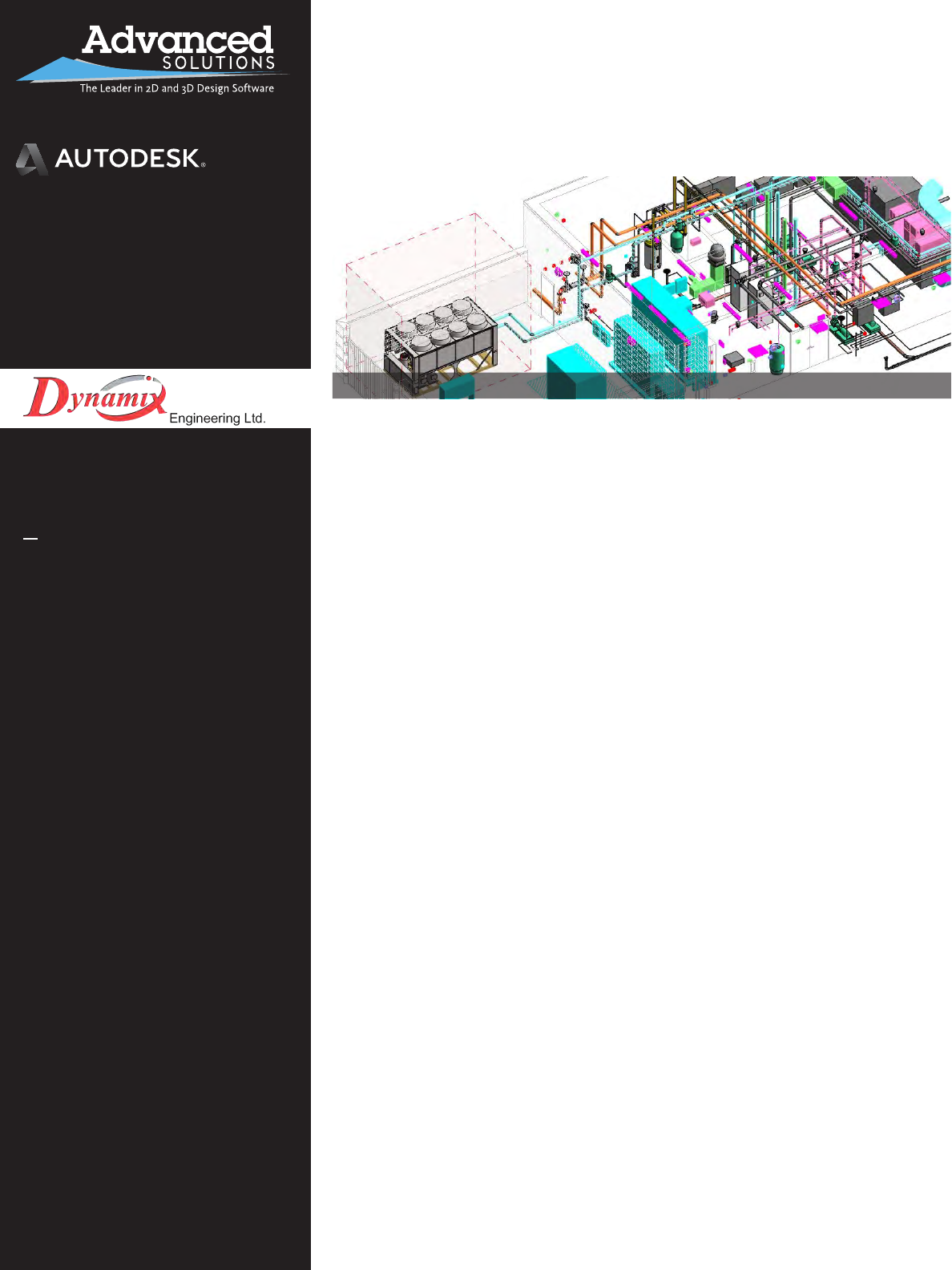
Image courtesy of Dynamix Engineering Ltd.
Platinum Partner
Architecture, Engineering & Construction
Manufacturing
Government Specialized
Performance
Over the course of one month,
Advanced Solutions interviewed
Dynamix team members, reviewed and
analyzed the Revit models and
identified key areas of workflow
inefficiencies. The Revit Health check
enabled Dynamix to align the practices
of all disciplines within the company.
“We were able to bring all disciplines
up to speed on the way Revit should be
used,” recalls Stuver.
Dynamix applauds Advanced Solutions’
ability to complete the entire
assessment within the agreed upon
project timeframe and budget. The
professionalism and experience of the
Advanced Solutions team also struck a
chord with Dynamix. “It was almost like
speaking directly to Autodesk,” Stuver
reflects.
Dynamix finds the meshing of
experiences and the collaborative
environment a key component of the
way Advanced Solutions works with
clients. “Working together as a team is
what it’s all about,” says Stuver. The
added benefit of Advanced Solutions’
Columbus Autodesk Authorized
Training Center (ATC) also proved
valuable, as Dynamix team members
were able to complete their training in
a convenient location, tailored
specifically to their needs.
Results & Benefits
Prior to the Revit Health Check,
Dynamix included all designs in a single
Revit model. Now, each discipline has
its own central file, drastically
decreasing file sizes, which had
previously impaired the company’s
hardware performance. Dynamix has
also moved beyond the temptation to
load Revit models with unnecessary
information, a flaw exposed by the
Revit Health Check.
Based on the positive outcomes of both
the custom Revit MEP training as well
the Revit Health Check, Dynamix
purchased a bulk number of service
credits from Advanced Solutions.
Dynamix applied the credits ad hoc to
help develop custom content quickly to
meet Revit deadlines on specific projects.
As a result of the decision to utilize
Advanced Solutions, the firm estimates a
time savings of two weeks or more had
they opted to hire a new employee to
develop the content. For Dynamix, the
work at hand was short-term, making
hiring a new employee a less attractive
solution. “We were comfortable with
Advanced Solutions. We knew exactly
what we were getting, and avoided losing
the time that goes into on boarding a new
employee,” says Montgomery.
Final Thoughts
Advanced Solutions’ Revit Health Check
worked as a discovery tool for Dynamix,
helping the firm recognize the intricacies
of Revit models, exploring beyond what
showed on the computer screen. It meant
more than simply learning to walk
through a building. It equipped the
company’s Revit users with the ability to
click on a piece of equipment and know
exactly how to locate what makes up the
item’s families.
“I would recommend the Revit Health
Check to any firm just starting out with
Revit,” Montgomery notes. The
assessment identified different ways to
work within Revit, streamlining the
company’s overall workflow. Since having
the Revit Health Check performed on an
early Revit MEP project and applying the
results recommended by Advanced
Solutions, Dynamix Engineering has
efficiently designed 4.6 million square
feet in more than 40 projects using Revit
MEP.
Dynamix is moving towards designing all
projects in Revit, with a goal of 100
percent usage by 2013. “We ultimately
envision creating models used for
everything from estimating to building
management,” says Montgomery. He adds
that he’s confident in the ability of the
Advanced Solutions team to help
Dynamix achieve its BIM goals.
Meshing of experiences creates an effective,
collaborative learning and working environment
Advanced Solutions
1901 Eastpoint Parkway, Suite 301
Louisville, KY 40223
www.AdvancedSolutions.com
1-877-GET-ASI-1
Platinum Partner
Architecture, Engineering & Construction
Manufacturing
Government Specialized
