Navisworks Plugin Overview
2016-06-08
: Guides Navisworksplugin Overview NavisworksPlugin_overview smart pdf asi
Open the PDF directly: View PDF  .
.
Page Count: 1
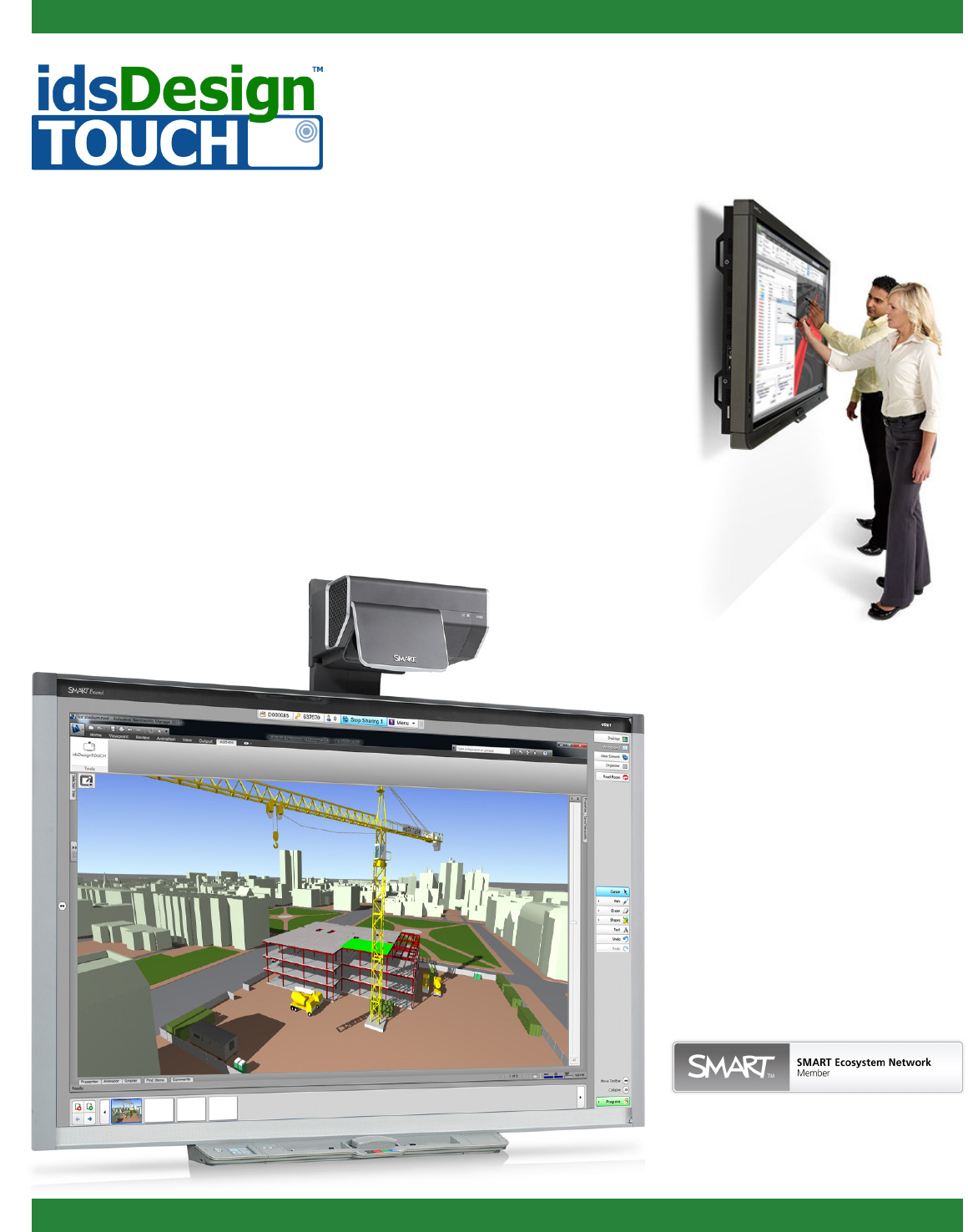
Autodesk Navisworks Manage
plug-in for SMART Board
Control/Edit Autodesk® Navisworks® Manage files
directly from your SMART Board® interactive display
with the idsDesignTOUCH™ Autodesk Navisworks
Manage plug-in for SMART Board.
Plug-in Features
• Intelligent SMART Board interactive displays, pen
tray, and touch recognition
• Pan, zoom, pivot point orbit
• Redline markups directly in the 3D model
• Capture notes as a part of the Navisworks model
• View Capture utility integrated with SMART
Meeting Pro™ software
(PDF & PPT les supported)
• Integrated with Bridgit® conferencing software to
support global collaboration
www.idsDesignTOUCH.com
Benefits
• Tighter integration between Navisworks Manage
and SMART Board interactive displays
• Eciently communicate daily project updates,
materials delivery, complex assembly and
construction sequences and other project data to
local and remote project team members
• Catch design deciencies that may be costly to
rectify later in the construction schedule
• Take an intelligent BIM model from the traditional
oce-bound workstation to on-site facilities
Realize Improved
Coordination of 3D
Design Reviews
Need More Information?
Contact us at:
info@idsDesignTOUCH.com
Autodesk® Technology at
your fingertips
How does the
software work?
The Autodesk Navisworks Manage plug-in for SMART
Board interactive displays is installed on a machine
that has Autodesk Navisworks Manage installed as
well as the SMART Board drivers.
Once the plug-in is installed there is no additional
configuration; a user simply loads Navisworks
Manage and the plug-in is auto-loaded.
System Requirements
• SMART Board 800 series interactive whiteboard
and SMART Board 8000 interactive flat panels
are both supported, and the latest versions
include:
• SMART Meeting Pro 3.0
• Bridgit conferencing software 4.5*
• Operating System: 32-bit Windows XP, or
32-bit/64-bit Windows 7
• Navisworks Manage: 32-bit or 64-bit versions
releases (2013, 2012, 2011)
• Most recent SMART Board drivers
*Please note Bridgit software license most be purchased
additionally to enable remote collaboration.
