Hasbro Europe 84151 Toy User Manual US Instructions
Hasbro Europe Toy US Instructions
US Instructions
MADE IN CHINA
*TM & © 1998 HASBRO, INC.
Pawtucket, Rhode Island 02862.
All Rights Reserved.
U.S. Patent Pending
© Lucasfilm Ltd. & TM.
All rights reserved.
AGES 4 & UP
Battery
Features
This device complies with Part 15 of the
FCC rules. Operation is subject to the fol-
lowing two conditions: (1) This device
may not cause harmful interference. (2)
This device must accept any interference
received, including any interference that
may cause undesired operation.
Changes or modifications to this unit not
expressly approved by the party respon-
sible for compliance could void the
user's authority to operate the equip-
ment.
™
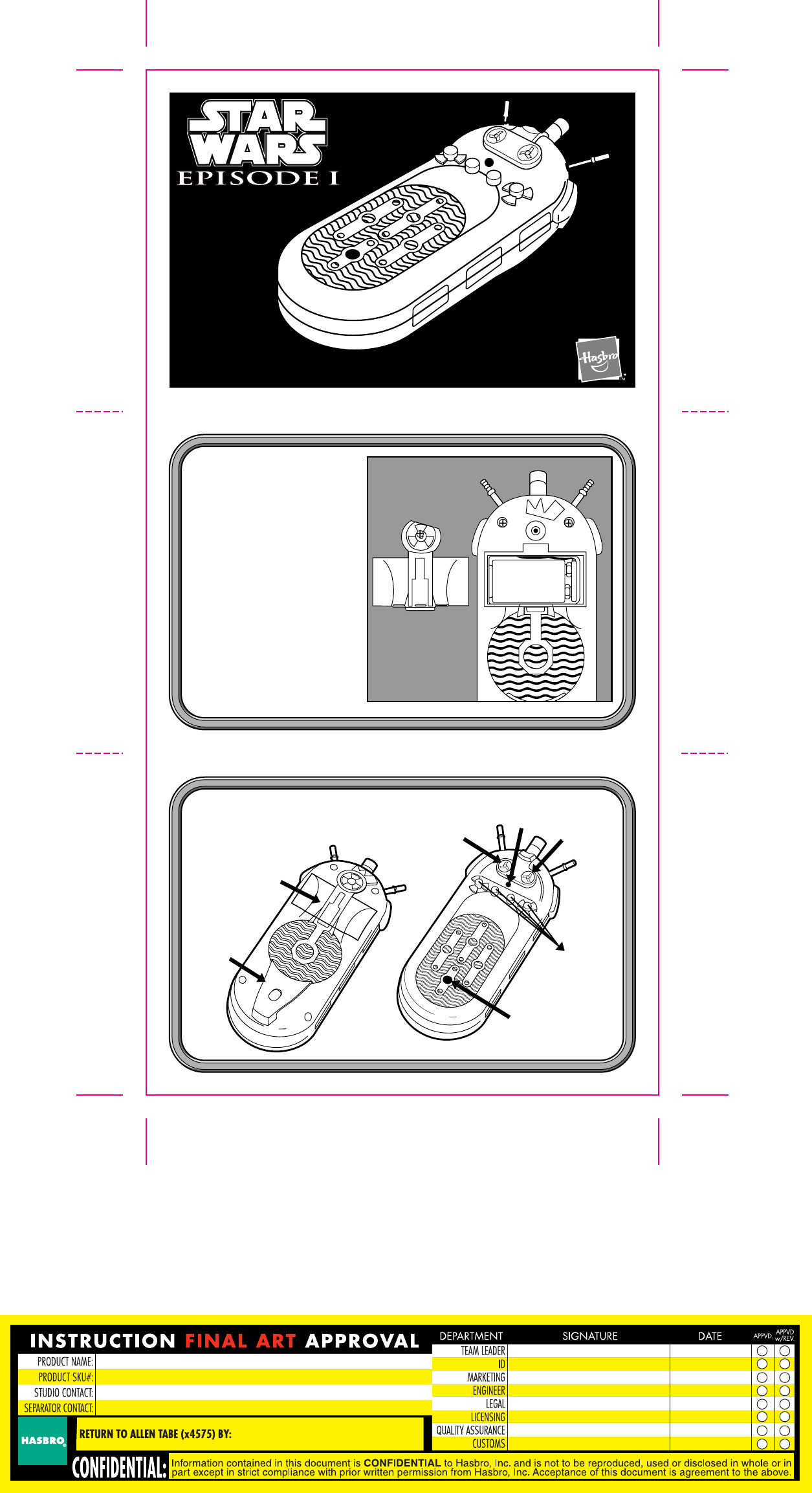
Battery
Lightsaber™
Sound Blaster
Sound
Scan Area
Storage
Buttons
Power
Button
Belt Clip
9 volt
-+
Instruction Sheet Reader
84151
Fisher Design/Tom Schmidt 513.221.2242
Operation
557968.0000
Chip Playing
1. 2. 3.
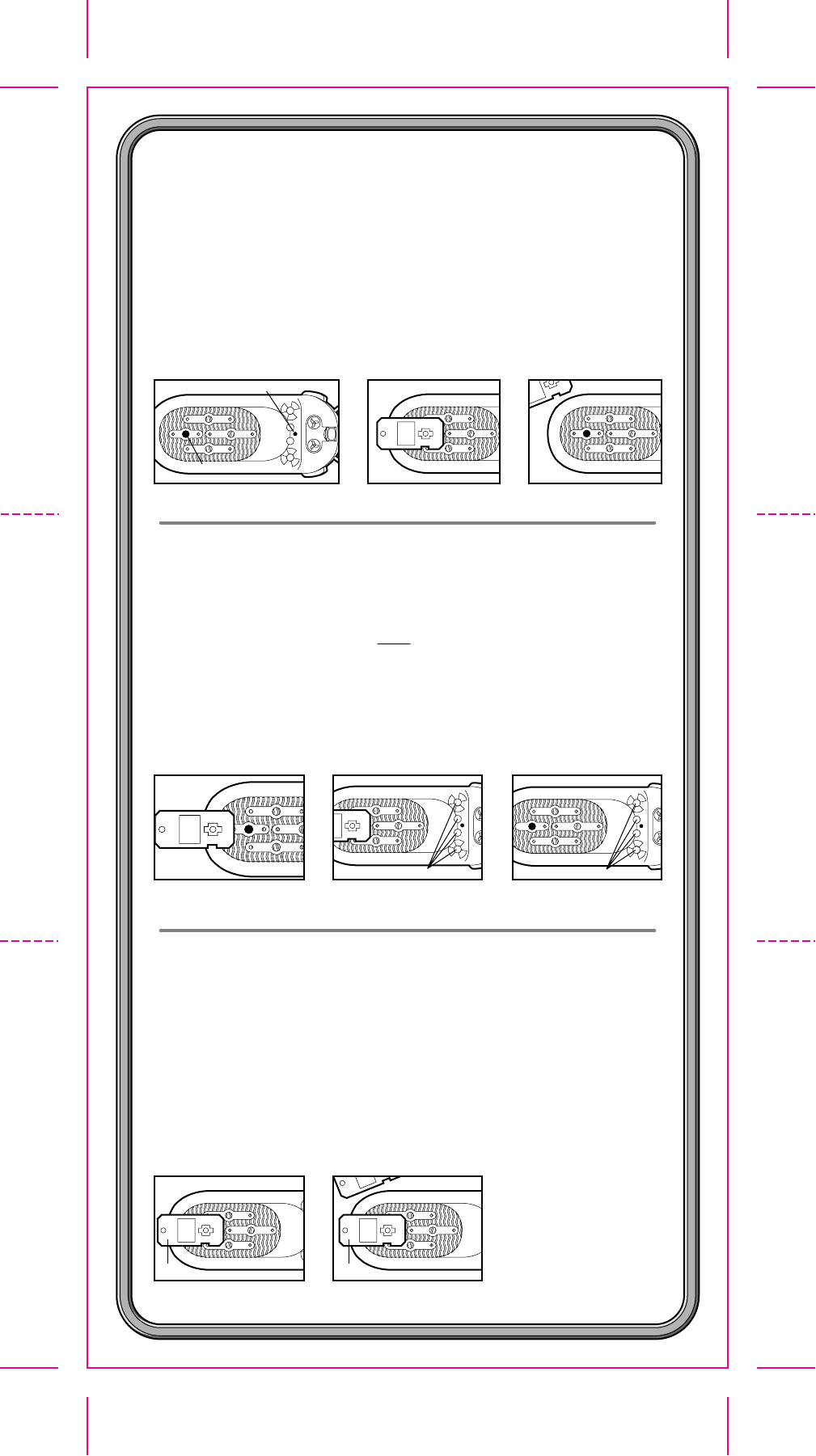
Turn unit on (fig. 1).
Lay chip on Scan Area on front of unit (fig. 2).
Listen to one of the random phrases.
Remove chip and replace with another chip (fig. 3)
or use same chip again.
Chip will work with or without figure attached.
Chip Storing
1. 2. 3.
Turn unit on.
Lay chip on Scan Area on front of unit (fig. 1).
Listen to one complete phrase. Then press and hold any one
of the four storage buttons (fig. 2) until the loading sound lets you
know the chip has been stored.
Remove chip. Press the storage button again to hear each of the
phrases that were on the chip (fig. 3).
(NOTE: this process can be done over and over again.)
storage buttons press one
Chip Conversation Feature
1.
Some figures can talk with other figures. See the figure's package
back to determine the conversation feature.
Turn unit on.
Lay first chip on Scan Area on front of unit (fig. 1).
Listen to one of the random phrases.
Remove first chip and replace with second chip (fig. 2). This chip
will always respond with the same phrase to the first chip.
(NOTE: if you store the two chips and play them back in order, the
same thing will happen.)
2.
Scan Area
power
chip 1 chip 2