Ihome Ih M120Lb Users Manual 3 Button Laser Mouse #IH M121LW
IH-M120LB to the manual d4558507-9356-40a7-9061-48bbd3a90dea
2015-01-21
: Ihome Ihome-Ih-M120Lb-Users-Manual-348547 ihome-ih-m120lb-users-manual-348547 ihome pdf
Open the PDF directly: View PDF  .
.
Page Count: 3
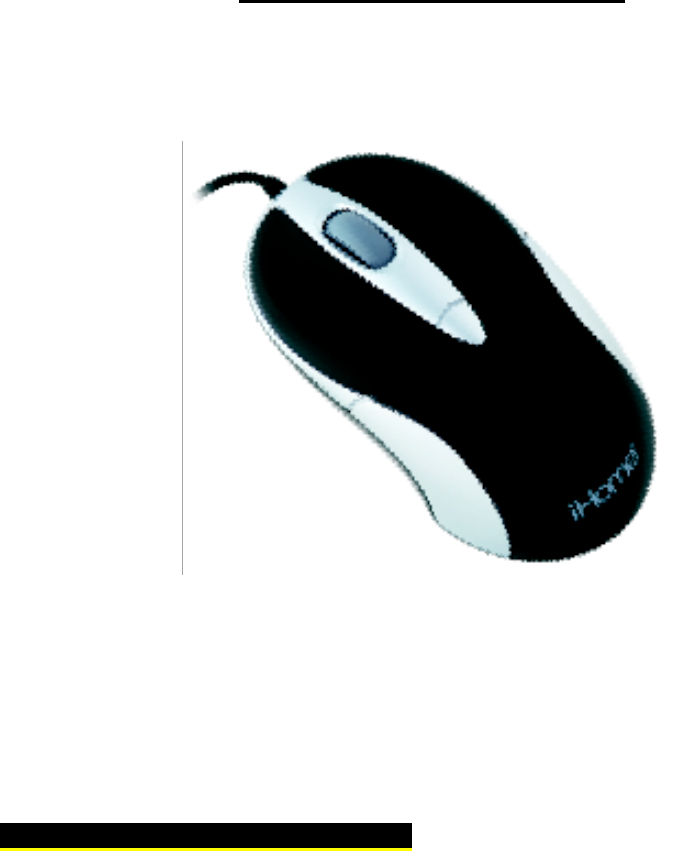
3-button laser mouse
Model # IH-M120LB IH-M121LW
Product Knowledge Base
Frequently Asked Questions (FAQs)
1. What is included in the box?
• 3-button laser mouse
• Quick start guide

2. What are the system requirements?
• PC
• Windows® 2000, XP or Windows Vista®
• Mac® OS X v10.4 or later
• USB port
3. How to Setup the Mouse?
• Verify package contents
• Connect USB cable
• Start using your mouse!
Note: The drivers for your mouse load automatically.
4. Where can I find warranty information?
Visit www.life-works.com/warranty
Troubleshooting
1. My mouse does not work
• Ensure the USB cable is connected. If it is, try connecting it to a different
USB port.
• Ensure the laser sensor on the bottom of the mouse is clean.
• Restart your computer.
Product Operating Tips
• The scroll wheel is also a button. Press the scroll wheel (without rolling it)
to automatically scroll a document or web page, then move your mouse up
or down to set the automatic scroll speed.

For questions regarding your iHome computer accessory, please visit our
website at www.life-works.com or call 1-877-Life-540.
2009 © LifeWorks Technology Group LLC.
iHome™ is a trademark of SDI Technologies Inc. used under license.
Windows Vista® is either a registered trademark or trademark of Microsoft
Corporation in the United States and/or other countries.
Mac® is a trademark of Apple Inc., registered in the U.S. and other countries. Al
other brands and logos are trademarks of their respective companies.
