Jablotron JA80L Wireless internal siren User Manual Exhibit 7 Instruction manual JA80L

Jablotron Ltd Wireless internal siren Exhibit 7 Instruction manual JA80L

Users Manual

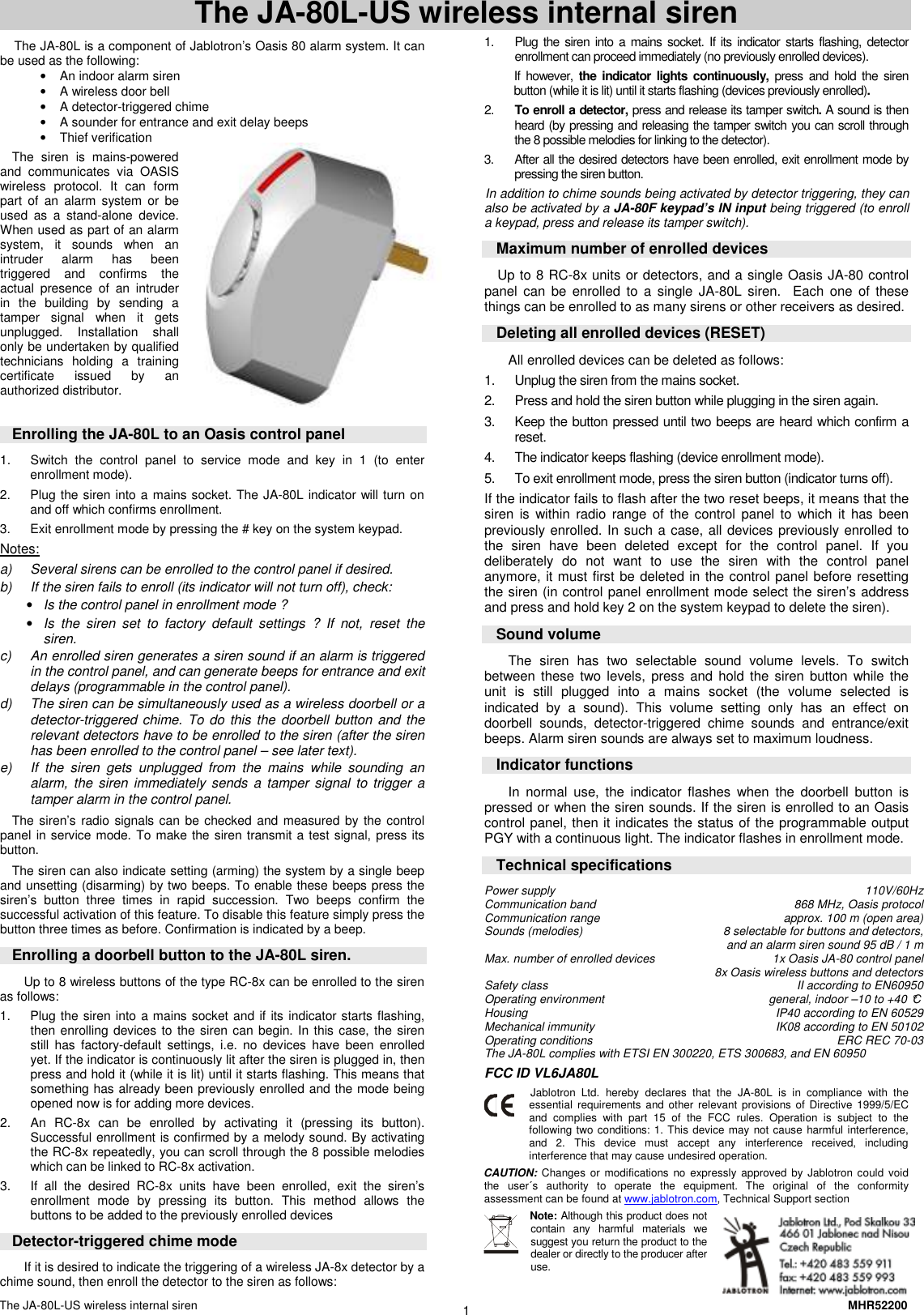
The JA-80L-US wireless internal siren    MHR52200 1 The JA-80L-US wireless internal siren  The JA-80L is a component of Jablotron’s Oasis 80 alarm system. It can be used as the following: •  An indoor alarm siren  •  A wireless door bell •  A detector-triggered chime •  A sounder for entrance and exit delay beeps •  Thief verification  The  siren  is  mains-powered and  communicates  via  OASIS wireless  protocol.  It  can  form part  of  an  alarm  system or  be used  as  a  stand-alone  device. When used as part of an alarm system,  it  sounds  when  an intruder  alarm  has  been triggered  and  confirms  the actual  presence  of  an  intruder in  the  building  by  sending  a tamper  signal  when  it  gets unplugged.  Installation  shall only be undertaken by qualified technicians  holding  a  training certificate  issued  by  an authorized distributor.    Enrolling the JA-80L to an Oasis control panel 1.  Switch  the  control  panel  to  service  mode  and  key  in  1  (to  enter enrollment mode).  2.  Plug the siren into a mains socket. The JA-80L indicator will turn on and off which confirms enrollment. 3.  Exit enrollment mode by pressing the # key on the system keypad. Notes: a)  Several sirens can be enrolled to the control panel if desired. b)  If the siren fails to enroll (its indicator will not turn off), check: • Is the control panel in enrollment mode ? • Is  the  siren  set  to  factory  default  settings  ?  If  not,  reset  the siren. c)  An enrolled siren generates a siren sound if an alarm is triggered in the control panel, and can generate beeps for entrance and exit delays (programmable in the control panel). d)  The siren can be simultaneously used as a wireless doorbell or a detector-triggered chime. To do this the  doorbell button and the relevant detectors have to be enrolled to the siren (after the siren has been enrolled to the control panel – see later text).  e)  If  the  siren  gets  unplugged  from  the  mains  while  sounding  an alarm, the  siren  immediately sends  a tamper signal  to trigger a tamper alarm in the control panel. The siren’s radio signals can be checked and measured by the control panel in service mode. To make the siren transmit a test signal, press its button. The siren can also indicate setting (arming) the system by a single beep and unsetting (disarming) by two beeps. To enable these beeps press the siren’s  button  three  times  in  rapid  succession.  Two  beeps  confirm  the successful activation of this feature. To disable this feature simply press the button three times as before. Confirmation is indicated by a beep. Enrolling a doorbell button to the JA-80L siren. Up to 8 wireless buttons of the type RC-8x can be enrolled to the siren as follows: 1.  Plug the siren into a mains socket and if its indicator starts flashing, then enrolling devices to the siren can begin. In this case, the siren still  has  factory-default  settings,  i.e.  no  devices  have  been  enrolled yet. If the indicator is continuously lit after the siren is plugged in, then press and hold it (while it is lit) until it starts flashing. This means that something has already been previously enrolled and the mode being opened now is for adding more devices.     2.  An  RC-8x  can  be  enrolled  by  activating  it  (pressing  its  button). Successful enrollment is confirmed by a melody sound. By activating the RC-8x repeatedly, you can scroll through the 8 possible melodies which can be linked to RC-8x activation. 3.  If  all  the  desired  RC-8x  units  have  been  enrolled,  exit  the  siren’s enrollment  mode  by  pressing  its  button.  This  method  allows  the buttons to be added to the previously enrolled devices Detector-triggered chime mode If it is desired to indicate the triggering of a wireless JA-8x detector by a chime sound, then enroll the detector to the siren as follows: 1.  Plug  the  siren into a  mains socket. If its indicator  starts flashing, detector enrollment can proceed immediately (no previously enrolled devices).  If however, the  indicator lights  continuously, press  and  hold  the  siren button (while it is lit) until it starts flashing (devices previously enrolled).  2.  To enroll a detector, press and release its tamper switch. A sound is then heard (by pressing and releasing the tamper switch you can scroll through the 8 possible melodies for linking to the detector). 3.  After all the desired detectors have been enrolled, exit enrollment mode by pressing the siren button. In addition to chime sounds being activated by detector triggering, they can also be activated by a JA-80F keypad’s IN input being triggered (to enroll a keypad, press and release its tamper switch).   Maximum number of enrolled devices Up to 8 RC-8x units or detectors, and a single Oasis JA-80 control panel  can  be  enrolled to  a  single JA-80L  siren.    Each  one  of  these things can be enrolled to as many sirens or other receivers as desired. Deleting all enrolled devices (RESET) All enrolled devices can be deleted as follows:  1.  Unplug the siren from the mains socket. 2.  Press and hold the siren button while plugging in the siren again. 3.  Keep the button pressed until two beeps are heard which confirm a reset. 4.  The indicator keeps flashing (device enrollment mode). 5.  To exit enrollment mode, press the siren button (indicator turns off).  If the indicator fails to flash after the two reset beeps, it means that the siren  is  within  radio range  of  the control  panel to  which it  has  been previously enrolled. In such a case, all devices previously enrolled to the  siren  have  been  deleted  except  for  the  control  panel.  If  you deliberately  do  not  want  to  use  the  siren  with  the  control  panel anymore, it must first be deleted in the control panel before resetting the siren (in control panel enrollment mode select the siren’s address and press and hold key 2 on the system keypad to delete the siren).  Sound volume The  siren  has  two  selectable  sound  volume  levels.  To  switch between  these  two levels,  press and  hold the siren button  while the unit  is  still  plugged  into  a  mains  socket  (the  volume  selected  is indicated  by  a  sound).  This  volume  setting  only  has  an  effect  on doorbell  sounds,  detector-triggered  chime  sounds  and  entrance/exit beeps. Alarm siren sounds are always set to maximum loudness. Indicator functions In  normal  use,  the  indicator  flashes  when  the  doorbell  button  is pressed or when the siren sounds. If the siren is enrolled to an Oasis control panel, then it indicates the status of the programmable output PGY with a continuous light. The indicator flashes in enrollment mode. Technical specifications Power supply  110V/60Hz Communication band  868 MHz, Oasis protocol  Communication range  approx. 100 m (open area) Sounds (melodies)  8 selectable for buttons and detectors,    and an alarm siren sound 95 dB / 1 m Max. number of enrolled devices          1x Oasis JA-80 control panel   8x Oasis wireless buttons and detectors  Safety class  II according to EN60950 Operating environment  general, indoor –10 to +40 °C  Housing  IP40 according to EN 60529 Mechanical immunity  IK08 according to EN 50102 Operating conditions                       ERC REC 70-03  The JA-80L complies with ETSI EN 300220, ETS 300683, and EN 60950 FCC ID VL6JA80L  Jablotron  Ltd.  hereby  declares  that  the  JA-80L is  in  compliance  with  the essential  requirements and  other  relevant  provisions of  Directive  1999/5/EC and  complies  with  part  15  of  the  FCC  rules.  Operation  is  subject  to  the following two conditions: 1. This device may  not cause  harmful interference, and  2.  This  device  must  accept  any  interference  received,  including interference that may cause undesired operation. CAUTION: Changes  or  modifications  no  expressly  approved  by  Jablotron could  void the  user´s  authority  to  operate  the  equipment. The  original  of  the  conformity assessment can be found at www.jablotron.com, Technical Support section Note: Although this product does not contain  any  harmful  materials  we suggest you return the product to the dealer or directly to the producer after use.

Navigation menu