Jablotron RC80 Wireless Keyfob - component of alarm system User Manual Exhibit 7 Instruction manual RC80

Jablotron Ltd Wireless Keyfob - component of alarm system Exhibit 7 Instruction manual RC80

User manual

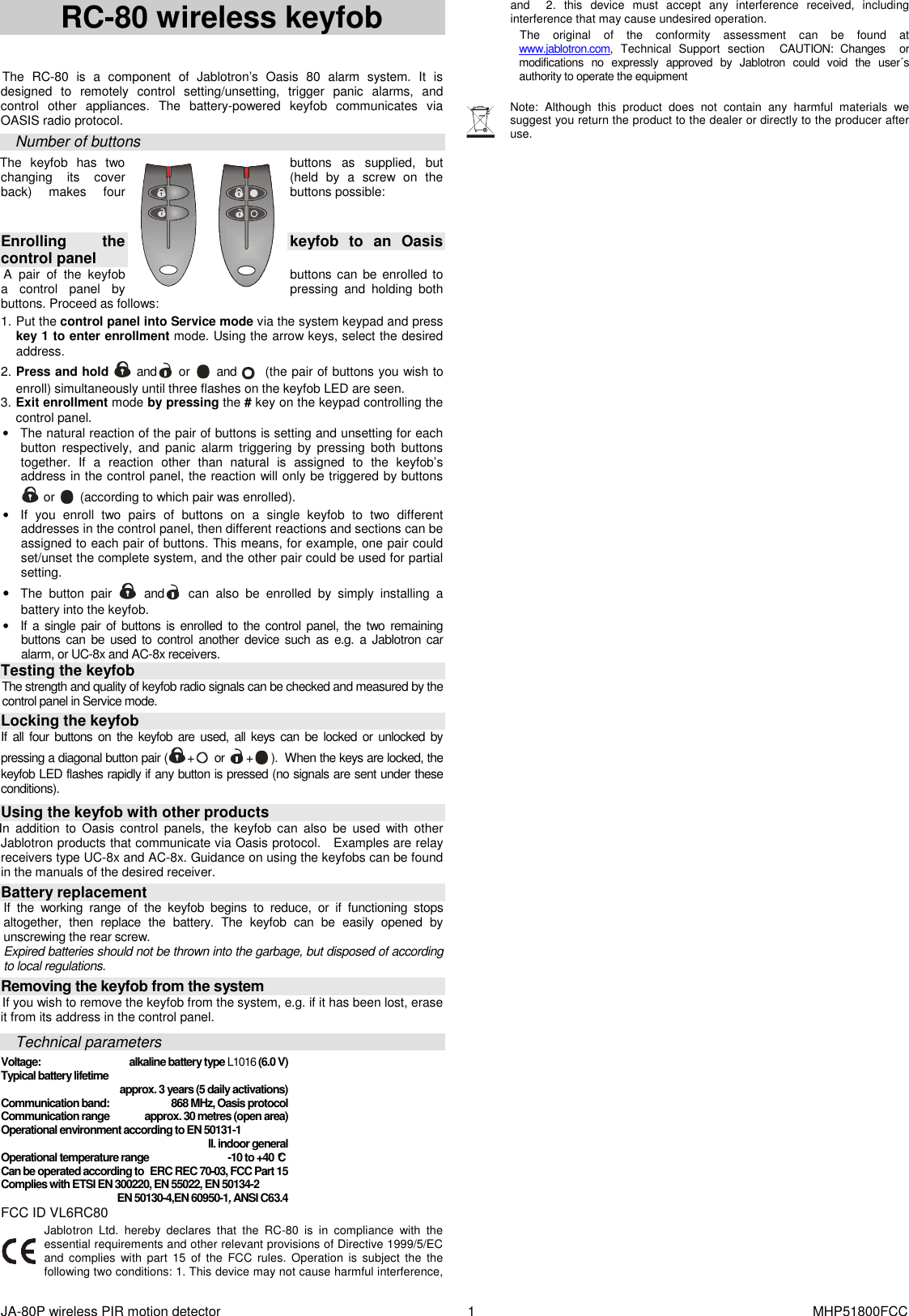
JA-80P wireless PIR motion detector    1  MHP51800FCC  RC-80 wireless keyfob  The  RC-80  is  a  component  of  Jablotron’s  Oasis  80  alarm  system.  It  is designed  to  remotely  control  setting/unsetting,  trigger  panic  alarms,  and control  other  appliances.  The  battery-powered  keyfob  communicates  via OASIS radio protocol. Number of buttons The  keyfob  has  two  buttons  as  supplied,  but changing  its  cover  (held  by  a  screw  on  the back)  makes  four  buttons possible:     Enrolling  the  keyfob  to  an  Oasis control panel A  pair  of  the  keyfob  buttons can be  enrolled to a  control  panel  by  pressing  and  holding  both buttons. Proceed as follows:  1. Put the control panel into Service mode via the system keypad and press key 1 to enter enrollment mode. Using the arrow keys, select the desired address.  2. Press and hold  and  or   and    (the pair of buttons you wish to enroll) simultaneously until three flashes on the keyfob LED are seen.   3. Exit enrollment mode by pressing the # key on the keypad controlling the control panel. •  The natural reaction of the pair of buttons is setting and unsetting for each button  respectively,  and  panic  alarm  triggering by  pressing  both  buttons together.  If  a  reaction  other  than  natural  is  assigned  to  the  keyfob’s address in the control panel, the reaction will only be triggered by buttons  or   (according to which pair was enrolled).  •  If  you  enroll  two  pairs  of  buttons  on  a  single  keyfob  to  two  different addresses in the control panel, then different reactions and sections can be assigned to each pair of buttons. This means, for example, one pair could set/unset the complete system, and the other pair could be used for partial setting. • The  button  pair   and  can  also  be  enrolled  by  simply  installing  a battery into the keyfob. •  If a single pair of buttons is enrolled to the control panel, the two remaining buttons  can  be used to control  another  device such  as  e.g.  a  Jablotron car alarm, or UC-8x and AC-8x receivers. Testing the keyfob  The strength and quality of keyfob radio signals can be checked and measured by the control panel in Service mode.  Locking the keyfob   If  all four buttons on  the  keyfob  are  used,  all  keys can  be  locked  or  unlocked  by pressing a diagonal button pair ( +  or  + ).  When the keys are locked, the keyfob LED flashes rapidly if any button is pressed (no signals are sent under these conditions).  Using the keyfob with other products In  addition  to  Oasis  control  panels,  the  keyfob can  also  be  used  with  other Jablotron products that communicate via Oasis protocol.   Examples are relay receivers type UC-8x and AC-8x. Guidance on using the keyfobs can be found in the manuals of the desired receiver.  Battery replacement If  the  working  range  of  the  keyfob  begins  to  reduce,  or  if  functioning  stops altogether,  then  replace  the  battery.  The  keyfob  can  be  easily  opened  by unscrewing the rear screw.  Expired batteries should not be thrown into the garbage, but disposed of according to local regulations.  Removing the keyfob from the system If you wish to remove the keyfob from the system, e.g. if it has been lost, erase it from its address in the control panel.  Technical parameters Voltage:  alkaline battery type L1016 (6.0 V) Typical battery lifetime     approx. 3 years (5 daily activations) Communication band:  868 MHz, Oasis protocol Communication range  approx. 30 metres (open area) Operational environment according to EN 50131-1      II. indoor general Operational temperature range  -10 to +40 °C Can be operated according to  ERC REC 70-03, FCC Part 15  Complies with ETSI EN 300220, EN 55022, EN 50134-2     EN 50130-4,EN 60950-1, ANSI C63.4 FCC ID VL6RC80 Jablotron  Ltd.  hereby  declares  that  the  RC-80 is  in  compliance  with  the essential requirements and other relevant provisions of Directive 1999/5/EC and  complies  with  part  15  of  the  FCC  rules.  Operation  is  subject  the  the following two conditions: 1. This device may not cause harmful interference, and    2.  this  device  must  accept  any  interference  received,  including interference that may cause undesired operation. The  original  of  the  conformity  assessment  can  be  found  at www.jablotron.com,  Technical  Support  section   CAUTION:  Changes    or modifications  no  expressly  approved  by  Jablotron  could  void  the  user´s authority to operate the equipment   Note:  Although  this  product  does  not  contain  any  harmful  materials  we suggest you return the product to the dealer or directly to the producer after use.

Navigation menu