Jasco PT462 Motion - Sensing Control User Manual 462 user s manual

Jasco Products Company Motion - Sensing Control 462 user s manual

users manual

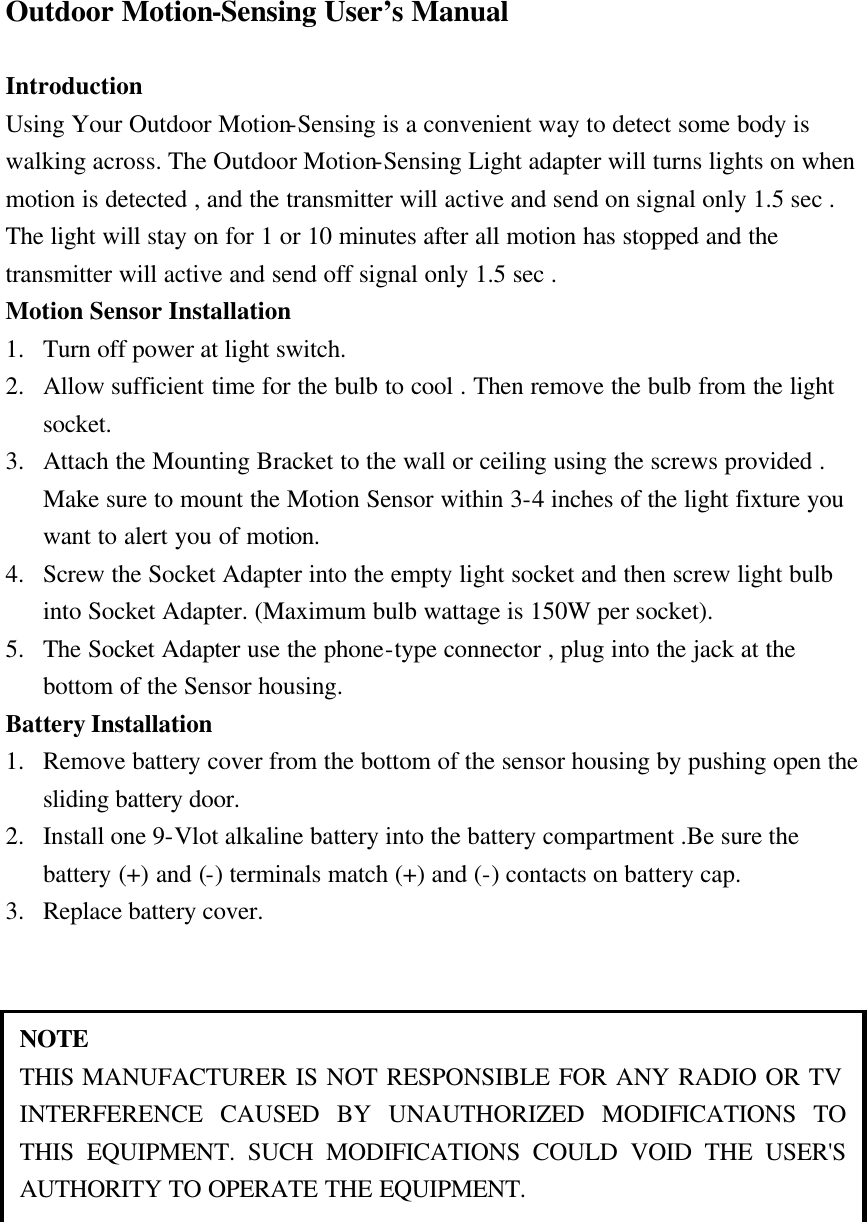
Outdoor Motion-Sensing User’s Manual  Introduction Using Your Outdoor Motion-Sensing is a convenient way to detect some body is walking across. The Outdoor Motion-Sensing Light adapter will turns lights on when motion is detected , and the transmitter will active and send on signal only 1.5 sec . The light will stay on for 1 or 10 minutes after all motion has stopped and the transmitter will active and send off signal only 1.5 sec . Motion Sensor Installation 1. Turn off power at light switch. 2. Allow sufficient time for the bulb to cool . Then remove the bulb from the light socket. 3. Attach the Mounting Bracket to the wall or ceiling using the screws provided . Make sure to mount the Motion Sensor within 3-4 inches of the light fixture you want to alert you of motion. 4. Screw the Socket Adapter into the empty light socket and then screw light bulb into Socket Adapter. (Maximum bulb wattage is 150W per socket). 5. The Socket Adapter use the phone-type connector , plug into the jack at the bottom of the Sensor housing. Battery Installation     1. Remove battery cover from the bottom of the sensor housing by pushing open the sliding battery door. 2. Install one 9-Vlot alkaline battery into the battery compartment .Be sure the battery (+) and (-) terminals match (+) and (-) contacts on battery cap. 3. Replace battery cover.   NOTE THIS MANUFACTURER IS NOT RESPONSIBLE FOR ANY RADIO OR TV INTERFERENCE CAUSED BY UNAUTHORIZED MODIFICATIONS TO THIS EQUIPMENT. SUCH MODIFICATIONS COULD VOID THE USER'S AUTHORITY TO OPERATE THE EQUIPMENT.

Navigation menu