Jonter Digital M32 Bluetooth Speaker User Manual Manual Mobility BluetoothSpeaker M1000

Shenzhen Jonter Digital Co., Ltd Bluetooth Speaker Manual Mobility BluetoothSpeaker M1000

user manual

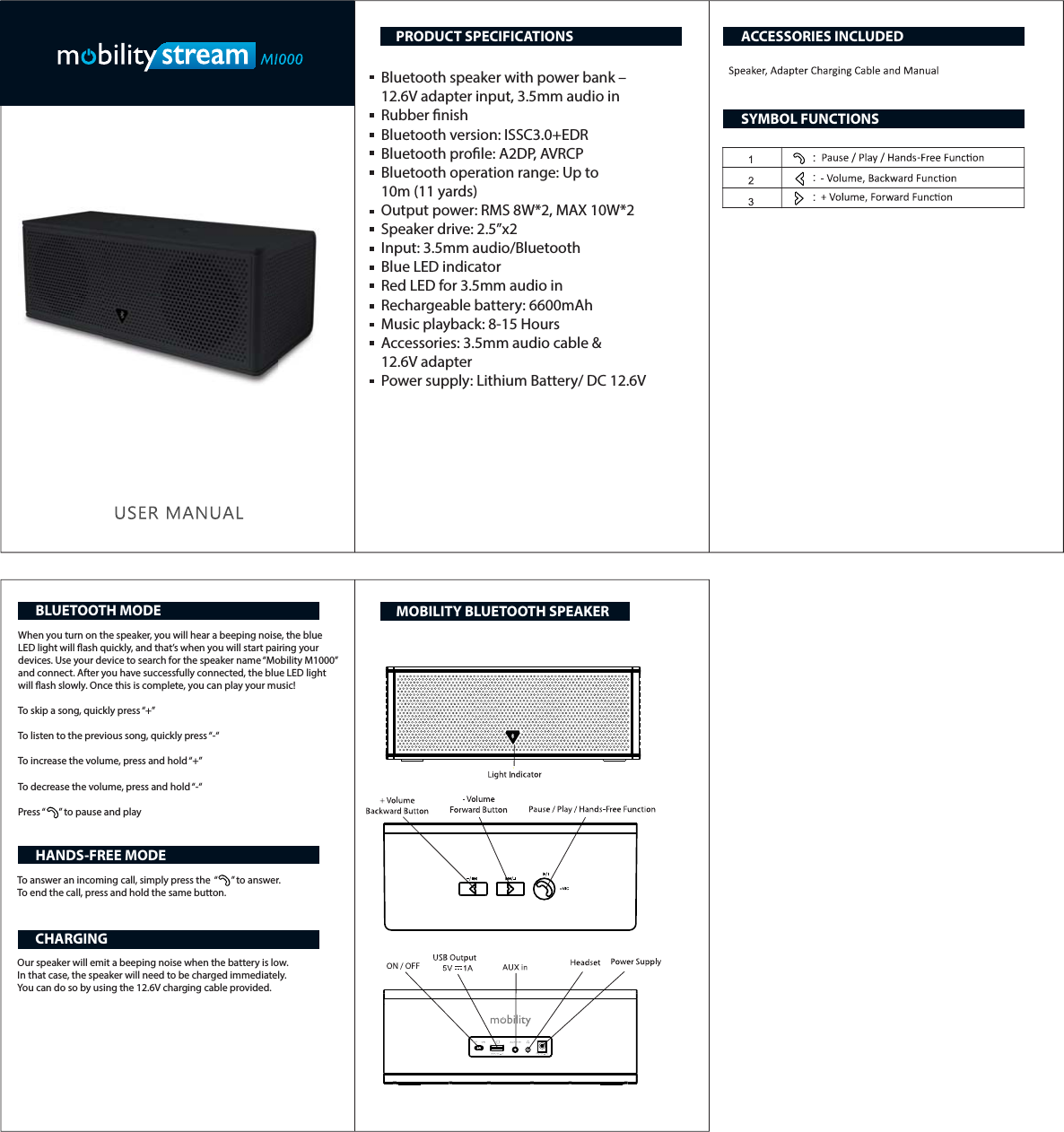
Bluetooth speaker with power bank – 12.6V adapter input, 3.5mm audio inRubber nish Bluetooth version: ISSC3.0+EDRBluetooth prole: A2DP, AVRCPBluetooth operation range: Up to 10m (11 yards)Output power: RMS 8W*2, MAX 10W*2Speaker drive: 2.5”x2 Input: 3.5mm audio/Bluetooth Blue LED indicatorRed LED for 3.5mm audio in Rechargeable battery: 6600mAhMusic playback: 8-15 HoursAccessories: 3.5mm audio cable & 12.6V adapterPower supply: Lithium Battery/ DC 12.6VWhen you turn on the speaker, you will hear a beeping noise, the blue LED light will ash quickly, and that’s when you will start pairing your devices. Use your device to search for the speaker name “Mobility M1000” and connect. After you have successfully connected, the blue LED light will ash slowly. Once this is complete, you can play your music! To skip a song, quickly press “+”To listen to the previous song, quickly press “-“To increase the volume, press and hold “+”To decrease the volume, press and hold “-“Press “      ” to pause and playTo answer an incoming call, simply press the  “      ” to answer.To end the call, press and hold the same button.Our speaker will emit a beeping noise when the battery is low. In that case, the speaker will need to be charged immediately. You can do so by using the 12.6V charging cable provided.PRODUCT SPECIFICATIONSBLUETOOTH MODEHANDS-FREE MODECHARGINGACCESSORIES INCLUDEDSYMBOL FUNCTIONSMOBILITY BLUETOOTH SPEAKER
Changes or modifications not expressly approved by the party responsible for compliance  could void the user's authority to operate the equipment.   This device complies with Part 15 of the FCC Rules.   Operation is subject to the following two conditions:   (1) this device may not cause harmful interference, and   (2) this device must accept any interference received,   including interference that may cause undesired operation.

Navigation menu