Jonter Digital M52 Bluetooth speaker User Manual part 1

Shenzhen Jonter Digital Co., Ltd Bluetooth speaker part 1

Contents

User Manual part 1

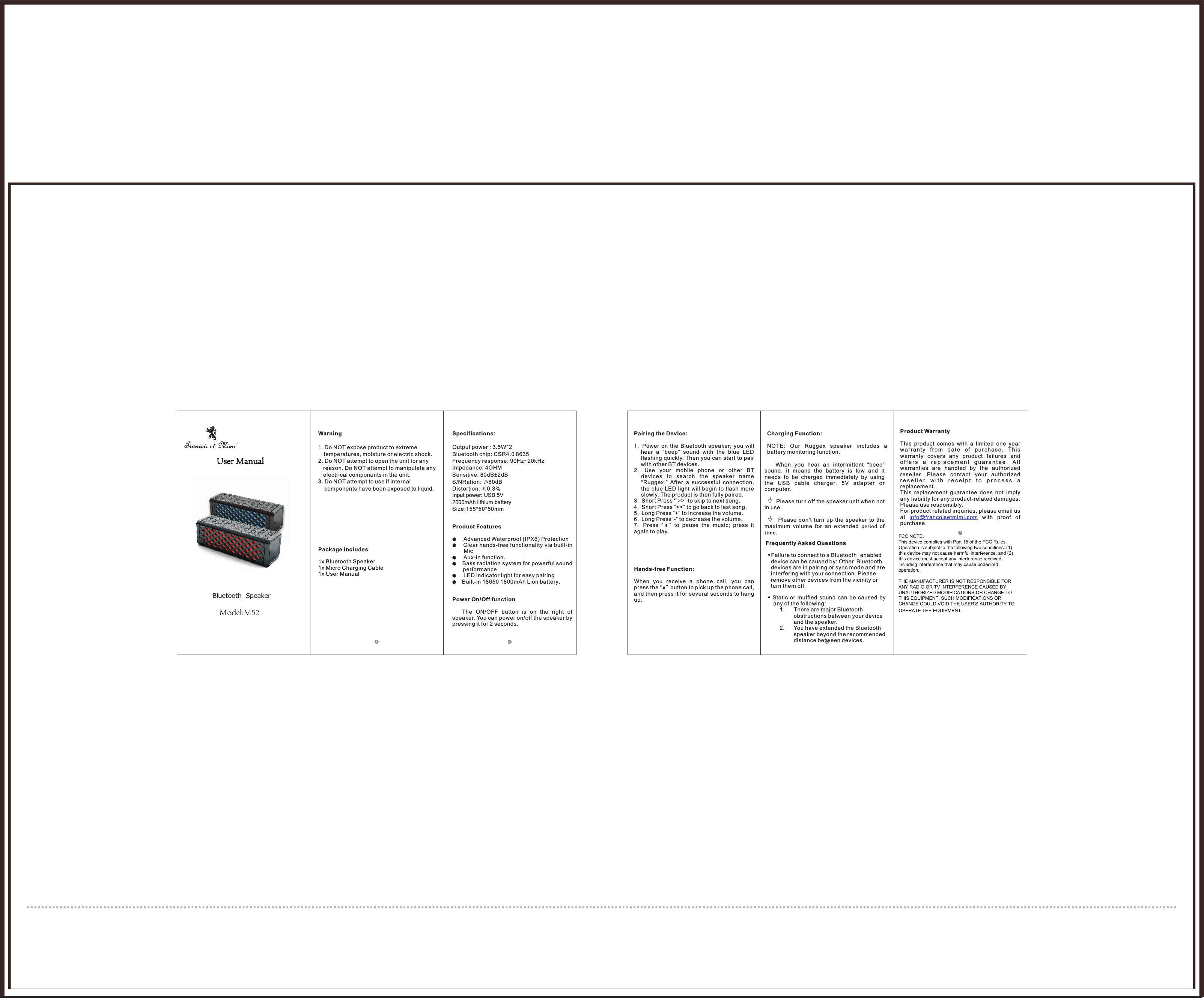
Bluetooth  SpeakerWarning1. Do NOT expose product to extreme temperatures, moisture or electric shock. 2. Do NOT attempt to open the unit for any reason. Do NOT attempt to manipulate any electrical components in the unit. 3. Do NOT attempt to use if internal components have been exposed to liquid. Package includes1x Bluetooth Speaker1x Micro Charging Cable1x User ManualSpecifications: Output power : 3.5W*2Bluetooth chip: CSR4.0 8635 Frequency response: 90Hz~20kHz  Impedance: 4OHMSensitive: 80dB±2dBS/NRation: ≥80dBDistortion: ≤0.3%Input power: USB 5V2000mAh lithium batterySize:155*50*50mmProduct Features●Advanced Waterproof (IPX6) Protection ●Clear hands-free functionality via built-in Mic●Aux-in function.●Bass radiation system for powerful sound performance●LED indicator light for easy pairing ●Built-in 18650 1800mAh Lion battery.Power On/Off function The  ON/OFF  button  is  on  the  right  of speaker. You can power on/off the speaker by pressing it for 2 seconds.              Pairing the Device:1. Power  on  the  Bluetooth  speaker;  you  will hear  a  “beep”  sound  with  the  blue  LED flashing quickly. Then you can start to pair with other BT devices.2. Use  your  mobile  phone  or  other  BT devices  to  search  the  speaker  name“Ruggex.”  After  a  successful  connection, the blue LED light will  begin  to  flash  more slowly. The product is then fully paired. 3. Short Press '”>>” to skip to next song.4. Short Press “<<” to go back to last song.5. Long Press “+” to increase the volume.6. Long Press“-” to decrease the volume.7. Press  “    ”  to  pause  the  music;  press  it again to play.Hands-free Function:When  you  receive  a  phone  call,  you  can press the “  ”button to pick up the phone call, and then press it for several seconds to hang up.Charging Function:NOTE:  Our  Ruggex  speaker  includes  a battery monitoring function.      When  you  hear  an  intermittent  “beep” sound,  it  means  the  battery  is  low  and  it needs  to  be  charged  immediately  by  using the  USB  cable  charger,  5V  adapter  or computer.       Please turn off the speaker unit when not in use.           Please  don't  turn  up  the  speaker  to  the maximum  volume  for  an  extended  period  of time.Frequently Asked QuestionsFailure to connect to a Bluetooth-enabled device can be caused by: Other Bluetooth devices are in pairing or sync mode and are interfering with your connection. Please remove other devices from the vicinity or turn them off. Static  or  muffled  sound  can  be  caused  by any of the following: 1. There are major Bluetooth obstructions between your device and the speaker. 2. You have extended the Bluetooth speaker beyond the recommended distance between devices.Product WarrantyThis  product  comes  with  a  limited  one  year wa rr an ty  fr om  date  o f  purc ha se .  Th is warranty  covers  any  product  failures  and o f f e r s   a  r e p l a c e m e n t  g u a r a n t e e .  A l lwarranties  are  handled  by  the  authorized reseller.  Please  contact  your  authorized r e s e l l e r   w i t h   r e c e i p t   t o   p r o c e s s  a  replacement. This  replacement  guarantee  does  not  imply any liability for any product-related damages. Please use responsibly.For product related inquiries, please email us at    with  proof  of purchase. info@francoisetmimi.comFCC NOTE:This device complies with Part 15 of the FCC Rules.Operation is subject to the following two conditions: (1) this device may not cause harmful interference, and (2) this device must accept any interference received, including interference that may cause undesired operation.THE MANUFACTURER IS NOT RESPONSIBLE FOR ANY RADIO OR TV INTERFERENCE CAUSED BY UNAUTHORIZED MODIFICATIONS OR CHANGE TO THIS EQUIPMENT. SUCH MODIFICATIONS OR CHANGE COULD VOID THE USER’S AUTHORITY TO OPERATE THE EQUIPMENT.User ManualModel:M52

Navigation menu