Jonter Digital M90 Bluetooth Speaker User Manual PH M90 manual indd

Shenzhen Jonter Digital Co., Ltd Bluetooth Speaker PH M90 manual indd

user manual

USER GUIDEPH-M90RUGGED WIRELESS BLUETOOTH SPEAKER
Thank you for purchasing the Photive M90 and welcome to the Photive family! This product is designed to provide you with portable wireless high quality sound for your iPad, iPhone, iPod, computer or other Bluetooth audio devices. This instruction booklet explains the basic operations, specifications and care of the unit. Please read them carefully and keep for future reference.WELCOME
PACKAGEFUNCTIONCHARGINGPAIRINGLINE-INHANDS-FREE SPEAKERPHONEOPERATION INSTRUCTIONTROUBLESHOOTINGSPECIFICATIONSAFETY INFORMATIONFCC INFORMATIONWARRANTY INFORMATION45678891011121314TABLE OF CONTENTS
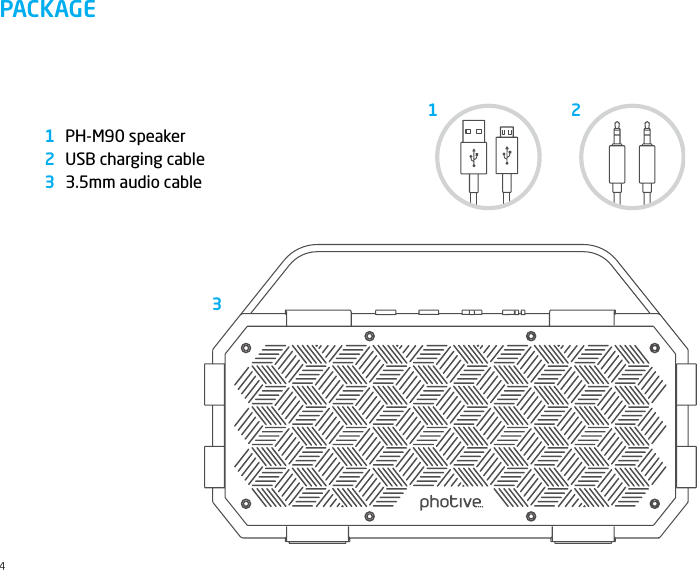
PACKAGEPH-M90 speaker USB charging cable 3.5mm audio cable4123132
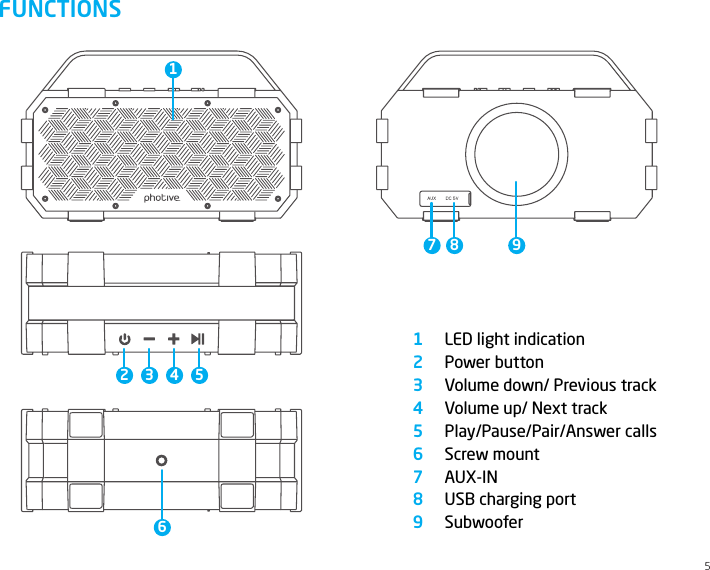
FUNCTIONSLED light indicationPower buttonVolume down/ Previous trackVolume up/ Next trackPlay/Pause/Pair/Answer callsScrew mountAUX-INUSB charging portSubwoofer1234567895234567 8 91
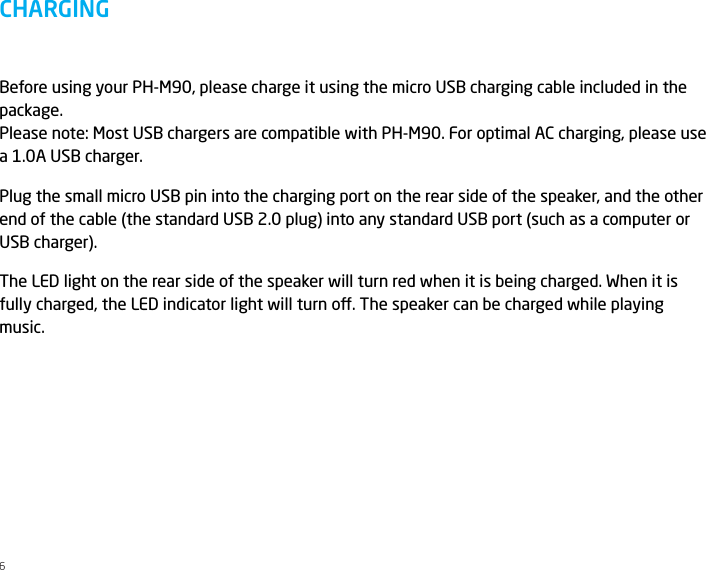
Before using your PH-M90, please charge it using the micro USB charging cable included in the package. Please note: Most USB chargers are compatible with PH-M90. For optimal AC charging, please use a 1.0A USB charger.Plug the small micro USB pin into the charging port on the rear side of the speaker, and the other end of the cable (the standard USB 2.0 plug) into any standard USB port (such as a computer or USB charger).The LED light on the rear side of the speaker will turn red when it is being charged. When it is fully charged, the LED indicator light will turn o. The speaker can be charged while playing music. CHARGING6
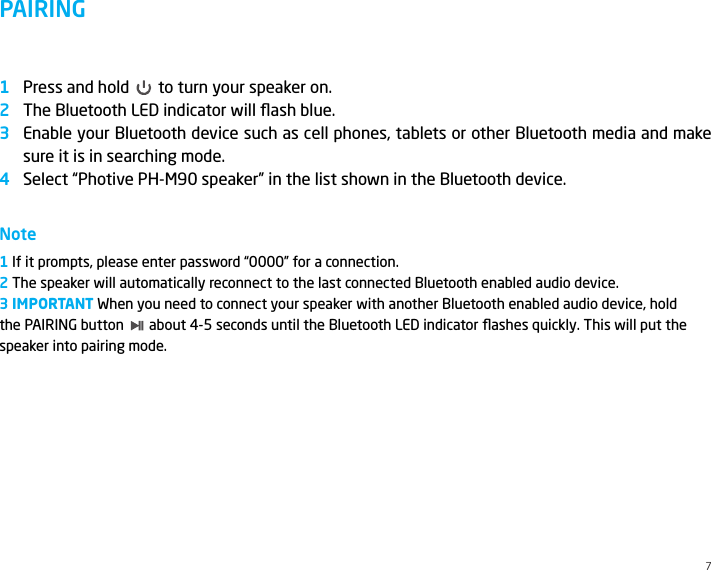
PAIRINGPress and hold       to turn your speaker on.The Bluetooth LED indicator will flash blue.Enable your Bluetooth device such as cell phones, tablets or other Bluetooth media and make sure it is in searching mode.Select “Photive PH-M90 speaker” in the list shown in the Bluetooth device.Note1 If it prompts, please enter password “0000” for a connection.2 The speaker will automatically reconnect to the last connected Bluetooth enabled audio device. 3 IMPORTANT When you need to connect your speaker with another Bluetooth enabled audio device, hold  the PAIRING button       about 4-5 seconds until the Bluetooth LED indicator flashes quickly. This will put the speaker into pairing mode. 12347
LINE-INHANDS-FREE SPEAKERPHONEIf your device is not Bluetooth enabled you can still enjoy your music simply by using the Line-In Audio Jack. Connect the speaker with the audio cable that is included in the package to any device with a 3.5mm standard audio jack. Once connected the speaker can be used as a wired speaker.Please note: the changing track buttons,       and       only work when connected wirelessly via Bluetooth. Volume function will work in Aux-in mode.You can use PH-M90 as a portable speakerphone for incoming calls when connected wirelessly and outgoing calls via Bluetooth.Take your call by pressing the      . Press once again when ending the call. Music will resume automatically.To make a call, simply dial your cell phone and talk to the speaker. Once your call is connected, choose PH-M90 in the headset options.8123
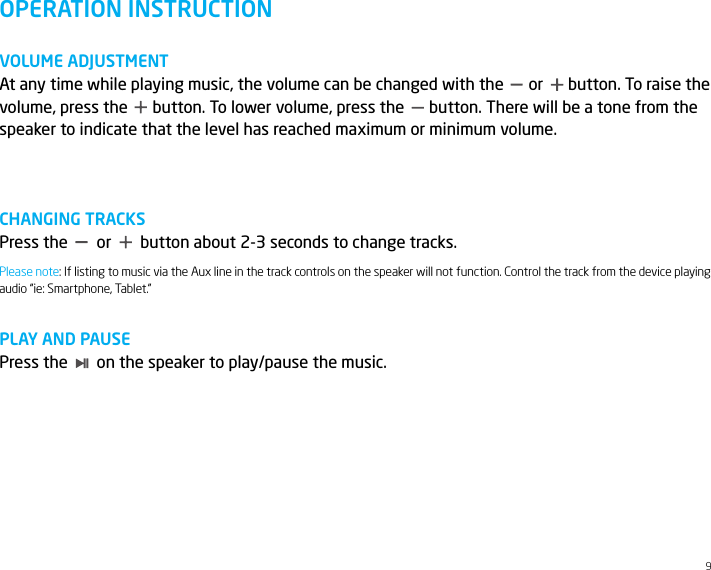
9OPERATION INSTRUCTIONVOLUME ADJUSTMENTAt any time while playing music, the volume can be changed with the      or      button. To raise the volume, press the      button. To lower volume, press the      button. There will be a tone from the speaker to indicate that the level has reached maximum or minimum volume.CHANGING TRACKSPress the       or       button about 2-3 seconds to change tracks.PLAY AND PAUSEPress the       on the speaker to play/pause the music.Please note: If listing to music via the Aux line in the track controls on the speaker will not function. Control the track from the device playing audio “ie: Smartphone, Tablet.”
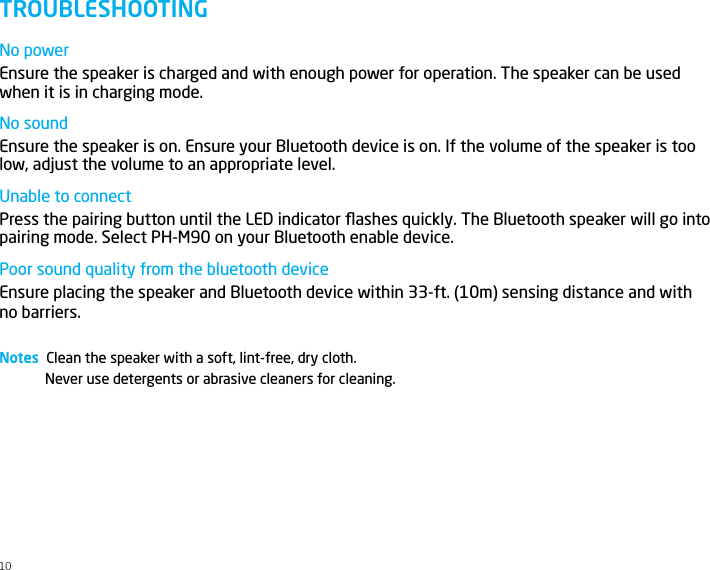
No powerEnsure the speaker is charged and with enough power for operation. The speaker can be used when it is in charging mode.No soundEnsure the speaker is on. Ensure your Bluetooth device is on. If the volume of the speaker is too low, adjust the volume to an appropriate level.Unable to connectPress the pairing button until the LED indicator flashes quickly. The Bluetooth speaker will go into pairing mode. Select PH-M90 on your Bluetooth enable device. Poor sound quality from the bluetooth deviceEnsure placing the speaker and Bluetooth device within 33-ft. (10m) sensing distance and with no barriers.Notes  Clean the speaker with a soft, lint-free, dry cloth.Never use detergents or abrasive cleaners for cleaning.TROUBLESHOOTING10
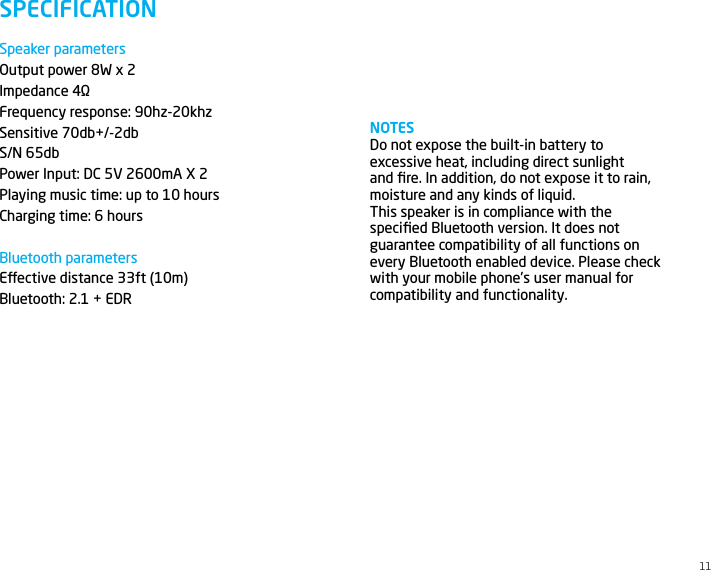
Speaker parametersOutput power 8W x 2Impedance 4ΩFrequency response: 90hz-20khzSensitive 70db+/-2dbS/N 65dbPower Input: DC 5V 2600mA X 2Playing music time: up to 10 hoursCharging time: 6 hoursBluetooth parametersEective distance 33ft (10m)Bluetooth: 2.1 + EDR  SPECIFICATIONNOTESDo not expose the built-in battery to excessive heat, including direct sunlight and fire. In addition, do not expose it to rain, moisture and any kinds of liquid.This speaker is in compliance with the specified Bluetooth version. It does not guarantee compatibility of all functions on every Bluetooth enabled device. Please check with your mobile phone’s user manual for compatibility and functionality.11
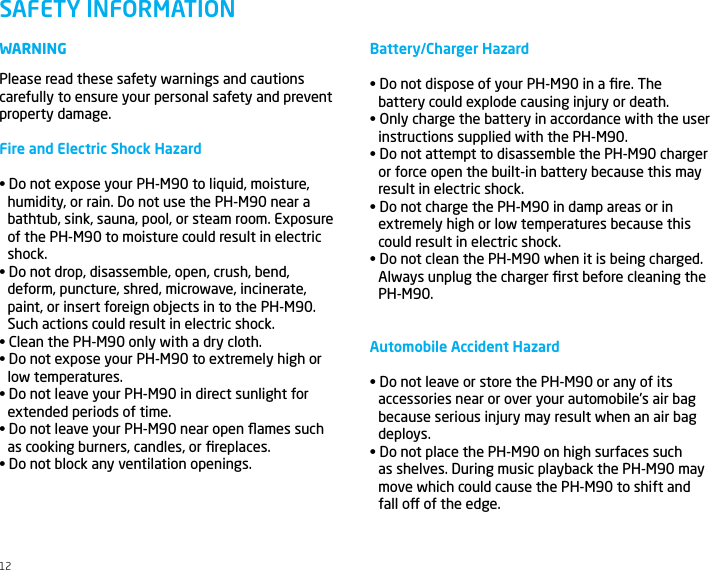
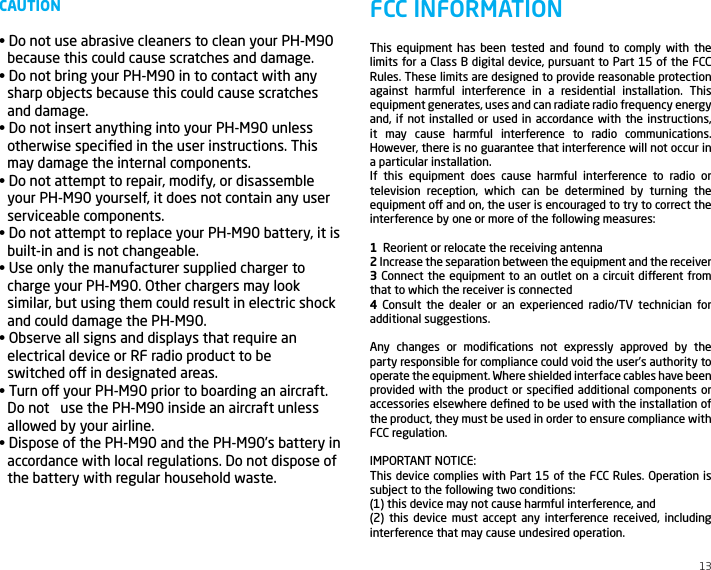
WARNINGPlease read these safety warnings and cautions carefully to ensure your personal safety and prevent property damage.Fire and Electric Shock Hazard• Do not expose your PH-M90 to liquid, moisture, humidity, or rain. Do not use the PH-M90 near abathtub, sink, sauna, pool, or steam room. Exposureof the PH-M90 to moisture could result in electricshock.• Do not drop, disassemble, open, crush, bend, deform, puncture, shred, microwave, incinerate,paint, or insert foreign objects in to the PH-M90.Such actions could result in electric shock.• Clean the PH-M90 only with a dry cloth.• Do not expose your PH-M90 to extremely high or low temperatures.• Do not leave your PH-M90 in direct sunlight for extended periods of time.• Do not leave your PH-M90 near open flames such as cooking burners, candles, or fireplaces.• Do not block any ventilation openings.SAFETY INFORMATIONBattery/Charger Hazard• Do not dispose of your PH-M90 in a fire. The battery could explode causing injury or death.• Only charge the battery in accordance with the user instructions supplied with the PH-M90.• Do not attempt to disassemble the PH-M90 charger or force open the built-in battery because this mayresult in electric shock.• Do not charge the PH-M90 in damp areas or in extremely high or low temperatures because thiscould result in electric shock.• Do not clean the PH-M90 when it is being charged. Always unplug the charger first before cleaning the PH-M90.Automobile Accident Hazard• Do not leave or store the PH-M90 or any of its accessories near or over your automobile’s air bagbecause serious injury may result when an air bagdeploys.• Do not place the PH-M90 on high surfaces such as shelves. During music playback the PH-M90 maymove which could cause the PH-M90 to shift andfall o of the edge.12
CAUTION• Do not use abrasive cleaners to clean your PH-M90 because this could cause scratches and damage.• Do not bring your PH-M90 in to contact with any sharp objects because this could cause scratchesand damage.• Do not insert anything into your PH-M90 unless otherwise specified in the user instructions. Thismay damage the internal components.• Do not attempt to repair, modify, or disassemble your PH-M90 yourself, it does not contain any userserviceable components.• Do not attempt to replace your PH-M90 battery, it is built-in and is not changeable.• Use only the manufacturer supplied charger to charge your PH-M90. Other chargers may looksimilar, but using them could result in electric shockand could damage the PH-M90.• Observe all signs and displays that require an electrical device or RF radio product to be   switched o in designated areas.• Turn o your PH-M90 prior to boarding an aircraft. Do not   use the PH-M90 inside an aircraft unlessallowed by your airline.• Dispose of the PH-M90 and the PH-M90’s battery inaccordance with local regulations. Do not dispose ofthe battery with regular household waste.13This equipment has been tested and found to comply with the limits for a Class B digital device, pursuant to Part 15 of the FCC Rules. These limits are designed to provide reasonable protection against harmful interference in a residential installation. This equipment generates, uses and can radiate radio frequency energy and, if not installed or used in accordance with the instructions, it may cause harmful interference to radio communications. However, there is no guarantee that interference will not occur in a particular installation.If this equipment does cause harmful interference to radio or television reception, which can be determined by turning the equipment o and on, the user is encouraged to try to correct the interference by one or more of the following measures: 1  Reorient or relocate the receiving antenna2 Increase the separation between the equipment and the receiver3 Connect the equipment to an outlet on a circuit dierent from that to which the receiver is connected4 Consult the dealer or an experienced radio/TV technician for additional suggestions. Any changes or modifications not expressly approved by the party responsible for compliance could void the user’s authority to operate the equipment. Where shielded interface cables have been provided with the product or specified additional components or accessories elsewhere defined to be used with the installation of the product, they must be used in order to ensure compliance with FCC regulation.IMPORTANT NOTICE:This device complies with Part 15 of the FCC Rules. Operation is subject to the following two conditions:(1) this device may not cause harmful interference, and(2) this device must accept any interference received, including interference that may cause undesired operation.FCC INFORMATION
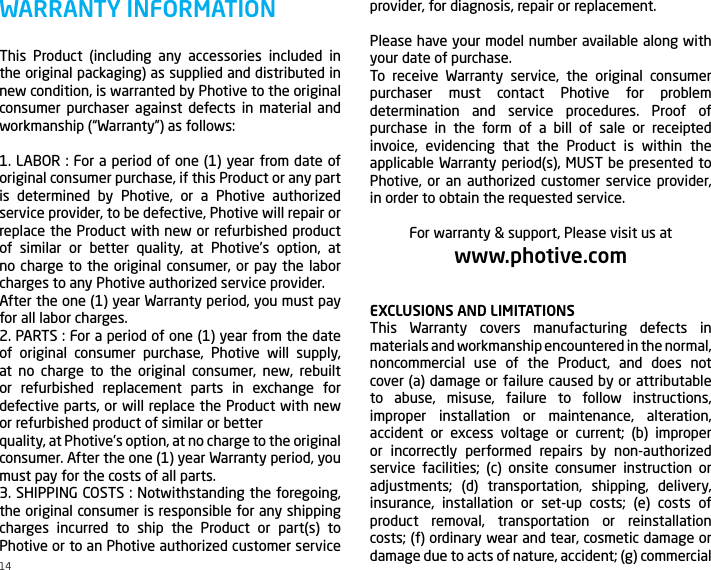
This Product (including any accessories included in the original packaging) as supplied and distributed in new condition, is warranted by Photive to the original consumer purchaser against defects in material and workmanship (“Warranty”) as follows:1. LABOR : For a period of one (1) year from date of original consumer purchase, if this Product or any part is determined by Photive, or a Photive authorized service provider, to be defective, Photive will repair or replace the Product with new or refurbished product of similar or better quality, at Photive’s option, at no charge to the original consumer, or pay the labor charges to any Photive authorized service provider.After the one (1) year Warranty period, you must pay for all labor charges.2. PARTS : For a period of one (1) year from the date of original consumer purchase, Photive will supply, at no charge to the original consumer, new, rebuilt or refurbished replacement parts in exchange for defective parts, or will replace the Product with new or refurbished product of similar or betterquality, at Photive’s option, at no charge to the original consumer. After the one (1) year Warranty period, you must pay for the costs of all parts.3. SHIPPING COSTS : Notwithstanding the foregoing, the original consumer is responsible for any shipping charges incurred to ship the Product or part(s) to Photive or to an Photive authorized customer service WARRANTY INFORMATION provider, for diagnosis, repair or replacement.Please have your model number available along with your date of purchase.To receive Warranty service, the original consumer purchaser must contact Photive for problem determination and service procedures. Proof of purchase in the form of a bill of sale or receipted invoice, evidencing that the Product is within the applicable Warranty period(s), MUST be presented to Photive, or an authorized customer service provider, in order to obtain the requested service.For warranty & support, Please visit us atwww.photive.comEXCLUSIONS AND LIMITATIONSThis Warranty covers manufacturing defects in materials and workmanship encountered in the normal, noncommercial use of the Product, and does not cover (a) damage or failure caused by or attributable to abuse, misuse, failure to follow instructions, improper installation or maintenance, alteration, accident or excess voltage or current; (b) improper or incorrectly performed repairs by non-authorized service facilities; (c) onsite consumer instruction or adjustments; (d) transportation, shipping, delivery, insurance, installation or set-up costs; (e) costs of product removal, transportation or reinstallation costs; (f) ordinary wear and tear, cosmetic damage or damage due to acts of nature, accident; (g) commercial 14
15use of the Product; (h) modification of, or to any part of the Product. This Warranty applies to the original consumer only and does not cover products sold AS IS or WITH ALL FAULTS, or consumable (e.g., fuses, batteries, bulbs etc.). This Warranty is valid only in the United States, and only applies to products purchased and serviced in the United States. All replaced parts and products, and products on which a refund is made, become the property of the Warrantor.NO WARRANTIES, WHETHER EXPRESS OR IMPLIED, INCLUDING, BUT NOT LIMITED TO, ANY IMPLIED WARRANTIES OF MERCHANTABILITY OR FITNESS FOR A PARTICULAR PURPOSE, OTHER THAN THOSE EXPRESSLY DESCRIBED ABOVE, SHALL APPLY. THE WARRANTOR FURTHER DISCLAIMS ALL WARRANTIES AFTER THE EXPRESS WARRANTY PERIOD STATED ABOVE. NO OTHER EXPRESS WARRANTY OR GUARANTY GIVEN BY ANY PERSON, FIRM OR ENTITY WITH RESPECT TO THE PRODUCT SHALL BE BINDING ON THE WARRANTOR.REPAIR, REPLACEMENT OR REFUND OF THE ORIGINAL PURCHASE PRICE − AT THE WARRANTOR’S SOLE DISCRETION − ARE THE EXCLUSIVE REMEDIES OF THE CONSUMER. THE WARRANTOR SHALL NOT BE LIABLE FOR ANY INCIDENTAL OR CONSEQUENTIAL DAMAGES CAUSED BY THE USE, MISUSE OR INABILITY TO USE THE PRODUCT. NOTWITHSTANDING THE FOREGOING, CONSUMER’S RECOVERY SHALL NOT EXCEED THE PURCHASE PRICE OF THE PRODUCT SOLD BY Photive. THIS WARRANTY SHALL NOT EXTEND TO ANYONE OTHER THAN THE ORIGINAL CONSUMER WHO PURCHASED THE PRODUCT AND IS NOT TRANSFERABLE.Some states do not allow the exclusion or limitation of incidental or consequential damages, or allow limitations on warranties, so the above limitations or exclusions may not apply to you. This Warranty gives you specific rights, and you may have other rights, which vary from state to state.
© 2016 Photive Edison, NJ 08837iPhone is a trademark of Apple Inc., in the U.S. and/or other countries. The Bluetooth word mark and logos are owned by Bluetooth SIG, Inc. All other trademarks and trade names are those of their respective owners. The illustrated product and specifications may dier slightly from those supplied.  Made in China

Navigation menu