K tec KP900XT Pager User Manual kp900xt manual

K-tec Co., Ltd. Pager kp900xt manual

User Manual

ENCORE(MODEL NO:KP900XT)USER'S MANUAL
This device complies with part 15 of the FCC rules andregulations.Operation is subject to the condition that this device notcause harmful interference.
CONTENTS ■ Features. ■ External View. ■ DESCRIPTION OF ICON INDICATION ■ Operation Pager   - Power ON   - Receiving and Reading a message   - Delete received Messages   - Delete all Messages   - Delete single Message   - Protect the Messages■ HOW TO SET UP FUNCTION   - Default settings   - Setting the Time & Date   - Setting the Alarm   - Setting the Auto Power ON/OFF   - Changing the Alert Mode ■ Out of Range ■ Remind Alert Mode ■ Battery in function   - Replacing the battery.   - Low battery indication
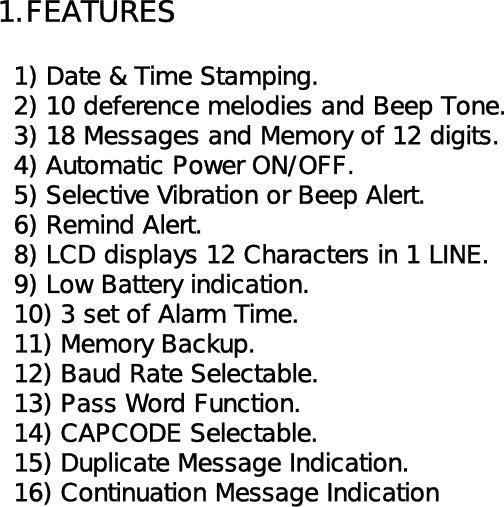
1.FEATURES  1) Date & Time Stamping.  2) 10 deference melodies and Beep Tone.  3) 18 Messages and Memory of 12 digits.  4) Automatic Power ON/OFF.  5) Selective Vibration or Beep Alert.  6) Remind Alert.  8) LCD displays 12 Characters in 1 LINE.  9) Low Battery indication.  10) 3 set of Alarm Time.   11) Memory Backup.  12) Baud Rate Selectable.  13) Pass Word Function.  14) CAPCODE Selectable.  15) Duplicate Message Indication.  16) Continuation Message Indication
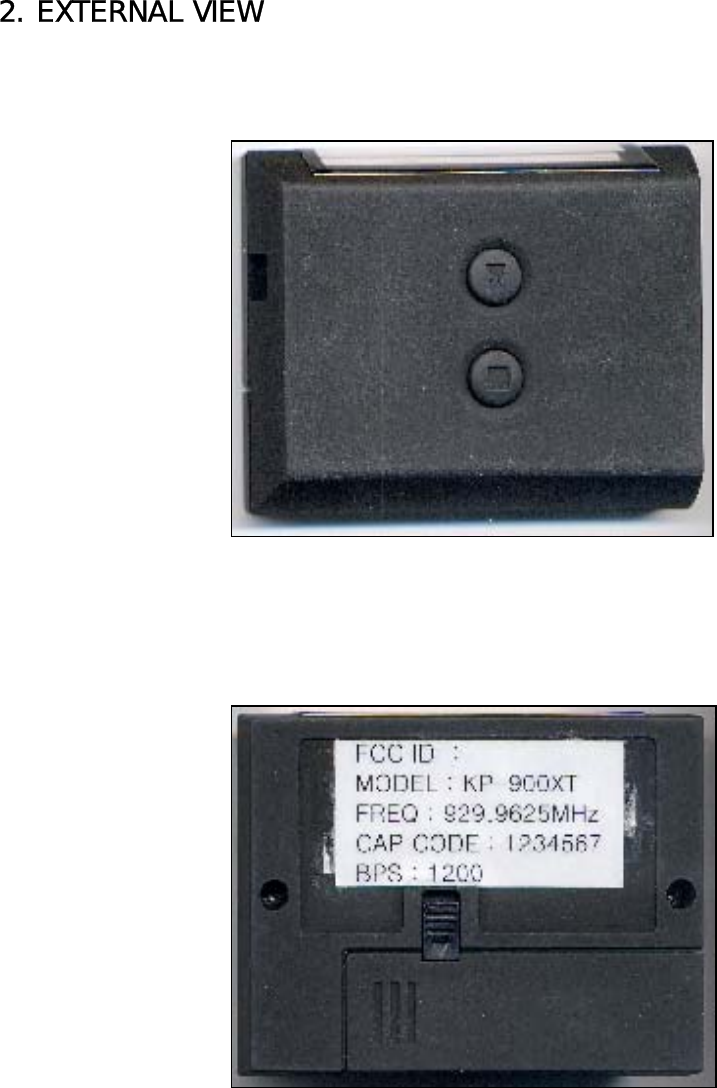
2. EXTERNAL VIEW
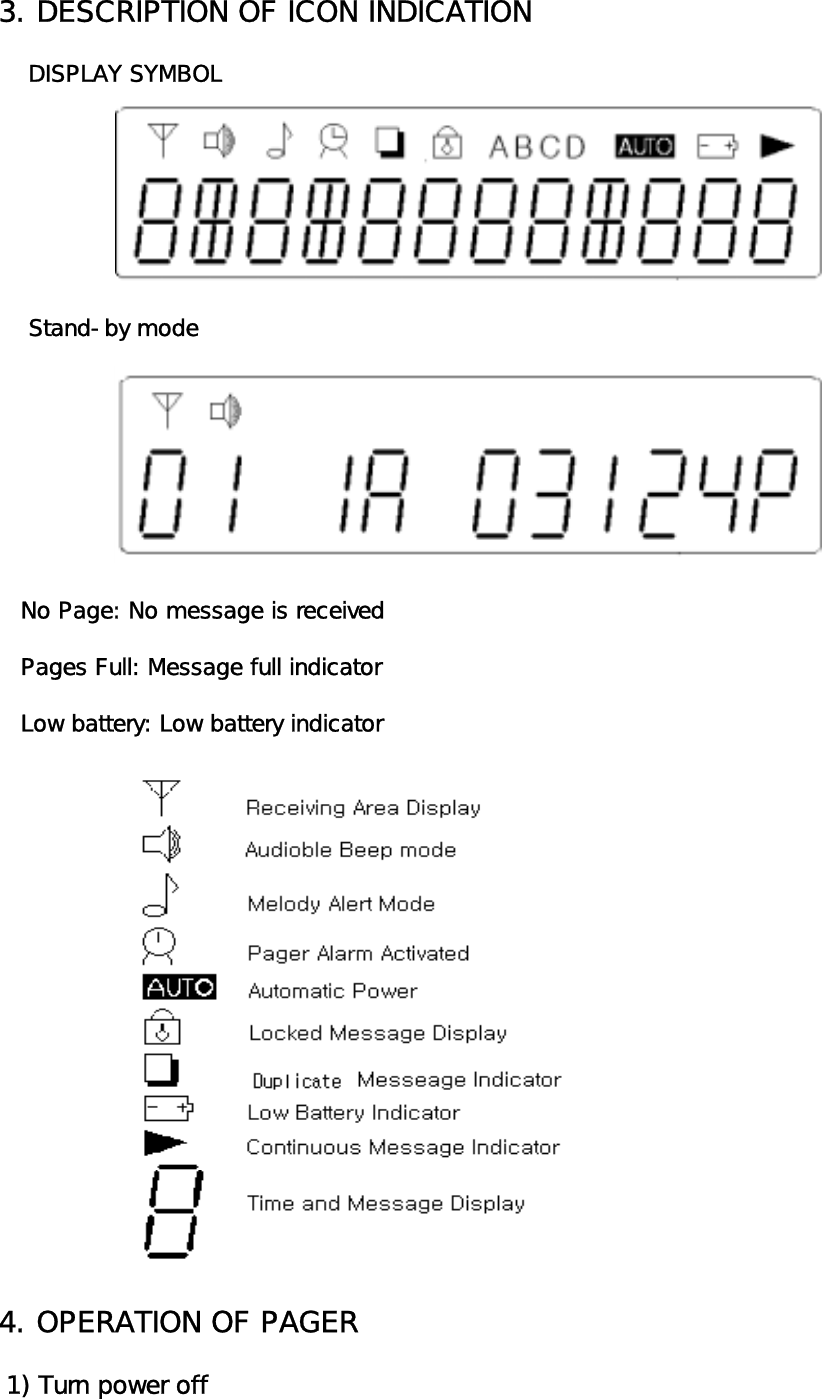
3. DESCRIPTION OF ICON INDICATION    DISPLAY SYMBOL    Stand-by mode   No Page: No message is received   Pages Full: Message full indicator   Low battery: Low battery indicator4. OPERATION OF PAGER 1) Turn power off
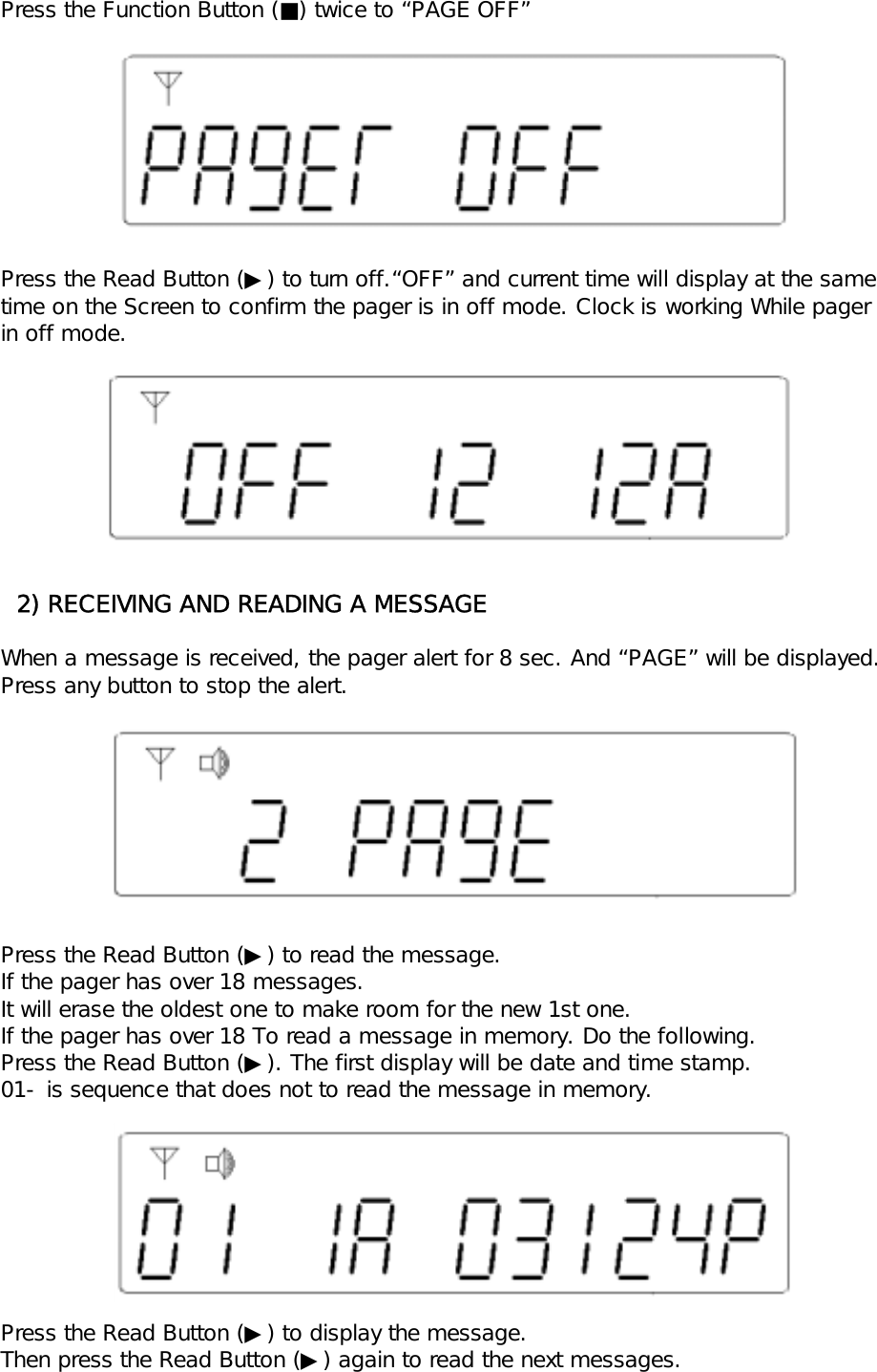
Press the Function Button (■) twice to “PAGE OFF”Press the Read Button (▶) to turn off.“OFF” and current time will display at the same time on the Screen to confirm the pager is in off mode. Clock is working While pagerin off mode.  2) RECEIVING AND READING A MESSAGEWhen a message is received, the pager alert for 8 sec. And “PAGE” will be displayed.Press any button to stop the alert.Press the Read Button (▶) to read the message. If the pager has over 18 messages.It will erase the oldest one to make room for the new 1st one.If the pager has over 18 To read a message in memory. Do the following.Press the Read Button (▶). The first display will be date and time stamp.01- is sequence that does not to read the message in memory.Press the Read Button (▶) to display the message.Then press the Read Button (▶) again to read the next messages.
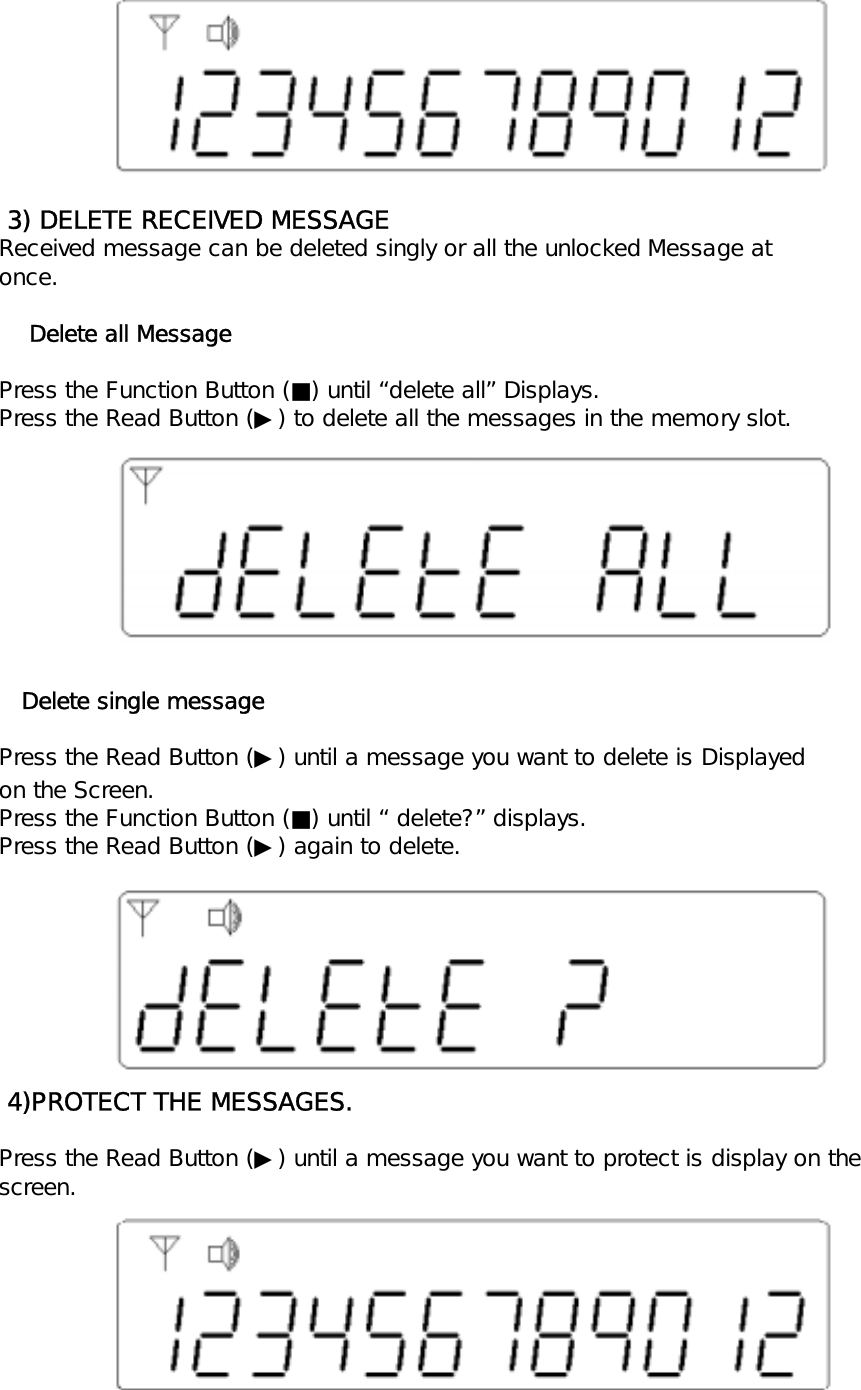
 3) DELETE RECEIVED MESSAGEReceived message can be deleted singly or all the unlocked Message atonce.    Delete all MessagePress the Function Button (■) until “delete all” Displays.Press the Read Button (▶) to delete all the messages in the memory slot.   Delete single messagePress the Read Button (▶) until a message you want to delete is Displayedon the Screen.Press the Function Button (■) until “ delete?” displays.Press the Read Button (▶) again to delete. 4)PROTECT THE MESSAGES.Press the Read Button (▶) until a message you want to protect is display on thescreen.
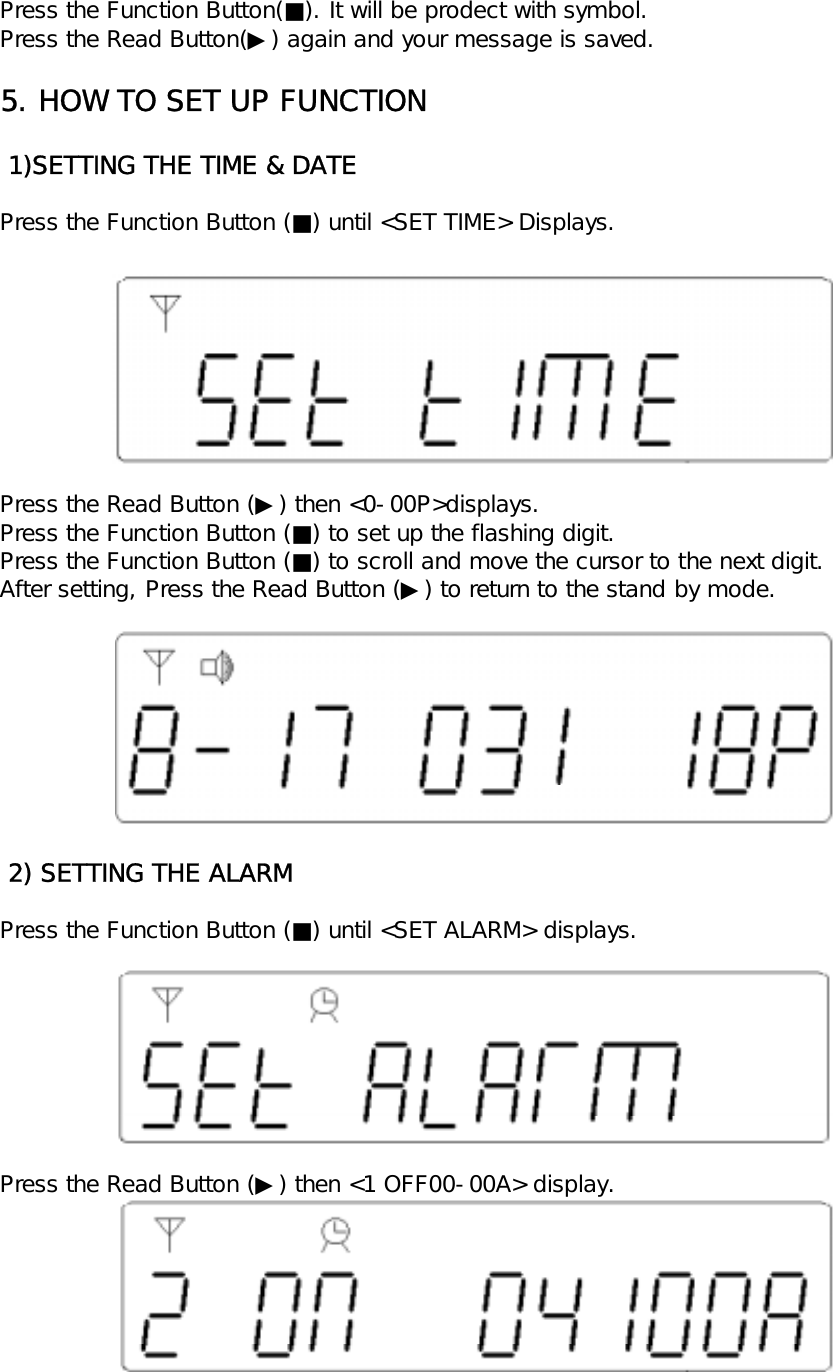
Press the Function Button(■). It will be prodect with symbol.Press the Read Button(▶) again and your message is saved.5. HOW TO SET UP FUNCTION 1)SETTING THE TIME & DATEPress the Function Button (■) until <SET TIME> Displays.Press the Read Button (▶) then <0-00P>displays.Press the Function Button (■) to set up the flashing digit.Press the Function Button (■) to scroll and move the cursor to the next digit.After setting, Press the Read Button (▶) to return to the stand by mode. 2) SETTING THE ALARMPress the Function Button (■) until <SET ALARM> displays.Press the Read Button (▶) then <1 OFF00-00A> display.
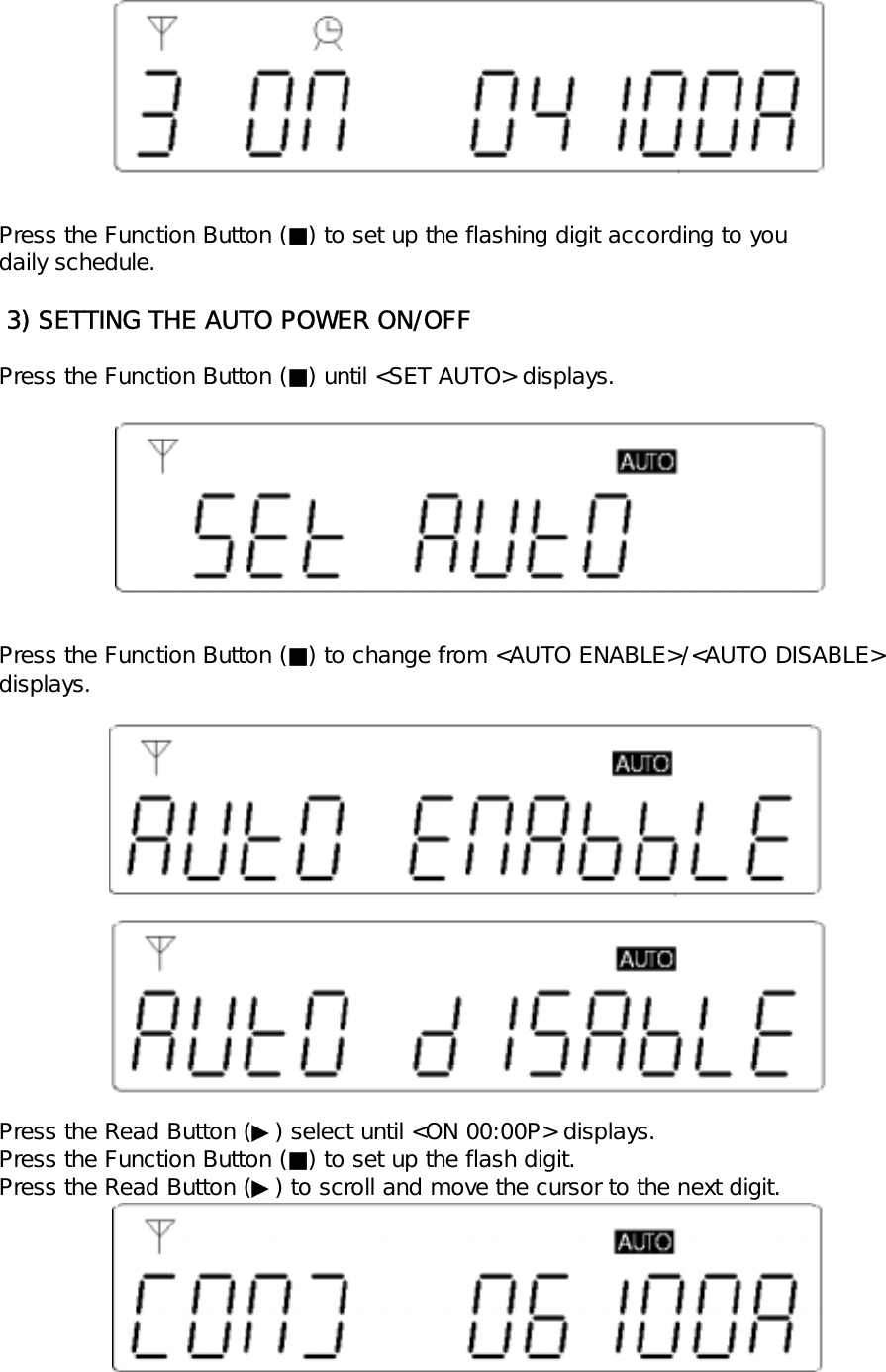
Press the Function Button (■) to set up the flashing digit according to youdaily schedule. 3) SETTING THE AUTO POWER ON/OFFPress the Function Button (■) until <SET AUTO> displays.Press the Function Button (■) to change from <AUTO ENABLE>/<AUTO DISABLE>displays.Press the Read Button (▶) select until <ON 00:00P> displays.Press the Function Button (■) to set up the flash digit.Press the Read Button (▶) to scroll and move the cursor to the next digit.
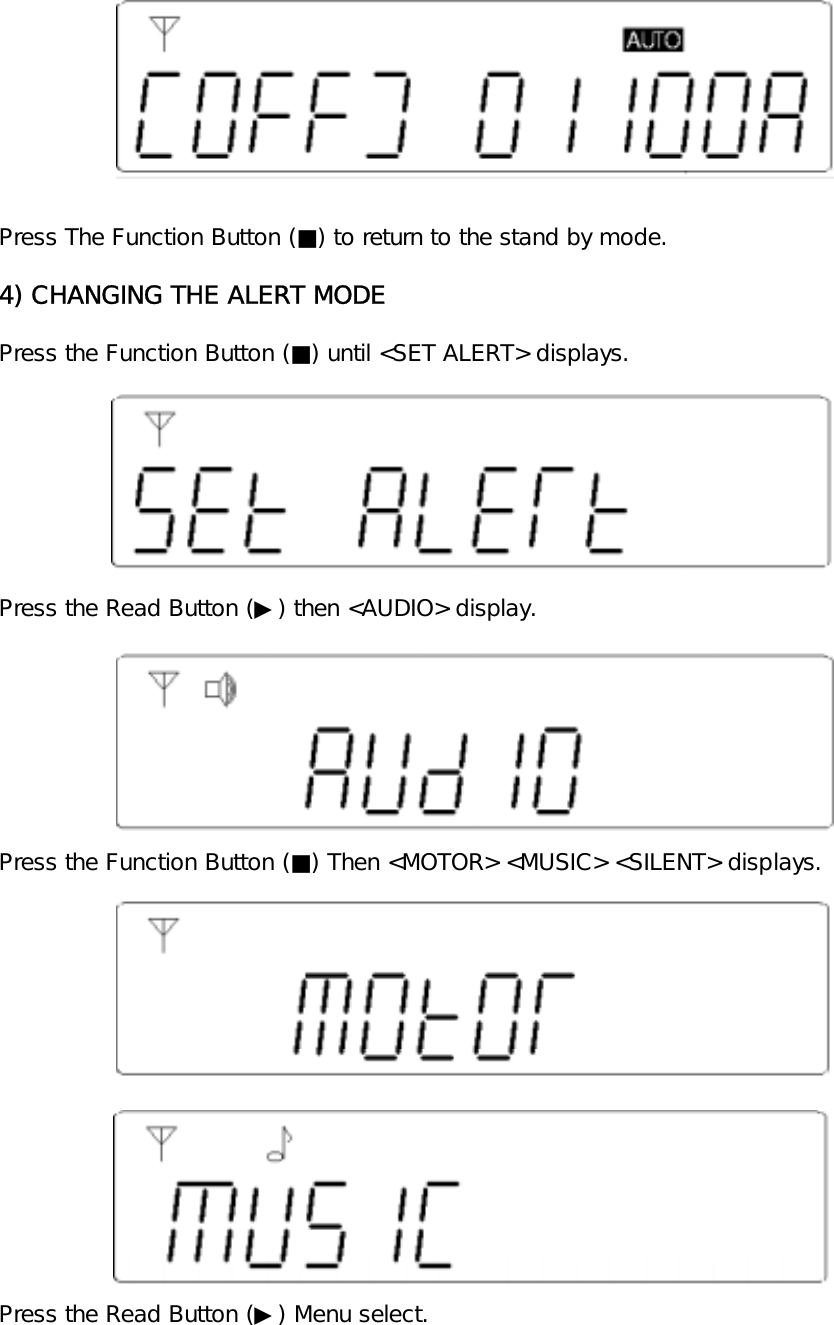
Press The Function Button (■) to return to the stand by mode.4) CHANGING THE ALERT MODEPress the Function Button (■) until <SET ALERT> displays.Press the Read Button (▶) then <AUDIO> display.Press the Function Button (■) Then <MOTOR> <MUSIC> <SILENT> displays.Press the Read Button (▶) Menu select.
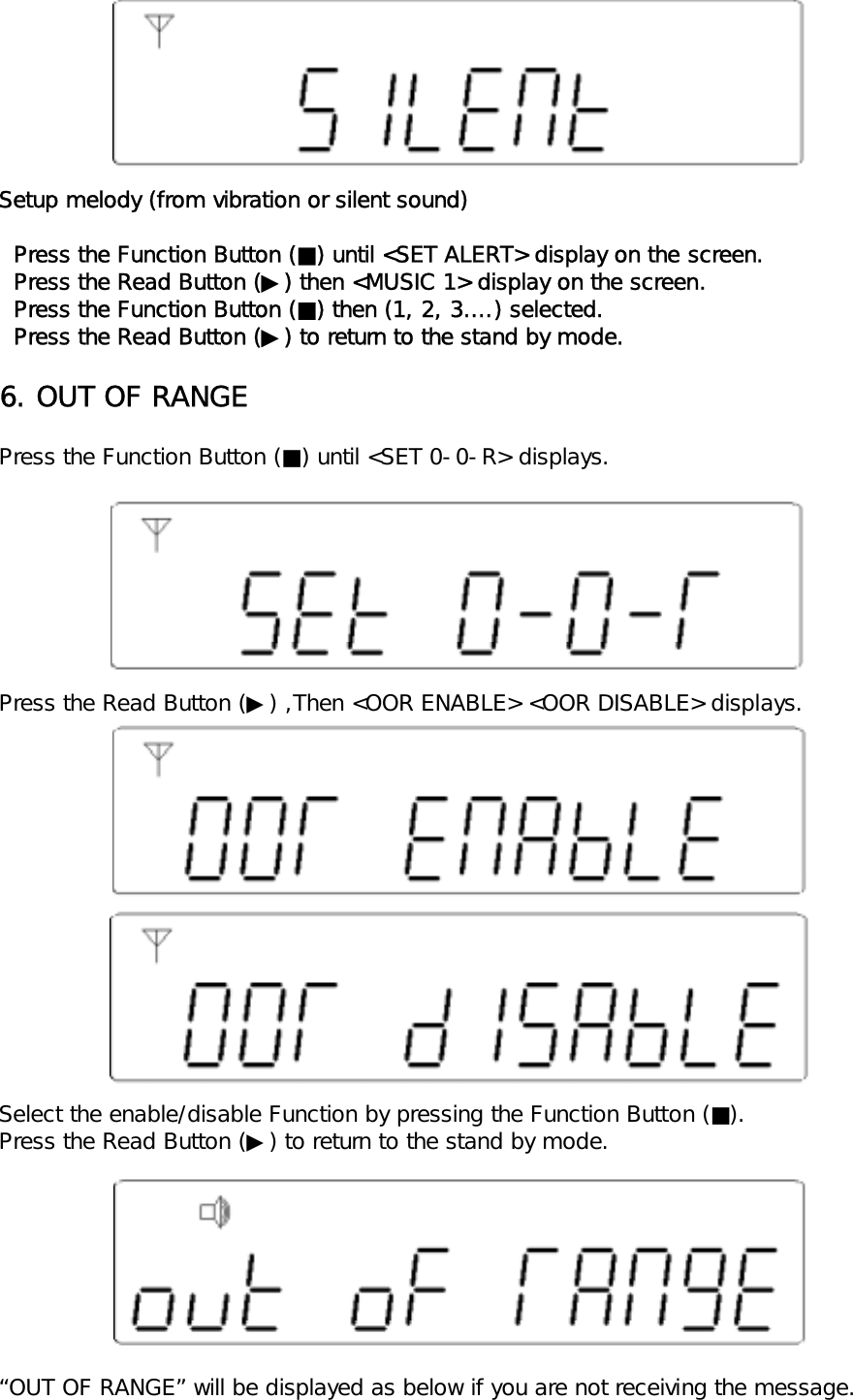
Setup melody (from vibration or silent sound)  Press the Function Button (■) until <SET ALERT> display on the screen.  Press the Read Button (▶) then <MUSIC 1> display on the screen.  Press the Function Button (■) then (1, 2, 3….) selected.  Press the Read Button (▶) to return to the stand by mode.6. OUT OF RANGEPress the Function Button (■) until <SET 0-0-R> displays.Press the Read Button (▶) ,Then <OOR ENABLE> <OOR DISABLE> displays.Select the enable/disable Function by pressing the Function Button (■).Press the Read Button (▶) to return to the stand by mode.“OUT OF RANGE” will be displayed as below if you are not receiving the message.
If the “OUT OF RANGE” feature is turned off, the symbol will not be.Displayed whether you are within the receiving range of signal or not.7. REMIND ALERT MODEPress the Function Button (■) until <SET REMIND> displays.Press the Read Button (▶) then <REM DISABLE> <REM ENABLE> displays.Select the enable / disable function by pressing the Function Button (■).Press the Read Button (▶) to return to the stand by mode.You can hear alert sound every minute when the remind alert Is “ENABLE” and the page isn’t displayed.and the page isn’t displayed.The alert sound isn’t heard when the remind alert is DISABLE
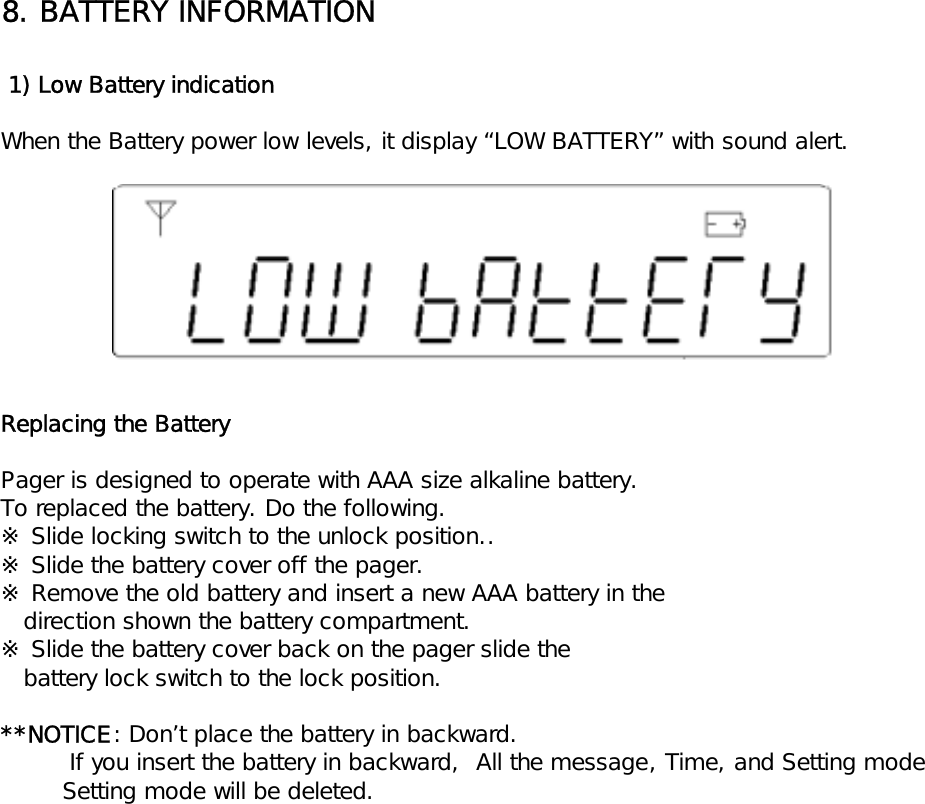
8. BATTERY INFORMATION 1) Low Battery indicationWhen the Battery power low levels, it display “LOW BATTERY” with sound alert.Replacing the BatteryPager is designed to operate with AAA size alkaline battery.To replaced the battery. Do the following.※ Slide locking switch to the unlock position..※ Slide the battery cover off the pager.※ Remove the old battery and insert a new AAA battery in the   direction shown the battery compartment.※ Slide the battery cover back on the pager slide the   battery lock switch to the lock position.**NOTICE: Don’t place the battery in backward.         If you insert the battery in backward,  All the message, Time, and Setting mode        Setting mode will be deleted.

Navigation menu