LANYA ELECTRONIC BSH10 Bluetooth Headset User Manual BSH10

LANYA ELECTRONIC CO., Ltd. Bluetooth Headset BSH10

Users Manual

Bluetooth Headset BSH10  USER GUIDE     Safety and General Information Please read the following information before using this product Users are not permitted to make changes or modify the product and the accessories in any way.    1. DO NOT use the product while operating a motor vehicle. 2. To avoid electronic interference and/or compatible conflicts, TURN OFF the product in any facilities where posted notices instruct you to do so. For example: Aircraft, Military Base, Hospital or Health Care Facilities. 3. To avoid impairing your hearing in the long-term operation, keep the headset volume in the moderate level. 4. Keep away of fire, water, and high voltage equipments 5. Follow the charging procedure described in this guide to charge the product.
Product Overview  With Bluetooth wireless technology, BSH10 gives you the convenient wireless way to enjoy the streaming stereo music transmitted from the Bluetooth A2DP*1-Source device such as a mp3 player, PC or PDA in the available range.   Moreover, you can use BSH10 to remote control the music playing functions of your Bluetooth device if it supports Bluetooth AVRCP*2 in addition. Switching between music and phone calls, BSH10 also allows you answer or make calls with the Bluetooth-enabled mobile phone*3 while you are listening to music. After you ended the call, the music will follow to be streamed in few seconds*4. Besides the wireless stereo and mobile hands-free applications, you can apply the BSH10 to the Bluetooth-enabled PC*5 with the Internet messenger such as Skype., MSN Messenger or Yahoo! Messenger.  Notes: *1 The playback or its plug-in Bluetooth adapter/transmitter needs to support Bluetooth A2DP (Advanced Audio Distribution Profile). *2 The playback or its plug-in Bluetooth adapter/transmitter needs to
support Bluetooth AVRCP (Audio Video Remote Control Profile). *3 The mobile phone needs to support Bluetooth HSP (Headset Profile) or HFP (Hands-free Profile) and support Bluetooth A2DP (Advanced Audio Distribution Profile). *4 Some mobile phones do not release the connection switch function to the headset, which will cause the headset to fail to switch the Bluetooth connection between music and call. *5 The computer or its plug-in Bluetooth adapter needs to support Bluetooth HSP (Headset Profile).       Structure and key definition       ①Multifunction button ② LED indicator ③ volume + ④ volume -
⑤  mini USB charging port ⑥ forward ⑦ backward ⑧ Microphone   The picture is for reference only. Please check the product for details.  How to use BSH10 Turn on the headset: When the headset is off, press and hold the multifunction button for 3 seconds until the blue LED turns on for 3 seconds.  Turn off the headset: When the headset is on, press and hold the multifunction button for 3 seconds until the red LED turns on for 3 seconds.  Paring:             Pairing is the process of establishing encrypted link between BSH10 and Bluetooth devices.     Step-1  In the off state, press and hold multifunction key for about 7 second until the red and blue LED flash alternatively.   Step-2  Follow the operating instruction of your Bluetooth mobile phone to start the pairing process. Typically, this is done by going to
a ”Connect” or “Setup” menu and then selecting the option to search the BSH10 that is still in the pairing mode Step-3 The mobile will find BSH10 headset and ask whether you are willing to connect your mobile with the headset. Press “Yes” or “Confirm” to confirm this action. Step-4 The mobile phone’s display should then prompt you for a passkey or PIN. Enter 0000 (a sequence of four zeros) and the display should prompt the pairing result.    If the connection is successful, the blue LED of the headset will flash 3 times. Then blue LED will flash one time every 7 seconds. If the pairing is unsuccessful, please turn off the headset and turn it on again. Then, return to Step-1 and do the pairing procedure again.  Make a Call                                                               Step-1    Use the mobile phone’s keypad to dial the phone number. Step- 2 Press mobile phone’s “Send” or “OK” key. The mobile phone initiates the call and transfer the call from the mobile phone to the headset Normally speaking,if there is no disturbance between headset and mobile, the voice quality is better.  Voice dialing (dialing a number by saying a name)
It is possible to make a call directly from the headset using voice recognition. To use this voice dialing function, your mobile phone must provide this option and corresponding voice samples must have been recorded. Step-1 Enable voice recognition function of your mobile and set the mobile to handsfree state. Step-2 Double press the multifunction button of the headset, you will hear a beep prompt. Step-3 Say the name of the person you wish to call loudly.  Answer a Call   Step-1  If there is an incoming call while you are listening to the streaming music, you will hear beep prompt from headset. Step-2    Just press multifunction key one time.  End a Call                                                                Use either of the following methods to end a call. Method-1  Press multifunction key one time to end a call from the headset. Method-2  End a call from the mobile phone’s keypad. If you are listening to music when there is incoming call or you are making a call, the headset will switch the connection from the music
player (A2DP) to the mobile phone (HSP or HFP); the streaming music will be paused temporarily. After you end the call, the music will be played and streamed to the headset again.  Notes:When you press multifunction key to answer or end a call, please just press one time. Do not press and hold.    Refuse a Call                                                             When there is incoming call, press and hold multifunction button for about 2 second until you hear prompt from the headset. Release the button and the call is refused.   Redial the last dialed number                                               Press and hold multifunction key for 2 second to redial the last dialed number.  Adjust volume                                                            In call mode or music mode, press volume +/- key to adjust volume. One short press will adjust one level. When the volume reaches max or min, when you press, the headset will prompt “du-du”.    Play/Pause music
In idle state, press multifunction button one time to play or pause music.  Previous/Next song                                                        When playing music, you can press “forward” button to play previous song and “backward” button to play next song.    Switch the call between mobile and headset In call state, press and hold multi function button for 2 second until there is prompt from headset. The call will be switched from headset to mobile or vice versa.  Trouble shooting: If disconnection occurs, please check the following factors: 1) Ensure that the headset has enough power, is turned on and has been successfully paired to the mobile.   2) The Bluetooth function of the mobile is enabled. 3) Check whether the range between the headset and mobile is over 10 meters (about 30 feet.) Or there is wall or other disturbance or other electrical devices between headset and mobile.
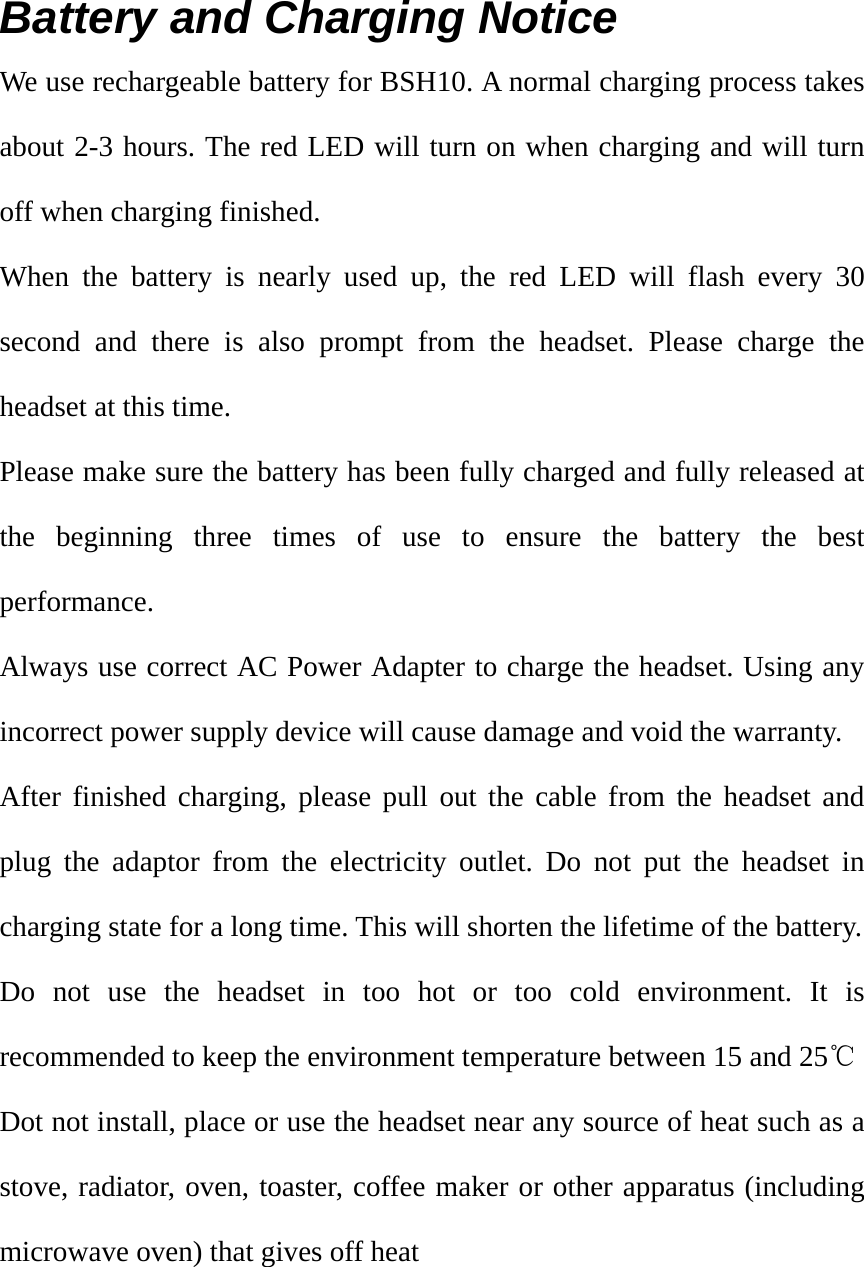
Battery and Charging Notice We use rechargeable battery for BSH10. A normal charging process takes about 2-3 hours. The red LED will turn on when charging and will turn off when charging finished. When the battery is nearly used up, the red LED will flash every 30 second and there is also prompt from the headset. Please charge the headset at this time. Please make sure the battery has been fully charged and fully released at the beginning three times of use to ensure the battery the best performance. Always use correct AC Power Adapter to charge the headset. Using any incorrect power supply device will cause damage and void the warranty. After finished charging, please pull out the cable from the headset and plug the adaptor from the electricity outlet. Do not put the headset in charging state for a long time. This will shorten the lifetime of the battery.   Do not use the headset in too hot or too cold environment. It is recommended to keep the environment temperature between 15 and 25℃ Dot not install, place or use the headset near any source of heat such as a stove, radiator, oven, toaster, coffee maker or other apparatus (including microwave oven) that gives off heat
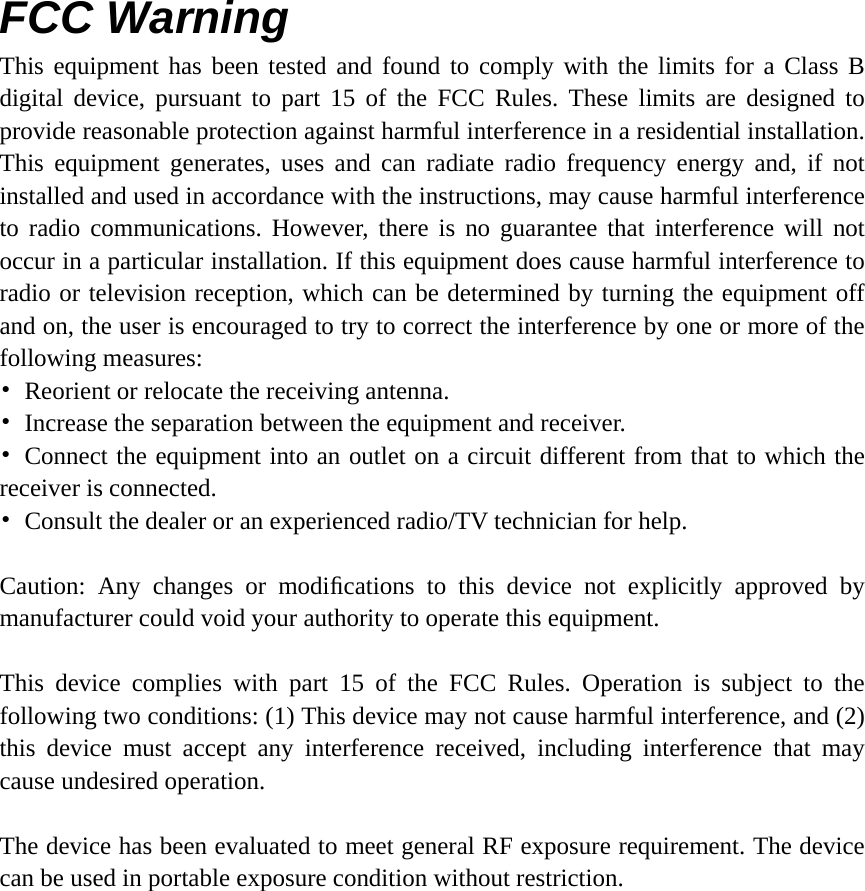
FCC Warning This equipment has been tested and found to comply with the limits for a Class B digital device, pursuant to part 15 of the FCC Rules. These limits are designed to provide reasonable protection against harmful interference in a residential installation. This equipment generates, uses and can radiate radio frequency energy and, if not installed and used in accordance with the instructions, may cause harmful interference to radio communications. However, there is no guarantee that interference will not occur in a particular installation. If this equipment does cause harmful interference to radio or television reception, which can be determined by turning the equipment off and on, the user is encouraged to try to correct the interference by one or more of the following measures: •  Reorient or relocate the receiving antenna. •  Increase the separation between the equipment and receiver. • Connect the equipment into an outlet on a circuit different from that to which the receiver is connected. •  Consult the dealer or an experienced radio/TV technician for help.  Caution: Any changes or modifications to this device not explicitly approved by manufacturer could void your authority to operate this equipment.  This device complies with part 15 of the FCC Rules. Operation is subject to the following two conditions: (1) This device may not cause harmful interference, and (2) this device must accept any interference received, including interference that may cause undesired operation.  The device has been evaluated to meet general RF exposure requirement. The device can be used in portable exposure condition without restriction.

Navigation menu