LEDVANCE LDVA19C Bluetooth wireless LED Bulb User Manual Smart E22138

LEDVANCE LLC Bluetooth wireless LED Bulb Smart E22138

Manual of user

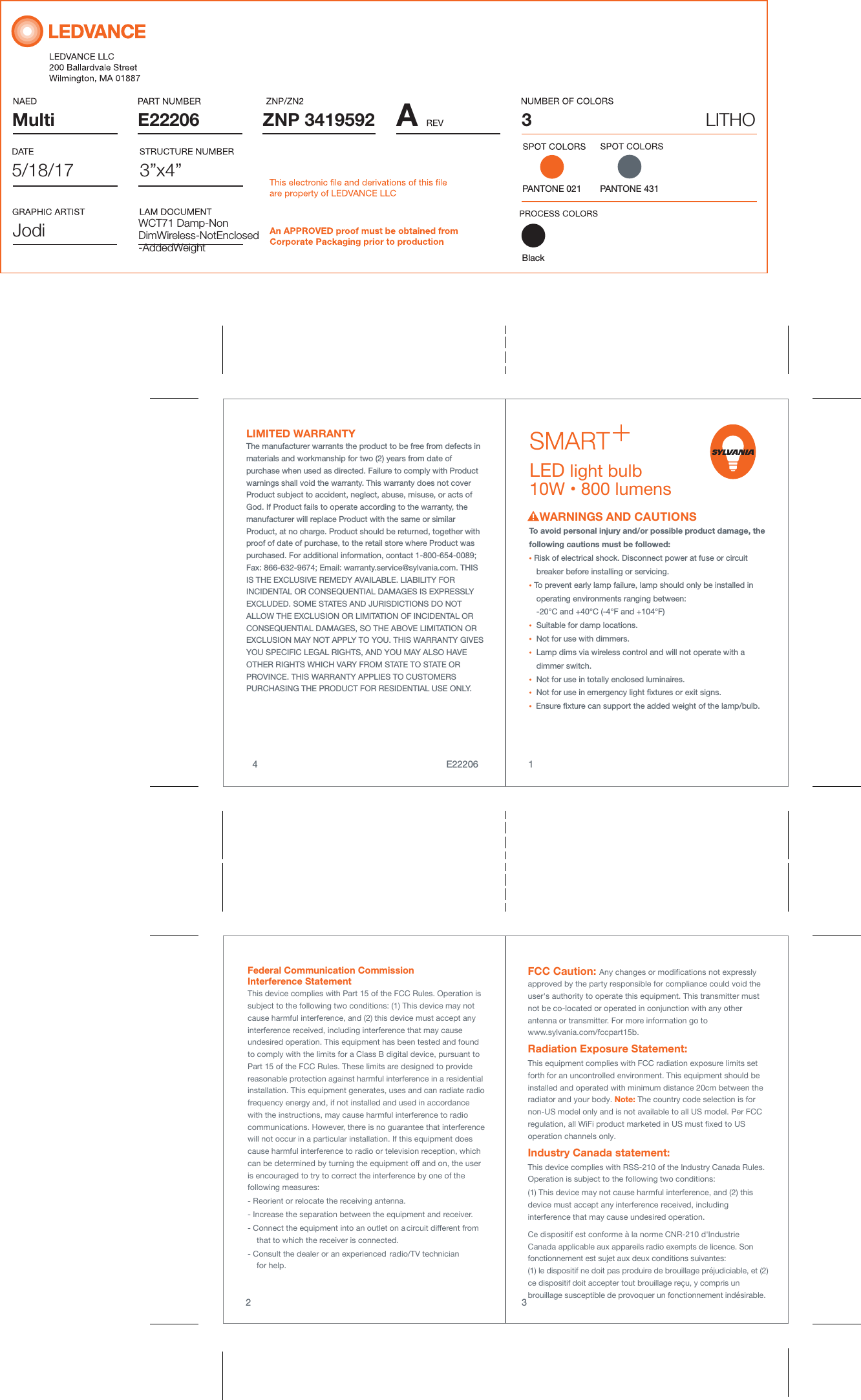
Multi AZNP 3419592E22206PANTONE 0213”x4”3LITHOWCT71 Damp-NonDimWireless-NotEnclosed-AddedWeight5/18/17JodiPANTONE 431To avoid personal injury and/or possible product damage, the following cautions must be followed:• Risk of electrical shock. Disconnect power at fuse or circuit    breaker before installing or servicing.• To prevent early lamp failure, lamp should only be installed in    operating environments ranging between:   -20°C and +40°C (-4°F and +104°F)•  Suitable for damp locations.•  Not for use with dimmers.•  Lamp dims via wireless control and will not operate with a    dimmer switch.•  Not for use in totally enclosed luminaires.•  Not for use in emergency light xtures or exit signs.•  Ensure xture can support the added weight of the lamp/bulb. WARNINGS AND CAUTIONSLIMITED WARRANTY The manufacturer warrants the product to be free from defects in materials and workmanship for two (2) years from date of purchase when used as directed. Failure to comply with Product warnings shall void the warranty. This warranty does not cover Product subject to accident, neglect, abuse, misuse, or acts of God. If Product fails to operate according to the warranty, the manufacturer will replace Product with the same or similar Product, at no charge. Product should be returned, together with proof of date of purchase, to the retail store where Product was purchased. For additional information, contact 1-800-654-0089; Fax: 866-632-9674; Email: warranty.service@sylvania.com. THIS IS THE EXCLUSIVE REMEDY AVAILABLE. LIABILITY FOR INCIDENTAL OR CONSEQUENTIAL DAMAGES IS EXPRESSLY EXCLUDED. SOME STATES AND JURISDICTIONS DO NOT ALLOW THE EXCLUSION OR LIMITATION OF INCIDENTAL OR CONSEQUENTIAL DAMAGES, SO THE ABOVE LIMITATION OR EXCLUSION MAY NOT APPLY TO YOU. THIS WARRANTY GIVES YOU SPECIFIC LEGAL RIGHTS, AND YOU MAY ALSO HAVE OTHER RIGHTS WHICH VARY FROM STATE TO STATE OR PROVINCE. THIS WARRANTY APPLIES TO CUSTOMERS PURCHASING THE PRODUCT FOR RESIDENTIAL USE ONLY.1432E22206Federal Communication Commission Interference StatementThis device complies with Part 15 of the FCC Rules. Operation is subject to the following two conditions: (1) This device may not cause harmful interference, and (2) this device must accept any interference received, including interference that may cause undesired operation. This equipment has been tested and found to comply with the limits for a Class B digital device, pursuant to Part 15 of the FCC Rules. These limits are designed to provide reasonable protection against harmful interference in a residential installation. This equipment generates, uses and can radiate radio frequency energy and, if not installed and used in accordance with the instructions, may cause harmful interference to radio communications. However, there is no guarantee that interference will not occur in a particular installation. If this equipment does cause harmful interference to radio or television reception, which can be determined by turning the equipment off and on, the user is encouraged to try to correct the interference by one of the following measures:- Reorient or relocate the receiving antenna.- Increase the separation between the equipment and receiver.     - Connect the equipment into an outlet on a circuit different from    that to which the receiver is connected.- Consult the dealer or an experienced radio/TV technician   for help.FCC Caution: Any changes or modifications not expressly approved by the party responsible for compliance could void the user's authority to operate this equipment. This transmitter must not be co-located or operated in conjunction with any other antenna or transmitter. For more information go to www.sylvania.com/fccpart15b.Radiation Exposure Statement:This equipment complies with FCC radiation exposure limits set forth for an uncontrolled environment. This equipment should be installed and operated with minimum distance 20cm between the radiator and your body. Note: The country code selection is for non-US model only and is not available to all US model. Per FCC regulation, all WiFi product marketed in US must fixed to US operation channels only.Industry Canada statement: This device complies with RSS-210 of the Industry Canada Rules. Operation is subject to the following two conditions: (1) This device may not cause harmful interference, and (2) this device must accept any interference received, including interference that may cause undesired operation. Ce dispositif est conforme à la norme CNR-210 d'Industrie Canada applicable aux appareils radio exempts de licence. Son fonctionnement est sujet aux deux conditions suivantes: (1) le dispositif ne doit pas produire de brouillage préjudiciable, et (2) ce dispositif doit accepter tout brouillage reçu, y compris un brouillage susceptible de provoquer un fonctionnement indésirable. LED light bulb10W • 800 lumens Black
OUTSIDE BOX ARTEASY SETUP NO HUB NEEDED!LED light bulb10W • 800 lumens   COLORDIM&WARMCOOLUsing the Apple® Home app, you can control all your lights from your favorite iOS device. Have your iPhone/iPad/iPod turn on and off the SYLVANIA Homekit lighting devices. Control lights remotely. The Home app makes all your connected devices work harder — and smarter — for you.Apple, the Apple logo and iPhone are trademarks of Apple Inc., registered in the U.S. and other countries. App Store is a service mark of Apple Inc.SYLVANIA is a registered trademark.  FCC ID: 2AKGT-LDVA19CIC: 22089-LDVA19CImported by:LEDVANCE LLC900 Tyrone PikeVersailles, KY 40383Made in ChinaRoHScompliantWARNINGS AND CAUTIONSTo control this HomeKit-enabled lighting device, iOS 10.3 or later is recommended. The Bluetooth® word mark and logos are registered trademarks owned by the Bluetooth SIG, Inc. and any use of such marks by [licensee name] is under license. Other trademarksand trade names are those of their respective owners.LED10/A19C/HOMEKIT/BLE/S+E22132 Fully dimmable via the Apple® Home App(THE LIGHT BULB JUST GOT SMARTERInside04 6 1 3 5 7 4 4 8 4 674484 AZNP 3419592E22132X62016A5LITHO5/9/17JodiPANTONE 021
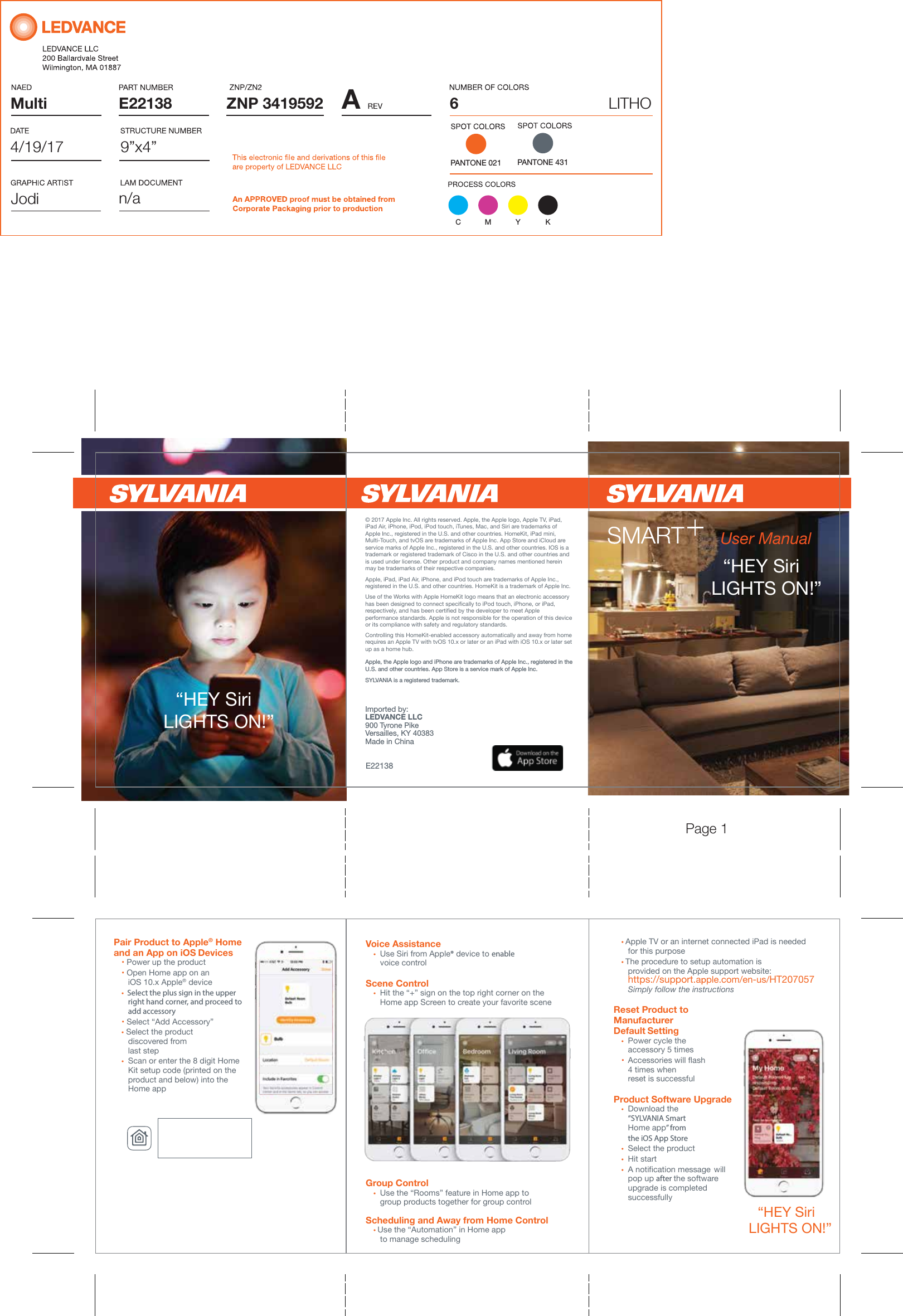
Multi AZNP 3419592E22138PANTONE 0219”x4”6LITHOn/a4/19/17JodiC M Y KPANTONE 431User Manual“HEY Siri   LIGHTS ON!” Pair Product to Apple® Home  and an App on iOS Devices   • Power up the product • Open Home app on an             iOS 10.x Apple® device •  Select the plus sign in the upper     right hand corner, and proceed to     add accessory • Select “Add Accessory” • Select the product              discovered from     last step •  Scan or enter the 8 digit Home           Kit setup code (printed on the            product and below) into the     Home appVoice Assistance • Use Siri from Apple® device to enable     voice controlScene Control •  Hit the “+” sign on the top right corner on the        Home app Screen to create your favorite sceneGroup Control •  Use the “Rooms” feature in Home app to         group products together for group control Scheduling and Away from Home Control • Use the “Automation” in Home app          to manage scheduling“HEY Siri   LIGHTS ON!” Apple, the Apple logo and iPhone are trademarks of Apple Inc., registered in the U.S. and other countries. App Store is a service mark of Apple Inc.SYLVANIA is a registered trademark.  Imported by:LEDVANCE LLC900 Tyrone PikeVersailles, KY 40383Made in China“HEY Siri   LIGHTS ON!” Controlling this HomeKit-enabled accessory automatically and away from home requires an Apple TV with tvOS 10.x or later or an iPad with iOS 10.x or later set up as a home hub.Apple, iPad, iPad Air, iPhone, and iPod touch are trademarks of Apple Inc., registered in the U.S. and other countries. HomeKit is a trademark of Apple Inc.© 2017 Apple Inc. All rights reserved. Apple, the Apple logo, AppleTV, iPad, iPad Air, iPhone, iPod, iPod touch, iTunes, Mac, and Siri are trademarks of Apple Inc., registered in the U.S. and other countries. HomeKit, iPad mini, Multi-Touch, and tvOS are trademarks of Apple Inc. AppStore and iCloud are service marks of Apple Inc., registered in the U.S. and other countries. IOS is a trademark or registered trademark of Cisco in the U.S. and other countries and is used under license. Other product and company names mentioned herein may be trademarks of their respective companies.Use of the Works with Apple HomeKit logo means that an electronic accessory has been designed to connect specifically to iPod touch, iPhone, or iPad, respectively, and has been certified by the developer to meet Apple performance standards. Apple is not responsible for the operation of this device or its compliance with safety and regulatory standards.E22138 • Apple TV or an internet connected iPad is needed     for this purpose • The procedure to setup automation is          provided on the Apple support website:        https://support.apple.com/en-us/HT207057   Simply follow the instructionsReset Product to Manufacturer  Default Setting •  Power cycle the     accessory 5 times  •  Accessories will flash   4 times when           reset is successful         Product Software Upgrade • Download the     “SYLVANIA Smart         Home app” from     the iOS App Store       •  Select the product • Hit start • A notification message  will     pop up after the software     upgrade is completed             successfullyPage 1

Navigation menu