LITTLE WING TECHNOLOGIES JW6500 Wireless Mouse User Manual

LITTLE WING TECHNOLOGIES CORP. Wireless Mouse Users Manual

Contents

Users Manual

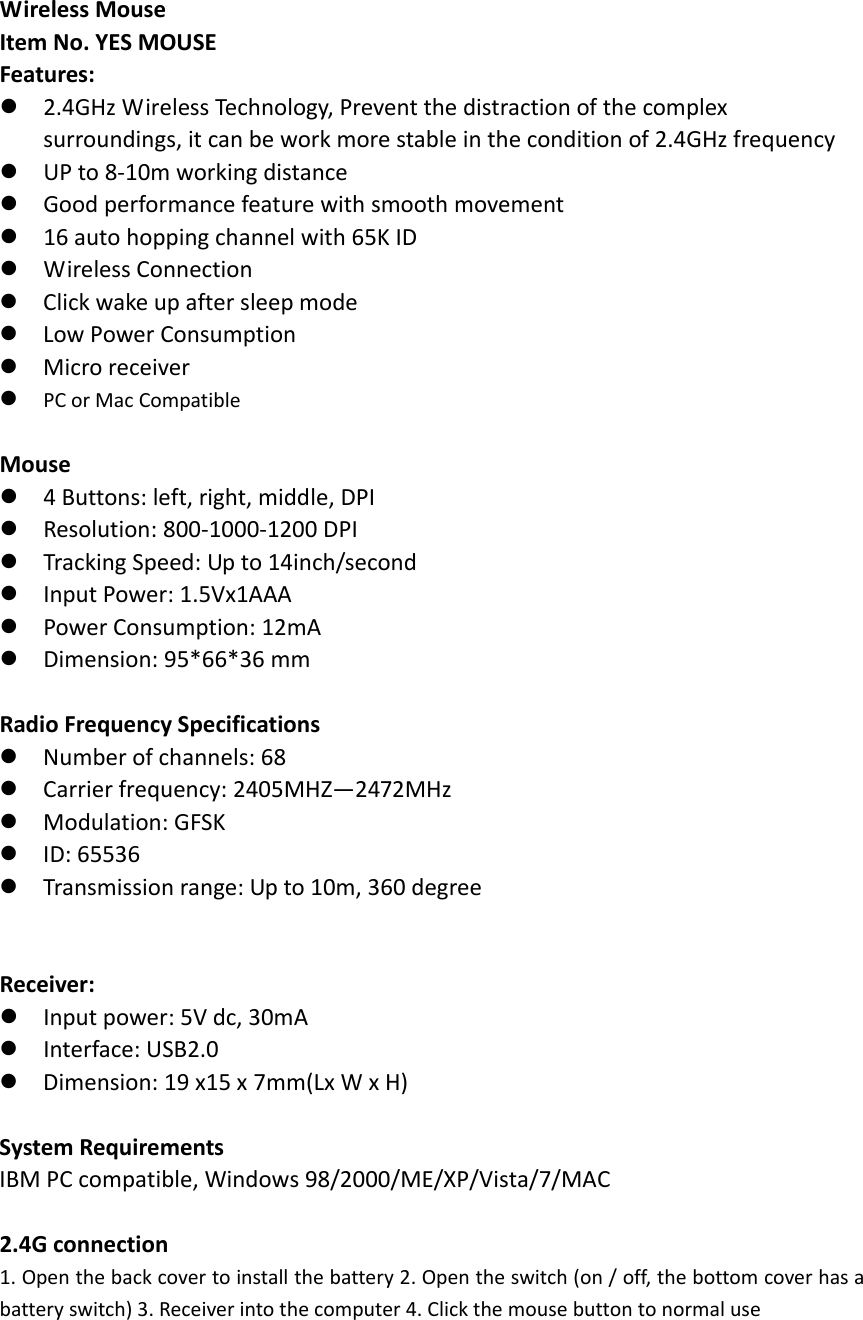
WirelessMouseItemNo.YESMOUSEFeatures:2.4GHzWirelessTechnology,Preventthedistractionofthecomplexsurroundings,itcanbeworkmorestableintheconditionof2.4GHzfrequencyUPto8‐10mworkingdistanceGoodperformancefeaturewithsmoothmovement16autohoppingchannelwith65KIDWirelessConnectionClickwakeupaftersleepmodeLowPowerConsumptionMicroreceiverPCorMacCompatibleMouse4Buttons:left,right,middle,DPIResolution:800‐1000‐1200DPITrackingSpeed:Upto14inch/secondInputPower:1.5Vx1AAAPowerConsumption:12mADimension:95*66*36mmRadioFrequencySpecificationsNumberofchannels:68Carrierfrequency:2405MHZ—2472MHzModulation:GFSKID:65536Transmissionrange:Upto10m,360degreeReceiver:Inputpower:5Vdc,30mAInterface:USB2.0Dimension:19x15x7mm(LxWxH)SystemRequirementsIBMPCcompatible,Windows98/2000/ME/XP/Vista/7/MAC2.4Gconnection1. Openthebackcovertoinstallthebattery2.Opentheswitch(on/off,thebottomcoverhasabatteryswitch)3.Receiverintothecomputer4.Clickthemousebuttontonormaluse
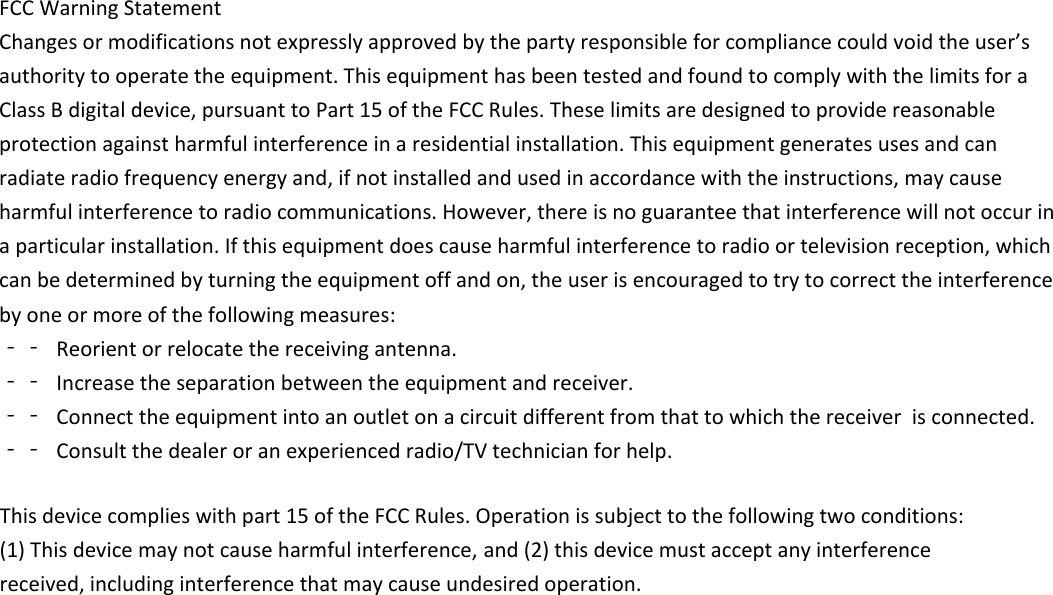
FCCWarningStatementChangesormodificationsnotexpresslyapprovedbythepartyresponsibleforcompliancecouldvoidtheuser’sauthoritytooperatetheequipment.ThisequipmenthasbeentestedandfoundtocomplywiththelimitsforaClassBdigitaldevice,pursuanttoPart15oftheFCCRules.Theselimitsaredesignedtoprovidereasonableprotectionagainstharmfulinterferenceinaresidentialinstallation.Thisequipmentgeneratesusesandcanradiateradiofrequencyenergyand,ifnotinstalledandusedinaccordancewiththeinstructions,maycauseharmfulinterferencetoradiocommunications.However,thereisnoguaranteethatinterferencewillnotoccurinaparticularinstallation.Ifthisequipmentdoescauseharmfulinterferencetoradioortelevisionreception,whichcanbedeterminedbyturningtheequipmentoffandon,theuserisencouragedtotrytocorrecttheinterferencebyoneormoreofthefollowingmeasures:‐‐ Reorientorrelocatethereceivingantenna.‐‐ Increasetheseparationbetweentheequipmentandreceiver.‐‐ Connecttheequipmentintoanoutletonacircuitdifferentfromthattowhichthereceiver isconnected.‐‐ Consultthedealeroranexperiencedradio/TVtechnicianforhelp.This device complies with part 15 of the FCC Rules. Operation is subject to the following two conditions: (1) This device may not cause harmful interference,  and (2) this device must accept any interference received, including interference that may cause undesired operation.

Navigation menu