LSTN LSTNBEACON Beacon TWS Earbuds User Manual LSTN BEACON

LSTN INC. Beacon TWS Earbuds LSTN BEACON

User Manual

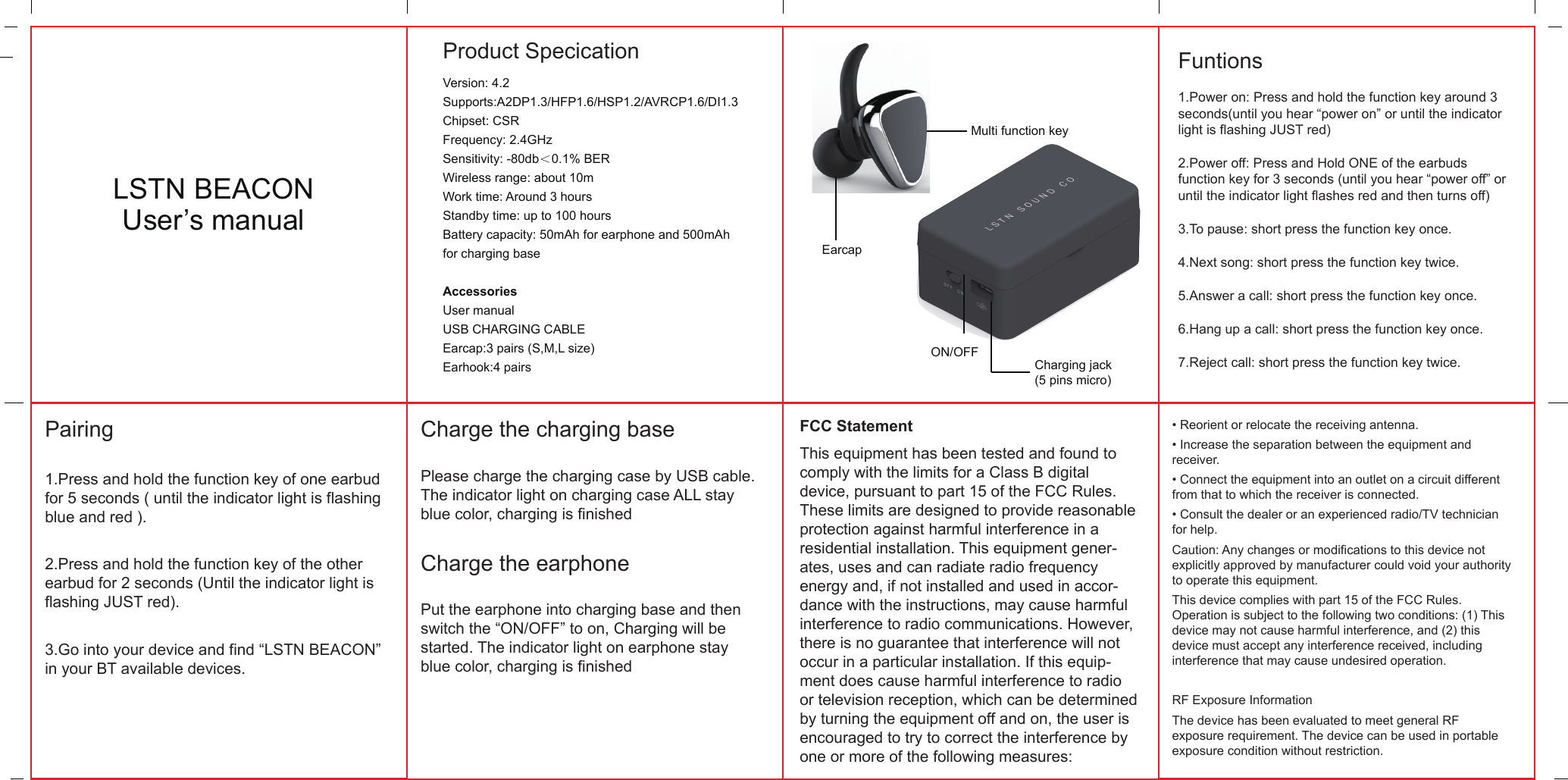
  Product SpecicationLSTN BEACONUser’s manualMulti function keyCharging jack(5 pins micro)ON/OFFEarcapVersion: 4.2Supports:A2DP1.3/HFP1.6/HSP1.2/AVRCP1.6/DI1.3Chipset: CSR Frequency: 2.4GHzSensitivity: -80db<0.1% BERWireless range: about 10mWork time: Around 3 hoursStandby time: up to 100 hoursBattery capacity: 50mAh for earphone and 500mAhfor charging baseAccessoriesUser manualUSB CHARGING CABLEEarcap:3 pairs (S,M,L size) Earhook:4 pairsFuntions1.Power on: Press and hold the function key around 3 seconds(until you hear “power on” or until the indicator light is flashing JUST red)2.Power off: Press and Hold ONE of the earbuds function key for 3 seconds (until you hear “power off” or until the indicator light flashes red and then turns off)3.To pause: short press the function key once.4.Next song: short press the function key twice.5.Answer a call: short press the function key once.6.Hang up a call: short press the function key once.7.Reject call: short press the function key twice.Pairing1.Press and hold the function key of one earbud for 5 seconds ( until the indicator light is flashing blue and red ).2.Press and hold the function key of the other earbud for 2 seconds (Until the indicator light is flashing JUST red).3.Go into your device and find “LSTN BEACON” in your BT available devices.Charge the charging basePlease charge the charging case by USB cable. The indicator light on charging case ALL stay blue color, charging is finishedCharge the earphonePut the earphone into charging base and then switch the “ON/OFF” to on, Charging will be started. The indicator light on earphone stay blue color, charging is finishedFCC StatementThis equipment has been tested and found to comply with the limits for a Class B digital device, pursuant to part 15 of the FCC Rules. These limits are designed to provide reasonable protection against harmful interference in a residential installation. This equipment gener-ates, uses and can radiate radio frequency energy and, if not installed and used in accor-dance with the instructions, may cause harmful interference to radio communications. However, there is no guarantee that interference will not occur in a particular installation. If this equip-ment does cause harmful interference to radio or television reception, which can be determined by turning the equipment off and on, the user is encouraged to try to correct the interference by one or more of the following measures:• Reorient or relocate the receiving antenna.• Increase the separation between the equipment and receiver.• Connect the equipment into an outlet on a circuit different from that to which the receiver is connected.• Consult the dealer or an experienced radio/TV technician for help.Caution: Any changes or modifications to this device not explicitly approved by manufacturer could void your authority to operate this equipment.This device complies with part 15 of the FCC Rules. Operation is subject to the following two conditions: (1) This device may not cause harmful interference, and (2) this device must accept any interference received, including interference that may cause undesired operation.RF Exposure InformationThe device has been evaluated to meet general RF exposure requirement. The device can be used in portable exposure condition without restriction.

Navigation menu