Libratone A S LTH210 Wireless Speaker User Manual
Libratone A/S Wireless Speaker
Contents
- 1. Warning Sheet rev1
- 2. User Manual
User Manual

Libratone A/S
LTH210 & LTH310 User Instruction
1. The wireless speakers supports 2.4GHz & 5.1GHz & 5.8GHz Wi-Fi and Bluetooth
connection and also 3.5mm line in to play music, the 2.4GHz & 5.1GHz & 5.8GHz
Wi-Fi can NOT operate at same time.
2. The Speaker has internal rechargeable battery and also have the charger adapter.
3. The Speaker is mainly for home use which can be put on the table, or hang on wall
by reliable hook with the speaker strip, etc. some scenario refer to below
User Scenario Overview
1.1 Simple setup
The Speaker is always ready to play as soon as possible. Just take it out of the box, connect to
host device easily and play. It offers the end user the most reliable and stable way to do the
Wi-Fi configuration.
1.2 Listening music
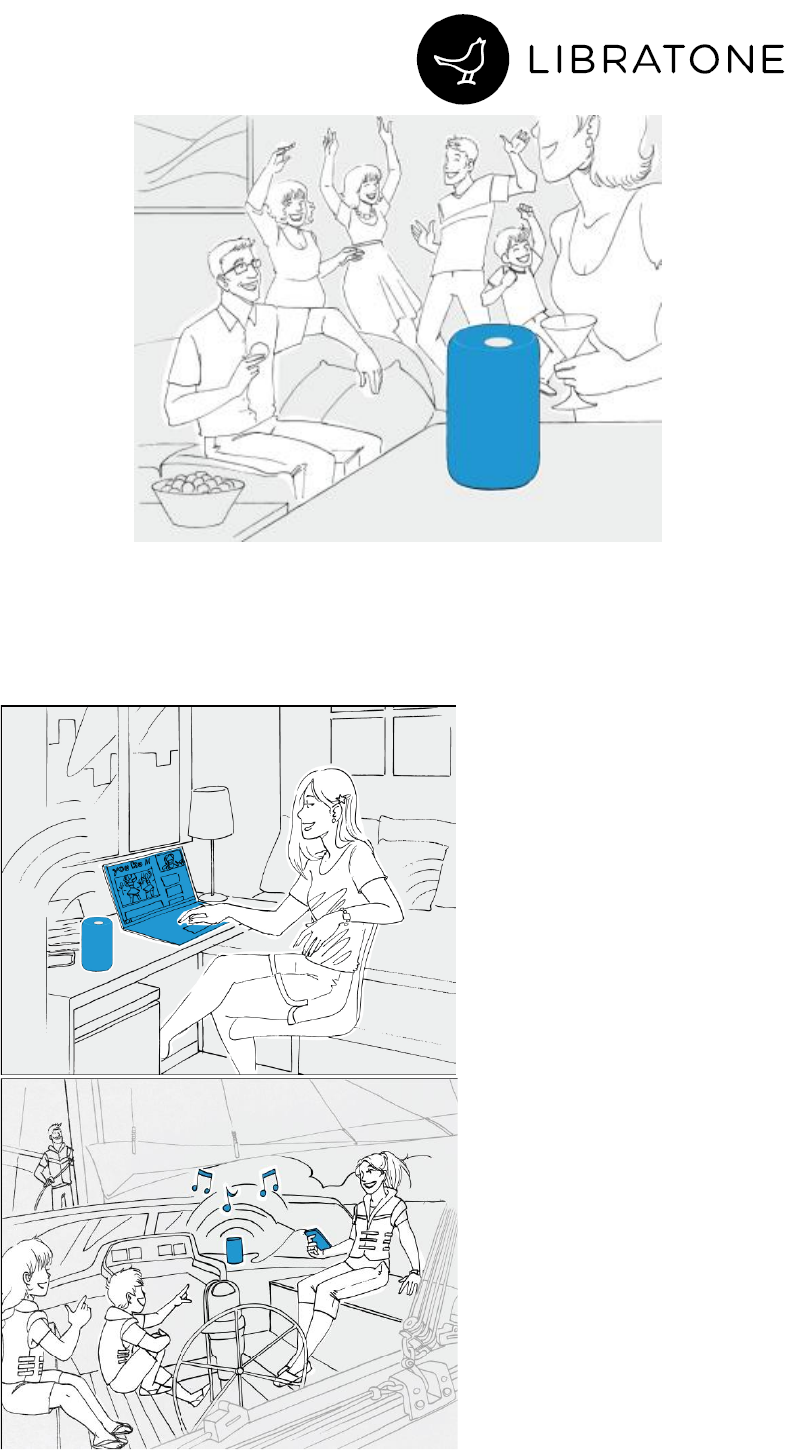
The speaker’s acoustic package creates the best, most involving 360 degrees sound of any
speaker in its category. It provides enough quality to amaze, and enough volume to party!
Libratone A/S
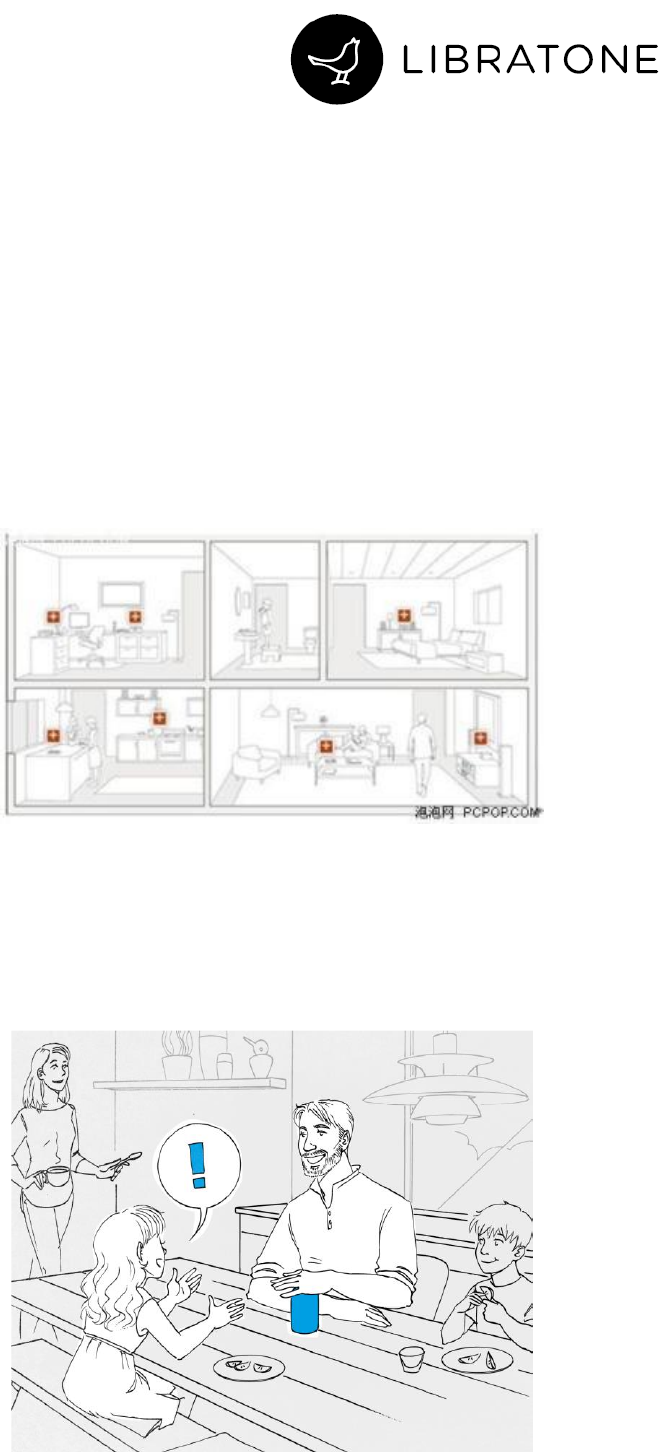
The end user can connect the host device with the speaker via Wi-Fi/BT/3.5mm audio cable
etc. to play music, watch movie, gaming or ..., which offers the end user a perfect audio
enjoyment anywhere.
Libratone A/S
1.3 Voice control
User can talk to the speaker and control it via voice. Generally, user can ask weather, traffic
and other general information, or play music, audible books, on line radio...... When music is
playing, just control the playback via voice.
1.4 Multi-speaker enjoyment
The end user can share music playing to everyone, everywhere in a big house via multi-room
function, which groups several speakers together and playing music synchronously. It allows
the users to enjoy the music playing seamlessly everywhere at home. And it can create a 2.0
channel audio system on speakers in one group for better personal audio
performance/enjoyment. The group is setup by the App or via the physical UI of the speaker.
1.5 Hush
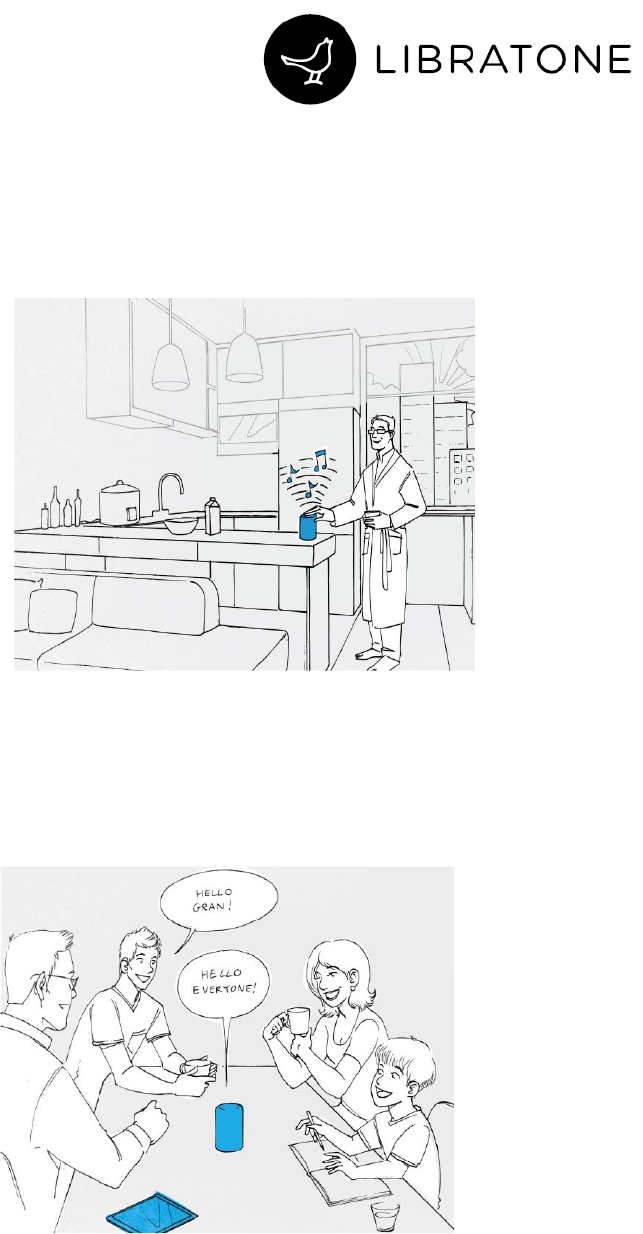
The Speaker offers the end user a simple and easy way to temporarily reduce the volume level
by placing a hand on top of it. By remove the hand from the speaker, the volume will ramp
back up to the previous level.
Libratone A/S
1.6 Favorites
The Speaker has the ability to store and recall streaming sources without streaming device at
hand, which provides an easy way for the user to listen music at any time by just pressing a
button. The stored streaming sources can only be edit by the App.
1.7 360° Speakerphone
Adding microphones to the speaker will allow a class-leading conference call experience. The
mic array and AEC algorithm will optimize sound and call clarity, while the algorithm would
focus on voices and reduce background noise.