TPLD_external_WRT54G2_page1 Launch Doc WRT54G2 V2,0
2014-10-28
: Linksys Launch Doc Wrt54G2 V2,0 Launch_doc_WRT54G2_v2,0 partners s
Open the PDF directly: View PDF  .
.
Page Count: 2
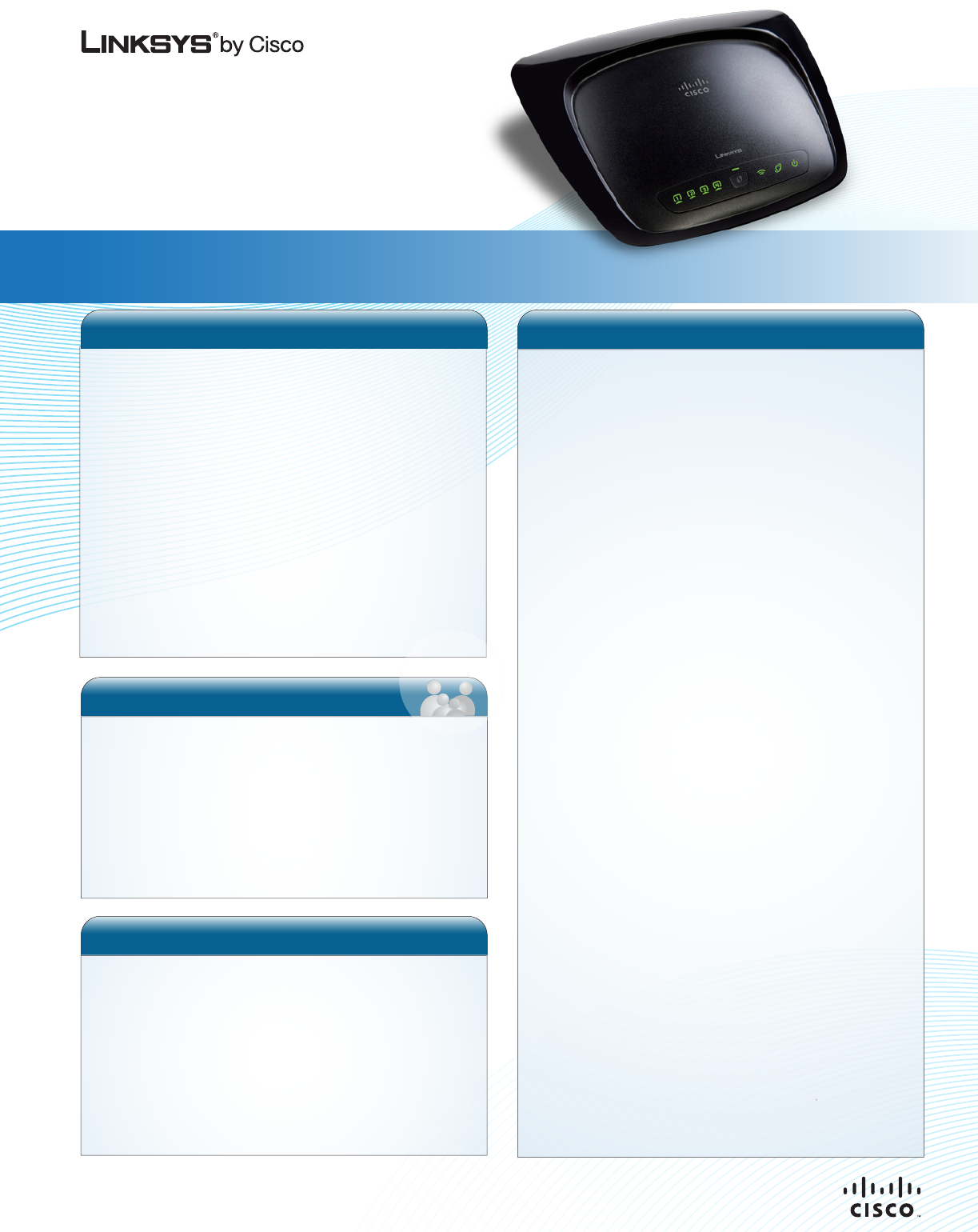
Wireless-G
Broadband Router
WRT54G2
PRODUCT LAUNCH DOC
The Customer’s Needs
The Wireless-G Broadband Router is ideal for the budget-
minded networking beginner who is looking for reliable
Internet access, mobility in the home, ability to network with
existing PCs/Macs and peripherals such as printers or
storage devices. The Setup Wizard and LELA Network
Management is perfect for the novice user who is not
planning to engage in heavy gaming or bandwidth heavy
entertainment pursuits. The WRT54G2 is a good solution for
basic home or home office networking.
The Linksys by Cisco Solution
The Wireless-G Broadband Router is compatible with
other Wireless-G and computers, adapters and peripher-
als. It is backwards compatible to 802.11b.
From the worldwide leader in networking technology, this
Wireless-G Broadband Router is part of an ever-
expanding line of Wireless-N products designed to
connect people to their digital world effortlessly and more
securely.
Surf, work, or play without running wires
Product Description
The Linksys by Cisco Wireless-G Broadband Router
(WRT54G2) connects to a broadband modem or Internet
connection and provides consumers a quick and easy way to
access the Internet from wirelessly-enabled computers
throughout their home. This basic G router is faster than
Wireless-B and is a good solution for basic Internet brows-
ing, emailing and moving files to other computers and
peripheral devices like printers. The WRT54G2 includes
LELA (Linksys EasyLink Advisor) an intelligent yet easy-to-
understand software utility that gets users up and running in
minutes. LELA also lets users apply robust security settings
that are designed to help ensure that a family’s information is
inaccessible from other networks and users. The Wireless-G
Broadband Router also includes a built-in 4-port 10/100 Fast
Ethernet switch for connecting other computers, Ethernet-
enabled storage devices or other peripherals.
Product Benefits
Easy and Smart
More Secure
Enhanced Performance
Many Ways to Connect
Sleek, Stylish Design & “Green”
www.linksys.com
Quick and easy setup with LELA (Linksys EasyLink Advisor) with
Setup Wizards for Windows and MacOS X computers
Network management tools for Windows-based PCs to monitor
the devices connected to the customer’s network
LELA uses non-technical jargon so customers unfamiliar with
networking technology can easily and quickly get their router up
and running.
Clearly labeled, color-coded Ethernet ports and connection
points on the back of the router
LED indicators on the front of the router that clearly communi-
cates connections and functionality
•
•
•
•
•
Wi-Fi Protected Setup makes it easy to configure your wireless
devices. Consumers just push a button on the router and on
other Wi-Fi Protected Setup-enabled wireless devices to
automatically create a WPA2 connection that helps protect data
and privacy with up to 256-bit industrial-strength encryption.
The Router can serve as a DHCP Server, has a powerful SPI
firewall to help protect PCs against intruders and most known
Internet attacks, supports VPN pass-through, and can be
configured to filter internal users' access to the Internet
Advanced configuration is a snap with the web browser-based
interface
•
•
•
Provides faster data throughput when compared to 802.11b.
Connects to cable or DSL (ADSL) modems so others can
connect to the Internet from other computers in the home
Enables customers to wirelessly connect their notebook and
desktop computers to the Internet and other connected devices
without running cables or drilling through walls
The router’s integrated 4-port, full-duplex 10/100 Fast Ethernet
switch enables users to connect new or existing PCs or
Ethernet-enabled devices such as printers, cameras and storage
•
•
•
Includes embedded antennas in a sturdy yet stylish housing that
can placed virtually anywhere in the home
Packed in environmentally-friendly packaging utilizing recycled
and bio-degradable paper stocks and vegetable-based inks
External power supply meets ENERGY STAR requirements
•
•
•
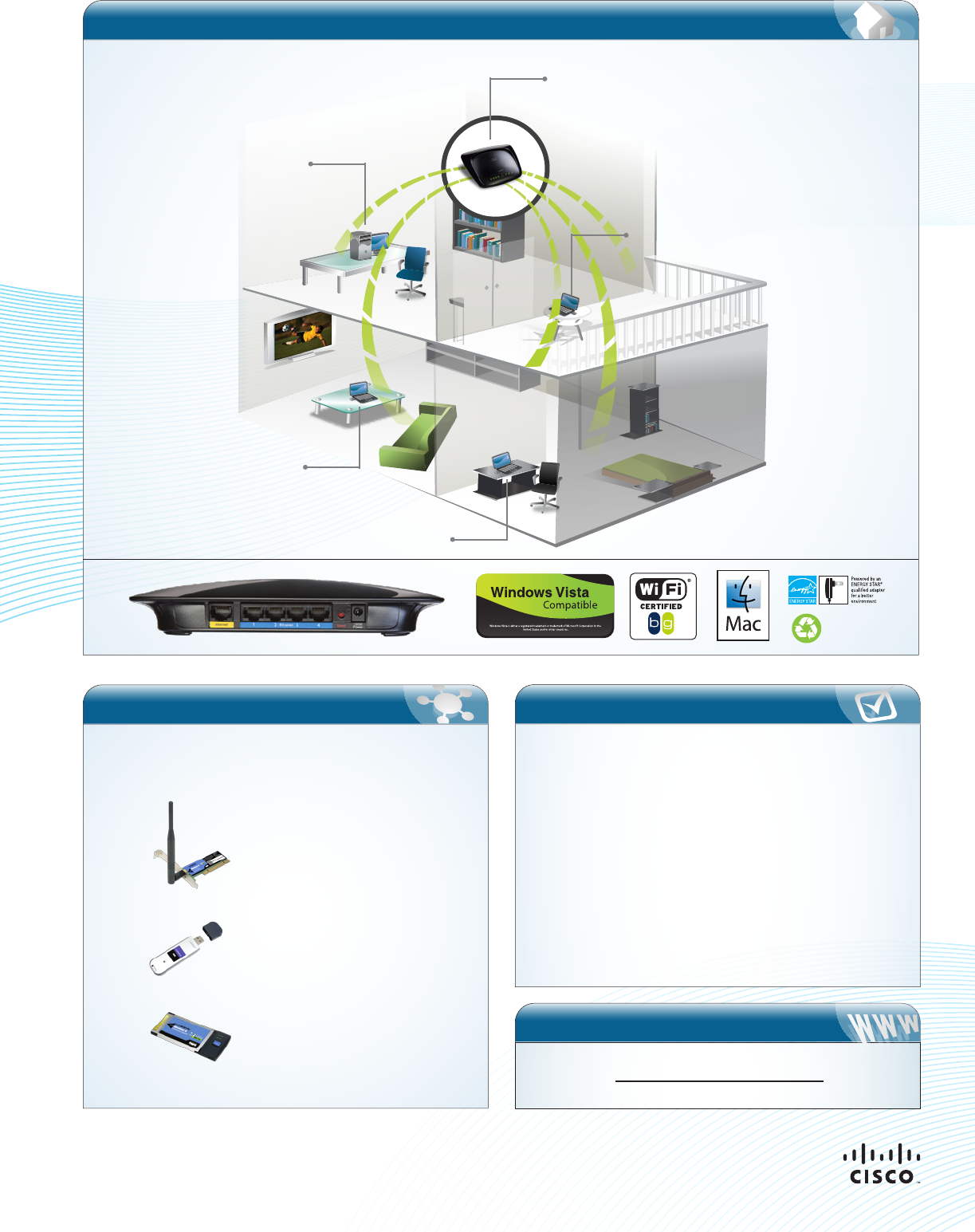
Home Network
Works Best With
For optimal performance the Wireless-G Broadband Router
(WRT54G2) can be used with these other great Linksys by Cisco
products:
Wireless-G
PCI Adapter
WMP54G
Compact Wireless-G
USB Adapter
WUSB54GC
Wireless-G
Notebook Adapter
WPC54G
Minimum Requirements
• Internet Explorer 6, Firefox 2, or Safari 3 or higher
for browser-based configuration
• CD-ROM drive on computer to run
LELA Setup Wizard
• Wired or wireless network adapter on computer
• LELA software and Setup Wizard require
Windows XP, Vista, or Vista 64-bit Edition with
latest updates
• Setup Wizard also runs under Mac OS X 10.4 or higher
for Apple Macintosh computers
Back view
Our packaging and
documents are made from
minimum 80% recycled and
printed vegetable-based ink.
WRT54G2
Notebook PC
Desktop PC
Notebook PC
Notebook PC
Specifications are subject to change without notice. Linksys, Cisco and the Cisco Logo are registered trademarks or trademarks of Cisco Systems, Inc. and/or its affiliates in the U.S. and
certain other countries. Other brands and products are the trademarks or registered trademarks of their respective holders. Copyright ©2008 Cisco Systems, Inc. All rights reserved.
Maximum performance derived from IEEE Standard 802.11 specifications. Actual performance can vary, including lower wireless network capacity, data throughput rate, range and
coverage. Performance depends on many factors, conditions and variables, including distance from the access point, volume of network traffic, building materials and construction,
operating system used, mix of wireless products used, interference and other adverse conditions. Linksys is a division of Cisco Systems, Inc.
Web Link
WRT54G2 Product Page
