Lumi United Technology DJT11LM Vibration Sensor User Manual

Lumi United Technology Co., Ltd Vibration Sensor Users Manual

Users Manual

1The Vibration Sensor User’s ManualIntroduceThe Vibration Sensor is a smart device using low-consumption, low cost ZigBee wirelessprotocol. It is powered by a CR2032 battery, and complies ZigBee’s HA1.2 (Home Automation)standard. The Vibration Sensor can interoperate with the Aqara multi-functional gateway andother smart device. Vibration Sensor (VS) are used to monitor the door and window switch status,important items alarmed, also can monitor user's bed activity, help to determine the quality ofsleep. It incorporates high-precision six-axis acceleration and gyroscopes, used for collectingexternal vibration and motion data. In this production, there are three work modes:1.Security Mode.Monitor the door and window switch status.2.Knock Mode.Control other smart devices via wireless connection.3.Bed Mode.Monitor the person's bed activity, to help determine user’s quality of sleep.1. This device complies with Part 15 of the FCC Rules. Operation is subject to the following twoconditions:(1) This device may not cause harmful interference.(2) This device must accept any interference received, including interference that may causeundesired operation.2. Changes or modifications not expressly approved by the party responsible forcompliance could void the user's authority to operate the equipment.NOTE: This equipment has been tested and found to comply with the limits for a Class B digitaldevice, pursuant to Part 15 of the FCC Rules. These limits are designed to provide reasonableprotection against harmful interference in a residential installation.This equipment generates uses and can radiate radio frequency energy and, if not installedand used in accordance with the instructions, may cause harmful interference to radiocommunications.However, there is no guarantee that interference will not occur in a particular installation. If thisequipment does cause harmful interference to radio or television reception, which can bedetermined by turning the equipment off and on, the user is encouraged to try to correct theinterference by one or more of the following measures:Reorient or relocate the receiving antenna.Increase the separation between the equipment and receiver.Connect the equipment into an outlet on a circuit different from that to which the receiver isconnected.Consult the dealer or an experienced radio/TV technician for help.FCC Radiation Exposure StatementThis equipment complies with FCC radiation exposure limits set forth for an uncontrolledenvironment. This equipment should be installed and operated with minimum distance 20cm
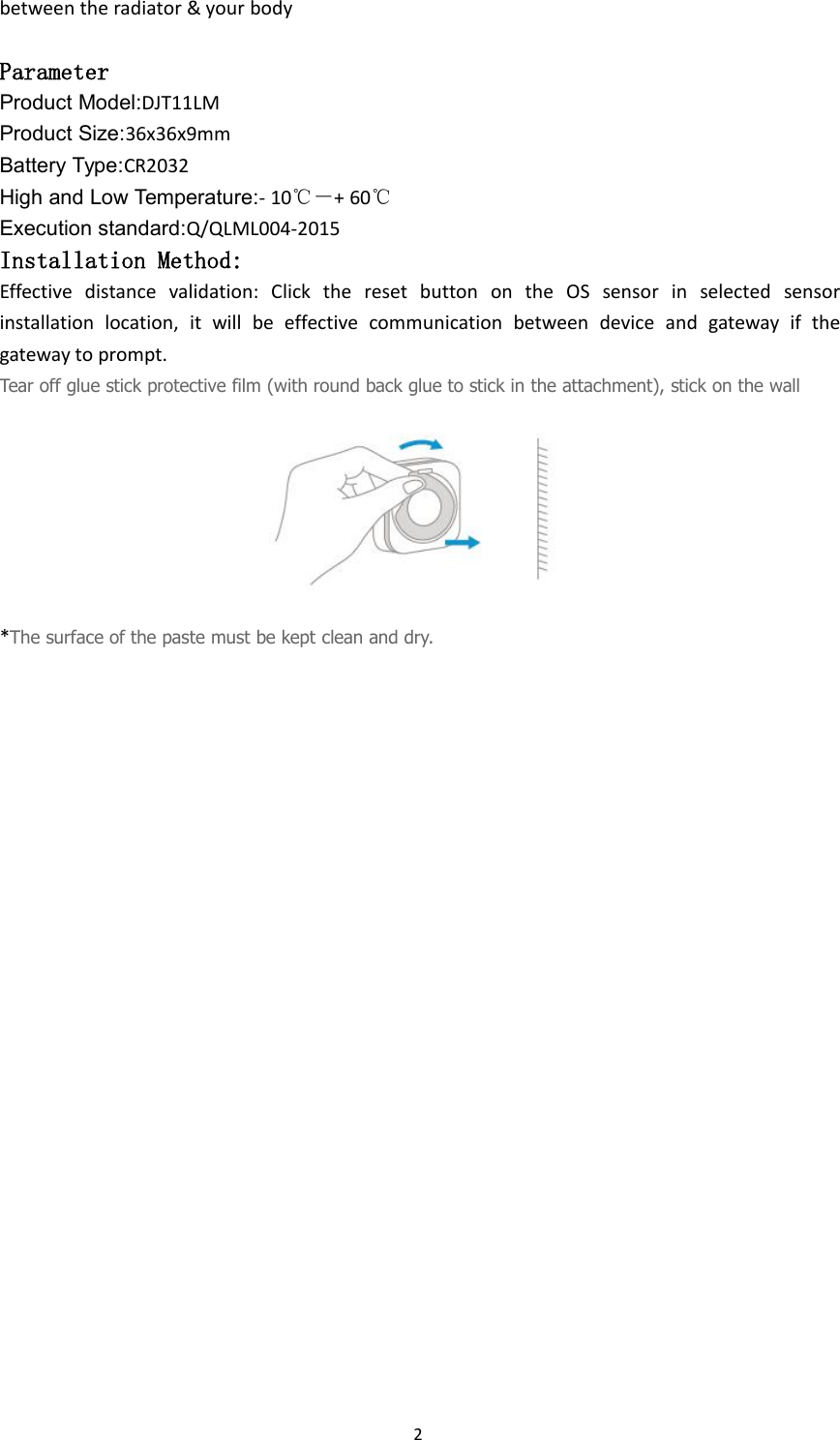
2between the radiator & your bodyParameterProduct Model:DJT11LMProduct Size:36x36x9mmBattery Type:CR2032High and Low Temperature:- 10℃-+ 60℃Execution standard:Q/QLML004-2015Installation Method:Effective distance validation: Click the reset button on the OS sensor in selected sensorinstallation location, it will be effective communication between device and gateway if thegateway to prompt.Tear off glue stick protective film (with round back glue to stick in the attachment), stick on the wall*The surface of the paste must be kept clean and dry.

Navigation menu