Lumi United Technology USBWG11LM ZigBee Dongle User Manual Aqara Product Manual

Lumi United Technology Co., Ltd ZigBee Dongle Aqara Product Manual

Users Manual

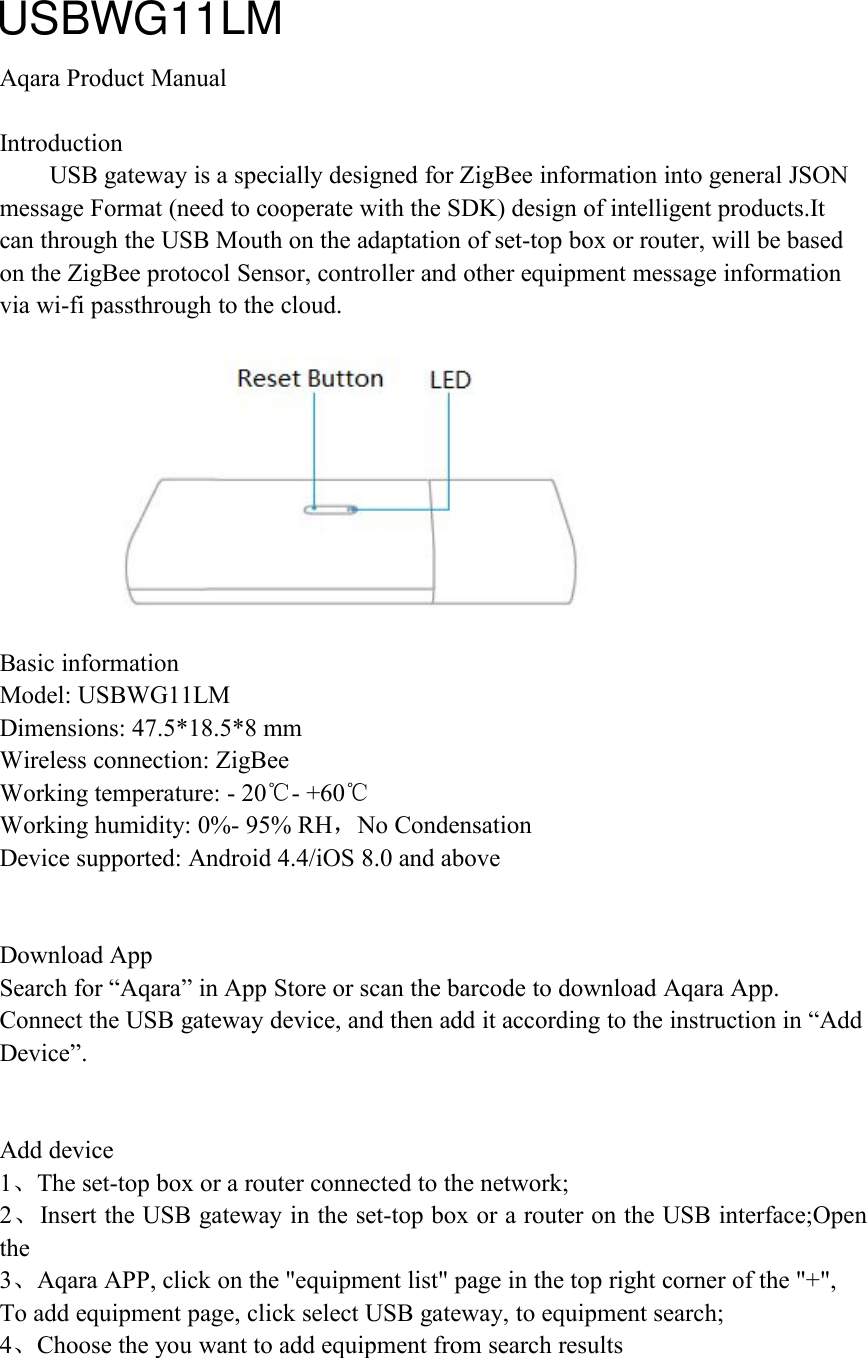
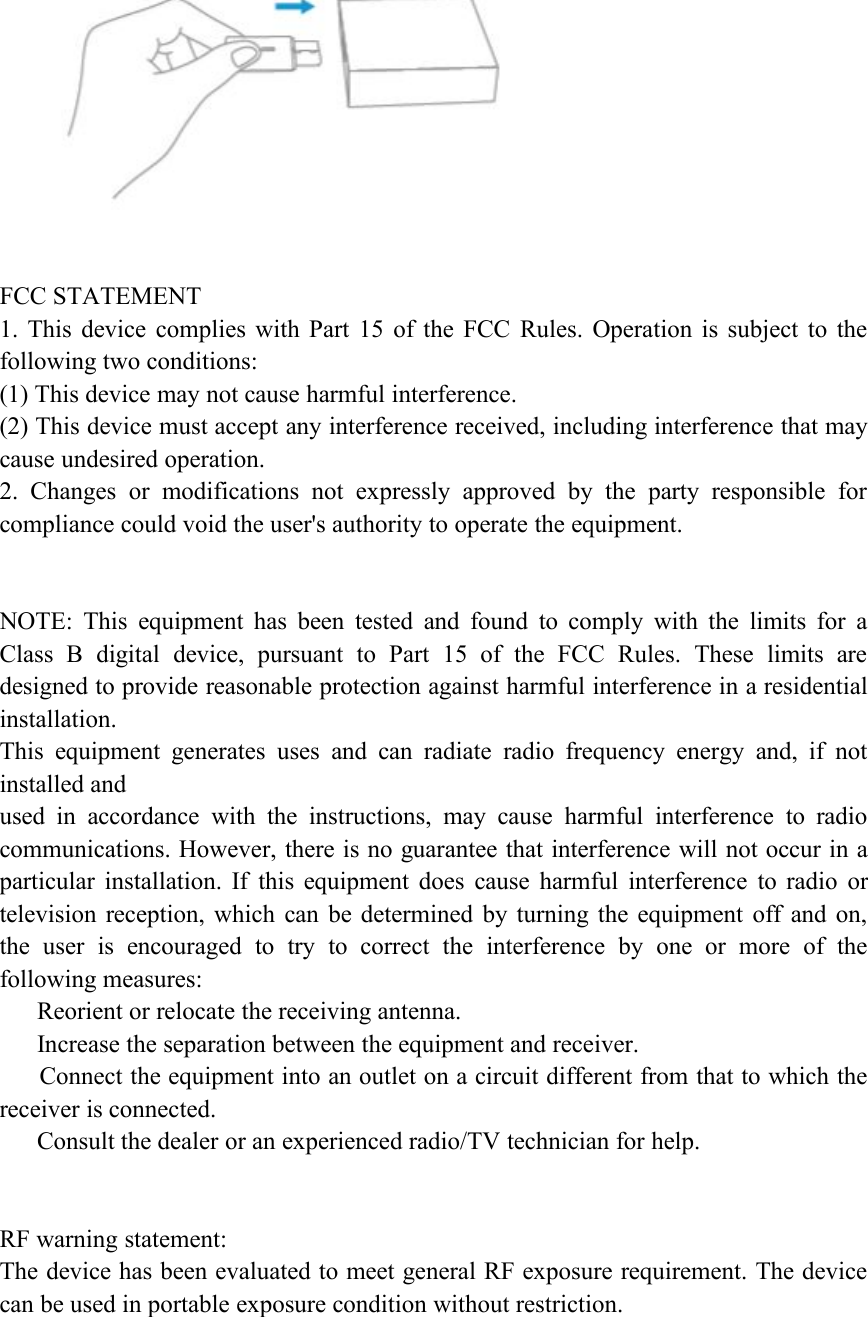
Aqara Product ManualIntroductionUSB gateway is a specially designed for ZigBee information into general JSONmessage Format (need to cooperate with the SDK) design of intelligent products.Itcan through the USB Mouth on the adaptation of set-top box or router, will be basedon the ZigBee protocol Sensor, controller and other equipment message informationvia wi-fi passthrough to the cloud.Basic informationModel: USBWG11LMDimensions: 47.5*18.5*8 mmWireless connection: ZigBeeWorking temperature: - 20℃- +60℃Working humidity: 0%- 95% RH,No CondensationDevice supported: Android 4.4/iOS 8.0 and aboveDownload AppSearch for “Aqara” in App Store or scan the barcode to download Aqara App.Connect the USB gateway device, and then add it according to the instruction in “AddDevice”.Add device1、The set-top box or a router connected to the network;2、Insert the USB gateway in the set-top box or a router on the USB interface;Openthe3、Aqara APP, click on the "equipment list" page in the top right corner of the "+",To add equipment page, click select USB gateway, to equipment search;4、Choose the you want to add equipment from search resultsUSBWG11LM
FCC STATEMENT1. This device complies with Part 15 of the FCC Rules. Operation is subject to thefollowing two conditions:(1) This device may not cause harmful interference.(2) This device must accept any interference received, including interference that maycause undesired operation.2. Changes or modifications not expressly approved by the party responsible forcompliance could void the user's authority to operate the equipment.NOTE: This equipment has been tested and found to comply with the limits for aClass B digital device, pursuant to Part 15 of the FCC Rules. These limits aredesigned to provide reasonable protection against harmful interference in a residentialinstallation.This equipment generates uses and can radiate radio frequency energy and, if notinstalled andused in accordance with the instructions, may cause harmful interference to radiocommunications. However, there is no guarantee that interference will not occur in aparticular installation. If this equipment does cause harmful interference to radio ortelevision reception, which can be determined by turning the equipment off and on,the user is encouraged to try to correct the interference by one or more of thefollowing measures:Reorient or relocate the receiving antenna.Increase the separation between the equipment and receiver.Connect the equipment into an outlet on a circuit different from that to which thereceiver is connected.Consult the dealer or an experienced radio/TV technician for help.RF warning statement:The device has been evaluated to meet general RF exposure requirement. The devicecan be used in portable exposure condition without restriction.

Navigation menu