LumiraDx BGM LumiraDx Wireless US BGM Adapter User Manual rev1
LumiraDx LumiraDx Wireless US BGM Adapter rev1
LumiraDx >
User Manual rev1.pdf
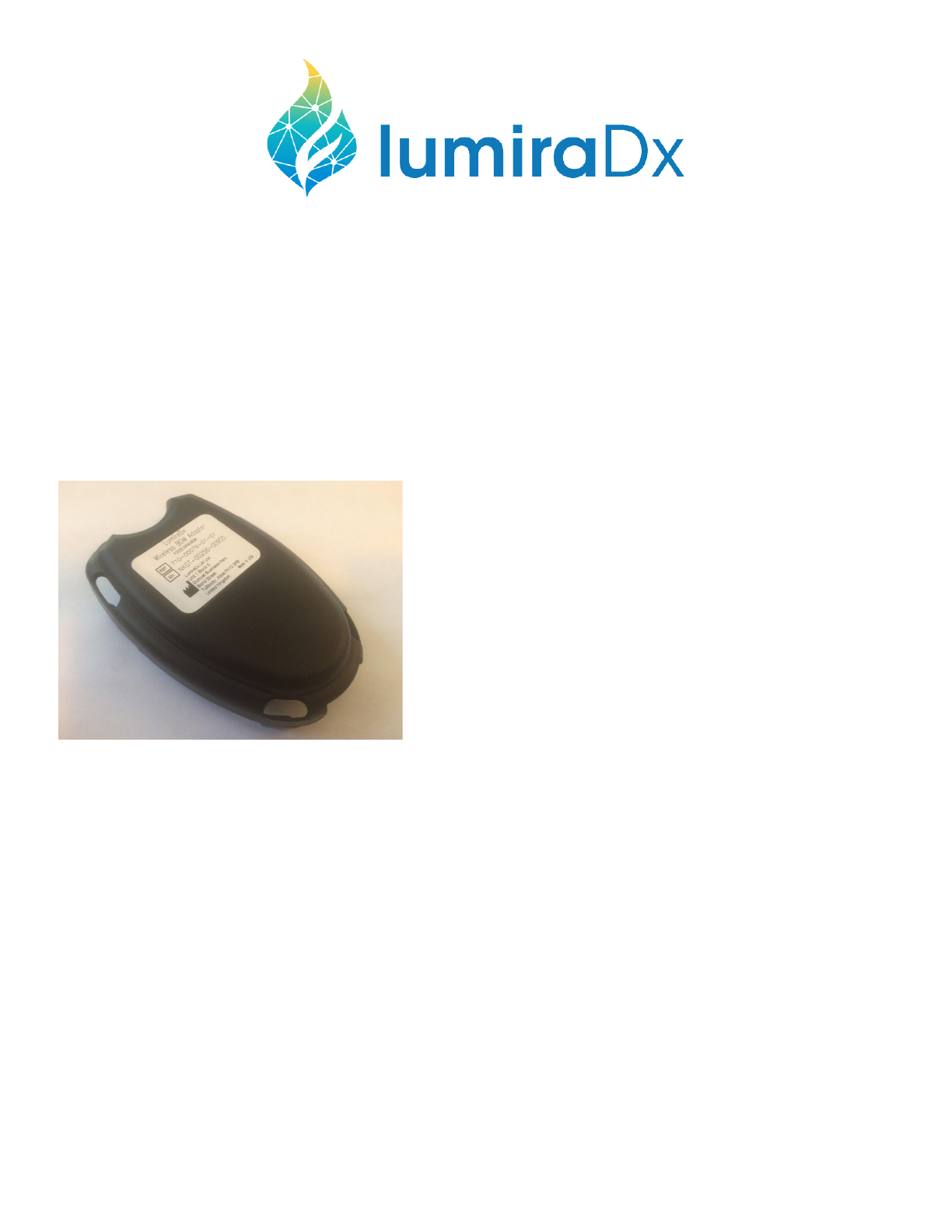
Wireless BGM Adapter
User Guide
Included In This Kit
LumiraDx Wireless BGM Adapter FCCID: 2AI9JBGM
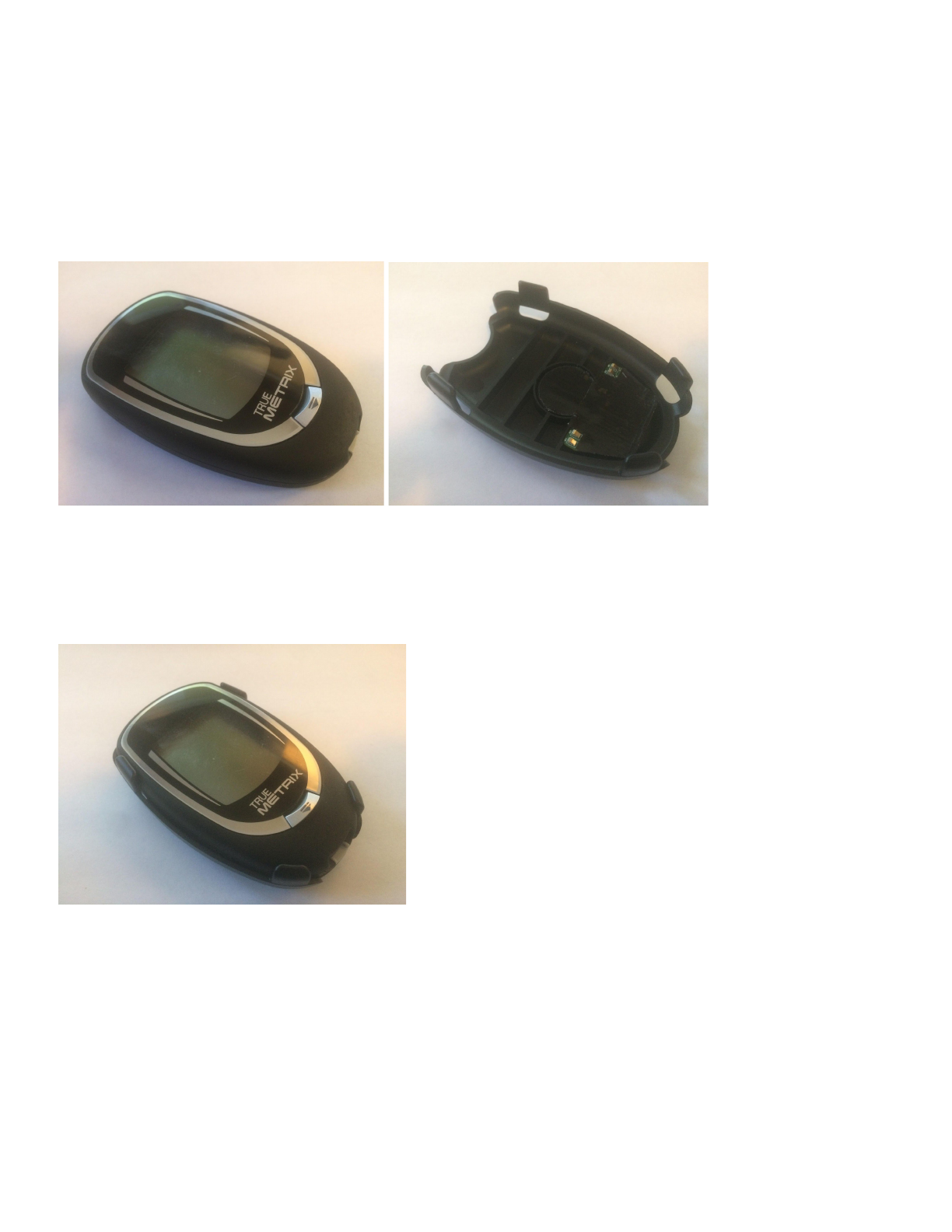
Step 1.
Insert the BGM Into the adapter in the orientation below. Insert the bottom end of the BGM into the bottom end
of the adapter first and snap into place.
Step 2.
Ensure that the BGM is fully seated into the adapter and the installation is complete.
Warning:
This device complies with FCC's RF radiation exposure limits set forth for general population (uncontrolled exposure). This device
must not be collocated or operating in conjunction with any other antenna or transmitter.