MANOVA MANOVA-UM-200 SLIM MOUSE User Manual GB Instruction manual

MANOVA International Ltd. SLIM MOUSE GB Instruction manual

User Manual

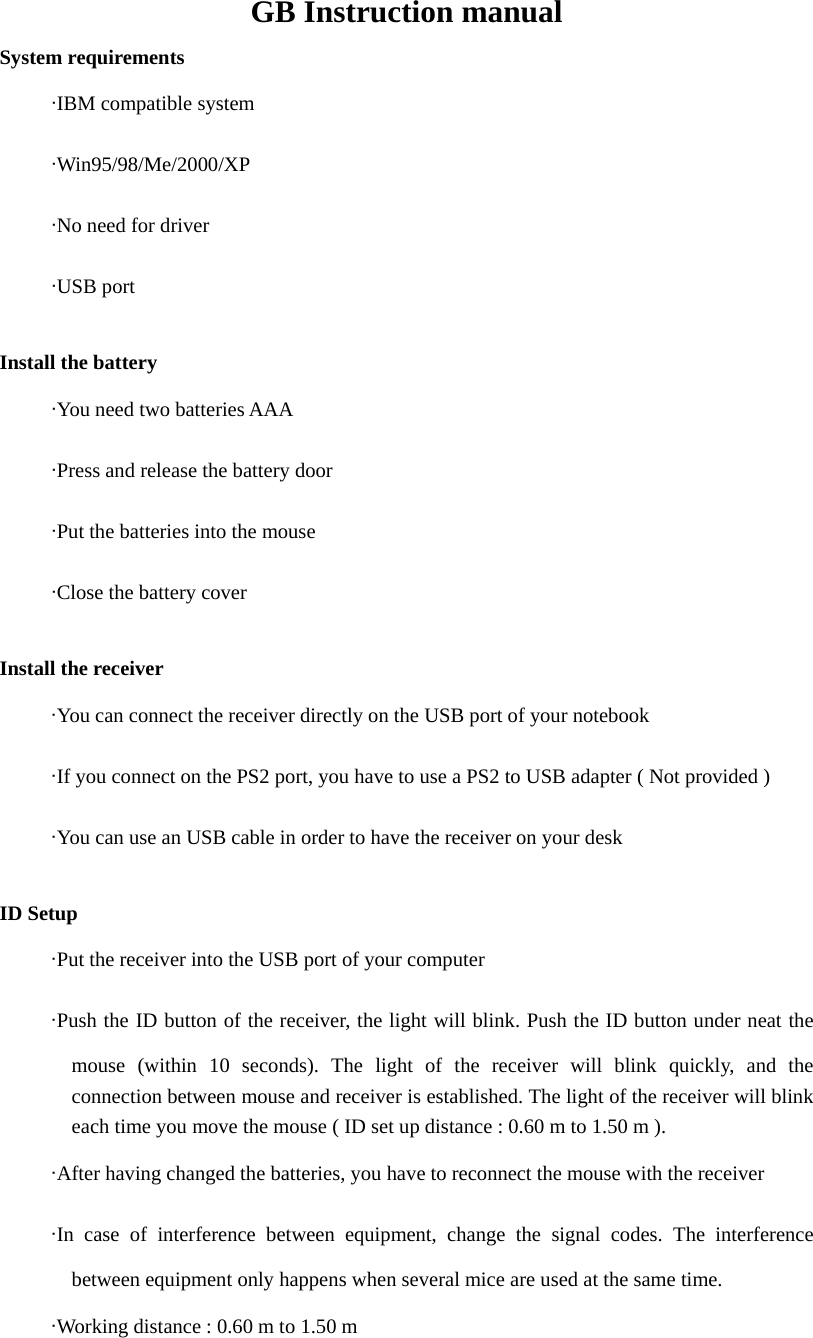
GB Instruction manual System requirements      ·IBM compatible system      ·Win95/98/Me/2000/XP      ·No need for driver      ·USB port  Install the battery        ·You need two batteries AAA      ·Press and release the battery door      ·Put the batteries into the mouse      ·Close the battery cover  Install the receiver      ·You can connect the receiver directly on the USB port of your notebook      ·If you connect on the PS2 port, you have to use a PS2 to USB adapter ( Not provided )      ·You can use an USB cable in order to have the receiver on your desk  ID Setup        ·Put the receiver into the USB port of your computer      ·Push the ID button of the receiver, the light will blink. Push the ID button under neat the mouse (within 10 seconds). The light of the receiver will blink quickly, and the connection between mouse and receiver is established. The light of the receiver will blink each time you move the mouse ( ID set up distance : 0.60 m to 1.50 m ).      ·After having changed the batteries, you have to reconnect the mouse with the receiver      ·In case of interference between equipment, change the signal codes. The interference between equipment only happens when several mice are used at the same time.      ·Working distance : 0.60 m to 1.50 m
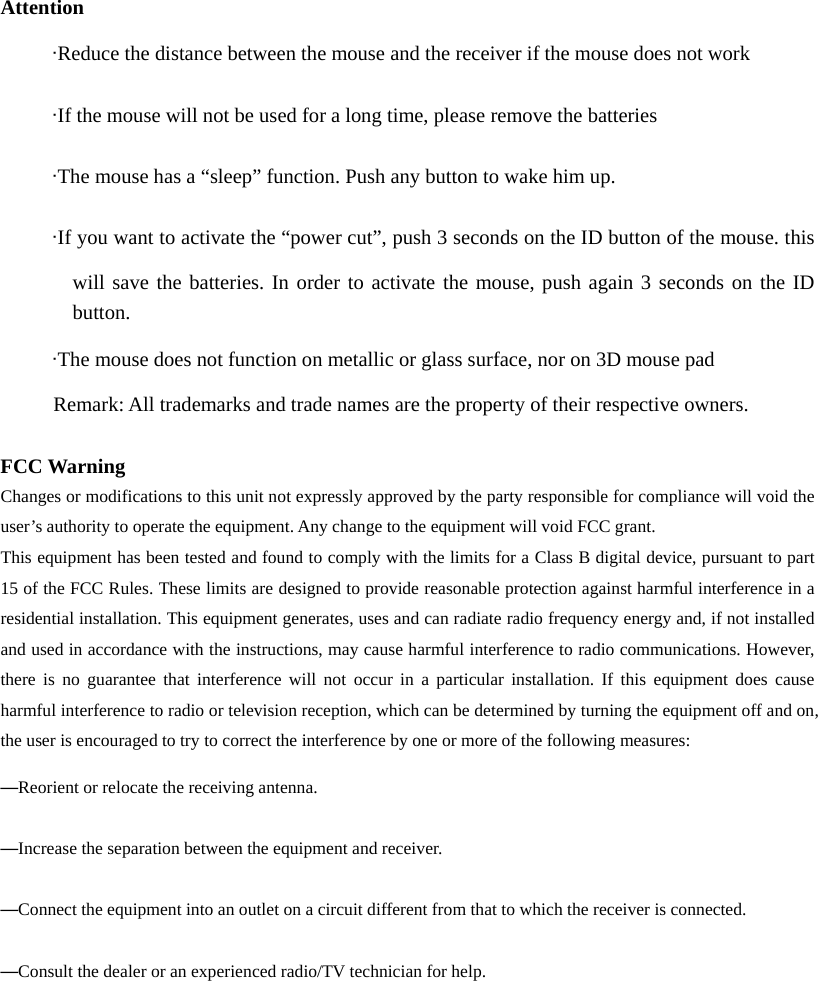
 Attention      ·Reduce the distance between the mouse and the receiver if the mouse does not work      ·If the mouse will not be used for a long time, please remove the batteries      ·The mouse has a “sleep” function. Push any button to wake him up.      ·If you want to activate the “power cut”, push 3 seconds on the ID button of the mouse. this will save the batteries. In order to activate the mouse, push again 3 seconds on the ID        button.       ·The mouse does not function on metallic or glass surface, nor on 3D mouse pad Remark: All trademarks and trade names are the property of their respective owners.  FCC Warning Changes or modifications to this unit not expressly approved by the party responsible for compliance will void the user’s authority to operate the equipment. Any change to the equipment will void FCC grant. This equipment has been tested and found to comply with the limits for a Class B digital device, pursuant to part 15 of the FCC Rules. These limits are designed to provide reasonable protection against harmful interference in a residential installation. This equipment generates, uses and can radiate radio frequency energy and, if not installed and used in accordance with the instructions, may cause harmful interference to radio communications. However, there is no guarantee that interference will not occur in a particular installation. If this equipment does cause harmful interference to radio or television reception, which can be determined by turning the equipment off and on, the user is encouraged to try to correct the interference by one or more of the following measures: —Reorient or relocate the receiving antenna. —Increase the separation between the equipment and receiver. —Connect the equipment into an outlet on a circuit different from that to which the receiver is connected. —Consult the dealer or an experienced radio/TV technician for help.

Navigation menu